Good Laptop Sleeves
Laptop sleeves are a great way to protect your laptop from scratches, spills, and other damage. They're also an easy way to add a little style to your laptop bag. Here are some of the best laptop sleeves on the market today.
Sort
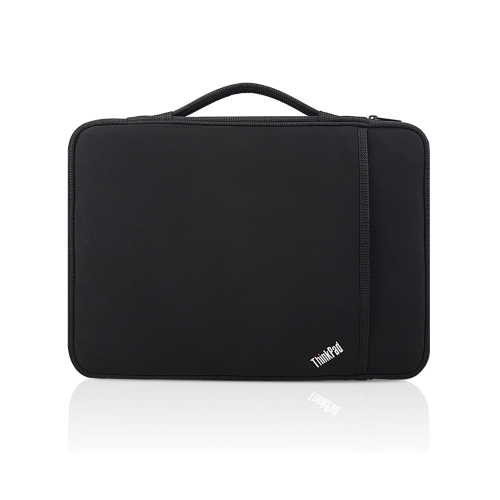
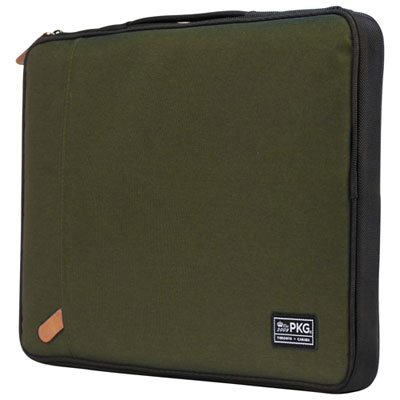
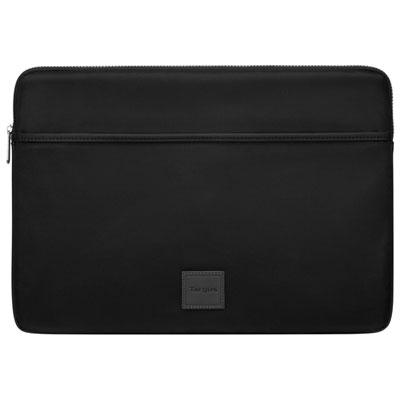
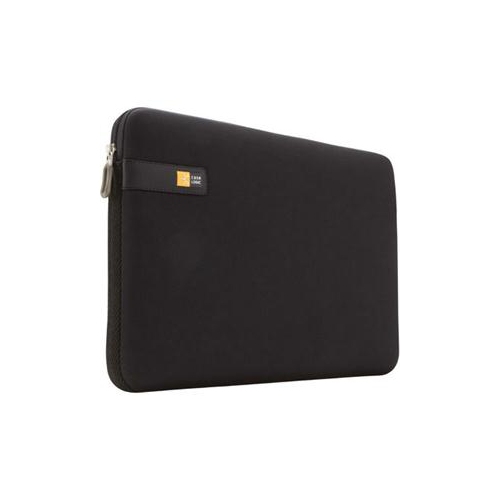
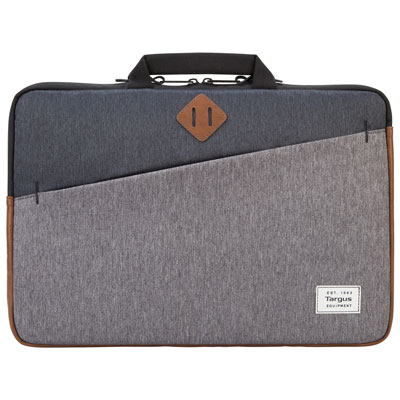
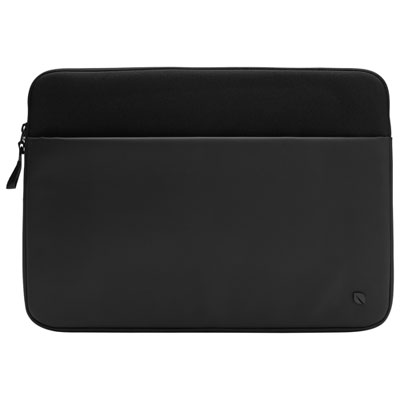
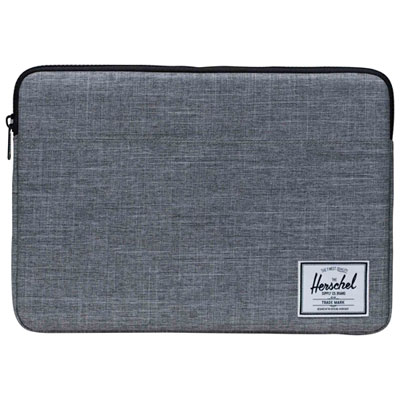
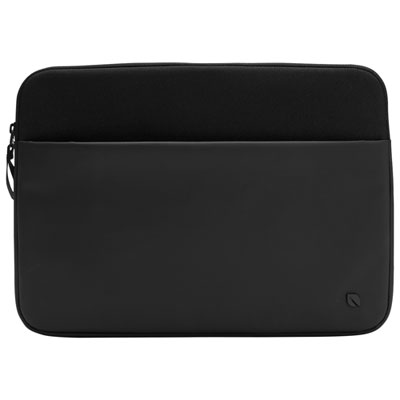
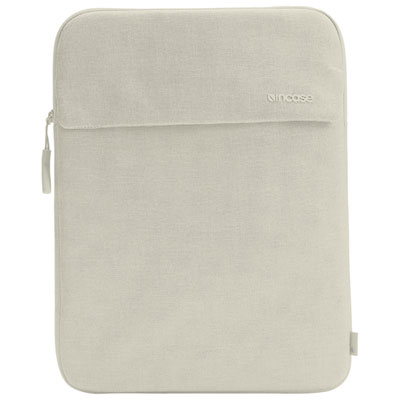
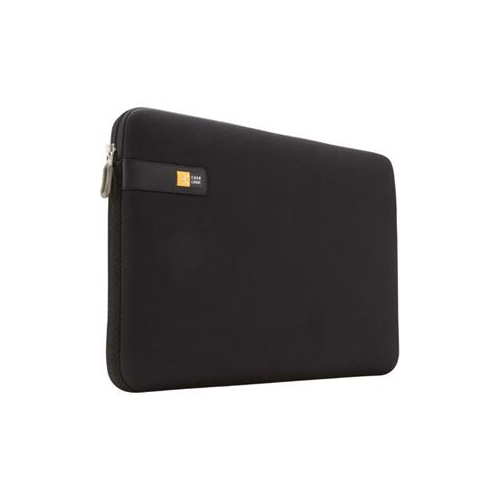
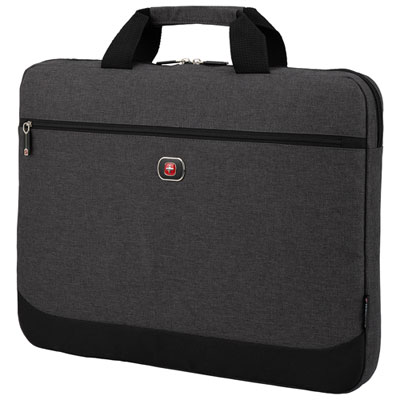
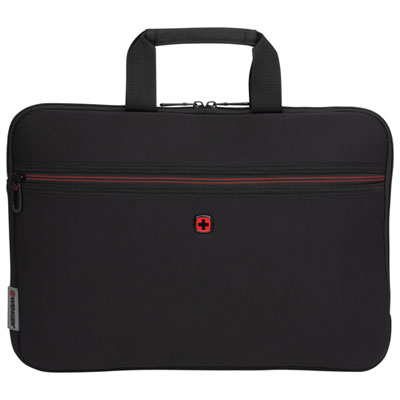
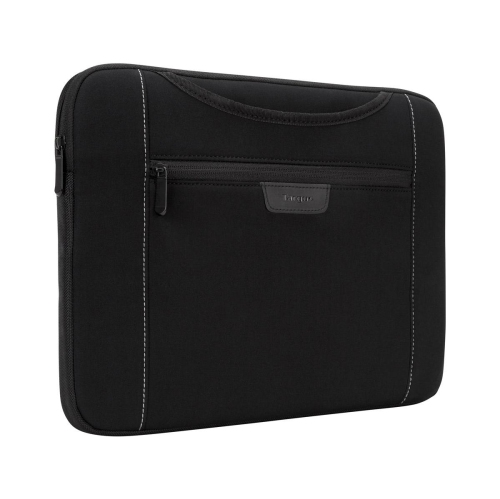
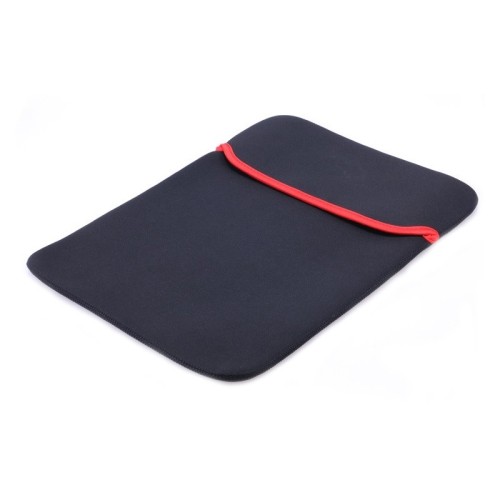
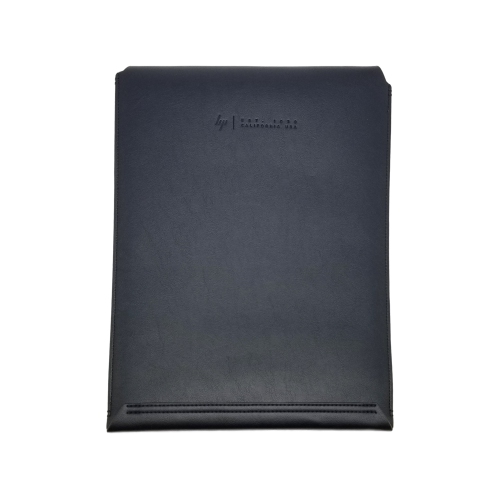
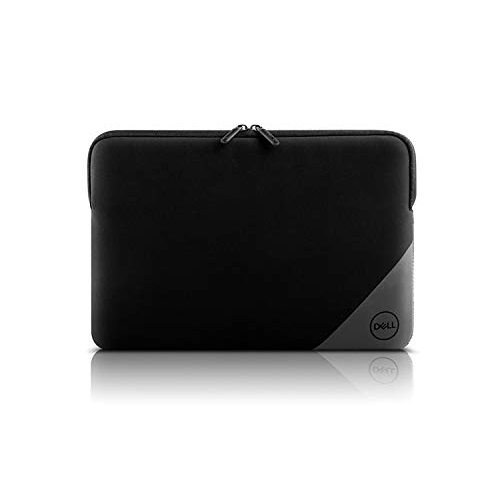
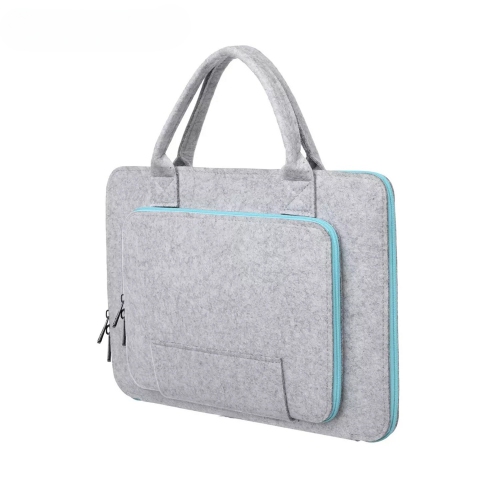

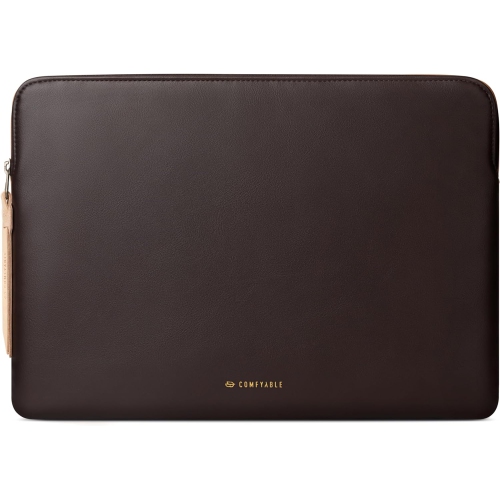

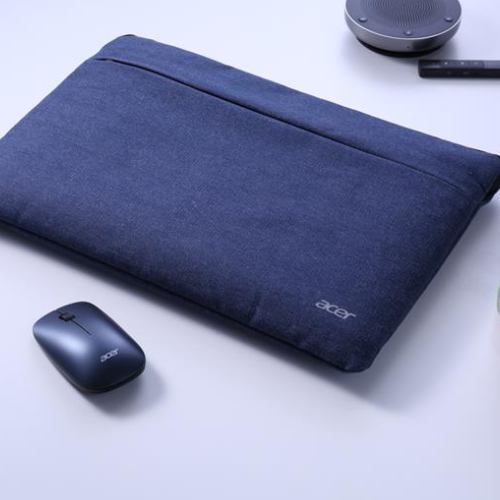
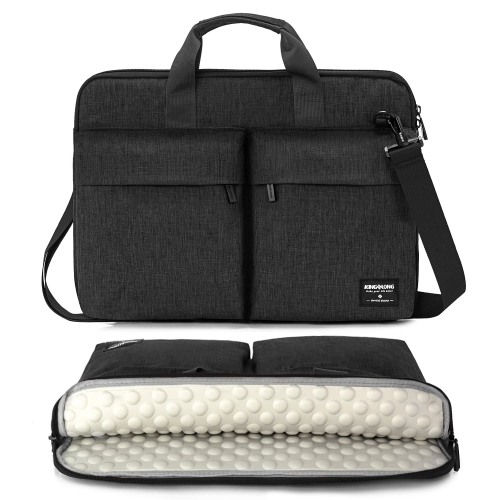
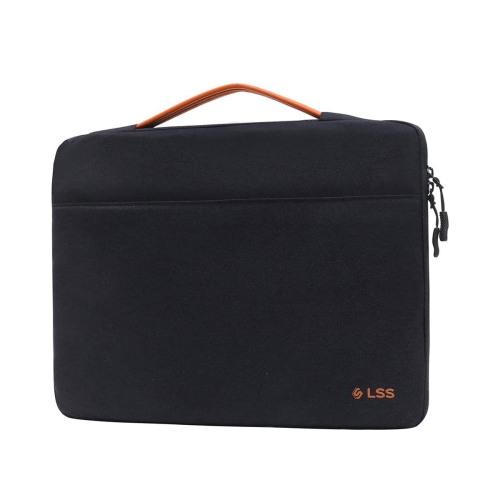
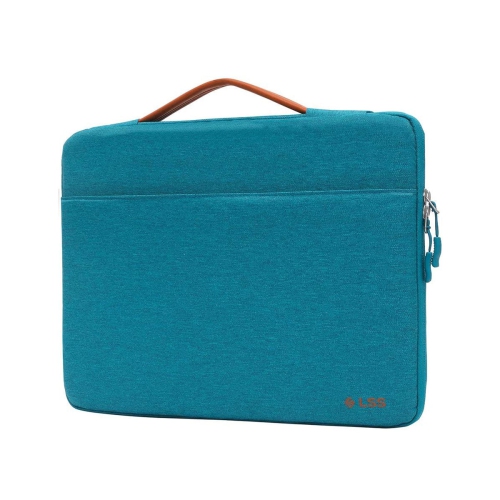
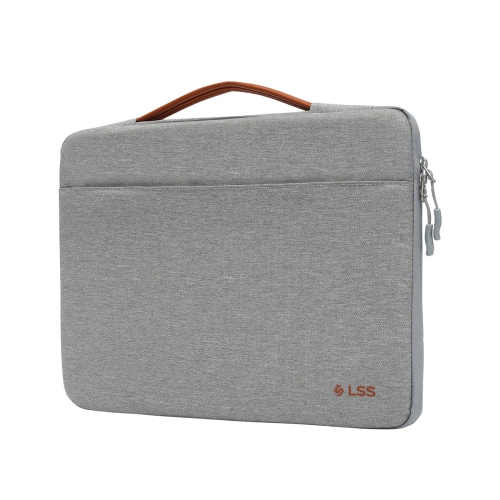
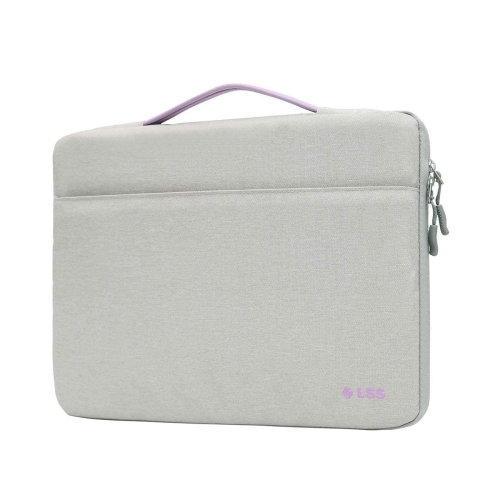
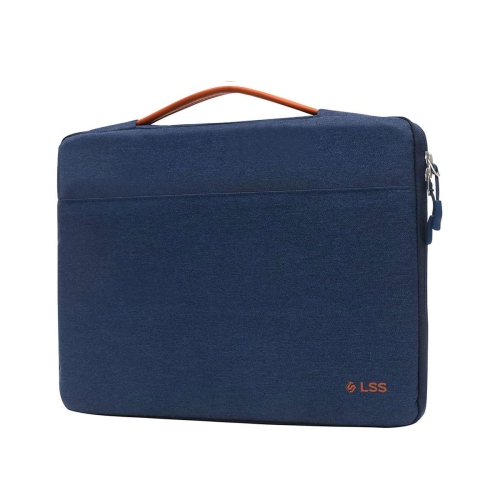
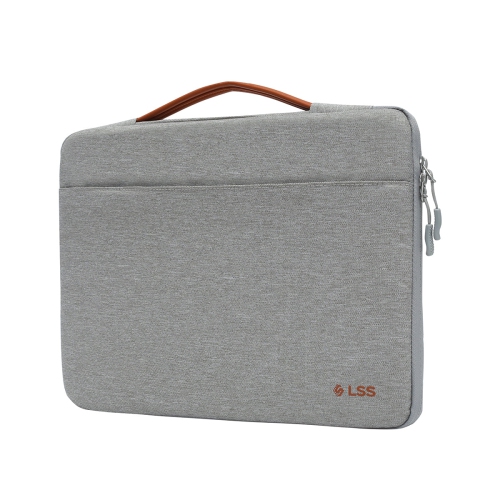
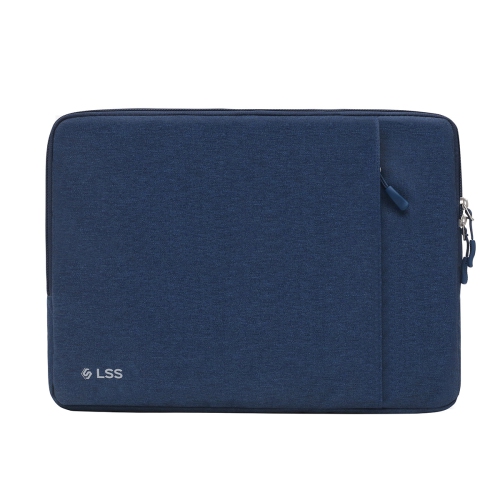
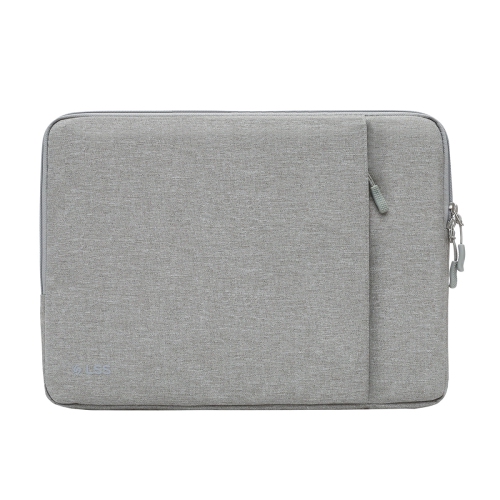
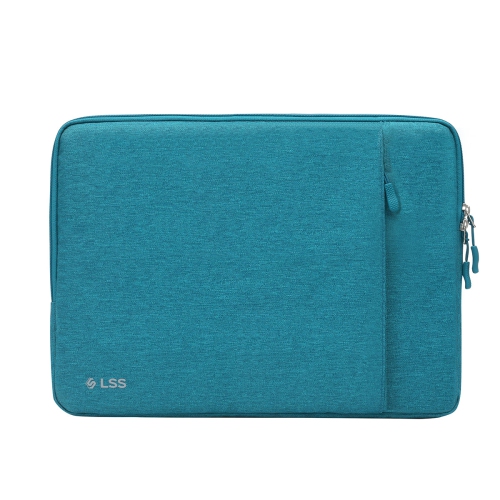
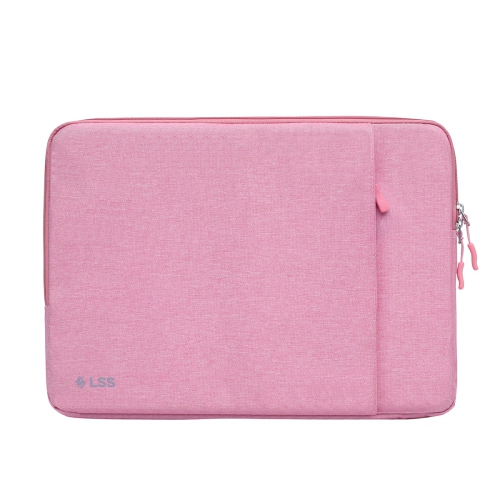
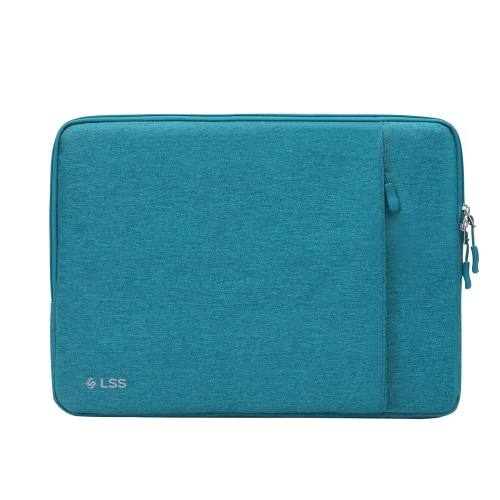
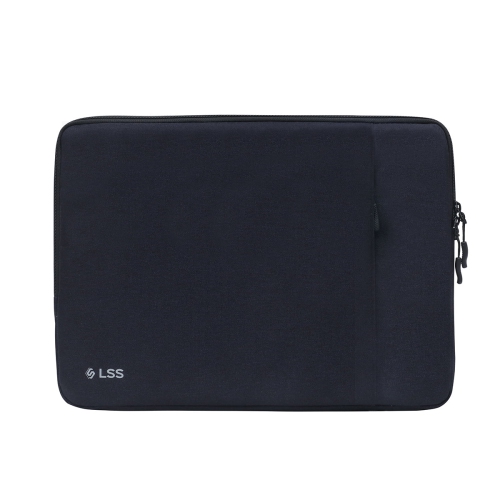
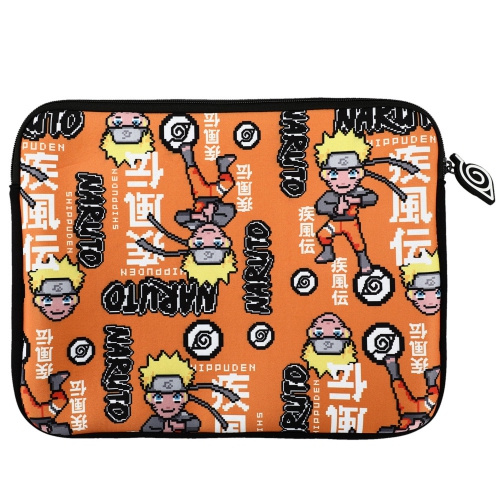
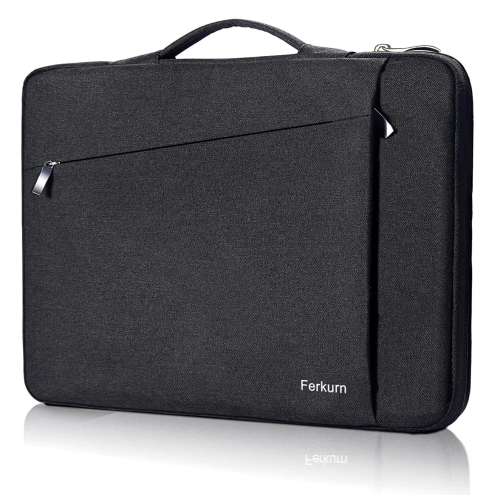
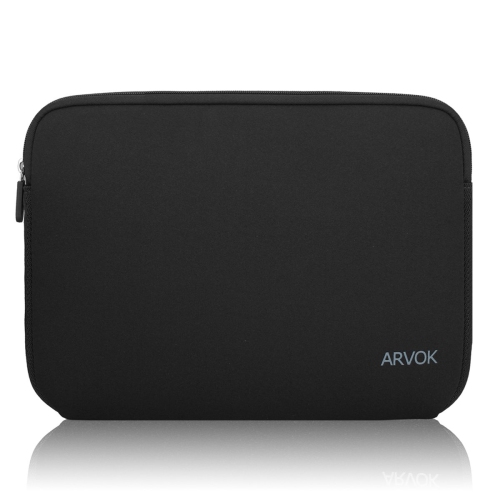
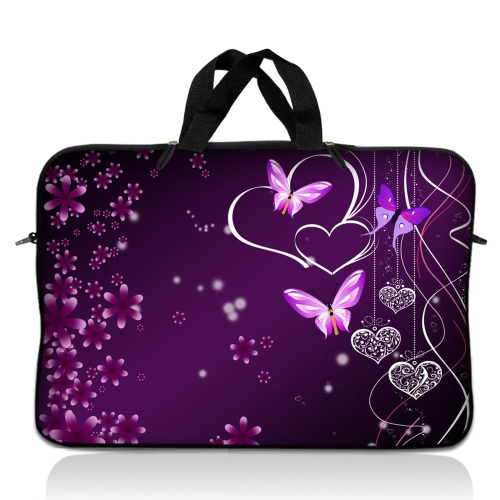
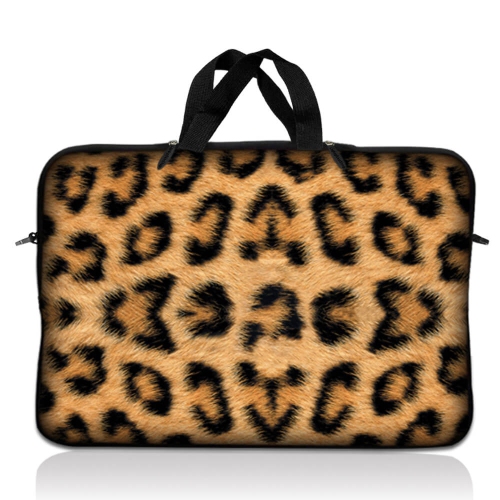
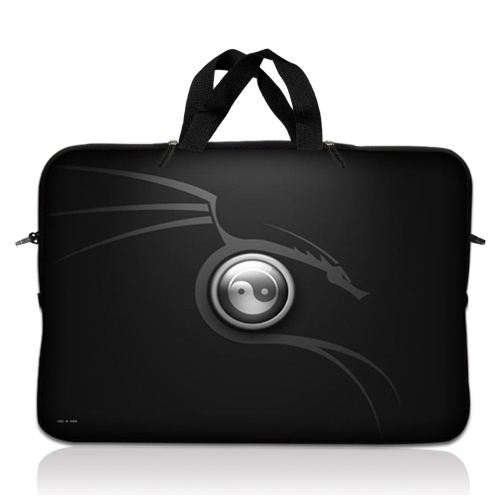
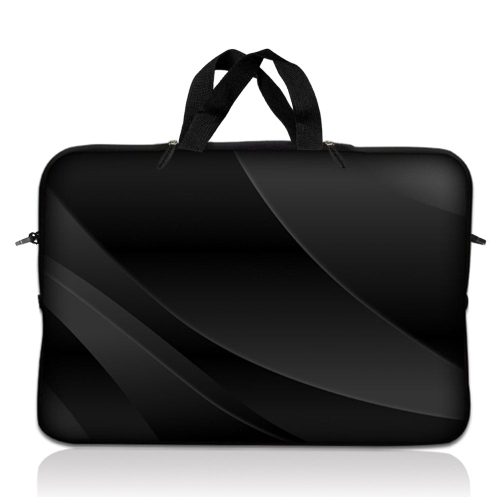
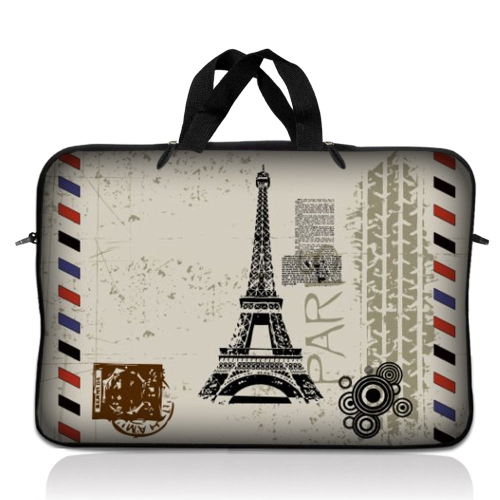
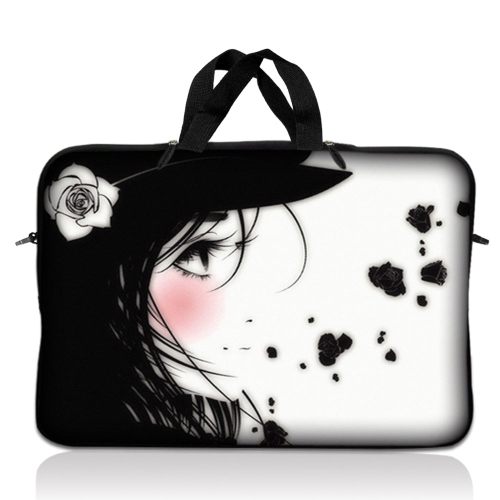
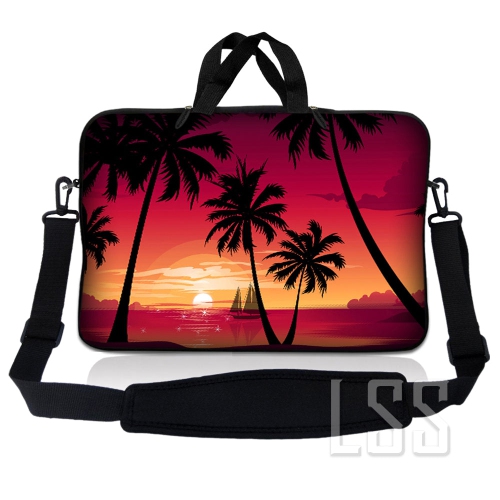
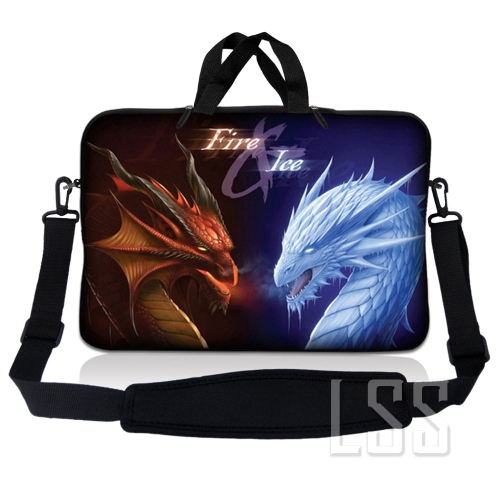
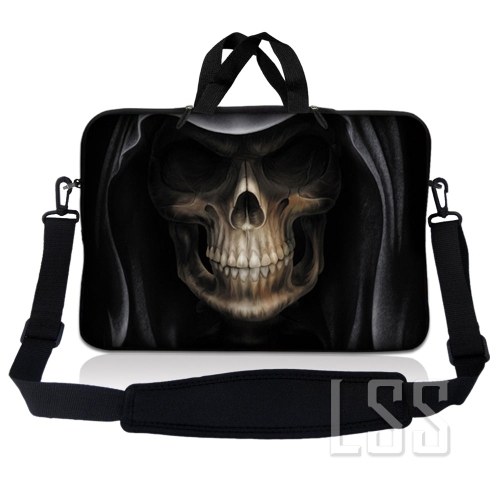
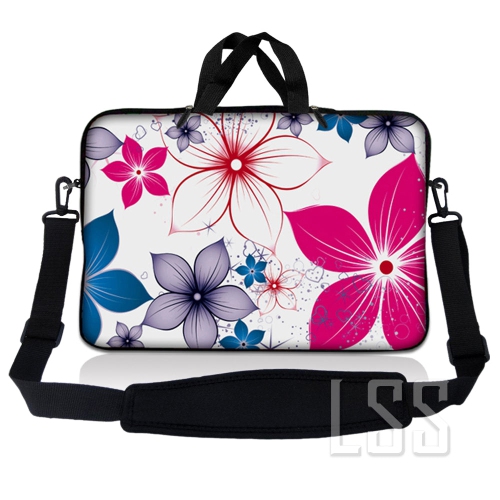
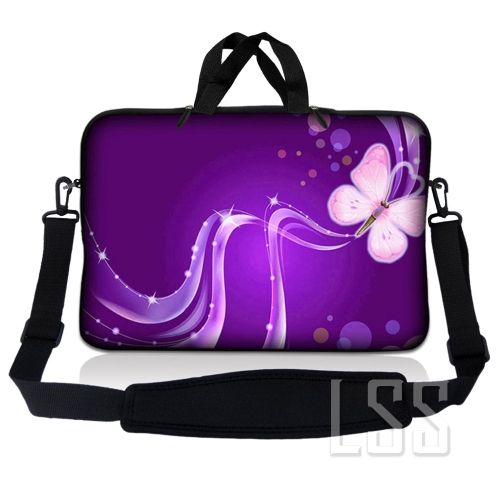
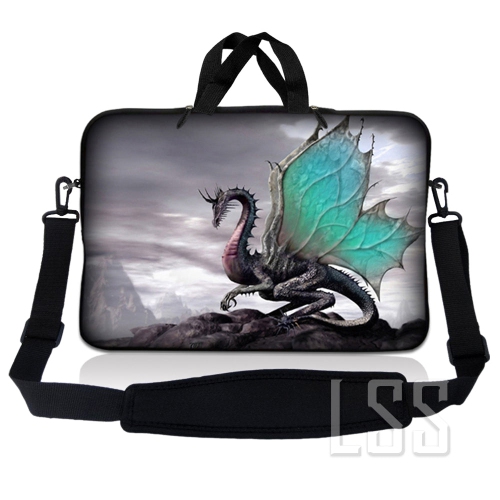
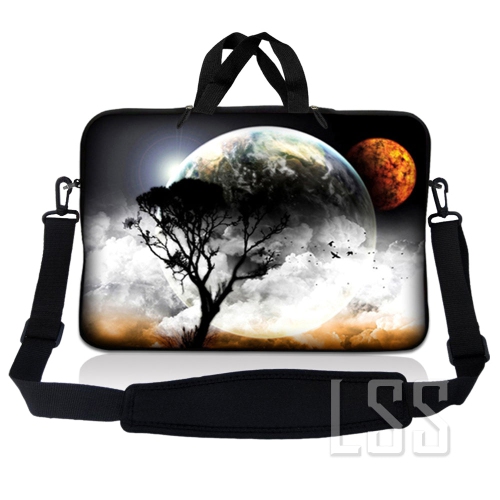
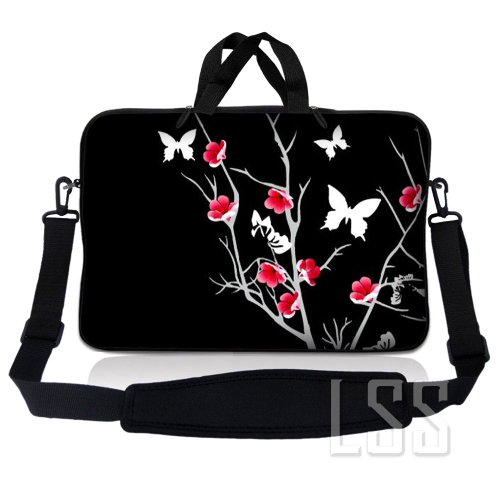
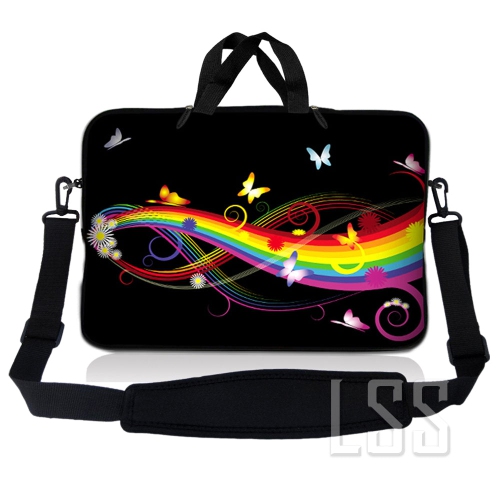
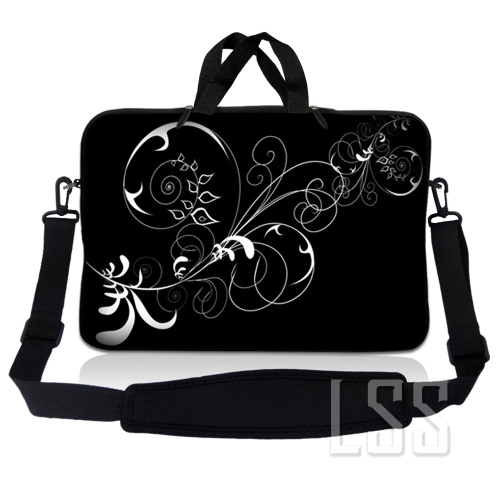
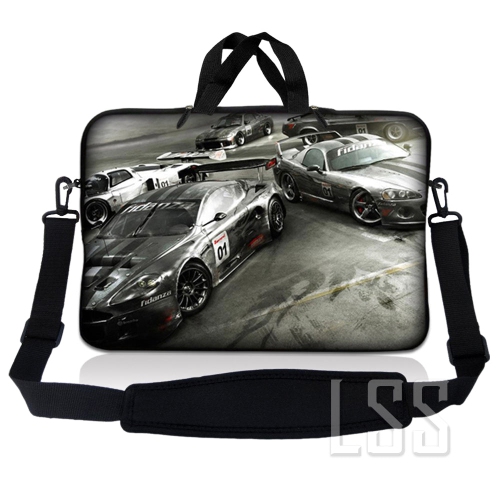
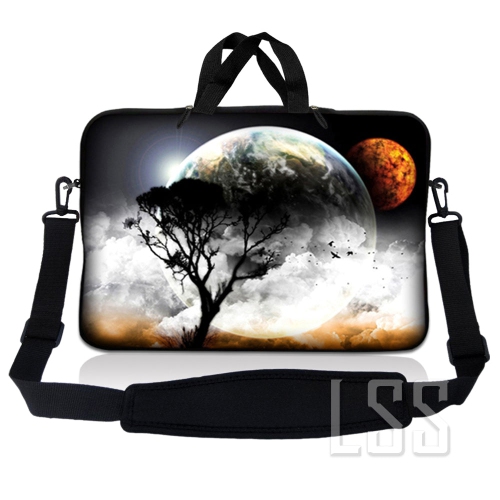
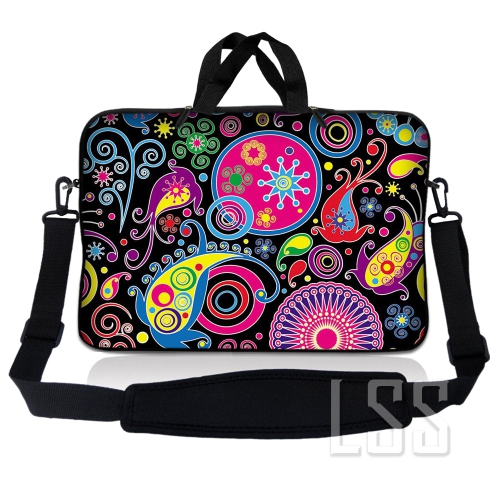
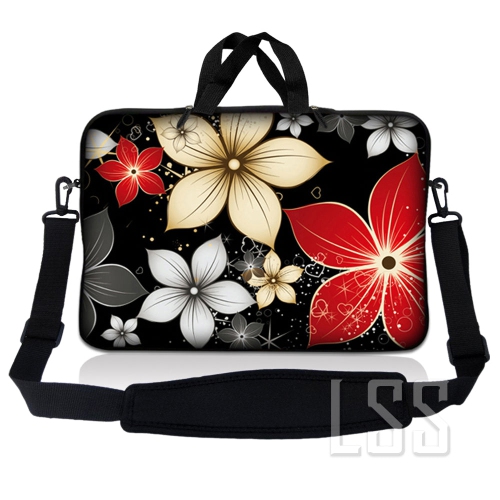
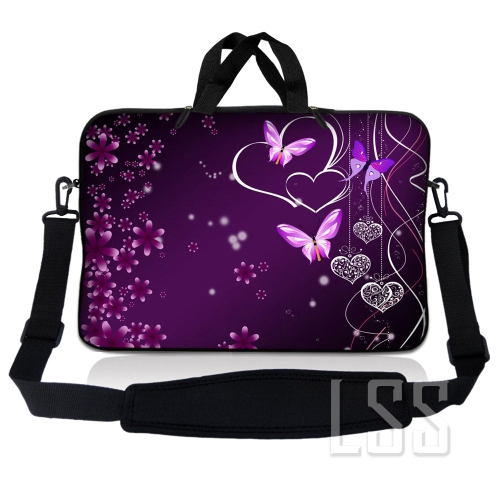
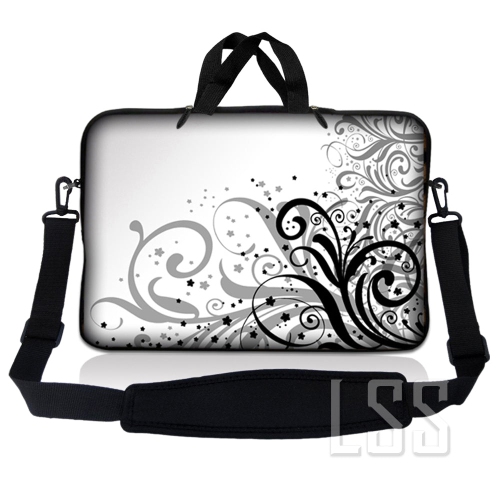
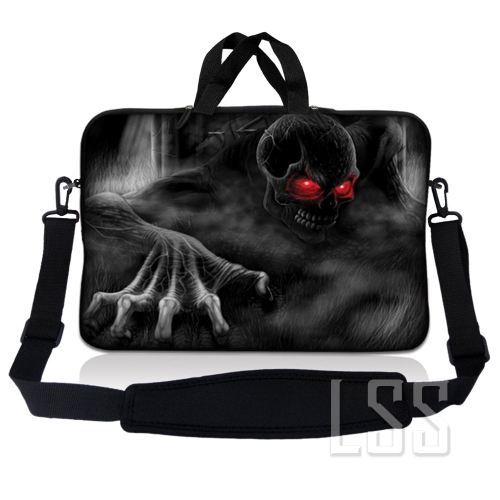
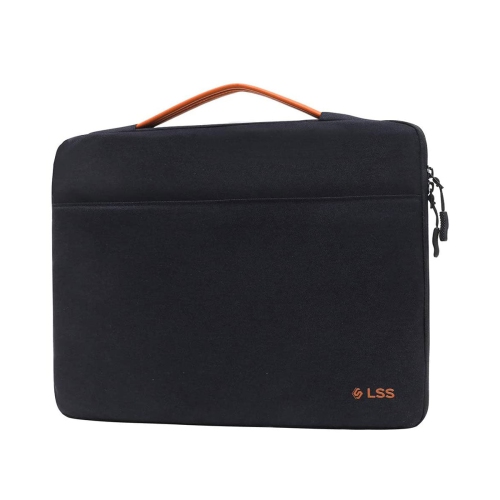
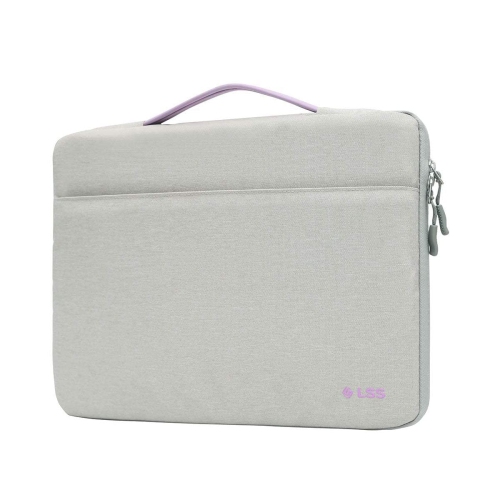
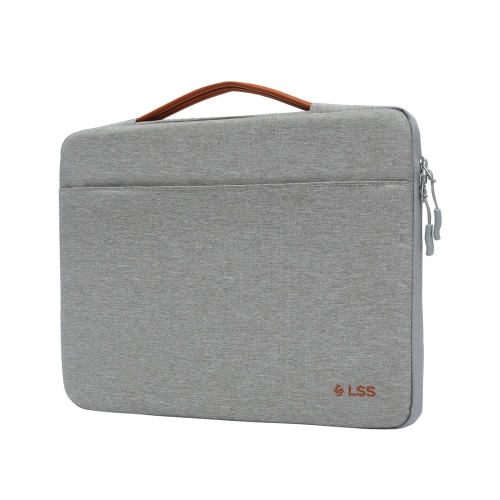
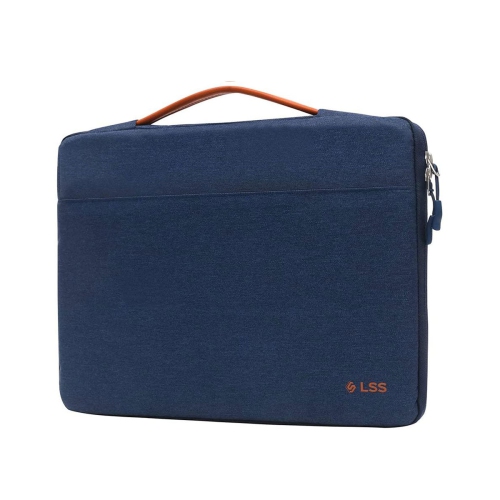
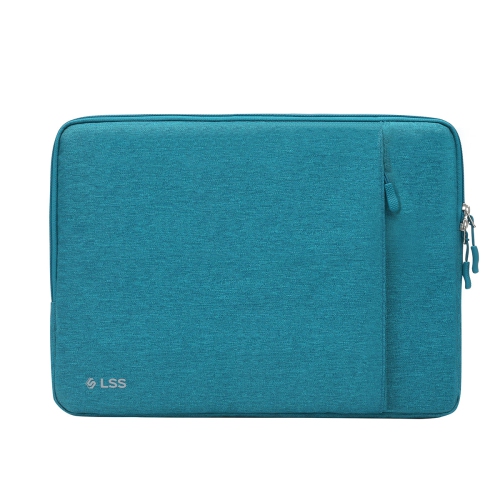
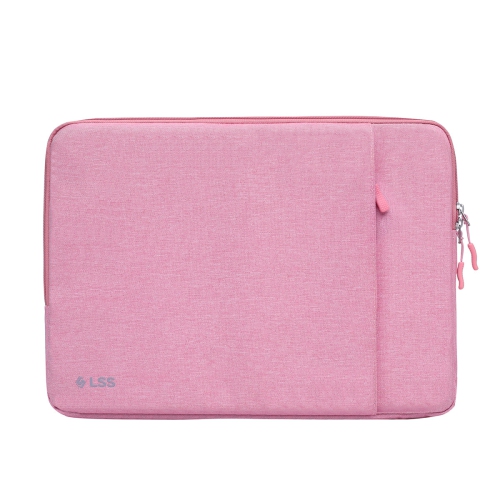
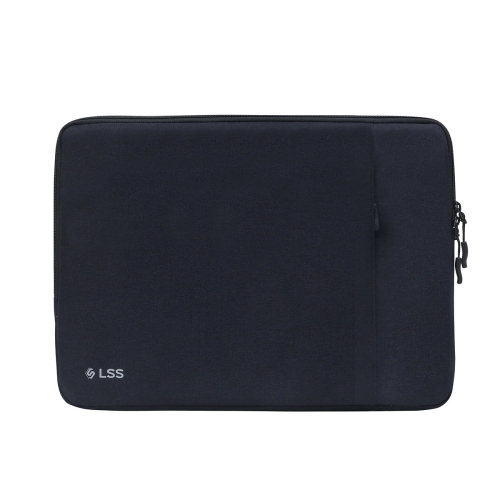
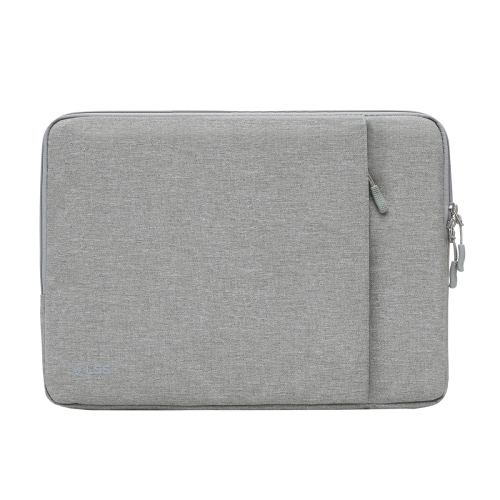
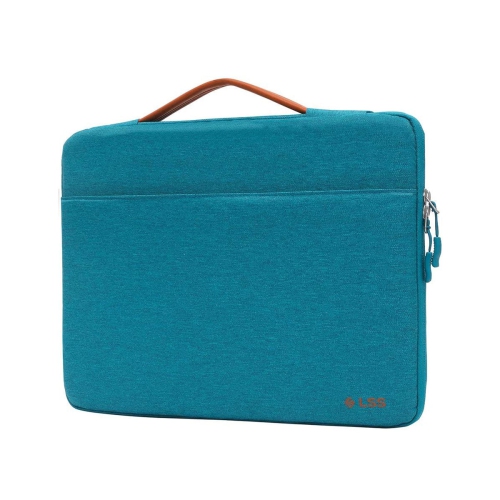
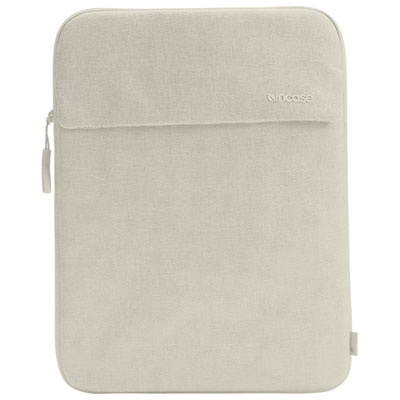
Everyday protection starts with the right fit and padding
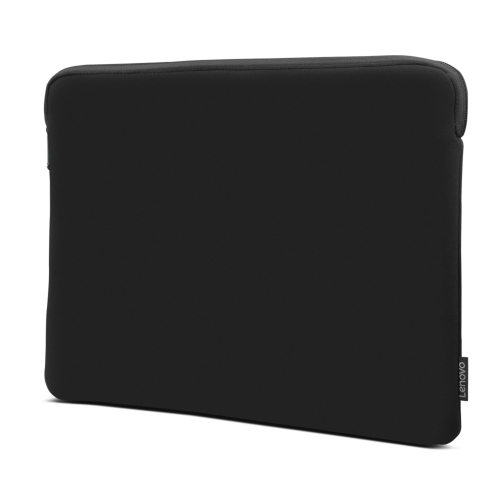
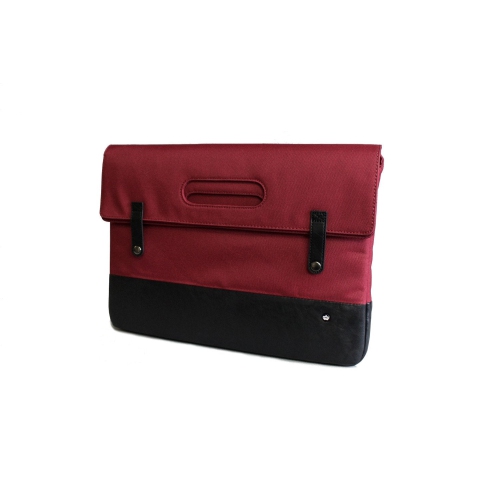
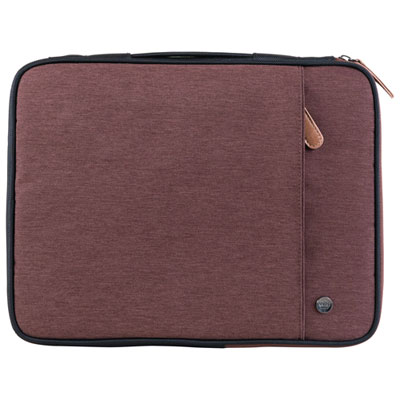
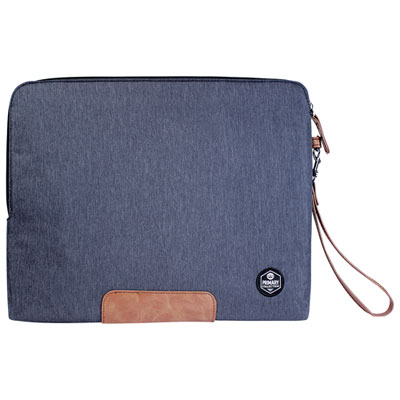
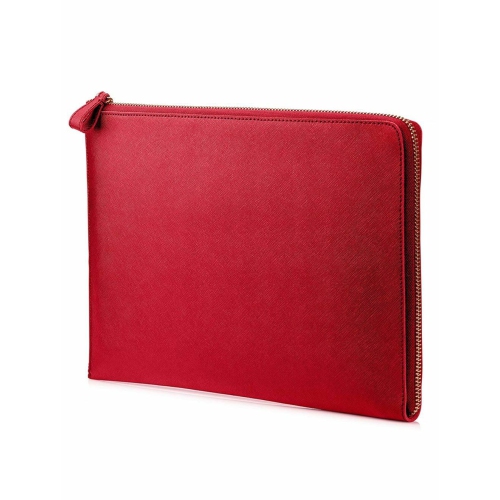
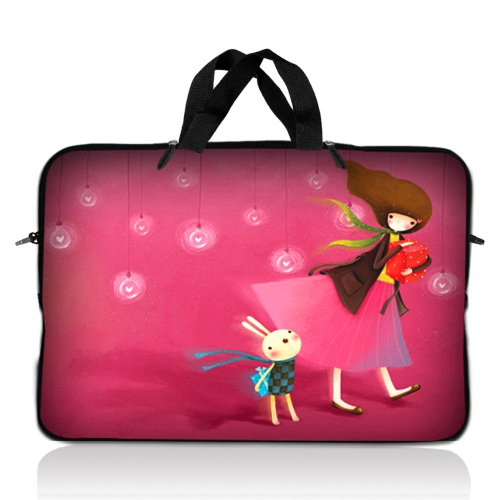
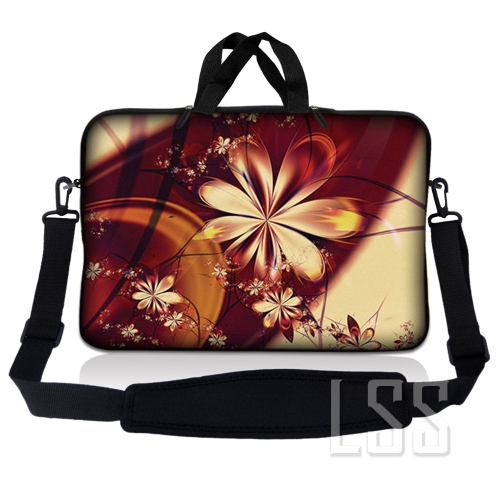
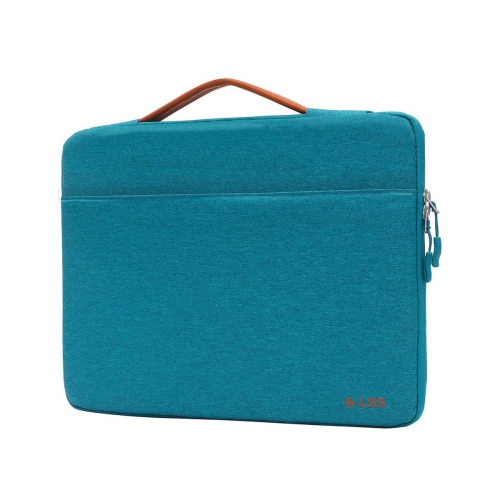
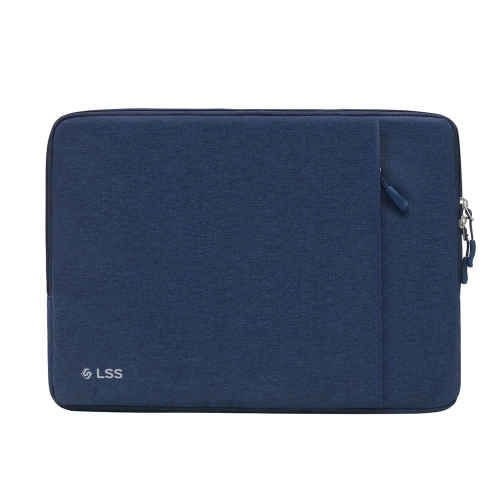
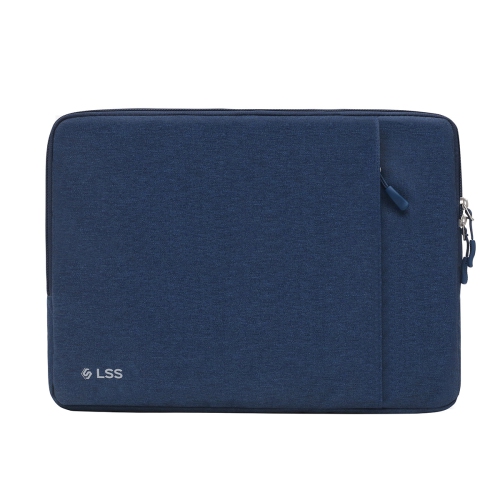
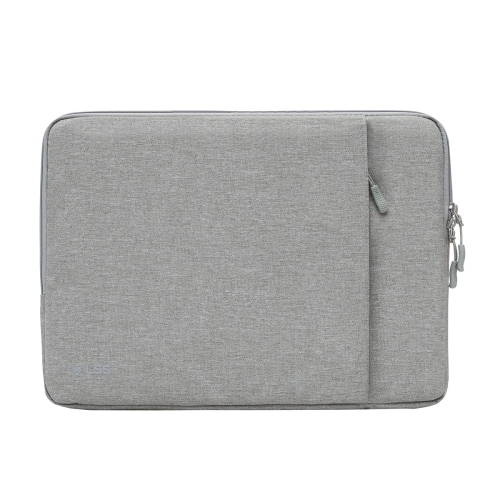
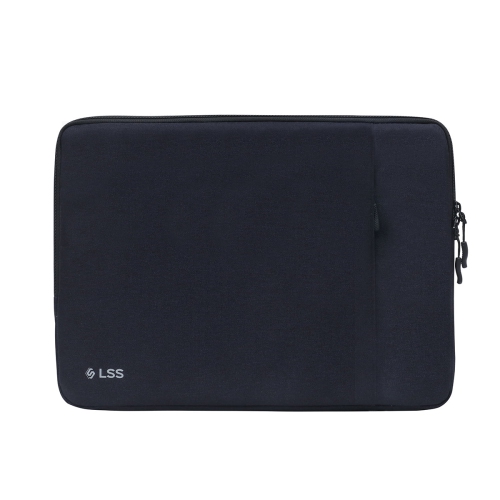
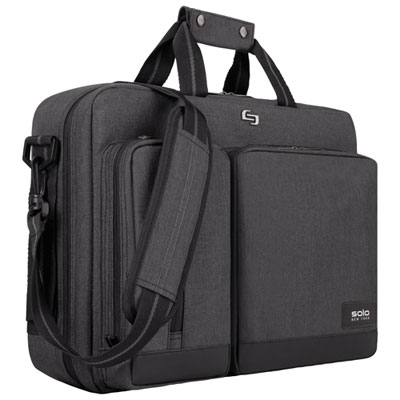
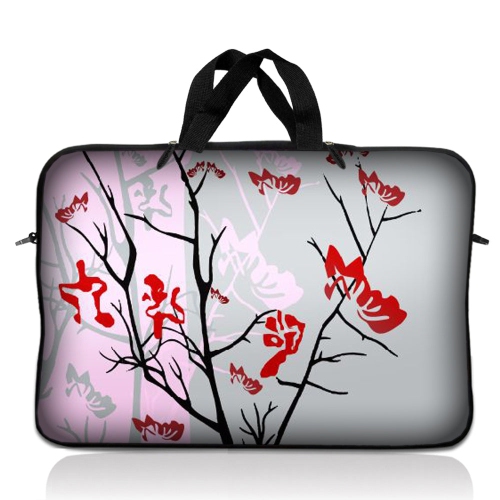
Good laptop sleeves provide a simple layer of protection between a computer and the everyday hazards that come with carrying it from place to place. A sleeve can help guard against scuffs from keys, pens, chargers and other items in a backpack, while padding around the edges and corners can help soften the impact of a bump against a desk or chair. Some designs are slim and lightly padded for slipping into a work bag, while others use thicker cushioning, reinforced seams or a structured exterior for commuters who carry a laptop through busy stations, crowded hallways and changing weather. The best choice depends on how the laptop is transported and what else needs to fit alongside it. A sleeve used inside a backpack may not need a bulky exterior, whereas one carried on its own benefits from a durable handle, a secure zipper and enough structure to keep the computer from bending under pressure. Water-resistant fabric can also be useful when moving between a car, office, campus or café during rainy days and cooler seasons, although no sleeve should be treated as fully waterproof unless the manufacturer specifically states that it is. Interior lining matters as well. A soft, smooth lining helps prevent scratches on the laptop’s finish, and a well-finished zipper with a covered edge can reduce the chance of the metal rubbing against the computer. For people who prefer a tidy, uncomplicated carry, a sleeve with one main compartment keeps the laptop close at hand without adding the size of a full laptop bag. For those who carry more equipment, a front pocket or separate storage section can hold a charging cable, wireless mouse, earbuds, notebook, power bank or a few pens without forcing these items against the laptop itself.
Correct sizing is one of the most important details when choosing among laptop sleeves. Screen size is a useful starting point, but it does not describe the laptop’s full dimensions, and computers with the same screen measurement can have different widths, depths and thicknesses. Before selecting a sleeve, measure the laptop from side to side and front to back, then check the sleeve’s listed internal dimensions rather than relying only on a label such as 13-inch, 14-inch or 15.6-inch. The fit should be close enough to prevent the computer from sliding around, with sufficient room for its thickness and any permanently attached accessories. A sleeve that is too tight may strain the zipper or make removal awkward, while one that is too loose can allow the laptop to move inside during transit. Corner protection is especially valuable because the corners and lower edges often take the brunt of an accidental drop. Look for padded corners, reinforced base sections, rubber bumpers or a raised inner frame when additional impact protection is a priority. A rigid or semi-rigid exterior can add confidence for heavy commuters and travellers, while a soft quilted or padded exterior may be more comfortable for everyday use and easier to place inside another bag. Closure style also affects convenience. Zippers can provide a secure seal around the laptop, magnetic flaps allow quick access, and handles make a sleeve easier to carry on its own. A clamshell-style design that opens widely may be helpful when a laptop needs to be used briefly without removing it from the case, while a simple top-loading sleeve takes up less room. Colour and finish are personal choices, but a neutral design can move easily between a professional setting, a lecture room and a home office.
Laptop sleeves suit a wide range of routines and can make practical gifts for students, remote workers, office employees, freelancers, travellers and anyone who carries a computer regularly. During the transition from warm weather to cooler months, a sleeve can be useful for moving a laptop between home, school, work and shared spaces, where a little extra protection helps keep a computer ready for the next task. Students may appreciate a lightweight sleeve that fits into a crowded backpack alongside textbooks and notebooks, while a commuter may prefer a tougher design with a comfortable handle and room for a charger. Someone working from cafés or libraries may value an exterior pocket for small accessories, reducing the need to unpack a separate pouch every time they sit down. For air travel or longer trips, a close-fitting sleeve can help keep a laptop separated from clothing, toiletries and other packed belongings, and a distinctive colour or interior lining can make it easier to identify in a busy bag. When shopping for a gift, confirm the recipient’s laptop width, depth and thickness if possible, since a sleeve made for one computer may not fit another with the same screen size. It is also helpful to consider whether the recipient carries only the laptop or needs room for a charger and accessories. Those who already own a large backpack may prefer a slim sleeve, while someone who carries a laptop under one arm may benefit from a handle and more protective structure. For younger users and students preparing for a new school routine, browse the selection of School Laptop Sleeves for designs suited to daily transport. With the right dimensions, dependable closure, protective corners and a layout that matches the way the laptop is carried, a good laptop sleeve becomes an unobtrusive part of the daily routine, keeping a computer protected while making it easier to move from one place to the next.
Correct sizing is one of the most important details when choosing among laptop sleeves. Screen size is a useful starting point, but it does not describe the laptop’s full dimensions, and computers with the same screen measurement can have different widths, depths and thicknesses. Before selecting a sleeve, measure the laptop from side to side and front to back, then check the sleeve’s listed internal dimensions rather than relying only on a label such as 13-inch, 14-inch or 15.6-inch. The fit should be close enough to prevent the computer from sliding around, with sufficient room for its thickness and any permanently attached accessories. A sleeve that is too tight may strain the zipper or make removal awkward, while one that is too loose can allow the laptop to move inside during transit. Corner protection is especially valuable because the corners and lower edges often take the brunt of an accidental drop. Look for padded corners, reinforced base sections, rubber bumpers or a raised inner frame when additional impact protection is a priority. A rigid or semi-rigid exterior can add confidence for heavy commuters and travellers, while a soft quilted or padded exterior may be more comfortable for everyday use and easier to place inside another bag. Closure style also affects convenience. Zippers can provide a secure seal around the laptop, magnetic flaps allow quick access, and handles make a sleeve easier to carry on its own. A clamshell-style design that opens widely may be helpful when a laptop needs to be used briefly without removing it from the case, while a simple top-loading sleeve takes up less room. Colour and finish are personal choices, but a neutral design can move easily between a professional setting, a lecture room and a home office.
Laptop sleeves suit a wide range of routines and can make practical gifts for students, remote workers, office employees, freelancers, travellers and anyone who carries a computer regularly. During the transition from warm weather to cooler months, a sleeve can be useful for moving a laptop between home, school, work and shared spaces, where a little extra protection helps keep a computer ready for the next task. Students may appreciate a lightweight sleeve that fits into a crowded backpack alongside textbooks and notebooks, while a commuter may prefer a tougher design with a comfortable handle and room for a charger. Someone working from cafés or libraries may value an exterior pocket for small accessories, reducing the need to unpack a separate pouch every time they sit down. For air travel or longer trips, a close-fitting sleeve can help keep a laptop separated from clothing, toiletries and other packed belongings, and a distinctive colour or interior lining can make it easier to identify in a busy bag. When shopping for a gift, confirm the recipient’s laptop width, depth and thickness if possible, since a sleeve made for one computer may not fit another with the same screen size. It is also helpful to consider whether the recipient carries only the laptop or needs room for a charger and accessories. Those who already own a large backpack may prefer a slim sleeve, while someone who carries a laptop under one arm may benefit from a handle and more protective structure. For younger users and students preparing for a new school routine, browse the selection of School Laptop Sleeves for designs suited to daily transport. With the right dimensions, dependable closure, protective corners and a layout that matches the way the laptop is carried, a good laptop sleeve becomes an unobtrusive part of the daily routine, keeping a computer protected while making it easier to move from one place to the next.
Top selling and popular products
-
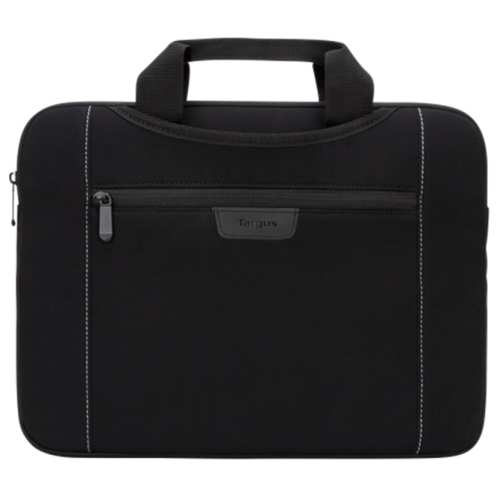 Your price for this item is $43.68
 -
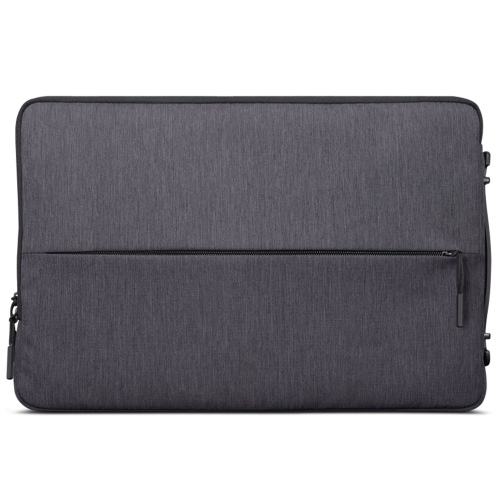 Your price for this item is $18.99
 -
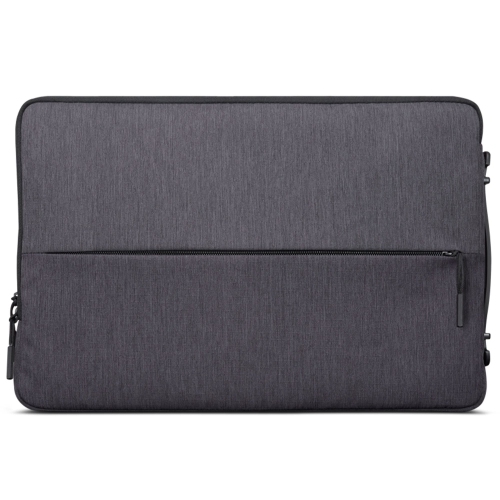 Your price for this item is $22.99
 -
 Your price for this item is $37
 -
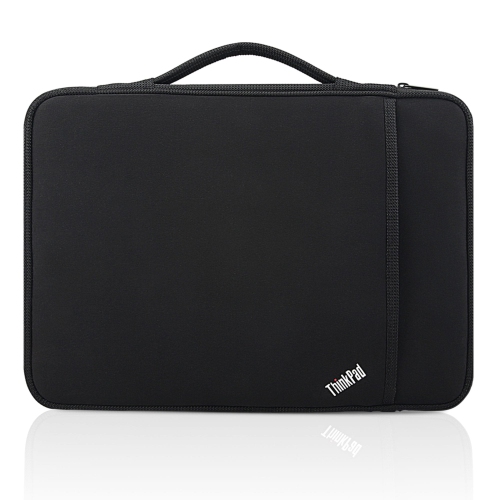 Your price for this item is $43.68
 -
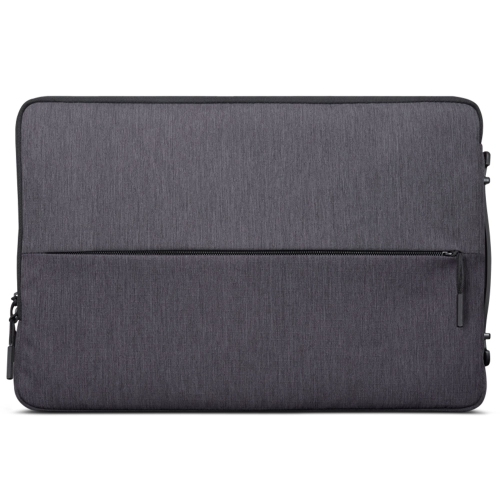 Your price for this item is $23.99
 -
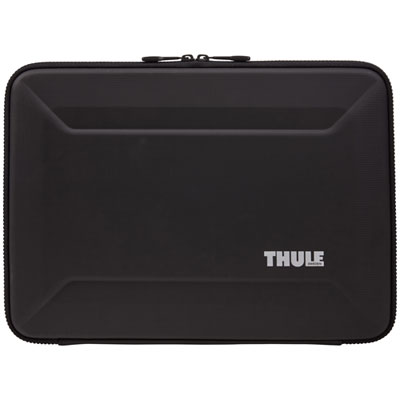 Your price for this item is $64.99
 -
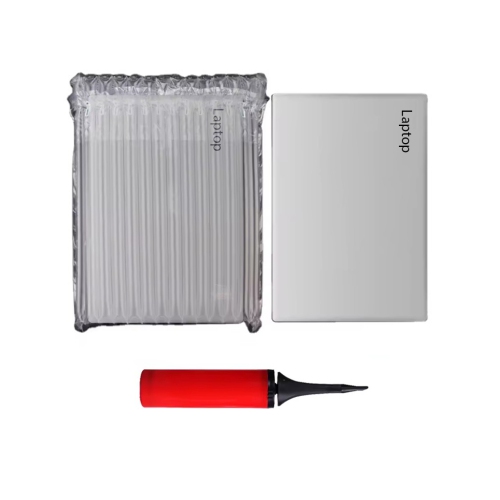 Your price for this item is $134.95
Discover more categories related to Good Laptop Sleeves
Top Collections:
Pokemon Centers, Kindle Devices, Best Budget Office Chairs, Apple iPhones 16, Best Laptops for Writers, iPhone 15 Apple, Canon G7X Cameras, Refurbished Apple Laptops, Alarm Clock, Motorola Razr Phones
Some products may be subject to Environmental Handling Fees
(EHF) depending on your province.
Learn more about EHFs.