Cool Mechanical Keyboards
Cool mechanical keyboards bring a unique blend of style and performance to any setup, making them a top choice for gamers, professionals, and tech enthusiasts alike. With their distinctive designs and satisfying tactile experience, these keyboards add a touch of personality to your workspace or gaming station. Explore a wide range of cool mechanical keyboards that cater to different preferences, whether you’re looking to elevate your productivity or enhance your gaming sessions. Find the perfect fit to match your needs and express your individuality through every keystroke.
Sort
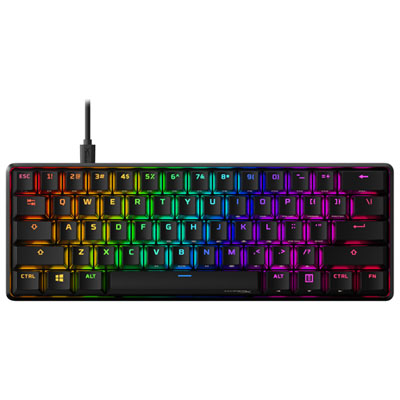
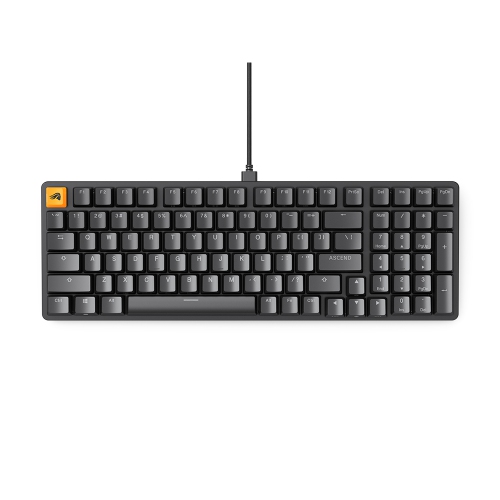
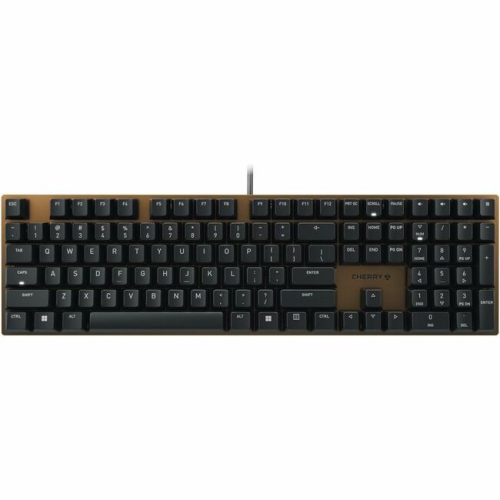
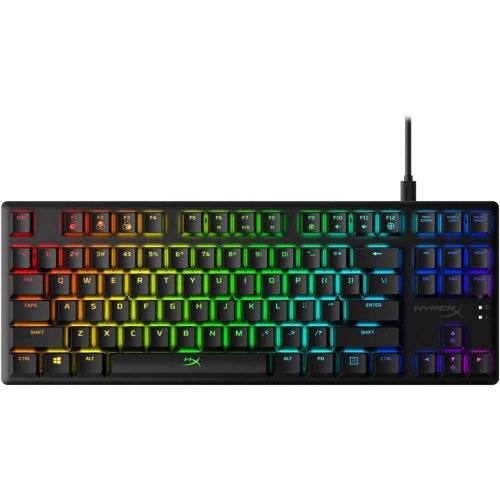
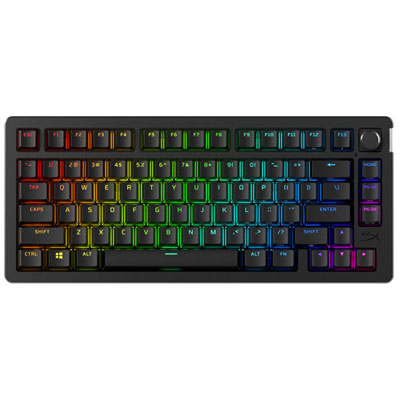
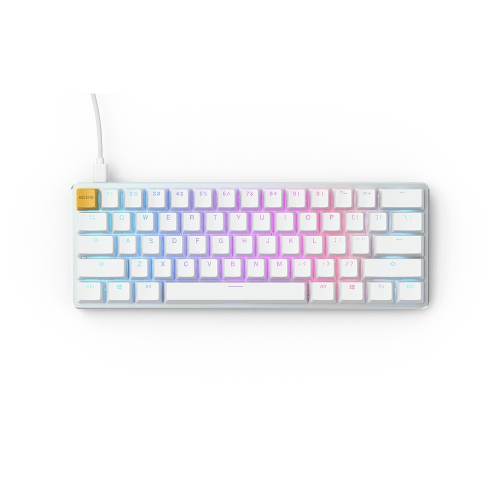
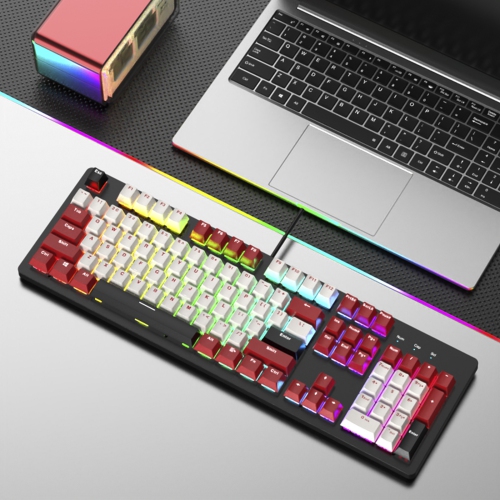
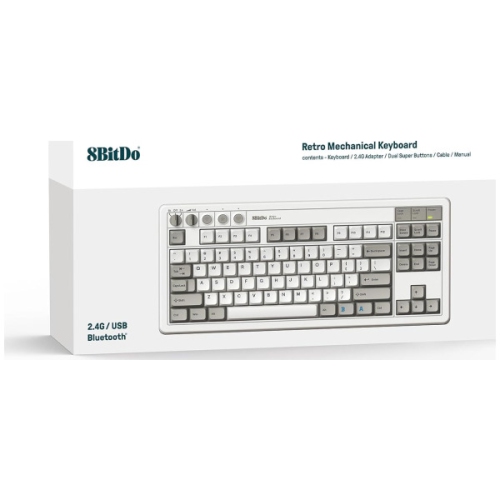
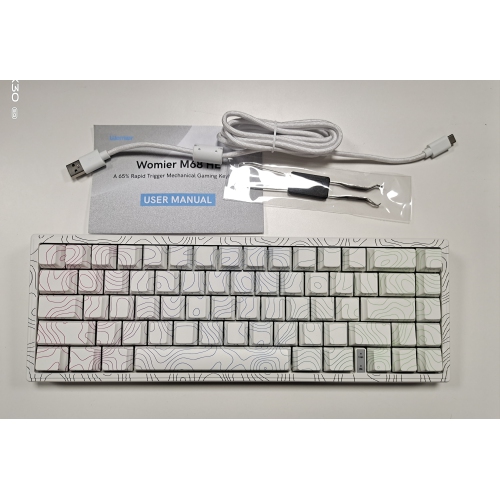
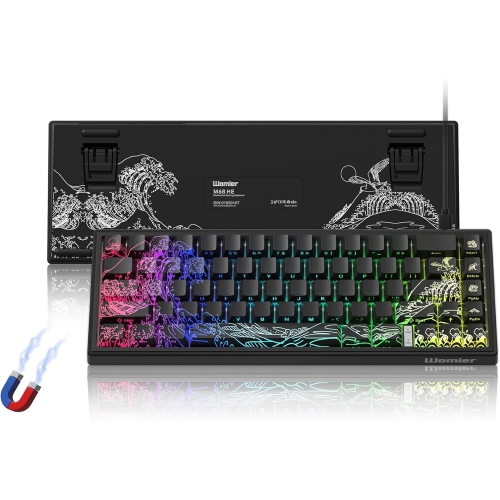
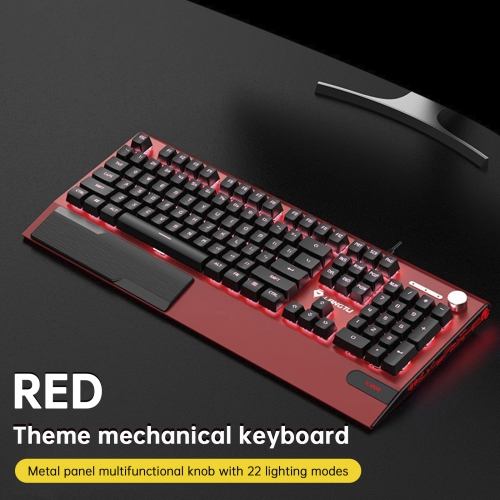
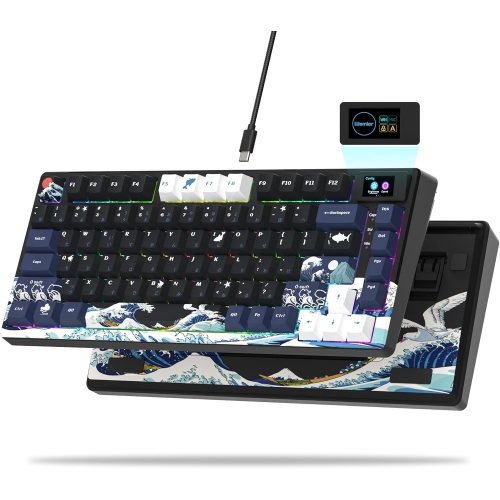
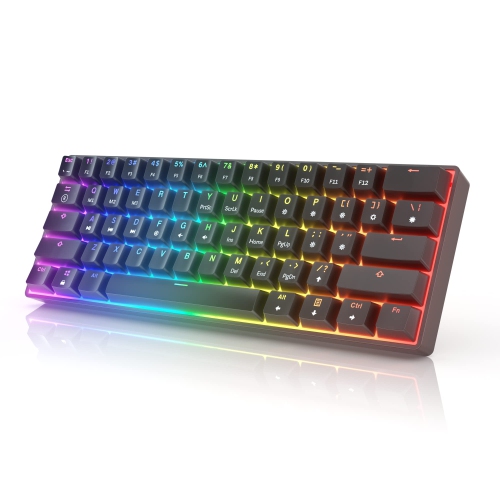
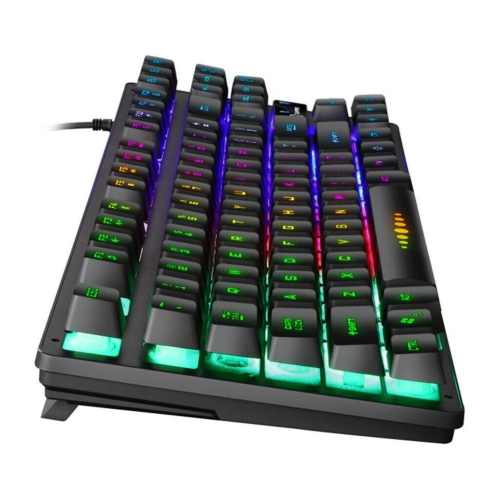
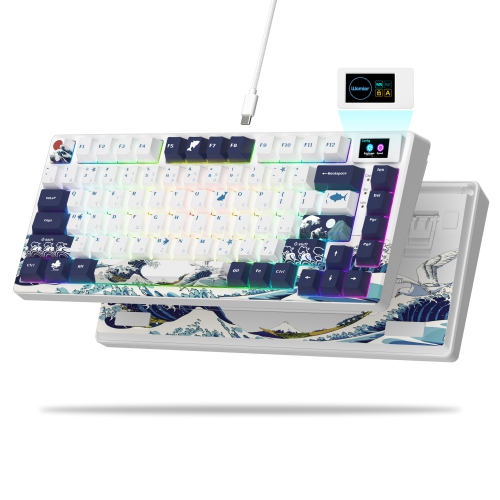
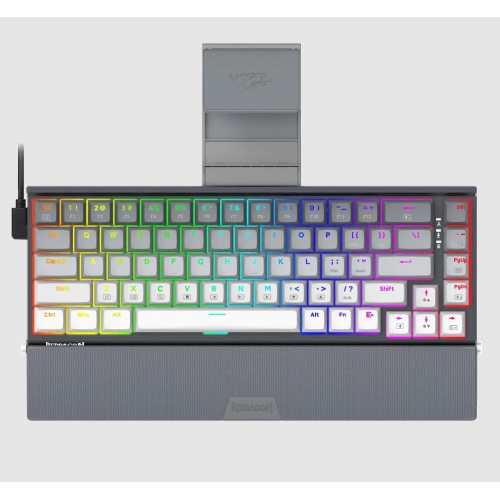
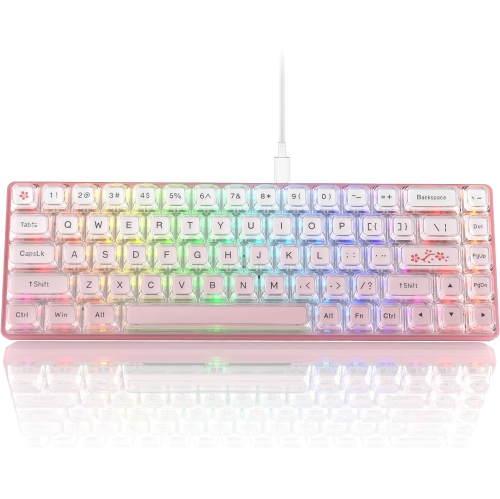
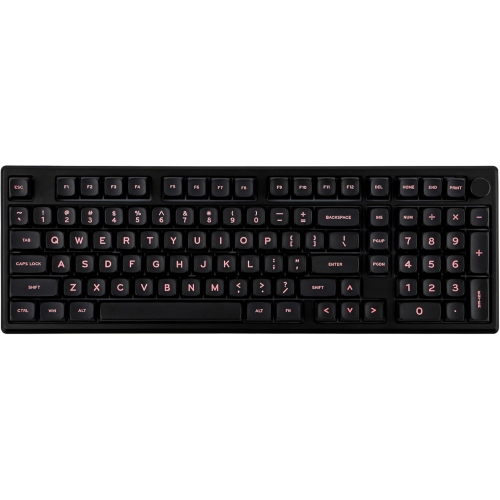
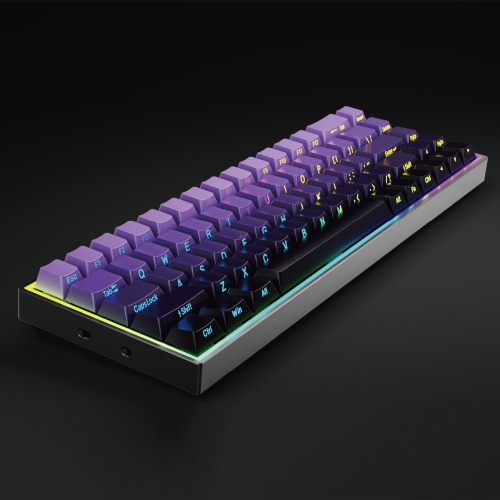
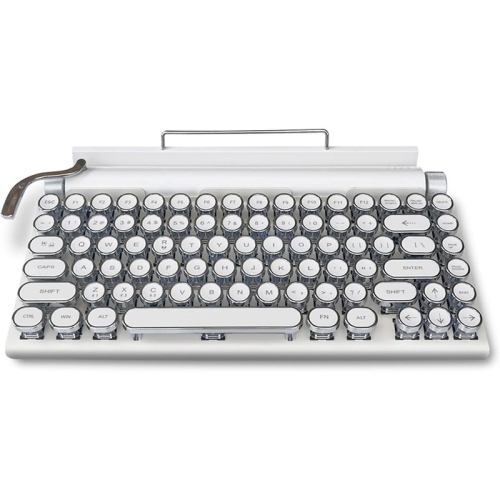
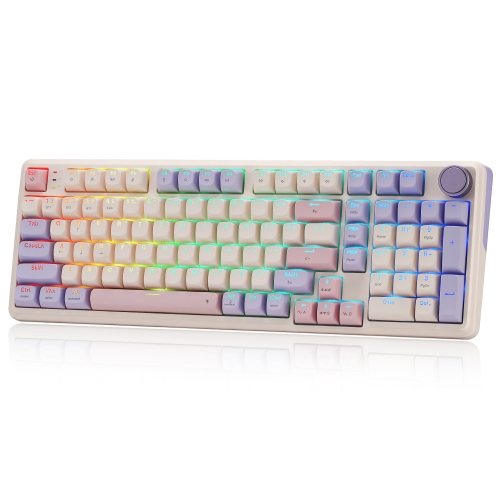
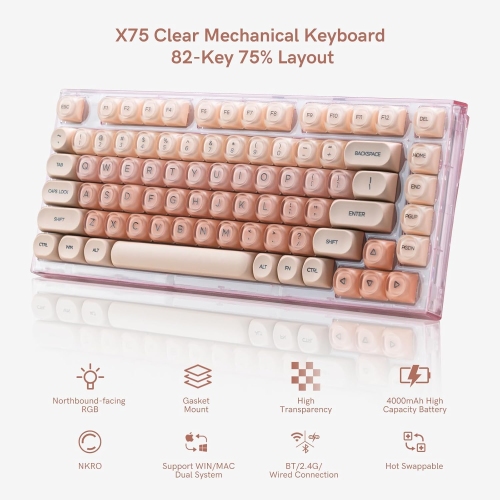
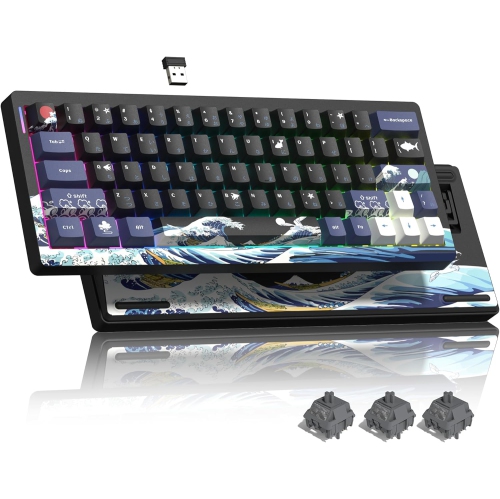
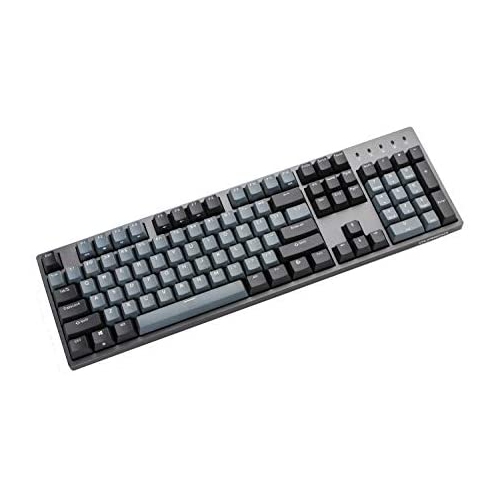
Standout style goes deeper than glowing keys
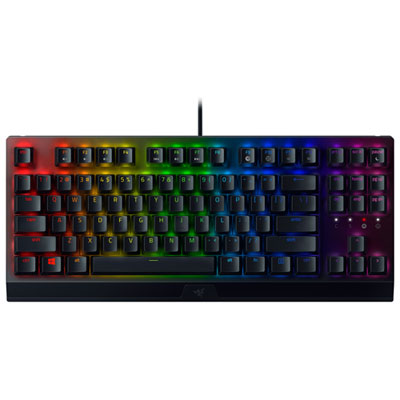
Cool mechanical keyboards pair distinctive design with a typing feel that makes a desk feel more personal. Their appeal can come from a bold colour scheme, a clean aluminium case, softly glowing keys, or the satisfying response of a well-matched switch. Unlike keyboards that use a shared membrane beneath the keys, mechanical keyboards use individual mechanical switches to register keystrokes. Linear switches move smoothly without a deliberate tactile bump, making them popular for quick, repeated inputs in games. Tactile switches add a noticeable bump that can help typists feel when a press registers, while clicky switches add an audible click alongside that feedback. None of these styles is automatically best for everyone: a crisp click can be enjoyable at a private desk but distracting beside a shared workspace or an open microphone. Sound also depends on the keycaps, case, mounting design, and the surface beneath the keyboard. A deeper sound is not simply a property of the switch, and a desk mat can change how much vibration reaches the tabletop. Visually, cool mechanical keyboards range from understated designs with subtle accent keys to expressive combinations of translucent cases, contrasting keycaps, and adjustable RGB lighting. Backlit legends can help identify keys in a dim room, while lighting around the case is primarily decorative. The distinction matters when choosing between a glowing display piece and a keyboard that needs to remain easy to read during everyday work. Keycap profiles contribute to the character, too. Tall, sculpted keys can give a keyboard a classic appearance, while lower profiles create a flatter silhouette and a different finger position. Matching those details to the rest of a setup can be as simple as repeating one accent colour from a mouse pad or choosing neutral keycaps that sit comfortably beside a monitor and speakers. For someone who spends hours writing, coding, studying, or gaming, the most appealing design is often one that feels as considered under the fingertips as it looks on the desk.
Size and layout shape how a mechanical keyboard fits into daily use. Full-size keyboards include a number pad, which is useful for spreadsheets, calculations, and repeated numerical entry. Tenkeyless layouts remove that section while retaining a dedicated function row and navigation keys, leaving more room for a mouse. Smaller layouts trim the footprint further, although some commands move to combinations accessed through a function layer. A compact keyboard can leave space for broad mouse movements during games or make a narrow study desk feel less crowded, but regularly reaching for missing keys can interrupt an established workflow. Dedicated arrow keys, a familiar Enter key shape, and clearly marked secondary functions can matter more than a dramatic-looking case. English and French typing needs also deserve attention, since physical layouts, printed legends, and operating system settings do not always match. Connection options affect convenience just as much as size. Wired USB connections keep the keyboard powered during use, while wireless designs reduce cable clutter and may support switching between a computer, tablet, and other compatible devices. Some wireless keyboards use Bluetooth, some use a dedicated USB receiver, and some support both; the connection method and device compatibility vary by model. For gaming, dependable input and suitable latency matter more than lighting effects alone. For a shared home office, easy device switching and quieter typing may be more useful than advanced gaming controls. Programmable keys, onboard profiles, and remapping software can support shortcuts for editing, creative work, or frequently used commands, provided the software supports the intended operating system. A volume dial or media keys can also be handy when adjusting audio without leaving a task. Comfort comes from the whole arrangement rather than one feature. Case height, keyboard angle, chair position, and the distance to the mouse all influence how naturally the hands rest. Raising the rear feet is not automatically more comfortable; a flatter angle may suit someone whose wrists otherwise bend upward. A wrist rest can provide support between bursts of typing without replacing a well-positioned keyboard.
Materials and construction influence how these keyboards age, sound, and feel. Aluminium cases can add weight and a firm feel, while plastic cases may be lighter and produce a different sound character; neither material alone determines build quality. A stable base, consistent key action, and securely fitted components contribute to a keyboard that feels dependable during both quick game inputs and long writing sessions. Keycaps made from ABS or PBT plastic have different finishes and wear characteristics, with PBT often retaining its texture longer and ABS sometimes developing a smoother shine through use. Legend construction matters as well: double-shot legends are formed from separate layers of plastic rather than printed only on the surface. Replaceable keycaps offer room for visual changes, but compatibility depends on the switch stem, key sizes, and layout, particularly around the space bar and modifier keys. Hot-swappable designs allow compatible switches to be changed without soldering, which can appeal to hobbyists who enjoy adjusting feel and sound. That flexibility still requires the correct switch format and careful handling; not every mechanical switch fits every socket. For everyday care, switching the keyboard off or disconnecting it before cleaning helps prevent accidental inputs. A soft brush and a dry, lint-free cloth can remove loose dust, while liquid should never be sprayed directly onto the keyboard. Keycap removal and deeper cleaning are best kept within the manufacturer’s care instructions, especially around exposed sockets and electronic components. Keeping drinks away from the keys is a simple precaution, since mechanical construction does not imply spill resistance. As gifts, mechanical keyboards can suit students building a study space, gamers personalizing a setup, writers who enjoy deliberate key feedback, or enthusiasts interested in customization. The recipient’s preferred layout, noise tolerance, computer compatibility, and desk space are more useful clues than colour alone. The Best Mechanical Keyboards collection offers another place to explore designs suited to everyday typing, gaming, and personal style. A keyboard becomes a lasting part of a setup when its appearance draws attention and its everyday details continue to feel right.
Top selling and popular products
-
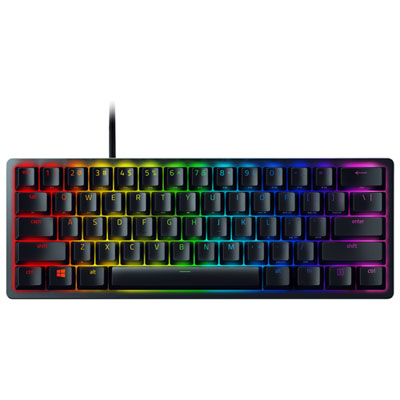 Your price for this item is $94.99
-
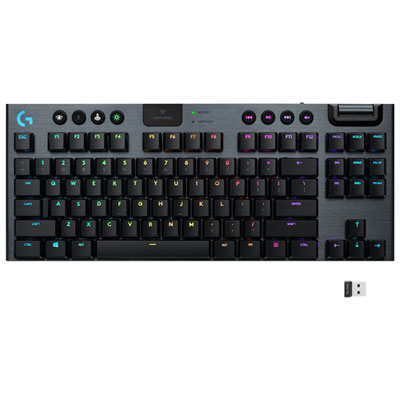 Your price for this item is $319.95
-
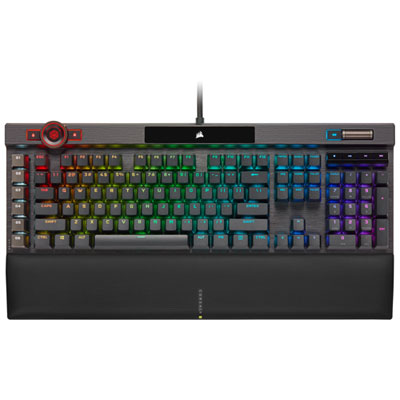 Your price for this item is $364.95
-
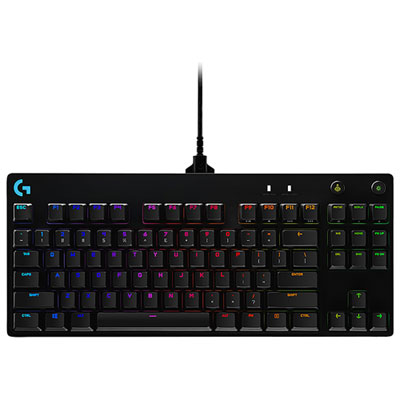 Your price for this item is $149.99
-
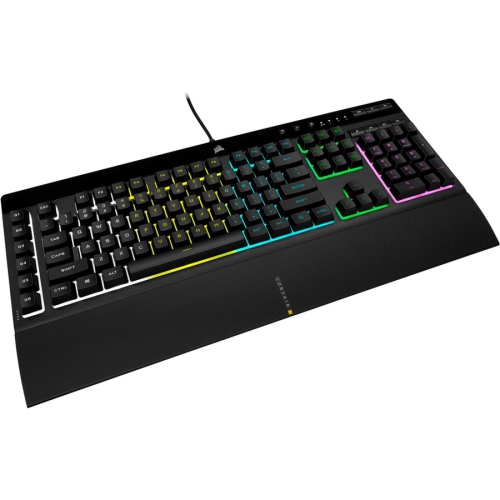 Your price for this item is $113.68
-
 Your price for this item is $94.99
-
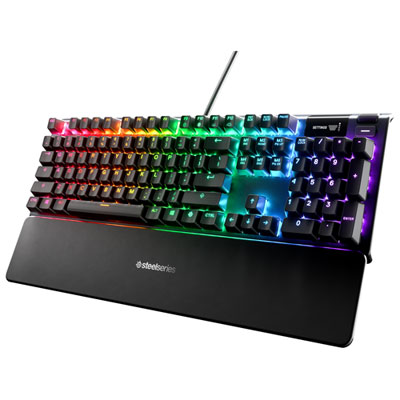 Your price for this item is $139.95
-
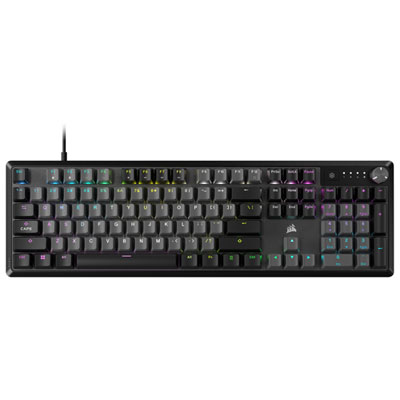 Your price for this item is $99.99
Discover more categories related to Cool Mechanical Keyboards
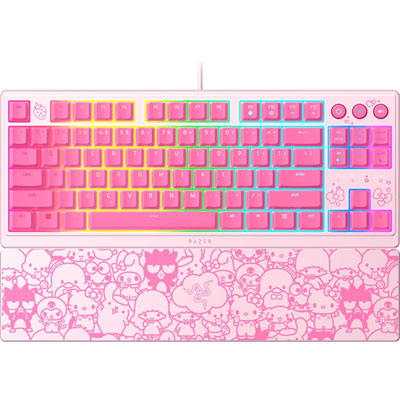
Top Collections:
Best Black Friday Deals This Year, Best Black Friday Deals On Electronics, Kindle Devices, Pokemon Centers, Best Black Friday Deals On Apple Products, Best Cameras for Sports Photography, Dyson Airwrap, Pokémon 30th Celebration Cards, Apple iPhone 17 Pro, Canon G7X Cameras
Some products may be subject to Environmental Handling Fees
(EHF) depending on your province.
Learn more about EHFs.