Corsair Fans
Corsair fans offer an ideal solution for enhancing airflow and cooling performance in your PC build or upgrade. Whether you're assembling a gaming rig, updating your workstation, or looking to improve overall system efficiency, these fans deliver dependable operation and style. Explore a wide selection of Corsair fans designed to fit various case sizes and configurations, making it easy to find the perfect match for your setup. Discover options tailored to meet different cooling needs and elevate your computing experience.
Sort
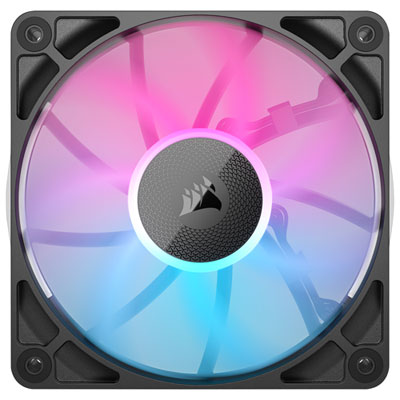
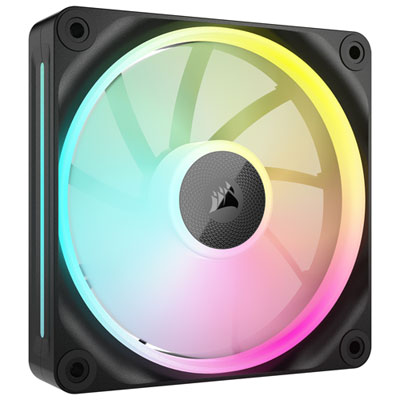
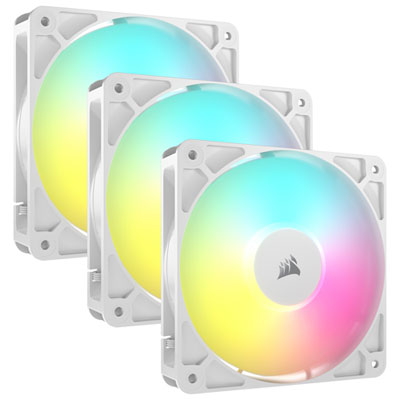
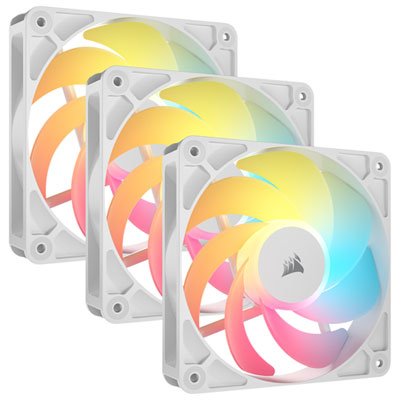
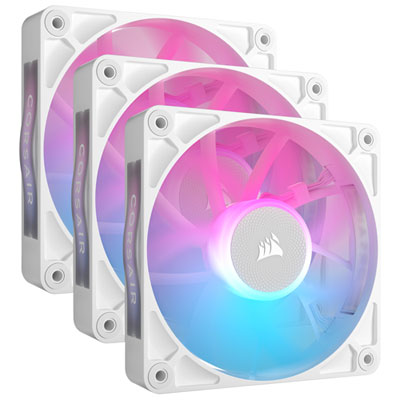
The right fan fit goes beyond size
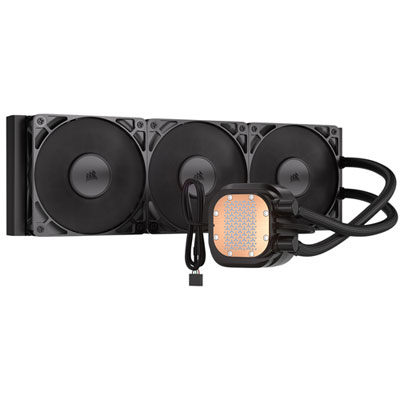
PC case and radiator fans move air through a desktop computer, helping carry heat away from components during gaming, creative work, and everyday use. Their role depends on where they sit in the build: case fans support airflow through the enclosure, while radiator fans push or pull air through the fins of a liquid-cooling radiator. Common sizes include 120 mm and 140 mm, but matching the size alone does not guarantee a fit. Mounting-hole spacing, frame thickness, radiator dimensions, and clearance around memory, cables, and graphics cards all influence compatibility. A larger fan may move a useful amount of air at a lower rotational speed, although its suitability still depends on the case layout and the fan’s design. Airflow-focused designs are generally suited to relatively open intake or exhaust positions, while designs with stronger static pressure can be useful where air must pass through radiator fins, dense filters, or other restrictions. These categories can overlap, so airflow, pressure, and noise specifications are most useful when considered together rather than treated as separate rankings. A build planned around Corsair Cases still needs appropriately sized fans, suitable mounting positions, and enough room for the complete cooling assembly. In many desktop layouts, front or bottom fans bring air in while rear or top fans move it out, but the enclosure’s intended airflow path takes priority over a fixed arrangement. Frame markings often indicate airflow direction, which is particularly helpful when a fan’s appearance makes its orientation less obvious. A bank of illuminated fans behind a glass panel can create a striking finish, yet the practical goal remains a clear route for air to reach heat-producing components and leave the case. For compact builds, even small differences in frame depth or cable placement can matter; in a spacious tower, balanced placement can be more useful than filling every mounting position.
Fan connections determine how cooling, speed control, and lighting work together. Traditional four-pin pulse-width modulation, or PWM, connections allow a compatible motherboard or controller to adjust fan speed through a control signal. Three-pin fans typically rely on voltage-based speed control where the connected hardware supports it. Neither arrangement should be confused with lighting connections, which may use separate cables and different electrical requirements. Addressable RGB lighting commonly uses a three-pin 5 V connection, while non-addressable RGB commonly uses a four-pin 12 V connection; proprietary connectors may require a matching controller instead. These connections are not interchangeable simply because they serve similar purposes. Some fan systems simplify installation by linking adjacent fans or carrying power, control, and lighting through a shared cable arrangement, but that convenience depends on compatible fans, cables, and control hardware. A tidy-looking connection system is therefore part of a broader setup rather than a universal replacement for motherboard headers. Multi-fan layouts also depend on the supported fan count and electrical limits of the header, splitter, or powered hub involved. For someone upgrading an existing desktop, retaining a familiar control setup can make installation and everyday adjustments more straightforward. For a new build, the connection type influences cable routing, controller placement, and access behind the motherboard tray. Lighting adds another layer of personalization, from a single steady colour to coordinated effects across several components, although matching effects may depend on supported software and hardware. Unlit designs suit computers where visual simplicity matters more than a display of colour. Lighting and cooling performance are separate considerations: a fan’s illumination does not establish how effectively it moves air or how quietly it runs. The most satisfying arrangement brings the practical details together, with reachable connections, cables kept away from moving blades, and enough routing space that closing the side panel does not place unnecessary strain on plugs or wiring.
Materials, motor construction, bearing design, and mounting all contribute to how a fan feels and sounds over time. Moulded polymer blades and frames are common, with blade shape and rigidity helping determine how air moves through the assembly. Some designs include vibration-damping pads at the corners, which can reduce vibration transferred into the case, although loose panels or uneven mounting can still produce rattles. Bearing construction affects operating characteristics and service life, but a stated lifespan is not a promise that every fan will perform identically in every build. Dust exposure, operating speed, mounting orientation, and use conditions can all influence long-term performance. Noise also involves more than a single decibel figure. A smooth rush of air can be less distracting than a higher-pitched tone, and published noise measurements are not always directly comparable when testing methods differ. In a desktop used for voice calls or audio recording, a gradual speed response can help avoid abrupt changes becoming noticeable near a microphone. A gaming computer under sustained load may need more airflow, while a machine used mainly for documents and browsing may run comfortably with a less aggressive fan profile. Routine care helps preserve that balance: dust filters need attention, and accumulated dust on blades and heatsinks can restrict airflow. Cleaning is best done with the computer shut down and disconnected from power, following the component maker’s care directions and keeping blades from spinning freely under a strong blast of air. Cables should remain clear of the blade path after any cleaning or maintenance. Fans can also make a thoughtful gift for a PC-building enthusiast when the recipient’s case size, connector requirements, and preferred lighting setup are known. For first-time builders, experienced tinkerers, streamers, and people refreshing a dependable desktop, the strongest match is a fan setup that fits the hardware, supports the intended workload, and stays unobtrusive during everyday use.
Top selling and popular products
-
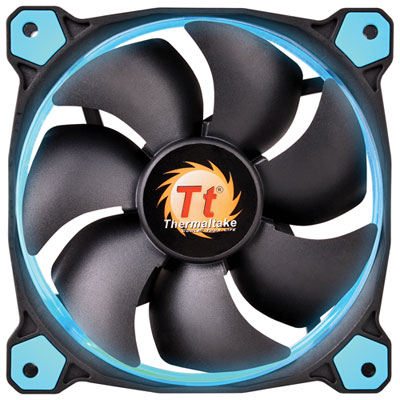 Your price for this item is $19.99
-
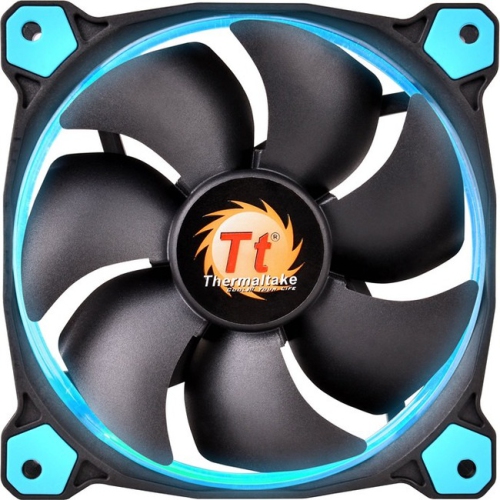 Your price for this item is $48.68
-
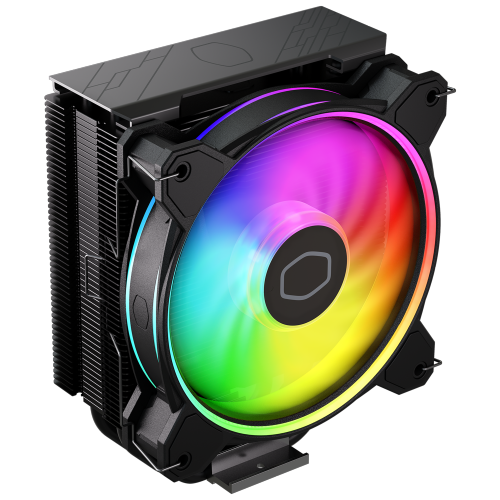 Your price for this item is $61.68
-
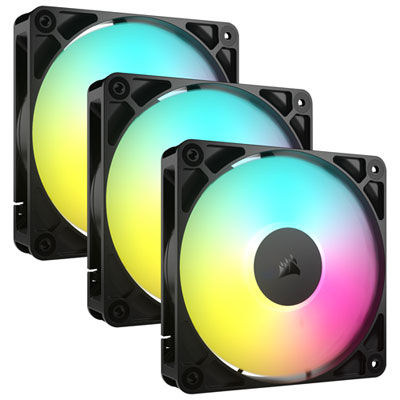 Your price for this item is $74.99
-
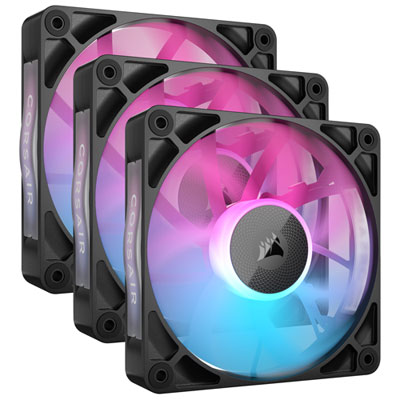 Your price for this item is $139.95
-
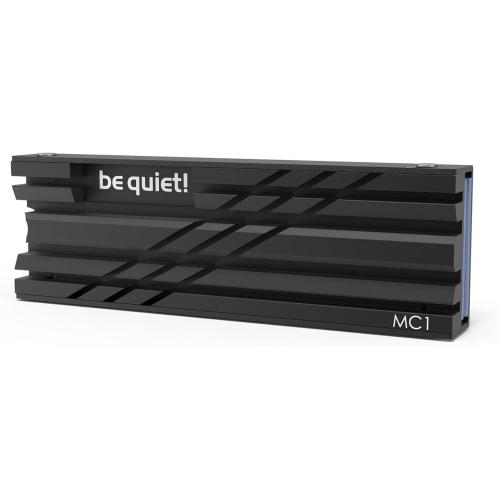 Your price for this item is $37.68
-
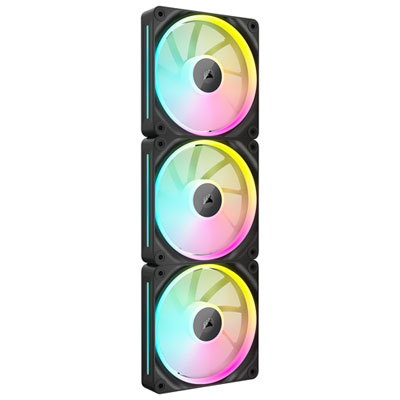 Your price for this item is $179.95
-
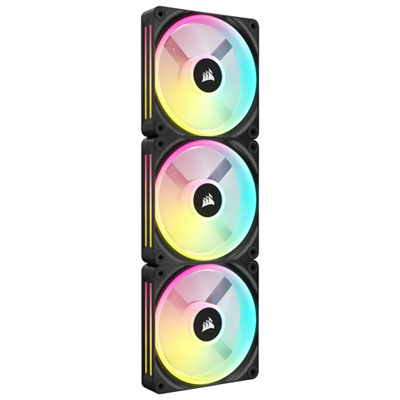 Your price for this item is $149.97
Discover more categories related to Corsair Fans
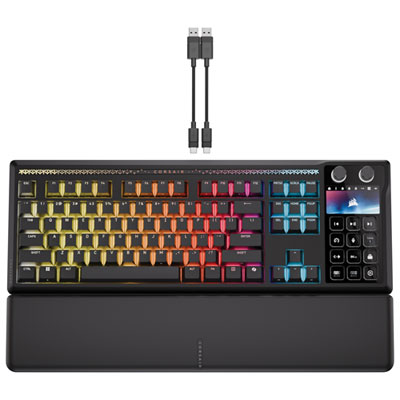
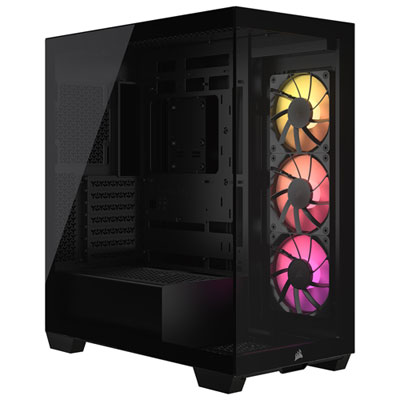
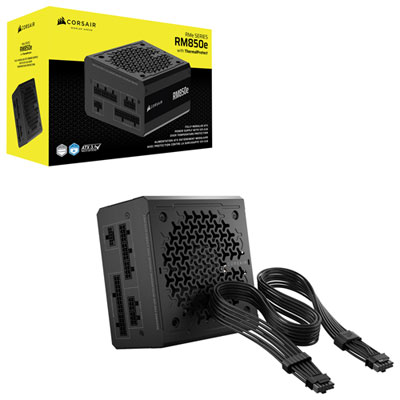
Top Collections:
Best Black Friday Deals This Year, Best Black Friday Deals On Electronics, Kindle Devices, Pokemon Centers, Best Black Friday Deals On Apple Products, Best Cameras for Sports Photography, Dyson Airwrap, Pokémon 30th Celebration Cards, Apple iPhone 17 Pro, Canon G7X Cameras
Some products may be subject to Environmental Handling Fees
(EHF) depending on your province.
Learn more about EHFs.