Cpu Air Coolers
Looking to keep your CPU running cool and efficient? Our selection of CPU air coolers is designed to provide optimal thermal management for your computer system. With a variety of options to suit different needs and budgets, these air coolers offer excellent heat dissipation capabilities to ensure smooth performance during intense gaming sessions, content creation tasks, or everyday computing. Upgrade your cooling solution today and experience improved stability and longevity for your CPU.
Sort
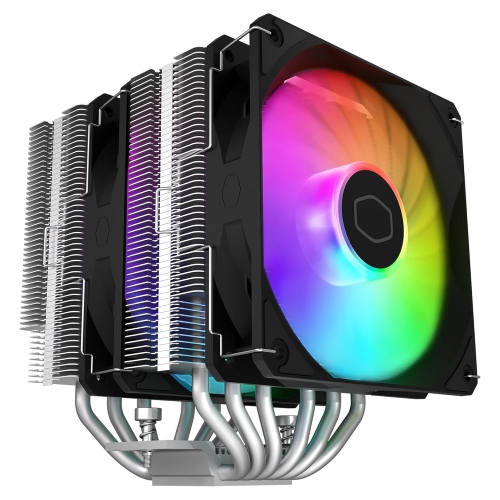
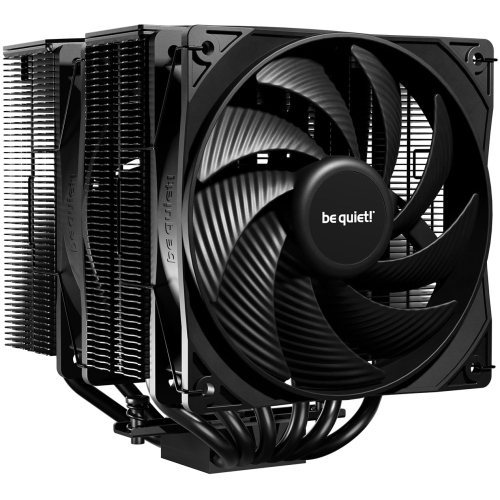
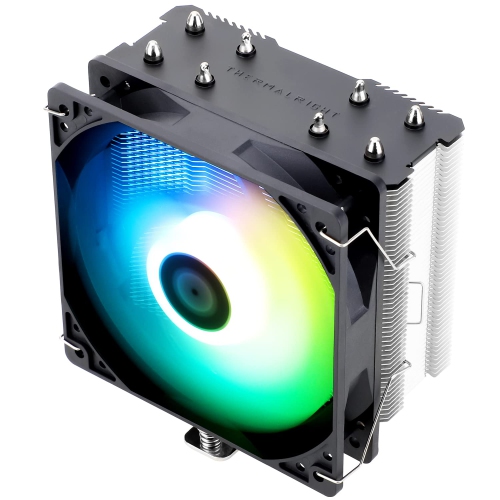
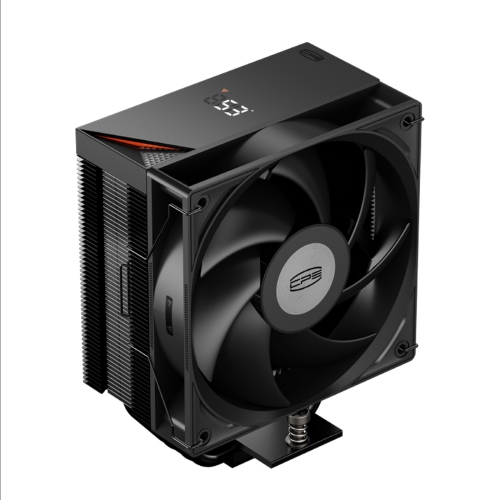
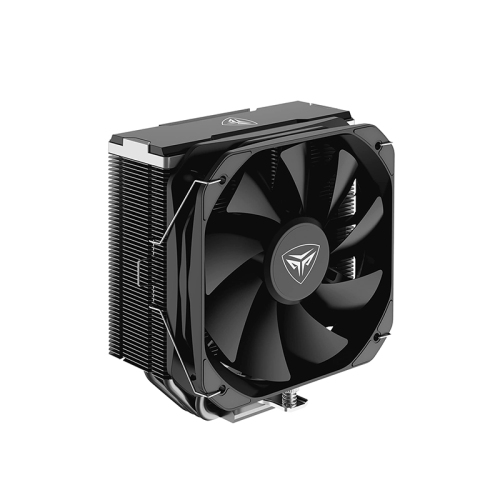
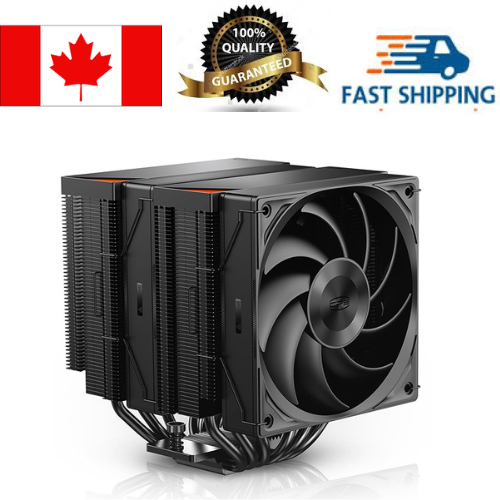
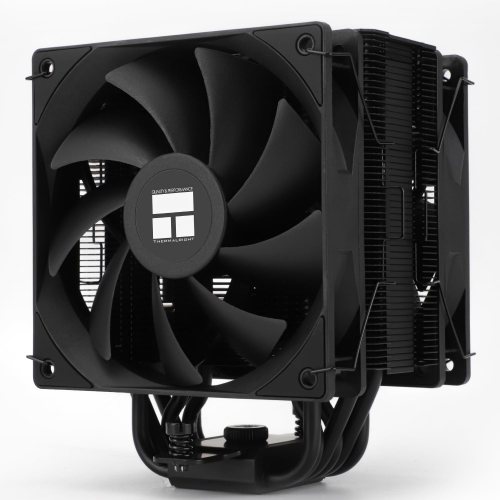
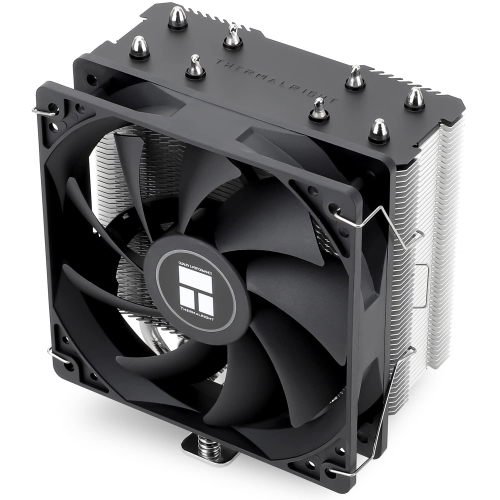
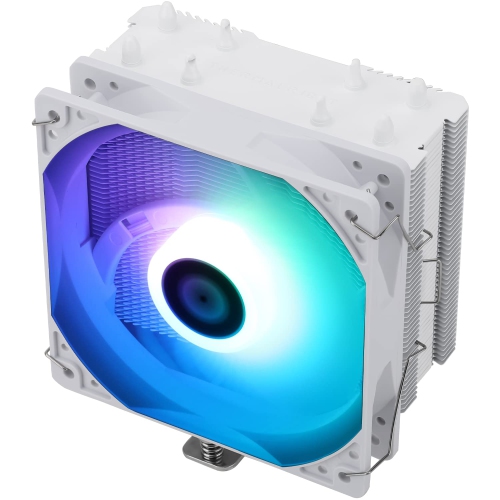
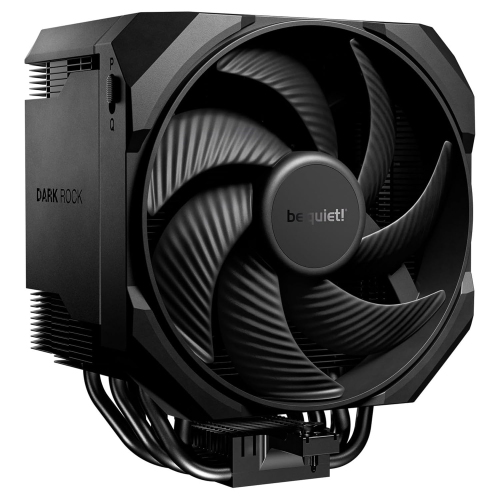
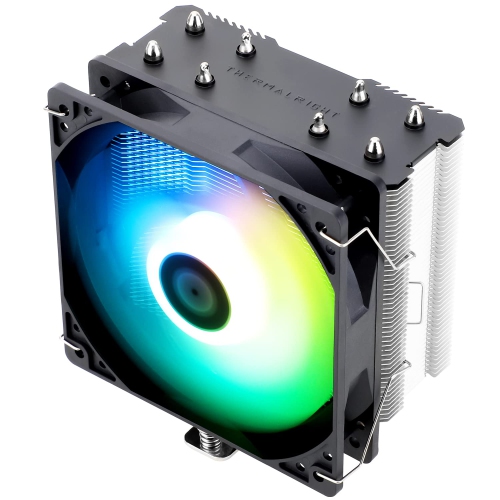
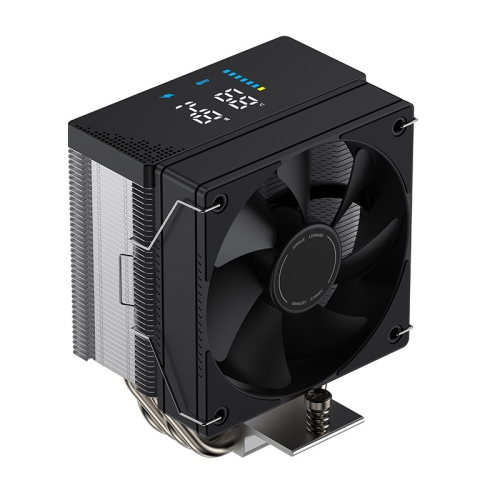
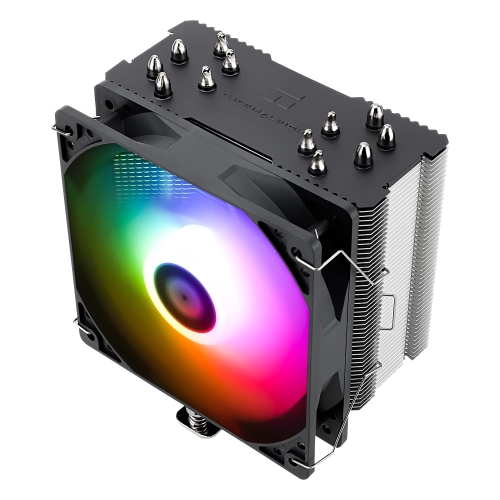
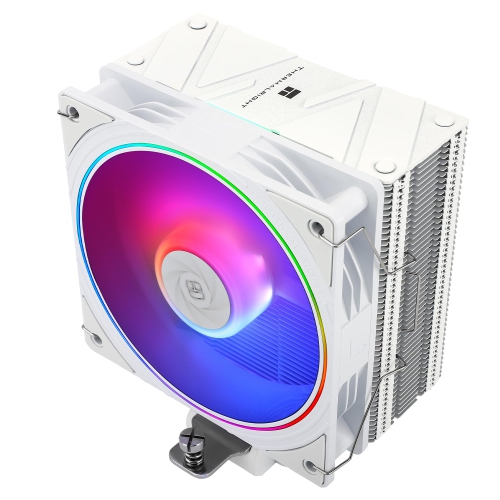
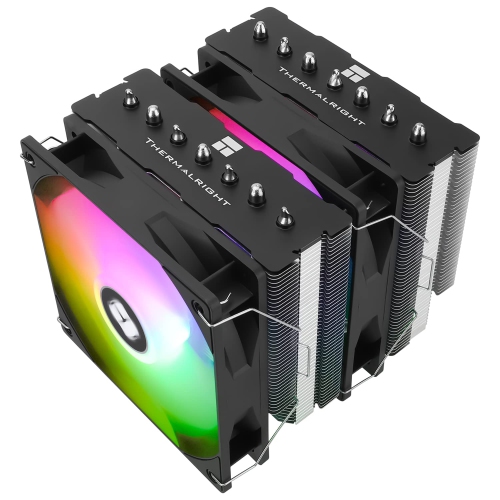
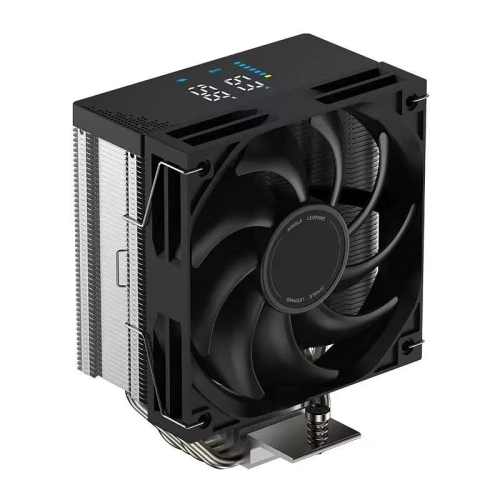
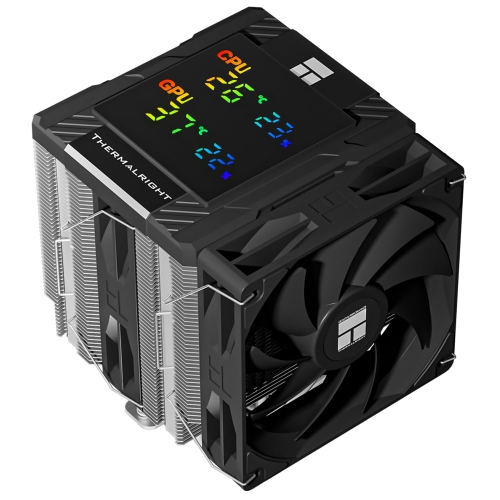
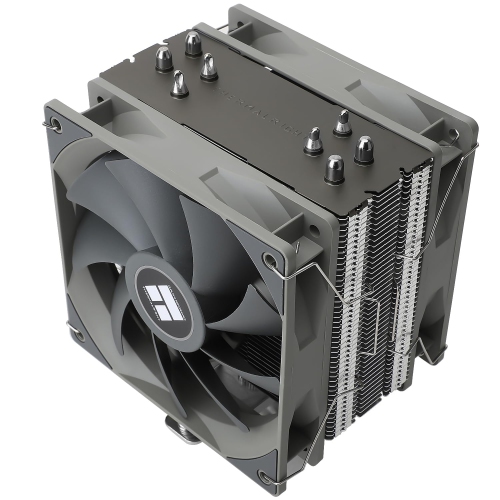
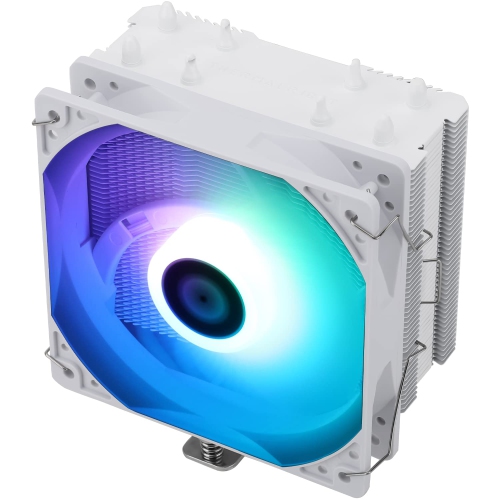
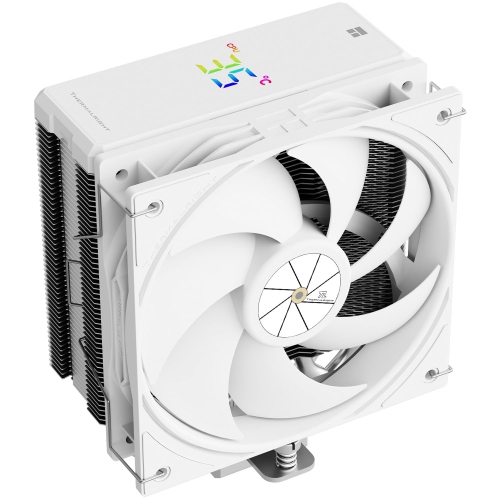
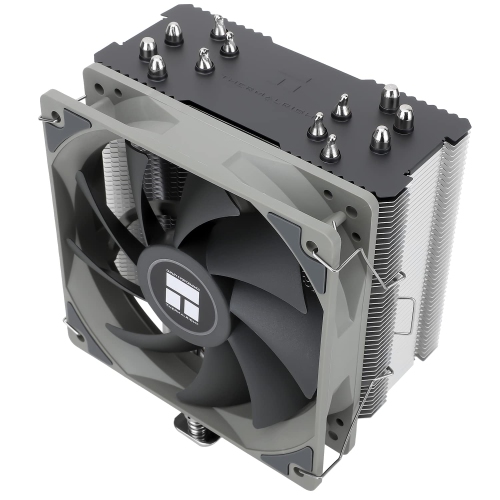
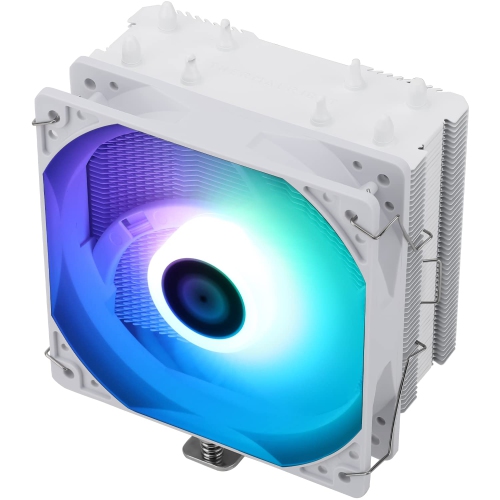
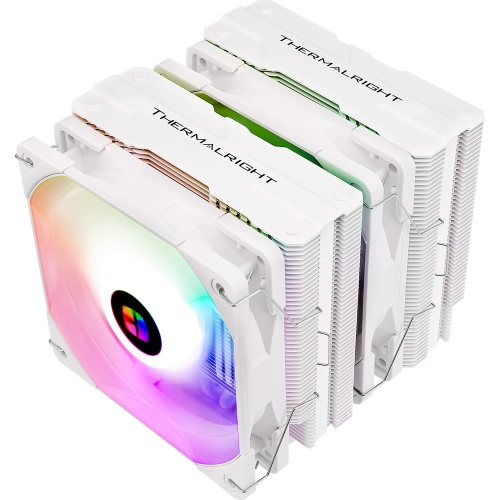
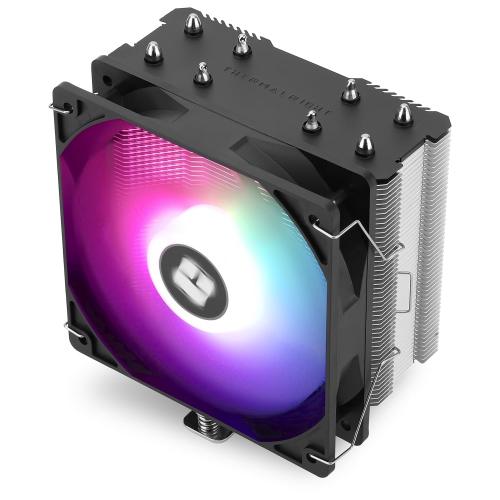
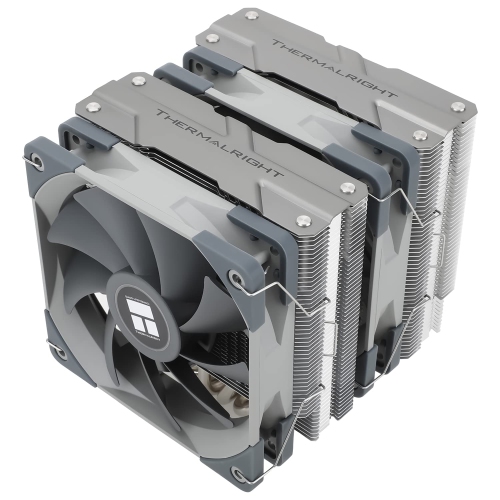
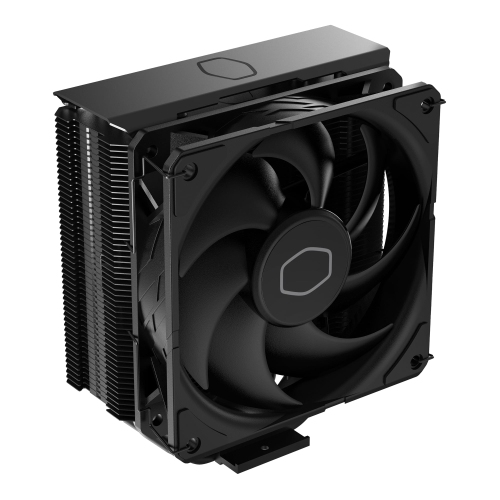
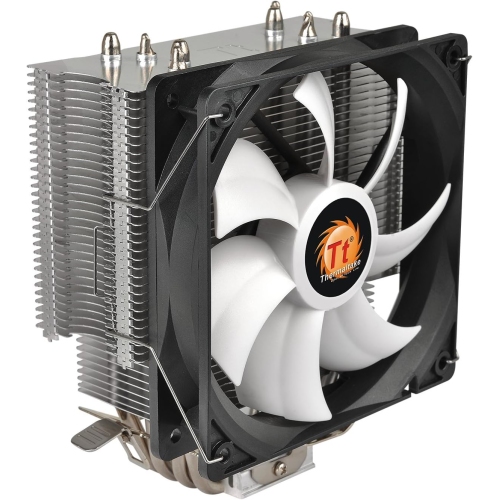
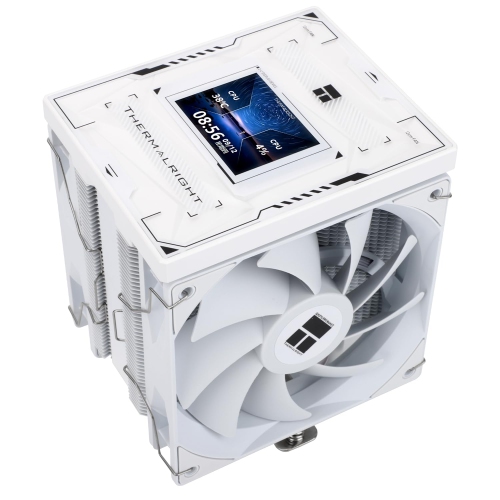
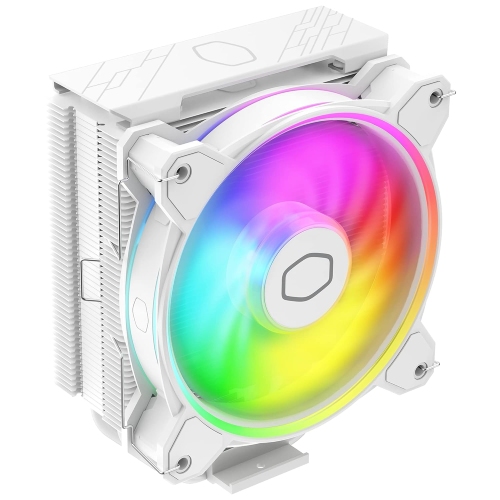
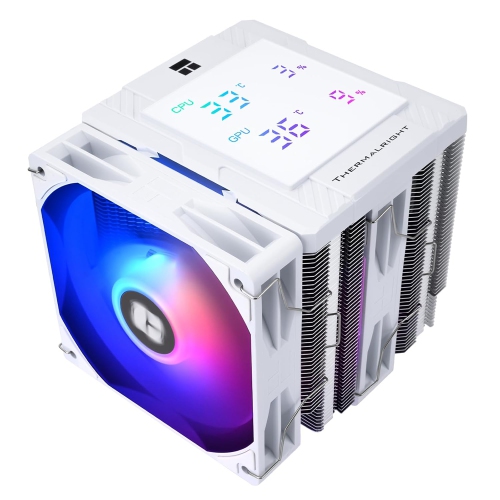
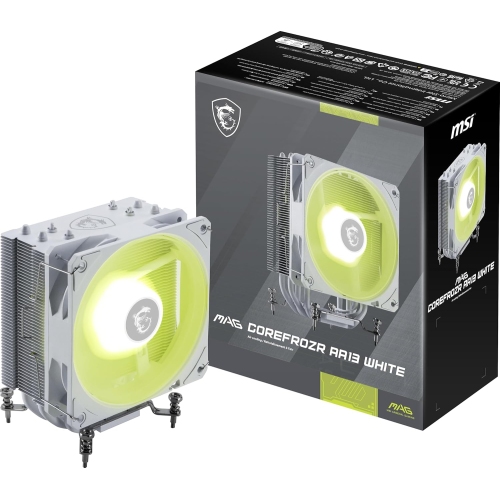
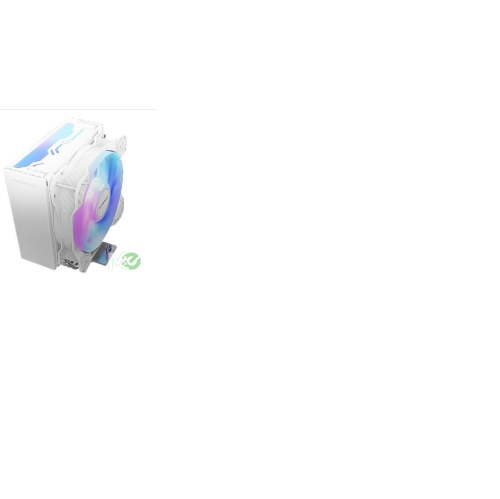
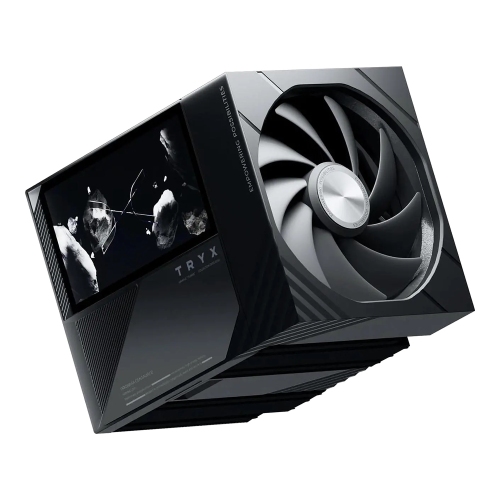
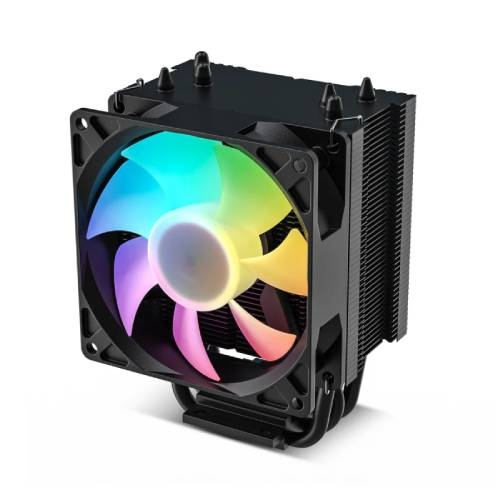
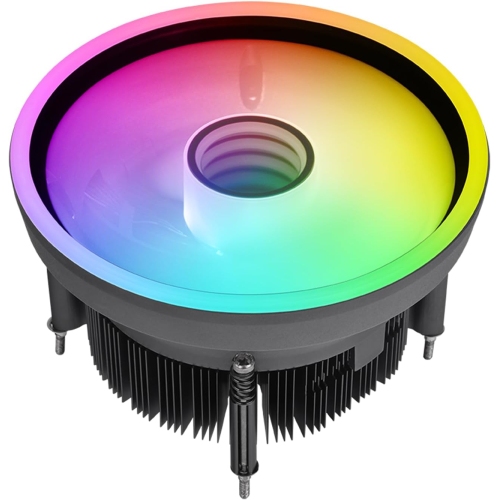











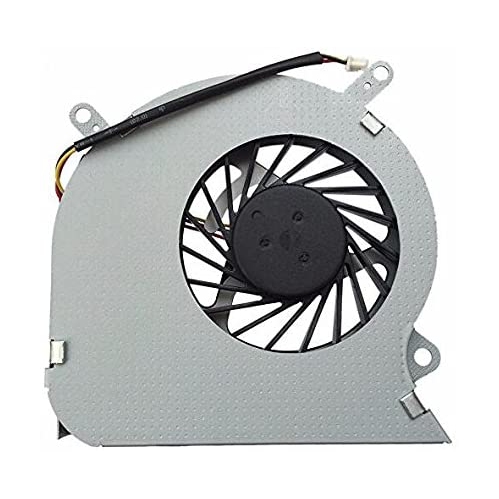
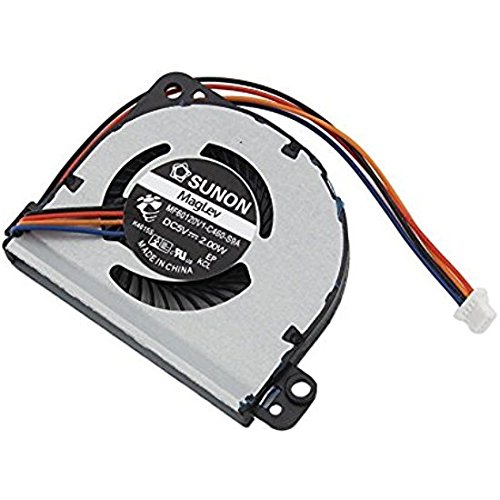
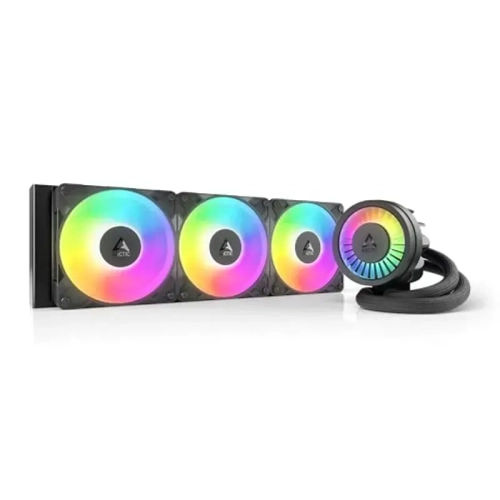
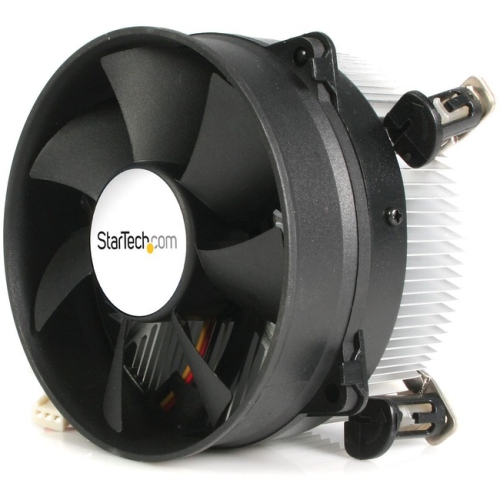
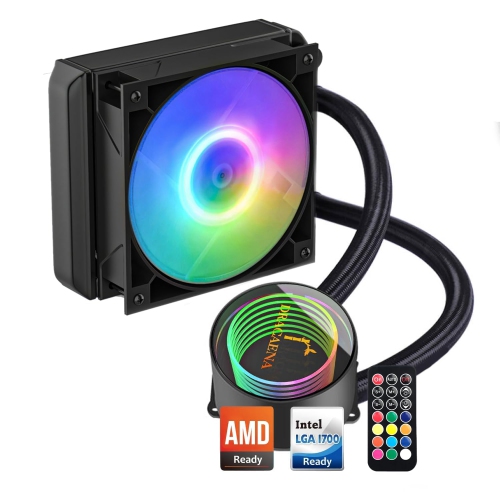
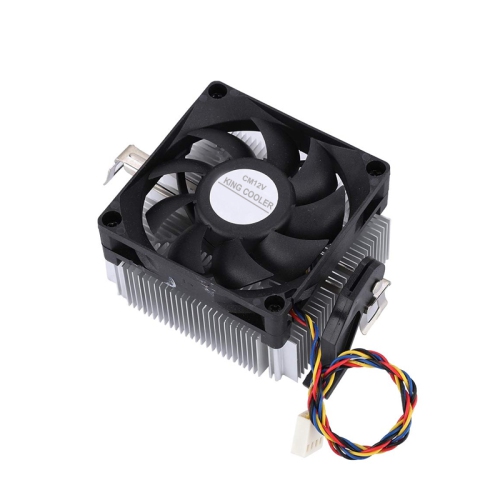
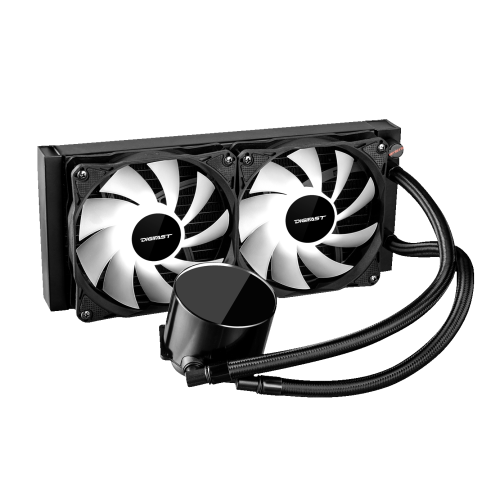
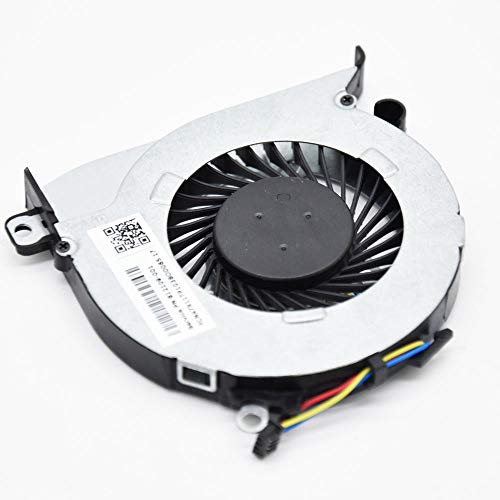
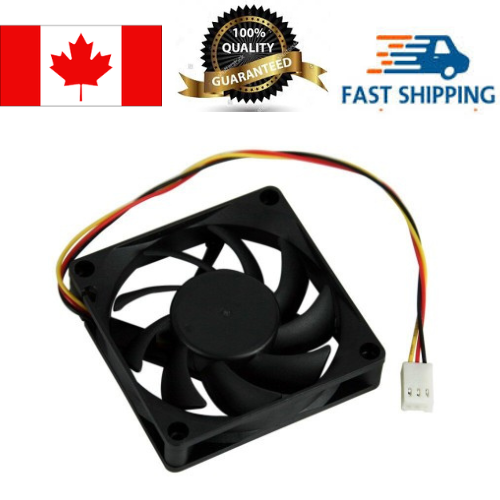
How cooler design shapes processor performance and fan noise
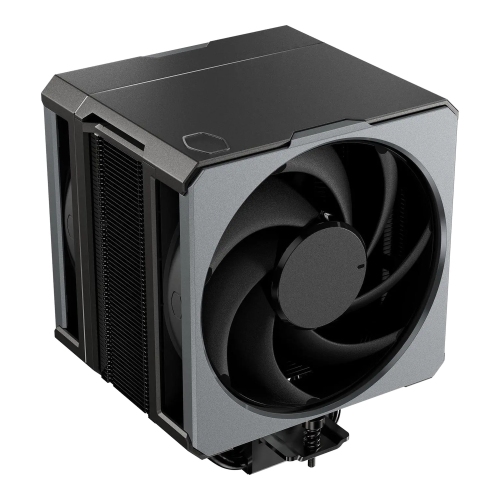
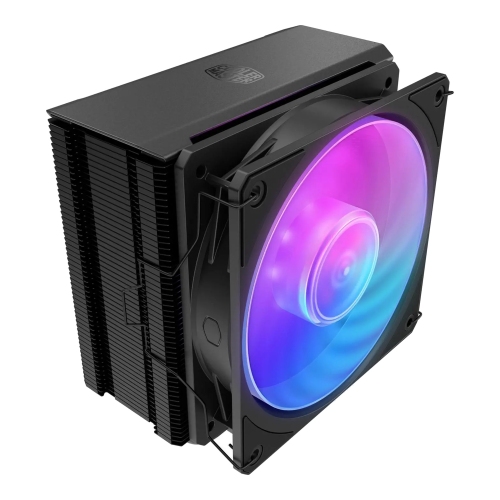
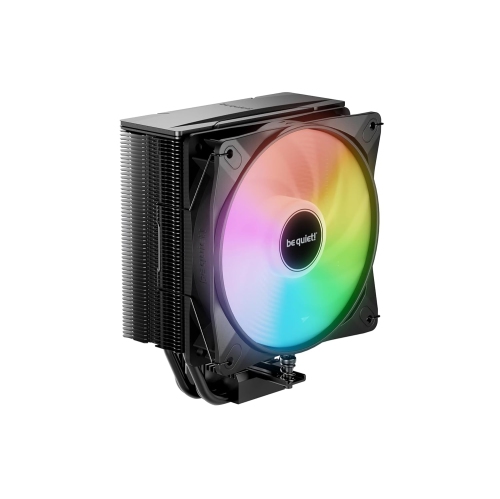
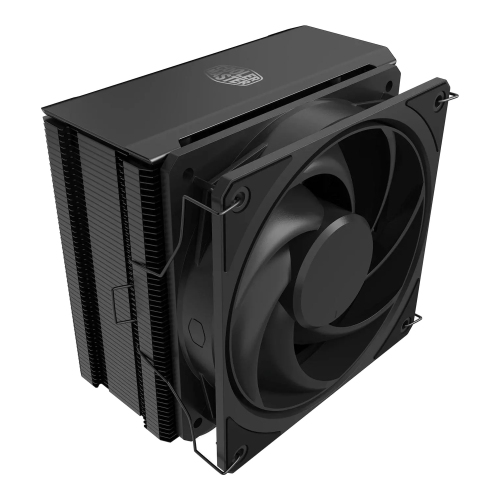
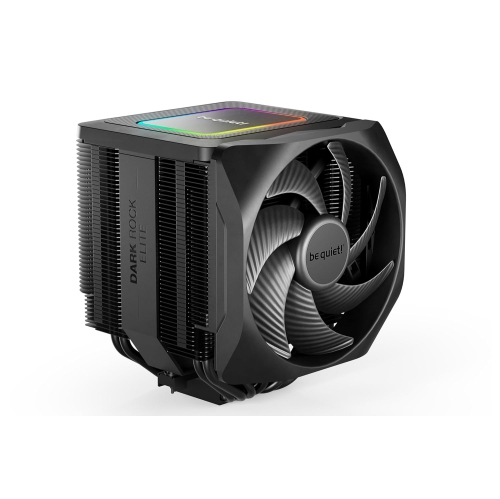
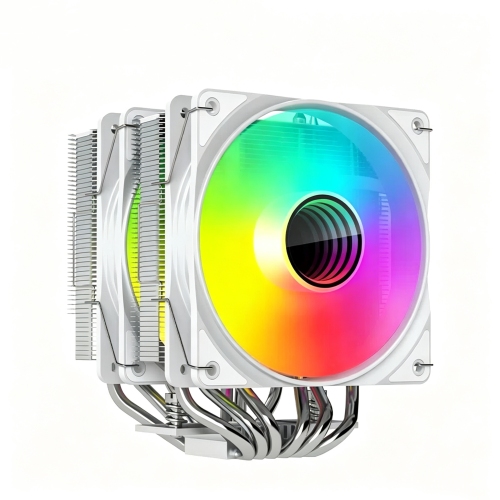
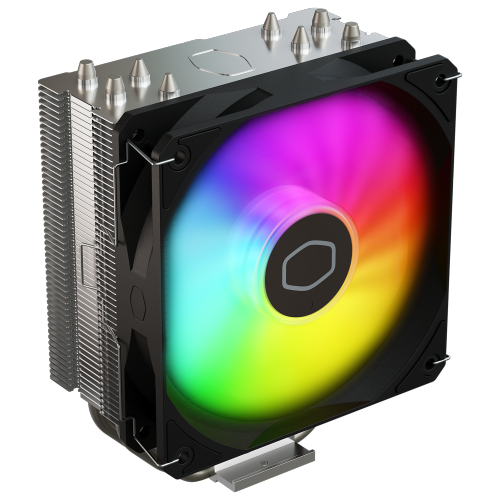
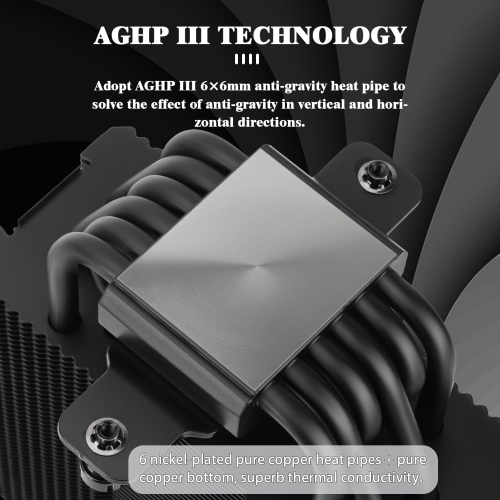
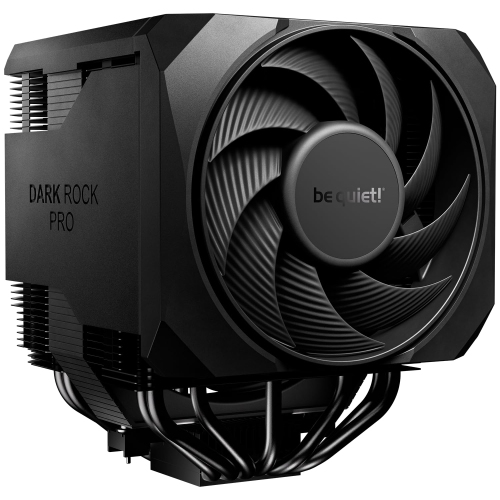
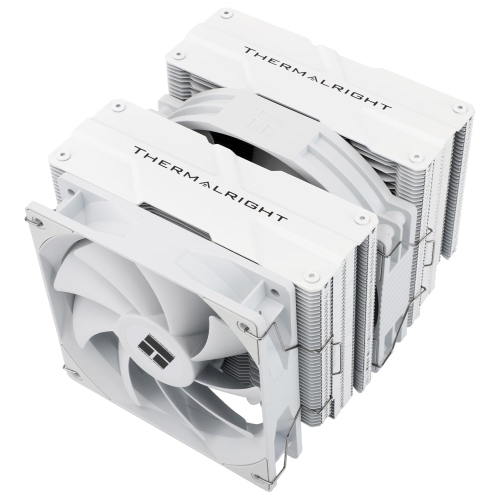
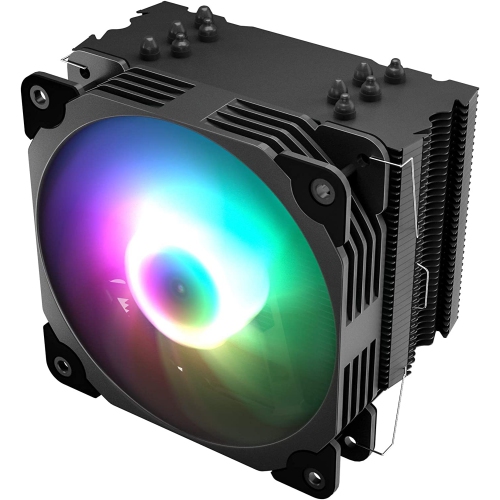
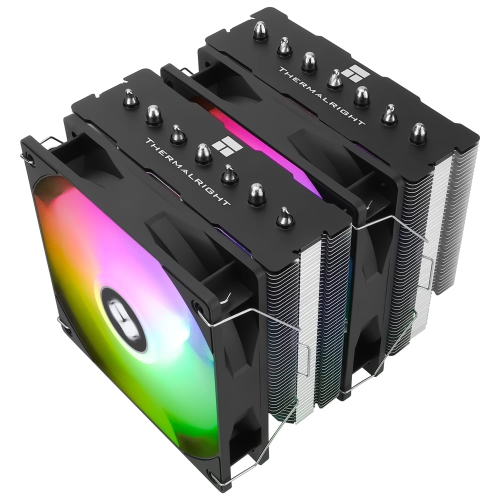
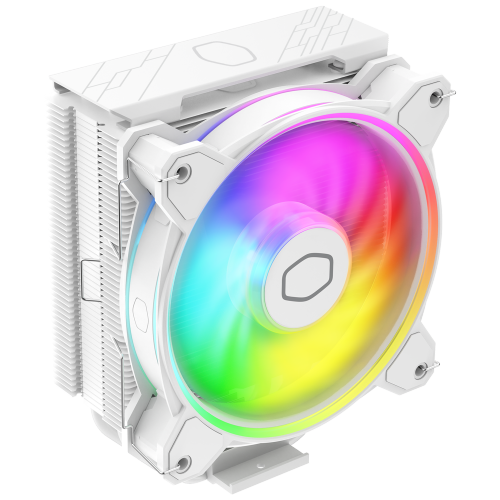
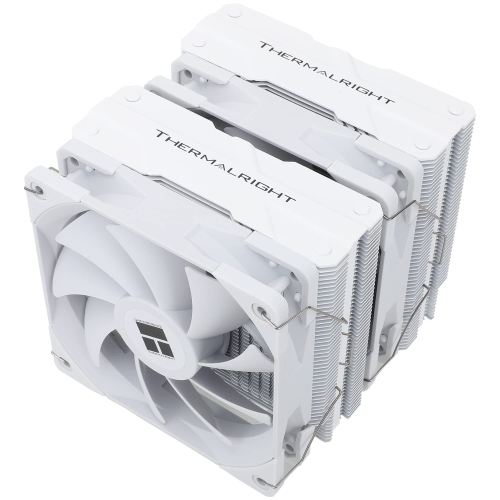
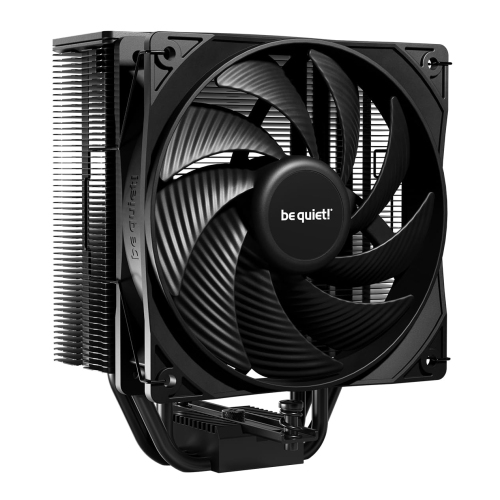
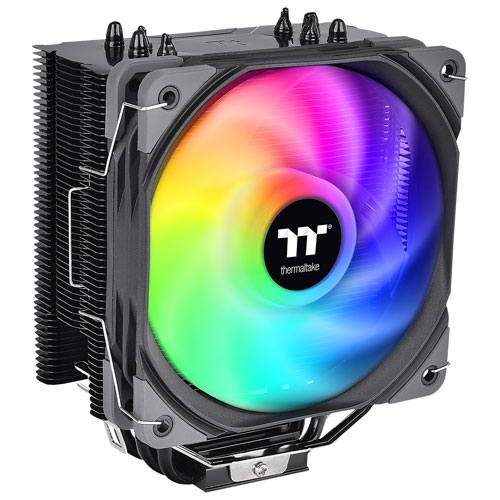
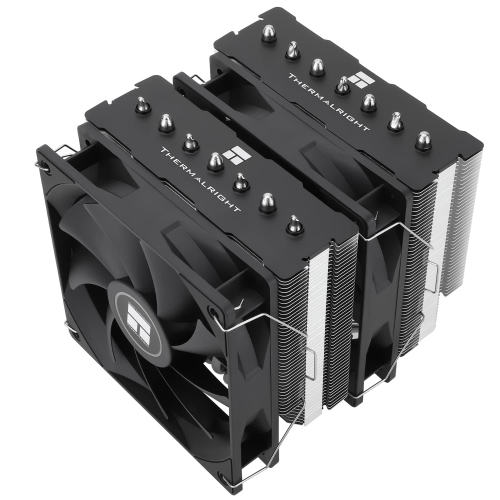
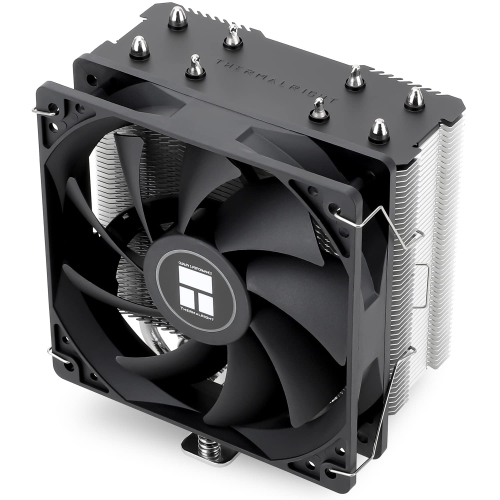
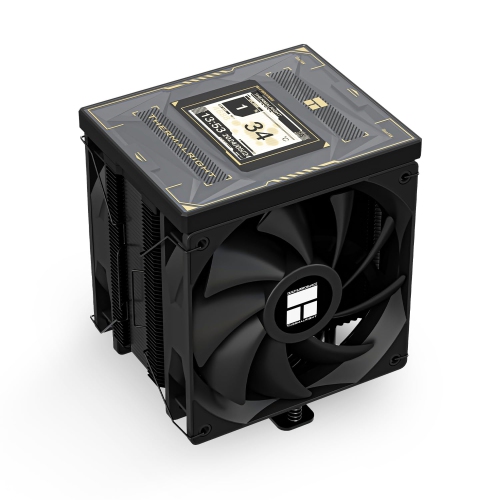
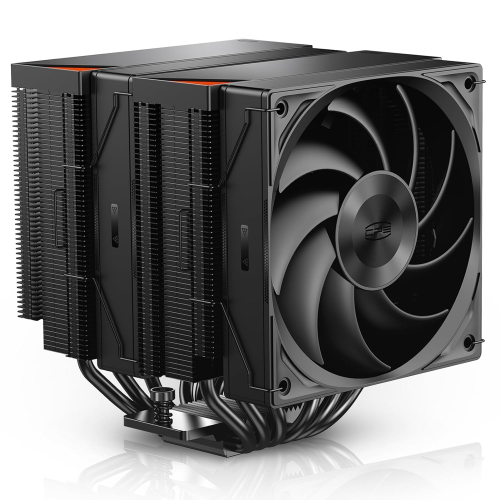
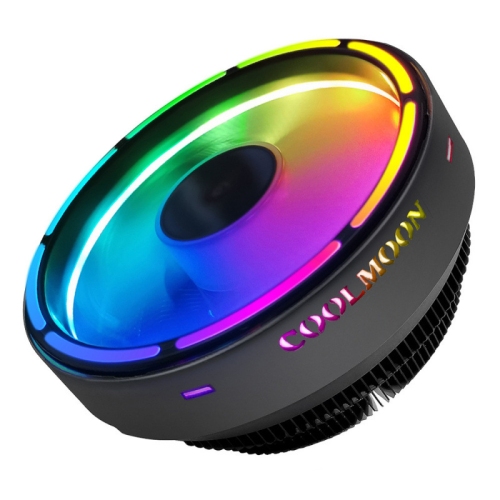
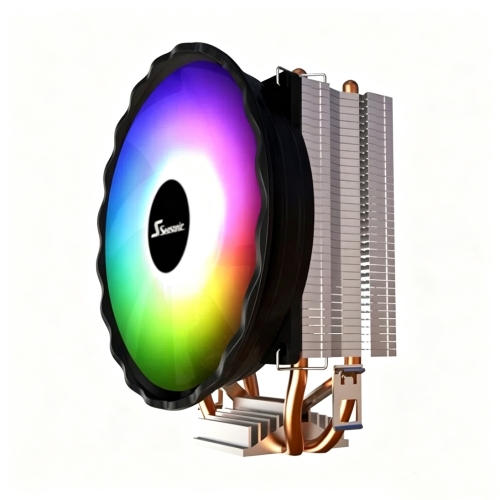
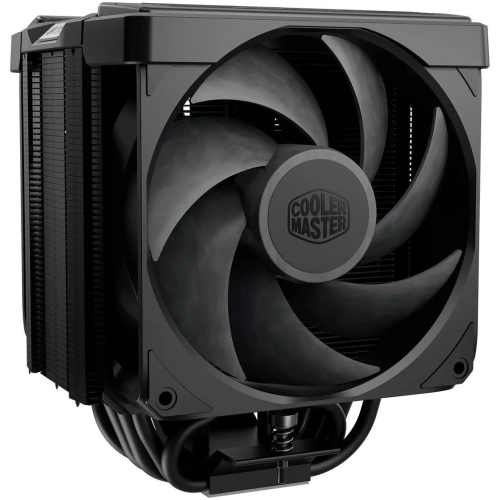
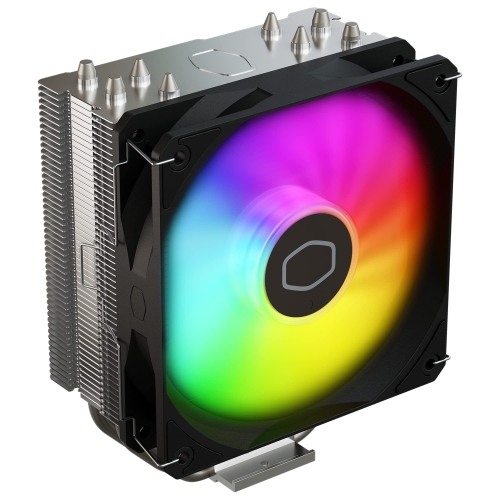
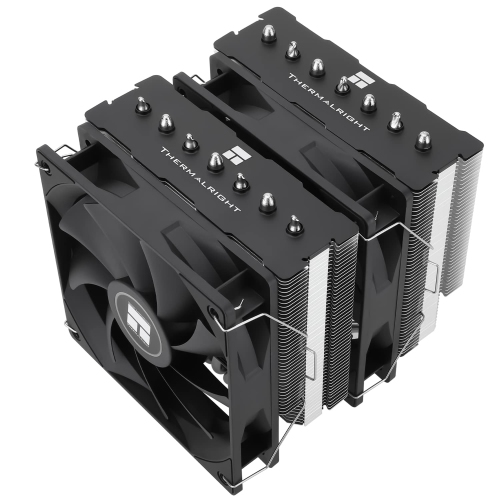
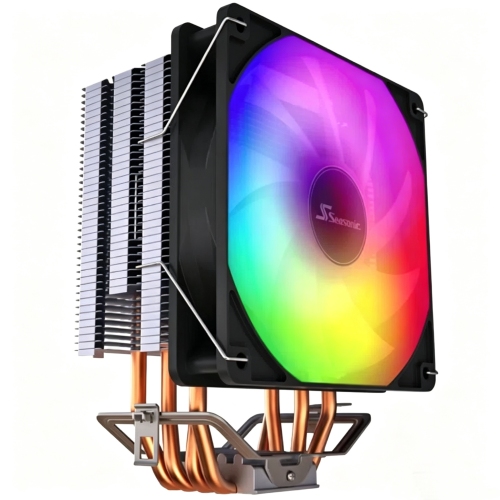
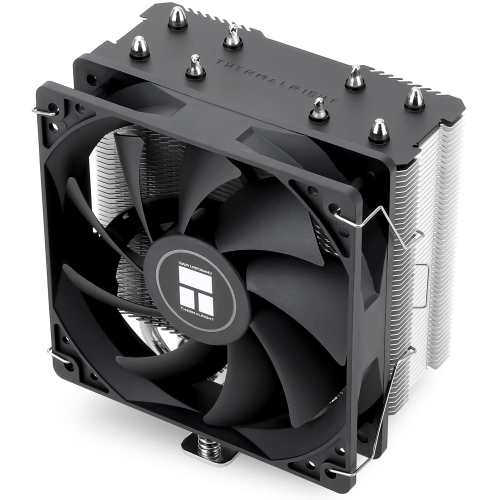
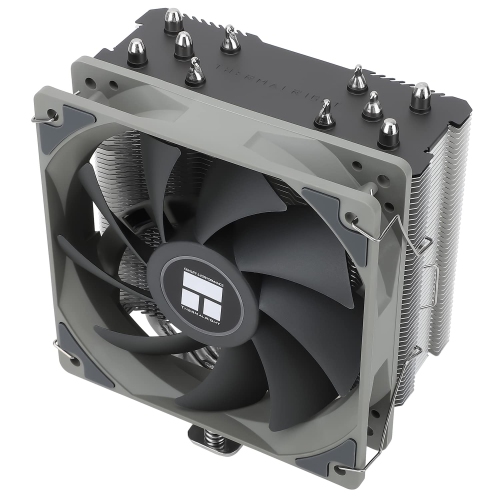
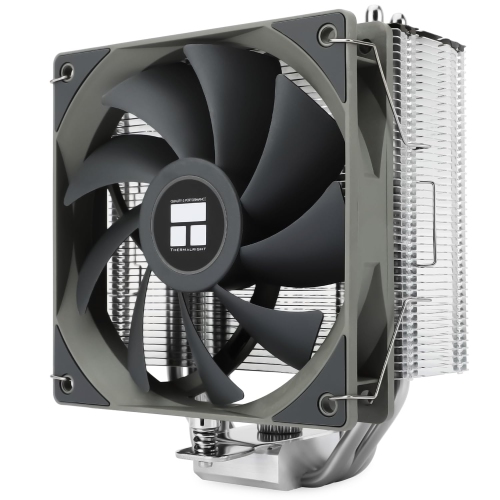
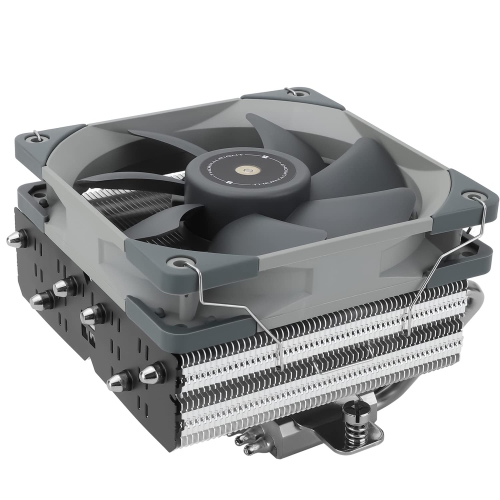
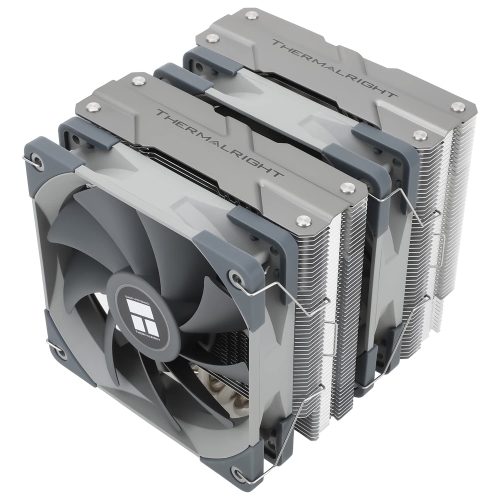
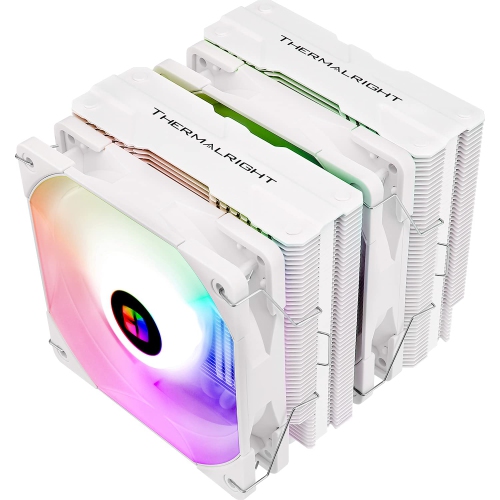
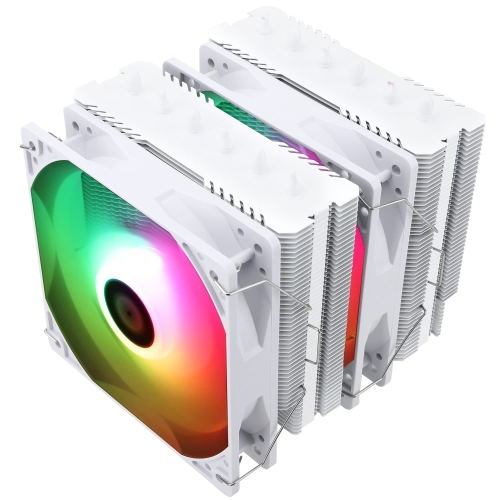
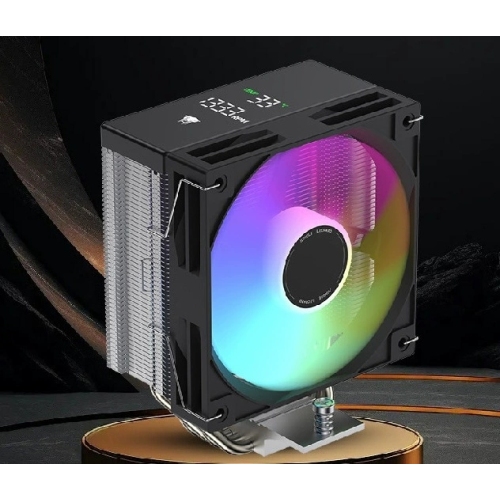
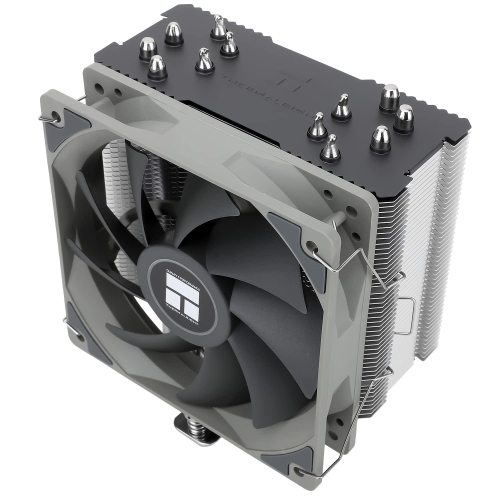
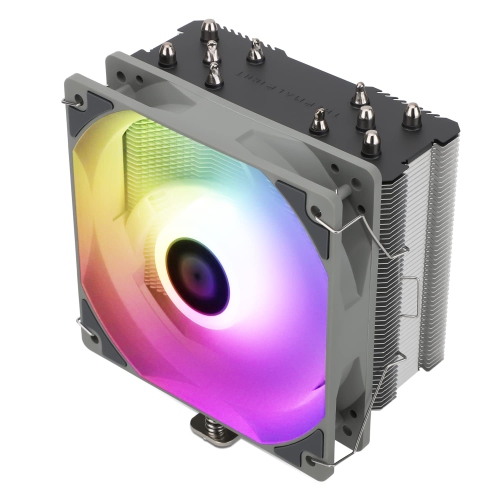
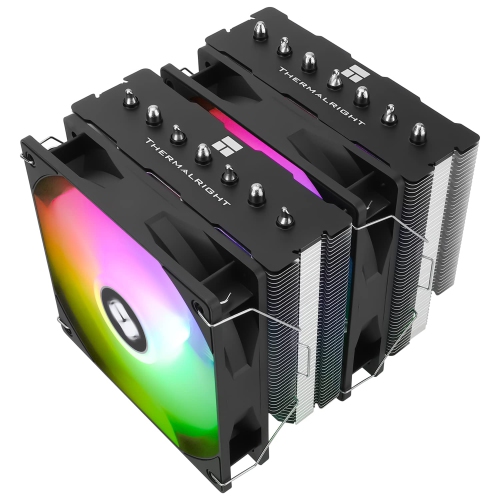
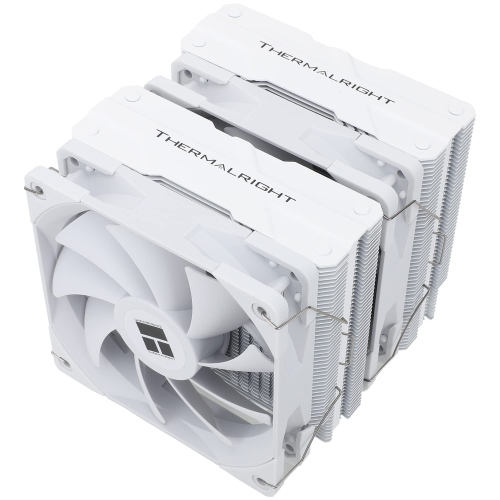
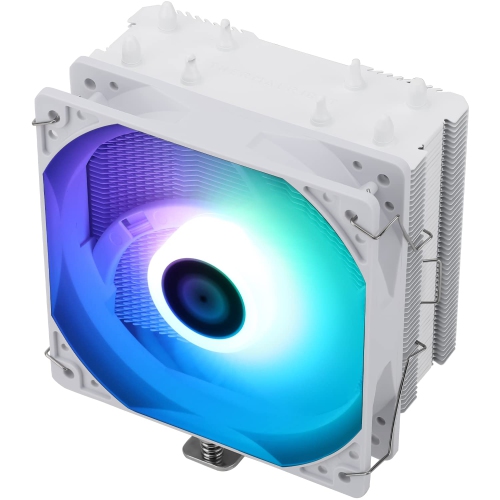
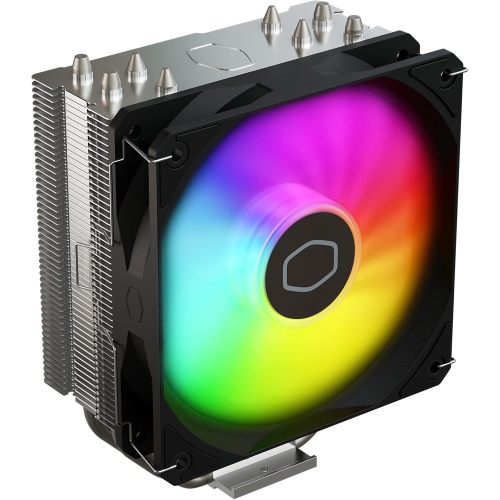
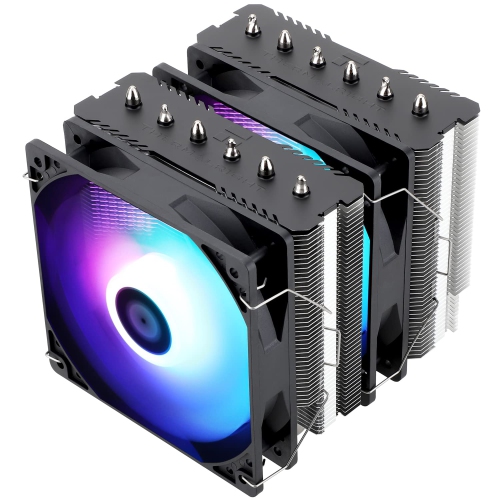
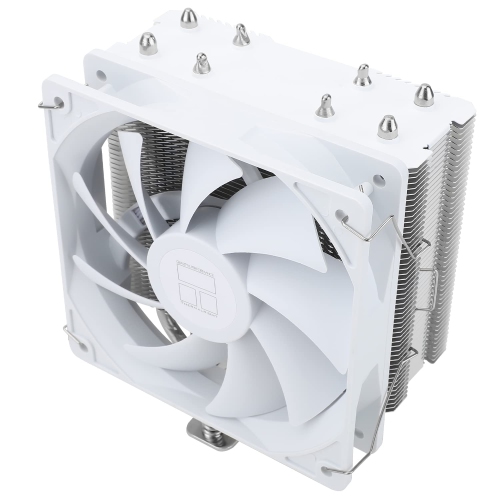
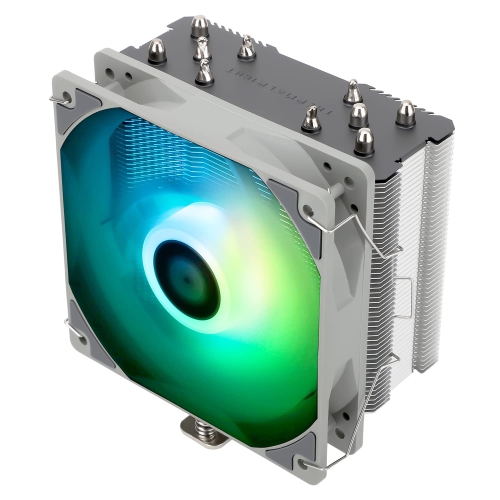
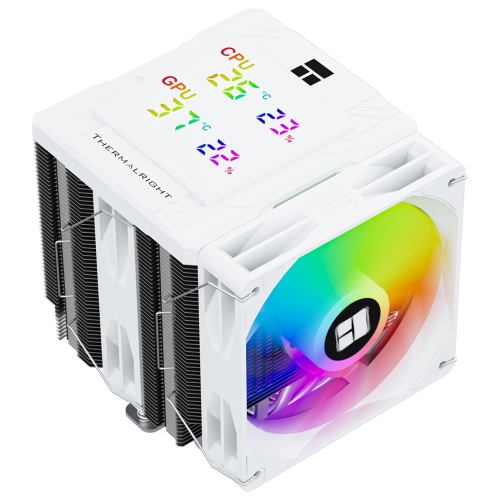
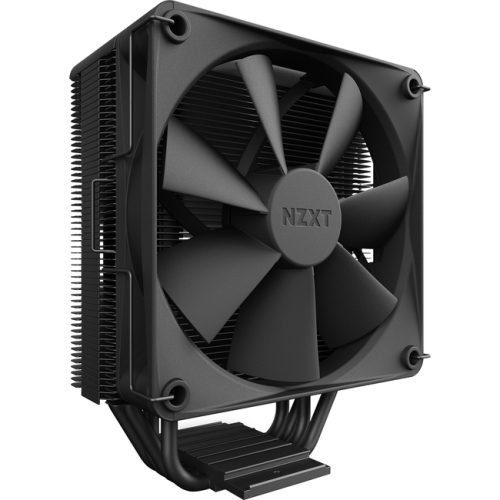
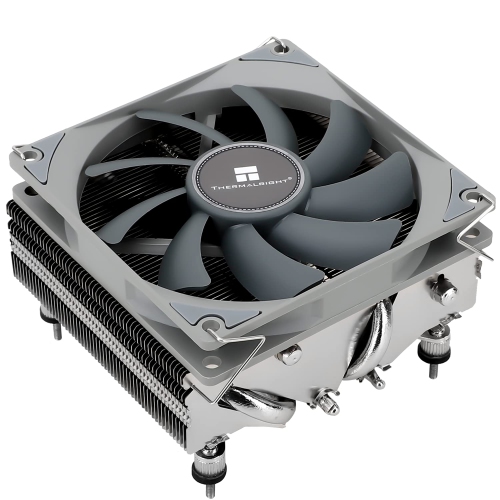
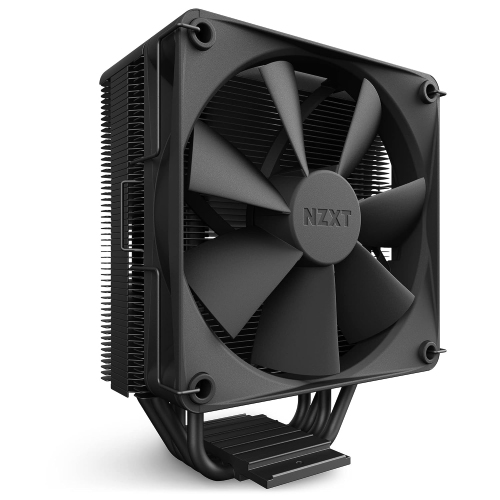
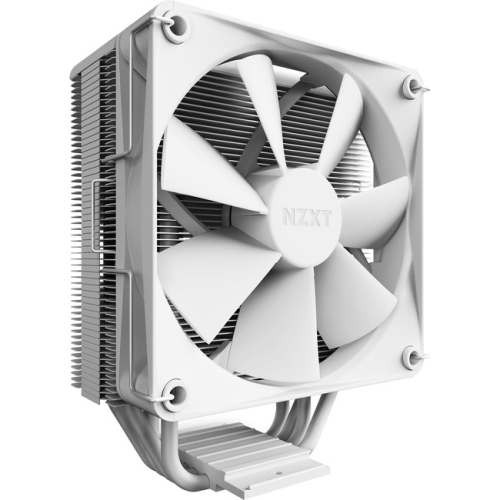
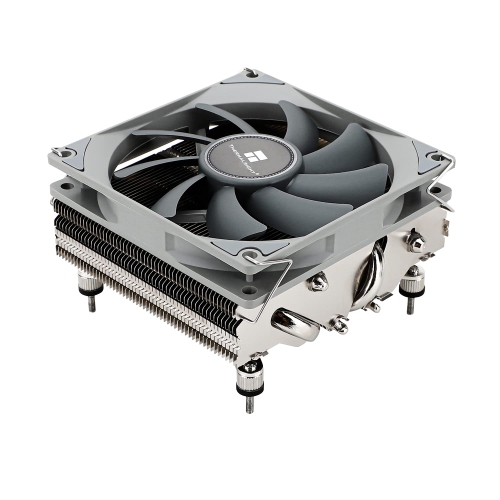
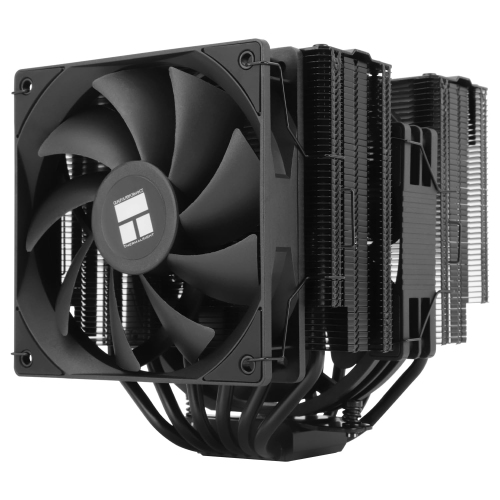
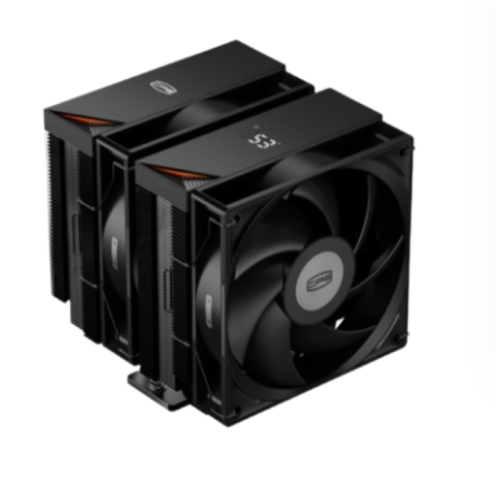
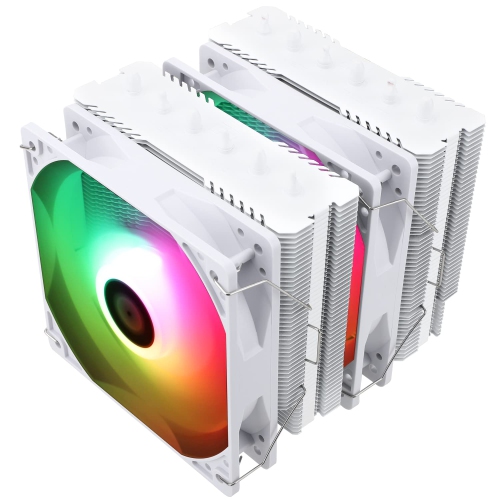
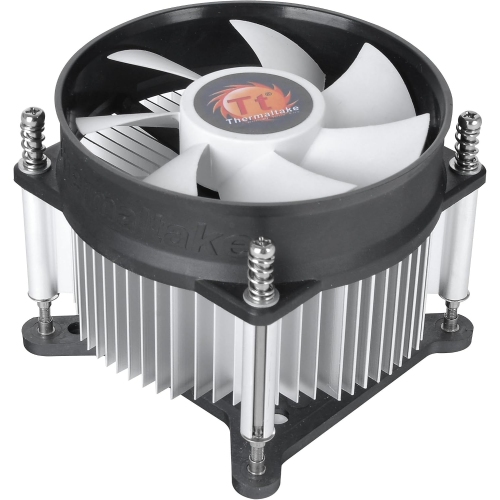
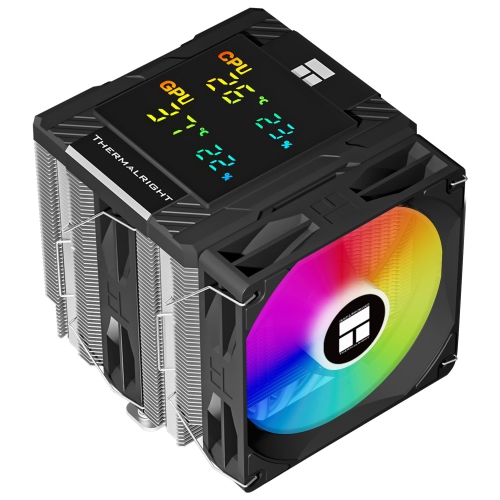
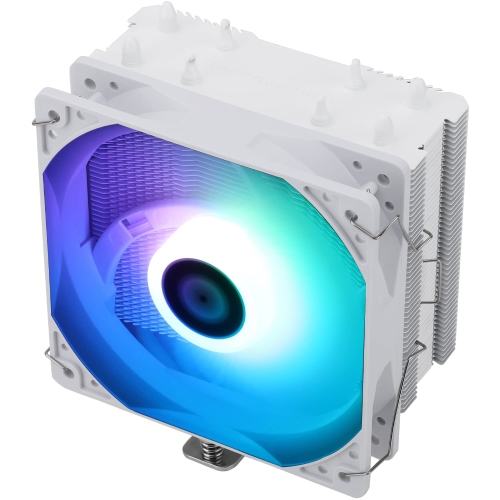
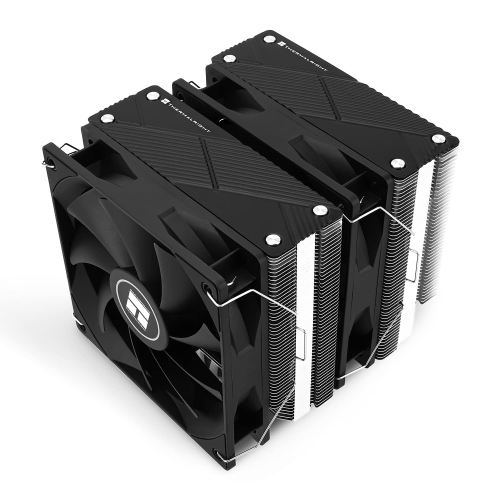
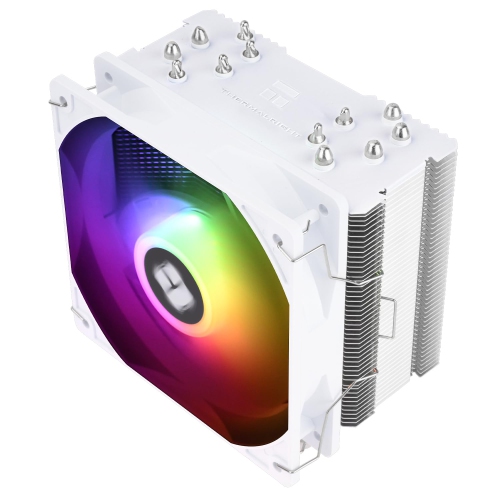
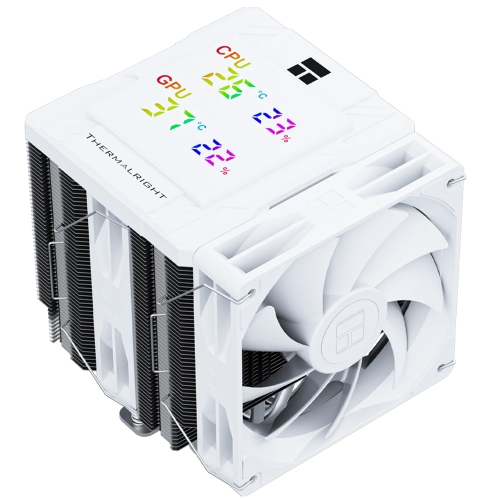
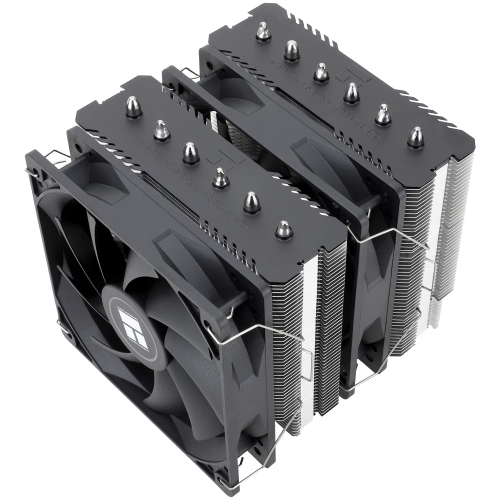
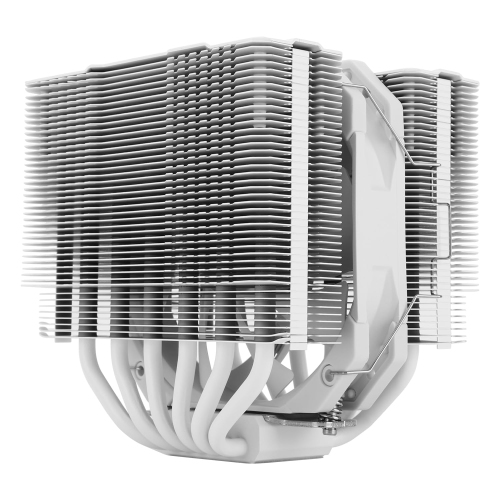
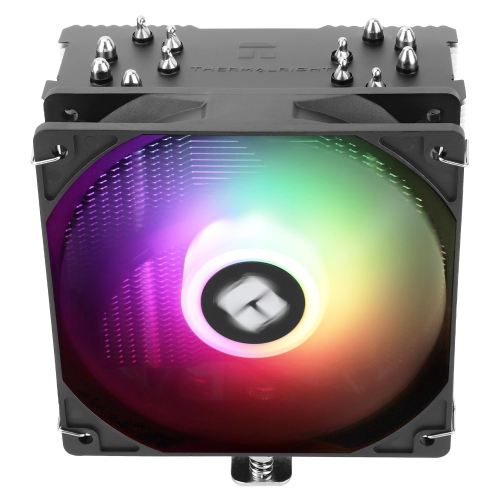
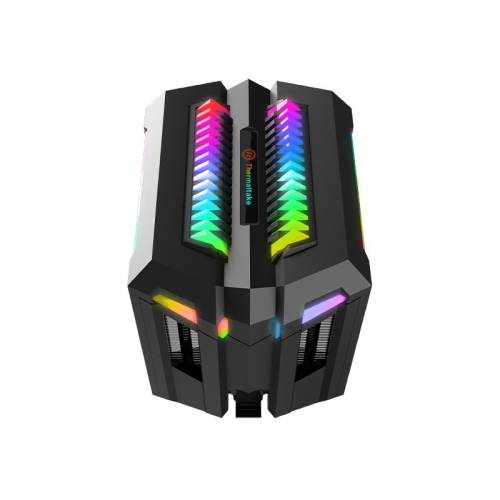
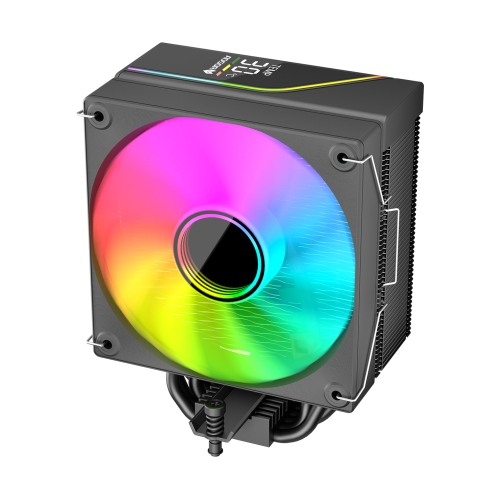
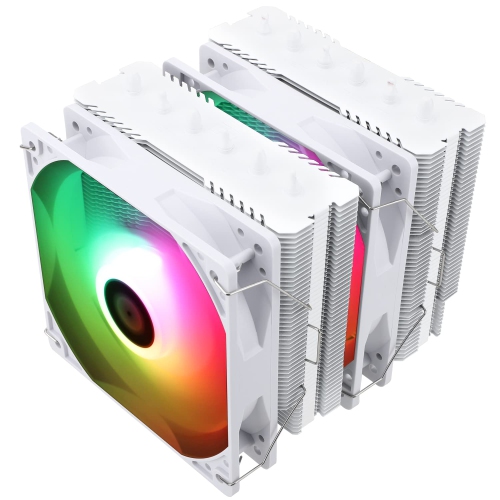
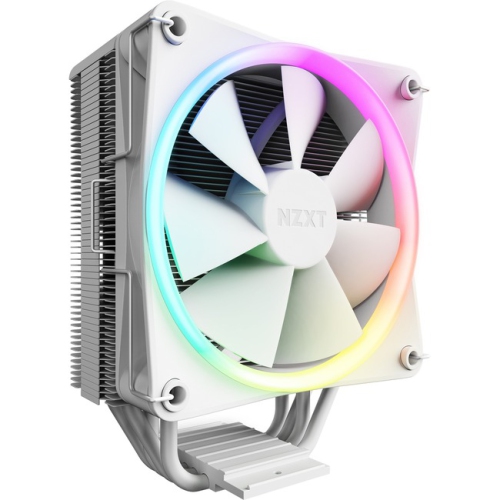
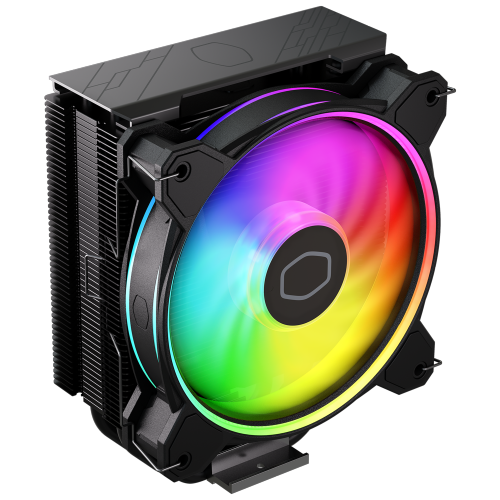
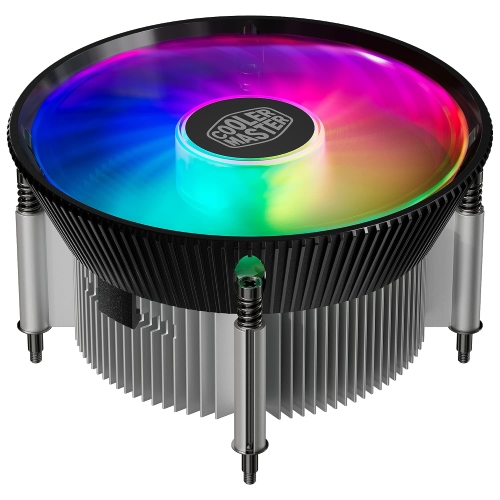
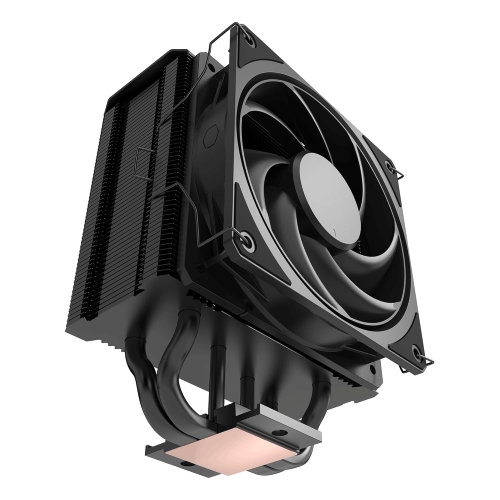
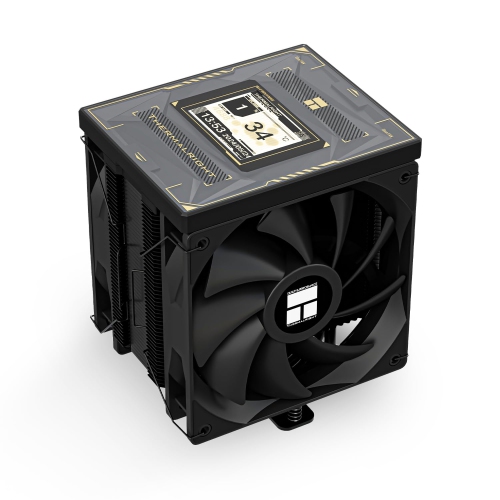
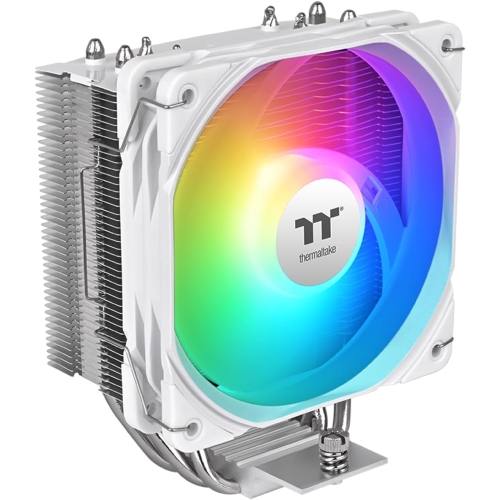
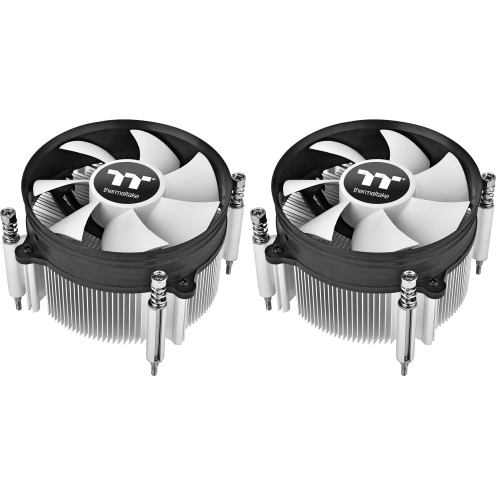
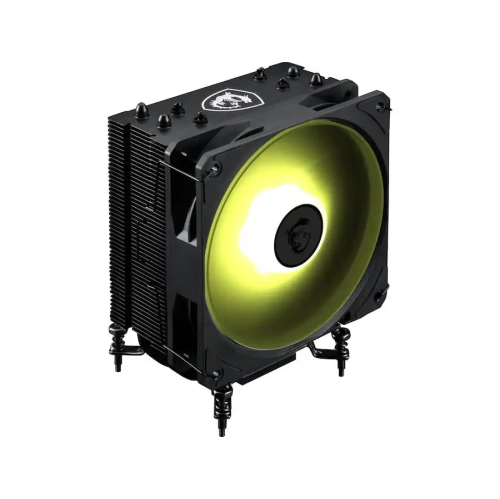
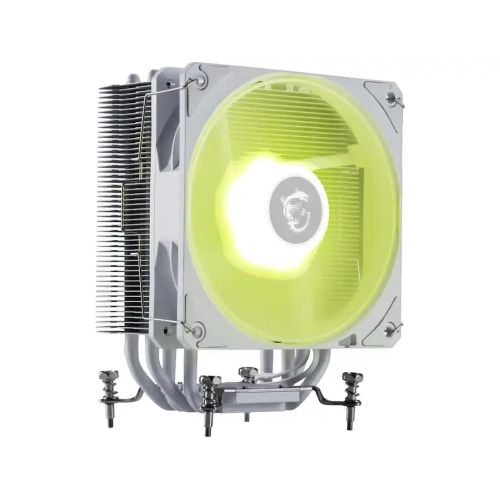
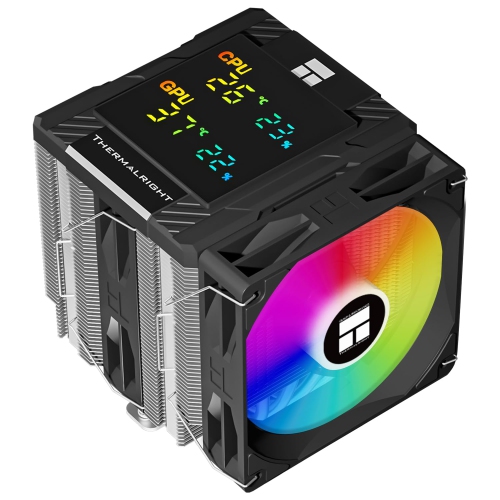
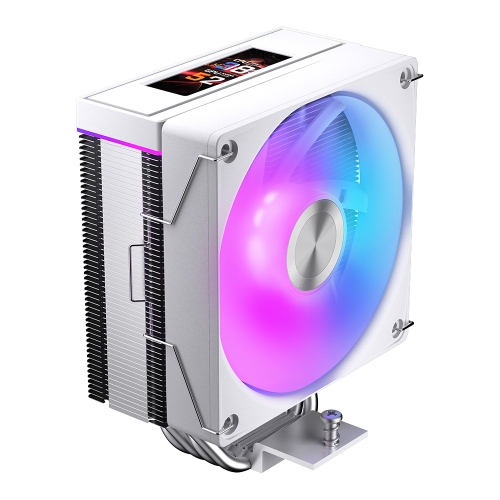
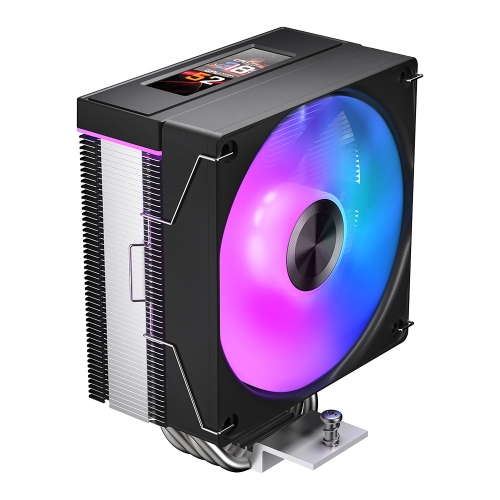
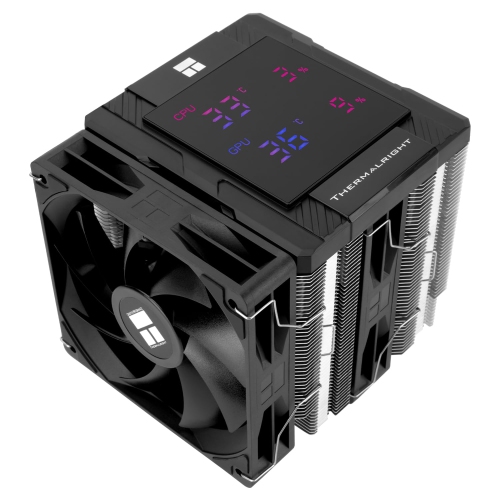
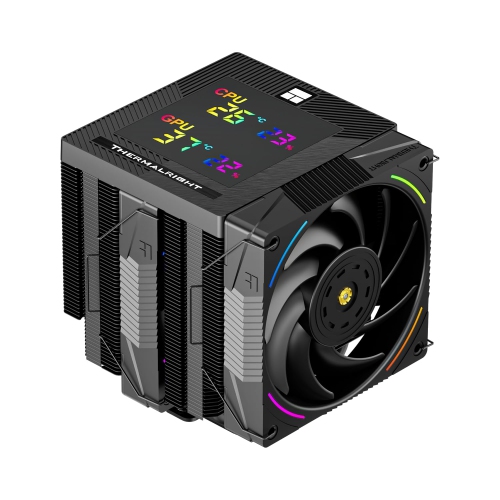
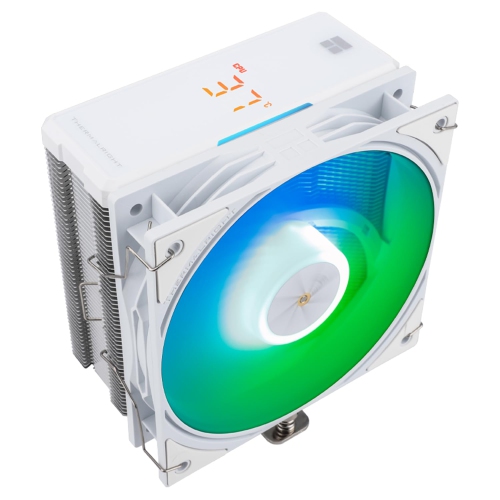
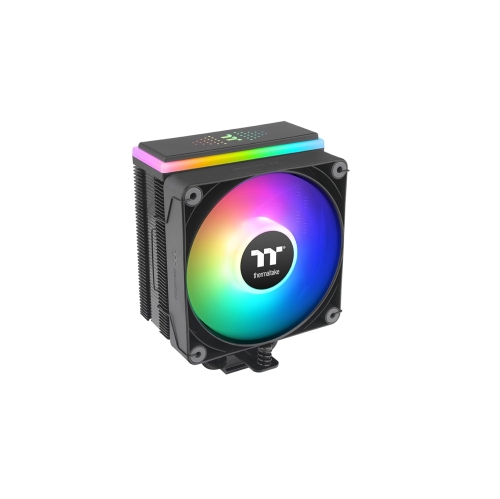
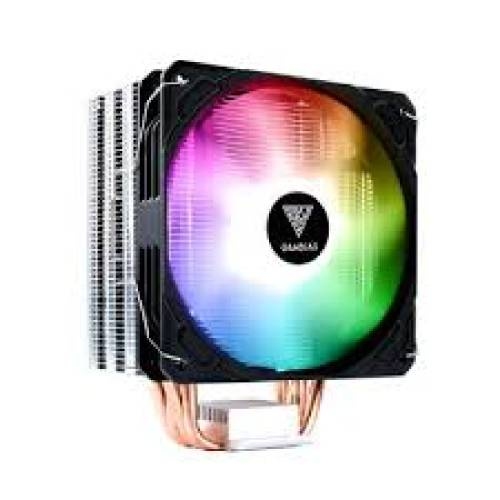
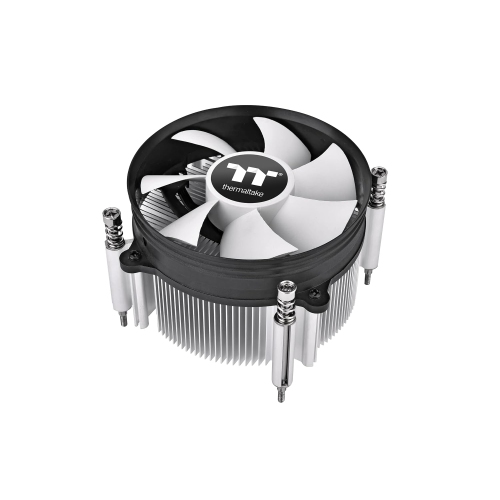
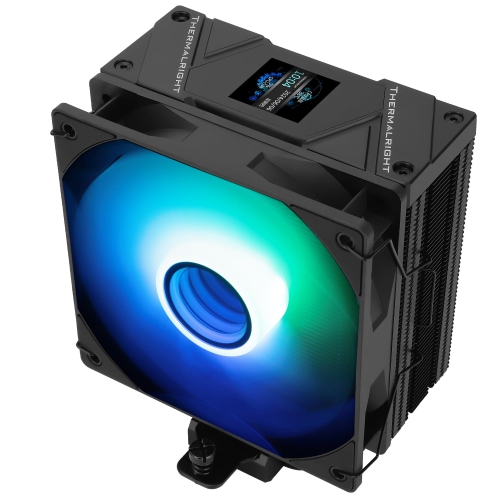
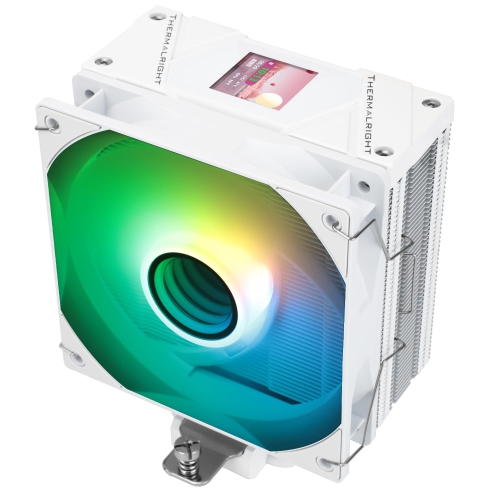
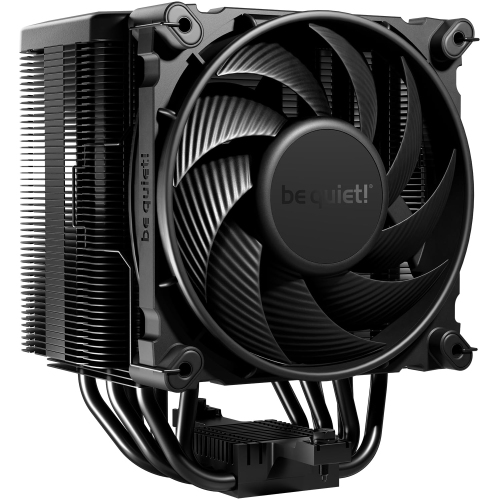
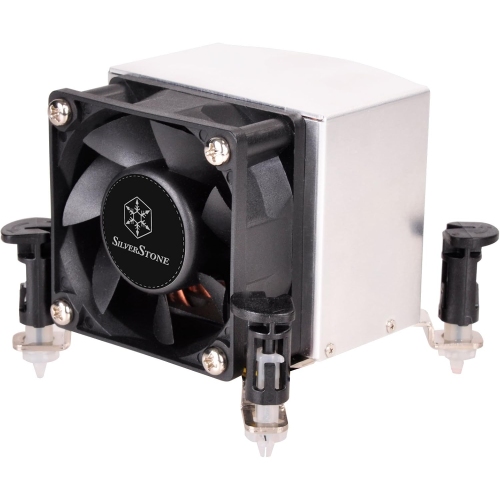
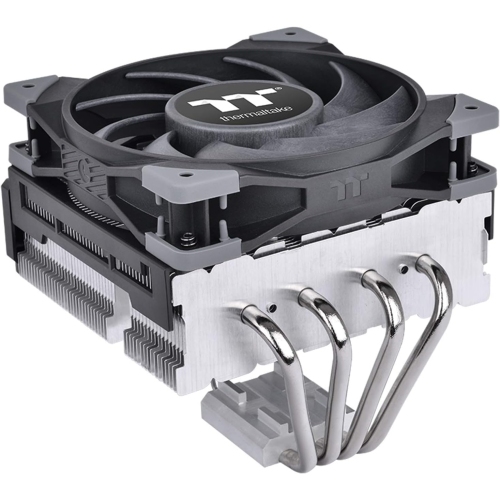
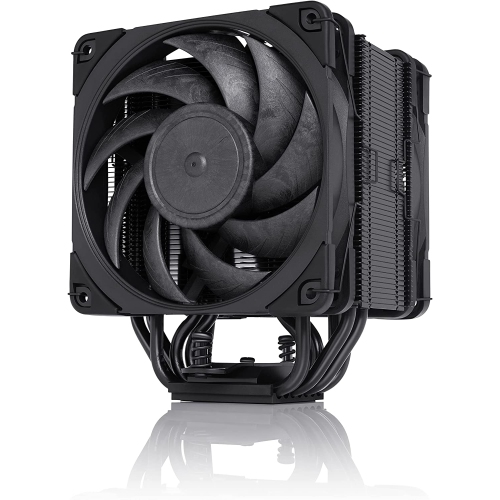
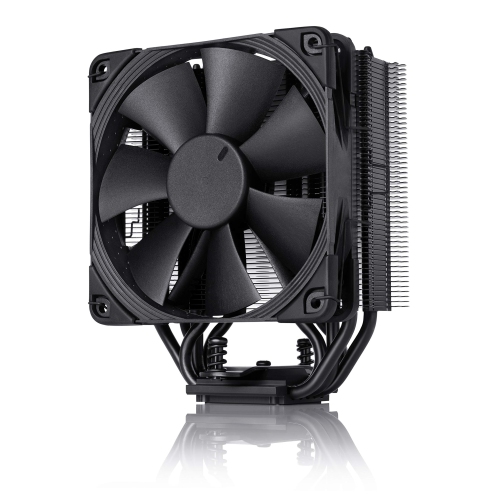
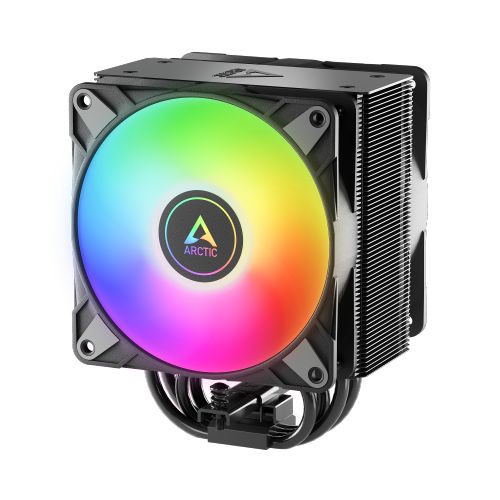
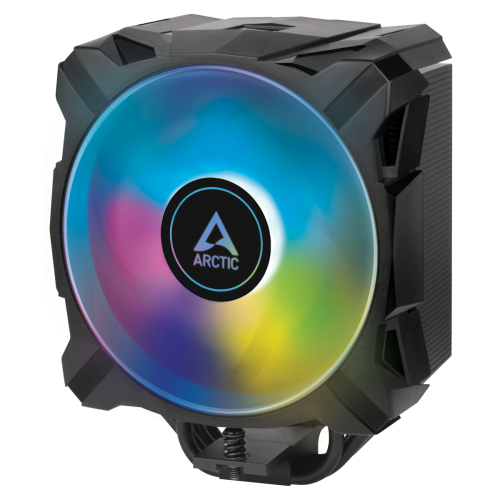
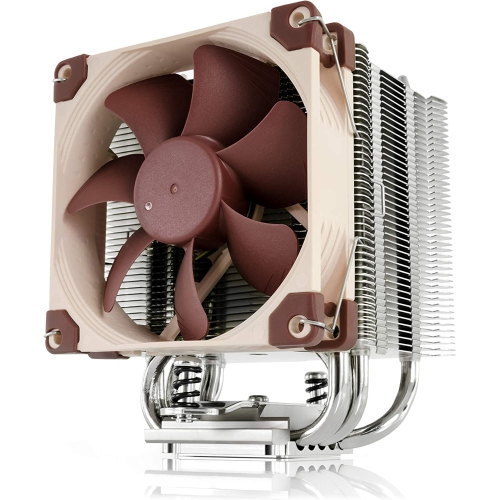
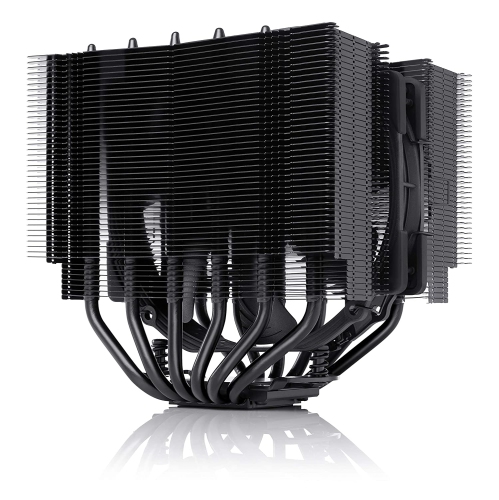
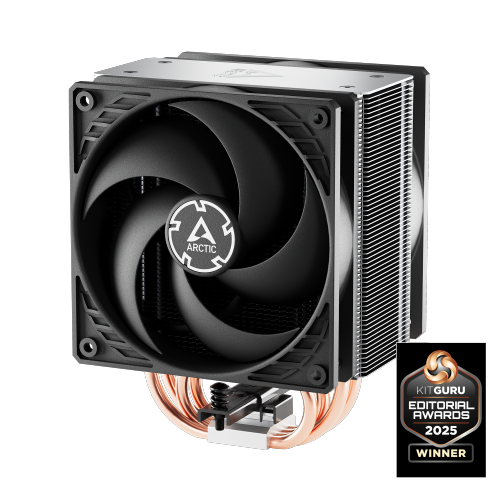
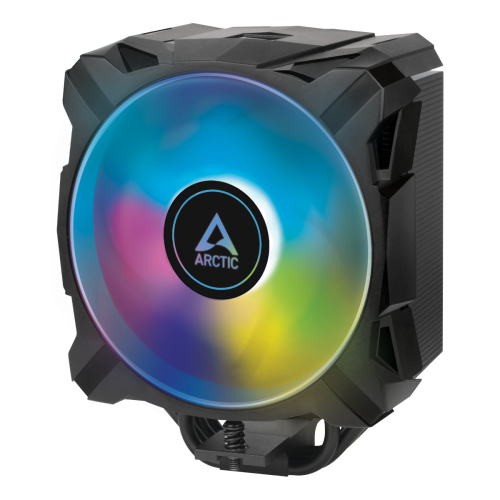
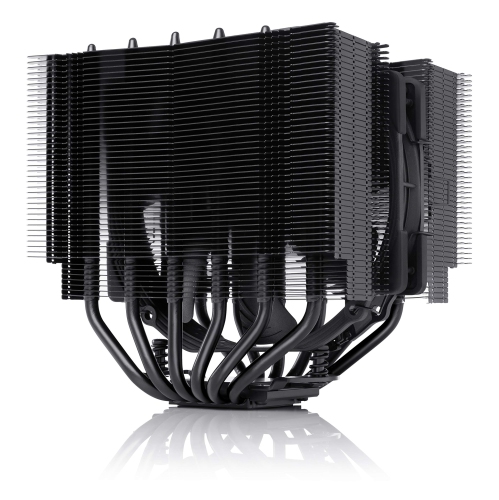
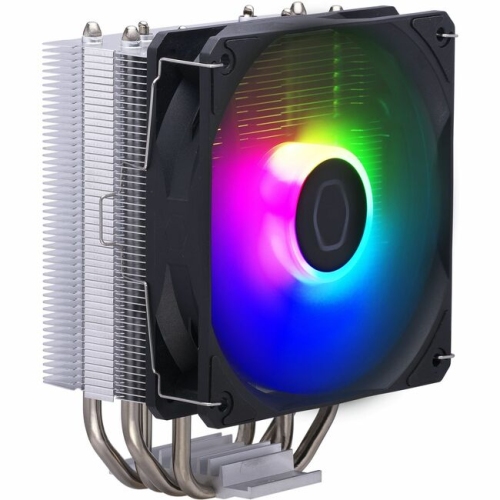
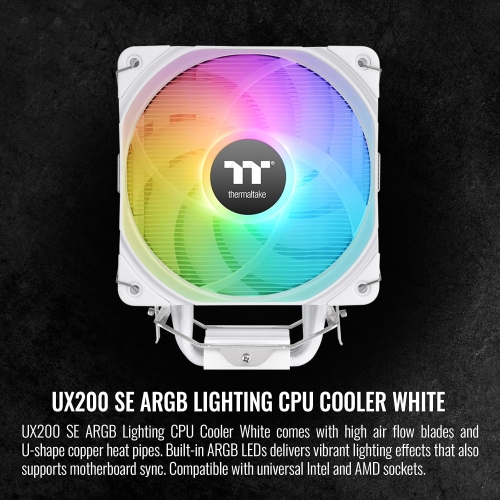
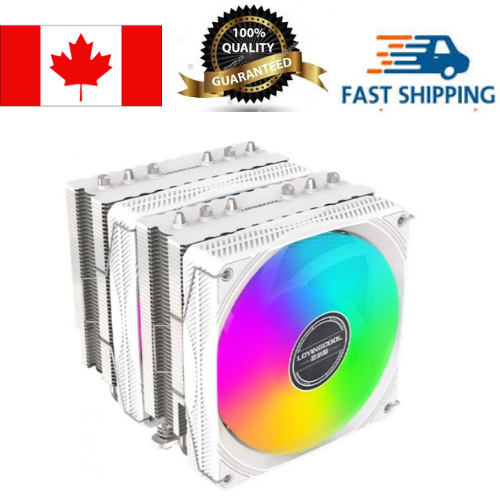
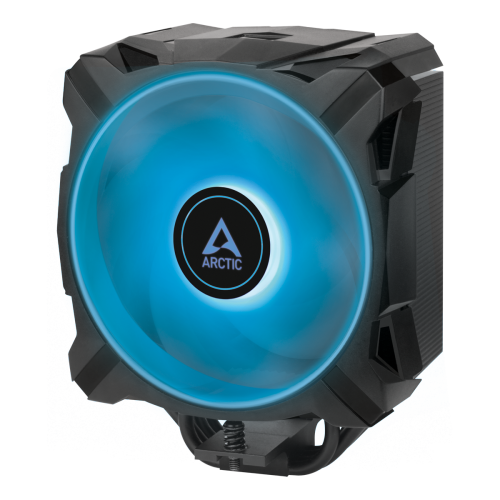
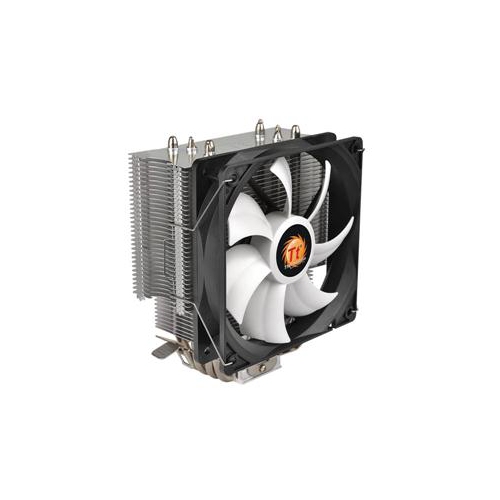
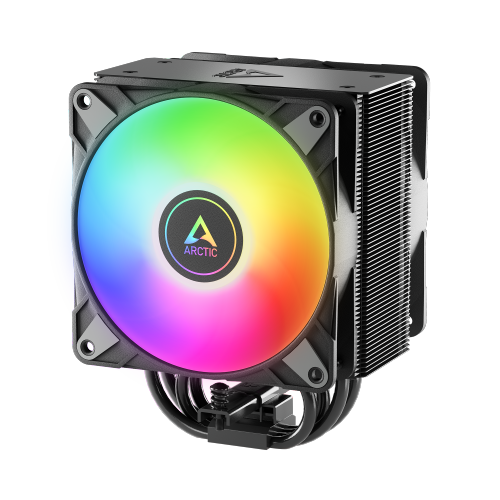
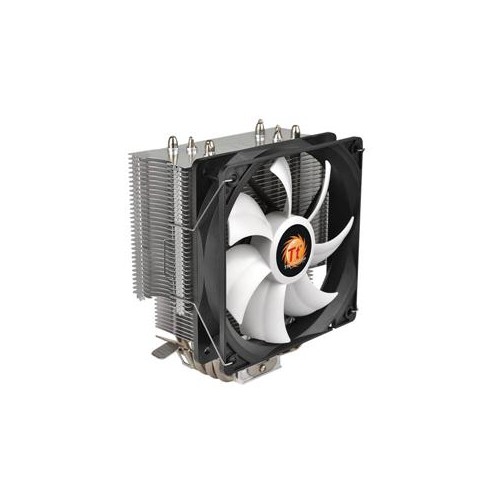
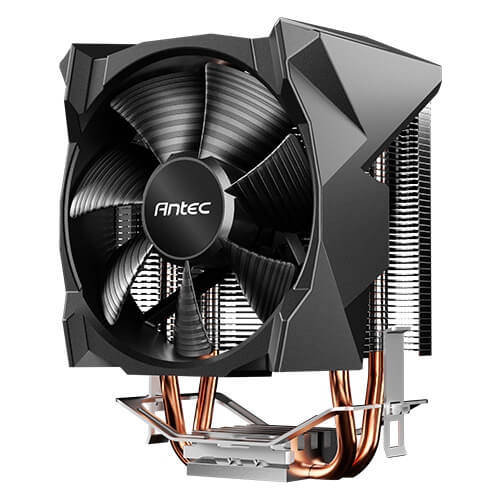
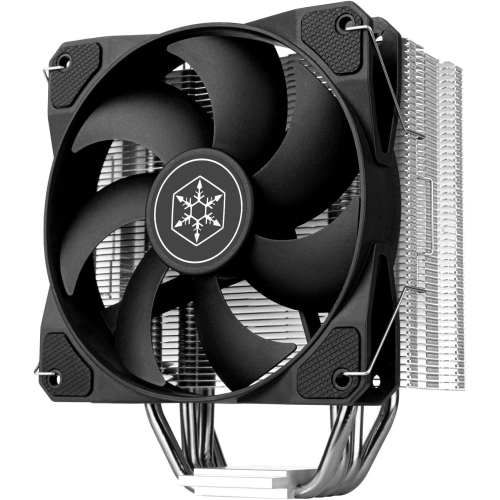
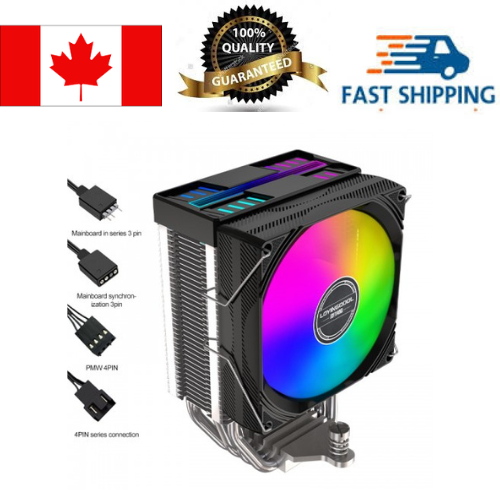
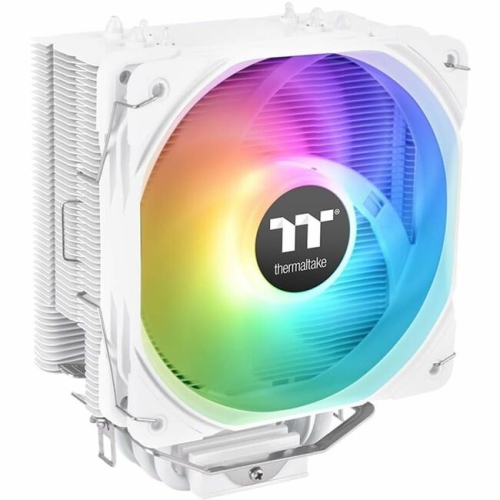
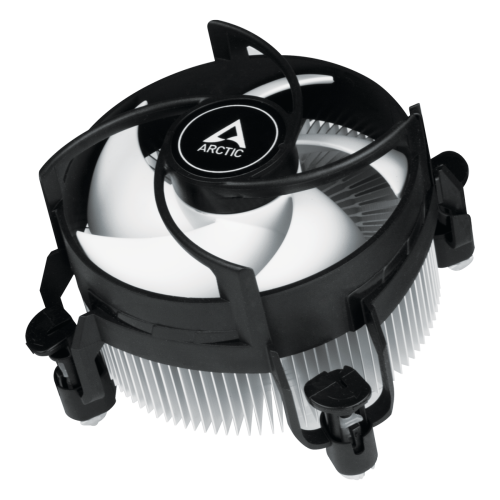
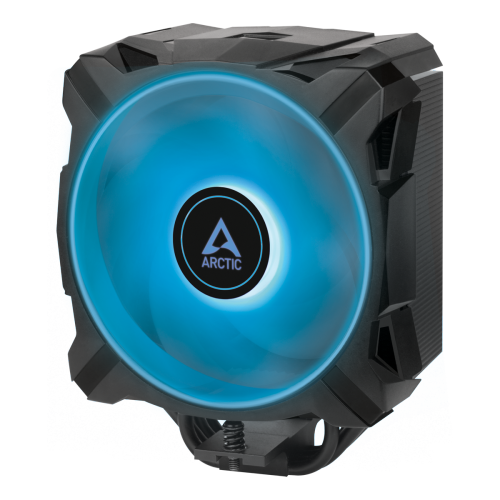
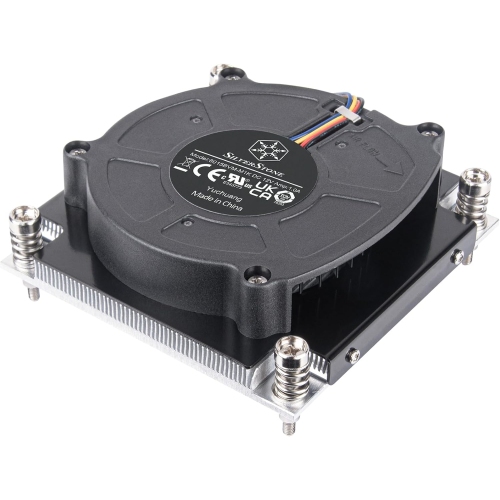
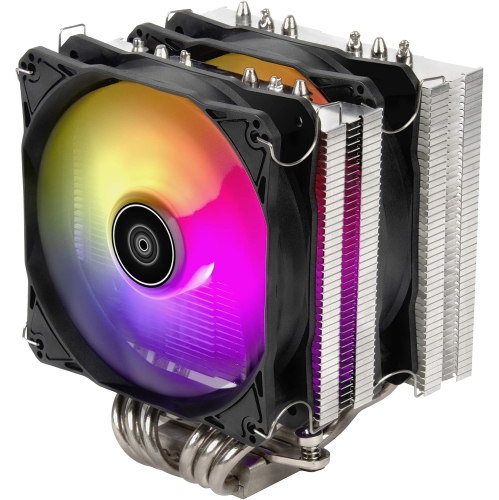
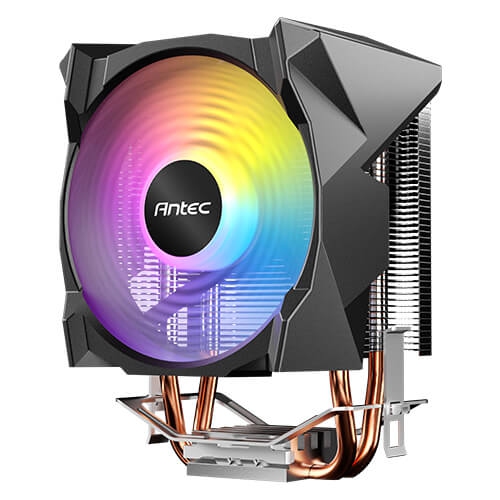
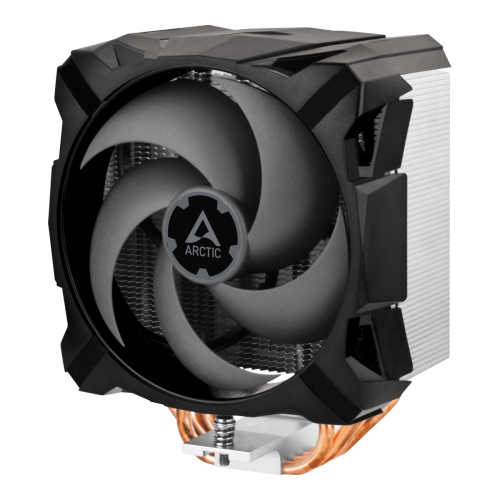
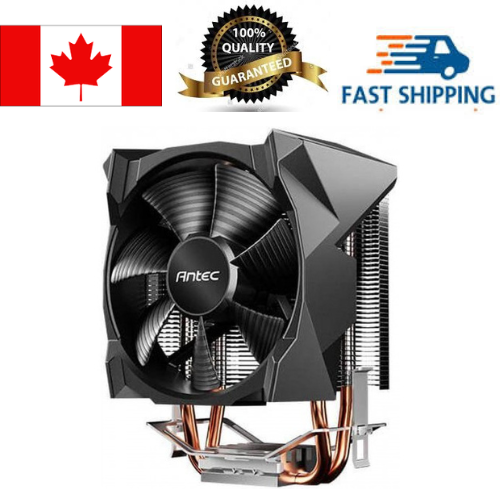
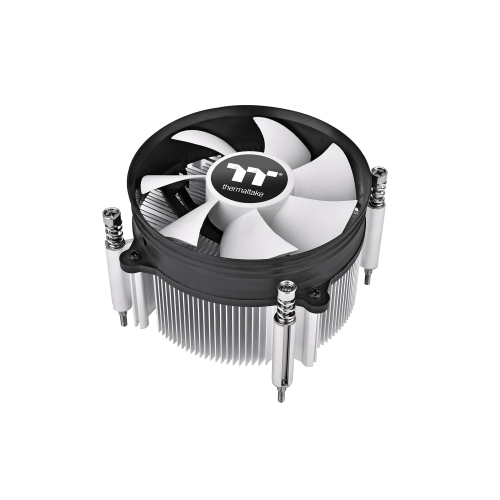
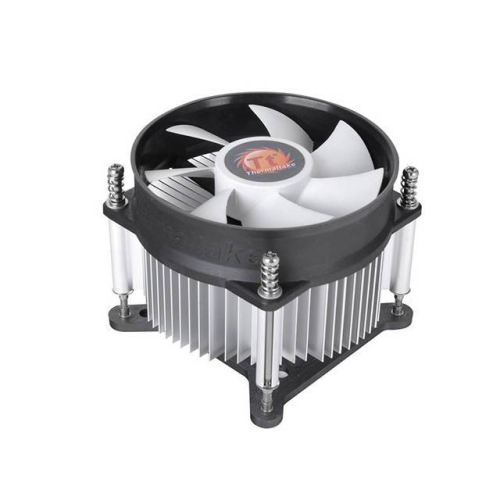
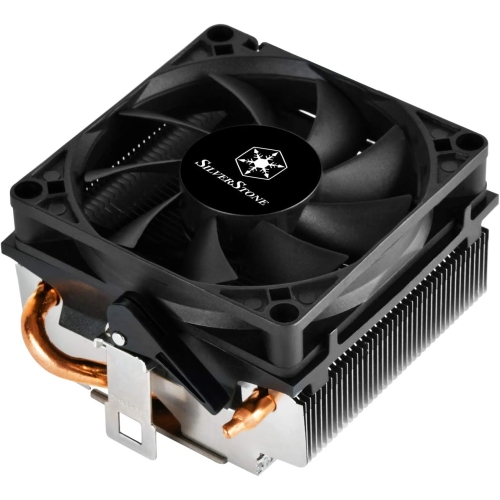
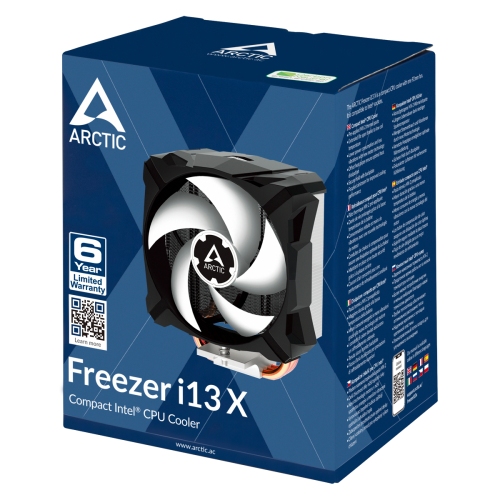
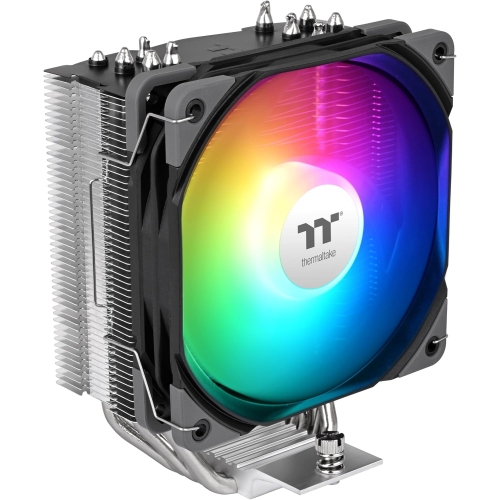
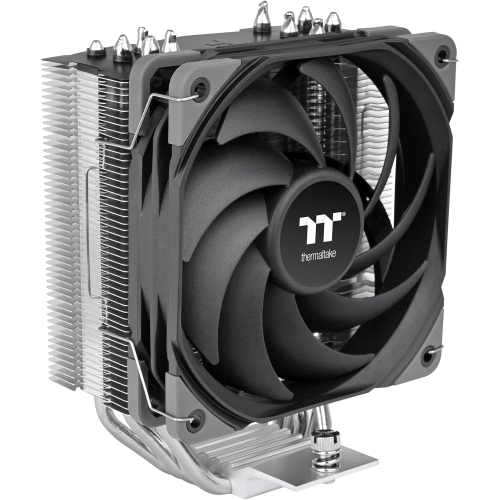
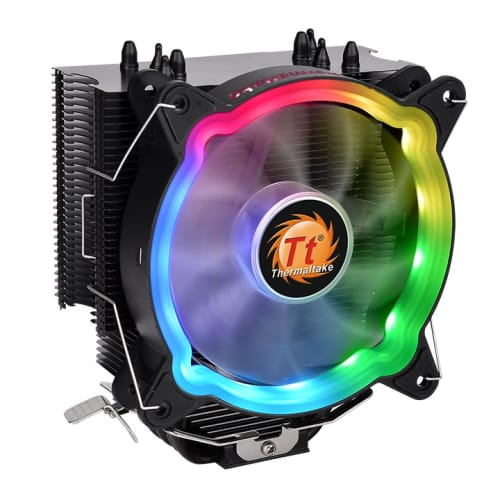
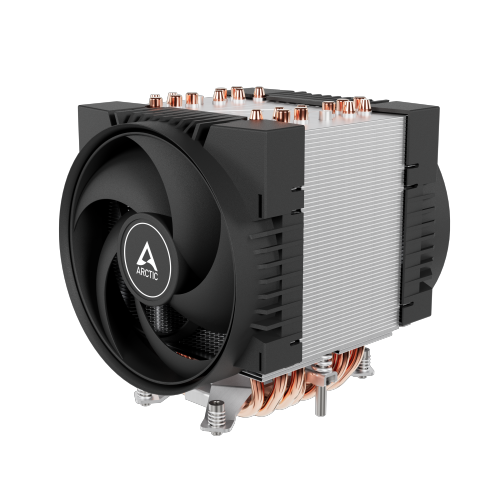
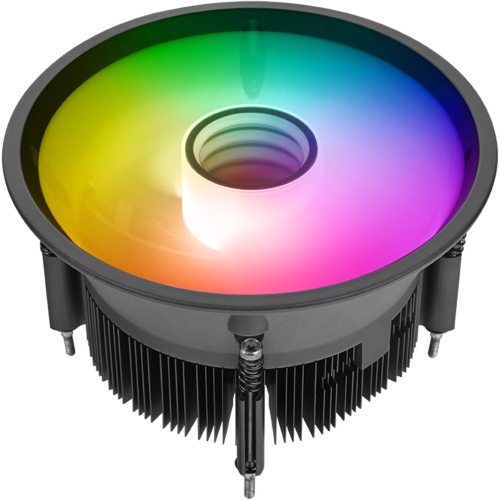
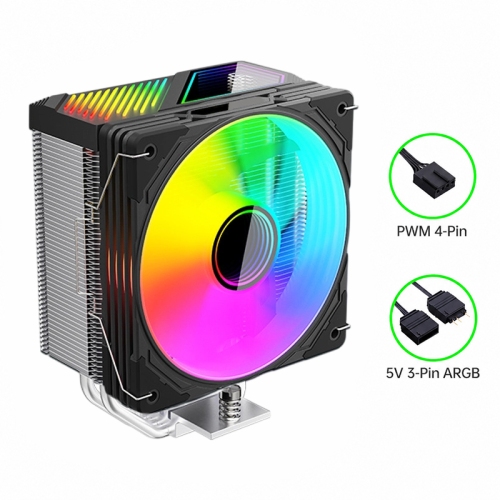
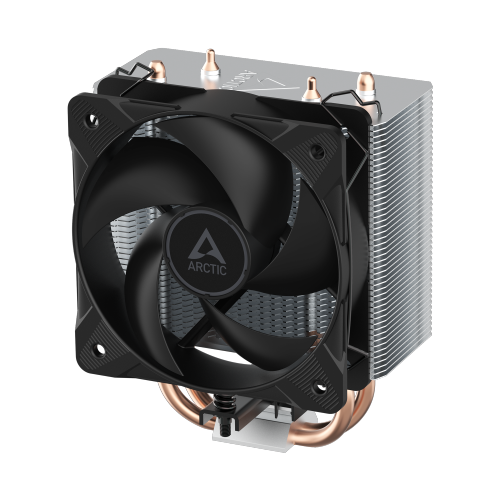
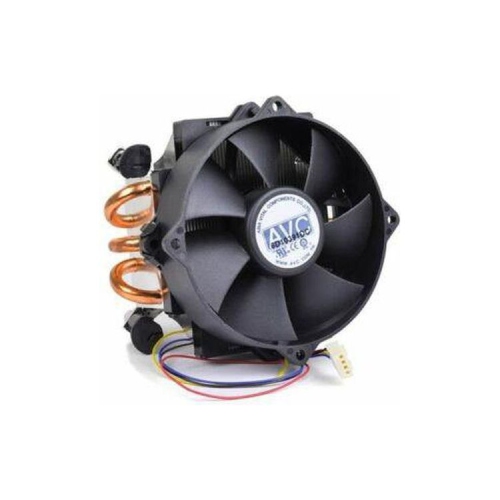
CPU air coolers move heat away from a desktop processor through a metal base, heat pipes, and a finned heatsink, with one or more fans carrying that heat into the case airflow. A suitable cooler helps the processor maintain consistent performance during gaming, video editing, compiling code, and other sustained workloads while keeping fan noise manageable. Most designs use copper in the base or heat pipes for heat transfer and aluminium fins to provide a large surface area without excessive weight. Some have nickel-plated surfaces or painted covers that give the assembly a more uniform appearance. Heat pipes contain a small amount of working fluid that evaporates and condenses inside sealed tubes; they do not require the separate pump and circulating coolant loop used by liquid cooling systems. The main styles suit different desktop layouts. Single-tower coolers have one upright fin stack and can provide a practical balance of cooling capacity, clearance, and installation access. Dual-tower designs use two fin stacks, usually with a larger overall footprint, to support more demanding thermal loads. Low-profile coolers sit closer to the motherboard and are designed for compact cases where a tall tower cannot fit. Some downward-blowing designs also direct airflow across nearby motherboard components, although their processor cooling capacity still depends on their size, fan, and construction. Larger heatsinks can give fans more room to operate at lower speeds under a given load, but size alone does not determine performance. Fin spacing, heat-pipe layout, mounting contact, and airflow all matter. A desktop used for documents and video calls has different cooling needs from a workstation running lengthy renders. Matching the cooler to those actual tasks is more useful than choosing solely by fan count or appearance. For a computer beside a microphone or on a desk within arm’s reach, the character of the fan noise can be just as important as maximum cooling capacity.
Compatibility starts with the processor socket and the mounting hardware supplied with the cooler. A heatsink needs the correct brackets, backplate arrangement, and mounting pressure for the motherboard platform; a similar-looking mounting pattern is not enough to establish a proper fit. Case clearance is equally important. Tower height is measured from the processor contact area to the highest part of the cooler, and the case specification should allow enough space for the side panel to close without touching it. A front-mounted fan can overlap the memory slots, especially on larger dual-tower assemblies. Tall memory heat spreaders may require that fan to sit higher, which increases the cooler’s total installed height. Cooler width and depth can also affect clearance around motherboard heatsinks, the graphics card, and connectors near the socket. These details become particularly important in a compact desktop, where several components share a small amount of space. Processor heat output deserves similar attention. Published cooler wattage or thermal design power ratings are useful context, but they are not standardized across all manufacturers and should not be treated as directly comparable performance scores. Processor power limits, boost behaviour, and workload duration influence how much heat a cooler must handle. A system that briefly opens applications places different demands on cooling than one that runs a heavy multicore task continuously. Thermal paste fills microscopic gaps between the processor’s heat spreader and the cooler base, helping heat pass across the contact surfaces. Some coolers include pre-applied paste, while others supply it separately; the appropriate amount and installation method depend on the design. Even mounting pressure and removal of any protective film from the contact surface are essential to correct operation. Access around the socket also matters for assembly and later servicing. A large tower may make memory modules or power connectors harder to reach, while a smaller heatsink can leave more working room. The best-fitting option balances those physical constraints with the processor’s cooling requirements rather than treating socket compatibility as the only measurement that counts.
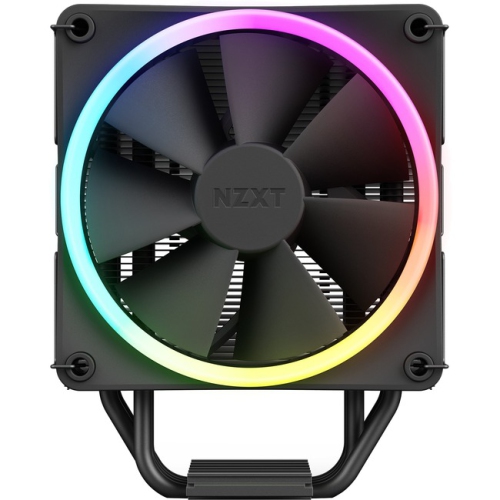
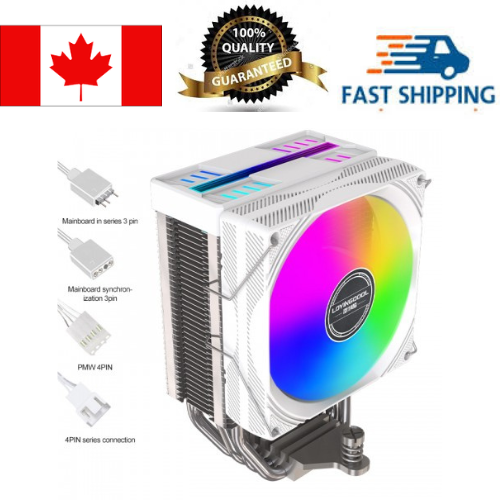
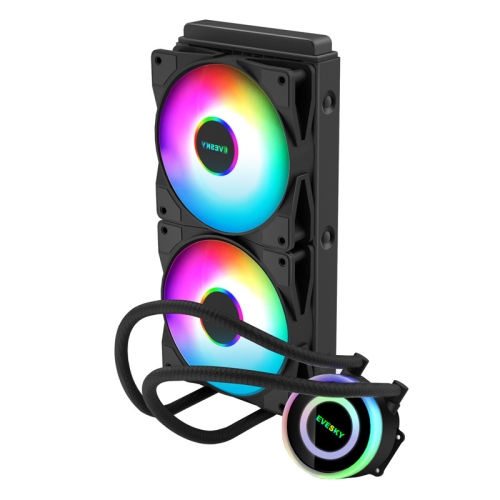
Everyday experience depends on how the cooler works with the rest of the desktop. A tower fan commonly directs air towards a nearby exhaust fan, helping move processor heat out of the case rather than allowing it to recirculate. Restricted intake openings, clogged filters, or cables pressed against fan blades can undermine an otherwise capable heatsink. Fan specifications offer useful clues, but maximum airflow and noise figures do not describe every operating condition. Bearing design, motor behaviour, blade shape, and the fan-speed curve all affect what is heard during normal use. Four-pin PWM fans allow a compatible motherboard to adjust speed in response to cooling demand. A well-tuned curve can keep a desktop unobtrusive during light work while allowing more airflow under sustained load, without abrupt speed changes whenever processor activity briefly rises. Lighting is a separate consideration: illuminated fans may need compatible lighting headers or a controller in addition to their fan-power connection. For demanding workstations and gaming desktops, the High Performance CPU Coolers collection provides related cooling options to consider alongside processor requirements and case dimensions. Long-term care is generally straightforward because an air cooler has relatively few moving parts. Dust accumulating between the fins or along fan blades can restrict airflow, so periodic cleaning helps preserve performance. With the computer shut down and disconnected from power, accessible dust can be removed carefully while the fan blades are held still. Bent fins, loose mounting hardware, and worn fans deserve attention if noise or cooling behaviour changes. Thermal paste does not need replacement on an arbitrary short schedule, but fresh paste is normally needed when the heatsink is removed and reinstalled. A replaceable fan and clearly documented mounting hardware can make future servicing easier. Together, sensible sizing, secure installation, and routine cleaning help an air cooler remain a dependable part of a desktop through years of everyday use.
Top selling and popular products
-
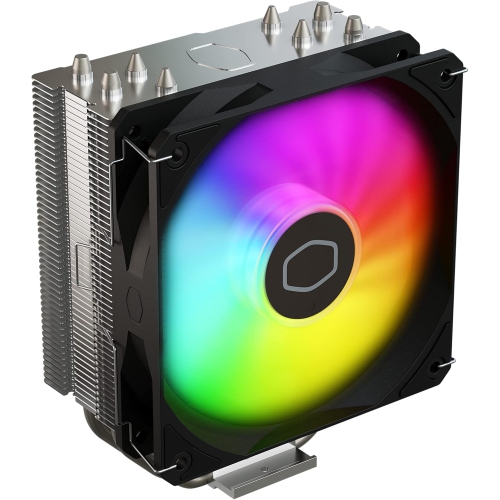 Your price for this item is $29.27
-
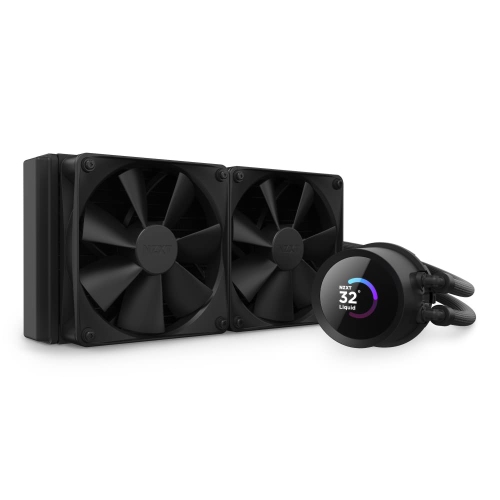 Your price for this item is $464.68
-
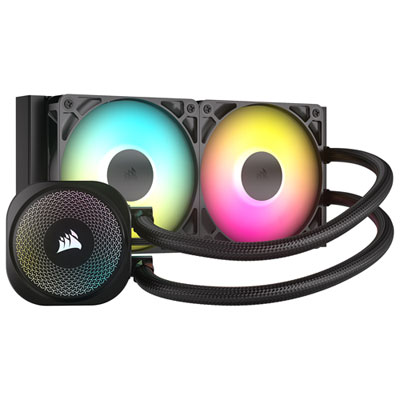 Your price for this item is $139.95
-
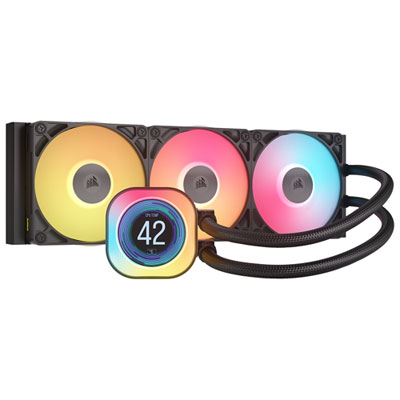 Your price for this item is $309.95
-
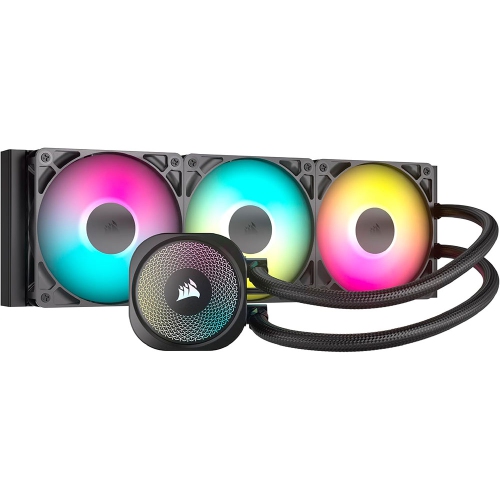 Your price for this item is $179
-
 Your price for this item is $184.99
-
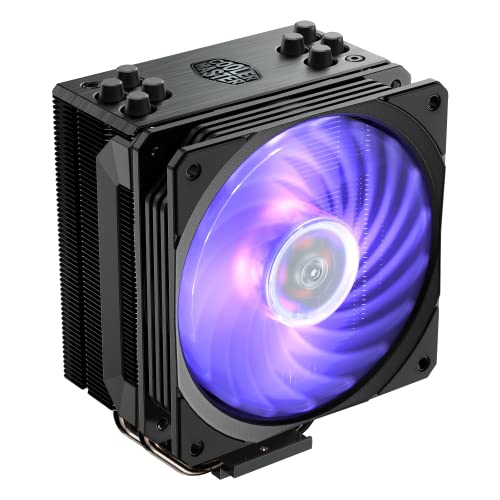 Your price for this item is $60.68
-
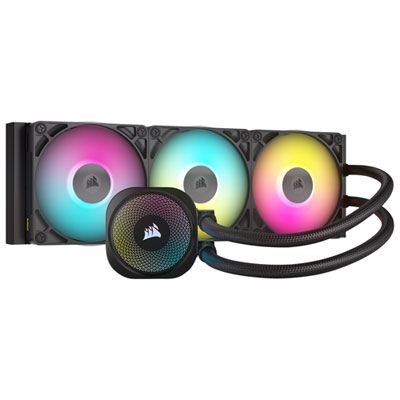 Your price for this item is $279.99
Discover more categories related to Cpu Air Coolers
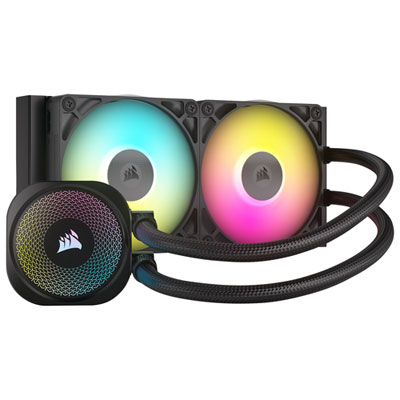
Top Collections:
Best Black Friday Deals This Year, Best Black Friday Deals On Electronics, Kindle Devices, Pokemon Centers, Best Black Friday Deals On Apple Products, Best Cameras for Sports Photography, Dyson Airwrap, Pokémon 30th Celebration Cards, Apple iPhone 17 Pro, Canon G7X Cameras
Some products may be subject to Environmental Handling Fees
(EHF) depending on your province.
Learn more about EHFs.