Dell 32 Curved
Elevate your workspace or entertainment setup with the Dell 32 Curved collection, designed to enhance your viewing experience. Whether you're upgrading your home office, gaming station, or media center, these monitors offer a sleek and modern addition to any environment. Discover a range of options that blend style and performance, making it easy to find the perfect fit for your needs. Explore the Dell 32 Curved selection and take your screen time to the next level.
Sort
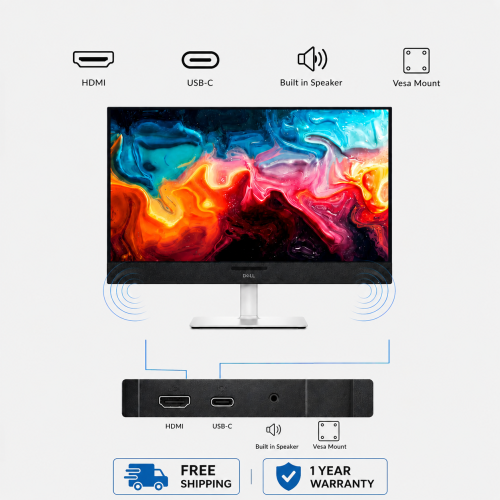
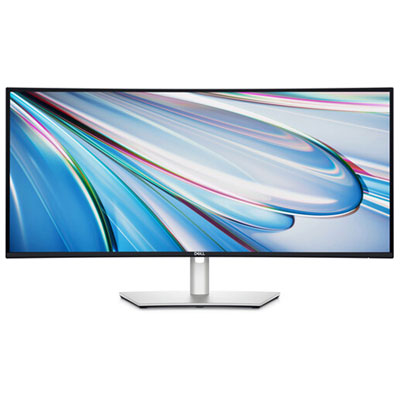
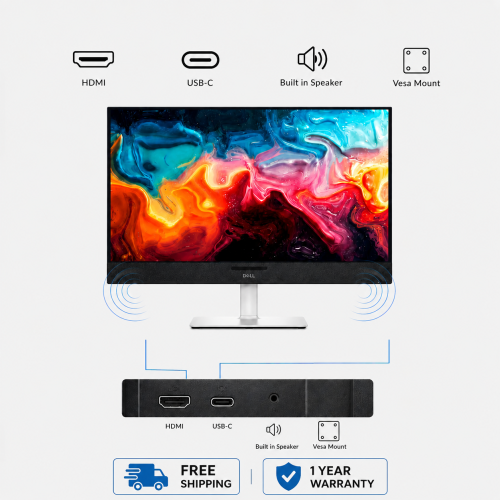
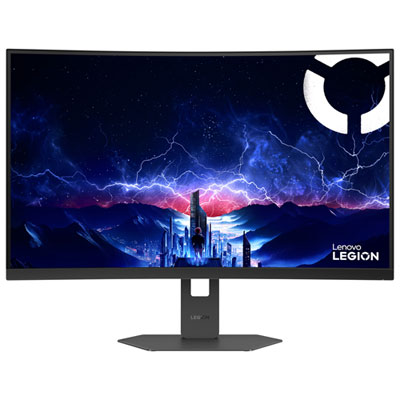
How screen size and curvature shape everyday viewing
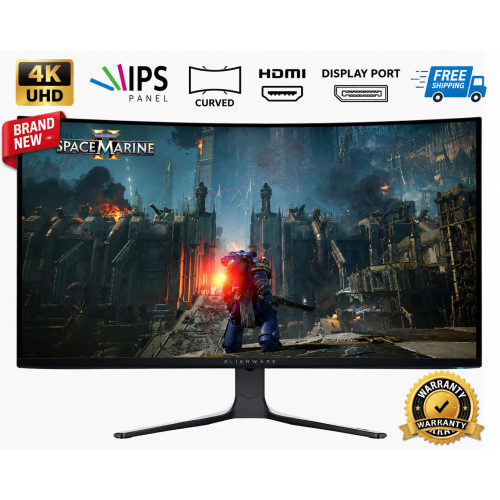
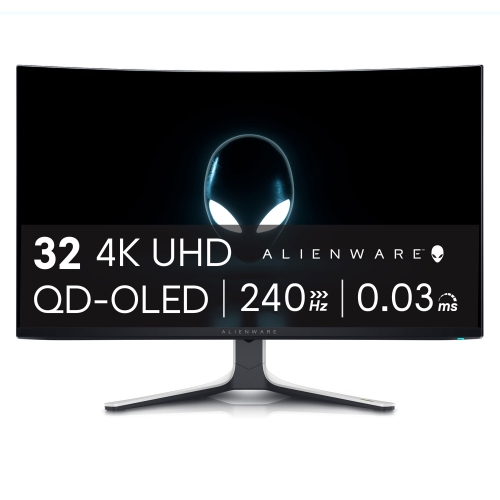
32-inch curved monitors combine a generous desktop display with a gently wrapped viewing surface for work, gaming and entertainment. The screen’s edges angle towards the viewer, creating a more enclosed feel than a flat panel of similar size when viewed from a central position. That shape can be especially appealing for a racing game with a wide cockpit view, a film watched from a desk chair or a busy desktop with several windows open. The 32-inch measurement refers to the screen’s diagonal, not its width, and the overall footprint also includes the frame and stand. This size commonly suits a dedicated desktop or work surface where there is enough depth to sit comfortably back from the display. Screen size alone does not determine how much detail appears: resolution, application scaling and viewing distance all affect the experience. A 2560 × 1440 display offers a different balance of workspace and pixel density from a 3840 × 2160, or 4K, display. At the same screen size, 4K packs more pixels into the image, which can make fine text, photographs and intricate graphics look more defined. Larger interface scaling may still be useful to keep menus and documents comfortable to read. Curvature is another separate specification. A lower radius number, such as 1500R compared with 1800R, indicates a more pronounced curve; it does not describe resolution or image quality. The curve tends to be most noticeable when seated directly in front of the screen, while its effect is less consistent for someone looking over from the side. For a person moving from a smaller display, the larger image can make a spreadsheet feel less cramped or allow a reference document to remain beside a writing window. A 32-inch screen is not necessarily an ultrawide display, however. Aspect ratio determines the shape of the workspace, so a conventional widescreen model provides a different layout from a wider-format monitor, even when both have curved panels.
The character of a 32-inch curved monitor depends just as much on its panel and performance as on its dimensions. For gaming, refresh rate describes how often the screen can update its image, while pixel response affects how cleanly moving objects appear. A higher refresh rate can make scrolling, camera movement and fast action look smoother, provided the connected computer or console supports the necessary output. Adaptive sync support can help reduce visible tearing when compatible hardware delivers frames at a changing rate, although supported connections and operating ranges differ between displays. Dark-scene performance matters too: contrast influences how distinctly a shadowed doorway stands apart from the surrounding room, while slower dark transitions can leave visible trails in motion on some panels. For films and television, a large curved screen can create an absorbing personal viewing space, but brightness, reflections and viewing angles still shape the picture. HDR support is worth understanding in context, since accepting an HDR signal does not by itself guarantee bright highlights or detailed shadows. Panel brightness, colour capability and backlight control all contribute to the result. For photography, illustration and video work, colour accuracy and coverage of the required colour space deserve attention alongside resolution. A display with vivid colour is not automatically an accurate reference for editing. Office use places different demands on the same screen. Clear text, stable brightness and a comfortable position can matter more than a very high refresh rate when the day centres on email, reports and video meetings. A broad desktop can hold a document beside a browser or keep a spreadsheet visible during a call, but the usefulness of that arrangement depends on readable scaling rather than fitting the greatest possible number of windows onscreen. Matte screen finishes can soften distracting reflections, though positioning the display away from a bright window remains helpful. Curvature is a viewing preference, not a substitute for suitable lighting, regular breaks or an appropriate seating position.
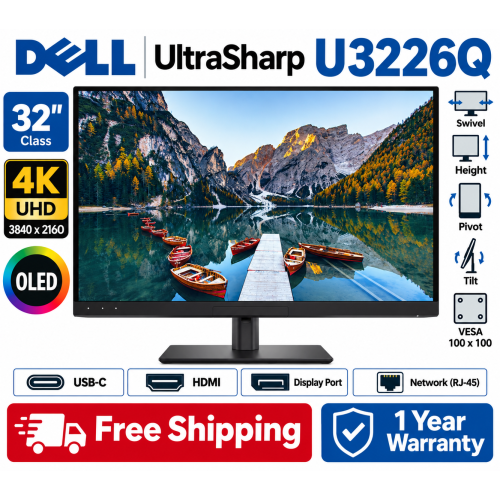
Physical design and connections determine how naturally a large curved monitor fits into everyday life. Housings commonly combine moulded plastic with metal structural components, while stand construction varies in weight, adjustment range and the amount of desktop space it occupies. A wide stand can provide a steady base but may compete with a keyboard, speakers or a notebook on a shallow work surface. Height adjustment and tilt help bring the screen into a comfortable position without stacking objects beneath it. Where a monitor arm is preferred, mounting compatibility, display weight and the arm’s supported size range all need to match; the curved shape can also affect clearance behind the screen. Connection details are equally practical. HDMI and DisplayPort capabilities vary by version and implementation, so the port, cable and connected device must support the desired resolution and refresh rate together. Some displays include USB-C video input and laptop charging, but neither feature is universal, and charging output needs to suit the laptop. Built-in speakers, headphone connections and USB hubs can simplify a setup when included, although a monitor should not be assumed to contain a webcam or microphone. For related large-screen displays suited to detailed desktop work, Dell Ultrasharp 32 offers another relevant collection to explore. Day-to-day care helps protect the screen’s finish and supporting hardware. Dust can usually be lifted with a clean, soft microfibre cloth, with any further cleaning following the manufacturer’s directions; spraying liquid directly onto the panel or pressing firmly against it can cause damage. Moving a large display is easier with cables disconnected and the screen supported by its frame rather than gripped across the viewing surface. A 32-inch curved monitor can be a thoughtful gift for a student, a home-office user or a gaming enthusiast when their desk dimensions, computer connections and preferred activities are known. Its lasting usefulness comes from that fit: sufficient space for the stand, a readable image at the intended distance and features that suit the tasks performed most often.
Top selling and popular products
-
 Your price for this item is $2237.68
-
 Your price for this item is $320.68
-
 Your price for this item is $469
-
 Your price for this item is $149.99
-
 Your price for this item is $265.99
-
 Your price for this item is $229.99
-
 Your price for this item is $1138.68
-
 Your price for this item is $355.68
Discover more categories related to Dell 32 Curved

Top Collections:
Best Black Friday Deals This Year, Best Black Friday Deals On Electronics, Kindle Devices, Pokemon Centers, Best Black Friday Deals On Apple Products, Best Cameras for Sports Photography, Dyson Airwrap, Pokémon 30th Celebration Cards, Apple iPhone 17 Pro, Canon G7X Cameras
Some products may be subject to Environmental Handling Fees
(EHF) depending on your province.
Learn more about EHFs.