Dell 9020 Optiplex
Discover the perfect blend of performance and reliability with a desktop computer designed to meet the demands of both home and office environments. Ideal for multitasking, this powerhouse offers the speed and efficiency needed to tackle everyday tasks with ease. Whether you're working on complex projects, streaming your favorite content, or simply browsing the web, this desktop provides a seamless experience. Its robust design ensures durability, while its compact form factor saves valuable space in any setup. Elevate your computing experience with a machine that's built to keep up with your busy lifestyle.
Sort

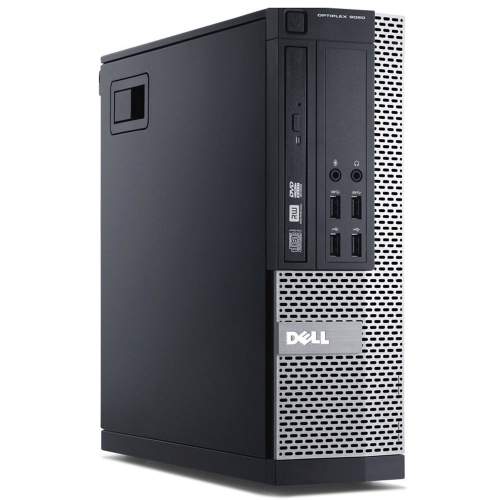
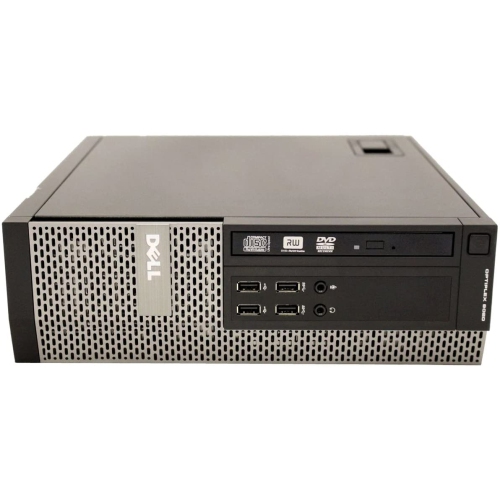
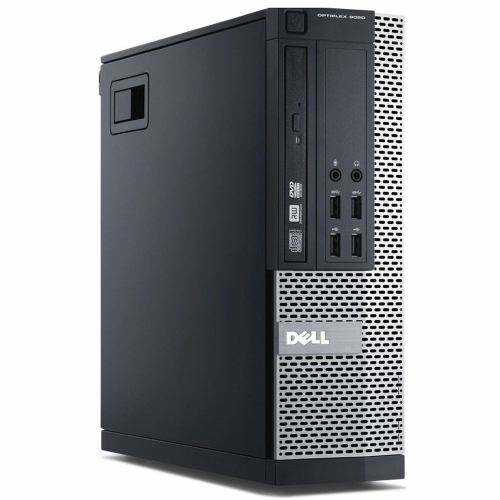
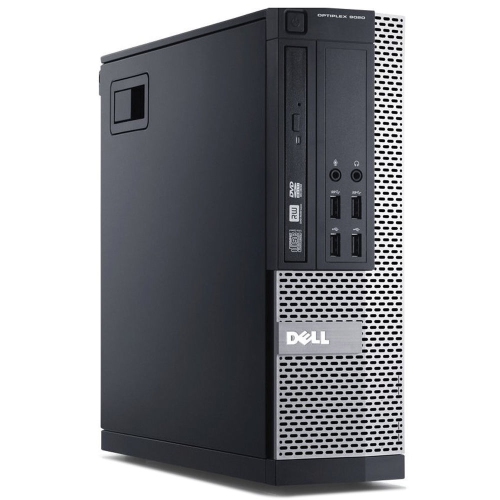
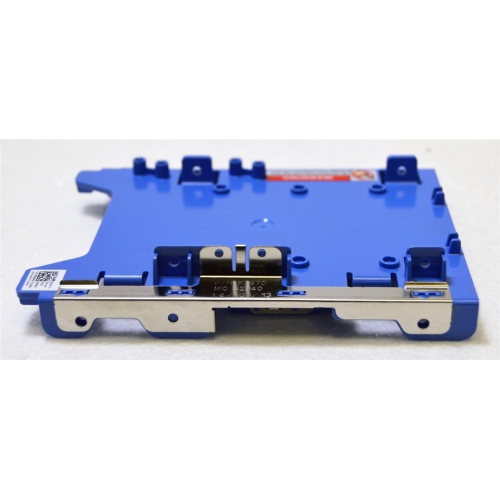
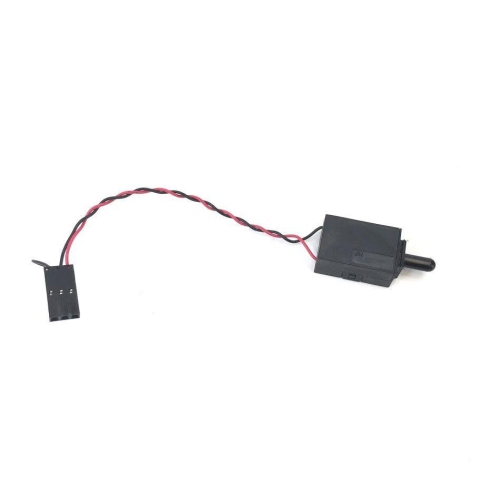
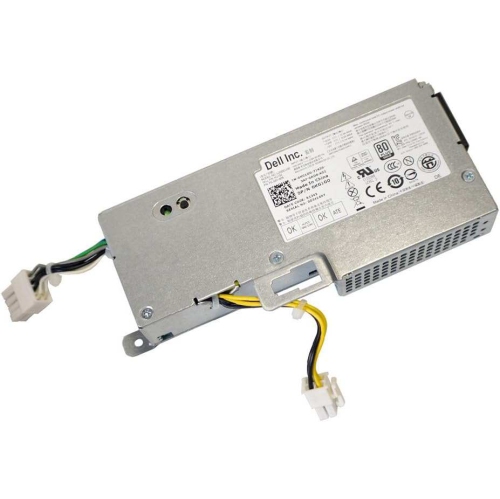
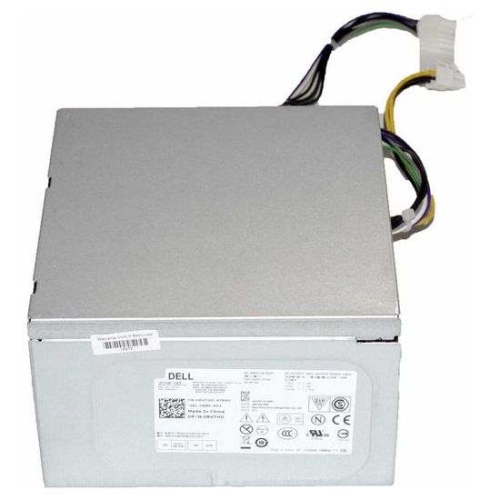
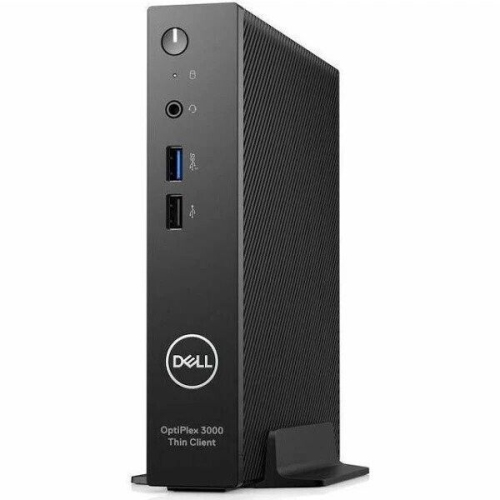
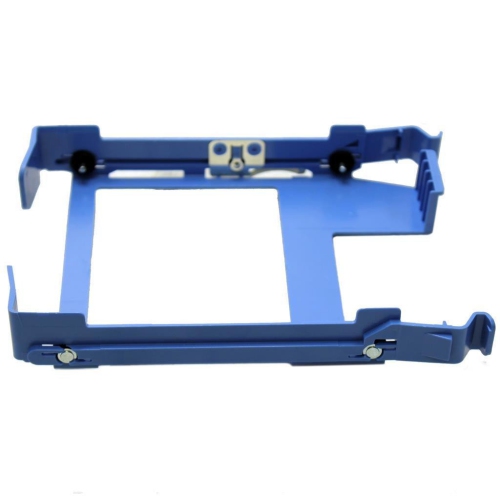
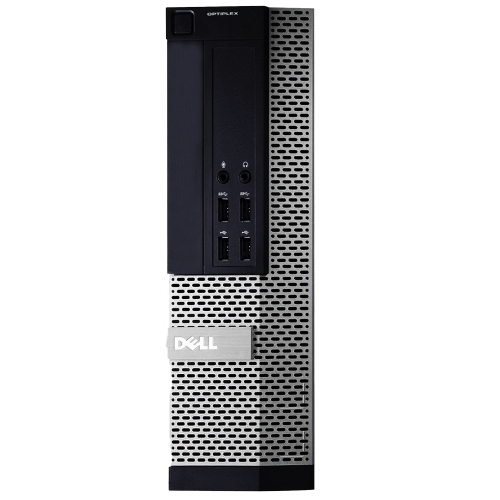
Practical performance and upgrade options for everyday computing
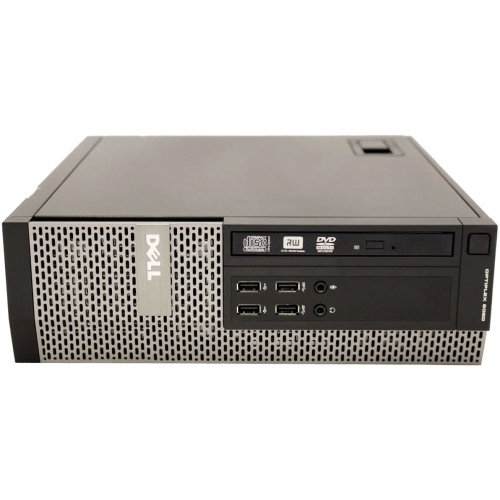
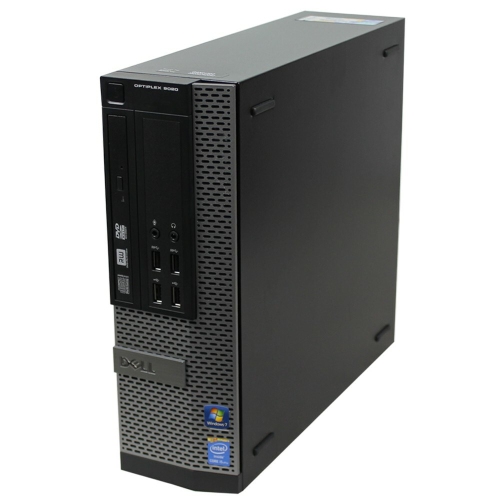
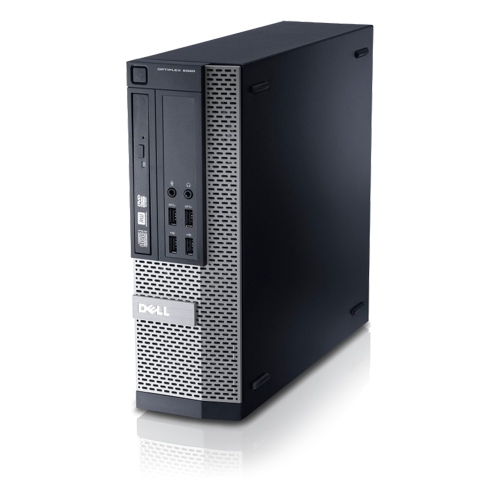
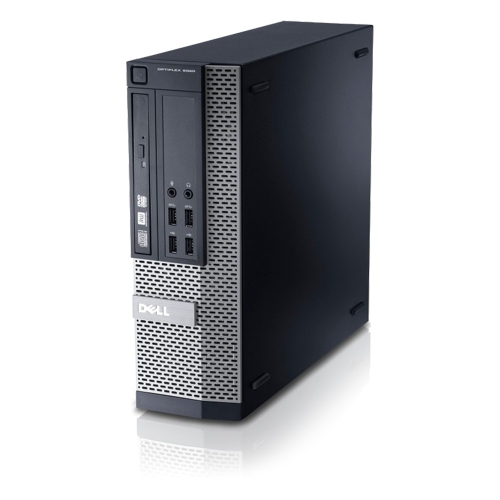
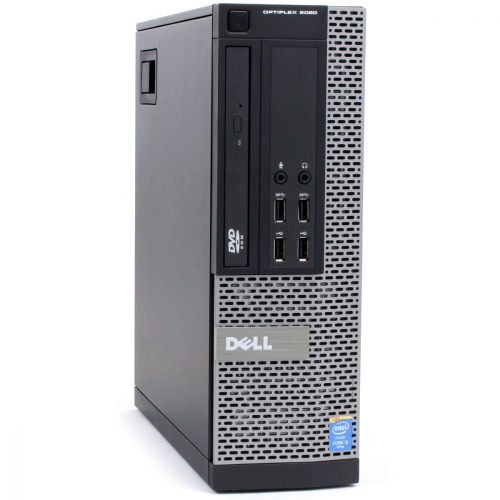
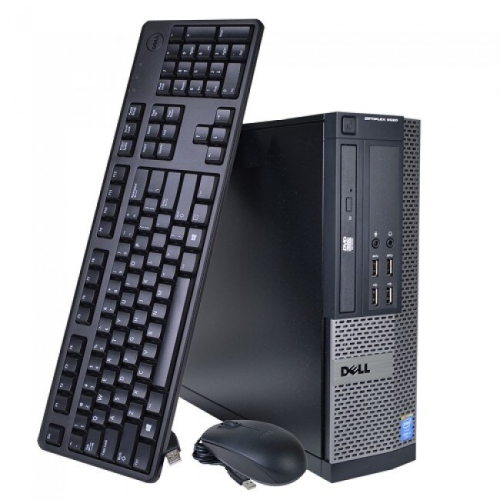
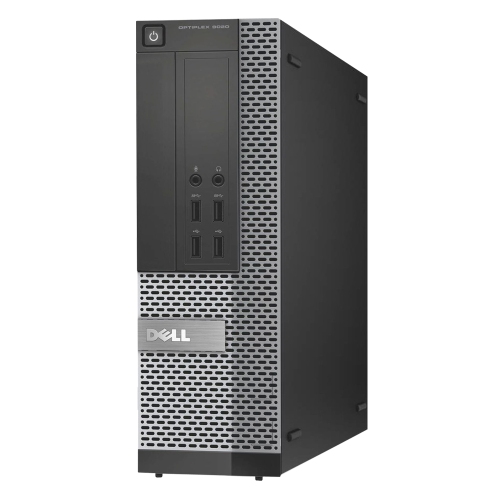
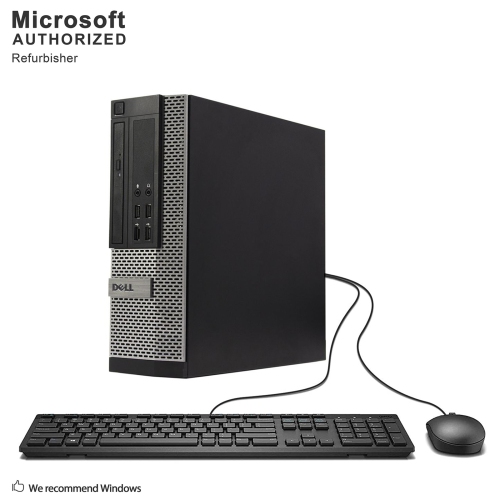
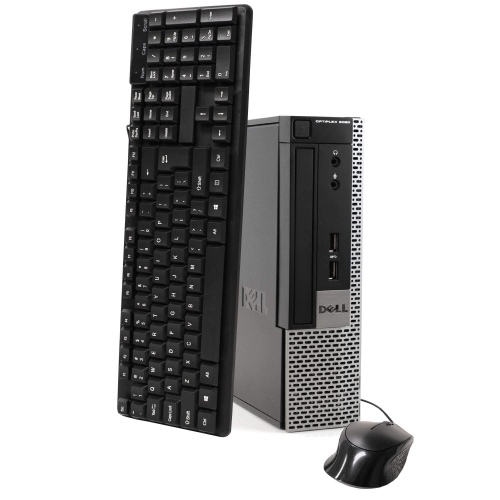
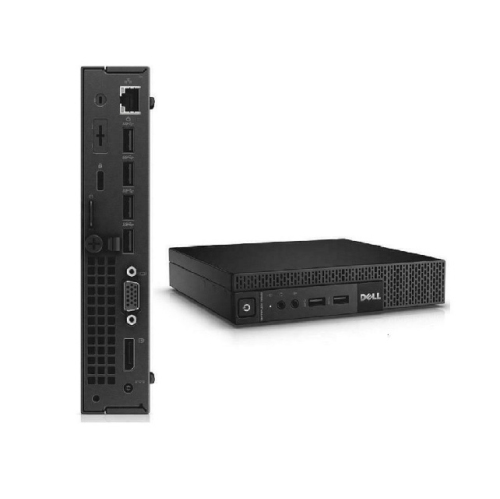
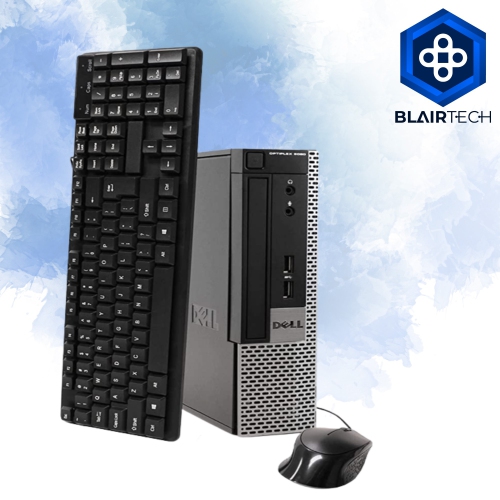
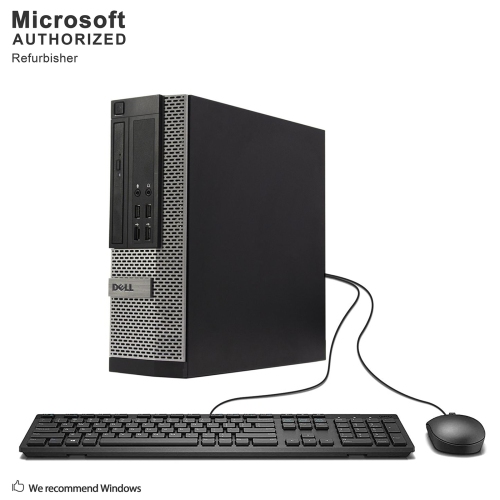
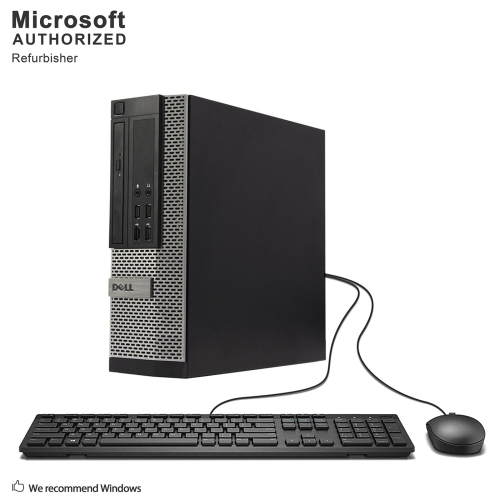
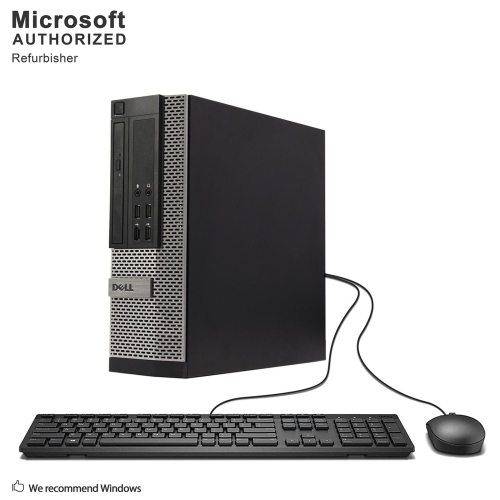
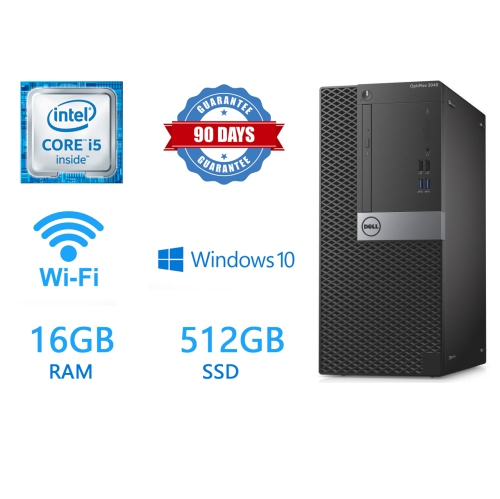
The 9020 OptiPlex range is a practical choice for shoppers looking for an affordable desktop computer with the familiar feel of a traditional business workstation. These systems were built around fourth-generation Core processors, making them well suited to everyday tasks such as browsing the web, managing email, preparing documents, attending video meetings, organizing household records and streaming media. They are also a sensible option for a study area, home office, reception desk or small business that needs dependable computing without paying for high-end performance that may go unused. Many refurbished units are available in different configurations, so it is worth reviewing the specifications carefully rather than assuming every desktop in this family is identical. Processor options commonly include Core i3, i5 and i7 chips from the same generation, with the faster configurations offering more breathing room for multitasking. Memory is another important consideration: compatible models can support up to 32GB of DDR3 RAM when all four memory slots are available, although the installed amount may vary. A computer with 8GB is generally comfortable for documents, web browsing and basic office software, while 16GB or more can feel noticeably smoother when several browser tabs, spreadsheets and communication tools are open together. Storage also deserves close attention. A solid-state drive can make startup, application loading and file access feel much quicker than an older mechanical hard drive, and common upgraded capacities range from 240GB to 1TB. A smaller drive may be enough for documents and cloud-based files, while a larger capacity is more suitable for locally stored photos, downloaded media and work archives. Before purchasing, check the listed storage type and capacity, since two systems with similar exterior cases may provide very different day-to-day experiences. Refurbished desktop computers can be especially appealing when the goal is to equip a family member, student or first home office with a capable machine at a modest price. They can also make a thoughtful practical gift for someone setting up a study nook during the cooler months, provided the recipient has a monitor, keyboard and mouse or can add those accessories separately. For shoppers comparing similar office desktops, the Dell Optiplex 3040 may provide another nearby option to consider alongside processor generation, memory, storage and physical size.
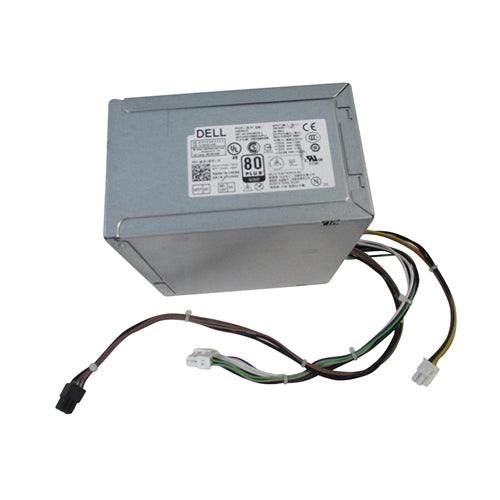
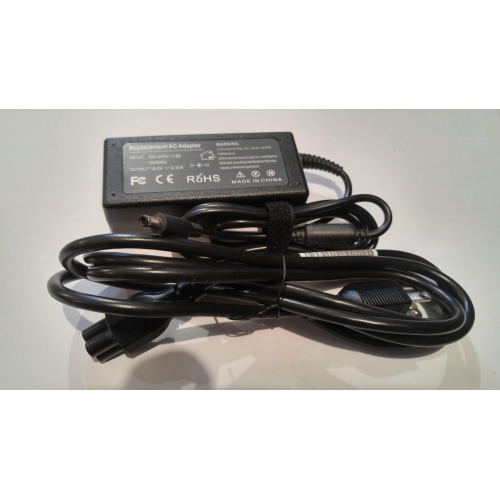
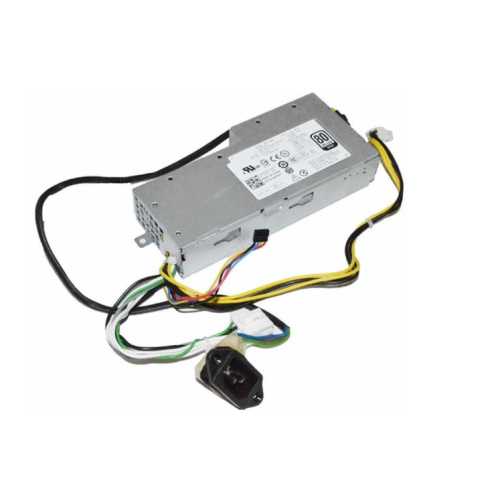
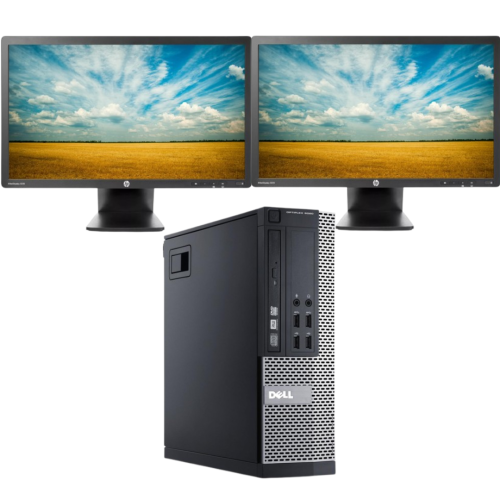
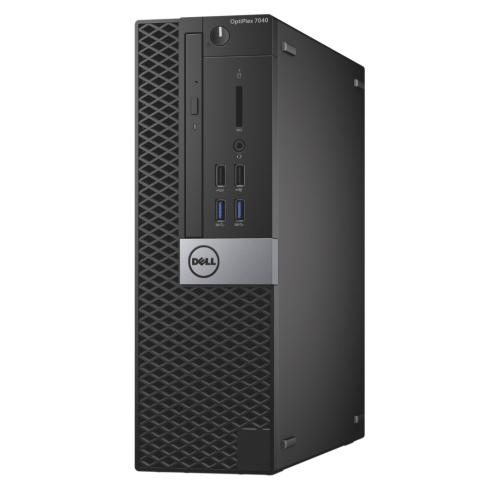
Form factor plays a major role in deciding whether one of these desktops will fit comfortably into a particular room or workspace. Mini-Tower versions usually provide more internal room for additional drives, memory and expansion cards, while Small Form Factor models are easier to place beneath a desk, beside a monitor or on a compact work surface. Micro versions take up even less room and can work well in a tidy study corner, though their smaller cases may place greater limits on upgrade choices. Measure the available space, including clearance for cables and airflow, before ordering. Connections can be just as important as internal specifications, especially for anyone replacing an older computer and hoping to reuse existing displays or accessories. Typical configurations include multiple USB ports, with USB 3.0 connections on the front and rear for compatible storage devices and peripherals, as well as DisplayPort and VGA outputs for monitors. Check the exact port arrangement if you plan to connect two displays, a wired printer, external storage, speakers or a specialized accessory. Integrated graphics are suitable for office work, video playback, light photo adjustments and other everyday visual tasks, but they are not intended for demanding modern games or intensive three-dimensional applications. The available power supply and internal space can also limit the choice of a high-performance graphics card, so shoppers interested in gaming should look for a desktop designed specifically for that purpose rather than assuming a business workstation can be converted easily. These computers can still be useful for light media projects, basic coding practice, point-of-sale duties, school assignments and home-server experiments, particularly when the owner is comfortable with straightforward upgrades. At the same time, the platform uses older DDR3 memory and a fourth-generation processor, and it may not offer official support for newer operating systems without additional checks or workarounds. Review the operating system included with the computer, confirm that it meets the requirements of the software you plan to use, and keep important files backed up on a separate drive or trusted storage service. It is also wise to inspect the seller’s refurbishment details, warranty coverage, return policy and condition notes, including whether the desktop has been cleaned, tested and supplied with the required power cable. A little preparation helps set realistic expectations: these machines are best viewed as capable, serviceable desktops for routine productivity and light-duty computing, rather than as the newest choice for demanding creative work or current high-end gaming. With the right memory, a responsive solid-state drive and a form factor that suits the workspace, a 9020 OptiPlex desktop can provide a familiar, flexible setup for work, learning and everyday household tasks.
Form factor plays a major role in deciding whether one of these desktops will fit comfortably into a particular room or workspace. Mini-Tower versions usually provide more internal room for additional drives, memory and expansion cards, while Small Form Factor models are easier to place beneath a desk, beside a monitor or on a compact work surface. Micro versions take up even less room and can work well in a tidy study corner, though their smaller cases may place greater limits on upgrade choices. Measure the available space, including clearance for cables and airflow, before ordering. Connections can be just as important as internal specifications, especially for anyone replacing an older computer and hoping to reuse existing displays or accessories. Typical configurations include multiple USB ports, with USB 3.0 connections on the front and rear for compatible storage devices and peripherals, as well as DisplayPort and VGA outputs for monitors. Check the exact port arrangement if you plan to connect two displays, a wired printer, external storage, speakers or a specialized accessory. Integrated graphics are suitable for office work, video playback, light photo adjustments and other everyday visual tasks, but they are not intended for demanding modern games or intensive three-dimensional applications. The available power supply and internal space can also limit the choice of a high-performance graphics card, so shoppers interested in gaming should look for a desktop designed specifically for that purpose rather than assuming a business workstation can be converted easily. These computers can still be useful for light media projects, basic coding practice, point-of-sale duties, school assignments and home-server experiments, particularly when the owner is comfortable with straightforward upgrades. At the same time, the platform uses older DDR3 memory and a fourth-generation processor, and it may not offer official support for newer operating systems without additional checks or workarounds. Review the operating system included with the computer, confirm that it meets the requirements of the software you plan to use, and keep important files backed up on a separate drive or trusted storage service. It is also wise to inspect the seller’s refurbishment details, warranty coverage, return policy and condition notes, including whether the desktop has been cleaned, tested and supplied with the required power cable. A little preparation helps set realistic expectations: these machines are best viewed as capable, serviceable desktops for routine productivity and light-duty computing, rather than as the newest choice for demanding creative work or current high-end gaming. With the right memory, a responsive solid-state drive and a form factor that suits the workspace, a 9020 OptiPlex desktop can provide a familiar, flexible setup for work, learning and everyday household tasks.
Top selling and popular products
-
 Your price for this item is $1599
 -
 Your price for this item is $1629.79
 -
 Your price for this item is $1999.99
 -
 Your price for this item is $1459.79
 -
 Your price for this item is $879
 -
 Your price for this item is $1199.99
 -
 Your price for this item is $1839
 -
 Your price for this item is $879
Discover more categories related to Dell 9020 Optiplex
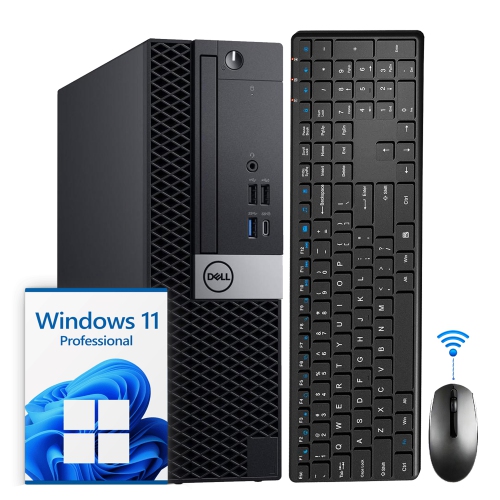
Top Collections:
Pokemon Centers, Kindle Devices, Best Budget Office Chairs, Apple iPhones 16, Best Laptops for Writers, iPhone 15 Apple, Canon G7X Cameras, Refurbished Apple Laptops, Alarm Clock, Motorola Razr Phones
Some products may be subject to Environmental Handling Fees
(EHF) depending on your province.
Learn more about EHFs.