Dell Optiplex 3040
Discover the perfect blend of performance and reliability with our selection of Dell Optiplex 3040 computers designed to meet the demands of any workspace. Whether you're setting up a home office or upgrading your business environment, these desktops offer efficient multitasking capabilities and robust security features. Ideal for professionals seeking productivity and seamless operation, our range ensures you stay ahead in today's fast-paced digital world. Explore options that provide the power and flexibility you need to tackle everyday tasks with ease and confidence.
Sort

A closer look at configurations, performance, and everyday uses
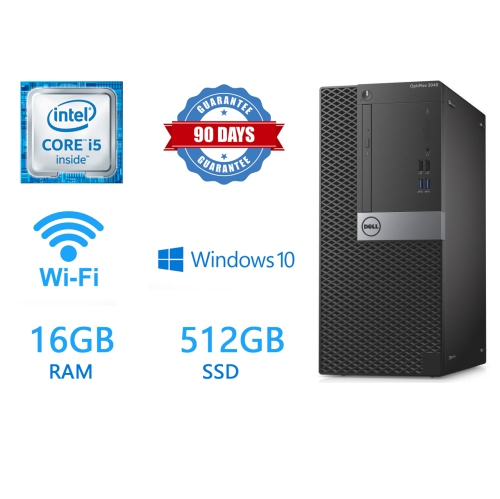
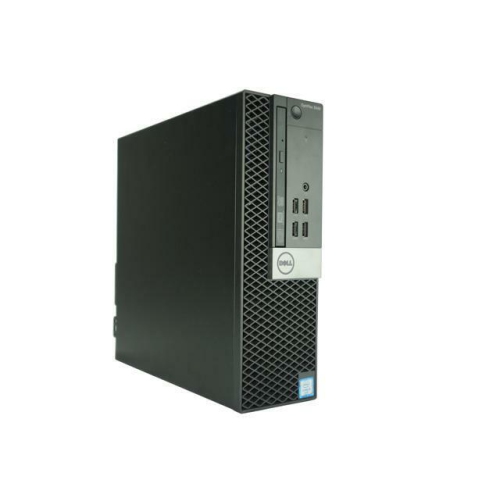
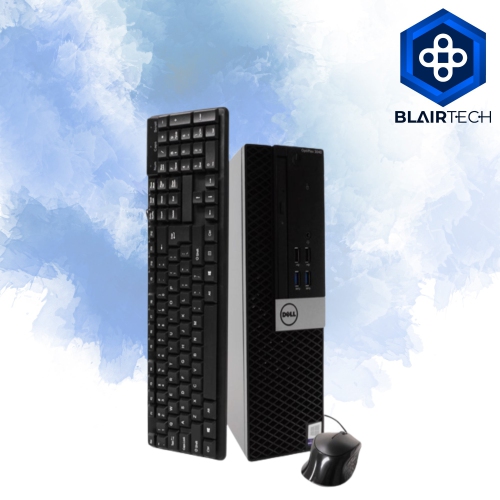
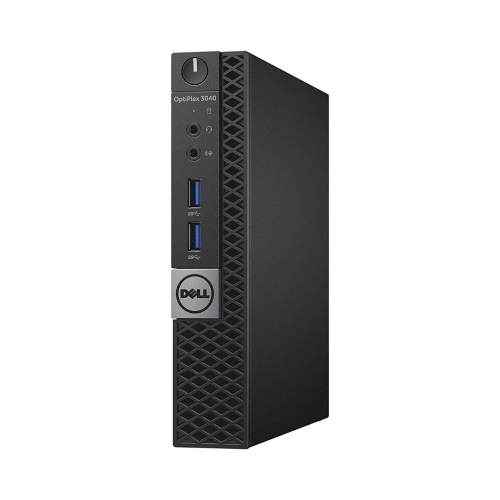
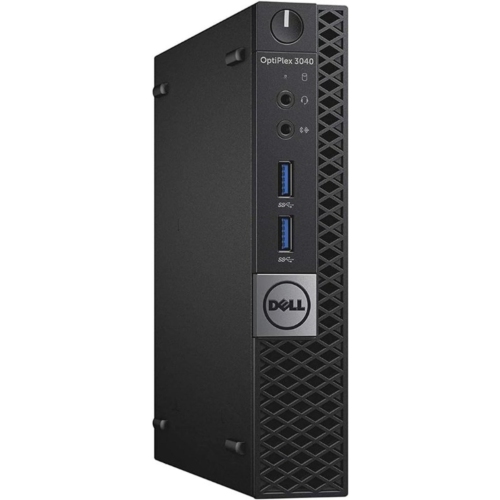
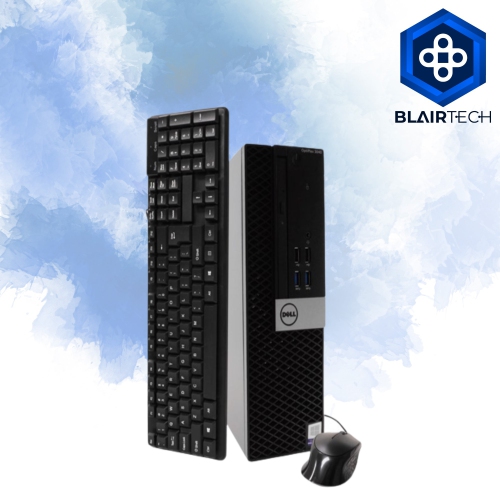
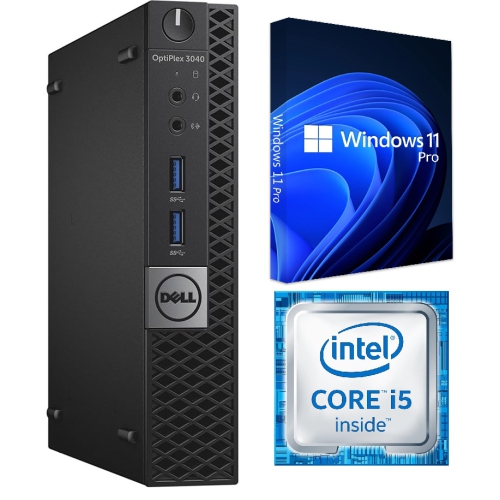
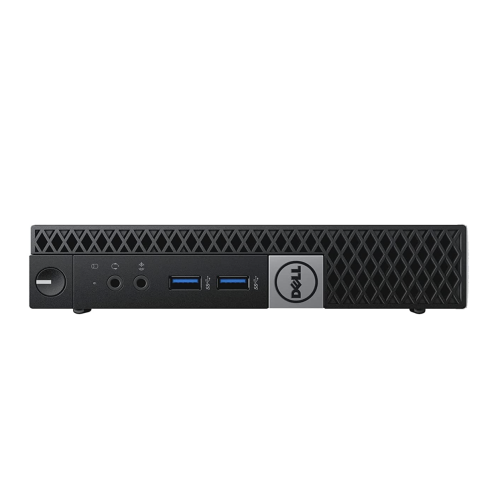
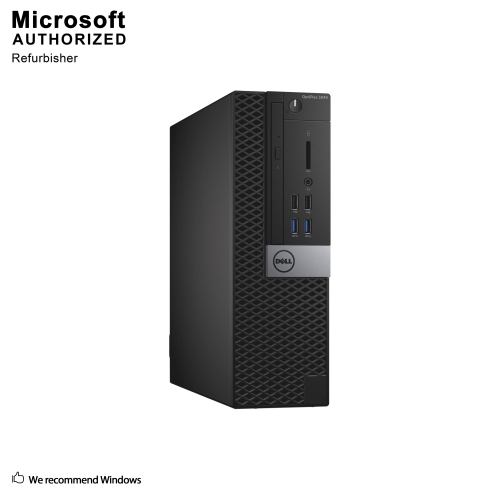
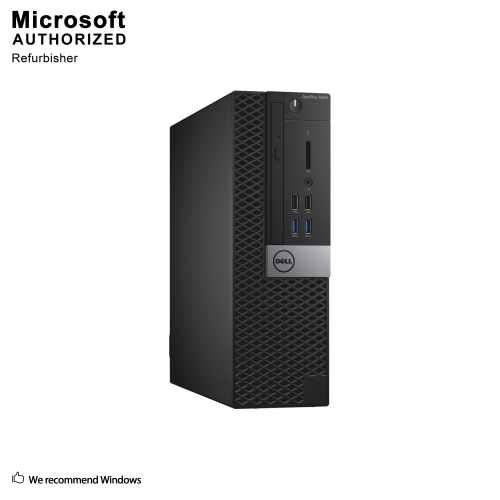
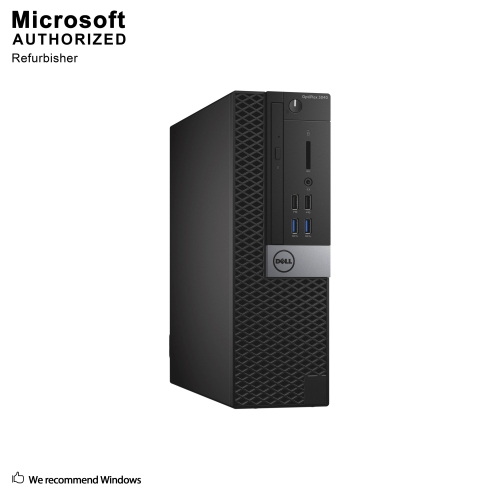
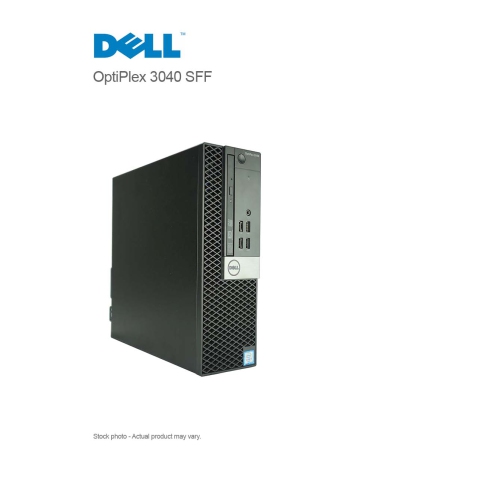
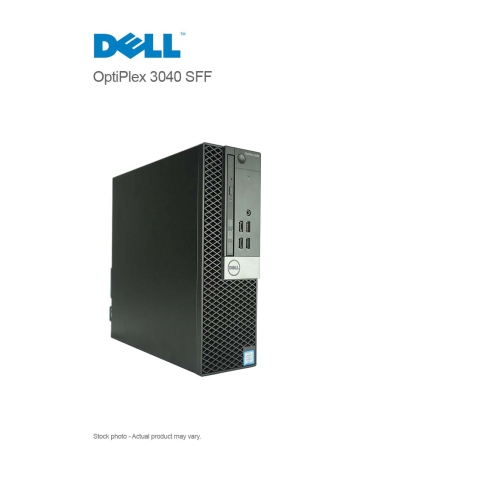
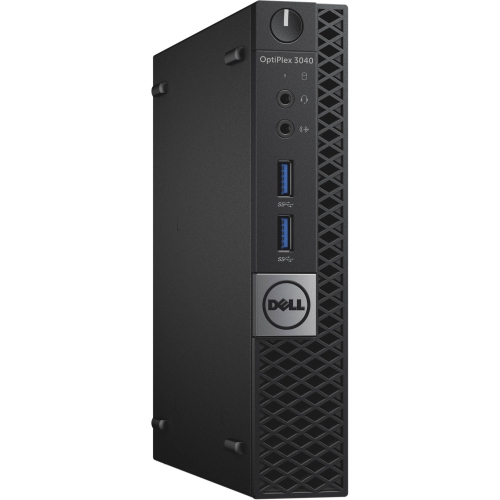
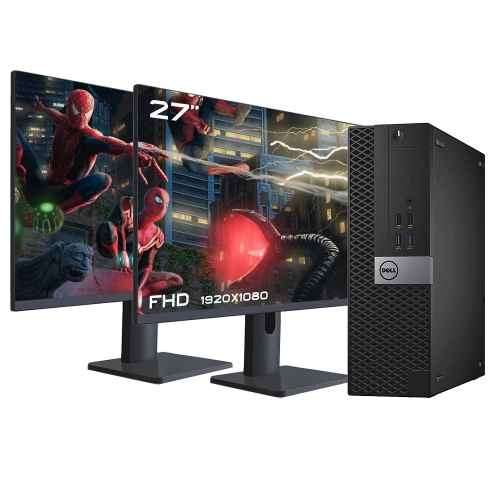
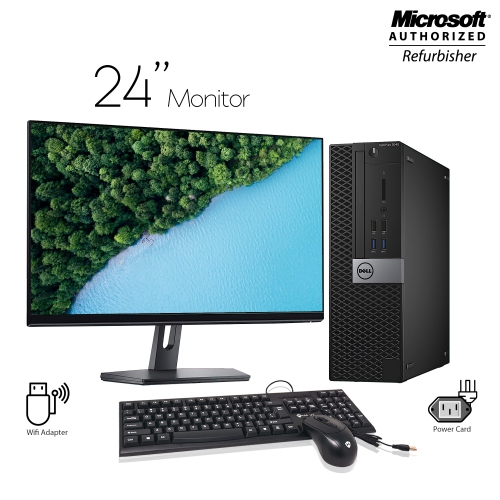
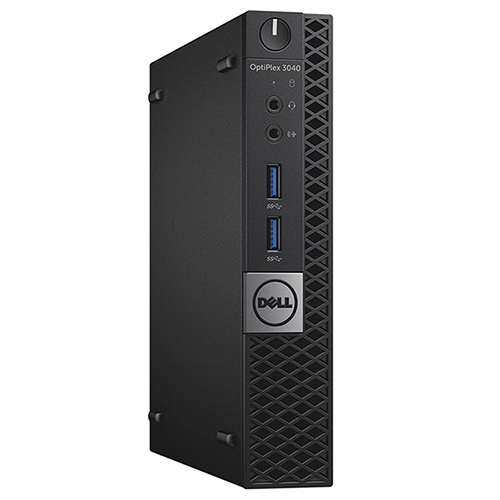
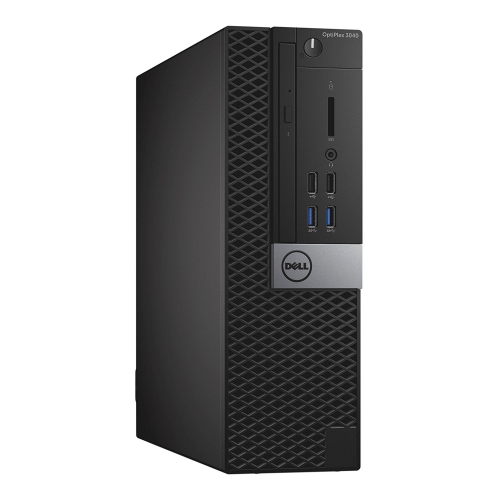
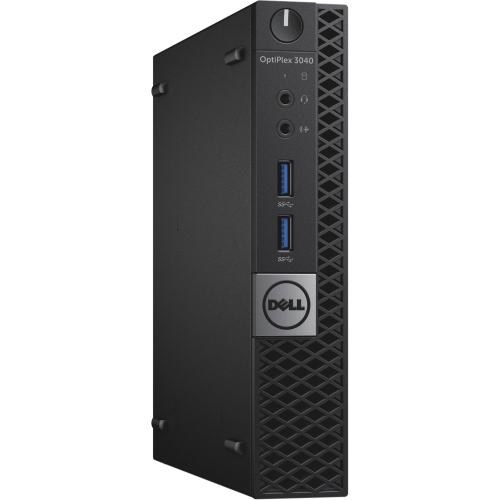
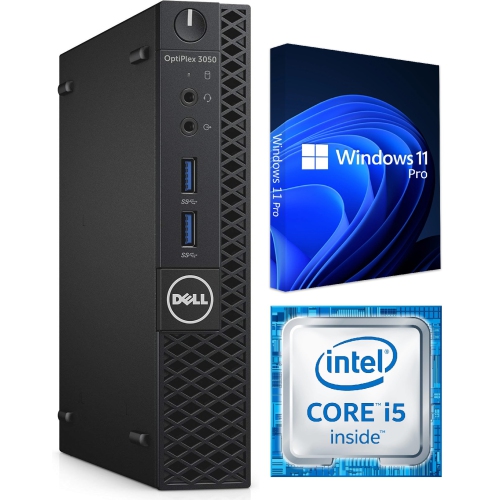
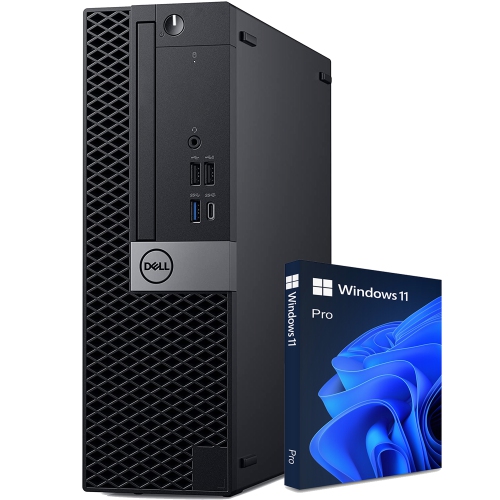
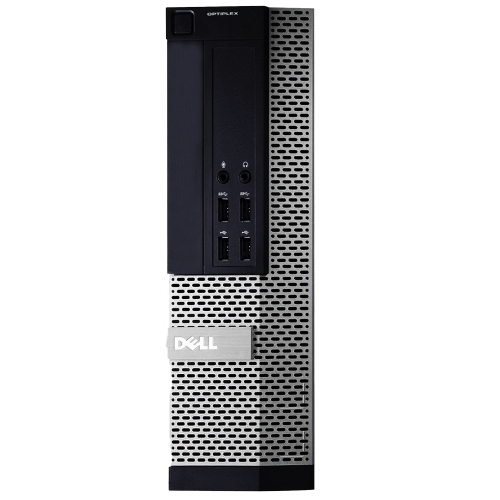
The Dell OptiPlex 3040 is a business-class desktop platform designed for dependable everyday computing in offices, classrooms, reception areas, home workspaces, and shared family rooms. It is commonly found in several configurations and three main form factors: Mini Tower, Small Form Factor, and Micro. Each version is built around the same general platform, but the physical design affects where it can be placed and how easily it can be expanded. A Mini Tower offers the most internal room for components and may include additional expansion slots or drive bays, making it a practical choice for users who expect to add storage or other hardware later. A Small Form Factor model has a slimmer footprint that can sit beneath a monitor or rest horizontally in a compact workstation, while a Micro model is intended for especially tight spaces such as a small desk, reception counter, study nook, or home lab shelf. Before choosing a configuration, measure the available area carefully and consider airflow, cable clearance, access to power outlets, and whether the computer will stand vertically or lie flat. Refurbished and previously deployed units can vary in their included accessories, condition, operating system, storage, and memory, so it is worth reviewing the complete listing rather than relying on the model name alone. Some configurations include 4GB of memory, while others offer 8GB or 16GB; for web browsing, documents, video calls, email, and point-of-sale or administrative applications, more memory can make everyday multitasking feel smoother. Storage may be a traditional hard disk with a larger capacity or a solid-state drive that generally provides quicker start-up and application loading. If a computer will be used for many years of regular school or office work, storage type and memory capacity are often more noticeable in daily use than small differences in processor speed.
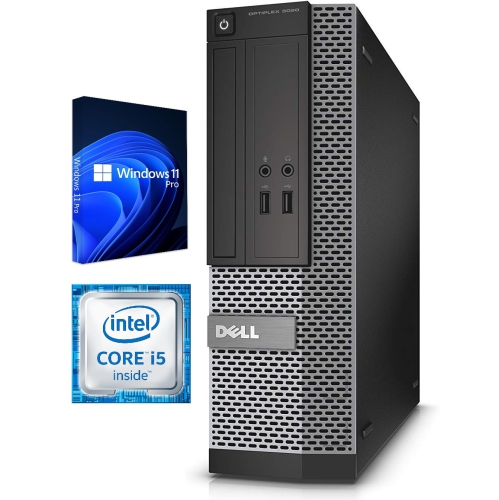
At its core, the Dell OptiPlex 3040 uses a sixth-generation Intel Core processor family, with common configurations built around a quad-core Intel Core i5-6500 or the lower-power i5-6500T in some Micro systems. These processors are well suited to practical tasks such as preparing spreadsheets, writing reports, managing invoices, attending online meetings, viewing training videos, browsing multiple tabs, and organising household records. Integrated Intel HD Graphics 530 handles standard desktop visuals and supports everyday display tasks, but this platform is not intended to be a modern high-performance gaming computer or a workstation for demanding 3D rendering. Graphics performance, display outputs, and maximum screen support depend on the exact configuration. Available connections may include DisplayPort, HDMI, VGA, or DVI, along with a combination of USB 3.0 and USB 2.0 ports on the front and rear. Those ports can be useful for a keyboard, mouse, printer, external storage, headset, webcam, and other classroom or office accessories without requiring a separate hub in many setups. Wired Gigabit Ethernet is commonly included, which can provide a stable connection for a desk-based computer, while built-in Wi-Fi is not guaranteed on every configuration and may require a compatible external adapter. Checking the rear-panel photographs and specifications is especially helpful when a computer must connect to a particular monitor, network, or printer. Buyers should also confirm the operating system and its support status before purchase. Many units were originally supplied with Windows 7 Pro or Windows 10 Pro, but an older computer may not be eligible for every newer operating system feature or upgrade. Confirm that the listed software meets current security and application requirements, and plan to install available updates, use strong account passwords, and maintain regular backups. For a similar business desktop platform with a newer generation of hardware, browse the Dell OptiPlex 3060 selection.
These desktops can be a sensible fit for a student who needs a dedicated space for assignments, a home-based worker handling documents and video conferences, or a small business that wants a straightforward workstation for scheduling, bookkeeping, customer records, and communication. They can also serve as a second computer for a family room, allowing one person to work while another uses a laptop, or as a reliable replacement for an ageing tower whose start-up time has gradually become frustrating. During the cooler months, a compact Micro or Small Form Factor computer can keep a small desk organised for evening study, online courses, creative projects, or managing household finances without taking over the room. A desktop can be a thoughtful practical gift for a relative setting up a first home office or for a student moving into a residence, provided the recipient already has, or will also receive, a compatible monitor, keyboard, mouse, and suitable network connection. It is also important to match the form factor to the intended workload. Someone running office applications and web-based services may appreciate a quiet, compact system, while a user planning multiple internal drives, expansion cards, or frequent upgrades may be better served by the roomier Mini Tower design. Home-lab users sometimes choose compact business desktops for lightweight file sharing, testing software, media management, or learning about virtual machines, but available memory, storage, networking, and operating-system support should be checked carefully before assigning those tasks. For any configuration, inspect the condition of the chassis, verify that the required power cable is included, and confirm that the number and type of display ports match the monitor. A little preparation helps ensure that the computer fits neatly into its workspace and performs comfortably for the tasks it was chosen to handle.
At its core, the Dell OptiPlex 3040 uses a sixth-generation Intel Core processor family, with common configurations built around a quad-core Intel Core i5-6500 or the lower-power i5-6500T in some Micro systems. These processors are well suited to practical tasks such as preparing spreadsheets, writing reports, managing invoices, attending online meetings, viewing training videos, browsing multiple tabs, and organising household records. Integrated Intel HD Graphics 530 handles standard desktop visuals and supports everyday display tasks, but this platform is not intended to be a modern high-performance gaming computer or a workstation for demanding 3D rendering. Graphics performance, display outputs, and maximum screen support depend on the exact configuration. Available connections may include DisplayPort, HDMI, VGA, or DVI, along with a combination of USB 3.0 and USB 2.0 ports on the front and rear. Those ports can be useful for a keyboard, mouse, printer, external storage, headset, webcam, and other classroom or office accessories without requiring a separate hub in many setups. Wired Gigabit Ethernet is commonly included, which can provide a stable connection for a desk-based computer, while built-in Wi-Fi is not guaranteed on every configuration and may require a compatible external adapter. Checking the rear-panel photographs and specifications is especially helpful when a computer must connect to a particular monitor, network, or printer. Buyers should also confirm the operating system and its support status before purchase. Many units were originally supplied with Windows 7 Pro or Windows 10 Pro, but an older computer may not be eligible for every newer operating system feature or upgrade. Confirm that the listed software meets current security and application requirements, and plan to install available updates, use strong account passwords, and maintain regular backups. For a similar business desktop platform with a newer generation of hardware, browse the Dell OptiPlex 3060 selection.
These desktops can be a sensible fit for a student who needs a dedicated space for assignments, a home-based worker handling documents and video conferences, or a small business that wants a straightforward workstation for scheduling, bookkeeping, customer records, and communication. They can also serve as a second computer for a family room, allowing one person to work while another uses a laptop, or as a reliable replacement for an ageing tower whose start-up time has gradually become frustrating. During the cooler months, a compact Micro or Small Form Factor computer can keep a small desk organised for evening study, online courses, creative projects, or managing household finances without taking over the room. A desktop can be a thoughtful practical gift for a relative setting up a first home office or for a student moving into a residence, provided the recipient already has, or will also receive, a compatible monitor, keyboard, mouse, and suitable network connection. It is also important to match the form factor to the intended workload. Someone running office applications and web-based services may appreciate a quiet, compact system, while a user planning multiple internal drives, expansion cards, or frequent upgrades may be better served by the roomier Mini Tower design. Home-lab users sometimes choose compact business desktops for lightweight file sharing, testing software, media management, or learning about virtual machines, but available memory, storage, networking, and operating-system support should be checked carefully before assigning those tasks. For any configuration, inspect the condition of the chassis, verify that the required power cable is included, and confirm that the number and type of display ports match the monitor. A little preparation helps ensure that the computer fits neatly into its workspace and performs comfortably for the tasks it was chosen to handle.
Top selling and popular products
-
 Your price for this item is $1599
 -
 Your price for this item is $1629.79
 -
 Your price for this item is $1999.99
 -
 Your price for this item is $1459.79
 -
 Your price for this item is $879
 -
 Your price for this item is $1199.99
 -
 Your price for this item is $1839
 -
 Your price for this item is $879
Discover more categories related to Dell Optiplex 3040
Top Collections:
Pokemon Centers, Kindle Devices, Best Budget Office Chairs, Apple iPhones 16, Best Laptops for Writers, iPhone 15 Apple, Canon G7X Cameras, Refurbished Apple Laptops, Alarm Clock, Motorola Razr Phones
Some products may be subject to Environmental Handling Fees
(EHF) depending on your province.
Learn more about EHFs.