Dell Optiplex 7040
Explore the world of powerful computing with a device designed to enhance your productivity and streamline your tasks. Whether you're managing complex projects or simply browsing the web, this desktop computer offers a seamless experience tailored to meet your needs. With its robust performance capabilities, it supports multitasking with ease, making it an ideal choice for both professional and personal use. Its sleek design not only complements any workspace but also ensures that you have reliable technology at your fingertips. Dive into a realm of efficiency and innovation that helps you stay ahead in today's fast-paced digital landscape.
Sort


What to know about refurbished business desktop configurations
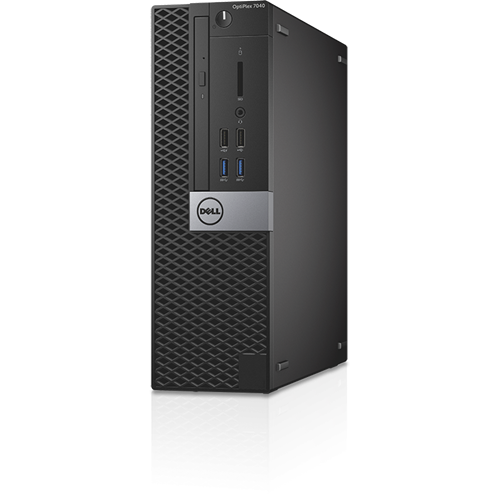
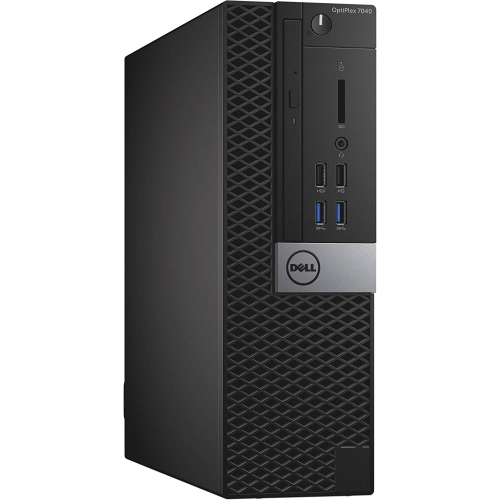
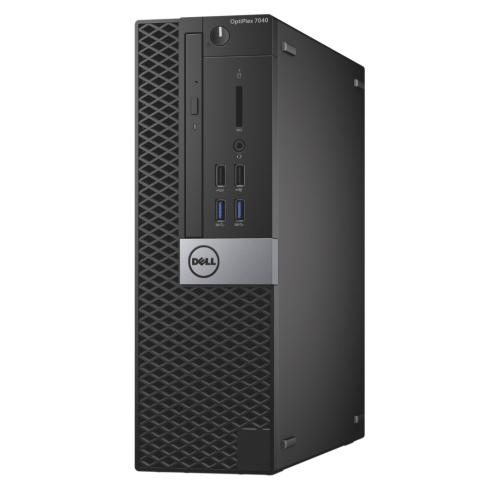
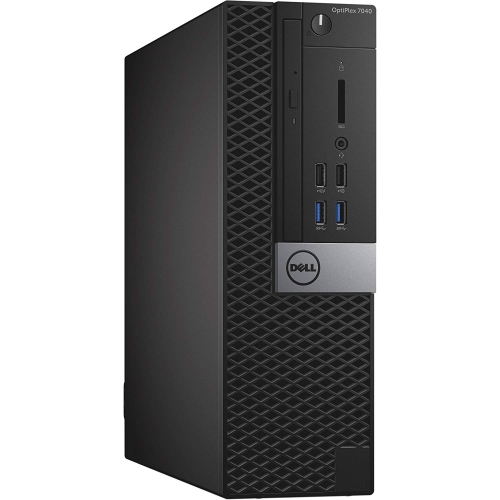
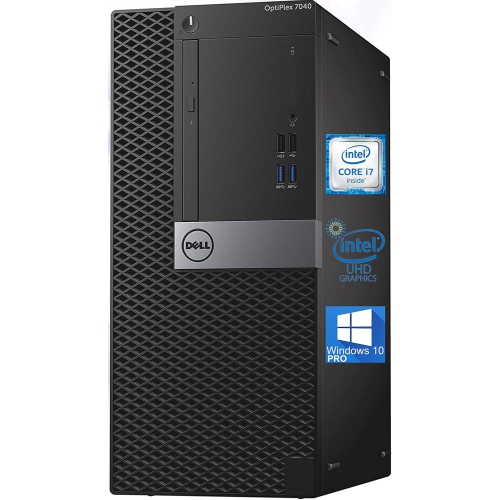
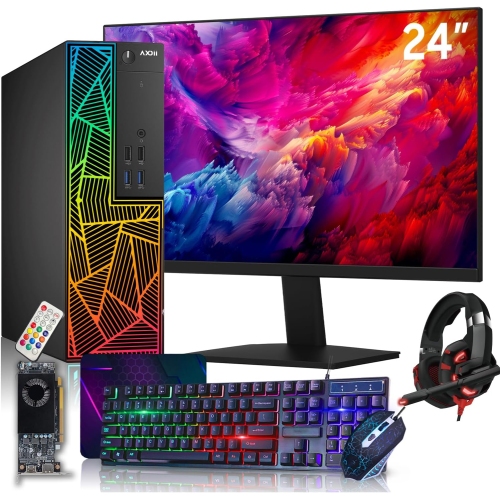
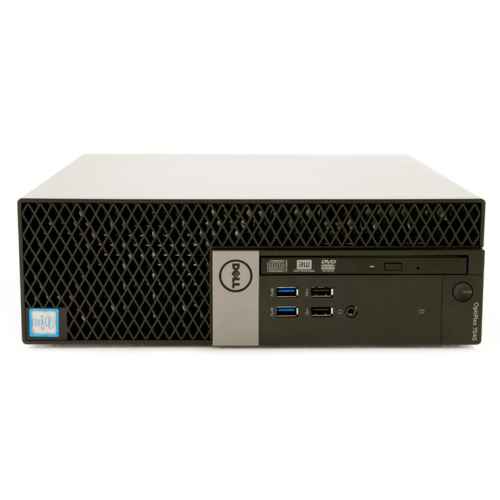
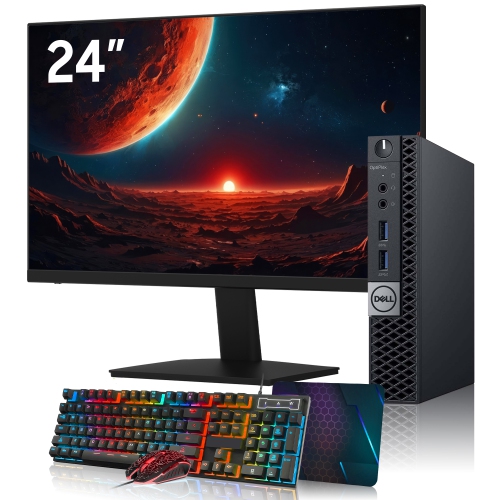
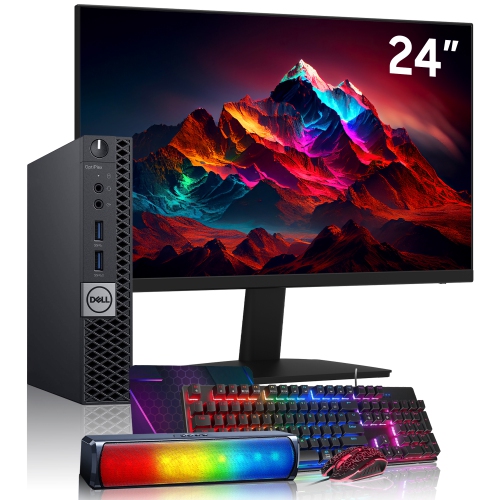
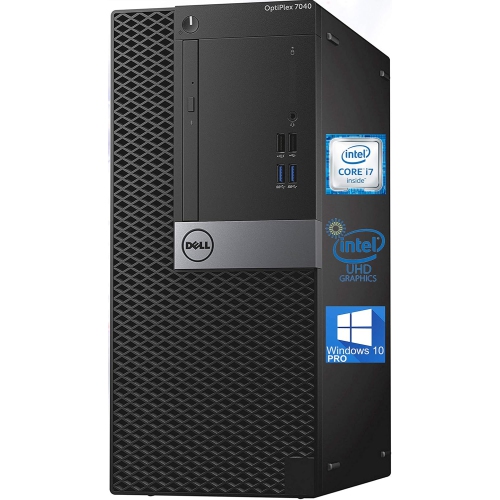
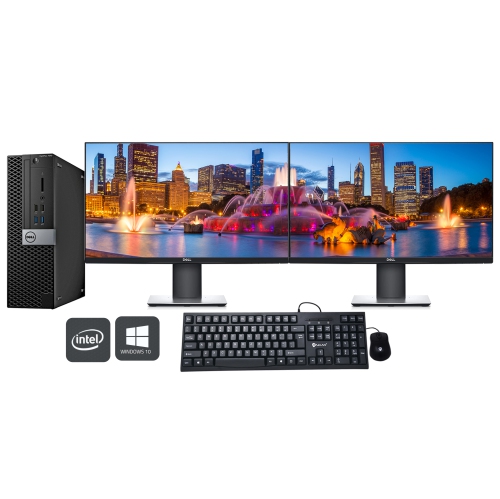
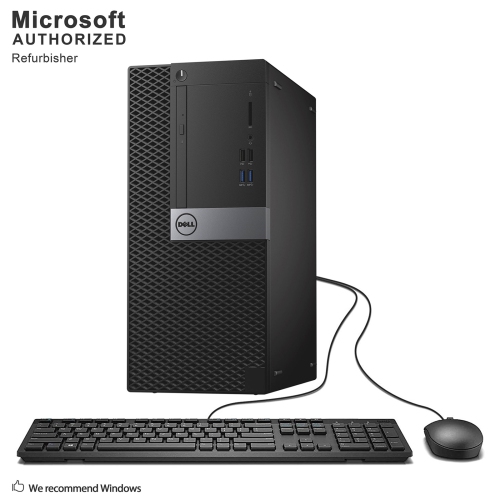
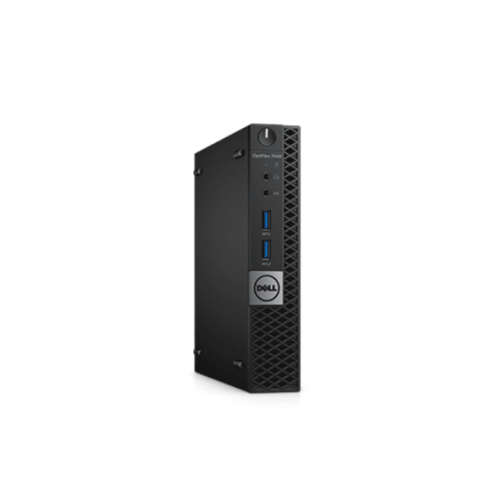
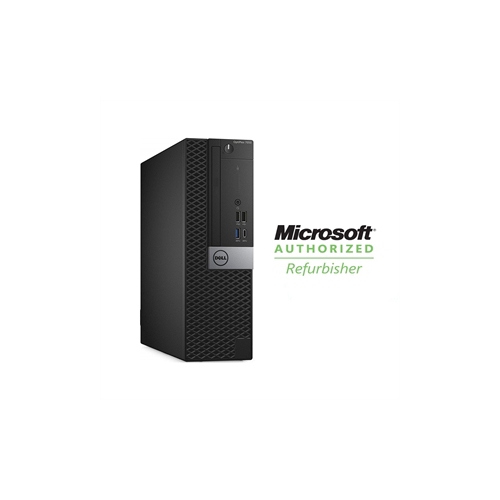
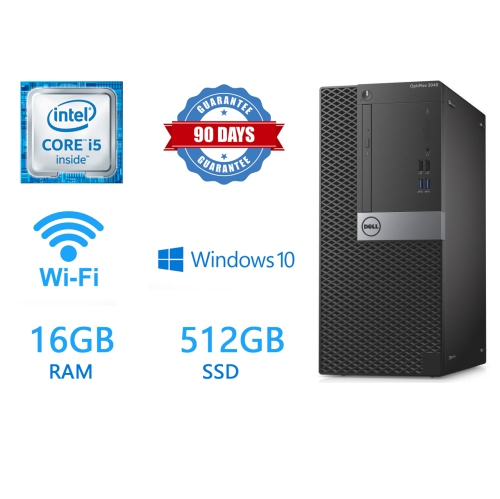
Dell OptiPlex 7040 desktops remain a practical choice for shoppers looking for capable, affordable computing for everyday work, study, and home use. Originally designed for business environments, these desktop computers were built around dependable sixth-generation Intel Core processors, including Core i3, Core i5, and Core i7 options. Refurbished configurations can vary considerably, so it is worth reviewing the processor, memory, storage, operating system, and physical condition of each listing rather than relying on the model name alone. A unit with an Intel Core i5 processor and 8GB or 16GB of DDR4 memory can handle common tasks such as web browsing, email, online banking, document creation, video calls, streaming, and schoolwork with ease. Models with more memory may feel more responsive when several browser tabs and applications are open at the same time, while a solid-state drive can make a noticeable difference to startup times and day-to-day navigation. These computers are a natural fit for a home office, reception desk, homework station, workshop, or shared family computer. They can also suit someone setting up a basic home lab for file sharing, networking practice, media management, or other light server projects. They are not generally intended to replace a modern gaming PC or workstation for demanding video editing, advanced 3D work, or other processor-intensive applications, but they can provide a sensible foundation for familiar desktop tasks without taking up the space or costing as much as a new high-performance system.
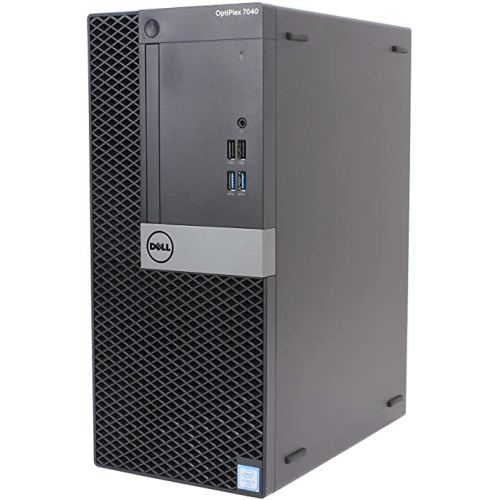
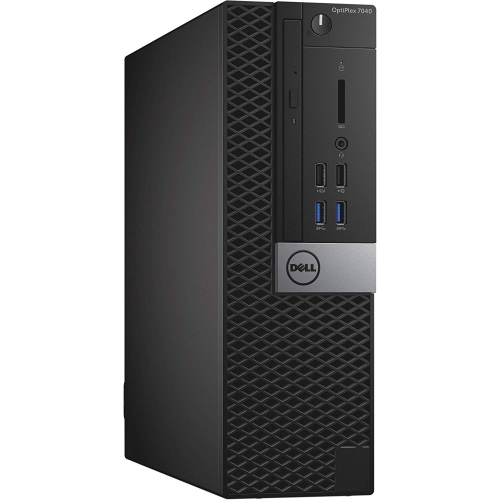
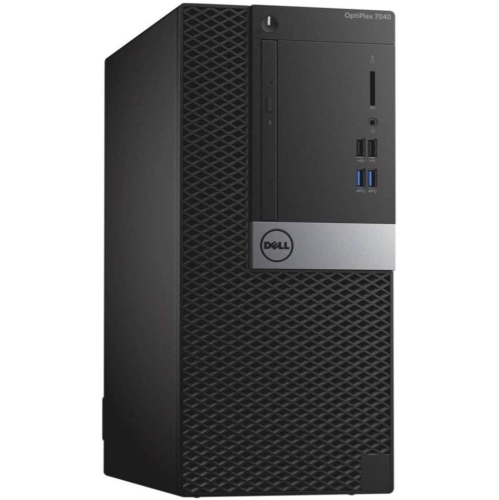
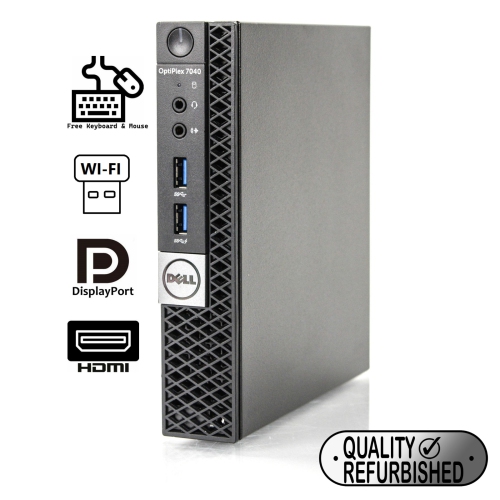
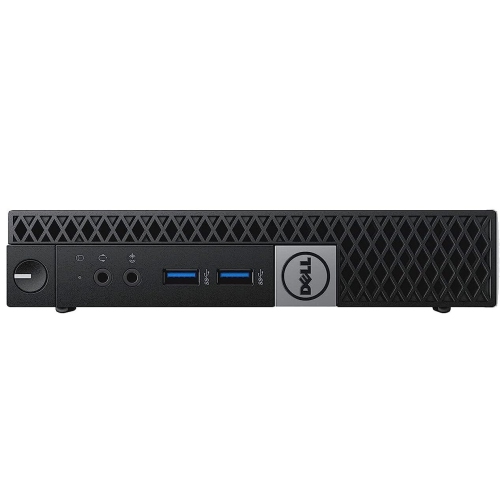
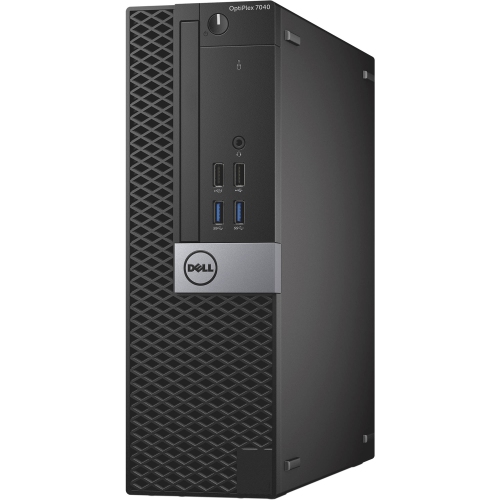
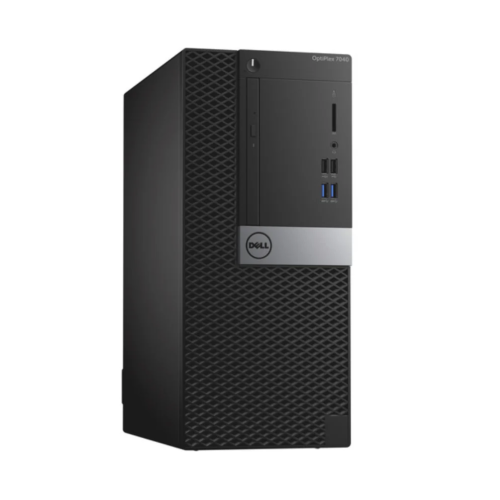
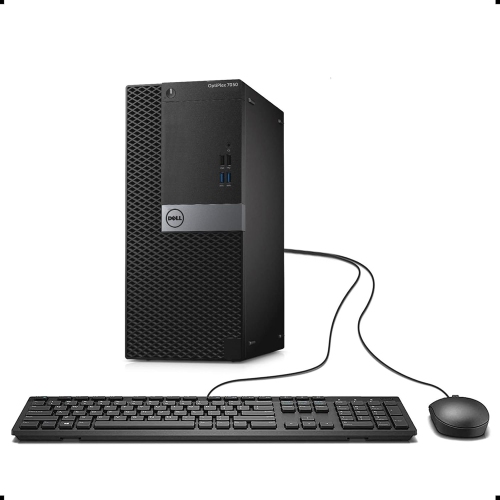
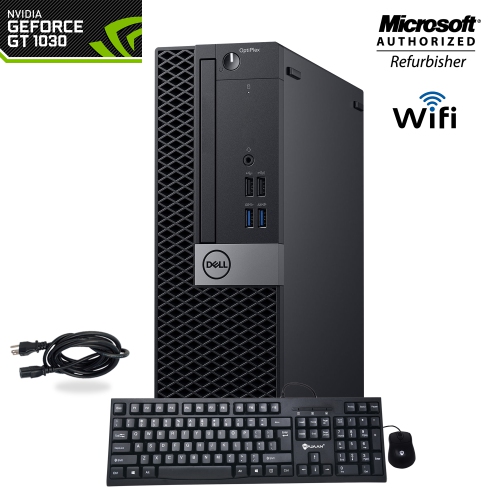
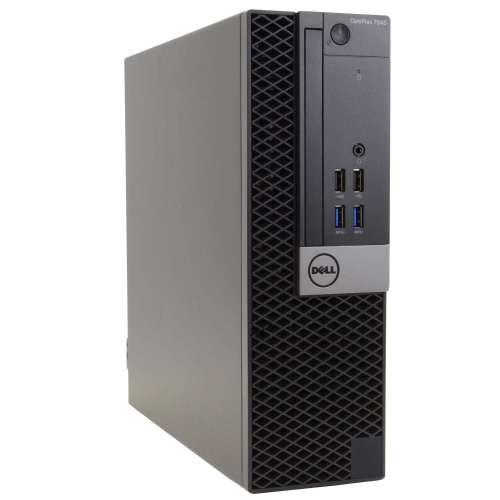
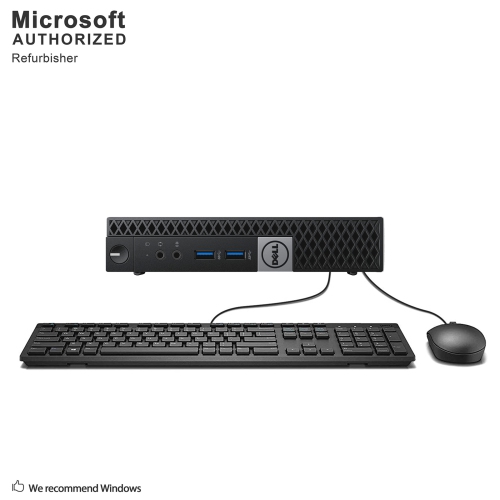
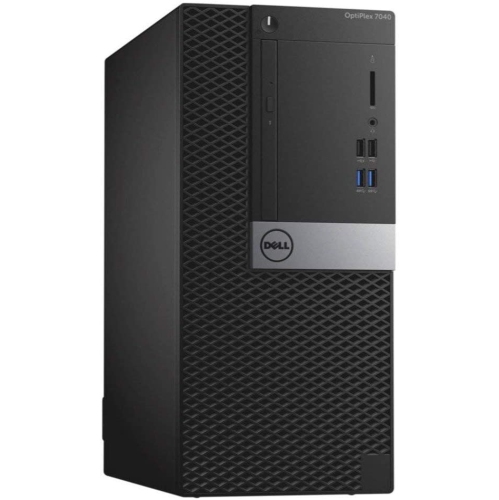
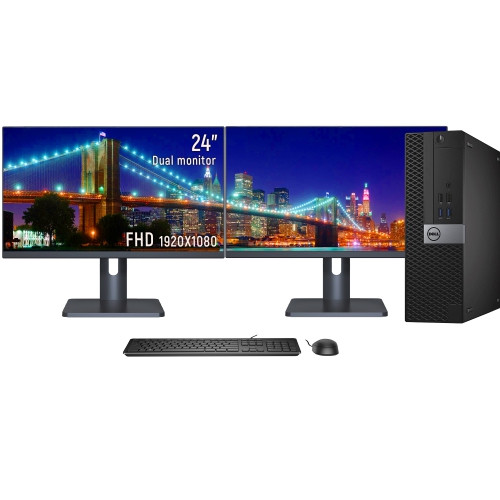
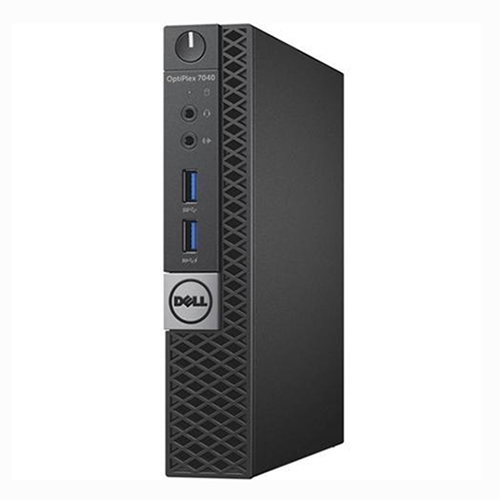
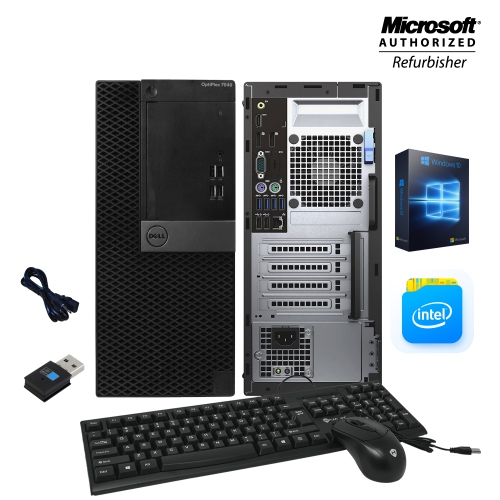
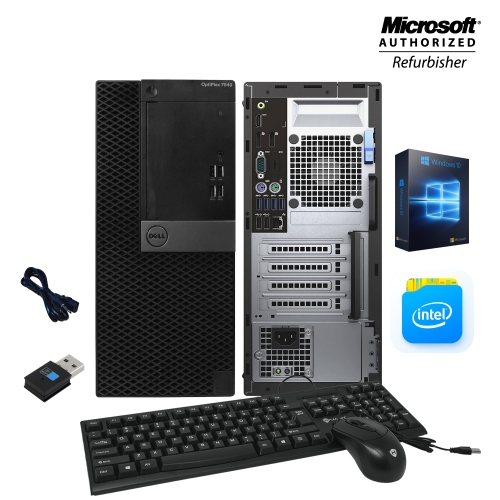
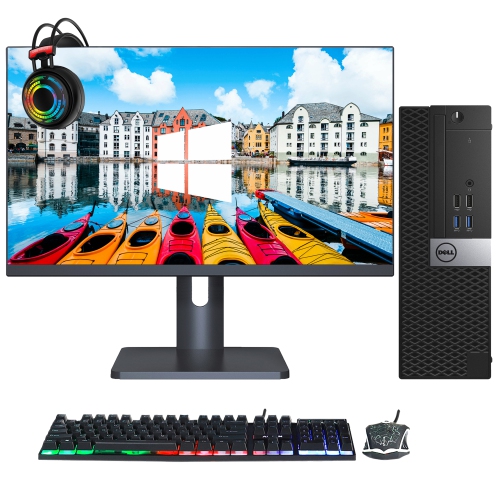
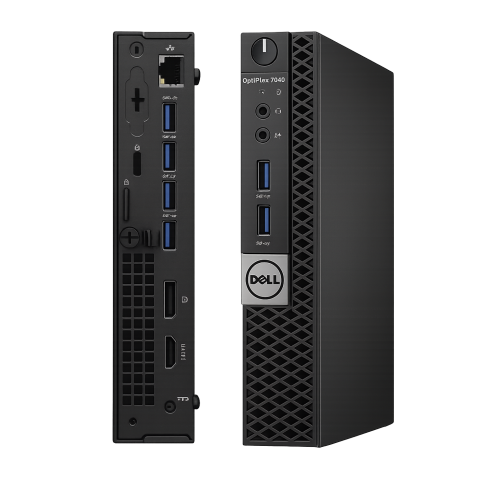
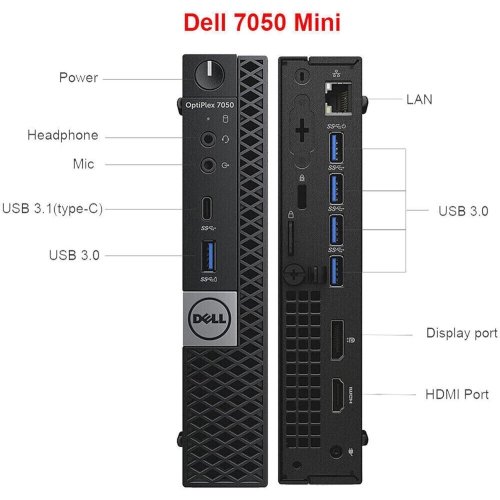
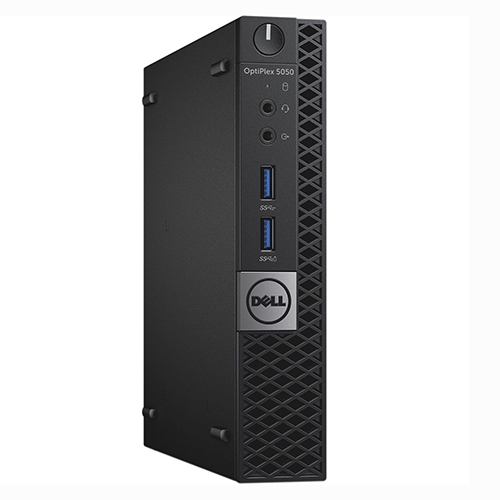
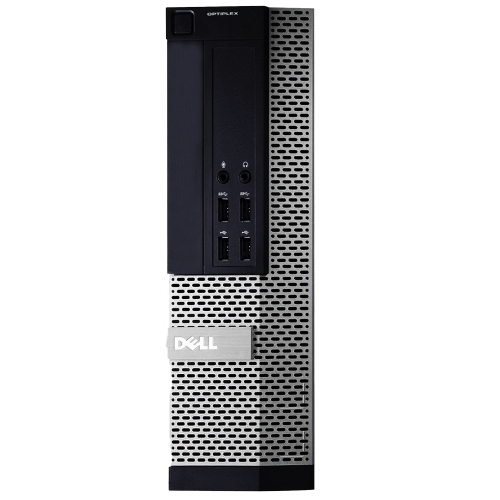
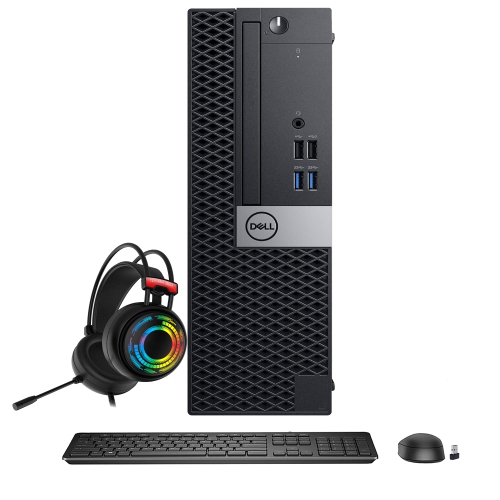
One of the most important details to compare is the desktop’s form factor. Micro models are especially compact and can fit neatly behind or beside a monitor, making them useful for small desks, study nooks, service counters, and other spaces where every inch matters. Small Form Factor, often shortened to SFF, models offer a little more room inside the case while maintaining a relatively modest footprint. Mini Tower versions are larger and may provide easier access to internal components, additional drive bays, or more flexibility for selected expansion cards. The right choice depends on the available space, the number of accessories you plan to connect, and whether you expect to upgrade the computer later. Check the included connections carefully as configurations may differ. Depending on the unit, ports may include USB, DisplayPort, HDMI, Ethernet, audio connections, and legacy display outputs, while built-in Wi-Fi or Bluetooth may not be present on every configuration. If the computer will be placed far from a router, confirm wireless connectivity before purchasing; otherwise, a wired Ethernet connection can provide a straightforward option for a stable network connection. It is also useful to check whether a keyboard, mouse, power cable, monitor, or wireless adapter is included, since refurbished desktop listings may be sold with different accessory bundles. A computer with several available USB ports can be convenient for connecting printers, external storage, webcams, and other equipment, particularly in a home office where the desk gradually fills with useful accessories.
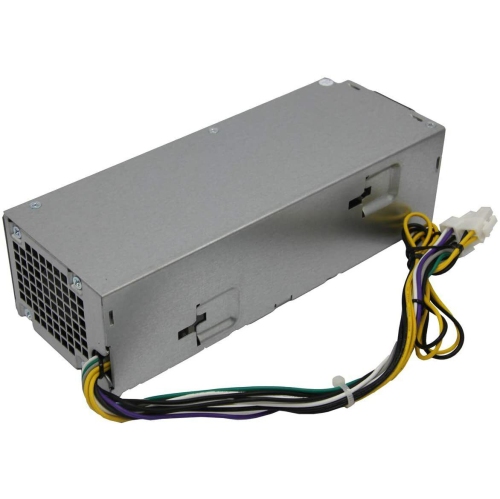
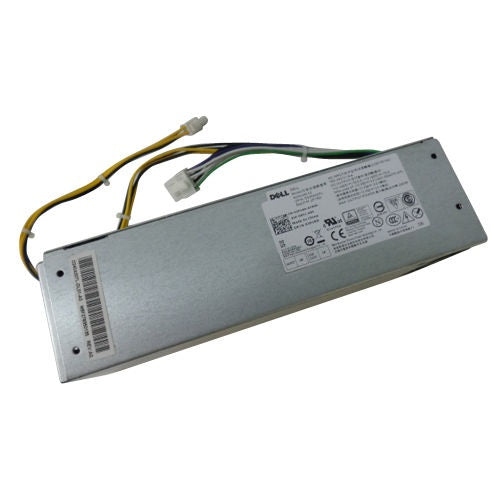
Storage and operating system details deserve close attention as well. Many refurbished units use a 2.5-inch drive, an M.2 NVMe solid-state drive, or a combination of storage types, and the difference can affect both speed and available capacity. An SSD is typically a strong choice for a responsive operating experience, while a larger drive may be preferable if you keep photographs, school files, downloaded media, or work documents on the computer. Some configurations support up to 32GB or 64GB of DDR4 memory depending on the chassis and installed components, although the exact upgrade potential should be confirmed for the individual unit. The original platform was associated with Windows 7 and Windows 10, while refurbished systems may be supplied with Windows 11 Pro or another operating system. Compatibility should be verified carefully: some older configurations use TPM 1.2 rather than the newer requirements associated with official Windows 11 support, and processor or firmware limitations may affect upgrade options. Buyers who want a straightforward setup should choose a listing with the preferred operating system already installed and review the included licence information. Buyers who enjoy hands-on projects may appreciate the opportunity to add memory, replace storage, or configure a small home server, provided they are comfortable checking drive interfaces, memory compatibility, power requirements, and available internal space. If you are comparing this generation with a newer business desktop, the Dell Optiplex 7050 may also be worth considering as part of the search. With a sensible configuration, a refurbished business desktop can be a dependable addition to a workspace, a useful computer for a student or family member, or a practical second system for handling everyday tasks during the cooler months and throughout the year.
One of the most important details to compare is the desktop’s form factor. Micro models are especially compact and can fit neatly behind or beside a monitor, making them useful for small desks, study nooks, service counters, and other spaces where every inch matters. Small Form Factor, often shortened to SFF, models offer a little more room inside the case while maintaining a relatively modest footprint. Mini Tower versions are larger and may provide easier access to internal components, additional drive bays, or more flexibility for selected expansion cards. The right choice depends on the available space, the number of accessories you plan to connect, and whether you expect to upgrade the computer later. Check the included connections carefully as configurations may differ. Depending on the unit, ports may include USB, DisplayPort, HDMI, Ethernet, audio connections, and legacy display outputs, while built-in Wi-Fi or Bluetooth may not be present on every configuration. If the computer will be placed far from a router, confirm wireless connectivity before purchasing; otherwise, a wired Ethernet connection can provide a straightforward option for a stable network connection. It is also useful to check whether a keyboard, mouse, power cable, monitor, or wireless adapter is included, since refurbished desktop listings may be sold with different accessory bundles. A computer with several available USB ports can be convenient for connecting printers, external storage, webcams, and other equipment, particularly in a home office where the desk gradually fills with useful accessories.
Storage and operating system details deserve close attention as well. Many refurbished units use a 2.5-inch drive, an M.2 NVMe solid-state drive, or a combination of storage types, and the difference can affect both speed and available capacity. An SSD is typically a strong choice for a responsive operating experience, while a larger drive may be preferable if you keep photographs, school files, downloaded media, or work documents on the computer. Some configurations support up to 32GB or 64GB of DDR4 memory depending on the chassis and installed components, although the exact upgrade potential should be confirmed for the individual unit. The original platform was associated with Windows 7 and Windows 10, while refurbished systems may be supplied with Windows 11 Pro or another operating system. Compatibility should be verified carefully: some older configurations use TPM 1.2 rather than the newer requirements associated with official Windows 11 support, and processor or firmware limitations may affect upgrade options. Buyers who want a straightforward setup should choose a listing with the preferred operating system already installed and review the included licence information. Buyers who enjoy hands-on projects may appreciate the opportunity to add memory, replace storage, or configure a small home server, provided they are comfortable checking drive interfaces, memory compatibility, power requirements, and available internal space. If you are comparing this generation with a newer business desktop, the Dell Optiplex 7050 may also be worth considering as part of the search. With a sensible configuration, a refurbished business desktop can be a dependable addition to a workspace, a useful computer for a student or family member, or a practical second system for handling everyday tasks during the cooler months and throughout the year.
Top selling and popular products
-
 Your price for this item is $1599
 -
 Your price for this item is $1629.79
 -
 Your price for this item is $1999.99
 -
 Your price for this item is $1459.79
 -
 Your price for this item is $879
 -
 Your price for this item is $1199.99
 -
 Your price for this item is $1839
 -
 Your price for this item is $879
Discover more categories related to Dell Optiplex 7040
Top Collections:
Pokemon Centers, Kindle Devices, Best Budget Office Chairs, Apple iPhones 16, Best Laptops for Writers, iPhone 15 Apple, Canon G7X Cameras, Refurbished Apple Laptops, Alarm Clock, Motorola Razr Phones
Some products may be subject to Environmental Handling Fees
(EHF) depending on your province.
Learn more about EHFs.