Dell D6000
Discover versatile connectivity and seamless productivity with the Dell D6000. Ideal for both home and office setups, the Dell D6000 offers a reliable solution for expanding your workspace and streamlining your daily tasks. Explore options that help you connect multiple devices effortlessly, making it easier to stay organized and efficient. Find the right Dell D6000 to enhance your computing experience today.
Sort
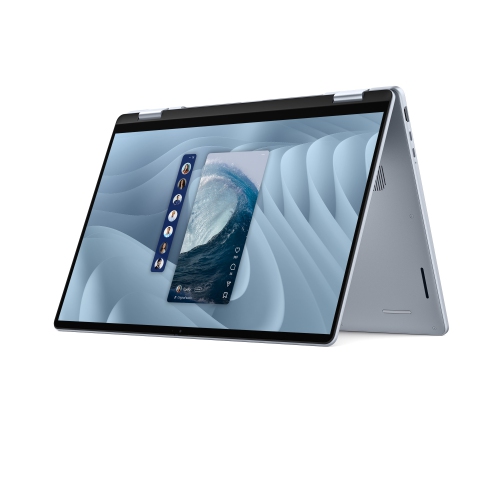
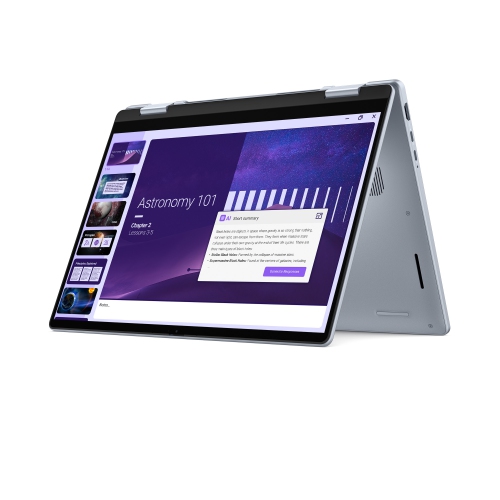
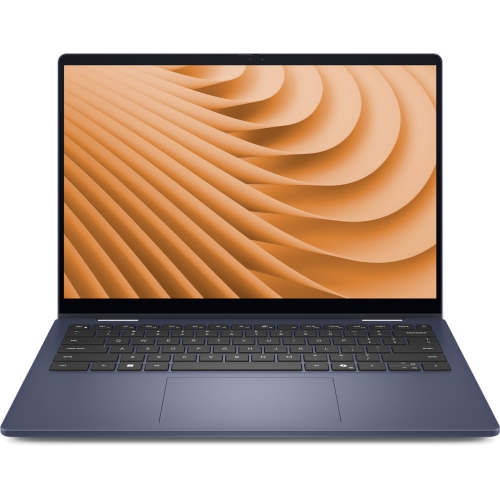
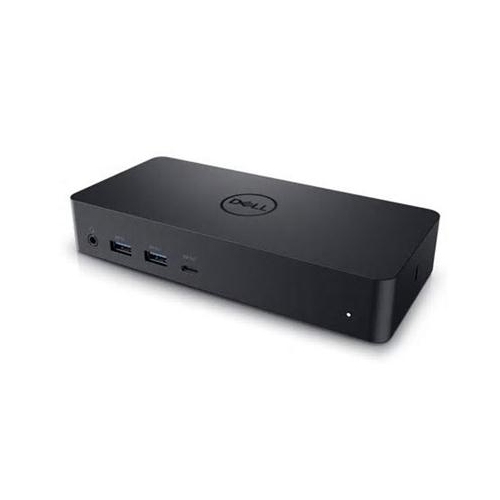
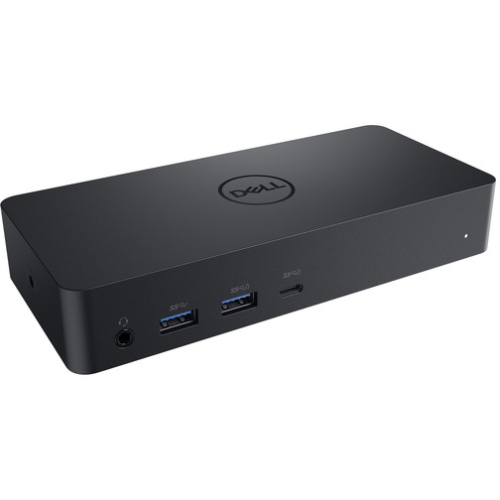
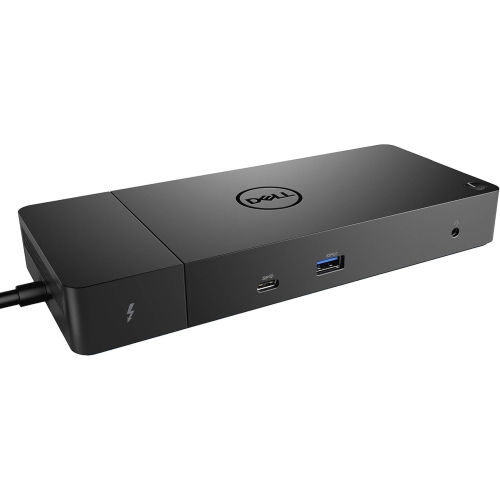
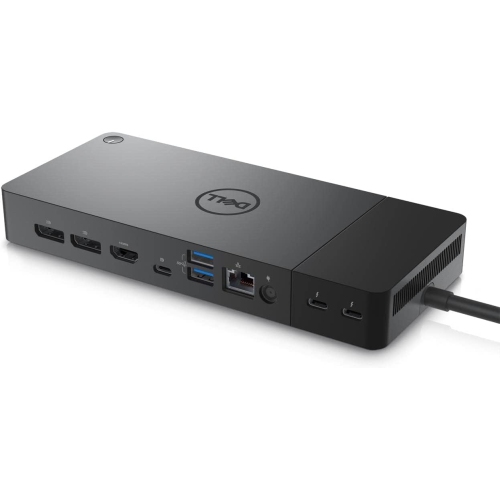
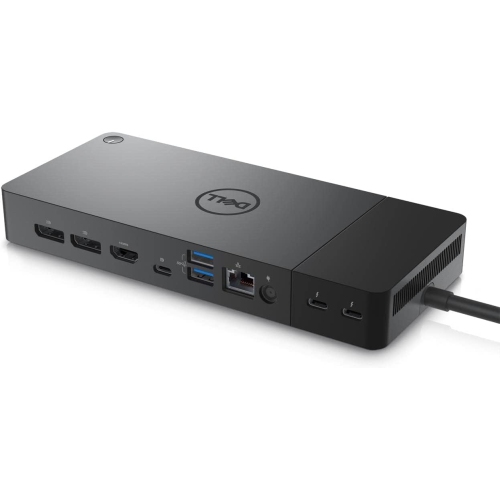
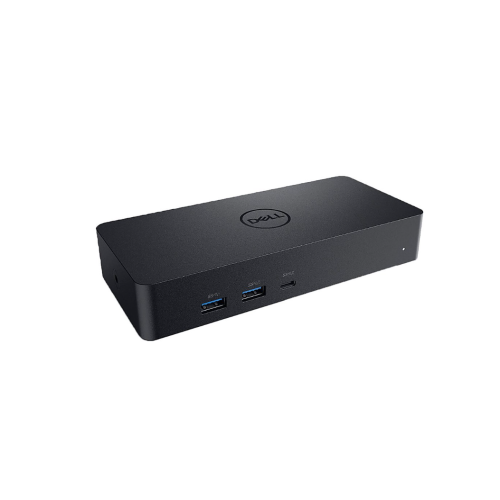
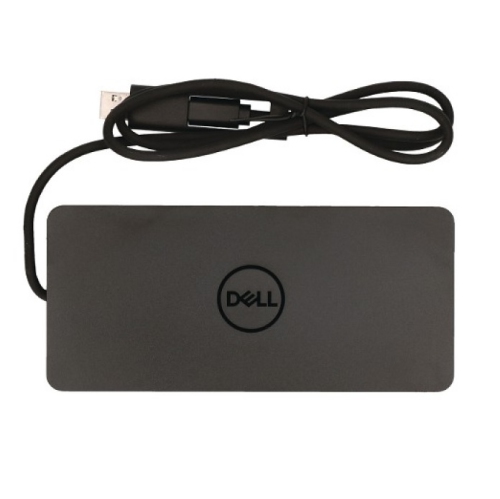
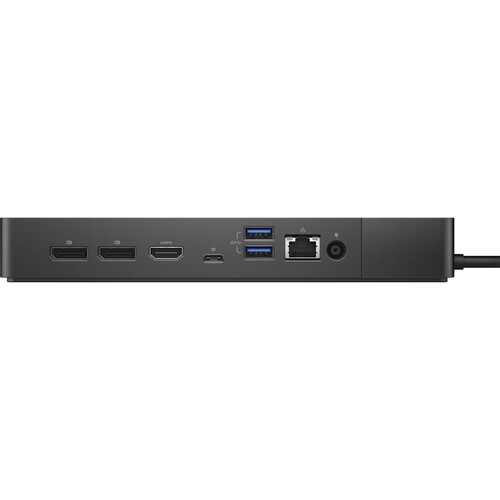
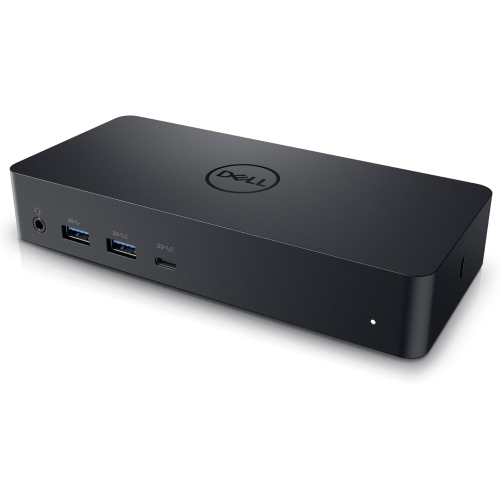
Dell D6000
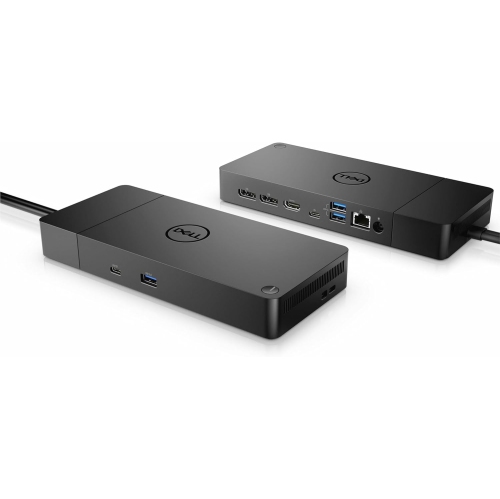
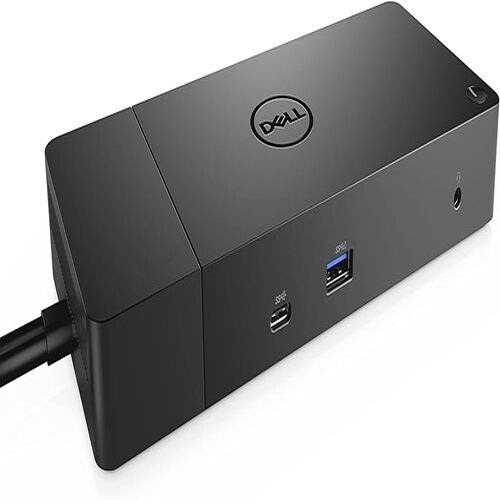
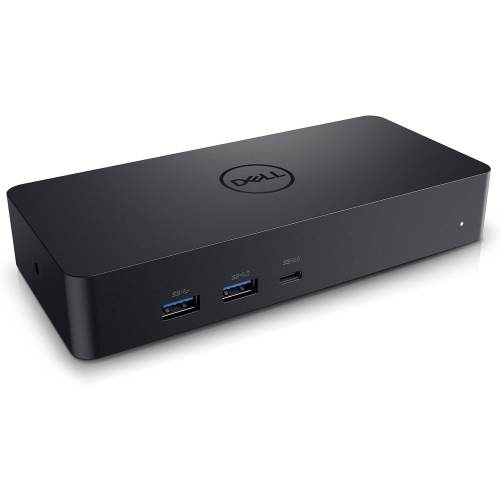
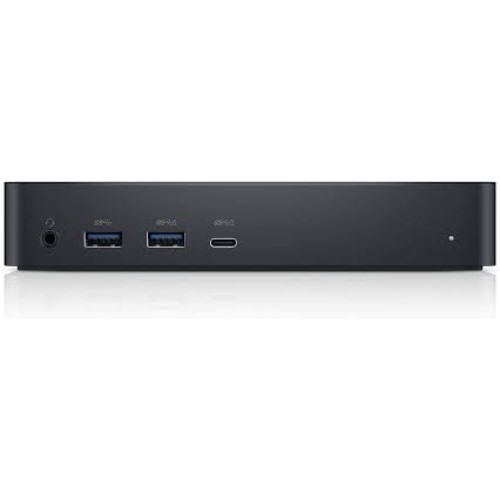
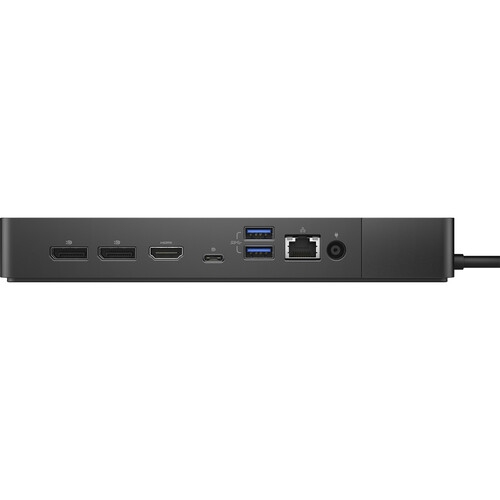
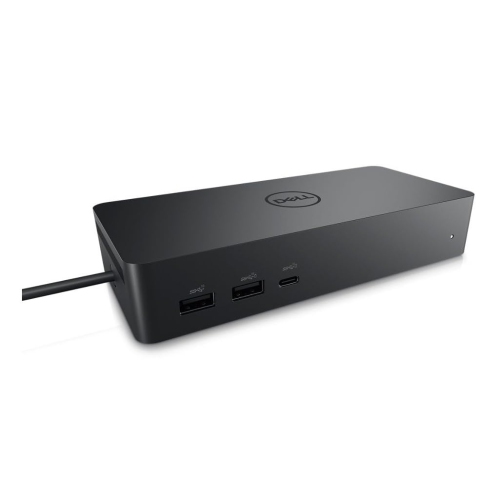
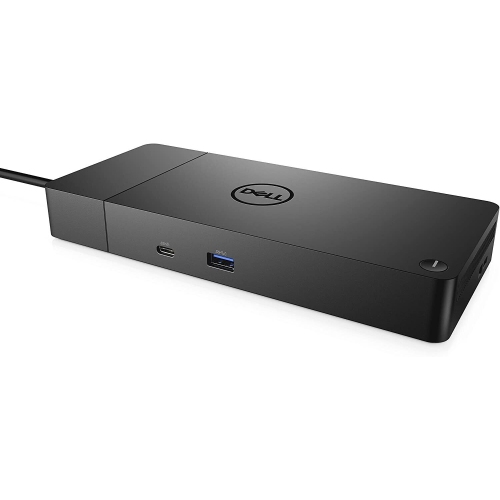
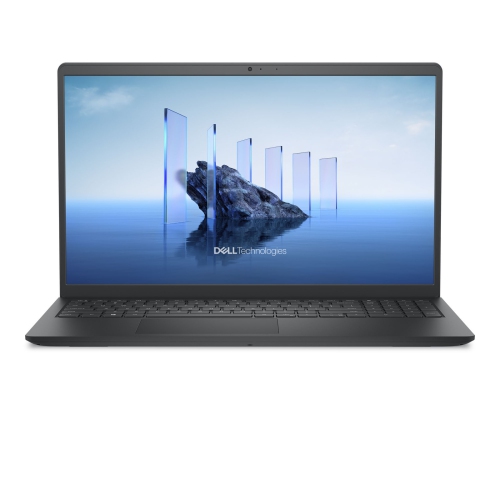
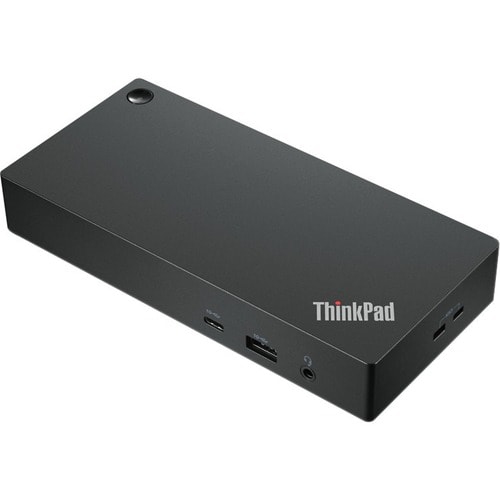
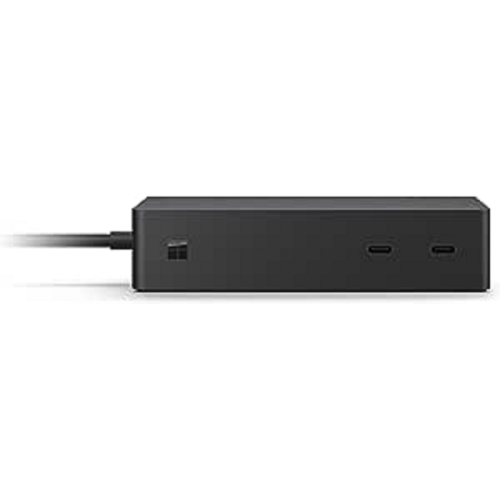
For professionals and students alike, a reliable docking station can transform any workspace into a streamlined, efficient hub for productivity. Products in the Dell D6000 theme are designed to simplify connectivity, especially for those who juggle multiple devices or need to expand their laptop’s capabilities. Whether you’re setting up a home office, outfitting a shared desk in a busy household, or upgrading your workstation at the office, these docking solutions are built to accommodate a wide range of laptops with USB-C or USB 3.0 connections. This versatility means you can connect everything from high-resolution monitors and external storage to wired keyboards, mice, and network cables, all through a single cable. As the weather warms and routines shift—whether you’re working from a sunlit dining table, a dedicated study, or a cool basement office—having a docking station that supports up to three 4K displays or even a single 5K monitor can make a world of difference for video editors, graphic designers, engineers, or anyone who needs ample screen real estate.
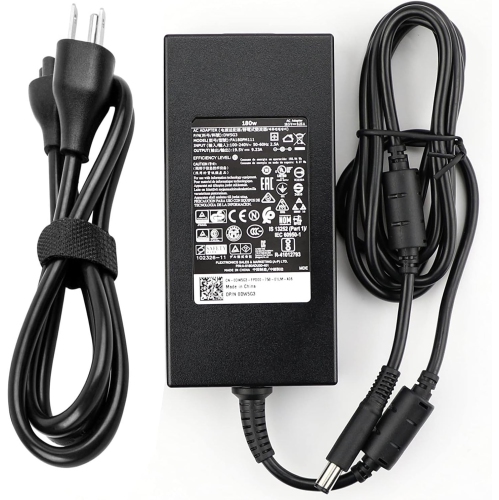
When considering a docking station in this category, it’s important to think about how many peripherals you plan to use and what kind of display setup you want. The ability to connect multiple monitors, particularly at 4K resolution and 60Hz refresh rates, can dramatically improve multitasking and visual clarity. For those who frequently move between locations, the convenience of a universal dock that’s compatible with both USB-C and USB 3.0 laptops means less time spent plugging and unplugging cables, and more time focused on your work or studies. Power delivery is another key consideration—these docks typically offer up to 65W of charging power, which is plenty for most modern laptops, but checking your device’s requirements is always wise. If you’re planning to use the dock with accessories that demand higher power, such as a 180w ac charger for dell dock d6000 wd19 wd15 tb16 wd19tb, be sure to confirm compatibility and the purchase price in CA to ensure your setup runs smoothly. Many users find that a docking station is a thoughtful and practical gift for recent graduates, remote workers, or anyone setting up a flexible work environment. It’s also an excellent upgrade for parents or family members who want to keep their tech organized and accessible, especially during the transition between seasons when routines and workspaces may shift.
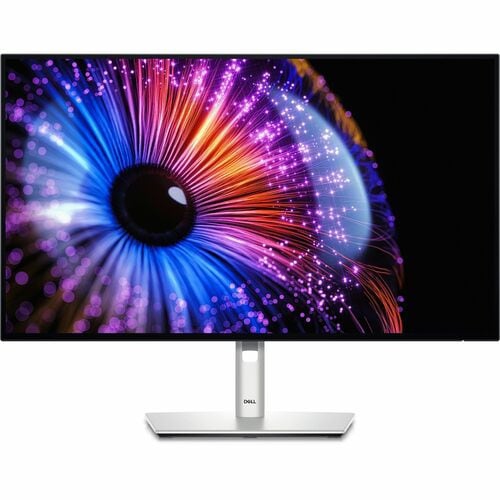
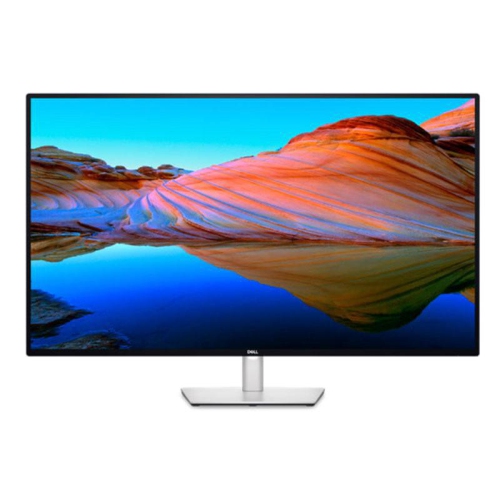
For those who want to make the most of their docking station’s capabilities, pairing it with high-quality external monitors can further enhance productivity and comfort. Consider exploring options like Dell Ultrasharp Monitors to take advantage of advanced display technology and crisp visuals, whether you’re editing photos, managing spreadsheets, or enjoying entertainment after hours. With robust connectivity options—including multiple USB ports, Ethernet for stable wired internet, and audio jacks for headphones or speakers—these docking solutions are ideal for anyone seeking to reduce desktop clutter and improve workflow. As you prepare for the dynamic months ahead, investing in a versatile docking station can help ensure your workspace is ready for whatever the season brings, supporting both productivity and relaxation with seamless device integration.
When considering a docking station in this category, it’s important to think about how many peripherals you plan to use and what kind of display setup you want. The ability to connect multiple monitors, particularly at 4K resolution and 60Hz refresh rates, can dramatically improve multitasking and visual clarity. For those who frequently move between locations, the convenience of a universal dock that’s compatible with both USB-C and USB 3.0 laptops means less time spent plugging and unplugging cables, and more time focused on your work or studies. Power delivery is another key consideration—these docks typically offer up to 65W of charging power, which is plenty for most modern laptops, but checking your device’s requirements is always wise. If you’re planning to use the dock with accessories that demand higher power, such as a 180w ac charger for dell dock d6000 wd19 wd15 tb16 wd19tb, be sure to confirm compatibility and the purchase price in CA to ensure your setup runs smoothly. Many users find that a docking station is a thoughtful and practical gift for recent graduates, remote workers, or anyone setting up a flexible work environment. It’s also an excellent upgrade for parents or family members who want to keep their tech organized and accessible, especially during the transition between seasons when routines and workspaces may shift.
For those who want to make the most of their docking station’s capabilities, pairing it with high-quality external monitors can further enhance productivity and comfort. Consider exploring options like Dell Ultrasharp Monitors to take advantage of advanced display technology and crisp visuals, whether you’re editing photos, managing spreadsheets, or enjoying entertainment after hours. With robust connectivity options—including multiple USB ports, Ethernet for stable wired internet, and audio jacks for headphones or speakers—these docking solutions are ideal for anyone seeking to reduce desktop clutter and improve workflow. As you prepare for the dynamic months ahead, investing in a versatile docking station can help ensure your workspace is ready for whatever the season brings, supporting both productivity and relaxation with seamless device integration.
Top selling and popular products
-
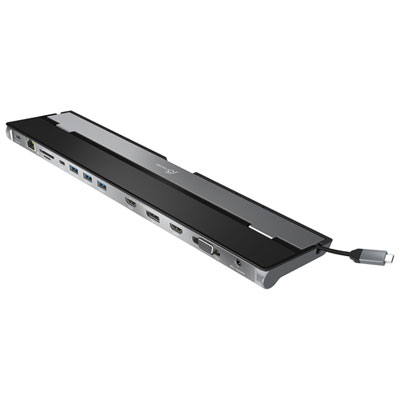 Your price for this item is $149.99
 -
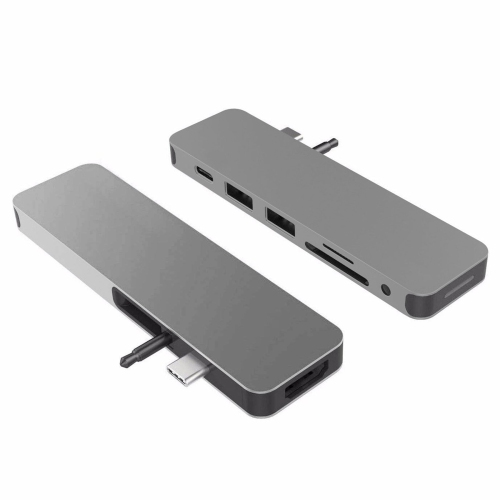 Your price for this item is $44.99
 -
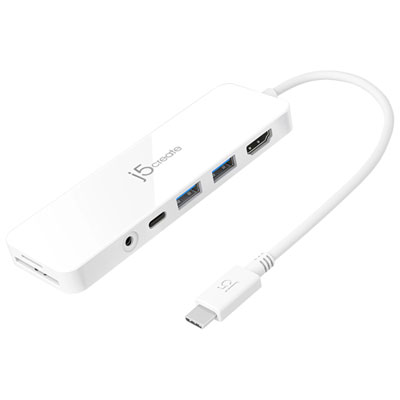 Your price for this item is $49.99
 -
 Your price for this item is $44.99
 -
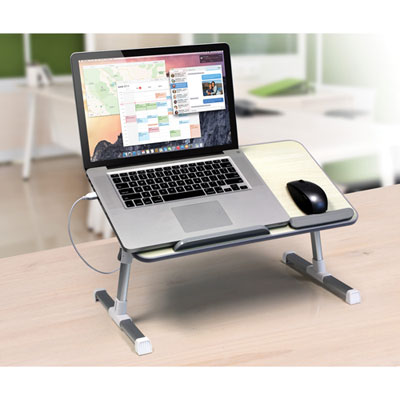 Your price for this item is $59.99
 -
 Your price for this item is $94.57
 -
 Your price for this item is $179.99
 -
 Your price for this item is $209.99
Discover more categories related to Dell D6000
Top Collections:
RAM Upgrades for PC, Kindle Devices, Best Laptops for Home Use, Best Cell Phones Under $500, Best Laptops for Writers, Best Earbuds for Phone Calls, Best Wi-Fi Routers, Best Quality Dishwashers, Best Fridges, Apple iPhones 16
Some products may be subject to Environmental Handling Fees
(EHF) depending on your province.
Learn more about EHFs.