Dell Laptops With Ssd
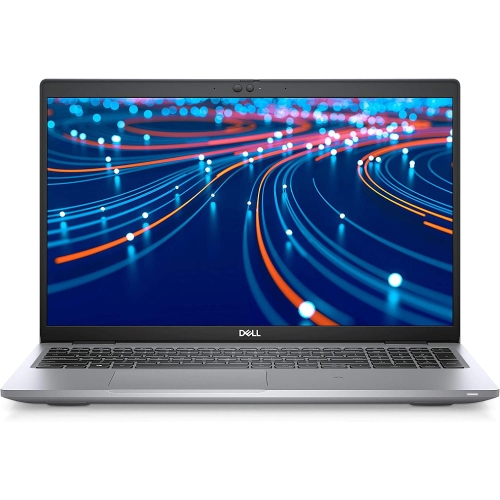
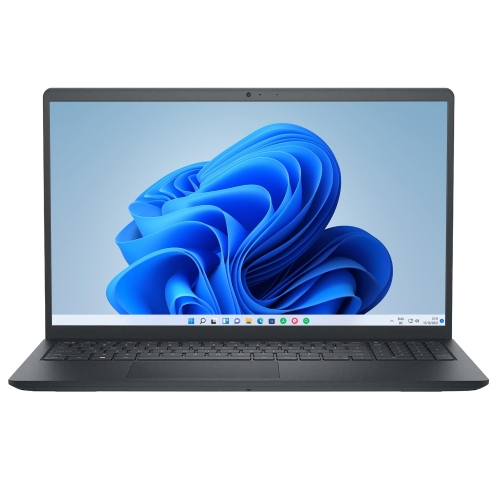
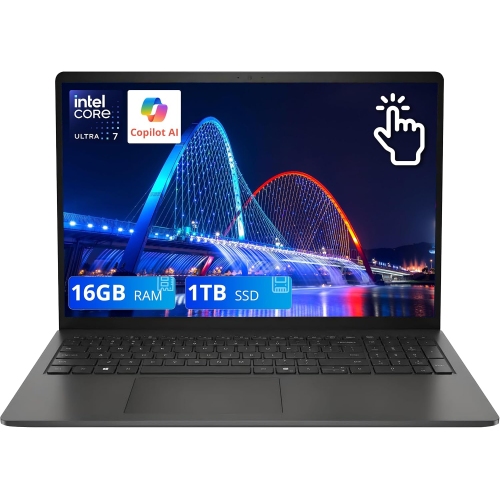
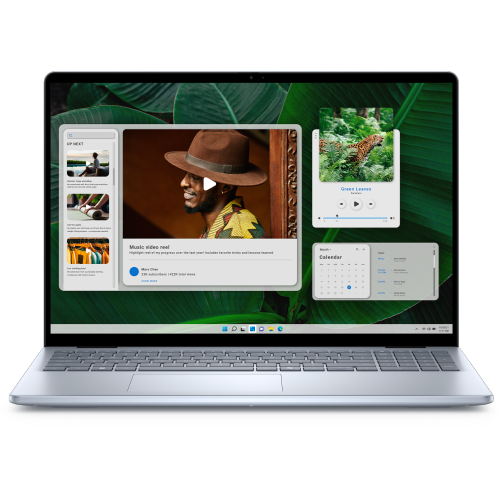
Looking for laptops that combine speed, reliability, and ample storage space? Look no further than our selection of Dell laptops with SSDs. These sleek and powerful devices are equipped with solid-state drives (SSD), ensuring lightning-fast boot-up times and quick access to your files and applications. Whether you're a student, a professional, or a casual user, these Dell laptops offer the perfect blend of performance and efficiency to meet your computing needs. With their cutting-edge features and innovative designs, you can stay productive and enjoy seamless multitasking on the go.
Sort




















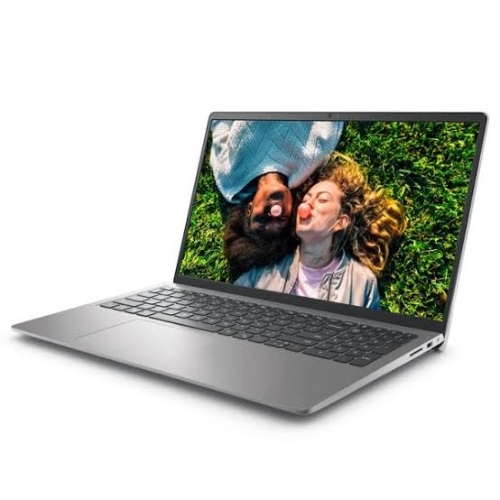
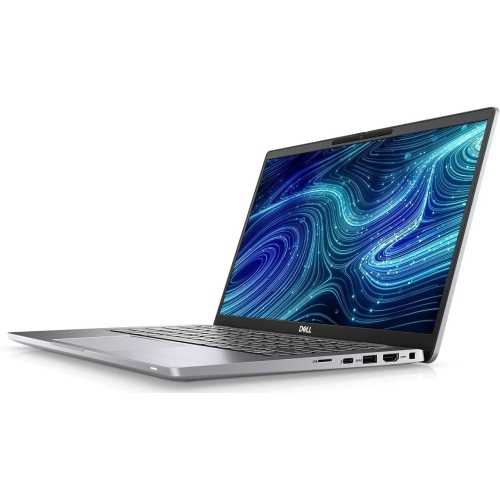
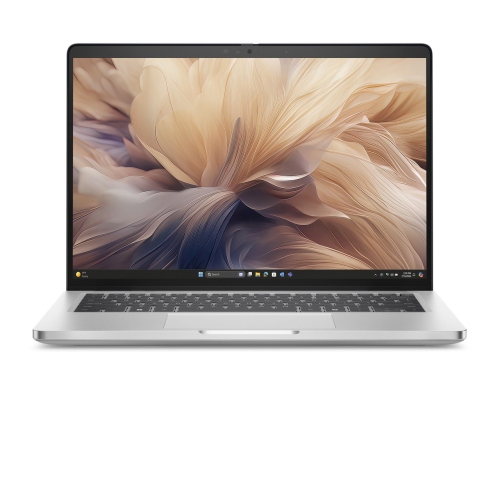
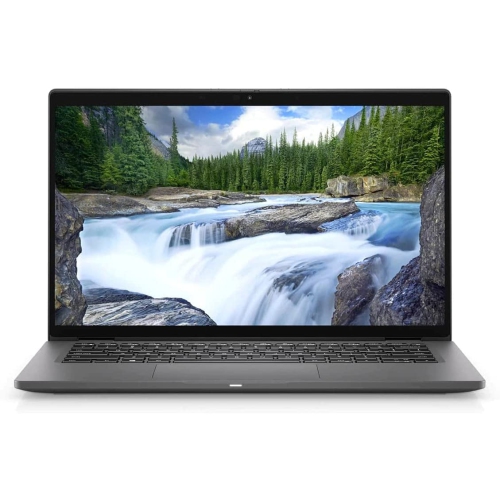
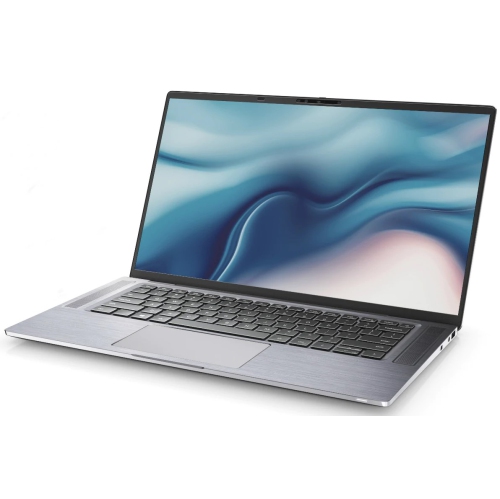
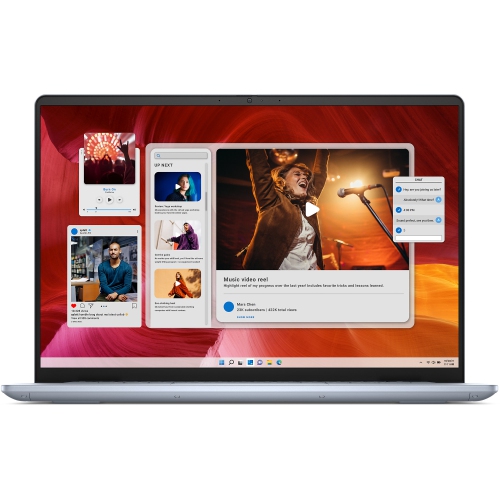
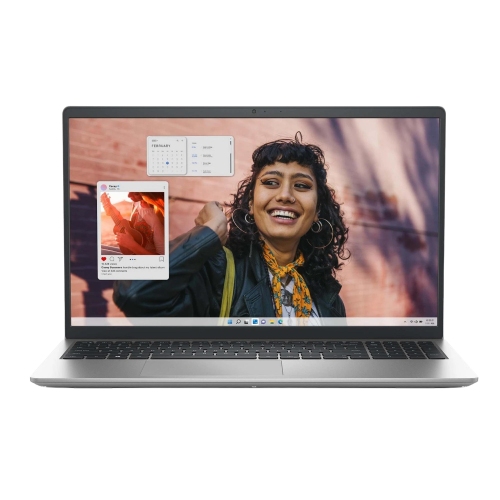
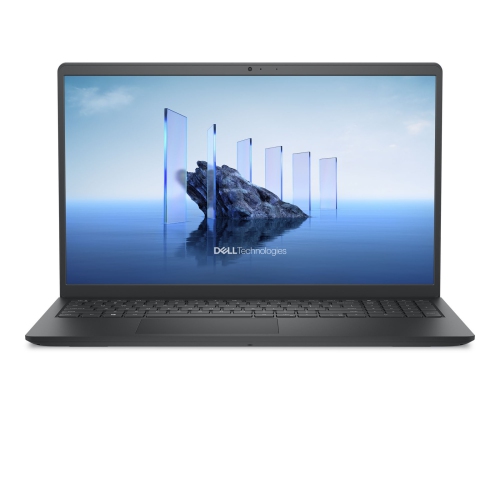

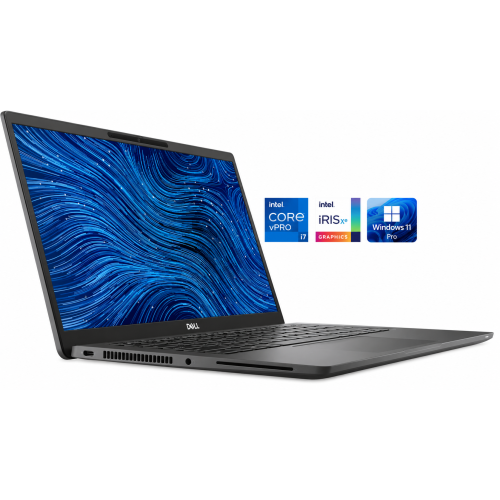
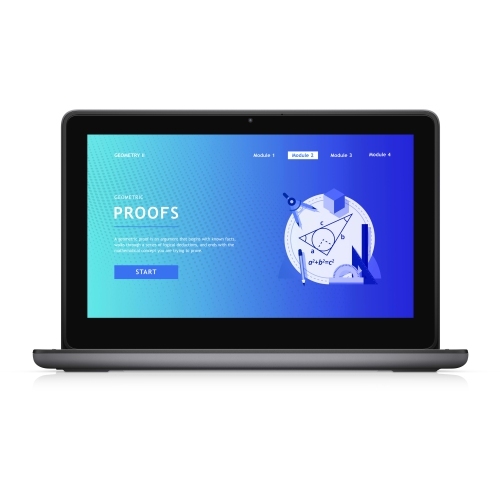
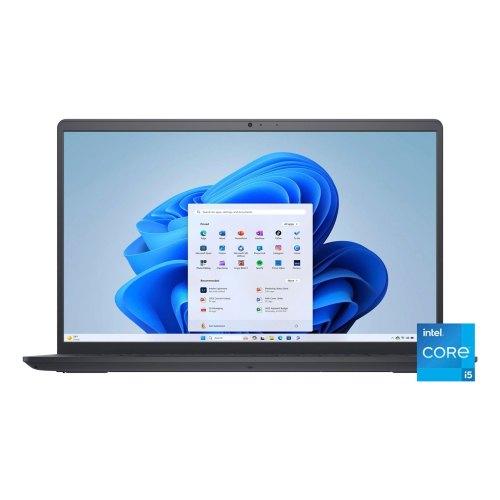
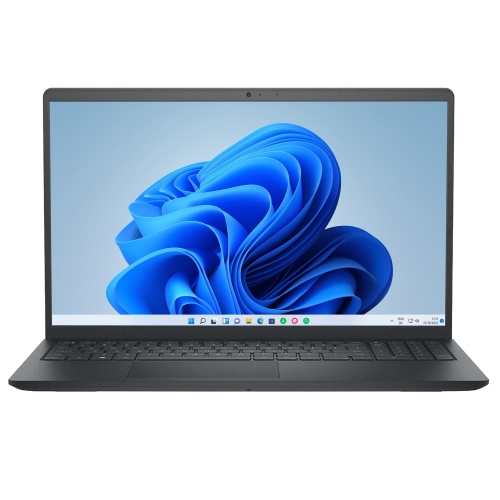
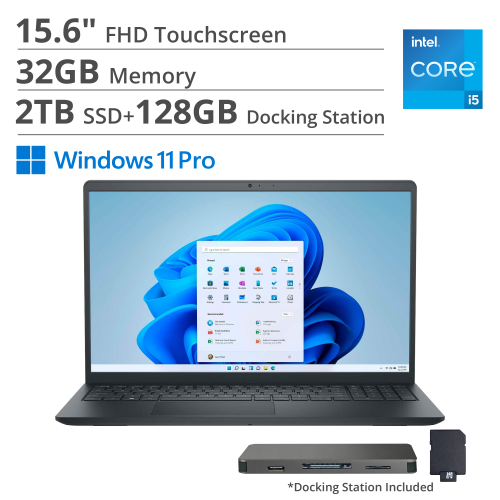
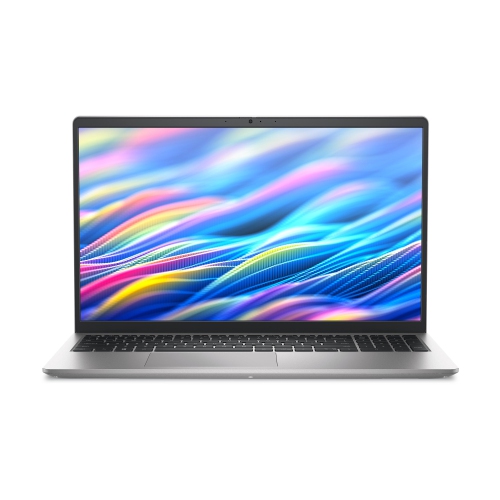
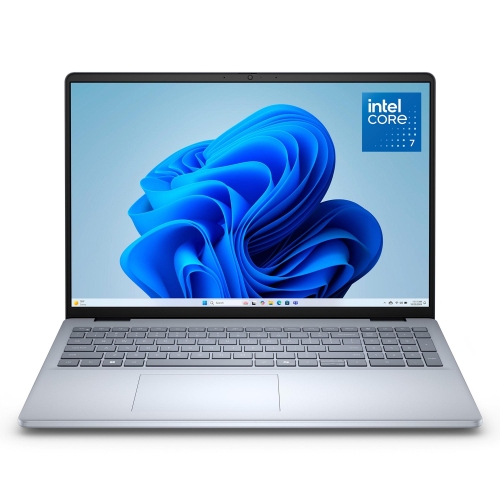
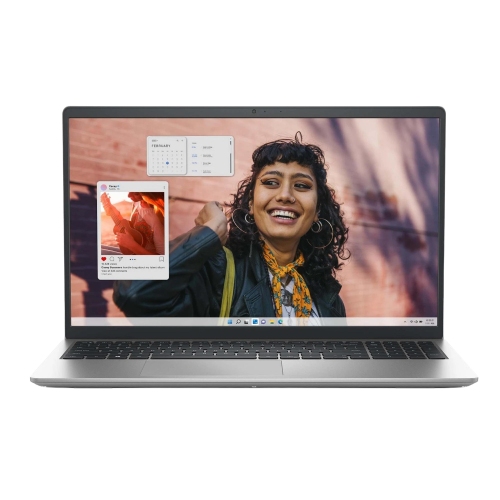

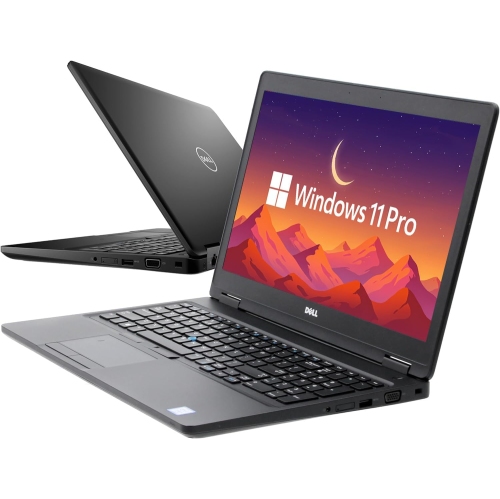
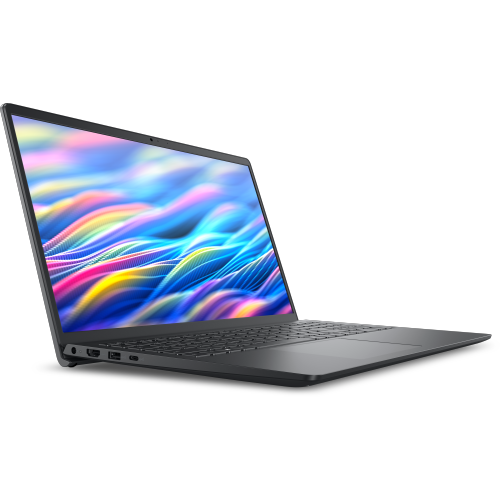
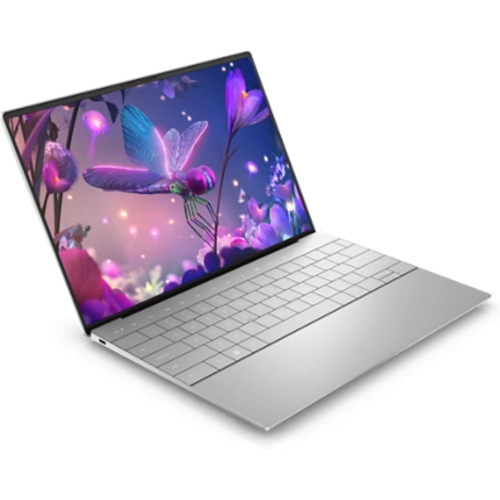
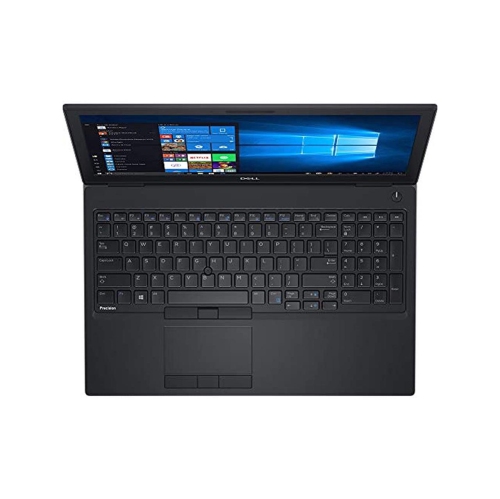
What SSD speed and capacity mean for everyday use
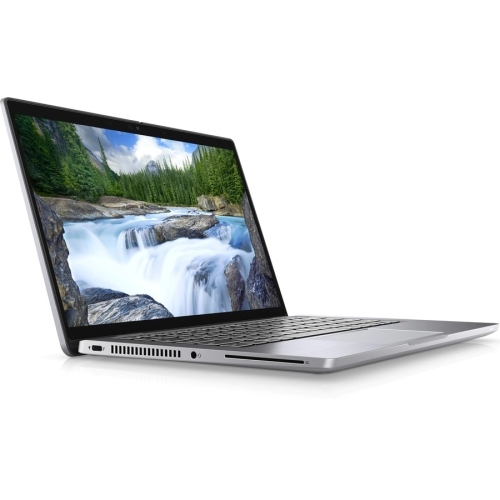
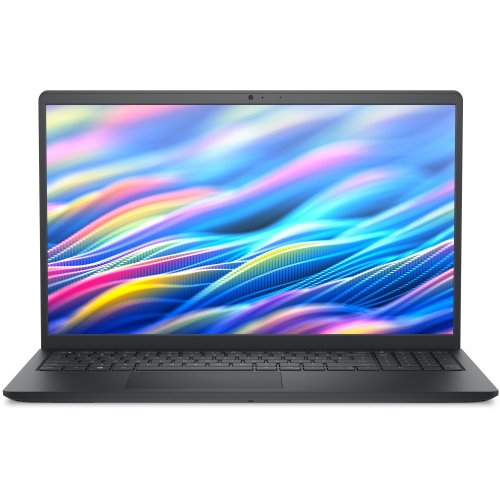
Laptops with SSD storage use a solid-state drive to hold the operating system, programs, and saved files on flash memory rather than on spinning disks. With no moving mechanical parts inside the drive, an SSD operates quietly and can make everyday tasks feel more responsive than they would on a comparable computer with a traditional hard drive. That difference is noticeable when starting the laptop before a meeting, opening a large presentation, or switching between files during a study session. SSD storage is useful across a wide range of laptop types, from compact computers carried between lectures to larger machines used for spreadsheets, photo editing, and creative projects. Capacity determines how much can be stored locally: 256GB may suit a lighter workload centred on documents and online services, while 512GB or 1TB provides more room for downloaded programs, photographs, and project folders. Larger capacities can be helpful for video footage, extensive media libraries, or work that needs to remain accessible without an internet connection. Usable space is lower than the stated drive capacity because formatting, the operating system, and installed software occupy part of the drive. Storage capacity is also separate from memory, or RAM, which helps the computer manage active programs and tasks. A larger SSD does not replace the need for enough RAM or a processor suited to the workload. Drive technology matters as well: NVMe SSDs generally support higher transfer speeds than SATA SSDs, although the difference in everyday use depends on the task and the rest of the laptop’s hardware. For someone writing reports and joining video calls, a balanced configuration can matter more than the fastest storage specification. For someone moving large project files regularly, drive speed and capacity may play a more prominent role. Together, these details shape how comfortably a laptop handles both routine work and more demanding sessions.
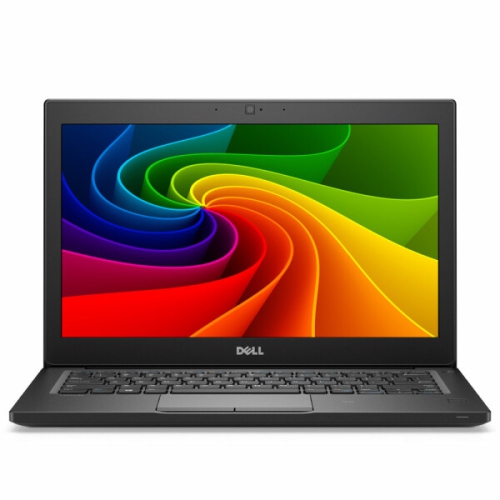
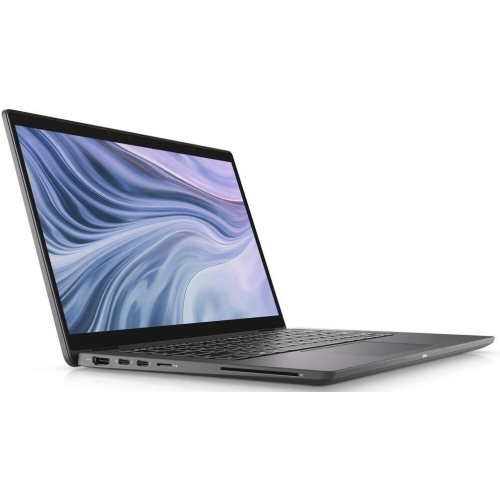
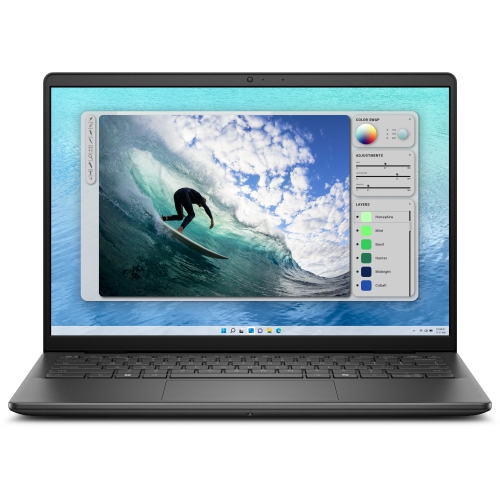
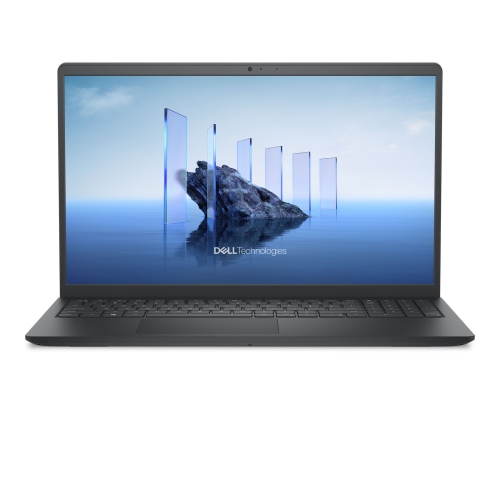
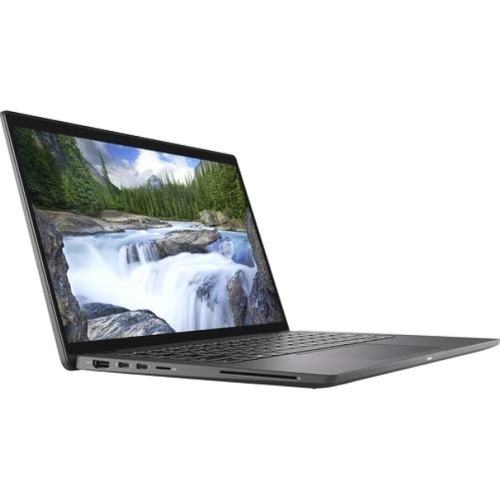
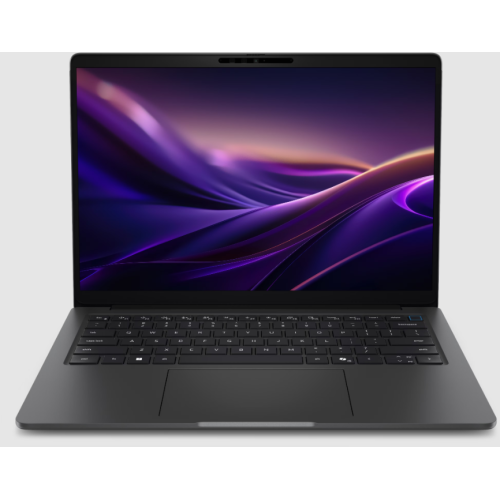
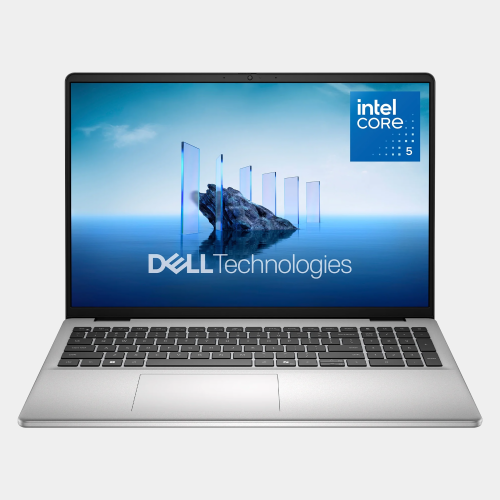
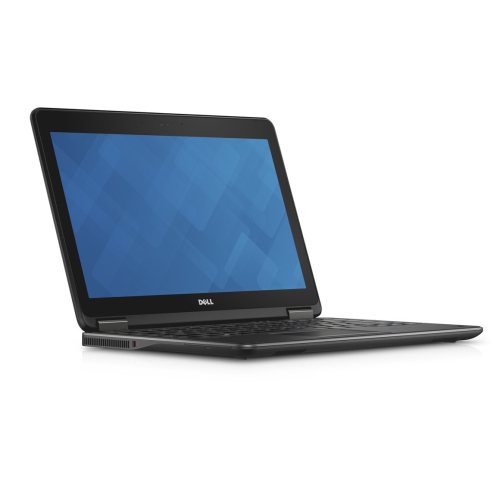
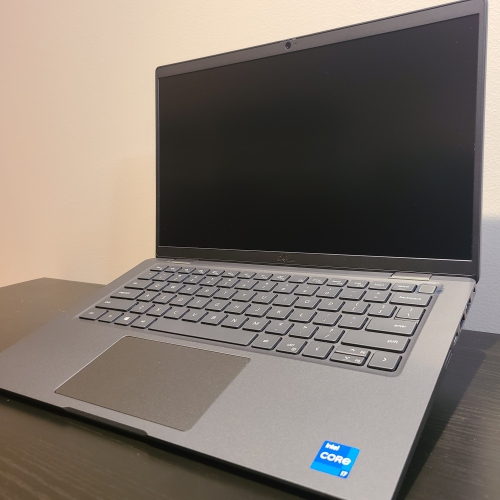
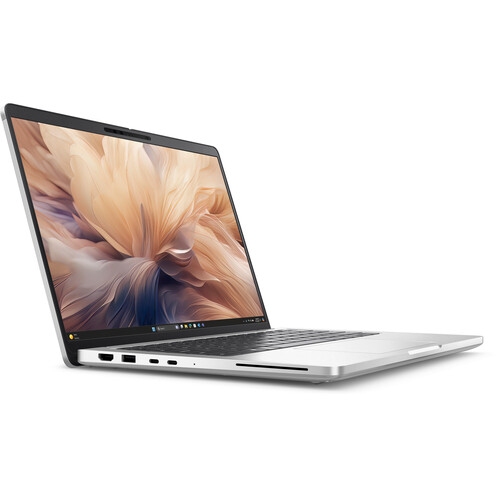
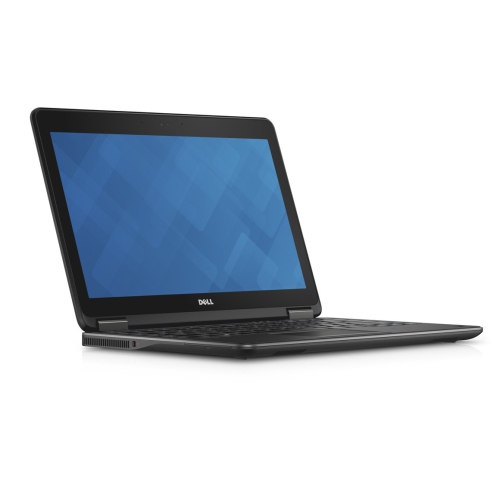
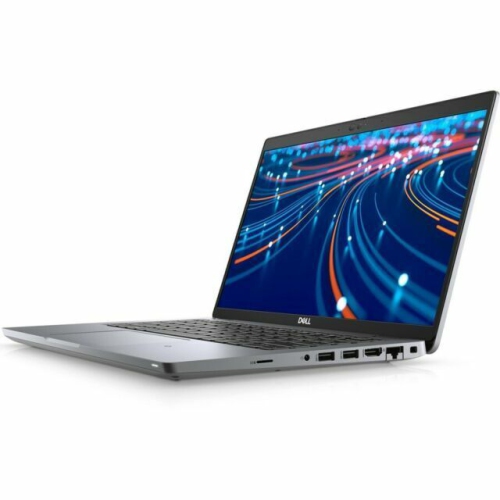
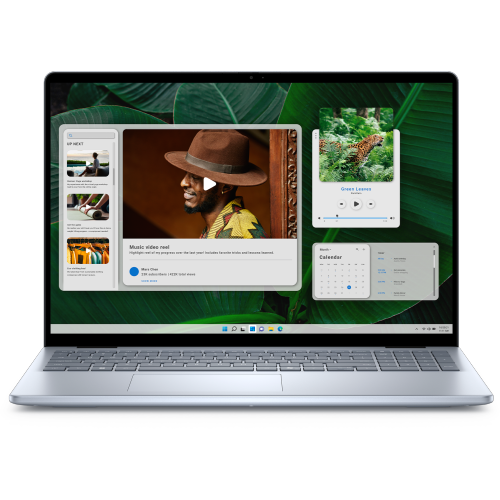
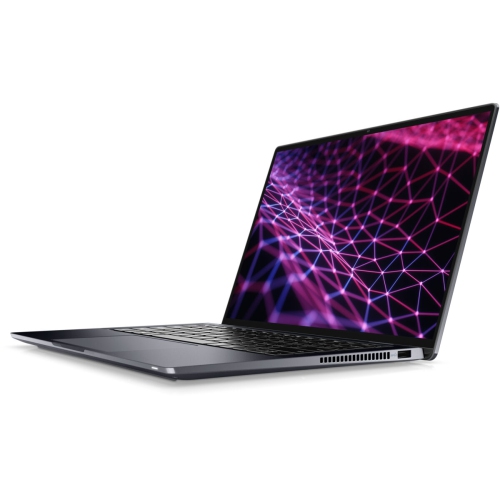
The way a laptop fits into daily life depends just as much on its physical design as on its internal components. A smaller screen and lighter chassis can make frequent trips between home, campus, and the office easier, while a larger display gives documents, timelines, and side-by-side windows more breathing room. Overall dimensions matter alongside the screen measurement, particularly when the computer needs to fit into a backpack sleeve or share a small desktop with notebooks and a monitor. Metal and plastic construction each come in a range of finishes and designs; hinge stability, keyboard support, and the way the base feels when lifted are useful parts of the overall build quality. A comfortable keyboard, clear key markings, and a responsive touchpad become especially noticeable during long writing sessions. A separate number pad can suit frequent data entry, though its presence depends on the laptop’s layout. Screen resolution, brightness, surface finish, and colour reproduction affect different activities in different ways. A matte finish can reduce distracting reflections, while accurate colour reproduction is more relevant to photo and design work than to basic document editing. Touchscreens and convertible hinges add flexibility for handwritten notes or presentations, but are not essential for everyone. Connection options also influence the fit: USB ports, display outputs, an audio connection, and a memory card reader may reduce the need for adapters, depending on the devices used alongside the laptop. Not every USB-C port supports charging or external video, so those capabilities depend on the configuration. Wi-Fi capabilities, webcam quality, and microphone performance contribute to remote classes and meetings. Battery life varies with screen brightness, processor activity, wireless use, and battery condition; an SSD alone does not guarantee longer time between charges. Integrated graphics can suit everyday productivity and media playback, while demanding games, three-dimensional work, and some editing programs may benefit from dedicated graphics hardware.
SSD-equipped laptops can serve students organizing coursework, professionals moving between meetings, families sharing a household computer, and creative users keeping project files close at hand. Their quiet storage is particularly welcome in a library or shared workspace, although cooling fans may still become audible under heavier workloads. For a laptop that travels often, a padded sleeve and a bag with a secure compartment help protect the chassis and screen from knocks. Solid-state storage is less vulnerable to mechanical shock than a spinning hard drive, but the laptop’s display, hinges, ports, and internal connections still need careful handling. Keeping vents clear on a firm work surface supports airflow; a soft blanket or cushion can obstruct ventilation even when the computer feels stable. Care also includes using cleaning methods approved for the display and exterior finish, keeping liquids away from the keyboard, and avoiding pressure on the lid when packing a bag. An SSD is not a substitute for a backup: important assignments, photographs, and business files still benefit from a separate copy on an external drive or a suitable online service. Drive replacement and capacity expansion depend on the laptop’s design, with some configurations offering accessible storage and others requiring more involved servicing. Memory may also be fixed or replaceable, so future flexibility varies. For a previously owned option, the Refurbished Laptops with SSD category provides a related browsing path, with condition descriptions, battery information, included accessories, and warranty terms forming part of the comparison. Across laptop types, the most useful combination is one that matches the person’s actual routine: enough storage for local files, suitable processing power for familiar programs, a comfortable screen and keyboard, and a size that works wherever the computer will be used. Those practical details help an SSD-equipped laptop remain a comfortable everyday tool beyond the initial setup.
Top selling and popular products
-
 Your price for this item is $449
-
 Your price for this item is $3099
-
 Your price for this item is $1800.68
-
 Your price for this item is $664.05
-
 Your price for this item is $869.99
-
 Your price for this item is $2960.48
-
 Your price for this item is $499.68
-
 Your price for this item is $1951.79
Discover more categories related to Dell Laptops With Ssd
Top Collections:
Best Black Friday Deals This Year, Best Black Friday Deals On Electronics, Kindle Devices, Pokemon Centers, Best Black Friday Deals On Apple Products, Best Cameras for Sports Photography, Dyson Airwrap, Pokémon 30th Celebration Cards, Apple iPhone 17 Pro, Canon G7X Cameras
Some products may be subject to Environmental Handling Fees
(EHF) depending on your province.
Learn more about EHFs.