Dell OptiPlex 3050 Desktops
Discover the versatility and performance of the Dell OptiPlex 3050 Desktop, designed to meet the demands of both home and office environments. Whether you're looking to streamline your workflow or enhance productivity, this desktop offers reliable computing power in a compact form factor. Explore a range of configurations and options to find the ideal Dell OptiPlex 3050 Desktop that fits your needs, all backed by Best Buy’s trusted service and support.
Sort


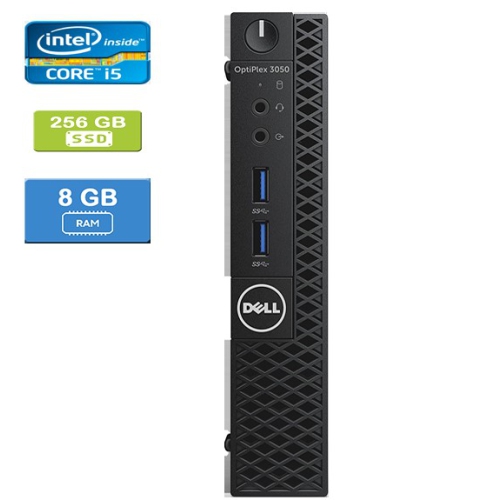
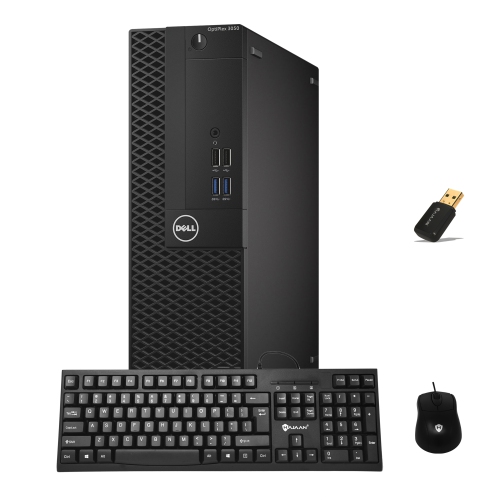
Practical configurations for everyday work and compact spaces
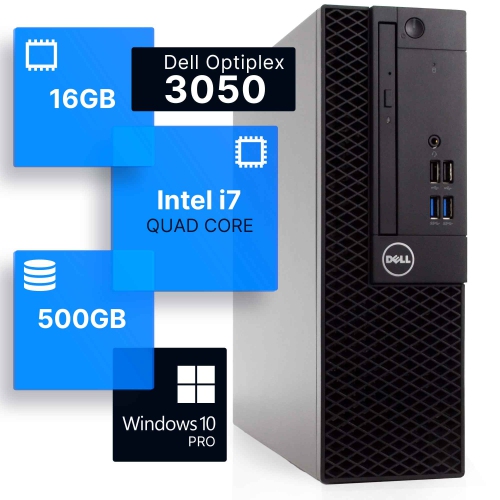
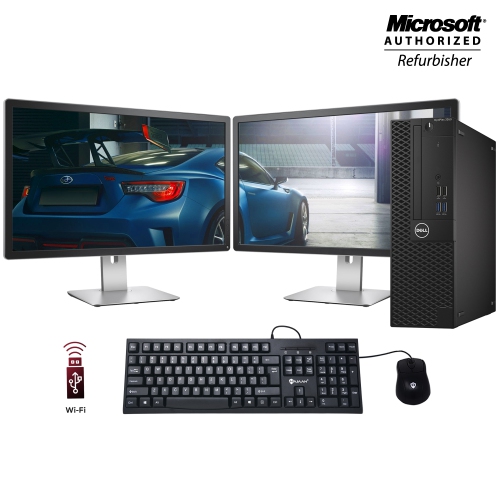
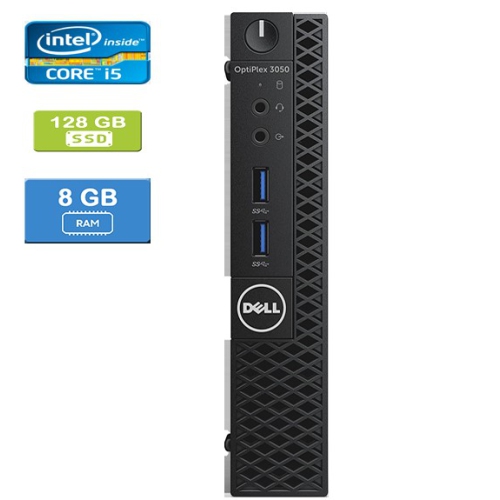
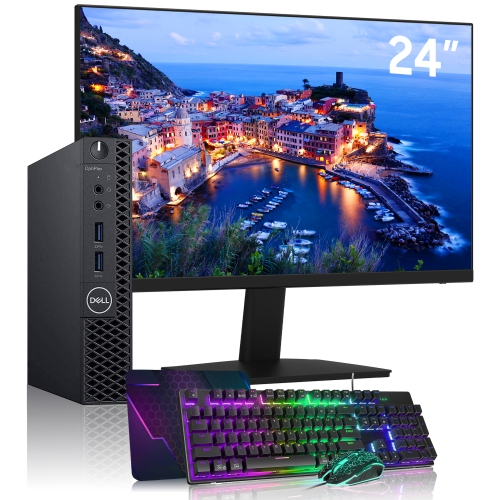
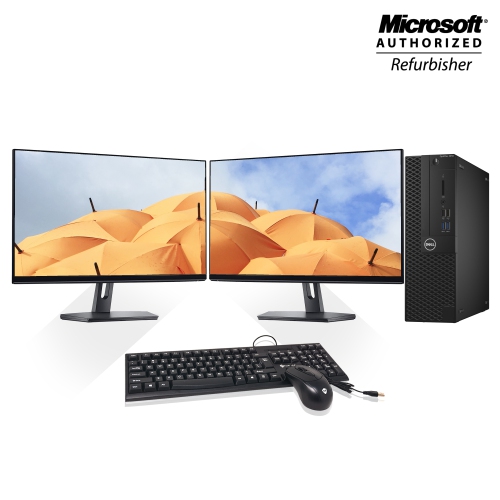
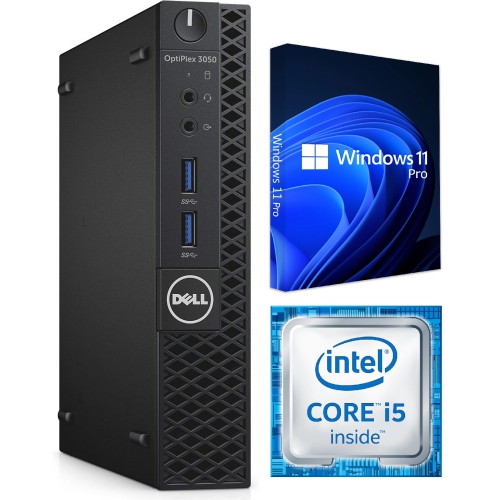
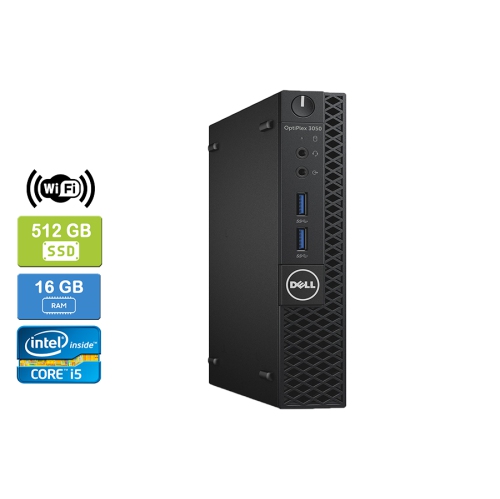
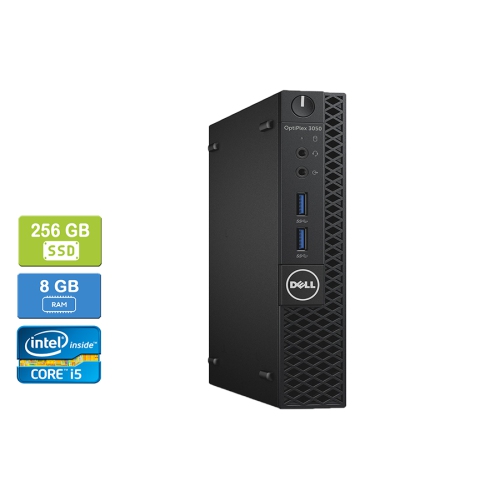
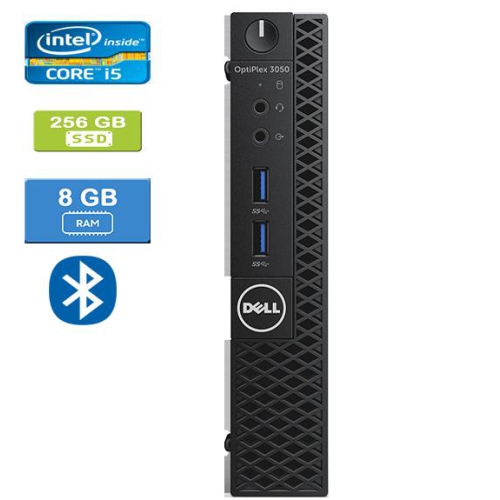
Dell OptiPlex 3050 desktops are practical computers for everyday productivity, home administration, learning, and small-office tasks. Built around Intel processors from the sixth and seventh generations, this desktop family may include configurations with Celeron, Pentium, Core i3, Core i5, or Core i7 processors, so performance can vary considerably from one listing to another. Before choosing a system, check the exact processor model, memory capacity, storage type, operating system, and included accessories rather than relying on the series name alone. A computer with 4GB of RAM can handle light browsing and basic documents, while 8GB or more is a more comfortable starting point for switching between email, spreadsheets, video calls, and multiple browser tabs. Some configurations support memory upgrades up to 32GB, which can help extend the useful life of a desktop as work habits change. Storage is another important consideration. A solid-state drive generally provides quicker start-up times, faster application loading, and a quieter experience, while a traditional hard disk drive may offer more capacity for stored documents, photos, and media. Storage requirements depend on whether files are kept locally or primarily in cloud services, but it is wise to leave room for operating system updates and frequently used applications. The available ports also affect how easily a computer fits into an existing setup. USB 3.0 or USB 3.1 ports are useful for external drives and accessories, USB 2.0 ports can accommodate keyboards, mice, printers, and other peripherals, and DisplayPort or HDMI connections can support compatible monitors. An RJ-45 network jack provides a wired connection for people who prefer a direct link to a router, particularly in workspaces where steady connectivity matters.
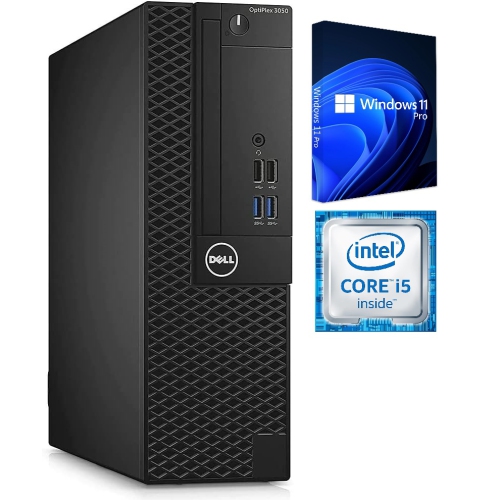
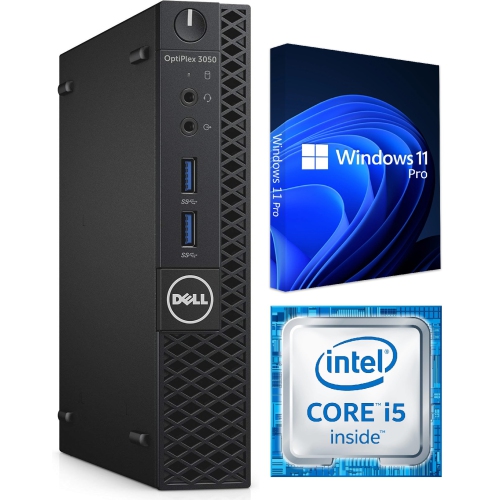
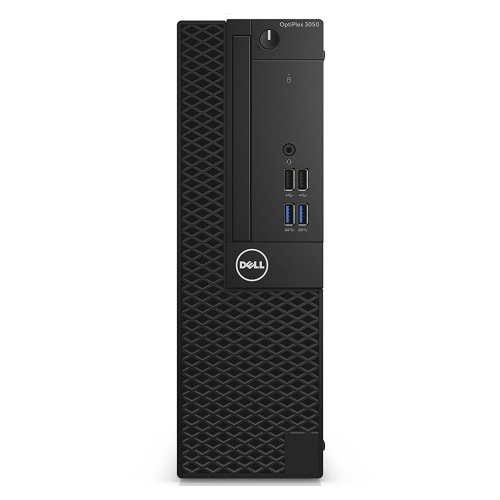
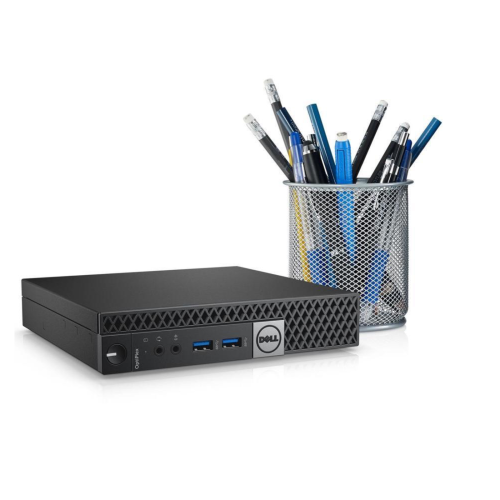
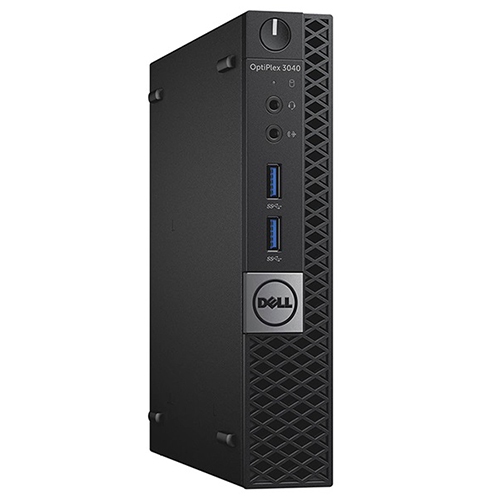
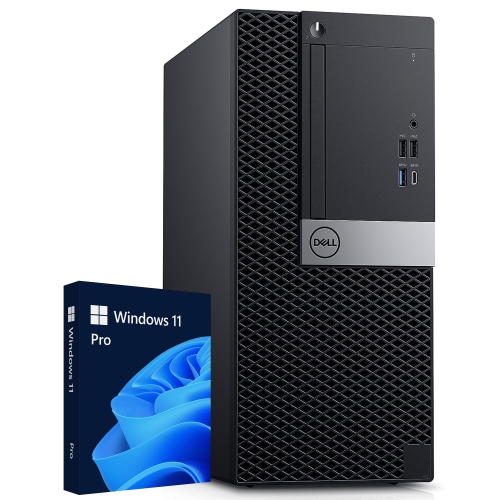
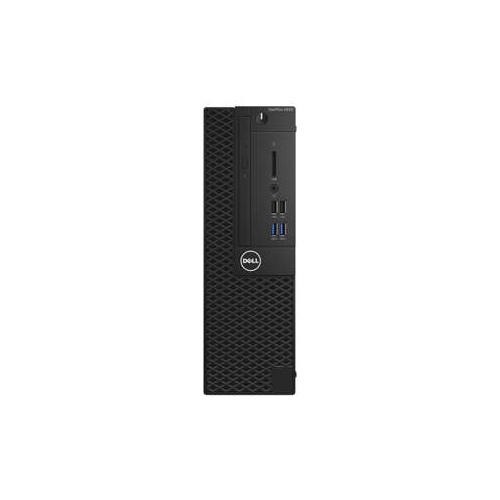
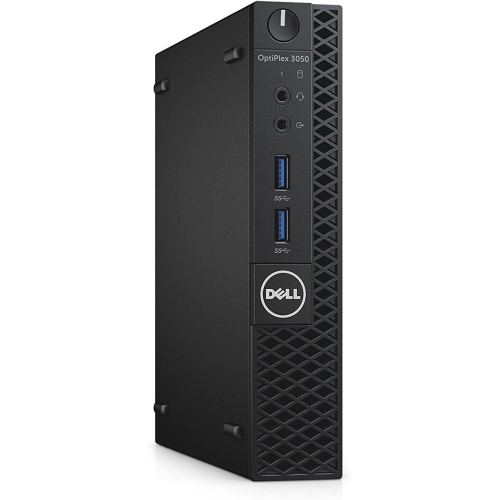
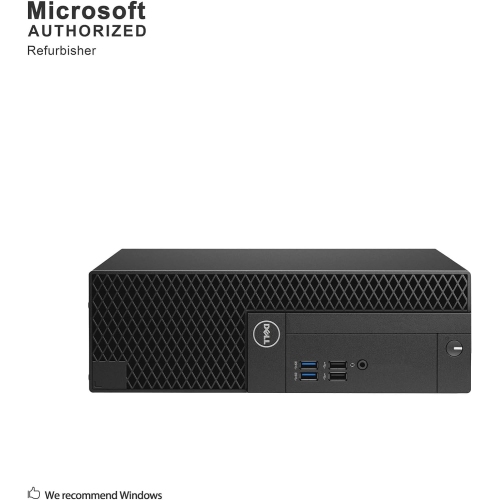
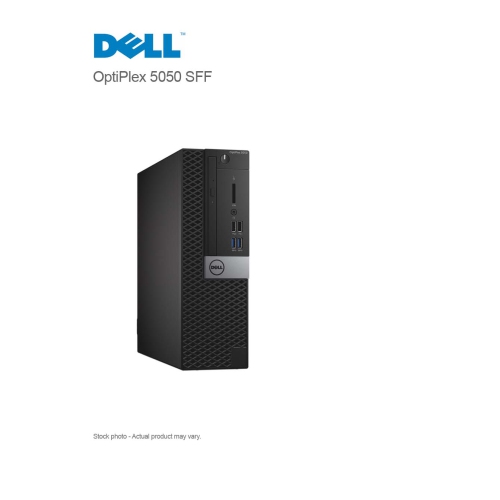
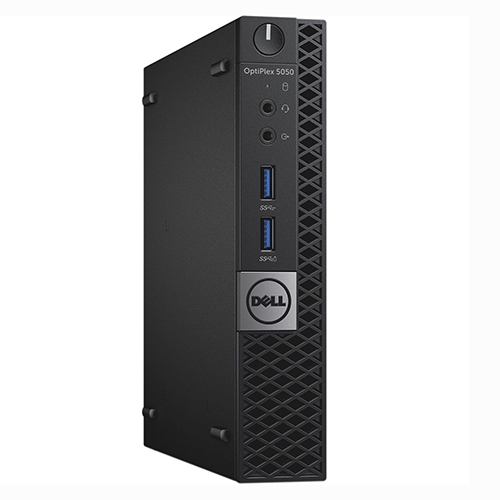
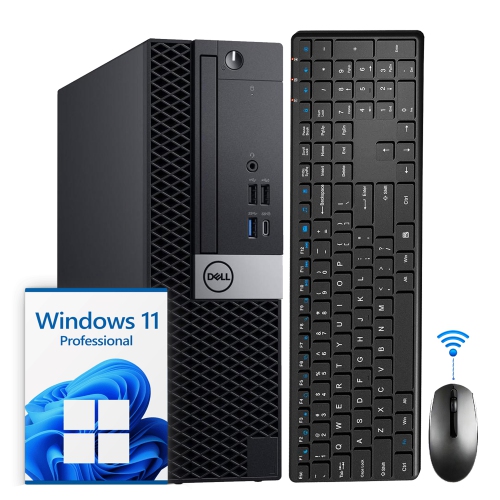
One of the defining features of this desktop family is its range of form factors. Micro models are designed for especially compact work areas and can fit neatly beside a monitor, on a shelf, or behind a display when the mounting hardware and ventilation requirements allow it. Their small footprint is helpful in a dorm room, reception desk, kitchen workstation, or shared home office, although the compact design may limit internal expansion and the number of available connections. Small Form Factor, often abbreviated as SFF, offers a middle ground: it remains slimmer than a conventional tower and may sit flat or upright, while providing more room for components and expansion than a micro computer. Tower models take up more floor or desk space but can be a sensible choice for users who want easier access to internal parts, additional storage options, or more flexibility for future upgrades. All-in-one configurations combine the computer with a monitor, creating a tidy arrangement with fewer separate pieces to position. This can be appealing when a clean desk matters, though an all-in-one display and computer are less flexible to replace independently. Measure the intended area before ordering, including clearance around vents and access to power outlets. A compact computer tucked into a crowded corner can become difficult to connect or service, while a tower placed under a desk should have enough room for airflow and cable management. These desktops can suit students completing assignments, adults working from home, families managing household records, and small businesses handling documents, scheduling, inventory, invoices, and web-based applications. They are also useful as a dedicated computer for a secondary room, a shared study area, or a workshop where a full-size keyboard and monitor are more comfortable than a portable device. For anyone comparing nearby desktop categories, the Dell OptiPlex 5050 Desktops page may provide another option to review alongside processor, memory, storage, and form-factor requirements.
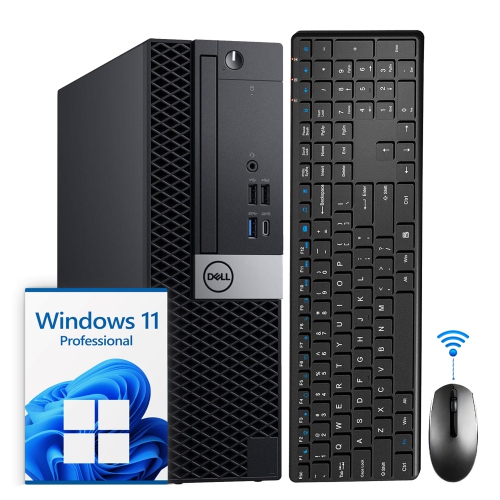
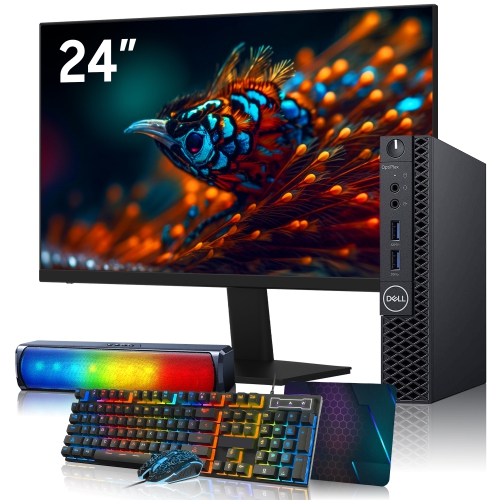
These desktops are best matched with everyday computing rather than demanding modern 3D gaming, advanced three-dimensional design, or intensive video production. Integrated graphics and older processor generations may be perfectly adequate for web browsing, word processing, spreadsheets, online classes, streaming, photo organization, and video conferencing, but they are not intended to deliver the performance of a newer gaming or workstation computer. Check the software requirements for any specialized application before purchasing, especially if the computer will be used for design, engineering, programming environments, or media editing. Operating system details deserve equal attention. Some systems originally shipped with Windows 10 Pro, while other listings may include a different installation, a refreshed operating system, or no operating system at all. Because operating-system support and hardware compatibility can change, review the stated version, activation status, included recovery information, and minimum requirements before setting up the computer. Refurbished or previously used units can differ in condition and configuration, making it important to inspect the listing for included power cables, wireless capability, optical drives, webcams, keyboard and mouse availability, and warranty or return details. A desktop may need a separate monitor, speakers, Wi-Fi adapter, or other accessories to become a complete workstation. For a student preparing a quiet study corner during the cooler months, a straightforward desktop can provide a stable place for research, writing, and virtual lessons. For a family member receiving a computer as a practical gift, confirm that the screen, input devices, connectivity, and software needs are covered so setup does not become an unexpected extra task. Keep important files backed up, install available security updates, and place the computer where vents remain unobstructed. With the right configuration and realistic expectations, a Dell OptiPlex 3050 desktop can serve as a dependable centre for routine work, learning, communication, and household computing without taking over the room.
One of the defining features of this desktop family is its range of form factors. Micro models are designed for especially compact work areas and can fit neatly beside a monitor, on a shelf, or behind a display when the mounting hardware and ventilation requirements allow it. Their small footprint is helpful in a dorm room, reception desk, kitchen workstation, or shared home office, although the compact design may limit internal expansion and the number of available connections. Small Form Factor, often abbreviated as SFF, offers a middle ground: it remains slimmer than a conventional tower and may sit flat or upright, while providing more room for components and expansion than a micro computer. Tower models take up more floor or desk space but can be a sensible choice for users who want easier access to internal parts, additional storage options, or more flexibility for future upgrades. All-in-one configurations combine the computer with a monitor, creating a tidy arrangement with fewer separate pieces to position. This can be appealing when a clean desk matters, though an all-in-one display and computer are less flexible to replace independently. Measure the intended area before ordering, including clearance around vents and access to power outlets. A compact computer tucked into a crowded corner can become difficult to connect or service, while a tower placed under a desk should have enough room for airflow and cable management. These desktops can suit students completing assignments, adults working from home, families managing household records, and small businesses handling documents, scheduling, inventory, invoices, and web-based applications. They are also useful as a dedicated computer for a secondary room, a shared study area, or a workshop where a full-size keyboard and monitor are more comfortable than a portable device. For anyone comparing nearby desktop categories, the Dell OptiPlex 5050 Desktops page may provide another option to review alongside processor, memory, storage, and form-factor requirements.
These desktops are best matched with everyday computing rather than demanding modern 3D gaming, advanced three-dimensional design, or intensive video production. Integrated graphics and older processor generations may be perfectly adequate for web browsing, word processing, spreadsheets, online classes, streaming, photo organization, and video conferencing, but they are not intended to deliver the performance of a newer gaming or workstation computer. Check the software requirements for any specialized application before purchasing, especially if the computer will be used for design, engineering, programming environments, or media editing. Operating system details deserve equal attention. Some systems originally shipped with Windows 10 Pro, while other listings may include a different installation, a refreshed operating system, or no operating system at all. Because operating-system support and hardware compatibility can change, review the stated version, activation status, included recovery information, and minimum requirements before setting up the computer. Refurbished or previously used units can differ in condition and configuration, making it important to inspect the listing for included power cables, wireless capability, optical drives, webcams, keyboard and mouse availability, and warranty or return details. A desktop may need a separate monitor, speakers, Wi-Fi adapter, or other accessories to become a complete workstation. For a student preparing a quiet study corner during the cooler months, a straightforward desktop can provide a stable place for research, writing, and virtual lessons. For a family member receiving a computer as a practical gift, confirm that the screen, input devices, connectivity, and software needs are covered so setup does not become an unexpected extra task. Keep important files backed up, install available security updates, and place the computer where vents remain unobstructed. With the right configuration and realistic expectations, a Dell OptiPlex 3050 desktop can serve as a dependable centre for routine work, learning, communication, and household computing without taking over the room.
Top selling and popular products
-
 Your price for this item is $1599
 -
 Your price for this item is $1629.79
 -
 Your price for this item is $1999.99
 -
 Your price for this item is $1459.79
 -
 Your price for this item is $879
 -
 Your price for this item is $1199.99
 -
 Your price for this item is $1839
 -
 Your price for this item is $879
Discover more categories related to Dell OptiPlex 3050 Desktops
Top Collections:
Pokemon Centers, Kindle Devices, Best Budget Office Chairs, Apple iPhones 16, Best Laptops for Writers, iPhone 15 Apple, Canon G7X Cameras, Refurbished Apple Laptops, Alarm Clock, Motorola Razr Phones
Some products may be subject to Environmental Handling Fees
(EHF) depending on your province.
Learn more about EHFs.