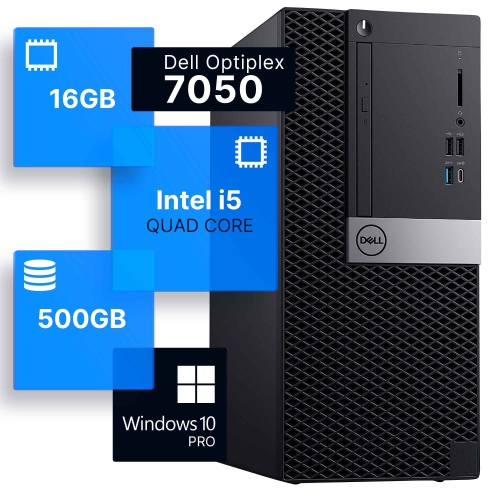
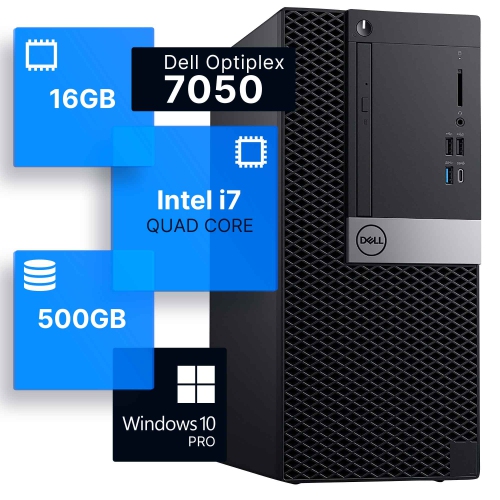
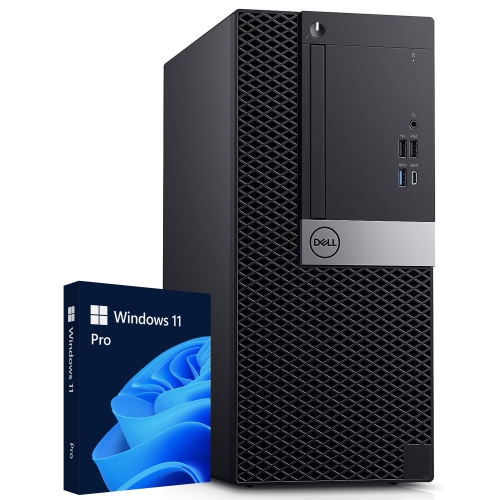
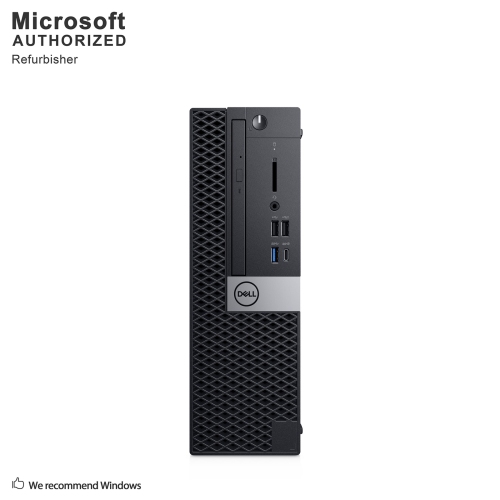
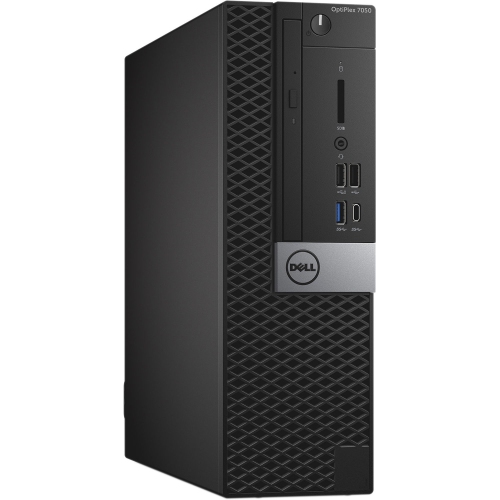
Dell Optiplex 7050
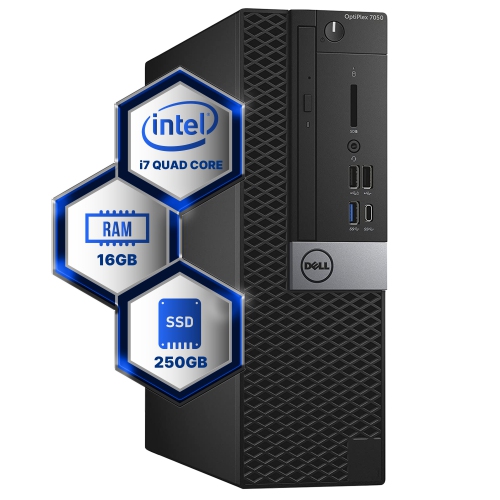
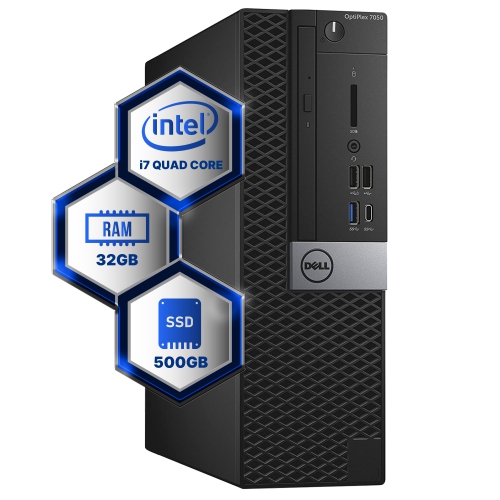
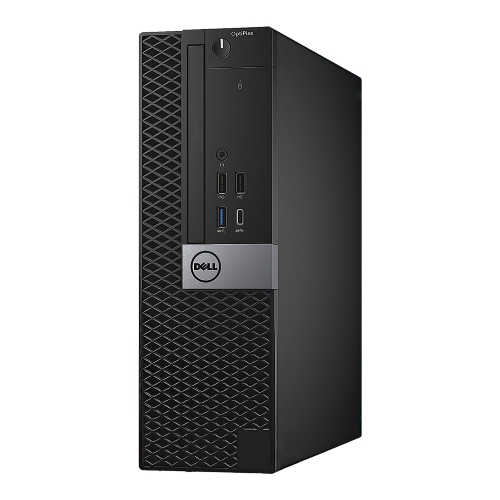
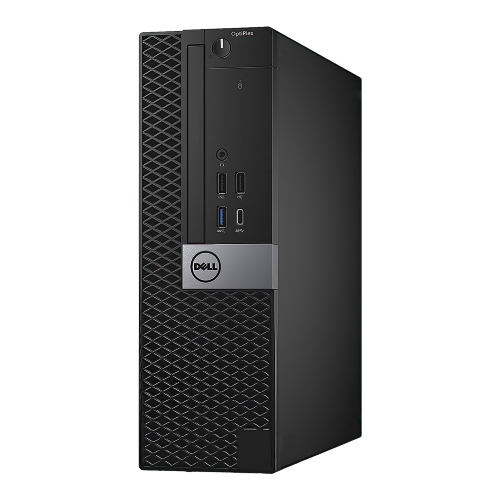
Discover the perfect blend of performance and reliability with a desktop solution designed to meet the demands of today's fast-paced digital world. Ideal for both home offices and professional environments, this versatile computer offers robust computing power that can handle multitasking with ease, ensuring productivity remains uninterrupted. Its sleek design complements any workspace, while its advanced technology supports seamless connectivity and efficient operation. Whether you're tackling complex projects or managing everyday tasks, this desktop is engineered to deliver exceptional performance, making it an essential addition to your tech arsenal.
Sort

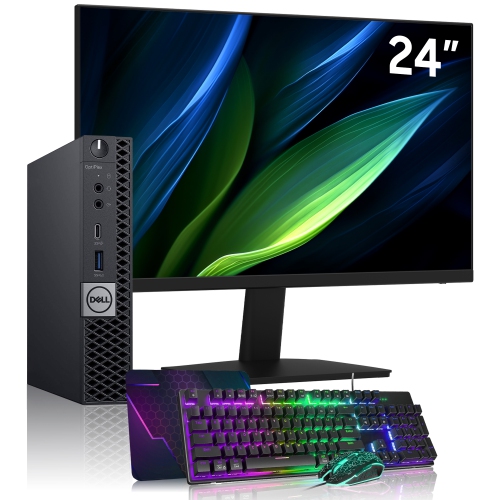
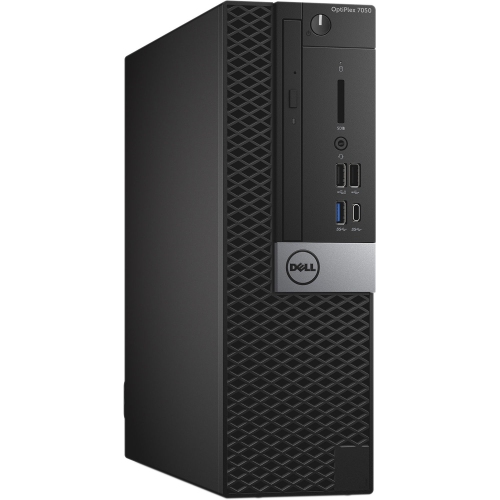
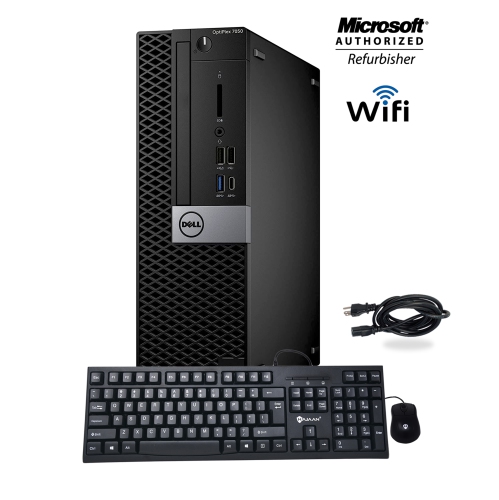


Understanding business desktop sizing and upgrade potential
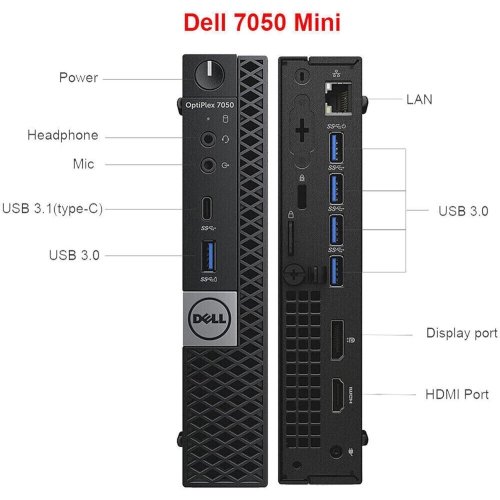
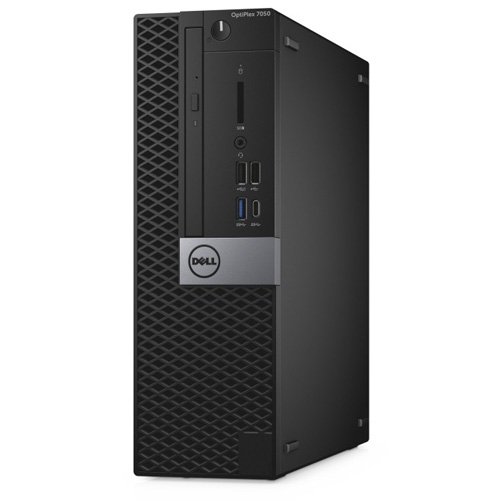
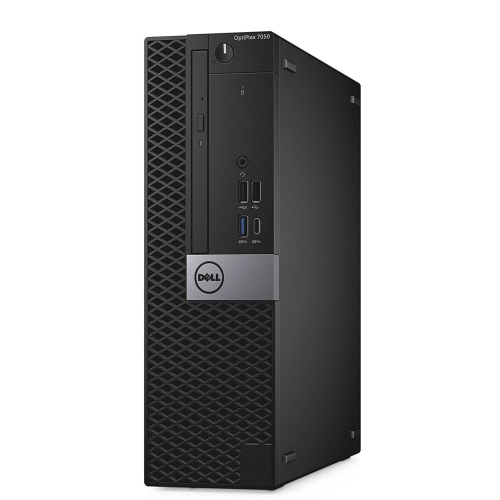
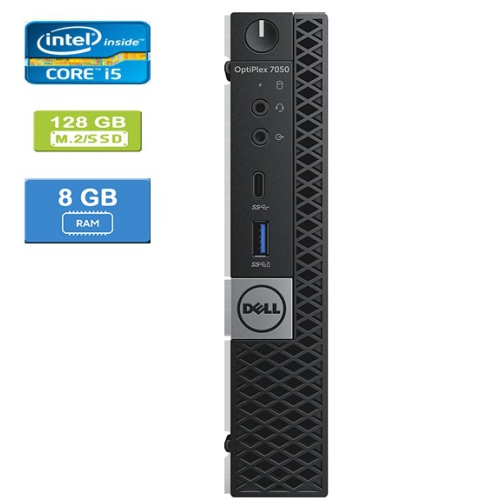
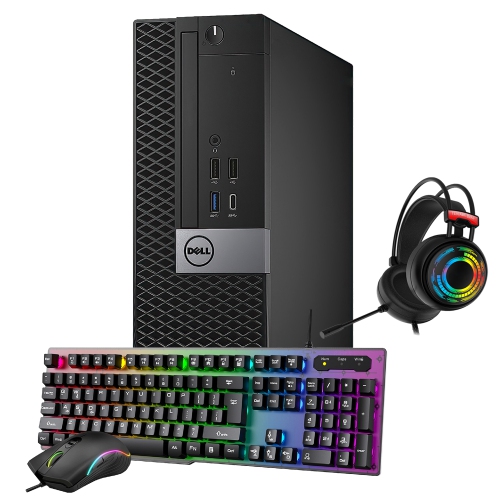
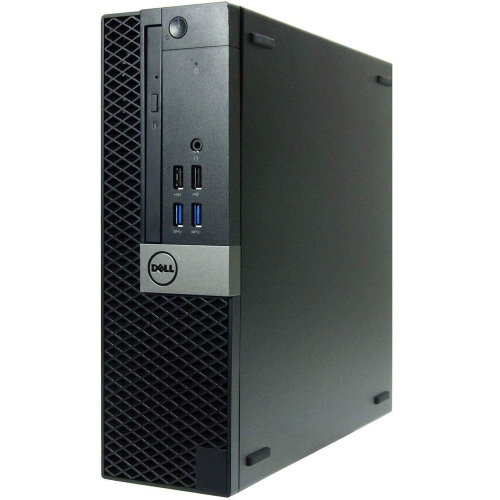
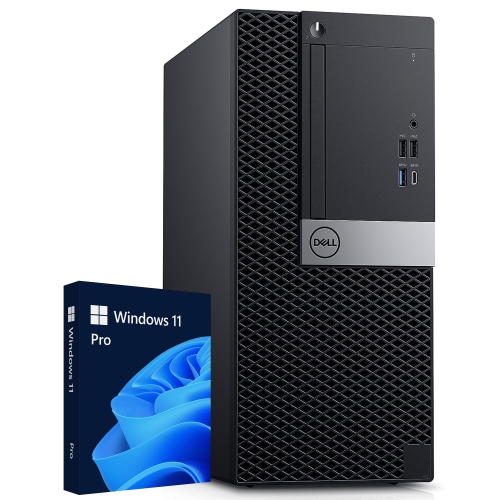
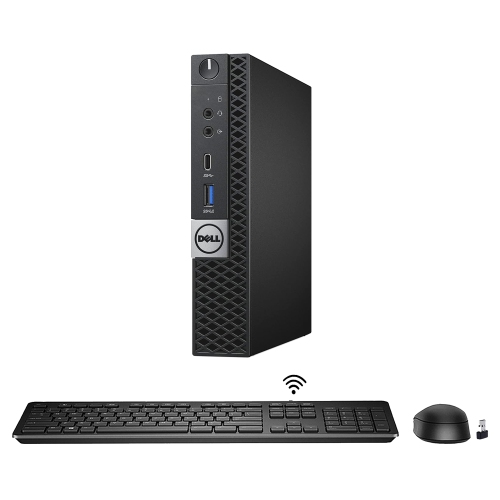
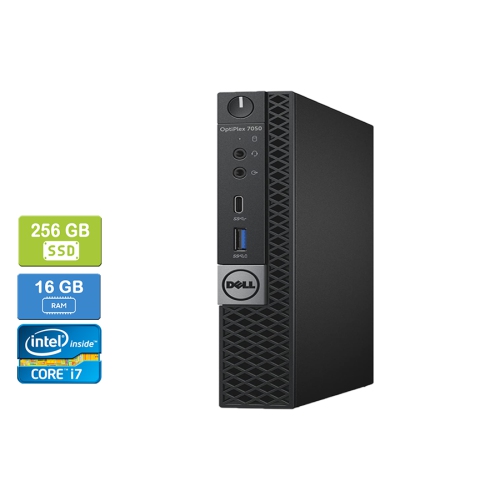
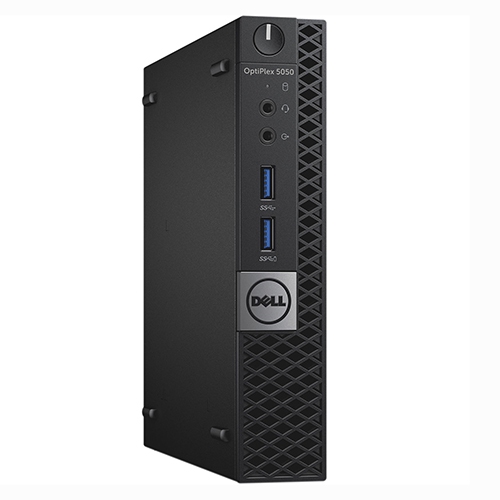
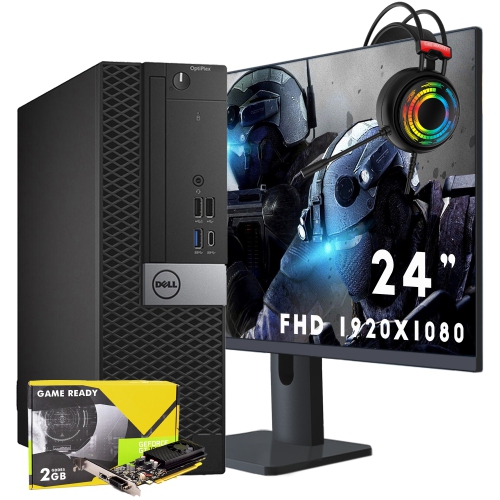
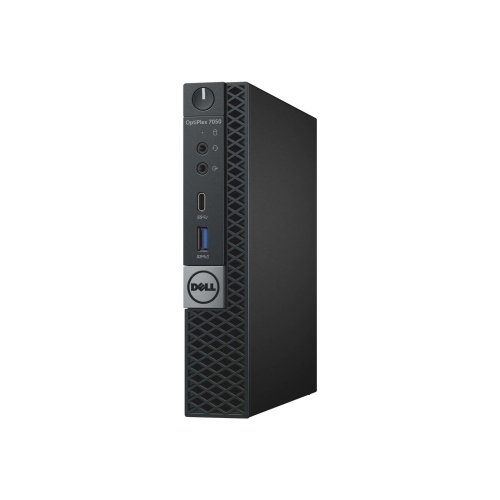
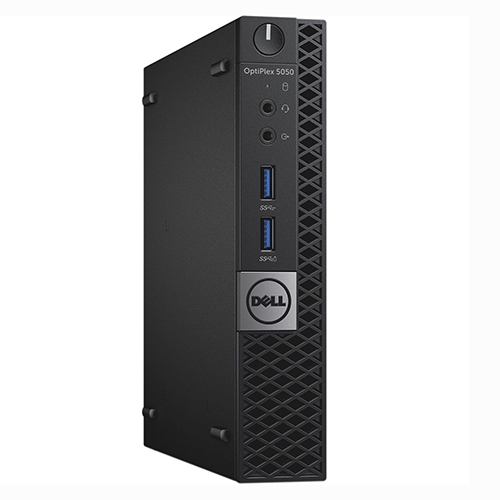
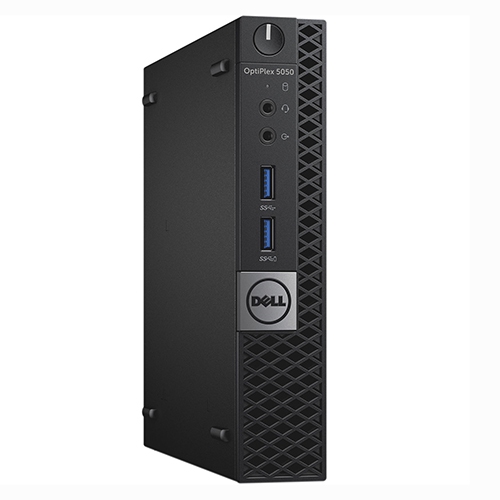
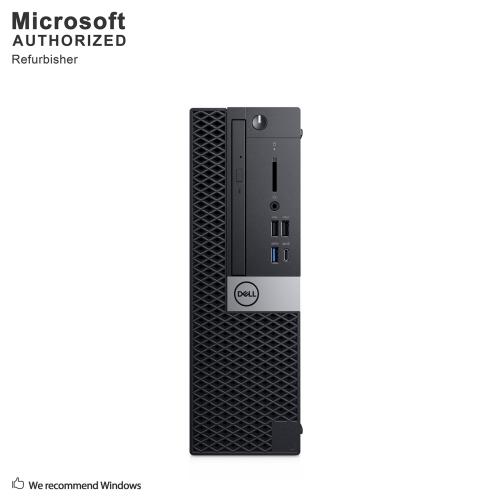
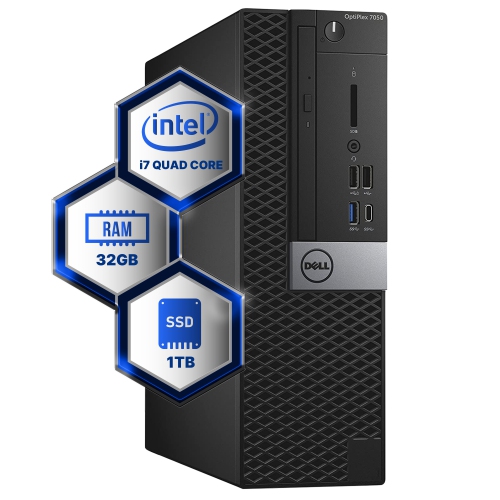
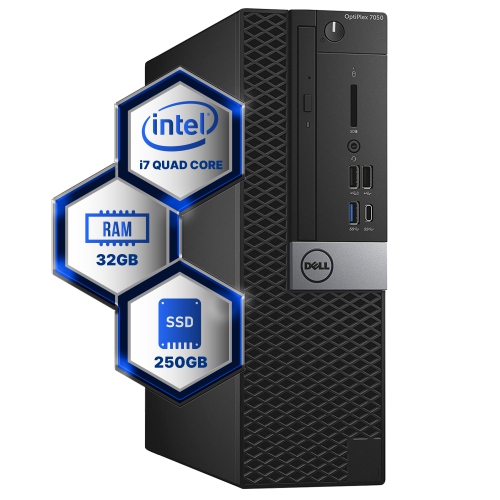
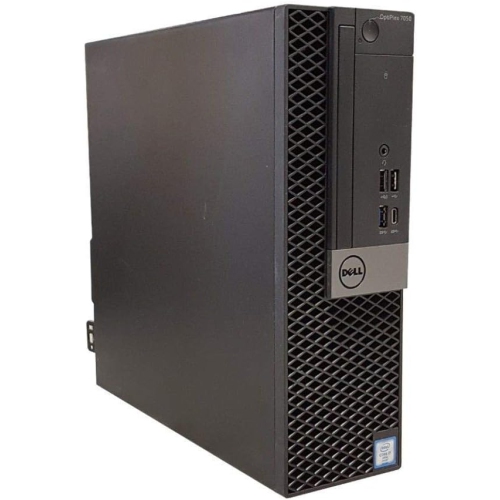
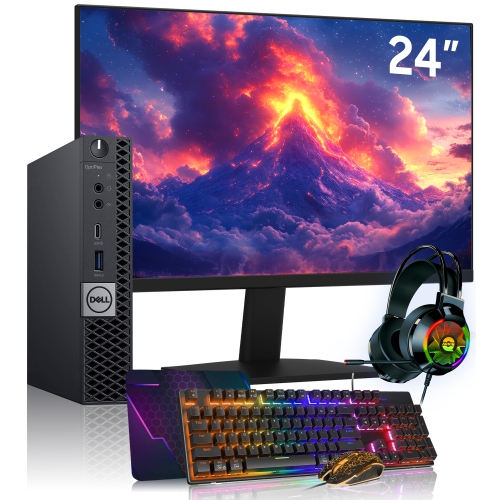
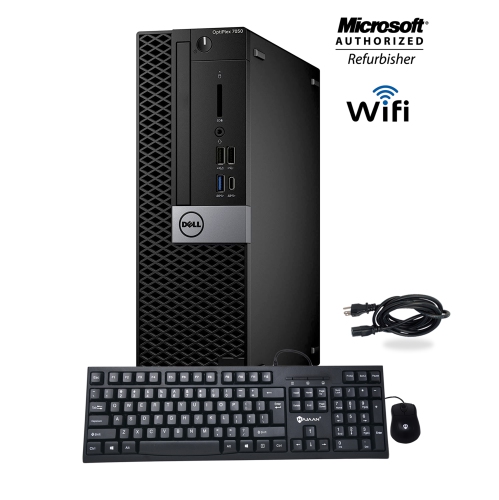
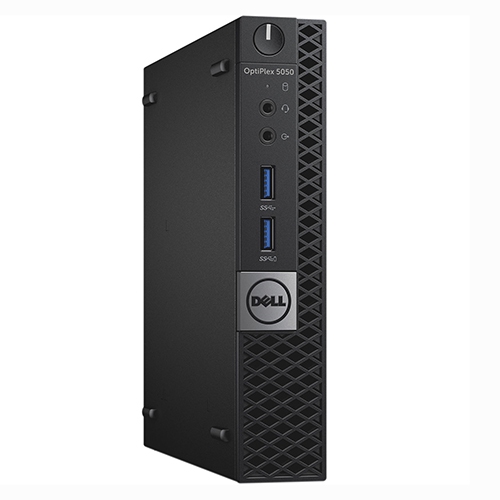
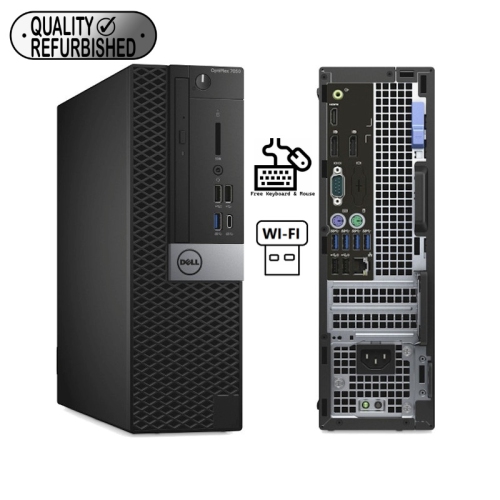
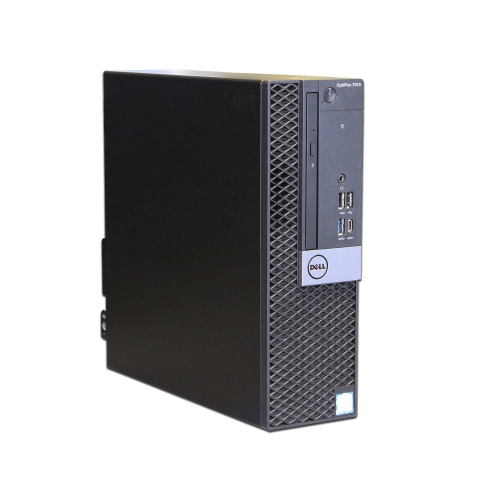
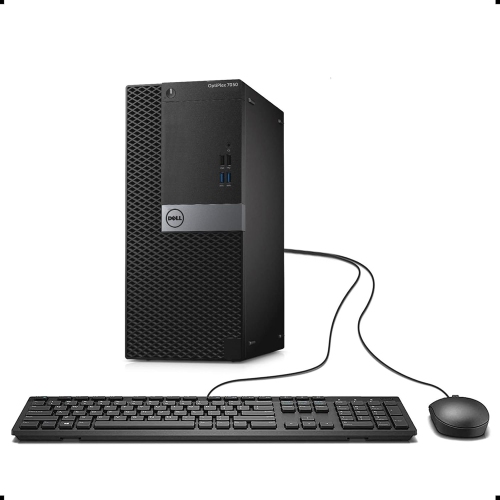
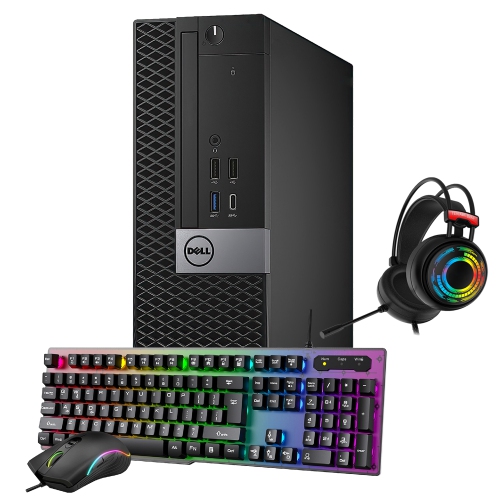
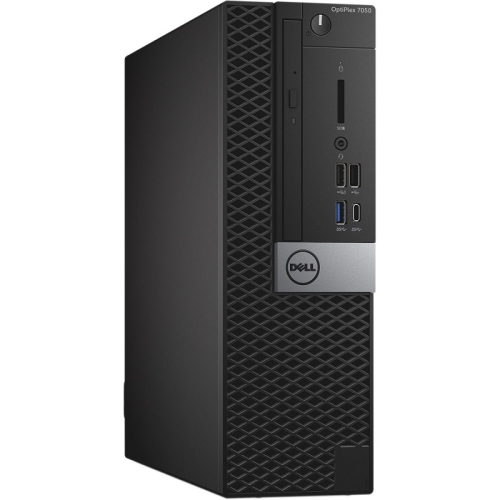
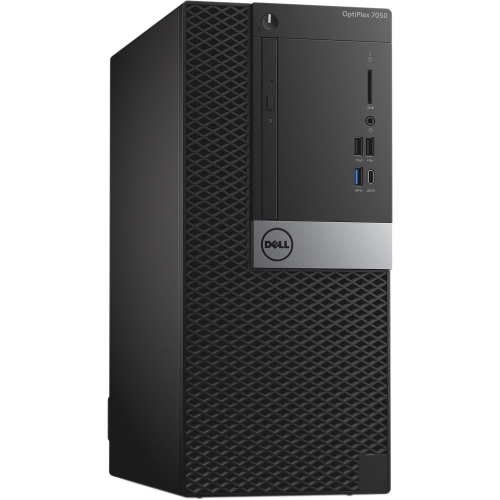
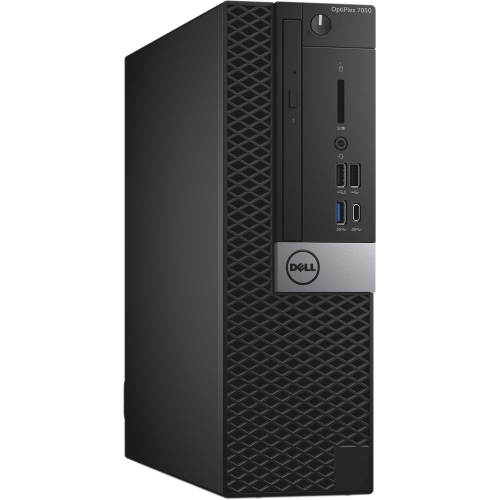
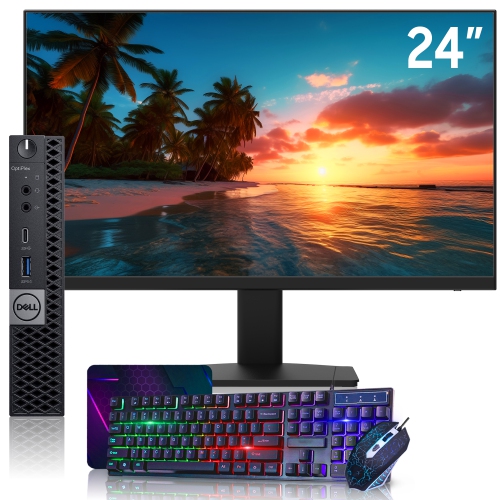
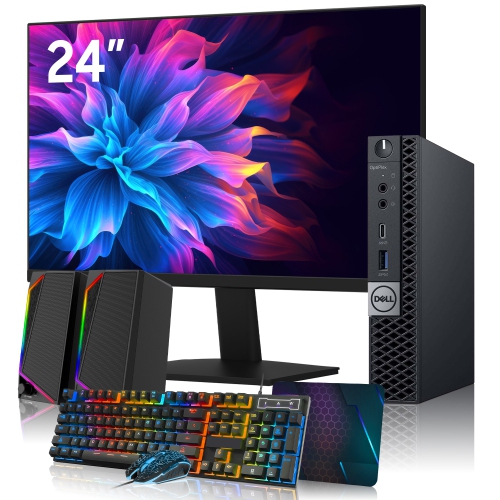
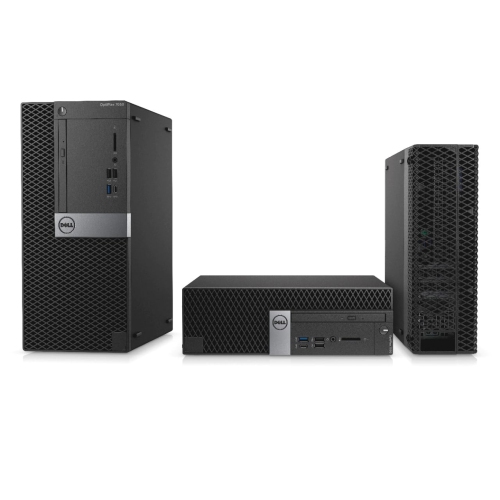
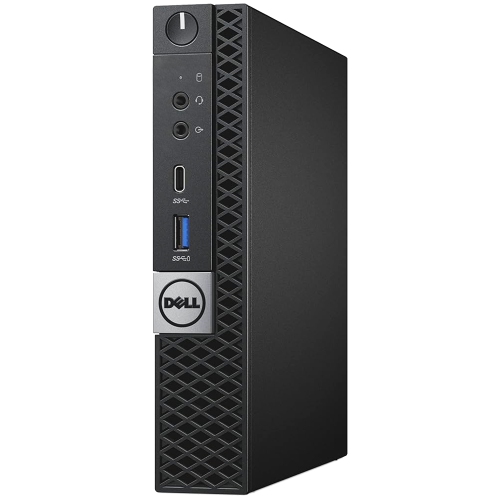
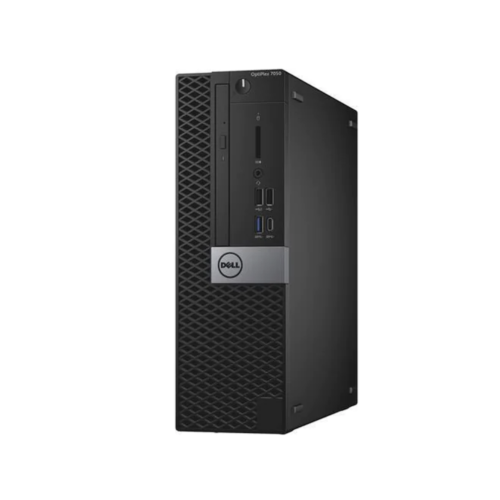
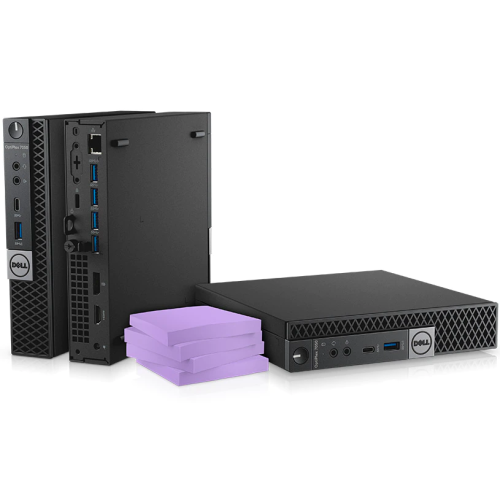
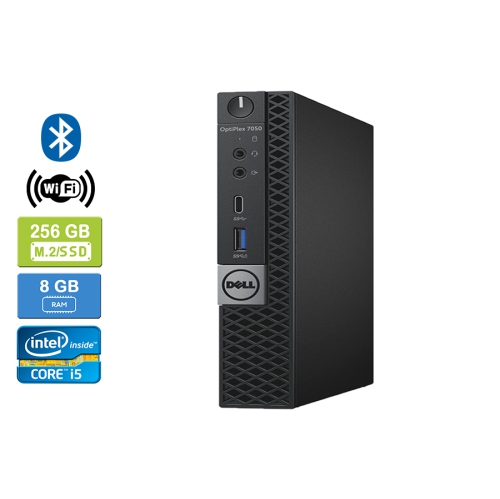
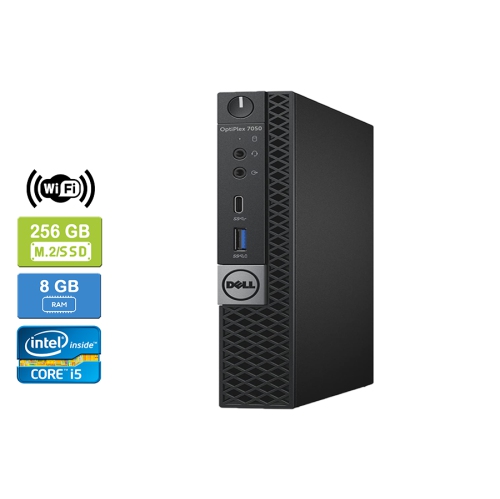
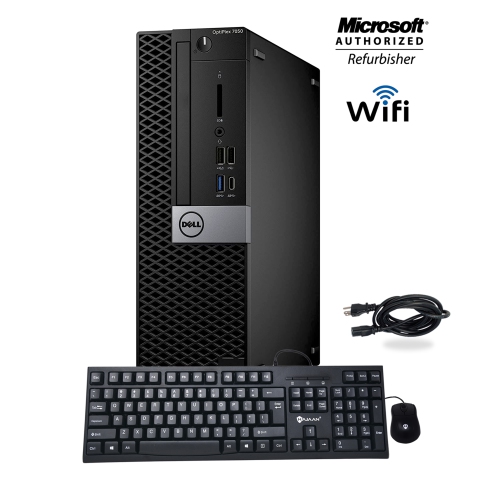
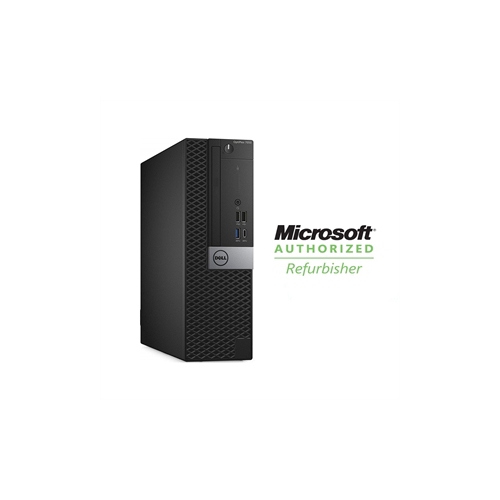
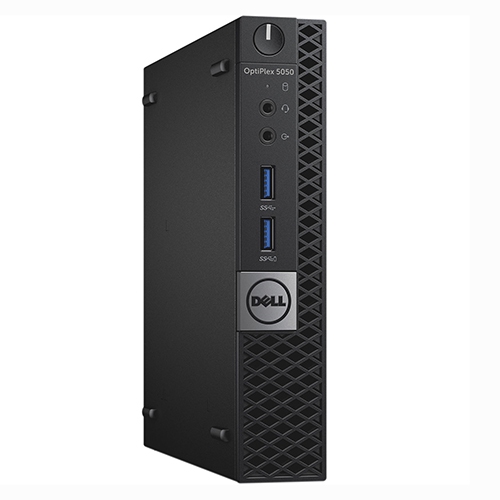
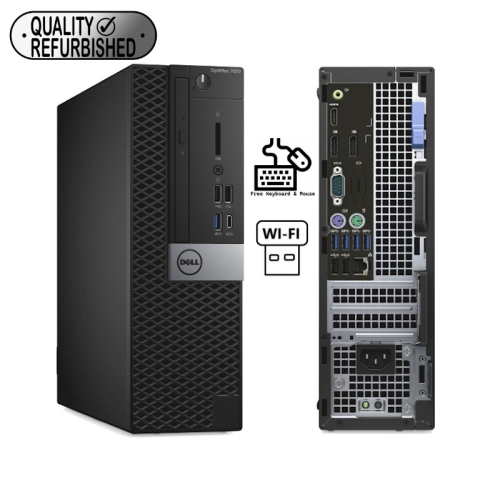
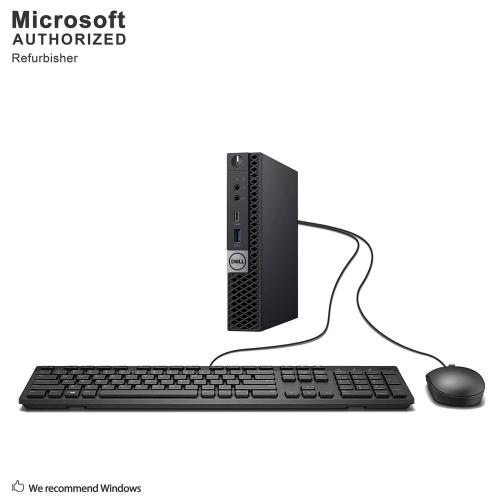
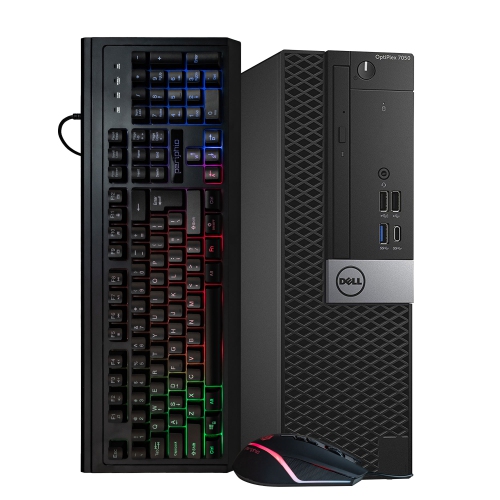
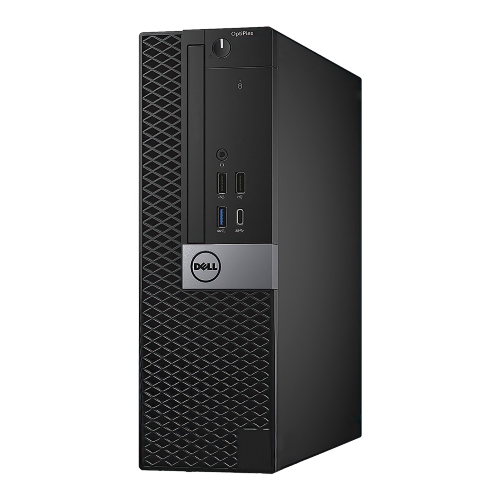
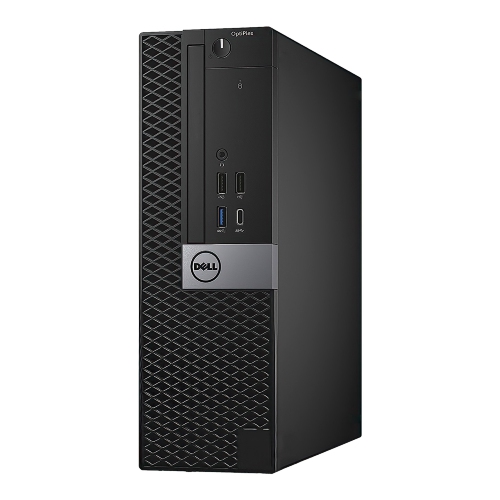
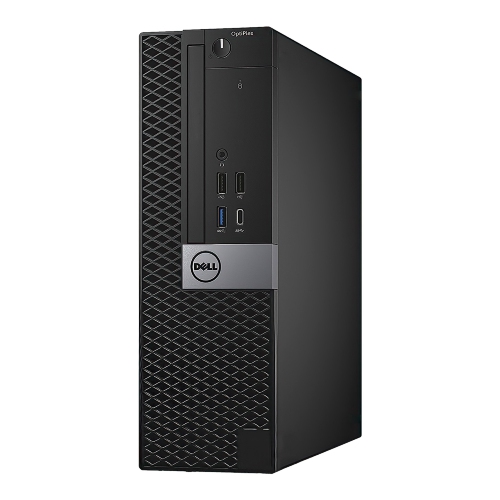
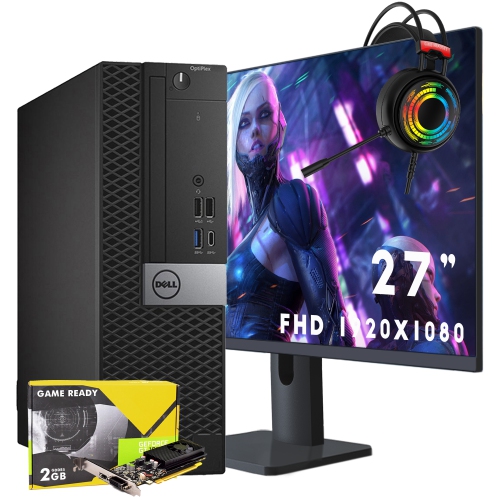
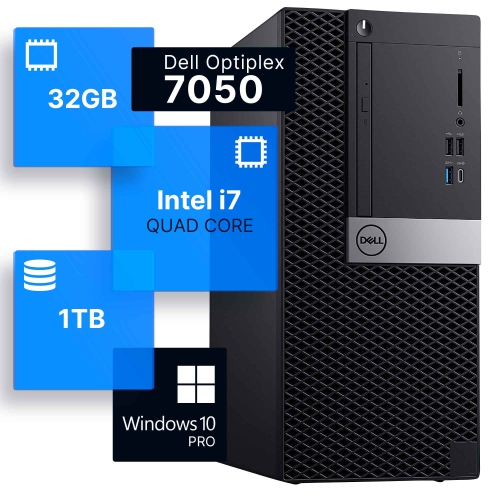
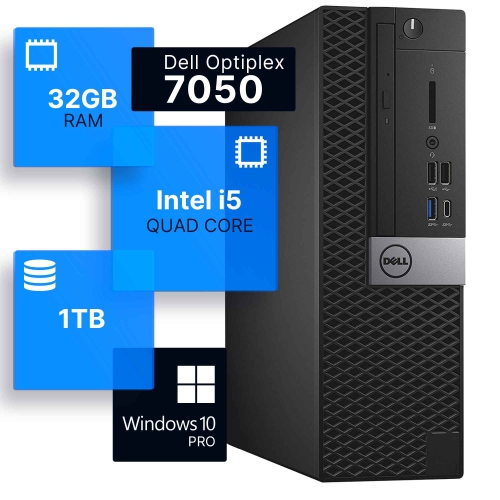
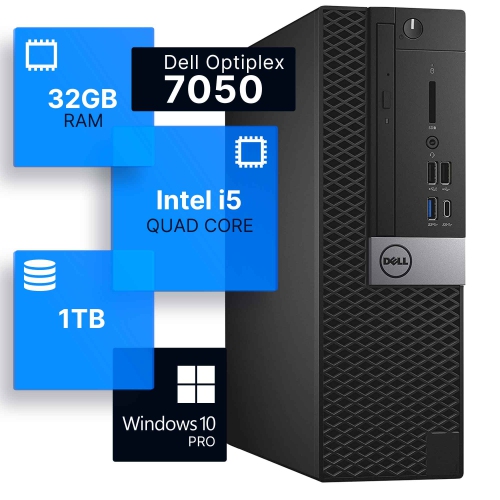
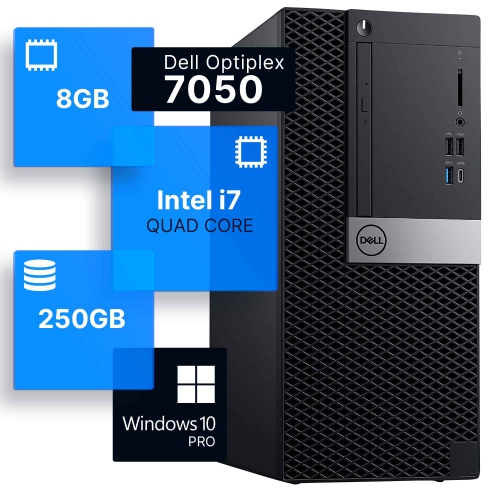
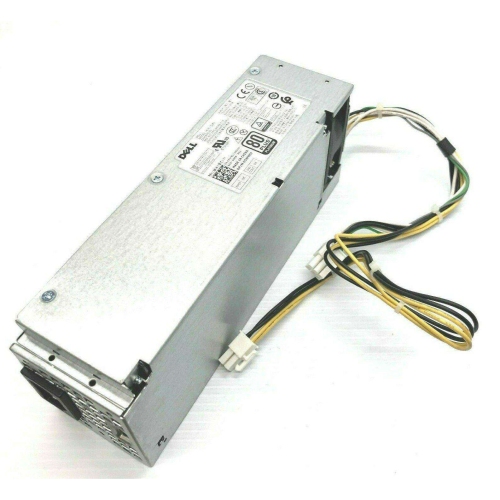
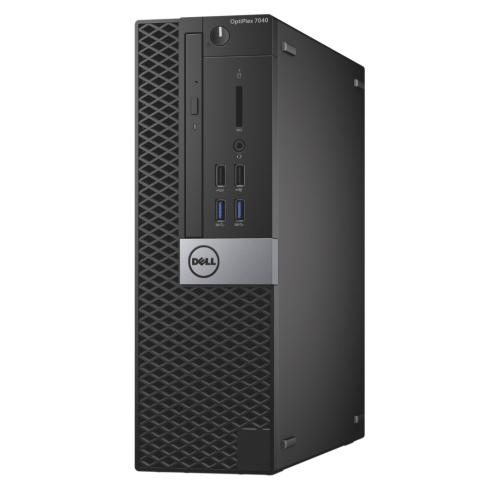
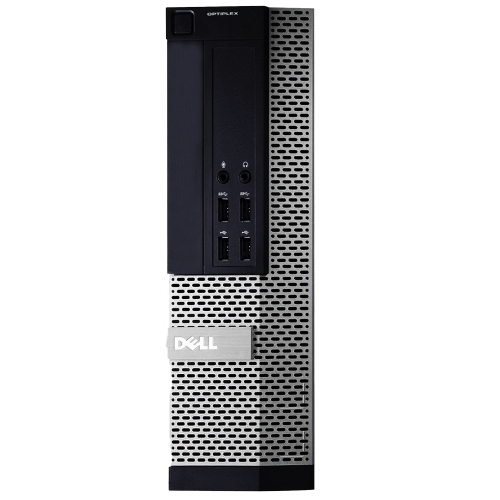
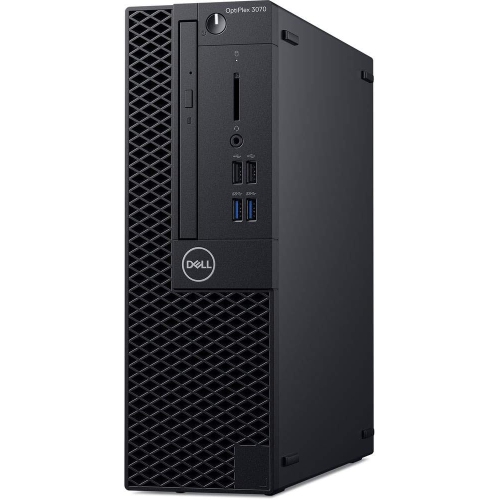
The desktops in this collection are business-class computers designed around practical performance, flexible configurations, and dependable day-to-day use. They are commonly available in three chassis sizes: Tower, Small Form Factor (SFF), and Micro. A Tower configuration generally provides the most room for expansion, making it a useful choice for a workstation that may need additional storage, memory, or a dedicated graphics card over time. SFF systems offer a balance between upgrade potential and a smaller footprint, fitting neatly beneath or beside a desk without taking over the workspace. Micro systems are especially convenient where space is limited, such as a compact home office, reception counter, study area, or shared family workstation. Before choosing a configuration, measure the intended location and consider airflow, access to power outlets, monitor connections, and the amount of room needed to connect accessories. These systems are well suited to everyday computing tasks such as web browsing, email, word processing, online learning, video calls, bookkeeping, document management, and streaming. Their business-oriented design also makes them a practical option for small offices, community organizations, classrooms, and home users who prefer a conventional desktop setup with a full-size keyboard, a separate monitor, and straightforward wired connectivity.
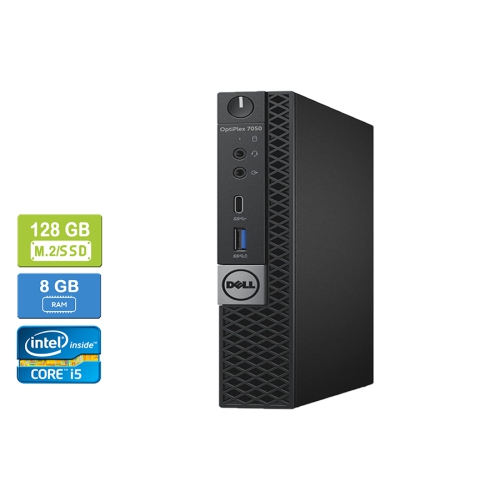
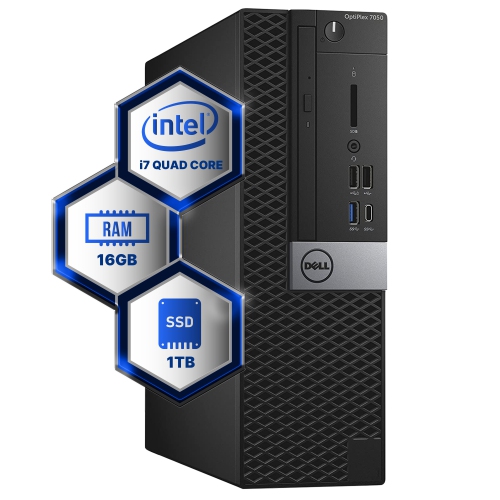
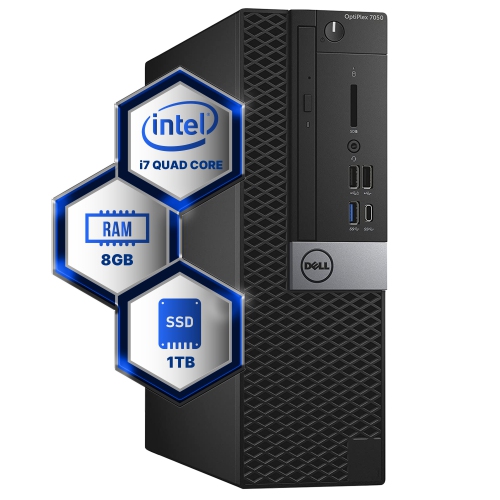
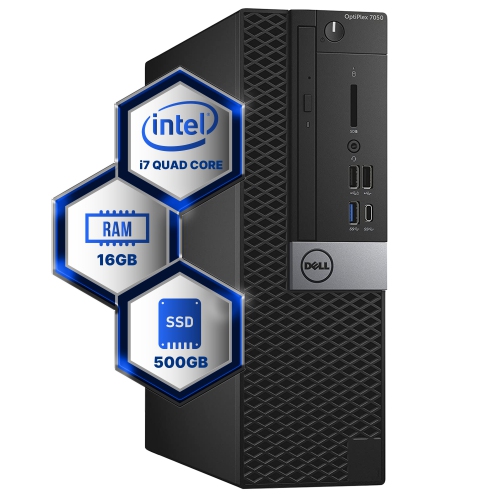
Processor, memory, and storage specifications have the greatest effect on how smoothly a desktop handles regular workloads. Configurations in this family may use sixth- or seventh-generation Intel Core-class processors, with options ranging from entry-level chips for basic tasks to Core i5 and Core i7 processors that are better suited to heavier multitasking. A system with an entry-level processor can be perfectly adequate for writing, browsing, printing, and email, while a higher-tier processor can feel more comfortable when several browser tabs, spreadsheets, video meetings, and productivity applications are open together. Memory is equally important. Eight gigabytes of RAM can cover basic home and office activities, while 16GB is a more comfortable starting point for frequent multitasking; some configurations support 32GB or more, depending on the chassis and motherboard. Storage type also changes the everyday experience. A solid-state drive generally provides faster startup and application loading than a traditional hard disk drive, while a larger hard drive may be useful for storing photos, archived documents, downloaded media, or local backups. Certain configurations support 2.5-inch or 3.5-inch SATA drives as well as M.2 NVMe solid-state storage, but compatibility depends on the exact internal layout. Checking the listed drive bays, connectors, included storage, and available upgrade space helps avoid surprises when planning a future refresh. For buyers comparing similar listings, the processor generation, RAM capacity, storage type, operating system, and included accessories are more meaningful than appearance alone, particularly when choosing a refurbished or previously deployed business computer.
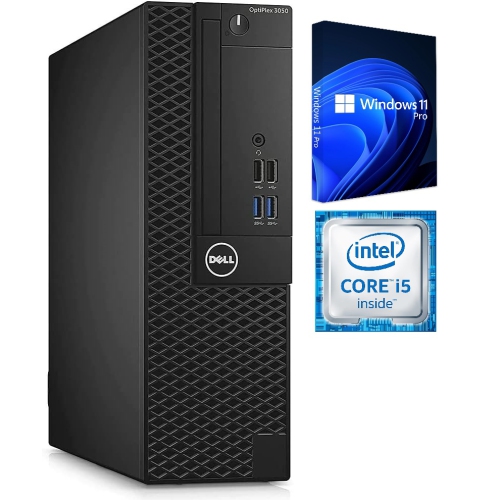
Graphics and connectivity deserve a close look as well. Integrated Intel HD Graphics in this generation can support everyday display duties, including office software, video playback, and multiple monitors when the required DisplayPort or HDMI connections are present. They are not intended for demanding modern gaming, professional 3D work, or advanced video production, so shoppers with those needs should look for a compatible dedicated graphics solution and confirm that the chassis has sufficient space and power capacity. Display outputs can vary between configurations, and adapters may be required for older monitors or displays that use a different connection. A desktop may also include USB ports, wired Ethernet, audio connections, and other practical interfaces, although the quantity and placement can differ between Tower, SFF, and Micro versions. These computers can be a smart choice for a first home office, a study station during the cooler months, or a shared household computer that stays in one place. They can also be a thoughtful practical gift for a student, remote worker, family member, or hobbyist who needs a reliable workstation rather than a portable device, provided the recipient has a monitor and peripherals or plans to add them. When evaluating software, confirm whether the included operating system meets current requirements. Some units were originally supplied with Windows 10 Pro, while refurbished configurations may include Windows 11 Pro; official compatibility can vary because sixth- and seventh-generation processors and older security hardware are not supported in the same way across every installation. Reviewing the exact model details, TPM version, update status, warranty coverage, return terms, and upgrade options is especially important. Shoppers comparing this collection with related business desktops can also browse Dell OptiPlex 3050 Desktops to compare form factors, specifications, and intended uses before settling on a setup that fits the available space and the work ahead.
Processor, memory, and storage specifications have the greatest effect on how smoothly a desktop handles regular workloads. Configurations in this family may use sixth- or seventh-generation Intel Core-class processors, with options ranging from entry-level chips for basic tasks to Core i5 and Core i7 processors that are better suited to heavier multitasking. A system with an entry-level processor can be perfectly adequate for writing, browsing, printing, and email, while a higher-tier processor can feel more comfortable when several browser tabs, spreadsheets, video meetings, and productivity applications are open together. Memory is equally important. Eight gigabytes of RAM can cover basic home and office activities, while 16GB is a more comfortable starting point for frequent multitasking; some configurations support 32GB or more, depending on the chassis and motherboard. Storage type also changes the everyday experience. A solid-state drive generally provides faster startup and application loading than a traditional hard disk drive, while a larger hard drive may be useful for storing photos, archived documents, downloaded media, or local backups. Certain configurations support 2.5-inch or 3.5-inch SATA drives as well as M.2 NVMe solid-state storage, but compatibility depends on the exact internal layout. Checking the listed drive bays, connectors, included storage, and available upgrade space helps avoid surprises when planning a future refresh. For buyers comparing similar listings, the processor generation, RAM capacity, storage type, operating system, and included accessories are more meaningful than appearance alone, particularly when choosing a refurbished or previously deployed business computer.
Graphics and connectivity deserve a close look as well. Integrated Intel HD Graphics in this generation can support everyday display duties, including office software, video playback, and multiple monitors when the required DisplayPort or HDMI connections are present. They are not intended for demanding modern gaming, professional 3D work, or advanced video production, so shoppers with those needs should look for a compatible dedicated graphics solution and confirm that the chassis has sufficient space and power capacity. Display outputs can vary between configurations, and adapters may be required for older monitors or displays that use a different connection. A desktop may also include USB ports, wired Ethernet, audio connections, and other practical interfaces, although the quantity and placement can differ between Tower, SFF, and Micro versions. These computers can be a smart choice for a first home office, a study station during the cooler months, or a shared household computer that stays in one place. They can also be a thoughtful practical gift for a student, remote worker, family member, or hobbyist who needs a reliable workstation rather than a portable device, provided the recipient has a monitor and peripherals or plans to add them. When evaluating software, confirm whether the included operating system meets current requirements. Some units were originally supplied with Windows 10 Pro, while refurbished configurations may include Windows 11 Pro; official compatibility can vary because sixth- and seventh-generation processors and older security hardware are not supported in the same way across every installation. Reviewing the exact model details, TPM version, update status, warranty coverage, return terms, and upgrade options is especially important. Shoppers comparing this collection with related business desktops can also browse Dell OptiPlex 3050 Desktops to compare form factors, specifications, and intended uses before settling on a setup that fits the available space and the work ahead.
Top selling and popular products
-
 Your price for this item is $1599
 -
 Your price for this item is $1629.79
 -
 Your price for this item is $1999.99
 -
 Your price for this item is $1459.79
 -
 Your price for this item is $879
 -
 Your price for this item is $1199.99
 -
 Your price for this item is $1839
 -
 Your price for this item is $879
Discover more categories related to Dell Optiplex 7050
Top Collections:
Pokemon Centers, Kindle Devices, Best Budget Office Chairs, Apple iPhones 16, Best Laptops for Writers, iPhone 15 Apple, Canon G7X Cameras, Refurbished Apple Laptops, Alarm Clock, Motorola Razr Phones
Some products may be subject to Environmental Handling Fees
(EHF) depending on your province.
Learn more about EHFs.