Optiplex Desktops
Looking for a powerful and reliable desktop computer to meet your computing needs? Look no further than our selection of OptiPlex desktops. These desktops are designed to provide exceptional performance, efficiency, and security, making them perfect for both personal and professional use. With a range of options available, you can find the perfect OptiPlex desktop to suit your requirements, whether you need a compact machine for everyday tasks or a high-performance workstation for demanding applications. Shop from our collection of OptiPlex desktops and take your computing experience to the next level.
Sort
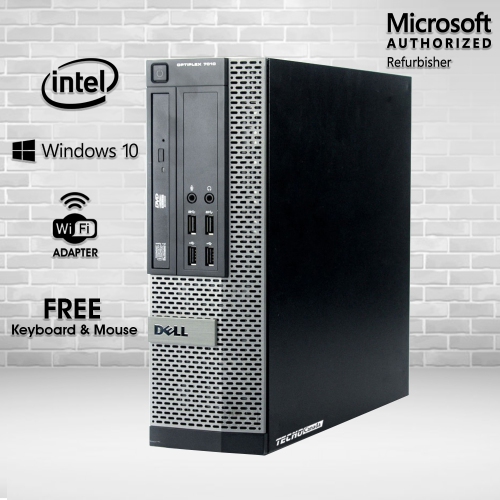
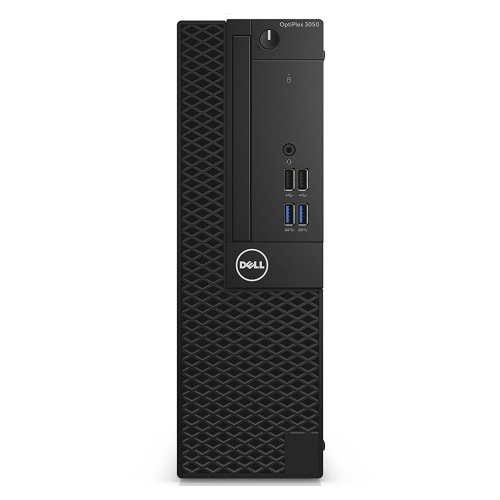
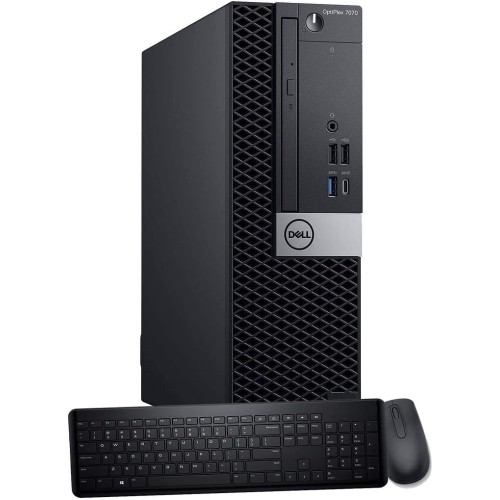
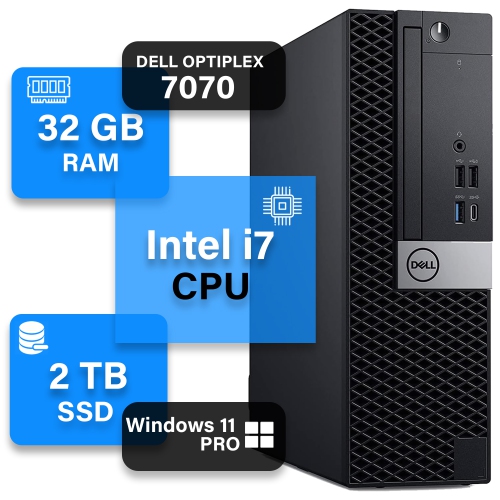
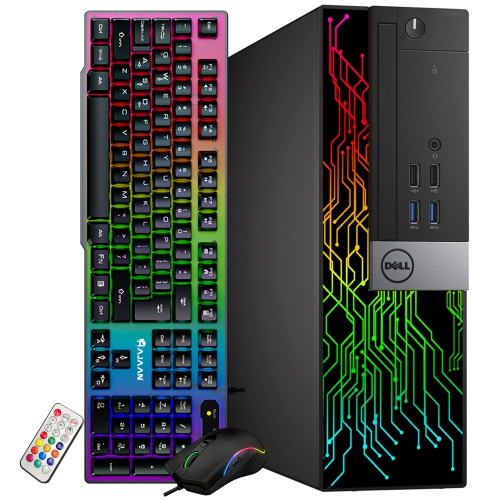
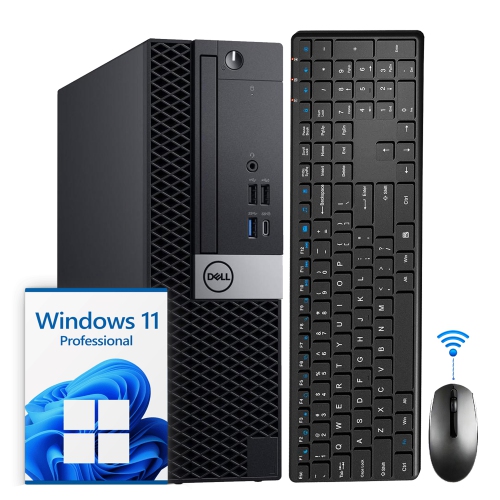
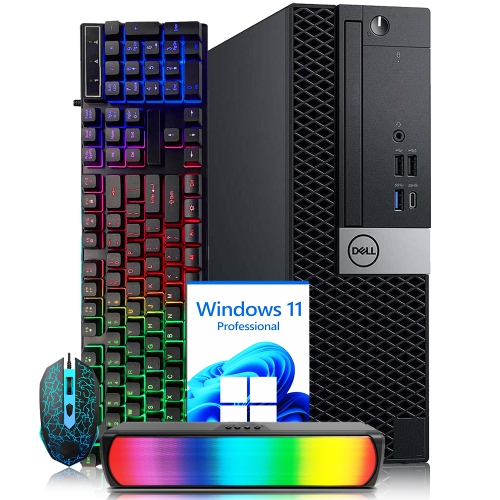
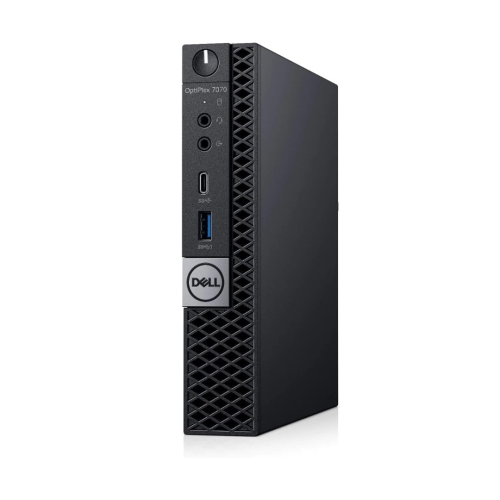
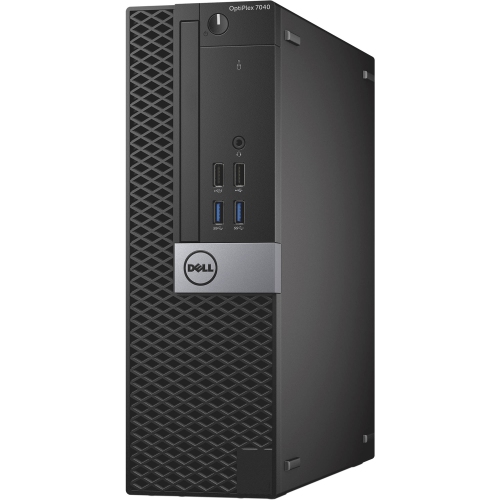
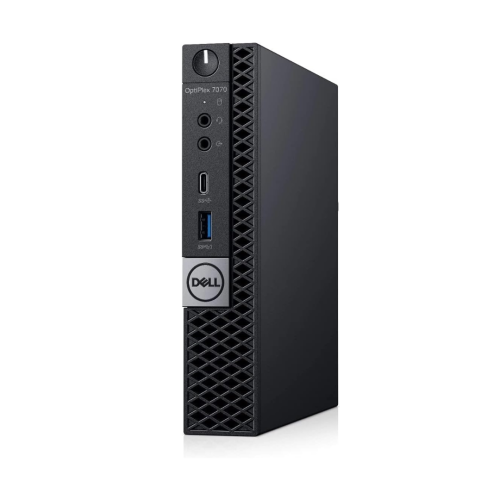
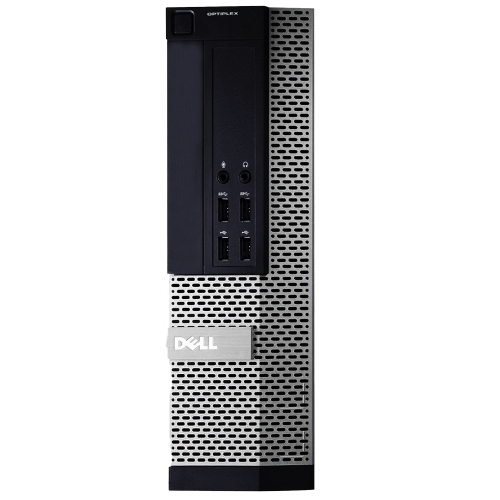
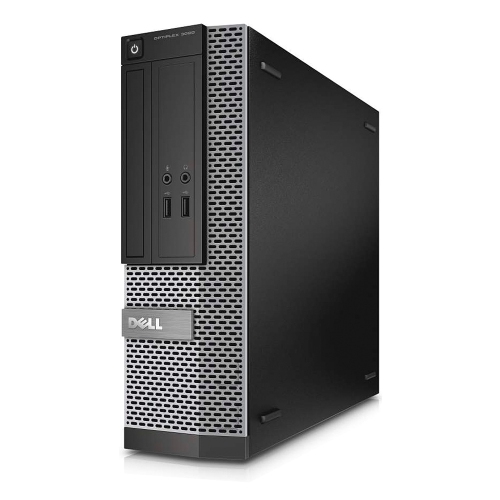
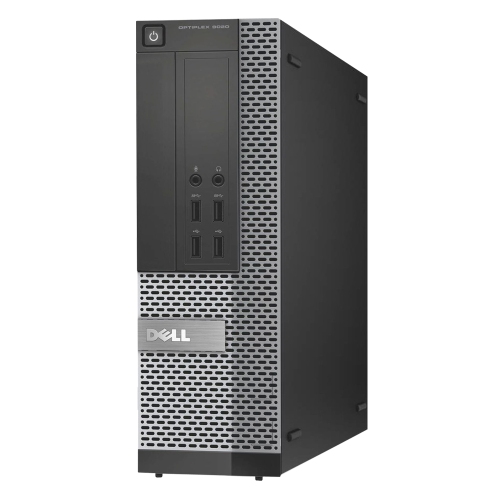
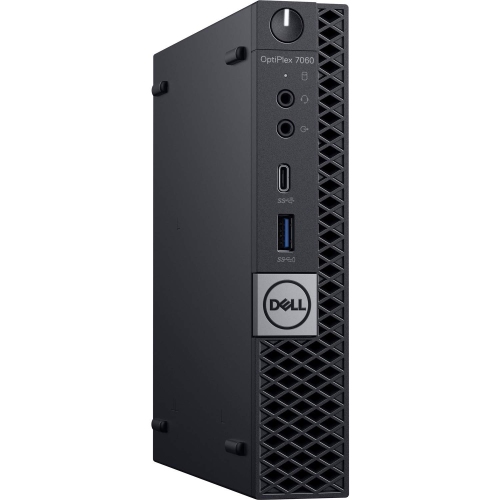
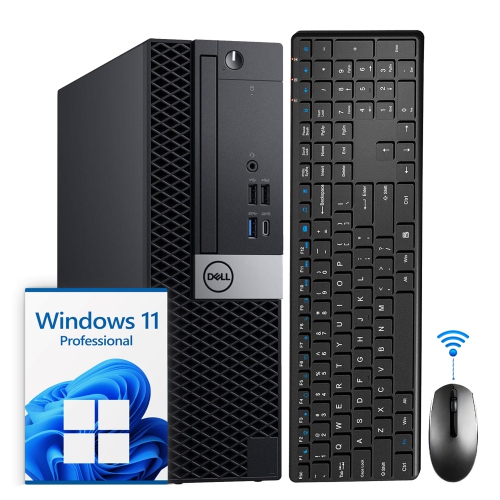
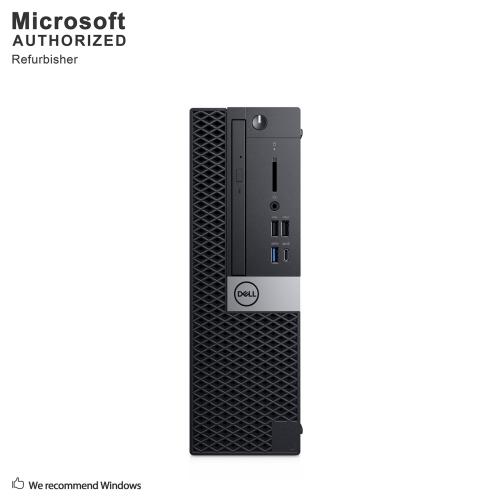
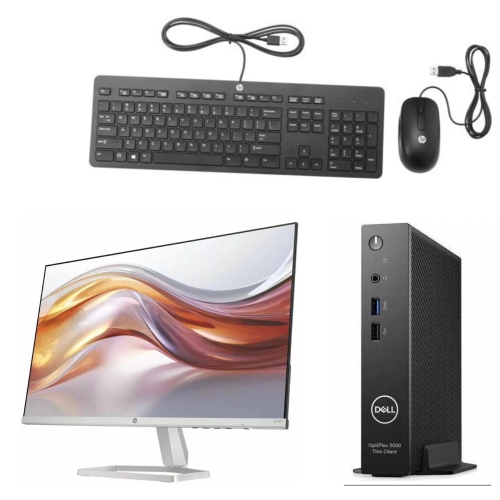
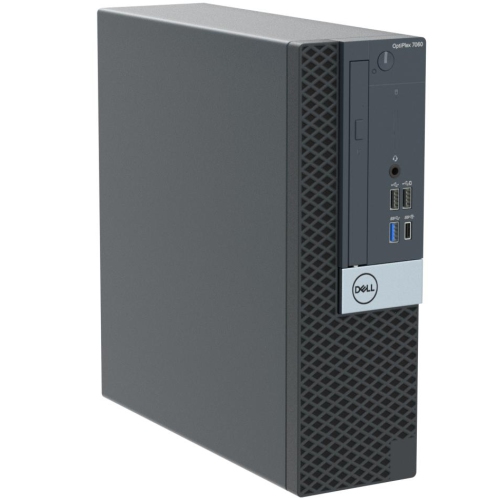
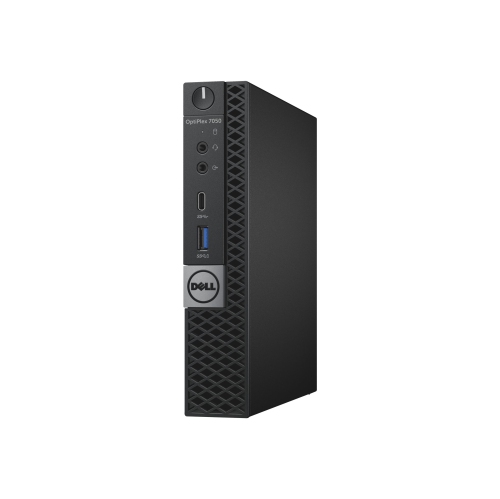
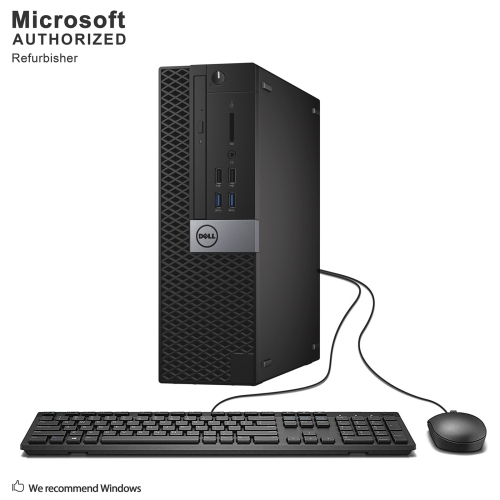
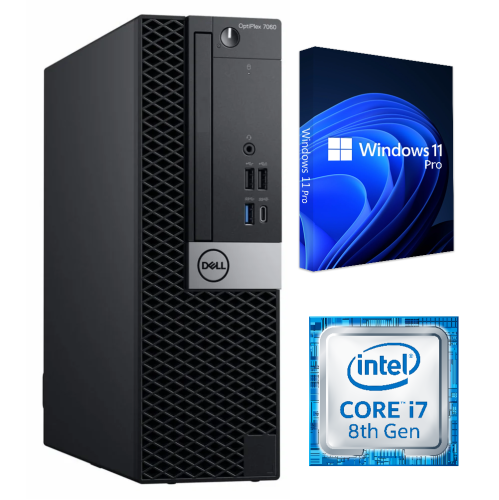
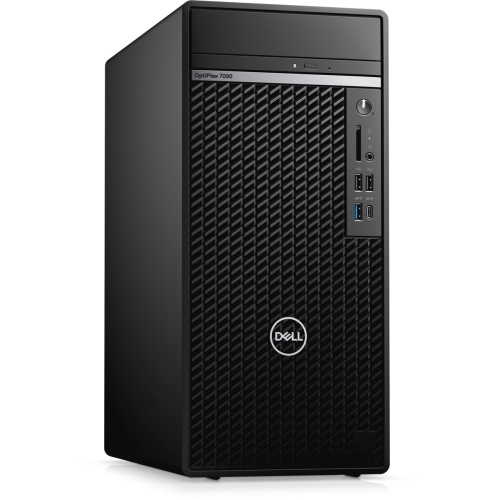
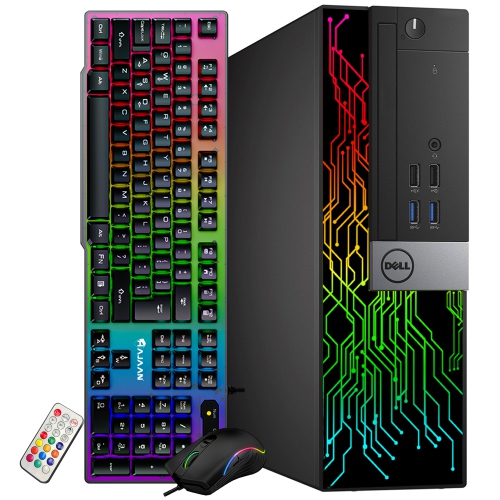
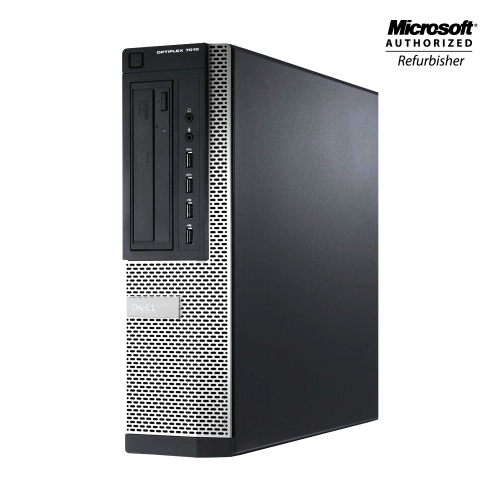
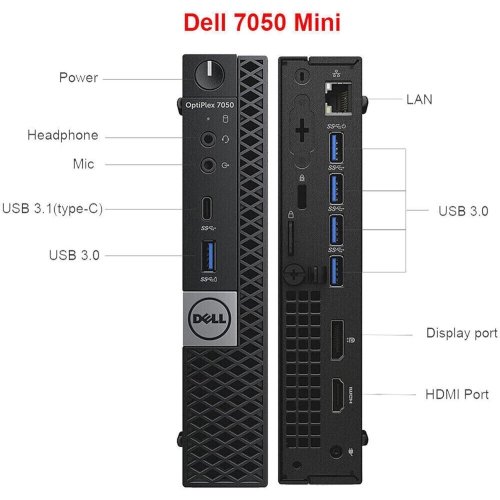
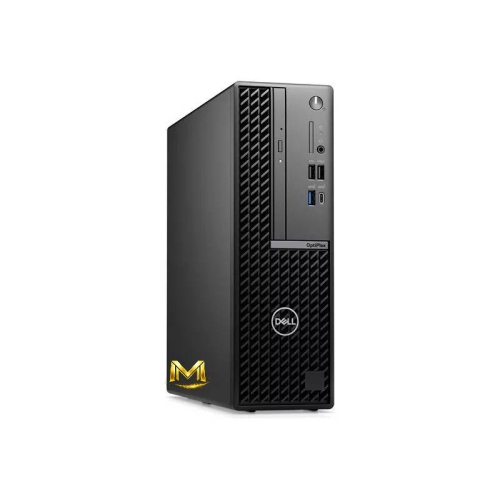
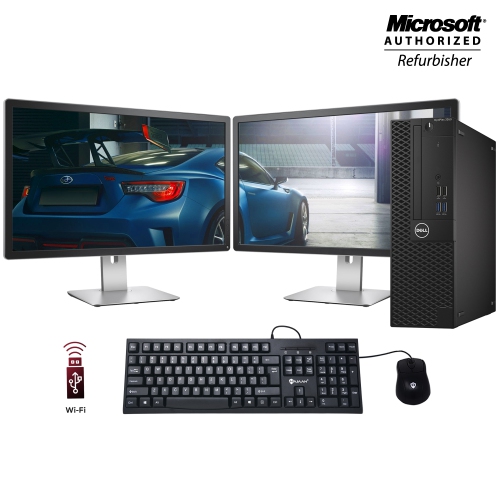
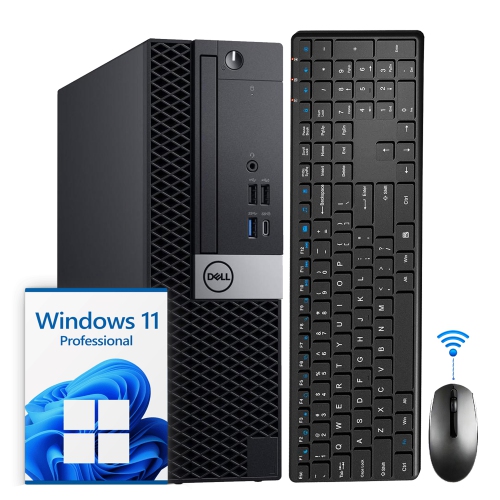
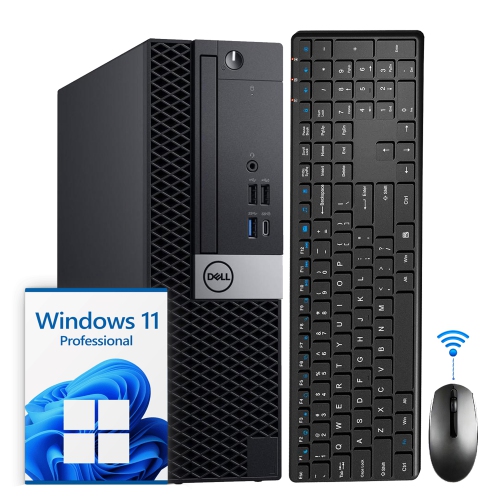
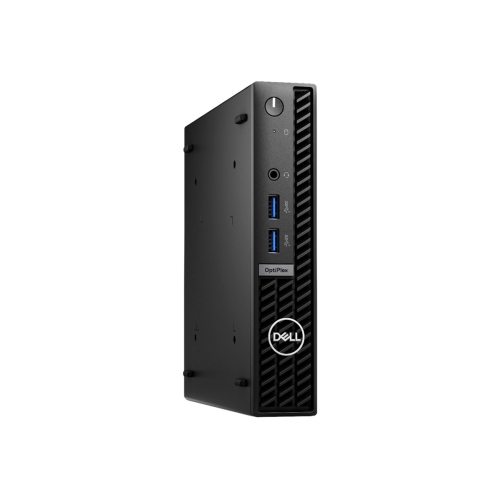
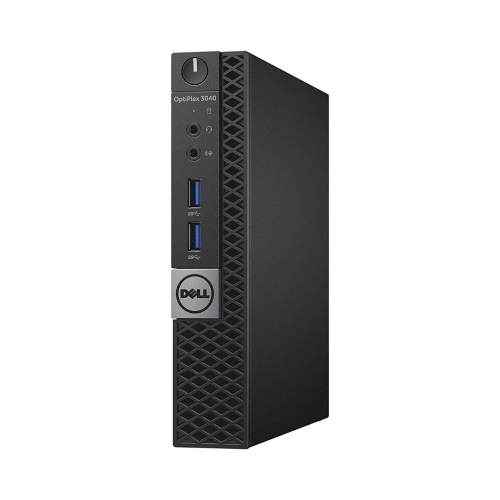
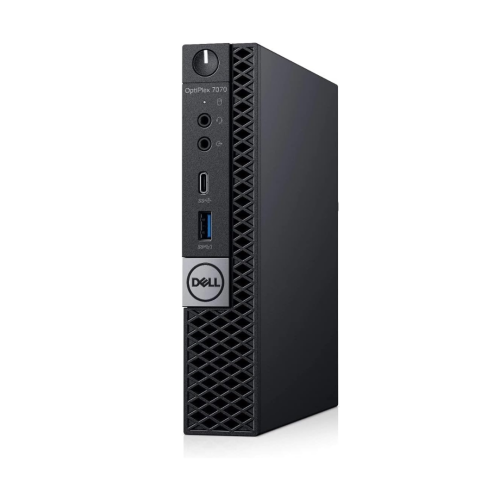
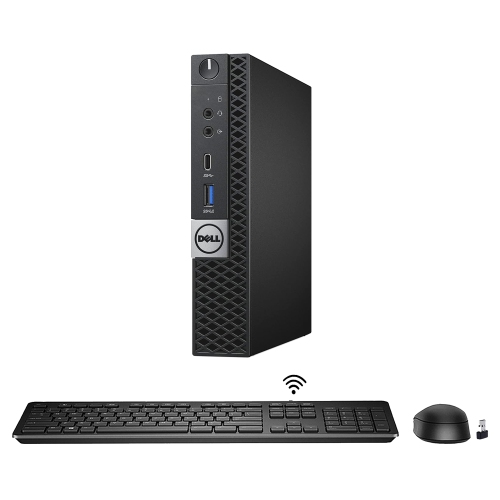
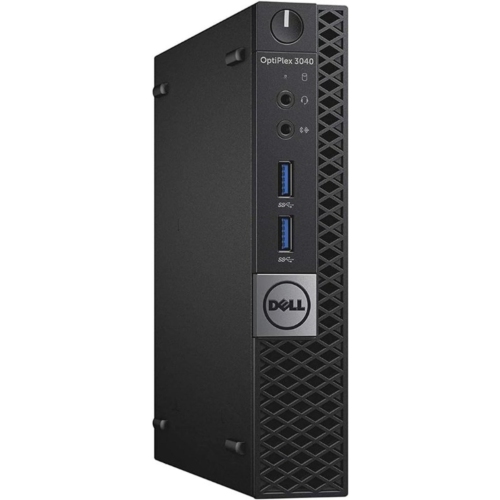
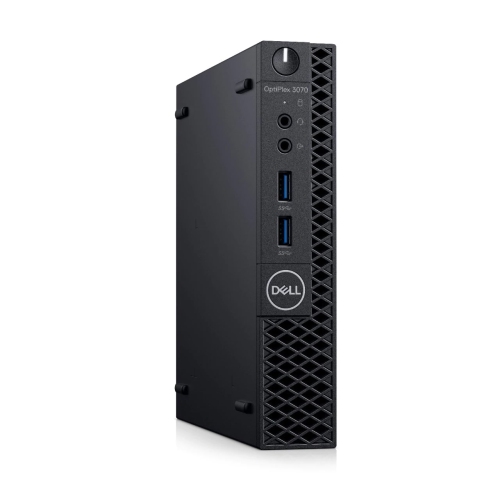
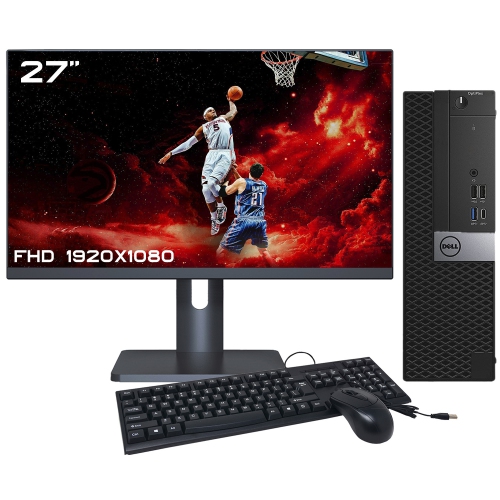
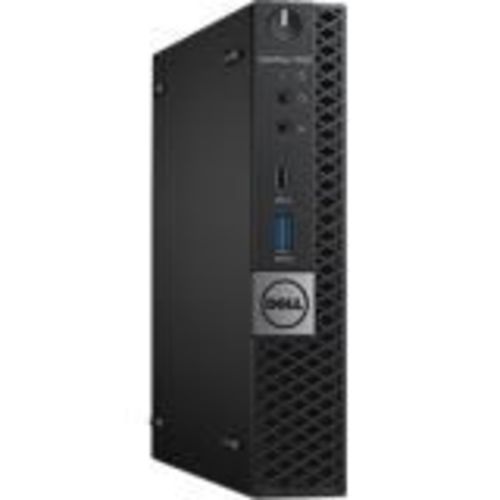
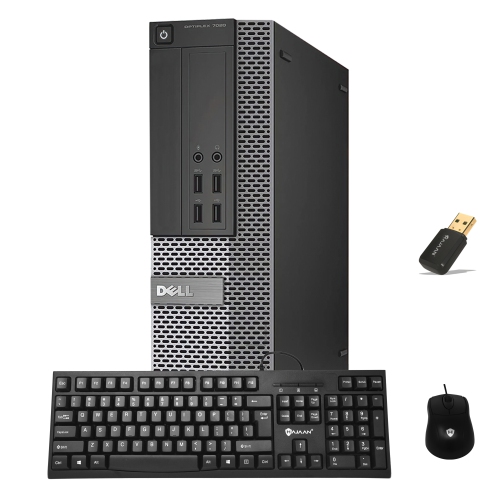
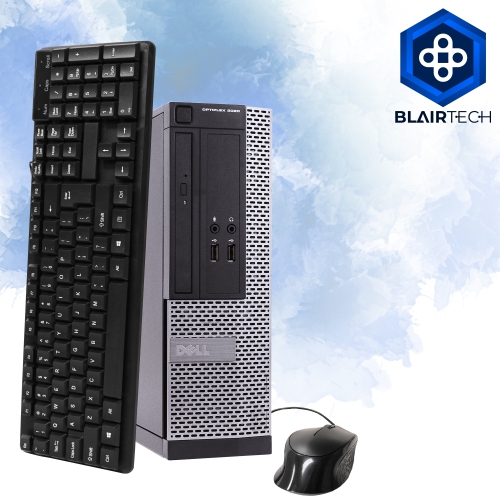
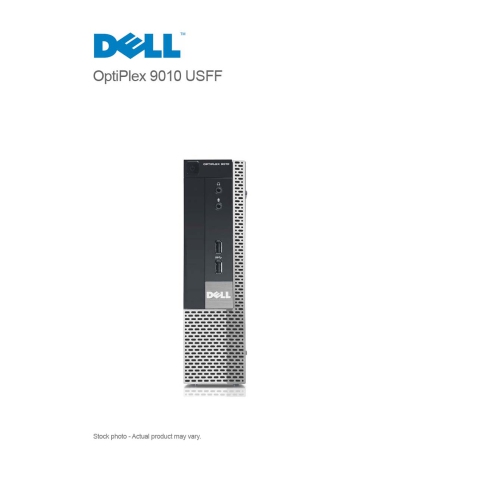
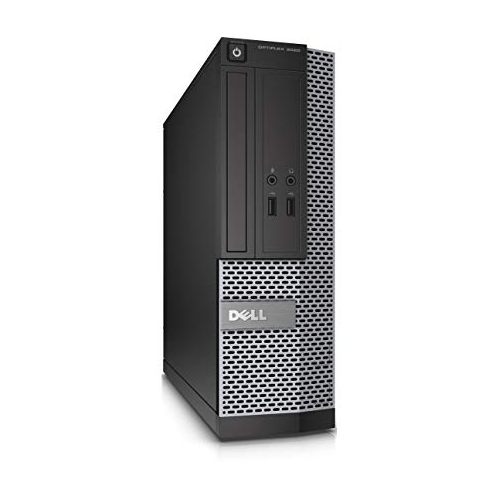
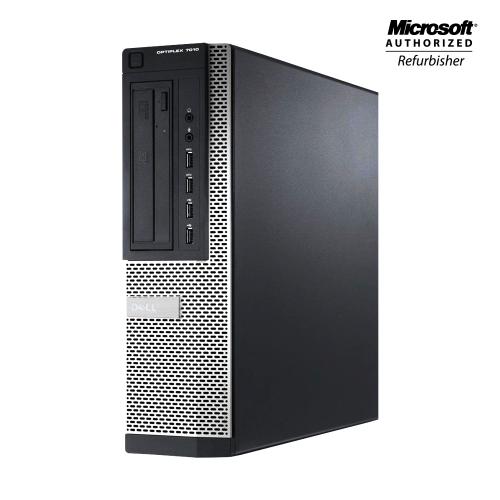
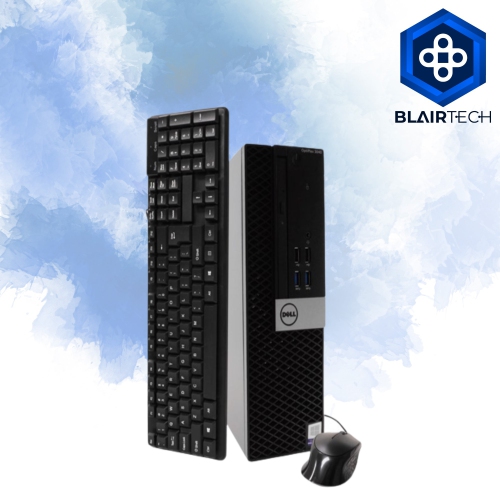
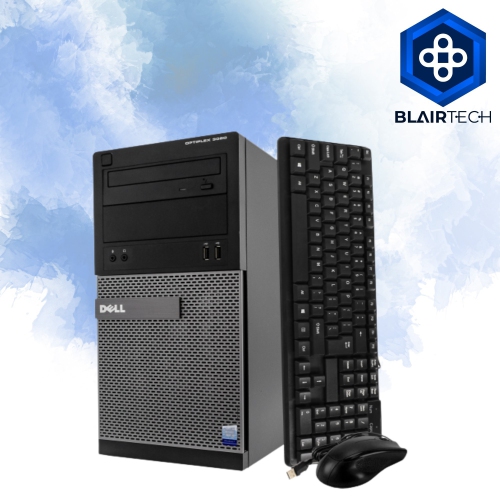
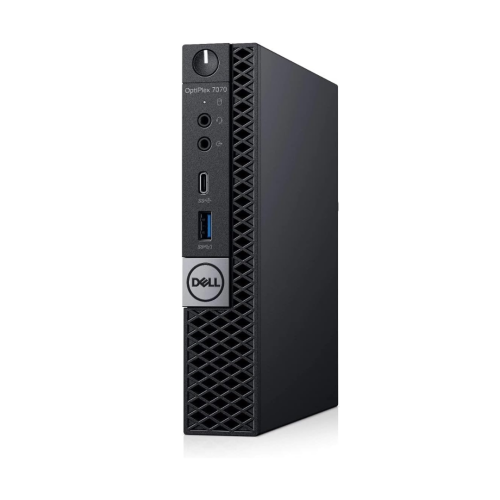
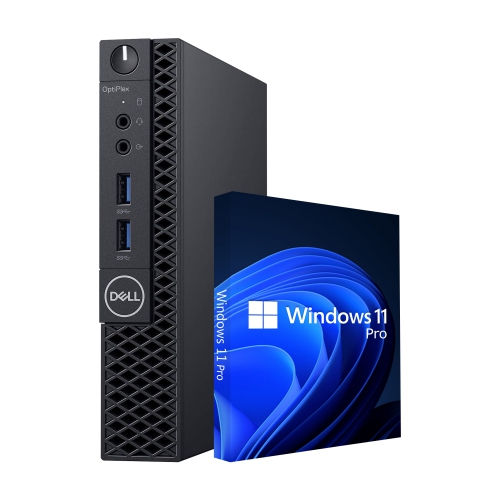
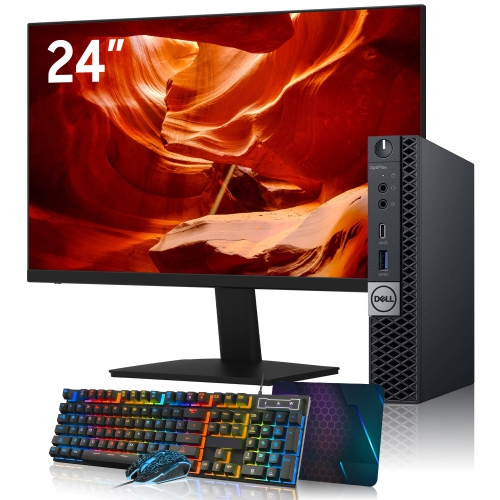
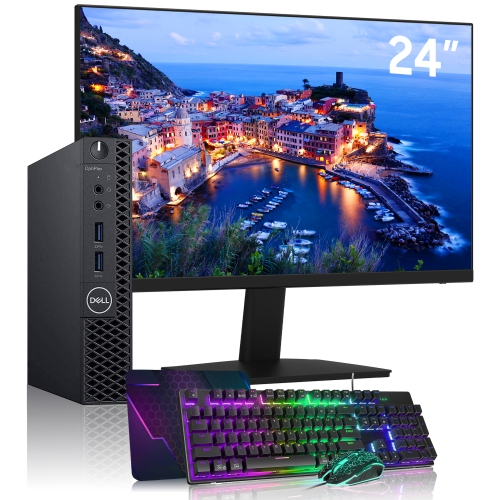
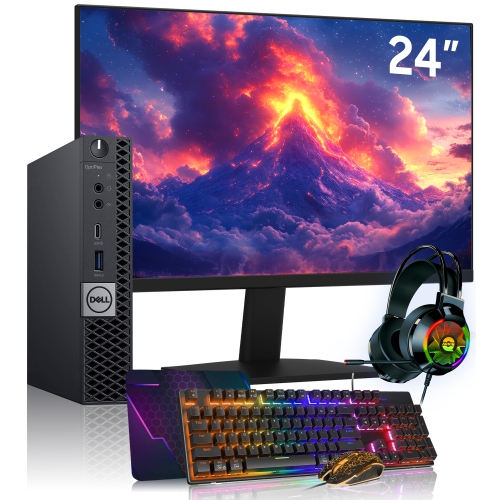
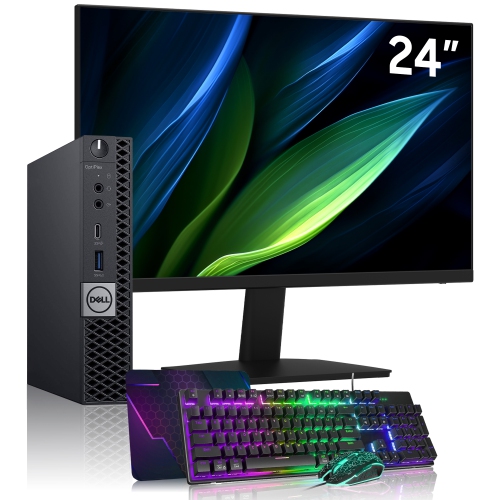
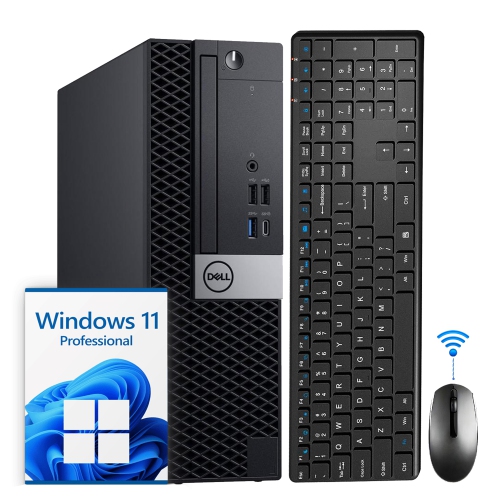
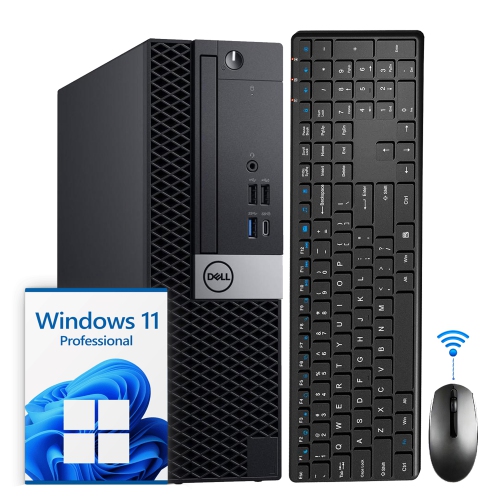
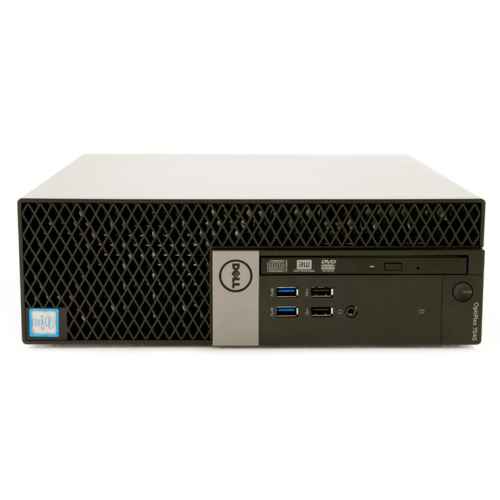
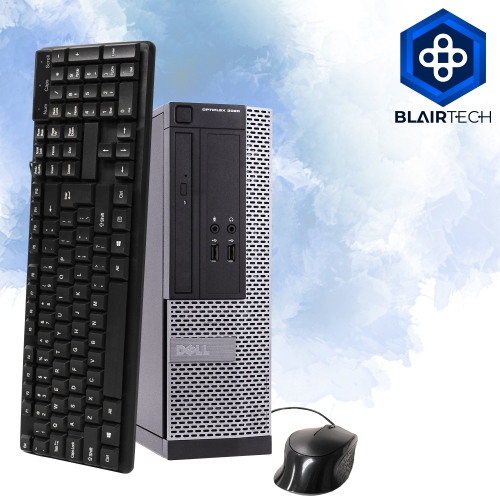
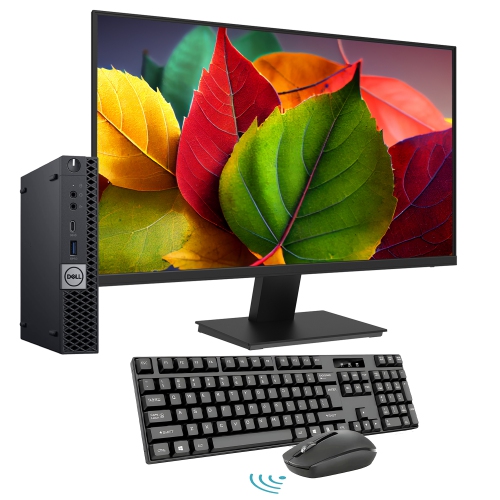
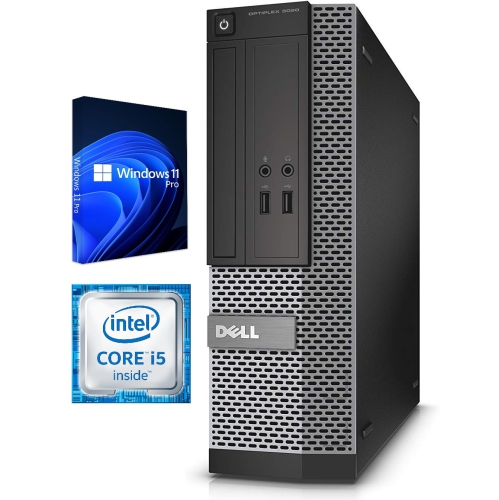
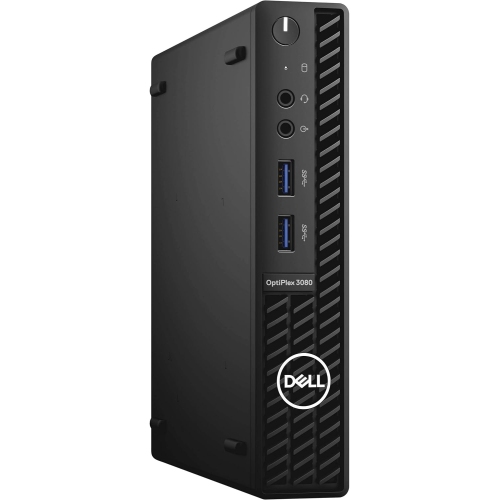
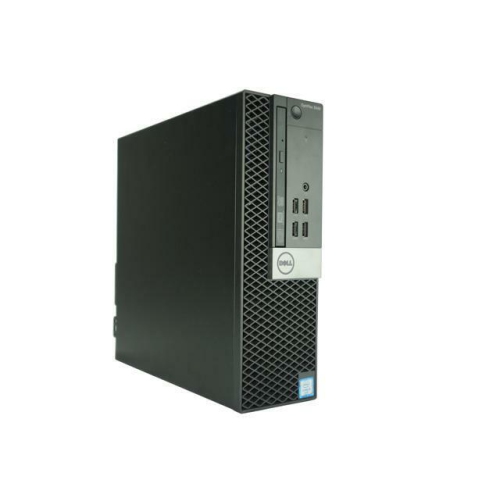
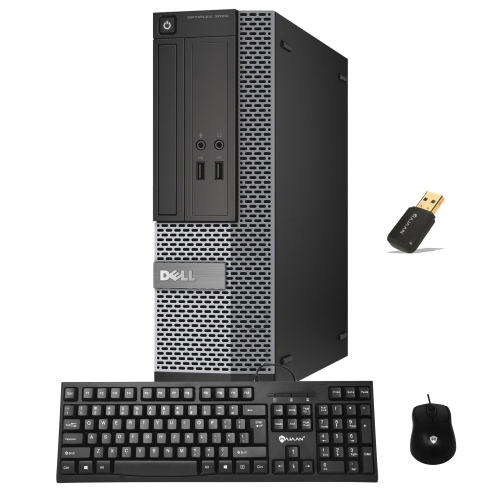
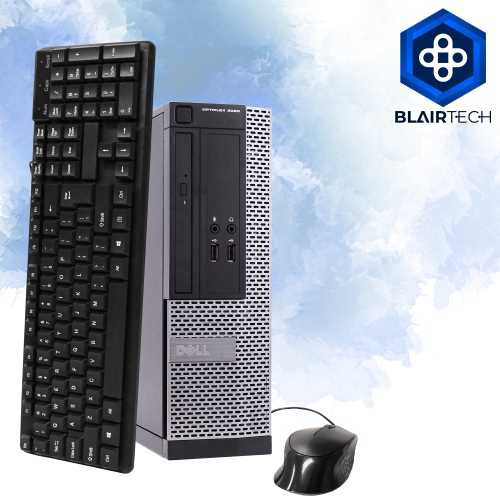
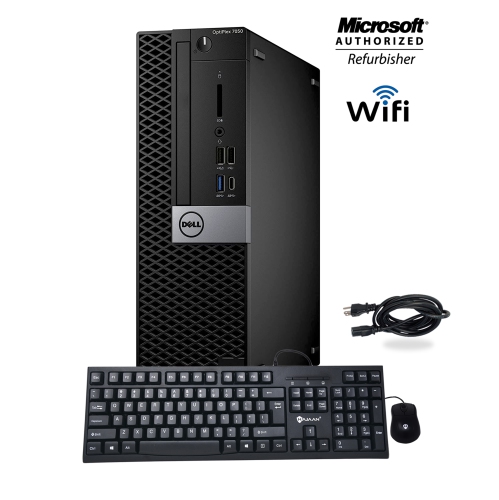
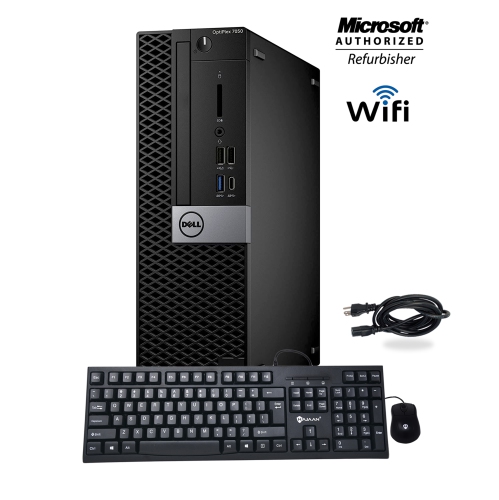

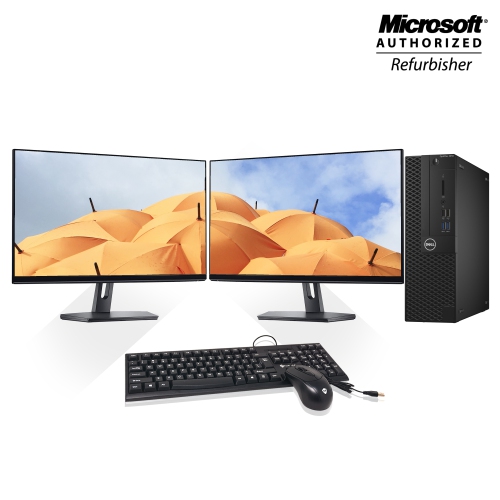
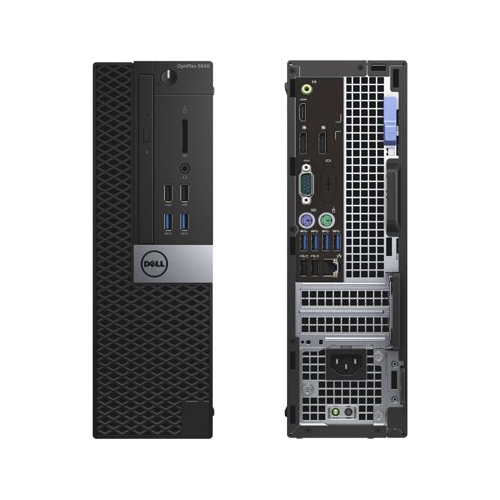
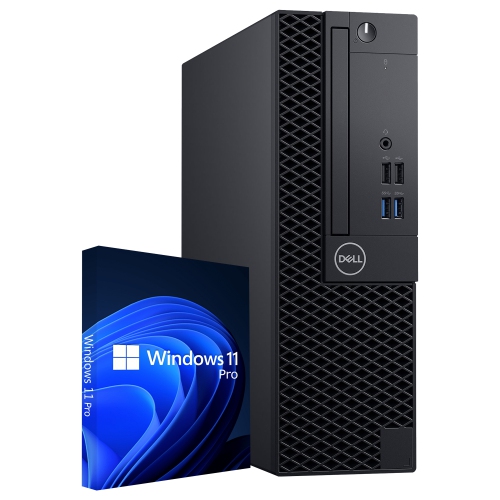
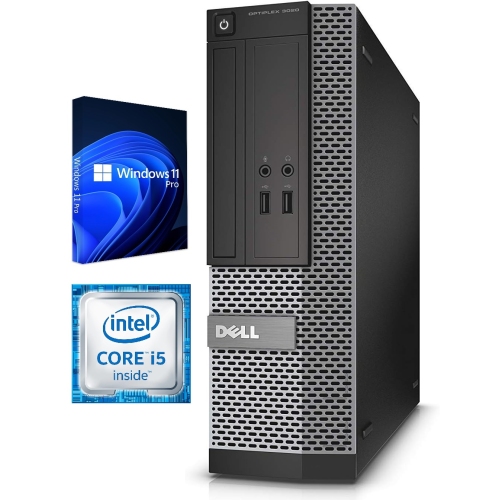
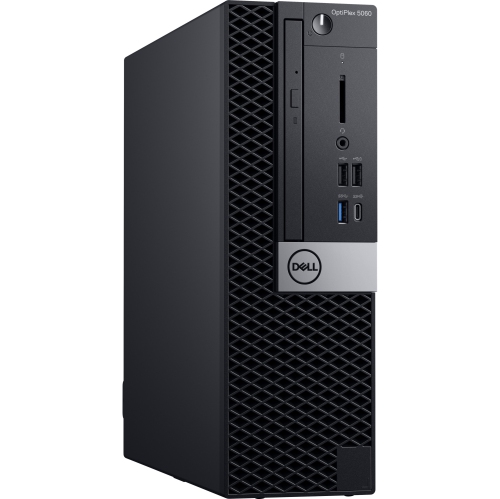
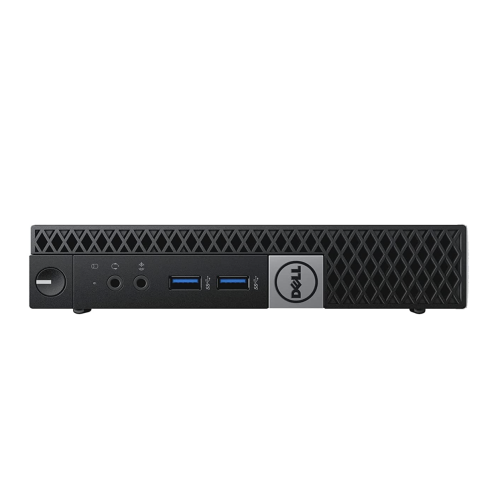
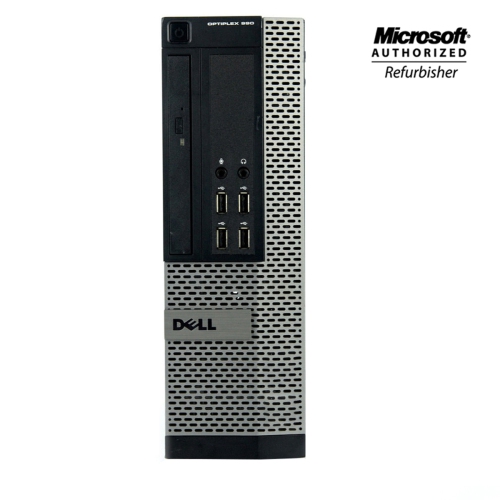
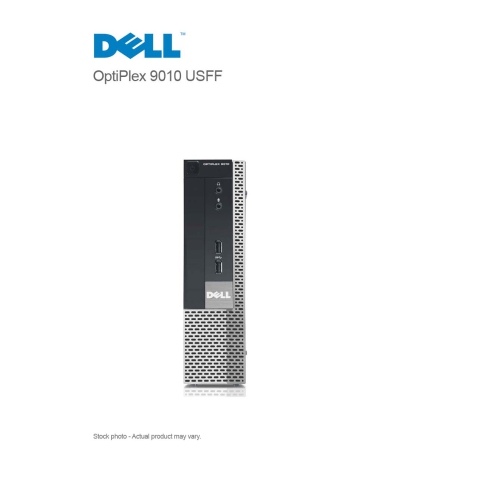
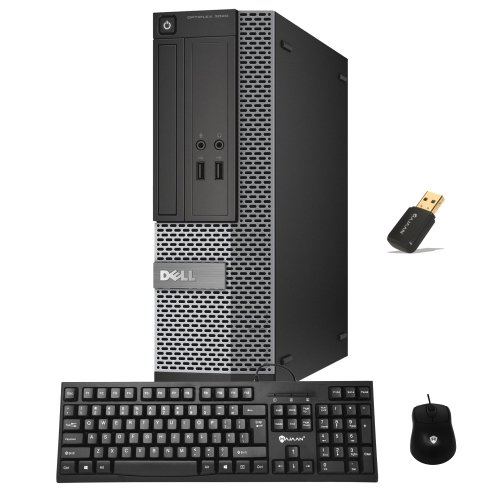
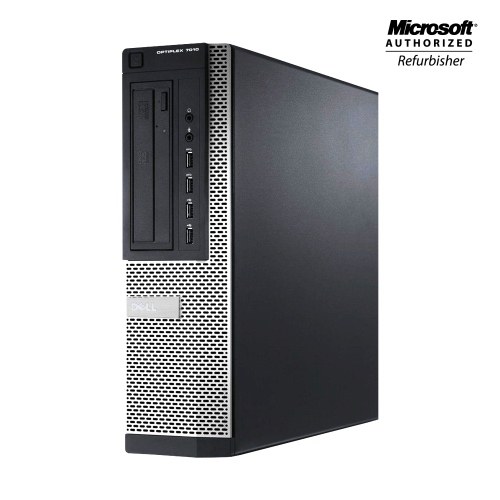
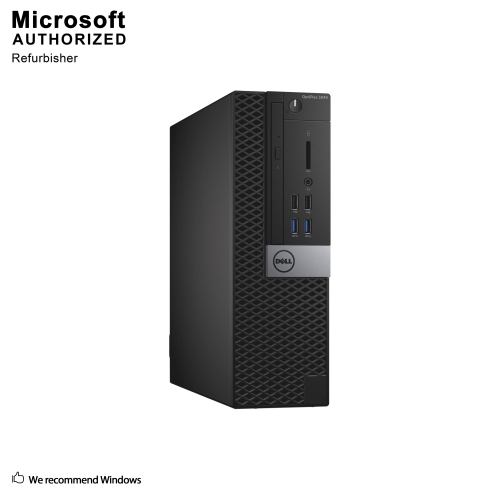
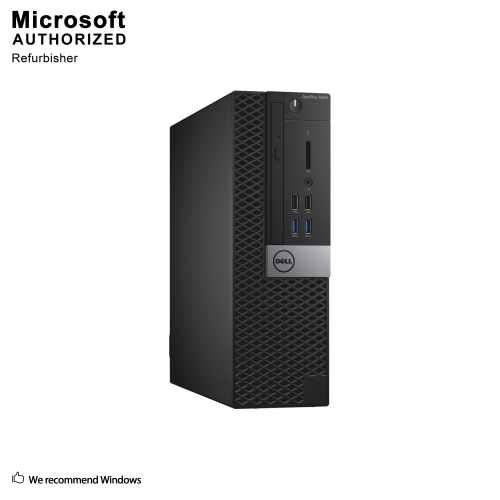
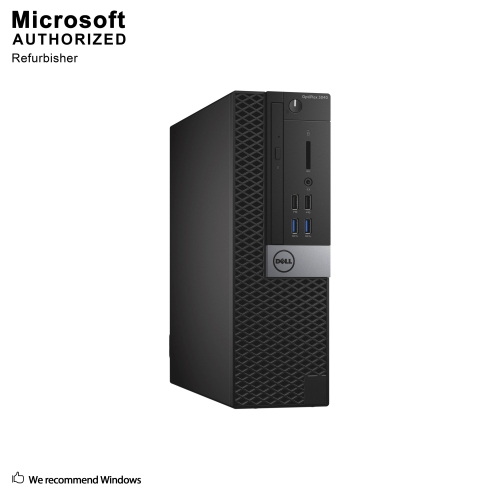
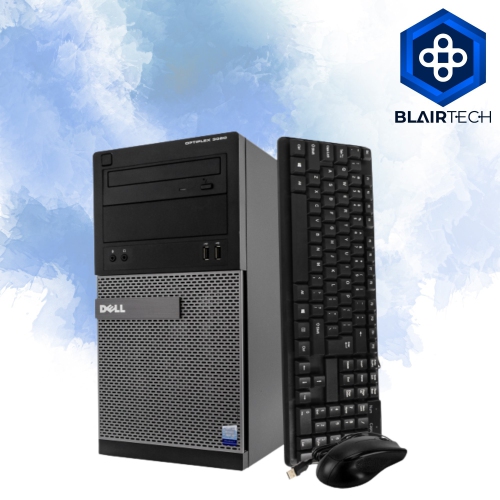
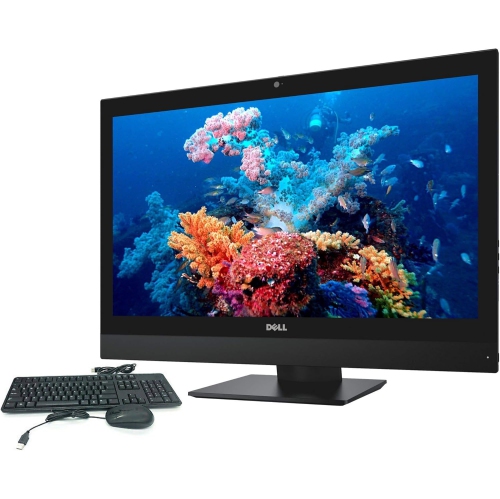
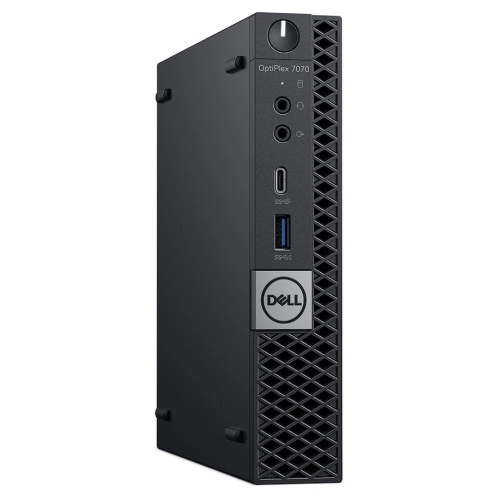

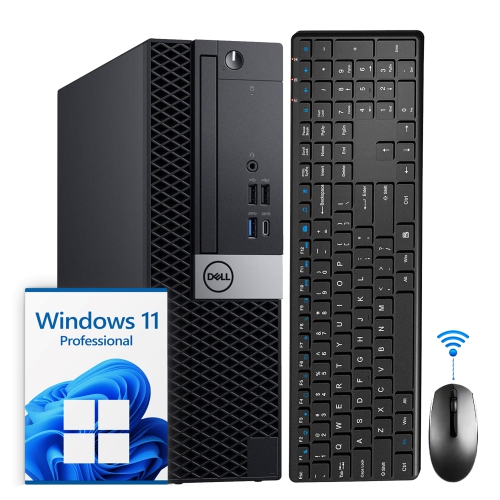

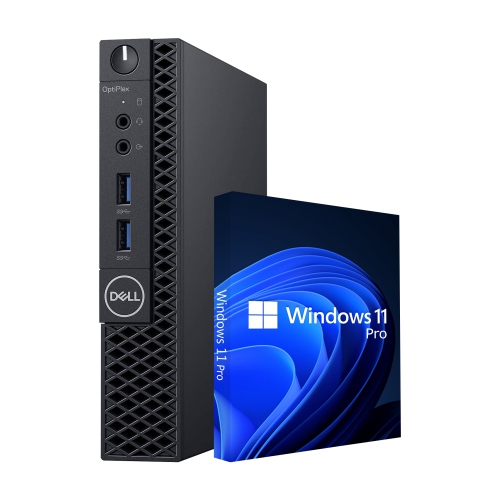
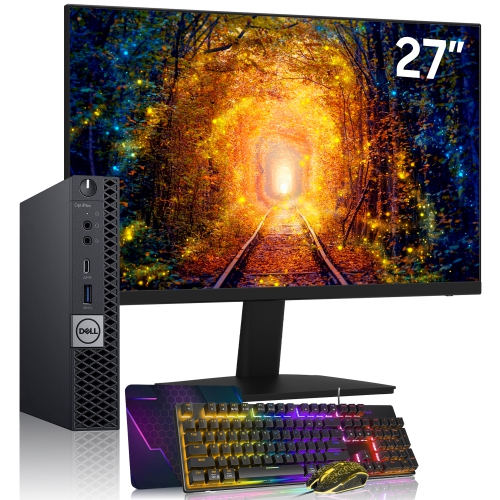
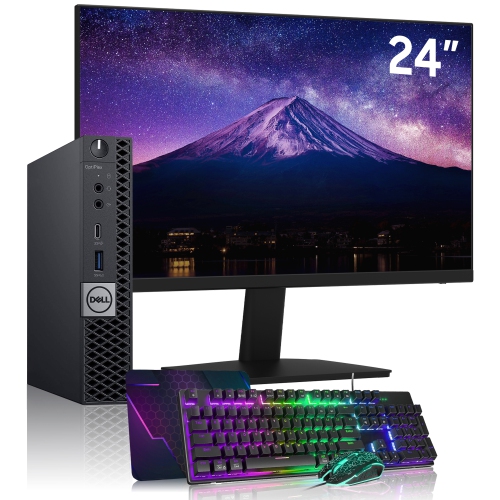
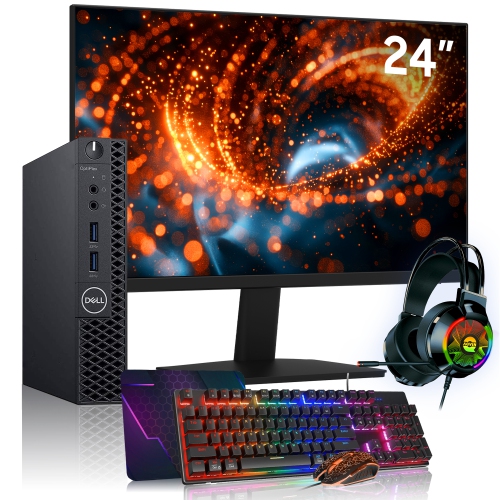
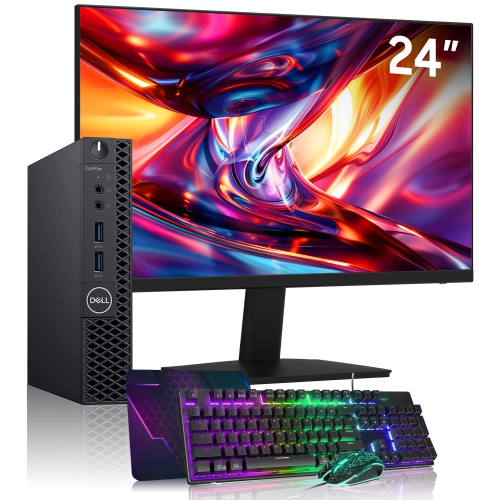
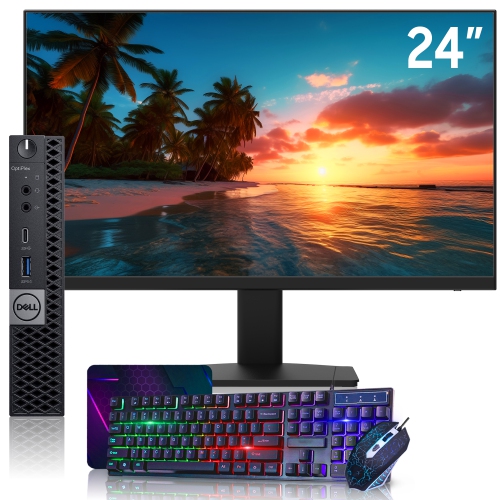
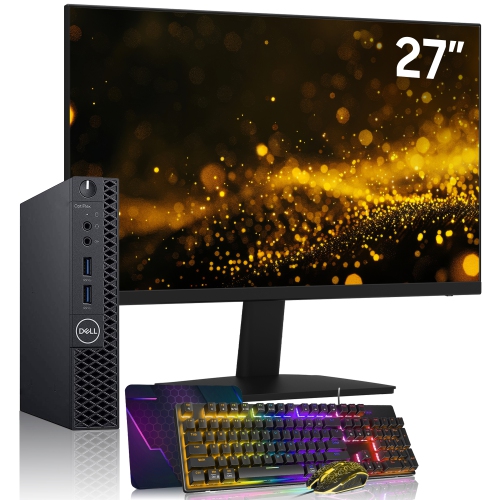
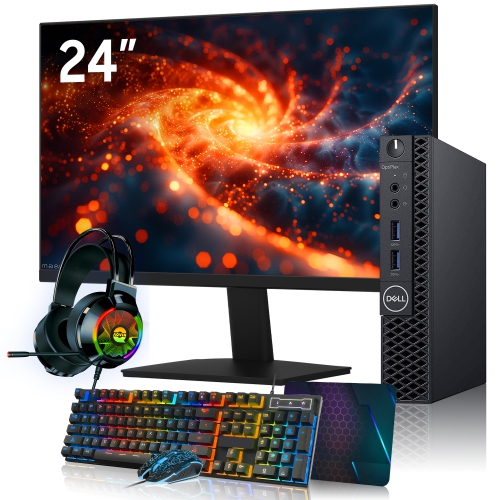
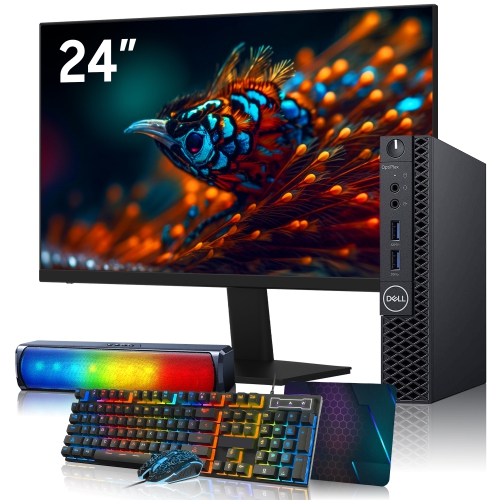
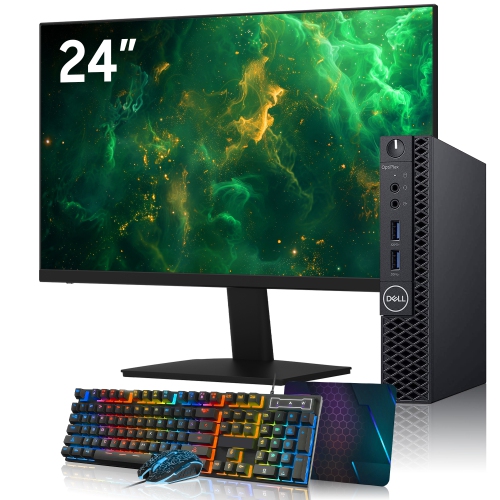
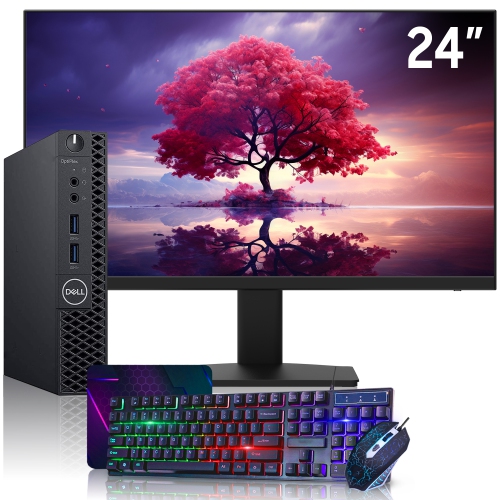
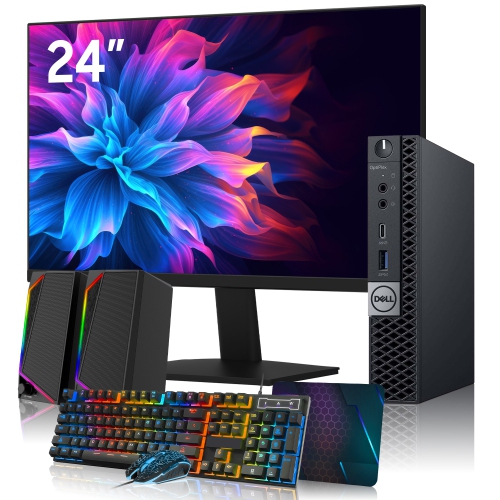
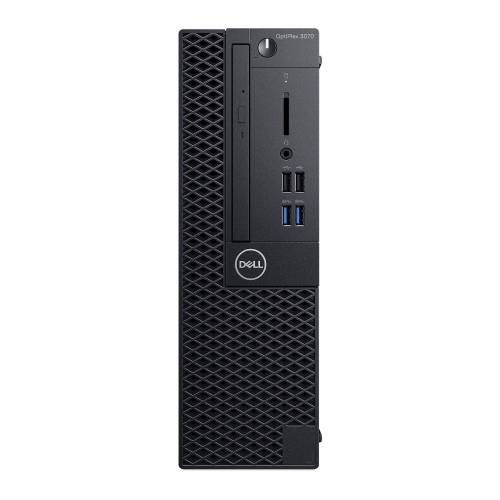
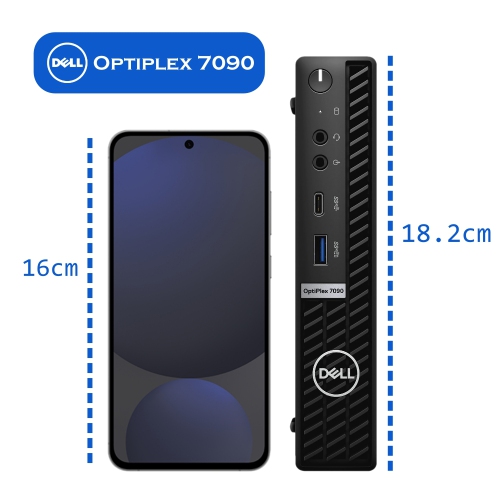
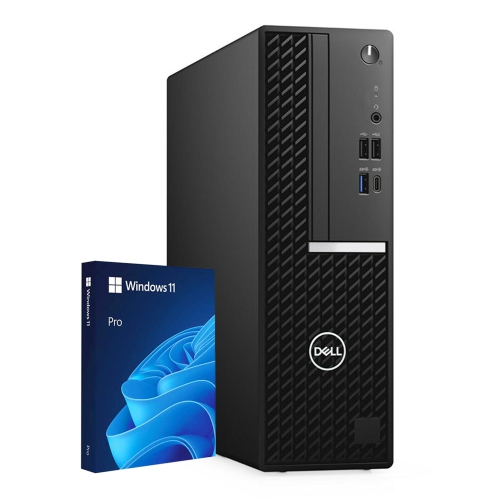
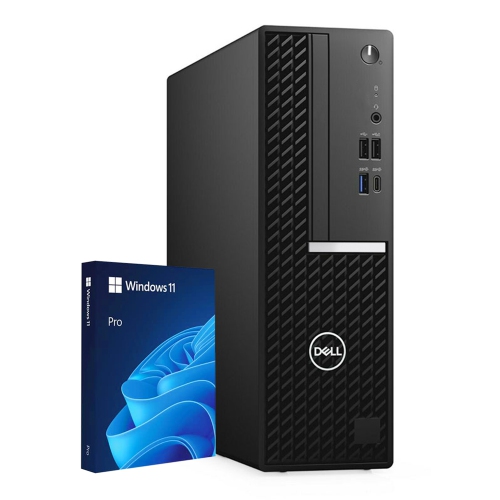
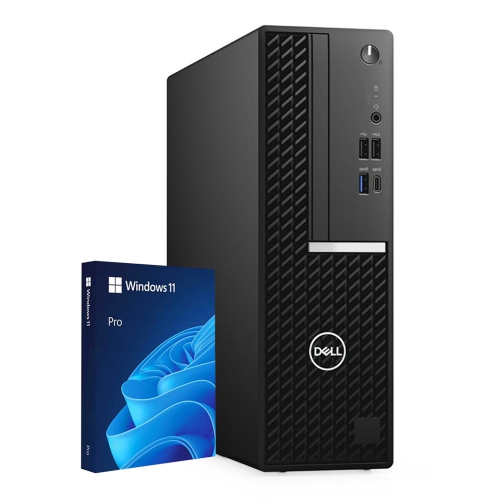
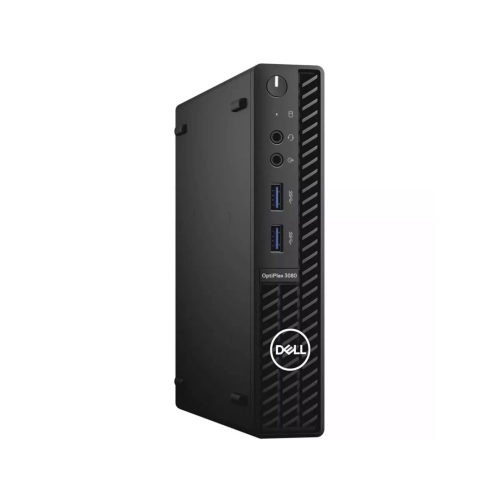
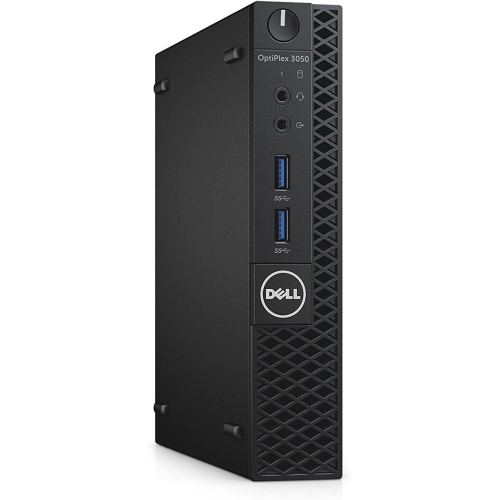
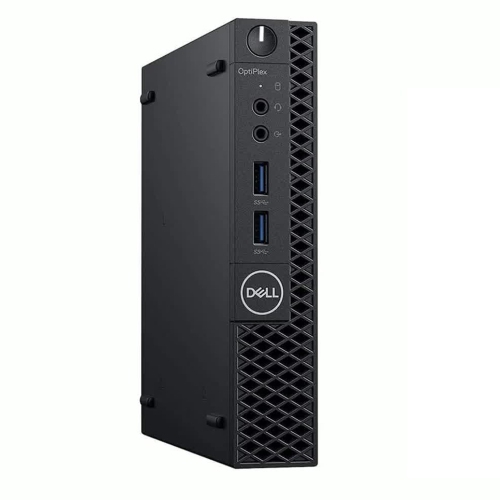
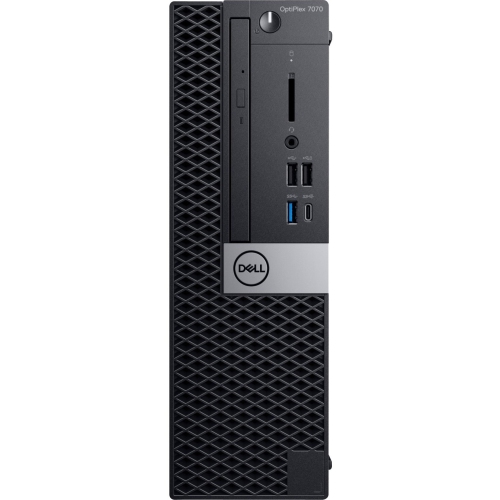
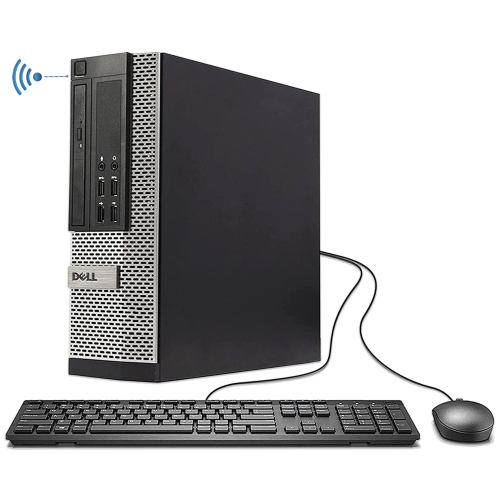
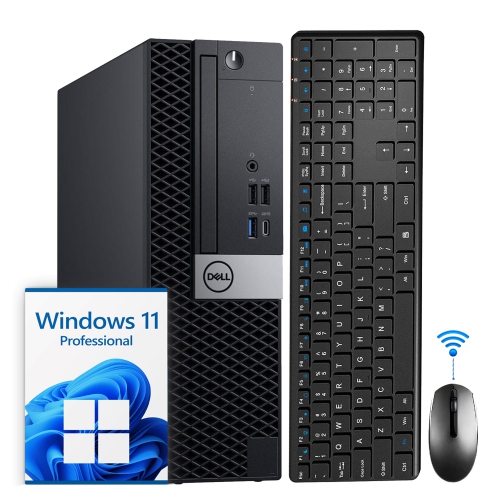
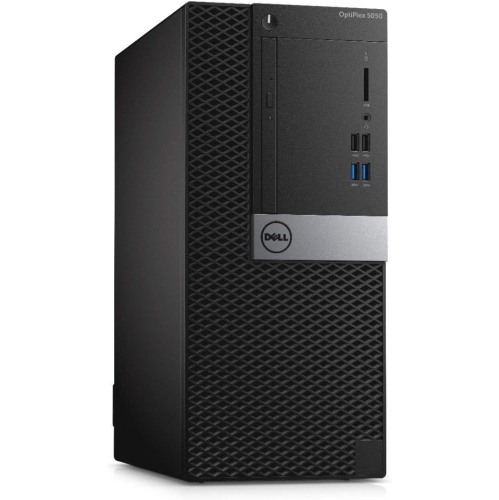
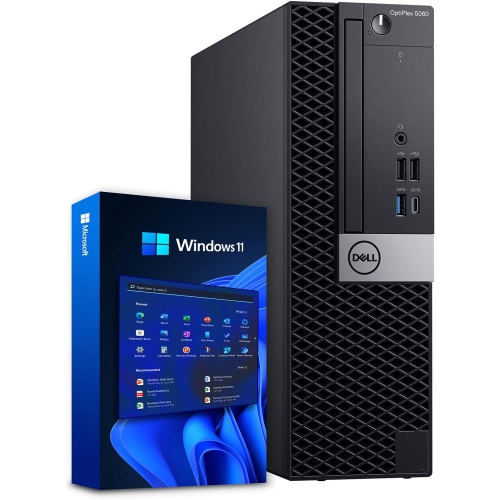
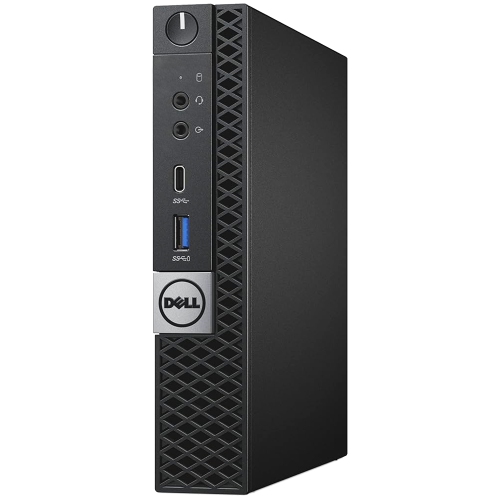
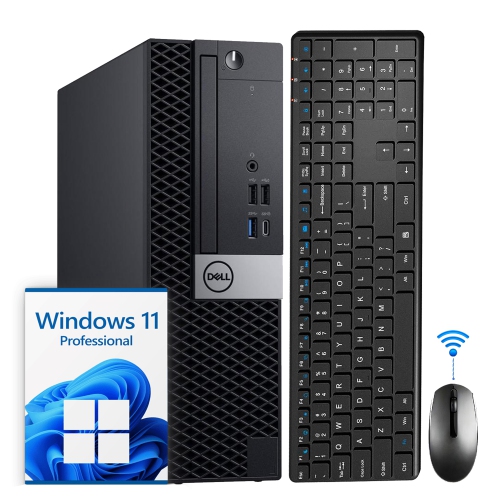

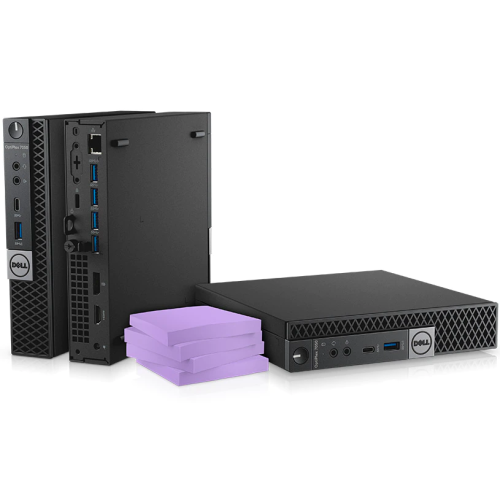
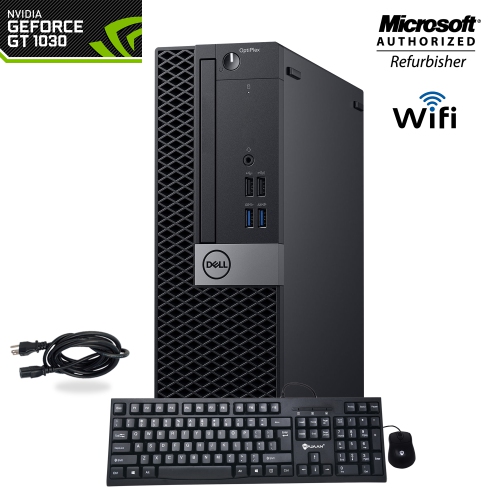
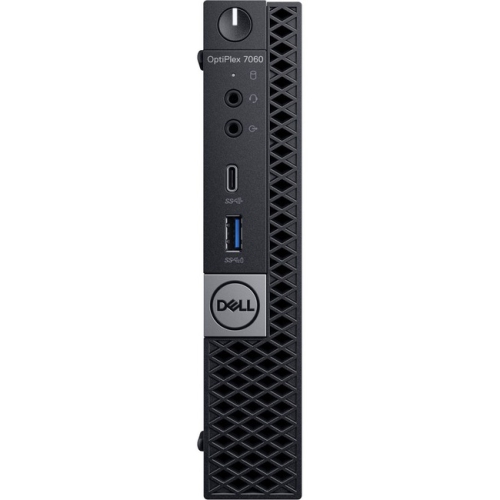

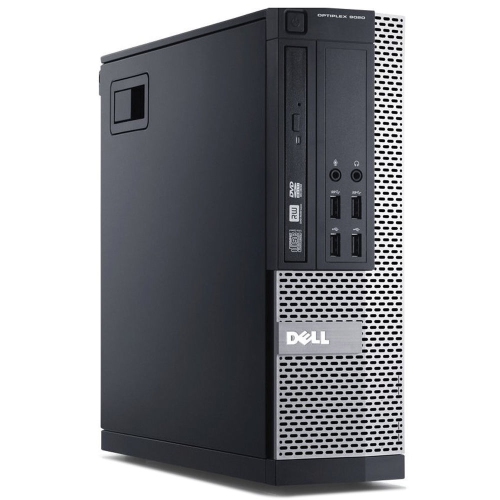
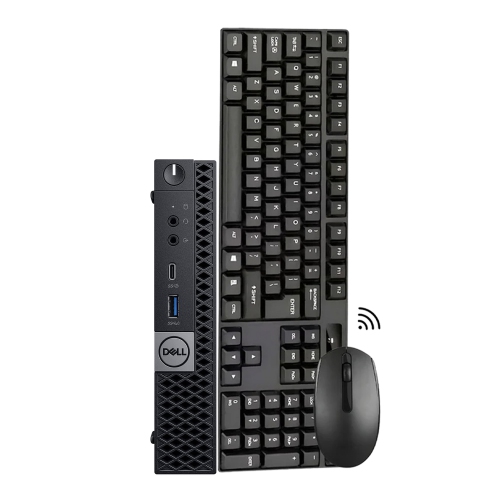
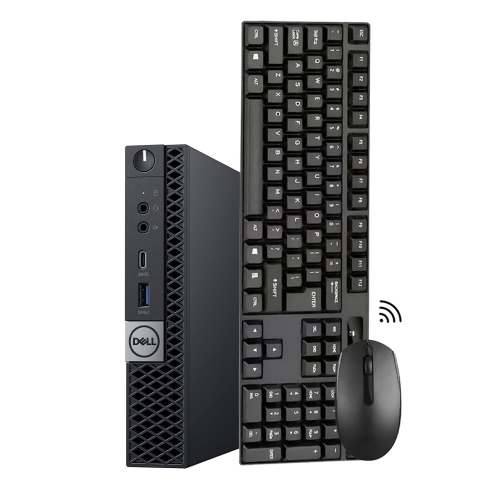
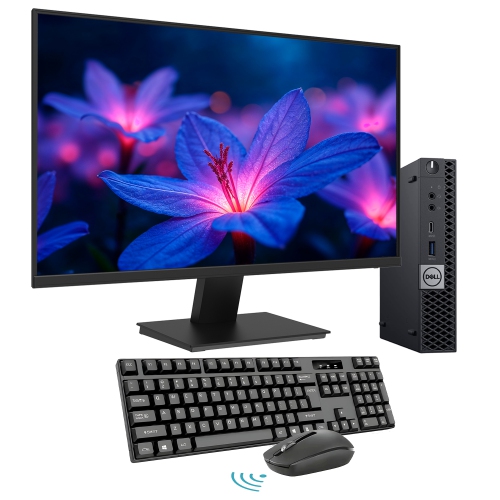
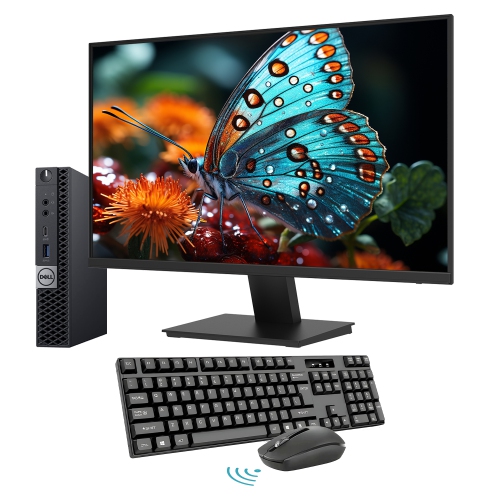
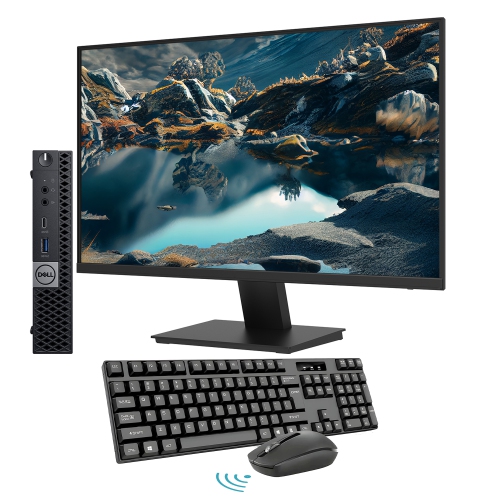
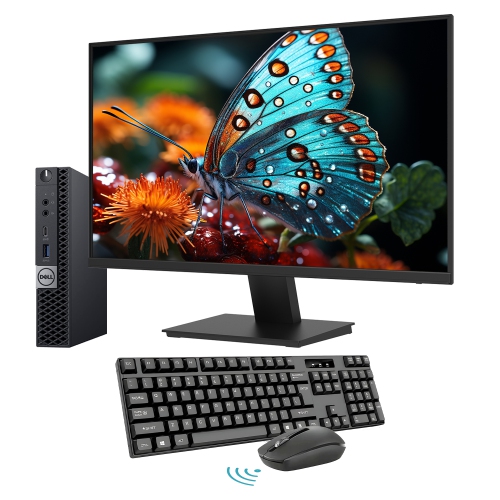
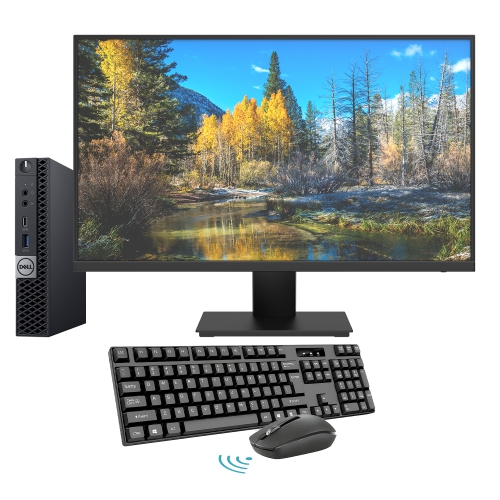
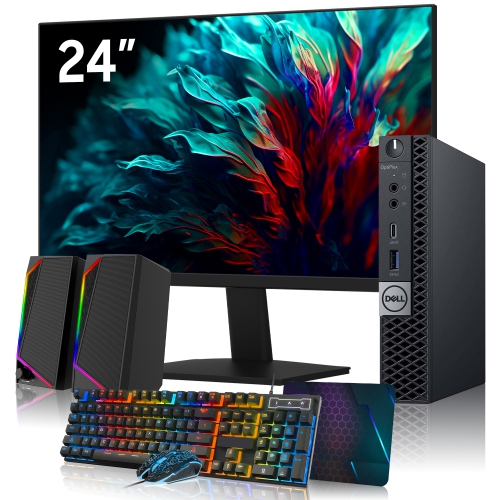

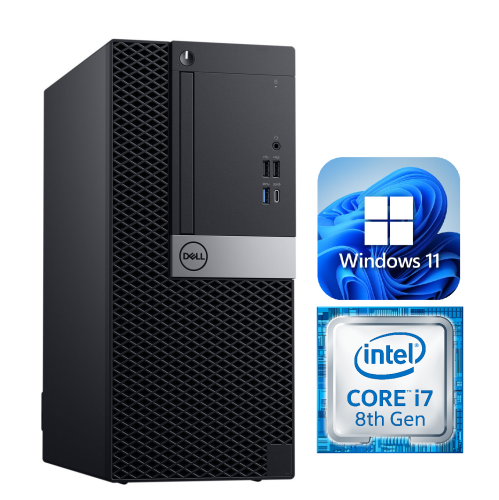
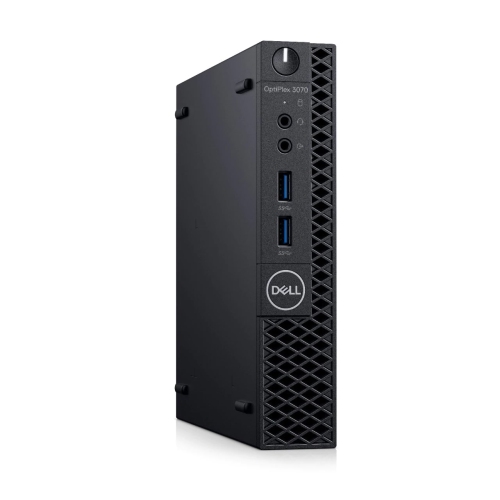
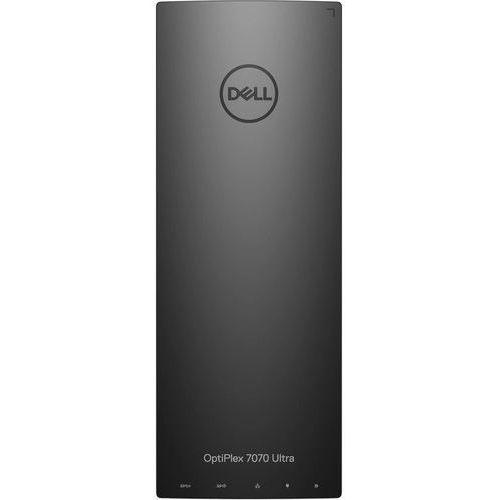
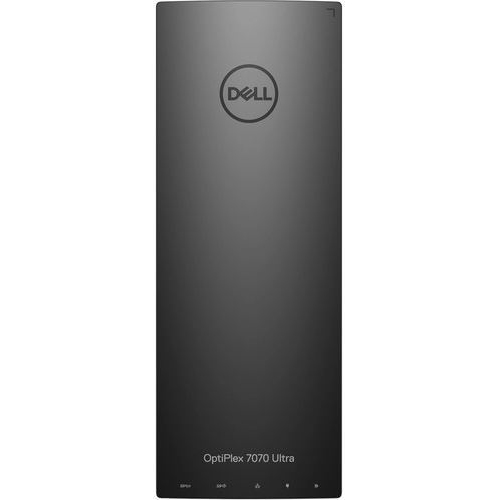

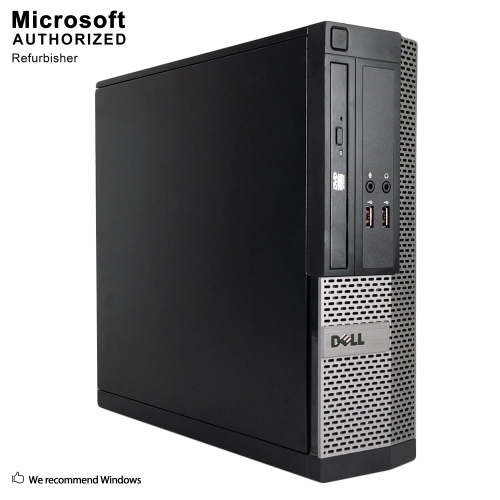
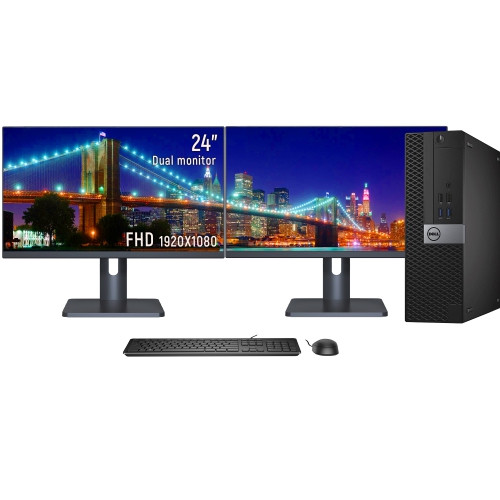
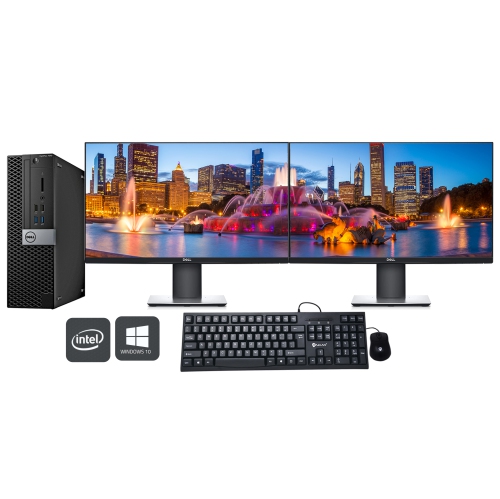
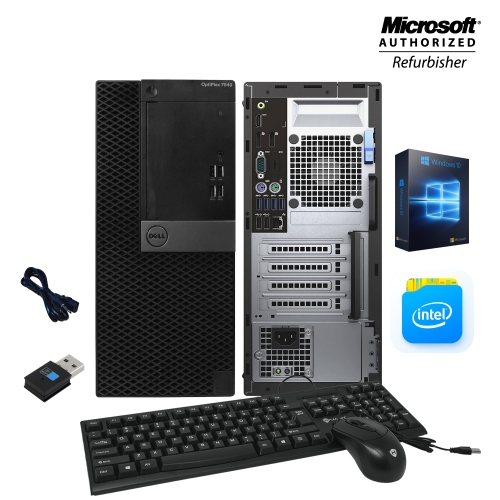
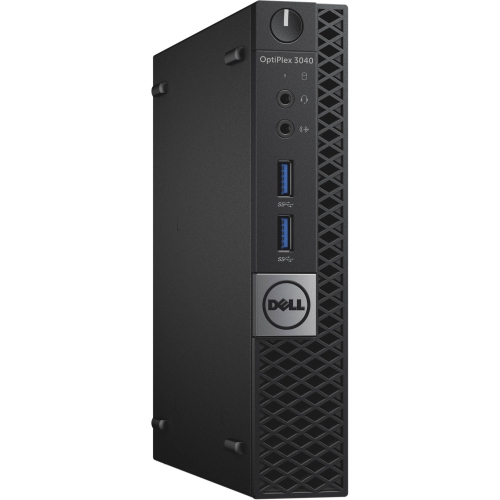
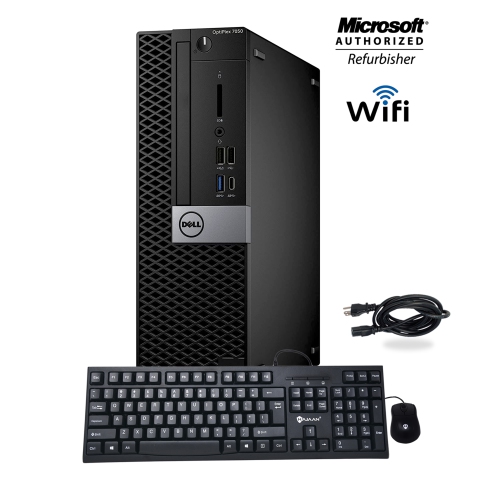
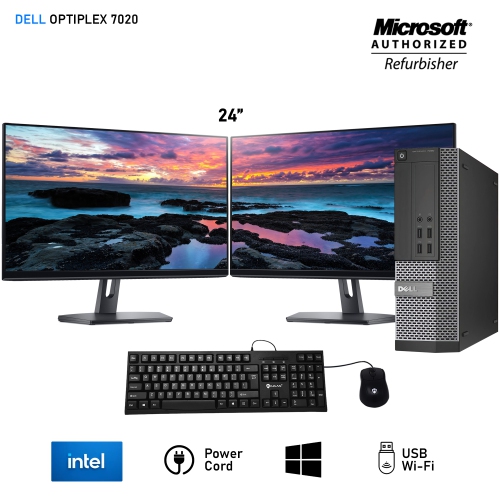
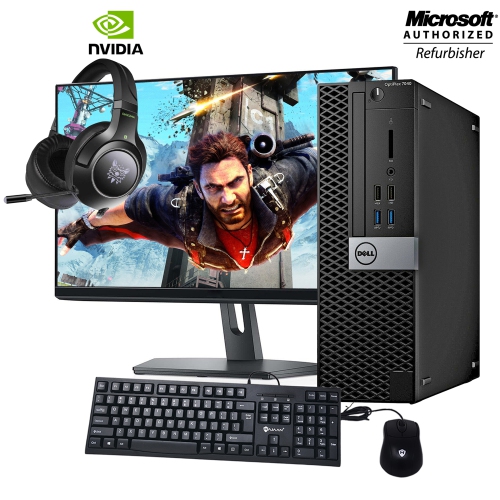
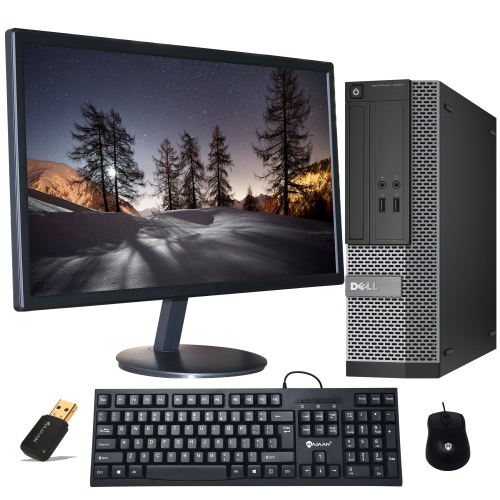
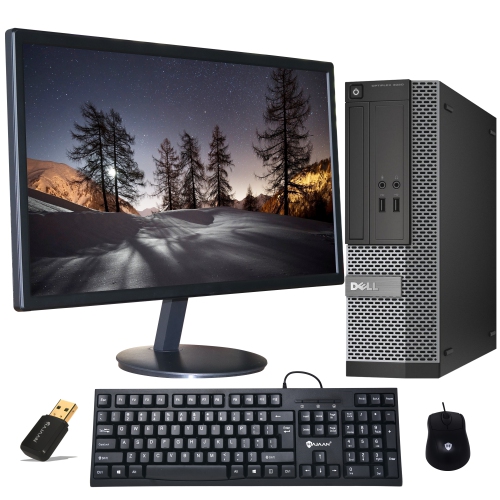
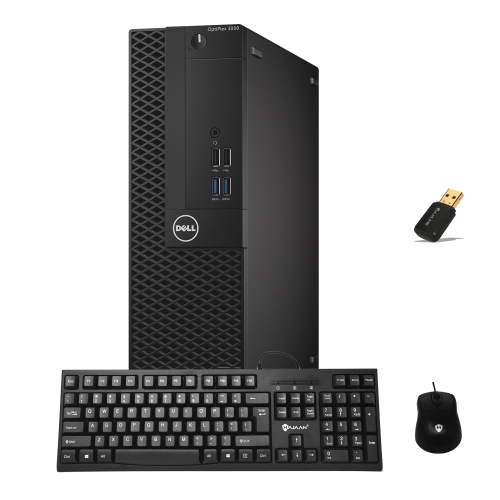
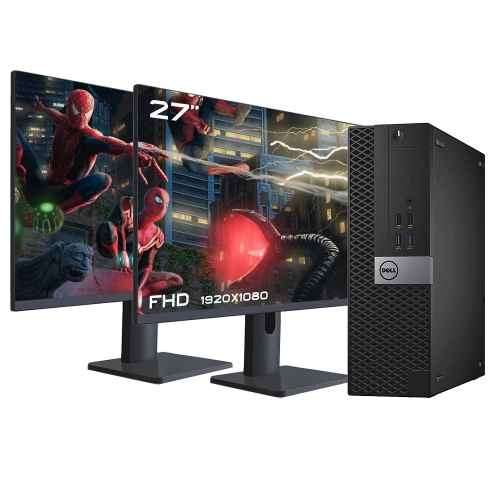
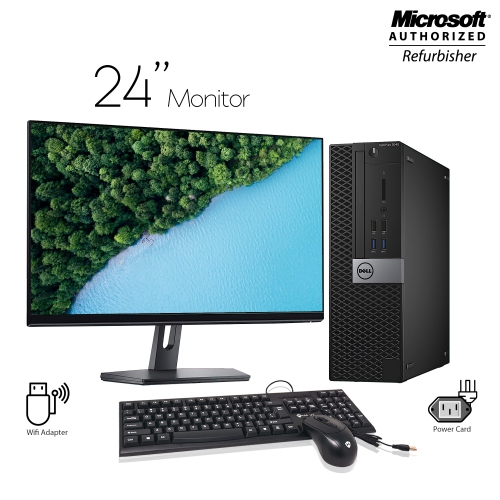
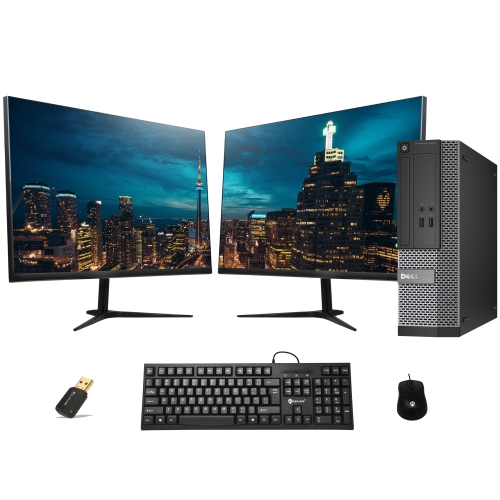
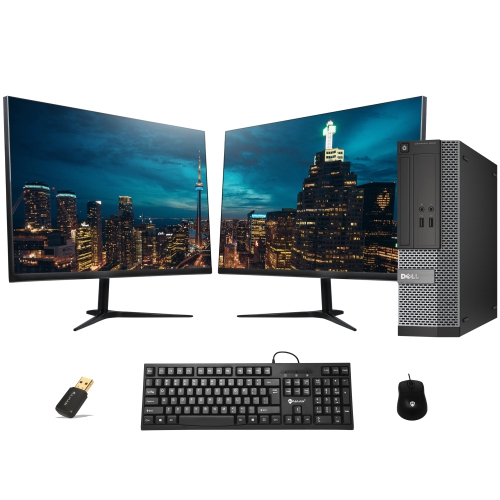

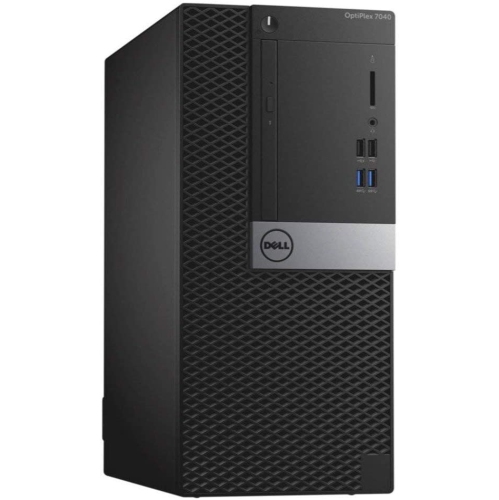
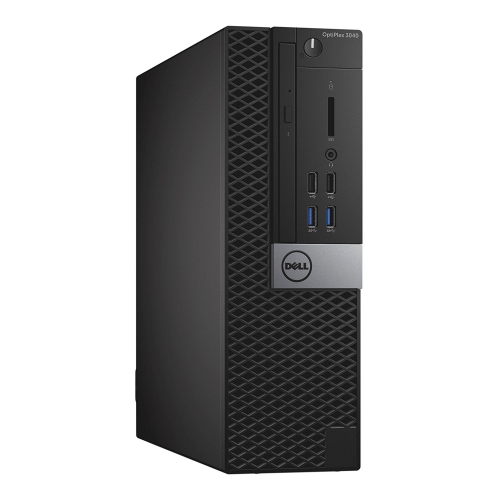
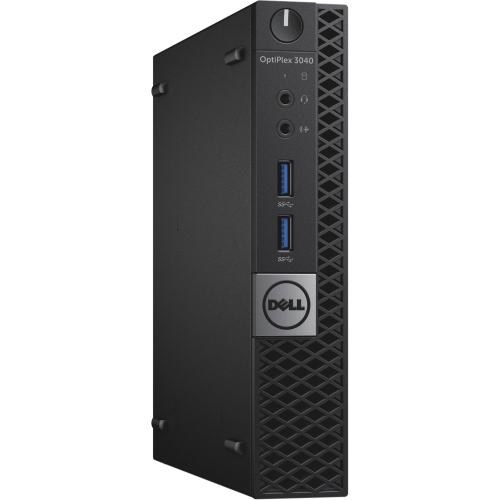
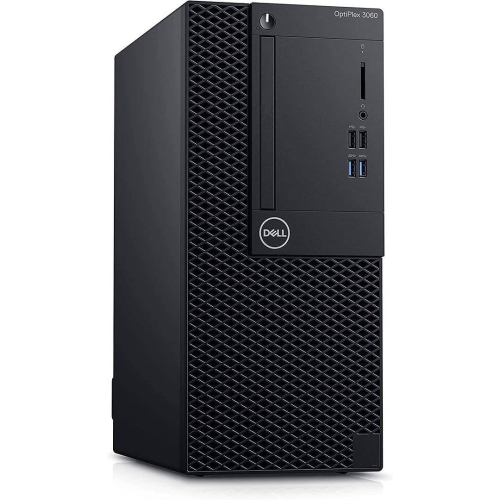
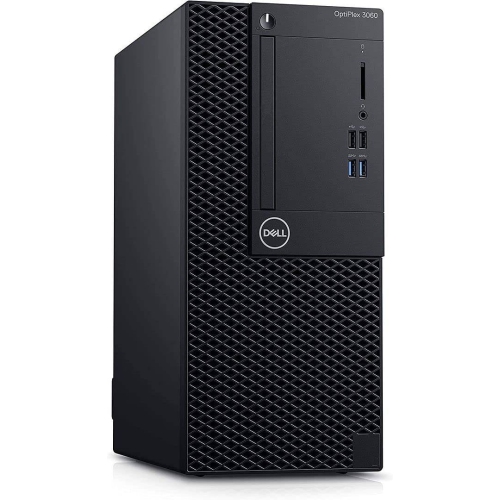
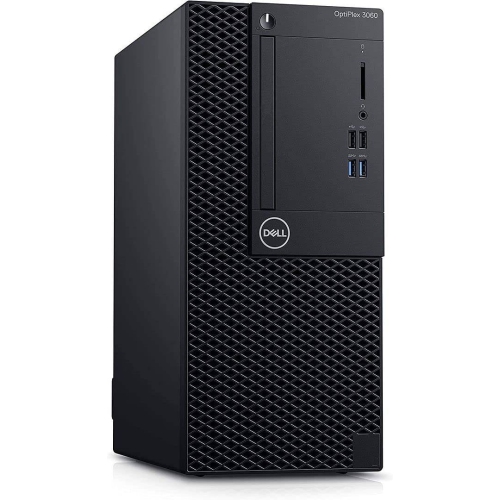
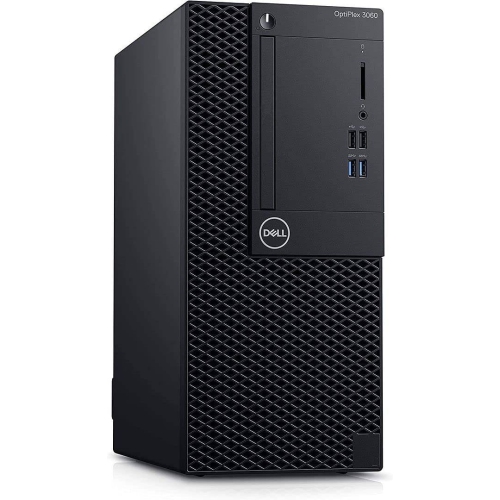
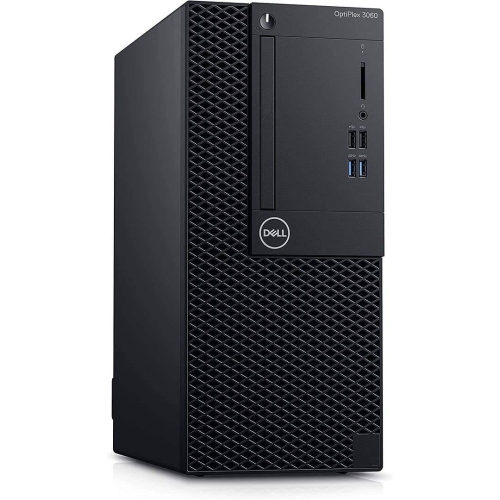
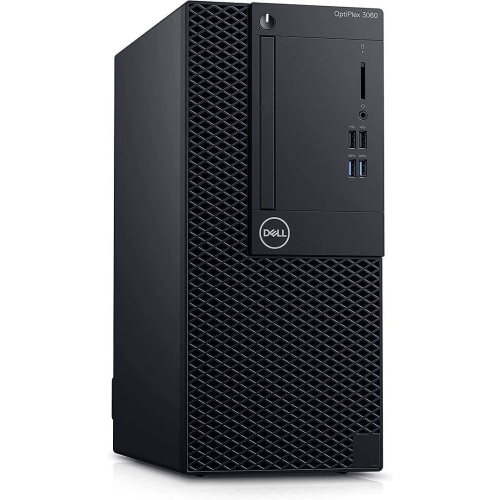
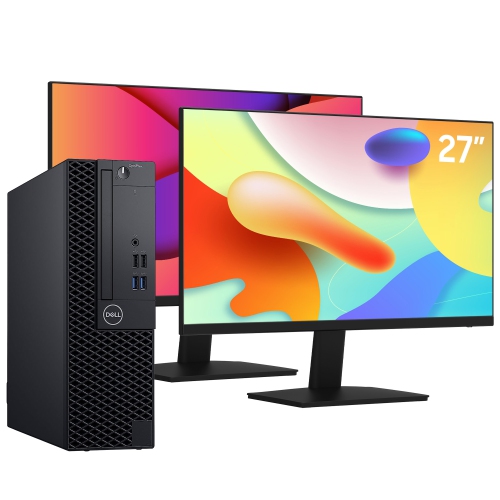
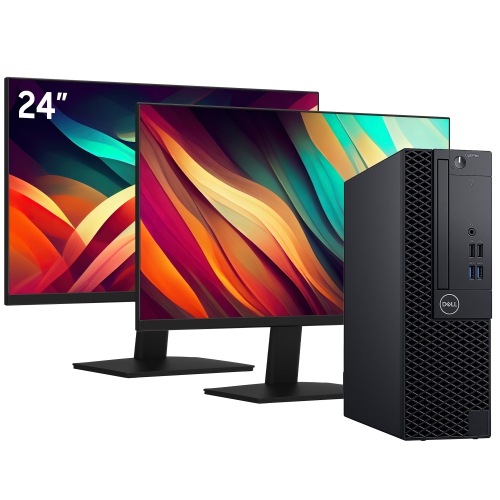
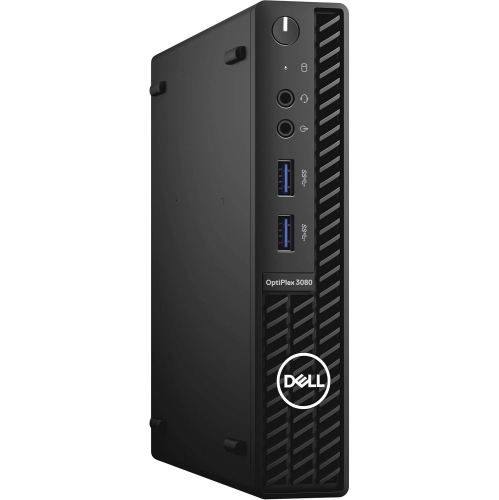
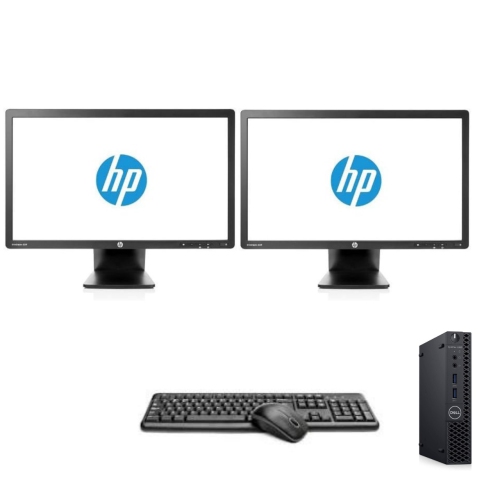
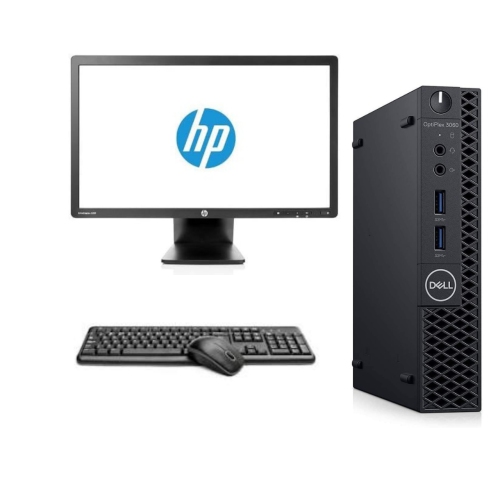
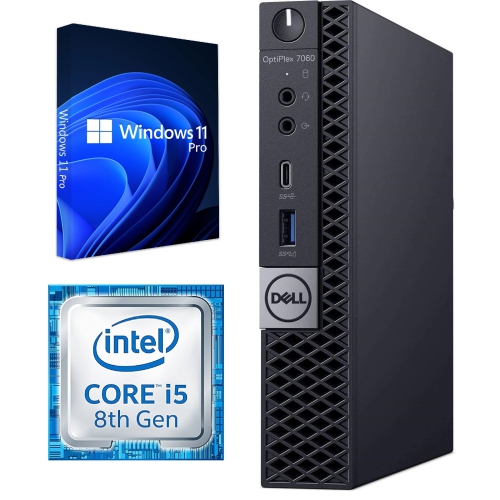
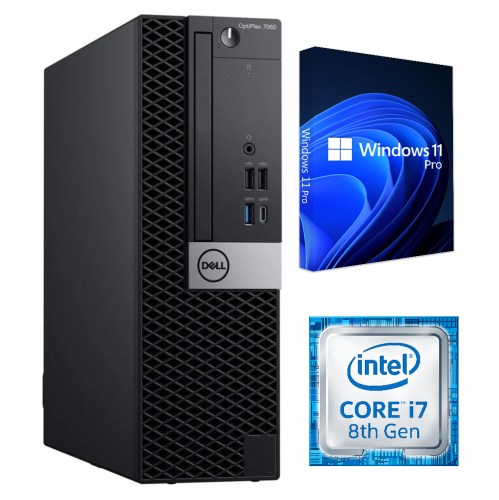
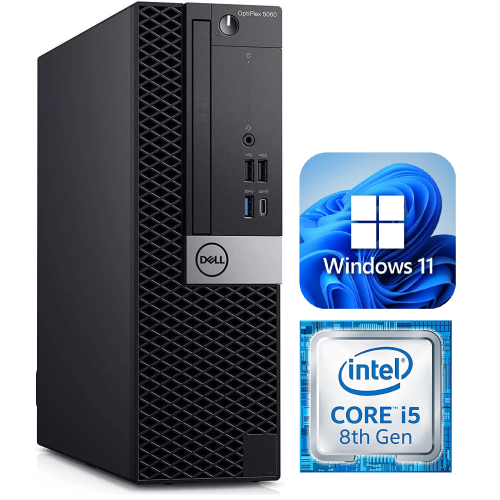
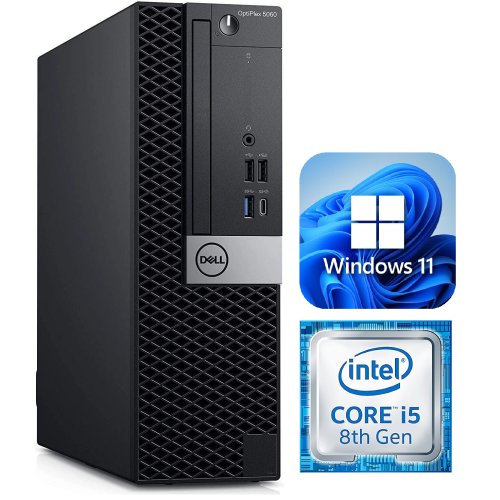
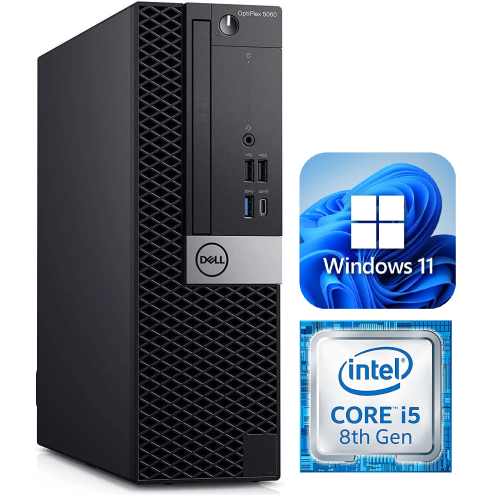
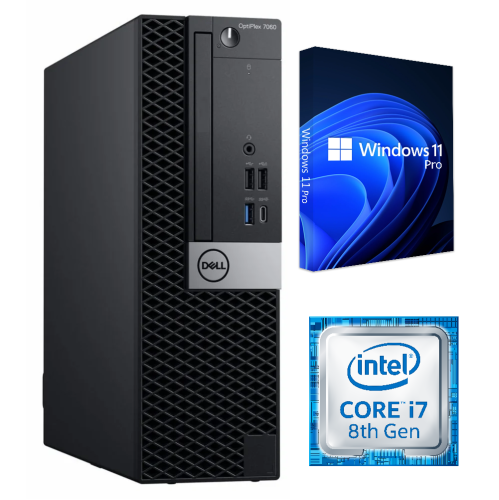
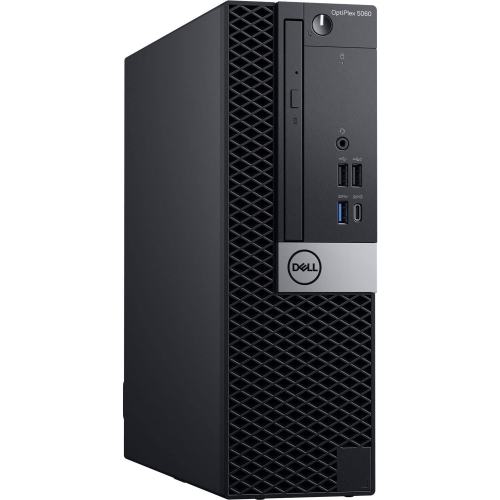
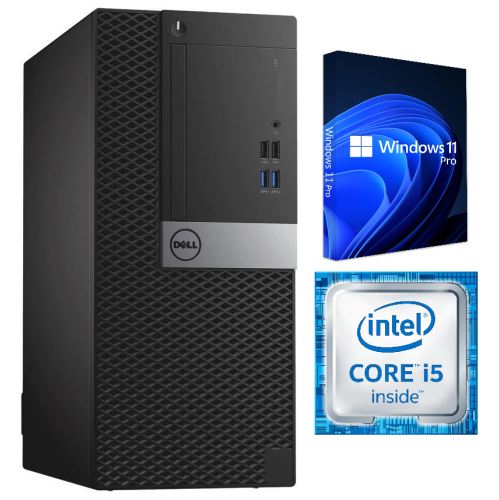
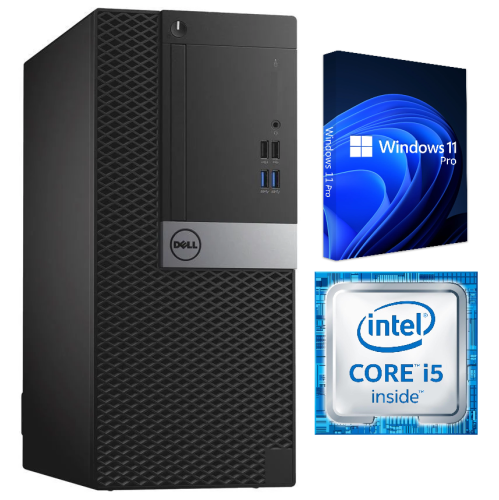

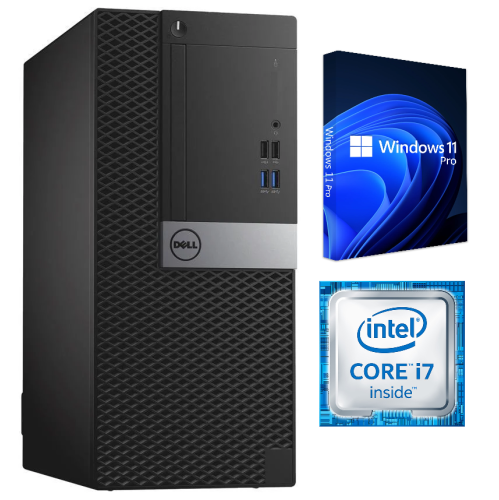
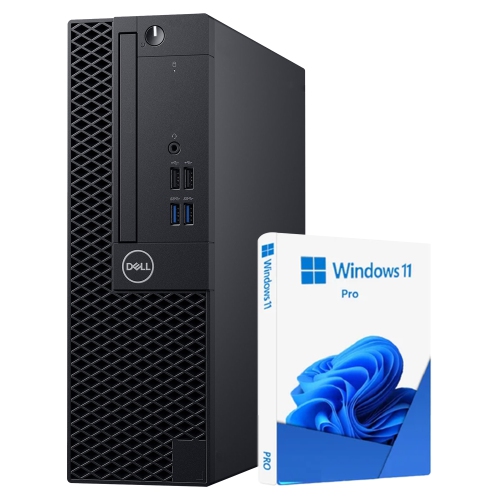
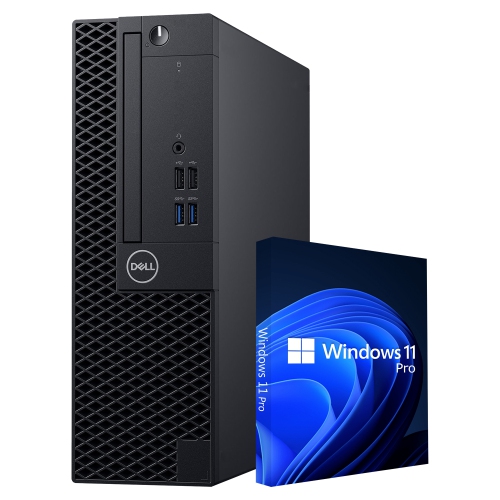
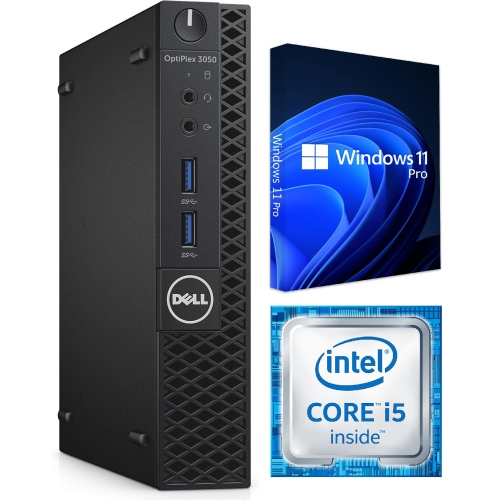
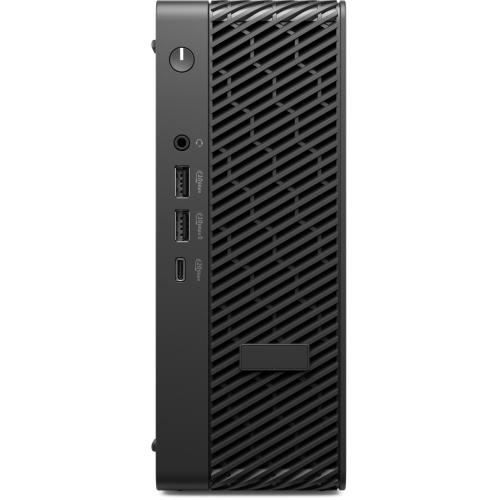
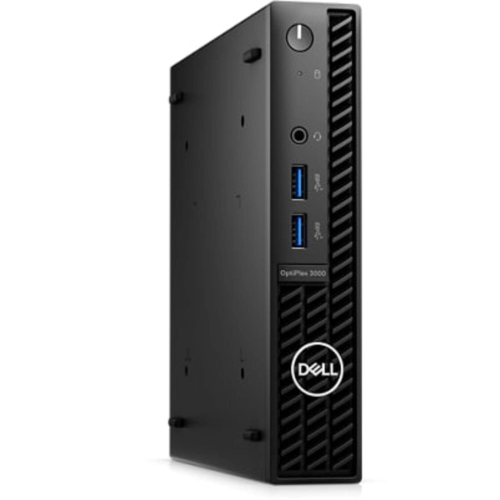
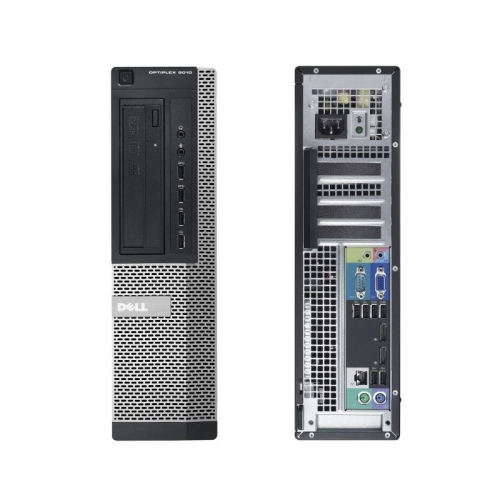
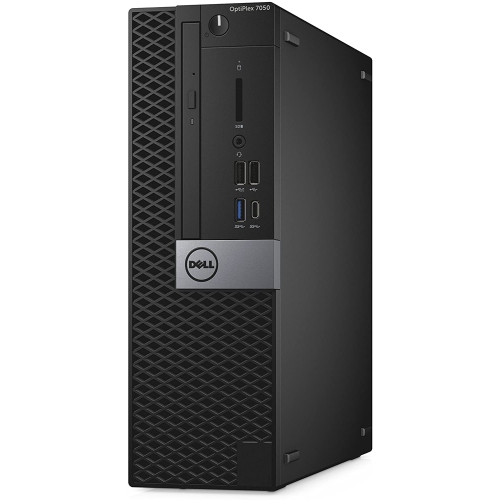
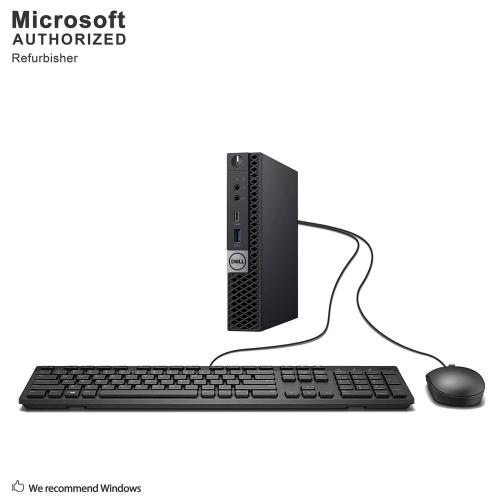
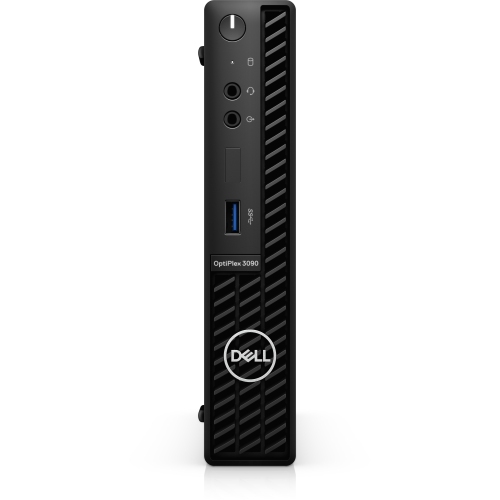
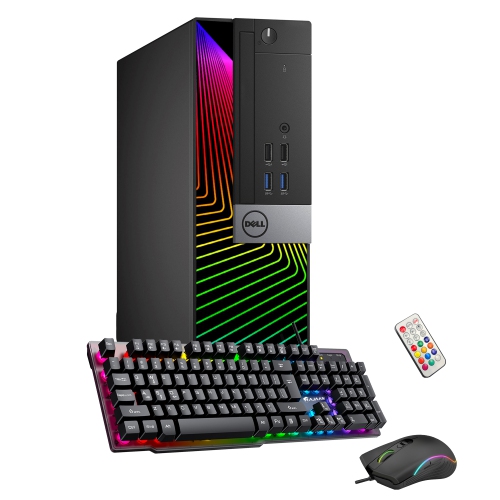
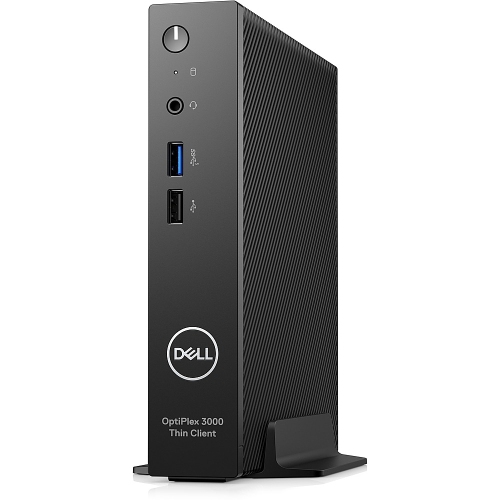
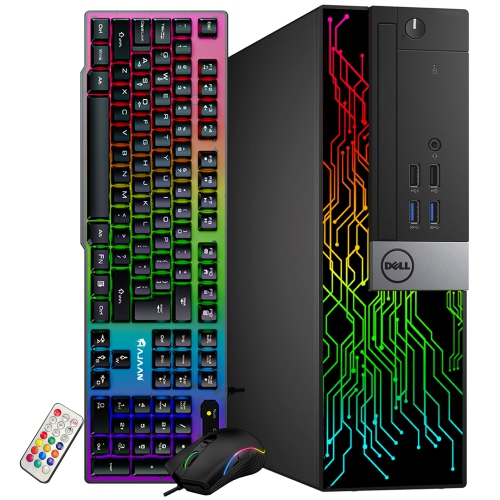
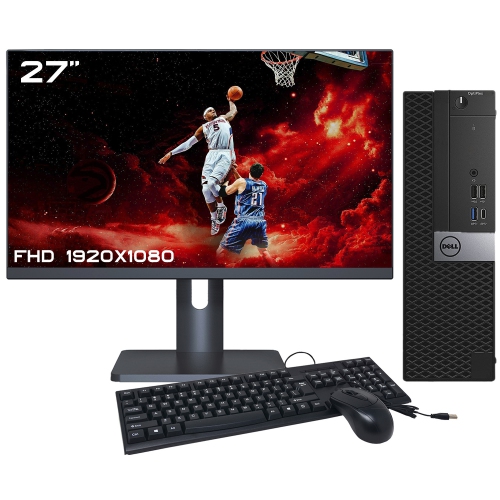
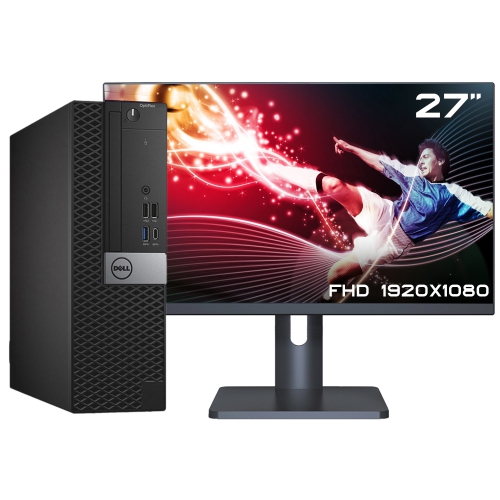
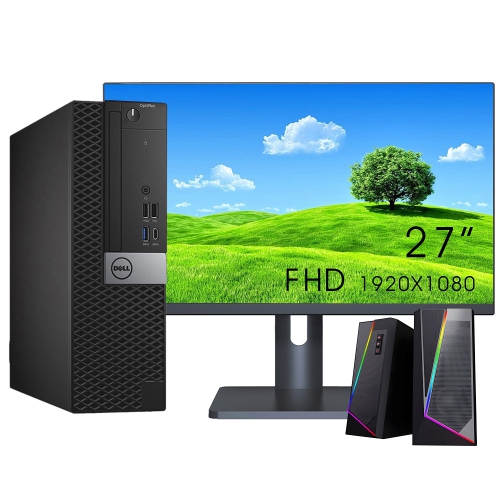
Dependable desktop performance for work, study and shared spaces
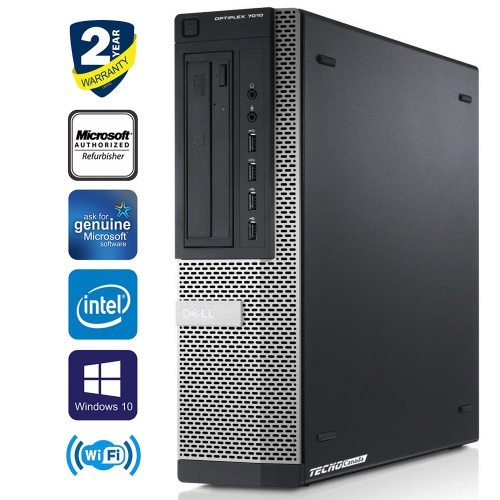
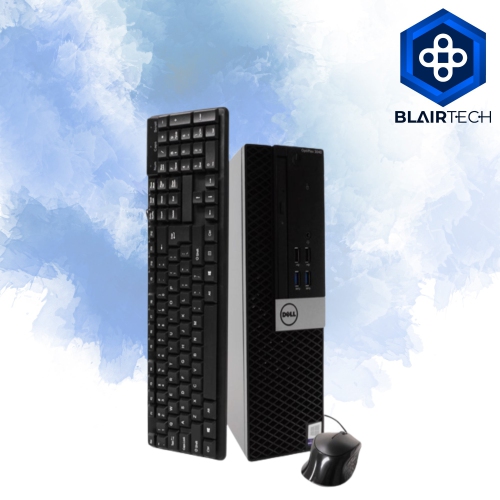
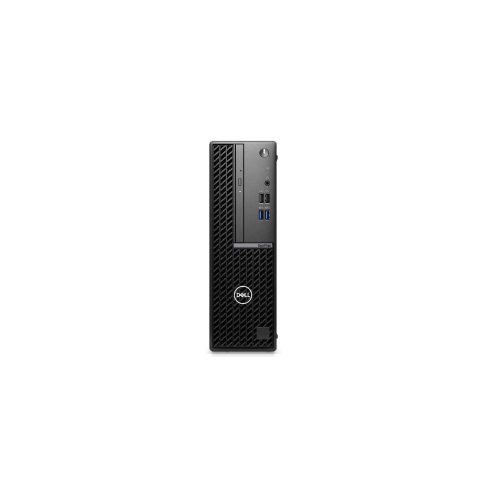
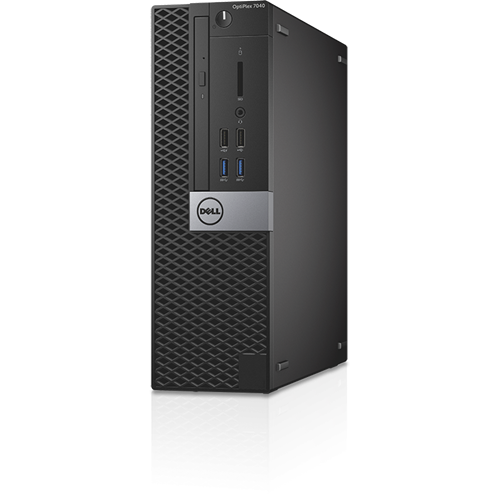
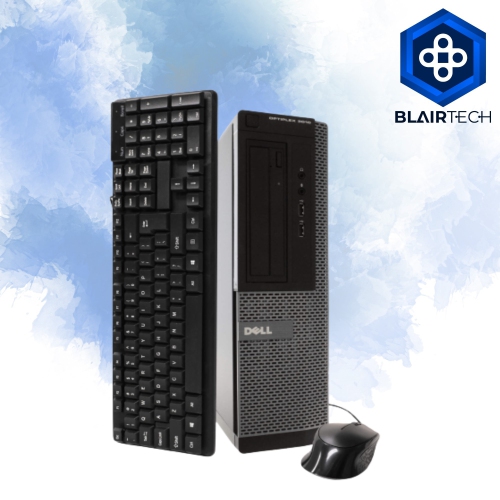
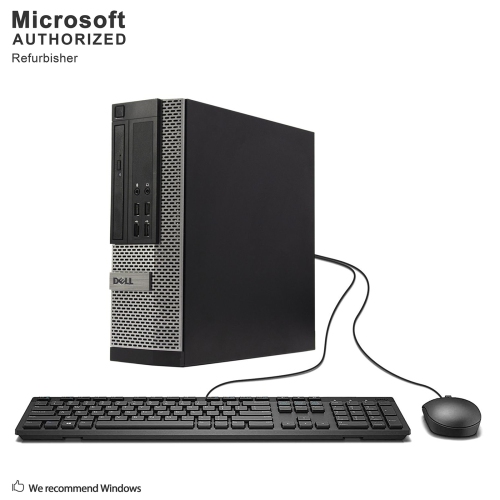
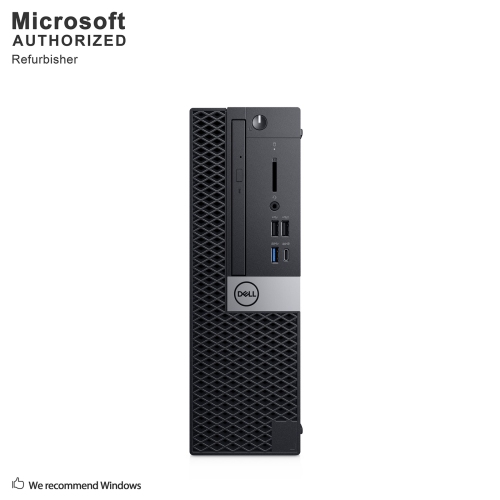
OptiPlex desktops are designed for people who want a dependable computer for focused, everyday work. Their business-oriented design makes them a practical choice for home offices, classrooms, reception areas, small businesses and shared workspaces where a computer needs to perform consistently throughout the day. Depending on the configuration, an OptiPlex desktop may be available in a compact, small form factor, slim or tower chassis, making it easier to match the computer to the space available. A smaller desktop can sit neatly beside a monitor or be mounted out of the way, while a tower configuration may offer more room for additional components and future upgrades. This flexibility is useful in a home office where desk space is limited, as well as in a busy workplace where several workstations need to fit comfortably in one room. These computers are well suited to tasks such as word processing, spreadsheets, video calls, web-based applications, bookkeeping, scheduling, research, online learning and document management. They can also be a sensible option for a family computer, giving students a reliable place to complete assignments while providing adults with a dedicated workstation for household administration, remote work or personal projects. When choosing among OptiPlex desktops, begin by considering how the computer will be used each day. Basic office applications and web browsing may require less processing power than large spreadsheets, multitasking across several programs, photo editing or specialized professional software. A newer Intel Core or Intel Core Ultra processor can help keep demanding workflows responsive, while sufficient memory is important for moving between browser tabs, meetings, documents and other applications without unnecessary pauses. Storage type and capacity also deserve attention: a solid-state drive generally helps the computer start quickly and makes applications feel more responsive, while additional capacity is helpful for storing photos, school files, local media and business documents. Check the operating system and included software as well, particularly when a computer is being added to an existing workplace or replacing an older system.
The physical layout of a desktop can be just as important as its internal specifications. Measure the area beside or beneath the monitor before selecting a chassis, and leave enough room for ventilation, cables and comfortable access to ports. Compact models are convenient for tidy workstations, study nooks and front-desk installations, while larger towers may be better suited to users who need more expansion room or easier access for maintenance. Consider the monitor connection options and the number of USB ports available for keyboards, mice, printers, external drives, headsets and other accessories. Built-in wired networking can be valuable in an office where a stable connection is preferred, while wireless connectivity may help keep a home workspace uncluttered. Bluetooth support is convenient for compatible keyboards, mice and headphones. Security is another important consideration for business and educational environments. Features such as TPM 2.0, secure boot and BIOS-level protections can help support safer device management, while business-focused management tools may make it easier for an organization’s IT team to configure, monitor and maintain multiple computers. Tool-less or easy-access chassis designs can also simplify routine upgrades and servicing. For a shared family computer, look for a configuration that balances straightforward performance with enough storage for multiple users. For a student, a compact desktop paired with a comfortable monitor and webcam can create a dedicated learning station for online classes, research and creative assignments. For a home-based professional, pay close attention to memory, processor performance, video-call compatibility and the number of displays supported. People who spend long hours at a desk may also appreciate choosing a monitor with an adjustable stand, an ergonomic keyboard and a mouse that feels comfortable through a full workday. Although a desktop is less portable than a laptop, its stationary design can encourage a more organized setup, with files, accessories and work materials kept in one consistent place. It may also be easier to connect to a full-size display, printer and other peripherals used regularly.
OptiPlex desktops can be especially useful when replacing an older office computer, setting up a new workstation or creating a dedicated computer area at home. They are often chosen by small businesses that need consistent systems for administration, point-of-sale support, customer service or inventory tasks, as well as by schools and community organizations managing several workstations. A desktop can also make a thoughtful gift for a student, first-time remote worker or family member who needs a reliable computer for work and study, particularly when it is combined with accessories selected for that person’s routine. Before purchasing, review the full configuration rather than judging a computer by its processor name alone. Confirm the amount of memory, storage capacity, operating system, included wireless features, display outputs and warranty coverage. Think about whether the computer will need to handle several years of software updates, larger files or more complex applications, and consider choosing extra capacity if the difference fits comfortably within the budget. It is also worth checking the available space, electrical outlets and cable requirements so installation is simple when the desktop arrives. Users who want a more performance-focused or design-led computer for demanding creative projects may wish to explore Dell XPS Desktops, while OptiPlex desktops remain a strong fit for practical, structured computing in professional, educational and home settings. With the right size, performance level and connectivity, an OptiPlex desktop can serve as a steady centre for everyday productivity, helping work, learning and household tasks stay organized through the changing seasons.
The physical layout of a desktop can be just as important as its internal specifications. Measure the area beside or beneath the monitor before selecting a chassis, and leave enough room for ventilation, cables and comfortable access to ports. Compact models are convenient for tidy workstations, study nooks and front-desk installations, while larger towers may be better suited to users who need more expansion room or easier access for maintenance. Consider the monitor connection options and the number of USB ports available for keyboards, mice, printers, external drives, headsets and other accessories. Built-in wired networking can be valuable in an office where a stable connection is preferred, while wireless connectivity may help keep a home workspace uncluttered. Bluetooth support is convenient for compatible keyboards, mice and headphones. Security is another important consideration for business and educational environments. Features such as TPM 2.0, secure boot and BIOS-level protections can help support safer device management, while business-focused management tools may make it easier for an organization’s IT team to configure, monitor and maintain multiple computers. Tool-less or easy-access chassis designs can also simplify routine upgrades and servicing. For a shared family computer, look for a configuration that balances straightforward performance with enough storage for multiple users. For a student, a compact desktop paired with a comfortable monitor and webcam can create a dedicated learning station for online classes, research and creative assignments. For a home-based professional, pay close attention to memory, processor performance, video-call compatibility and the number of displays supported. People who spend long hours at a desk may also appreciate choosing a monitor with an adjustable stand, an ergonomic keyboard and a mouse that feels comfortable through a full workday. Although a desktop is less portable than a laptop, its stationary design can encourage a more organized setup, with files, accessories and work materials kept in one consistent place. It may also be easier to connect to a full-size display, printer and other peripherals used regularly.
OptiPlex desktops can be especially useful when replacing an older office computer, setting up a new workstation or creating a dedicated computer area at home. They are often chosen by small businesses that need consistent systems for administration, point-of-sale support, customer service or inventory tasks, as well as by schools and community organizations managing several workstations. A desktop can also make a thoughtful gift for a student, first-time remote worker or family member who needs a reliable computer for work and study, particularly when it is combined with accessories selected for that person’s routine. Before purchasing, review the full configuration rather than judging a computer by its processor name alone. Confirm the amount of memory, storage capacity, operating system, included wireless features, display outputs and warranty coverage. Think about whether the computer will need to handle several years of software updates, larger files or more complex applications, and consider choosing extra capacity if the difference fits comfortably within the budget. It is also worth checking the available space, electrical outlets and cable requirements so installation is simple when the desktop arrives. Users who want a more performance-focused or design-led computer for demanding creative projects may wish to explore Dell XPS Desktops, while OptiPlex desktops remain a strong fit for practical, structured computing in professional, educational and home settings. With the right size, performance level and connectivity, an OptiPlex desktop can serve as a steady centre for everyday productivity, helping work, learning and household tasks stay organized through the changing seasons.
Top selling and popular products
-
 Your price for this item is $1599
 -
 Your price for this item is $1629.79
 -
 Your price for this item is $1999.99
 -
 Your price for this item is $1459.79
 -
 Your price for this item is $879
 -
 Your price for this item is $1199.99
 -
 Your price for this item is $1839
 -
 Your price for this item is $879
Discover more categories related to Optiplex Desktops

Top Collections:
Pokemon Centers, Kindle Devices, Best Budget Office Chairs, Apple iPhones 16, Best Laptops for Writers, iPhone 15 Apple, Canon G7X Cameras, Refurbished Apple Laptops, Alarm Clock, Motorola Razr Phones
Some products may be subject to Environmental Handling Fees
(EHF) depending on your province.
Learn more about EHFs.