Dell Optiplex 7010 Desktop Computers
Discover a seamless blend of performance and reliability with our range of desktop computers, designed to cater to both professional and personal needs. Whether you're setting up a home office or upgrading your business workspace, these desktops offer the versatility and power required for multitasking, data management, and everyday computing tasks. With robust configurations that support advanced applications and connectivity options, staying productive and connected has never been easier. Explore the perfect balance of speed, efficiency, and functionality to enhance your digital experience today.
Sort
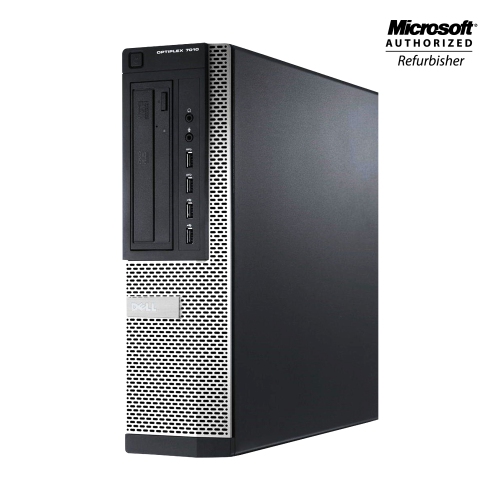
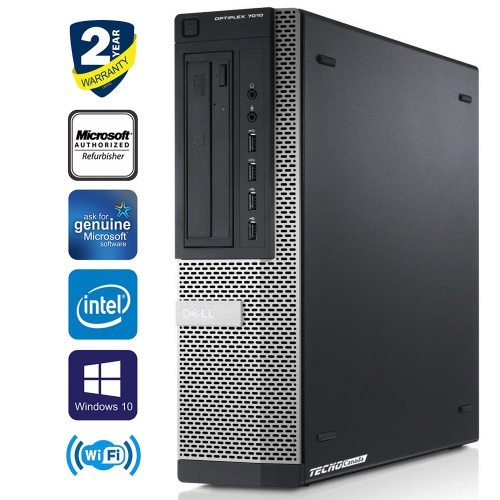
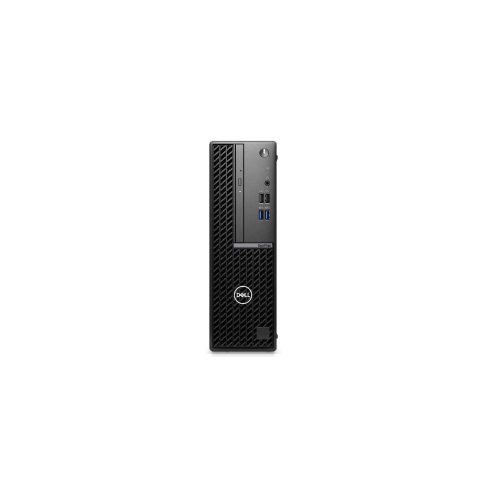
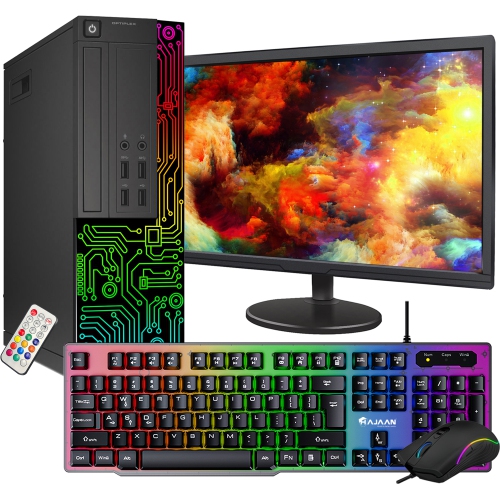
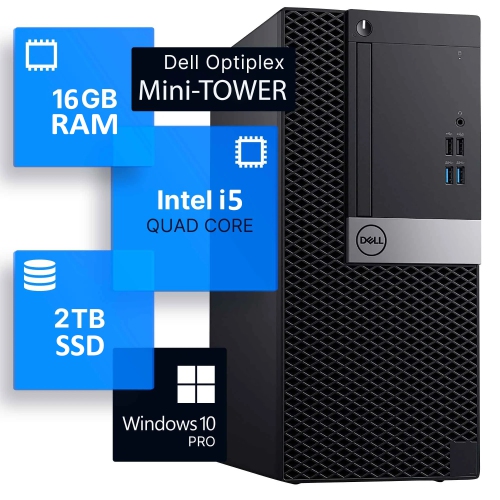
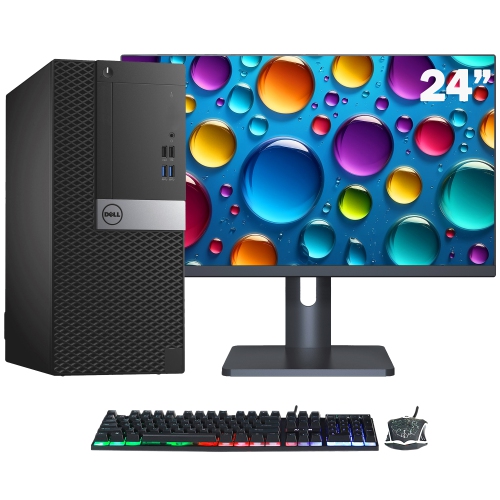
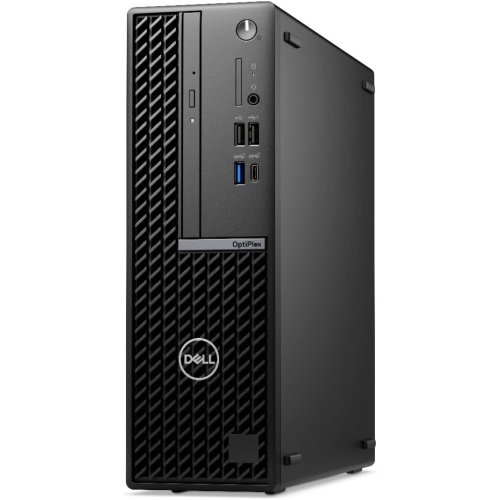
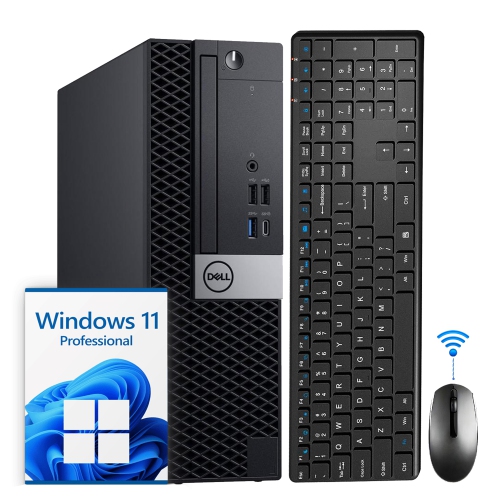
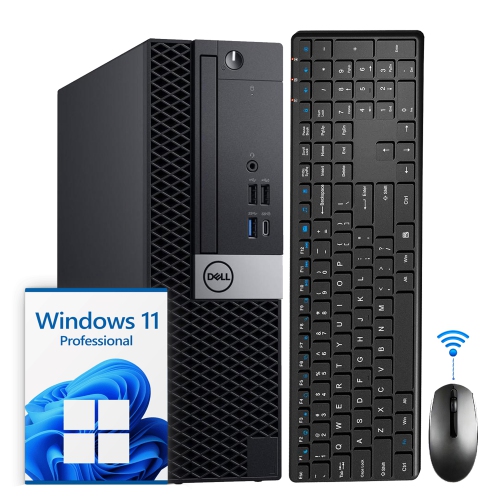

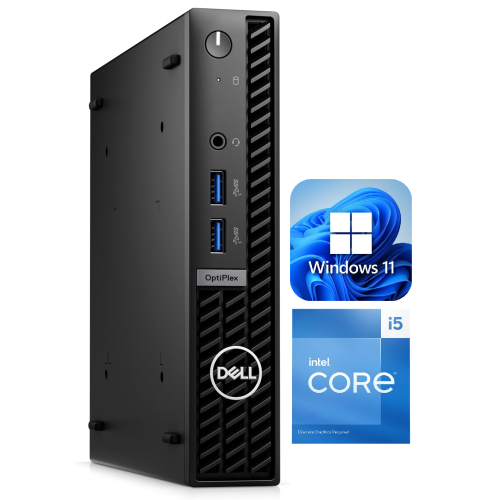
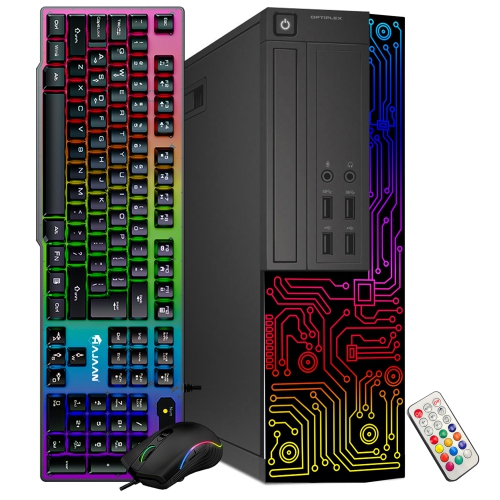
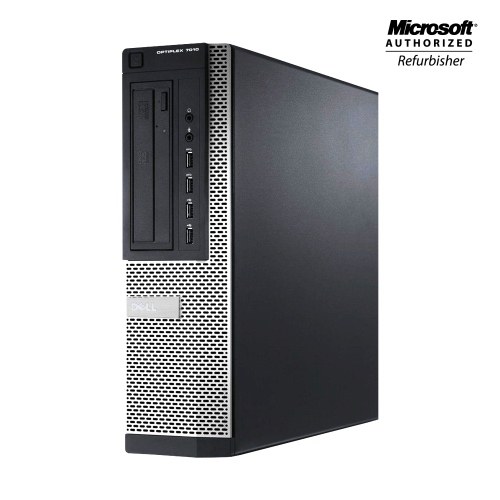
Key differences across generations, form factors, and workloads
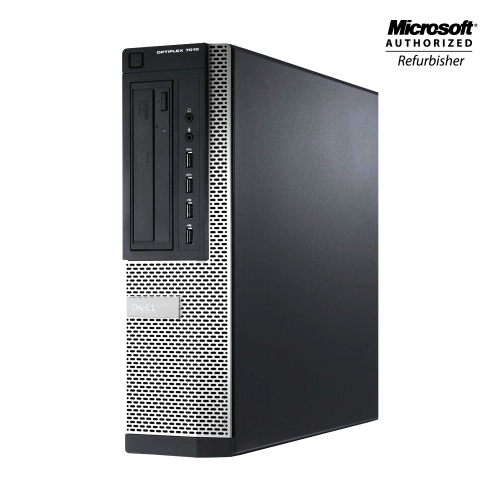
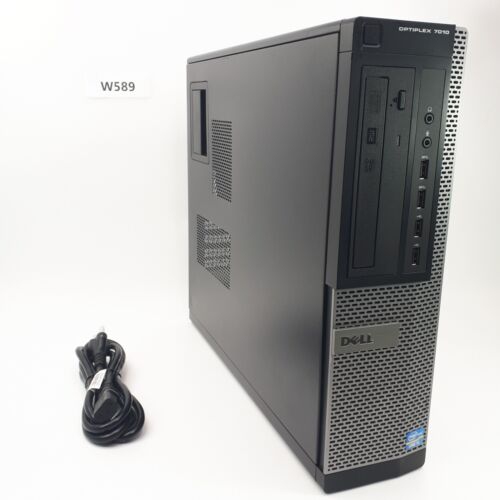
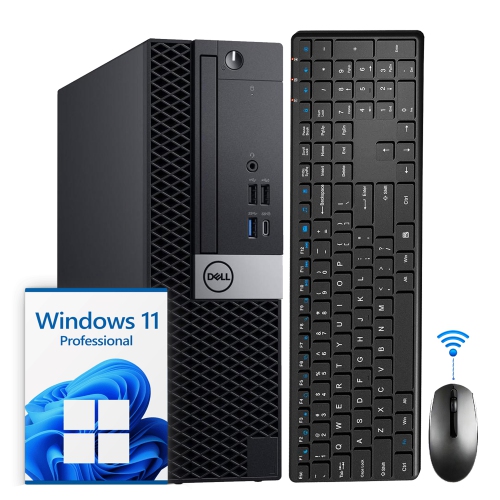
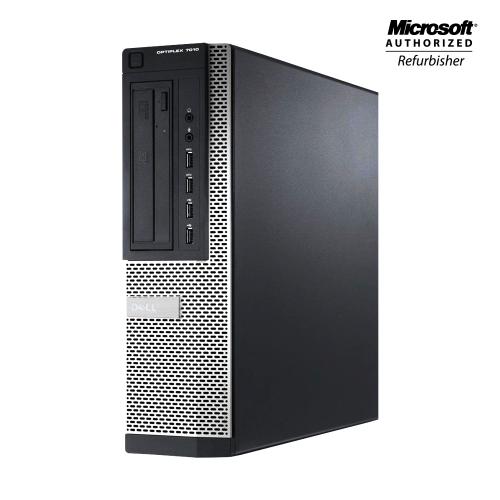
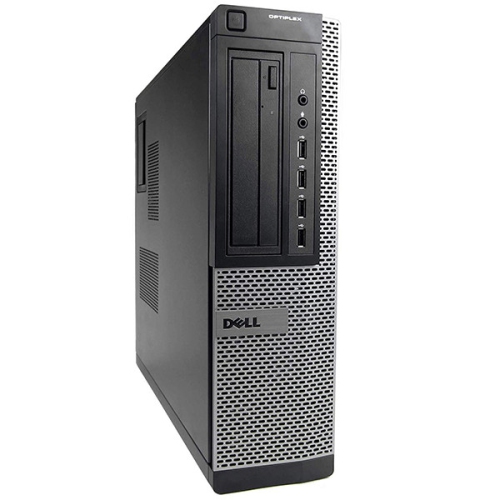
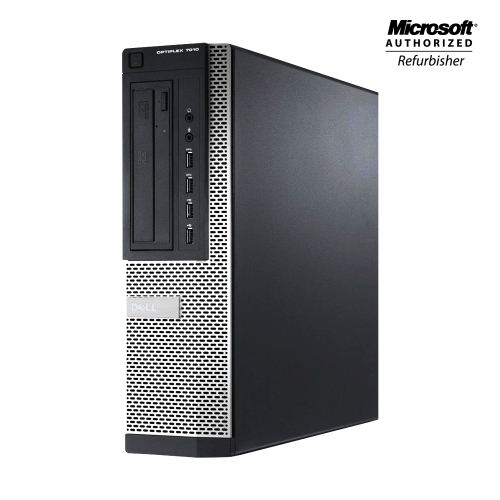
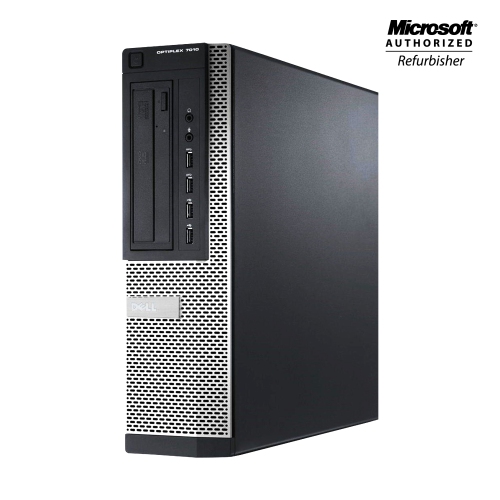
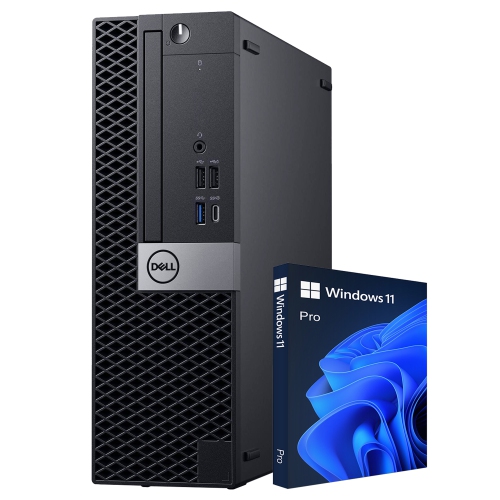
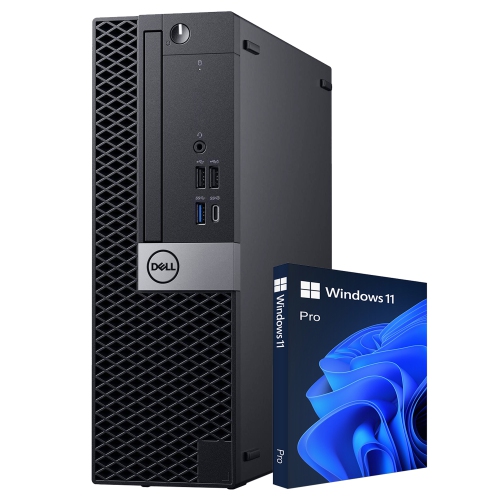
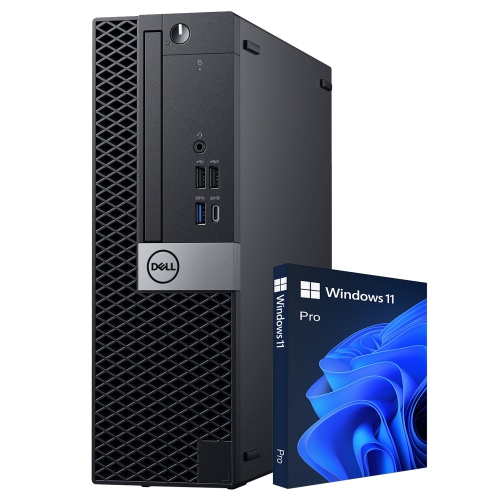
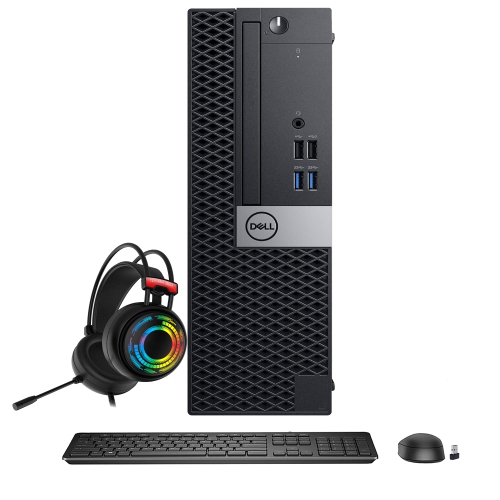
Dell OptiPlex 7010 desktop computers are designed around the practical strengths of a traditional desktop: dependable performance, straightforward connections, easy access to a full-size keyboard and monitor, and the ability to stay productive for long stretches at a desk. They can suit a home office, reception area, classroom, study space, or shared family workstation where email, documents, online research, video meetings, bookkeeping, and everyday multitasking are the main priorities. A desktop can also make a thoughtful gift for a student preparing for a new school year, a family member setting up a more comfortable workspace, or someone replacing an older computer used for household administration. Instead of balancing a laptop on the corner of a kitchen table, users can create a dedicated station with a larger display, a proper mouse, and room for notebooks, reference materials, or a cup of coffee. During the warmer months and cooler months alike, a well-planned desktop setup can make routine tasks feel more organised, from sorting digital photos and managing appointments to attending virtual classes or catching up with friends and colleagues. These computers are generally best suited to office and everyday computing rather than demanding modern gaming, advanced 3D work, or professional video production, so matching the computer to the intended workload is an important first step.
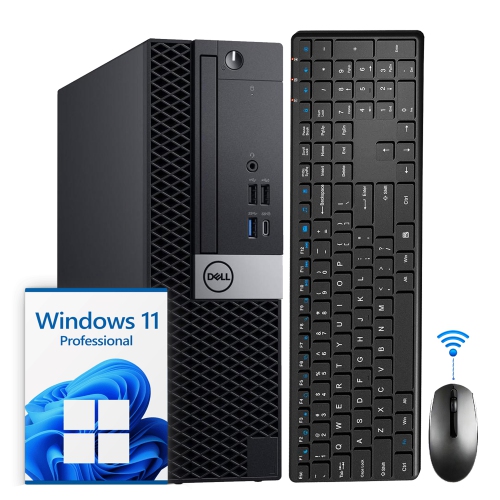
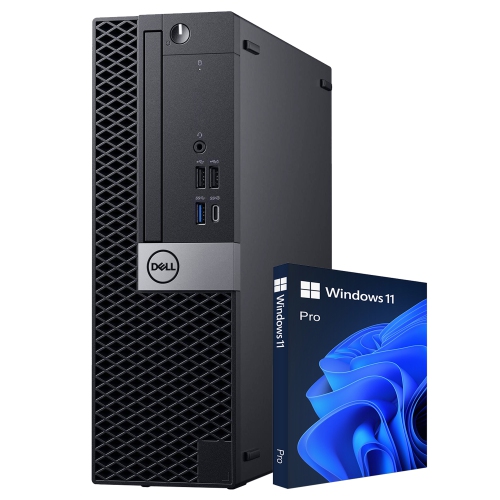
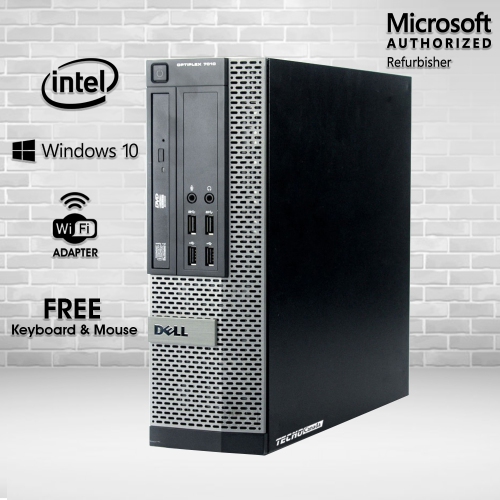
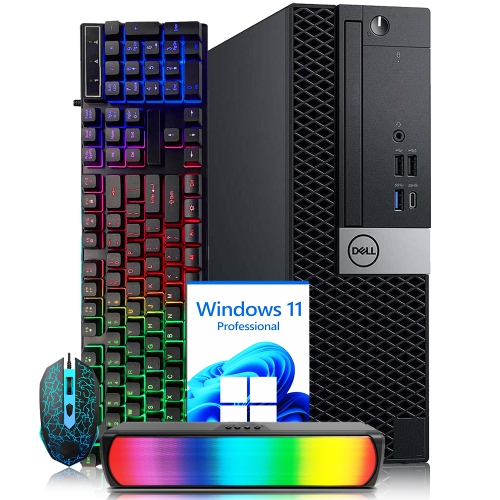
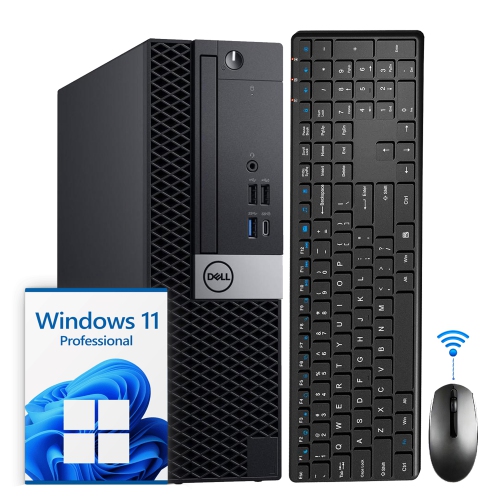
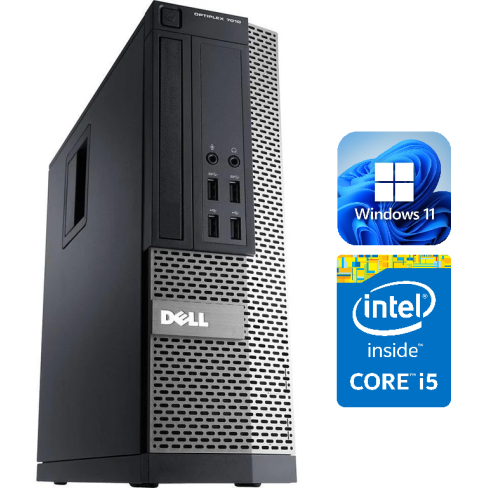
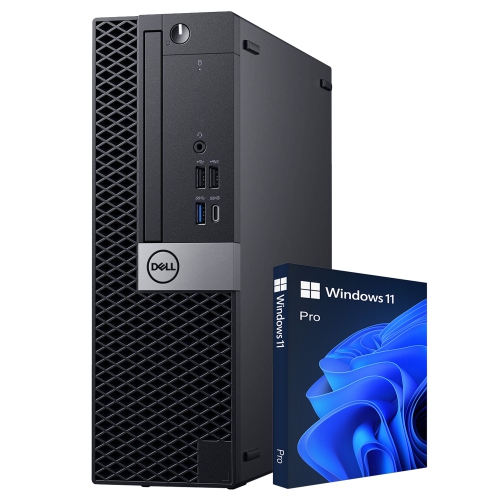
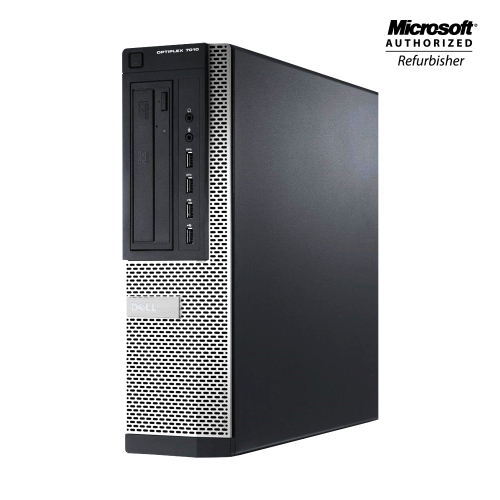
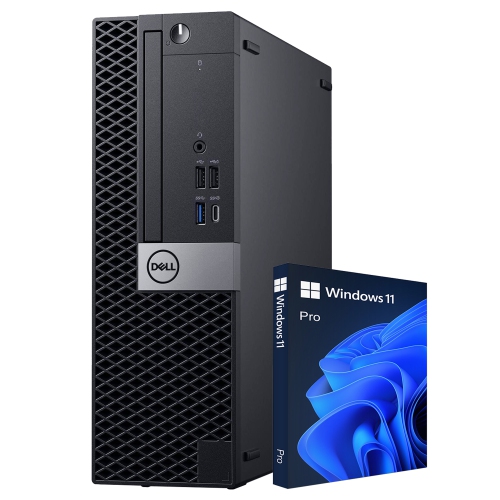
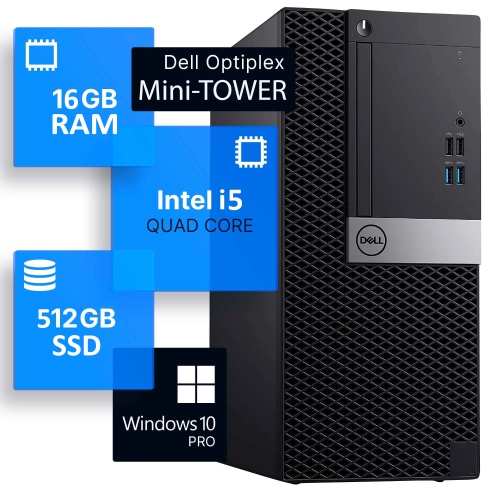
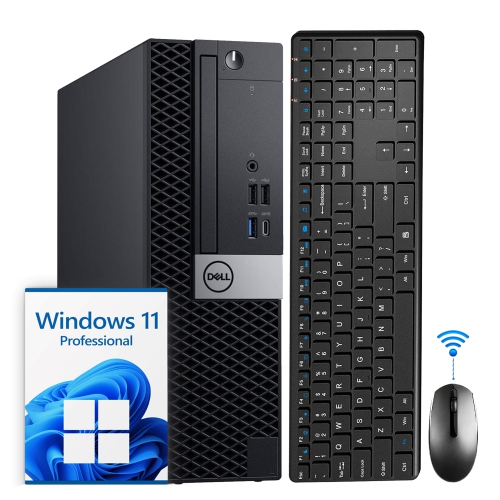
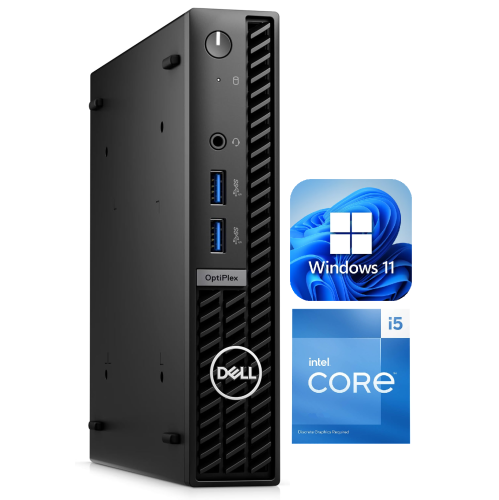
The OptiPlex 7010 name can refer to configurations from two distinct generations, making it especially important to review the specifications of each listing rather than relying on the model name alone. Older refurbished systems may use third-generation Intel Core processors, DDR3 memory, and a traditional hard drive or smaller solid-state drive. These configurations can be useful for basic tasks when affordability and simple desktop access are the priorities, particularly for word processing, web browsing, point-of-sale duties, light administration, or a secondary computer in a den or workshop. Newer systems use later-generation Intel Core processors, faster NVMe solid-state storage, and DDR4 or DDR5 memory, with some configurations offering up to 16GB or 32GB of RAM. They may also include Windows 11 Pro and are better suited to busy multitasking, such as keeping a video call open while working in spreadsheets, switching between browser tabs, and editing documents. Processor generation, core count, memory capacity, storage type, and operating system all have a noticeable effect on the experience. More memory can help when several applications are open at once, while an SSD usually provides quicker start-up and file access than a mechanical drive. It is also worth checking whether the included storage capacity will accommodate school projects, downloaded media, business files, or a growing photo library without immediately requiring an upgrade.
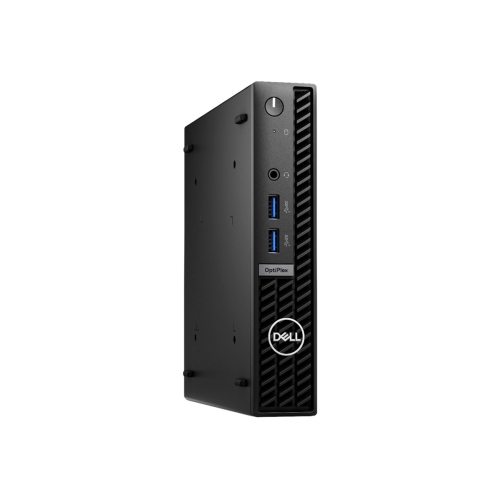
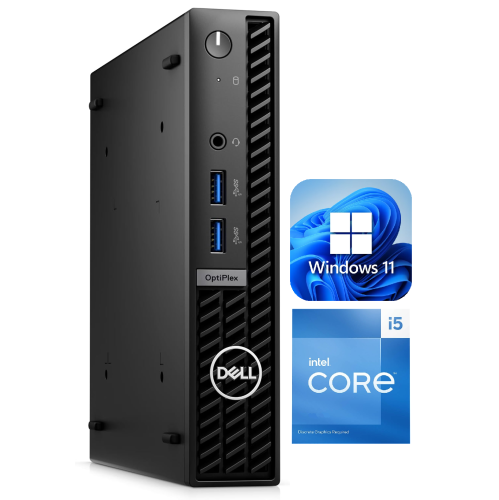
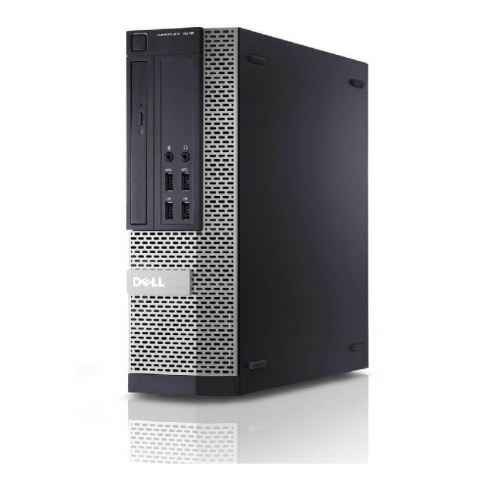
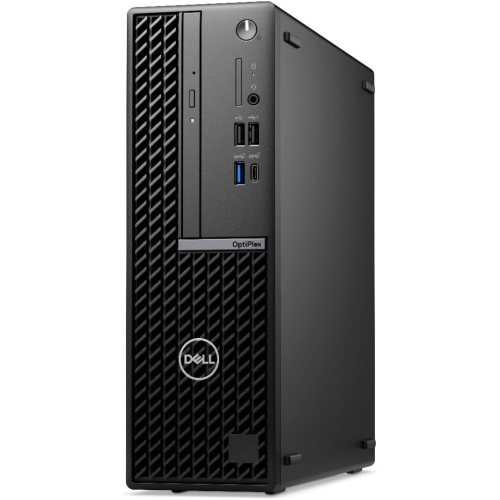
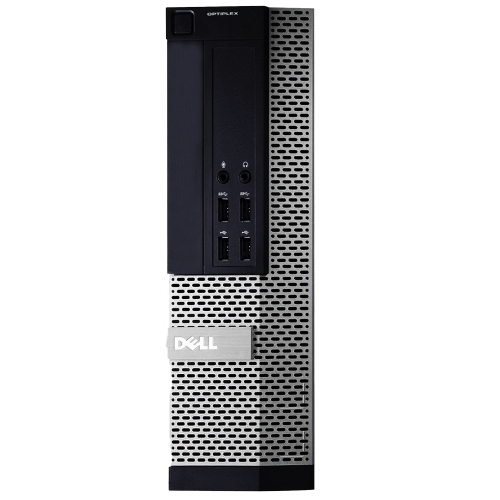
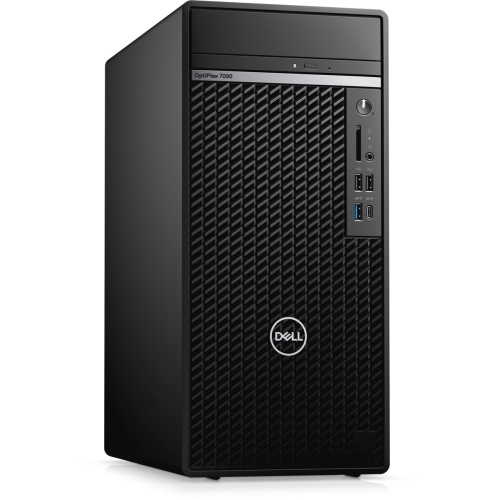
Physical design is another useful consideration when choosing among Dell OptiPlex 7010 desktop computers. Tower or full-size versions generally provide the most internal room, with additional expansion slots and drive bays that may be helpful for users planning future upgrades or requiring more storage. Small form factor models take up less space and can sit flat beneath a monitor or stand upright beside a desk, making them a practical choice for apartments, compact offices, and homework areas. Micro form factor versions are even smaller and may be suitable for a minimalist workstation or a computer mounted behind a compatible monitor, helping keep cables and equipment out of the way. Check the available ports before purchasing, especially if the computer will connect to multiple displays, a printer, external storage, wired networking, or older accessories. Common connections may include USB-A, USB-C, DisplayPort, HDMI, and RJ45 Ethernet, although the exact selection varies by sub-model and configuration. Wi-Fi is not guaranteed on every version, so a wired connection or compatible adapter may be needed. Integrated Intel UHD graphics are appropriate for everyday display output and standard media use, but they are not intended for high-end gaming or intensive 3D rendering. For shoppers comparing similar refurbished office computers, the Dell Optiplex 3020 Desktop Computers category can provide another point of reference. Before completing a purchase, confirm the computer’s condition, included accessories, memory and storage specifications, display outputs, operating system, and form factor. A little attention to these details helps ensure the finished setup feels right from the first morning it is used, whether that means opening a spreadsheet at a home desk, preparing a presentation for class, or keeping a small business running smoothly through a busy day.
The OptiPlex 7010 name can refer to configurations from two distinct generations, making it especially important to review the specifications of each listing rather than relying on the model name alone. Older refurbished systems may use third-generation Intel Core processors, DDR3 memory, and a traditional hard drive or smaller solid-state drive. These configurations can be useful for basic tasks when affordability and simple desktop access are the priorities, particularly for word processing, web browsing, point-of-sale duties, light administration, or a secondary computer in a den or workshop. Newer systems use later-generation Intel Core processors, faster NVMe solid-state storage, and DDR4 or DDR5 memory, with some configurations offering up to 16GB or 32GB of RAM. They may also include Windows 11 Pro and are better suited to busy multitasking, such as keeping a video call open while working in spreadsheets, switching between browser tabs, and editing documents. Processor generation, core count, memory capacity, storage type, and operating system all have a noticeable effect on the experience. More memory can help when several applications are open at once, while an SSD usually provides quicker start-up and file access than a mechanical drive. It is also worth checking whether the included storage capacity will accommodate school projects, downloaded media, business files, or a growing photo library without immediately requiring an upgrade.
Physical design is another useful consideration when choosing among Dell OptiPlex 7010 desktop computers. Tower or full-size versions generally provide the most internal room, with additional expansion slots and drive bays that may be helpful for users planning future upgrades or requiring more storage. Small form factor models take up less space and can sit flat beneath a monitor or stand upright beside a desk, making them a practical choice for apartments, compact offices, and homework areas. Micro form factor versions are even smaller and may be suitable for a minimalist workstation or a computer mounted behind a compatible monitor, helping keep cables and equipment out of the way. Check the available ports before purchasing, especially if the computer will connect to multiple displays, a printer, external storage, wired networking, or older accessories. Common connections may include USB-A, USB-C, DisplayPort, HDMI, and RJ45 Ethernet, although the exact selection varies by sub-model and configuration. Wi-Fi is not guaranteed on every version, so a wired connection or compatible adapter may be needed. Integrated Intel UHD graphics are appropriate for everyday display output and standard media use, but they are not intended for high-end gaming or intensive 3D rendering. For shoppers comparing similar refurbished office computers, the Dell Optiplex 3020 Desktop Computers category can provide another point of reference. Before completing a purchase, confirm the computer’s condition, included accessories, memory and storage specifications, display outputs, operating system, and form factor. A little attention to these details helps ensure the finished setup feels right from the first morning it is used, whether that means opening a spreadsheet at a home desk, preparing a presentation for class, or keeping a small business running smoothly through a busy day.
Top selling and popular products
-
 Your price for this item is $1599
 -
 Your price for this item is $1629.79
 -
 Your price for this item is $1999.99
 -
 Your price for this item is $1459.79
 -
 Your price for this item is $879
 -
 Your price for this item is $1199.99
 -
 Your price for this item is $1839
 -
 Your price for this item is $879
Discover more categories related to Dell Optiplex 7010 Desktop Computers
Top Collections:
Pokemon Centers, Kindle Devices, Best Budget Office Chairs, Apple iPhones 16, Best Laptops for Writers, iPhone 15 Apple, Canon G7X Cameras, Refurbished Apple Laptops, Alarm Clock, Motorola Razr Phones
Some products may be subject to Environmental Handling Fees
(EHF) depending on your province.
Learn more about EHFs.