Dell Precision 5520 Laptops
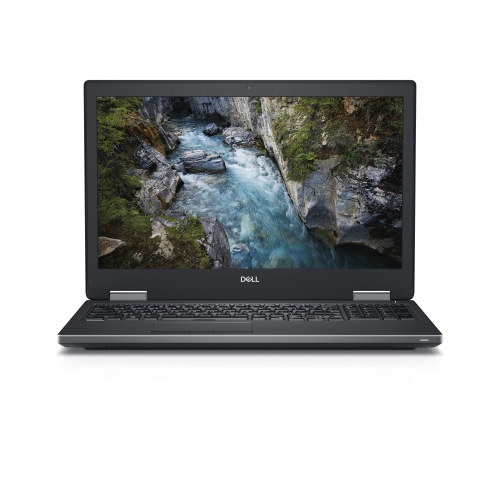
Discover the power and versatility of the Dell Precision 5520 laptop, designed to meet the demands of professionals and enthusiasts alike. Whether you're working on complex projects or enjoying entertainment, this laptop delivers reliable performance in a sleek, portable package. Explore a range of configurations and options to find the Dell Precision 5520 laptop that best fits your needs and lifestyle.
Sort
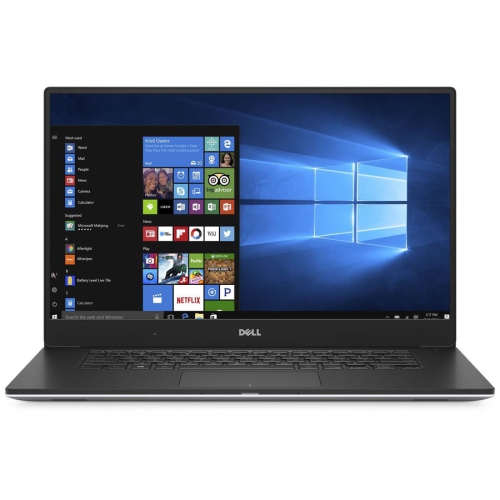
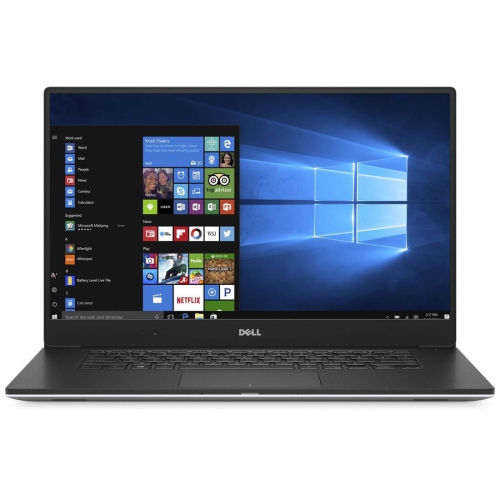
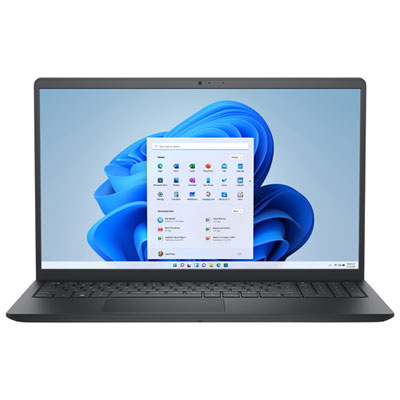
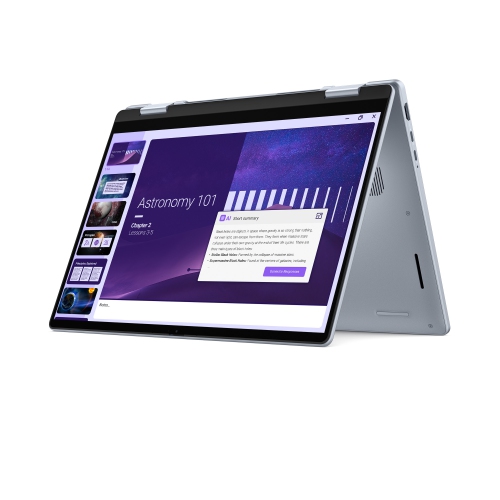
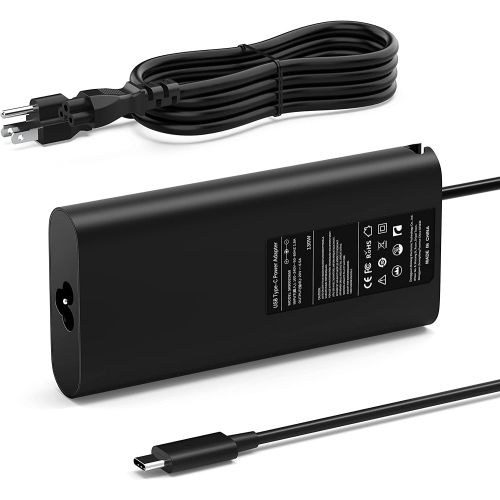
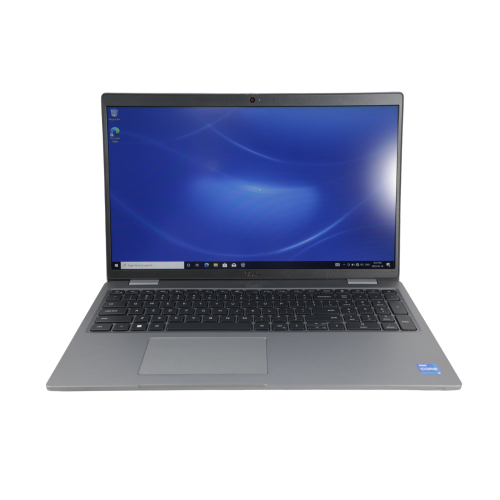
Professional computing that moves between campus and desk
Mobile workstation laptops bring professional computing features into a portable format, giving designers, engineering students, developers, and office professionals a practical alternative to a fixed desktop setup. A 15.6-inch screen offers room for a spreadsheet beside a reference document, a drawing with its tool panels open, or a code editor alongside a preview window. This size can suit a shared home office, a campus workspace, or a desk that needs to clear away at the end of the day. Slim workstation designs often combine metal exterior panels with a reinforced palm rest, balancing a firm feel with manageable carrying weight. Materials and construction vary, however, and a thin chassis does not make a laptop resistant to drops or spills. For everyday portability, the dimensions of the computer, the weight of its power adapter, and the fit inside a padded bag all matter. A snug sleeve should protect the corners without pressing against the lid, while a separate charger compartment helps keep plugs from rubbing against the finish. Screen specifications also shape the experience. Full HD can provide comfortable text sizing and a straightforward workspace for documents, programming, and general business applications. A higher-resolution panel offers finer detail for photographs, illustrations, and dense layouts, although display scaling may be necessary to keep menus readable. Touch capability is a separate feature rather than something every high-resolution display includes. For visual work, resolution alone does not establish colour accuracy; panel characteristics, calibration, and room lighting also affect what appears on screen. An external monitor can provide a larger canvas at a permanent desk, leaving the built-in display free for notes, messages, or supporting files. This mix of portability and desk-based flexibility is particularly useful for people who carry their work between locations but still spend much of the day using a full keyboard, mouse, and monitor.
The workstation category covers many configurations, so its usefulness depends on the relationship between the processor, graphics hardware, memory, storage, and the applications being used. Older professional laptops can remain useful for writing, spreadsheets, coding, and some design workflows, but a workstation label does not guarantee strong performance in every modern program. Processor generation matters alongside core count and clock speed, especially when software has specific hardware requirements. Professional processors may offer features intended for specialized workloads, but those features are only valuable when the application and the rest of the system support them. Dedicated professional graphics can assist with compatible modelling and visualization tasks, while graphics memory helps determine how comfortably a system handles detailed scenes and larger visual assets. A complex architectural model, a short video project, and a browser-based accounting session place very different demands on the same computer. Memory capacity affects how much work can remain open at once: multiple development tools, large spreadsheets, and image-editing applications can create a heavier workload than a few documents and browser tabs. Memory limits and upgrade options depend on the hardware, so expansion should not be assumed. Solid-state storage contributes to responsive startup, application loading, and file access, while storage capacity determines how much room remains for project folders, media, and installed software. An NVMe drive can offer faster transfers than some other storage types, although overall responsiveness still depends on the complete configuration. Ports have equally practical consequences. USB-A connections suit many existing accessories, HDMI can simplify a presentation setup, and an SD card reader can make camera-file transfers more convenient. A USB-C connector does not, by itself, confirm Thunderbolt support, charging capability, or compatibility with every display adapter. Docking also depends on the laptop, dock, cable, and power requirements working together. For a workstation that moves between a desk and a meeting room, the right connections can mean less time rearranging cables and more consistent access to displays, storage, and input devices.
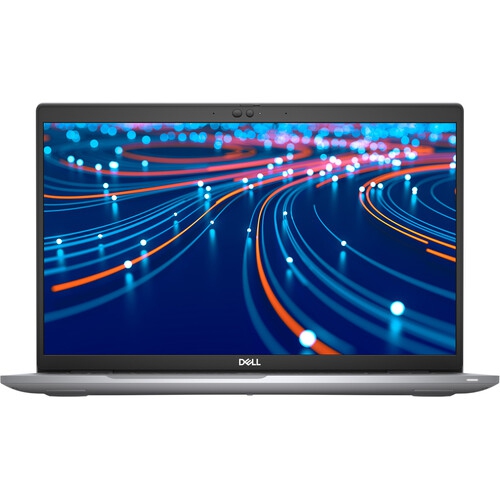
Previously owned and refurbished workstation laptops bring condition, service history, and remaining component life into the picture. Refurbishment does not automatically mean that every part has been replaced, and cosmetic grading is not a universal standard. Lid scuffs, polished keyboard areas, or marks around frequently used ports may describe appearance without establishing how well the computer performs. A clear condition description is more useful when it distinguishes cosmetic wear from functional concerns involving the screen, hinges, keyboard, trackpad, or connections. Battery condition deserves particular attention because the original runtime specification does not describe an aged battery’s remaining capacity. A laptop used mainly at a desk may fit a different routine from one expected to last through several classes or client appointments without access to an outlet. The included adapter should meet the computer’s power requirements, and battery replacement options can affect its longer-term practicality. Operating-system compatibility and security support are also important for older hardware, particularly when a workplace or school requires specific software, encryption features, or device-management tools. An installed operating system is not, on its own, proof that the hardware supports every feature or future update. Business-focused alternatives such as Dell Latitude 5520 may also be relevant when the intended workload centres on documents, meetings, and office applications rather than specialized graphics. For ongoing care, a firm, clear work surface helps keep ventilation openings unobstructed, while a soft microfibre cloth removes fingerprints without scratching the display. Cleaning liquid belongs on the cloth rather than directly on the computer, following the manufacturer’s care directions. Hinges benefit from opening the lid gently near its centre, and cables should be removed by the connector rather than pulled by the cord. Internal cleaning, battery work, and other servicing are best handled according to the service documentation by someone with the appropriate skills. Regular backups protect project files regardless of the laptop’s age. For a student, freelancer, or family member receiving a workstation as a gift, compatibility with their coursework or everyday applications matters more than impressive specifications in isolation. A well-matched configuration, comfortable physical design, and clearly described condition help make a portable workstation a dependable part of a daily routine.
The workstation category covers many configurations, so its usefulness depends on the relationship between the processor, graphics hardware, memory, storage, and the applications being used. Older professional laptops can remain useful for writing, spreadsheets, coding, and some design workflows, but a workstation label does not guarantee strong performance in every modern program. Processor generation matters alongside core count and clock speed, especially when software has specific hardware requirements. Professional processors may offer features intended for specialized workloads, but those features are only valuable when the application and the rest of the system support them. Dedicated professional graphics can assist with compatible modelling and visualization tasks, while graphics memory helps determine how comfortably a system handles detailed scenes and larger visual assets. A complex architectural model, a short video project, and a browser-based accounting session place very different demands on the same computer. Memory capacity affects how much work can remain open at once: multiple development tools, large spreadsheets, and image-editing applications can create a heavier workload than a few documents and browser tabs. Memory limits and upgrade options depend on the hardware, so expansion should not be assumed. Solid-state storage contributes to responsive startup, application loading, and file access, while storage capacity determines how much room remains for project folders, media, and installed software. An NVMe drive can offer faster transfers than some other storage types, although overall responsiveness still depends on the complete configuration. Ports have equally practical consequences. USB-A connections suit many existing accessories, HDMI can simplify a presentation setup, and an SD card reader can make camera-file transfers more convenient. A USB-C connector does not, by itself, confirm Thunderbolt support, charging capability, or compatibility with every display adapter. Docking also depends on the laptop, dock, cable, and power requirements working together. For a workstation that moves between a desk and a meeting room, the right connections can mean less time rearranging cables and more consistent access to displays, storage, and input devices.
Previously owned and refurbished workstation laptops bring condition, service history, and remaining component life into the picture. Refurbishment does not automatically mean that every part has been replaced, and cosmetic grading is not a universal standard. Lid scuffs, polished keyboard areas, or marks around frequently used ports may describe appearance without establishing how well the computer performs. A clear condition description is more useful when it distinguishes cosmetic wear from functional concerns involving the screen, hinges, keyboard, trackpad, or connections. Battery condition deserves particular attention because the original runtime specification does not describe an aged battery’s remaining capacity. A laptop used mainly at a desk may fit a different routine from one expected to last through several classes or client appointments without access to an outlet. The included adapter should meet the computer’s power requirements, and battery replacement options can affect its longer-term practicality. Operating-system compatibility and security support are also important for older hardware, particularly when a workplace or school requires specific software, encryption features, or device-management tools. An installed operating system is not, on its own, proof that the hardware supports every feature or future update. Business-focused alternatives such as Dell Latitude 5520 may also be relevant when the intended workload centres on documents, meetings, and office applications rather than specialized graphics. For ongoing care, a firm, clear work surface helps keep ventilation openings unobstructed, while a soft microfibre cloth removes fingerprints without scratching the display. Cleaning liquid belongs on the cloth rather than directly on the computer, following the manufacturer’s care directions. Hinges benefit from opening the lid gently near its centre, and cables should be removed by the connector rather than pulled by the cord. Internal cleaning, battery work, and other servicing are best handled according to the service documentation by someone with the appropriate skills. Regular backups protect project files regardless of the laptop’s age. For a student, freelancer, or family member receiving a workstation as a gift, compatibility with their coursework or everyday applications matters more than impressive specifications in isolation. A well-matched configuration, comfortable physical design, and clearly described condition help make a portable workstation a dependable part of a daily routine.
Top selling and popular products
-
 Your price for this item is $449
 -
 Your price for this item is $3099
 -
 Your price for this item is $299.95
 -
 Your price for this item is $664.05
 -
 Your price for this item is $599.68
 -
 Your price for this item is $869.99
 -
 Your price for this item is $259
 -
 Your price for this item is $418.98
Discover more categories related to Dell Precision 5520 Laptops
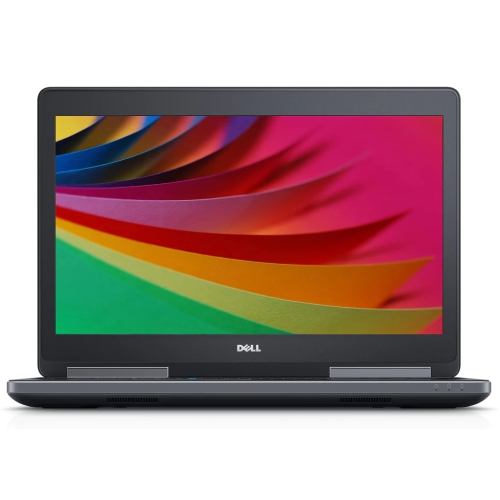
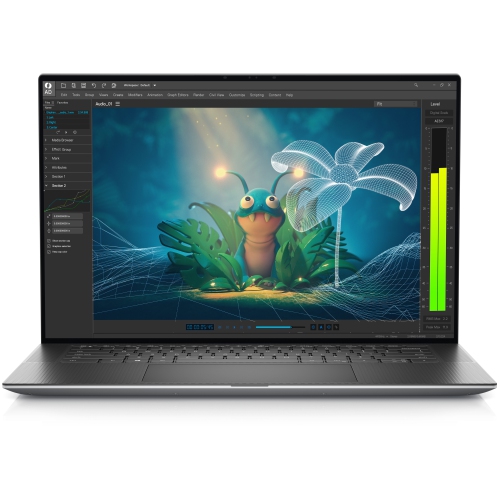
Top Collections:
Pokemon Centers, Kindle Devices, Best Budget Office Chairs, Apple iPhones 16, Best Laptops for Writers, iPhone 15 Apple, Canon G7X Cameras, Refurbished Apple Laptops, Alarm Clock, Motorola Razr Phones
Some products may be subject to Environmental Handling Fees
(EHF) depending on your province.
Learn more about EHFs.