Dell Precision 7520
Discover the power and versatility of the Dell Precision 7520, a robust solution designed to meet the demands of professionals across various industries. Whether you're tackling complex design projects or managing data-intensive tasks, this workstation offers the reliability and performance necessary for seamless productivity. With its advanced capabilities, the Dell Precision 7520 is engineered to enhance your workflow, making it an ideal choice for those who require both efficiency and precision in their daily operations. Explore how this powerhouse can elevate your work experience to new heights.
Sort
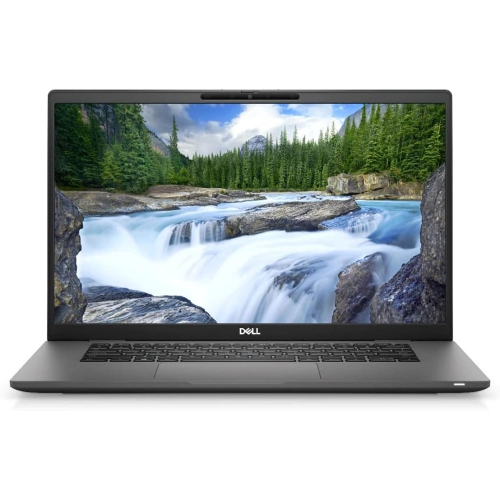

Workstation-class power for demanding creative and technical workloads
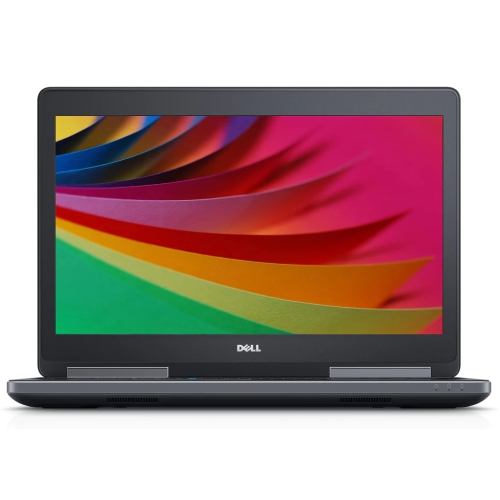
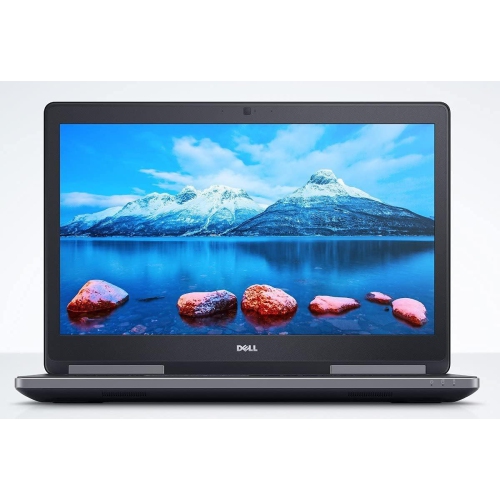
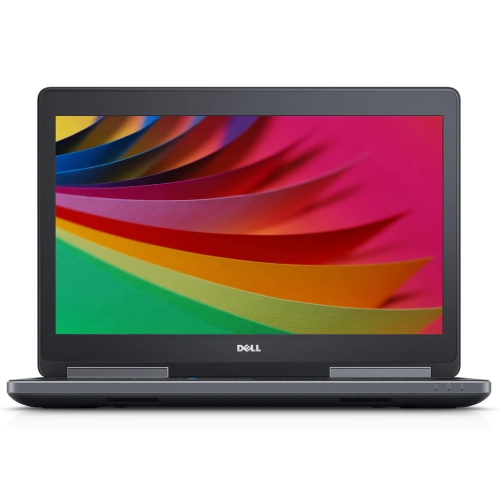
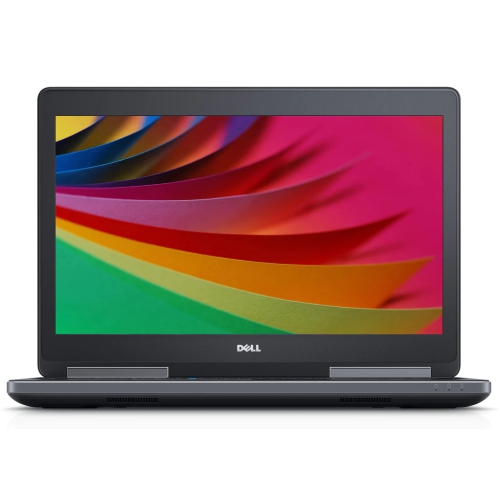
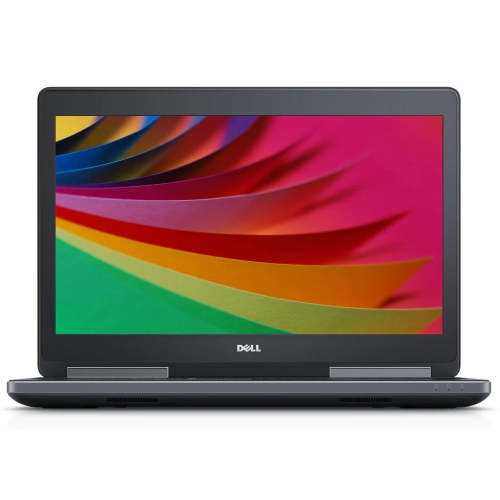
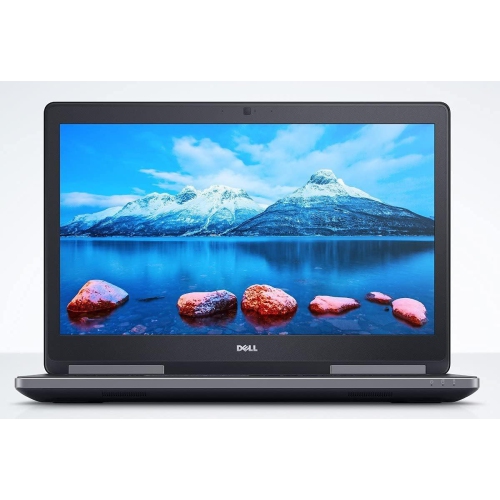
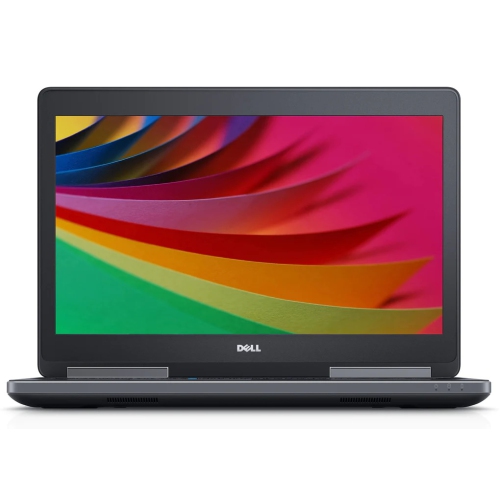
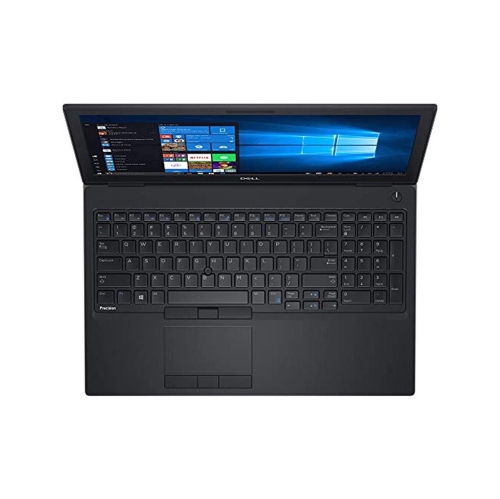
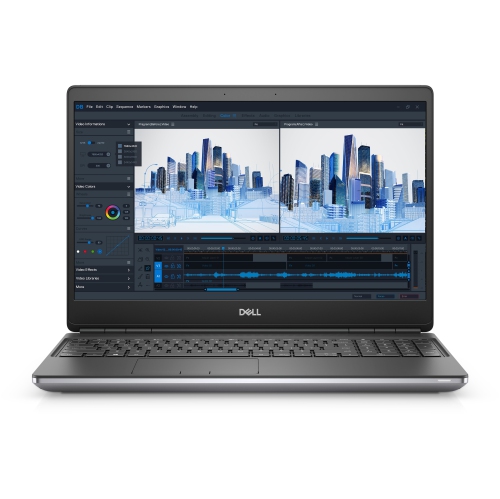
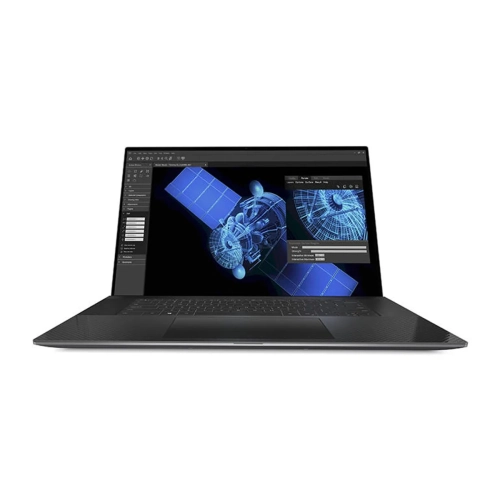
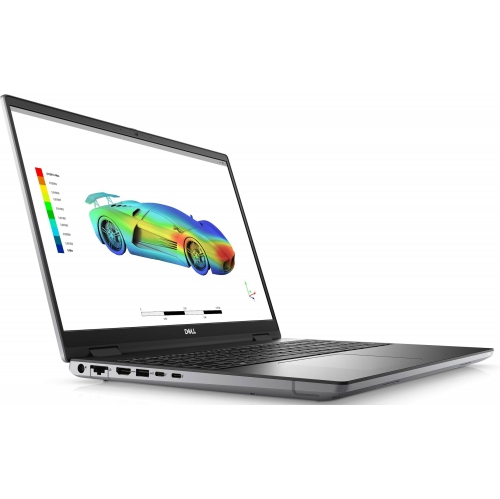
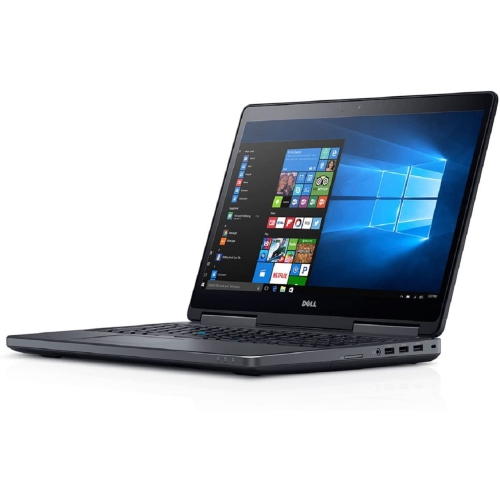
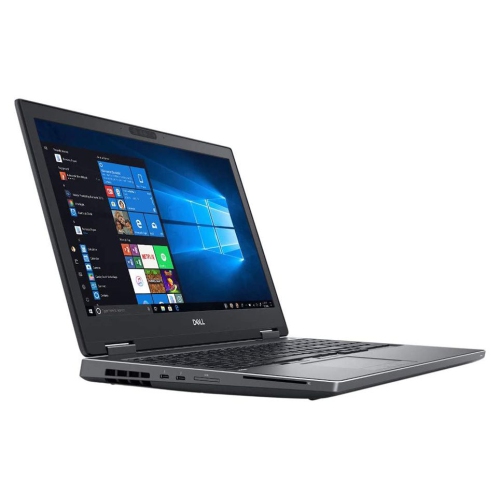
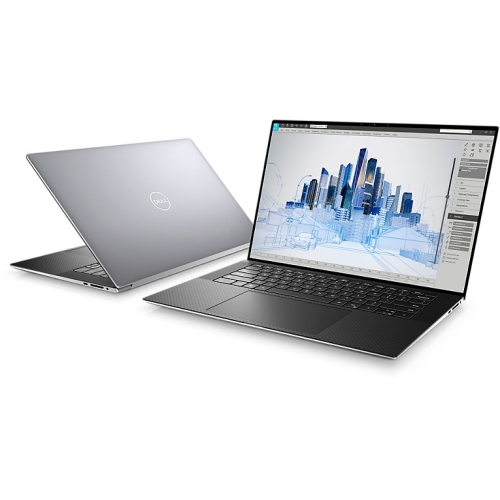
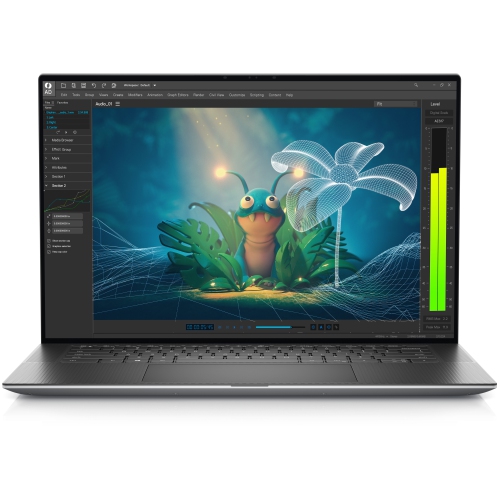
The Dell Precision 7520 is a 15.6-inch mobile workstation designed for demanding professional and technical work in settings where a standard everyday laptop may not provide enough processing power, graphics capability, or upgrade flexibility. It is commonly associated with computer-aided design, 3D modelling, engineering applications, architecture, video production, data analysis, and other workloads that benefit from workstation-class components. Depending on the configuration, it may include a 6th or 7th Generation Intel Core i5 or i7 processor, or an Intel Xeon quad-core processor, along with professional NVIDIA Quadro M1200 or M2200 graphics with dedicated GDDR5 memory. These graphics options are intended for software that relies on certified or optimized professional graphics performance, making the system a practical choice for drafting, modelling, rendering previews, and visualizing complex files. Its 15.6-inch display may be available in Full HD or higher-resolution 4K configurations, with an anti-glare surface that can be easier to view beneath office lighting, in a studio, or at a workbench. The larger screen provides comfortable room for toolbars, timelines, spreadsheets, and multiple application windows, while the full-size keyboard and numeric keypad can be useful for entering measurements, figures, and commands. A backlit keyboard may also make it easier to continue working in a dim classroom, a quiet production room, or during a late-night project session.
When selecting a Dell Precision 7520, pay close attention to the exact configuration rather than relying on the model name alone. Processor type, installed memory, storage, display resolution, graphics hardware, battery condition, and operating system can vary, particularly among pre-owned or professionally refurbished units. Memory support of up to 64GB DDR4 across four slots gives this workstation useful headroom for large assemblies, virtual machines, high-resolution media, and other memory-intensive tasks, although the installed amount should be checked before purchase. Storage may combine an M.2 NVMe solid-state drive with a 2.5-inch SATA drive, allowing a fast primary drive for software and active projects alongside additional capacity for reference files, footage, or archived work. Solid-state storage can improve boot times and application loading, while capacity remains important for large design libraries and local project folders. Connectivity is another strength: configurations may include Thunderbolt 3 through USB-C, multiple USB 3.0 ports, HDMI, Mini DisplayPort, wired Ethernet, and an SD card reader. This range of connections can simplify use with external displays, docking accessories, wired networks, cameras, drawing equipment, and specialist peripherals. The chassis, built with materials such as carbon fibre and magnesium alloy, is intended for demanding work environments, but a workstation of this age and class is still best assessed for visible wear, hinge condition, keyboard response, port function, screen marks, fan noise, and battery performance. A heavier design, often weighing approximately 2.8 to 3.1 kilograms, can feel reassuringly substantial on a desk or studio table, though it may be less convenient than a thin ultraportable for daily commuting.
These mobile workstations can suit students in engineering, architecture, animation, film, or industrial design programs, as well as professionals who need a capable secondary system for site visits, client presentations, coursework, or remote work. They can also be useful in a home office where a desktop workstation is not practical, providing the flexibility to move from a desk to a meeting room or a shared workspace while retaining ports and upgrade options that are often missing from slimmer laptops. A designer might use one to review a detailed building model beside a stack of printed plans; a photographer could connect an SD card and sort large image collections; and a technical student might use the numeric keypad, external monitor support, and extra memory while completing a long lab assignment. Because of its age, this class of workstation is best matched with realistic expectations: it can remain well suited to productivity, professional applications, coding, browsing, office work, and light single-player gaming, but it may not deliver the same efficiency, battery life, or graphics performance as a newer system. Drivers, firmware, and application compatibility should be verified through the manufacturer’s support resources, especially after reinstalling an operating system or upgrading storage. It is also wise to confirm charger inclusion, wireless connectivity, webcam operation, display output, and the return or warranty terms offered with the listing. Shoppers comparing workstation generations may also wish to review Dell Precision 5520 Laptops for a different balance of screen size, portability, processor options, and professional performance. With the right configuration and a clear understanding of its size, age, and capabilities, a Precision workstation can provide a dependable platform for focused work during busy semesters, changing project schedules, and the cooler months when more time is spent creating indoors.
When selecting a Dell Precision 7520, pay close attention to the exact configuration rather than relying on the model name alone. Processor type, installed memory, storage, display resolution, graphics hardware, battery condition, and operating system can vary, particularly among pre-owned or professionally refurbished units. Memory support of up to 64GB DDR4 across four slots gives this workstation useful headroom for large assemblies, virtual machines, high-resolution media, and other memory-intensive tasks, although the installed amount should be checked before purchase. Storage may combine an M.2 NVMe solid-state drive with a 2.5-inch SATA drive, allowing a fast primary drive for software and active projects alongside additional capacity for reference files, footage, or archived work. Solid-state storage can improve boot times and application loading, while capacity remains important for large design libraries and local project folders. Connectivity is another strength: configurations may include Thunderbolt 3 through USB-C, multiple USB 3.0 ports, HDMI, Mini DisplayPort, wired Ethernet, and an SD card reader. This range of connections can simplify use with external displays, docking accessories, wired networks, cameras, drawing equipment, and specialist peripherals. The chassis, built with materials such as carbon fibre and magnesium alloy, is intended for demanding work environments, but a workstation of this age and class is still best assessed for visible wear, hinge condition, keyboard response, port function, screen marks, fan noise, and battery performance. A heavier design, often weighing approximately 2.8 to 3.1 kilograms, can feel reassuringly substantial on a desk or studio table, though it may be less convenient than a thin ultraportable for daily commuting.
These mobile workstations can suit students in engineering, architecture, animation, film, or industrial design programs, as well as professionals who need a capable secondary system for site visits, client presentations, coursework, or remote work. They can also be useful in a home office where a desktop workstation is not practical, providing the flexibility to move from a desk to a meeting room or a shared workspace while retaining ports and upgrade options that are often missing from slimmer laptops. A designer might use one to review a detailed building model beside a stack of printed plans; a photographer could connect an SD card and sort large image collections; and a technical student might use the numeric keypad, external monitor support, and extra memory while completing a long lab assignment. Because of its age, this class of workstation is best matched with realistic expectations: it can remain well suited to productivity, professional applications, coding, browsing, office work, and light single-player gaming, but it may not deliver the same efficiency, battery life, or graphics performance as a newer system. Drivers, firmware, and application compatibility should be verified through the manufacturer’s support resources, especially after reinstalling an operating system or upgrading storage. It is also wise to confirm charger inclusion, wireless connectivity, webcam operation, display output, and the return or warranty terms offered with the listing. Shoppers comparing workstation generations may also wish to review Dell Precision 5520 Laptops for a different balance of screen size, portability, processor options, and professional performance. With the right configuration and a clear understanding of its size, age, and capabilities, a Precision workstation can provide a dependable platform for focused work during busy semesters, changing project schedules, and the cooler months when more time is spent creating indoors.
Top selling and popular products
-
 Your price for this item is $449
 -
 Your price for this item is $3099
 -
 Your price for this item is $299.95
 -
 Your price for this item is $664.05
 -
 Your price for this item is $599.68
 -
 Your price for this item is $869.99
 -
 Your price for this item is $259
 -
 Your price for this item is $418.98
Discover more categories related to Dell Precision 7520
Top Collections:
Pokemon Centers, Kindle Devices, Best Budget Office Chairs, Apple iPhones 16, Best Laptops for Writers, iPhone 15 Apple, Canon G7X Cameras, Refurbished Apple Laptops, Alarm Clock, Motorola Razr Phones
Some products may be subject to Environmental Handling Fees
(EHF) depending on your province.
Learn more about EHFs.