Dell Precision 7530
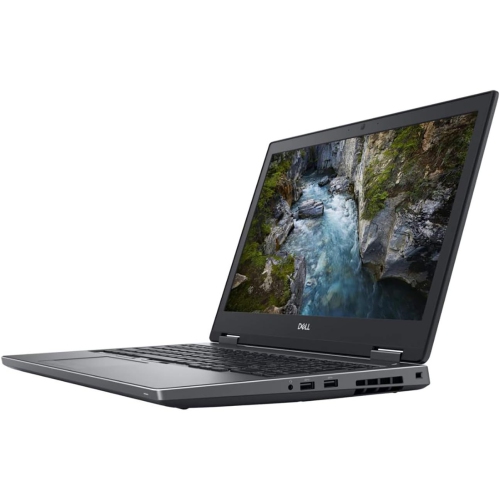
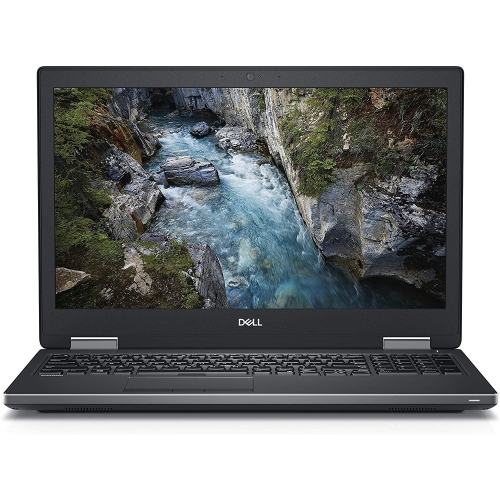
Discover the power and performance of the Dell Precision 7530, a top choice for professionals seeking reliability and advanced capabilities in their workstations. Designed to handle demanding tasks, the Dell Precision 7530 offers the versatility and support needed for a wide range of applications. Explore models and configurations that align with your workflow and elevate your productivity with the Dell Precision 7530.
Sort

Mobile workstation power depends on what’s inside
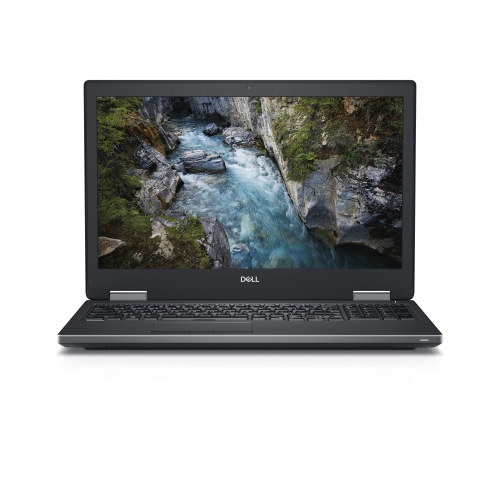
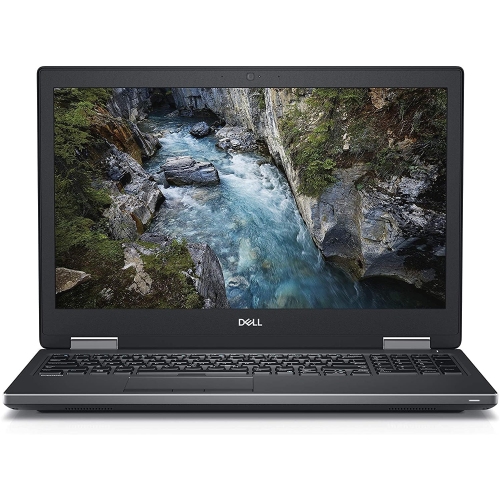
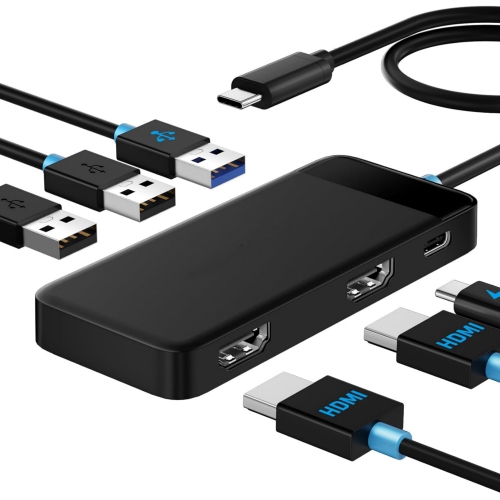
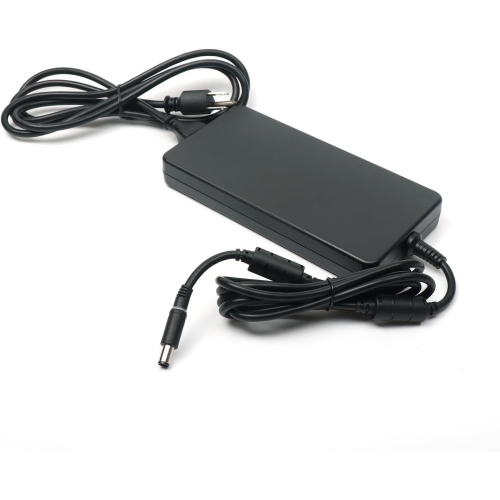
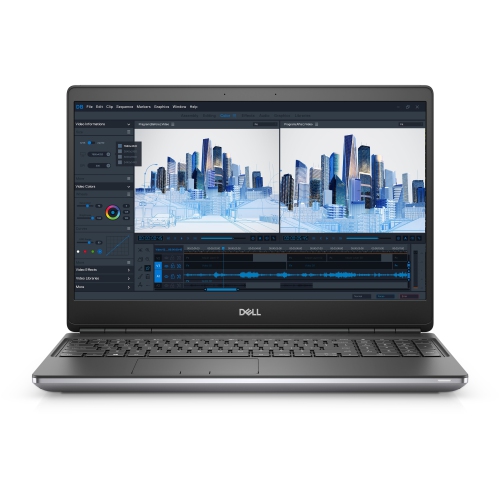
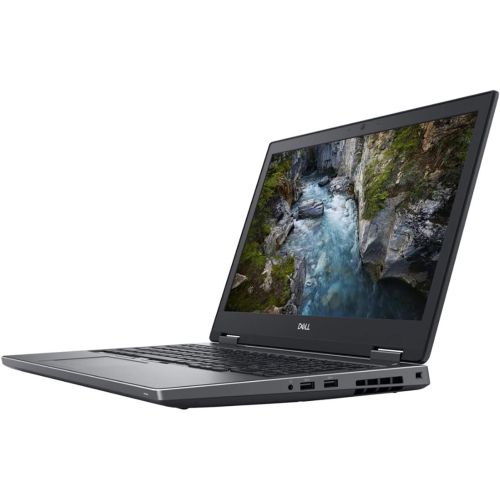
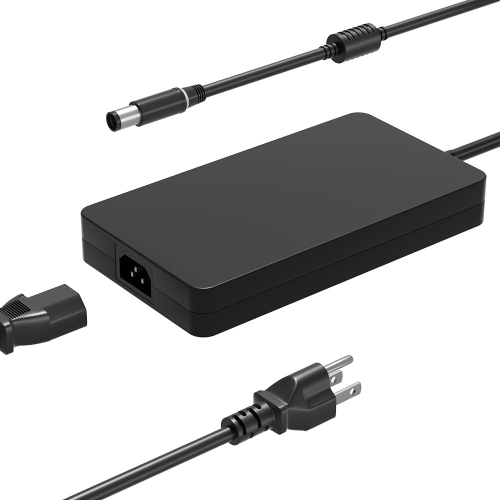
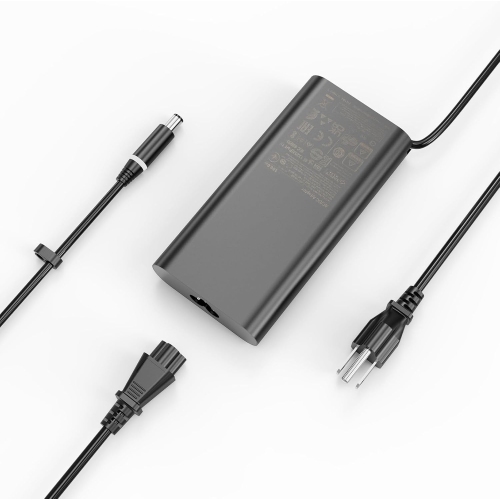
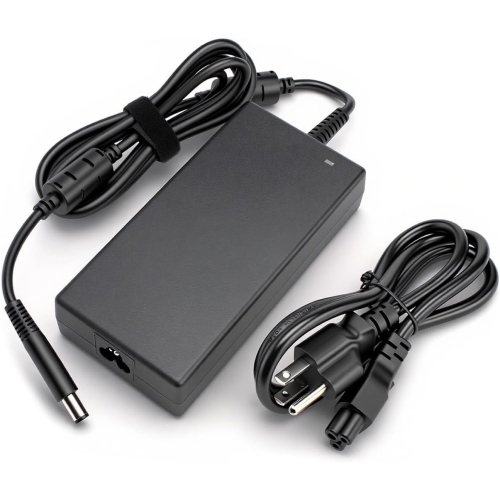
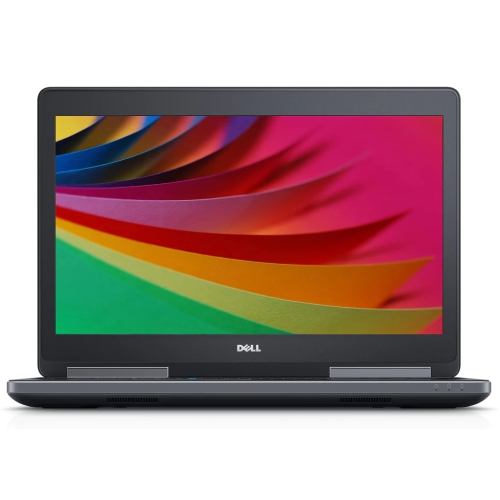
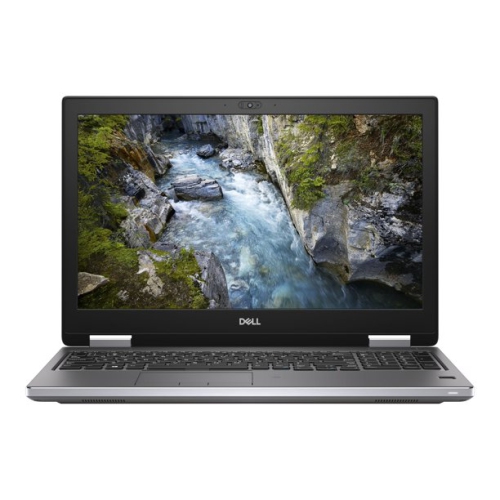
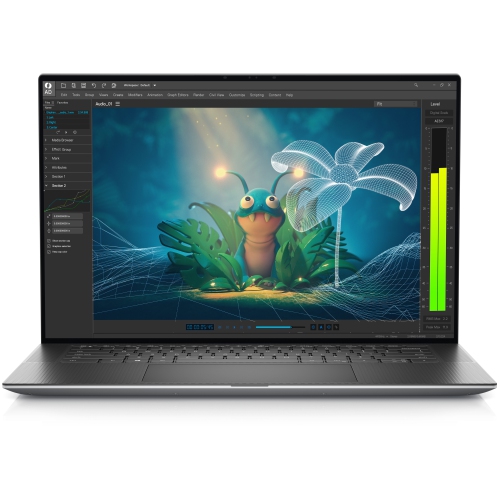
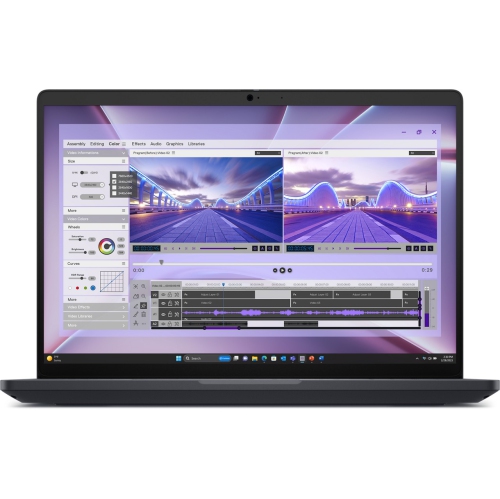
A 15.6-inch mobile workstation brings desktop-style working space and professional computing capability into a laptop that can travel between a home office, studio, classroom, and client meeting. This category suits people whose work involves more than web browsing and documents: an architectural technologist navigating a detailed building model, a video editor assembling footage, or an engineering student running design software alongside reference material. The emphasis is on processing power, graphics capability, memory capacity, and practical connections rather than the slimmest possible profile. Workstations from the 2018 generation can still serve useful roles, but their suitability depends on the installed components and the requirements of the software being used. Six-core processors, professional graphics, and expandable DDR4 memory are characteristic options in this class, although individual configurations differ considerably. A processor’s full model number matters more than its broad family name, particularly when comparing systems from different generations. Professional graphics can support computer-aided design, visualization, and content creation, but application compatibility and driver support are just as important as graphics memory. Someone rotating a complex mechanical assembly has different needs from someone editing photographs or managing spreadsheets across two monitors. These machines also tend to be heavier and thicker than everyday ultraportable laptops, making them a natural fit for users who carry their computer between workspaces rather than hold it throughout the day. A substantial chassis makes room for cooling hardware, connections, and serviceable components, but the power adapter adds to the weight of a daily bag. For commuting, the fit of a padded laptop compartment should account for the computer’s actual width, depth, and thickness, not just the screen’s diagonal measurement. A workstation can also be a thoughtful gift for a design or technical student when their course requirements are known, since specialized programs may have very specific processor, graphics, and operating system requirements.
The configuration inside a mobile workstation shapes the experience far more than its appearance. Memory gives active applications room to work, which becomes noticeable when a large drawing, a browser full of technical references, and a video call are open together. Some workstations in this class support up to 128GB of DDR4 memory across four memory slots, but maximum supported capacity is not the same as installed capacity. Memory type, module arrangement, and processor compatibility also affect upgrade options; error-correcting memory requires compatible hardware and should not be assumed to work with every processor. Storage deserves similar attention. A solid-state drive helps with startup, application launches, and file access, while sufficient capacity leaves space for project libraries, source footage, and local working files. Multiple internal drive positions can separate applications from project storage, although the connectors, mounting hardware, and supported drive formats need to match. Expansion potential is useful only when the necessary parts and compatible components are accounted for. The display is another important distinction among otherwise similar-looking laptops. Full HD provides a practical workspace for office applications and many technical tasks, while a 4K panel can show finer detail in photographs, drawings, and high-resolution footage. Higher resolution does not automatically mean more accurate colour, so brightness, colour coverage, and panel condition remain relevant for visual work. Text scaling can make a high-resolution screen more comfortable, especially during long sessions spent reading toolbars and numerical data. Dedicated graphics memory helps support demanding visual workloads, but professional graphics from an older generation may not meet the requirements of newer rendering features or GPU-intensive applications. For someone preparing presentation drawings, reviewing scanned plans, or making light video edits, the balance of processor, memory, storage, and display may matter more than the highest specification in any single category. For heavier simulation or rendering, the exact application requirements and supported hardware provide a clearer basis for comparison than general claims about workstation performance.
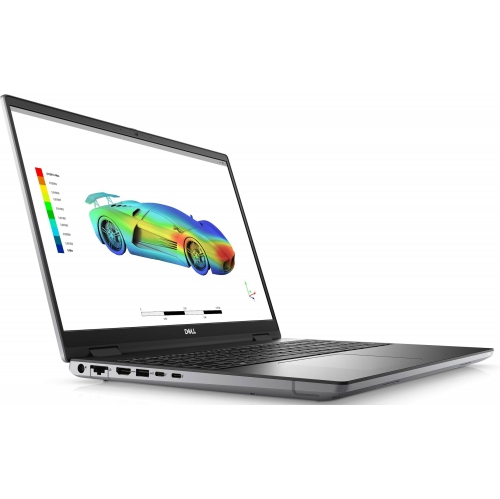
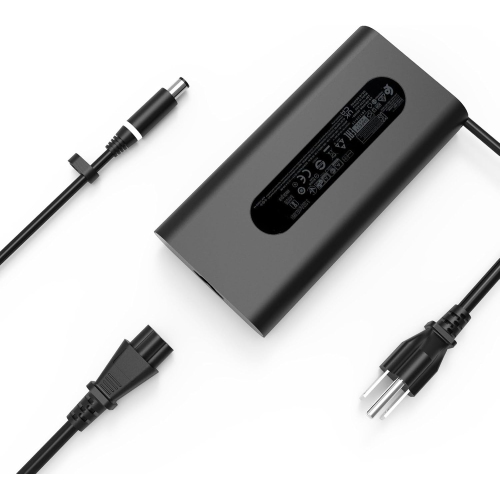
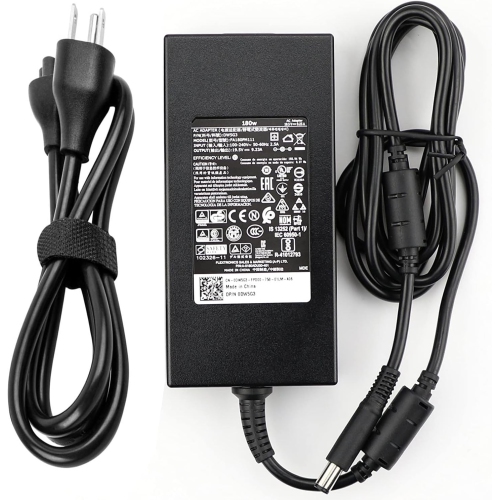
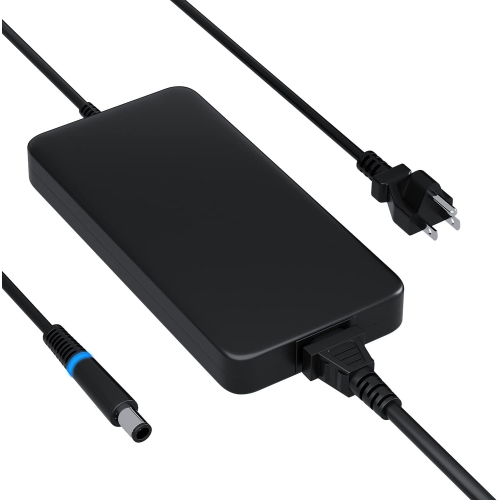
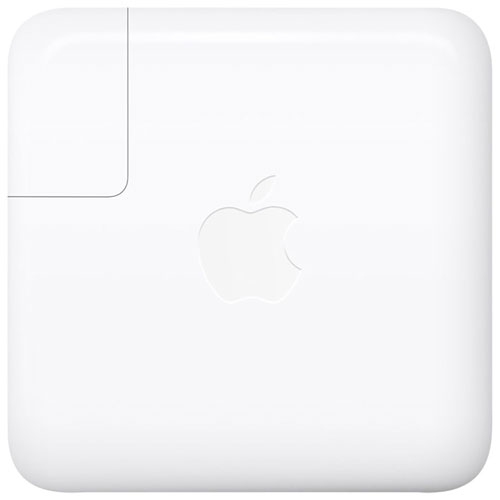
Everyday usability becomes especially important with a pre-owned or refurbished workstation. Cosmetic condition, battery health, keyboard feel, hinge movement, and the supplied power adapter can all affect how comfortably a laptop fits into a working routine. Refurbished does not necessarily mean that every component has been replaced, and a condition description should distinguish surface wear from functional concerns. Small marks on a lid are different from uneven display lighting, damaged ports, or a battery that no longer supports useful time away from an outlet. Warranty coverage, the stated testing process, and any included accessories help clarify what accompanies the computer. For desk-based work, the port selection can determine how neatly the laptop connects to a monitor, external storage, a wired network, or a drawing tablet. A connector’s shape alone does not establish its capabilities: USB-C connections can differ in their support for video, data transfer, docking, and charging. Workstation-class laptops may require a higher-output power adapter than a basic dock can supply, so docking compatibility includes power delivery as well as display support. Wi-Fi capability and webcam quality also matter for users moving between shared workspaces and remote meetings. Operating system support and access to suitable drivers are particularly relevant for older hardware, especially when workplace security requirements or course software dictate a supported setup. Physical care is straightforward: clear vents, a firm working surface, and a soft cloth for routine cleaning help protect the machine during regular use. Cleaning products should suit the screen coating and exterior materials, and liquids should not be sprayed directly onto the laptop. A fitted sleeve helps prevent loose accessories from rubbing against the lid in transit, while a separate backup protects project files independently of the internal drives. The related Dell Precision 7540 page offers another point of comparison within the mobile workstation category. Across comparable systems, the most useful match is the configuration that supports the actual workload, connects to existing equipment, and remains comfortable to carry, maintain, and use through a full working session.
The configuration inside a mobile workstation shapes the experience far more than its appearance. Memory gives active applications room to work, which becomes noticeable when a large drawing, a browser full of technical references, and a video call are open together. Some workstations in this class support up to 128GB of DDR4 memory across four memory slots, but maximum supported capacity is not the same as installed capacity. Memory type, module arrangement, and processor compatibility also affect upgrade options; error-correcting memory requires compatible hardware and should not be assumed to work with every processor. Storage deserves similar attention. A solid-state drive helps with startup, application launches, and file access, while sufficient capacity leaves space for project libraries, source footage, and local working files. Multiple internal drive positions can separate applications from project storage, although the connectors, mounting hardware, and supported drive formats need to match. Expansion potential is useful only when the necessary parts and compatible components are accounted for. The display is another important distinction among otherwise similar-looking laptops. Full HD provides a practical workspace for office applications and many technical tasks, while a 4K panel can show finer detail in photographs, drawings, and high-resolution footage. Higher resolution does not automatically mean more accurate colour, so brightness, colour coverage, and panel condition remain relevant for visual work. Text scaling can make a high-resolution screen more comfortable, especially during long sessions spent reading toolbars and numerical data. Dedicated graphics memory helps support demanding visual workloads, but professional graphics from an older generation may not meet the requirements of newer rendering features or GPU-intensive applications. For someone preparing presentation drawings, reviewing scanned plans, or making light video edits, the balance of processor, memory, storage, and display may matter more than the highest specification in any single category. For heavier simulation or rendering, the exact application requirements and supported hardware provide a clearer basis for comparison than general claims about workstation performance.
Everyday usability becomes especially important with a pre-owned or refurbished workstation. Cosmetic condition, battery health, keyboard feel, hinge movement, and the supplied power adapter can all affect how comfortably a laptop fits into a working routine. Refurbished does not necessarily mean that every component has been replaced, and a condition description should distinguish surface wear from functional concerns. Small marks on a lid are different from uneven display lighting, damaged ports, or a battery that no longer supports useful time away from an outlet. Warranty coverage, the stated testing process, and any included accessories help clarify what accompanies the computer. For desk-based work, the port selection can determine how neatly the laptop connects to a monitor, external storage, a wired network, or a drawing tablet. A connector’s shape alone does not establish its capabilities: USB-C connections can differ in their support for video, data transfer, docking, and charging. Workstation-class laptops may require a higher-output power adapter than a basic dock can supply, so docking compatibility includes power delivery as well as display support. Wi-Fi capability and webcam quality also matter for users moving between shared workspaces and remote meetings. Operating system support and access to suitable drivers are particularly relevant for older hardware, especially when workplace security requirements or course software dictate a supported setup. Physical care is straightforward: clear vents, a firm working surface, and a soft cloth for routine cleaning help protect the machine during regular use. Cleaning products should suit the screen coating and exterior materials, and liquids should not be sprayed directly onto the laptop. A fitted sleeve helps prevent loose accessories from rubbing against the lid in transit, while a separate backup protects project files independently of the internal drives. The related Dell Precision 7540 page offers another point of comparison within the mobile workstation category. Across comparable systems, the most useful match is the configuration that supports the actual workload, connects to existing equipment, and remains comfortable to carry, maintain, and use through a full working session.
Top selling and popular products
-
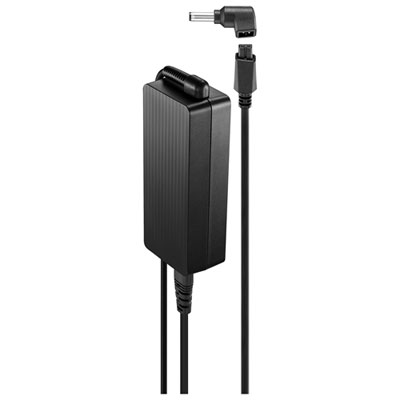 Your price for this item is $69.99
 -
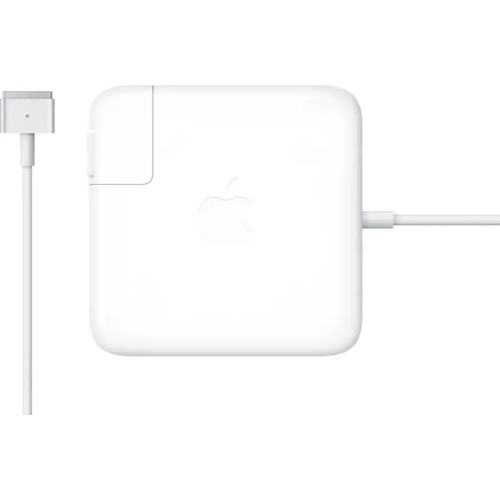 Your price for this item is $135.39
 -
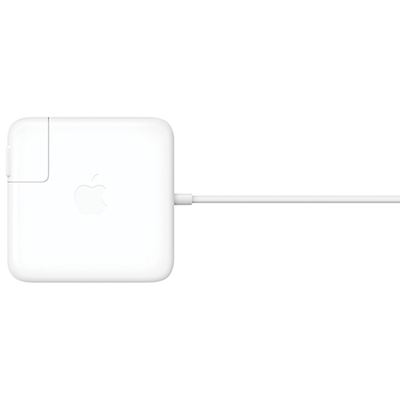 Your price for this item is $95
 -
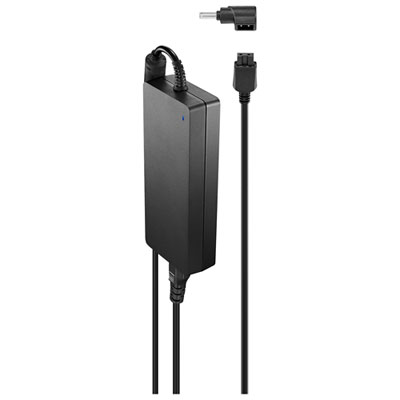 Your price for this item is $109.99
 -
 Your price for this item is $49.99
 -
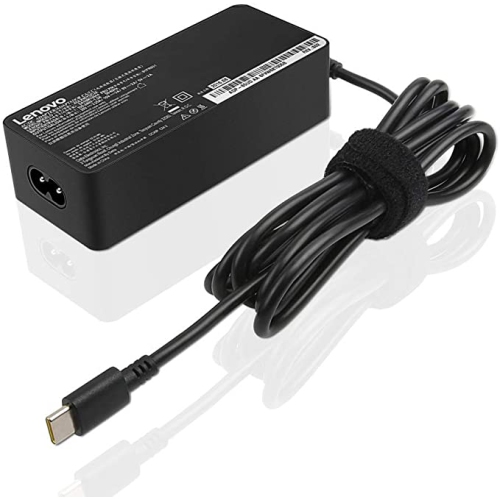 Your price for this item is $67
 -
 Your price for this item is $71
 -
 Your price for this item is $51.99
Discover more categories related to Dell Precision 7530
Top Collections:
Pokemon Centers, Kindle Devices, Best Budget Office Chairs, Apple iPhones 16, Best Laptops for Writers, iPhone 15 Apple, Canon G7X Cameras, Refurbished Apple Laptops, Alarm Clock, Motorola Razr Phones
Some products may be subject to Environmental Handling Fees
(EHF) depending on your province.
Learn more about EHFs.