Dell XPS Desktops
Dell XPS Desktops offer a seamless blend of performance and style, making them an ideal choice for both home and office environments. With their modern design and reliable functionality, Dell XPS Desktops are built to handle everyday computing tasks as well as demanding workloads. Whether you're looking to upgrade your workspace or power through creative projects, explore the range of Dell XPS Desktops to find the perfect fit for your needs.
Sort
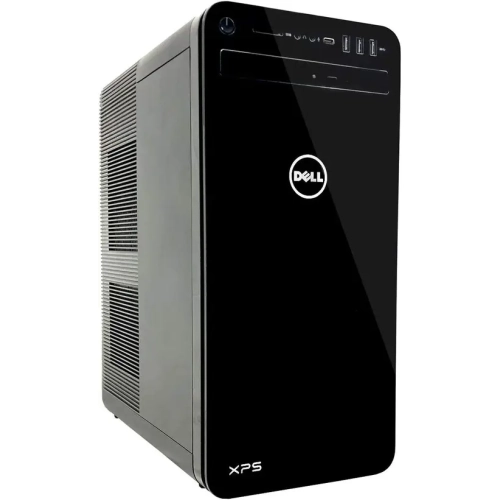
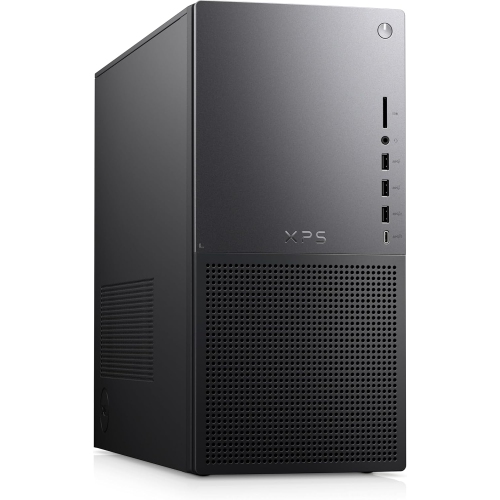
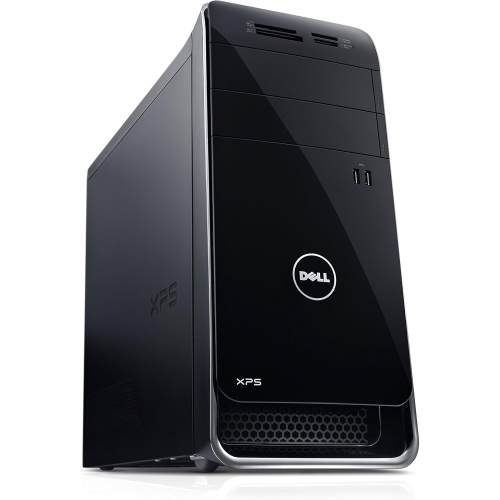
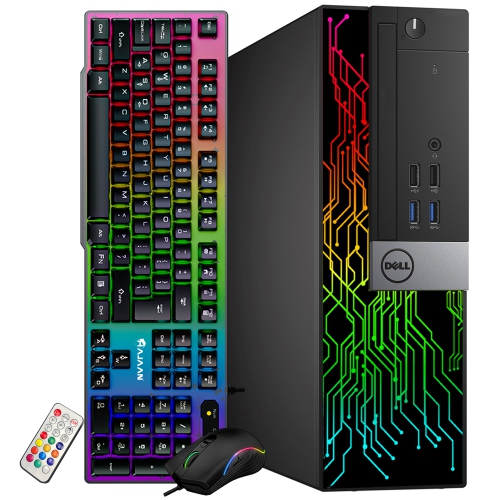
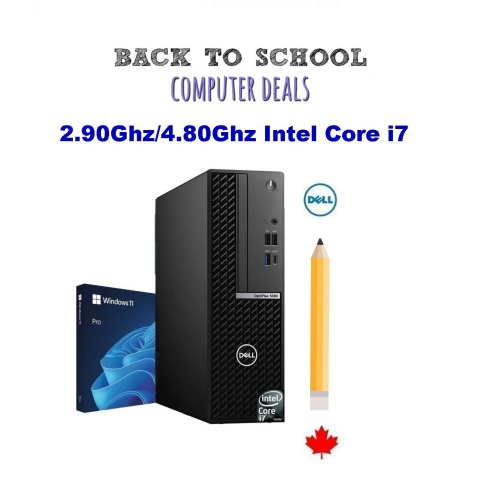
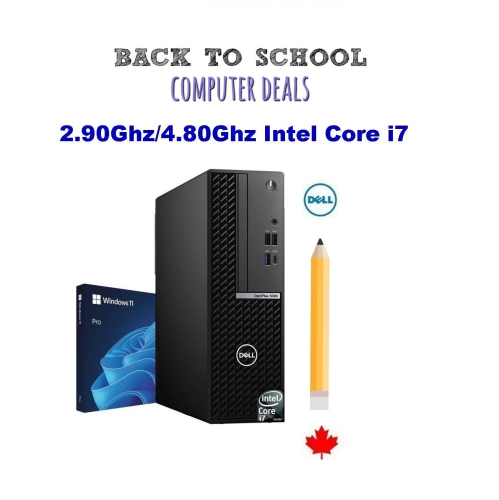
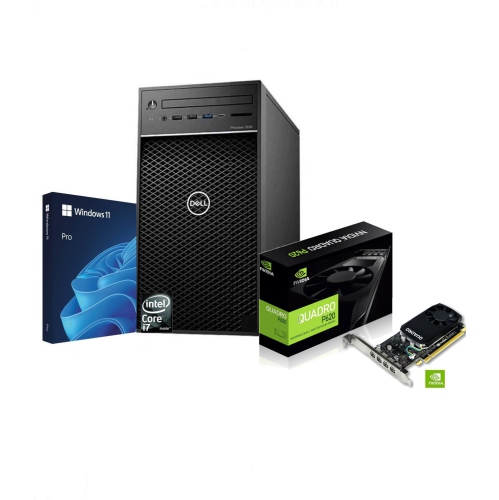
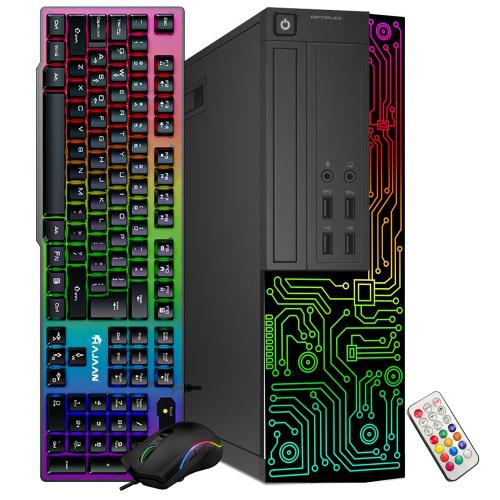
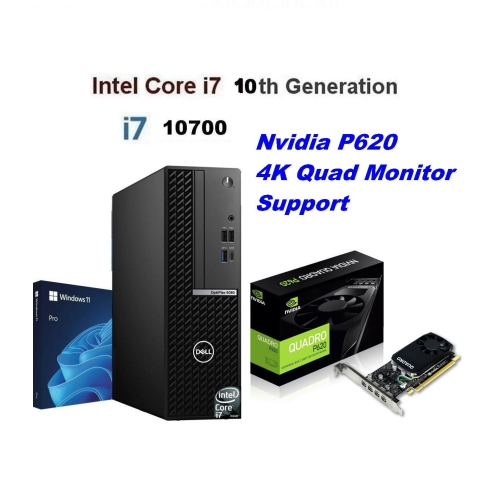
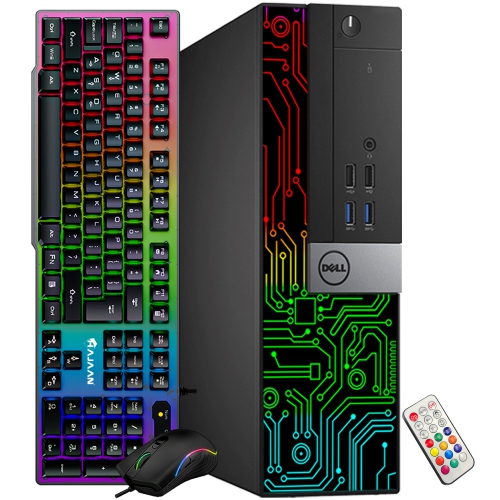
Similar towers can deliver very different performance
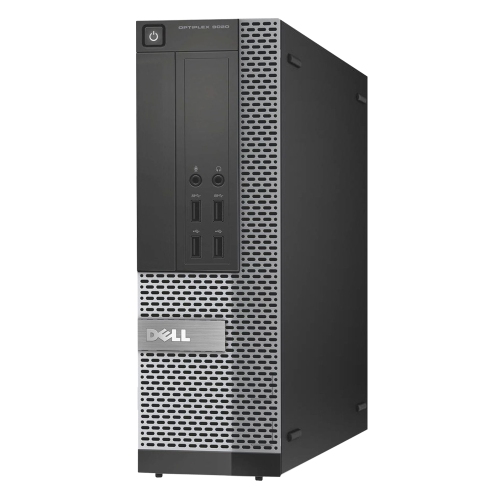
Dell XPS desktops are tower computers for a fixed workspace, with configurations suited to everyday productivity, creative projects, and more demanding applications. The family name does not describe one standard set of components: processor, memory, storage, graphics, and connectivity can differ substantially between configurations and generations. Those differences matter more than a similar-looking case when matching a computer to daily use. A household computer might handle school assignments, video calls, photo storage, and several browser windows, while a home-office setup may need to keep large spreadsheets, presentations, and business applications running together. Creative work adds other demands. Editing high-resolution photographs benefits from responsive storage and sufficient memory, while video editing, 3D design, and some engineering applications may also rely heavily on graphics hardware. A dedicated graphics card can support workloads that integrated graphics may handle less effectively, but the right choice depends on the application and the complexity of the project. Gaming performance likewise depends on the graphics configuration, processor, memory, and display resolution rather than the desktop name alone. Processor specifications deserve a closer look than a single headline label: generation, core configuration, and application requirements all help establish whether a system is a good fit. Memory gives active applications room to work, particularly when moving between a browser, a document, a meeting, and a large file without closing everything in between. Solid-state storage supports responsive startup and file access, while storage capacity determines how much room remains for applications, project folders, photographs, and recordings. Someone who mostly works with documents has different capacity needs from someone keeping years of video footage on the computer. For specialized tasks, the software publisher’s hardware requirements provide a useful reference, including any graphics, memory, or operating-system requirements. This makes a configuration’s detailed specifications more informative than broad descriptions such as fast or powerful.
The physical fit of a desktop matters just as much as its internal hardware. A tower needs a stable position with room for ventilation, accessible connections, and cables that can reach the monitor, keyboard, and power outlet without being stretched. Checking height, width, and depth helps avoid an awkward fit beneath a desk or beside a narrow workstation. An enclosed furniture compartment can restrict airflow, so the space around intake and exhaust vents should follow the computer’s placement requirements. Keeping the case away from loose papers, fabric, and heavy foot traffic also makes a shared workspace easier to maintain. Chassis materials, panel construction, and finishes vary, and practical details such as front-port placement and access to frequently used connections can make a noticeable difference over time. A front-facing connection is convenient for transferring photographs or attaching an external drive; rear connections can keep a printer, wired network, and other permanent accessories neatly routed. Port shape alone does not establish every capability, so check the supported data speeds, display functions, and power features for the connections that matter to the setup. Multiple monitors require compatible display outputs and graphics support, along with suitable cables. Wi-Fi and Bluetooth capabilities should also be confirmed for the chosen configuration rather than assumed, and a wired Ethernet connection can be useful for a desk near a network outlet. Speakers, a webcam, and a microphone may need separate consideration for calls and entertainment. For routine care, shut down and unplug the computer before cleaning, follow the manufacturer’s maintenance instructions, and keep liquids away from openings. Dust buildup can obstruct ventilation, while blocked vents can interfere with cooling. Internal access, memory expansion, storage additions, and graphics upgrades depend on the particular chassis, motherboard, power supply, and clearance. A tower format does not guarantee compatibility with every replacement component, and the power supply itself should not be opened for cleaning or repairs.
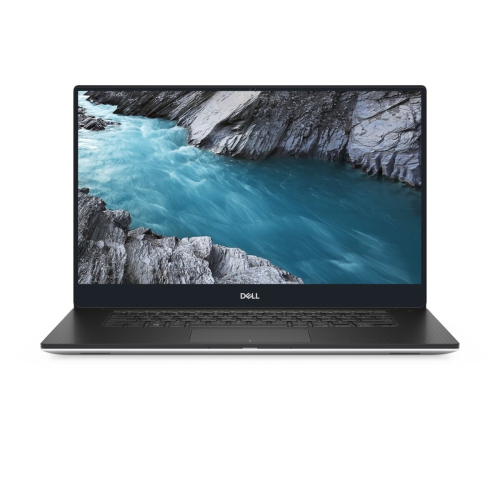
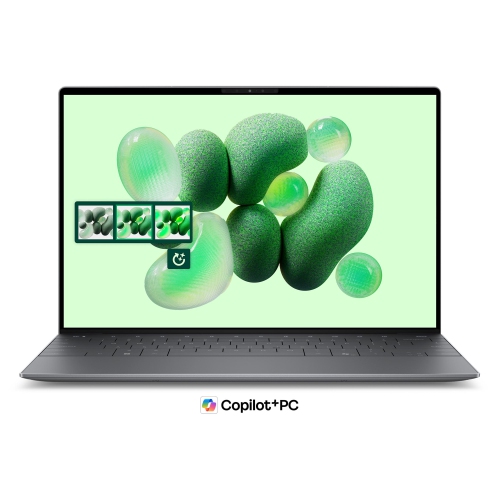
For someone replacing an older XPS desktop, the most useful comparison starts with what the existing computer can no longer do comfortably. Slow access to a growing photo collection calls for a different assessment than poor performance in a graphics-heavy application or a shortage of connections for a multi-monitor desk. Compare the full configuration and required connections rather than assuming that a familiar family name, or a different tower name, establishes a direct replacement. Consider the files and accessories that need to move with it, too. External drives, printers, drawing tablets, audio equipment, and displays may have connector or software requirements that affect the transition. A separate backup of important files remains valuable even when a desktop has ample internal storage; additional capacity inside the same computer is not a substitute for an independent copy. At a shared family desk, separate user accounts can help keep schoolwork, personal documents, and application settings organized. For a student working on design assignments or a hobbyist editing photographs, a stationary setup offers room for a larger display, a full-size keyboard, and a mouse positioned comfortably for longer sessions. A desktop can also be a thoughtful gift when the recipient’s software needs and available workspace are understood, although specialist applications and preferred accessories are worth confirming beforehand. Portability is a separate consideration: a tower is intended to stay in place, while Dell XPS I7 Laptops offer a related option for people who need to carry their computer between locations. For a desktop workspace, check whether a monitor, keyboard, mouse, and other essentials are included or need to be chosen separately. The strongest fit is a balanced setup in which processing performance, graphics capability, memory, storage, and desk layout support the tasks that happen every day, with any future expansion checked against the system’s documented limits.
Top selling and popular products
-
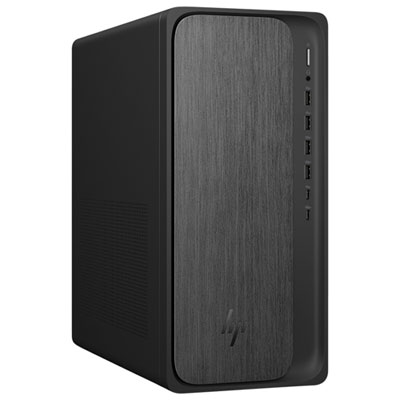 Your price for this item is $1399.99
-
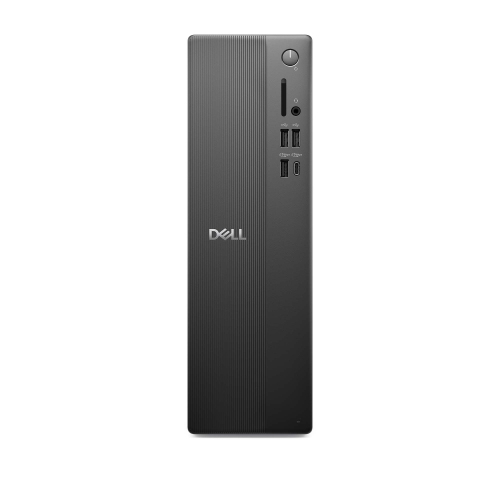 Your price for this item is $1629.79
-
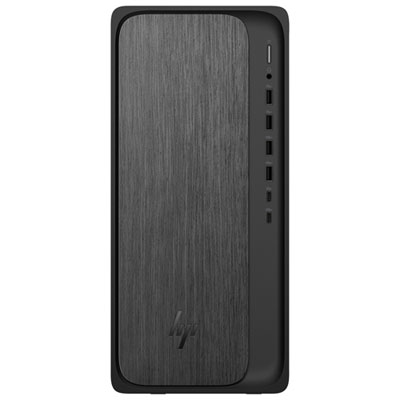 Your price for this item is $2299.99
-
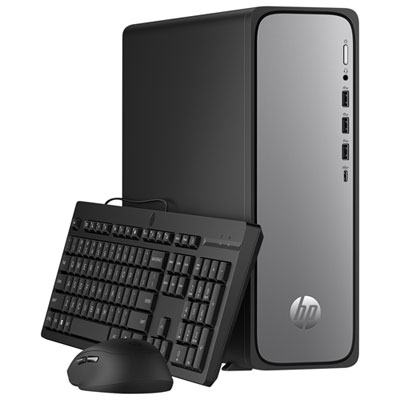 Your price for this item is $1469.99
-
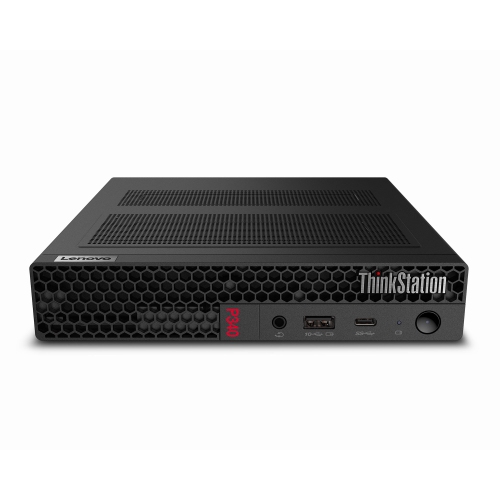 Your price for this item is $699.79
-
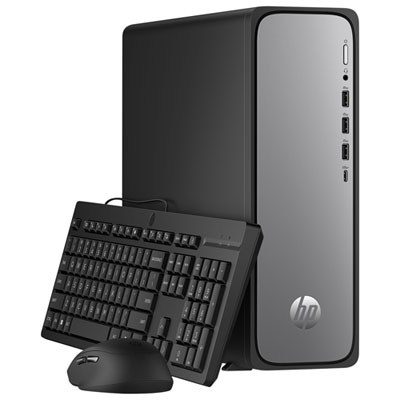 Your price for this item is $1759.99
-
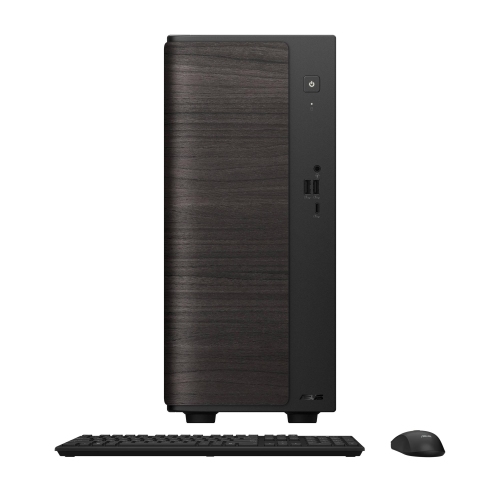 Your price for this item is $3149
-
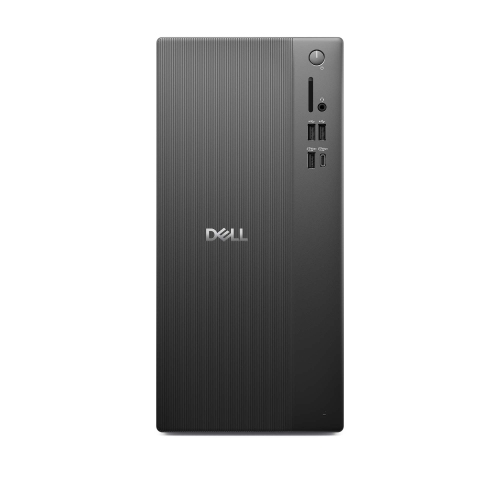 Your price for this item is $2628.79
Discover more categories related to Dell XPS Desktops
Top Collections:
Best Black Friday Deals This Year, Best Black Friday Deals On Electronics, Kindle Devices, Pokemon Centers, Best Black Friday Deals On Apple Products, Best Cameras for Sports Photography, Dyson Airwrap, Pokémon 30th Celebration Cards, Apple iPhone 17 Pro, Canon G7X Cameras
Some products may be subject to Environmental Handling Fees
(EHF) depending on your province.
Learn more about EHFs.