Desktop Computers for Architects
Desktop Computers for Architects are designed to support the demanding workflows of architectural professionals, offering reliable performance for design, modeling, and rendering tasks. Whether working on intricate blueprints or collaborating on large-scale projects, these computers provide the power and stability needed to keep projects running smoothly. Explore a selection tailored to meet the unique requirements of architecture, so you can focus on bringing your creative visions to life.
Sort




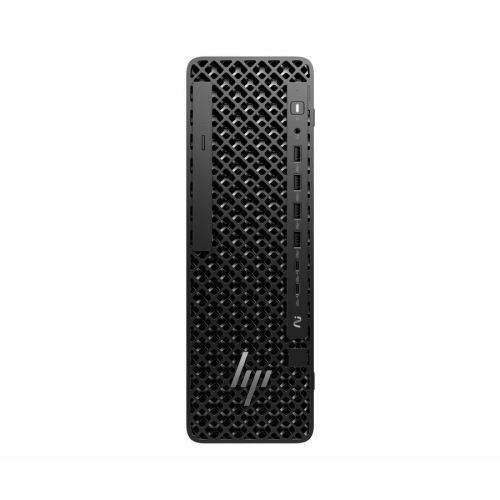
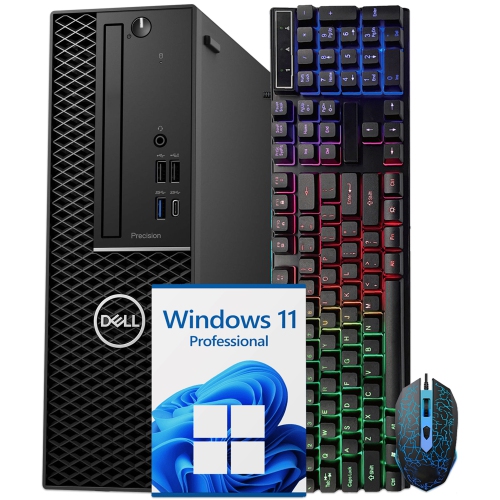
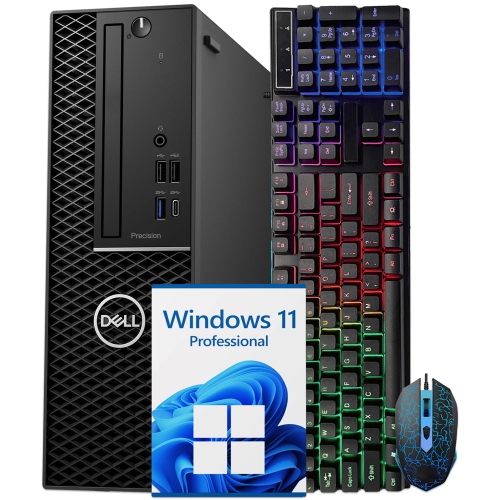


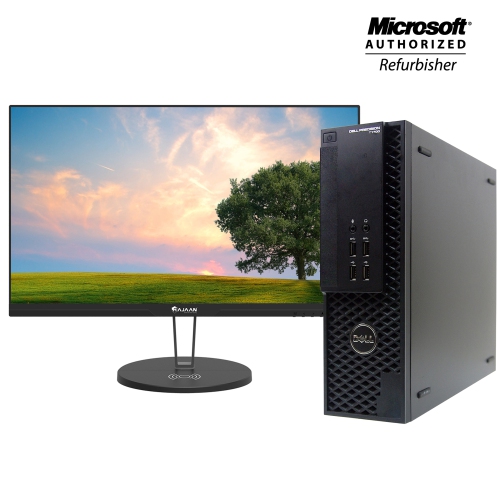
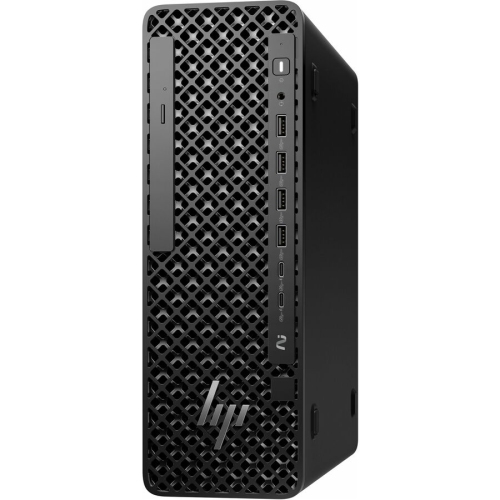
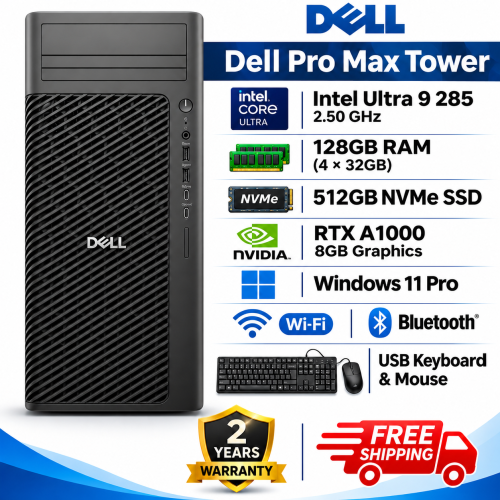
Why architectural workflows need more than processing power
Desktop computers for architects support the work between an initial sketch and a fully coordinated building model: precise drafting, building information modelling (BIM), 3D visualization, drawing production and client presentations. The right balance of processing power, graphics capability and memory depends on how those tasks fill the working day. A student developing floor plans and modest residential models has different demands from a visualization specialist producing detailed interiors or a project architect coordinating several linked building files. For many drafting and modelling operations, strong single-core processor performance helps keep everyday commands responsive. Adding walls, editing components and updating views may depend more on the speed of individual processor cores than on a very high core count. CPU-based rendering can benefit from additional cores, provided the rendering application can use them effectively. A desktop used for both design and visualization needs a thoughtful balance rather than one impressive specification. Processor generation, architecture and cooling also matter, so clock speed alone does not tell the full story. A typical afternoon might involve adjusting a stair layout, checking a section, exporting drawings and keeping a specification document open beside the model. More demanding sessions could add image editing, a live visualization window and a video meeting with consultants. These overlapping tasks explain why an architecture desktop benefits from performance headroom beyond the minimum requirements needed to launch an application. Operating system compatibility is equally important: architectural applications, plug-ins and rendering tools do not all support the same platforms or hardware features. Checking requirements across the complete workflow helps avoid a machine that handles drafting well but cannot run a critical visualization tool. For professional practice, software-certified workstation configurations or graphics drivers may also be worth considering when the application developer provides them. Certification applies to particular hardware and software combinations, rather than guaranteeing that every workstation suits every architectural task. The most useful desktop configuration reflects the actual mix of modelling, documentation, rendering and collaboration involved.
Graphics and memory become especially important as architectural projects grow more detailed. A dedicated graphics processor can improve 3D viewport navigation and accelerate compatible rendering applications, helping with tasks such as moving through a furnished interior or reviewing a building within a detailed site model. Real-time visualization and ray-traced rendering can place substantial demands on the graphics card, but acceleration depends on the application and rendering engine. Graphics memory, often called VRAM, holds data such as geometry and textures used by the graphics processor. Detailed materials, extensive planting, large linked models and high-resolution output can increase that demand. Around 8 GB of VRAM can suit some moderate visualization workloads, while 12 GB, 16 GB or more may provide additional room for complex scenes; application guidance and representative project testing remain better measures than capacity alone. System memory serves a different purpose and should be considered separately. For many architects working with modern BIM applications, 32 GB of RAM is a practical starting point, while 64 GB can better accommodate larger models and several demanding applications running together. Complex multidisciplinary projects or intensive multitasking may justify 128 GB when supported by the desktop and software. Smaller 2D drafting workloads may need less. Insufficient memory can force more data onto storage, making switches between views or applications feel noticeably slower. Storage also affects everyday responsiveness. An NVMe solid-state drive helps with application launches, project loading and saving, although network speed and file structure can still limit performance when projects are shared. A 1 TB drive can provide useful working space, while 2 TB or more may suit extensive material libraries, render outputs and multiple active projects. Additional internal drives can separate working files from larger asset collections, but a second drive inside the same computer is not a complete backup. Versioned backups stored separately help protect drawings, models and presentation files from accidental deletion or drive failure. Enough free storage for temporary files, caches and application updates also helps keep a busy workstation manageable.
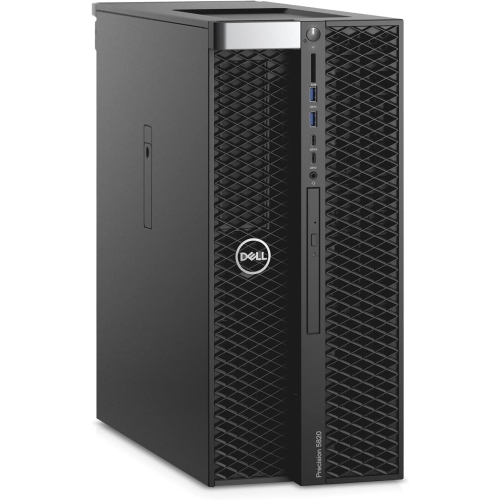
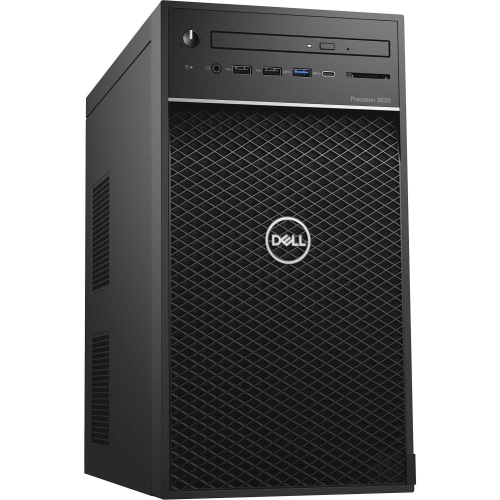
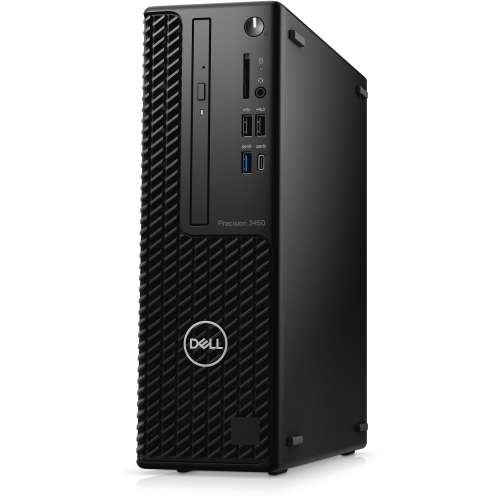
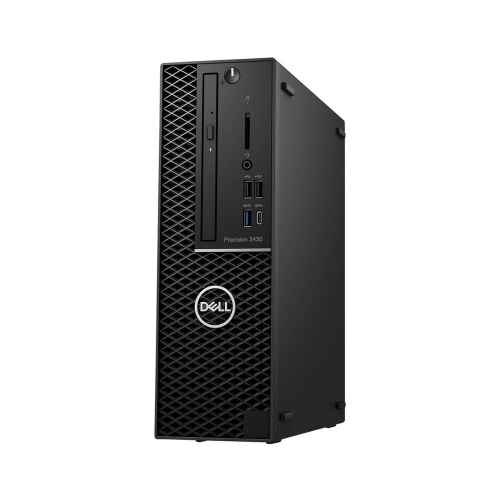
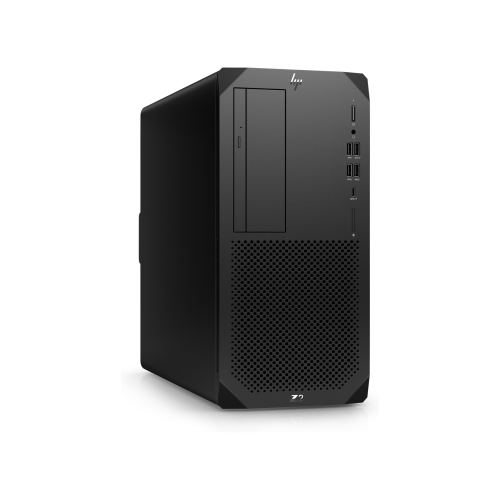
The physical design of an architecture desktop affects how comfortably it fits into daily practice and how easily it can be maintained. A tower case generally offers more room for cooling, additional drives and future component upgrades, though expansion depends on the motherboard, power supply and case dimensions. A compact desktop can leave more work surface clear for drawings, material samples and a pen tablet, but may offer fewer upgrade options. An all-in-one design reduces the number of separate pieces on the desk, although its integrated display and tighter internal layout can limit flexibility. For long rendering sessions, effective airflow matters more than decorative case features. Sturdy construction, accessible dust filters and enough clearance around ventilation openings help support routine care and reliable operation. Fans can become more noticeable under heavy loads, making acoustic performance relevant in a shared studio or a home office used for calls. Ports deserve similar attention. Multiple monitors, external storage, a keyboard, a mouse and specialist input devices can quickly occupy available connections. Display outputs must support the intended number of screens at their chosen resolution and refresh rate; having several physical ports does not automatically establish that capability. A sharp main monitor helps with linework and tool palettes, while a second screen can hold reference drawings or correspondence. Colour consistency matters when preparing material boards and presentation images, particularly when moving between screens and printed output. Wired networking can be useful for large shared project files, while Wi-Fi offers flexibility where a cable connection is impractical. Desktops are particularly well suited to architects, architectural technologists and design students who do most intensive work at a dedicated desk. For work split between that desk, client meetings and site visits, Best Laptops for Architects offers a related option to explore. A desktop remains a strong fit when sustained performance, a flexible display setup and room for future expansion take priority over portability. Matching those qualities to familiar project sizes and software requirements creates a workstation that supports design work without unnecessary complexity.
Top selling and popular products
-
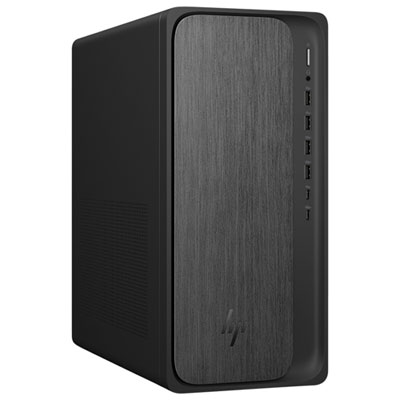 Your price for this item is $1299.99
-
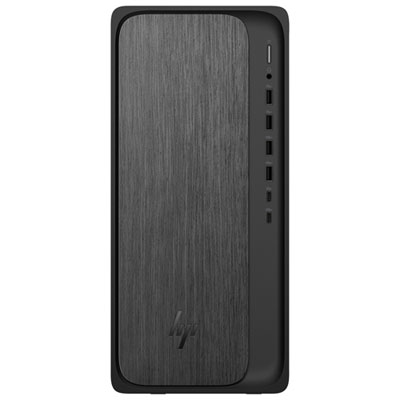 Your price for this item is $1199.99
-
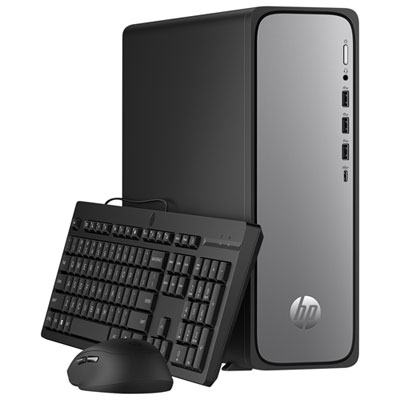 Your price for this item is $649.99
-
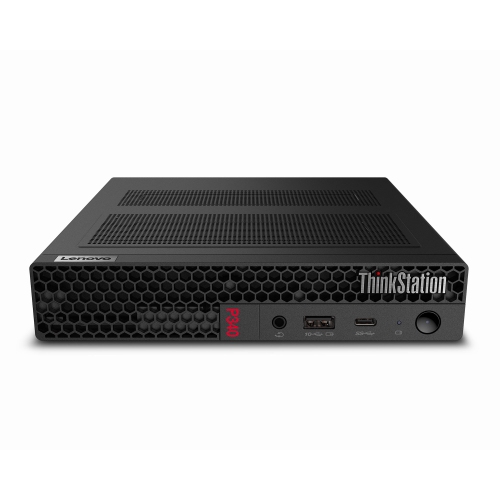 Your price for this item is $699.79
-
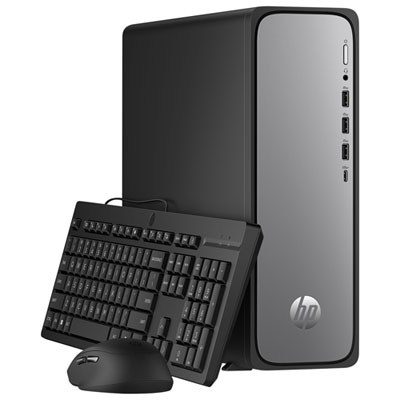 Your price for this item is $899.99
-
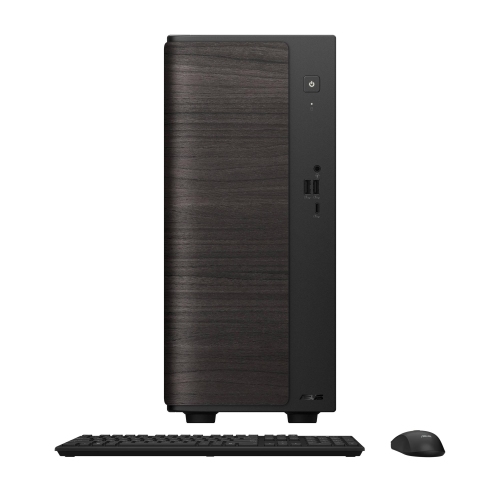 Your price for this item is $3149
-
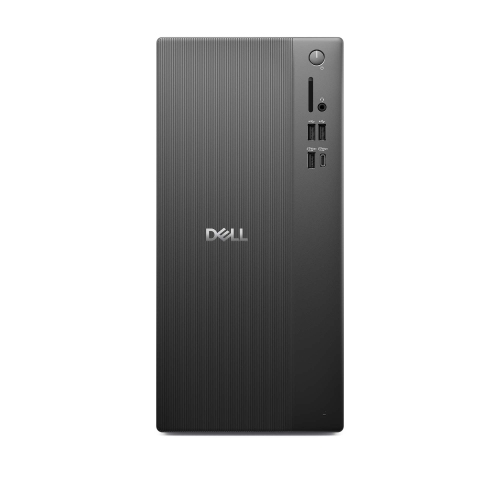 Your price for this item is $2628.79
-
 Your price for this item is $2398
Discover more categories related to Desktop Computers for Architects
Top Collections:
Best Black Friday Deals This Year, Best Black Friday Deals On Electronics, Kindle Devices, Best Black Friday Deals On Apple Products, Best Budget Office Chairs, Best Cameras for Sports Photography, Dyson Airwrap, Canon G7X Cameras, Best Laptops for Writers, Samsung Galaxy Phones
Some products may be subject to Environmental Handling Fees
(EHF) depending on your province.
Learn more about EHFs.