Desktop Computers for Photo Editing
Discover the ideal desktop computers for photo editing and elevate your creative projects with ease. Whether you’re a professional photographer or an enthusiastic hobbyist, finding the right system can make all the difference in your workflow. Explore a wide selection of desktop computers for photo editing designed to help you manage high-resolution images, multitask efficiently, and streamline your editing process. Find the perfect setup to suit your needs and bring your artistic vision to life.
Sort


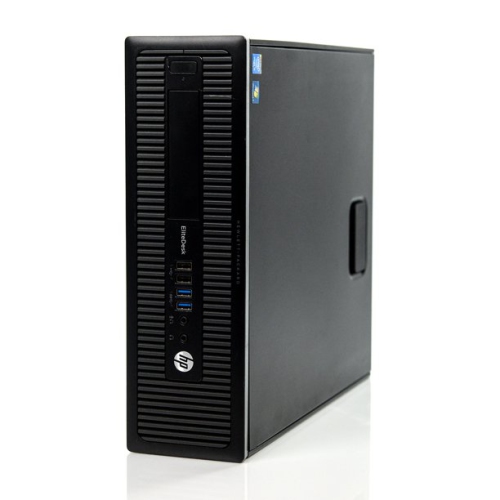
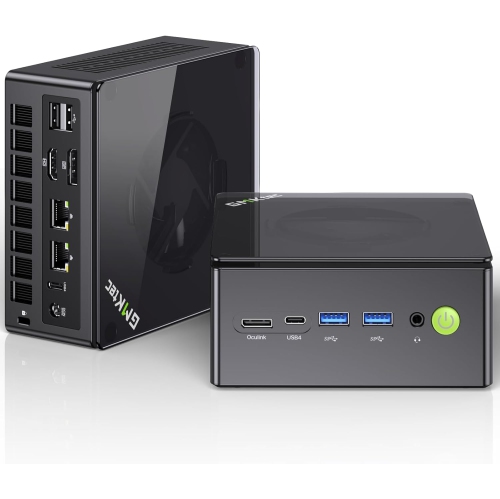

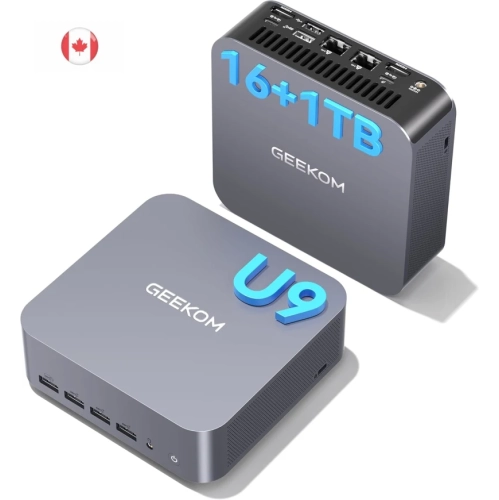
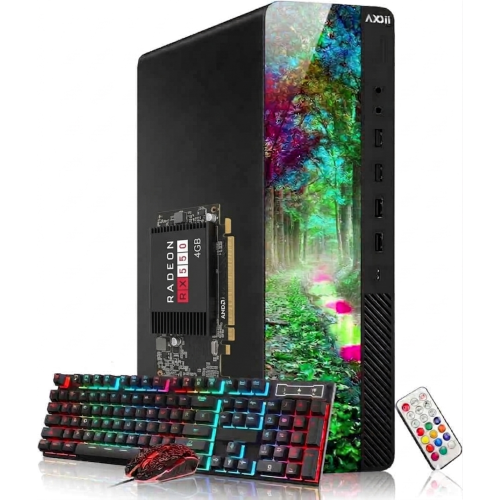
How balanced hardware supports smoother photo editing workflows
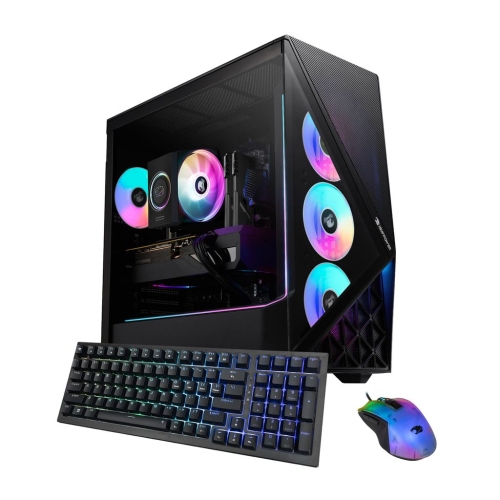
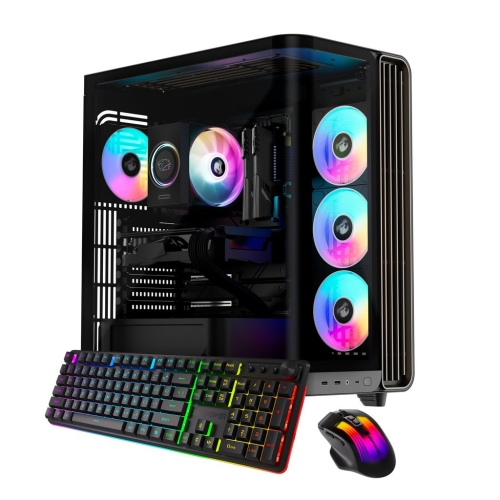
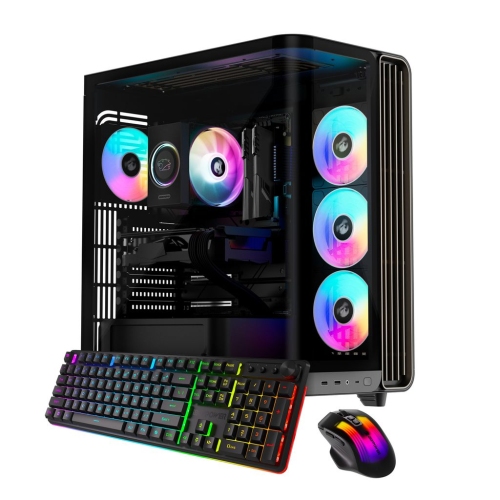
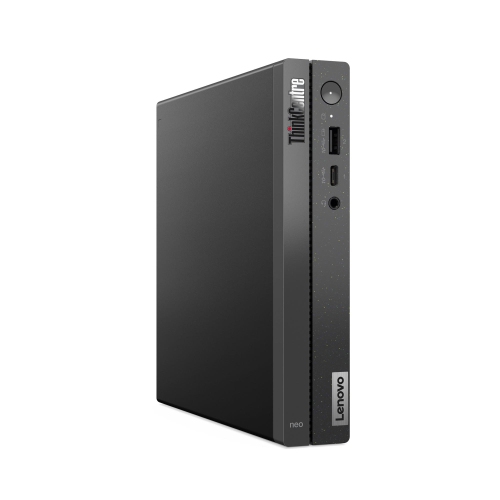
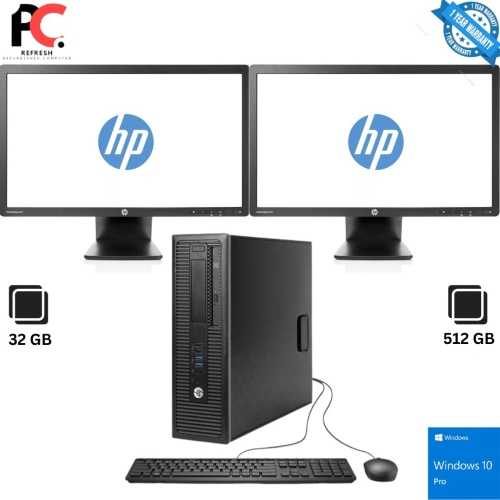
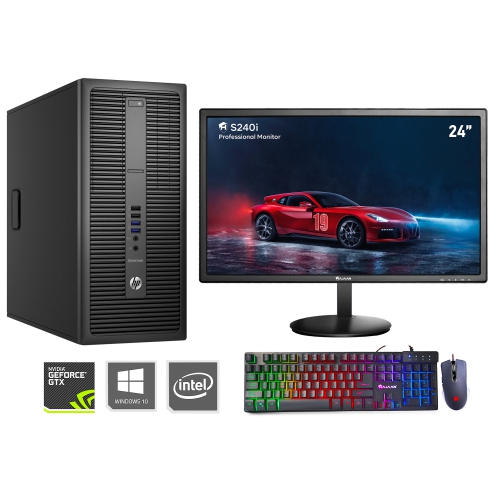
Desktop computers for photo editing bring processing power, working memory, and storage together in a setup built for detailed image work. They suit everything from organizing family photographs and restoring scanned prints to retouching portraits, preparing product photography, and processing large batches of RAW files. The most useful configuration depends on the size of those files, the complexity of the edits, and the software involved. A fast, modern processor helps keep adjustments responsive, while strong multi-core performance can shorten supported tasks such as batch exports and preview generation. Memory gives editing applications room to handle open images, adjustment layers, masks, and other active work. For many photo editing workflows, 16GB of RAM is a practical starting point; 32GB provides more headroom for high-resolution images, layered compositions, and several applications running together. Larger amounts can be useful for intricate panoramas or particularly demanding projects, although not every photographer needs that capacity. A solid-state drive, or SSD, makes a noticeable difference when opening applications, loading image libraries, and accessing temporary working files. A 1TB SSD offers a useful starting capacity for software and active projects, with additional storage often needed as a photo collection grows. Graphics performance matters, too, especially in applications that use GPU acceleration for noise reduction, masking, image enlargement, and other demanding effects. High-performance integrated graphics can support many everyday edits, while a capable dedicated graphics card can offer more headroom for supported GPU-intensive tools. Software requirements remain important because different applications use processors, graphics hardware, and memory differently. A portrait photographer refining skin texture across dozens of images may place different demands on a desktop than someone combining multiple exposures into a detailed landscape. Balanced specifications help avoid a situation where one strong component is held back by limited memory or a nearly full drive. The result is a workspace better suited to moving between close-up detail checks, broad tonal adjustments, and finished exports without unnecessary interruptions.
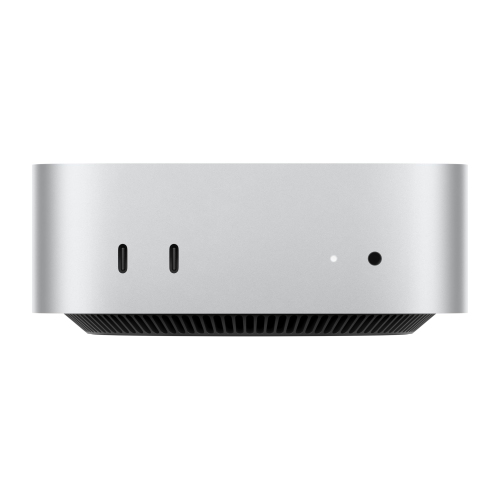
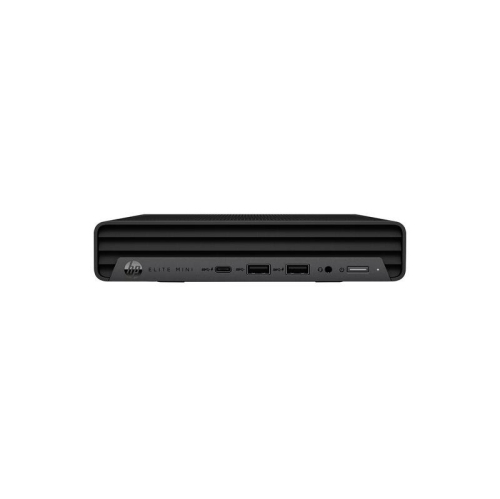
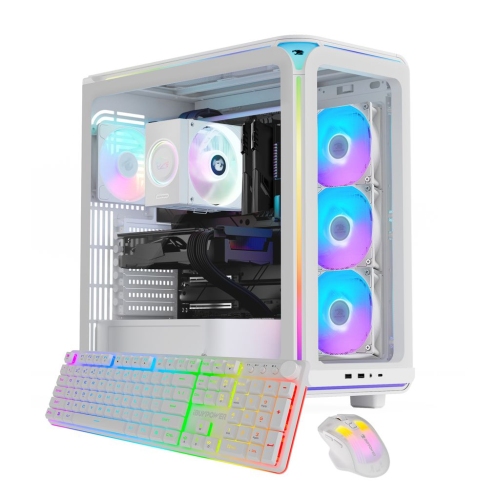
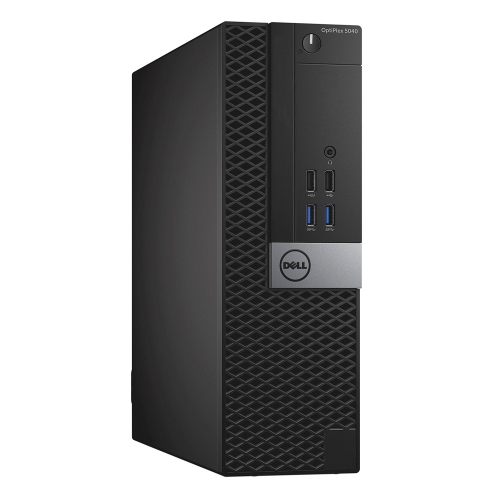
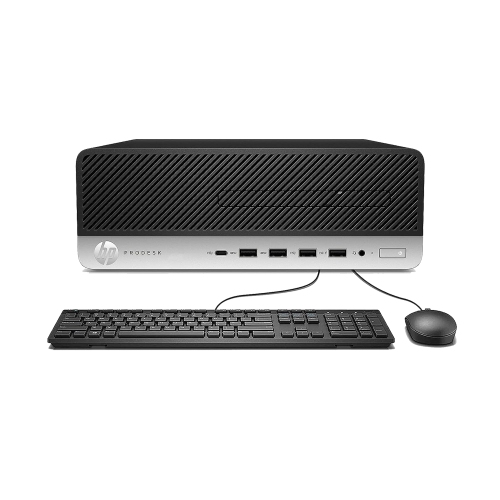
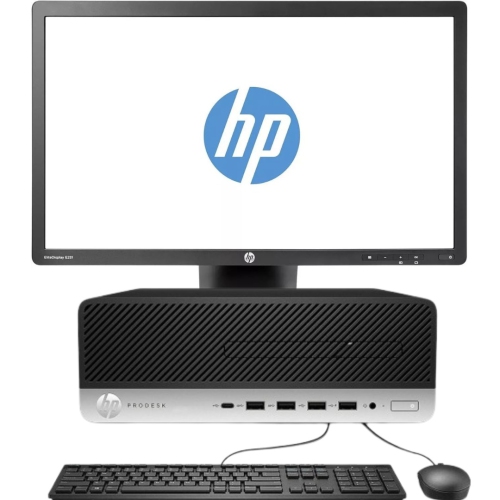
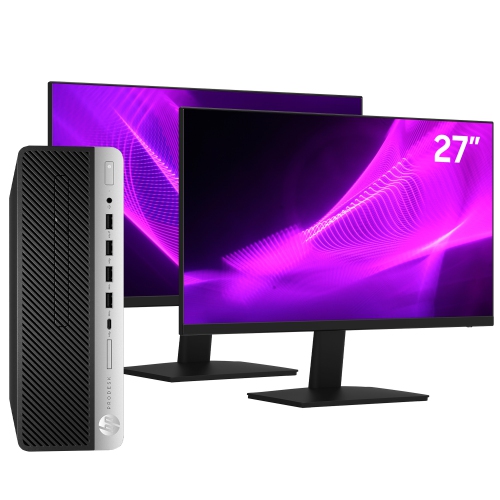
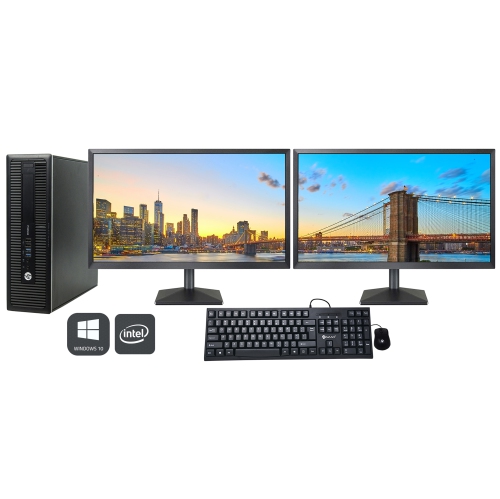
The physical design of a photo editing desktop shapes how it fits into a home office, shared study, or dedicated studio. Tower desktops generally offer more internal space for components and may provide options to add memory, storage, or graphics hardware, depending on their design. Compact desktops leave more room for a drawing tablet, card reader, and printed proofs, although internal expansion can be more limited. All-in-one desktops combine the computer and display in a single unit, creating a tidy arrangement with fewer separate pieces on the desk. That convenience makes the built-in screen particularly important, since its size, panel quality, and adjustment options become part of the overall editing experience. A separate desktop and monitor offer greater flexibility to choose a display independently or change it later. For photo editing, screen resolution affects how much detail and workspace are visible, but resolution alone does not establish colour accuracy. Colour gamut describes the range of colours a screen can show, while accuracy concerns how faithfully it displays them. Consistent brightness, good viewing angles, and support for calibration help when judging subtle skin tones, neutral greys, or shadow detail in dark fabric. A display with broad colour coverage can be useful for certain print workflows, while reliable coverage of the colour space used for web images matters for online portfolios and listings. Calibration and appropriate colour management help maintain consistency, though a screen and a finished print will not look identical under every viewing condition. A larger display can make side-by-side comparisons more comfortable, while a dual-monitor arrangement can separate the image canvas from folders, tool panels, and reference material. The desktop must support the intended number of displays at their required resolutions and refresh rates. Desk depth, monitor height, and space for a keyboard and pointing device also influence comfort during longer sessions. A setup that leaves room to sit naturally and view the full image without crowding the work surface can be as valuable in daily use as extra processing power.
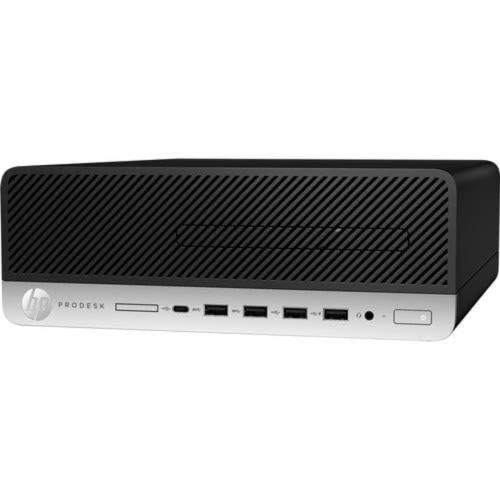
Storage and connections deserve attention because photography involves a steady movement of files between cameras, computers, working drives, and archives. Fast USB connections and compatible card readers can make large imports less disruptive, while conveniently positioned ports reduce the need to reach behind the computer repeatedly. Port shape alone does not indicate transfer speed or display support, so connection capabilities matter alongside the number of sockets. Wired networking can be useful for accessing shared storage, and Wi-Fi offers flexibility where running a network cable is impractical. An internal SSD is well suited to active editing, while additional internal or external drives can hold completed sessions and older libraries. Keeping free space on the working drive also gives applications room for caches and scratch files. An archive is not automatically a backup: photographs stored on only one drive remain vulnerable if that drive fails. Separate backup copies, including a copy kept away from the main computer, help protect original captures and finished work. Build quality and service access also affect long-term ownership. A sturdy chassis, secure connections, and a design with accessible components can make routine handling and future maintenance easier, although upgrade options vary considerably between desktop types. Clear ventilation openings and periodic dust removal, following the manufacturer's care directions, support dependable operation. Operating noise may also matter in a quiet room used for editing and client calls. For photography students, hobbyists, and working photographers, the right desktop supports both the creative task and the practical habits around it, from sorting an afternoon's photographs to delivering a polished client gallery. As a gift, a photo editing computer is best matched to the recipient's existing software, display, and accessories rather than chosen by specifications alone. Households that also use their desktop for games can explore Best Computers for Gaming and Photo Editing for overlapping uses. Across these different needs, a well-matched desktop provides a dependable place to organize, refine, and preserve photographs while leaving enough capacity for more ambitious work.
The physical design of a photo editing desktop shapes how it fits into a home office, shared study, or dedicated studio. Tower desktops generally offer more internal space for components and may provide options to add memory, storage, or graphics hardware, depending on their design. Compact desktops leave more room for a drawing tablet, card reader, and printed proofs, although internal expansion can be more limited. All-in-one desktops combine the computer and display in a single unit, creating a tidy arrangement with fewer separate pieces on the desk. That convenience makes the built-in screen particularly important, since its size, panel quality, and adjustment options become part of the overall editing experience. A separate desktop and monitor offer greater flexibility to choose a display independently or change it later. For photo editing, screen resolution affects how much detail and workspace are visible, but resolution alone does not establish colour accuracy. Colour gamut describes the range of colours a screen can show, while accuracy concerns how faithfully it displays them. Consistent brightness, good viewing angles, and support for calibration help when judging subtle skin tones, neutral greys, or shadow detail in dark fabric. A display with broad colour coverage can be useful for certain print workflows, while reliable coverage of the colour space used for web images matters for online portfolios and listings. Calibration and appropriate colour management help maintain consistency, though a screen and a finished print will not look identical under every viewing condition. A larger display can make side-by-side comparisons more comfortable, while a dual-monitor arrangement can separate the image canvas from folders, tool panels, and reference material. The desktop must support the intended number of displays at their required resolutions and refresh rates. Desk depth, monitor height, and space for a keyboard and pointing device also influence comfort during longer sessions. A setup that leaves room to sit naturally and view the full image without crowding the work surface can be as valuable in daily use as extra processing power.
Storage and connections deserve attention because photography involves a steady movement of files between cameras, computers, working drives, and archives. Fast USB connections and compatible card readers can make large imports less disruptive, while conveniently positioned ports reduce the need to reach behind the computer repeatedly. Port shape alone does not indicate transfer speed or display support, so connection capabilities matter alongside the number of sockets. Wired networking can be useful for accessing shared storage, and Wi-Fi offers flexibility where running a network cable is impractical. An internal SSD is well suited to active editing, while additional internal or external drives can hold completed sessions and older libraries. Keeping free space on the working drive also gives applications room for caches and scratch files. An archive is not automatically a backup: photographs stored on only one drive remain vulnerable if that drive fails. Separate backup copies, including a copy kept away from the main computer, help protect original captures and finished work. Build quality and service access also affect long-term ownership. A sturdy chassis, secure connections, and a design with accessible components can make routine handling and future maintenance easier, although upgrade options vary considerably between desktop types. Clear ventilation openings and periodic dust removal, following the manufacturer's care directions, support dependable operation. Operating noise may also matter in a quiet room used for editing and client calls. For photography students, hobbyists, and working photographers, the right desktop supports both the creative task and the practical habits around it, from sorting an afternoon's photographs to delivering a polished client gallery. As a gift, a photo editing computer is best matched to the recipient's existing software, display, and accessories rather than chosen by specifications alone. Households that also use their desktop for games can explore Best Computers for Gaming and Photo Editing for overlapping uses. Across these different needs, a well-matched desktop provides a dependable place to organize, refine, and preserve photographs while leaving enough capacity for more ambitious work.
Top selling and popular products
-
 Your price for this item is $1599
 -
 Your price for this item is $1629.79
 -
 Your price for this item is $1999.99
 -
 Your price for this item is $1459.79
 -
 Your price for this item is $879
 -
 Your price for this item is $1199.99
 -
 Your price for this item is $1839
 -
 Your price for this item is $879
Discover more categories related to Desktop Computers for Photo Editing

Top Collections:
Pokemon Centers, Kindle Devices, Best Budget Office Chairs, Apple iPhones 16, Best Laptops for Writers, iPhone 15 Apple, Canon G7X Cameras, Refurbished Apple Laptops, Alarm Clock, Motorola Razr Phones
Some products may be subject to Environmental Handling Fees
(EHF) depending on your province.
Learn more about EHFs.