Desktop Gaming Setups
Elevate your gaming experience with our collection of desktop gaming setups designed to take your gameplay to the next level. Whether you're a casual gamer or a hardcore enthusiast, we have everything you need to create the ultimate gaming station right in the comfort of your own home. From high-performance gaming PCs and ergonomic chairs to immersive monitors and customizable accessories, we've curated a selection of top-notch products to enhance your gaming setup and help you dominate the virtual battlefield with style and precision.
Sort
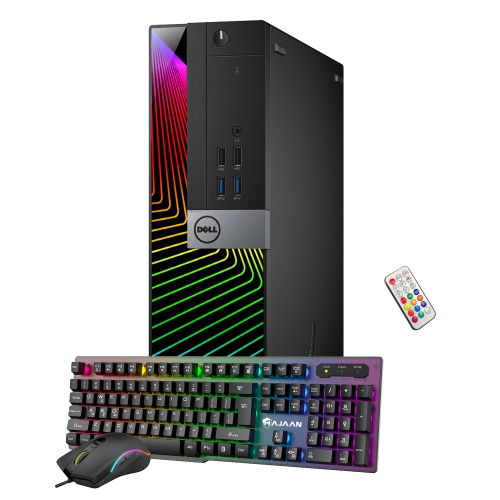
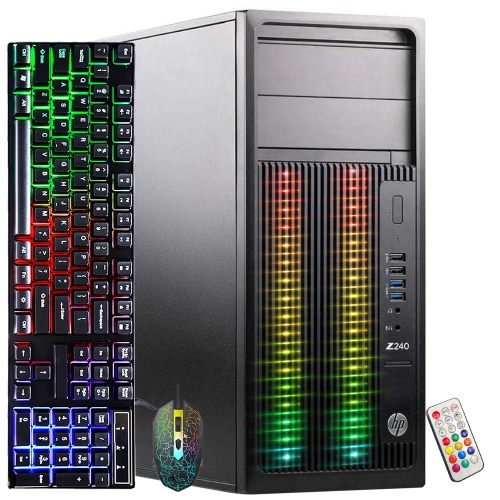
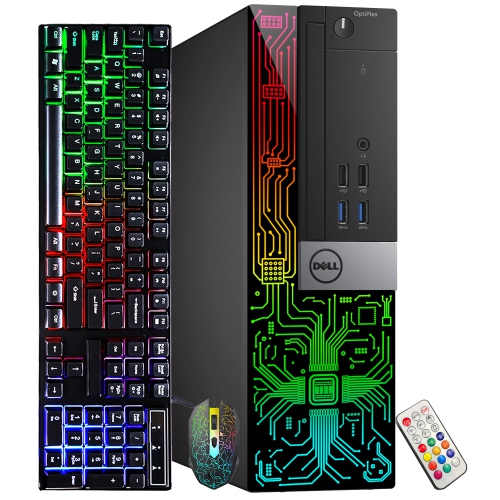
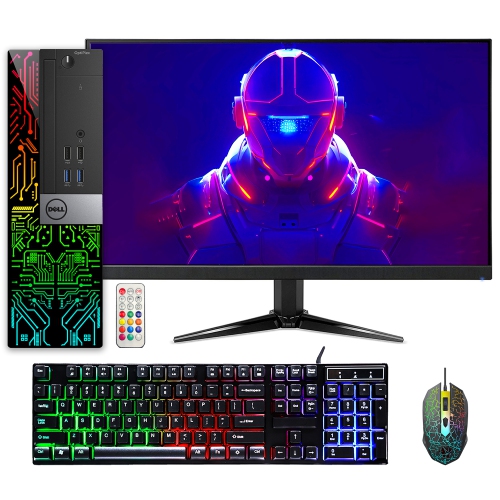

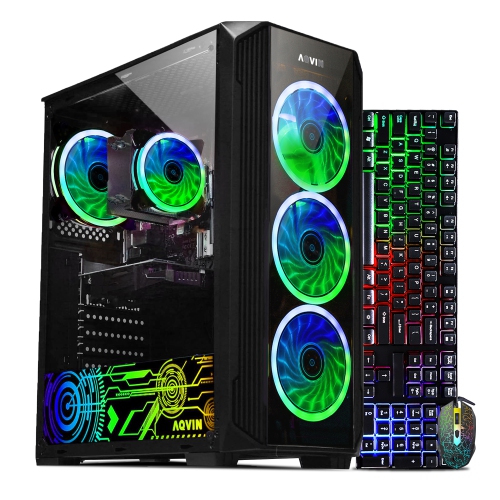
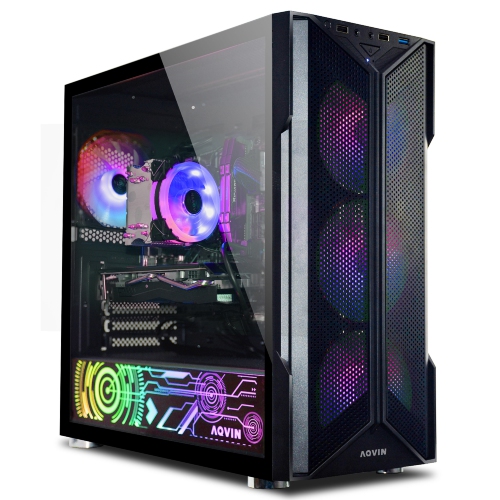
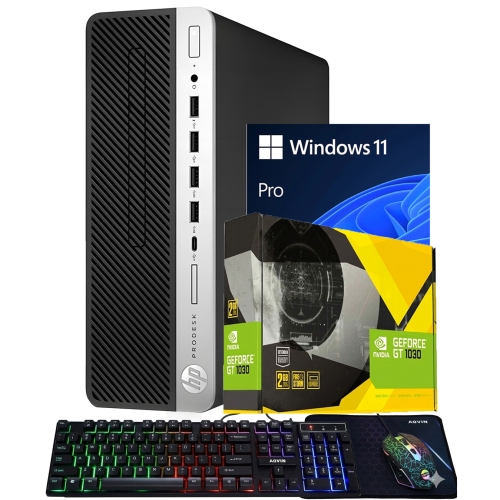
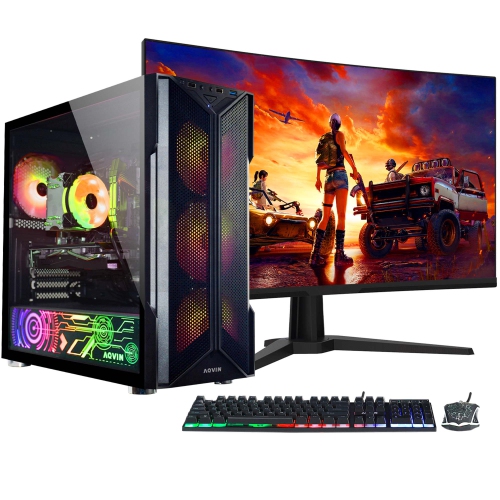
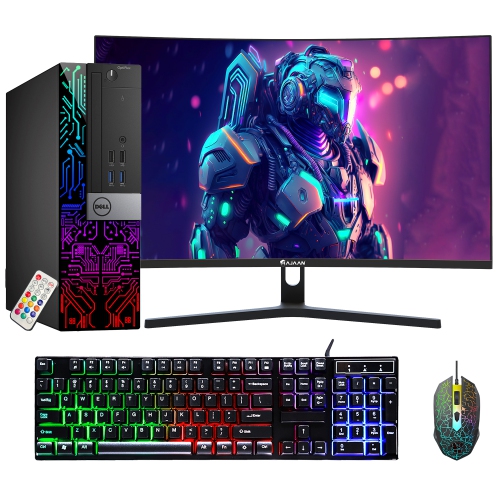
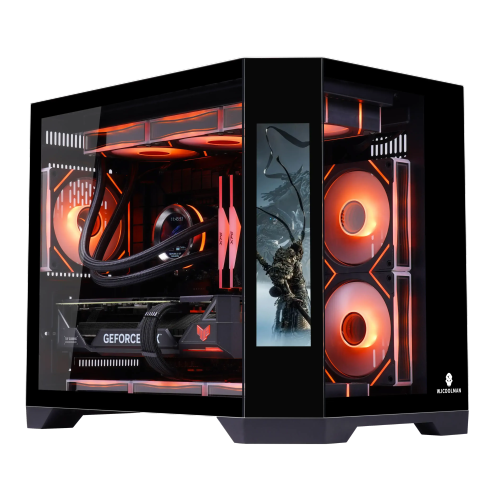
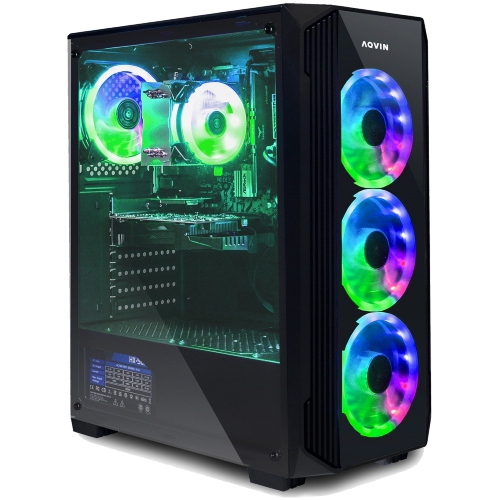
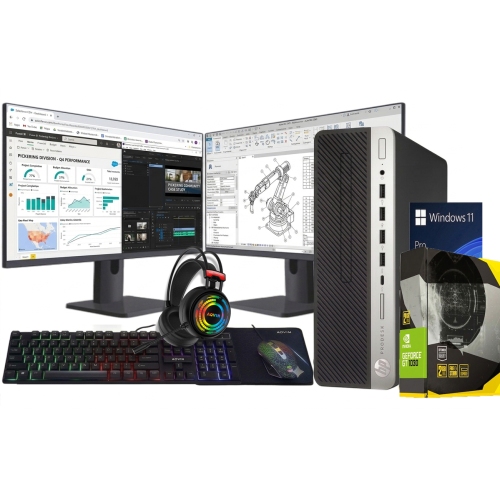
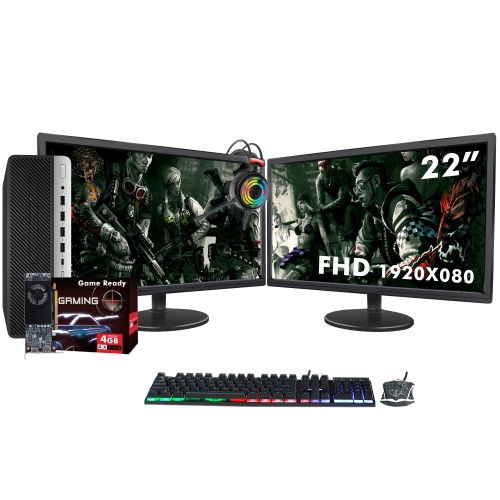
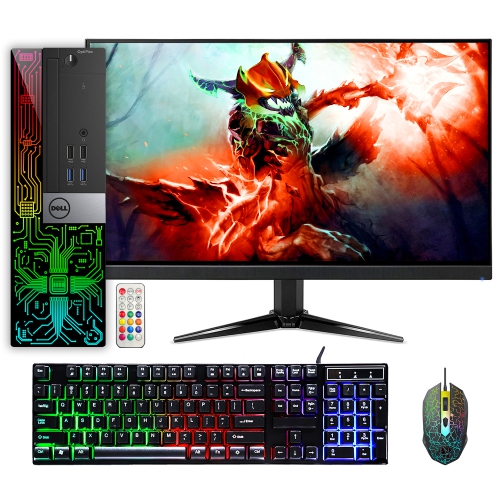
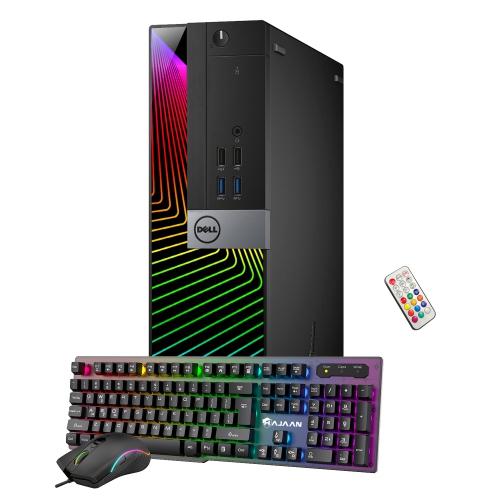
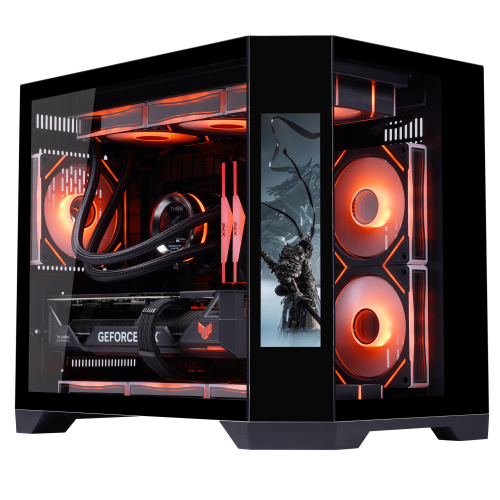
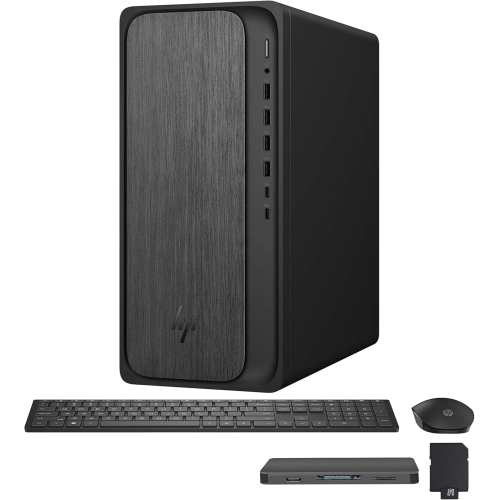
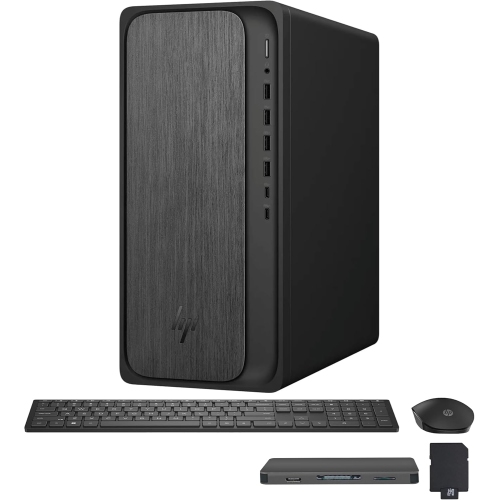
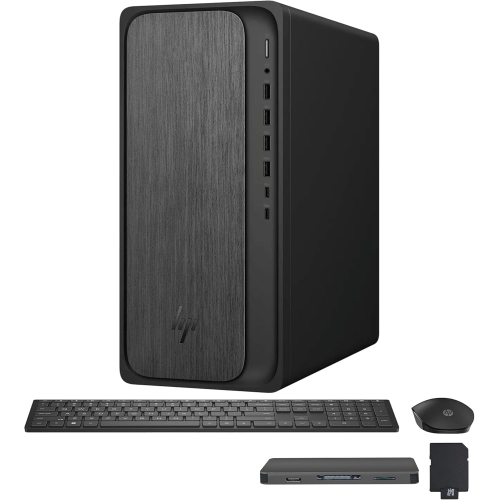
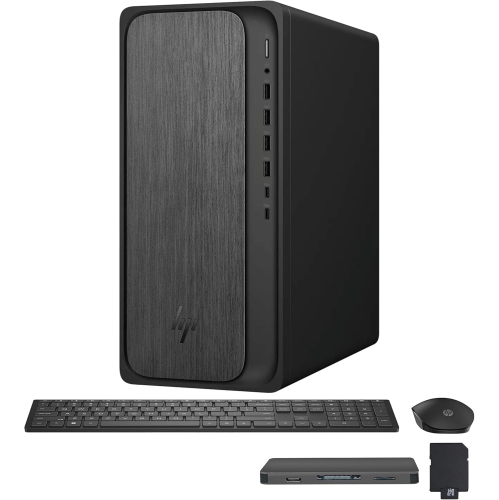
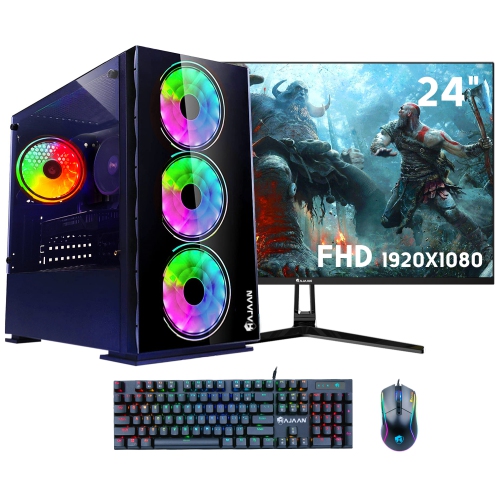
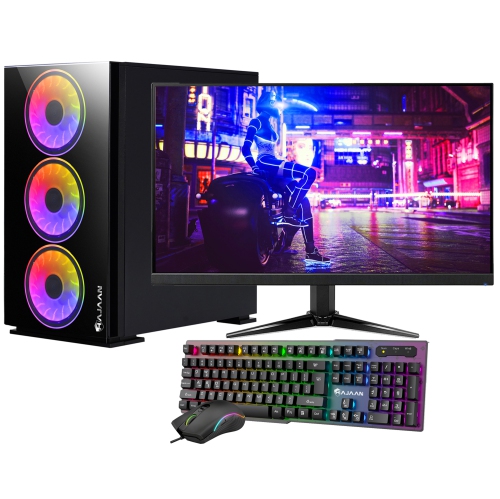
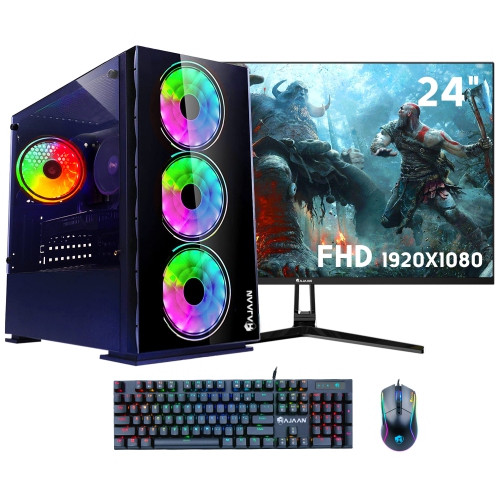
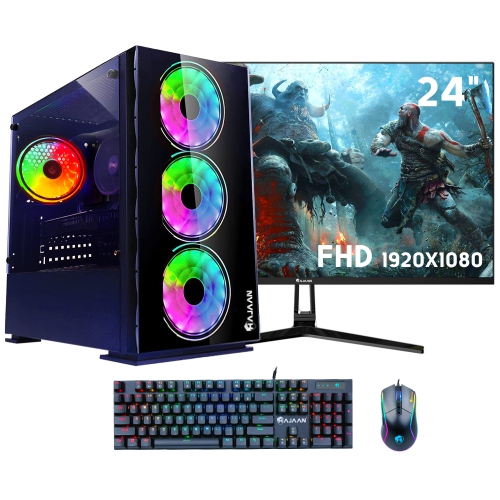

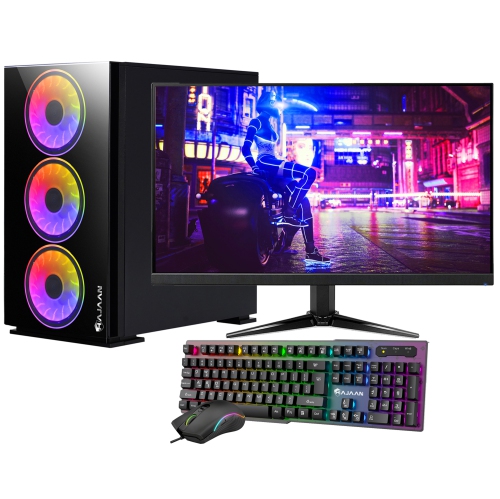
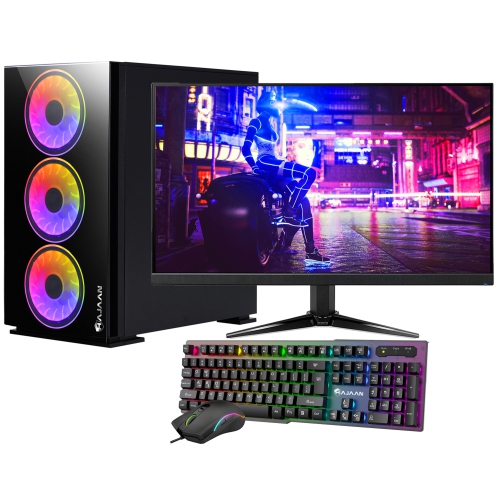
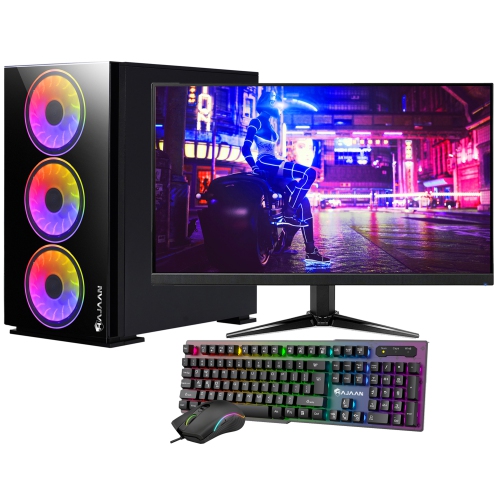
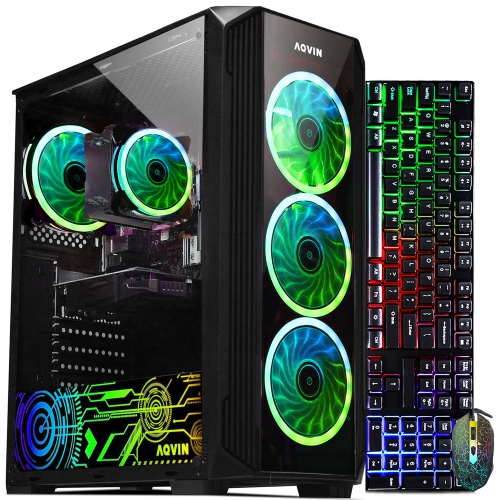
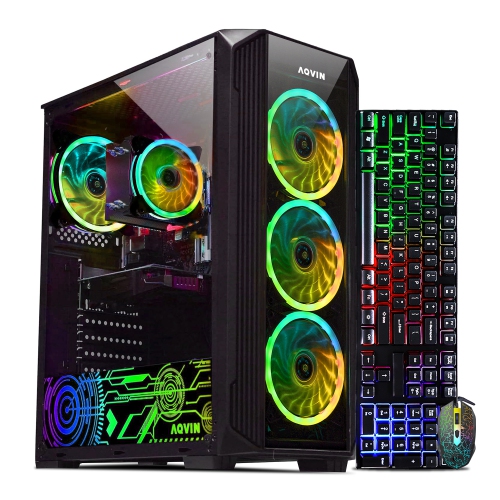
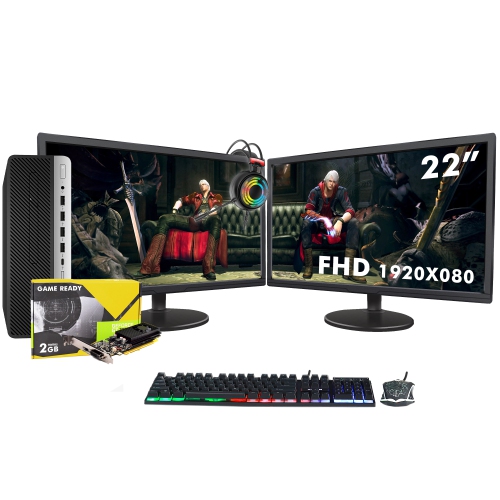
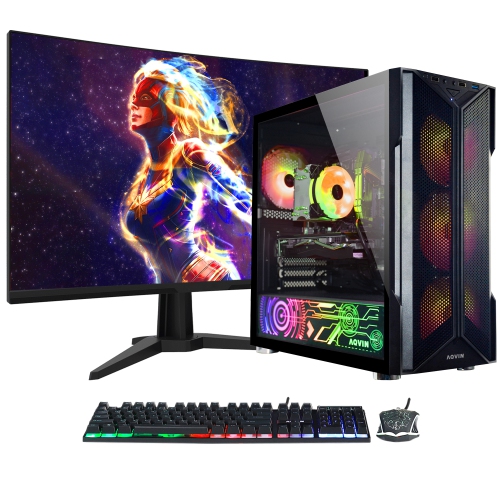
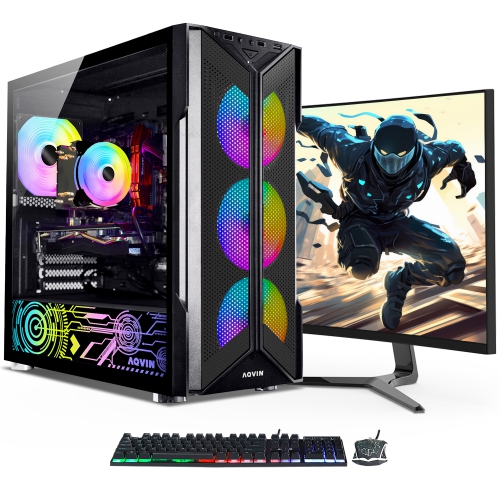
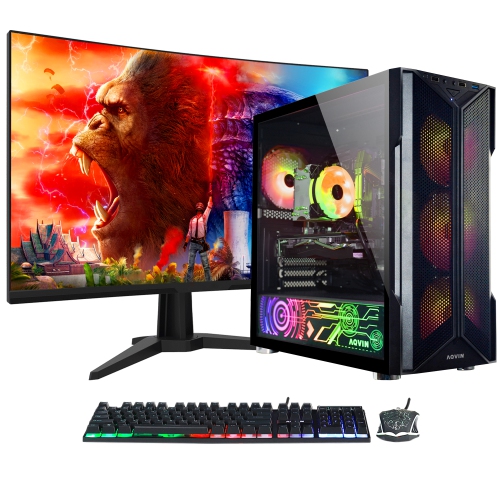
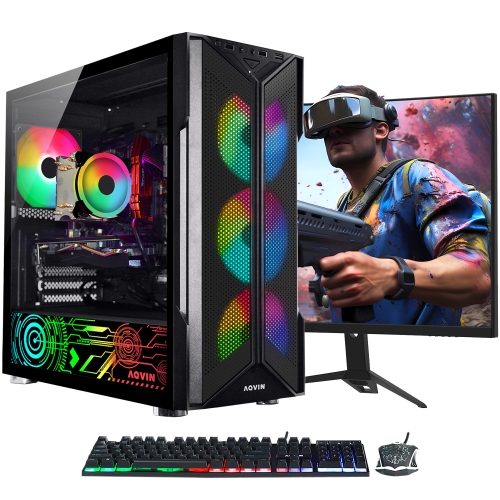
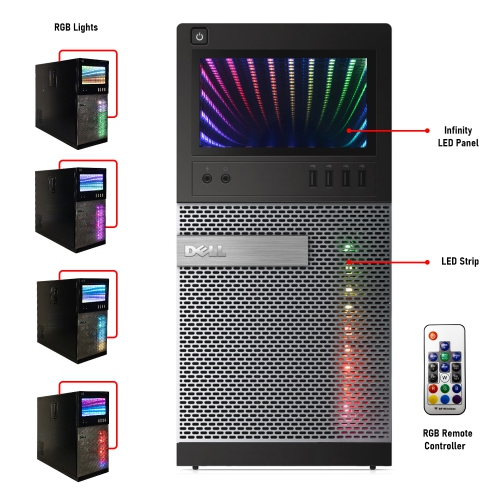
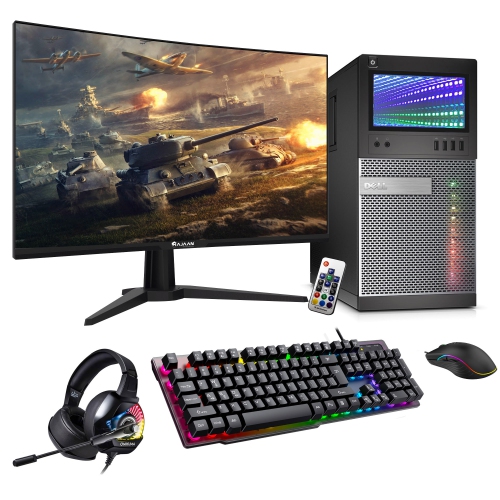
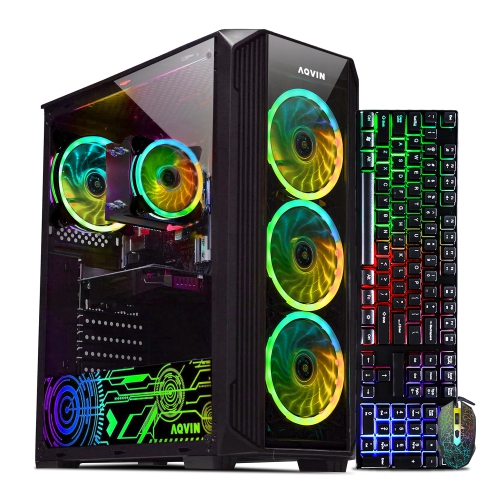
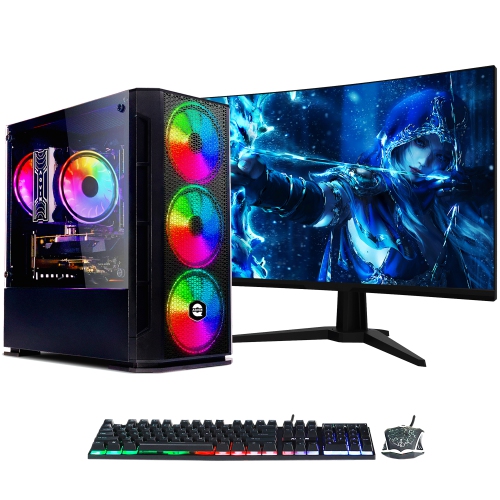
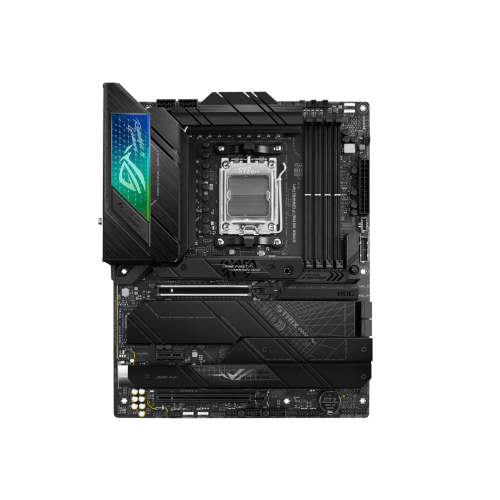
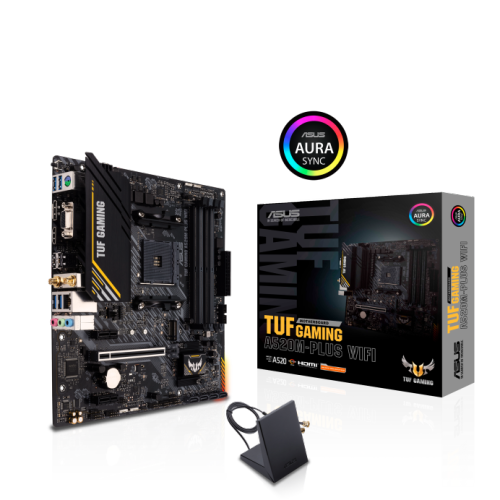
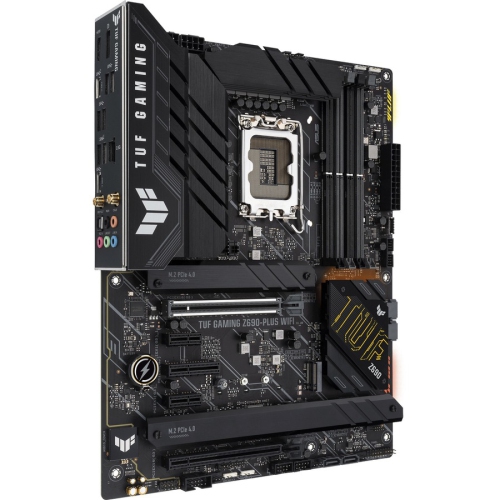
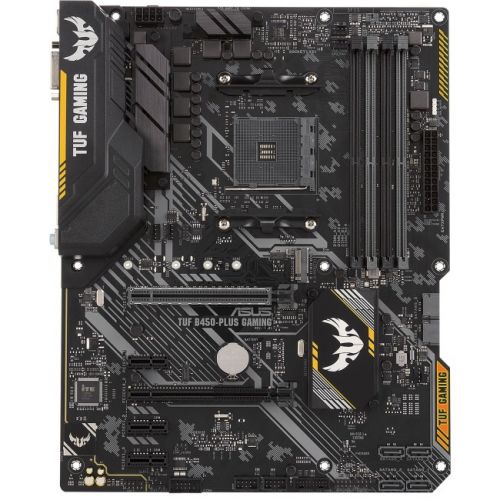

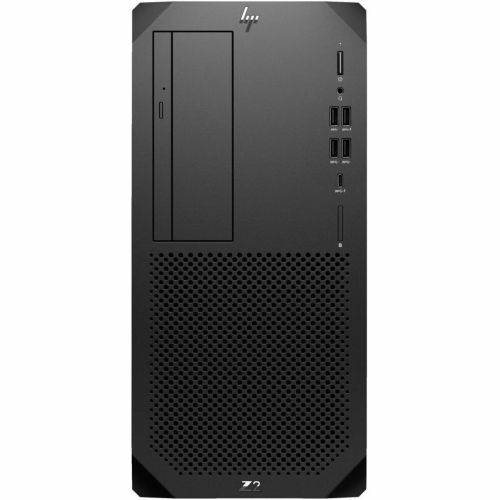
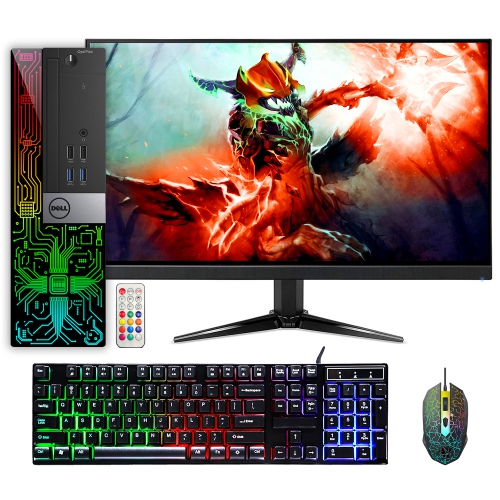
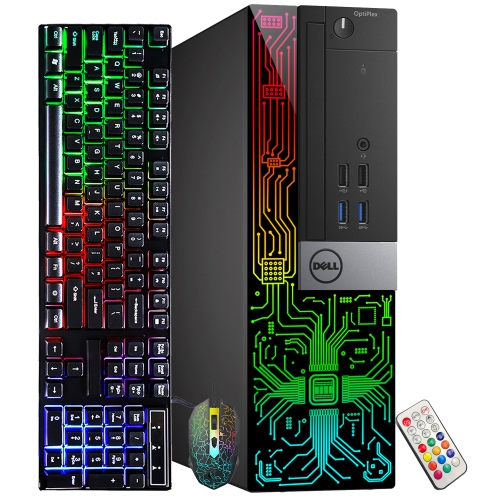
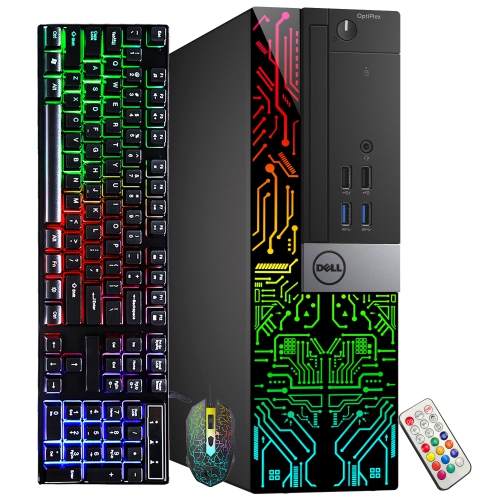
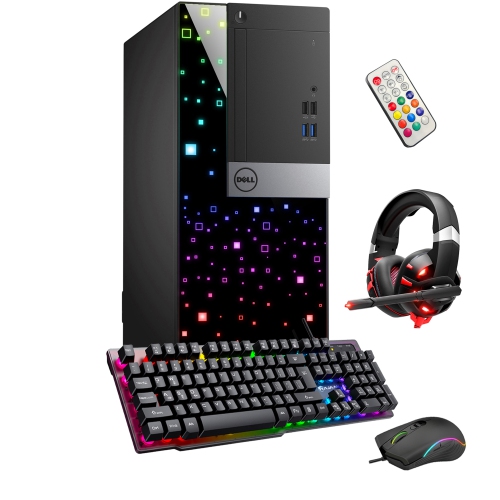
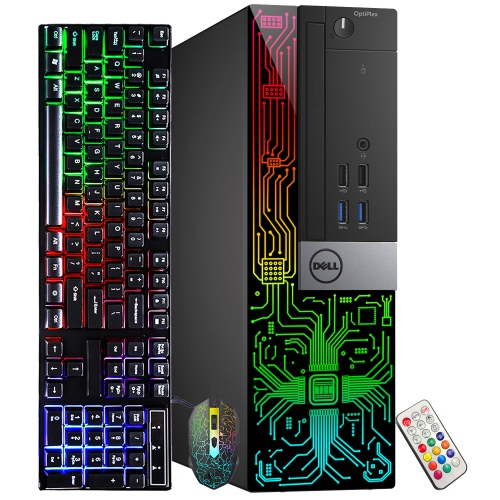
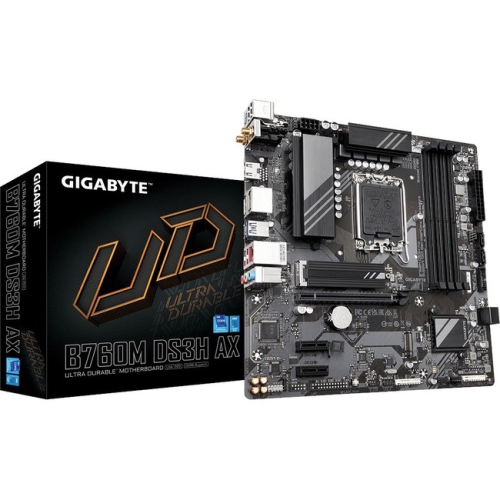
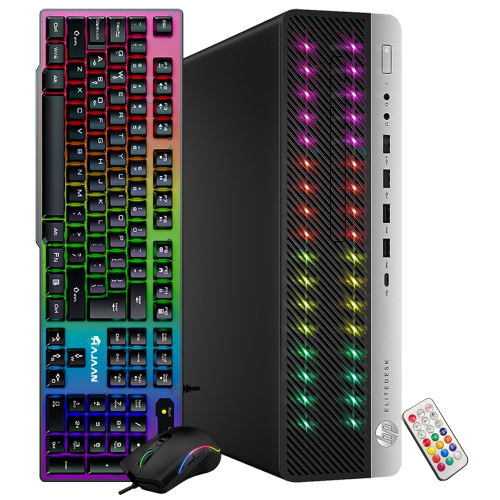
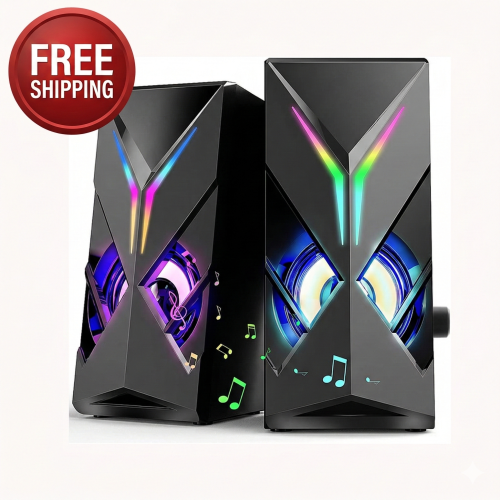
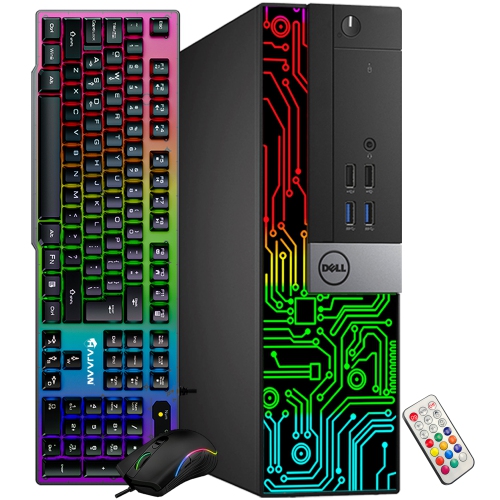
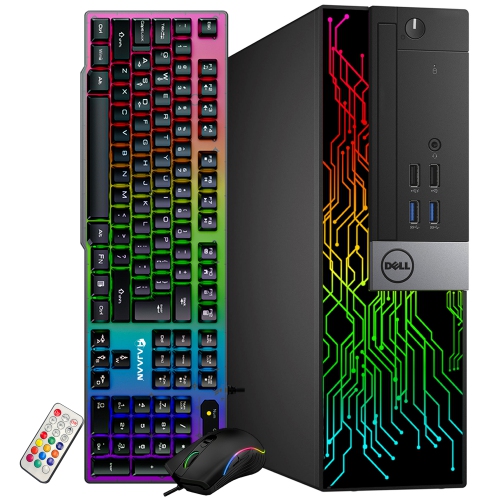
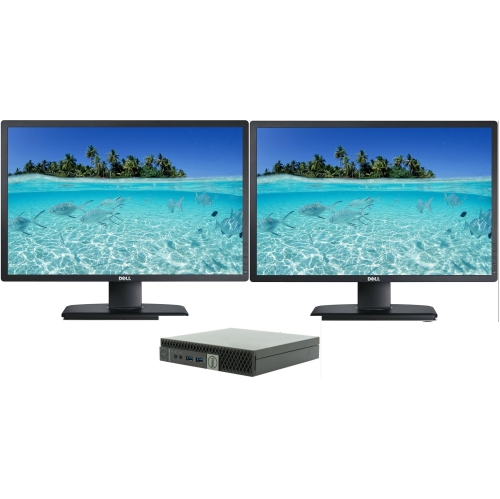

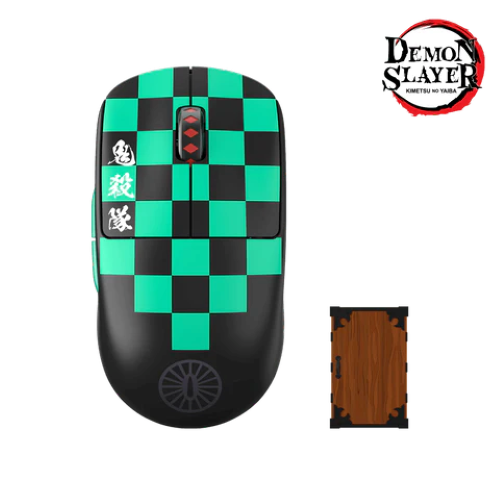
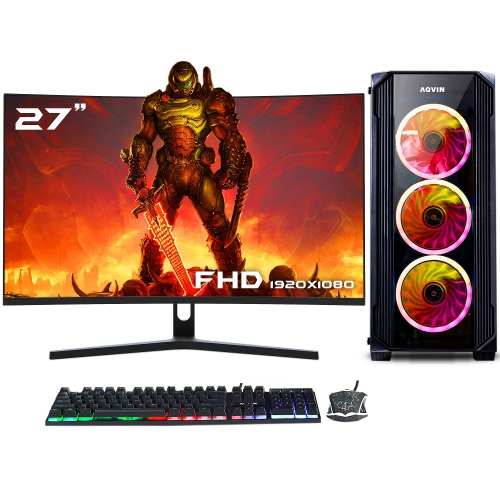

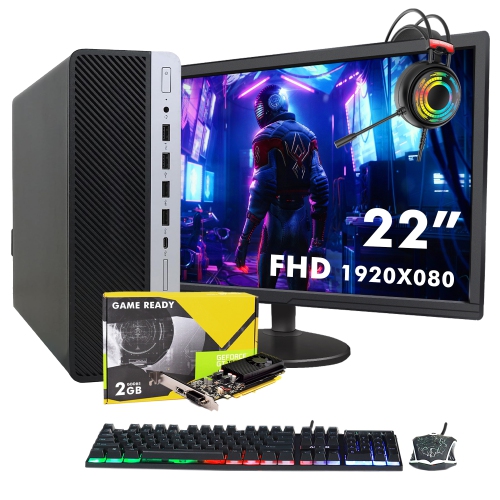
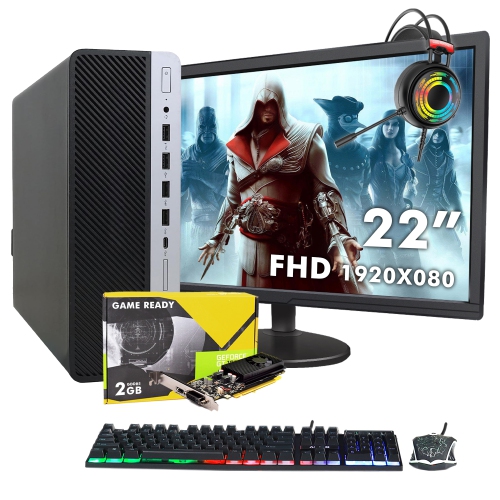
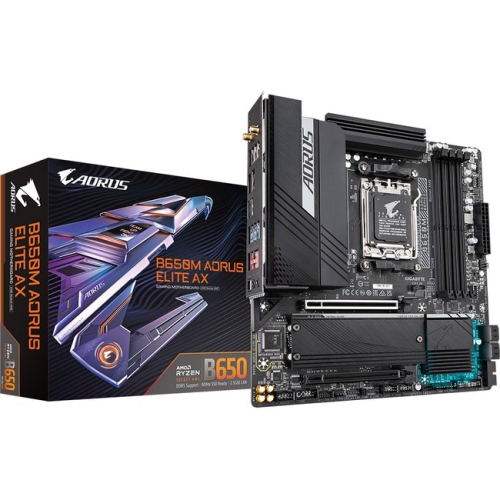
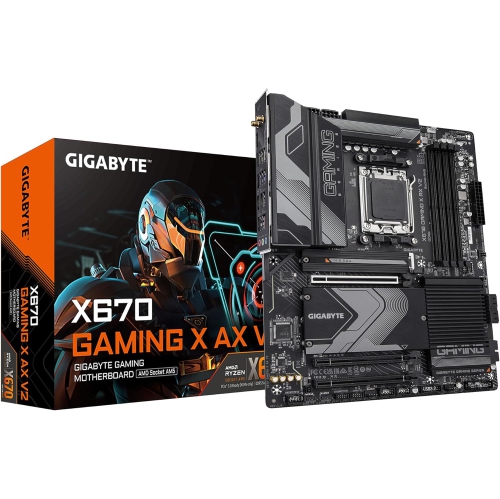
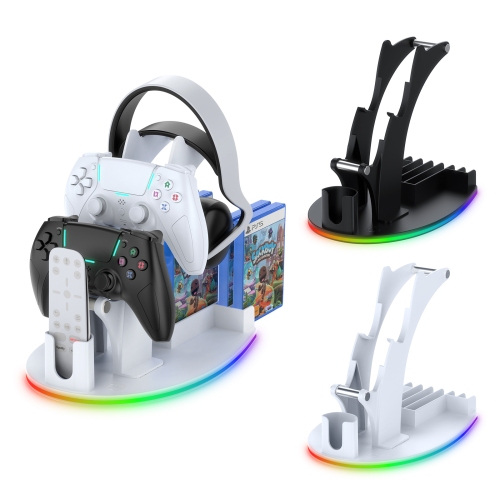
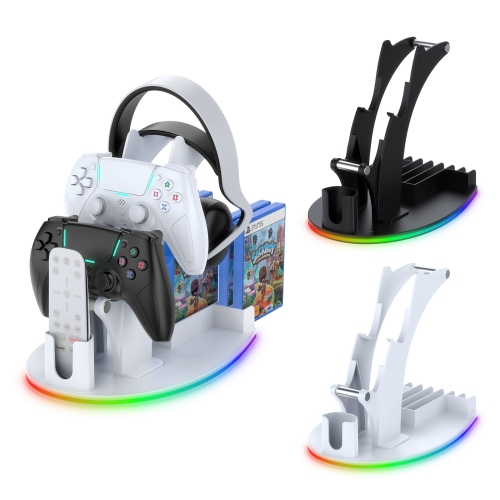


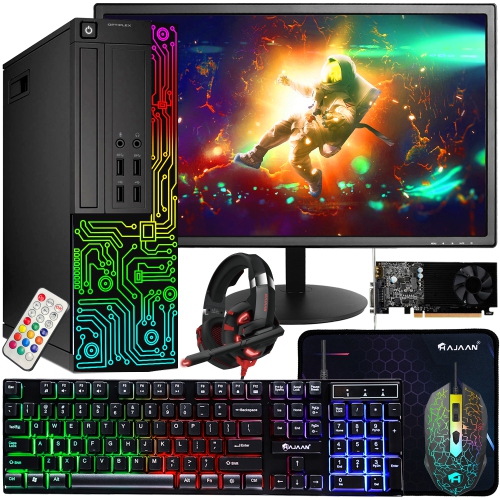
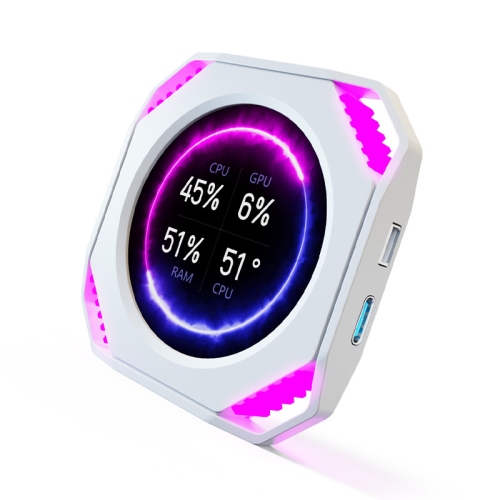
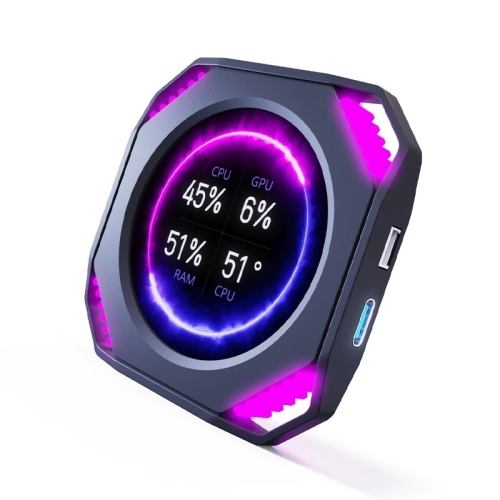
Performance, comfort, and personality for every gaming session
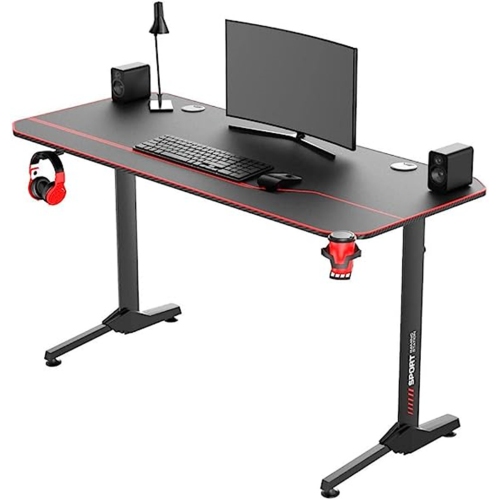
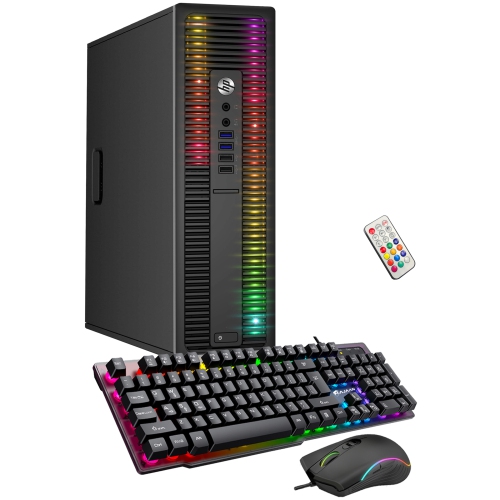
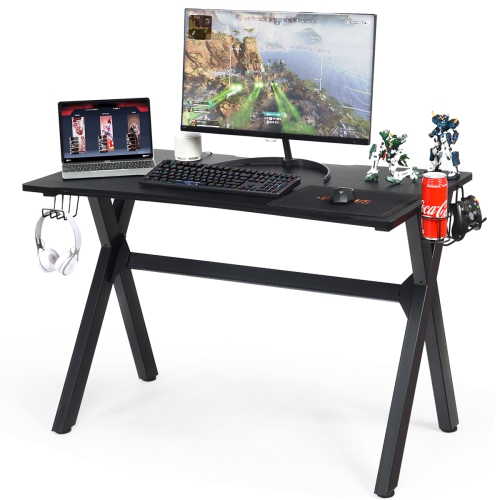
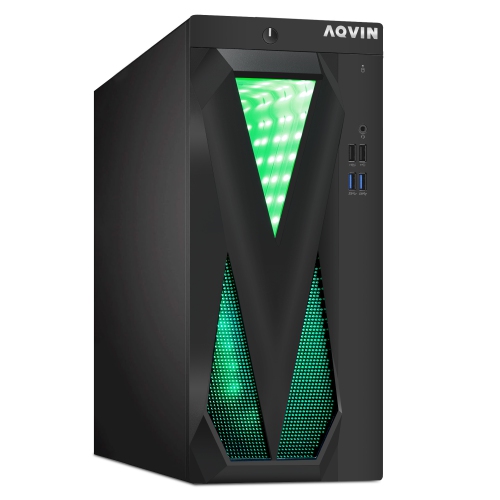
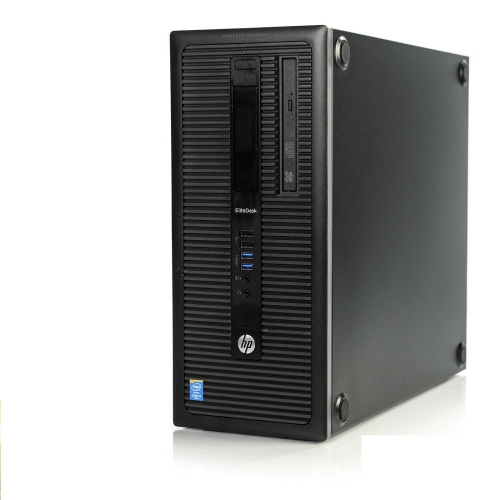
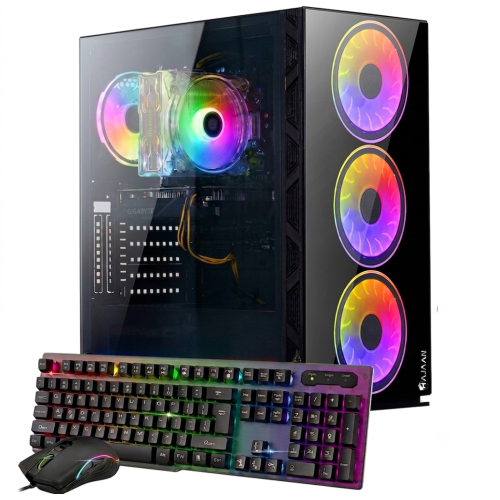
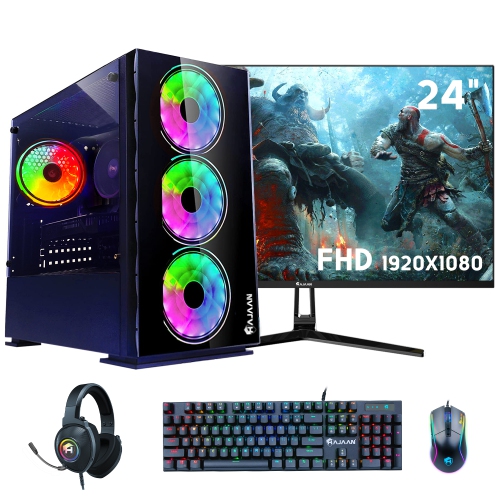
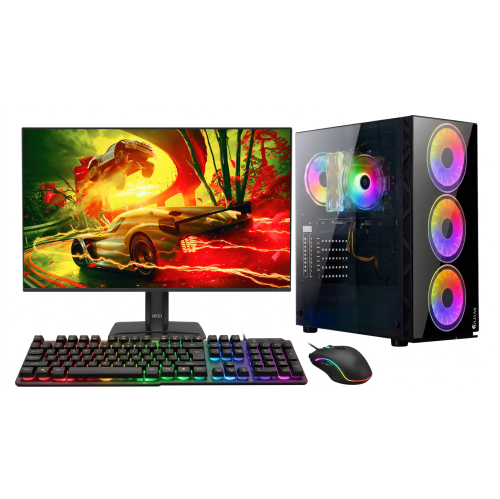
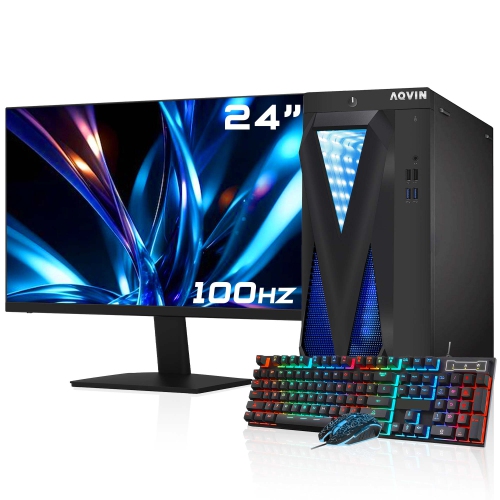
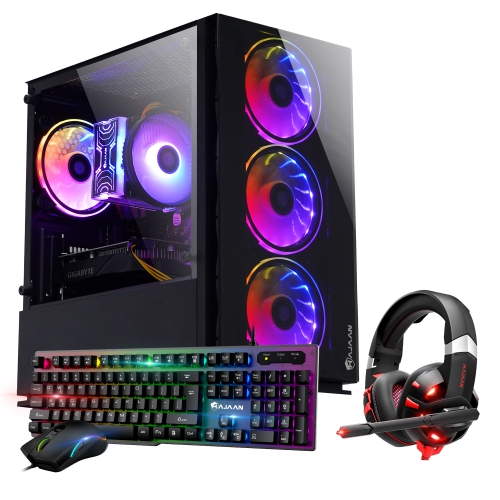
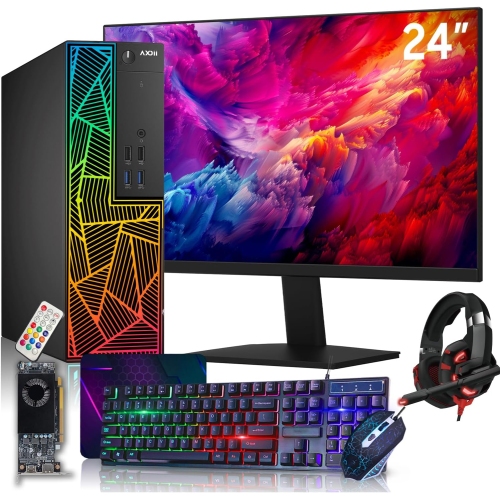
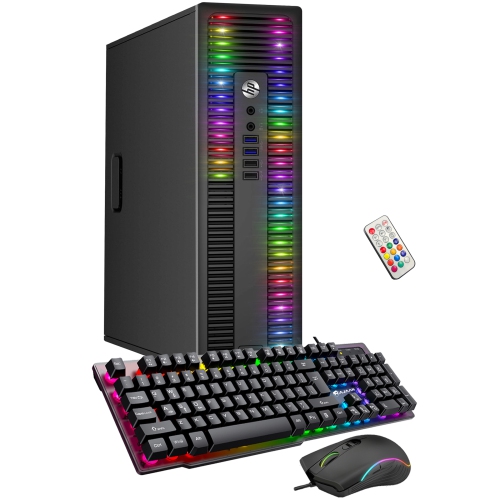
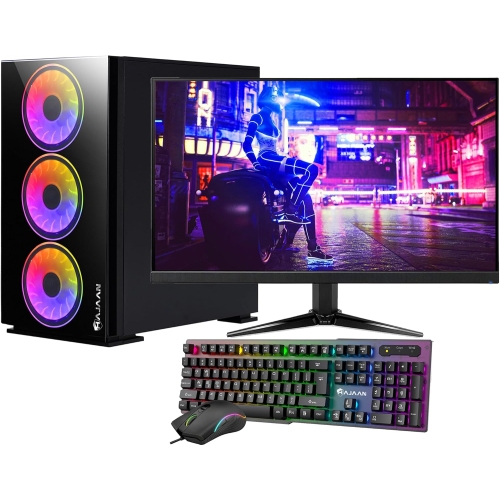
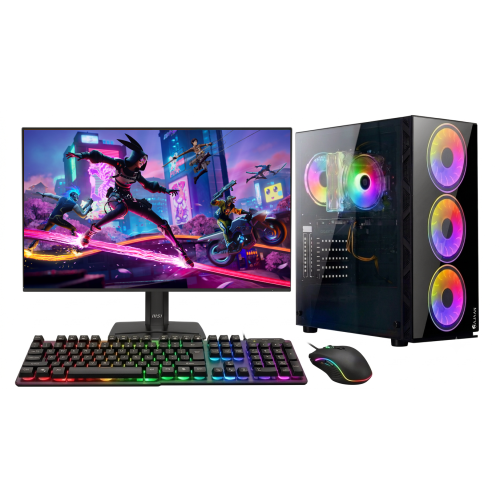
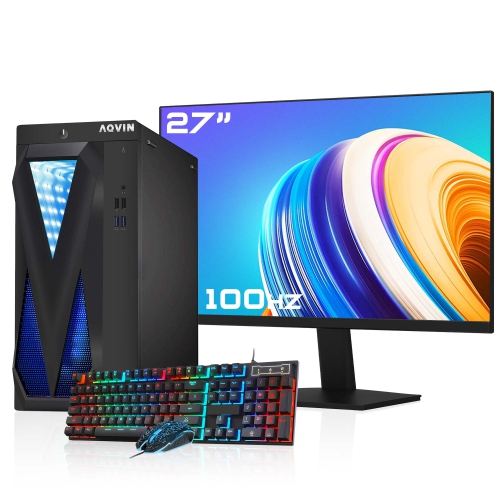
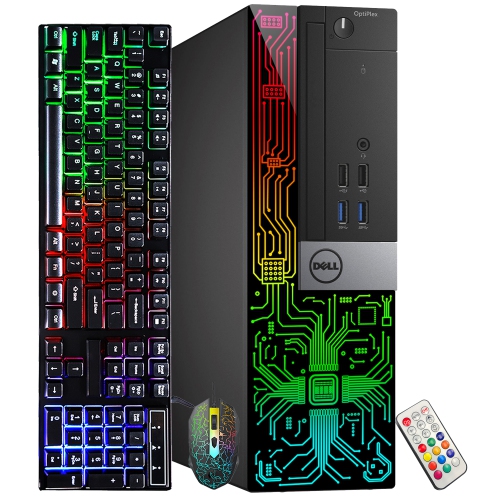
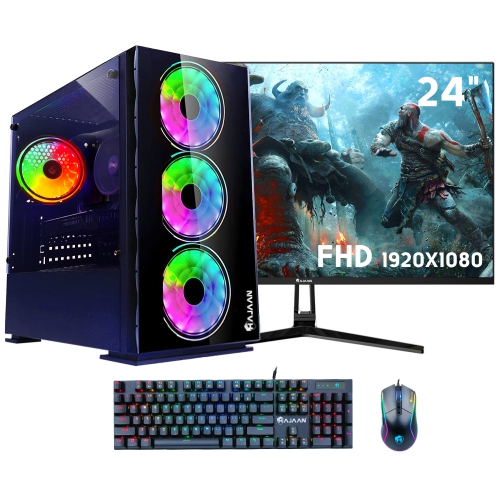
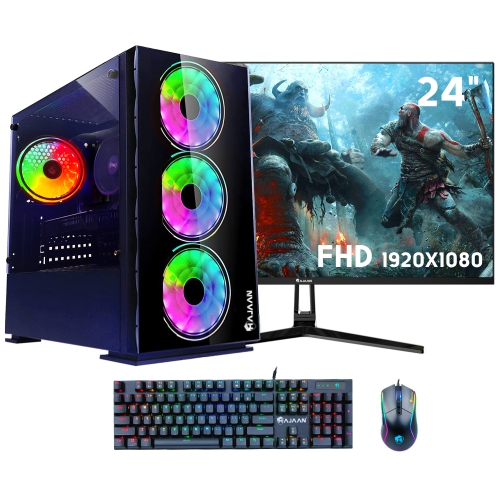
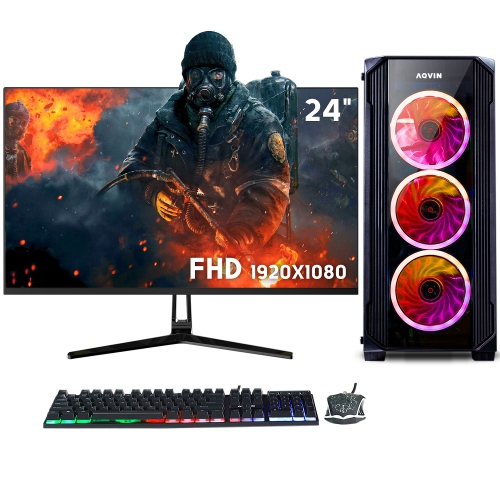
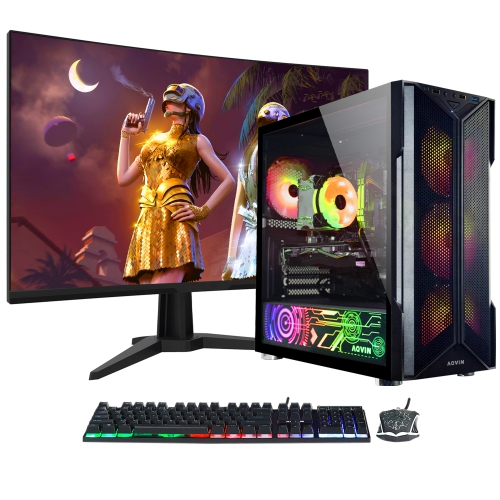
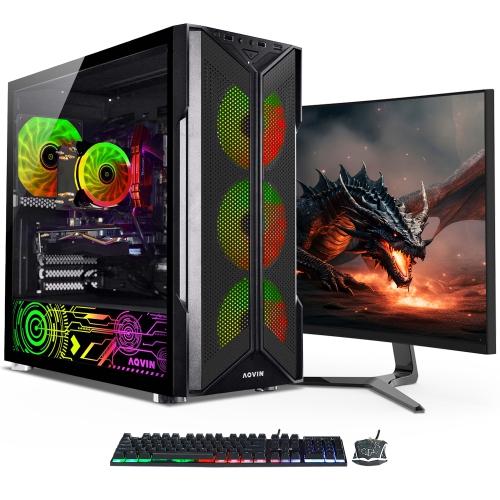
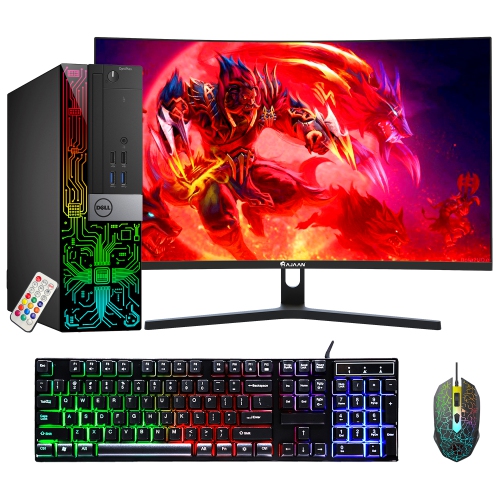
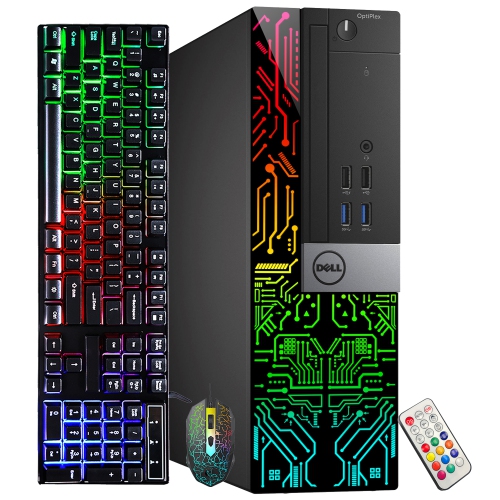
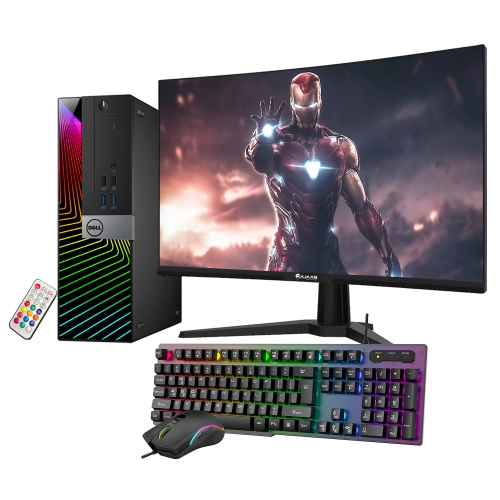
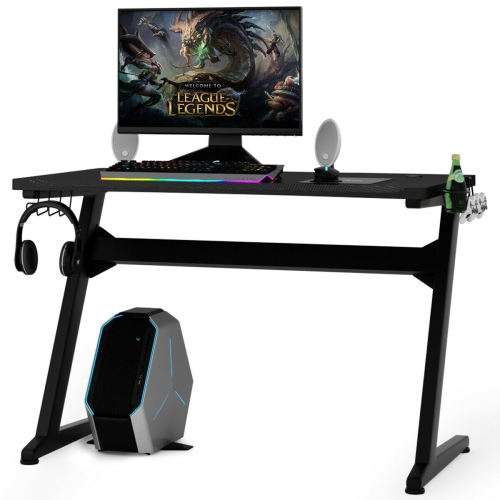
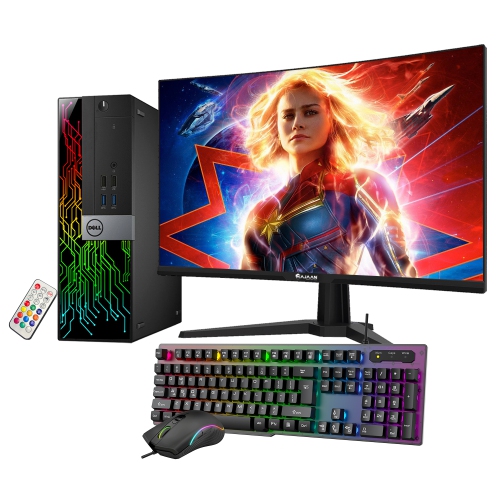
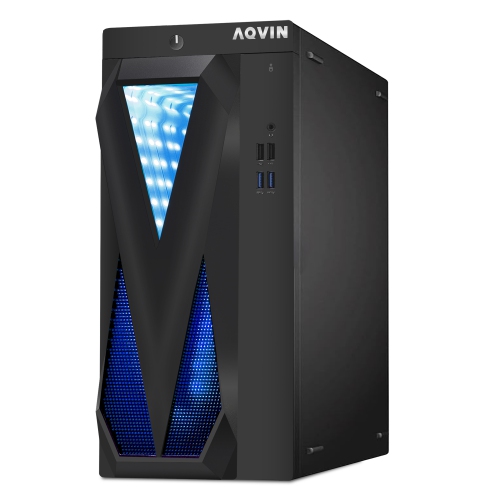
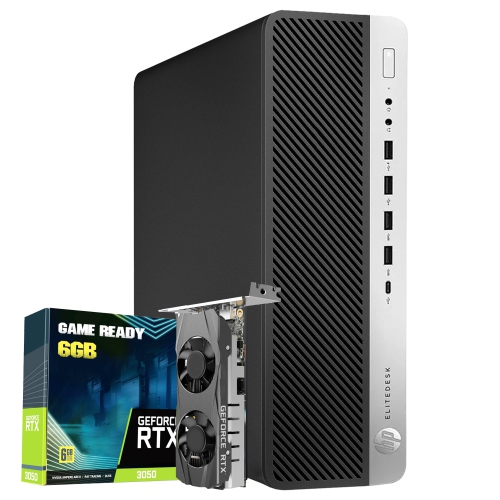
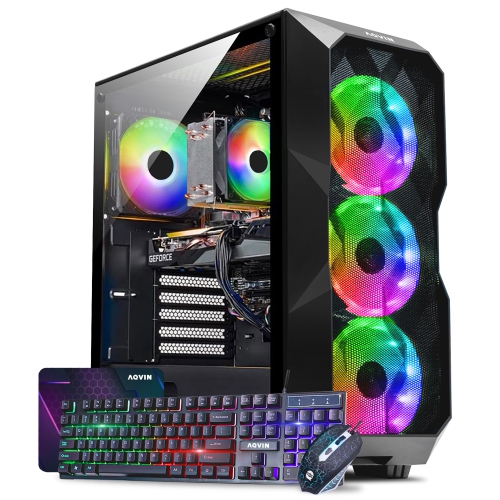
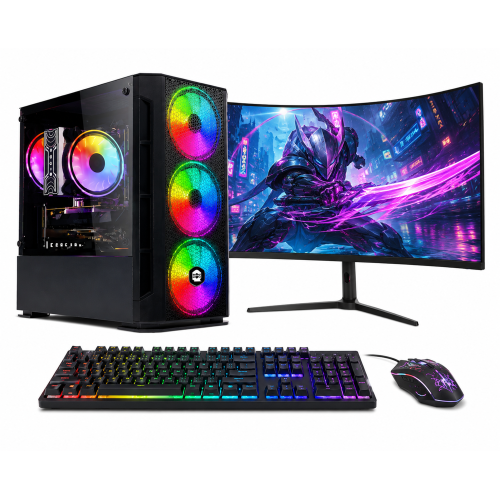
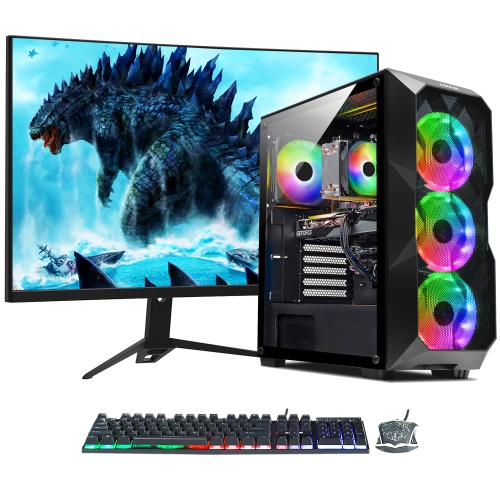
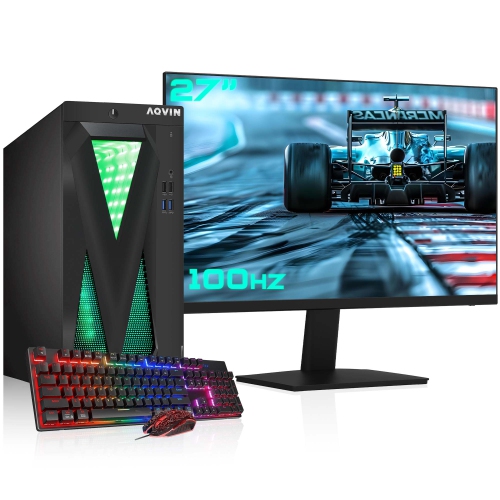
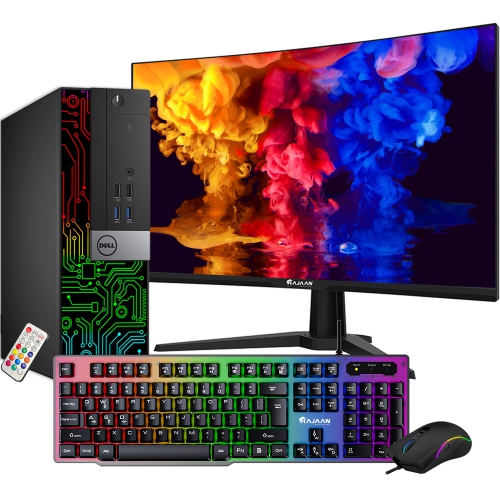
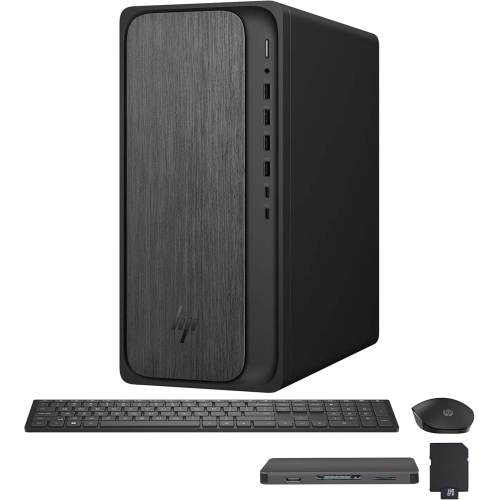
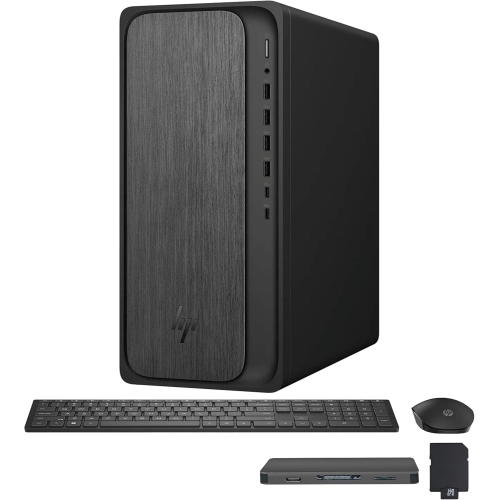
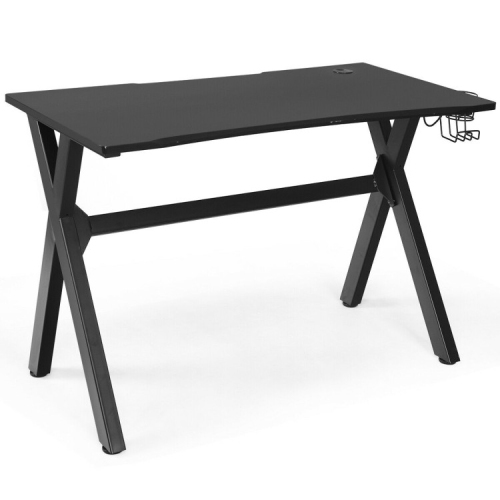
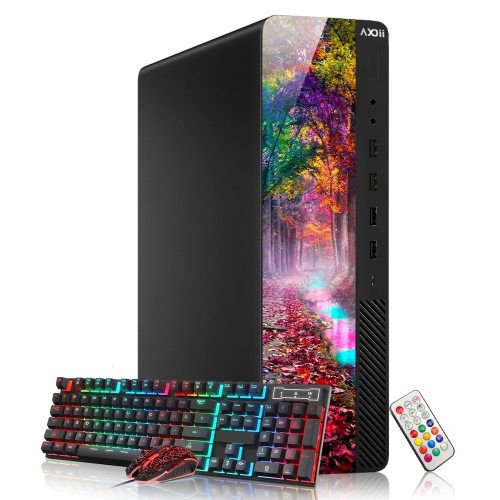
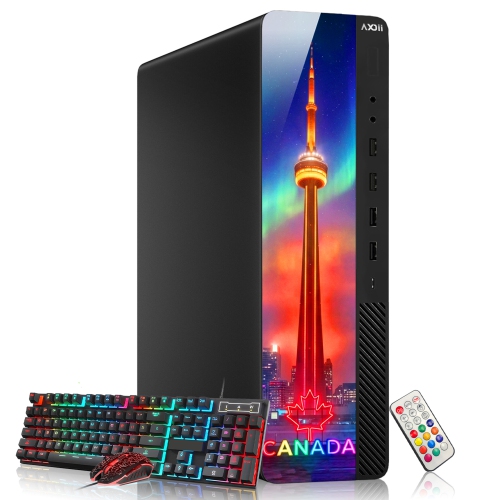
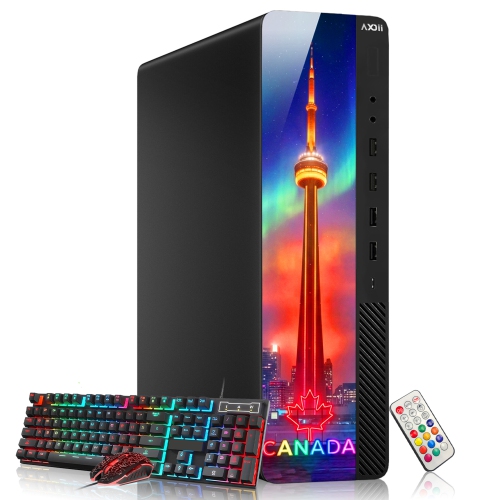
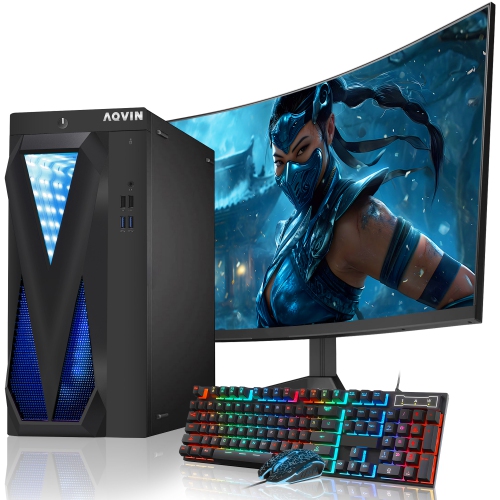
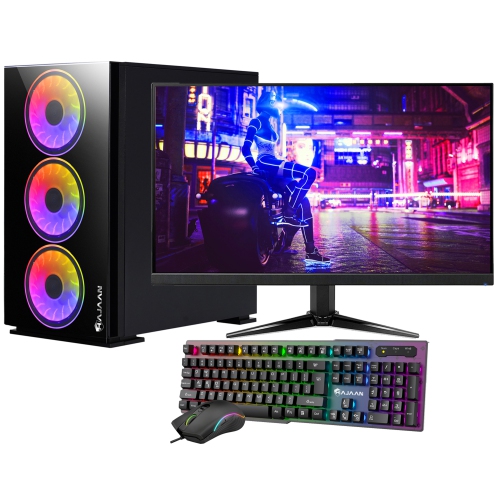
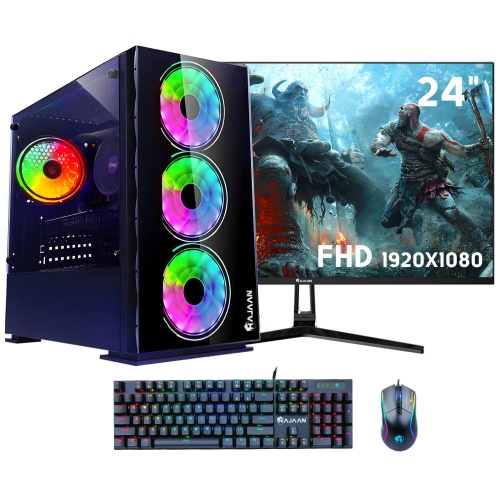
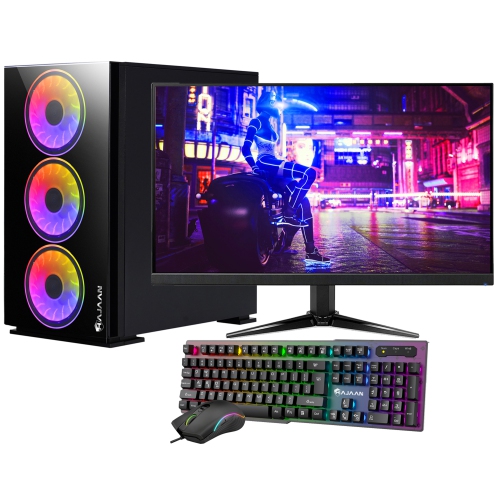
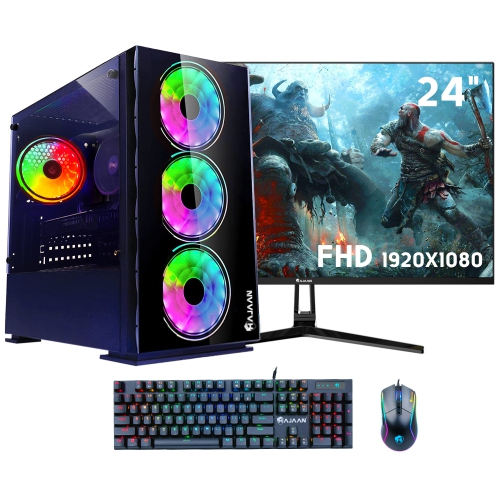
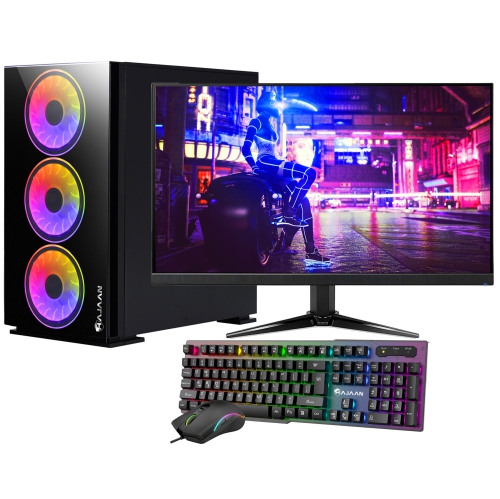
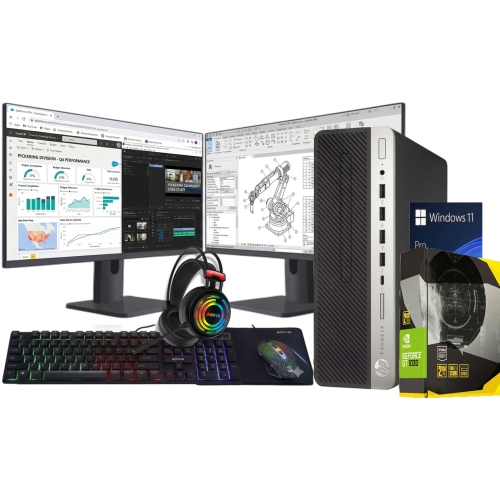
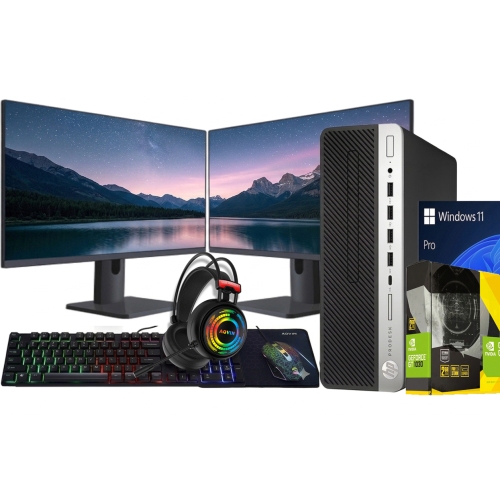
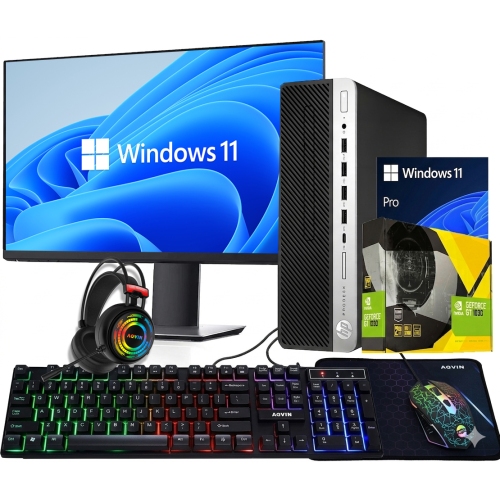
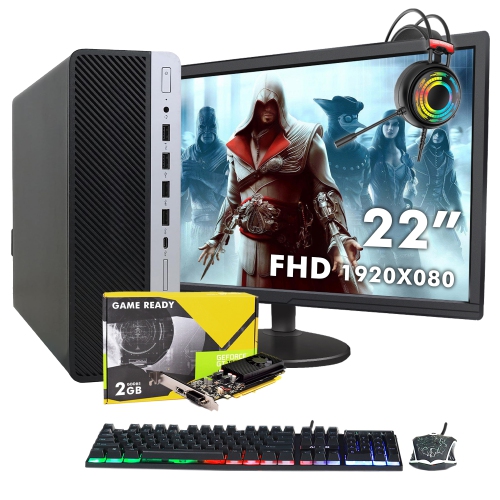
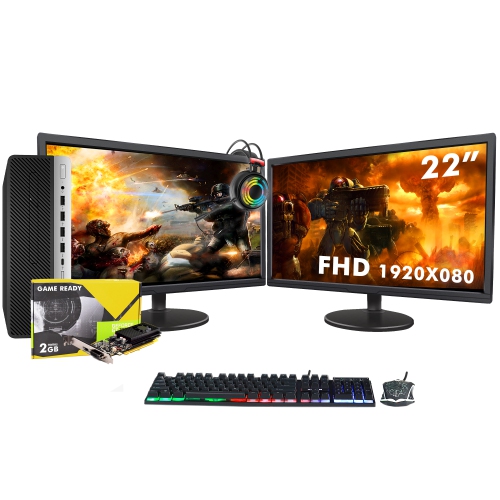
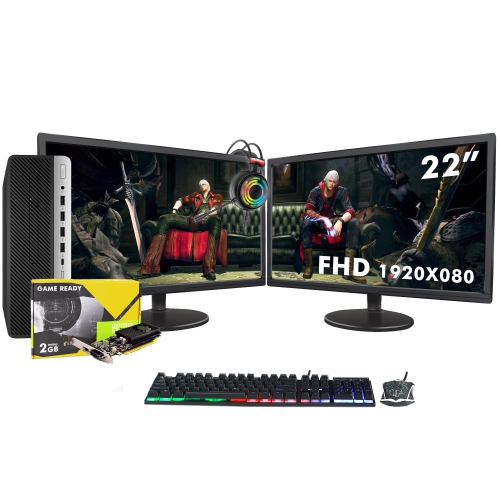
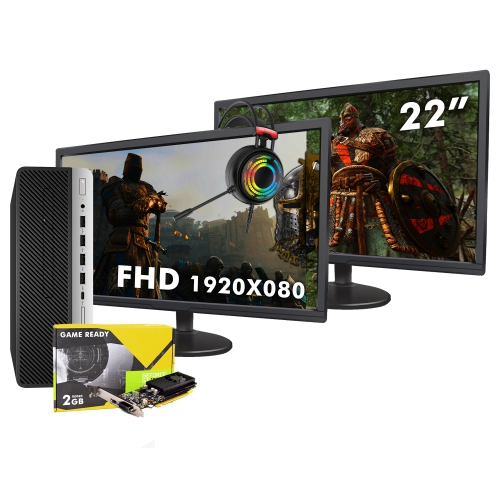
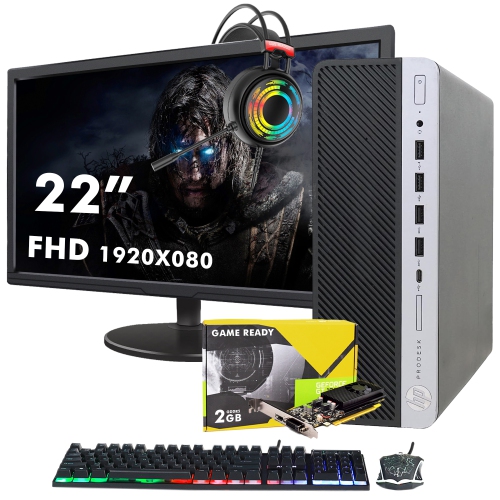
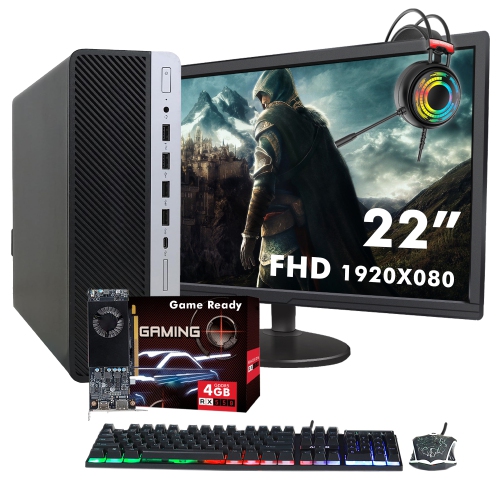
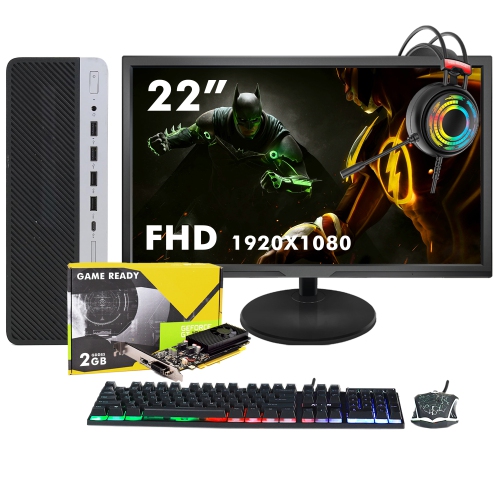
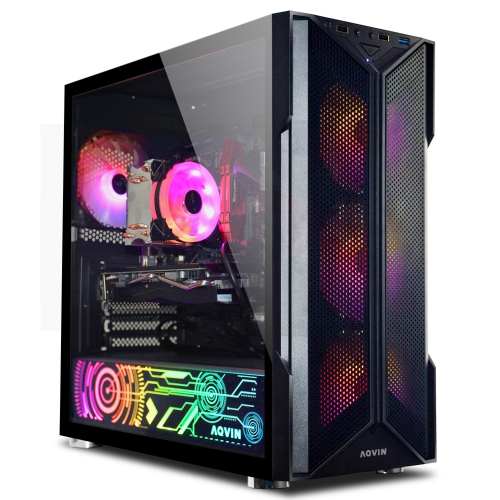
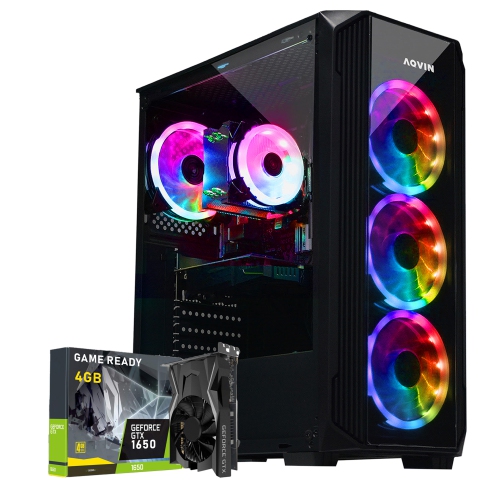
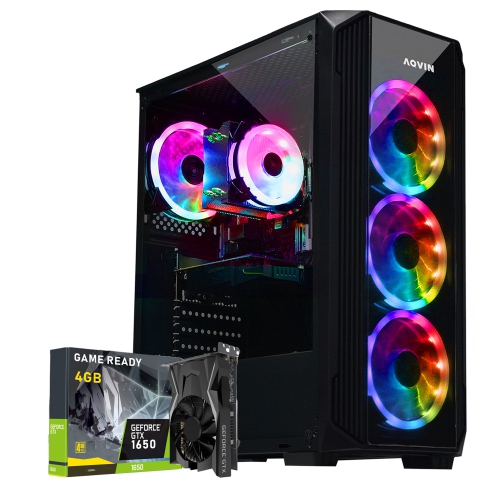
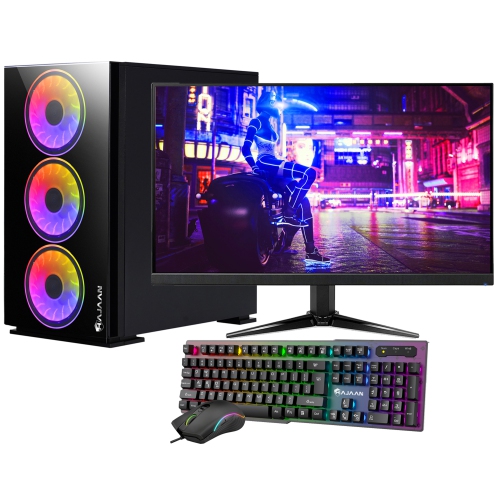
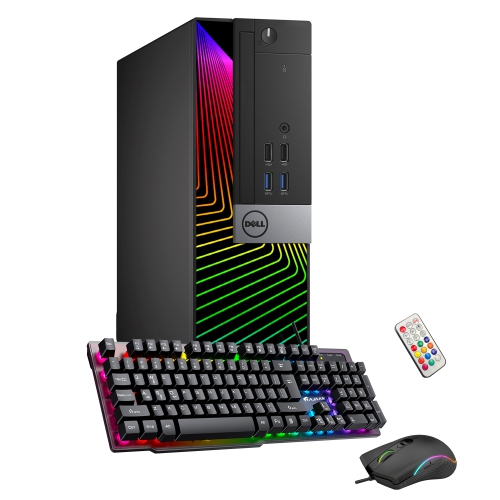
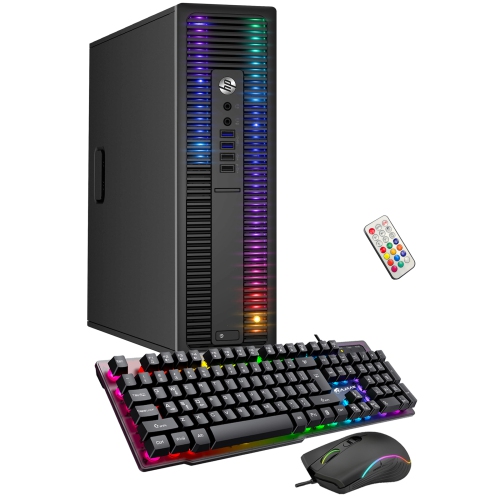
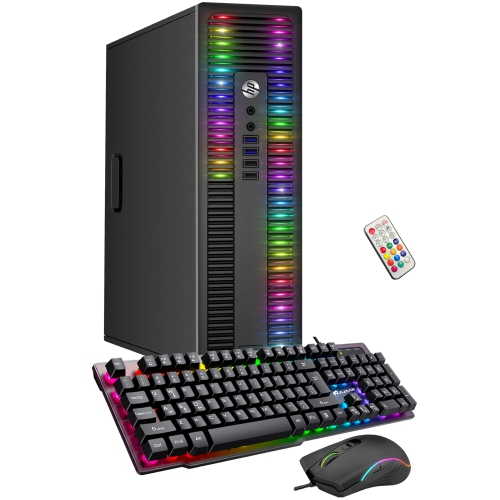
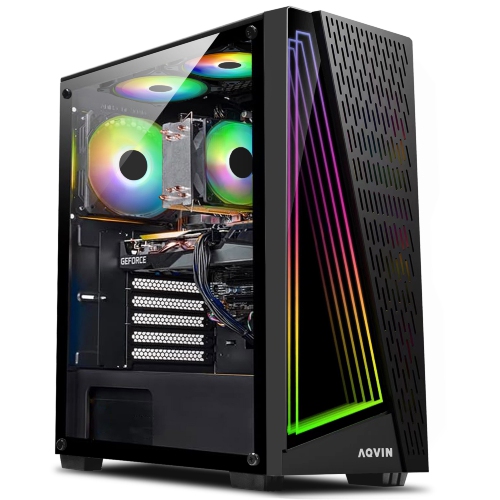
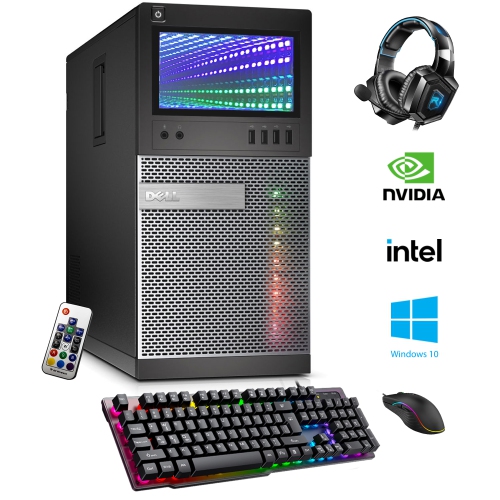
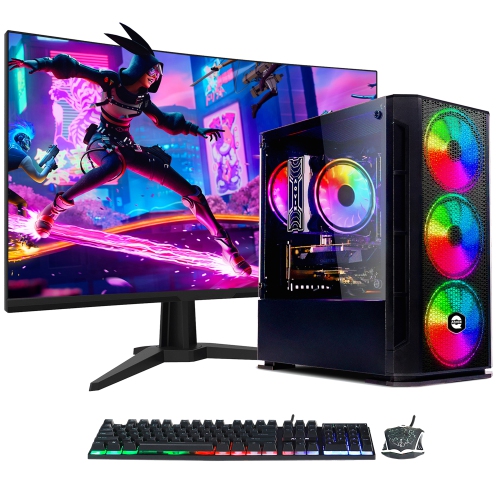
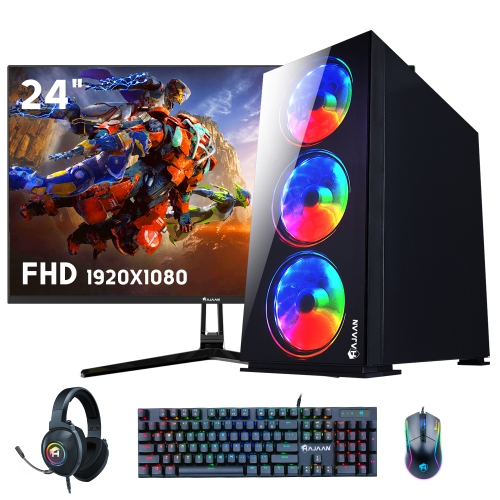
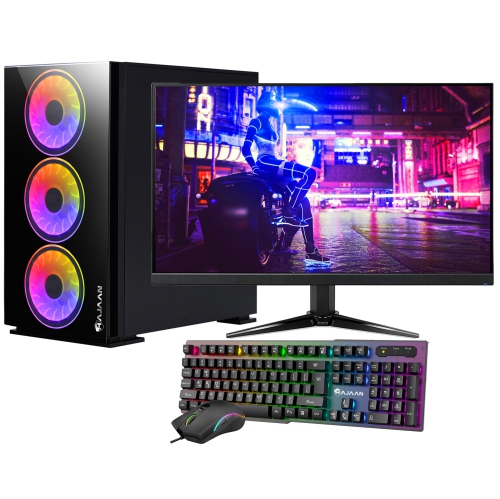
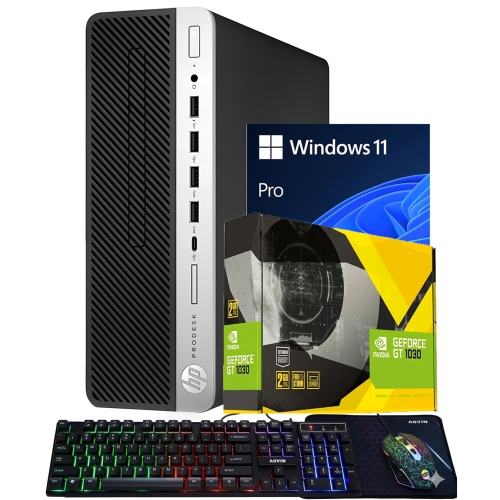
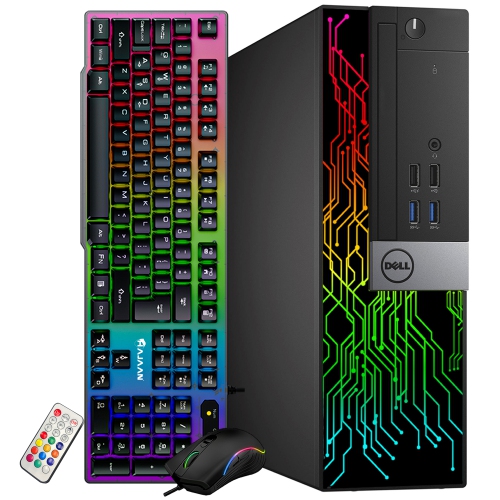
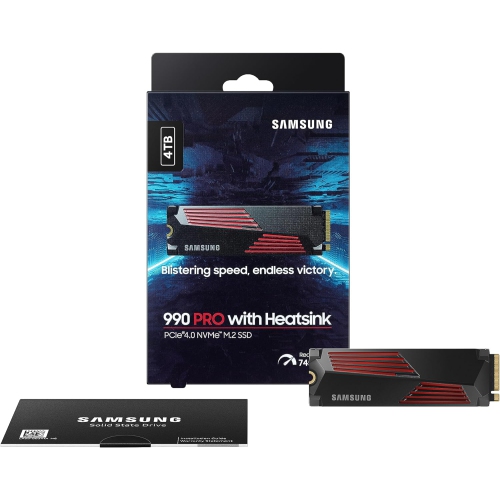
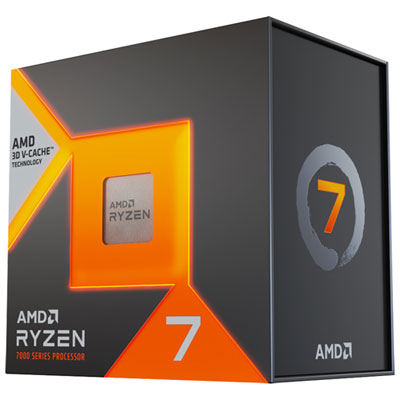
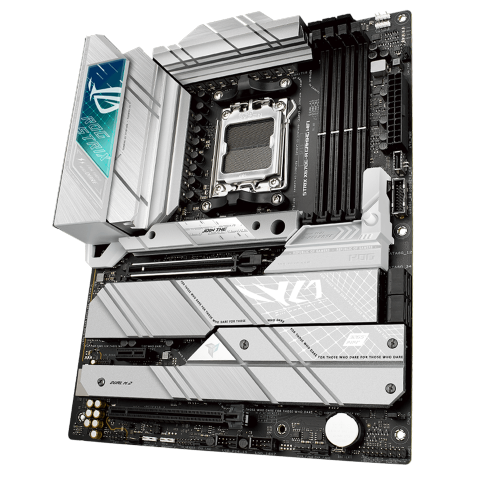
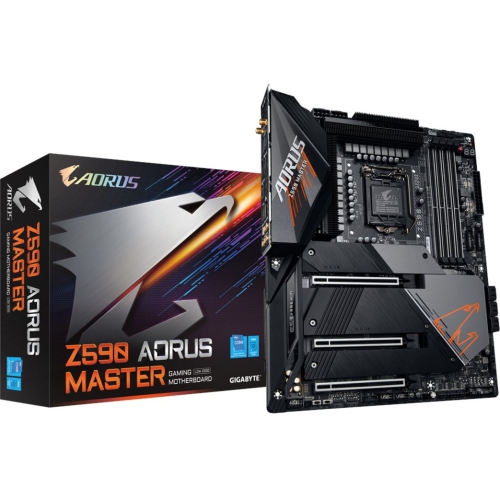
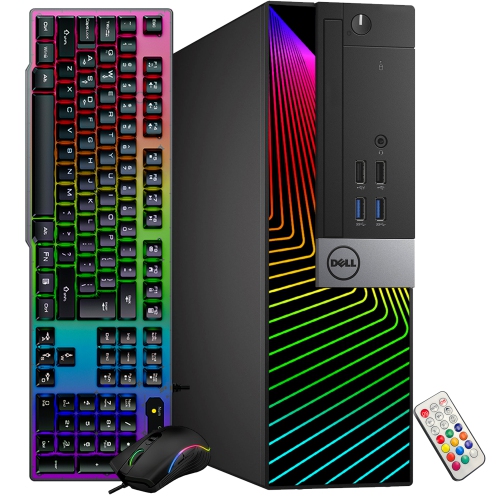
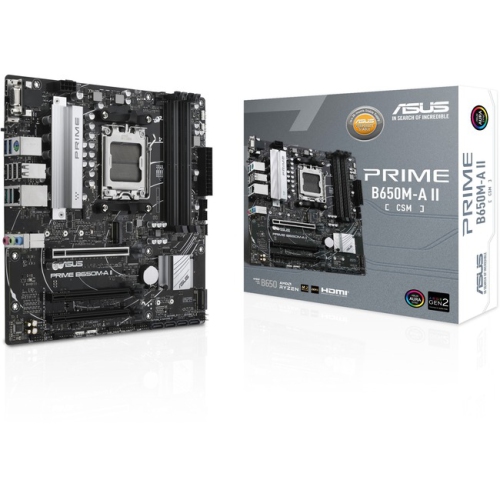
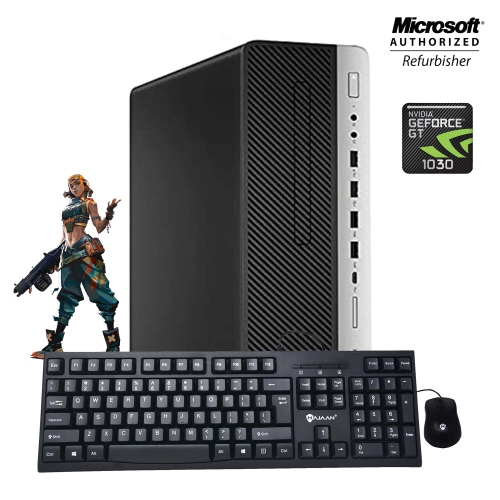
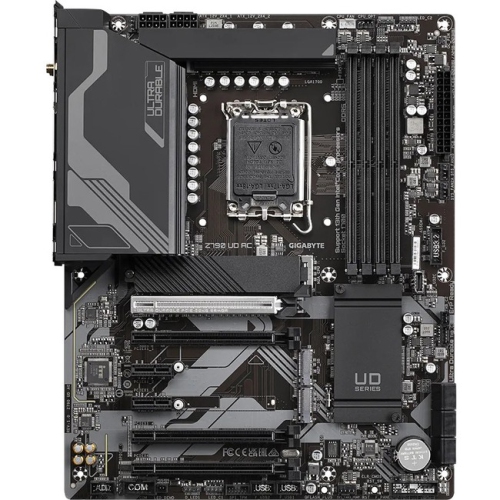
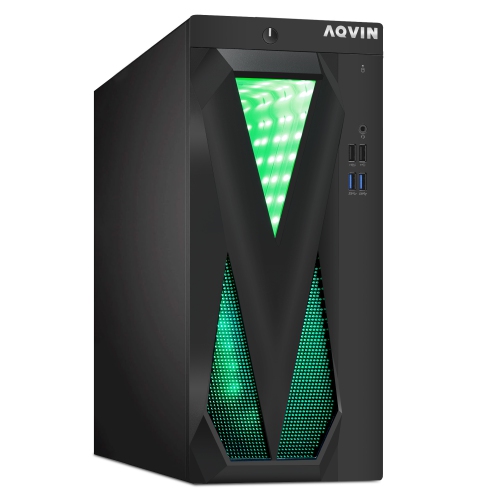
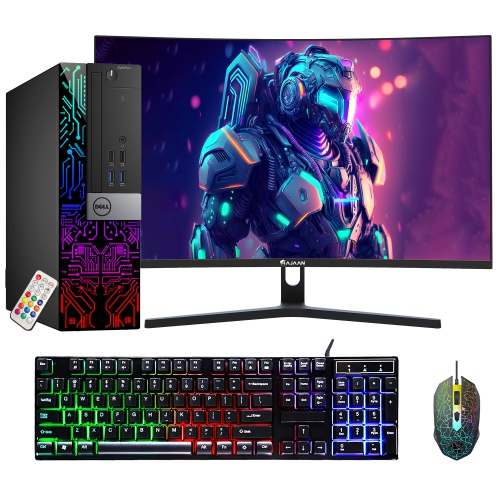
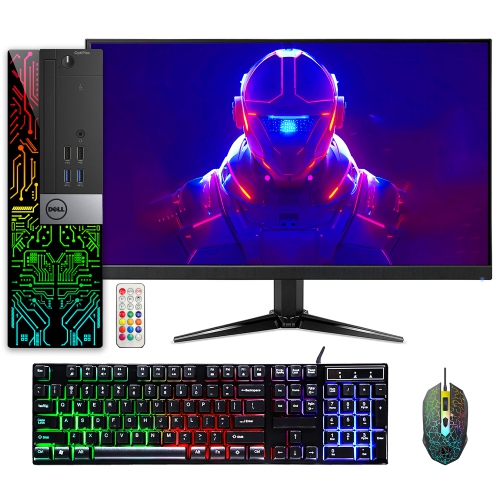
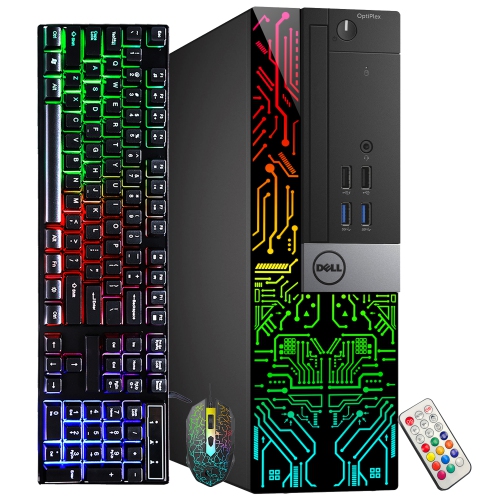
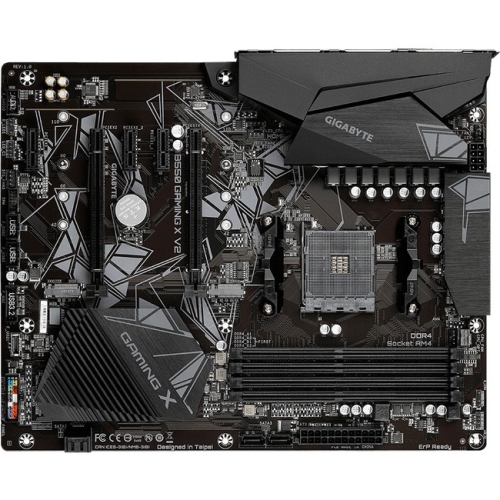
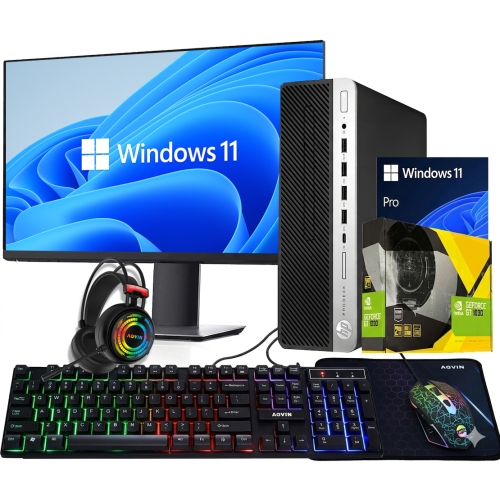
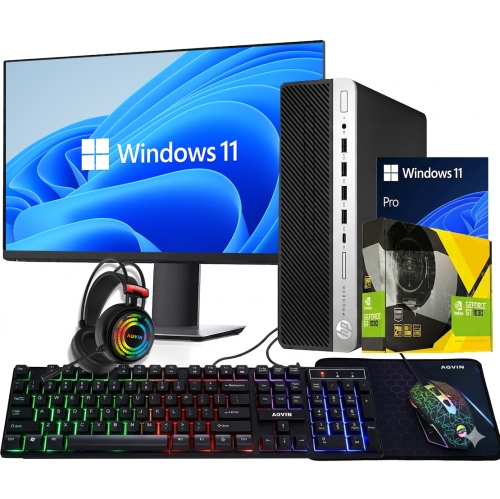
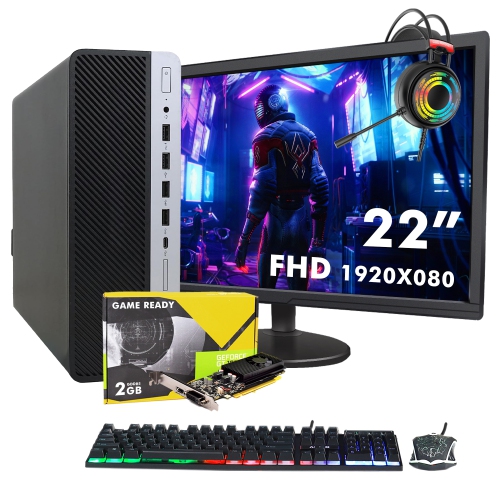
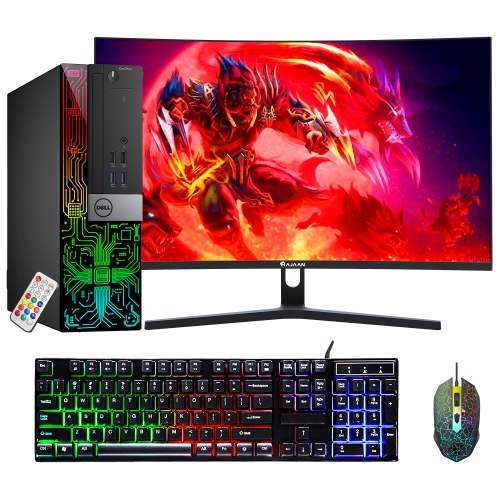
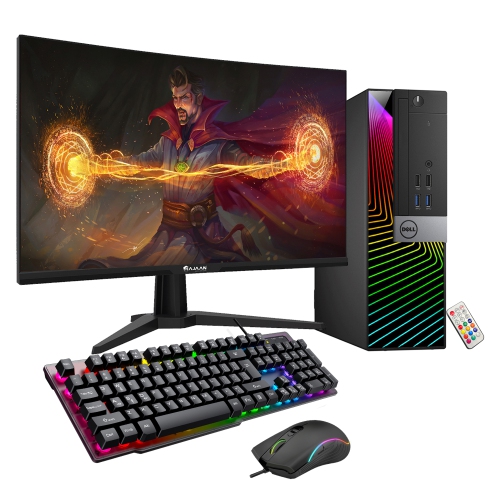
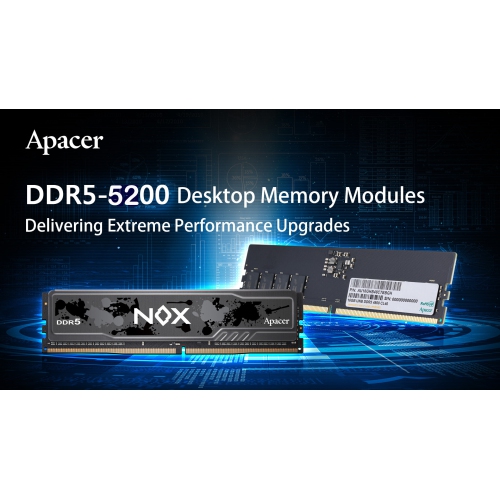
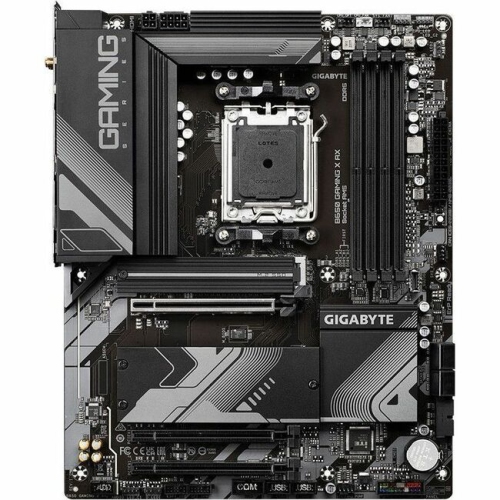
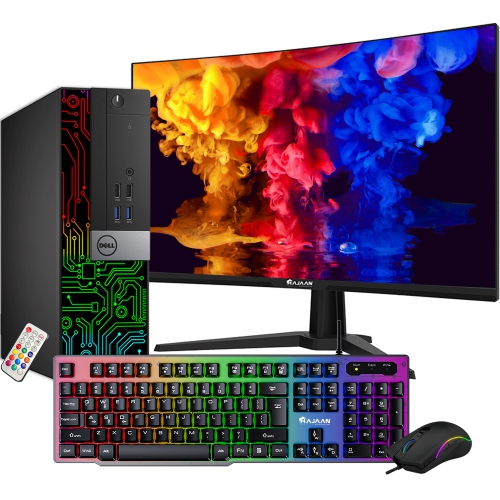
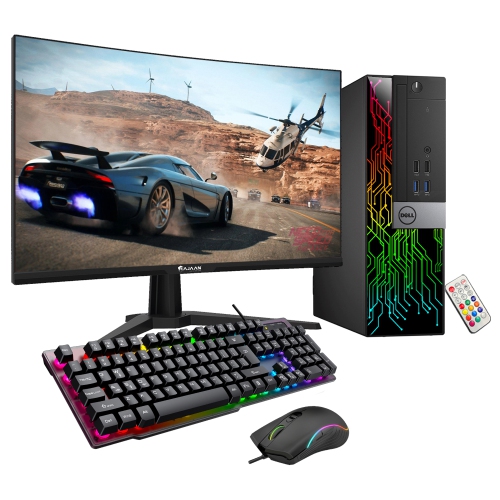
A desktop gaming setup brings together the equipment and furniture that make a gaming space feel responsive, comfortable, and distinctly your own. At the centre is a capable gaming desktop that can handle the titles you enjoy, whether you prefer fast-paced competitive matches, expansive role-playing adventures, simulation games, or creative worlds that reward detailed graphics. When comparing computers, consider the processor, graphics card, memory, storage, and cooling system, along with the types of games you play and the display resolution you plan to use. A high-performance system can support higher visual settings and steadier frame rates, while a compact desktop may suit a smaller room or a shared workspace. Storage capacity is also worth considering, since modern game libraries can occupy considerable space, and a combination of quick solid-state storage and additional capacity can make installing and loading games more convenient. A high-refresh-rate monitor is another important part of the experience, particularly for players who value fluid motion and quick on-screen responses. Screen size, resolution, panel type, response time, adaptive sync support, and viewing position all influence how the setup feels during a long session. A larger screen can make detailed environments more absorbing, while a multi-monitor arrangement may provide room for chat, streaming tools, music, or school and work applications beside the game. Look for a sturdy desk with enough surface area for the monitor, keyboard, mouse, speakers, and other accessories without making the playing area feel crowded. L-shaped and corner desks can divide gaming from other activities, while straight desks may suit a clean, focused arrangement. Built-in cable management, a durable surface, and enough legroom help keep the space practical as well as attractive. For additional ideas about bringing the main components together, explore Best PC Set Up.
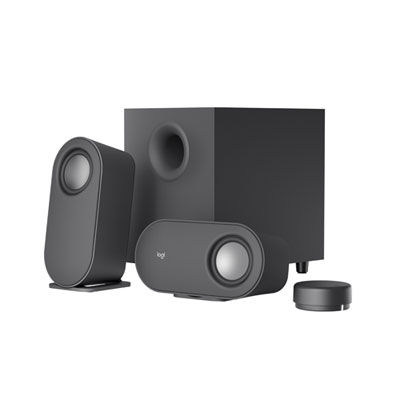
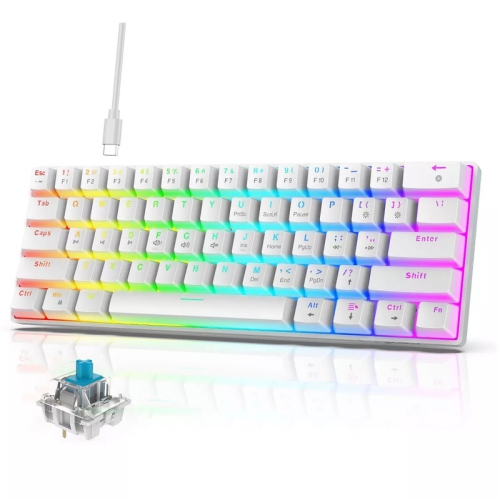
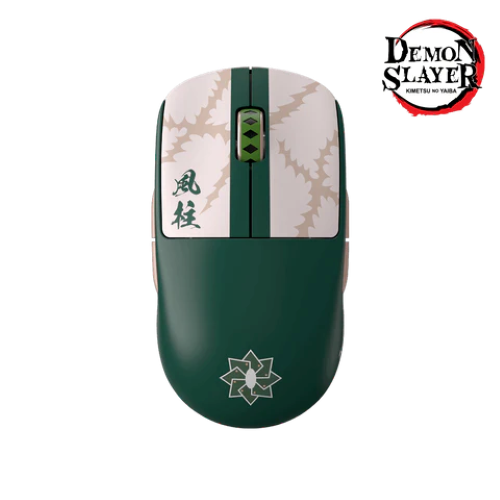
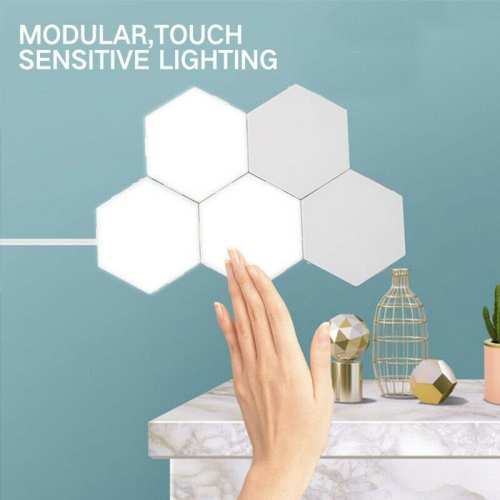
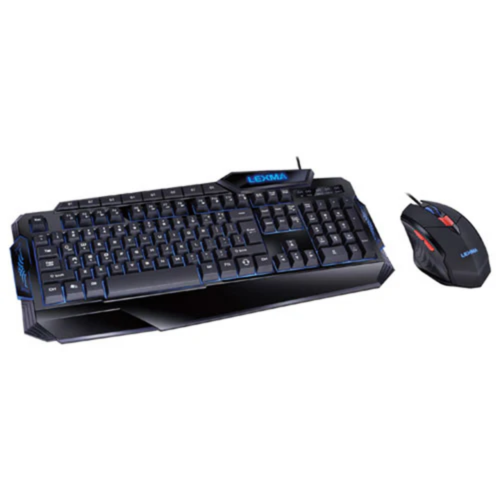
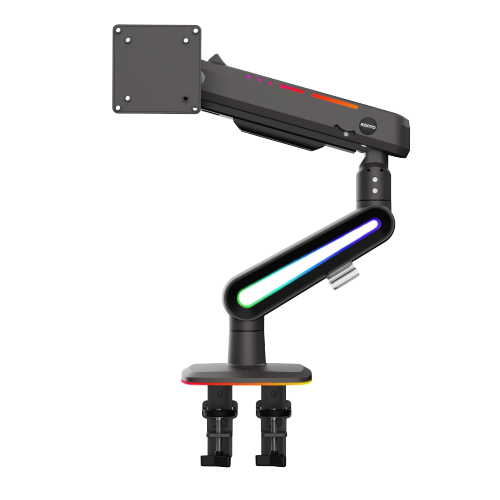
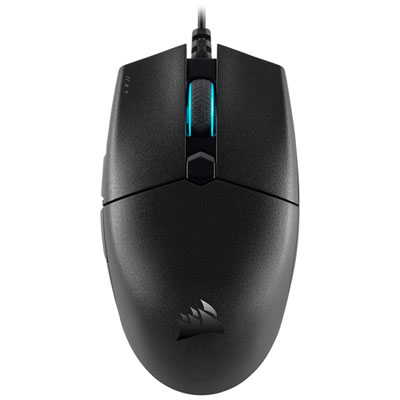
The smaller details can make a desktop gaming setup more enjoyable from the first match to the final round. A mechanical or membrane gaming keyboard can be selected according to preferred key feel, sound, layout, and available features, while a responsive gaming mouse should fit comfortably in the hand and offer tracking suited to the games being played. Adjustable sensitivity, programmable buttons, and a reliable connection can be useful for everything from competitive play to navigating menus and everyday tasks. A comfortable headset adds clear game audio, voice chat, and microphone communication without disturbing others nearby; speakers or a soundbar may be a better fit for a more open room or a shared entertainment area. A desk mat can provide a consistent surface for the mouse while helping tie the keyboard and monitor together visually. An ergonomic gaming chair or supportive office chair can also make a noticeable difference, especially when sessions stretch through an evening. Look for adjustable seat height, armrests, back support, and a shape that encourages a comfortable posture rather than forcing the shoulders forward. Monitor arms, under-desk storage, cable sleeves, and charging accessories can help maintain an orderly surface, while a webcam and streaming accessories may appeal to players who share gameplay or connect with friends online. Lighting adds another layer of personality: soft light behind a monitor can create depth and reduce the harsh contrast of a bright screen in a dim room, while programmable lighting can coordinate with a favourite colour scheme. Keep brightness comfortable and position lights so they do not reflect directly off the display. Desktop gaming setups can be built for many different users, from a student creating a dedicated corner for after-class gaming to an experienced player upgrading a familiar station, or a family member putting together a thoughtful gift for someone who spends cooler evenings exploring virtual worlds. A practical approach is to match each item to the available room, the computer’s capabilities, and the recipient’s habits. Someone who plays at a compact desk may appreciate a smaller keyboard and headset stand, while a streamer, multitasker, or enthusiast may benefit from a wide desk, multiple displays, and extra connectivity. Choosing pieces with compatible connections, suitable dimensions, and a consistent style helps the setup feel intentional rather than assembled at random. With the right balance of performance, ergonomics, audio, lighting, and organization, a desktop gaming setup can support immersive play, online social time, content creation, and everyday computer use throughout the changing seasons.
The smaller details can make a desktop gaming setup more enjoyable from the first match to the final round. A mechanical or membrane gaming keyboard can be selected according to preferred key feel, sound, layout, and available features, while a responsive gaming mouse should fit comfortably in the hand and offer tracking suited to the games being played. Adjustable sensitivity, programmable buttons, and a reliable connection can be useful for everything from competitive play to navigating menus and everyday tasks. A comfortable headset adds clear game audio, voice chat, and microphone communication without disturbing others nearby; speakers or a soundbar may be a better fit for a more open room or a shared entertainment area. A desk mat can provide a consistent surface for the mouse while helping tie the keyboard and monitor together visually. An ergonomic gaming chair or supportive office chair can also make a noticeable difference, especially when sessions stretch through an evening. Look for adjustable seat height, armrests, back support, and a shape that encourages a comfortable posture rather than forcing the shoulders forward. Monitor arms, under-desk storage, cable sleeves, and charging accessories can help maintain an orderly surface, while a webcam and streaming accessories may appeal to players who share gameplay or connect with friends online. Lighting adds another layer of personality: soft light behind a monitor can create depth and reduce the harsh contrast of a bright screen in a dim room, while programmable lighting can coordinate with a favourite colour scheme. Keep brightness comfortable and position lights so they do not reflect directly off the display. Desktop gaming setups can be built for many different users, from a student creating a dedicated corner for after-class gaming to an experienced player upgrading a familiar station, or a family member putting together a thoughtful gift for someone who spends cooler evenings exploring virtual worlds. A practical approach is to match each item to the available room, the computer’s capabilities, and the recipient’s habits. Someone who plays at a compact desk may appreciate a smaller keyboard and headset stand, while a streamer, multitasker, or enthusiast may benefit from a wide desk, multiple displays, and extra connectivity. Choosing pieces with compatible connections, suitable dimensions, and a consistent style helps the setup feel intentional rather than assembled at random. With the right balance of performance, ergonomics, audio, lighting, and organization, a desktop gaming setup can support immersive play, online social time, content creation, and everyday computer use throughout the changing seasons.
Top selling and popular products
-
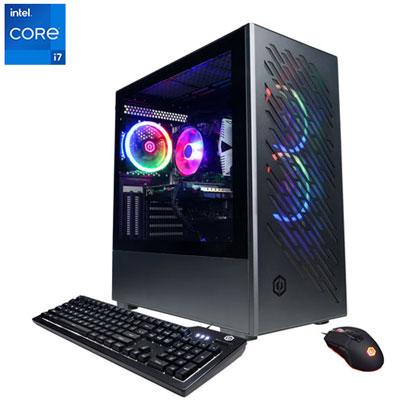 Your price for this item is $1969.99
 -
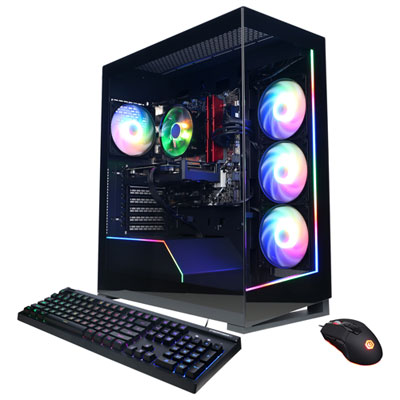 Your price for this item is $1059.99
 -
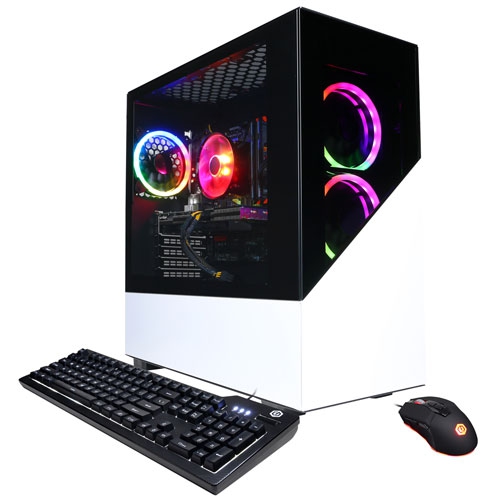 Your price for this item is $1274.97
 -
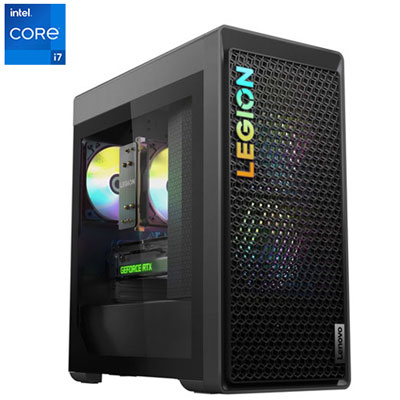 Your price for this item is $1899.95
 -
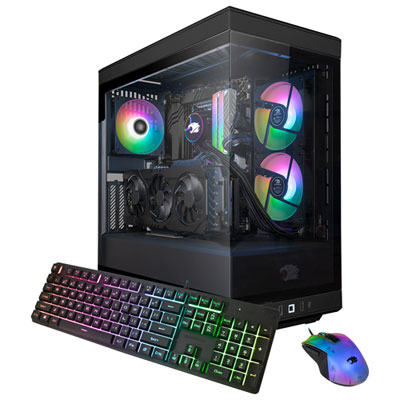 Your price for this item is $2309.99
 -
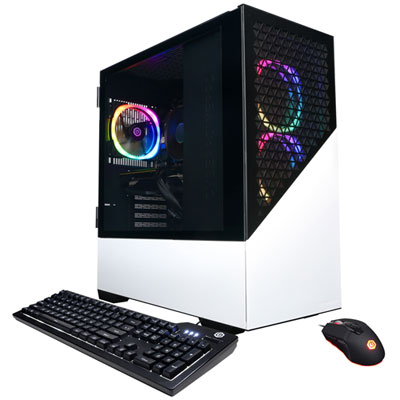 Your price for this item is $1669.99
 -
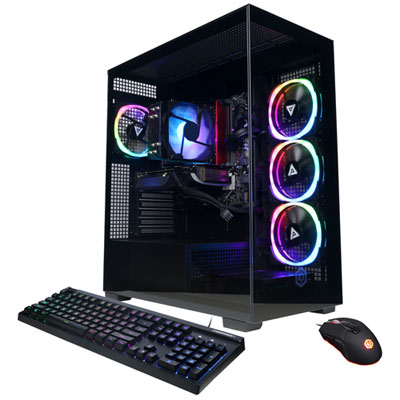 Your price for this item is $1839.99
 -
 Your price for this item is $2499.99
Discover more categories related to Desktop Gaming Setups
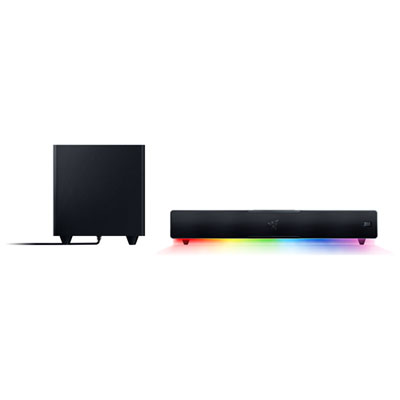
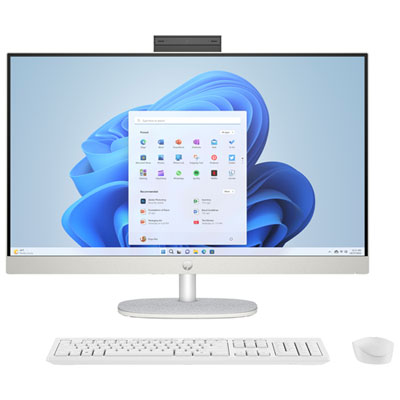

Top Collections:
Best Laptops for Video Editing, Pokemon Centers, Samsung Z Fold, Kindle Devices, Best Cell Phones Under $300, Best Laptops for Writers, Best Budget Office Chairs, Best Cell Phones Under $500, Best Laptop Computers for Students, iPhone 15 Apple
Some products may be subject to Environmental Handling Fees
(EHF) depending on your province.
Learn more about EHFs.