Detachable Keyboards for Laptop
Discover the convenience and versatility of a detachable keyboard for laptop setups, designed to enhance your productivity whether you're working at home, in the office, or on the go. With a detachable keyboard for laptop use, you can easily switch between typing modes, enjoy added flexibility, and create a workspace that suits your unique needs. Explore a wide selection of options tailored to fit different preferences and find the perfect accessory to complement your laptop experience.
Sort
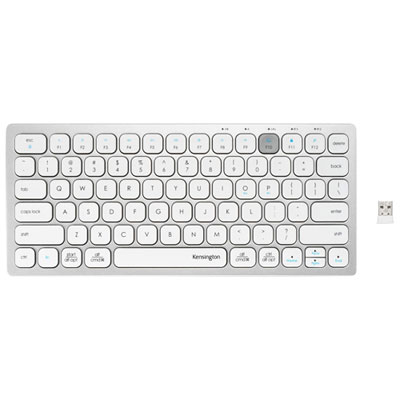
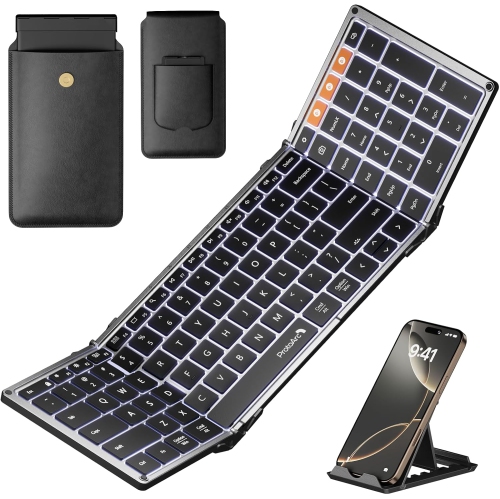

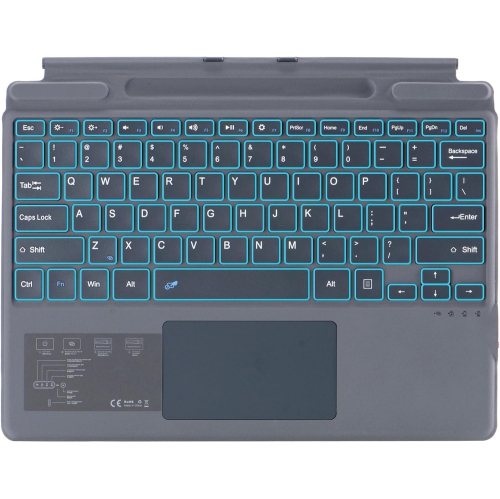
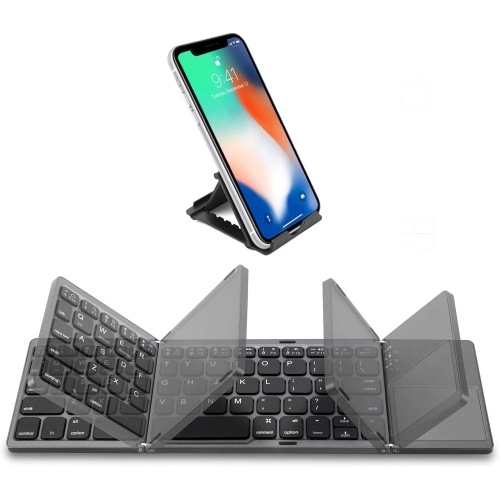
Keyboard compatibility goes beyond screen size and magnets
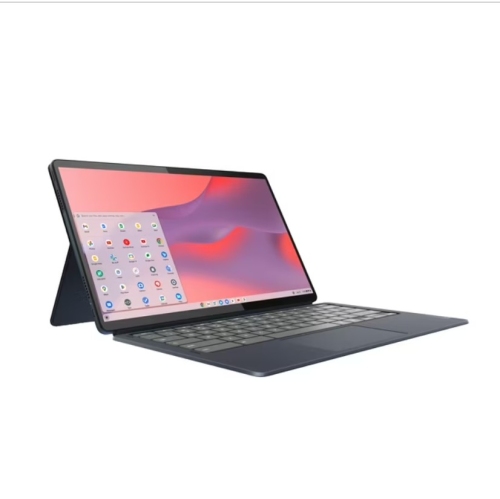
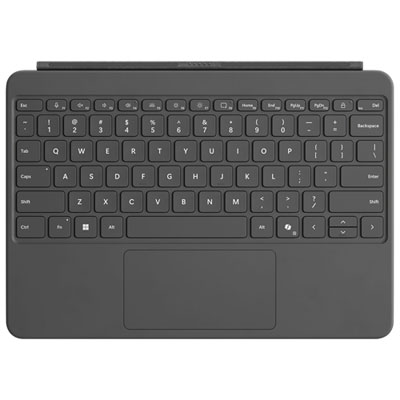
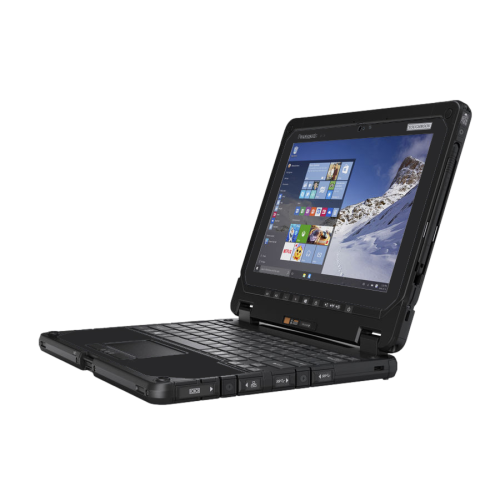
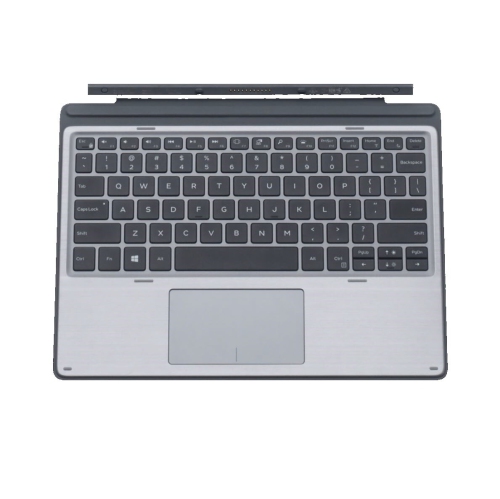
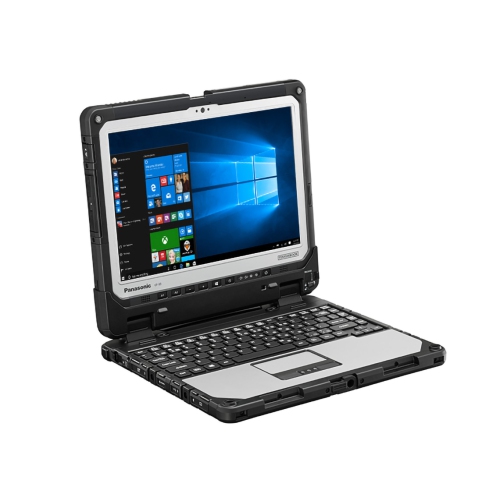
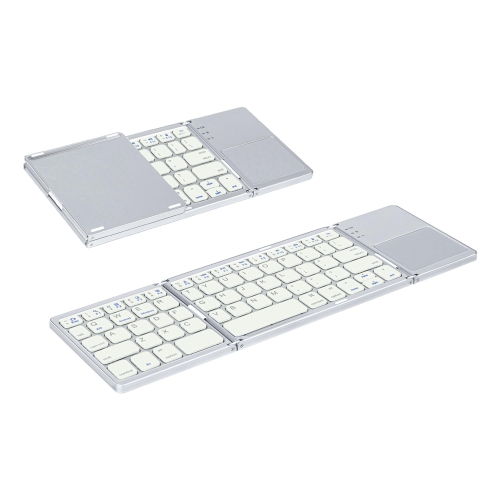
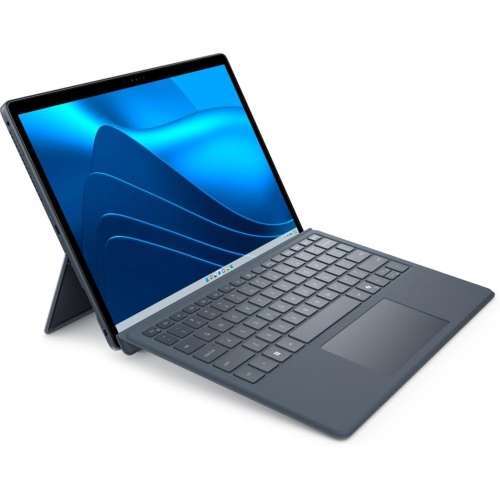
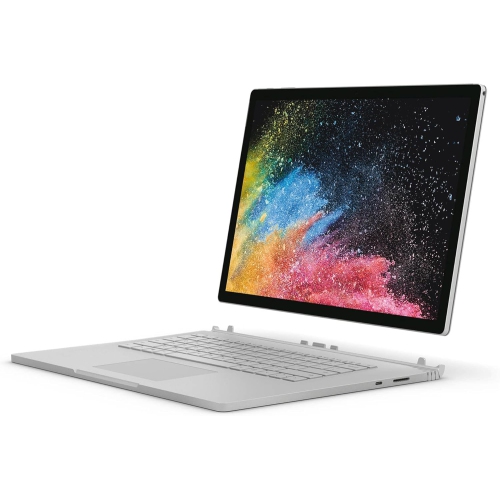
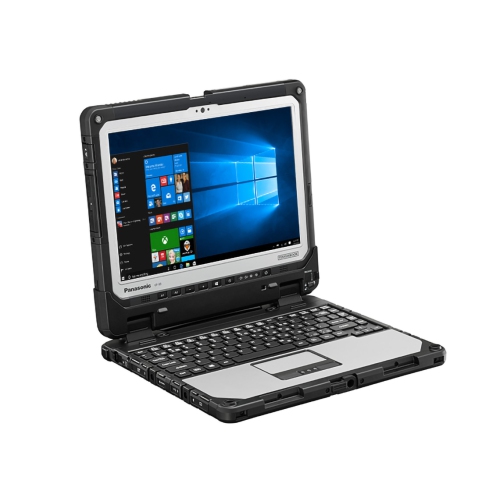
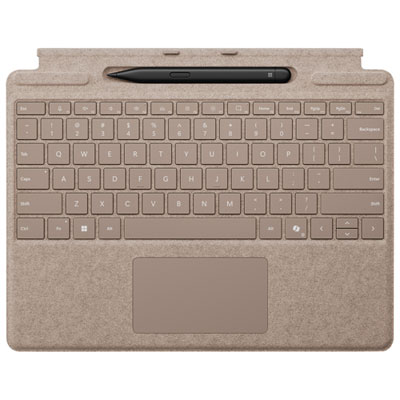
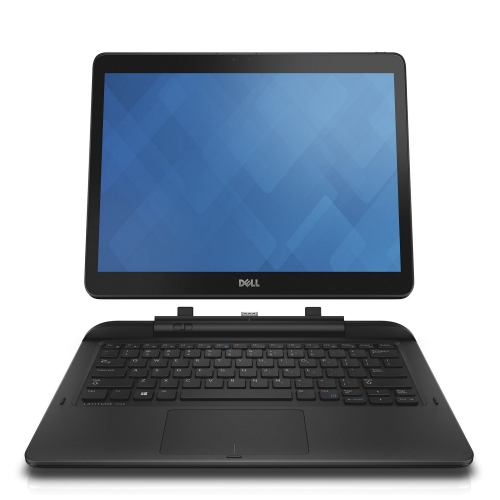
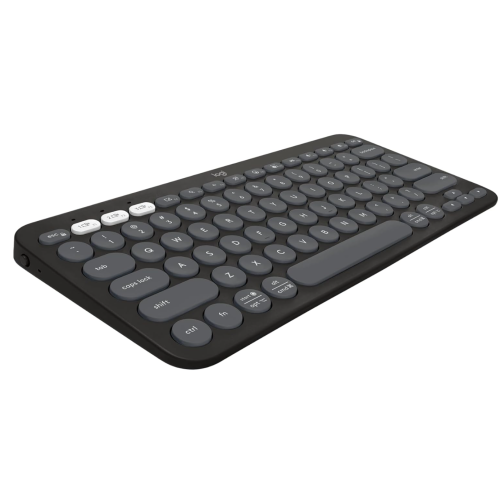
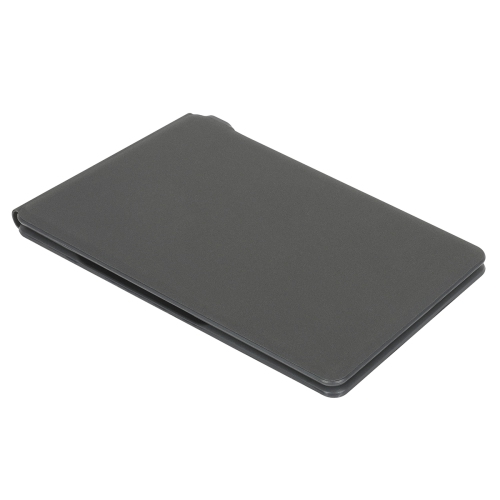
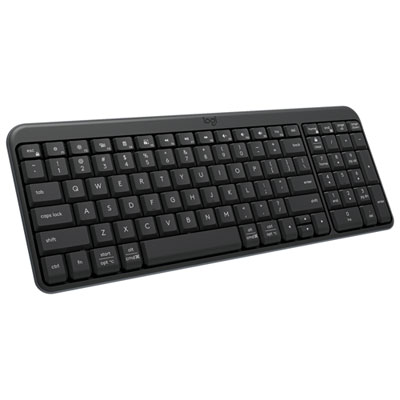
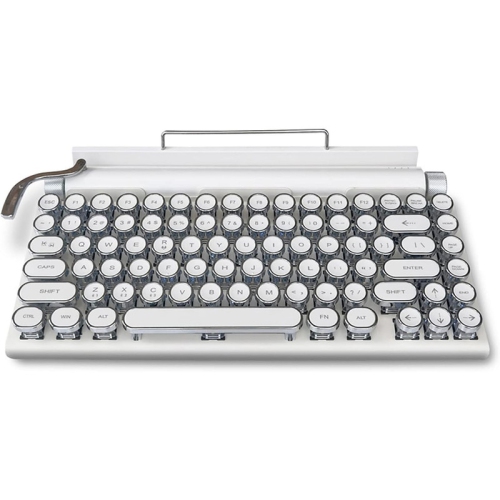
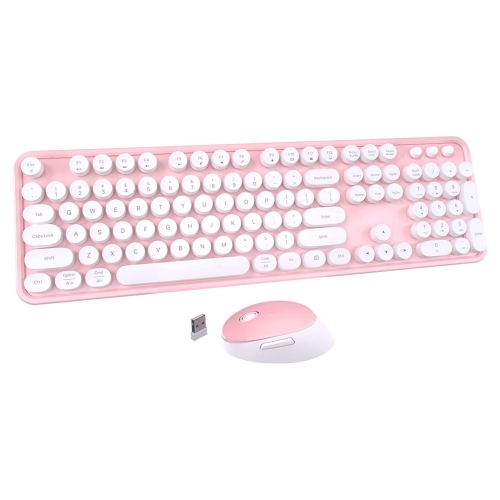
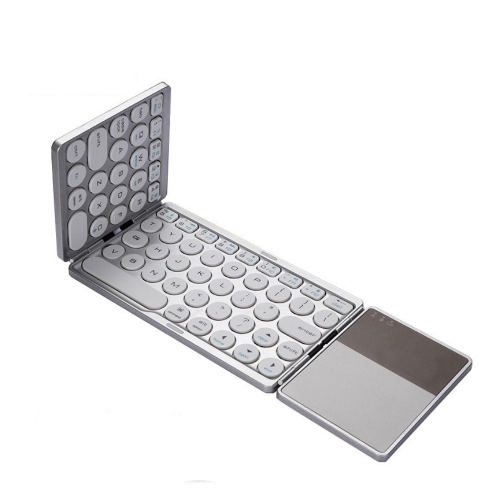
Detachable keyboards for laptops add a physical typing surface to compatible detachable computers and 2-in-1 devices, making it easier to move between writing, touch navigation, and handheld use. A keyboard that attaches to a purpose-built detachable computer can create a familiar laptop-style setup for emails, spreadsheets, and assignments, then separate from the display for reading or taking handwritten notes. The distinction between an attachable keyboard and a separate portable keyboard matters: a magnetic keyboard cover or proprietary docking keyboard is designed around particular device models, while a standalone Bluetooth or USB keyboard connects without becoming part of the computer’s body. A detachable USB cable is different again; it allows the cable to separate from the keyboard but does not mean the keyboard attaches to a laptop screen. For a keyboard cover or dock, compatibility depends on the exact device model and generation, not simply the screen size or the presence of magnets. Connector placement, attachment points, dimensions, and software support all affect whether the keyboard fits and functions properly. A cover that appears to line up with a display may still lack the correct electrical connection or leave parts of the device exposed. Some attachable keyboards draw power through contacts on the computer and work only while attached, whereas others support wireless typing when separated, provided that feature is specified. Standard hinged laptops generally use standalone external keyboards rather than replacement detachable bases. Portable wireless and wired keyboards can also suit compatible 2-in-1 computers when physical attachment is unnecessary, although operating-system support, ports, and keyboard shortcuts still need to match the intended setup. The broader range of Keyboards for Laptops includes options for different typing arrangements, from a compact travel surface to a larger desk keyboard. For someone moving between a desk and a meeting room, the useful distinction is whether the keyboard needs to travel as part of the device or simply provide comfortable typing wherever the screen is placed.
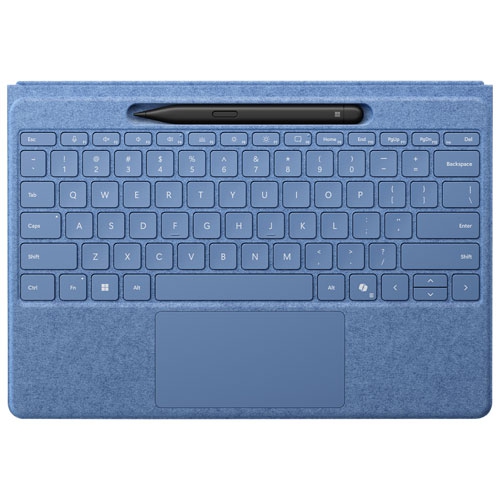
Typing comfort comes from several details working together: key spacing, travel, resistance, layout, and the firmness of the surface beneath the keys. Thin detachable keyboard covers favour portability, but their shallower keys can feel different from a conventional laptop keyboard or a taller desktop design. A rigid backing can help reduce flex during steady typing, particularly when the keyboard is raised slightly at the rear. Compact layouts save space in a bag, sometimes by narrowing certain keys or placing navigation functions behind key combinations. Full-size letter keys can therefore matter more than the overall width suggests, especially for someone drafting reports or taking lecture notes for long stretches. A dedicated number pad may be useful for frequent numerical entry, although many portable designs leave it out to keep their footprint small. English and French keyboard layouts, accent entry, and operating-system shortcuts also deserve attention for schoolwork and bilingual communication. Backlighting can make key legends easier to see in a dim lecture hall or shared room, but it is a model-dependent feature and may use additional battery power. An integrated touchpad keeps pointer control close at hand; its dimensions, click feel, and supported gestures affect how naturally typing and navigation work together. Some designs also provide pen storage, adjustable typing angles, or a cover function when closed, but these features are not shared by every detachable keyboard. Stability depends as much on the computer’s support system as on the keyboard itself. A display held upright by a rear kickstand needs sufficient depth behind it, which can be awkward on a narrow tray table or when balanced on a lap. A firm desk generally gives that arrangement a steadier base. Students, mobile professionals, and people who alternate between drawing and typing may appreciate the flexibility, while those who spend hours typing away from a table may prefer a setup with stronger lap support. Detachability provides options, but the hinge, kickstand, and keyboard construction determine how those options feel in everyday use.
Materials and construction influence how a detachable keyboard handles repeated packing, opening, and use. Plastic housings can keep weight down, while metal-backed designs may provide a firmer typing platform; neither material alone guarantees durability. Fabric, synthetic suede, and coated covers offer different textures against the hands and may show marks differently over time. Seams, folding sections, attachment edges, and exposed contacts are practical details for a keyboard that travels daily in a backpack or work bag. A close-fitting sleeve or suitable compartment helps keep grit away from the keys and prevents loose objects from pressing against the typing surface. A keyboard cover may shield the display when closed, but it should not be assumed to provide drop protection or resistance to spills. Care depends on the finish and the manufacturer’s directions, with a soft, lightly dampened cloth often suitable for exterior surfaces when permitted. Liquid should never be sprayed directly onto the keyboard, and moisture needs to stay clear of ports, contacts, and gaps around keys. Keeping the attachment area free of debris helps the keyboard sit correctly without trapped particles rubbing against the device. Connection and power requirements shape daily convenience, too. A keyboard powered through a compatible computer avoids a separate charging routine but draws from that computer’s battery. Wireless designs may use rechargeable or replaceable batteries, and some support switching between paired devices; a charging port does not necessarily support wired typing. Wired keyboards need a compatible data connection, with any necessary adapter adding another piece to carry. For a shared home office, a wireless keyboard that works away from the screen can leave room for paperwork and allow the display to sit on a raised stand. For commuting, a slim attachable design may make packing simpler. As a gift for a student, writer, or frequent traveller, a detachable keyboard is most useful when the recipient’s exact computer model, preferred layout, and typical workspace are known. Those details help distinguish an accessory that merely connects from one that fits comfortably into a daily routine.
Typing comfort comes from several details working together: key spacing, travel, resistance, layout, and the firmness of the surface beneath the keys. Thin detachable keyboard covers favour portability, but their shallower keys can feel different from a conventional laptop keyboard or a taller desktop design. A rigid backing can help reduce flex during steady typing, particularly when the keyboard is raised slightly at the rear. Compact layouts save space in a bag, sometimes by narrowing certain keys or placing navigation functions behind key combinations. Full-size letter keys can therefore matter more than the overall width suggests, especially for someone drafting reports or taking lecture notes for long stretches. A dedicated number pad may be useful for frequent numerical entry, although many portable designs leave it out to keep their footprint small. English and French keyboard layouts, accent entry, and operating-system shortcuts also deserve attention for schoolwork and bilingual communication. Backlighting can make key legends easier to see in a dim lecture hall or shared room, but it is a model-dependent feature and may use additional battery power. An integrated touchpad keeps pointer control close at hand; its dimensions, click feel, and supported gestures affect how naturally typing and navigation work together. Some designs also provide pen storage, adjustable typing angles, or a cover function when closed, but these features are not shared by every detachable keyboard. Stability depends as much on the computer’s support system as on the keyboard itself. A display held upright by a rear kickstand needs sufficient depth behind it, which can be awkward on a narrow tray table or when balanced on a lap. A firm desk generally gives that arrangement a steadier base. Students, mobile professionals, and people who alternate between drawing and typing may appreciate the flexibility, while those who spend hours typing away from a table may prefer a setup with stronger lap support. Detachability provides options, but the hinge, kickstand, and keyboard construction determine how those options feel in everyday use.
Materials and construction influence how a detachable keyboard handles repeated packing, opening, and use. Plastic housings can keep weight down, while metal-backed designs may provide a firmer typing platform; neither material alone guarantees durability. Fabric, synthetic suede, and coated covers offer different textures against the hands and may show marks differently over time. Seams, folding sections, attachment edges, and exposed contacts are practical details for a keyboard that travels daily in a backpack or work bag. A close-fitting sleeve or suitable compartment helps keep grit away from the keys and prevents loose objects from pressing against the typing surface. A keyboard cover may shield the display when closed, but it should not be assumed to provide drop protection or resistance to spills. Care depends on the finish and the manufacturer’s directions, with a soft, lightly dampened cloth often suitable for exterior surfaces when permitted. Liquid should never be sprayed directly onto the keyboard, and moisture needs to stay clear of ports, contacts, and gaps around keys. Keeping the attachment area free of debris helps the keyboard sit correctly without trapped particles rubbing against the device. Connection and power requirements shape daily convenience, too. A keyboard powered through a compatible computer avoids a separate charging routine but draws from that computer’s battery. Wireless designs may use rechargeable or replaceable batteries, and some support switching between paired devices; a charging port does not necessarily support wired typing. Wired keyboards need a compatible data connection, with any necessary adapter adding another piece to carry. For a shared home office, a wireless keyboard that works away from the screen can leave room for paperwork and allow the display to sit on a raised stand. For commuting, a slim attachable design may make packing simpler. As a gift for a student, writer, or frequent traveller, a detachable keyboard is most useful when the recipient’s exact computer model, preferred layout, and typical workspace are known. Those details help distinguish an accessory that merely connects from one that fits comfortably into a daily routine.
Top selling and popular products
-
 Your price for this item is $39.98
 -
 Your price for this item is $49.72
 -
 Your price for this item is $159
 -
 Your price for this item is $219.99
 -
 Your price for this item is $199.99
 -
 Your price for this item is $44.99
 -
 Your price for this item is $22.68
 -
 Your price for this item is $169.99
Discover more categories related to Detachable Keyboards for Laptop


Top Collections:
Pokemon Centers, Kindle Devices, Best Budget Office Chairs, Apple iPhones 16, Best Laptops for Writers, iPhone 15 Apple, Canon G7X Cameras, Refurbished Apple Laptops, Alarm Clock, Motorola Razr Phones
Some products may be subject to Environmental Handling Fees
(EHF) depending on your province.
Learn more about EHFs.