Direct Thermal Printers
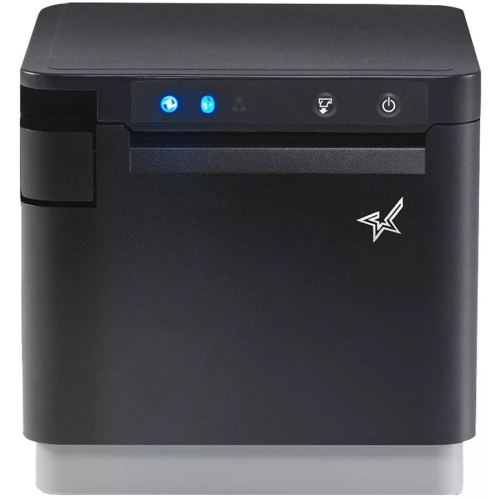
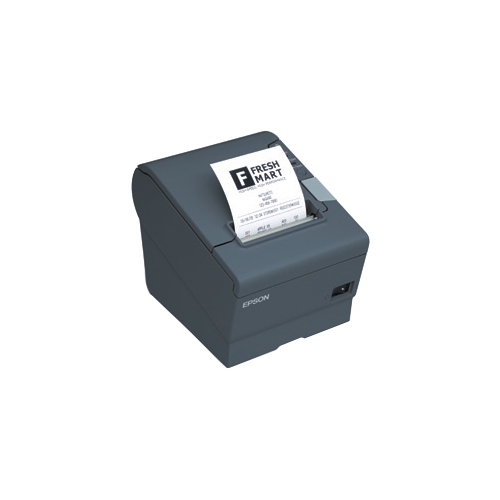
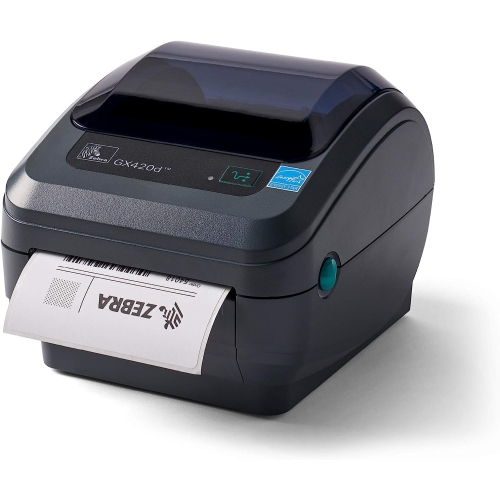
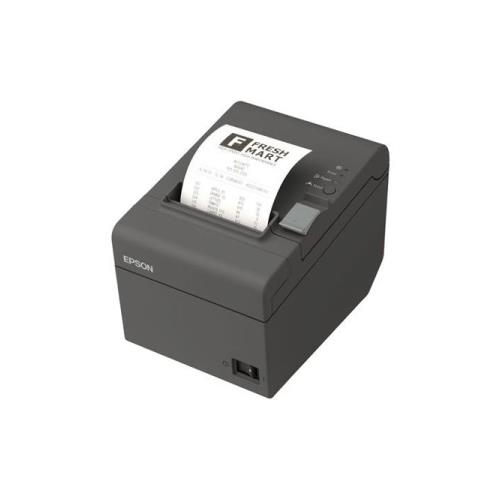
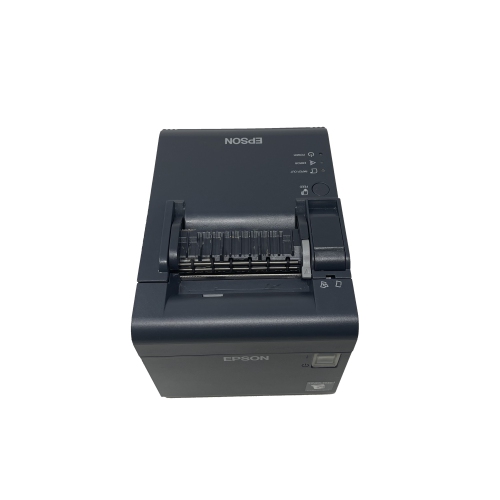
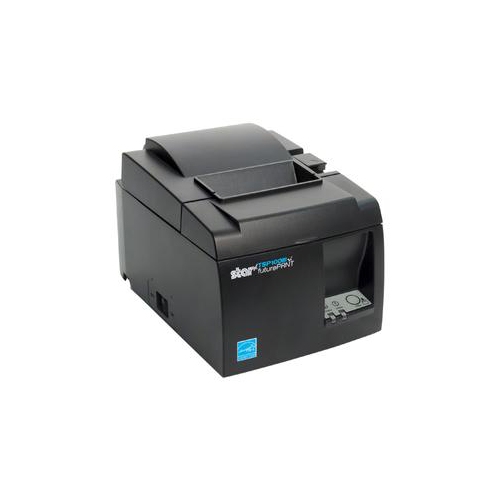
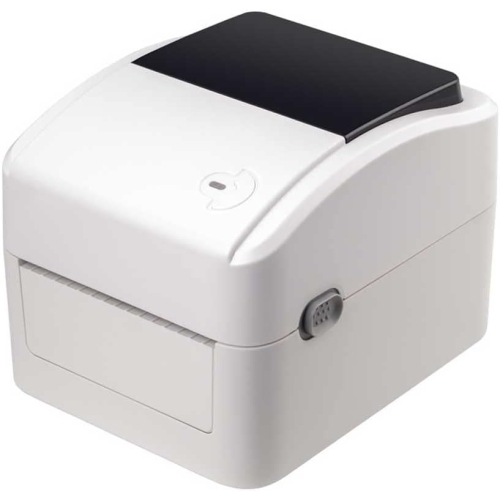
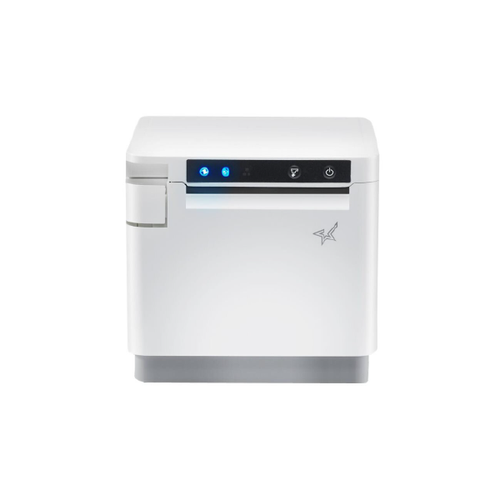
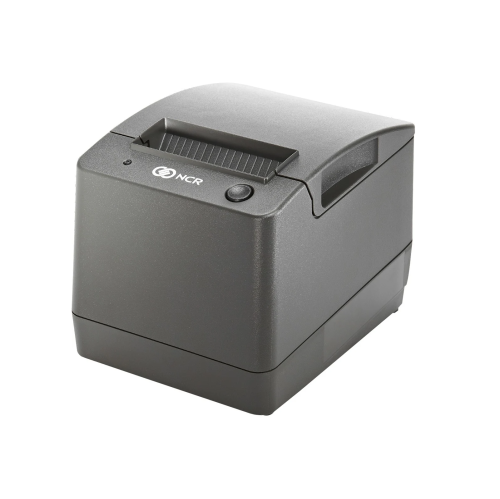
Direct-thermal printers are essential devices for businesses and individuals seeking efficient and cost-effective printing solutions. These printers utilize heat-sensitive paper to produce high-quality prints without the need for ink or toner, making them a convenient option for various printing needs. With fast printing speeds and easy maintenance, direct thermal printers are ideal for producing labels, receipts, shipping documents, and more with precision and clarity. Explore our selection of direct thermal printers to find the perfect solution for your printing requirements.
Sort

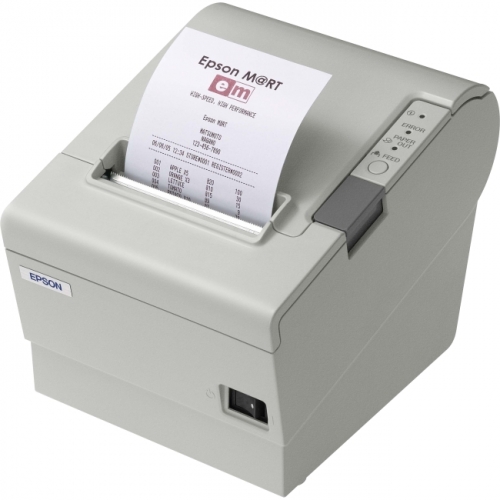

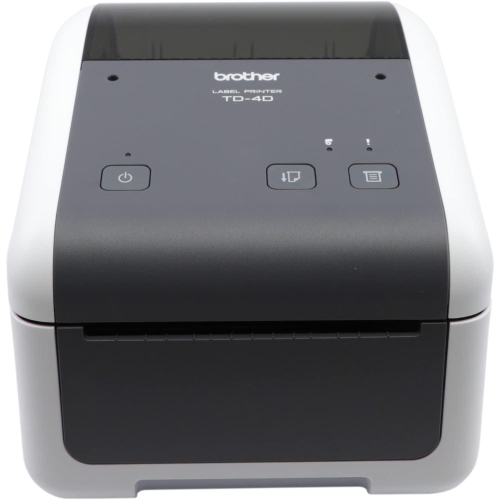
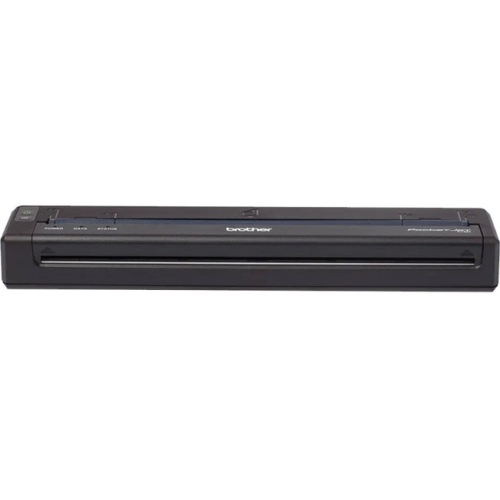

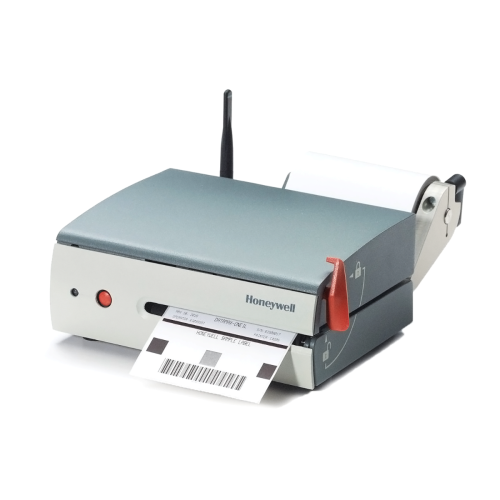





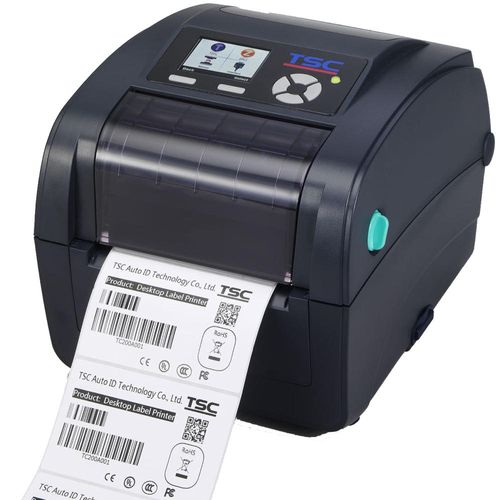
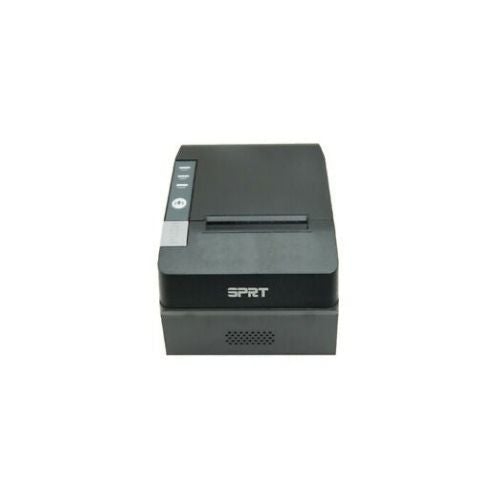
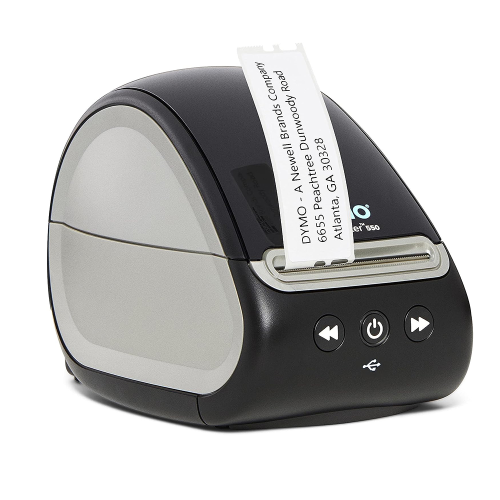
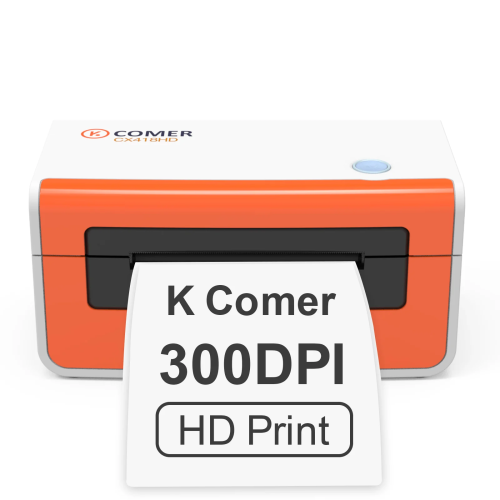

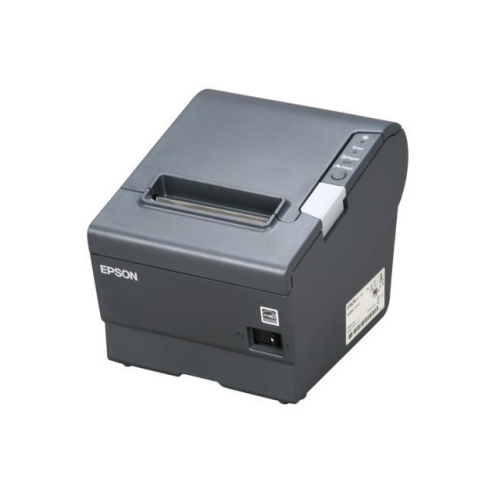
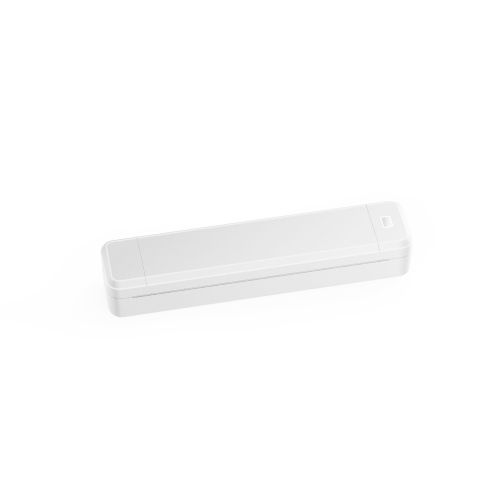
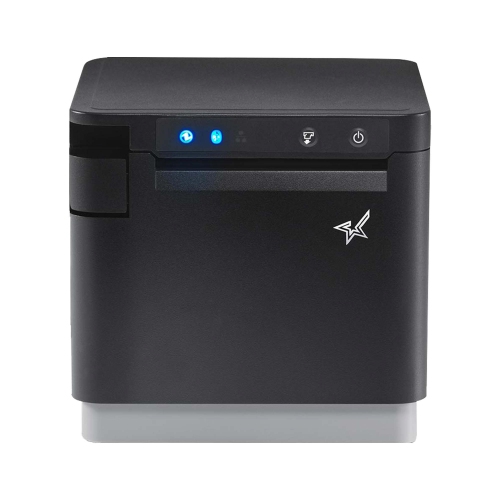
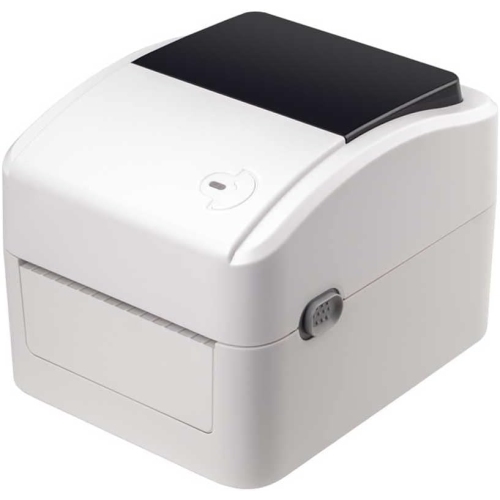



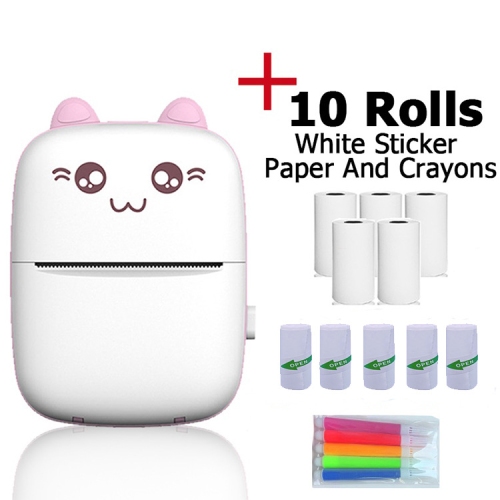
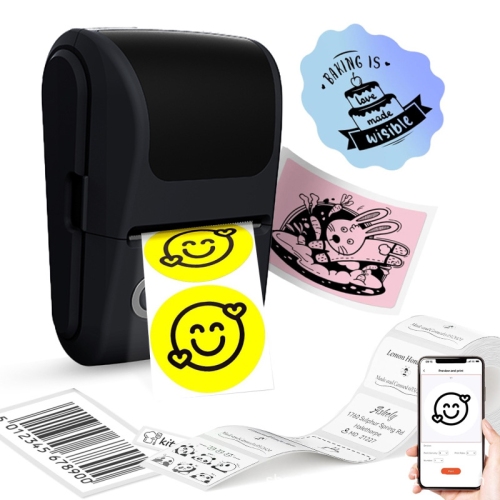
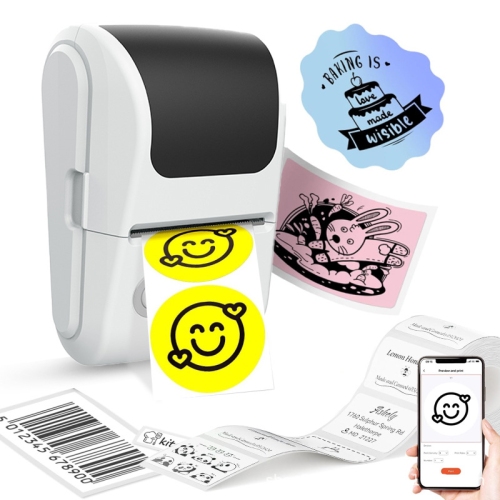
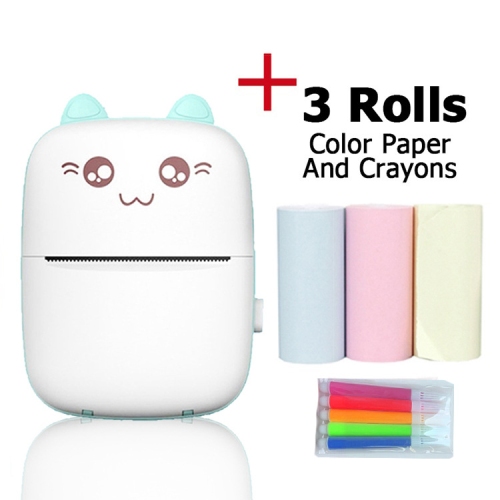
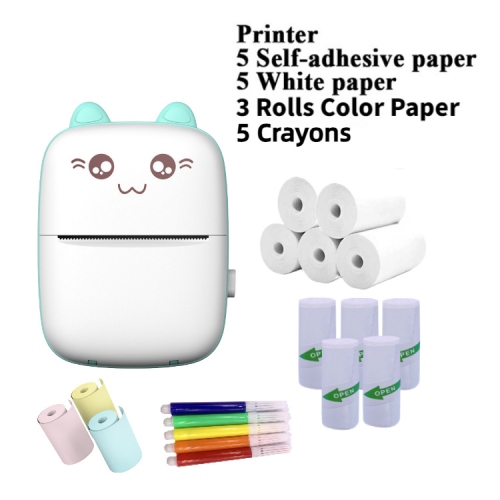
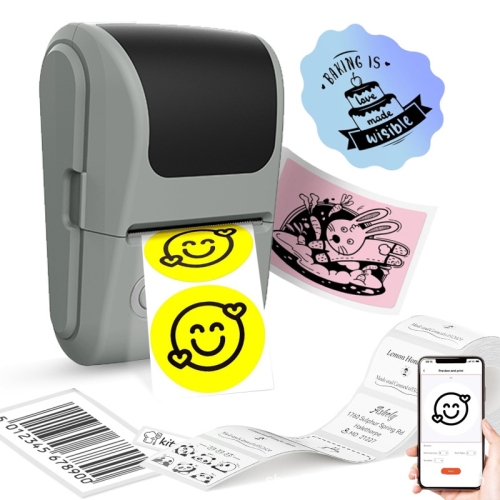
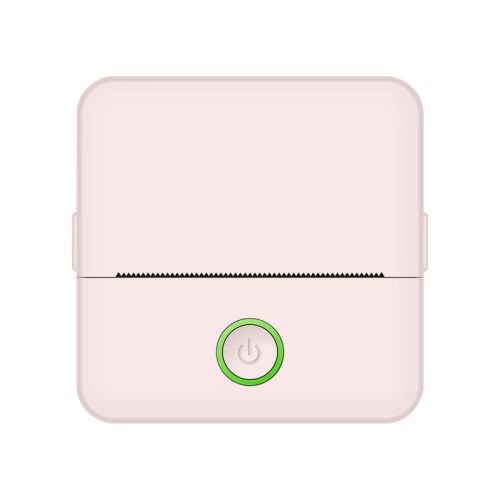
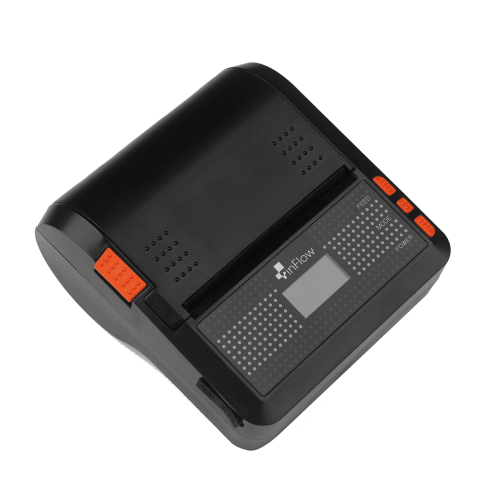

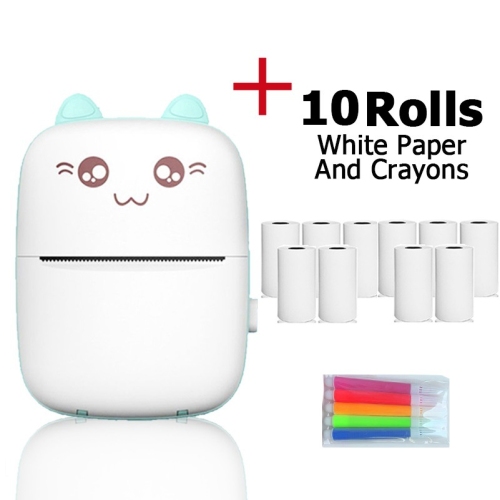
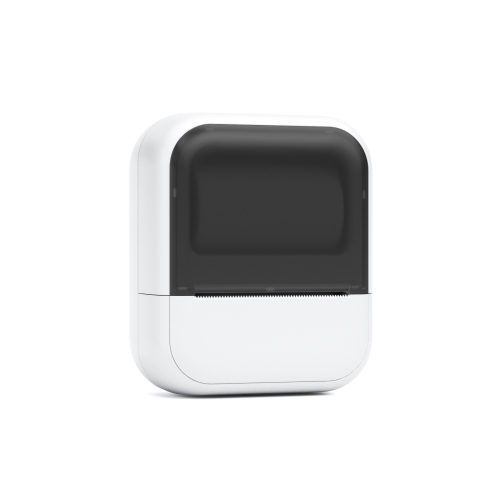
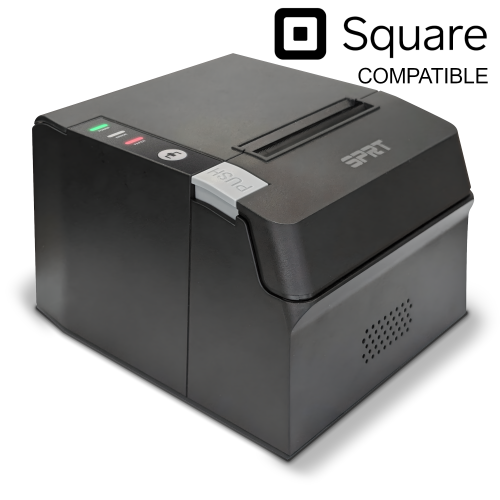

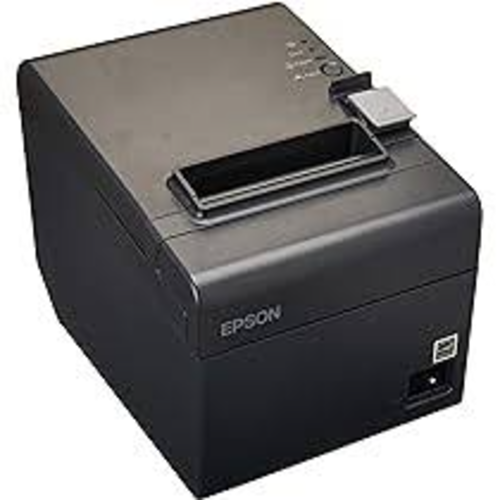


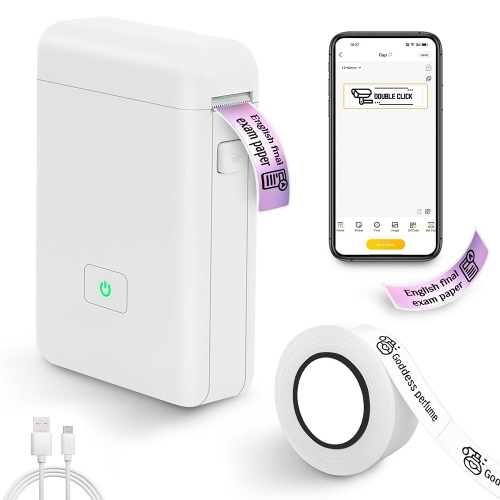
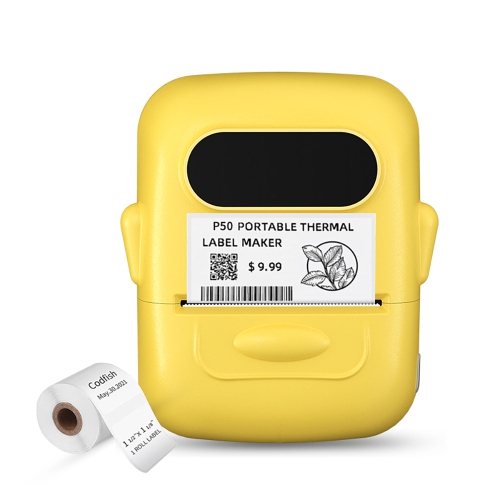
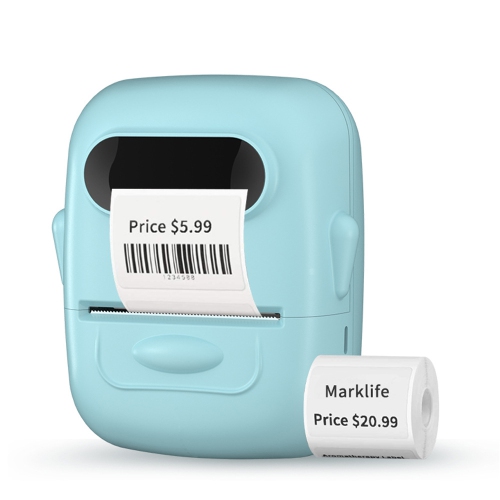
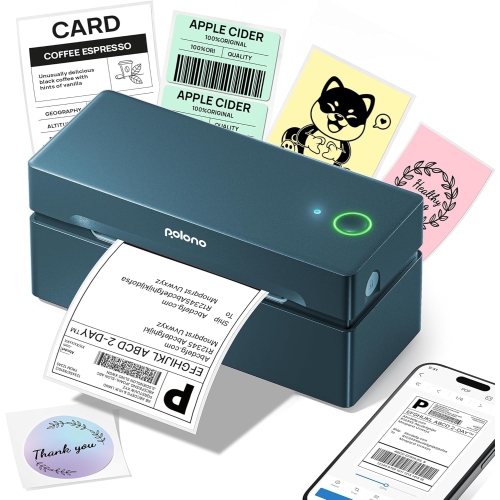




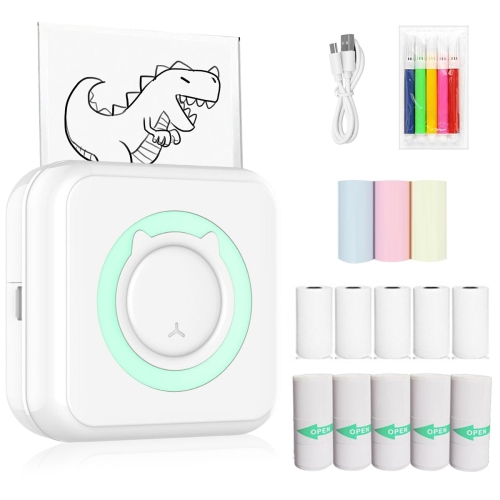

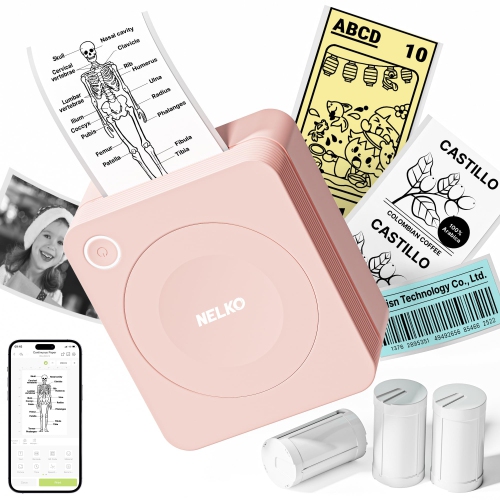
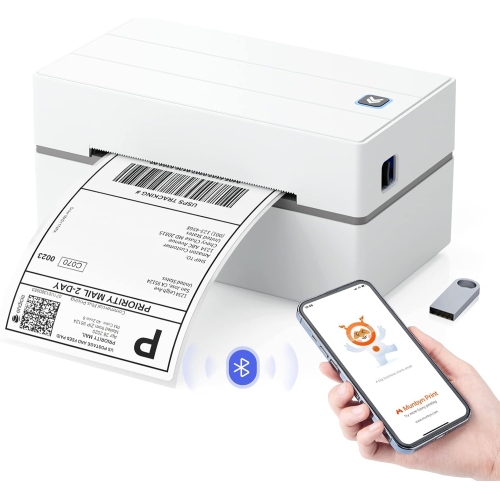
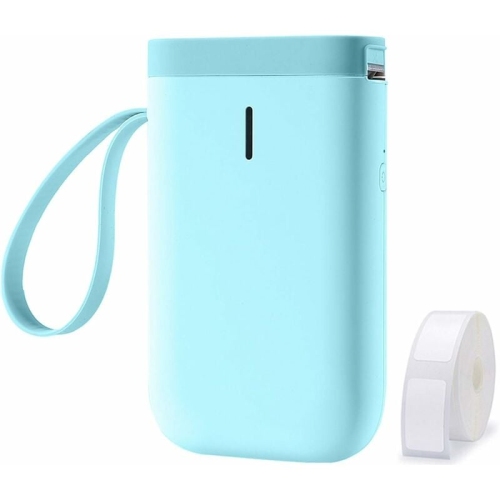
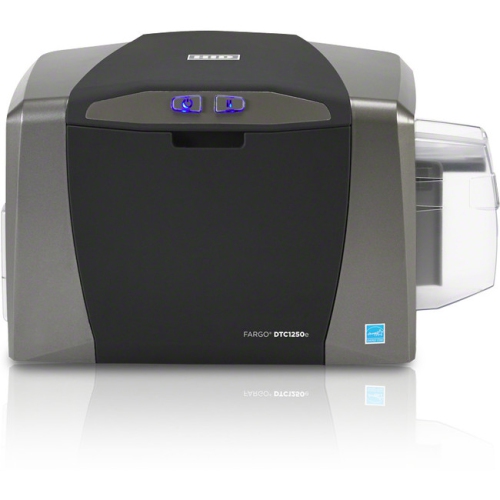
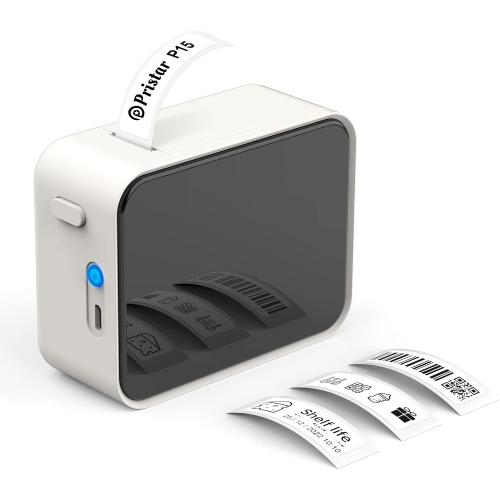
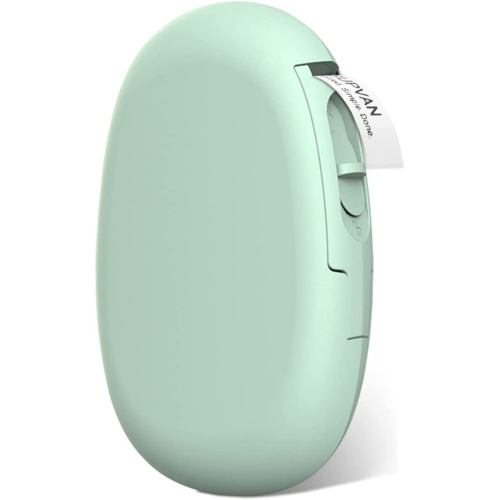
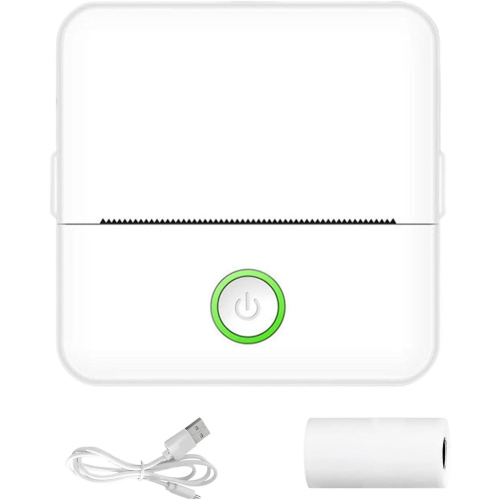
Why heat-based printing suits labels, receipts, and tickets
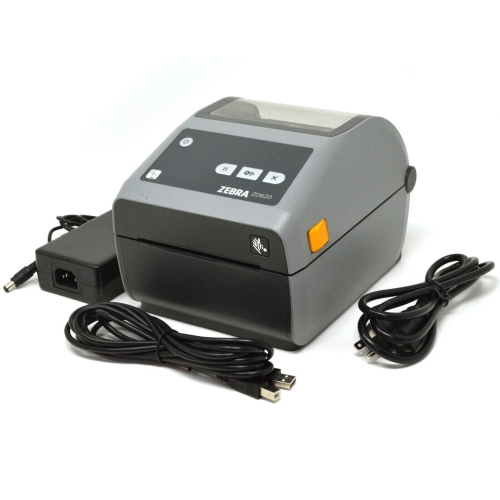
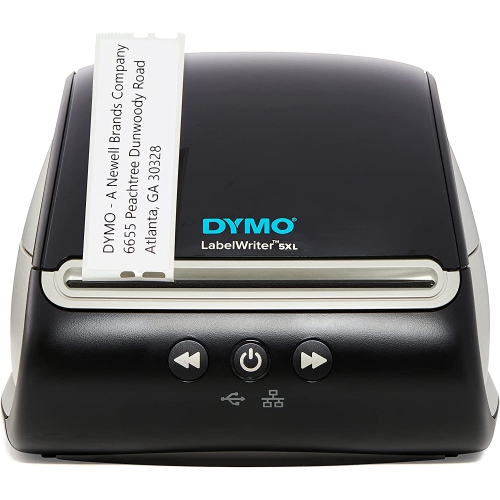
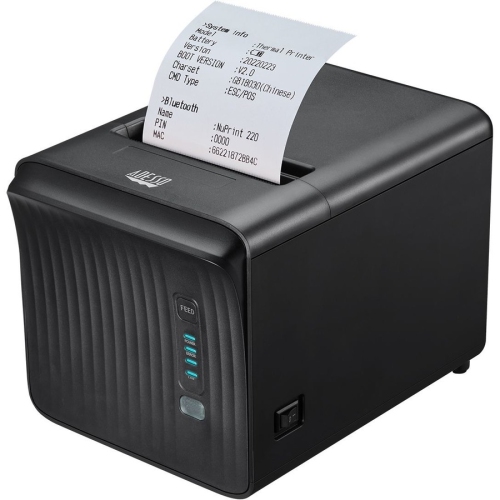
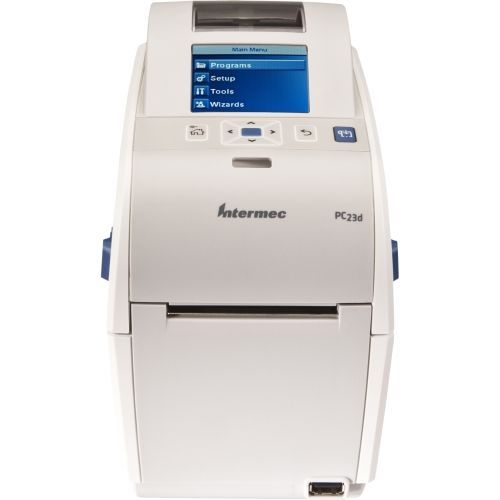
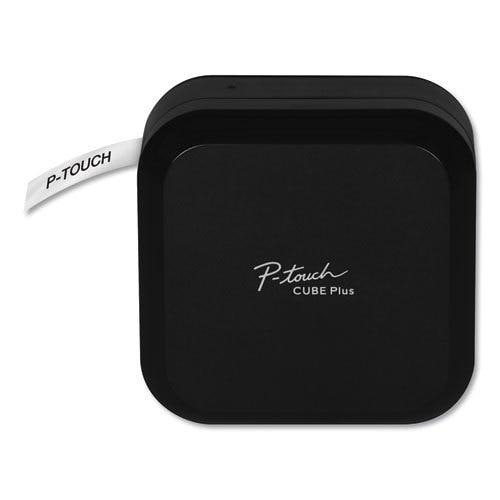
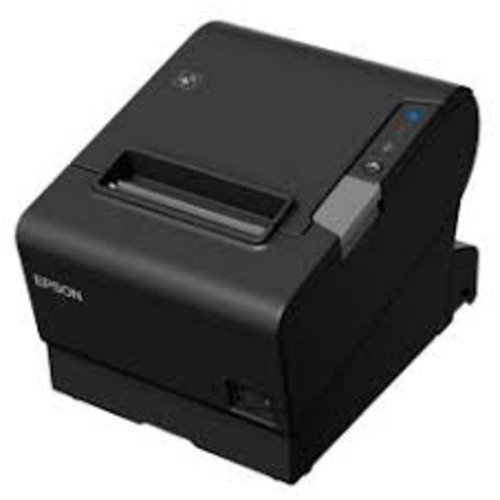
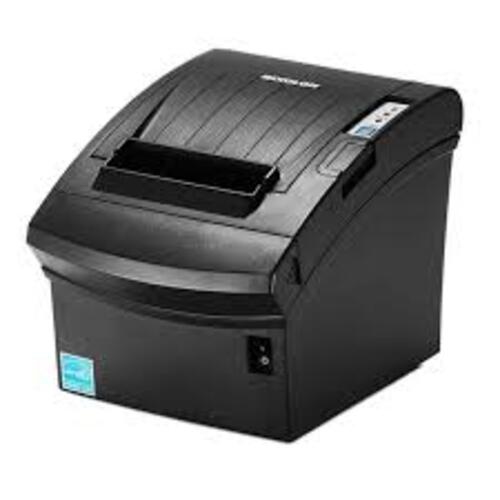
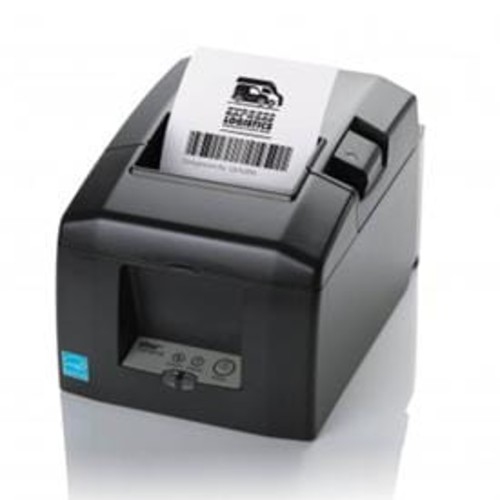
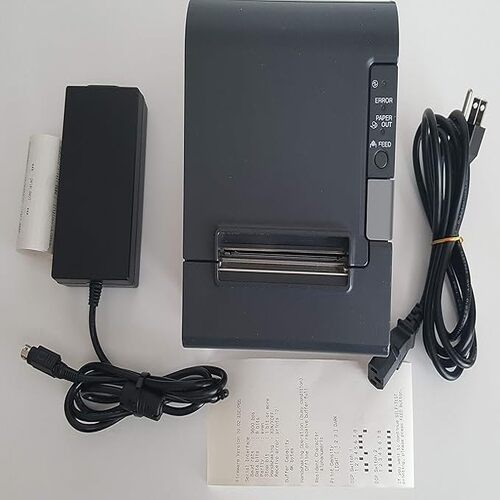
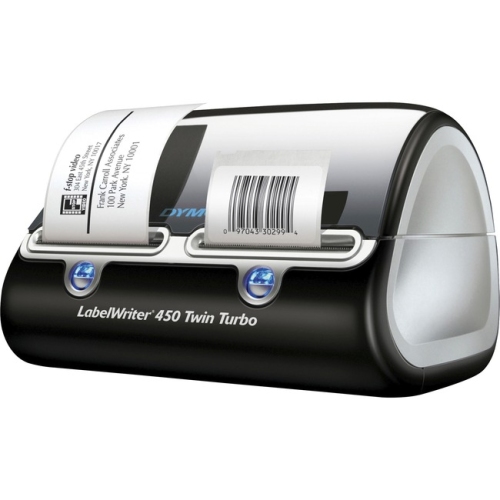
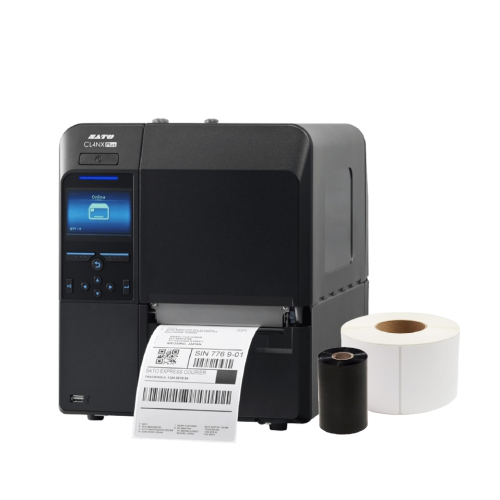
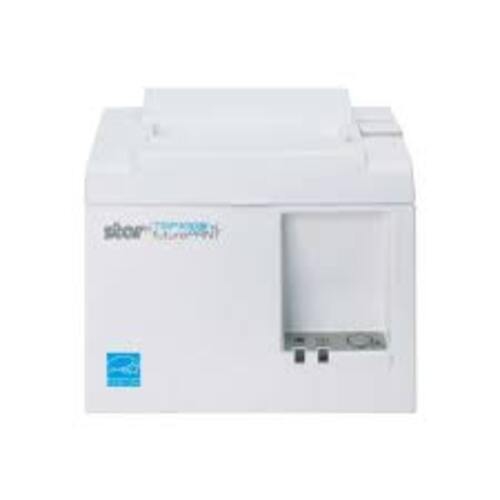
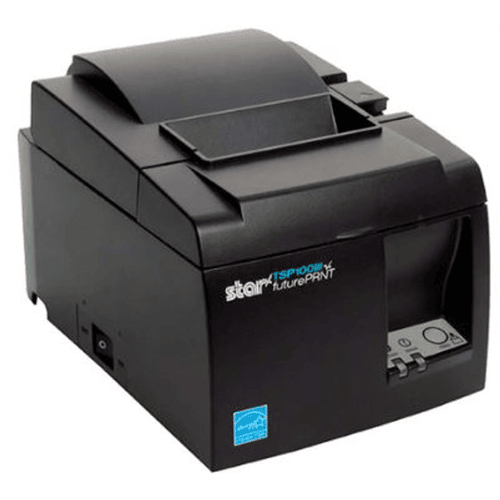
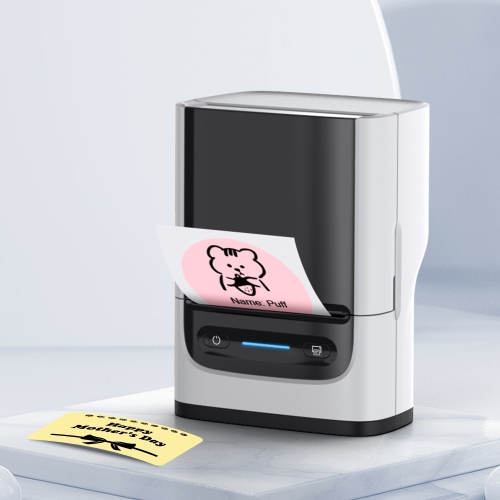
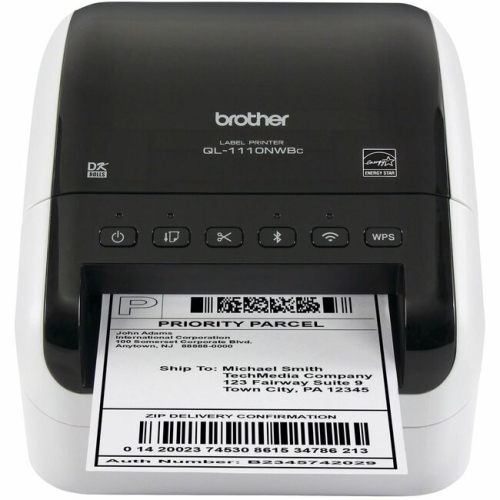
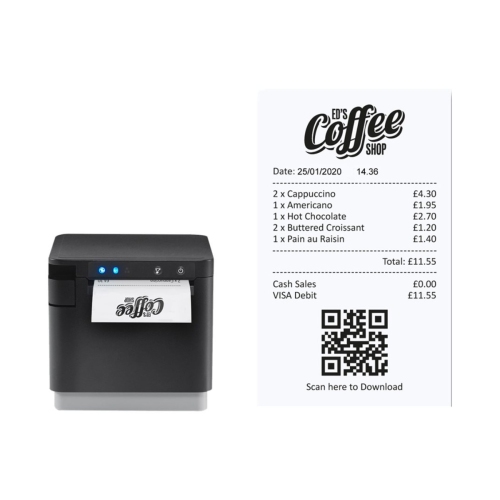
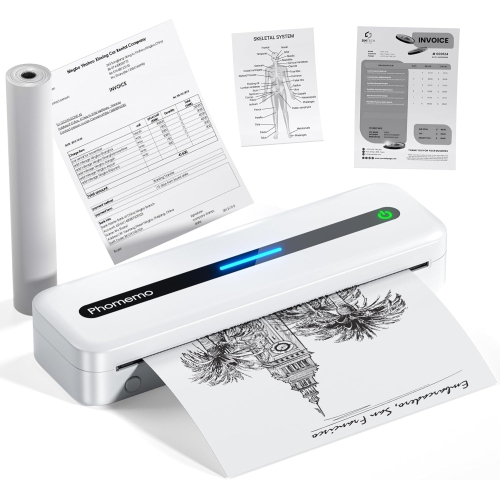
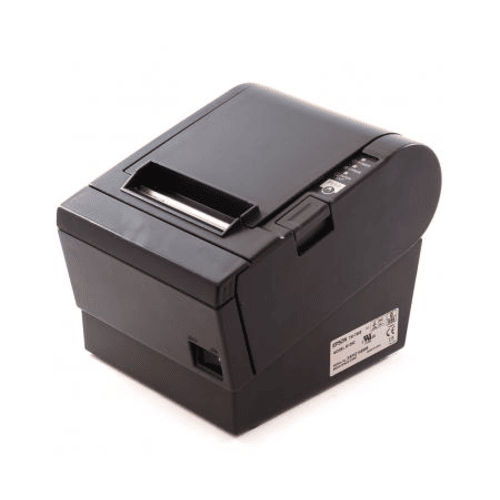
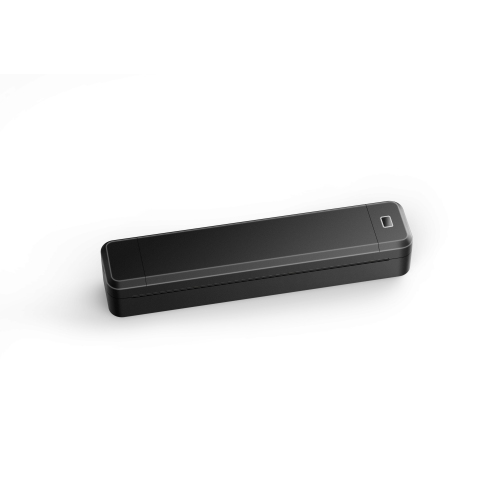
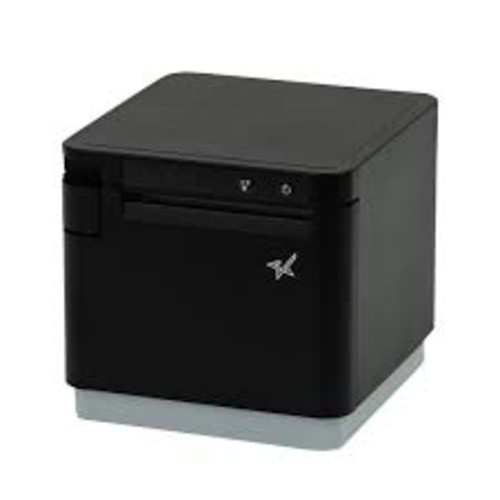
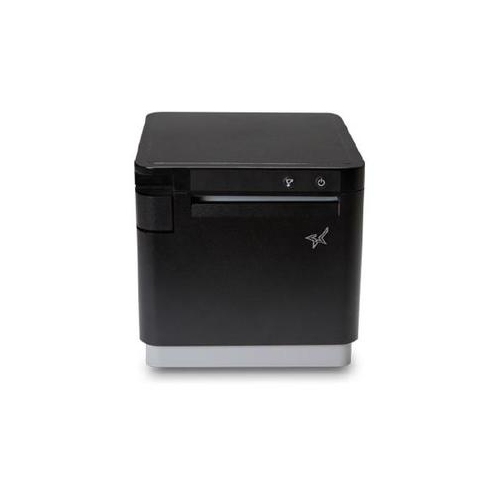
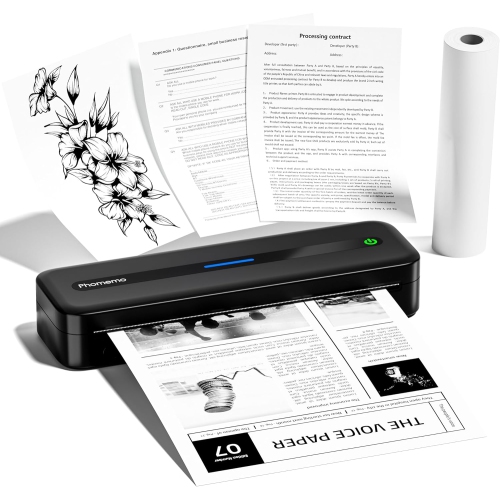
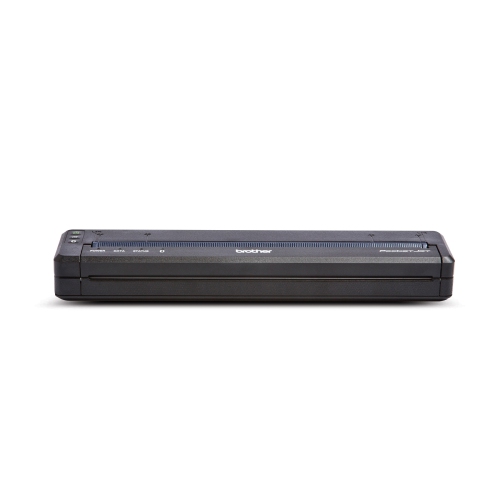
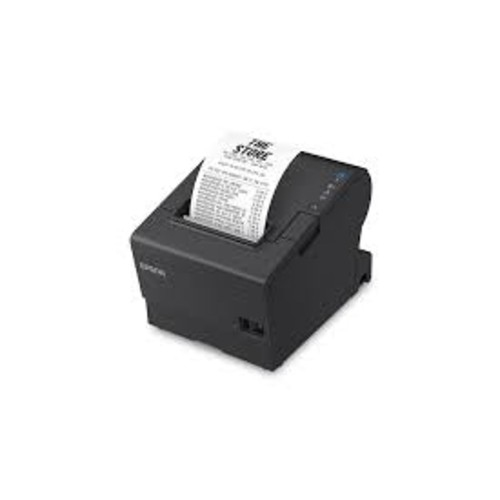
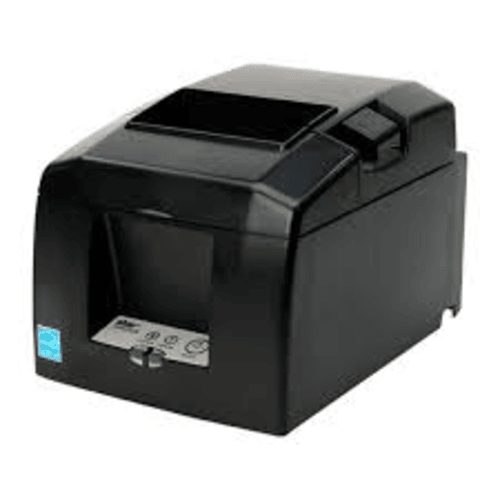
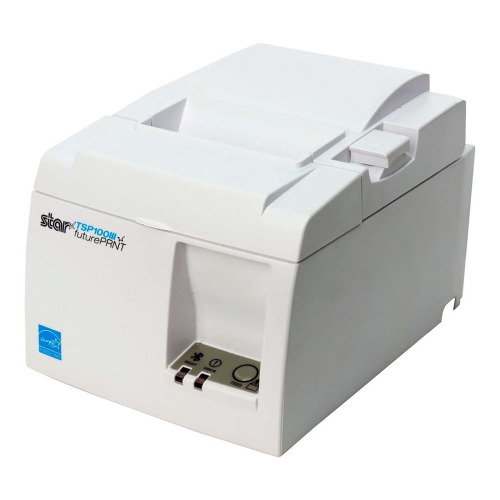
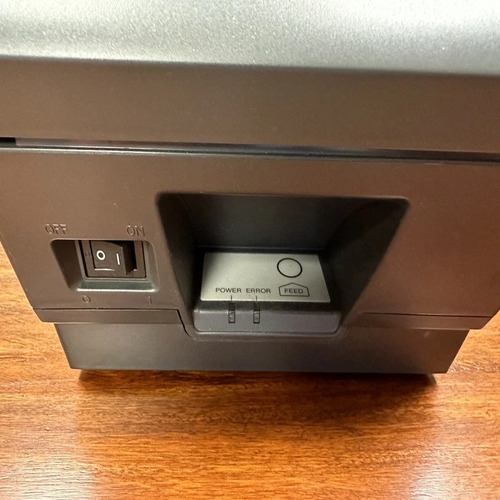
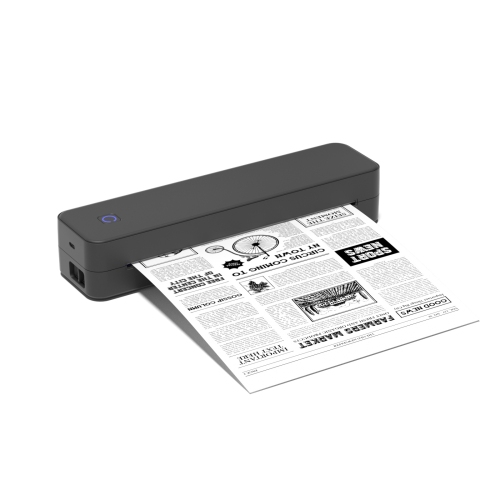
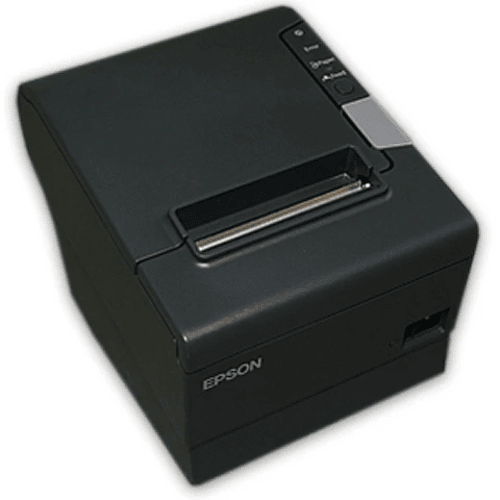
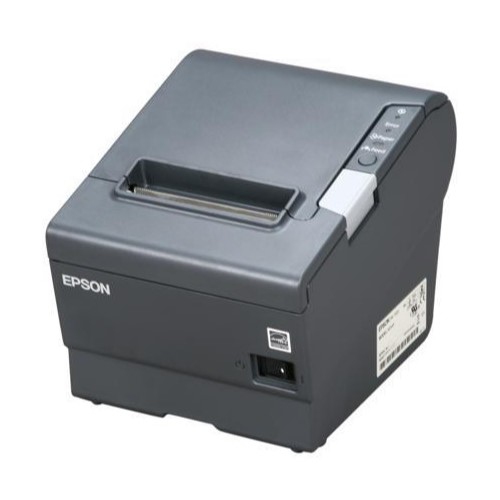
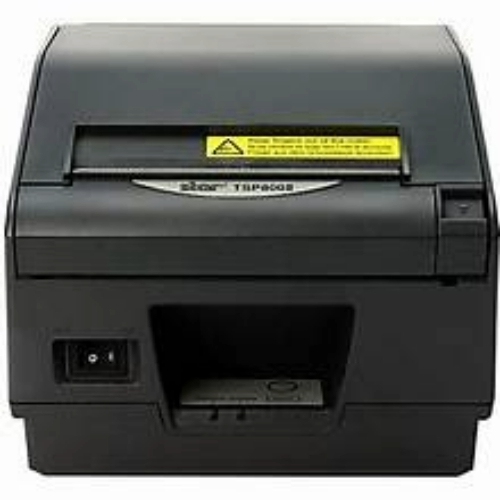
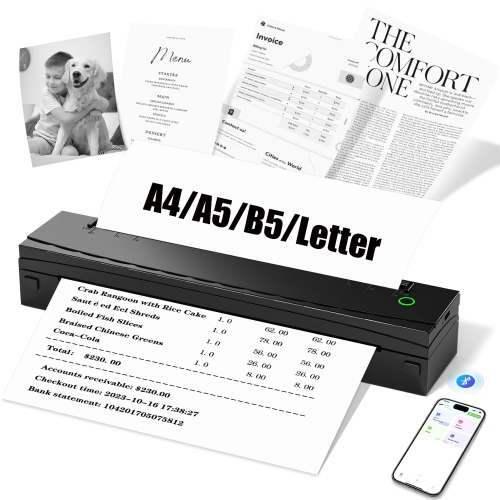
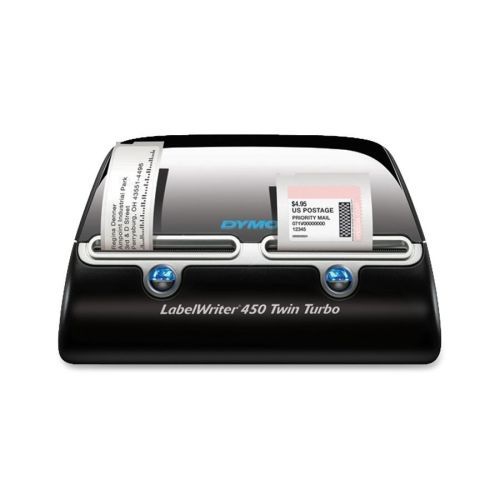
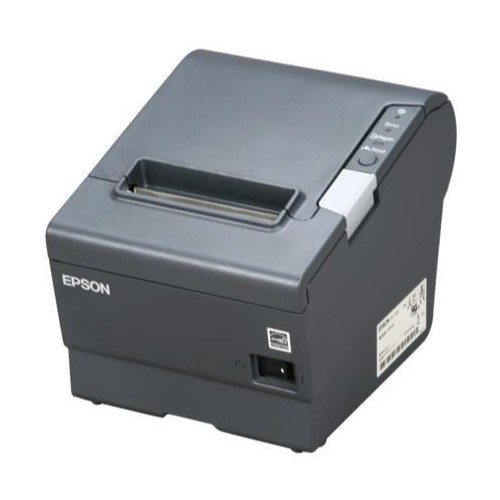
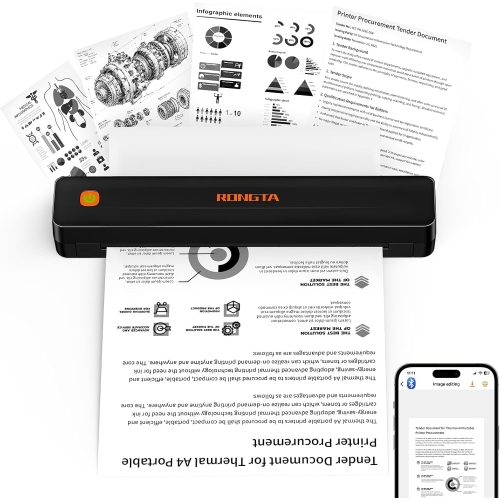
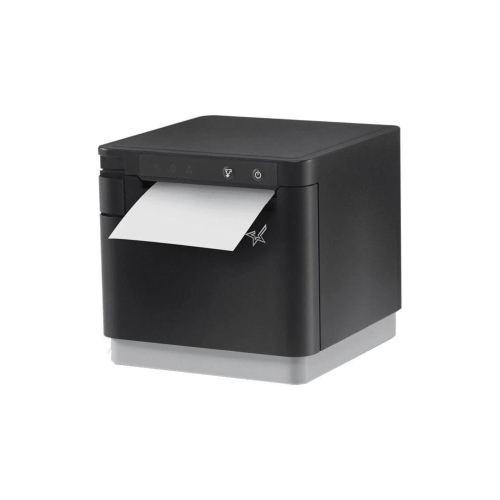
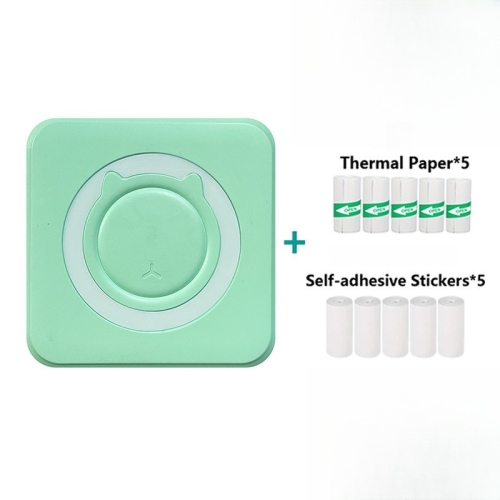
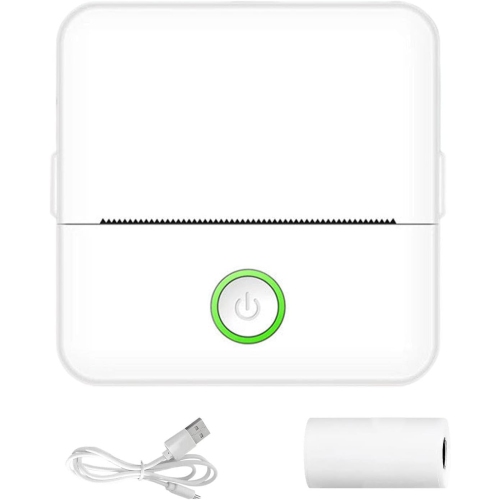
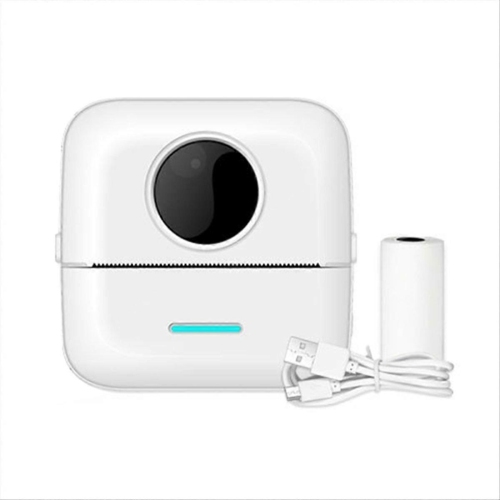
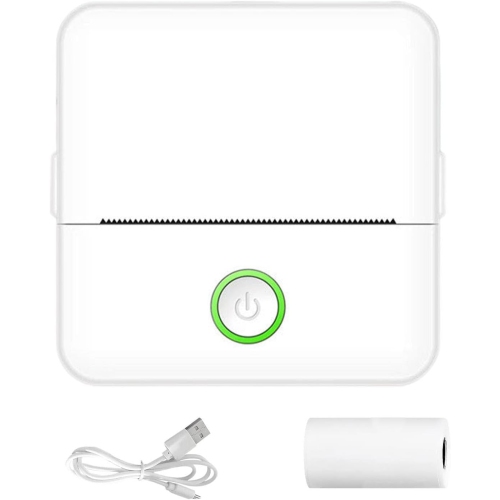
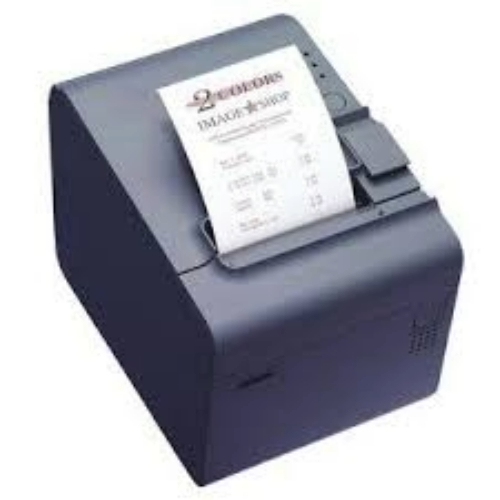
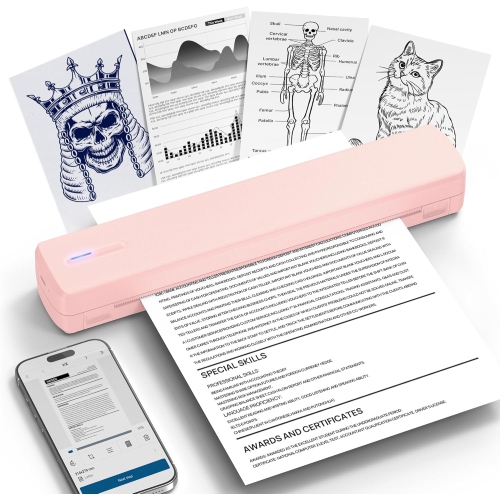
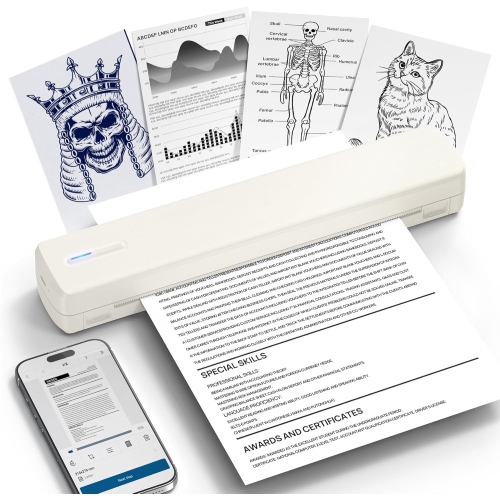
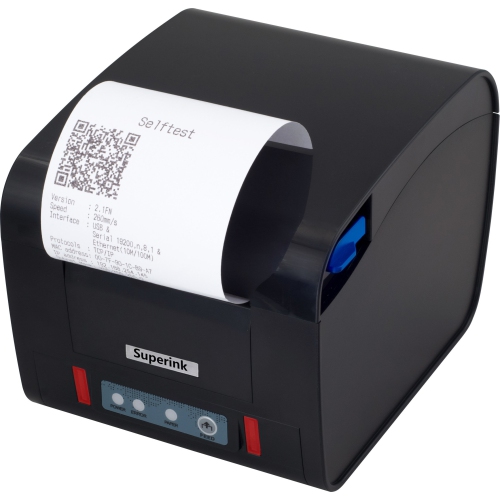
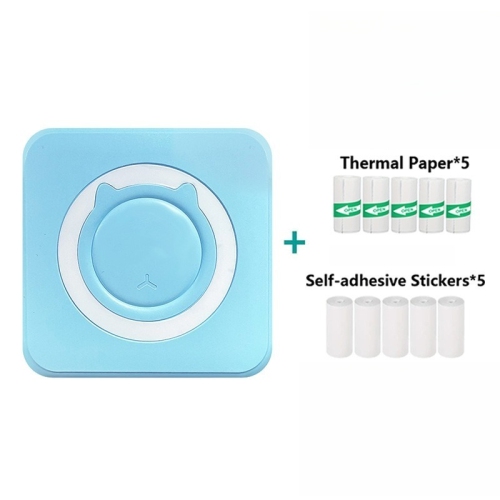
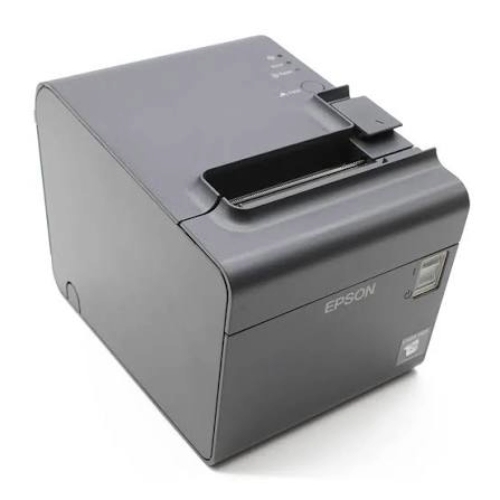
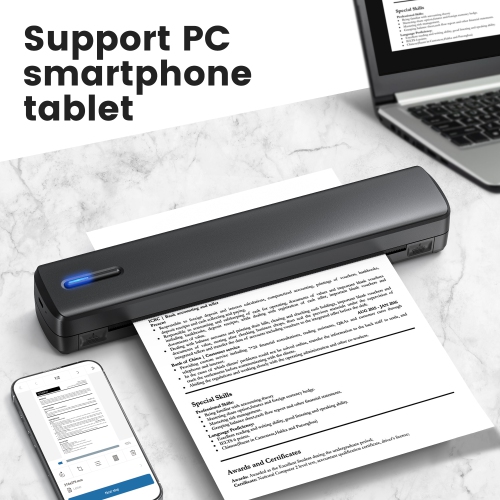
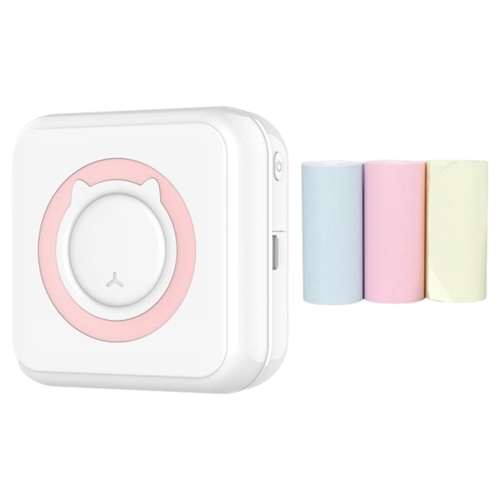
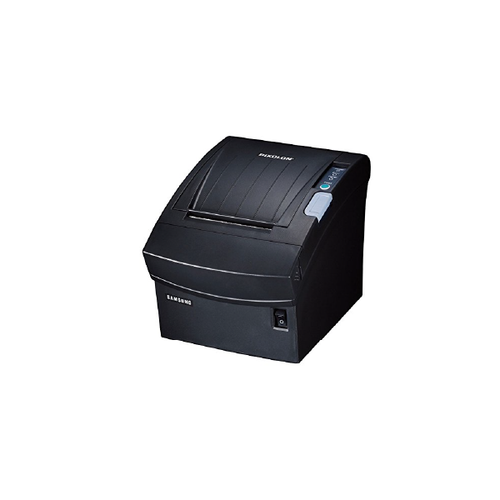
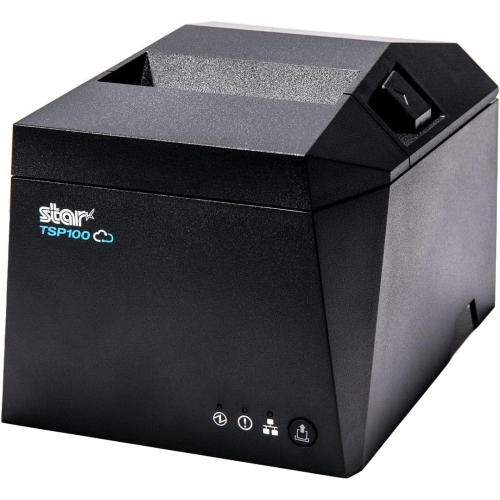
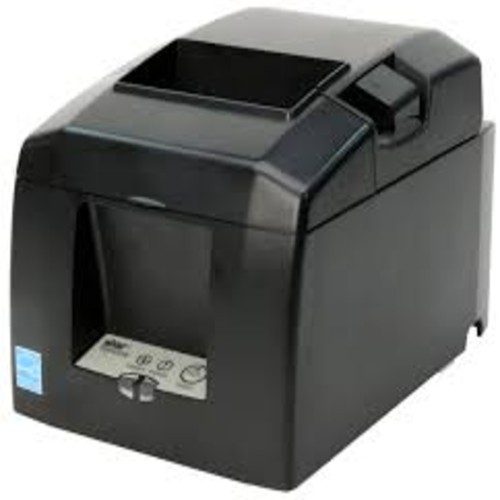
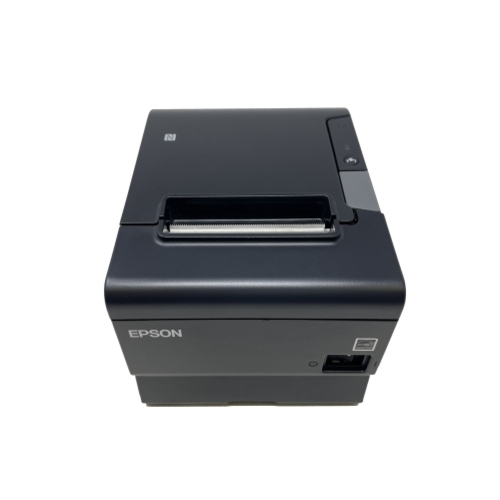
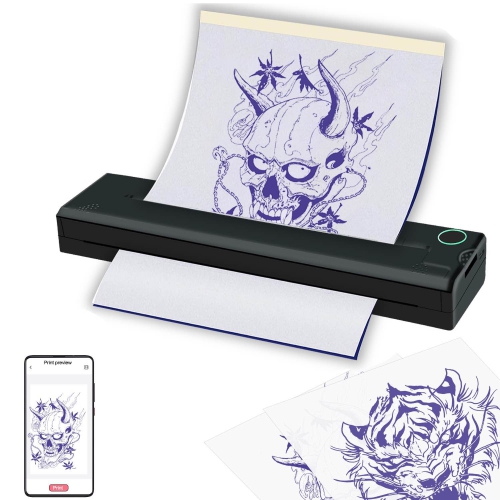
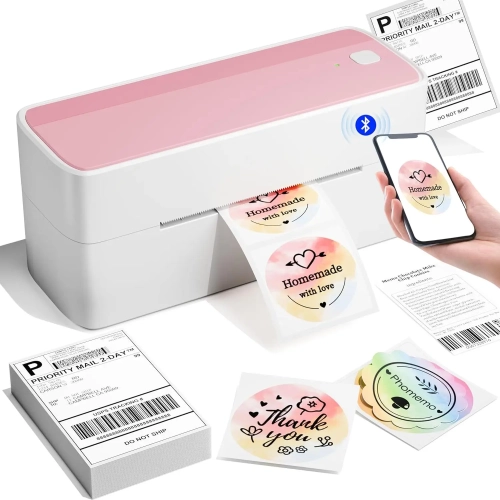
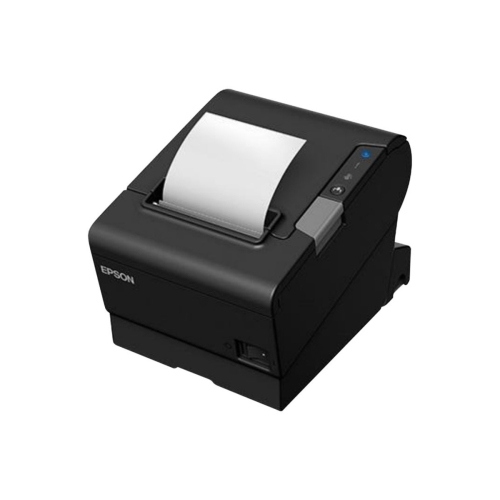
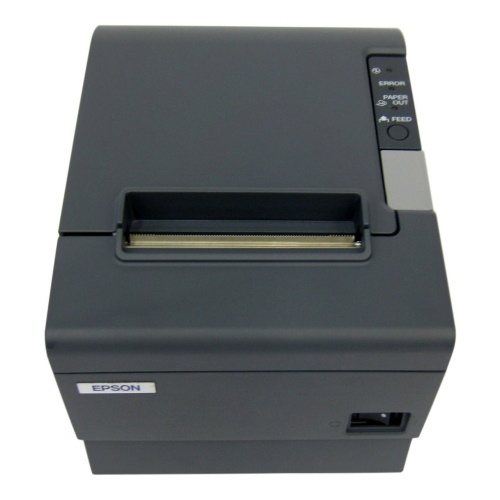
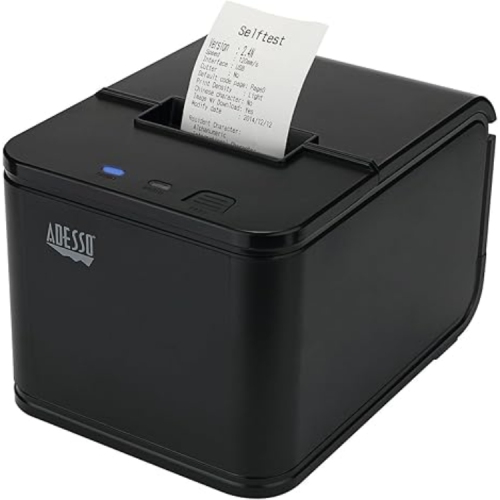
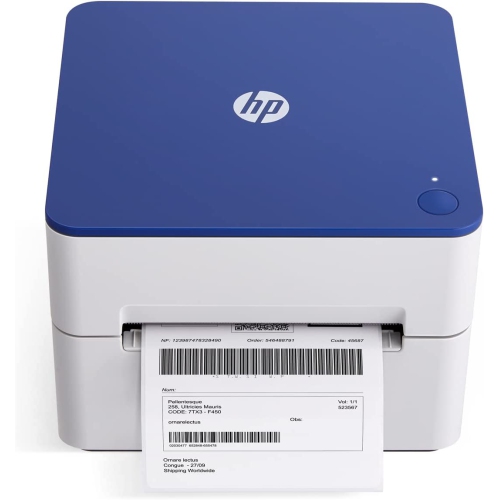
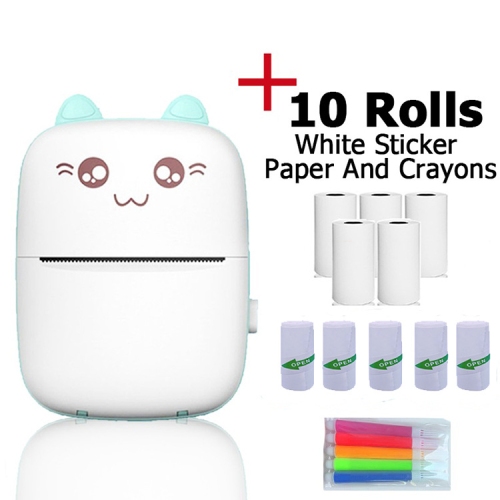
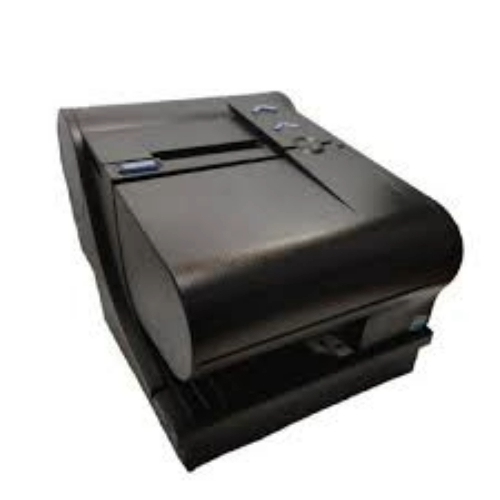
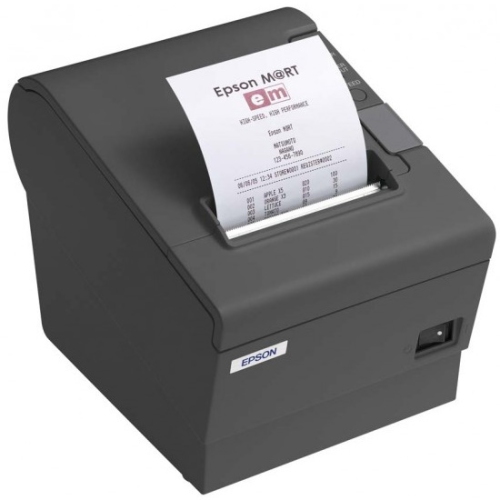
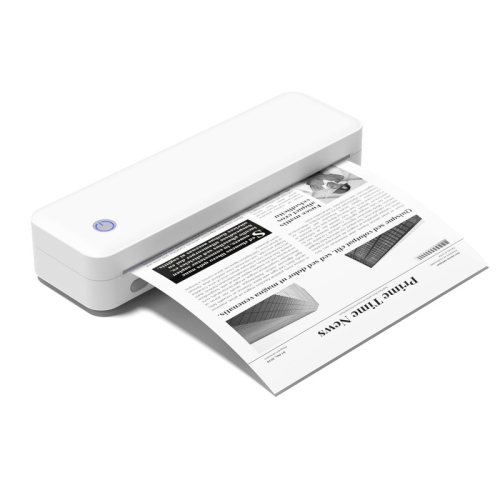
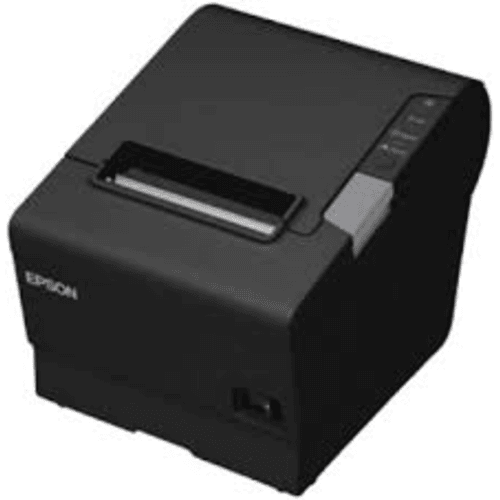
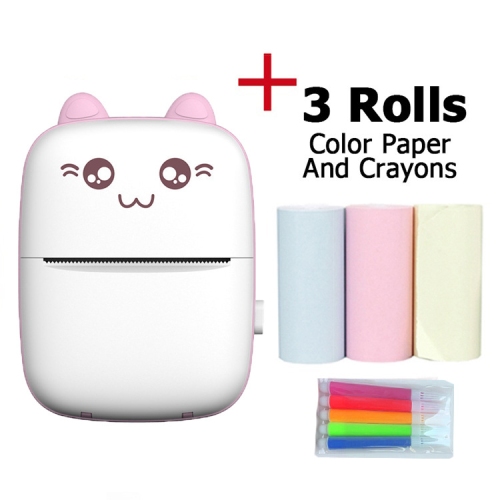
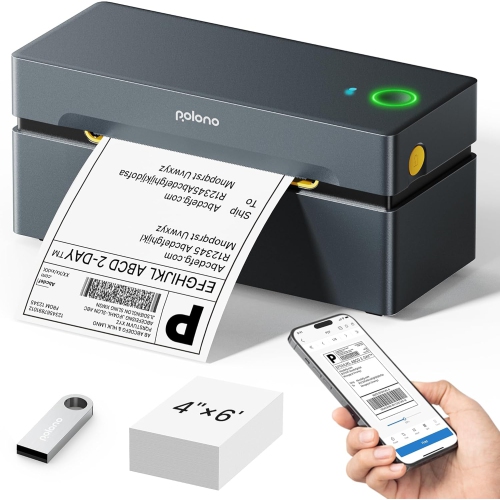
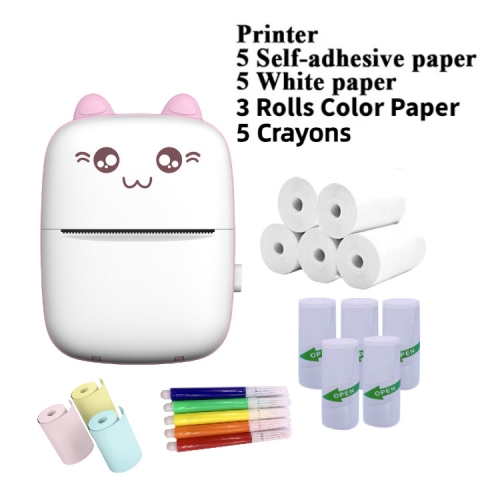
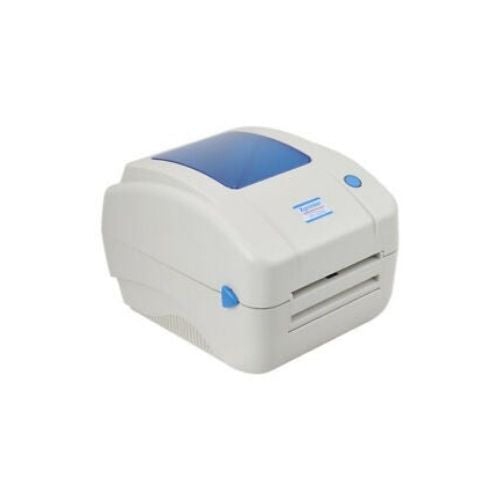
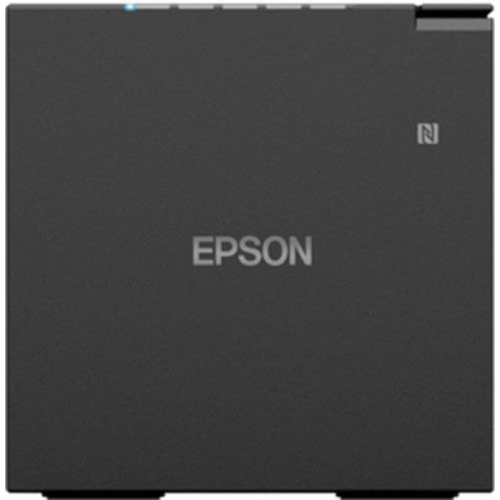
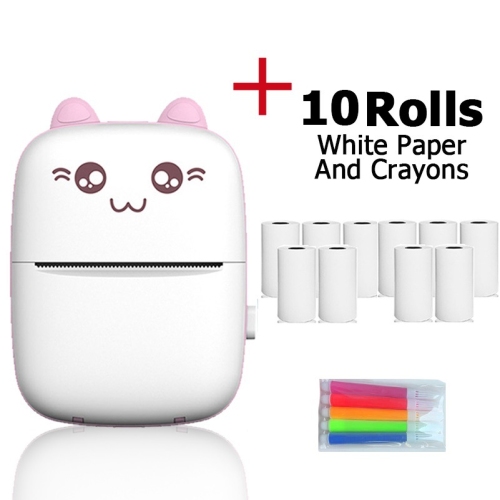
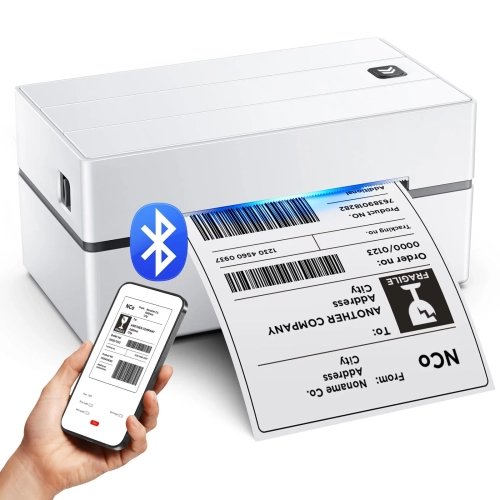
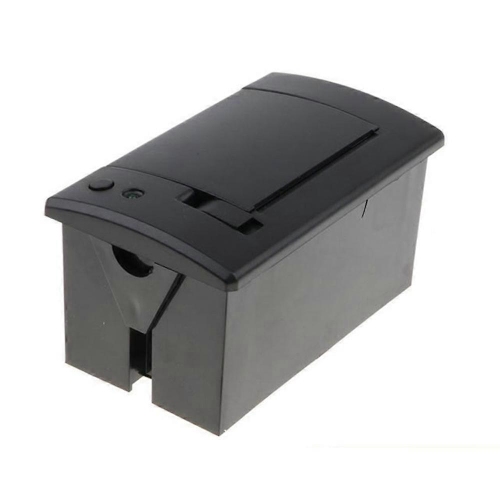
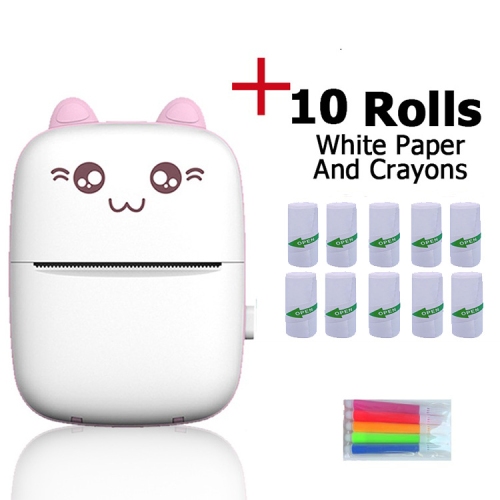
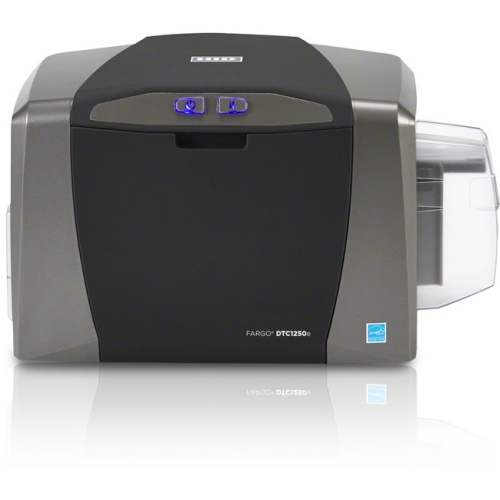
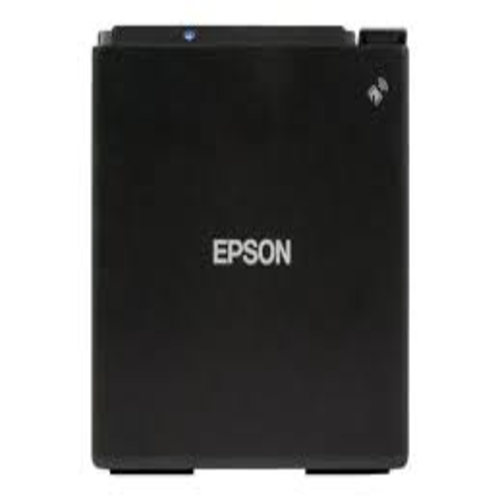
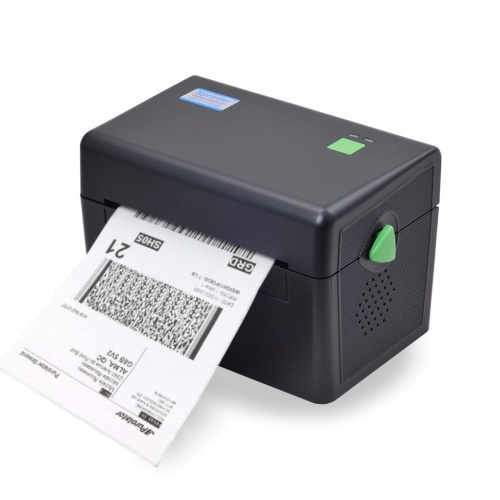
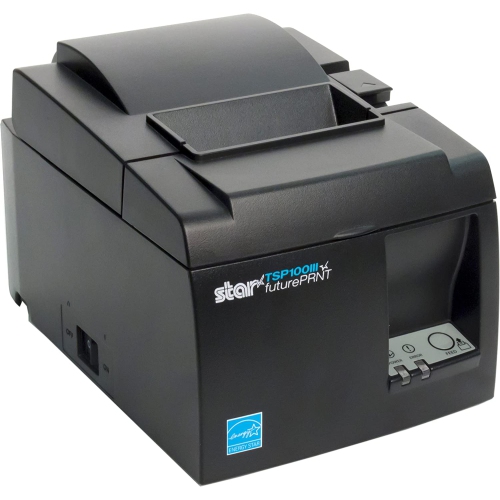
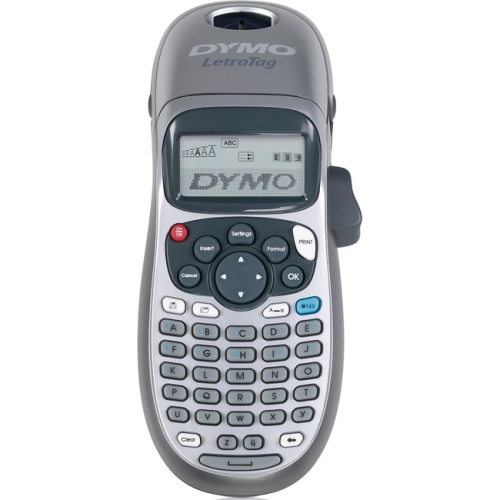
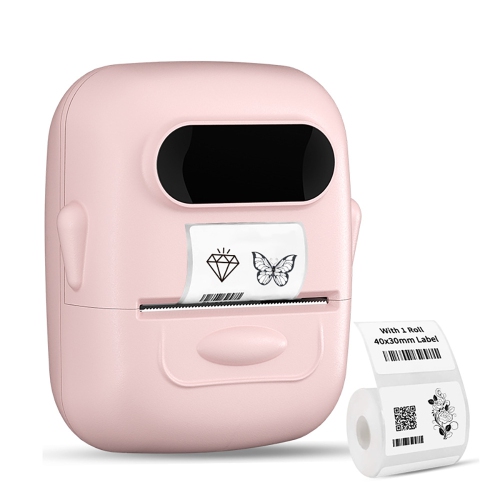
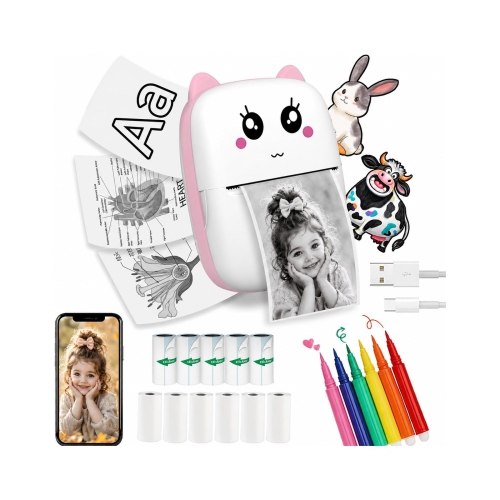
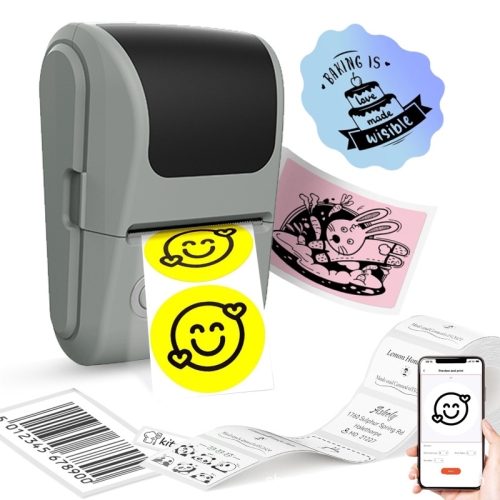
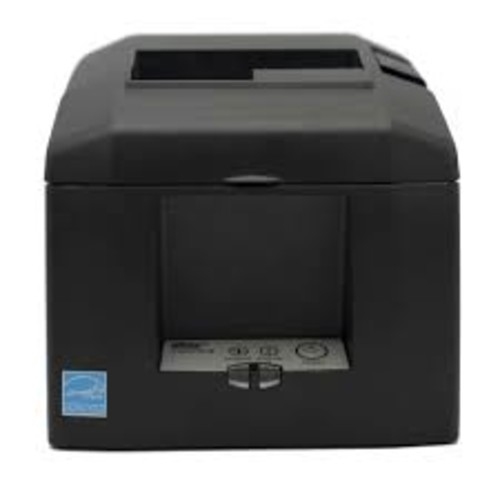
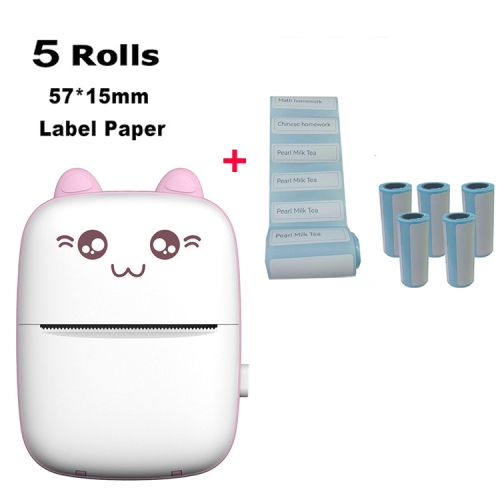
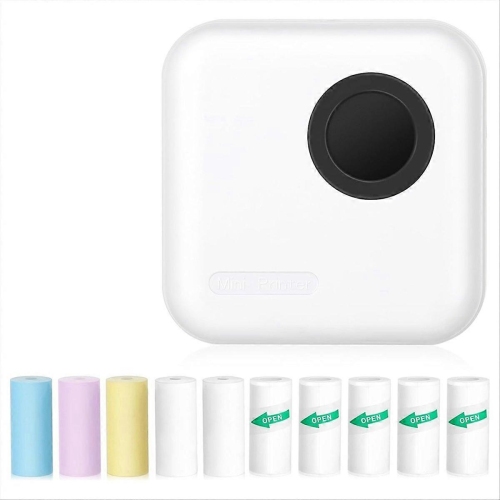
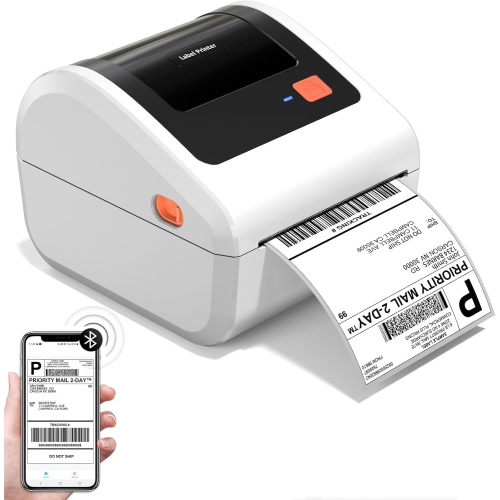
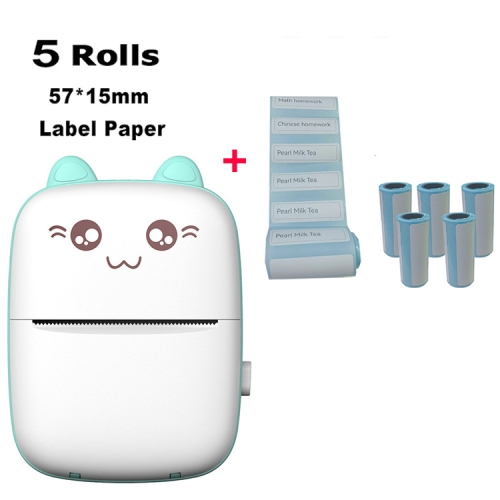
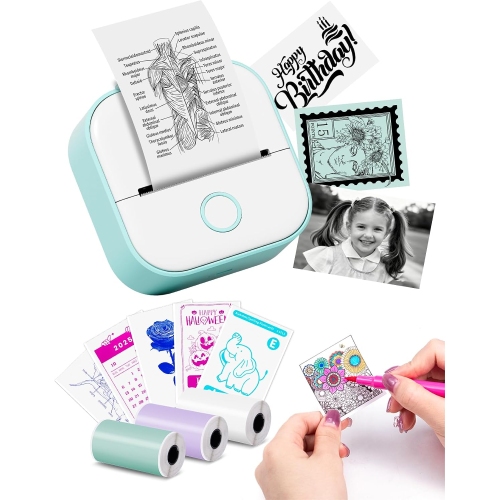
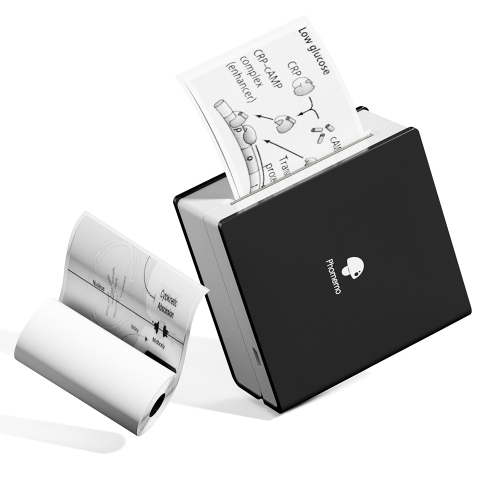
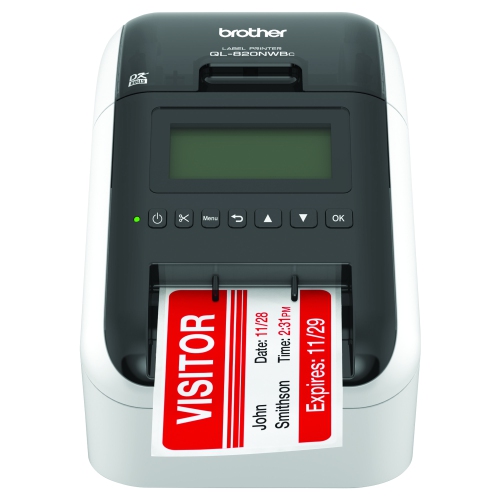
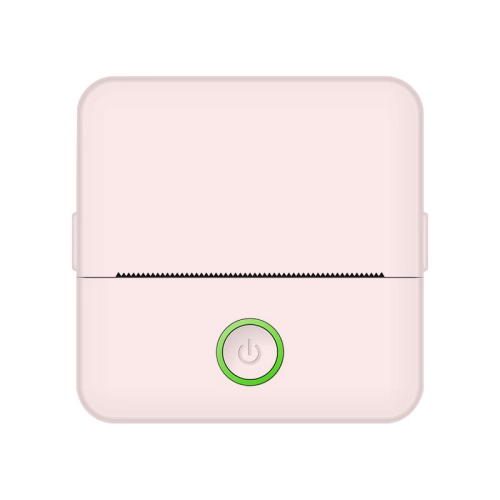
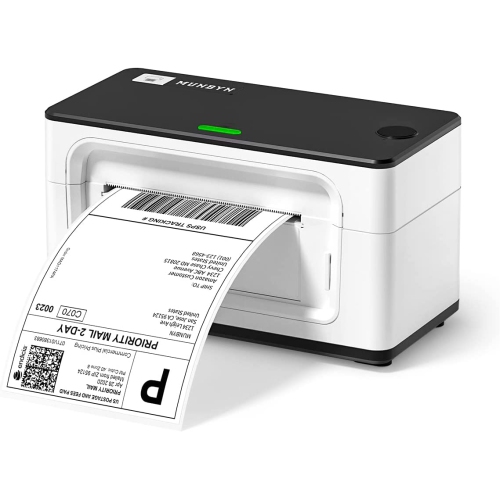
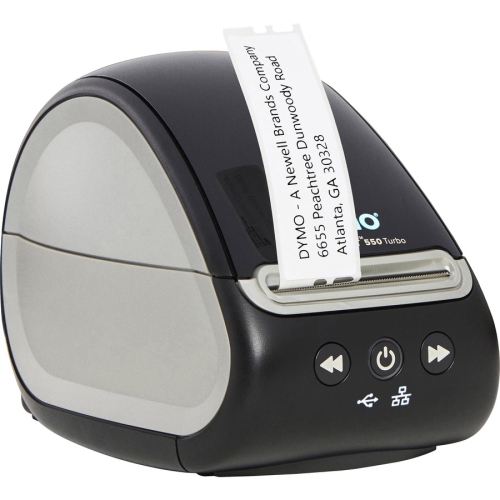
Direct thermal printers use heat instead of ink, toner, or ribbons to create an image. A heated printhead passes over specially treated, heat-sensitive paper, activating selected areas so they turn dark and form text, numbers, barcodes, symbols, or simple graphics. This straightforward printing method makes direct thermal printers a practical choice for shipping labels, receipts, tickets, appointment slips, inventory tags, shelf labels, and other documents designed for short-term or everyday use. Because there are fewer consumable components to manage, setup can be simple: load the appropriate roll or fanfold media, connect the printer to a computer or mobile device, and send the label or document to print. Many models are designed for quick, repeated output, which can be especially useful for online sellers packing orders at a kitchen table, small businesses preparing customer purchases, or busy work areas where staff need to print clear barcodes without leaving their station. They can also suit offices, clinics, warehouses, retail counters, event check-in desks, libraries, and home workshops. A direct thermal printer may be a thoughtful practical gift for someone starting a small craft business, selling items online, organizing a home-based operation, or preparing for a busy season of shipping and inventory. As the weather warms and outdoor activities pick up, direct thermal printing can help with temporary storage labels, event tickets, parcel identification, and equipment bins; during the cooler months, it can support indoor organization, holiday order fulfilment, returns, and stocktaking. For labels intended to last beyond a short period, it is important to confirm that direct thermal media is appropriate, since the printed surface can gradually fade or darken when exposed to heat, sunlight, moisture, friction, or certain chemicals.
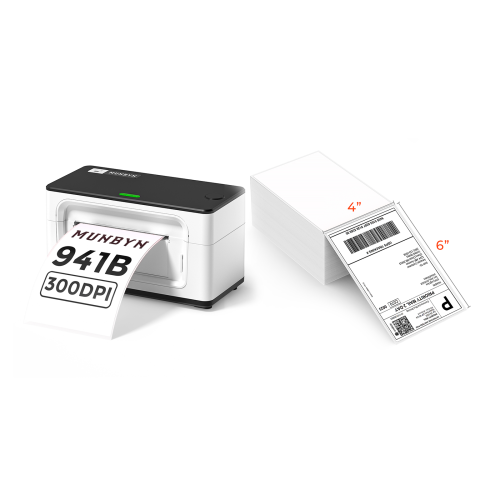
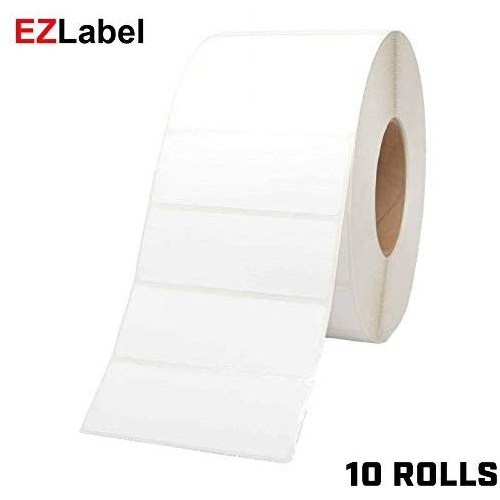
The most important purchase consideration is the type and size of media you plan to print. Direct thermal printers are often built around particular label widths, roll diameters, core sizes, or media formats, so check the printer’s specifications before choosing supplies. Shipping labels may require a wider format than small product labels, while barcode, price, file, or bin labels may benefit from a narrower roll that fits neatly on shelves and containers. The paper should be compatible with the printer and suitable for the scanner or reader used in your workflow. For Zebra-compatible applications, a matching supply such as Direct Thermal Labels for Zebra Printers can help ensure the label size, adhesive, and roll format work as expected. Adhesive choice matters as much as label size. Removable labels are useful for temporary bins, containers, or event materials, while permanent adhesive can be better for parcels, cartons, and products that need to retain their identification through handling. Consider the surface as well: corrugated cardboard, plastic totes, glass jars, envelopes, and coated packaging may each call for a different adhesive performance. Print resolution affects the appearance of small text and detailed barcodes, while print speed matters when producing a long batch of labels. If you print only a few labels at a time, a compact desktop unit may be sufficient. If several people share the printer or a queue of parcels builds throughout the day, look for a model with a suitable duty cycle, fast output, reliable media handling, and easy access for roll changes. Connectivity is another key decision. USB can be dependable for a dedicated workstation, while Ethernet may suit a shared office or warehouse network. Wireless or Bluetooth connectivity can make placement more flexible and may be convenient when printing from a mobile device, tablet, or multiple computers. Confirm operating system compatibility, available software, and whether the printer supports the label templates or barcode formats used by your shipping, point-of-sale, inventory, or scheduling platform.
Direct thermal printing is particularly effective when the information has a defined useful life and the priorities are speed, clarity, and easy operation. Shipping labels, for example, generally need to remain legible while a parcel moves through sorting, storage, and delivery rather than for many years. Receipts and admission tickets have a similar short-term purpose, while inventory tags may be replaced as stock moves or storage locations change. The absence of ink cartridges and ribbons means there is no need to monitor ink levels or replace a ribbon between batches, but the printer still benefits from routine care. Dust, adhesive residue, and scraps of label backing can affect the printhead or cause media to track unevenly, so follow the manufacturer’s cleaning instructions and keep the printing area free of loose debris. Store unused thermal rolls in a dry place away from direct sunlight, strong heat, and pressure that could distort the material. It is also wise to print a test label before producing a large batch, checking that the text is aligned, the barcode scans correctly, the adhesive suits the surface, and the selected paper is not too narrow or wide for the holder. When estimating ongoing costs, consider more than the printer itself: include label stock, shipping or receipt software, replacement printheads if applicable, and the time spent loading and organizing media. A direct thermal printer is usually most convenient for people who regularly print standardized, single-colour information rather than full-colour images or long documents. With the right media and connection, it can turn a repetitive labelling task into a quick, consistent part of the workday, whether orders are being packed at home, shelves are being rearranged in a stockroom, or guests are being checked in at a busy event.
The most important purchase consideration is the type and size of media you plan to print. Direct thermal printers are often built around particular label widths, roll diameters, core sizes, or media formats, so check the printer’s specifications before choosing supplies. Shipping labels may require a wider format than small product labels, while barcode, price, file, or bin labels may benefit from a narrower roll that fits neatly on shelves and containers. The paper should be compatible with the printer and suitable for the scanner or reader used in your workflow. For Zebra-compatible applications, a matching supply such as Direct Thermal Labels for Zebra Printers can help ensure the label size, adhesive, and roll format work as expected. Adhesive choice matters as much as label size. Removable labels are useful for temporary bins, containers, or event materials, while permanent adhesive can be better for parcels, cartons, and products that need to retain their identification through handling. Consider the surface as well: corrugated cardboard, plastic totes, glass jars, envelopes, and coated packaging may each call for a different adhesive performance. Print resolution affects the appearance of small text and detailed barcodes, while print speed matters when producing a long batch of labels. If you print only a few labels at a time, a compact desktop unit may be sufficient. If several people share the printer or a queue of parcels builds throughout the day, look for a model with a suitable duty cycle, fast output, reliable media handling, and easy access for roll changes. Connectivity is another key decision. USB can be dependable for a dedicated workstation, while Ethernet may suit a shared office or warehouse network. Wireless or Bluetooth connectivity can make placement more flexible and may be convenient when printing from a mobile device, tablet, or multiple computers. Confirm operating system compatibility, available software, and whether the printer supports the label templates or barcode formats used by your shipping, point-of-sale, inventory, or scheduling platform.
Direct thermal printing is particularly effective when the information has a defined useful life and the priorities are speed, clarity, and easy operation. Shipping labels, for example, generally need to remain legible while a parcel moves through sorting, storage, and delivery rather than for many years. Receipts and admission tickets have a similar short-term purpose, while inventory tags may be replaced as stock moves or storage locations change. The absence of ink cartridges and ribbons means there is no need to monitor ink levels or replace a ribbon between batches, but the printer still benefits from routine care. Dust, adhesive residue, and scraps of label backing can affect the printhead or cause media to track unevenly, so follow the manufacturer’s cleaning instructions and keep the printing area free of loose debris. Store unused thermal rolls in a dry place away from direct sunlight, strong heat, and pressure that could distort the material. It is also wise to print a test label before producing a large batch, checking that the text is aligned, the barcode scans correctly, the adhesive suits the surface, and the selected paper is not too narrow or wide for the holder. When estimating ongoing costs, consider more than the printer itself: include label stock, shipping or receipt software, replacement printheads if applicable, and the time spent loading and organizing media. A direct thermal printer is usually most convenient for people who regularly print standardized, single-colour information rather than full-colour images or long documents. With the right media and connection, it can turn a repetitive labelling task into a quick, consistent part of the workday, whether orders are being packed at home, shelves are being rearranged in a stockroom, or guests are being checked in at a busy event.
Top selling and popular products
-
 Your price for this item is $299
 -
 Your price for this item is $549
 -
 Your price for this item is $409.99
 -
 Your price for this item is $253.19
 -
 Your price for this item is $167.99
 -
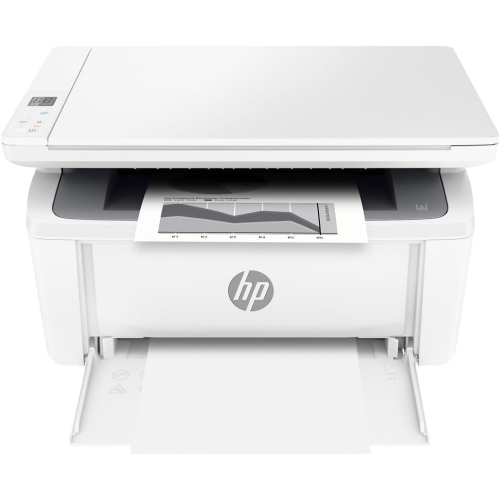 Your price for this item is $206.99
 -
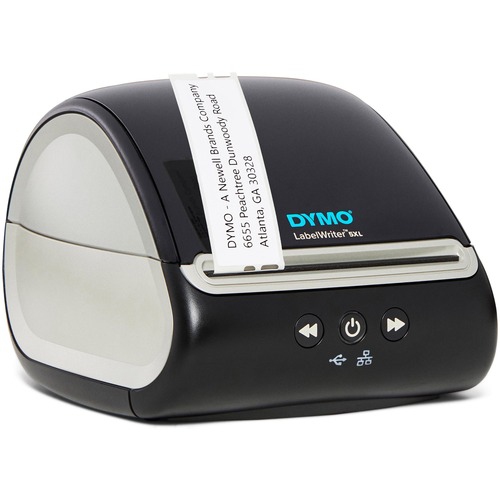 Your price for this item is $514.68
 -
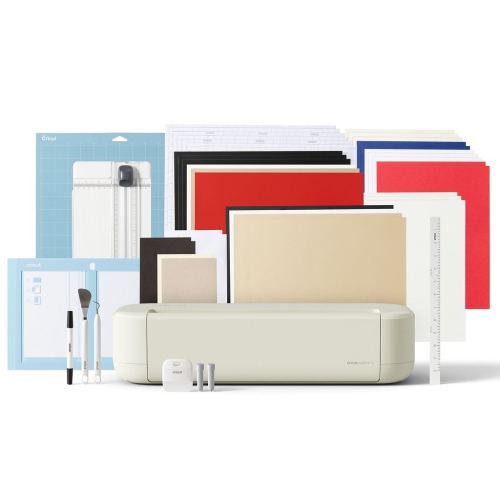 Your price for this item is $349
Discover more categories related to Direct Thermal Printers
Top Collections:
Pokemon Centers, Best Cameras for Sports Photography, Kindle Devices, Samsung Galaxy Phones, Canon G7X Cameras, Pokémon 30th Celebration Cards, Refurbished Apple Laptops, iPhone 15 Apple, Laptops for Students, Budget Smartphones
Some products may be subject to Environmental Handling Fees
(EHF) depending on your province.
Learn more about EHFs.