Displayport To Displayport
Looking to enhance your display capabilities? Explore our selection of DisplayPort to DisplayPort cables, designed to deliver high-definition video and audio from your device to your monitor or TV with ease. Whether you're a gamer, content creator, or simply looking to upgrade your home office setup, these cables offer reliable connectivity and crystal-clear picture quality for a seamless viewing experience. Upgrade your display setup today with our range of DisplayPort to DisplayPort cables.
Sort


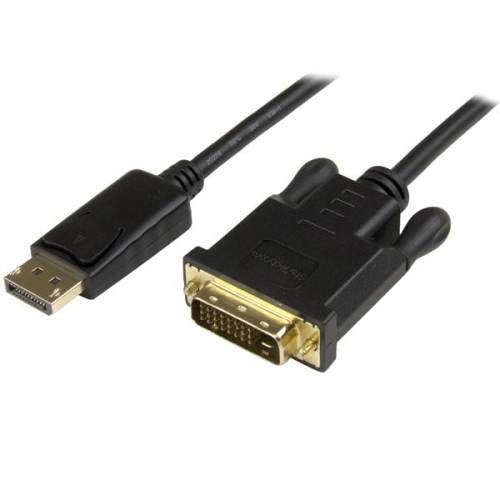
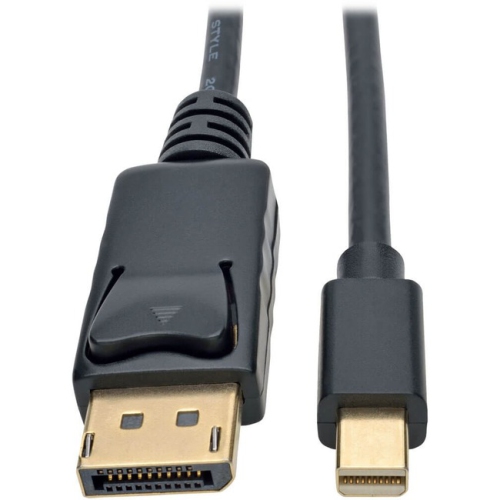
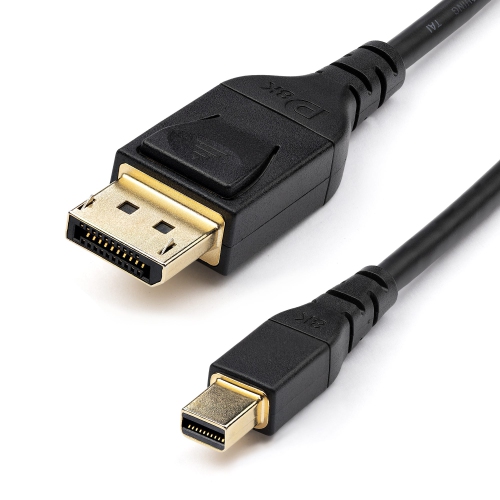
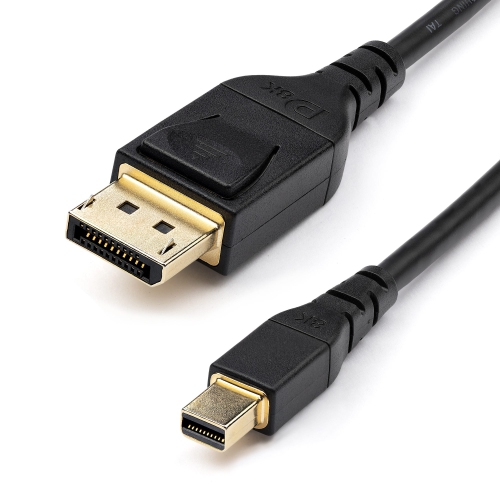





What to know about DisplayPort versions, lengths, and performance
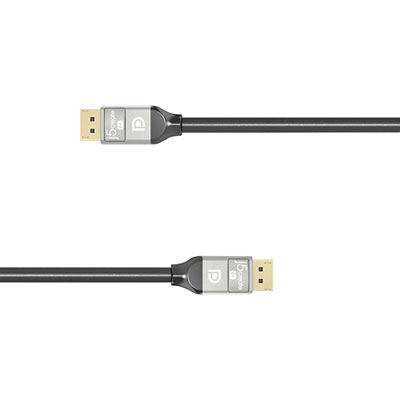
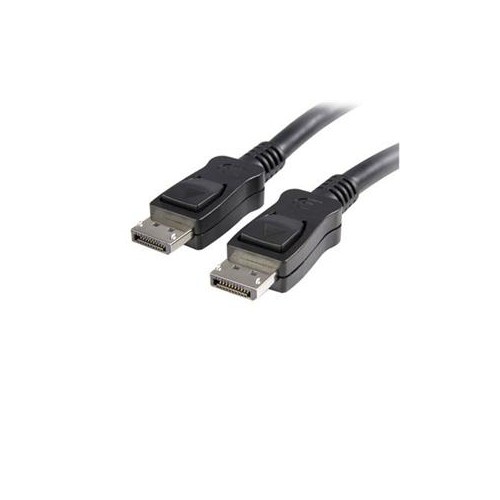
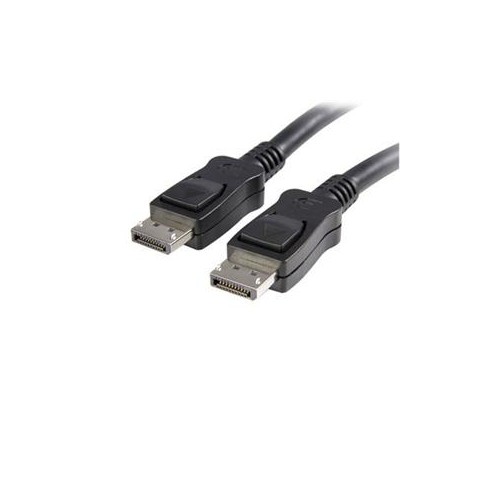
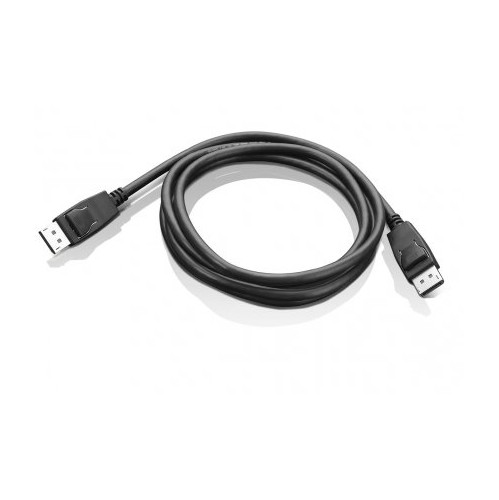
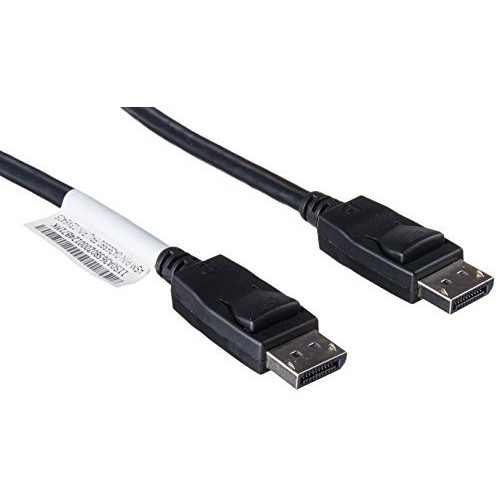
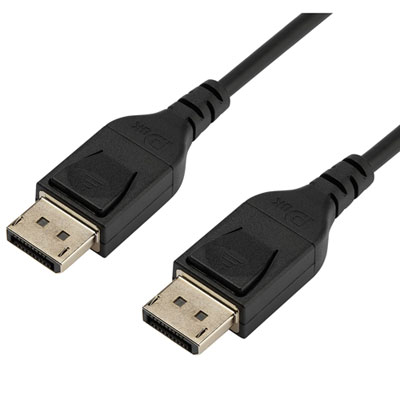
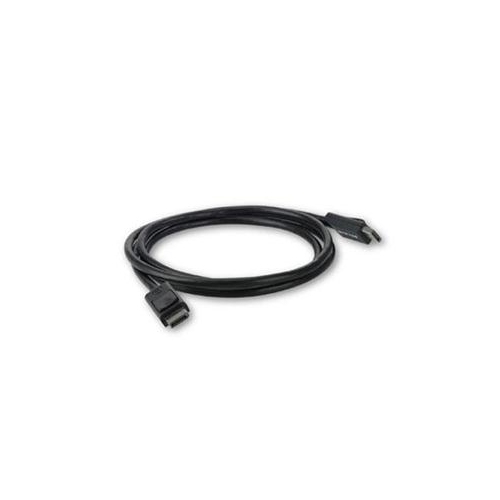
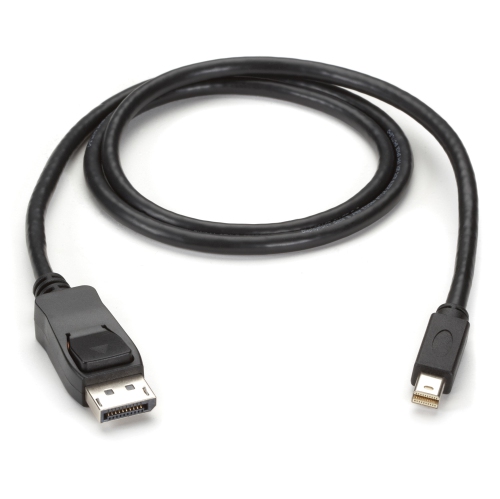
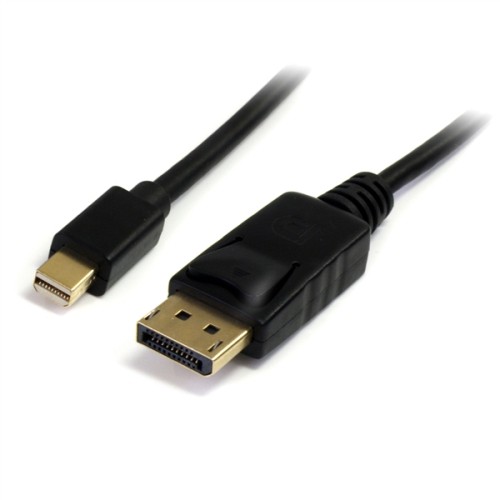
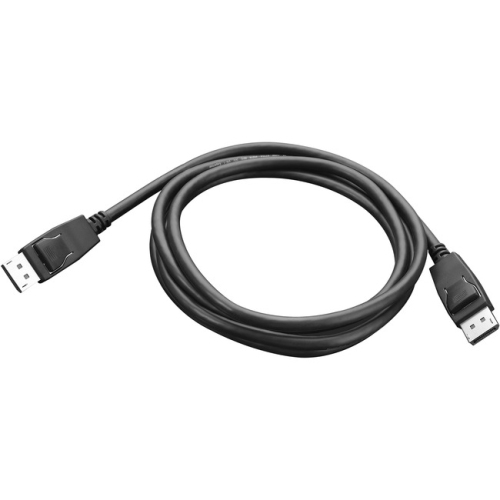
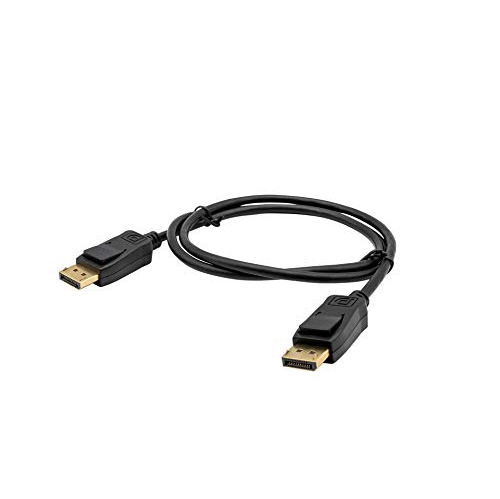
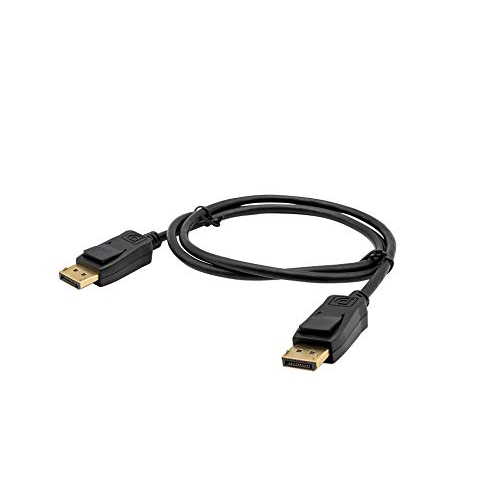
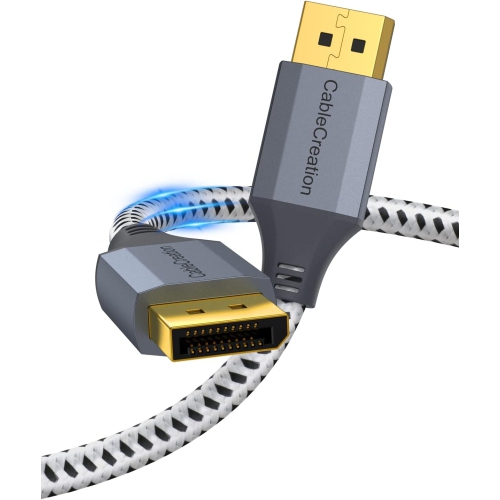
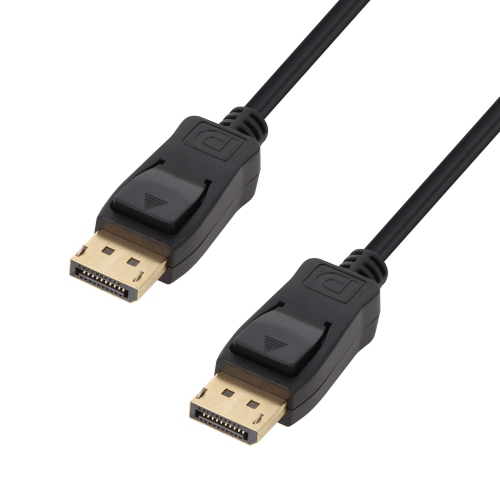
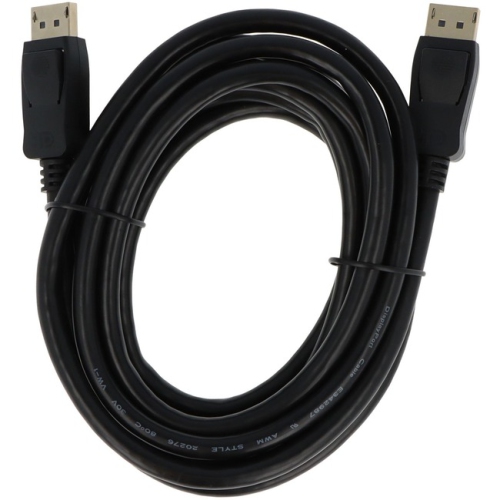
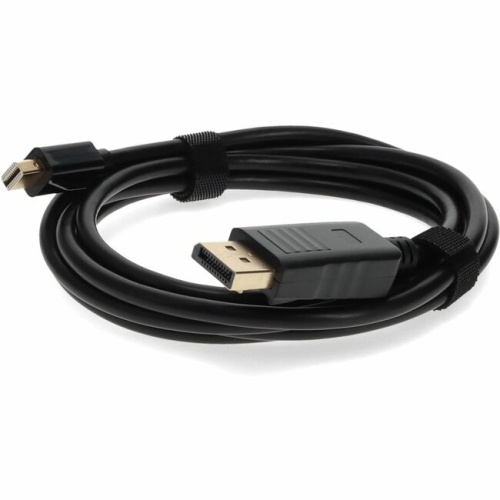
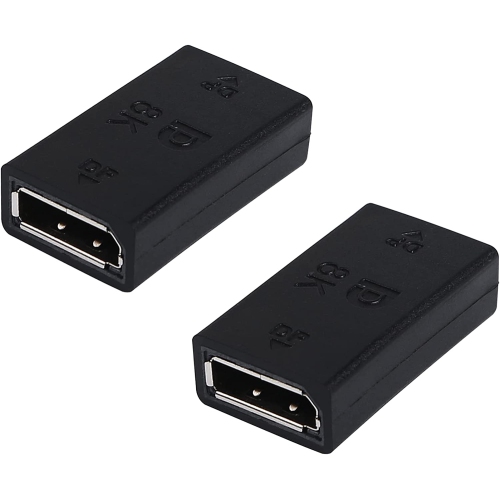
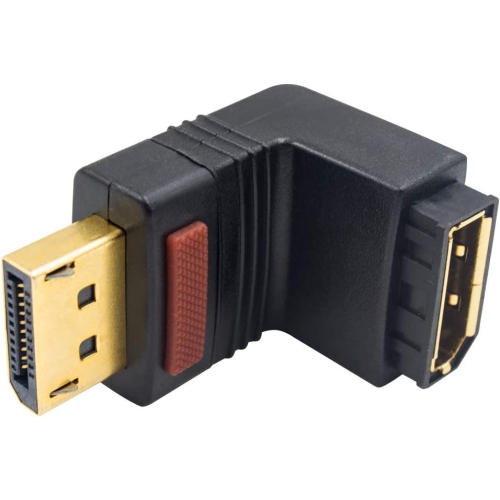
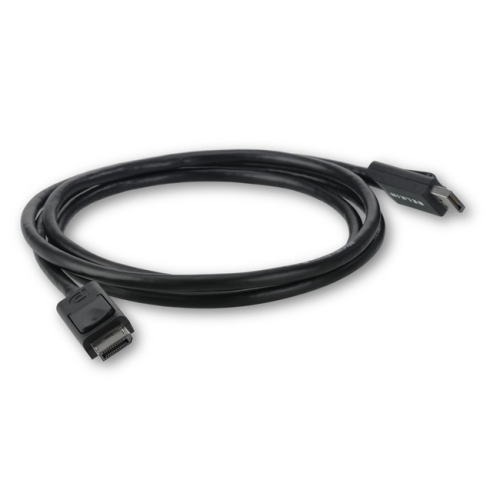
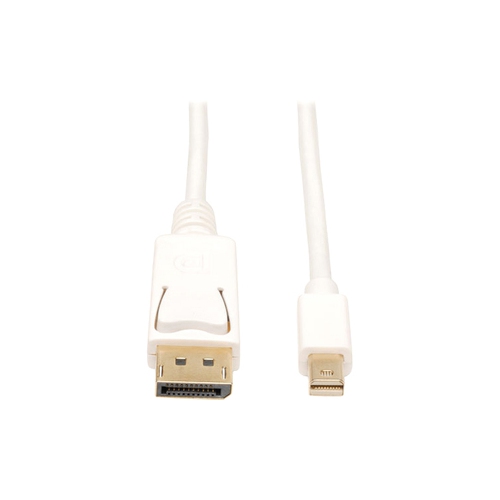
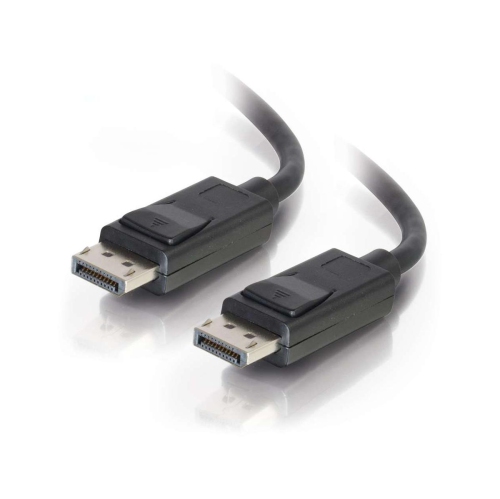
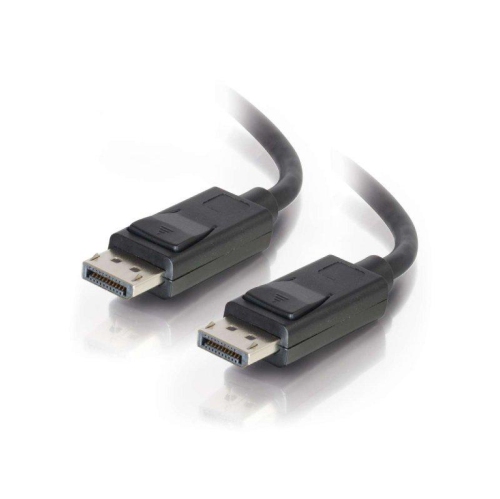
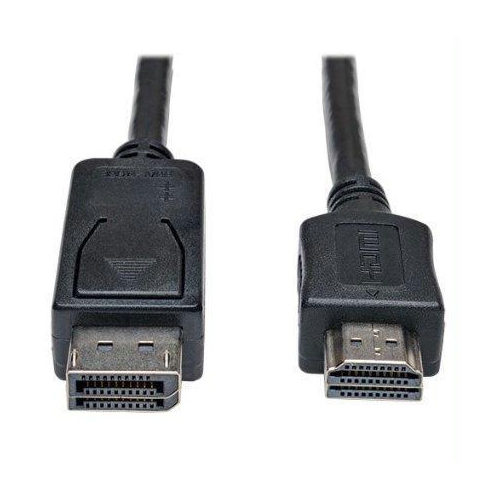
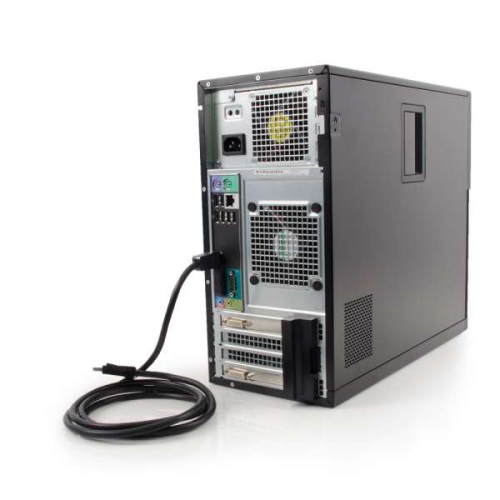
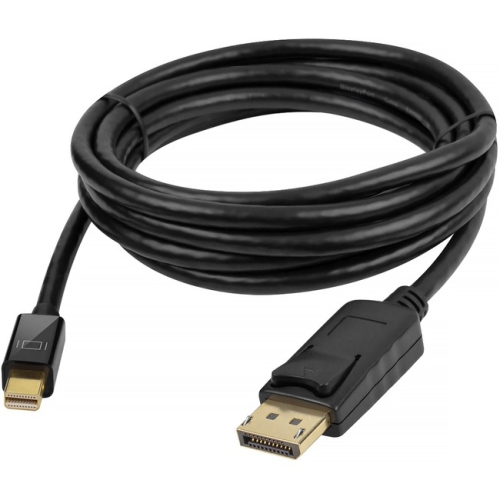
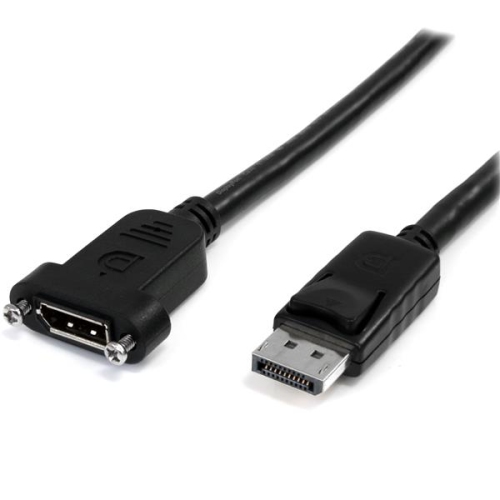
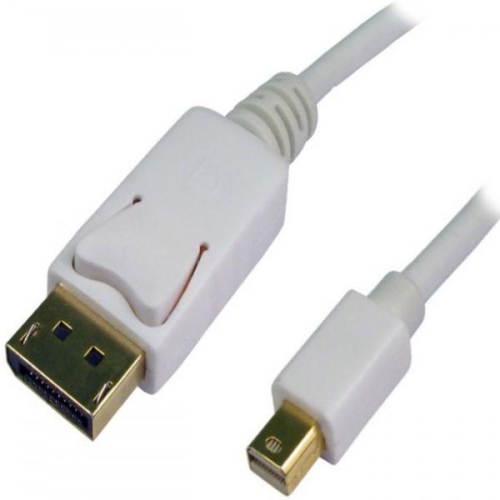
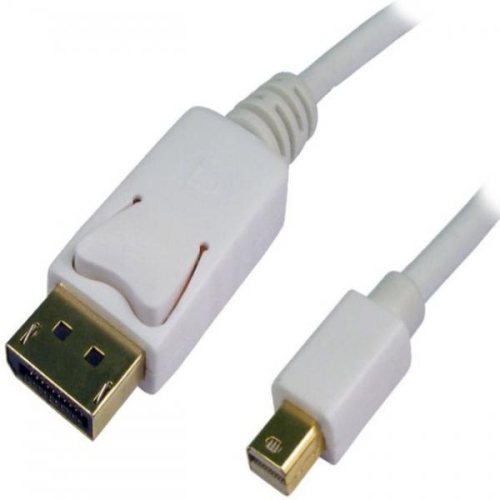
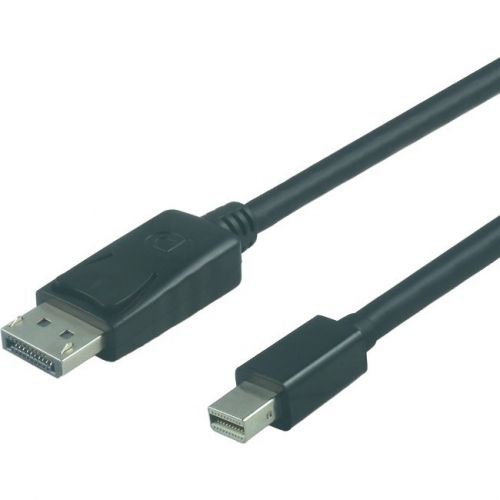
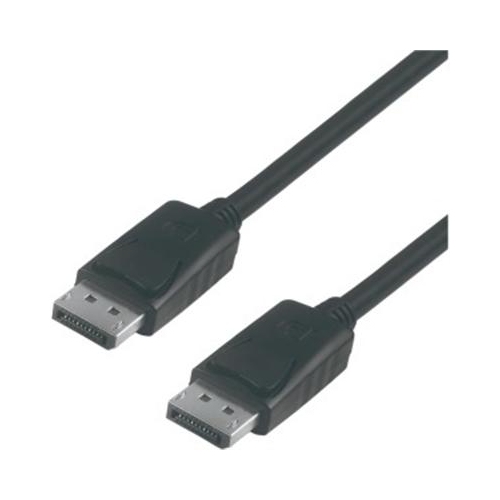
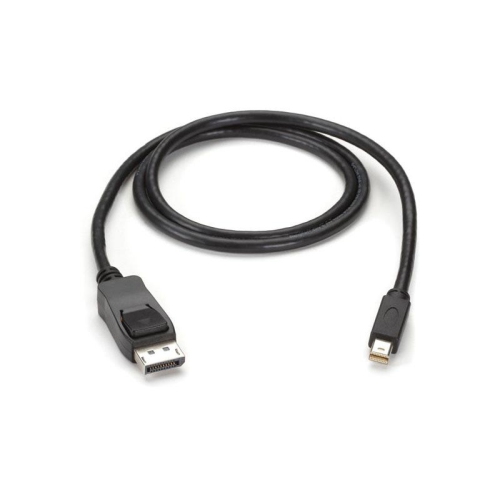
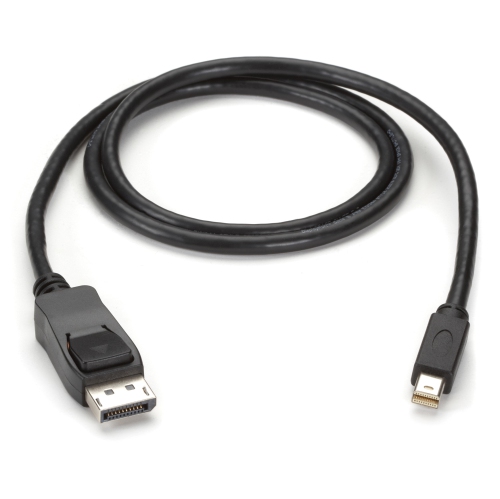
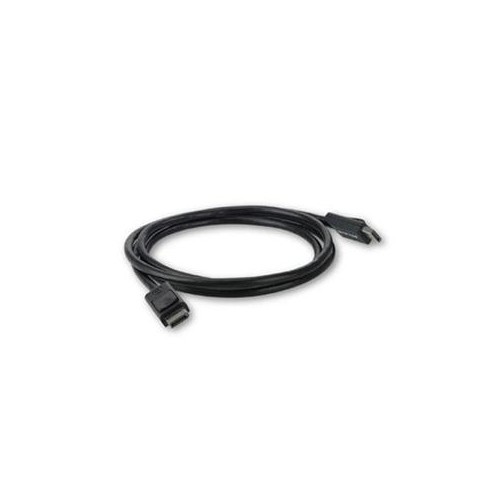
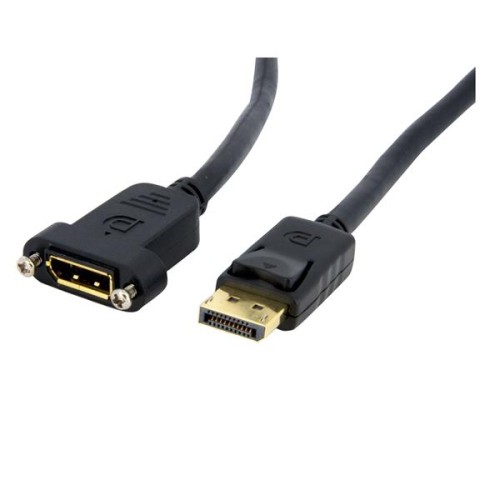
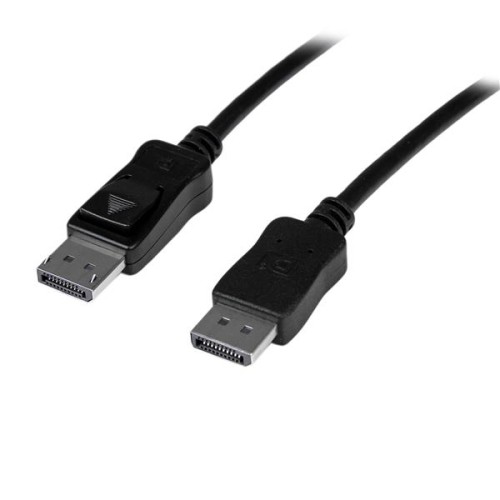
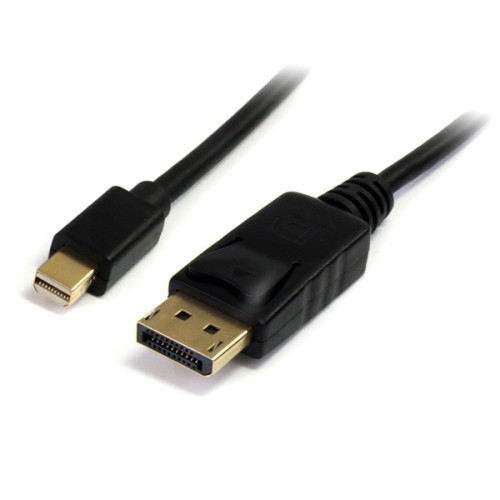
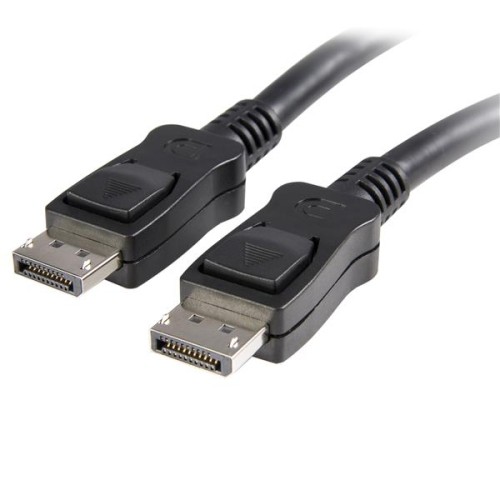
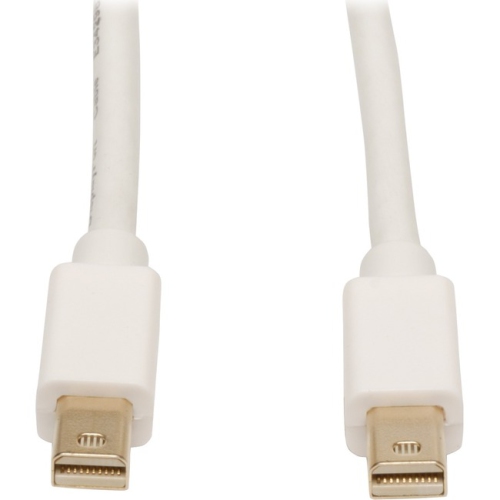
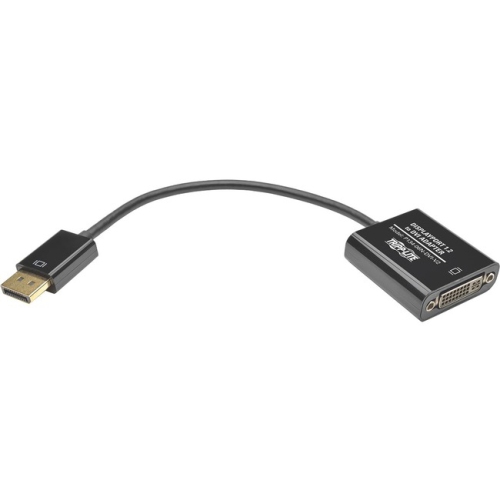
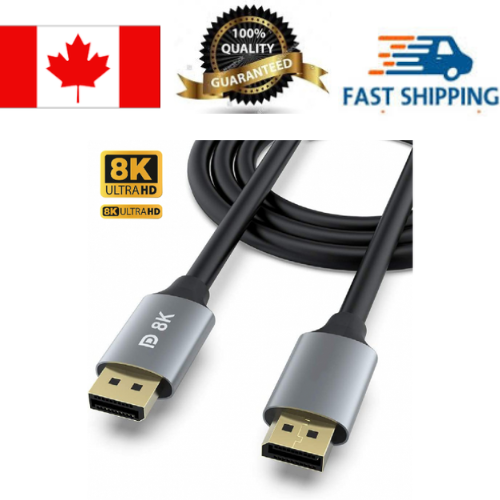
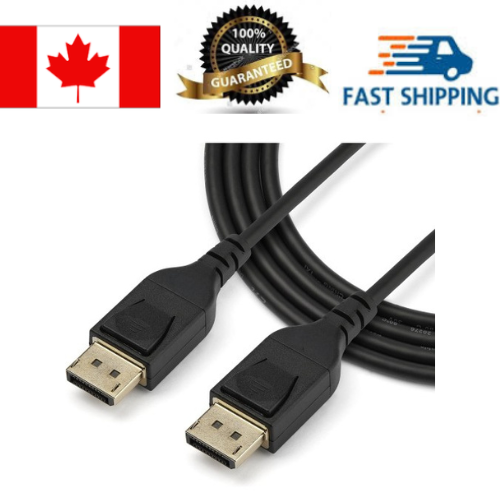
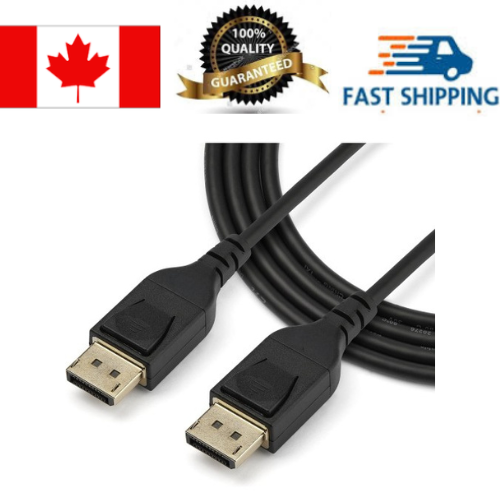
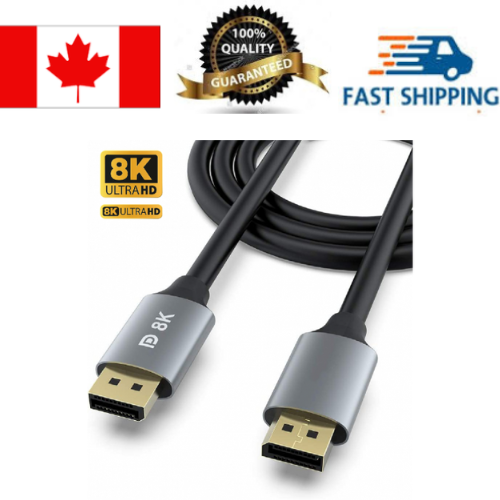
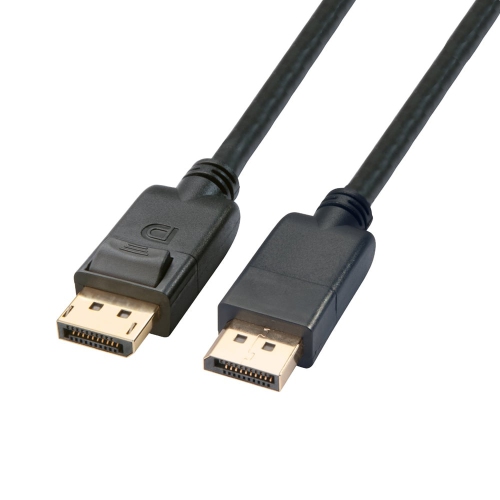
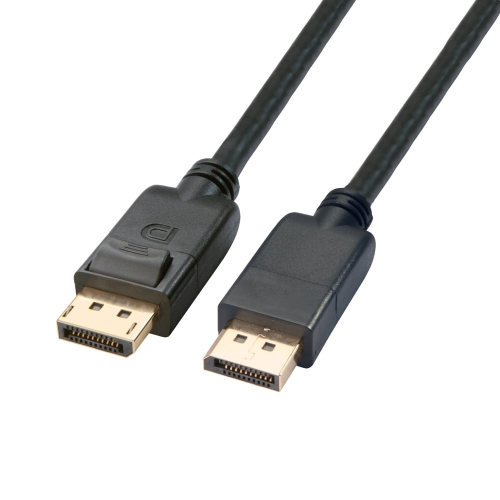
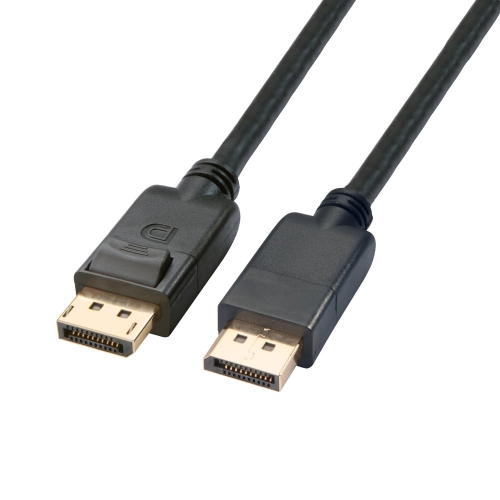
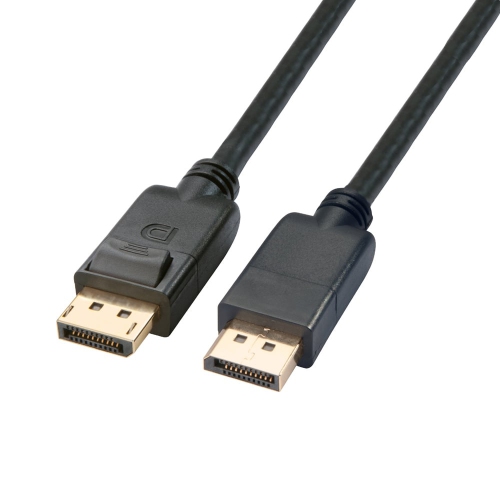
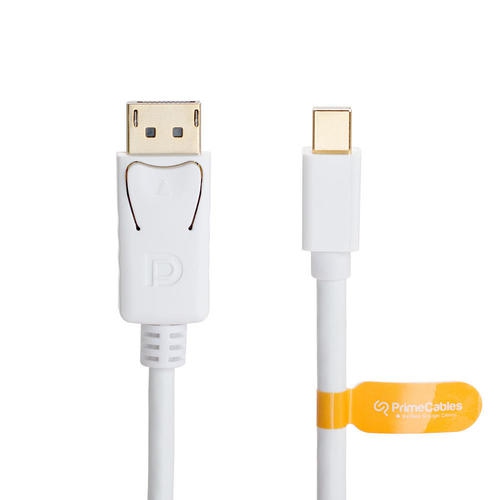
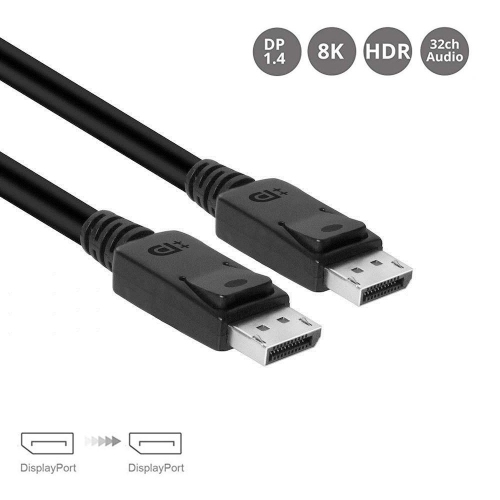
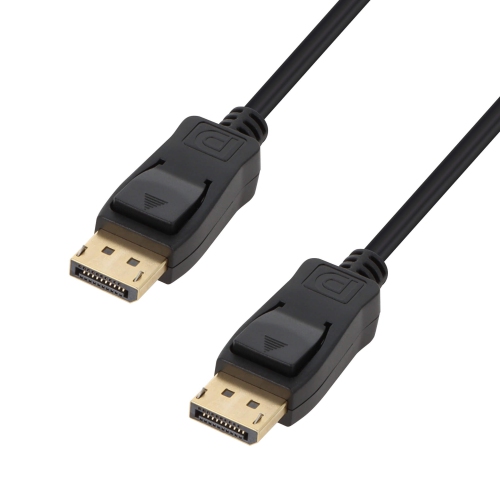
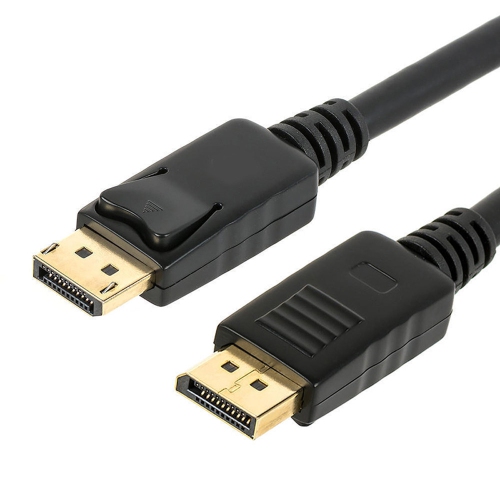
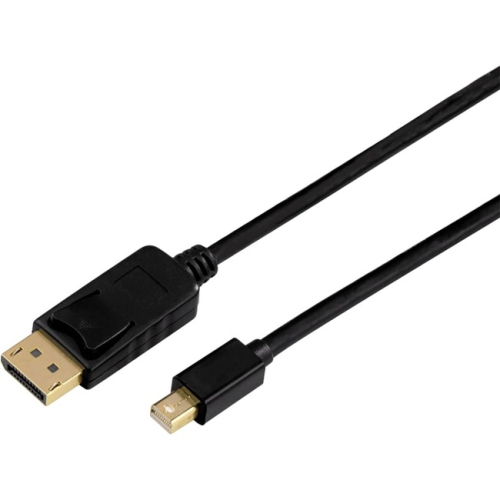
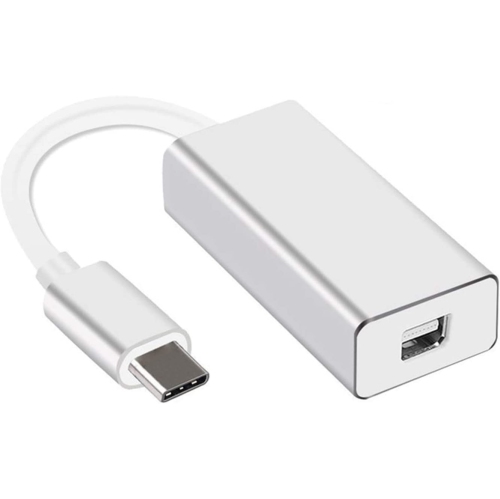
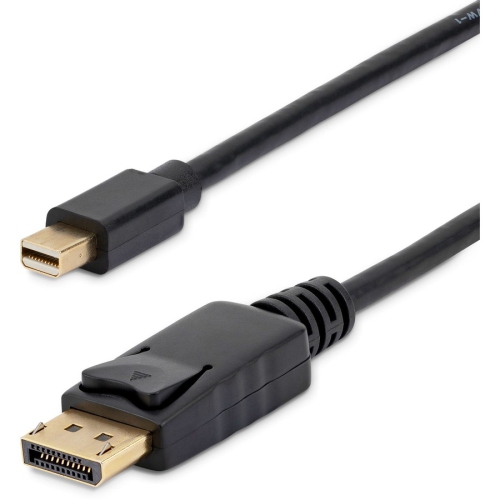
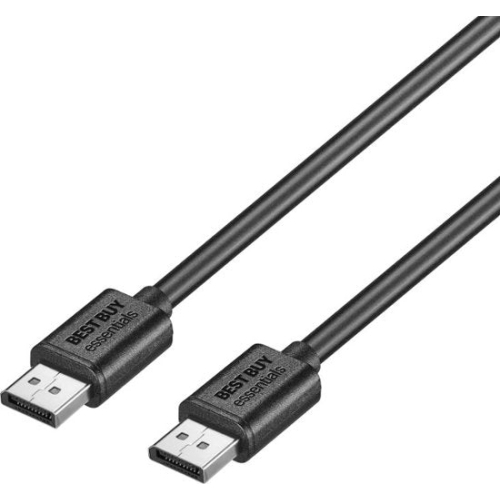
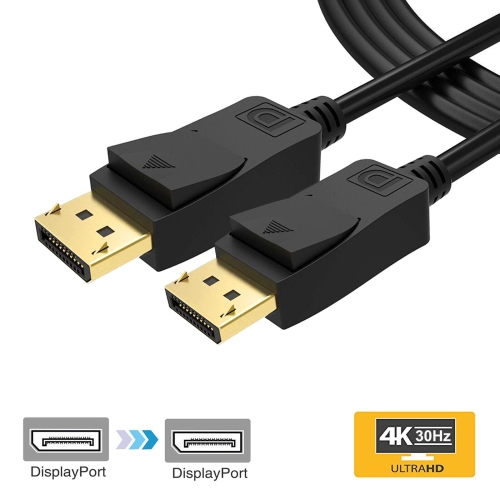
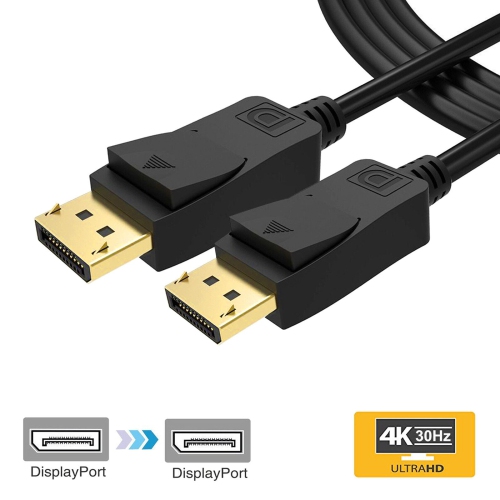
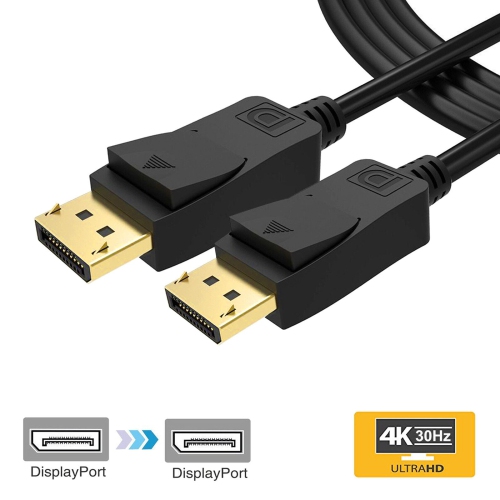
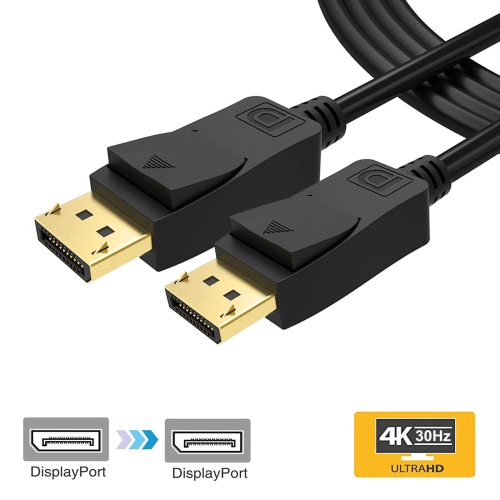
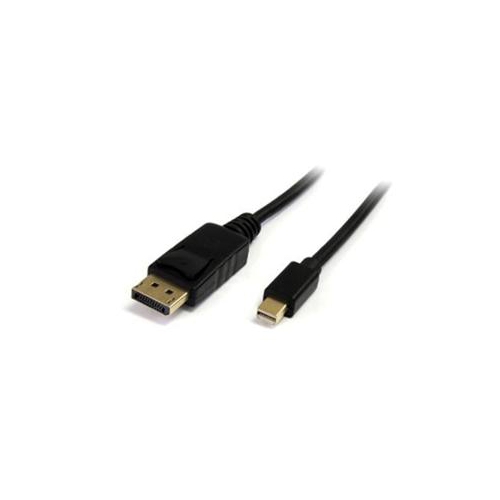
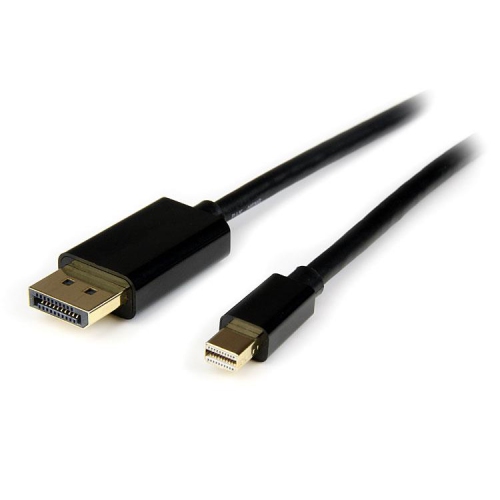
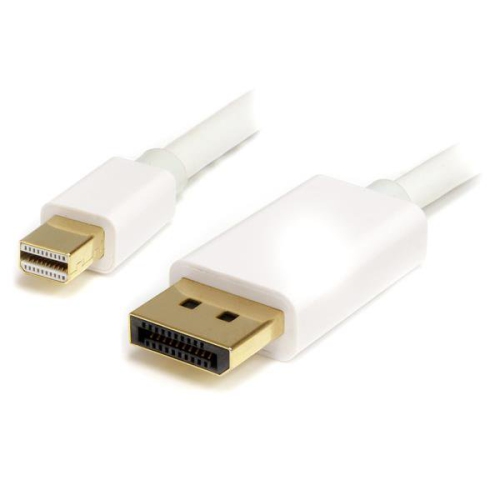
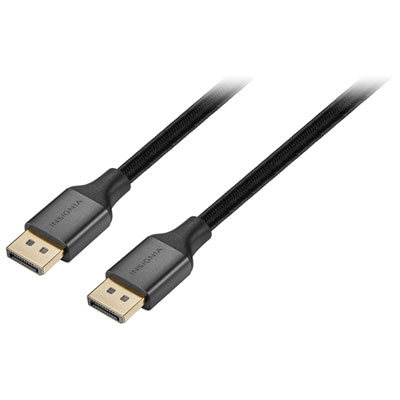
DisplayPort to DisplayPort cables provide a direct connection between a computer, graphics card, docking station, or other DisplayPort source and a compatible monitor. They carry digital video and, when supported by the connected devices, multi-channel digital audio through one cable, helping keep a desktop setup tidy and straightforward. This connection is commonly used for home offices, gaming computers, creative workstations, school desks, and multi-monitor arrangements. A standard-length cable can be a practical choice when the computer sits beside or beneath the display, while a longer cable may be more suitable for a standing desk, a wall-mounted screen, or a monitor positioned farther away from the computer tower. Before choosing, check the DisplayPort connectors on both devices and confirm that the cable length will allow a comfortable route without pulling tightly around the back of the desk. Many connectors include a latching mechanism that helps keep the cable securely in place when the computer or monitor is moved, although the release button or latch should be pressed before unplugging to avoid stressing the port. DisplayPort cables are also useful when a monitor has features that depend on a high-bandwidth connection, such as a sharp 4K or 8K image, a fast refresh rate, adaptive sync, high colour depth, or high dynamic range. They are often selected by people assembling a new gaming setup, replacing a cable that has become unreliable, or connecting a newer graphics card to a high-performance monitor. They can also make a thoughtful, practical gift for a student setting up a first desktop computer, a family member improving a home office, or a PC enthusiast who is adding another display to a workstation.
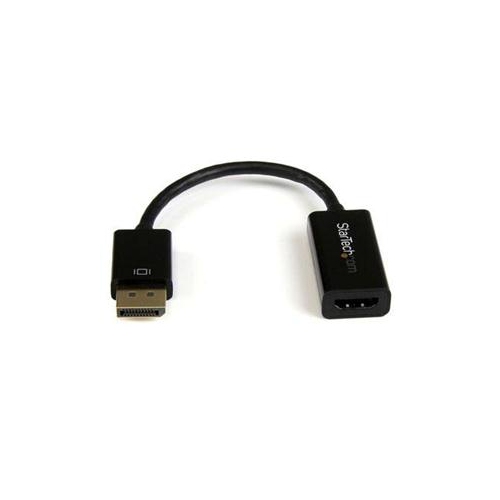
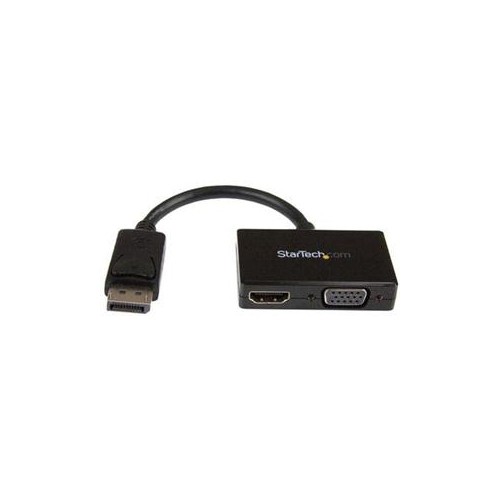
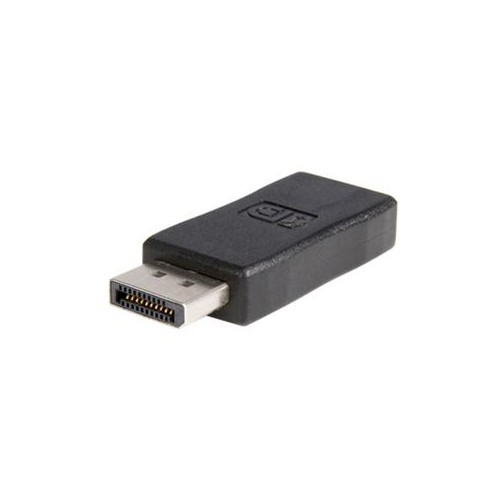
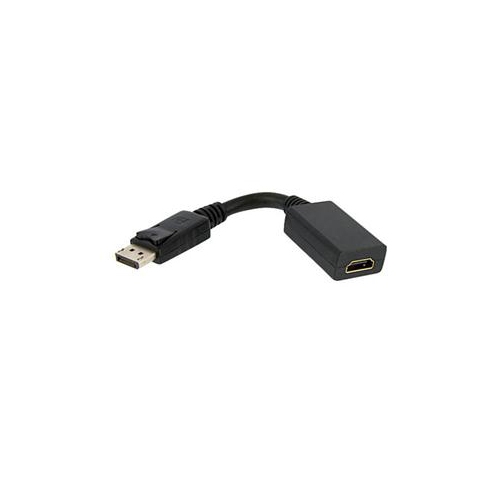
The most important purchase consideration is matching the cable’s capabilities with the resolution and refresh rate required by the connected equipment. DisplayPort 1.2 connections can support up to 4K at 60Hz in appropriate configurations, as well as high refresh rates at lower resolutions, including 1080p at 144Hz or higher depending on the source, display, colour settings, and other system specifications. DisplayPort 1.4 offers greater bandwidth and can support demanding combinations such as 4K at high refresh rates or 8K at 60Hz when the monitor and graphics hardware support the necessary features, including Display Stream Compression where applicable. DisplayPort 2.0 and DisplayPort 2.1 are designed for even higher bandwidth and may be useful for ultra-high-resolution displays, very fast gaming monitors, and advanced multi-display arrangements. A cable labelled for a particular DisplayPort generation does not upgrade an older graphics card or monitor, so the complete connection is limited by the least capable component in the chain. Review the specifications for the computer or graphics card, monitor, and any dock or adapter being used. For gaming, look beyond resolution alone and check the target refresh rate, such as 144Hz, 165Hz, 240Hz, or higher. For office work, programming, research, and general productivity, a cable that supports the display’s native resolution and refresh rate may be all that is needed. Creative professionals should also consider colour depth, HDR support, and the settings used for photo, video, or design work. If the source uses DisplayPort while the monitor only has an HDMI input, a DisplayPort to HDMI solution may be more appropriate; browse DisplayPort To HDMI Cable Adapters for that type of connection.
A reliable DisplayPort to DisplayPort cable can help a monitor deliver the picture quality and smooth motion it was designed to provide, but installation and troubleshooting still matter. Connect the cable directly between the DisplayPort output on the computer or graphics card and the DisplayPort input on the monitor, then select the correct input on the display if it does not switch automatically. If the screen remains blank, turn off the computer and monitor, reseat both ends, and check that the connectors are fully inserted. A cable with a latch may require gentle pressure on the release button before removal. When a high-refresh-rate monitor is running at a lower setting, open the computer’s display settings or graphics control panel and select the desired resolution and refresh rate; some features may also need to be enabled in the monitor’s on-screen menu. Flickering, intermittent audio, or an image that disappears when switching to a demanding resolution can indicate a loose connection, an unsuitable cable specification, an outdated graphics driver, or a limitation with the source or display. Very long cable runs deserve extra care, since signal reliability can be affected by distance and installation conditions. For a clean desk, measure the route from the computer to the monitor, allow enough slack for height adjustment, and keep the cable away from sharp bends or areas where chair wheels may catch it. Whether it is being used for a responsive gaming screen, a detailed home-office monitor, a dual-display workstation, or a new computer setup during the cooler months, choosing the right DisplayPort connection helps create a dependable link between the source and display.
The most important purchase consideration is matching the cable’s capabilities with the resolution and refresh rate required by the connected equipment. DisplayPort 1.2 connections can support up to 4K at 60Hz in appropriate configurations, as well as high refresh rates at lower resolutions, including 1080p at 144Hz or higher depending on the source, display, colour settings, and other system specifications. DisplayPort 1.4 offers greater bandwidth and can support demanding combinations such as 4K at high refresh rates or 8K at 60Hz when the monitor and graphics hardware support the necessary features, including Display Stream Compression where applicable. DisplayPort 2.0 and DisplayPort 2.1 are designed for even higher bandwidth and may be useful for ultra-high-resolution displays, very fast gaming monitors, and advanced multi-display arrangements. A cable labelled for a particular DisplayPort generation does not upgrade an older graphics card or monitor, so the complete connection is limited by the least capable component in the chain. Review the specifications for the computer or graphics card, monitor, and any dock or adapter being used. For gaming, look beyond resolution alone and check the target refresh rate, such as 144Hz, 165Hz, 240Hz, or higher. For office work, programming, research, and general productivity, a cable that supports the display’s native resolution and refresh rate may be all that is needed. Creative professionals should also consider colour depth, HDR support, and the settings used for photo, video, or design work. If the source uses DisplayPort while the monitor only has an HDMI input, a DisplayPort to HDMI solution may be more appropriate; browse DisplayPort To HDMI Cable Adapters for that type of connection.
A reliable DisplayPort to DisplayPort cable can help a monitor deliver the picture quality and smooth motion it was designed to provide, but installation and troubleshooting still matter. Connect the cable directly between the DisplayPort output on the computer or graphics card and the DisplayPort input on the monitor, then select the correct input on the display if it does not switch automatically. If the screen remains blank, turn off the computer and monitor, reseat both ends, and check that the connectors are fully inserted. A cable with a latch may require gentle pressure on the release button before removal. When a high-refresh-rate monitor is running at a lower setting, open the computer’s display settings or graphics control panel and select the desired resolution and refresh rate; some features may also need to be enabled in the monitor’s on-screen menu. Flickering, intermittent audio, or an image that disappears when switching to a demanding resolution can indicate a loose connection, an unsuitable cable specification, an outdated graphics driver, or a limitation with the source or display. Very long cable runs deserve extra care, since signal reliability can be affected by distance and installation conditions. For a clean desk, measure the route from the computer to the monitor, allow enough slack for height adjustment, and keep the cable away from sharp bends or areas where chair wheels may catch it. Whether it is being used for a responsive gaming screen, a detailed home-office monitor, a dual-display workstation, or a new computer setup during the cooler months, choosing the right DisplayPort connection helps create a dependable link between the source and display.
Top selling and popular products
-
 Your price for this item is $39.95
 -
 Your price for this item is $62.99
 -
 Your price for this item is $29.95
 -
 Your price for this item is $14.99
 -
 Your price for this item is $29.99
 -
 Your price for this item is $39.99
 -
 Your price for this item is $29.99
 -
 Your price for this item is $24.97
Discover more categories related to Displayport To Displayport


Top Collections:
Pokemon Centers, Kindle Devices, Best Budget Office Chairs, Apple iPhones 16, Best Laptops for Writers, iPhone 15 Apple, Canon G7X Cameras, Refurbished Apple Laptops, Alarm Clock, Motorola Razr Phones
Some products may be subject to Environmental Handling Fees
(EHF) depending on your province.
Learn more about EHFs.