Displayport Adapters
Looking to connect your devices with ease and flexibility? Look no further than our wide selection of DisplayPort adapters. Whether you need to connect your laptop to a projector or want to hook up your gaming console to a high-resolution monitor, these versatile adapters are designed to ensure seamless connectivity and optimal performance. With various options available, you can find the perfect adapter to suit your needs and enhance your multimedia experience. Say goodbye to compatibility issues and hello to effortless device connections with our range of DisplayPort adapters.
Sort
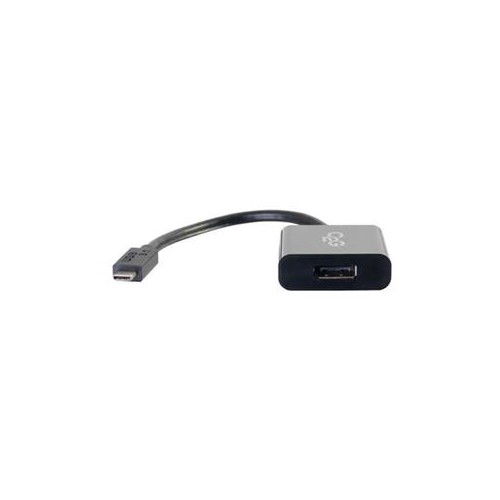
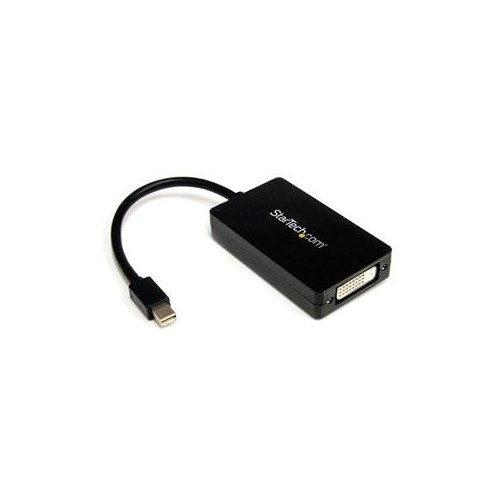
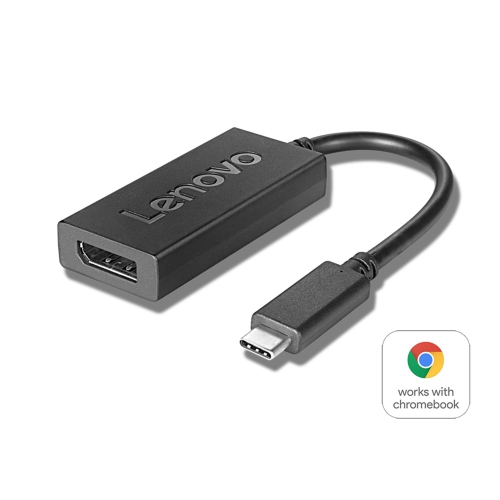

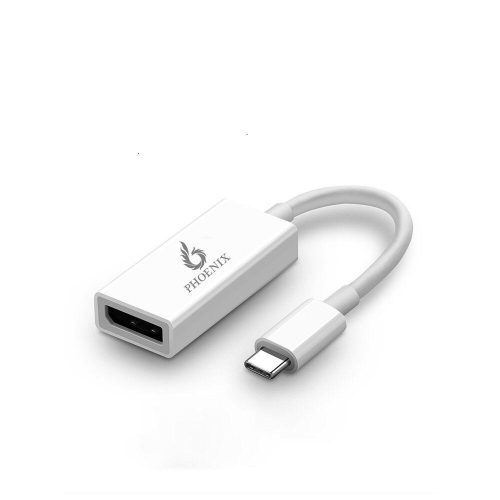






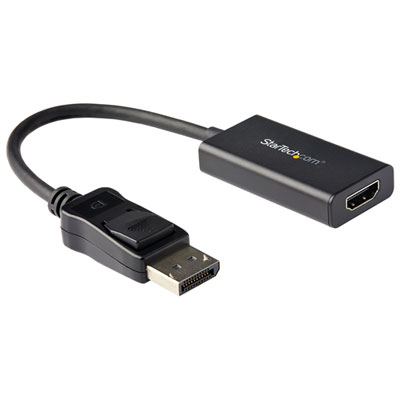
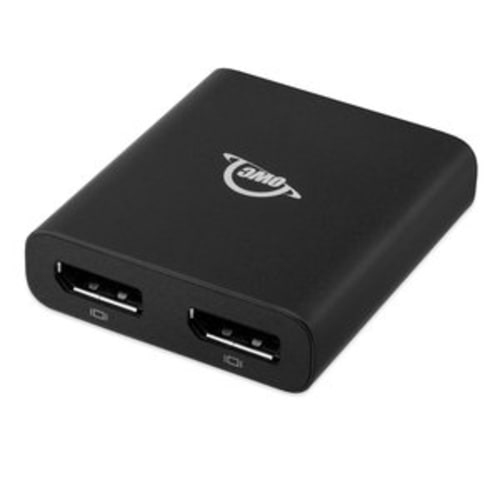
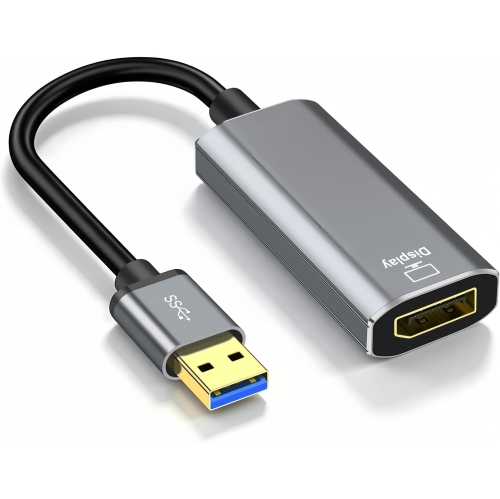
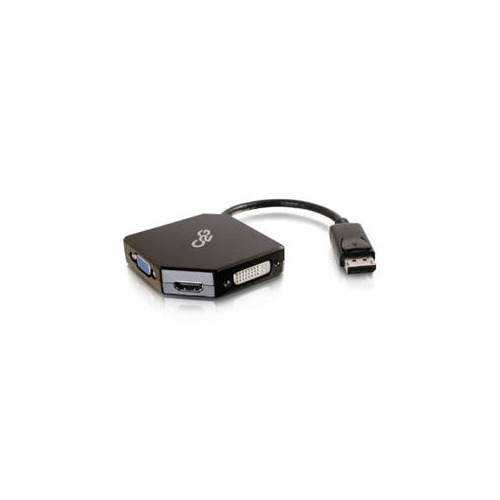



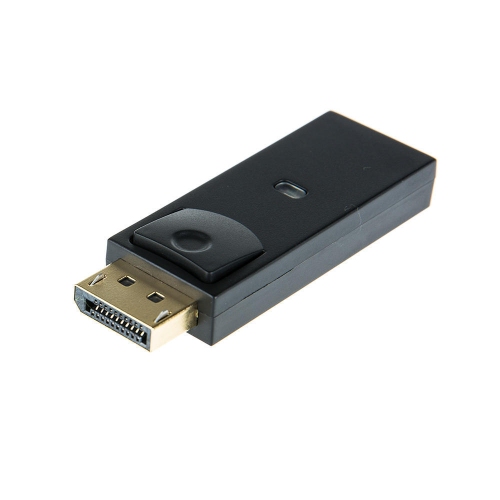

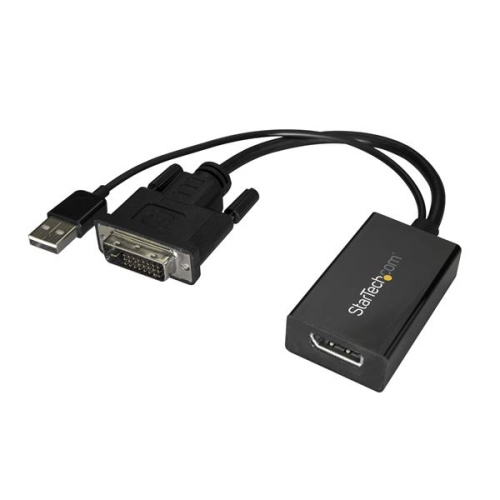
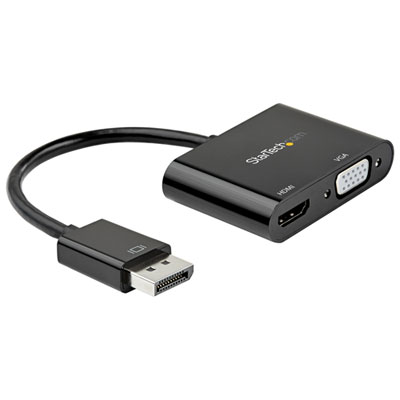
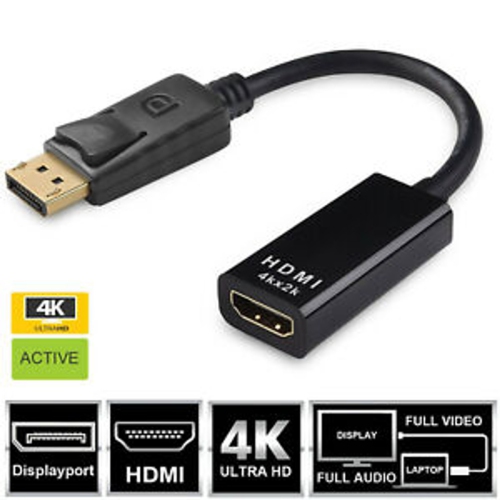


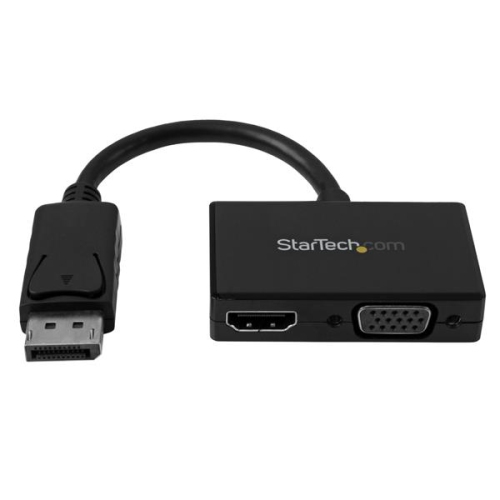
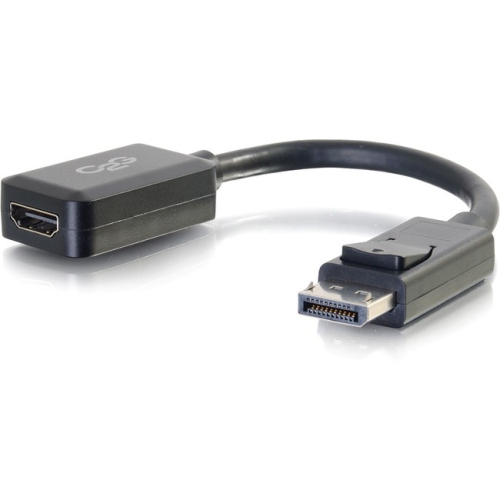
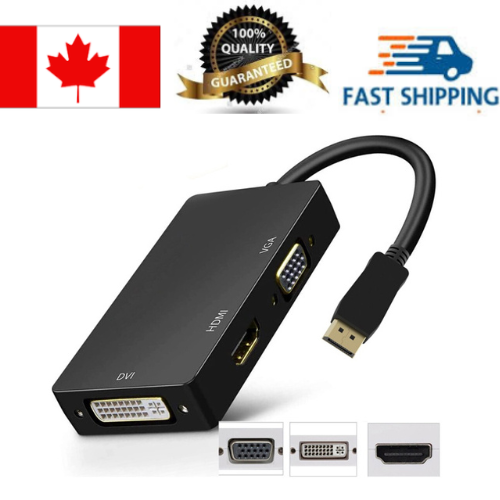

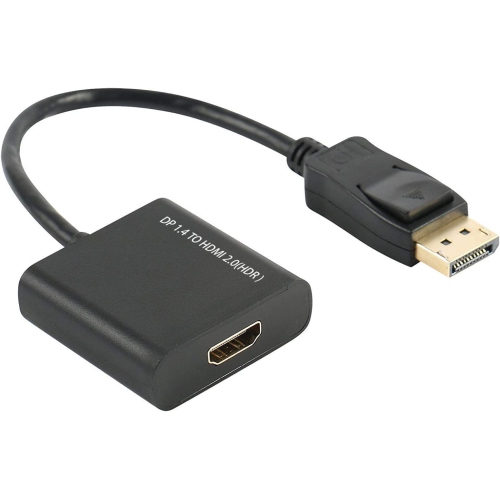







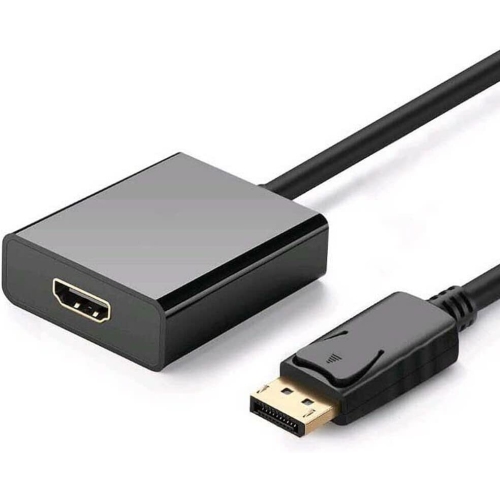
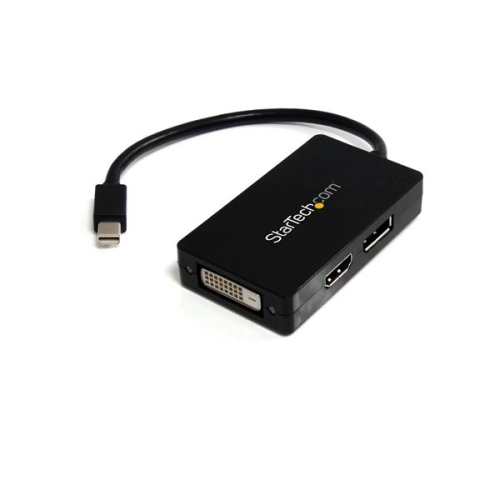

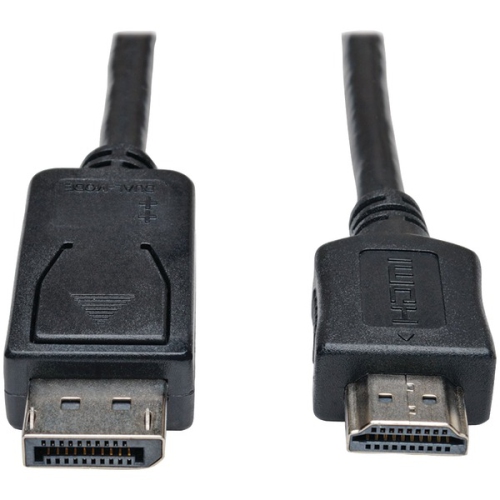
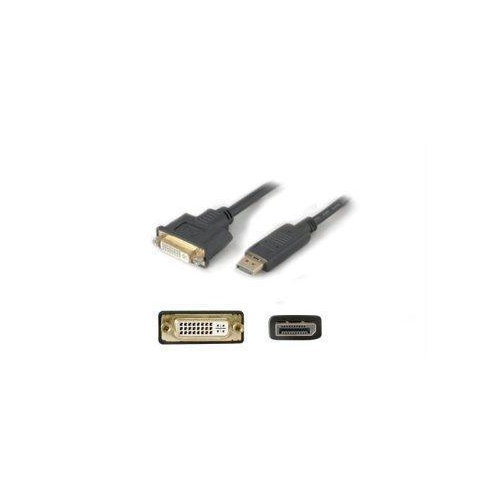


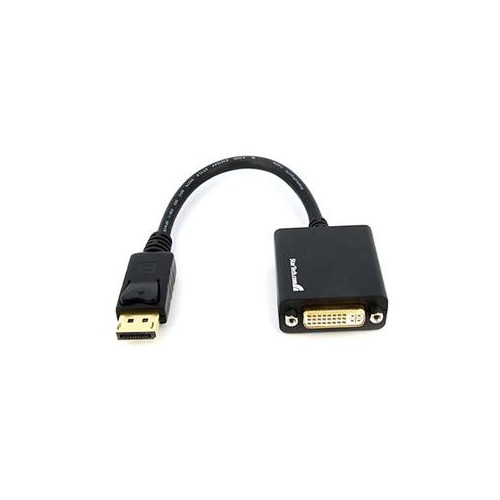
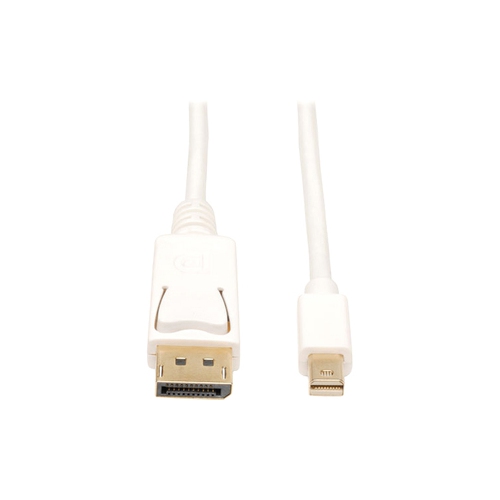
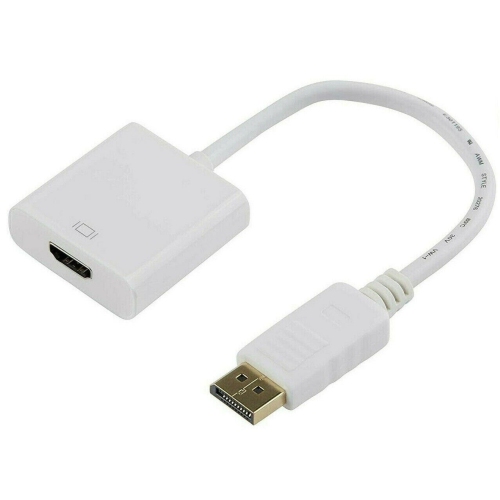

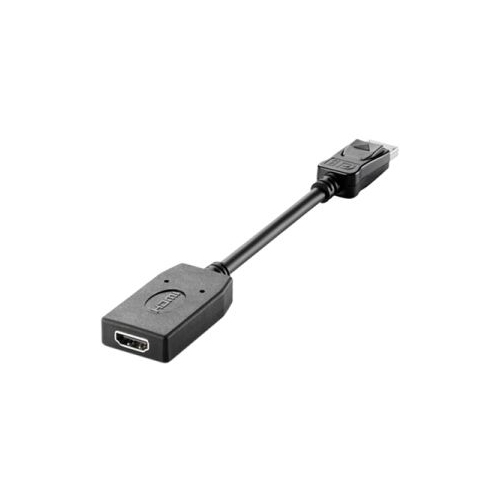
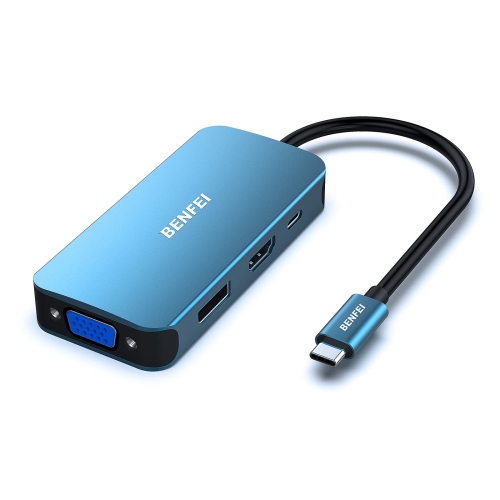
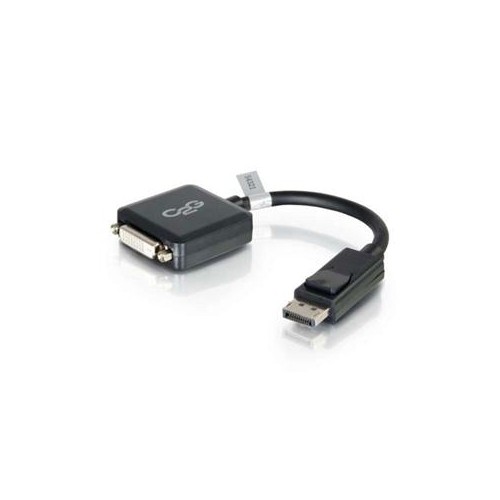
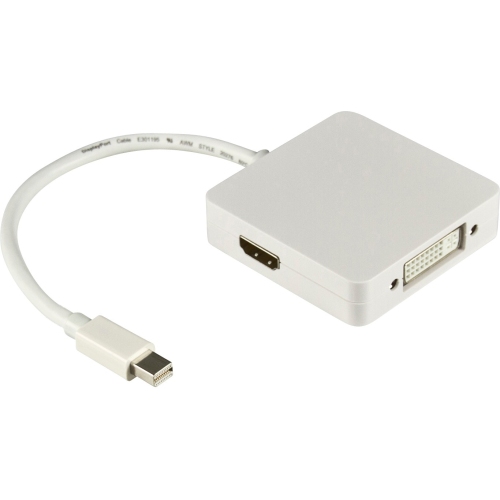
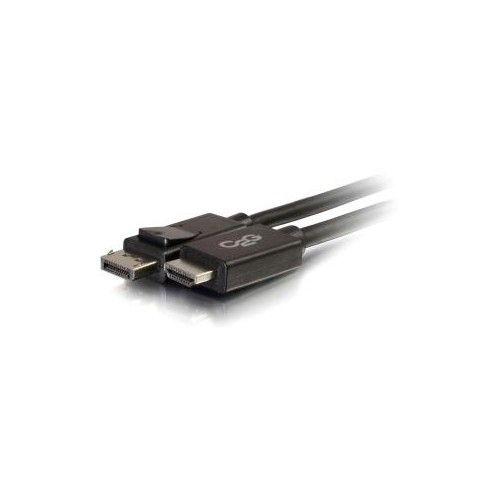











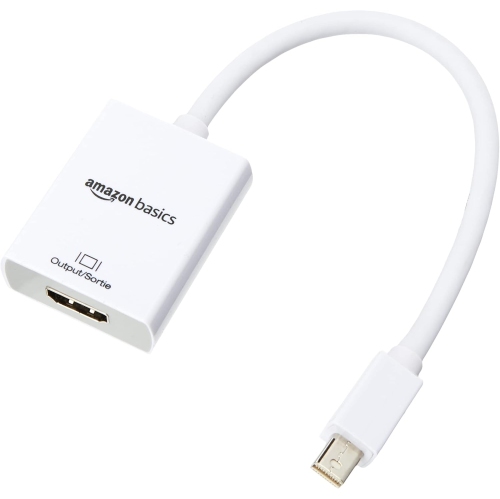
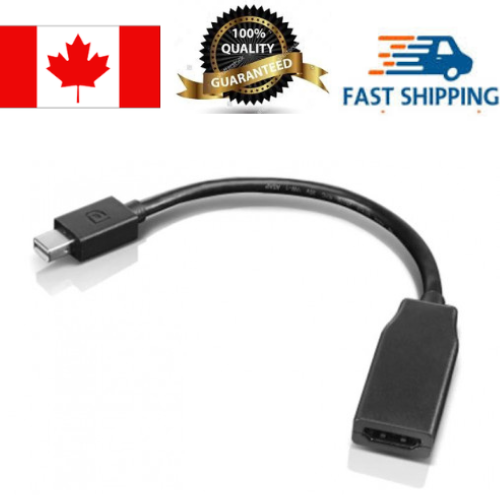

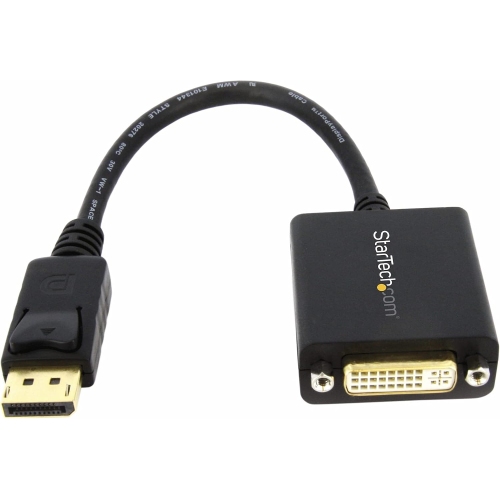
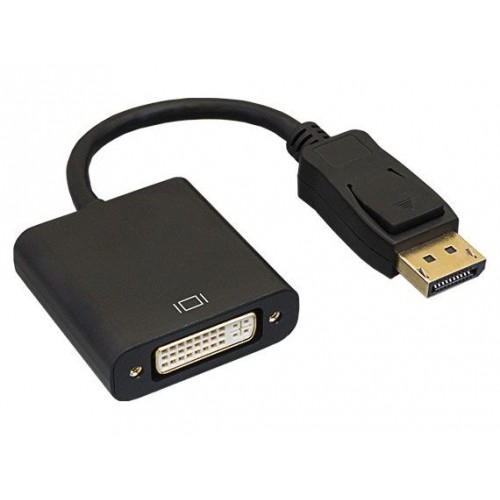
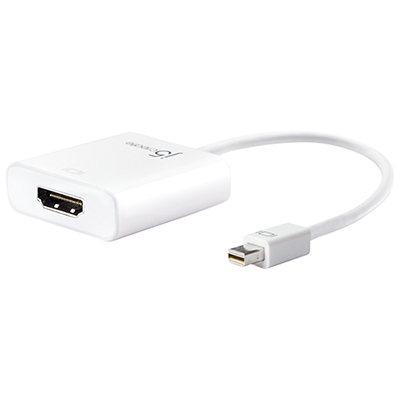
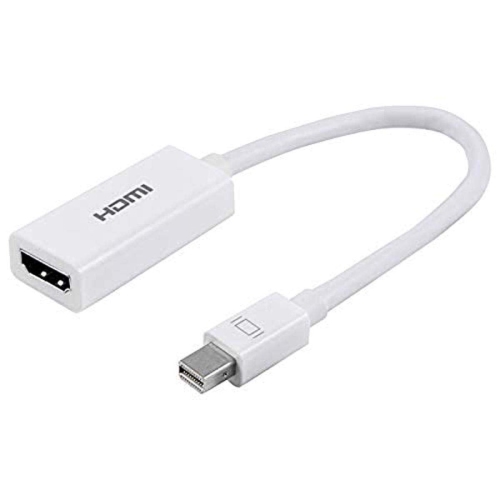
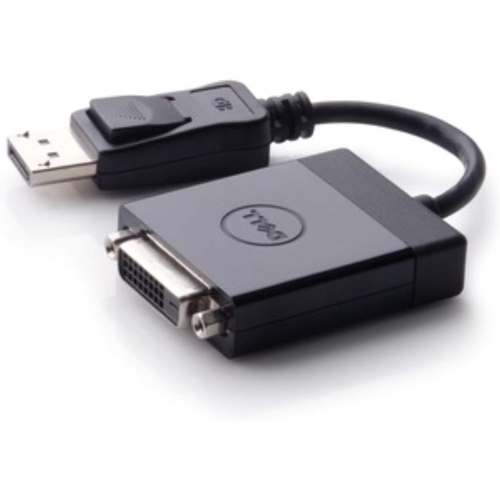
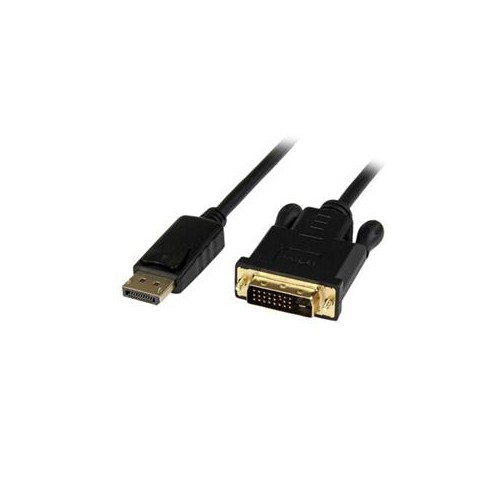
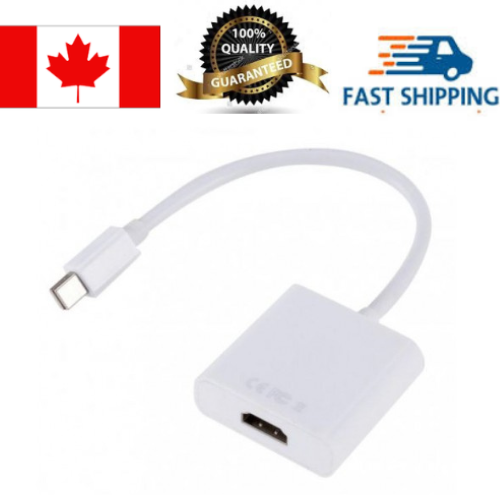
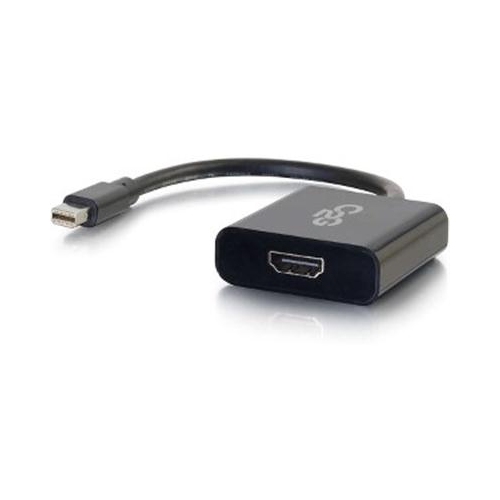

A matching connector does not guarantee a picture
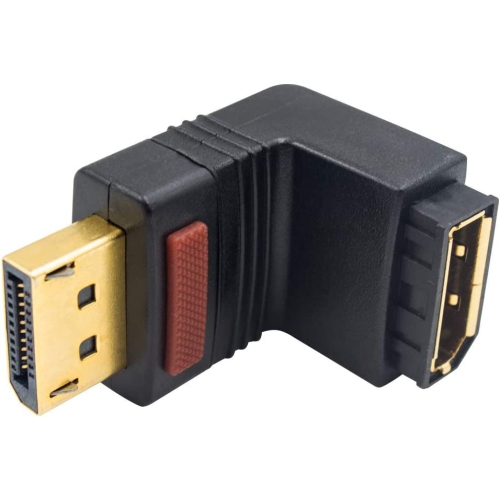
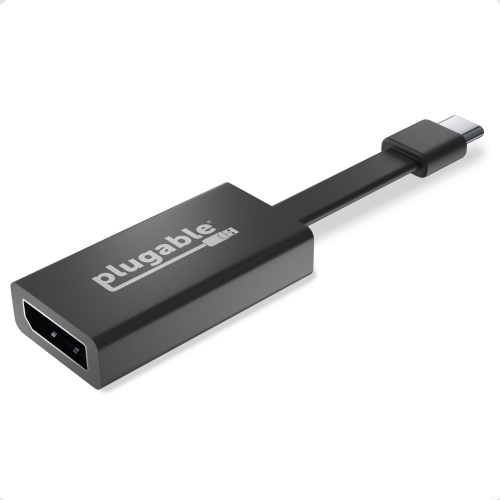
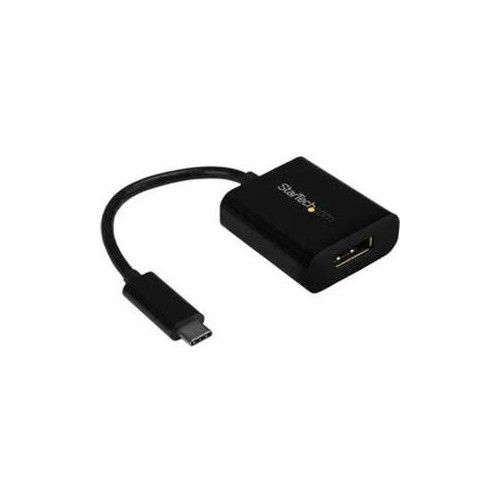
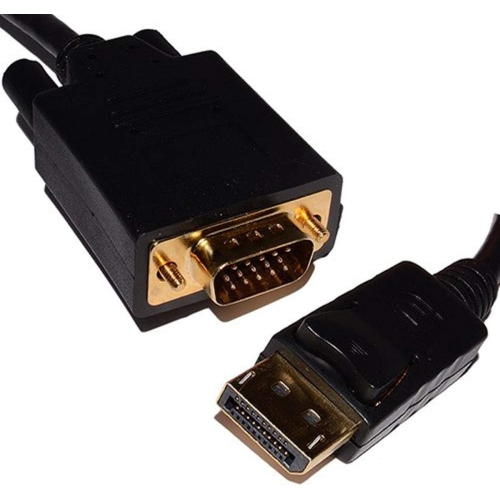
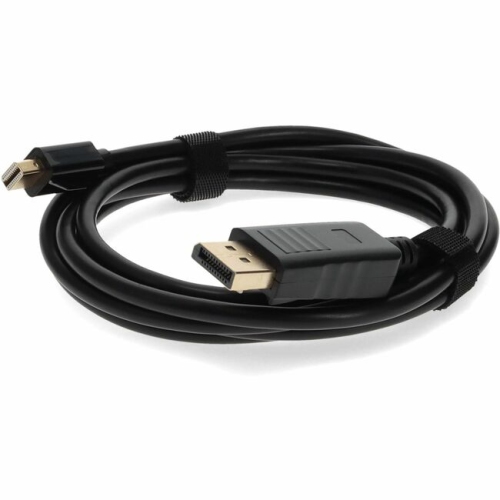
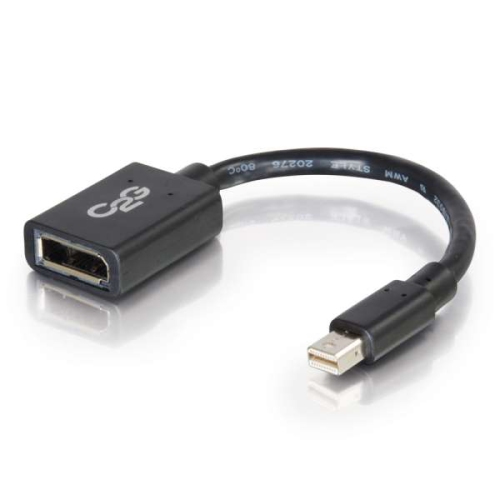
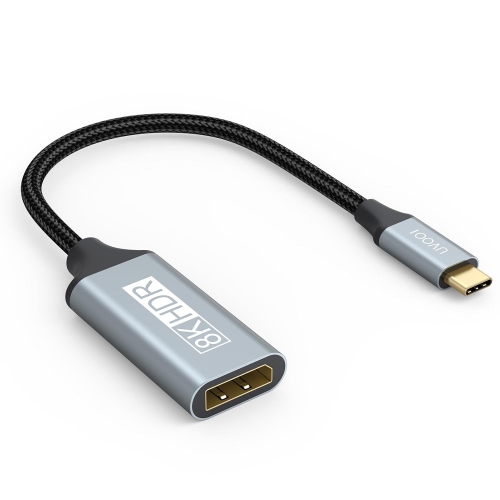
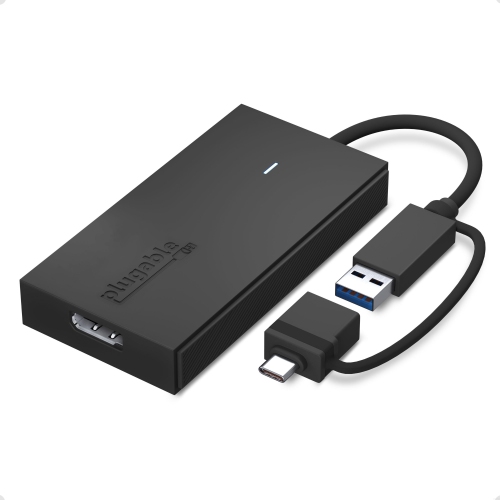
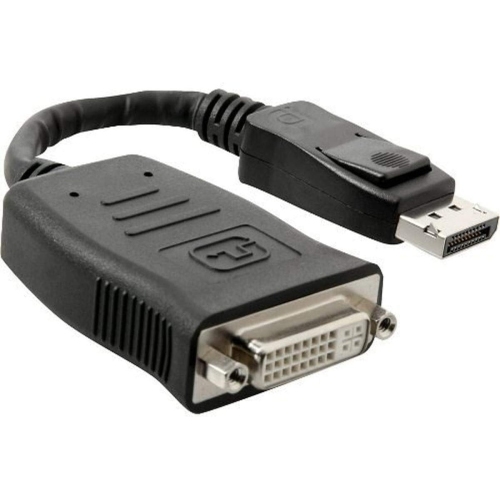
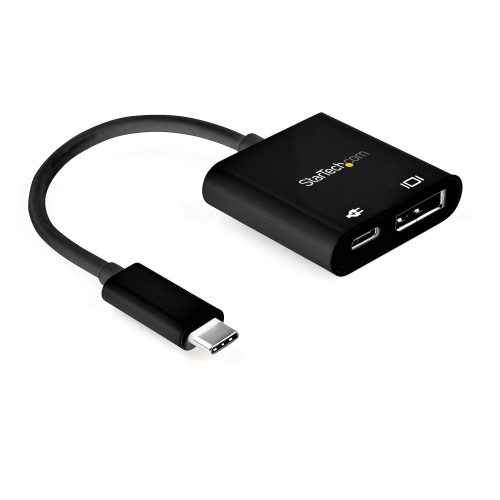
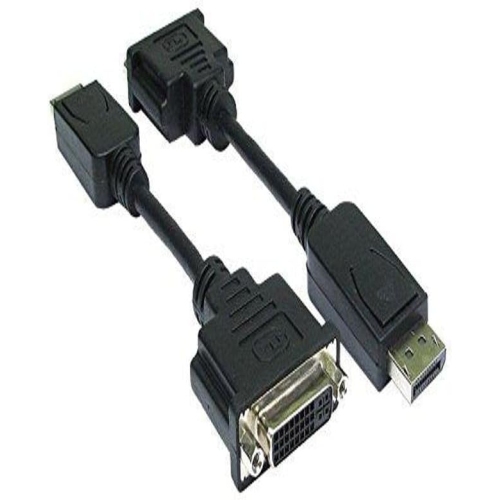
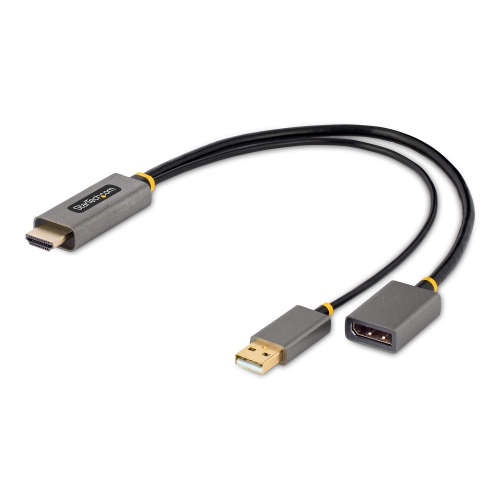
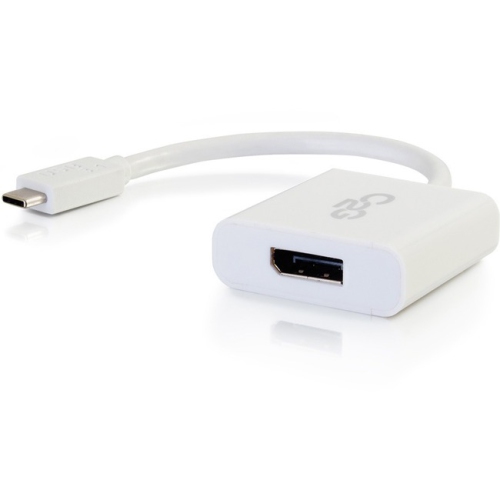
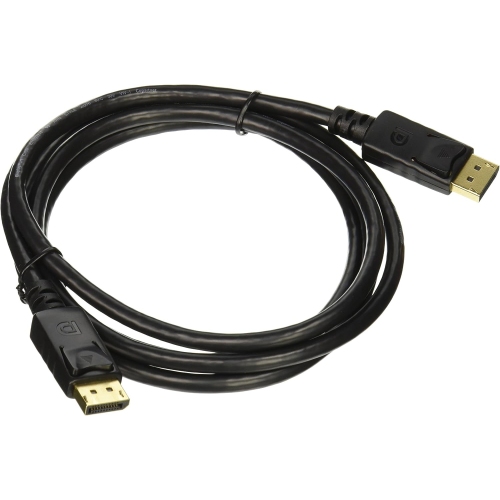
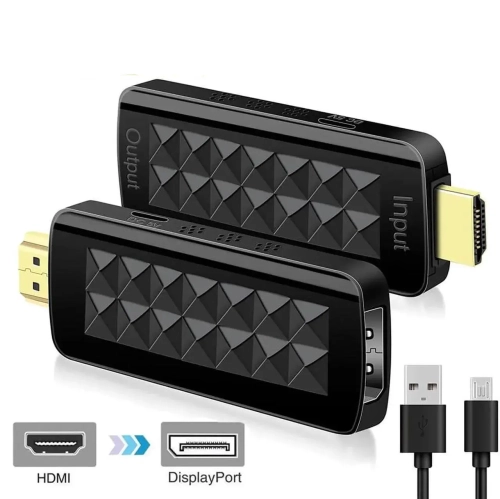
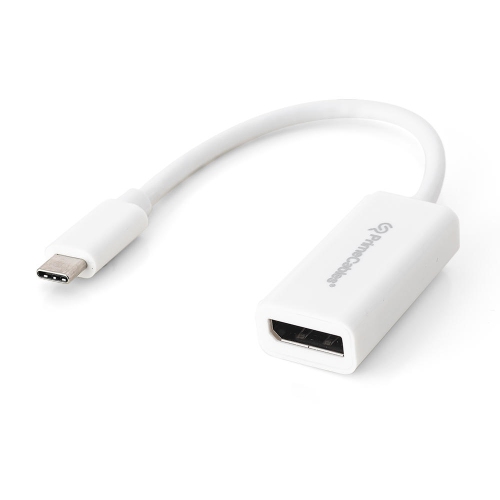
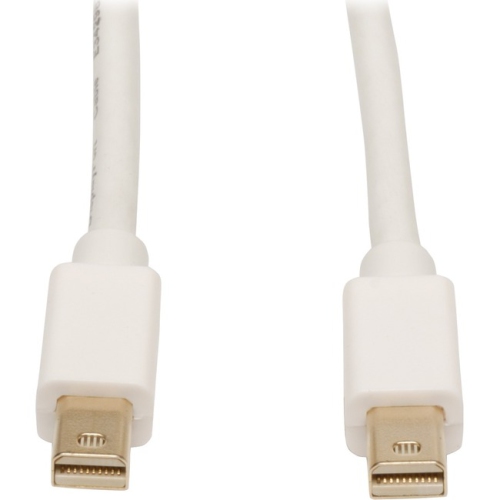
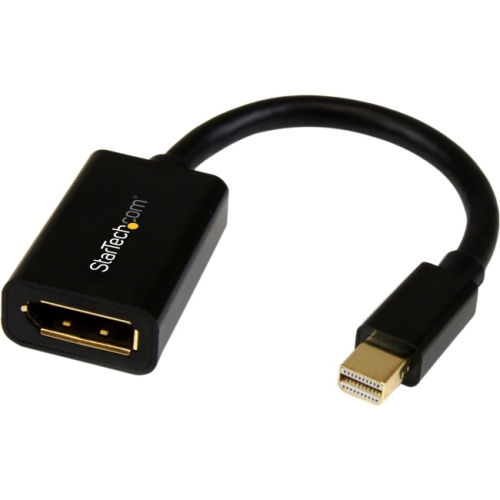
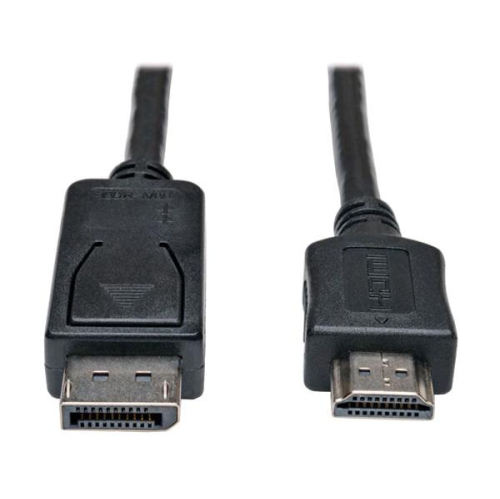
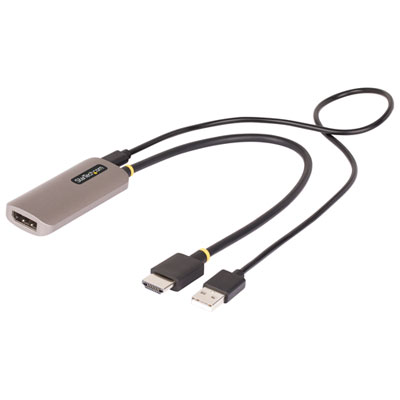
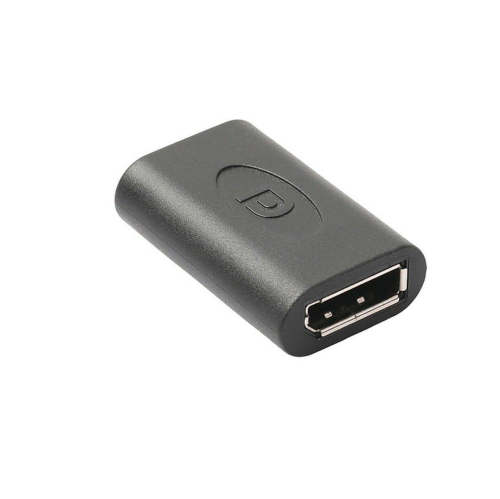
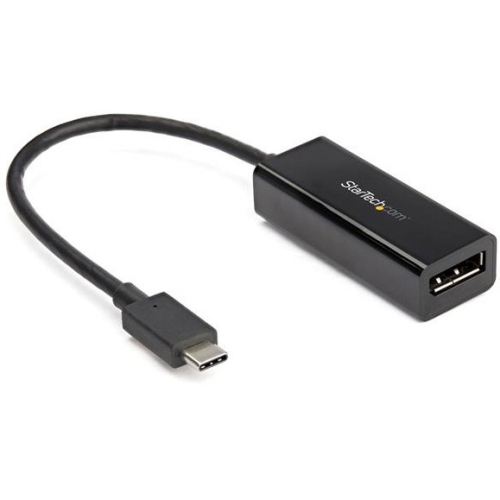
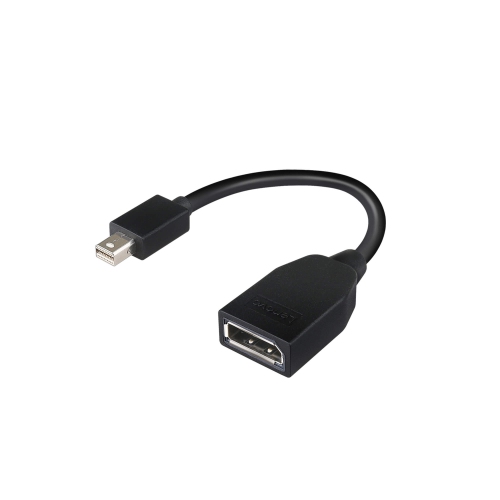
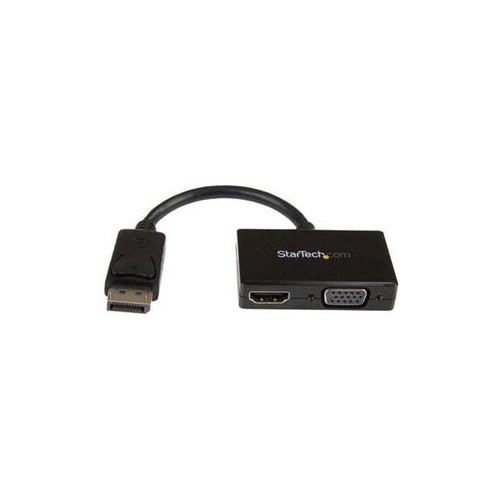
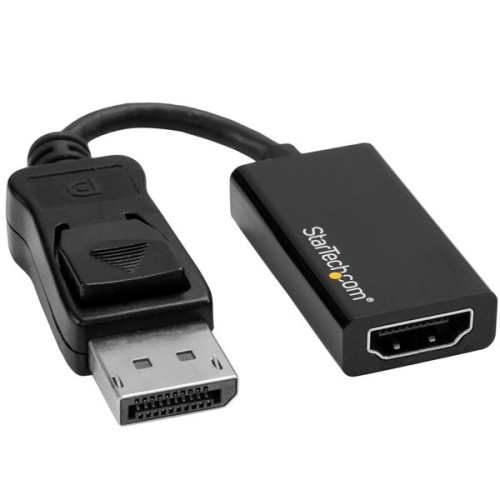
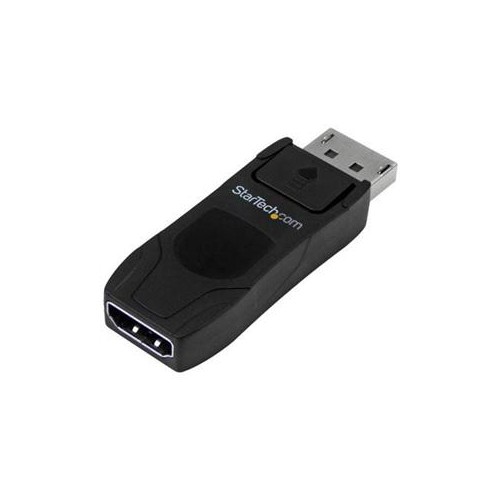
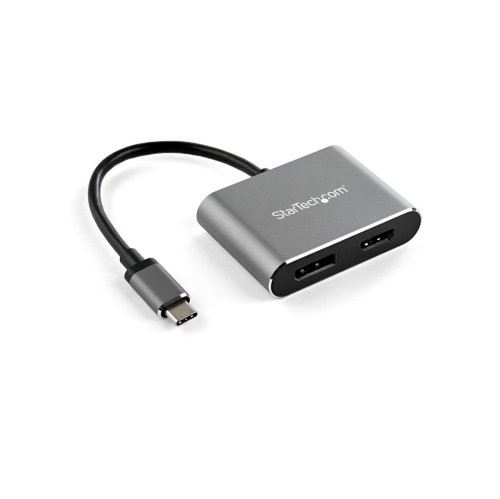
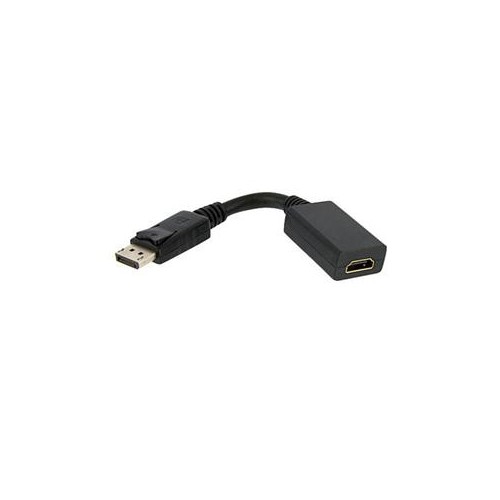
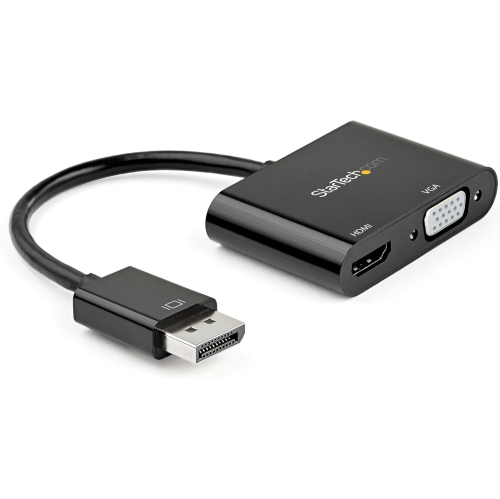
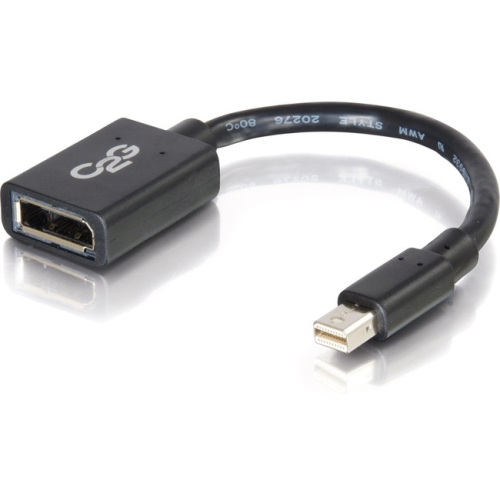
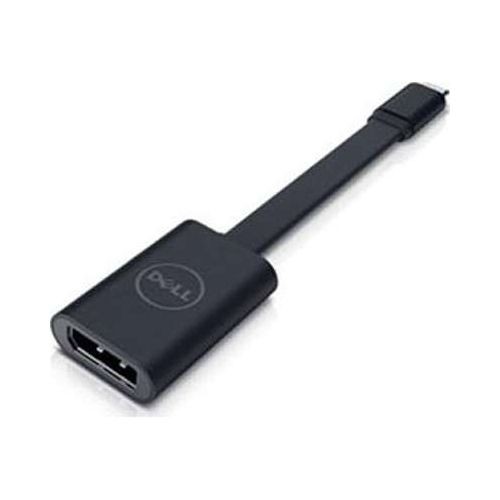
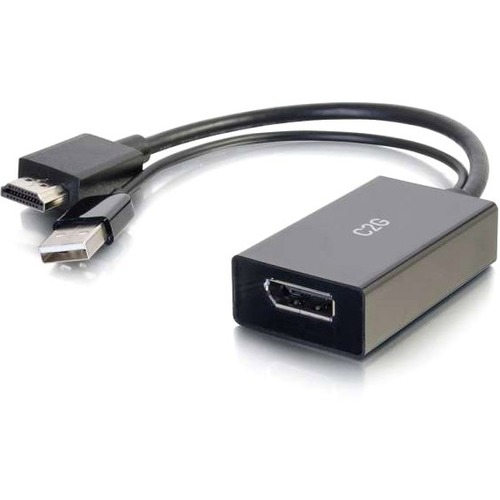
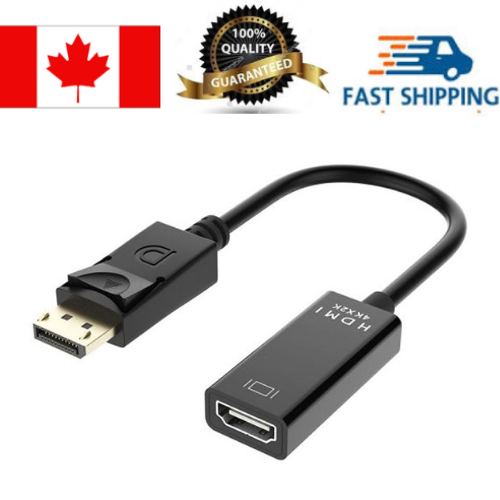
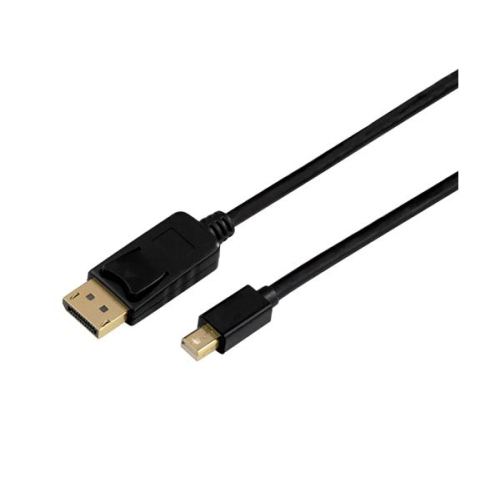
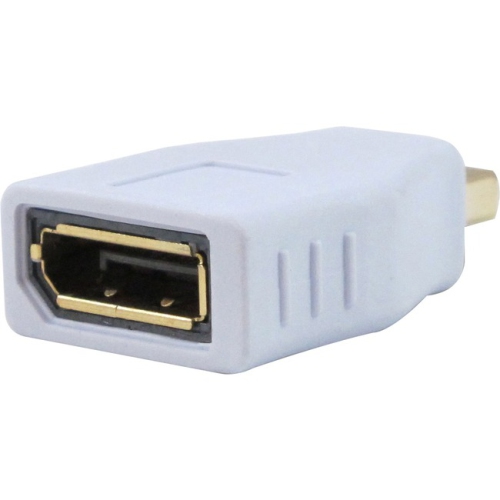
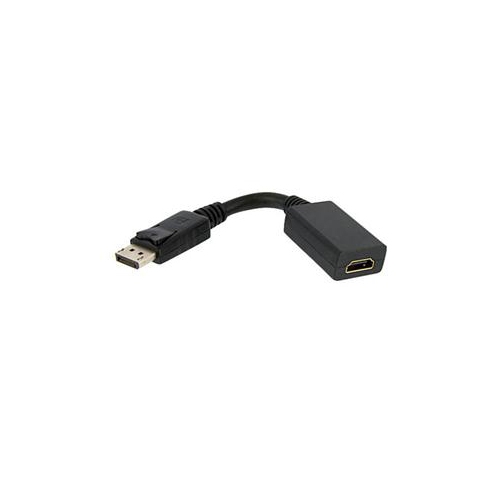
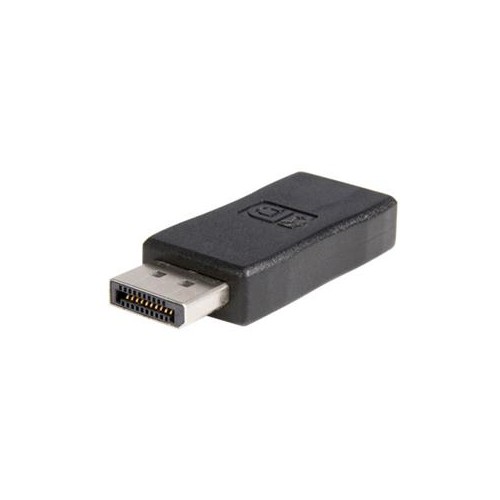
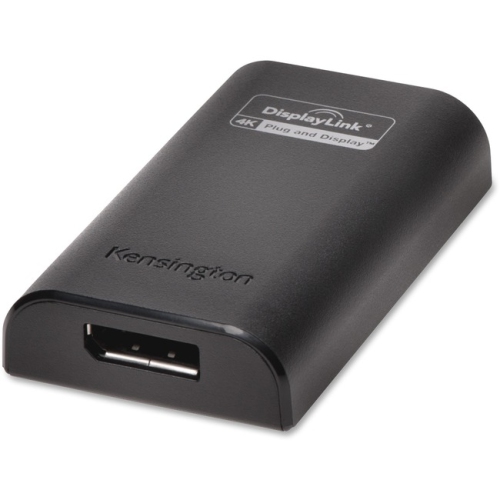
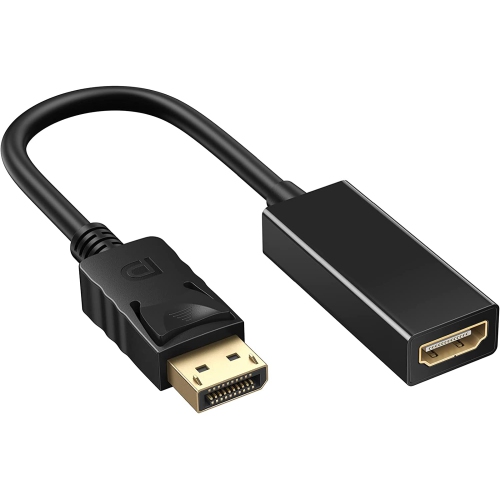
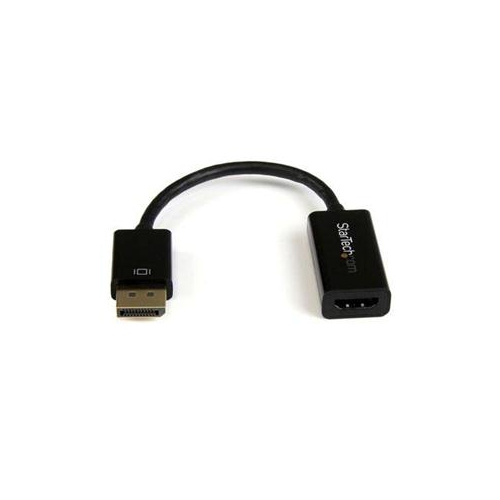
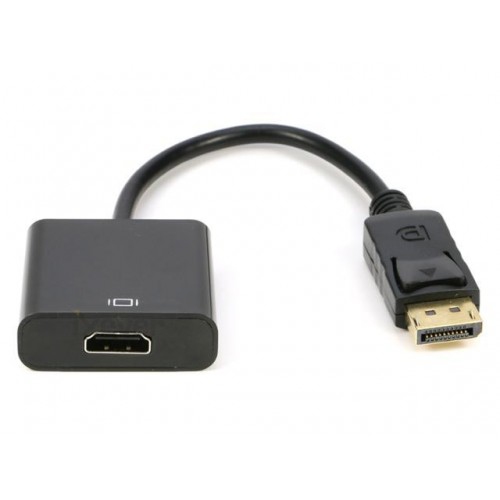
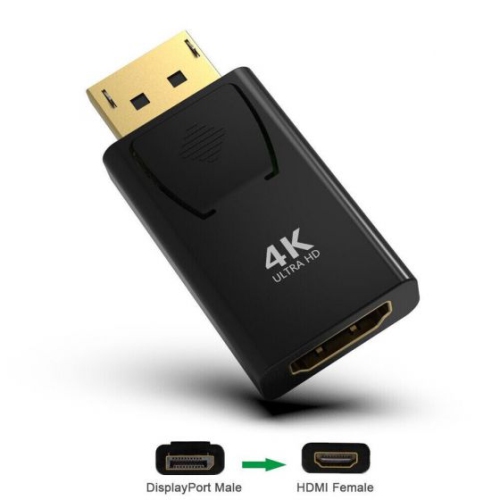
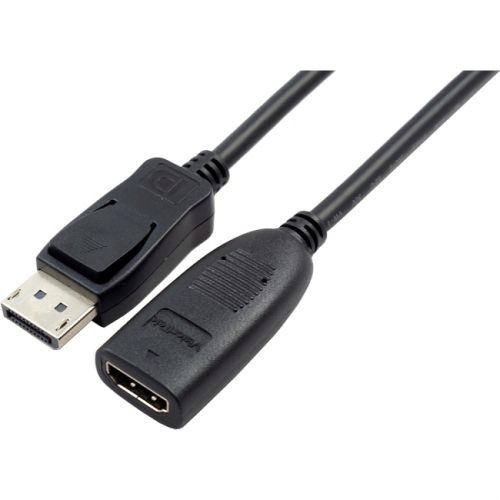
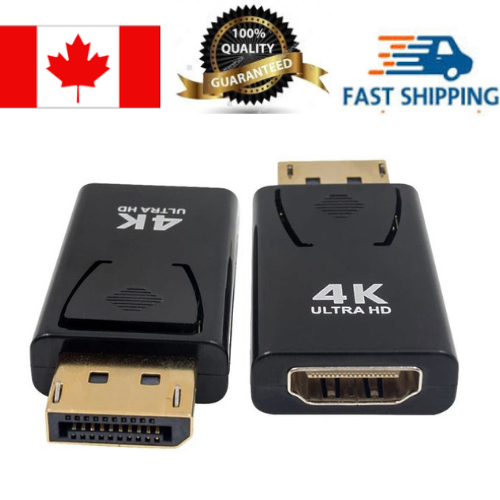
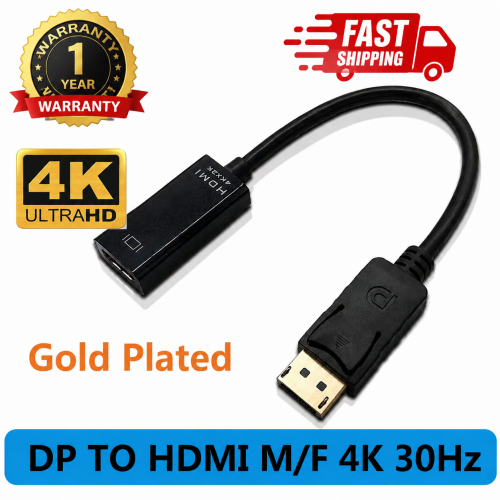
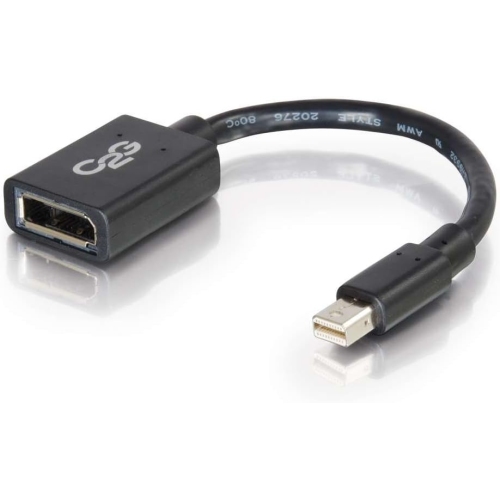
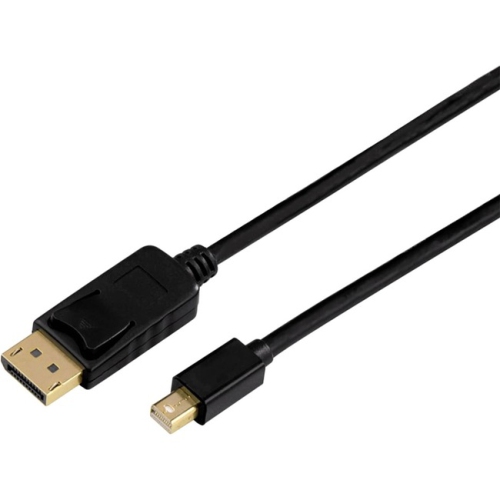
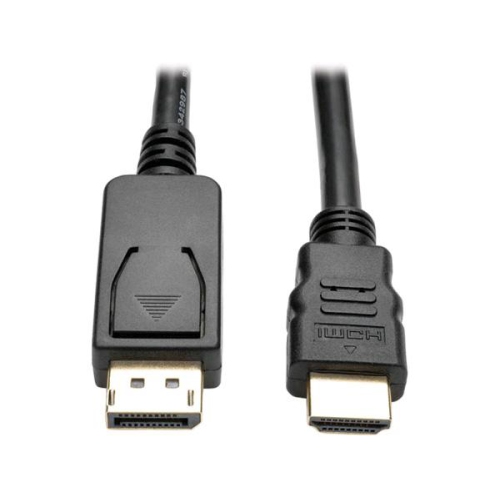
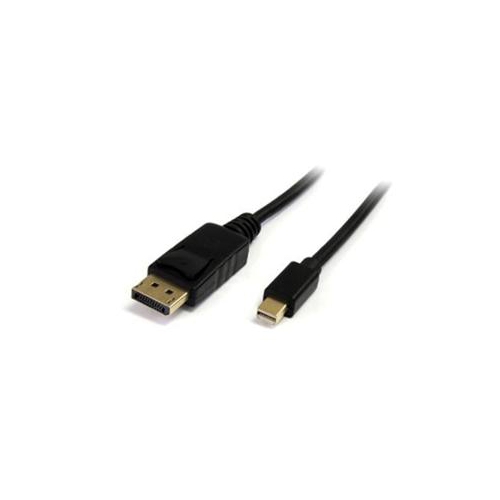
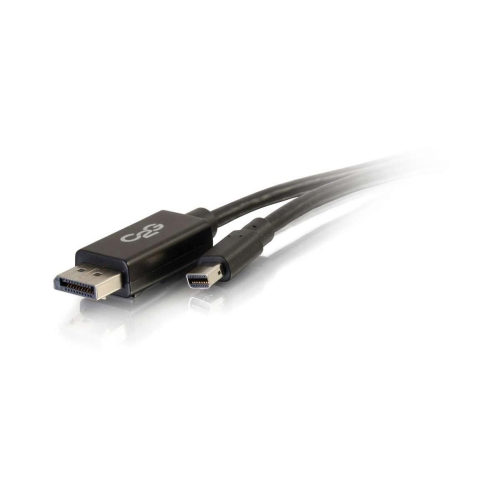
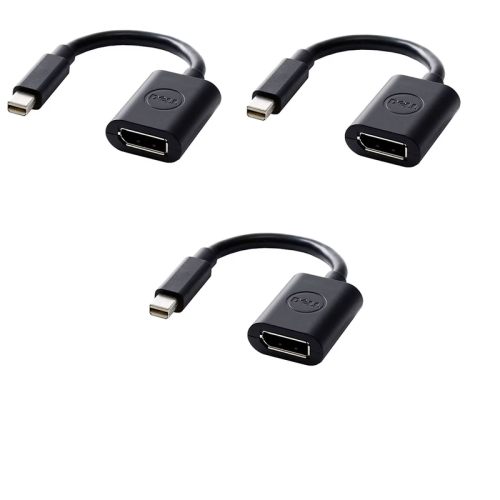
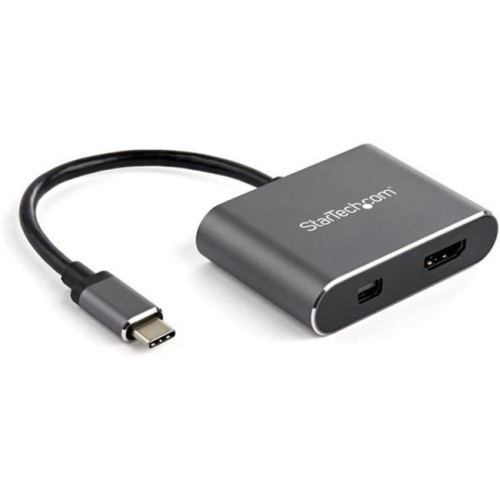
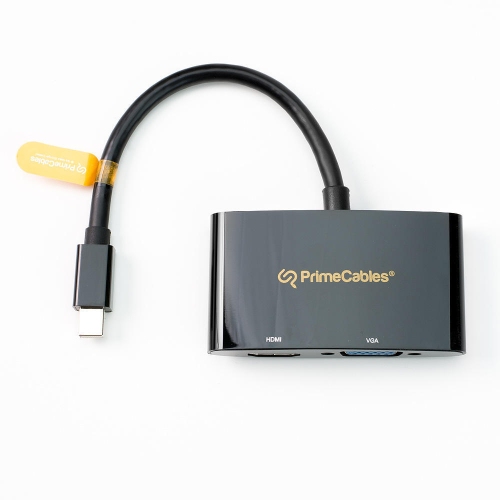
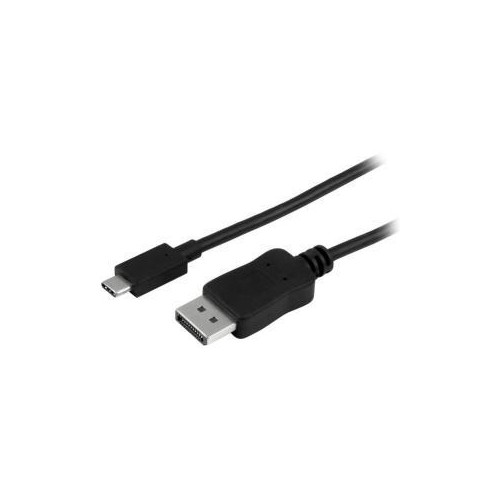
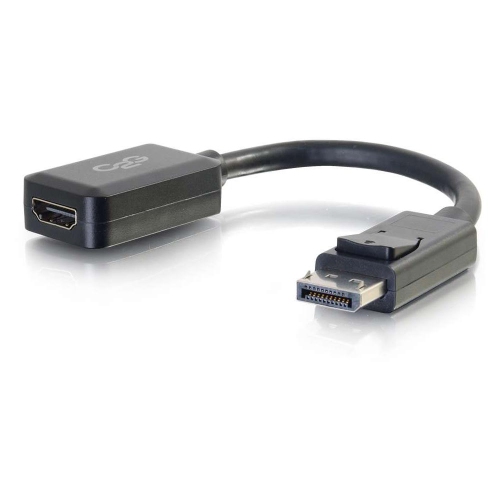
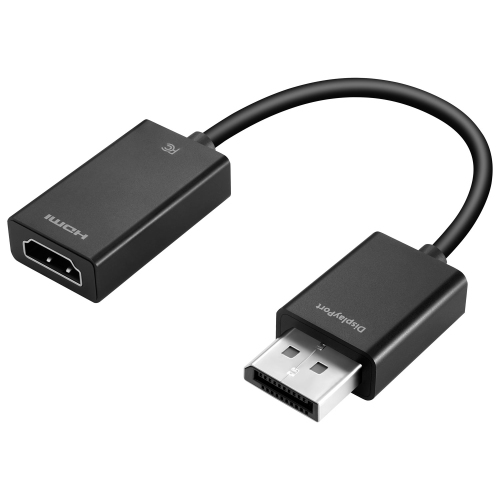
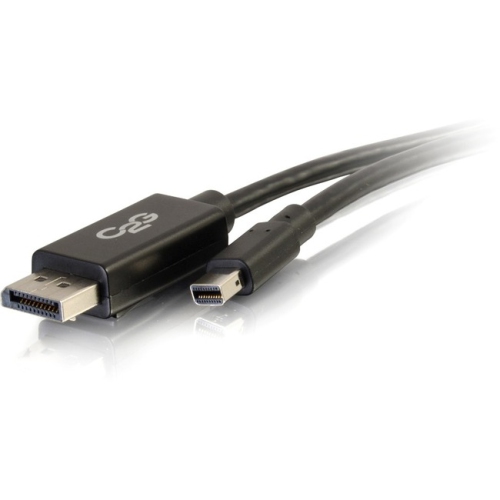
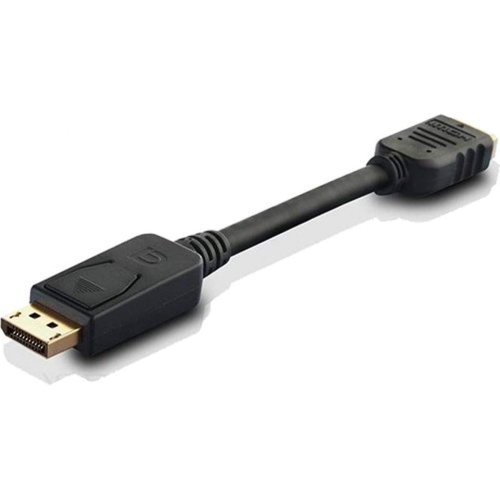
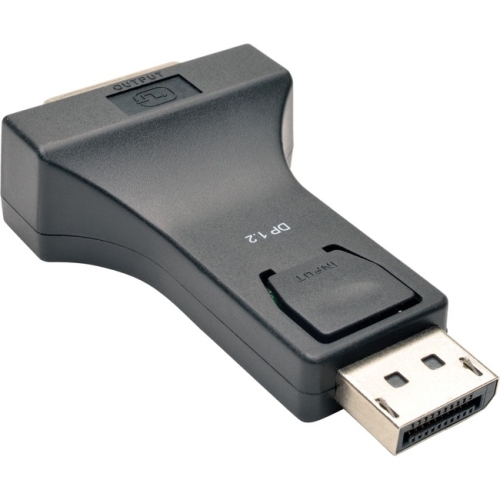
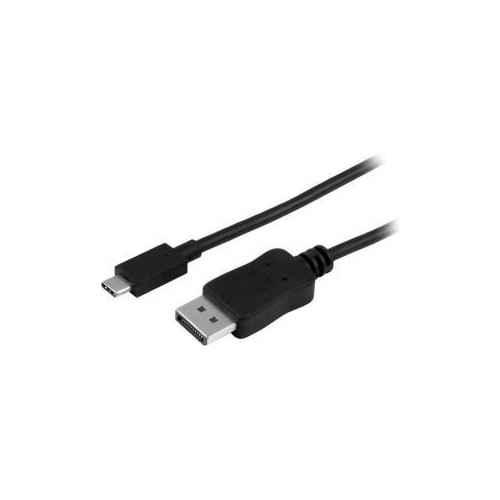
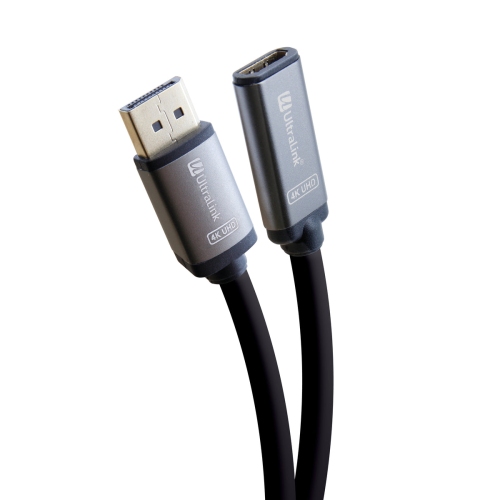
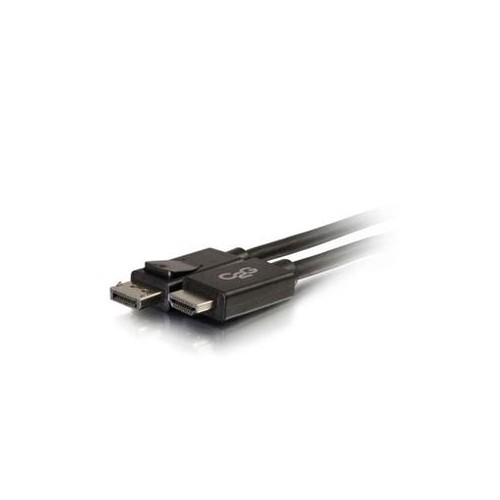
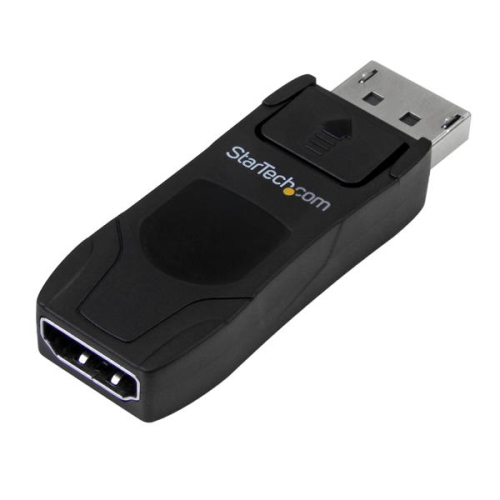
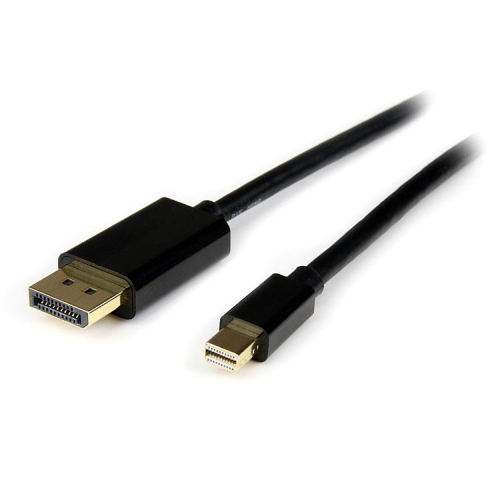
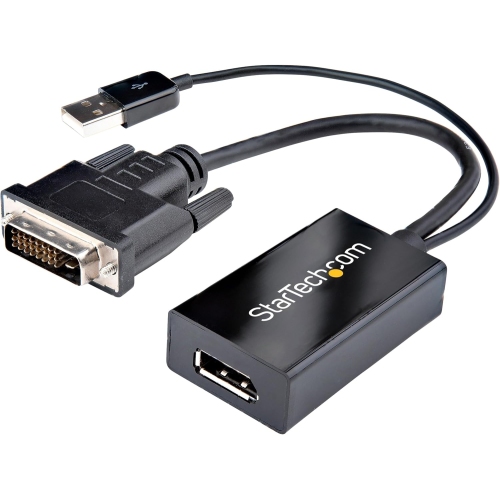
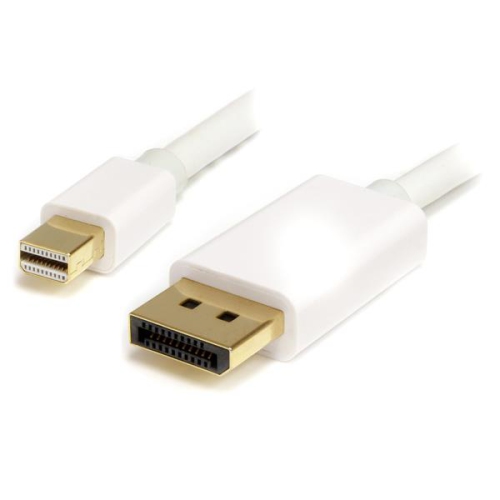
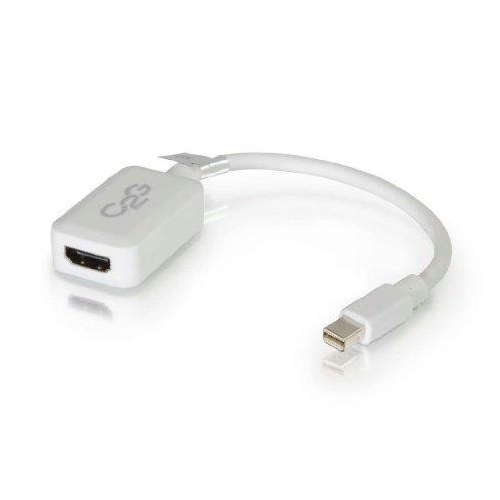
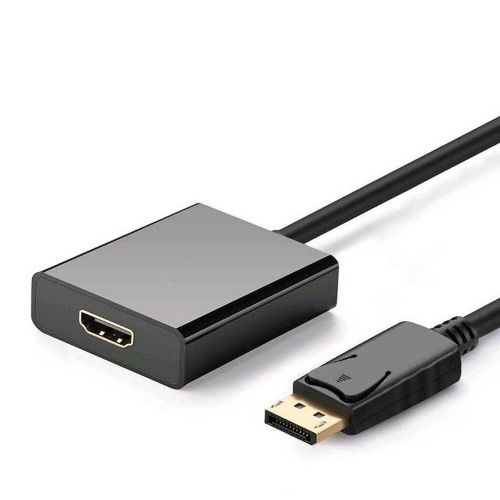
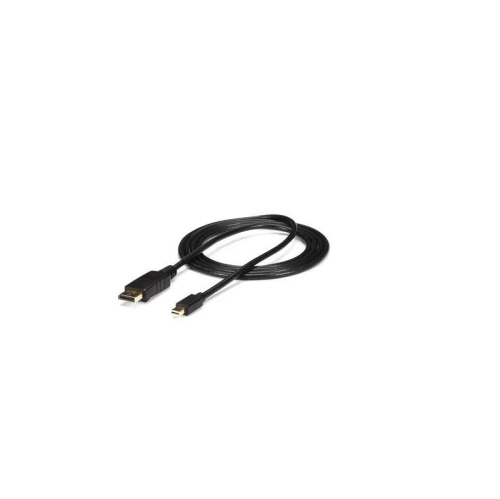
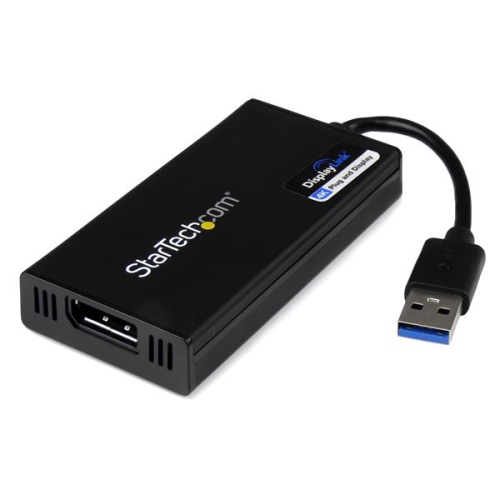
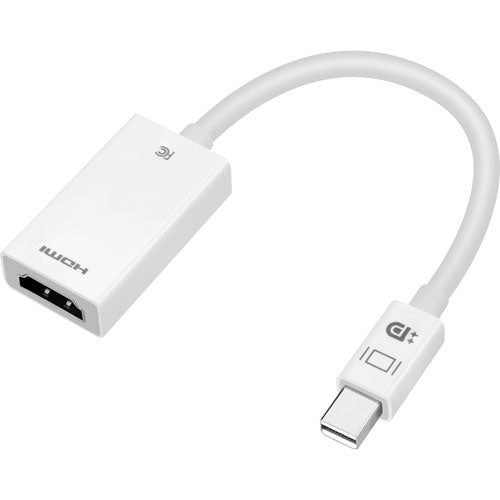
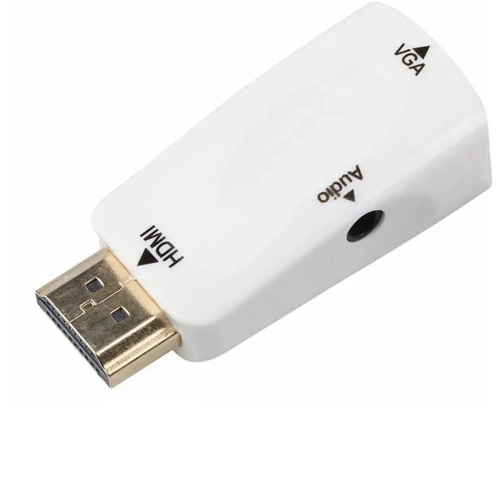
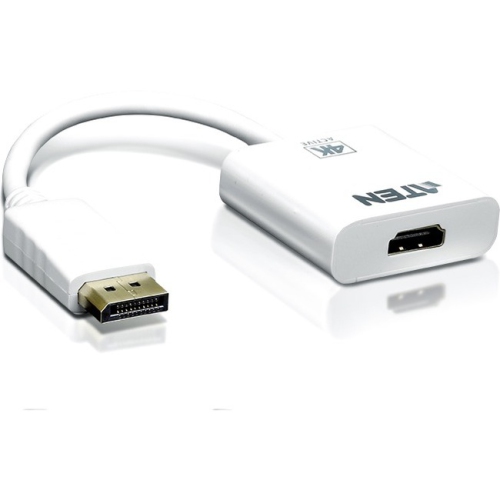
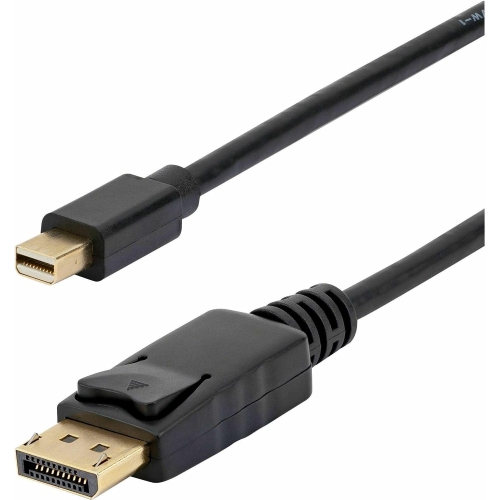
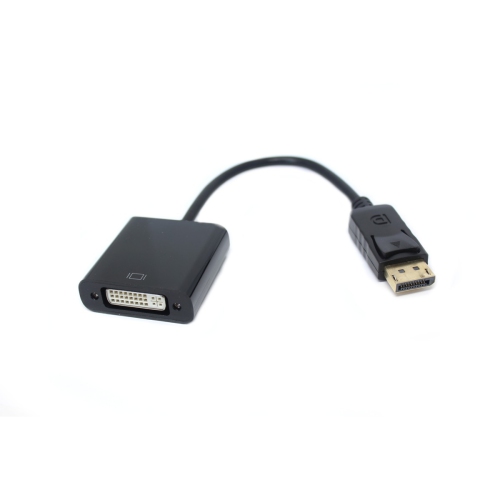
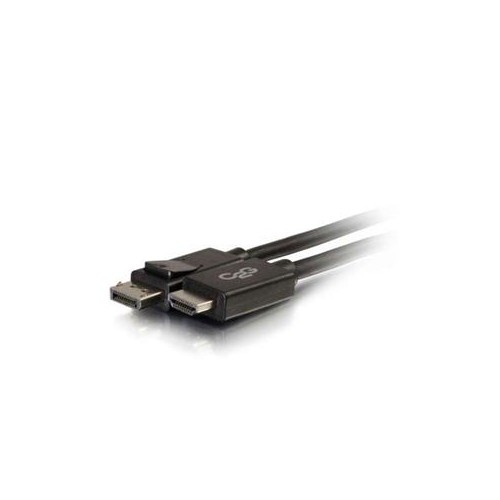
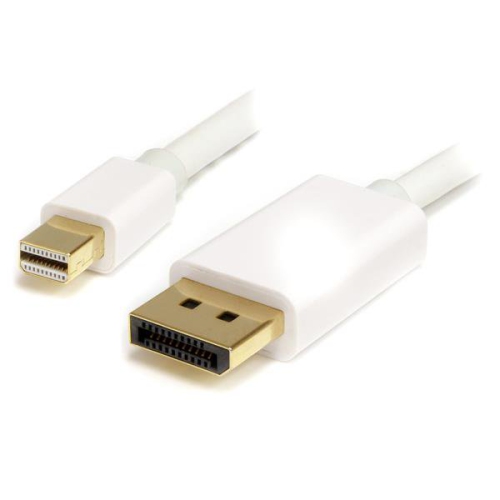
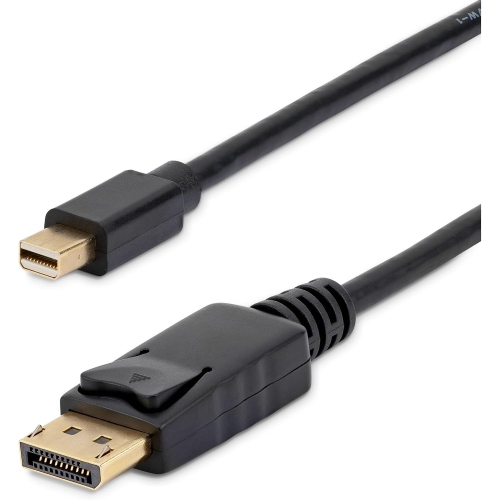
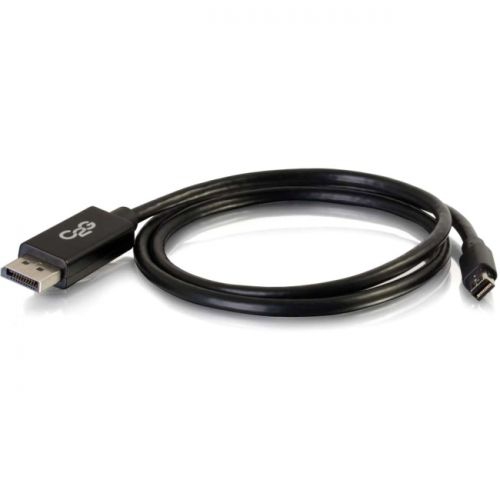
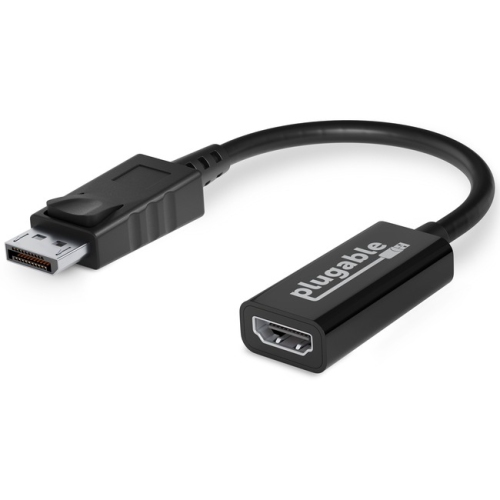
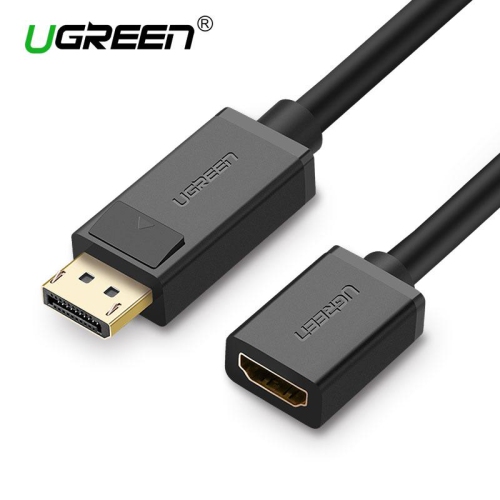
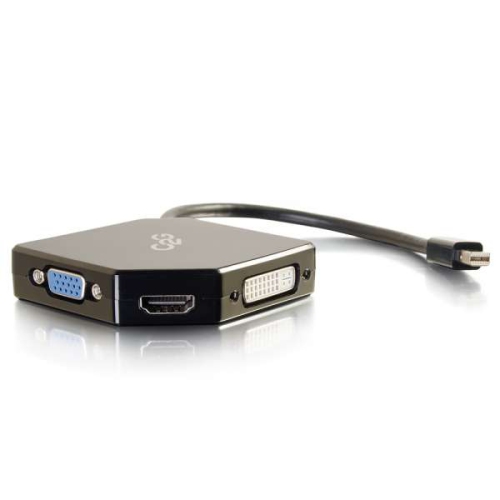
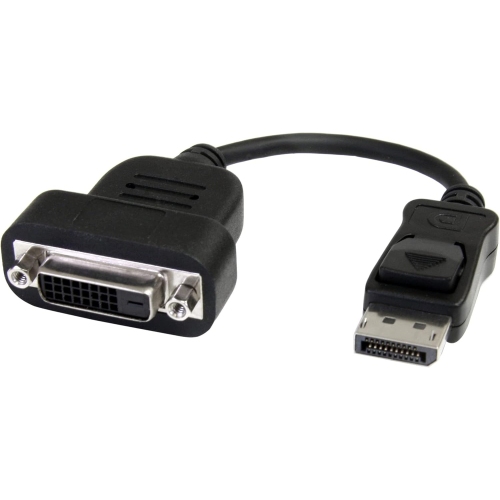
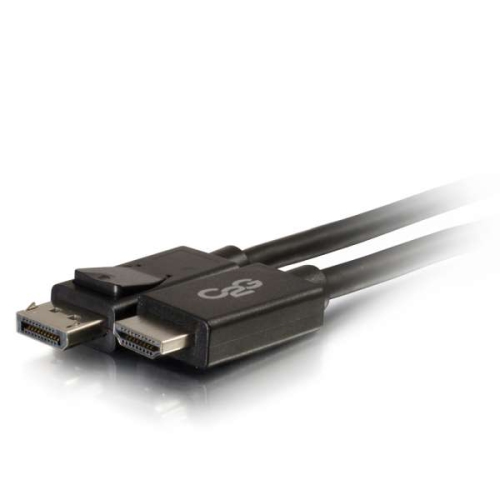
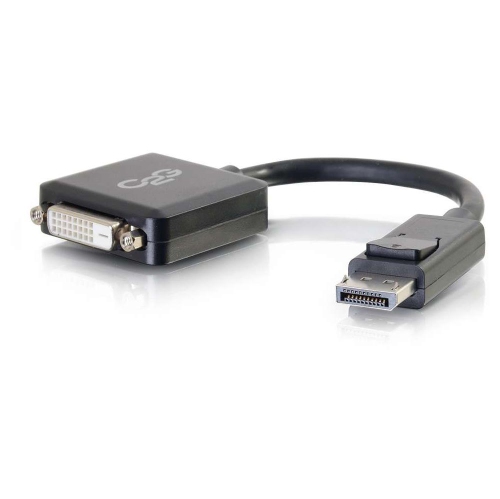
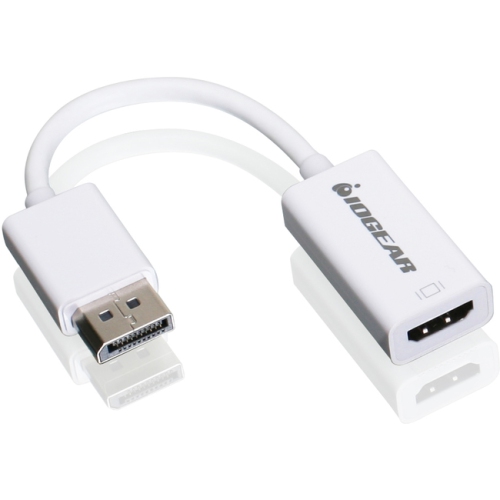
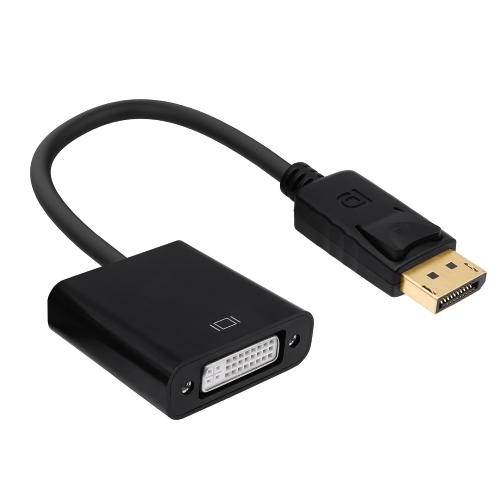
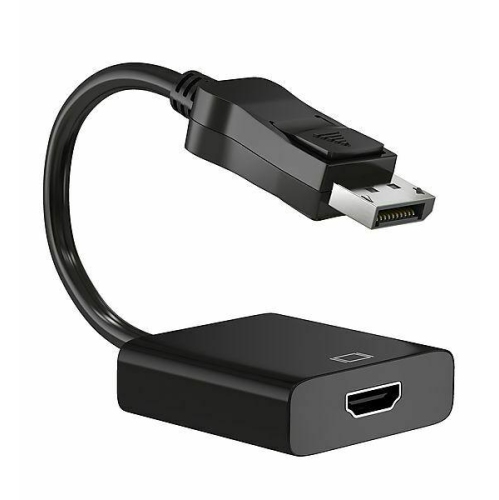
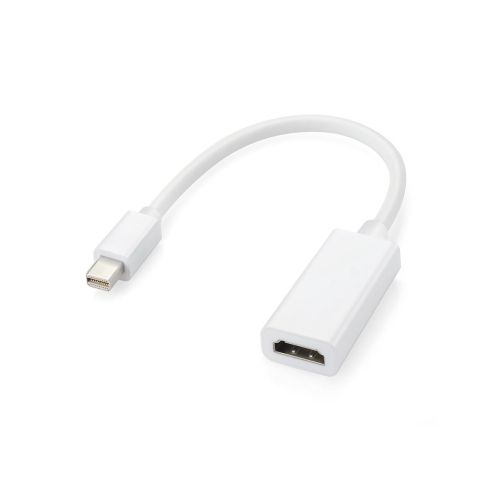
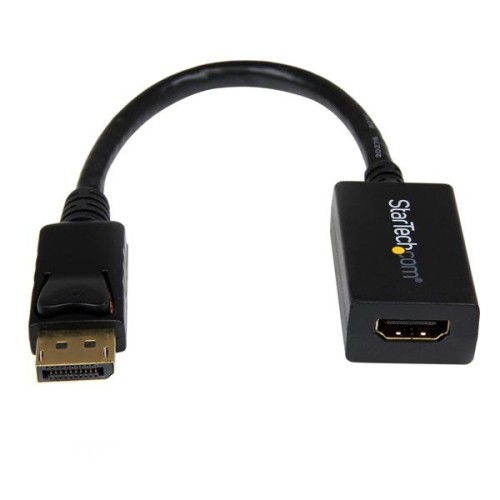
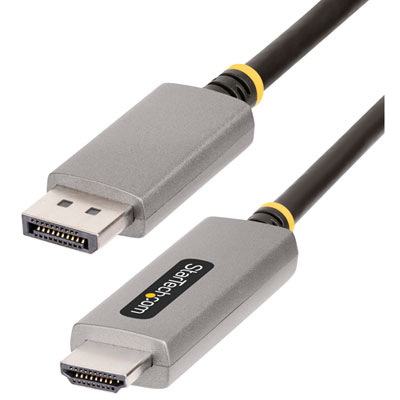
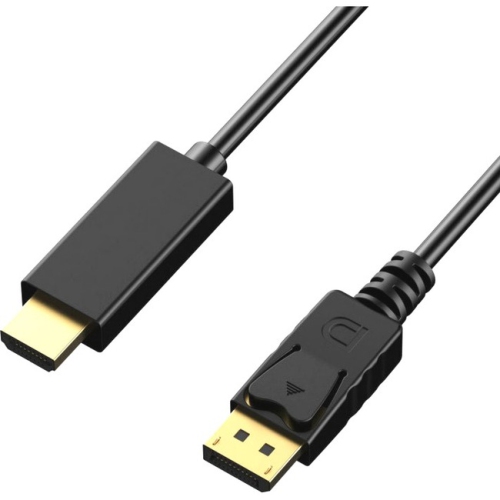
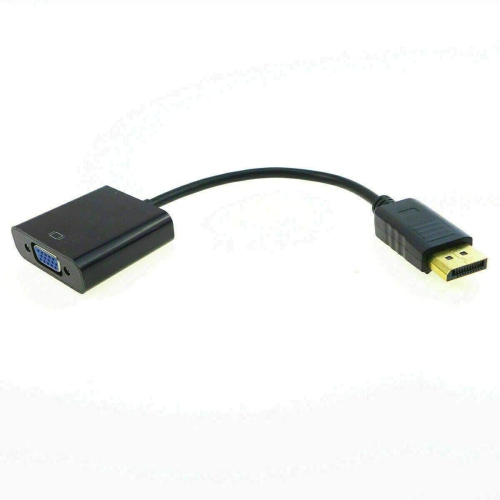
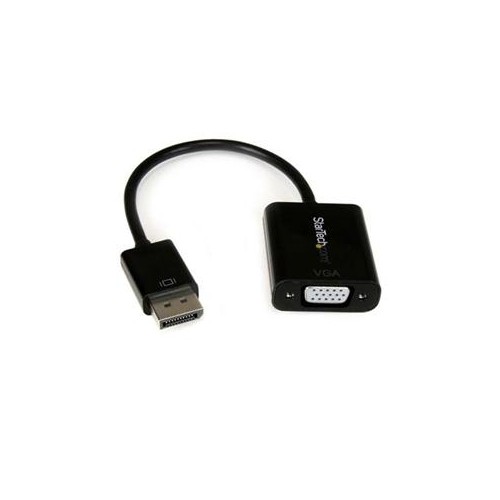
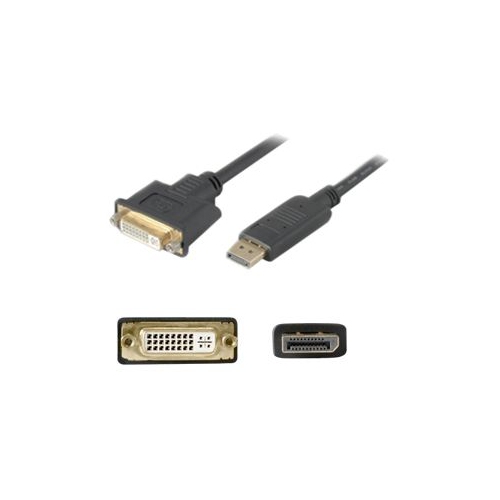
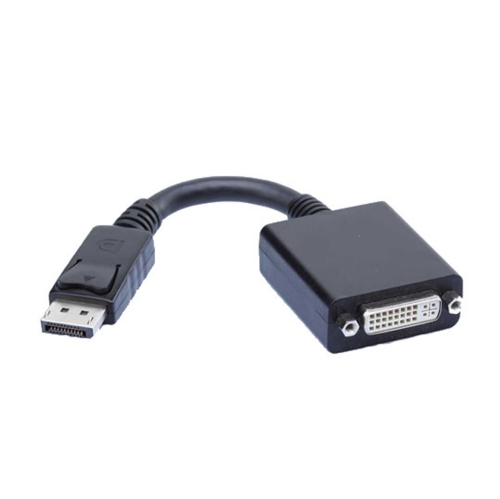
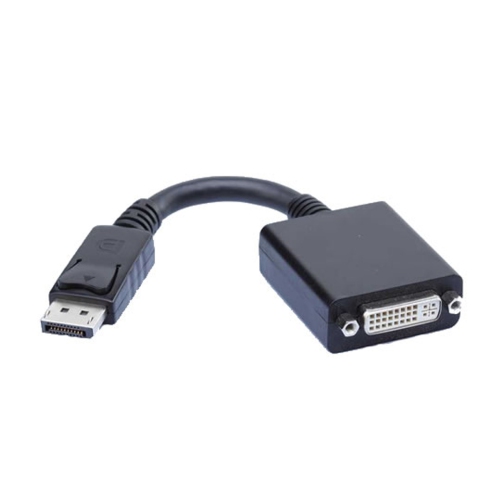
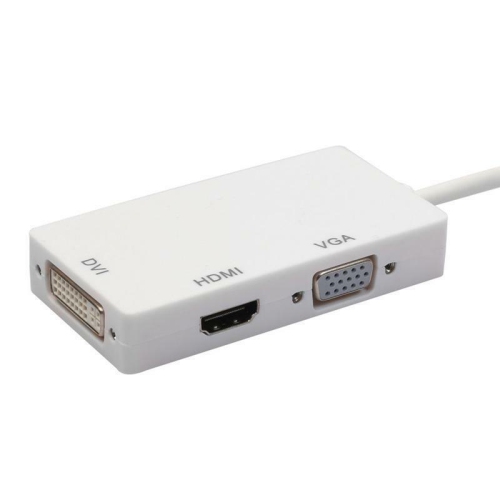
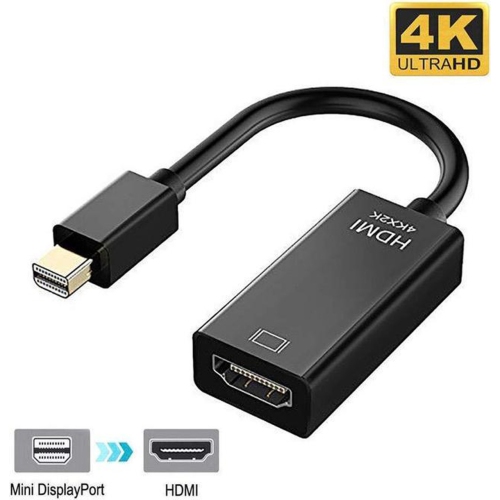
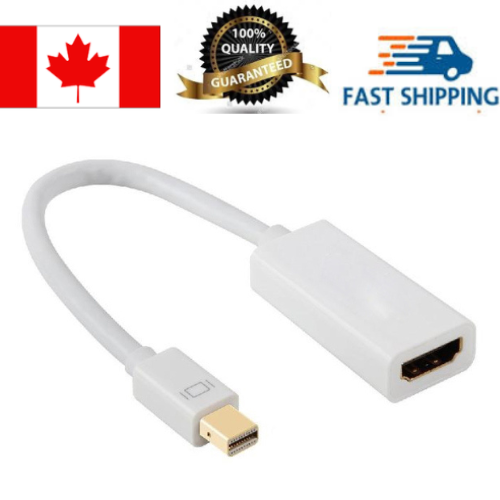
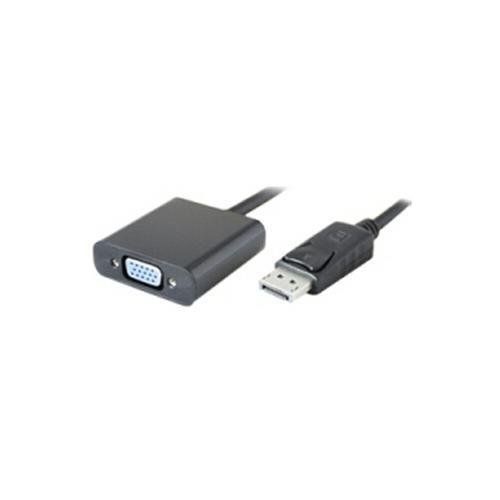
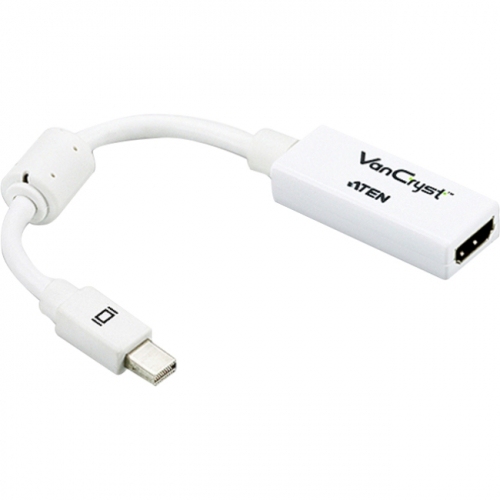
DisplayPort adapters connect a video source to a display when the two devices have different ports. They can link a desktop computer to an HDMI monitor, connect a compatible USB-C laptop to a DisplayPort screen, or bring an older VGA projector into a presentation setup. The right connection depends on both ends: the output on the computer, docking station, or graphics card, and the input on the monitor, television, or projector. A DisplayPort to HDMI adapter generally carries video from a DisplayPort source to an HDMI display; it should not be assumed to work in reverse. An HDMI source connected to a DisplayPort monitor usually needs a converter specifically designed for that direction. This distinction matters when a connector fits physically but the screen remains blank. Full-size DisplayPort and Mini DisplayPort also have different connector shapes, so an adapter needs to match the actual socket rather than simply the connection name. Mini DisplayPort appeared on a range of laptops and workstations, and its shape is also shared by Thunderbolt and Thunderbolt 2 ports, although supported functions depend on the device. USB-C adds another consideration: the connector alone does not guarantee video output. A USB-C to DisplayPort adapter requires a source port that supports an appropriate video capability, such as DisplayPort Alternate Mode or compatible Thunderbolt functionality. These adapters suit everyday arrangements, from a student expanding a laptop workspace to an office worker connecting a desktop to an existing monitor. They are equally useful at a shared desk, where computers with different outputs may need to connect to the same screen. Compact adapters with a socket accept a separate display cable, while adapter cables combine the conversion and cable run in one piece. The former offers flexibility when different cable lengths are needed; the latter can keep a straightforward desk connection tidy with fewer separate pieces. Neither format changes the source device’s underlying display capabilities, but each can make otherwise mismatched equipment work together.
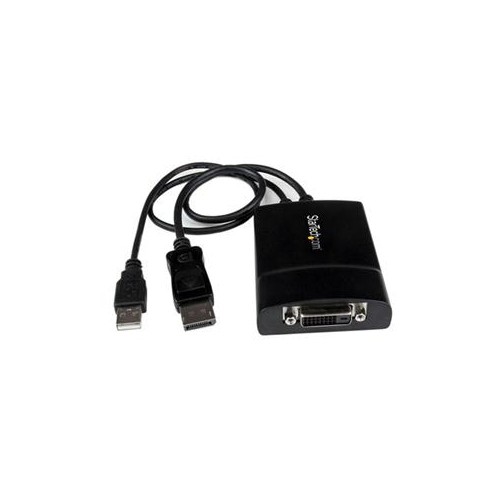
Active and passive DisplayPort adapters handle signal conversion differently. A passive DisplayPort to HDMI or DVI adapter relies on a dual-mode DisplayPort output, often identified as DP++, that can provide a compatible signal. An active adapter contains electronics that convert the signal, making it suitable for connections where passive conversion is not supported or where the required display mode calls for a particular active design. For compatible DisplayPort sources and HDMI screens, DisplayPort to HDMI active adapters offer signal conversion without relying on the source’s dual-mode capability. Active does not automatically mean externally powered: some adapters draw enough power from the source port, while others need a separate USB power connection. HDMI to DisplayPort converters commonly require USB power, and any required lead needs a suitable power source within reach. Resolution and refresh rate are just as important as connector compatibility. An adapter rated for 4K at 30Hz is not equivalent to one rated for 4K at 60Hz, particularly for a desk used all day, where smoother pointer movement and scrolling can be noticeable. Gaming displays may require substantially higher refresh rates, and support depends on the computer’s output, the adapter, the cable, and the monitor working together. A higher rating on one component cannot remove a limitation elsewhere in that chain. HDR, colour depth, and variable refresh rate support also need explicit compatibility; a matching connector does not guarantee those features will pass through. DisplayPort and HDMI can carry audio alongside video, but audio support still depends on the adapter and receiving device. VGA carries analogue video without audio, and DVI connections generally call for a separate audio path. Older projectors and monitors can therefore remain useful for presentations or reference screens, provided the conversion supports their resolution and connector type. Protected video playback may also require compatible HDCP support throughout the connection, especially when a computer feeds a television. For longer cable runs, the supported signal format and cable quality become important, since conversion does not compensate for a cable that cannot reliably carry the intended display mode.
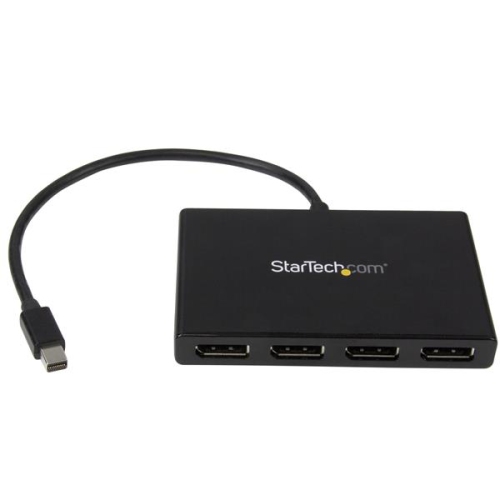
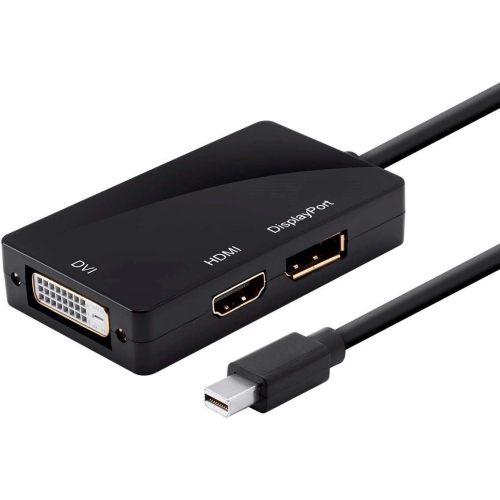
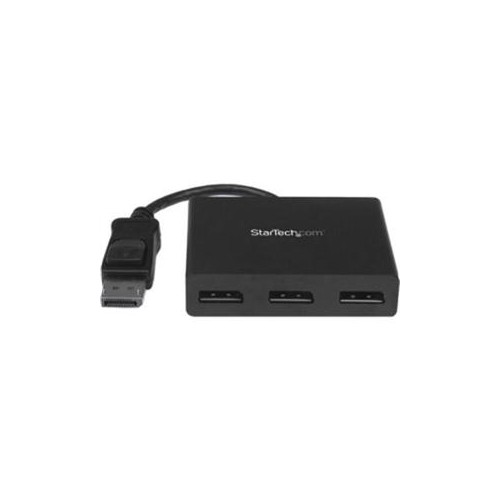
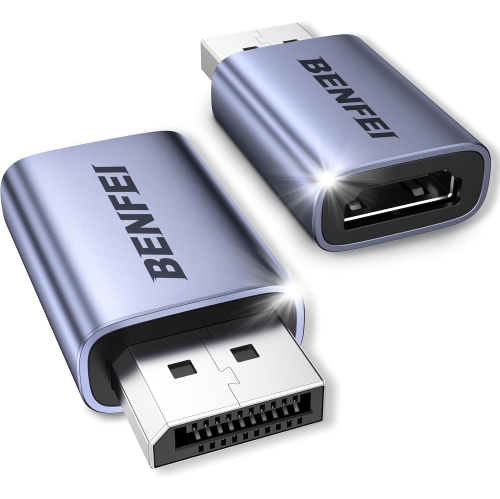
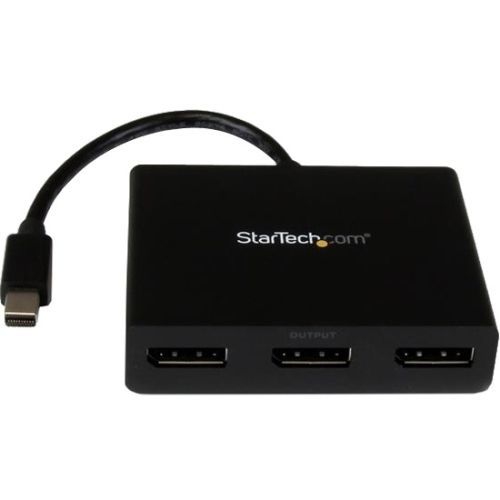
Construction and fit influence how comfortably an adapter works in daily use. Compact moulded housings are convenient in a laptop bag, while metal housings can provide a sturdy exterior and help dissipate heat from conversion electronics. A short flexible lead between the plug and adapter body can reduce leverage on a laptop’s port, especially when a heavier display cable hangs over the back of a desk. A rigid adapter may be neat behind a desktop tower but can obstruct neighbouring sockets on a closely spaced laptop. Cable length should suit the route between devices without leaving the connection stretched tight or a large coil tangled beside a chair. Reinforced strain relief, secure connector housings, and a flexible cable jacket help withstand routine handling, although no adapter benefits from being pulled out by its cable. Some full-size DisplayPort plugs have a latch that needs releasing before removal. Gentle unplugging, loose cable loops, and storage away from crushed bag compartments help protect the connectors and internal wiring. For a permanent workstation, leaving enough slack behind a monitor arm prevents the cable from tugging on the adapter as the screen moves. Multi-monitor arrangements introduce separate requirements: a basic adapter normally serves one display and does not turn a single output into several independent desktops. Multi-stream transport hubs and compatible docking solutions can support additional displays, but the number of screens, their resolutions, and whether they extend or mirror the desktop depend on the host hardware and operating system. That matters for an analyst keeping spreadsheets beside a dashboard, a designer comparing layouts, or a household sharing one desk between work and study. Travellers and presenters may favour a compact connection for meeting-room screens, while a fixed workstation may benefit more from a longer adapter cable that stays in place. As a practical gift for someone setting up a desk, a DisplayPort adapter is most useful when the source port, display input, connection direction, and required resolution are already known. Those details determine whether a small accessory becomes a dependable everyday connection.
Top selling and popular products
-
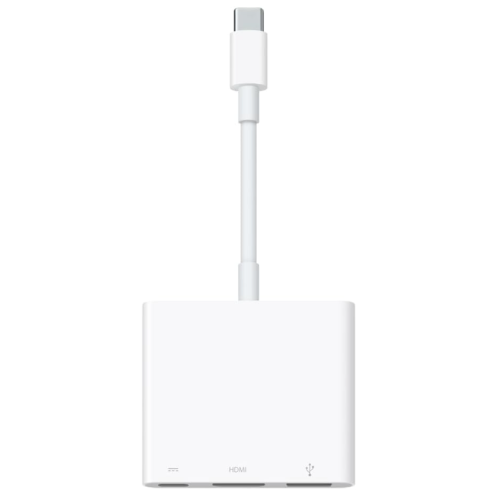 Your price for this item is $169.99
-
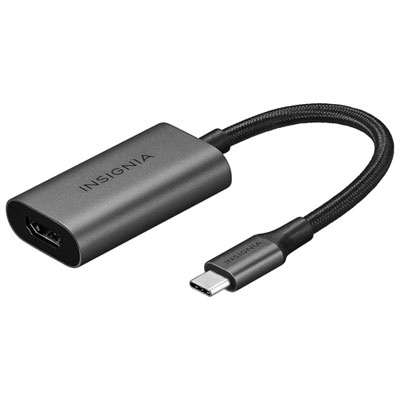 Your price for this item is $39.99
-
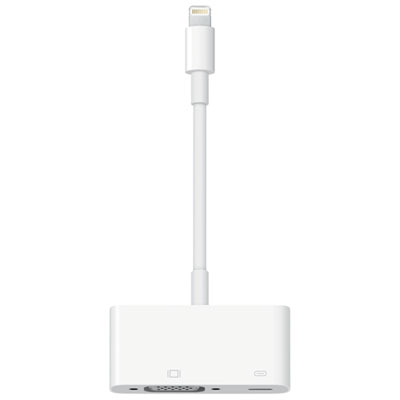 Your price for this item is $64.97
-
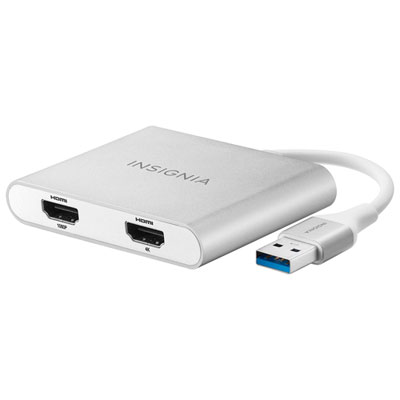 Your price for this item is $79.99
-
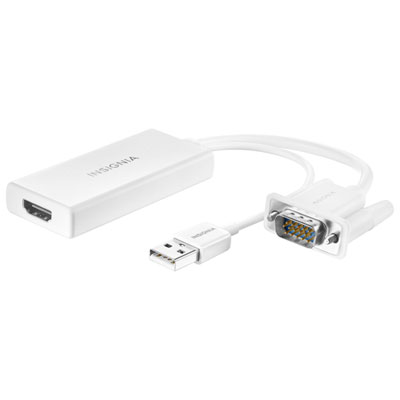 Your price for this item is $49.99
-
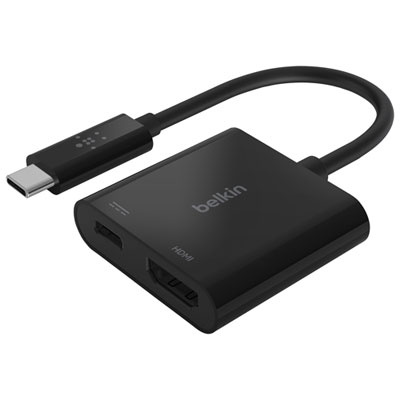 Your price for this item is $34.99
-
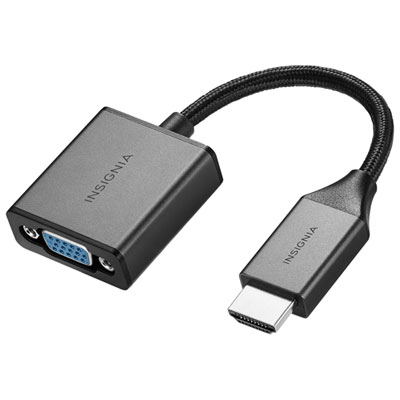 Your price for this item is $39.99
-
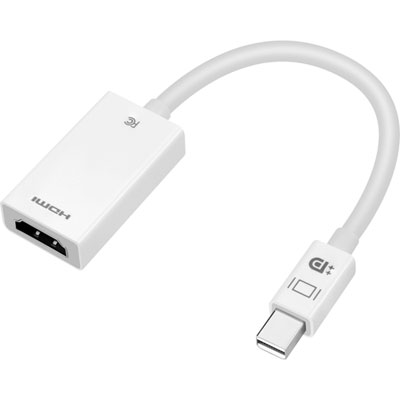 Your price for this item is $19.95
Discover more categories related to Displayport Adapters
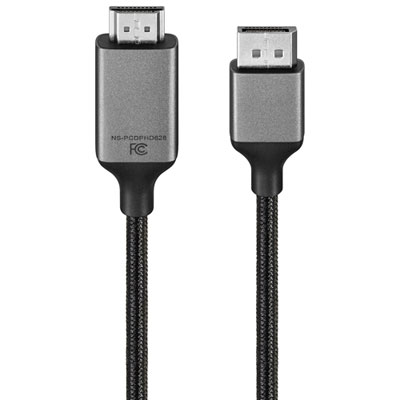
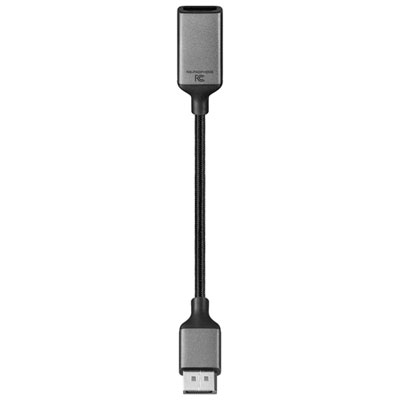
Top Collections:
Best Black Friday Deals This Year, Best Black Friday Deals On Electronics, Kindle Devices, Pokemon Centers, Best Black Friday Deals On Apple Products, Best Cameras for Sports Photography, Dyson Airwrap, Pokémon 30th Celebration Cards, Apple iPhone 17 Pro, Canon G7X Cameras
Some products may be subject to Environmental Handling Fees
(EHF) depending on your province.
Learn more about EHFs.