Document Scanners for Office
Document scanners for office are essential tools that help streamline your workflow and keep important paperwork organized. Perfect for digitizing contracts, invoices, and other business documents, these devices make it easy to manage files efficiently in any professional setting. Explore a wide selection of document scanners for office use to find the right solution to support productivity and keep your workspace clutter-free.
Sort
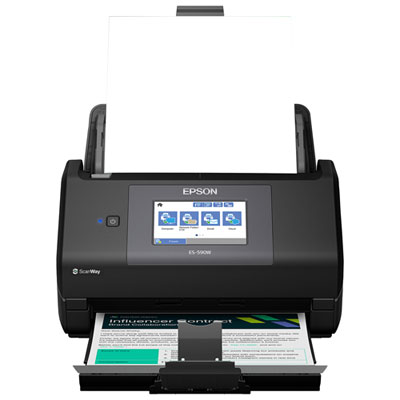
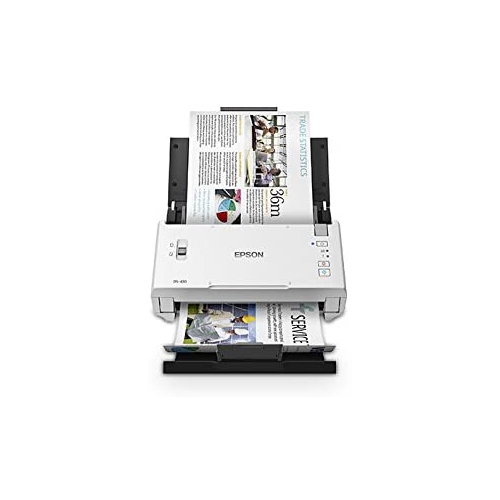
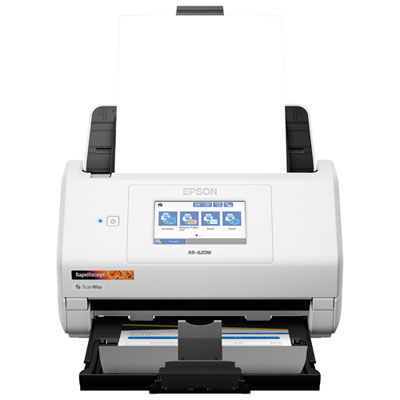


From stacks of paperwork to searchable digital files
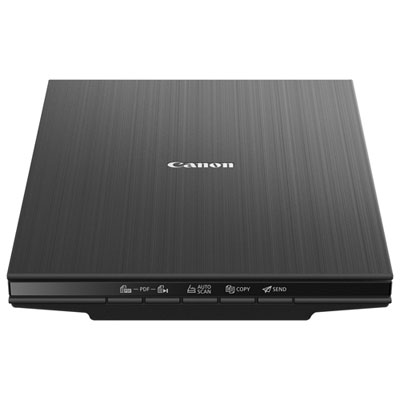
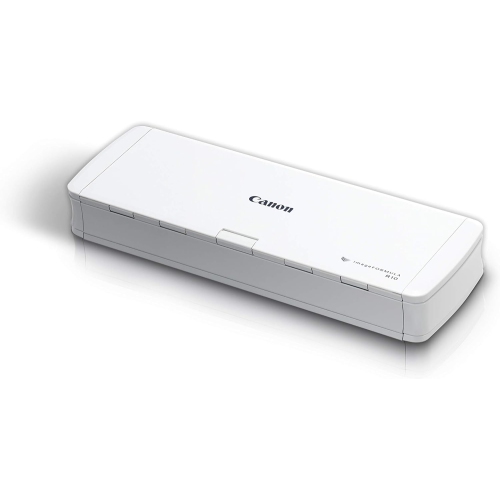
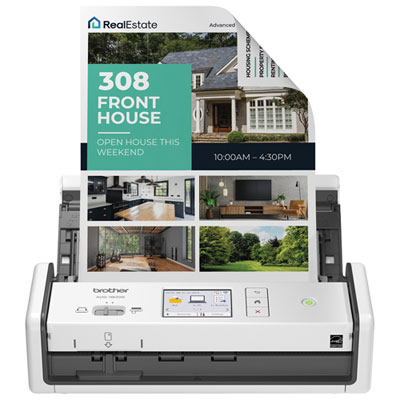
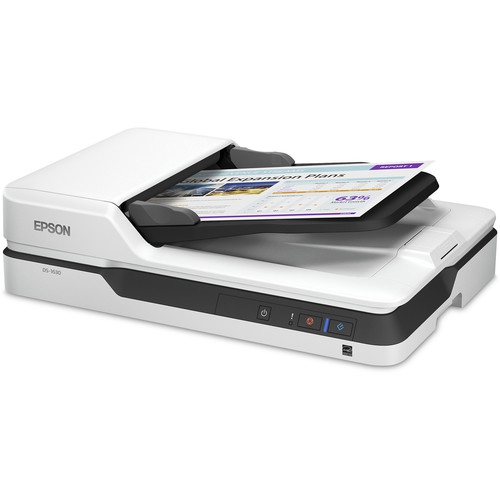
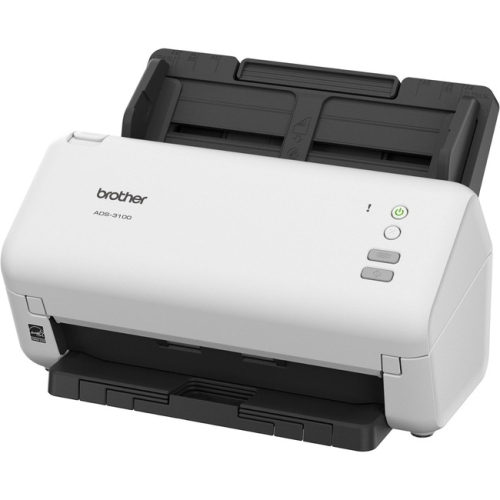
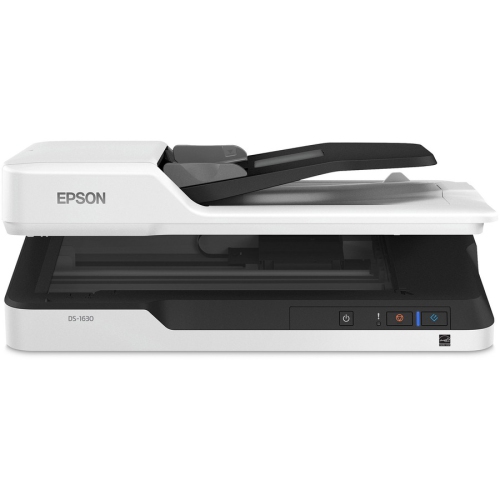
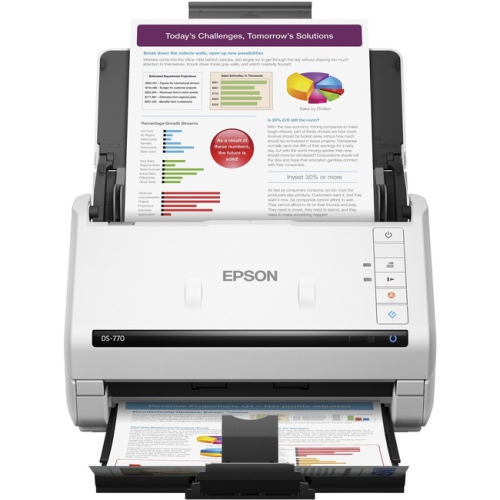
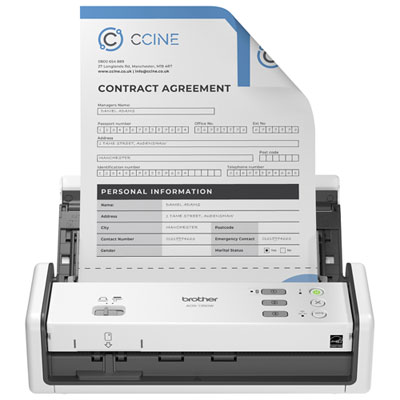
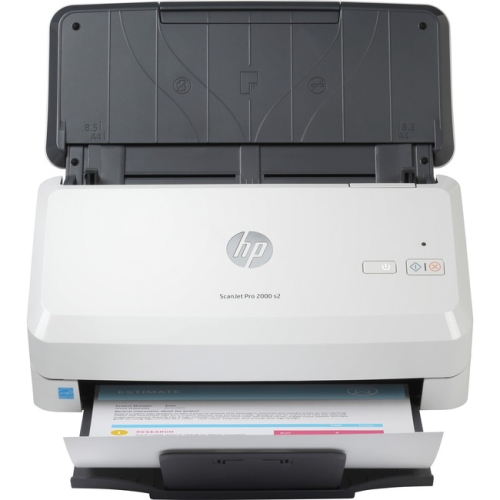
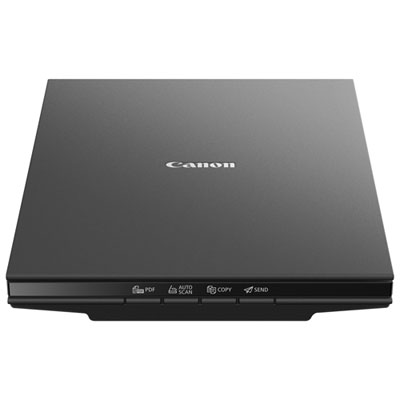
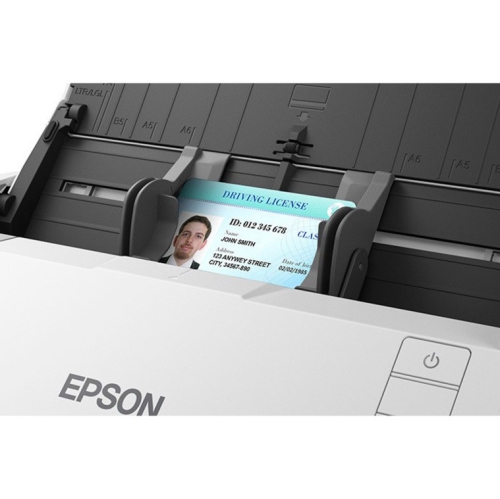
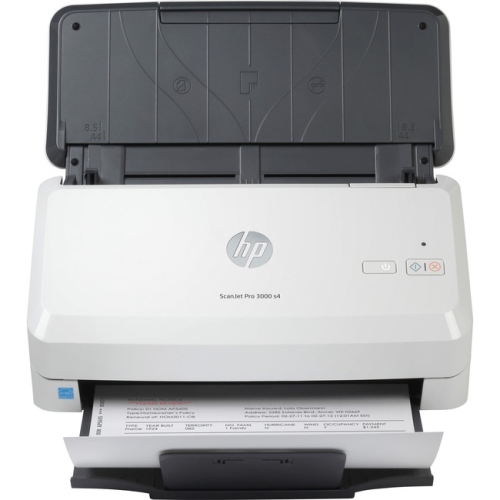
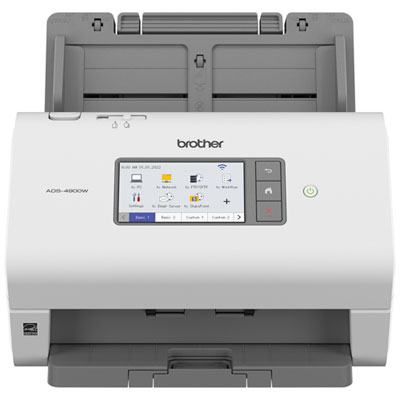
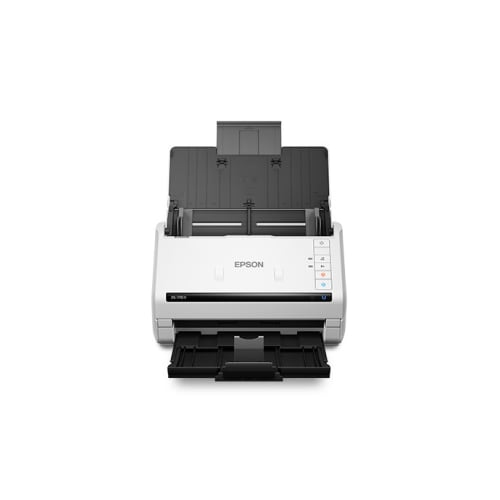
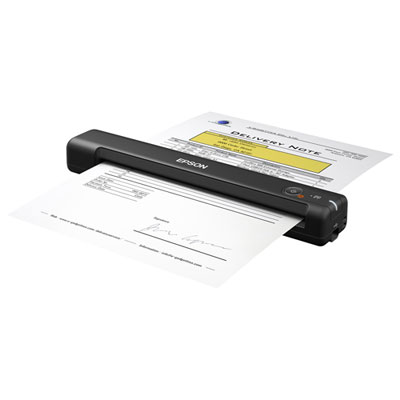
Document scanners for office use turn paper records into digital files that are easier to organize, search, and share. They suit workspaces where signed agreements, supplier invoices, application forms, and client correspondence pass across a desk every day. A dedicated scanner can be especially useful when a multifunction printer’s scanning features no longer keep pace with the paperwork. Sheet-fed document scanners pull individual pages through a scanning mechanism, making them well suited to stacks of loose correspondence and standard business forms. An automatic document feeder holds a batch of pages so each sheet does not have to be positioned by hand. Duplex scanning captures both sides of a page; single-pass duplex models do this as the sheet moves through once, which is useful for double-sided contracts and statements. Feeder capacity describes how many sheets the tray can hold under specified conditions, while scanning speed describes how quickly those sheets can be processed. Ratings expressed in pages per minute and images per minute measure different things: one double-sided sheet produces two scanned images. Actual throughput also depends on resolution, colour settings, file processing, and the connected computer or network. For accounting teams processing receipts, administrators archiving personnel forms, or small-business owners clearing an incoming paperwork tray, reliable feeding can matter as much as a headline speed rating. A larger feeder supports longer batches, but mixed paper sizes, creased corners, and attached notes may still need preparation. Flatbed scanners offer a different approach, holding the original stationary against a glass surface. They are useful for bound pages, delicate originals, and documents that should not pass through rollers, provided the material fits within the scanning area. Compact and portable document scanners serve smaller desks and occasional off-site work, although their feeder capacity and connection options may differ from desktop models. The right format follows the paperwork: frequent stacks of loose sheets call for different handling than a ledger, a fragile certificate, or a handful of receipts collected between appointments.
The usefulness of an office scanner continues after the page has been captured. Optical character recognition, often called OCR, converts recognized printed text into searchable text, helping staff find an invoice number or a customer name without opening every file individually. Searchable PDFs preserve a document’s page layout while adding a text layer, whereas editable formats can support further work in compatible software. OCR accuracy depends on the original print, page alignment, language settings, and image quality, so figures and names still deserve a check before entering business records. For many printed office documents, 300 dpi provides a practical balance between readable text and manageable file sizes. Higher optical resolution may help with small details or later cropping, but it also increases processing demands and storage requirements. Automatic deskew, orientation correction, blank-page removal, and background adjustment can make batches more consistent, particularly when forms arrive from several sources. These features vary by model and software package. For recurring batches of paperwork, Automatic Document Scanners can help reduce the repetitive handling involved in feeding pages individually. Connection options influence where that work happens. USB can provide a straightforward link to a single workstation, while Wi-Fi or Ethernet may support shared access where the scanner and office network allow it. Direct scanning to a network folder, email destination, or cloud service is model-dependent and may require an account, configuration, or compatible software. Some workflows need a computer to remain connected; others can be started from the scanner’s control panel. Driver support matters when a scanner must work with existing document-management or accounting software, including applications that use TWAIN or other supported interfaces. Compatibility with the office’s operating systems, scanning applications, and preferred file destinations helps keep a new scanner from becoming a separate, manual step. In offices handling both English and French documents, supported OCR languages are another useful detail, especially where accents and specialized terminology need to remain accurate.
Physical fit and everyday upkeep have a direct effect on how comfortably a scanner works in a busy office. The listed dimensions may describe the unit with its trays closed, so a permanent scanning spot also needs room for the input tray, the outgoing paper stack, cable connections, and access for clearing a misfeed. A compact housing can suit a reception desk or shared work surface, but sheets should have enough support that they do not slide onto the floor. Many desktop scanners use moulded plastic housings around their scanning and feeding components; for frequent use, the more meaningful durability details include the recommended daily scanning volume, feeder design, and access to replaceable rollers or separation pads. A stated daily volume is a workload reference rather than a promise that every batch will run at the maximum rated speed. Paper condition matters, too. Staples, paper clips, adhesive residue, and badly folded edges can interrupt feeding or damage components. Receipts, business cards, and thicker cards require support for their particular dimensions and thickness, and some originals need an approved carrier sheet. Routine care generally involves removing paper dust and cleaning the scanning glass and rollers according to the manufacturer’s directions. A narrow streak running down repeated scans can be a sign that the glass needs attention rather than that the original document is marked. Shared offices also benefit from clear file-naming conventions, assigned destination folders, and access permissions appropriate to the records being scanned. Authentication, encryption, and other security features should be checked individually rather than assumed from network connectivity alone. Capturing a digital copy does not automatically determine whether an original can be discarded; retention requirements depend on the document and the organization’s policies. A scanner matched to the office’s paper sizes, workload, software, and available space can become a dependable part of daily administration, keeping signed pages and incoming records moving into an organized digital filing system.
The usefulness of an office scanner continues after the page has been captured. Optical character recognition, often called OCR, converts recognized printed text into searchable text, helping staff find an invoice number or a customer name without opening every file individually. Searchable PDFs preserve a document’s page layout while adding a text layer, whereas editable formats can support further work in compatible software. OCR accuracy depends on the original print, page alignment, language settings, and image quality, so figures and names still deserve a check before entering business records. For many printed office documents, 300 dpi provides a practical balance between readable text and manageable file sizes. Higher optical resolution may help with small details or later cropping, but it also increases processing demands and storage requirements. Automatic deskew, orientation correction, blank-page removal, and background adjustment can make batches more consistent, particularly when forms arrive from several sources. These features vary by model and software package. For recurring batches of paperwork, Automatic Document Scanners can help reduce the repetitive handling involved in feeding pages individually. Connection options influence where that work happens. USB can provide a straightforward link to a single workstation, while Wi-Fi or Ethernet may support shared access where the scanner and office network allow it. Direct scanning to a network folder, email destination, or cloud service is model-dependent and may require an account, configuration, or compatible software. Some workflows need a computer to remain connected; others can be started from the scanner’s control panel. Driver support matters when a scanner must work with existing document-management or accounting software, including applications that use TWAIN or other supported interfaces. Compatibility with the office’s operating systems, scanning applications, and preferred file destinations helps keep a new scanner from becoming a separate, manual step. In offices handling both English and French documents, supported OCR languages are another useful detail, especially where accents and specialized terminology need to remain accurate.
Physical fit and everyday upkeep have a direct effect on how comfortably a scanner works in a busy office. The listed dimensions may describe the unit with its trays closed, so a permanent scanning spot also needs room for the input tray, the outgoing paper stack, cable connections, and access for clearing a misfeed. A compact housing can suit a reception desk or shared work surface, but sheets should have enough support that they do not slide onto the floor. Many desktop scanners use moulded plastic housings around their scanning and feeding components; for frequent use, the more meaningful durability details include the recommended daily scanning volume, feeder design, and access to replaceable rollers or separation pads. A stated daily volume is a workload reference rather than a promise that every batch will run at the maximum rated speed. Paper condition matters, too. Staples, paper clips, adhesive residue, and badly folded edges can interrupt feeding or damage components. Receipts, business cards, and thicker cards require support for their particular dimensions and thickness, and some originals need an approved carrier sheet. Routine care generally involves removing paper dust and cleaning the scanning glass and rollers according to the manufacturer’s directions. A narrow streak running down repeated scans can be a sign that the glass needs attention rather than that the original document is marked. Shared offices also benefit from clear file-naming conventions, assigned destination folders, and access permissions appropriate to the records being scanned. Authentication, encryption, and other security features should be checked individually rather than assumed from network connectivity alone. Capturing a digital copy does not automatically determine whether an original can be discarded; retention requirements depend on the document and the organization’s policies. A scanner matched to the office’s paper sizes, workload, software, and available space can become a dependable part of daily administration, keeping signed pages and incoming records moving into an organized digital filing system.
Top selling and popular products
-
 Your price for this item is $699.99
-
 Your price for this item is $107.99
-
 Your price for this item is $179.99
-
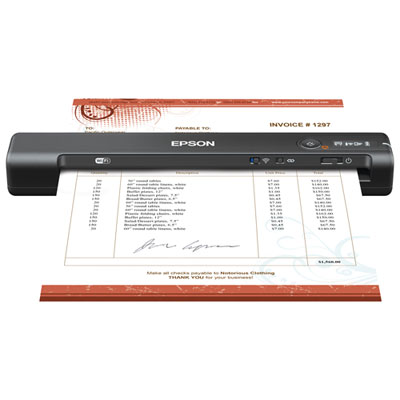 Your price for this item is $199.99
-
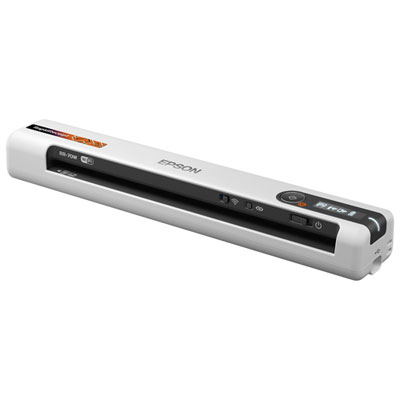 Your price for this item is $289.99
-
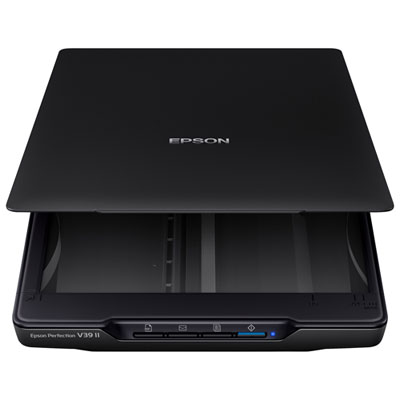 Your price for this item is $139.99
-
 Your price for this item is $199.99
-
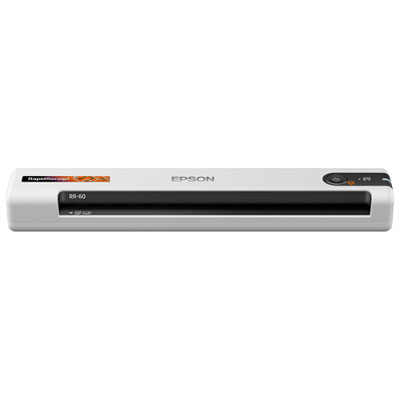 Your price for this item is $319.99
Discover more categories related to Document Scanners for Office
Top Collections:
Best Black Friday Deals This Year, Best Black Friday Deals On Electronics, Kindle Devices, Pokemon Centers, Best Black Friday Deals On Apple Products, Best Cameras for Sports Photography, Dyson Airwrap, Pokémon 30th Celebration Cards, Apple iPhone 17 Pro, Canon G7X Cameras
Some products may be subject to Environmental Handling Fees
(EHF) depending on your province.
Learn more about EHFs.