Drawing Tablets for Photo Editing
Elevate your creative workflow with a drawing tablet for photo editing, designed to help you achieve precision and control in every project. Whether you are retouching images, enhancing colors, or working on detailed compositions, these tablets offer an intuitive experience that seamlessly integrates with your favorite editing software. Discover options that cater to both beginners and professionals, making it easier than ever to bring your artistic vision to life. Find the perfect drawing tablet for photo editing and transform the way you work with photos today.
Sort
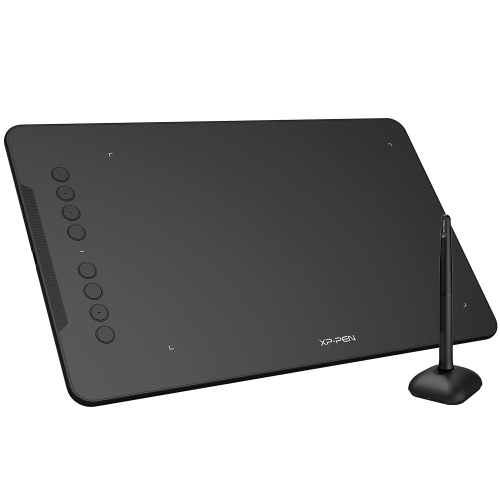
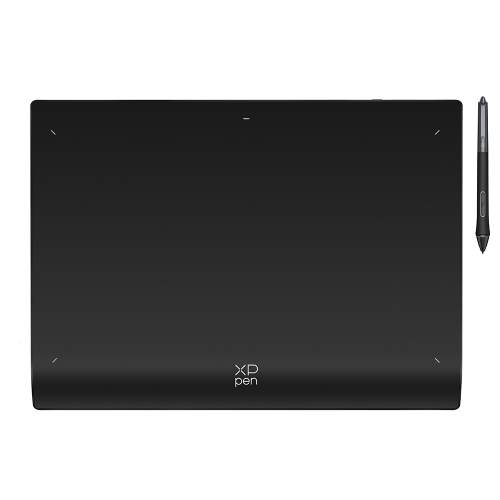
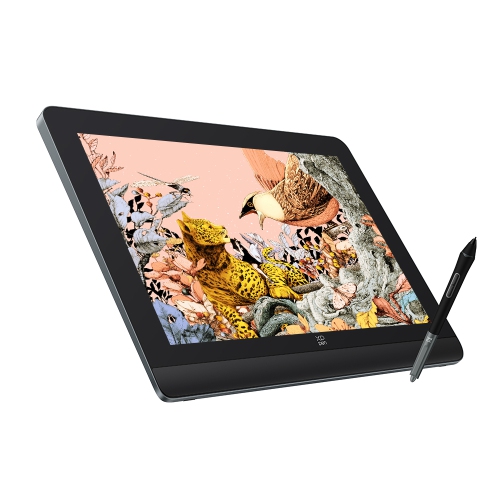

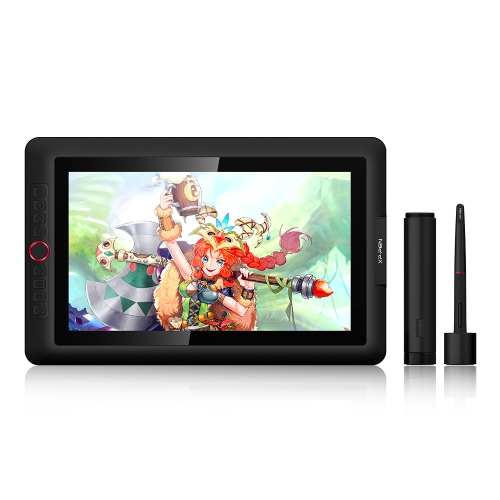
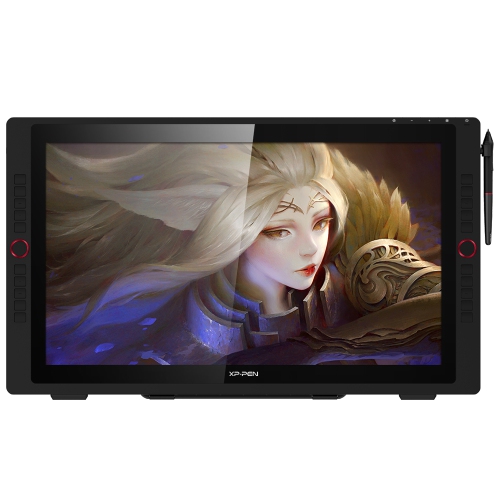
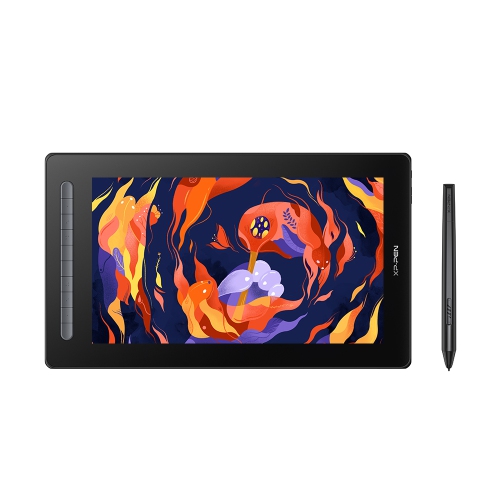
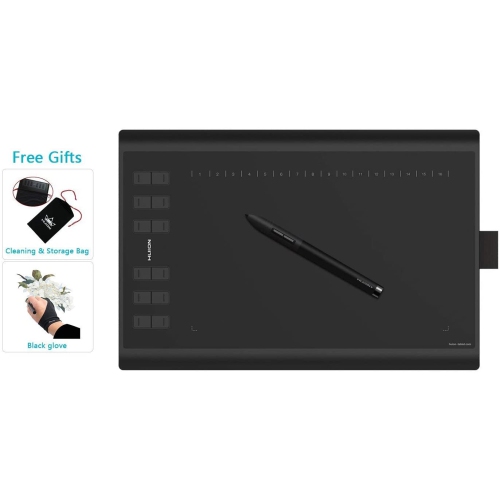
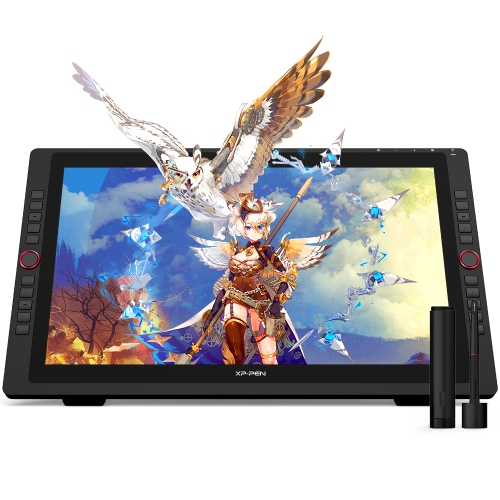
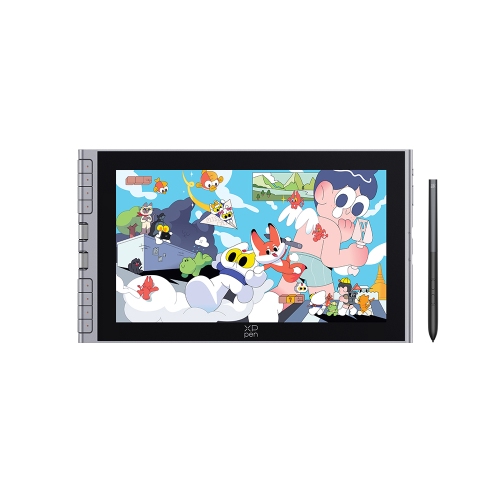
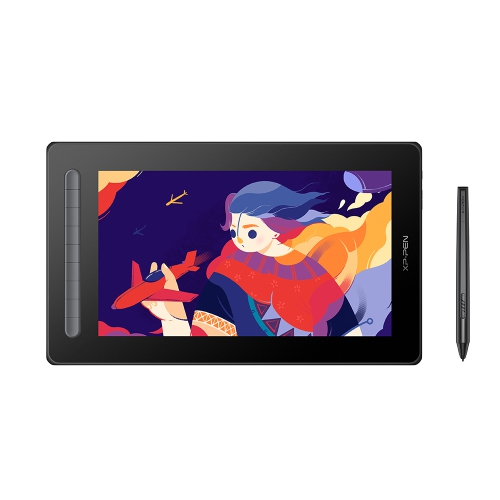
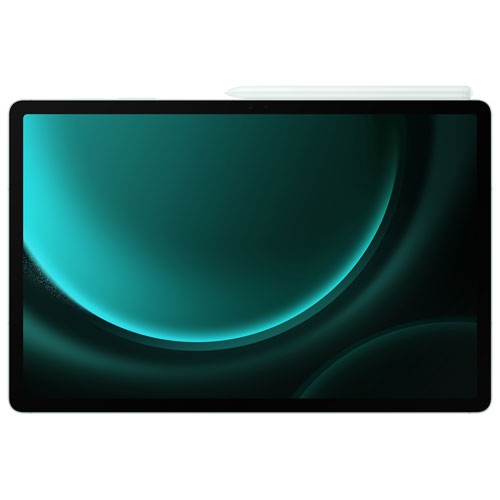
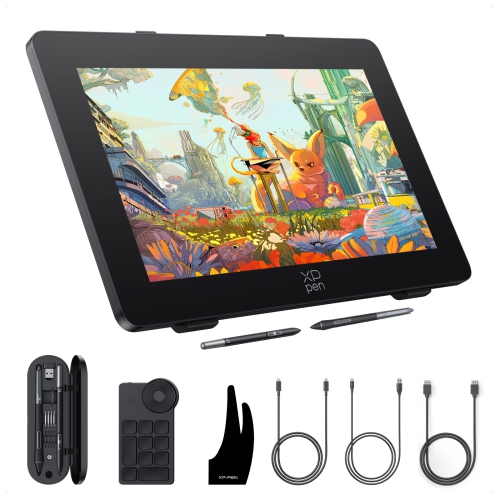
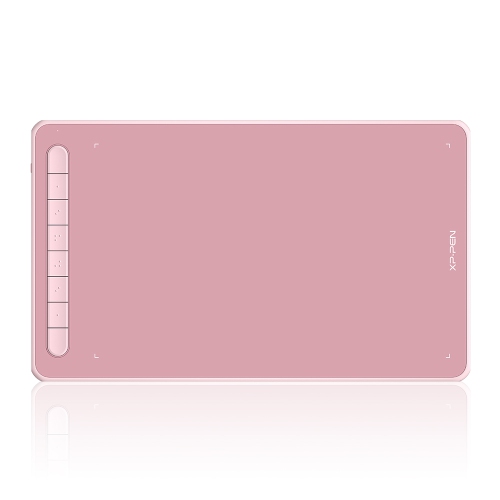
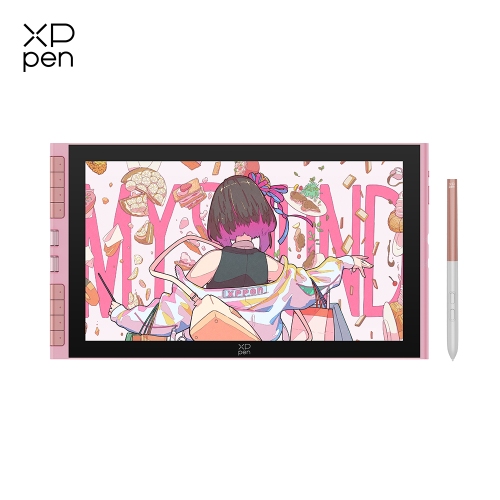
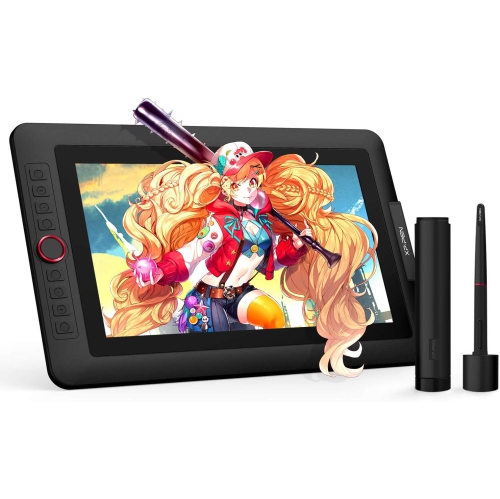
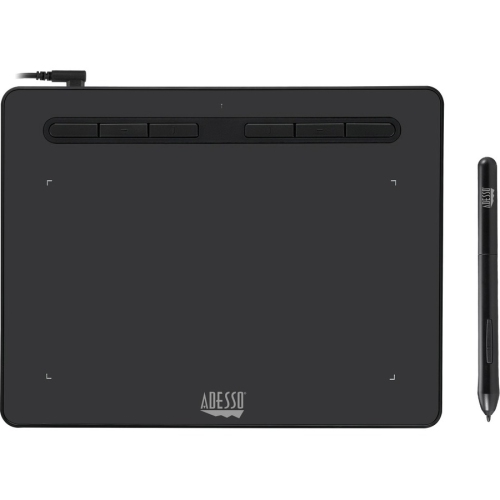
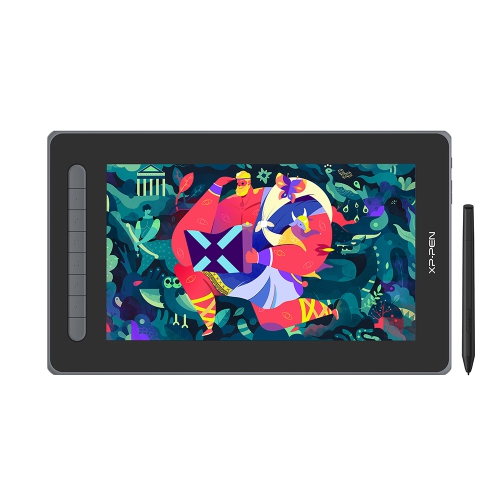
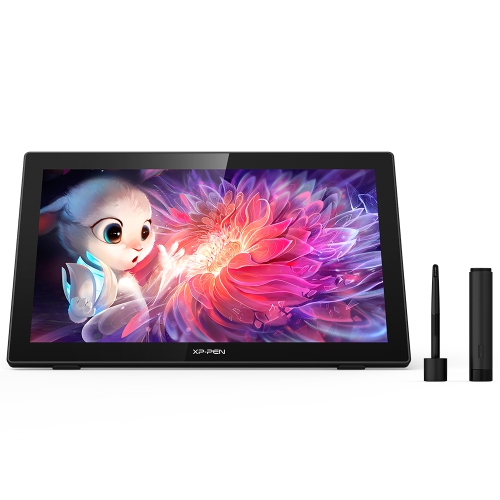
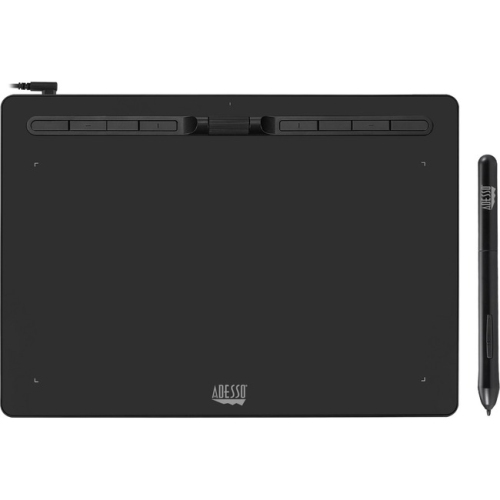
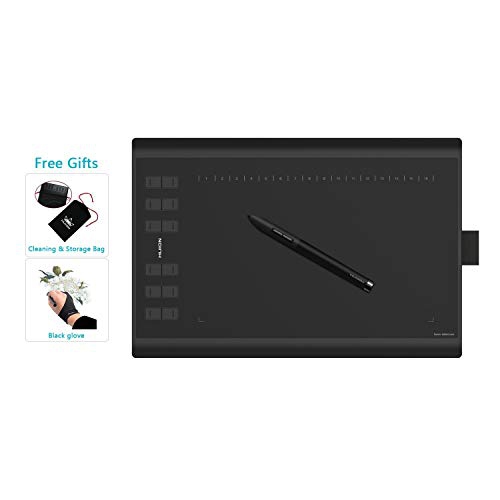
More precise edits with a natural, comfortable stylus workflow
For anyone passionate about photo editing, drawing tablets have emerged as a transformative tool, offering a level of precision and creative control that’s hard to achieve with a traditional mouse. Whether you’re a professional retoucher, a hobbyist photographer, or a digital artist looking to refine your workflow, the right drawing tablet can make all the difference. The tactile feedback and pressure sensitivity of a stylus allow for nuanced adjustments, from delicate dodging and burning to intricate masking and retouching. As the weather warms and creative projects shift from indoor studios to sunlit workspaces or bustling outdoor cafés, the portability and ergonomic design of many modern drawing tablets ensure you can edit on the go, without sacrificing comfort. Customizable shortcut keys and tilt recognition features further streamline the editing process, letting you focus on the art rather than the mechanics. For those who spend long hours perfecting every pixel, drawing tablets offer a more natural hand position, helping reduce fatigue and the risk of repetitive strain injuries.
Drawing tablets are also a thoughtful gift for anyone stepping into digital photography or looking to elevate their editing skills. Students, creative professionals, or even family members rediscovering old photo albums can all benefit from the intuitive, brush-like feel of a stylus. The learning curve is gentle—many users find that editing with a tablet quickly becomes second nature, especially when working with software like Adobe Photoshop or Lightroom. As summer brings photo opportunities at weddings, graduations, and family gatherings, having a drawing tablet at the ready means editing those captured moments with greater ease and artistry. Many users appreciate the seamless transition between sketching, retouching, and annotating images, making drawing tablets a versatile addition to any creative toolkit. For those exploring other creative pursuits, there’s a natural overlap with graphic design, and you can discover more options and inspiration by visiting the Drawing Tablets for Graphic Design page.
When browsing the selection of drawing tablets at Best Buy, it’s important to consider features like screen size, resolution, pressure sensitivity, and compatibility with your preferred editing software. Larger tablets offer more space for sweeping edits, while compact models are perfect for travel or smaller desks. Some tablets feature built-in displays for direct, on-screen editing, while others connect to your computer for a more traditional setup. Battery life, pen ergonomics, and customizable buttons are all worth weighing, especially if you plan to use your tablet for extended sessions. No matter your skill level or creative ambitions, drawing tablets for photo editing open up a world of possibilities—helping you bring out the best in every image, season after season.
Drawing tablets are also a thoughtful gift for anyone stepping into digital photography or looking to elevate their editing skills. Students, creative professionals, or even family members rediscovering old photo albums can all benefit from the intuitive, brush-like feel of a stylus. The learning curve is gentle—many users find that editing with a tablet quickly becomes second nature, especially when working with software like Adobe Photoshop or Lightroom. As summer brings photo opportunities at weddings, graduations, and family gatherings, having a drawing tablet at the ready means editing those captured moments with greater ease and artistry. Many users appreciate the seamless transition between sketching, retouching, and annotating images, making drawing tablets a versatile addition to any creative toolkit. For those exploring other creative pursuits, there’s a natural overlap with graphic design, and you can discover more options and inspiration by visiting the Drawing Tablets for Graphic Design page.
When browsing the selection of drawing tablets at Best Buy, it’s important to consider features like screen size, resolution, pressure sensitivity, and compatibility with your preferred editing software. Larger tablets offer more space for sweeping edits, while compact models are perfect for travel or smaller desks. Some tablets feature built-in displays for direct, on-screen editing, while others connect to your computer for a more traditional setup. Battery life, pen ergonomics, and customizable buttons are all worth weighing, especially if you plan to use your tablet for extended sessions. No matter your skill level or creative ambitions, drawing tablets for photo editing open up a world of possibilities—helping you bring out the best in every image, season after season.
Top selling and popular products
-
 Your price for this item is $49.99
 -
 Your price for this item is $139.99
 -
 Your price for this item is $409.99
 -
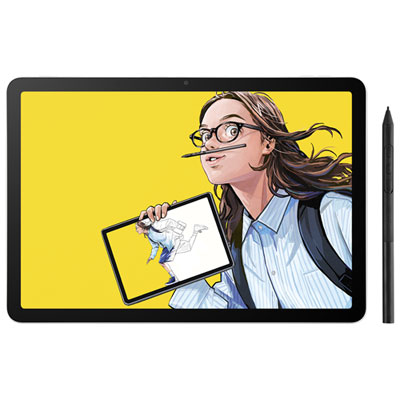 Your price for this item is $699.99
 -
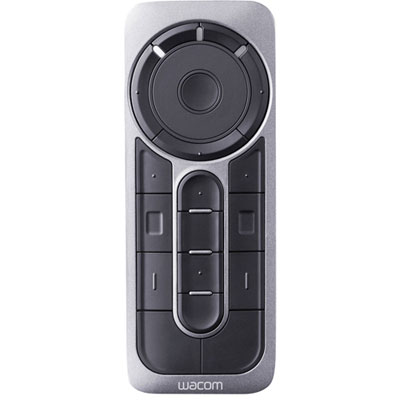 Your price for this item is $139.99
 -
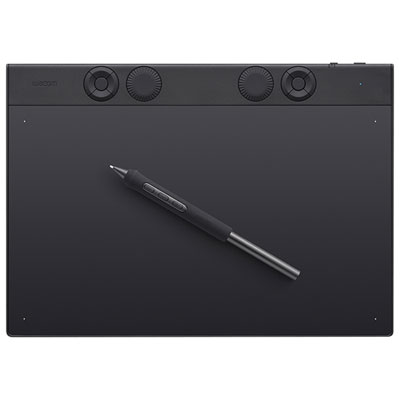 Your price for this item is $439.99
 -
 Your price for this item is $120
 -
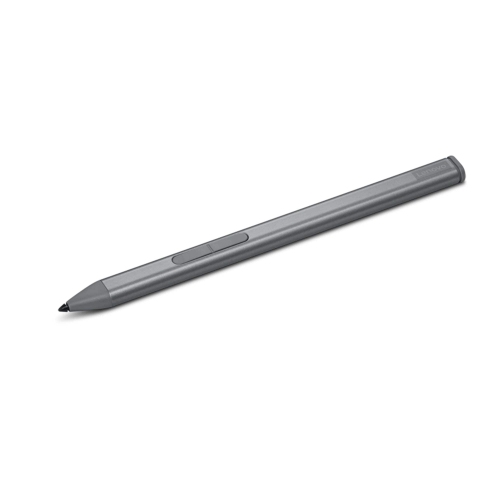 Your price for this item is $64.99
Discover more categories related to Drawing Tablets for Photo Editing

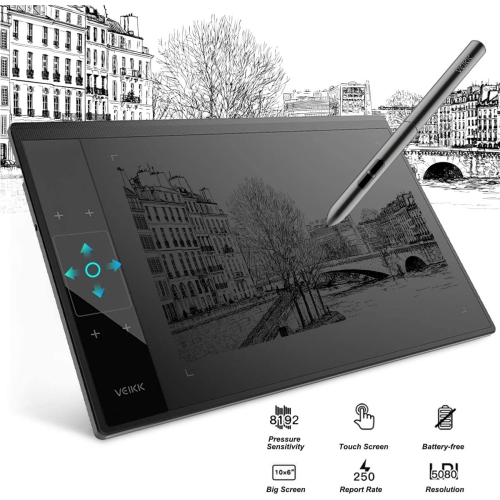
Top Collections:
Pokemon Centers, Kindle Devices, Best Budget Office Chairs, Apple iPhones 16, Best Laptops for Writers, iPhone 15 Apple, Canon G7X Cameras, Refurbished Apple Laptops, Alarm Clock, Motorola Razr Phones
Some products may be subject to Environmental Handling Fees
(EHF) depending on your province.
Learn more about EHFs.