Dsl Routers
Looking to upgrade your internet connection? Look no further than our collection of DSL routers. Whether you're a tech-savvy gamer, a small business owner, or simply looking to enjoy seamless streaming and browsing at home, our range of DSL routers has got you covered. With lightning-fast speeds, reliable connections, and advanced features, these routers are designed to optimize your online experience. Say goodbye to buffering and lagging, and say hello to smooth and uninterrupted internet access. Explore our selection of DSL routers today and take your internet connectivity to the next level.
Sort

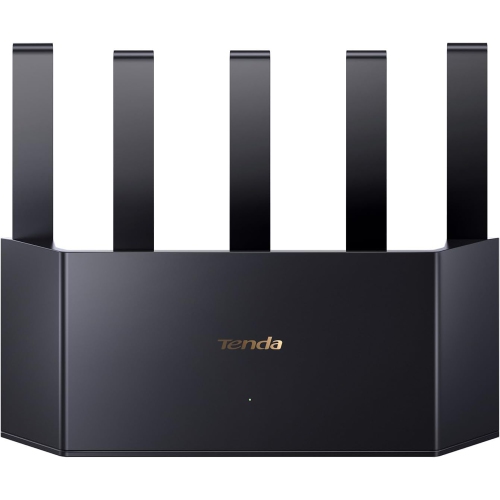
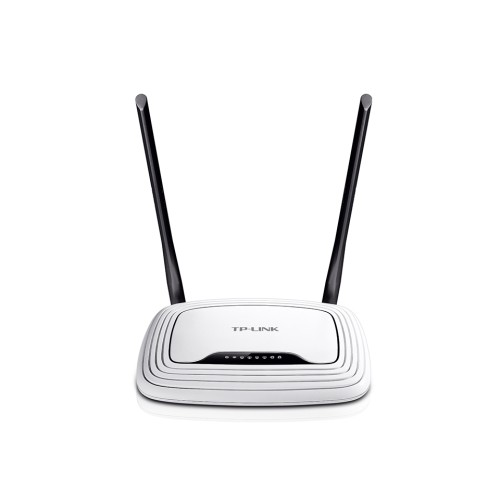
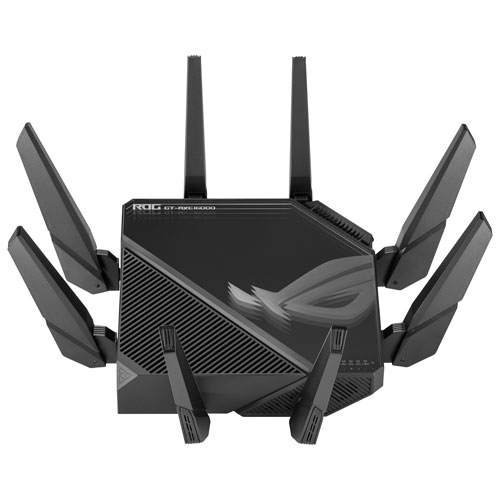
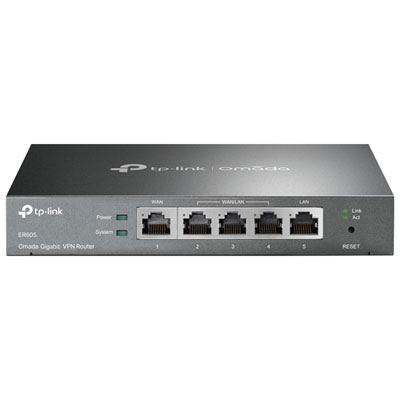


What to know about DSL compatibility and coverage
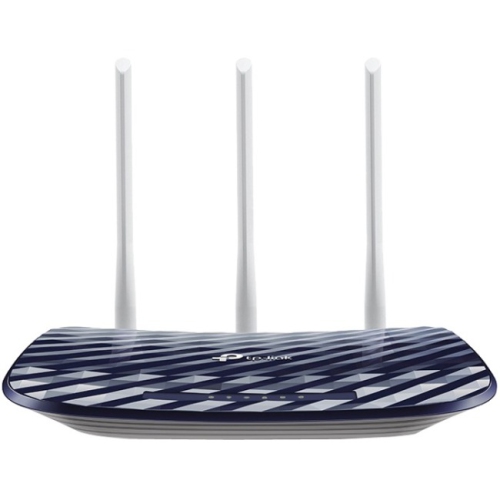
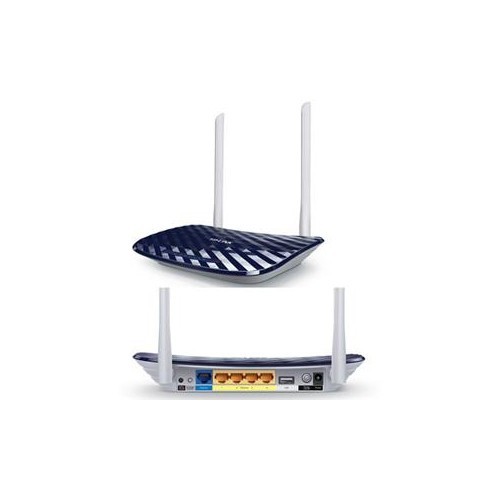
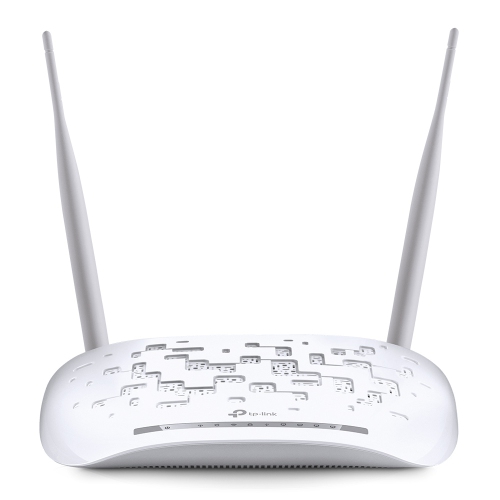
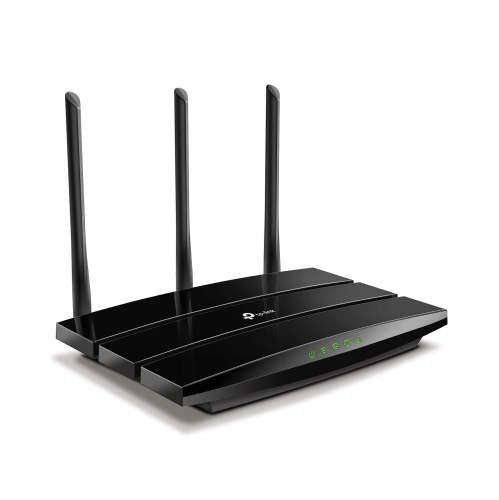
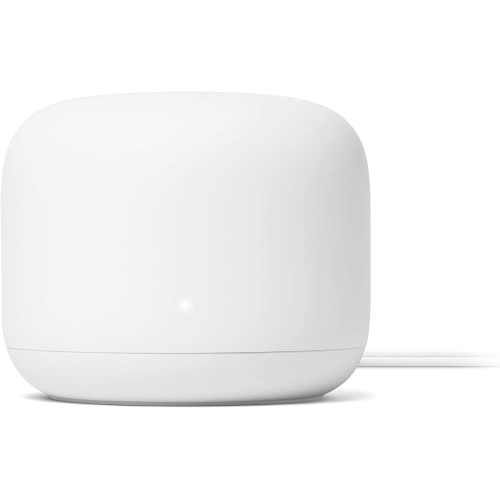
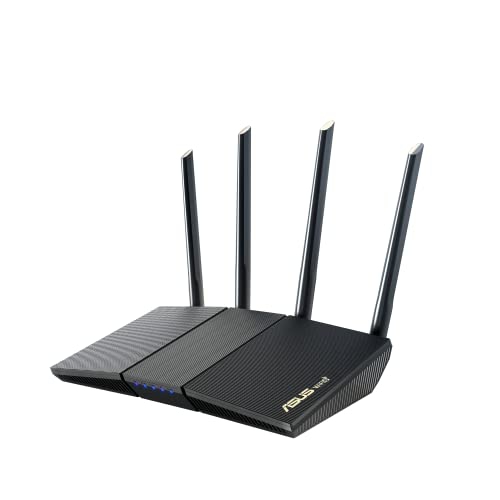
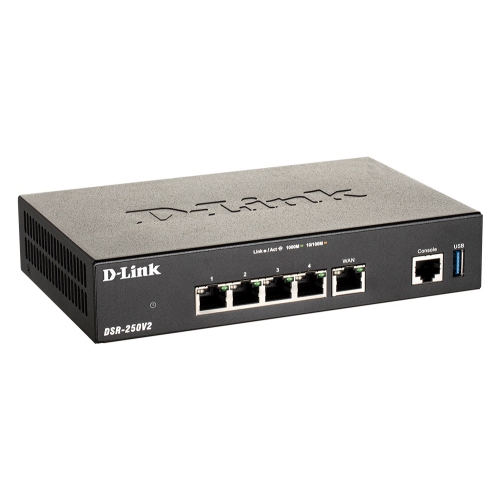
DSL routers combine two important networking functions in one device: a DSL modem connects to the internet service delivered through a telephone line, while the router shares that connection with computers, phones, televisions, game consoles, smart home devices and other equipment. The modem portion translates the signal from the DSL line into digital data your home network can use, and the router portion directs that data to the right device through Wi-Fi or an Ethernet cable. This all-in-one design can help reduce the number of boxes, power adapters and loose cables around a desk or utility shelf, making it a practical choice for homes and small offices that receive internet service through DSL. Unlike cable or fibre equipment, DSL routers are designed for connections that travel over copper telephone wiring, so compatibility is the first consideration. Before choosing a model, check whether your service uses ADSL, ADSL2+, VDSL, VDSL2 or bonded DSL, and confirm that the router supports the same standard. Some internet providers require specific settings, authentication details or approved equipment, while others provide a list of compatible devices. It is also worth checking whether your plan uses a separate modem, a combination modem-router or a provider-supplied gateway that must remain in place. Matching the router to your provider and plan helps prevent setup problems and ensures that the device can make proper use of the connection entering your home. If your internet service is based on a different technology, such as cable or fibre, a DSL router may not be the appropriate choice; browsing related categories such as DNS Routers can help you compare equipment intended for other types of connections.
Wireless capability is another important part of selecting DSL routers. The internet speed available from a DSL line may be more limited than the maximum speed supported by a modern Wi-Fi standard, but a capable wireless network can still make a noticeable difference in everyday use. Newer Wi-Fi generations, including Wi-Fi 6, are designed to manage many connected devices more efficiently, which can be useful when a household is streaming video, joining video calls, browsing on several phones and using smart speakers or connected appliances at the same time. Look for a router with coverage suited to the size and layout of your home. Thick walls, multiple floors, metal ductwork and distant rooms can weaken a wireless signal, so placing the router in a central, open location is often more effective than tucking it behind a television or inside a cabinet. A home office near the router may benefit from a wired connection, while wireless access can provide flexibility in bedrooms, kitchens and shared living spaces. Ethernet ports are valuable for devices that need a steady connection, including desktop computers, network storage, televisions and gaming systems. Gigabit Ethernet ports can support fast wired networking within the home, provided the connected devices and cables are also compatible. It is helpful to count the number of wired devices you expect to use and confirm that the router has enough ports without relying on an additional network switch. Features such as guest networking, parental controls, automatic firmware updates and current security standards can add convenience and help you manage who and what connects to your network. A separate guest network allows visitors to get online without sharing access to personal computers or printers, while security updates help protect the router as new vulnerabilities are discovered.
DSL routers can suit a wide range of users, from someone replacing an older gateway in a compact apartment to a family that wants one central connection for work, school, entertainment and household devices. They can also be useful in rural or outlying areas where DSL remains the available wired internet option, as well as in a home office where dependable Ethernet access matters as much as wireless convenience. When comparing models, consider the number of people using the connection, the types of online activities taking place and the number of devices that may be connected at once. Email and basic browsing place modest demands on a network, while high-definition streaming, cloud backups, large downloads and video conferencing can expose weaknesses in an older router or an overloaded wireless network. A model with clear setup instructions and straightforward management tools can make installation less intimidating, especially when replacing equipment that has been in service for several years. You may need to connect the DSL cable to a telephone wall jack, attach any required line filter or splitter, enter the provider’s account information and create a new Wi-Fi network name and password. Keep the router’s login details in a secure place, use a strong unique wireless password and change default administrator credentials during setup. If telephone service shares the same line, follow the provider’s instructions for filters and connected handsets so that calls and internet access do not interfere with each other. As the weather changes and more time is spent indoors, a well-matched DSL router can quietly support streaming, remote work, online learning, gaming and connected devices throughout the home. Choosing equipment that fits the DSL technology, available internet speed, desired coverage and wired networking needs makes it easier to build a reliable connection that feels consistent from one room to the next.
Wireless capability is another important part of selecting DSL routers. The internet speed available from a DSL line may be more limited than the maximum speed supported by a modern Wi-Fi standard, but a capable wireless network can still make a noticeable difference in everyday use. Newer Wi-Fi generations, including Wi-Fi 6, are designed to manage many connected devices more efficiently, which can be useful when a household is streaming video, joining video calls, browsing on several phones and using smart speakers or connected appliances at the same time. Look for a router with coverage suited to the size and layout of your home. Thick walls, multiple floors, metal ductwork and distant rooms can weaken a wireless signal, so placing the router in a central, open location is often more effective than tucking it behind a television or inside a cabinet. A home office near the router may benefit from a wired connection, while wireless access can provide flexibility in bedrooms, kitchens and shared living spaces. Ethernet ports are valuable for devices that need a steady connection, including desktop computers, network storage, televisions and gaming systems. Gigabit Ethernet ports can support fast wired networking within the home, provided the connected devices and cables are also compatible. It is helpful to count the number of wired devices you expect to use and confirm that the router has enough ports without relying on an additional network switch. Features such as guest networking, parental controls, automatic firmware updates and current security standards can add convenience and help you manage who and what connects to your network. A separate guest network allows visitors to get online without sharing access to personal computers or printers, while security updates help protect the router as new vulnerabilities are discovered.
DSL routers can suit a wide range of users, from someone replacing an older gateway in a compact apartment to a family that wants one central connection for work, school, entertainment and household devices. They can also be useful in rural or outlying areas where DSL remains the available wired internet option, as well as in a home office where dependable Ethernet access matters as much as wireless convenience. When comparing models, consider the number of people using the connection, the types of online activities taking place and the number of devices that may be connected at once. Email and basic browsing place modest demands on a network, while high-definition streaming, cloud backups, large downloads and video conferencing can expose weaknesses in an older router or an overloaded wireless network. A model with clear setup instructions and straightforward management tools can make installation less intimidating, especially when replacing equipment that has been in service for several years. You may need to connect the DSL cable to a telephone wall jack, attach any required line filter or splitter, enter the provider’s account information and create a new Wi-Fi network name and password. Keep the router’s login details in a secure place, use a strong unique wireless password and change default administrator credentials during setup. If telephone service shares the same line, follow the provider’s instructions for filters and connected handsets so that calls and internet access do not interfere with each other. As the weather changes and more time is spent indoors, a well-matched DSL router can quietly support streaming, remote work, online learning, gaming and connected devices throughout the home. Choosing equipment that fits the DSL technology, available internet speed, desired coverage and wired networking needs makes it easier to build a reliable connection that feels consistent from one room to the next.
Top selling and popular products
-
 Your price for this item is $189.99
 -
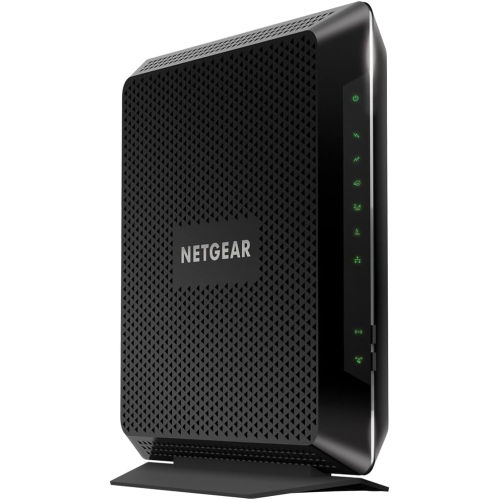 Your price for this item is $189.99
 -
 Your price for this item is $219
 -
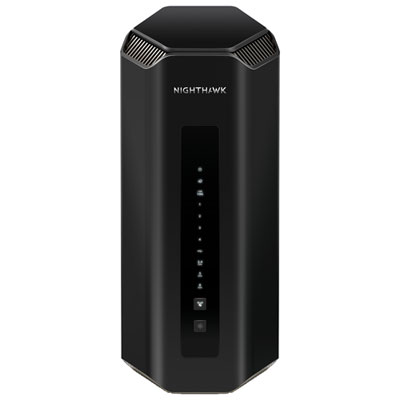 Your price for this item is $899.99
 -
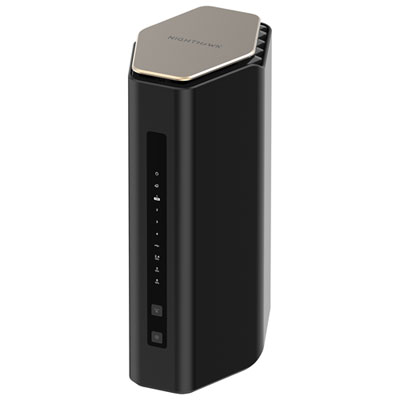 Your price for this item is $249.99
 -
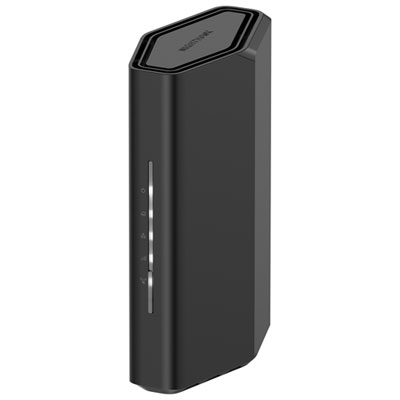 Your price for this item is $149.99
 -
 Your price for this item is $134.99
 -
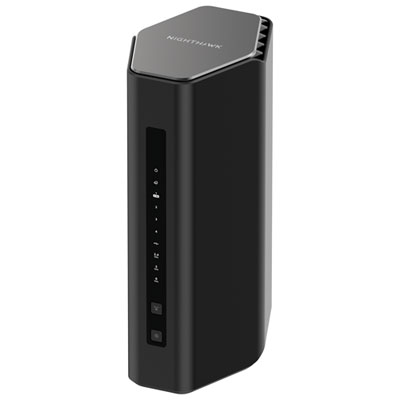 Your price for this item is $499.99
Discover more categories related to Dsl Routers
Top Collections:
Pokemon Centers, Budget 4K TVs, Best Budget Office Chairs, Kindle Devices, Canon G7X Cameras, Apple iPhones 16, iPhone 15 Apple, Laptops for Business Work, Xiaomi Phones, Flip Phones
Some products may be subject to Environmental Handling Fees
(EHF) depending on your province.
Learn more about EHFs.