Basic Routers
Basic Routers are essential devices for establishing a reliable home or office network. Offering straightforward connectivity and easy setup, these routers help ensure your devices stay online and connected. Whether you’re browsing the internet, streaming content, or working from home, Basic Routers provide the foundation needed for smooth and consistent network performance. Explore a range of options to find the right fit for your everyday networking needs.
Sort
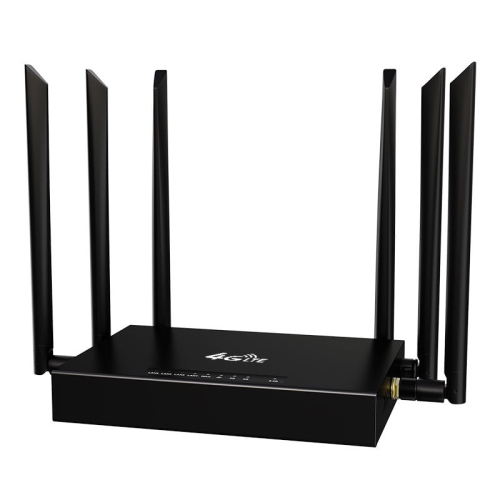
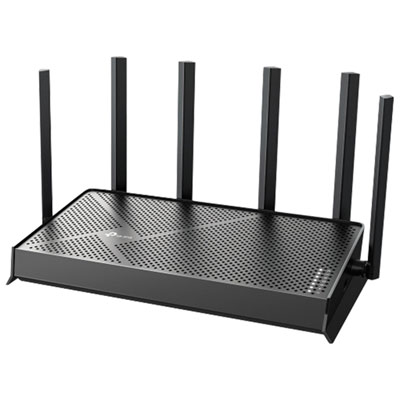
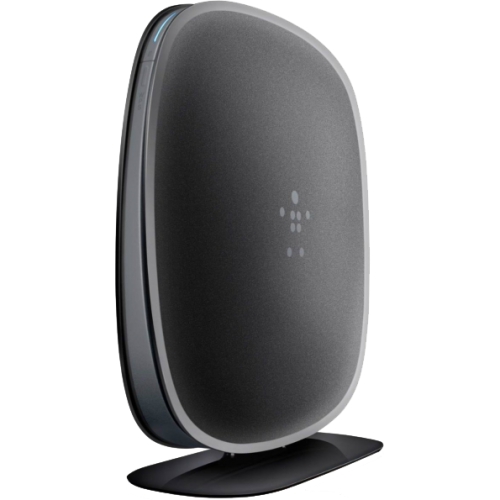
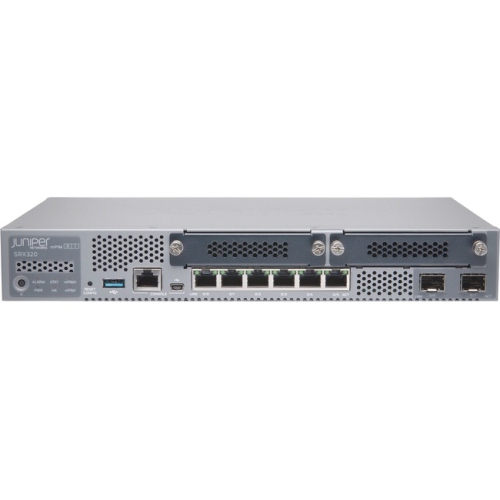
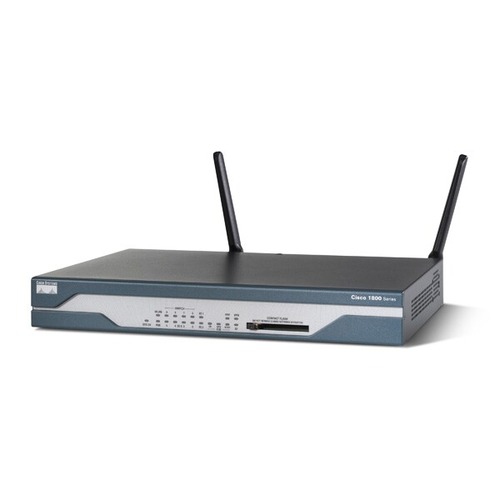
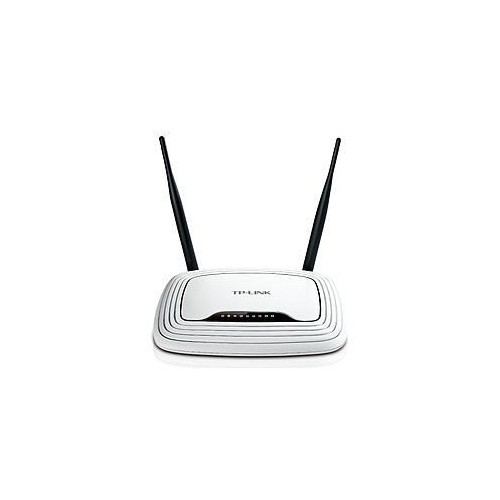
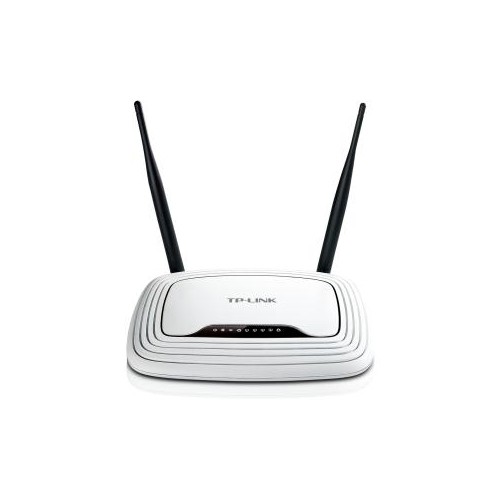

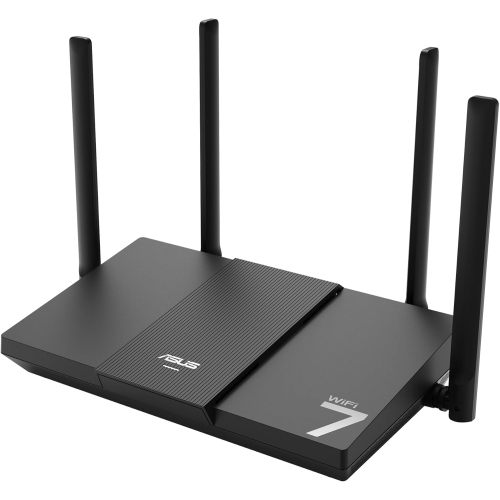
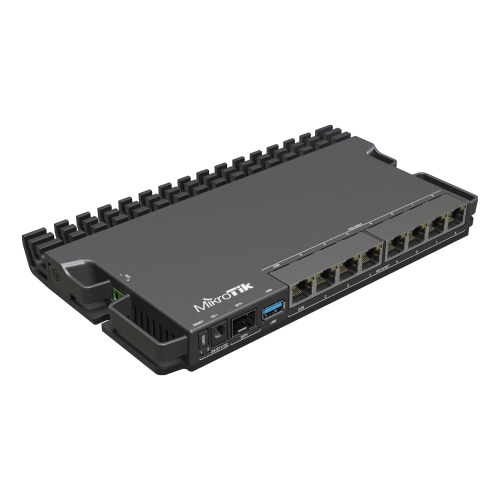
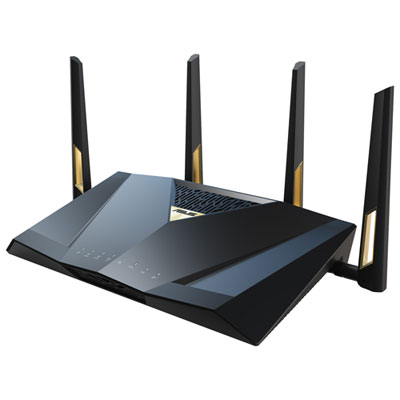
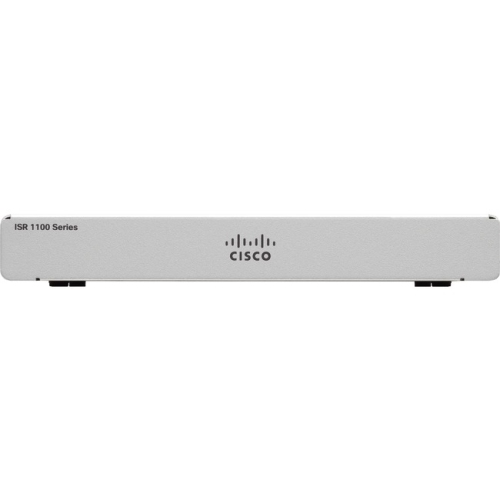
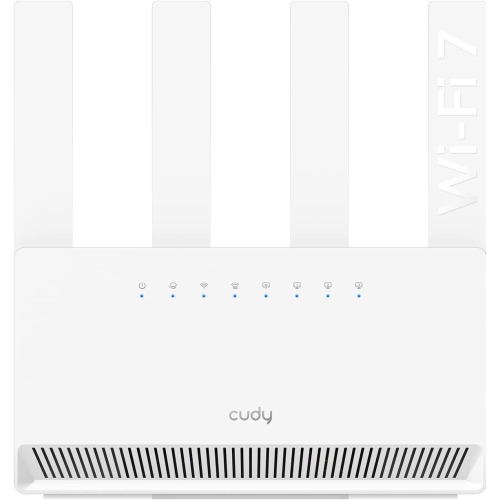
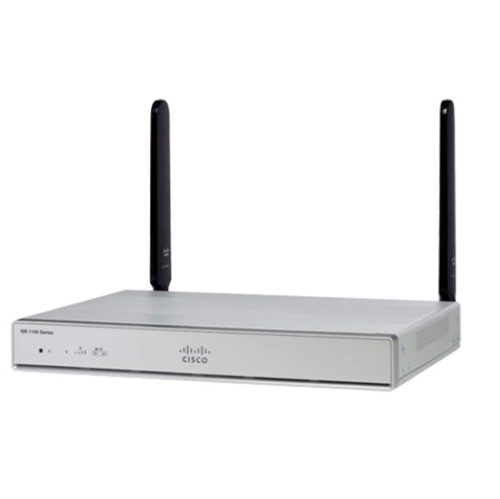
Everyday Wi-Fi depends on more than advertised speed
Basic routers connect a home’s local network to the internet and direct data between connected devices, making everyday activities such as browsing, email, video calls, and streaming possible. A typical wireless router shares an internet connection over Wi-Fi while also providing Ethernet ports for wired connections. It usually works alongside a modem or fibre terminal supplied or approved by an internet provider; the router manages the local network, while the modem or terminal provides the connection to the provider’s service. Some provider-supplied gateways combine these functions in one unit, so a separate router is not always necessary. For an apartment, a smaller home, or a household with straightforward internet habits, a basic router can provide the essential connections without the extra controls associated with more advanced networking equipment. The best fit depends less on the number of people at home than on what their devices do at the same time. A laptop used for documents and email places different demands on a network than several televisions streaming high-resolution video while a large game downloads. Even a quiet household may have numerous connected devices, including phones, printers, smart speakers, and doorbells. Dual-band routers offer both 2.4 GHz and 5 GHz Wi-Fi, giving compatible devices different ways to connect. The 2.4 GHz band generally reaches farther and passes through obstacles more effectively, while 5 GHz can support faster connections over shorter distances and may face less congestion from nearby networks. Actual results depend on the building, interference, device capabilities, and router placement. Basic routers are therefore most useful when their coverage and connection capacity match the space and daily workload, rather than when they simply carry the largest advertised speed number. A compact home with a centrally placed router may have very different needs from a similarly sized space divided by concrete walls or spread across multiple floors.
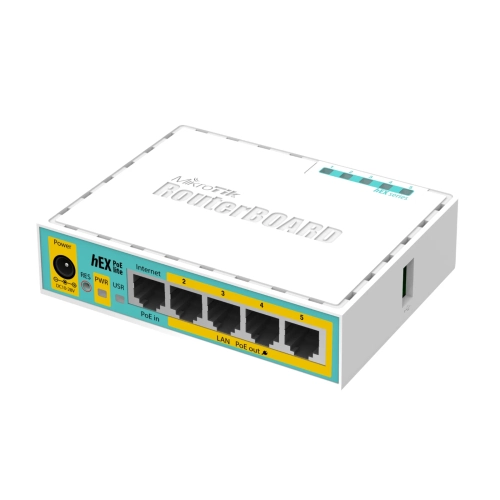
Connection specifications help explain how a basic router will fit into an existing setup. The internet-facing Ethernet port, often labelled WAN, connects to the modem or fibre terminal, while LAN ports connect local devices such as a desktop computer, television, or game console. A wired connection can provide consistent performance for a stationary device and leave more wireless capacity for phones and laptops moving around the home. Port speeds matter: a router with slower Ethernet ports can limit a faster internet plan, even if its advertised Wi-Fi speed appears much higher. Gigabit Ethernet offers more headroom than older 100 Mbps connections, although the benefit still depends on the internet service, connected equipment, and cables. Wireless speed labels also need context. They often describe combined theoretical capacity across bands rather than the download speed one device will receive. A router cannot make an internet plan faster than the service being delivered, and a device’s own wireless hardware affects the connection it can use. Wi-Fi 5 and Wi-Fi 6 describe different generations of wireless technology; Wi-Fi 6 can manage compatible devices more efficiently, but the generation alone does not establish whole-home coverage or guarantee a particular speed. Everyday convenience also comes from features that are easy to overlook on a specification list. A guest network can give visitors internet access without sharing the main network credentials, while parental controls may support schedules or restrictions, depending on the model. Security features such as WPA3, where supported by connected devices, and ongoing firmware updates help protect the network, though no router removes every online risk. Older smart home devices may require particular wireless settings or security compatibility. Setup methods vary as well: some routers use a mobile app, while others provide a browser-based interface, and certain features may require an account. Clear network settings, accessible update controls, and understandable status indicators can make routine ownership more manageable, particularly for someone setting up a first home network or replacing older equipment.
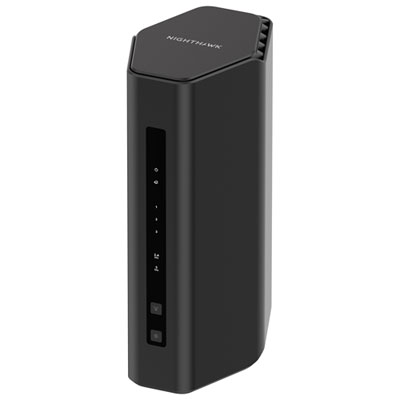
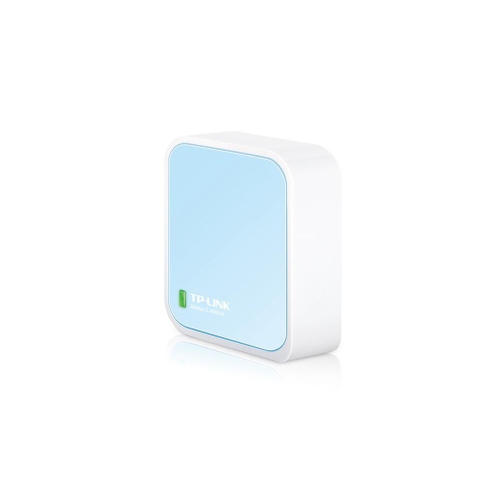
The physical design of a basic router matters because it needs a practical place to live, not just enough space beside the modem. Many models use lightweight plastic housings with ventilation openings and either internal antennas or adjustable external antennas. A low-profile enclosure can fit neatly on an open shelf, while a taller design or projecting antennas may need additional clearance. Wall-mounting options, port placement, power-cable reach, and visible indicator lights can all affect how comfortably the router fits into a room. A shelf near the centre of the living space often provides a better starting point for coverage than a closed cabinet at the far end of the home. Dense walls, metal furniture, and nearby sources of wireless interference can weaken the signal, so a router’s advertised coverage should not be treated as a promise for every floor plan. Keeping ventilation openings clear and leaving room around the housing helps prevent heat buildup during normal operation. Routine care is generally simple: dust can be removed from the exterior with a soft, dry cloth, while liquids and cleaning sprays should be kept away from ports and openings. Cables also benefit from a little slack rather than being pulled tightly against connectors. For long-term usefulness, update support and compatibility with household devices matter alongside the condition of the casing and connectors. A reliable basic setup might serve a student working from a small desk, a couple sharing a streaming subscription, or someone who mainly needs dependable access for banking, messaging, and video chats. Larger homes or demanding shared connections may need a different coverage approach rather than a more powerful-looking antenna. Within the broader category of Web Routers, basic routers focus on the essentials: sharing an internet connection, supporting familiar wired and wireless devices, and keeping everyday network management approachable. The most suitable choice balances usable coverage, appropriate connection speeds, straightforward controls, and enough capacity for the activities that actually happen at home.
Top selling and popular products
-
 Your price for this item is $189.99
-
 Your price for this item is $189.99
-
 Your price for this item is $219
-
 Your price for this item is $899.99
-
 Your price for this item is $299.99
-
 Your price for this item is $139.99
-
 Your price for this item is $499.99
-
 Your price for this item is $349.99
Discover more categories related to Basic Routers
Top Collections:
Best Black Friday Deals This Year, Best Black Friday Deals On Electronics, Kindle Devices, Pokemon Centers, Best Black Friday Deals On Apple Products, Best Cameras for Sports Photography, Dyson Airwrap, Pokémon 30th Celebration Cards, Apple iPhone 17 Pro, Canon G7X Cameras
Some products may be subject to Environmental Handling Fees
(EHF) depending on your province.
Learn more about EHFs.