Router Modem
Looking for a reliable and high-performing router modem? Look no further! A router modem is an essential device that combines the functions of a router and a modem, providing you with seamless internet connectivity for all your devices. Whether you're streaming, gaming, or simply browsing the web, a router modem ensures fast and stable internet speeds throughout your home or office. With advanced features and cutting-edge technology, a router modem is designed to meet all your online needs. Discover the benefits and features of a router modem and find the perfect one to enhance your internet experience.
Sort


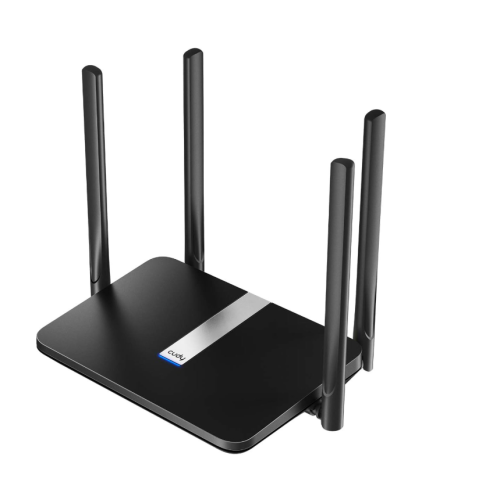
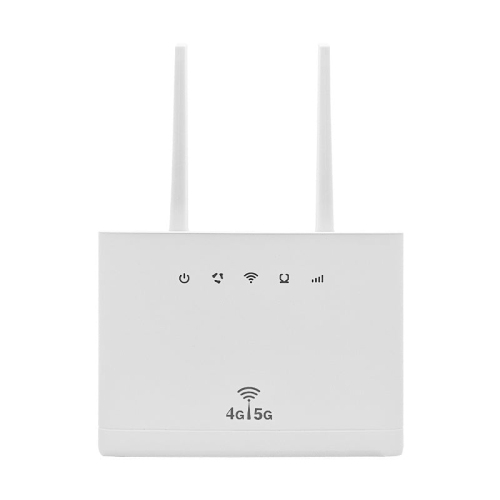
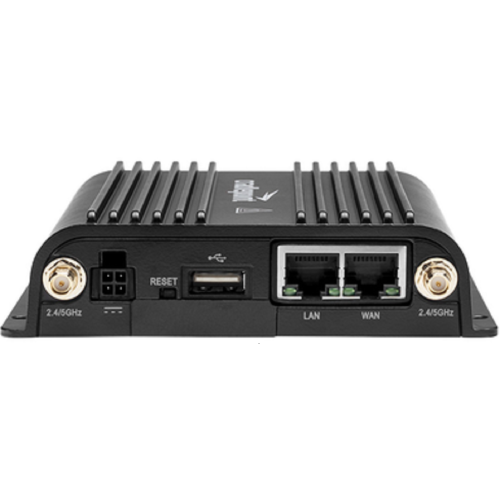


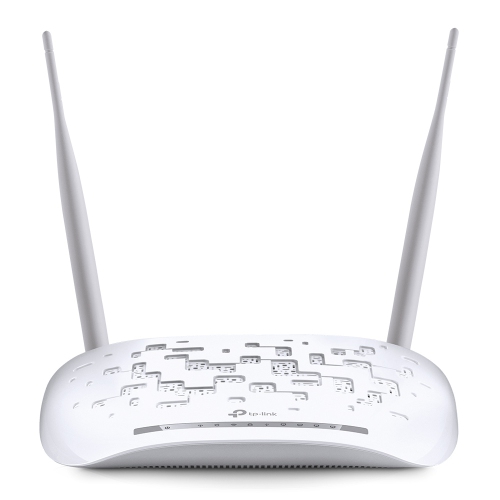










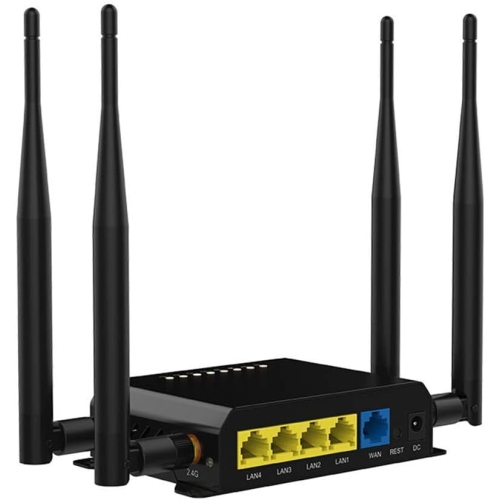


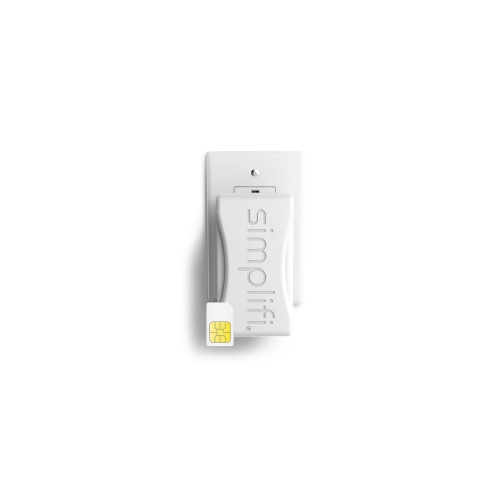
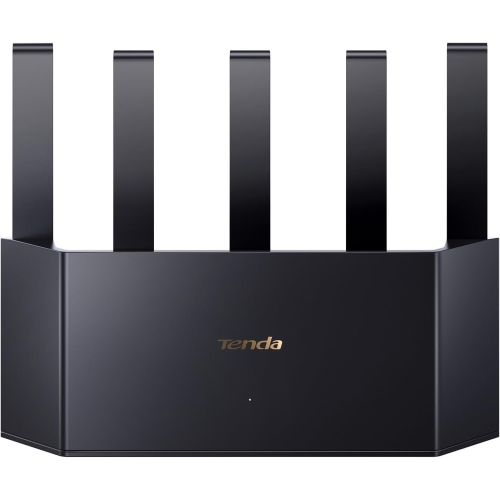
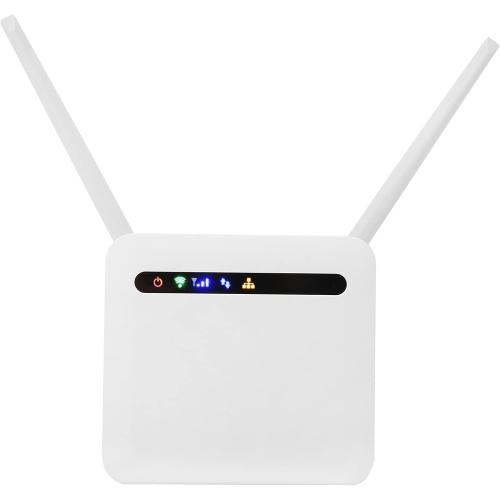

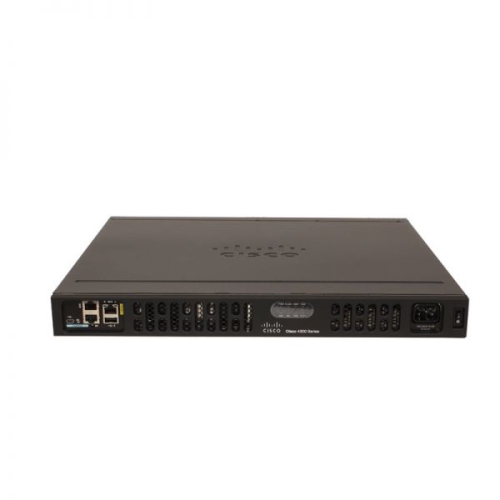
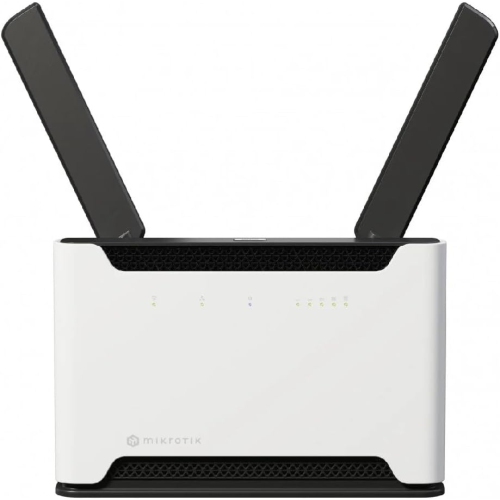

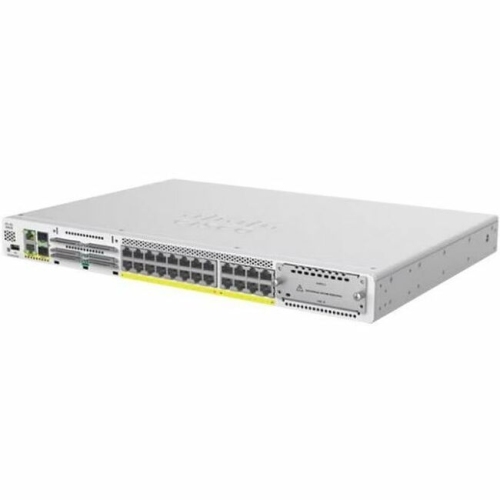
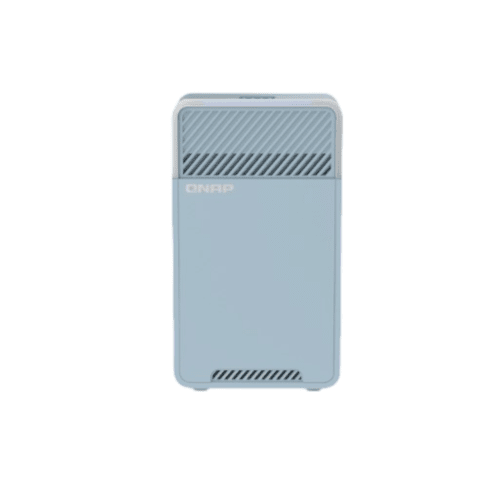
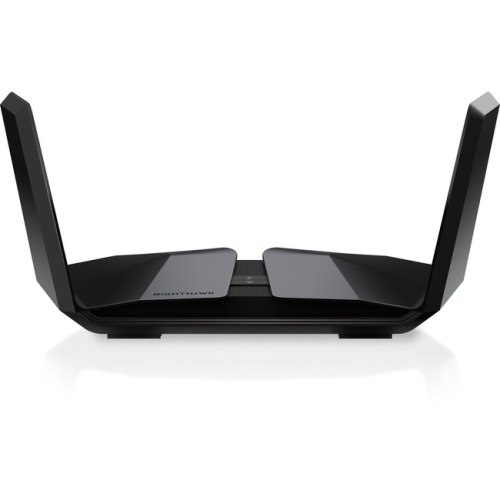
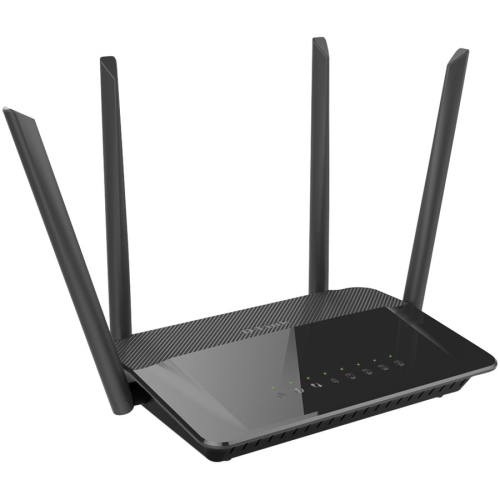
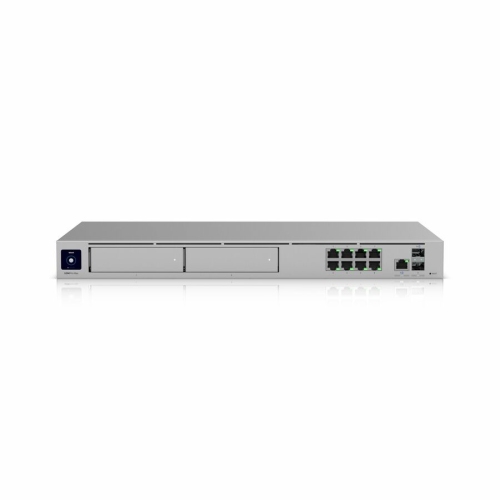
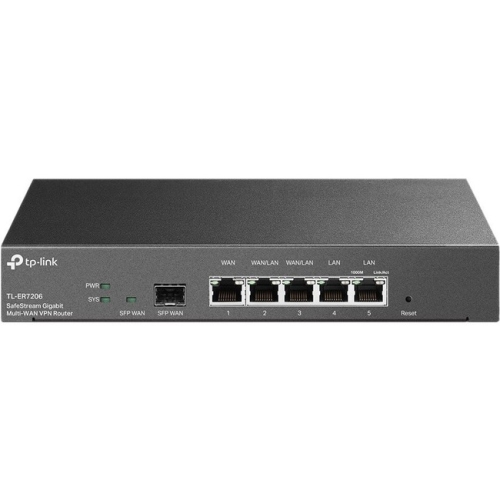
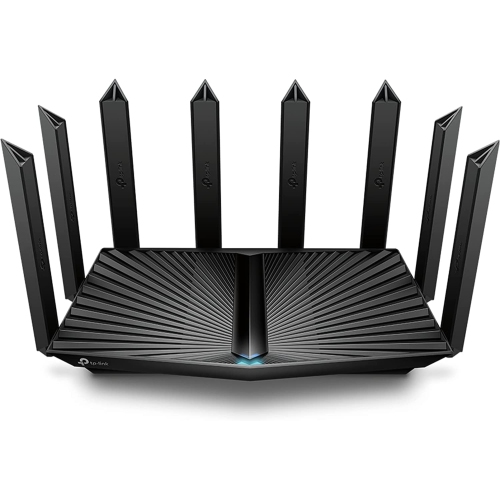

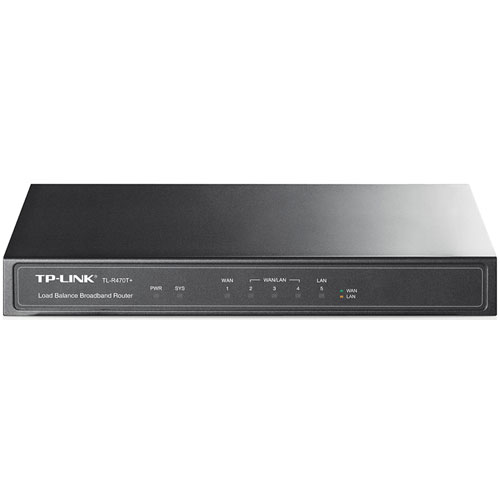
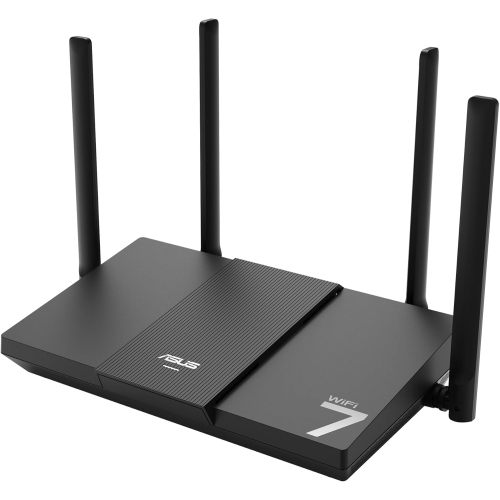
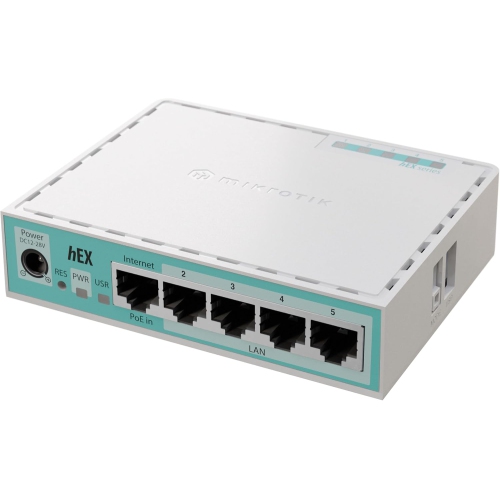
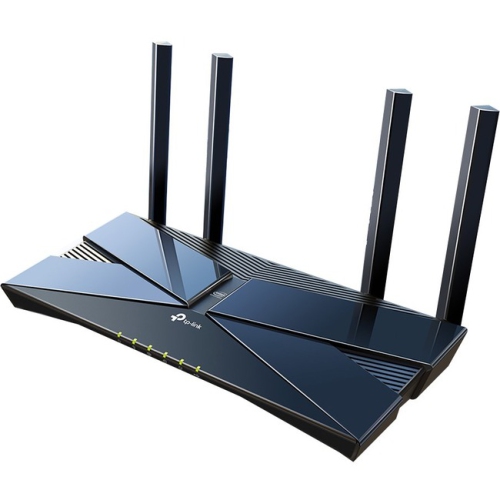
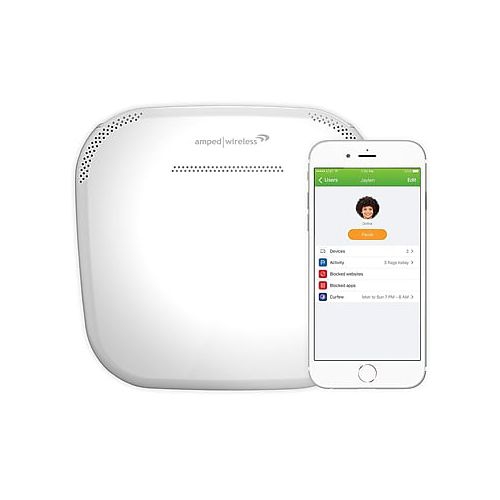
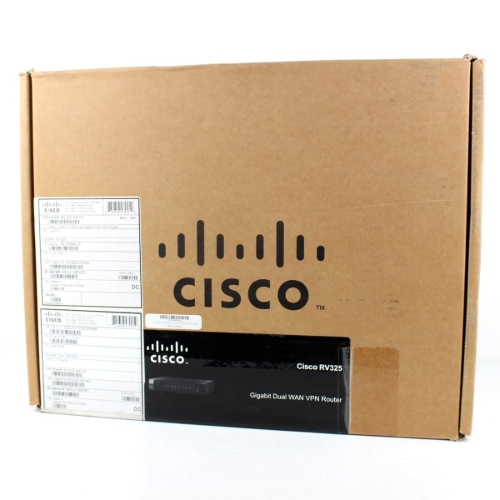
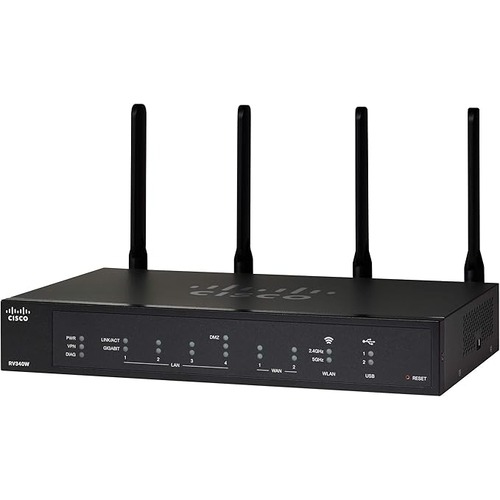
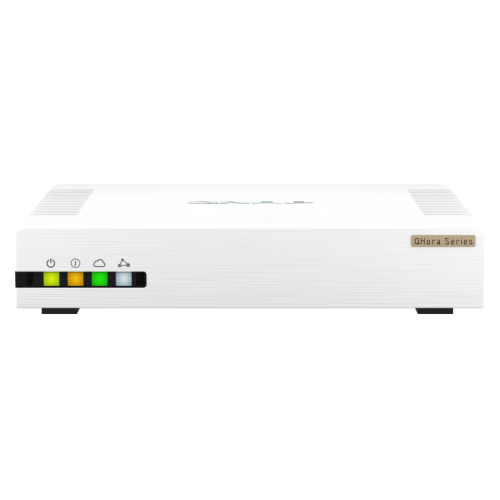
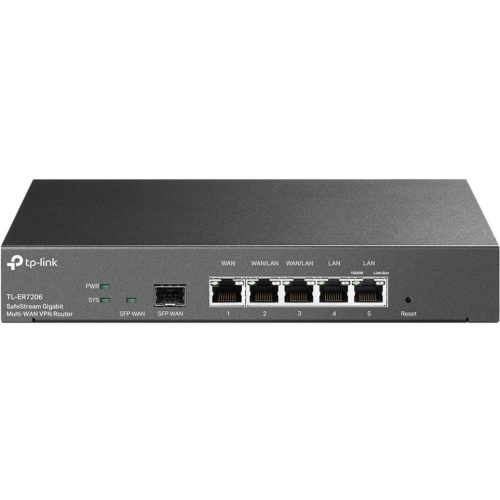


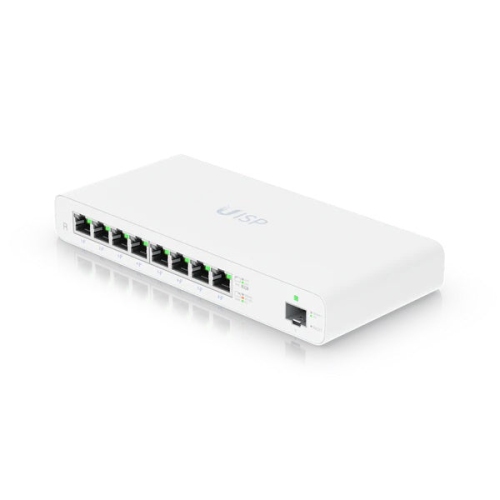
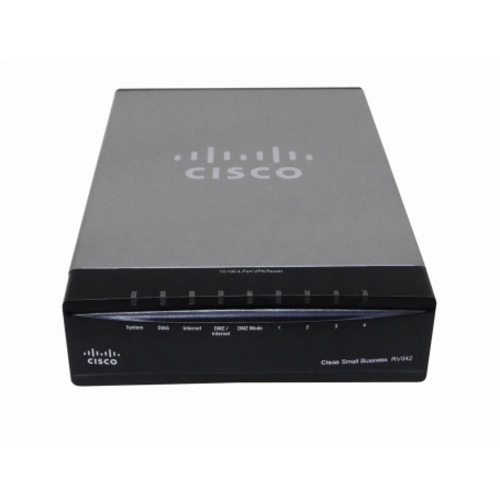
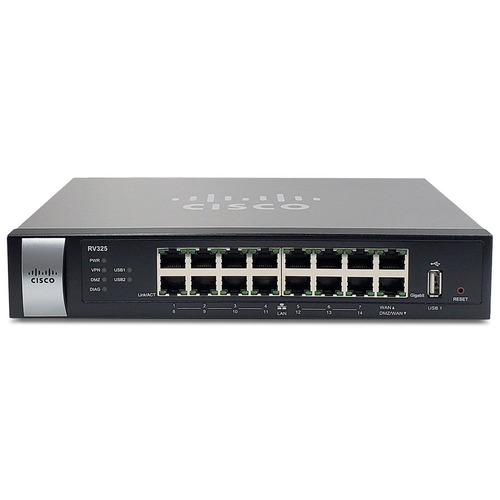
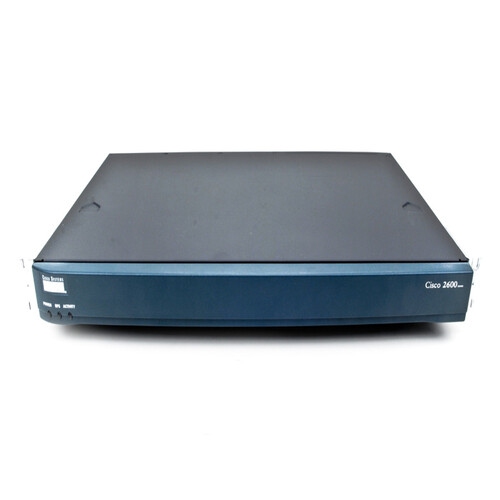

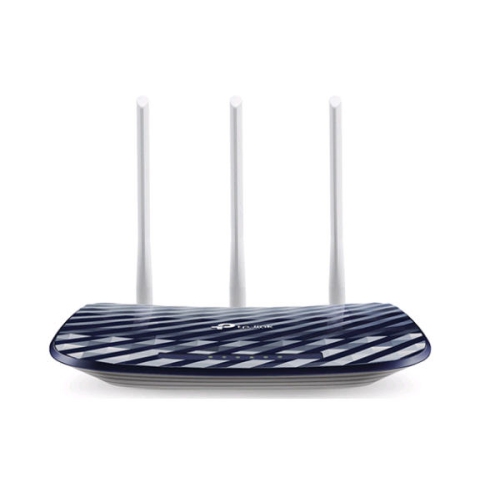
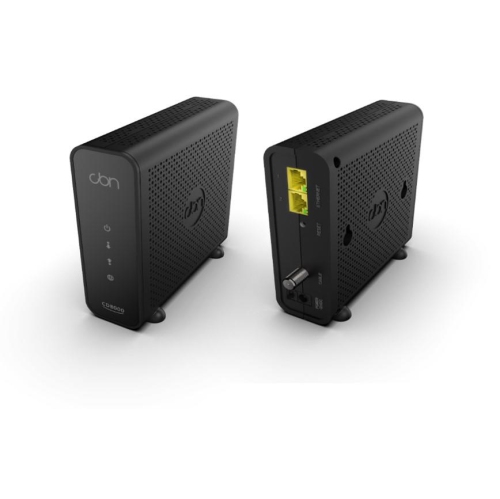
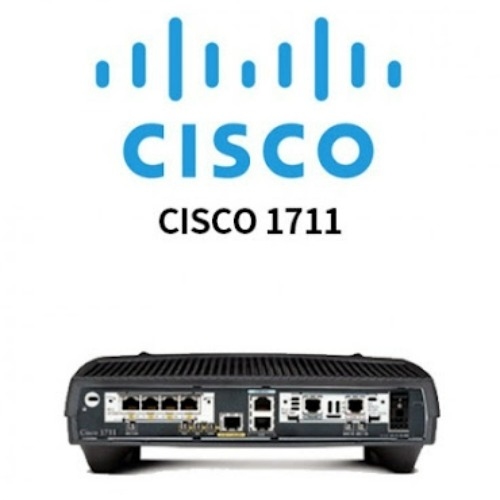
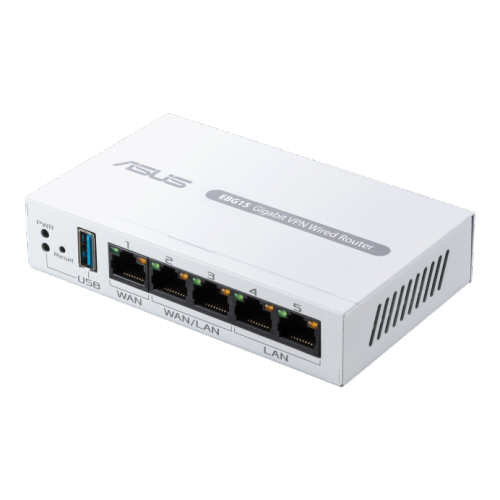


Why modems and routers play different roles
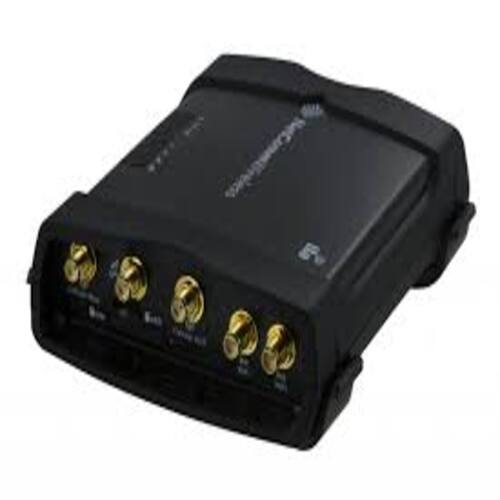
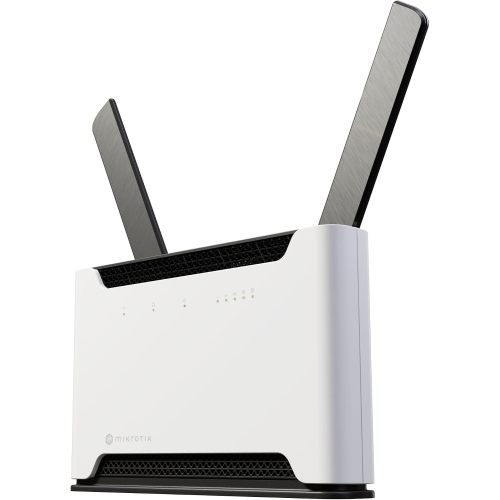
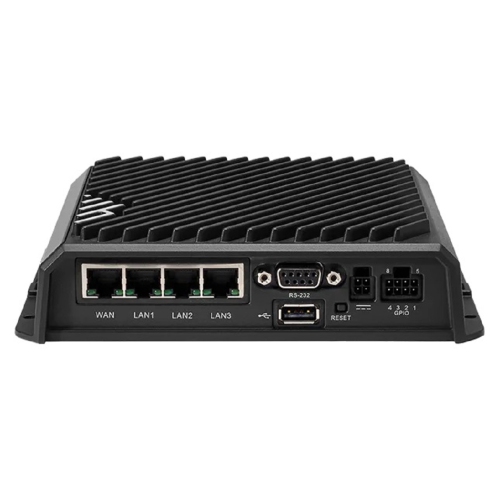
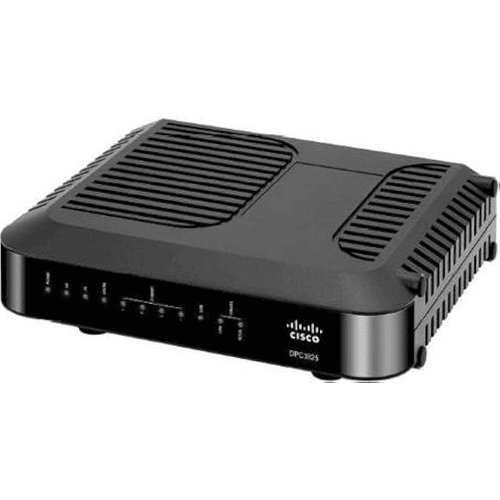
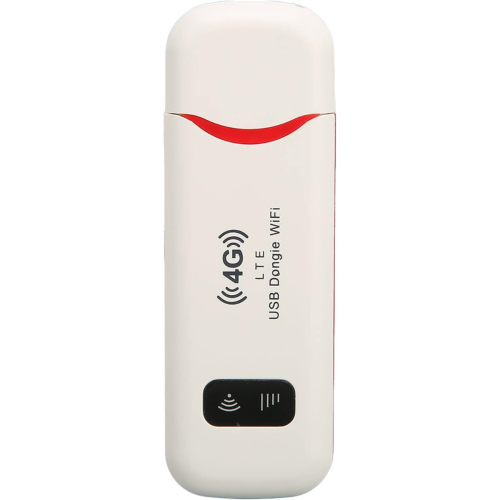
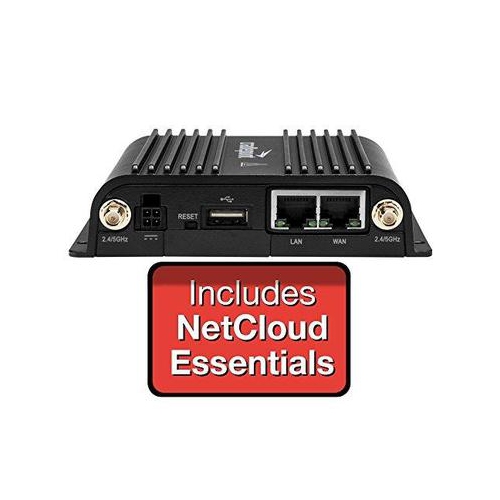
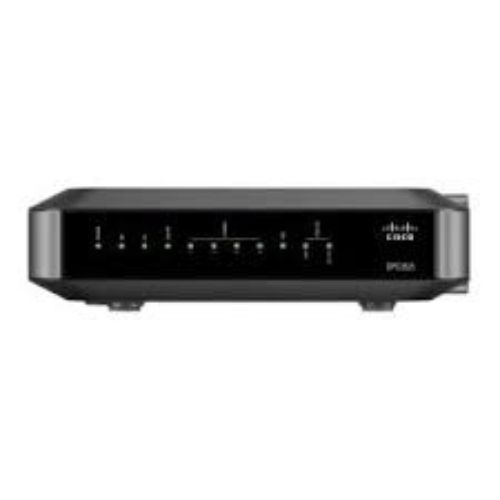
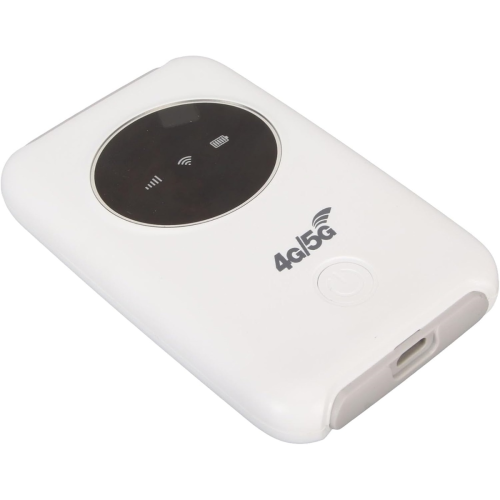
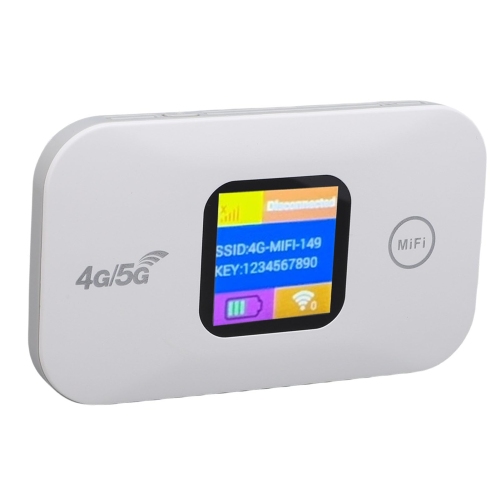
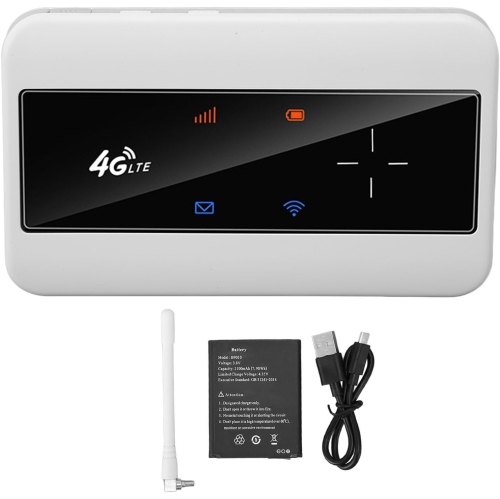
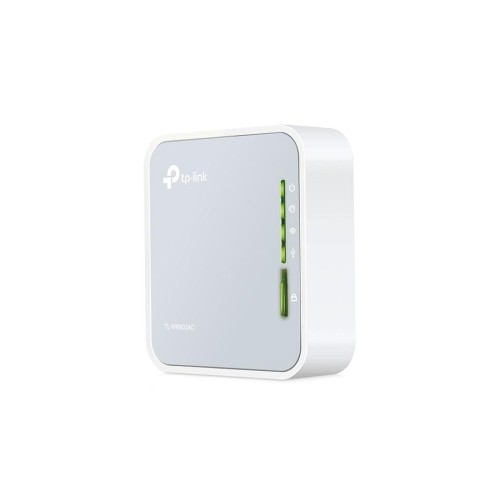
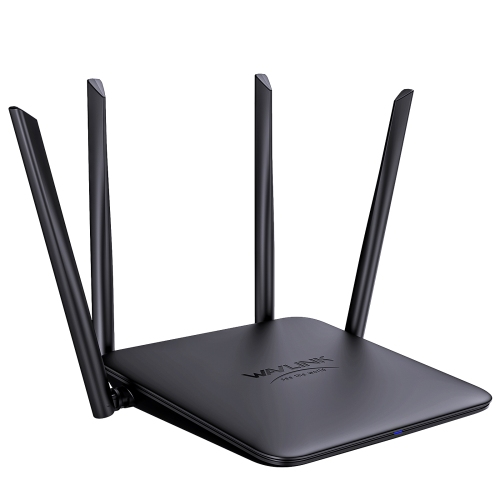
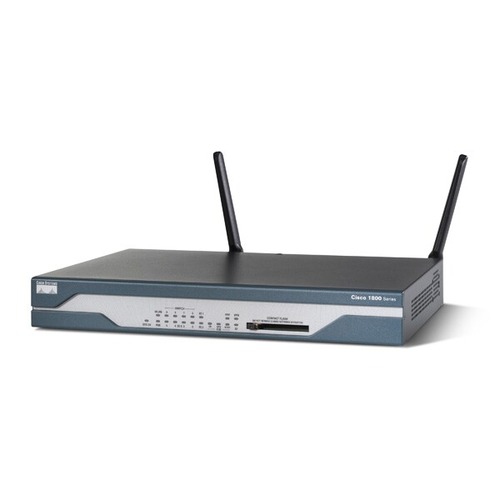
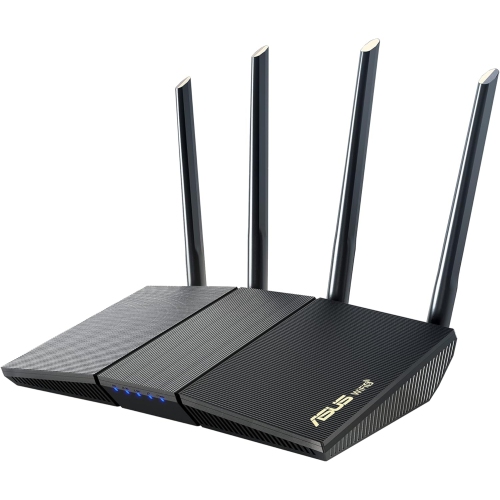
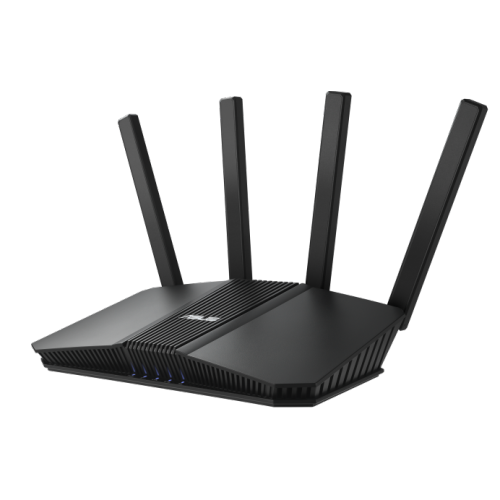
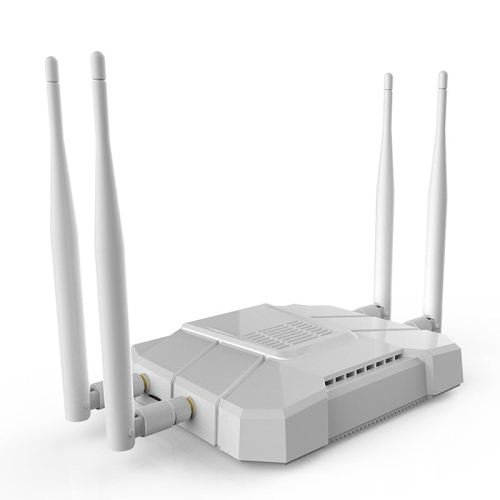
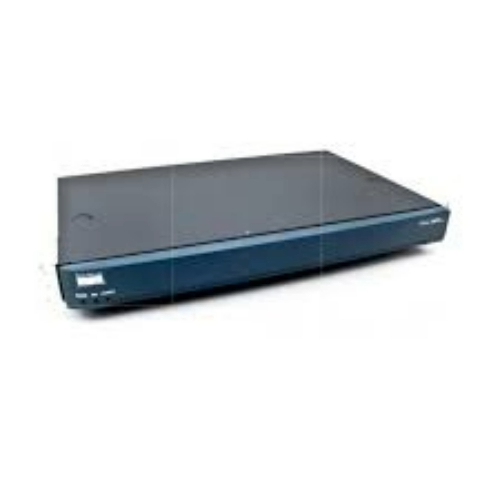
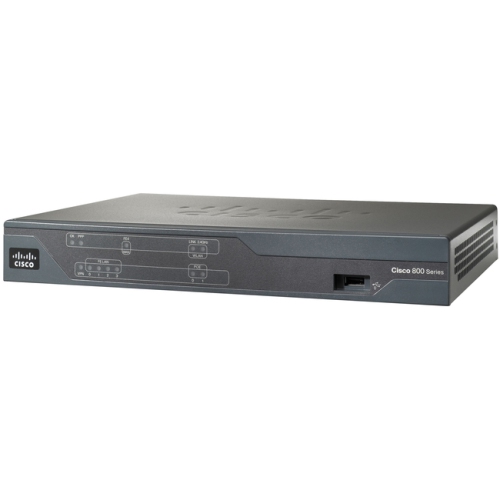
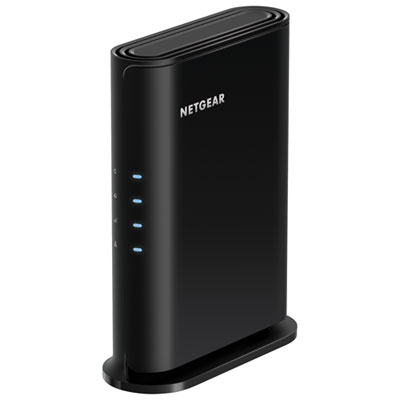
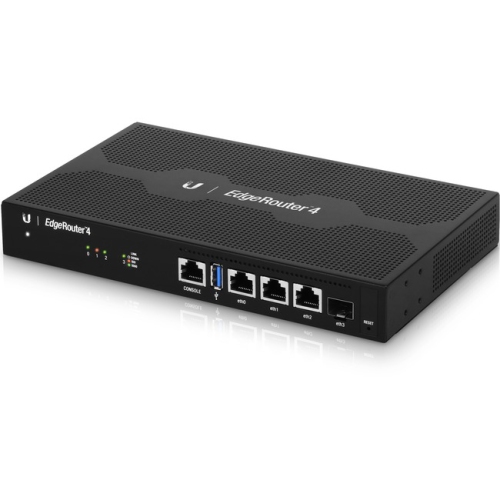
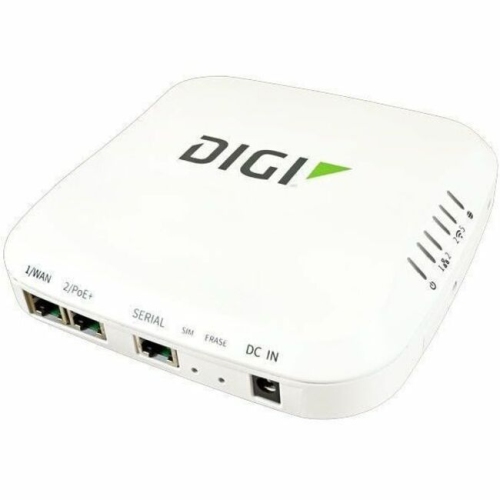
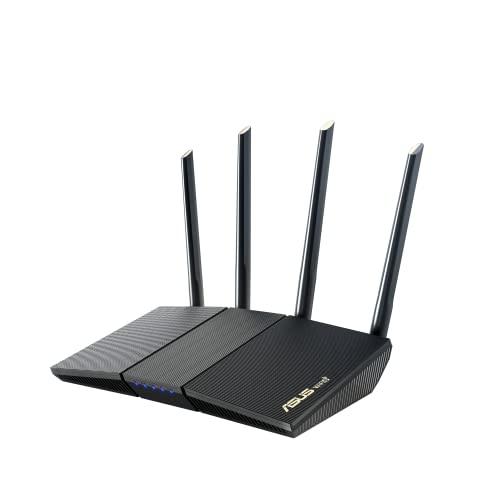
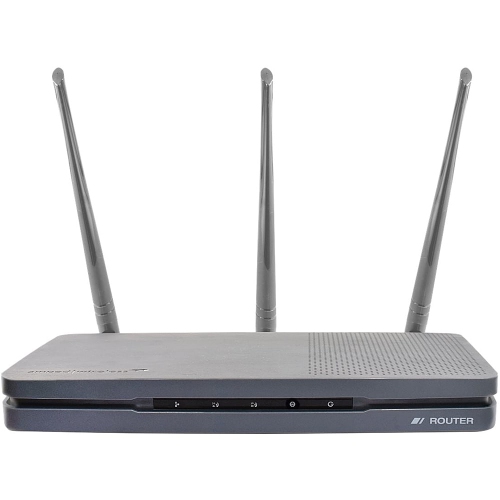
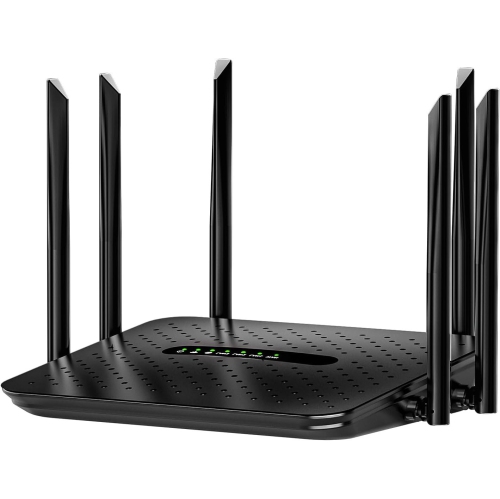
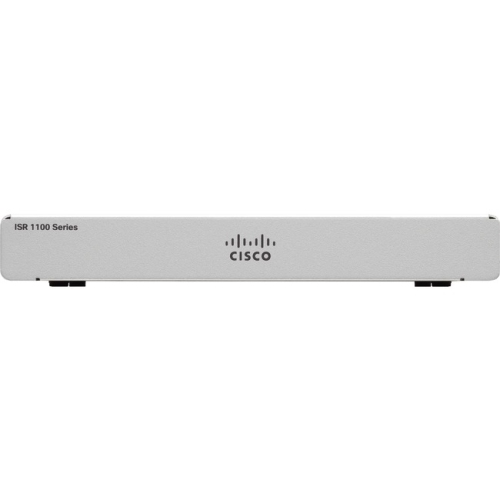
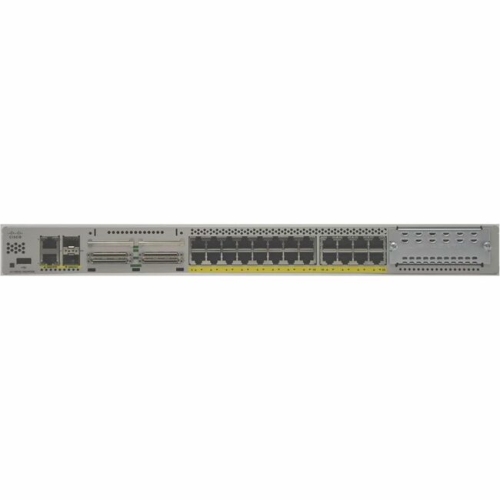
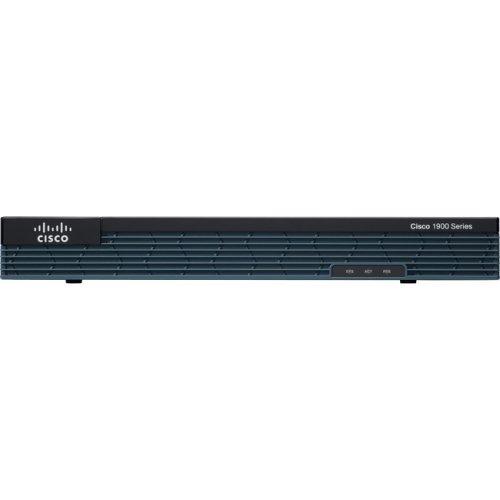
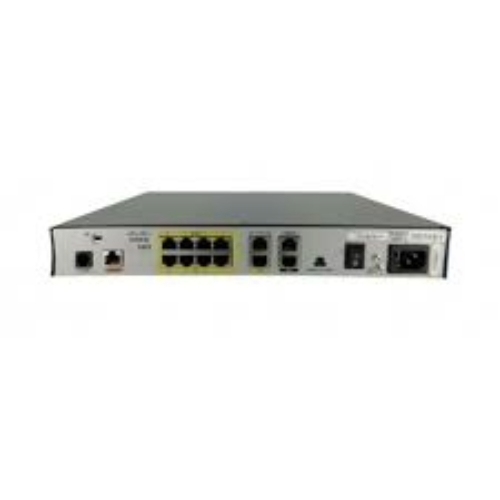
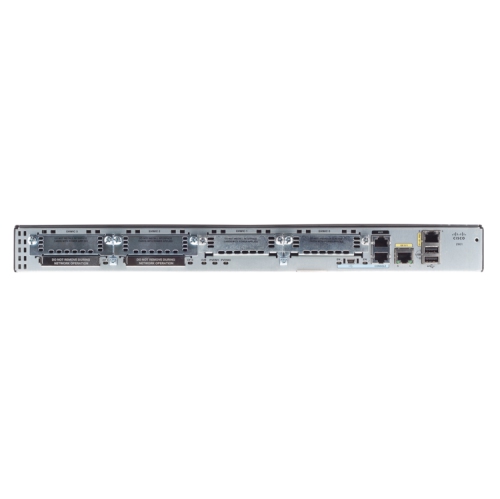
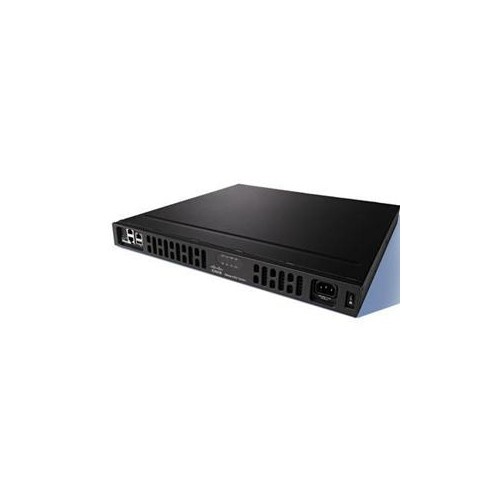
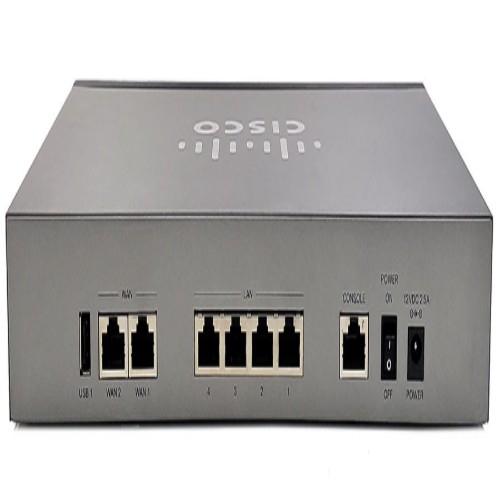
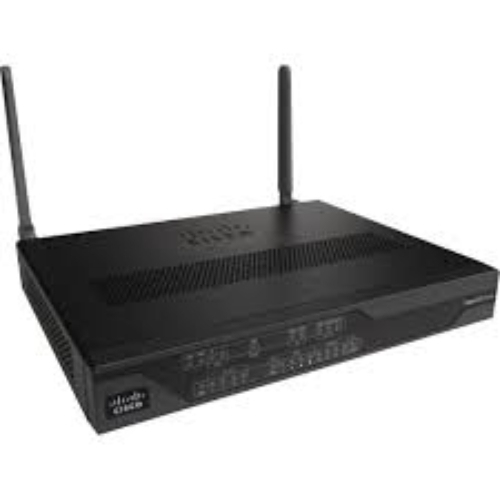
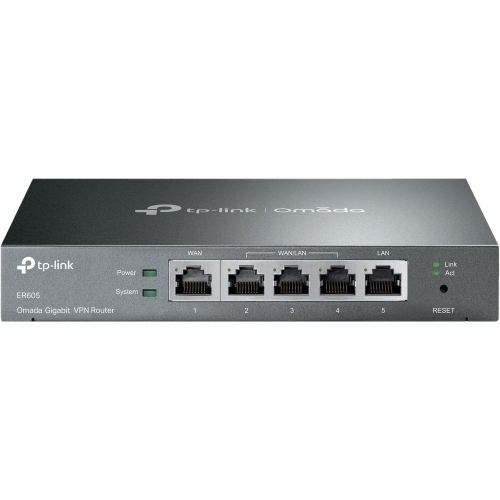
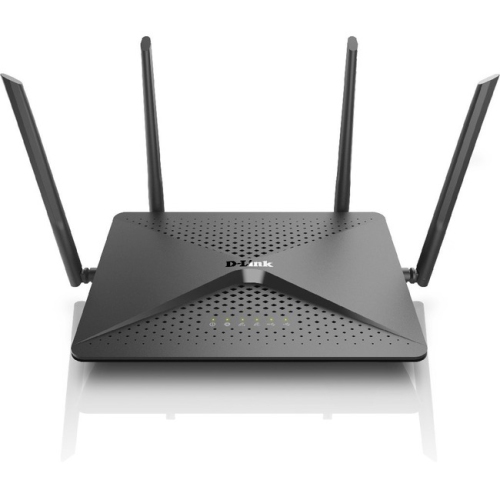
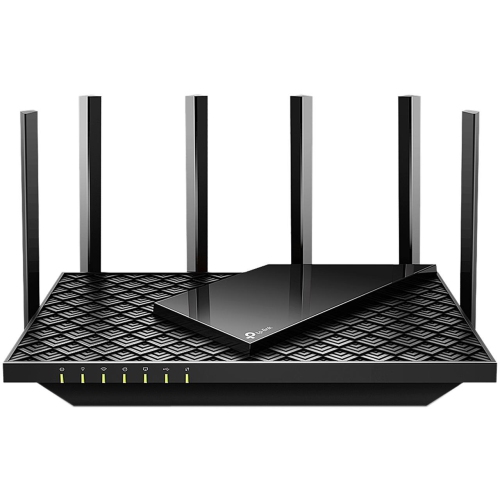
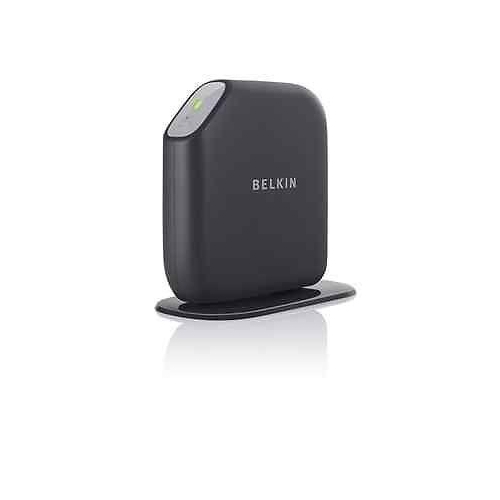
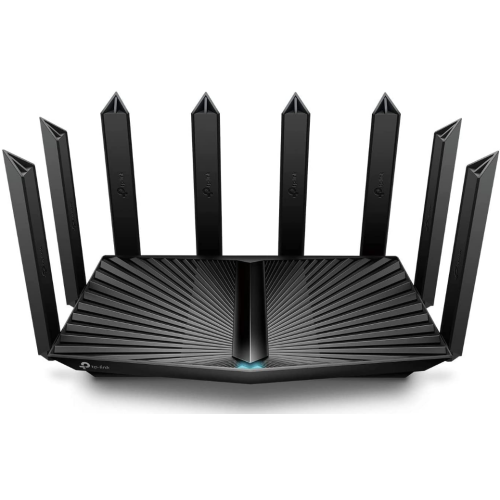
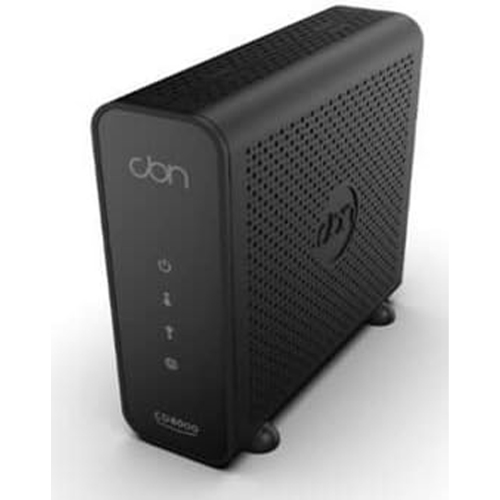
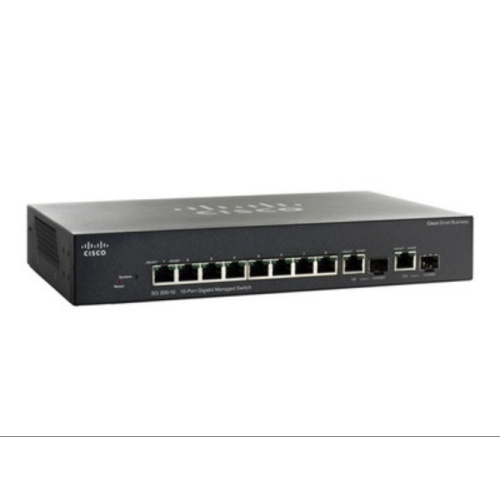
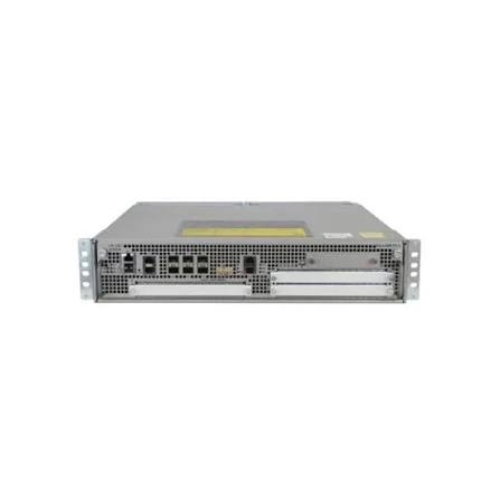
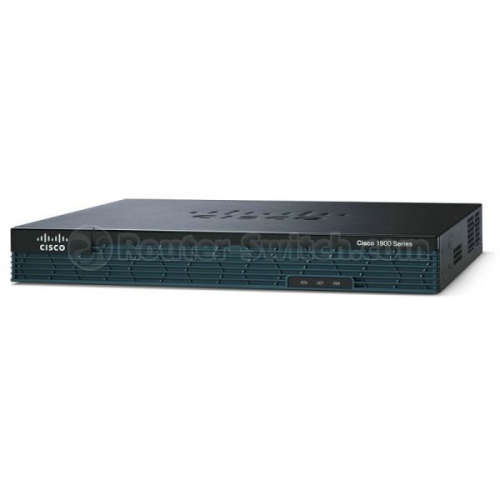
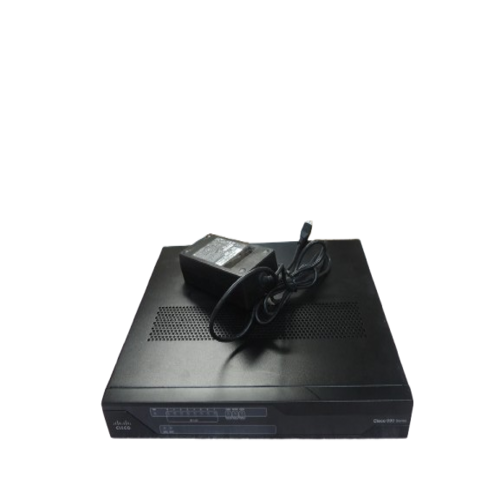
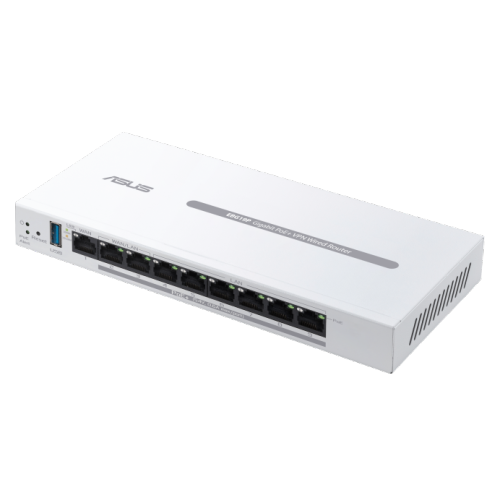
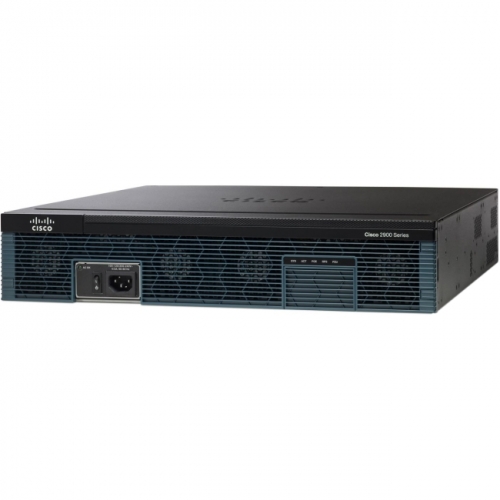
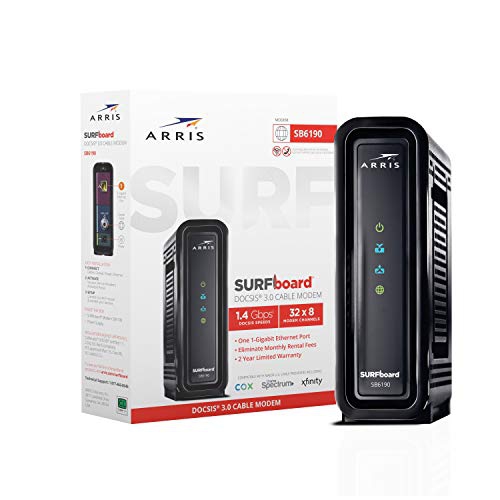
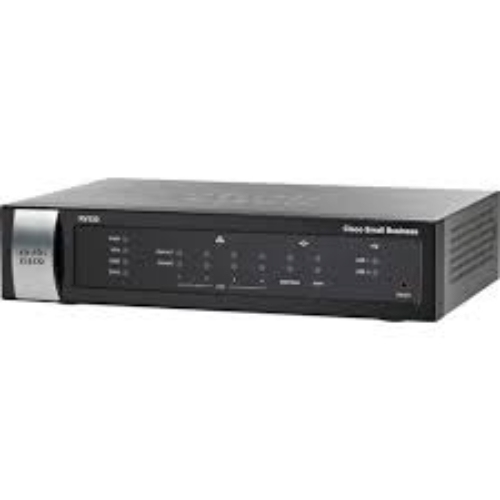
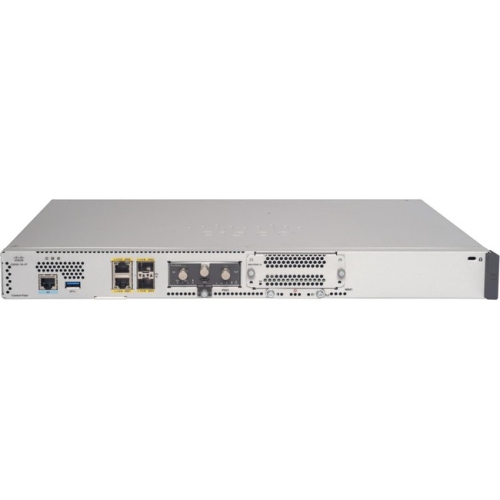
A modem connects a home network to an internet service provider, while a router shares that connection among devices and directs traffic between them. A modem-router combination, often called a gateway, puts both functions in one unit. These distinctions matter because a wireless router alone generally cannot replace the equipment that brings internet service into the home. A separate modem and router offer flexibility to update either part independently, while a combined unit reduces the number of boxes, power adapters, and connecting cables around a desk or media cabinet. For households that prefer an integrated setup, Wi-Fi Modem Routers combine the internet connection and wireless networking functions in a single device. Compatibility depends on the type of internet service and the provider’s requirements, not simply on the connector fitting into a socket. Cable modems use a coaxial connection and a supported DOCSIS standard; DSL equipment connects through a telephone line and must match the service technology. Fibre service typically uses an optical network terminal or provider-supplied gateway rather than a cable modem. Some providers require their own connection equipment, even when a separate router can handle the home network. Provider approval, account activation requirements, and support for the subscribed service tier are therefore important distinctions within this category. A modem’s advertised capabilities do not guarantee that a provider will activate it or deliver every supported speed through it. Similarly, a router’s wireless speed rating does not increase the speed of the internet plan. The connection depends on several parts working together: the provider’s service, the modem or terminal, the router, and the device being used. Understanding those roles helps explain why two devices with similar-looking cases may serve very different purposes, whether the connection is supporting a small apartment, a busy family household, or a home office with daily video meetings.
Router and modem performance becomes more noticeable when several activities happen at once. A video call in one room, a film streaming in another, and a large game download can place different demands on the same connection. Download capacity affects incoming content, while upload capacity matters for sending files, backing up photos, and transmitting clear video during meetings. Latency, the delay before data travels between points, is also important for responsive gaming and conversation. Features that prioritize traffic may help manage a busy local network, but they cannot remove congestion elsewhere or create additional capacity beyond the internet service. Ethernet ports provide wired connections for compatible computers, televisions, game consoles, and other equipment. Gigabit and multi-gigabit ports have different limits, and the slowest connection along a wired path can restrict the speed reaching a device. Wireless performance depends on both the router and the connected equipment, as well as distance, interference, and the building’s layout. The 2.4 GHz band generally reaches farther, while 5 GHz can offer greater capacity over shorter distances. Equipment supporting 6 GHz adds another band for compatible devices, although that signal is more easily weakened by walls and other obstacles. Wi-Fi 6, Wi-Fi 6E, and Wi-Fi 7 describe different wireless capabilities, but their benefits depend on the features supported at both ends of the connection. Advertised wireless rates are theoretical figures and may combine capacity across multiple bands; they are not a promise of the speed a single phone or laptop will receive. Coverage also deserves attention beyond the size of the home. A long hallway, concrete wall, or office tucked behind a utility room can affect reception. Compatible mesh equipment can extend a network across several access points, while wired connections between those points can reduce reliance on a shared wireless link. These differences are especially relevant when reliable coverage matters as much as peak speed.
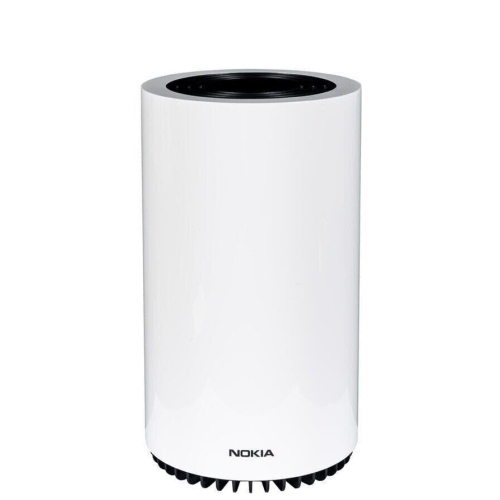
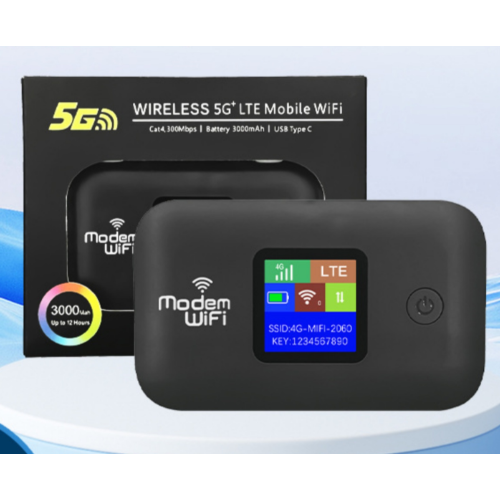
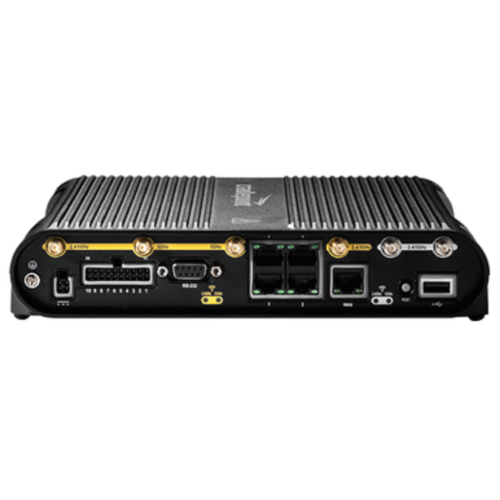
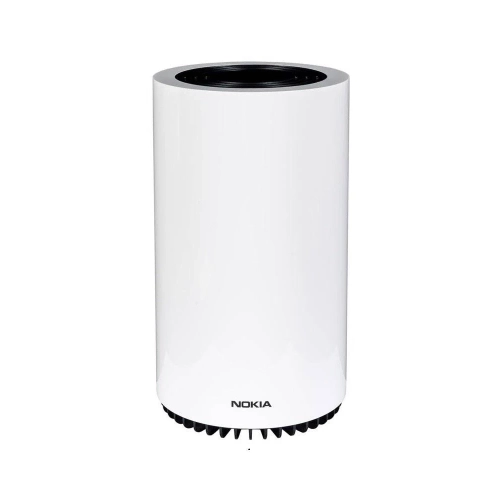
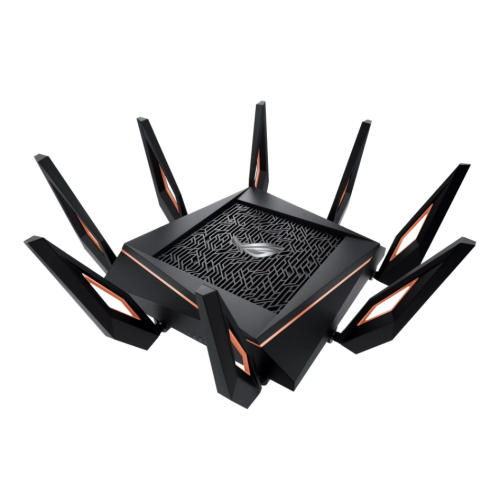
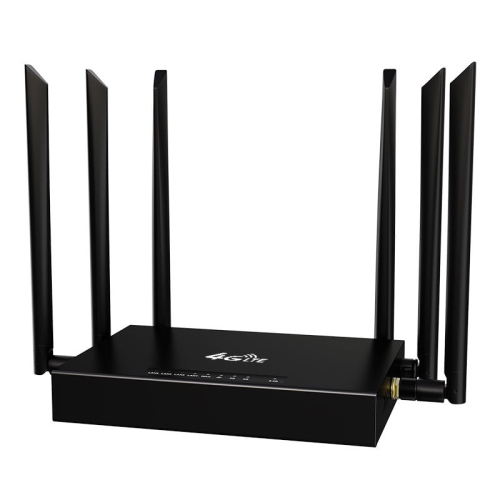
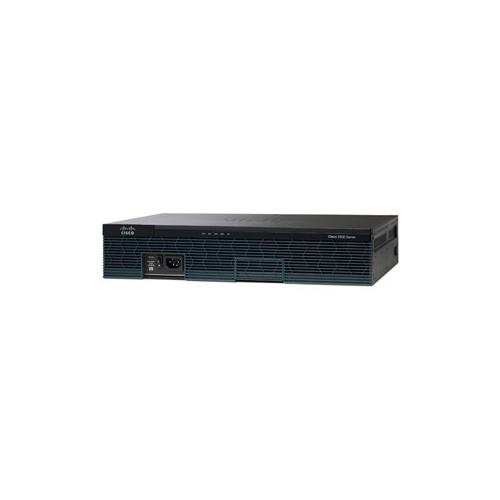
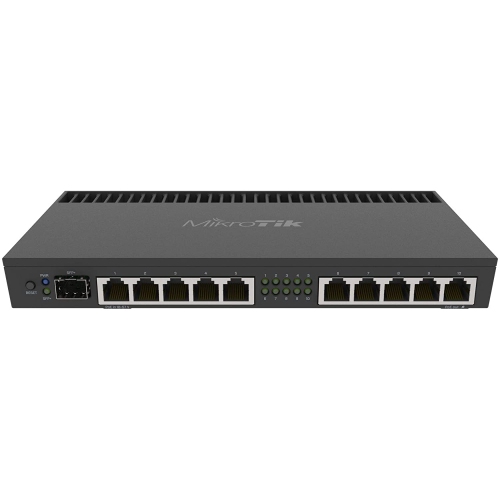
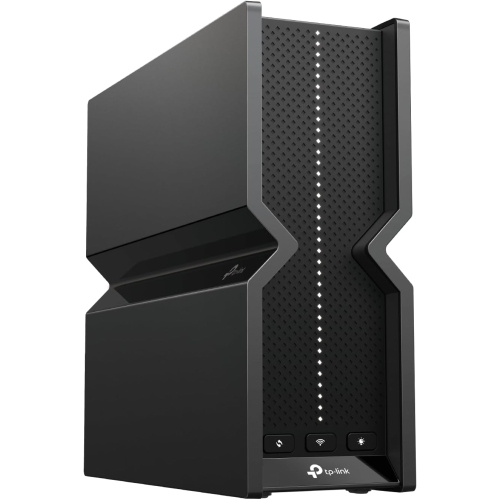
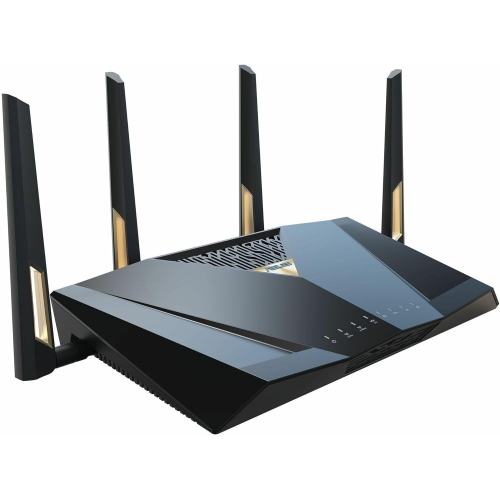
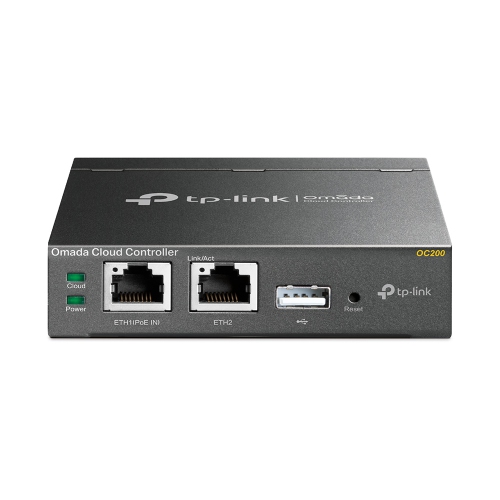
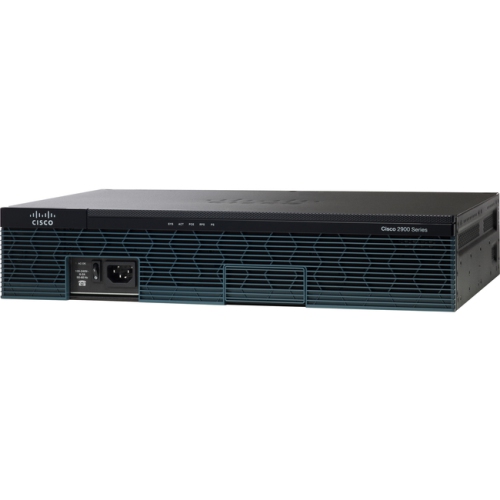
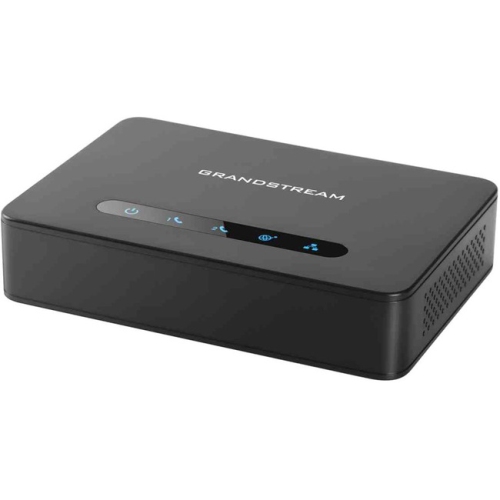
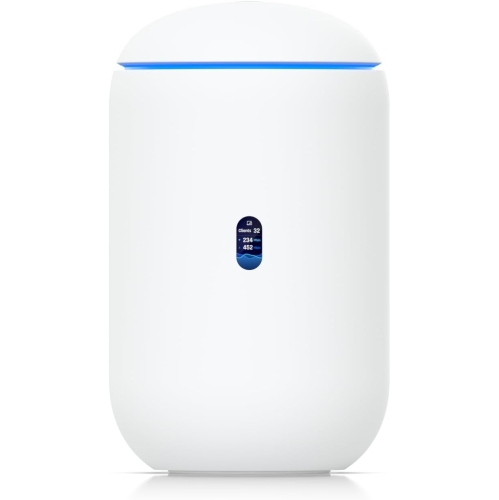
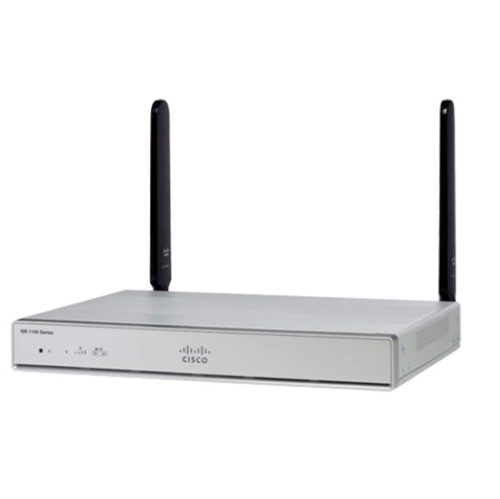
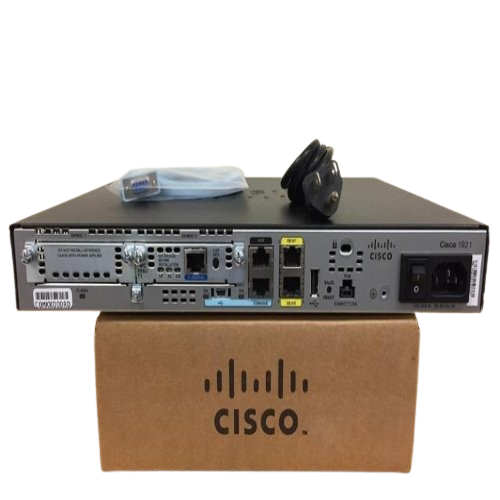
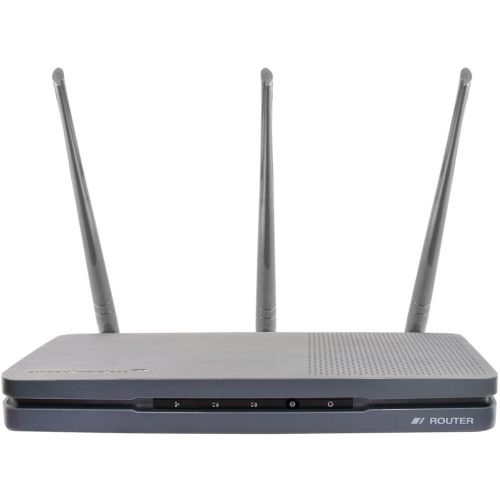
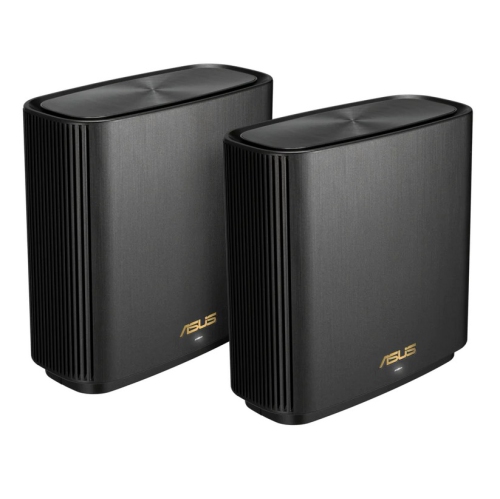
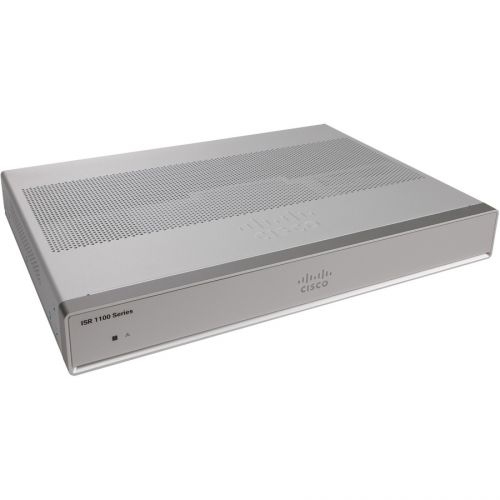
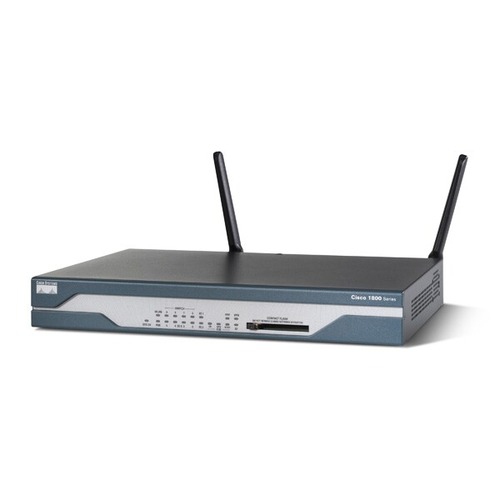
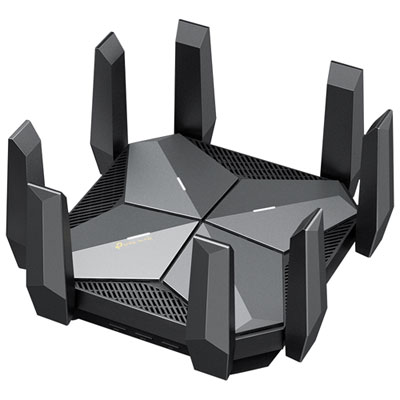
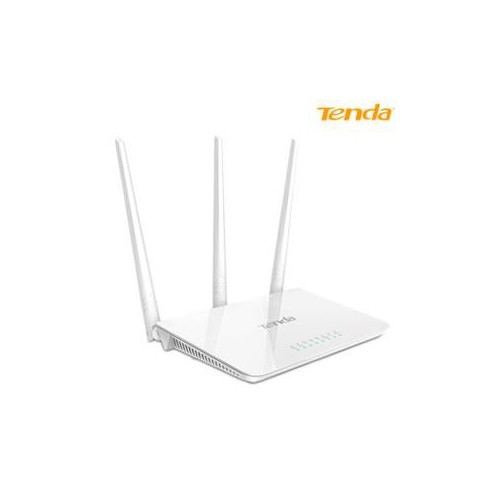
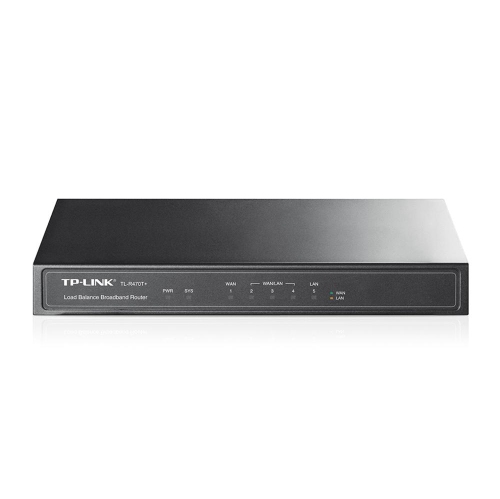
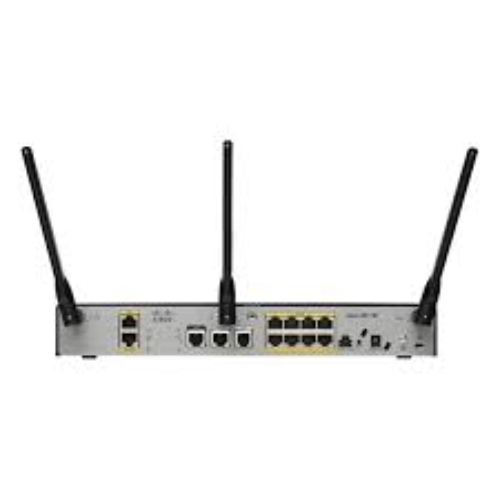
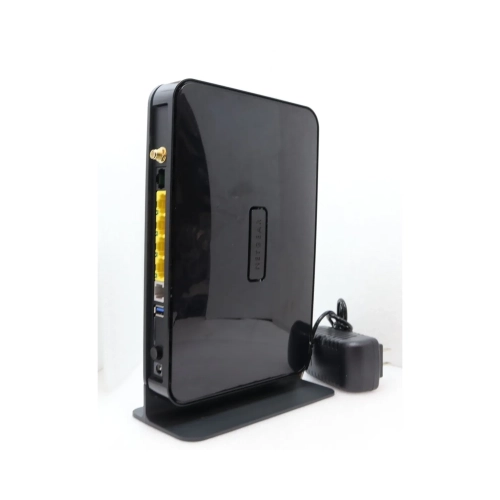
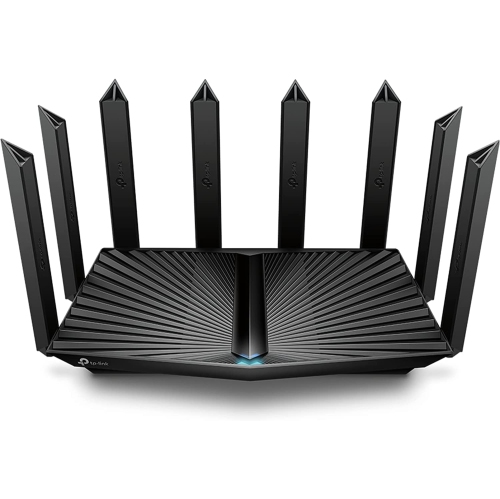
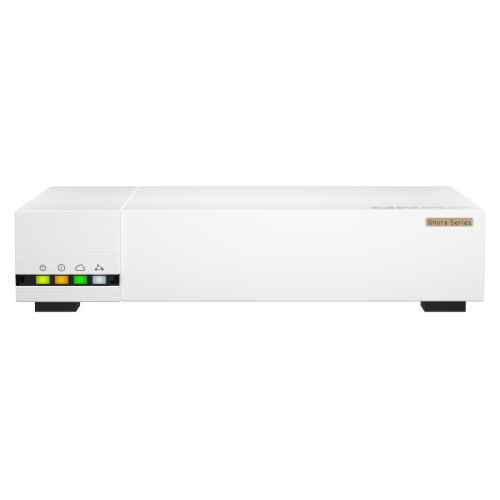
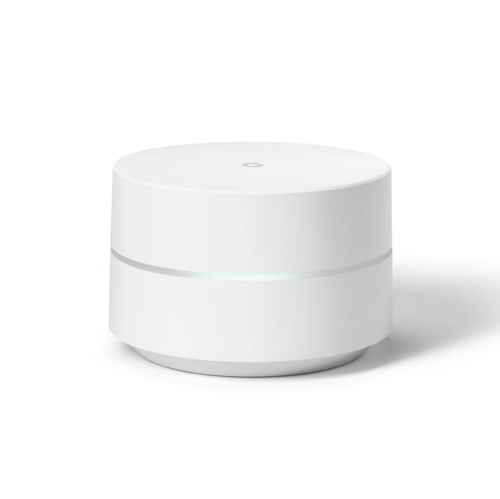
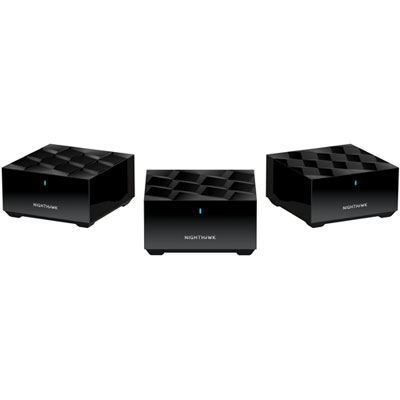
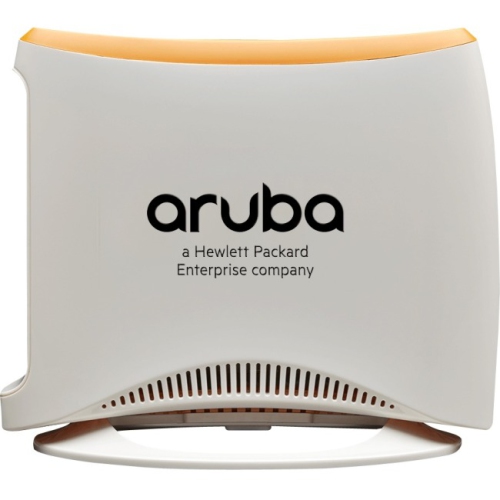
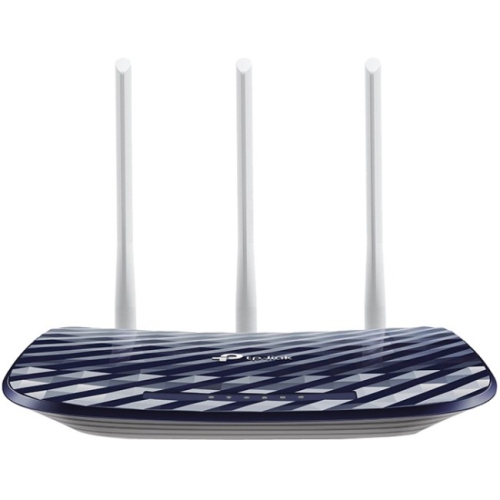
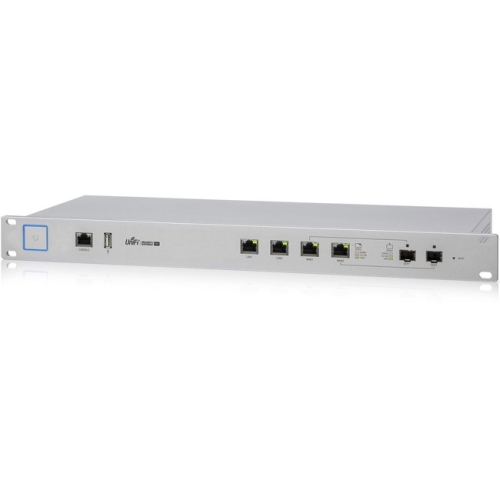
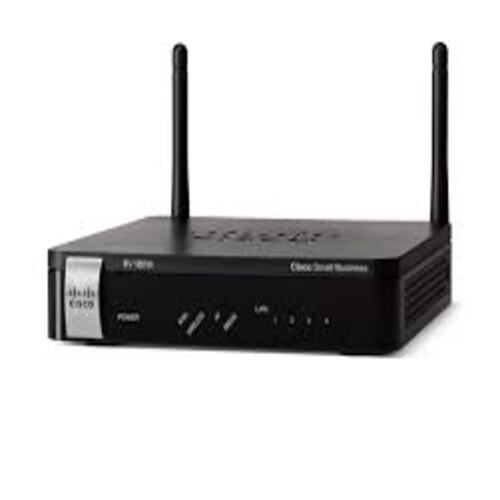
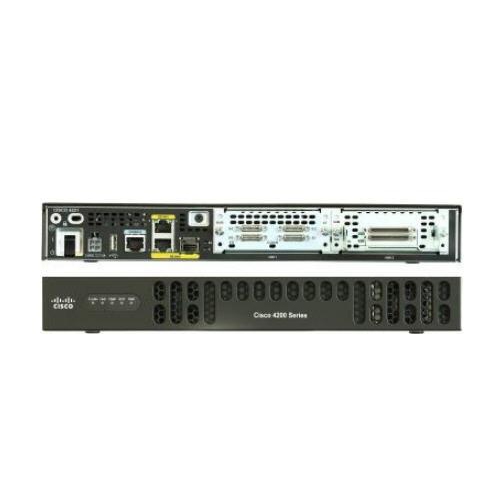
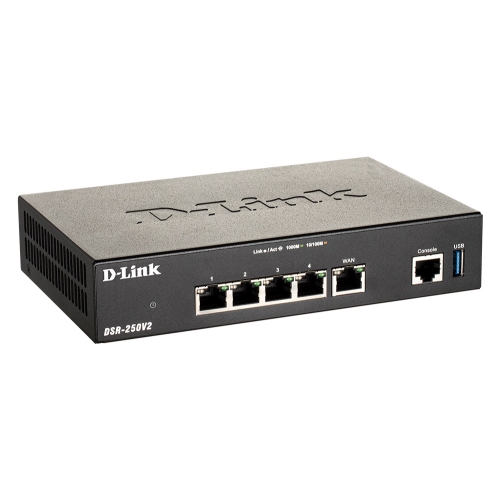
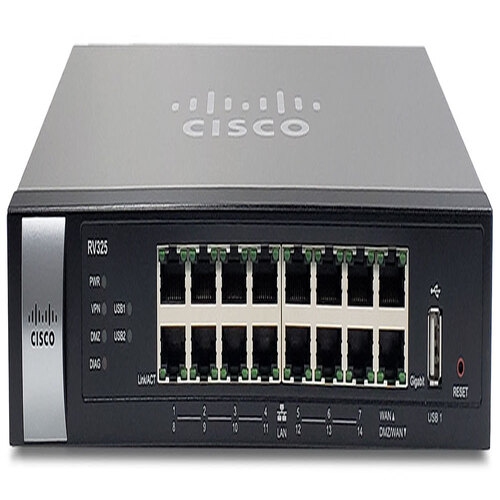
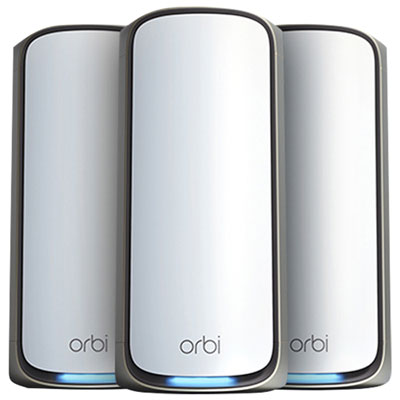
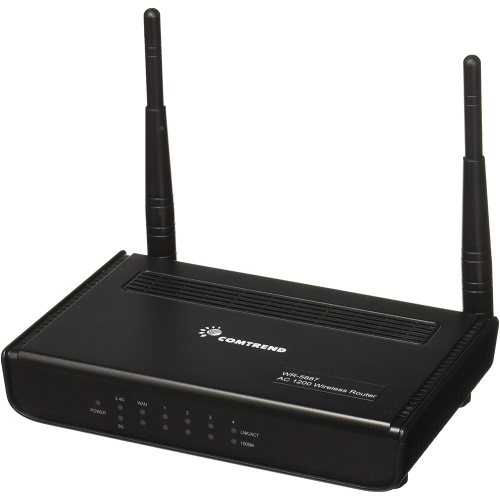
Physical fit and everyday upkeep also influence how comfortably networking equipment works in a home. Modems, routers, and combined gateways commonly have rigid plastic housings with ventilation openings, and their shapes range from low desktop boxes to upright towers with internal or external antennas. Overall dimensions, antenna clearance, cable access, and the location of the power outlet all affect placement. A compact unit may fit neatly beside a workstation, but an enclosed drawer or crowded cabinet can obstruct airflow and weaken wireless coverage. An open, reasonably central position often serves wireless devices better than a corner behind a television, although the incoming service connection may limit where a modem can sit. Separate equipment can allow the modem to remain near that connection while an Ethernet cable links it to a router in a more useful location. Durability depends partly on protecting ports and cables from strain, keeping vents clear, and following the manufacturer’s cleaning and handling directions. A dry, soft cloth is generally suitable for exterior dust, with liquids kept away from openings and connections. Software support matters alongside the physical hardware: firmware updates can address security issues and improve reliability, while automatic updates, where supported, reduce routine maintenance. Network security features vary, with options such as WPA3 wireless protection, guest networks, and controls for connected devices. A guest network can give visitors internet access without sharing the main household network, and separate network options may help organize smart-home equipment when supported. Setup and management may use a mobile app, a browser interface, or both, with different levels of control over schedules, passwords, and device access. Households retaining a provider gateway while adding a separate router may also need support for bridge mode or another compatible arrangement to avoid overlapping routing functions. For remote workers, students, shared households, and families managing many connected devices, the most useful combination is one that matches the service connection, reaches the rooms that need coverage, and remains straightforward to maintain.
Router and modem performance becomes more noticeable when several activities happen at once. A video call in one room, a film streaming in another, and a large game download can place different demands on the same connection. Download capacity affects incoming content, while upload capacity matters for sending files, backing up photos, and transmitting clear video during meetings. Latency, the delay before data travels between points, is also important for responsive gaming and conversation. Features that prioritize traffic may help manage a busy local network, but they cannot remove congestion elsewhere or create additional capacity beyond the internet service. Ethernet ports provide wired connections for compatible computers, televisions, game consoles, and other equipment. Gigabit and multi-gigabit ports have different limits, and the slowest connection along a wired path can restrict the speed reaching a device. Wireless performance depends on both the router and the connected equipment, as well as distance, interference, and the building’s layout. The 2.4 GHz band generally reaches farther, while 5 GHz can offer greater capacity over shorter distances. Equipment supporting 6 GHz adds another band for compatible devices, although that signal is more easily weakened by walls and other obstacles. Wi-Fi 6, Wi-Fi 6E, and Wi-Fi 7 describe different wireless capabilities, but their benefits depend on the features supported at both ends of the connection. Advertised wireless rates are theoretical figures and may combine capacity across multiple bands; they are not a promise of the speed a single phone or laptop will receive. Coverage also deserves attention beyond the size of the home. A long hallway, concrete wall, or office tucked behind a utility room can affect reception. Compatible mesh equipment can extend a network across several access points, while wired connections between those points can reduce reliance on a shared wireless link. These differences are especially relevant when reliable coverage matters as much as peak speed.
Physical fit and everyday upkeep also influence how comfortably networking equipment works in a home. Modems, routers, and combined gateways commonly have rigid plastic housings with ventilation openings, and their shapes range from low desktop boxes to upright towers with internal or external antennas. Overall dimensions, antenna clearance, cable access, and the location of the power outlet all affect placement. A compact unit may fit neatly beside a workstation, but an enclosed drawer or crowded cabinet can obstruct airflow and weaken wireless coverage. An open, reasonably central position often serves wireless devices better than a corner behind a television, although the incoming service connection may limit where a modem can sit. Separate equipment can allow the modem to remain near that connection while an Ethernet cable links it to a router in a more useful location. Durability depends partly on protecting ports and cables from strain, keeping vents clear, and following the manufacturer’s cleaning and handling directions. A dry, soft cloth is generally suitable for exterior dust, with liquids kept away from openings and connections. Software support matters alongside the physical hardware: firmware updates can address security issues and improve reliability, while automatic updates, where supported, reduce routine maintenance. Network security features vary, with options such as WPA3 wireless protection, guest networks, and controls for connected devices. A guest network can give visitors internet access without sharing the main household network, and separate network options may help organize smart-home equipment when supported. Setup and management may use a mobile app, a browser interface, or both, with different levels of control over schedules, passwords, and device access. Households retaining a provider gateway while adding a separate router may also need support for bridge mode or another compatible arrangement to avoid overlapping routing functions. For remote workers, students, shared households, and families managing many connected devices, the most useful combination is one that matches the service connection, reaches the rooms that need coverage, and remains straightforward to maintain.
Top selling and popular products
-
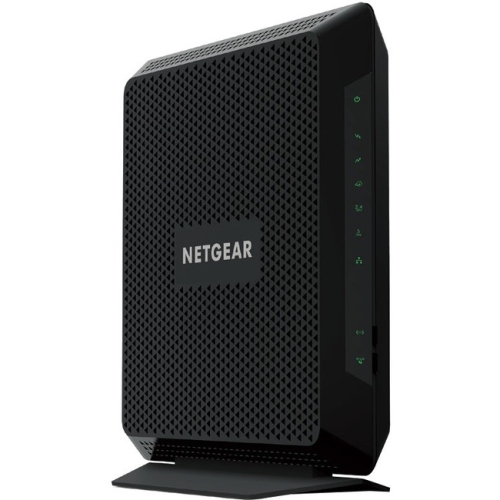 Your price for this item is $189.99
-
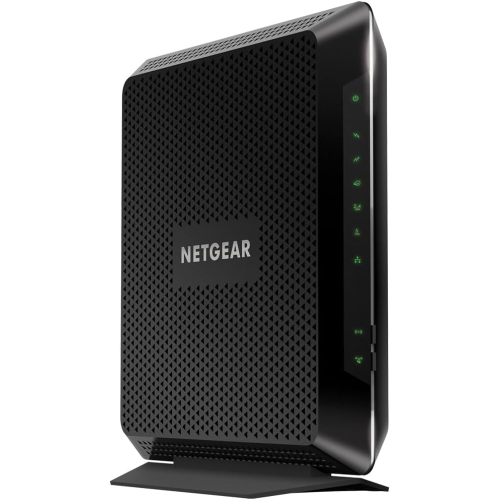 Your price for this item is $189.99
-
 Your price for this item is $219
-
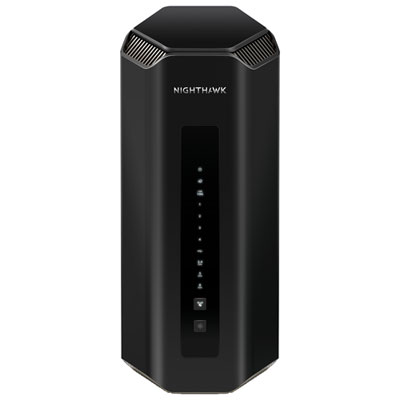 Your price for this item is $899.99
-
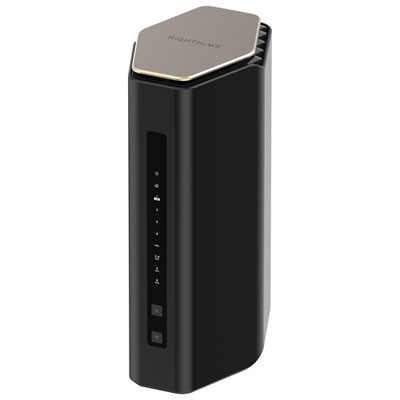 Your price for this item is $299.99
-
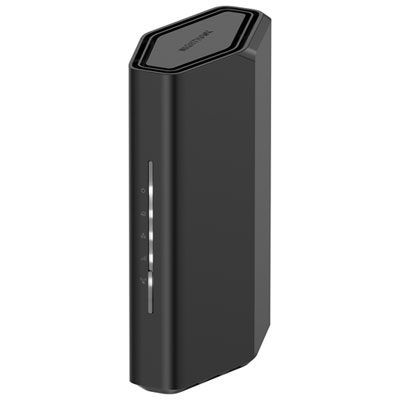 Your price for this item is $139.99
-
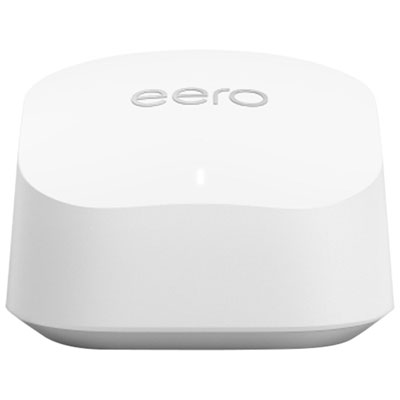 Your price for this item is $189.99
-
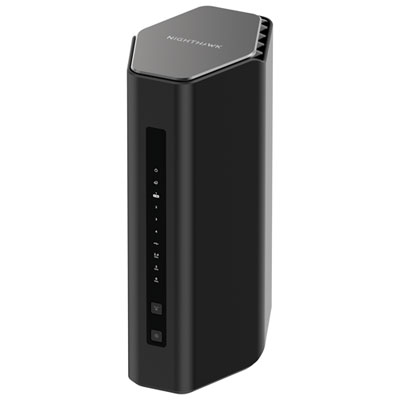 Your price for this item is $499.99
Discover more categories related to Router Modem

Top Collections:
Pokemon Centers, Kindle Devices, Best Cameras for Sports Photography, Pokémon 30th Celebration Cards, Apple iPhones 16, Canon G7X Cameras, iPhone 15 Apple, Flip Phones, Samsung Galaxy Phones, Alarm Clock
Some products may be subject to Environmental Handling Fees
(EHF) depending on your province.
Learn more about EHFs.