Dual Monitors for Video Editing
Dual Monitors for Video Editing provide the expanded workspace and flexibility needed to streamline your creative workflow. With more screen real estate, video editors can easily manage timelines, preview footage, and multitask between applications with greater efficiency. Explore a wide selection of dual monitor setups designed to help you stay organized and focused while bringing your video projects to life. Find the perfect solution to enhance productivity and elevate your editing experience.
Sort
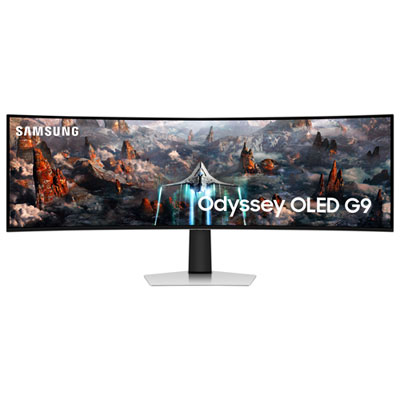
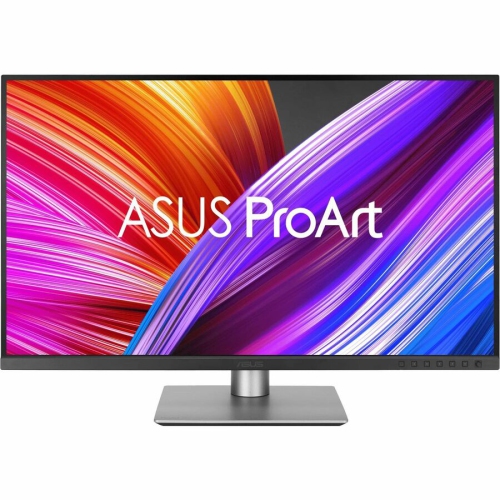

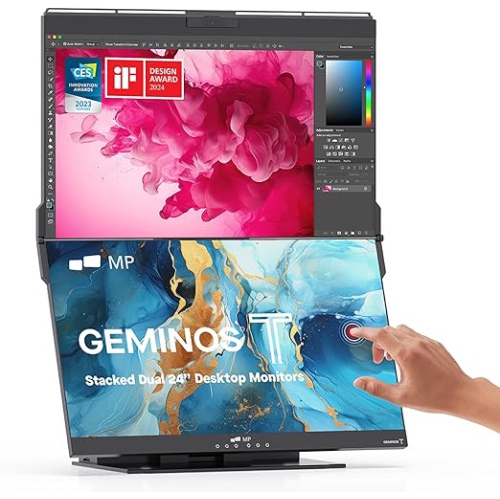
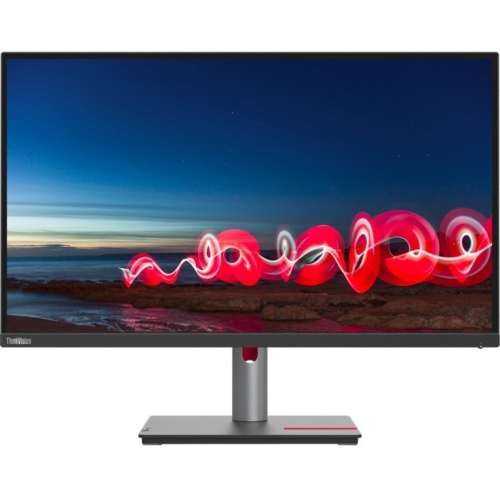
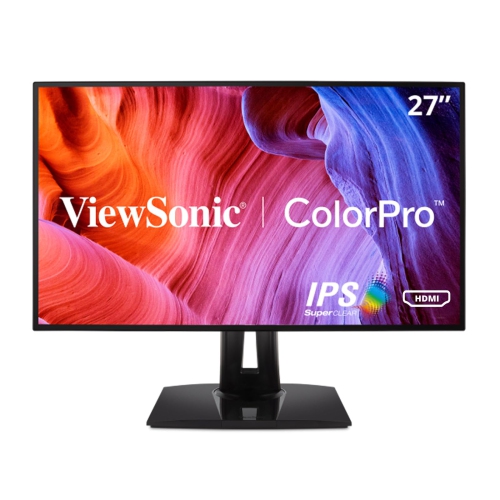
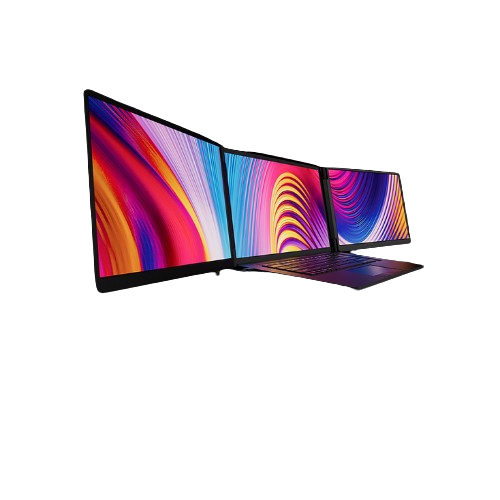
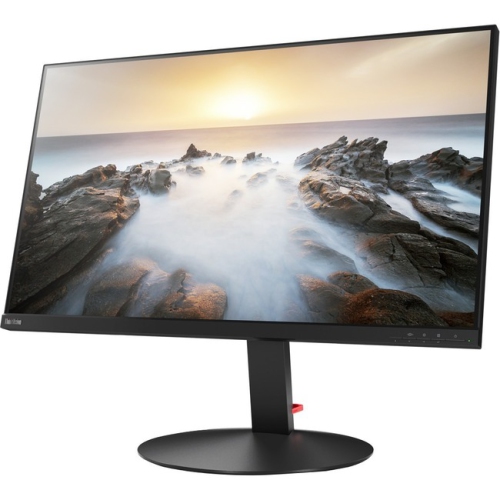
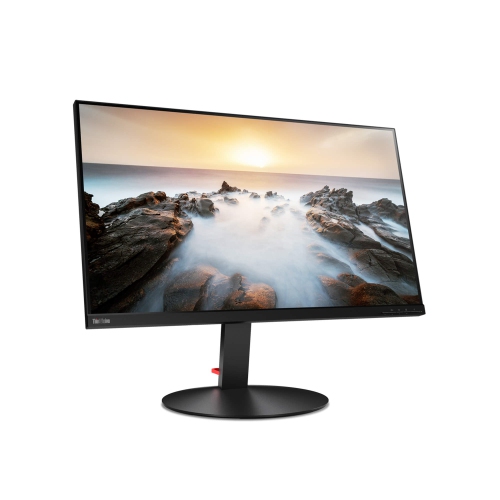
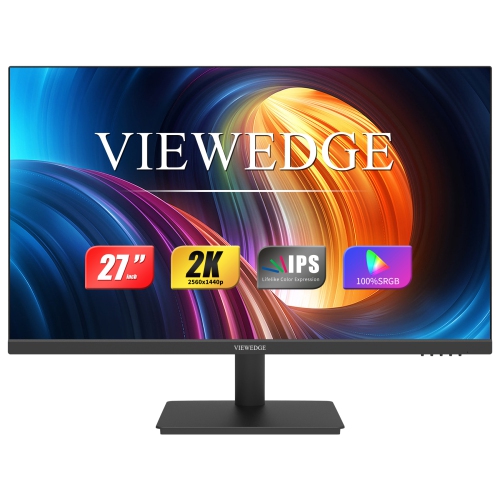
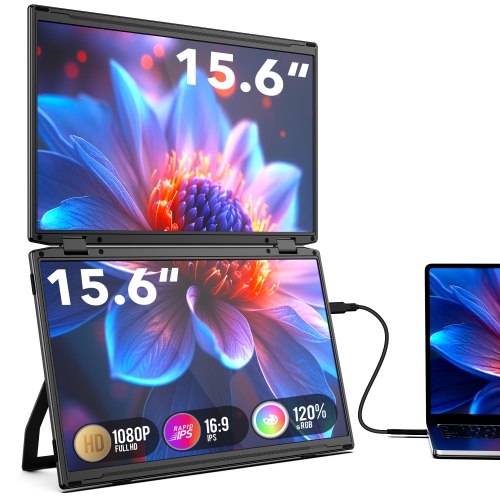
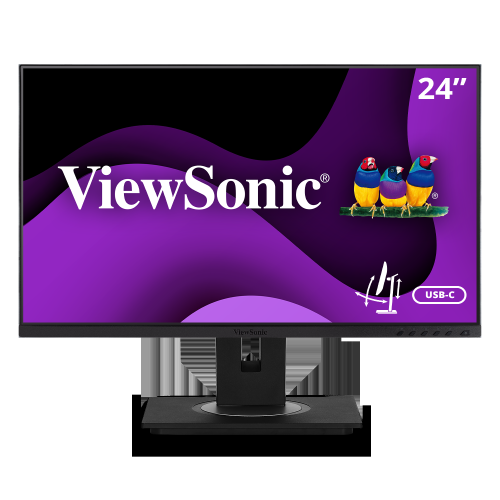
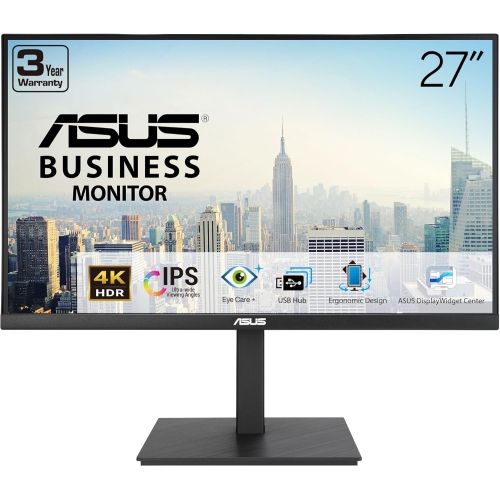
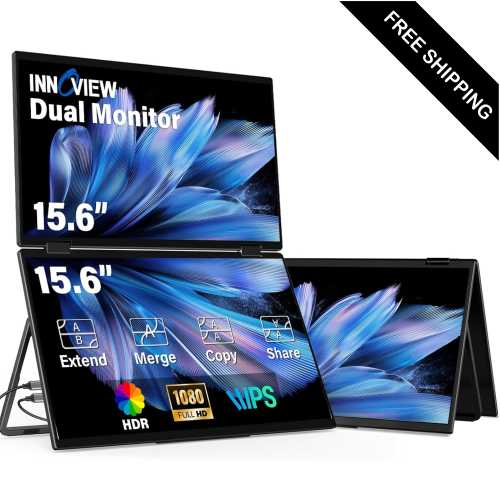
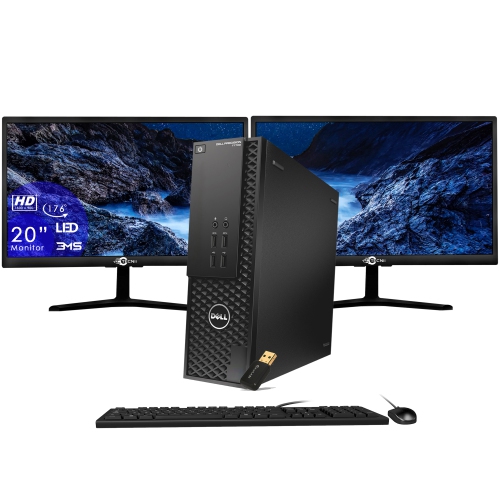
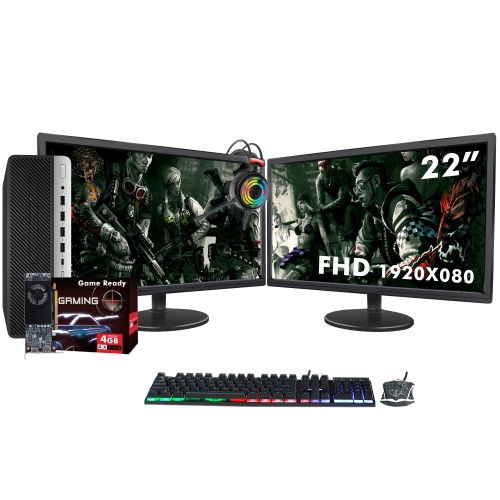
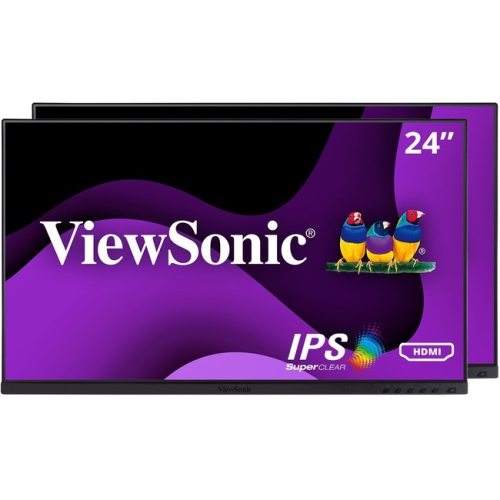
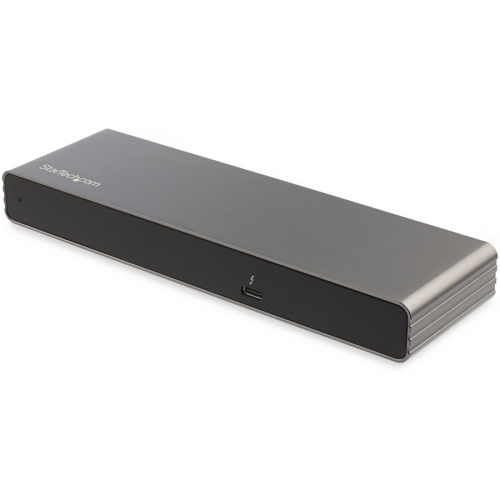
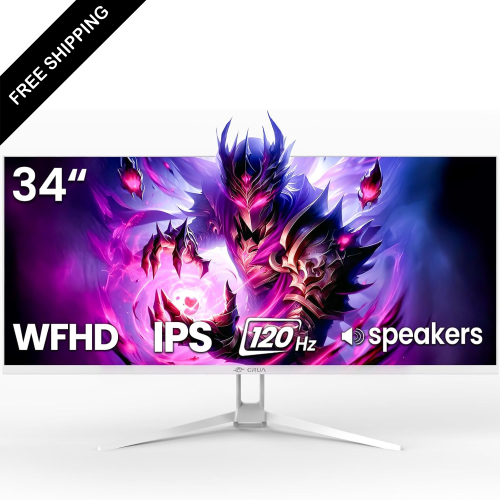
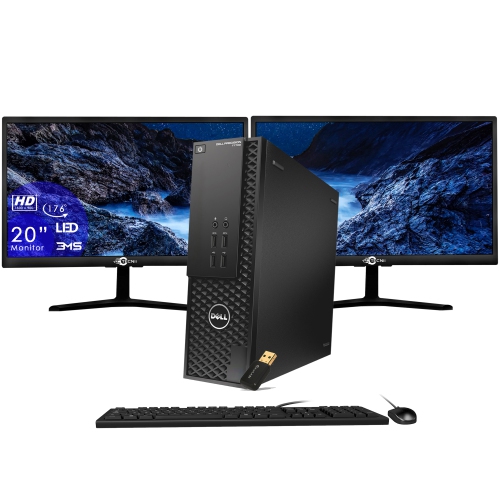
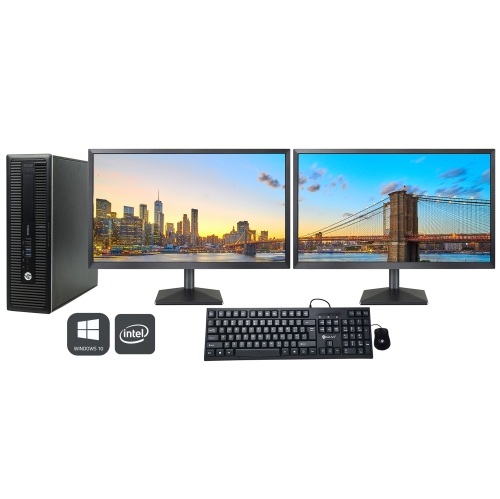
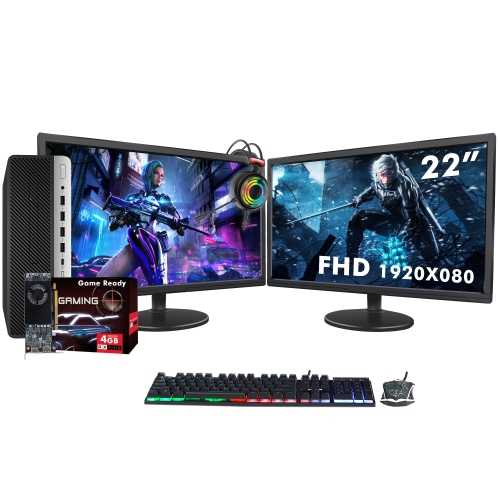
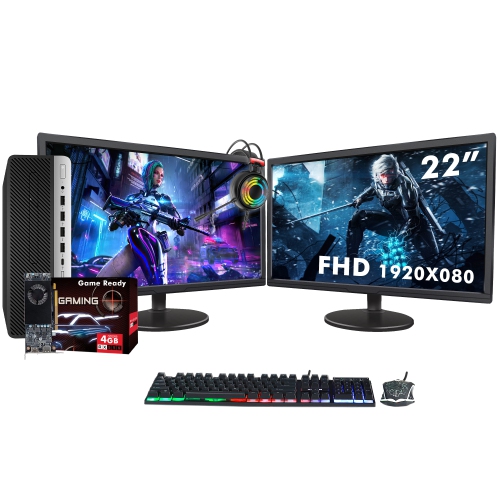
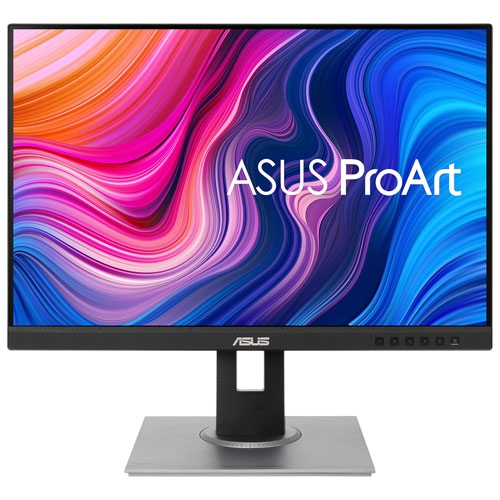
More timeline space for sharper, smoother editing workflows
Dual monitors have become a staple in the world of video editing, transforming how professionals and enthusiasts alike approach their creative projects. With the arrival of brighter days and longer evenings, many editors find themselves inspired to take on new projects or revisit existing ones, making it an ideal time to consider upgrading or expanding their workspace. The advantage of using dual monitors for video editing lies in the sheer amount of screen real estate they provide, allowing for a more organized, efficient workflow. Editors can dedicate one display to a full, uninterrupted timeline view, while using the second screen for media bins, project panels, effects controls, and audio mixing. This setup reduces the time spent searching for assets and eliminates the need to constantly resize or hide panels within editing software, creating a seamless editing experience. Whether you’re working with industry-standard programs or experimenting with new tools, having two monitors—especially those with high resolutions such as 4K—ensures sharp, detailed viewing of footage and plenty of space for multitasking.
Choosing the right dual monitor setup means considering a few key features that can make a significant difference in your daily workflow. For those who work with colour-critical projects, monitors with IPS panels and high colour accuracy (such as 100% sRGB or a wide DCI-P3 gamut) are essential for precise colour grading and consistent results across devices. Size and resolution are equally important; many editors prefer pairing a 32-inch 4K monitor for the main timeline with a 27-inch monitor in portrait orientation for managing long lists of files or bins, which reduces scrolling and keeps assets within easy reach. Ergonomics also play a role, especially during longer editing sessions. Monitor arms allow for flexible positioning, whether you want to stack monitors vertically or adjust them for optimal comfort. Connectivity should not be overlooked—ensure your workstation or laptop has sufficient ports and graphics capability to drive both displays, and consider a Thunderbolt dock if you need to connect multiple peripherals. These considerations are relevant for both seasoned professionals and those just starting out, as the right setup can make editing sessions more enjoyable and productive.
Dual monitors for video editing also make a thoughtful gift for students, creative professionals, or anyone passionate about filmmaking, vlogging, or digital storytelling. As summer transitions to fall and creative projects pick up momentum, having an efficient, immersive workstation can be a source of inspiration and productivity. Whether you’re building a new editing suite or enhancing an existing one, the versatility of dual monitors supports a range of workflows—from full-screen previews to detailed audio adjustments—helping users focus on their craft. For those working within a specific budget, there are options that deliver strong performance without compromising essential features; you can explore more affordable choices on our dedicated page for Budget Monitors for Video Editing. No matter your skill level or project type, investing in a dual monitor setup is a practical way to boost efficiency, reduce clutter, and create a workspace tailored to your unique editing needs.
Choosing the right dual monitor setup means considering a few key features that can make a significant difference in your daily workflow. For those who work with colour-critical projects, monitors with IPS panels and high colour accuracy (such as 100% sRGB or a wide DCI-P3 gamut) are essential for precise colour grading and consistent results across devices. Size and resolution are equally important; many editors prefer pairing a 32-inch 4K monitor for the main timeline with a 27-inch monitor in portrait orientation for managing long lists of files or bins, which reduces scrolling and keeps assets within easy reach. Ergonomics also play a role, especially during longer editing sessions. Monitor arms allow for flexible positioning, whether you want to stack monitors vertically or adjust them for optimal comfort. Connectivity should not be overlooked—ensure your workstation or laptop has sufficient ports and graphics capability to drive both displays, and consider a Thunderbolt dock if you need to connect multiple peripherals. These considerations are relevant for both seasoned professionals and those just starting out, as the right setup can make editing sessions more enjoyable and productive.
Dual monitors for video editing also make a thoughtful gift for students, creative professionals, or anyone passionate about filmmaking, vlogging, or digital storytelling. As summer transitions to fall and creative projects pick up momentum, having an efficient, immersive workstation can be a source of inspiration and productivity. Whether you’re building a new editing suite or enhancing an existing one, the versatility of dual monitors supports a range of workflows—from full-screen previews to detailed audio adjustments—helping users focus on their craft. For those working within a specific budget, there are options that deliver strong performance without compromising essential features; you can explore more affordable choices on our dedicated page for Budget Monitors for Video Editing. No matter your skill level or project type, investing in a dual monitor setup is a practical way to boost efficiency, reduce clutter, and create a workspace tailored to your unique editing needs.
Top selling and popular products
-
 Your price for this item is $299
 -
 Your price for this item is $599
 -
 Your price for this item is $94.99
 -
 Your price for this item is $329.99
 -
 Your price for this item is $499
 -
 Your price for this item is $265.99
 -
 Your price for this item is $1299.97
 -
 Your price for this item is $249.99
Discover more categories related to Dual Monitors for Video Editing
Top Collections:
Pokemon Centers, Kindle Devices, Best Budget Office Chairs, Apple iPhones 16, Best Laptops for Writers, iPhone 15 Apple, Canon G7X Cameras, Refurbished Apple Laptops, Alarm Clock, Motorola Razr Phones
Some products may be subject to Environmental Handling Fees
(EHF) depending on your province.
Learn more about EHFs.