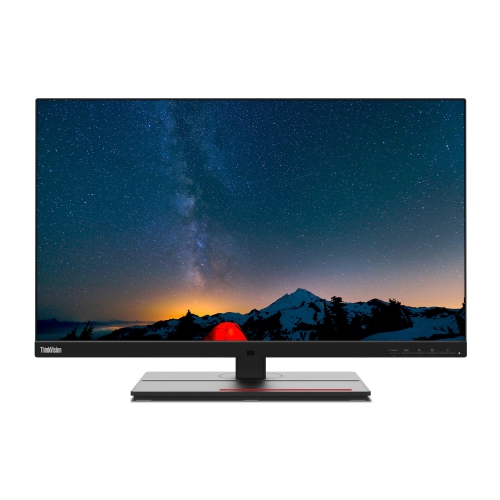
Large Screen Monitors for Editing
Large Screen Monitors for Editing offer an enhanced workspace that can help streamline creative projects and increase productivity. With ample display area, these monitors make it easier to view multiple windows, timelines, or detailed images at once. Whether working with photos, videos, or graphic design, choosing the right large screen monitor for editing can provide a comfortable and efficient experience. Explore a range of options designed to support your workflow and elevate your editing setup.

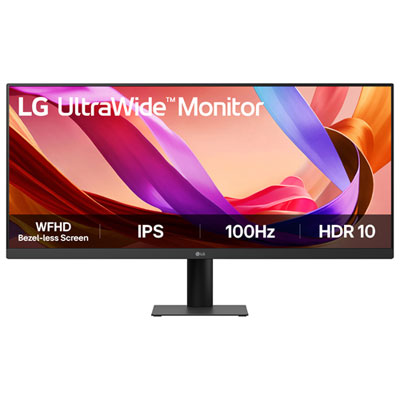
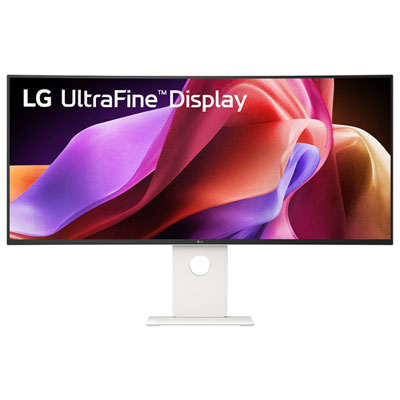
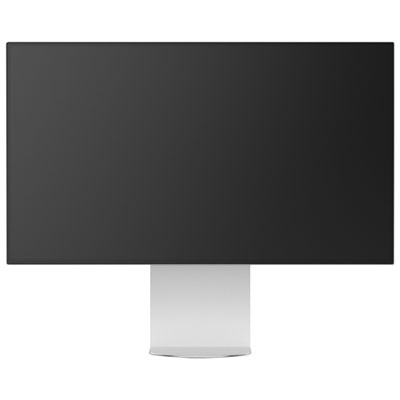
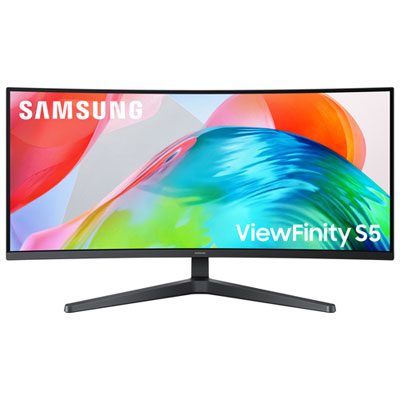

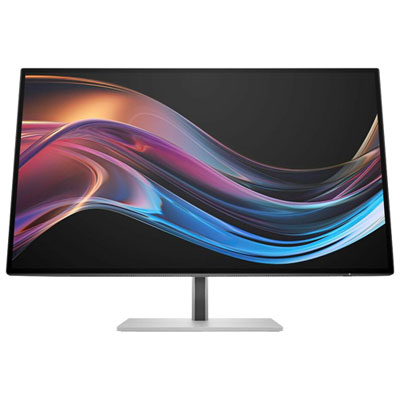
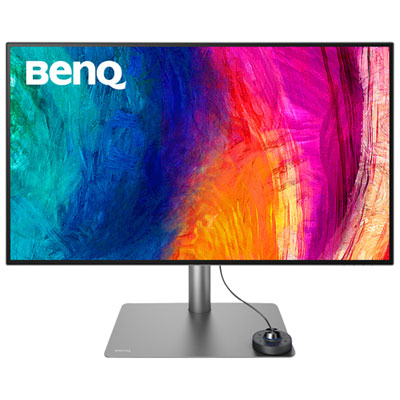
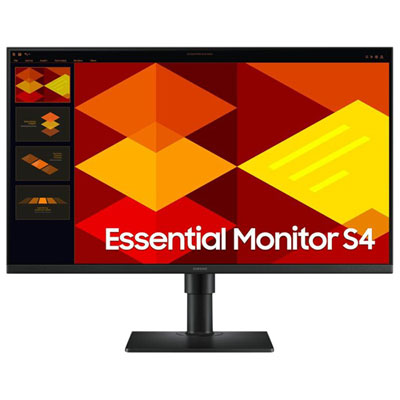
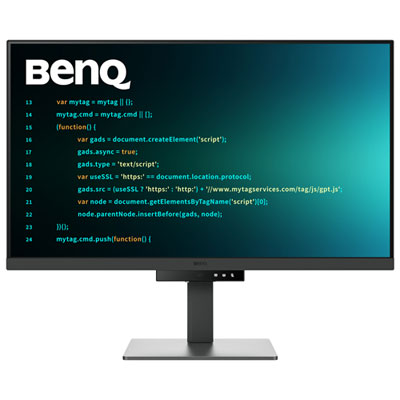
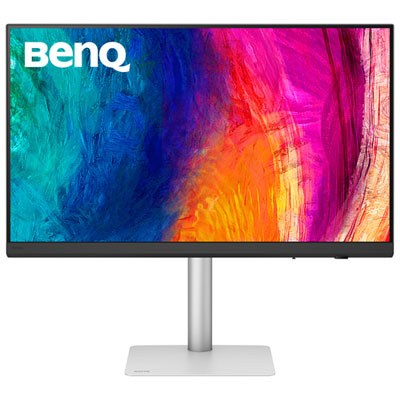
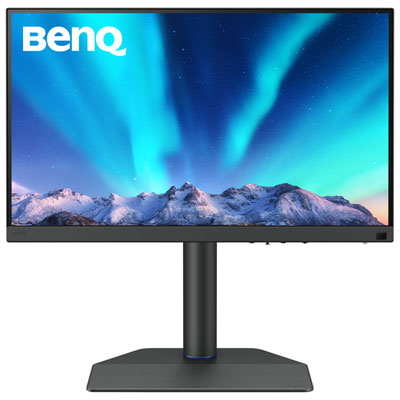
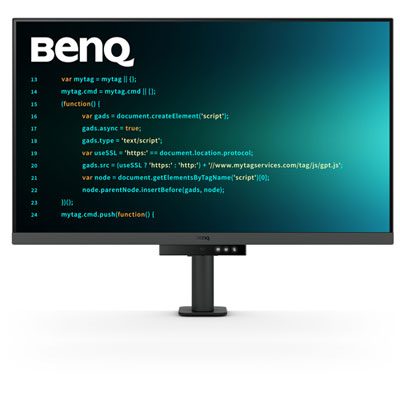
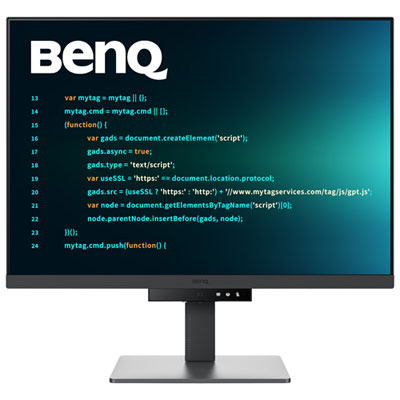
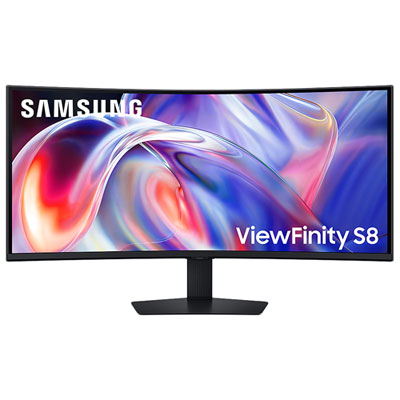
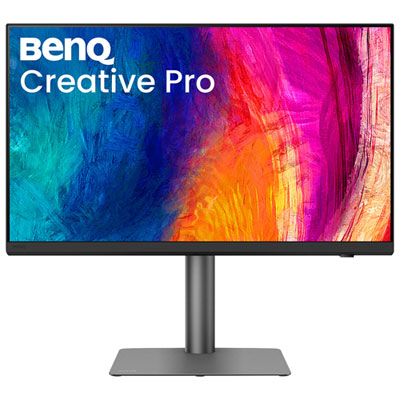
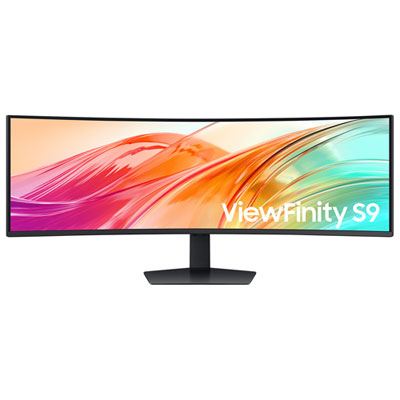
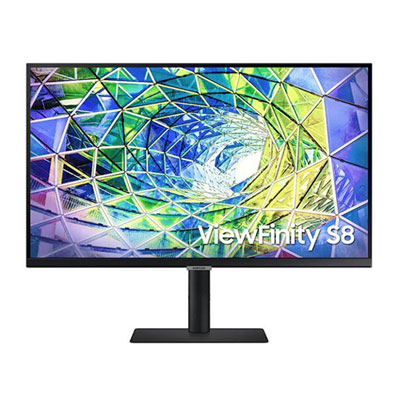
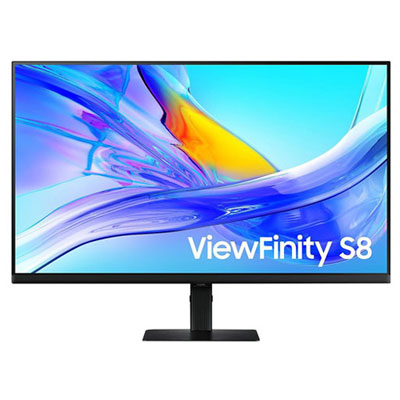
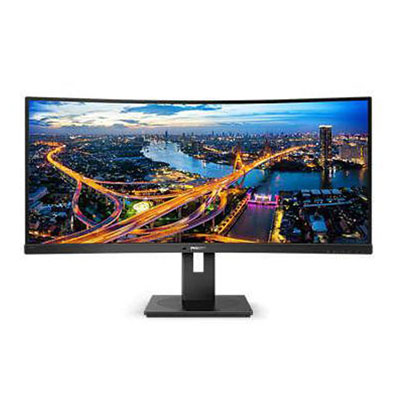
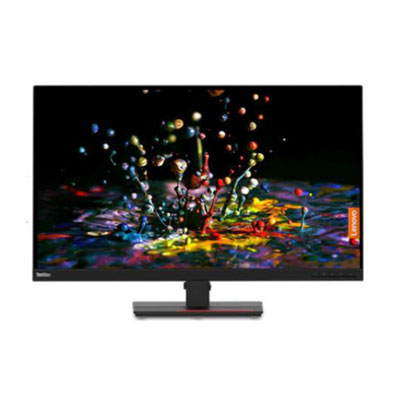
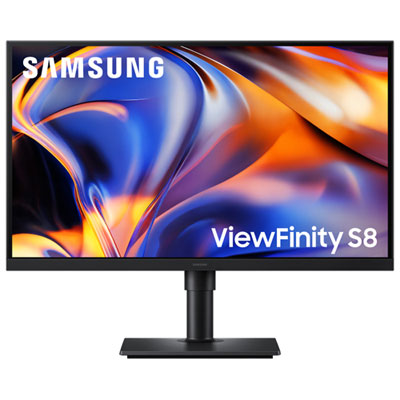
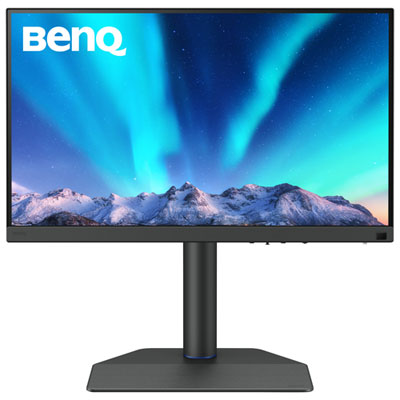
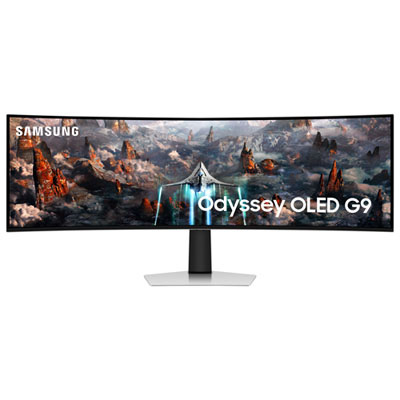
More workspace and precision for demanding creative editing
Choosing the right large screen monitor for editing involves considering several important factors. Resolution is key—higher pixel counts allow for sharper images and more workspace, which is invaluable when you need to view timelines, palettes, and multiple windows simultaneously. Colour accuracy and wide colour gamuts are crucial for professionals working in photography, video, or digital art, ensuring that what you see on your screen matches the final output as closely as possible. Features such as adjustable stands, multiple connectivity options, and flicker-free technology can also improve comfort and workflow, especially during marathon editing sessions. These monitors are not just for seasoned professionals; they’re also a thoughtful gift for students pursuing digital arts, remote workers building a home studio, or anyone who enjoys editing photos and videos as a hobby. With the return of longer days and a renewed energy for creative pursuits, a large screen monitor can inspire new projects or help bring long-standing ideas to life.
For those looking to further refine their setup, exploring specialized options can make a world of difference. Some monitors are tailored specifically for video editing, offering advanced calibration tools and enhanced visual fidelity. To discover more about these options and find the best fit for your editing needs, visit the Best Monitors for Video Editing page. Whether you’re upgrading your workspace for professional growth or gifting a loved one who’s passionate about creative work, investing in a large screen monitor is a practical and inspiring choice that will be appreciated every time a new project begins.
FAQ
What features should I look for in a large screen monitor for editing?
When choosing a large screen monitor for editing, consider features like high resolution (such as 4K or higher), accurate color reproduction, wide color gamut support, adjustable stands for ergonomic comfort, and multiple connectivity options like HDMI, DisplayPort, and USB-C.
Why is color accuracy important for editing on a large screen monitor?
Color accuracy ensures that the colors you see while editing are true to life and consistent across different devices. This is especially crucial for photo and video editors who need precise color representation to achieve professional results.
How does refresh rate impact editing performance on large monitors?
A higher refresh rate can make your workflow smoother by reducing motion blur and providing a more responsive experience when scrolling through timelines or moving windows. While not as critical as in gaming, editors working with video may benefit from monitors with refresh rates of 60Hz or higher.
Are curved large screen monitors beneficial for editing tasks?
Curved monitors can enhance immersion and reduce distortion at the edges of the screen, making it easier to view wide timelines or multiple windows side by side. This can be particularly helpful for video editors or those working with complex layouts.
What connectivity options are useful on large screen monitors for editing?
Useful connectivity options include HDMI, DisplayPort, USB-C (for video and power delivery), and built-in USB hubs. These allow you to connect various devices such as laptops, desktops, cameras, and external drives directly to your monitor for a streamlined workspace.
Top selling and popular products
-
 Your price for this item is $2237.68
-
 Your price for this item is $320.68
-
 Your price for this item is $469
-
 Your price for this item is $149.99
-
 Your price for this item is $265.99
-
 Your price for this item is $229.99
-
 Your price for this item is $1138.68
-
 Your price for this item is $355.68