Dual Portable Monitors
Enhance your productivity and entertainment experience with a Dual Portable Monitor. Perfect for work, gaming, or streaming on the go, these monitors offer the flexibility to set up a multi-screen workspace wherever you are. With easy connectivity and lightweight designs, a Dual Portable Monitor is an excellent choice for students, professionals, and travelers who need extra screen space without sacrificing portability. Find the ideal solution to extend your display and boost efficiency with our selection of Dual Portable Monitors.
Sort
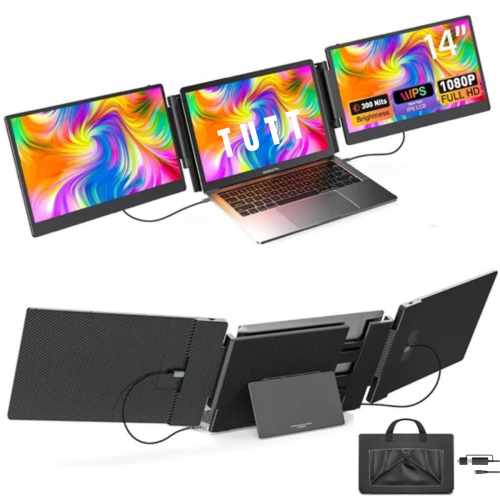
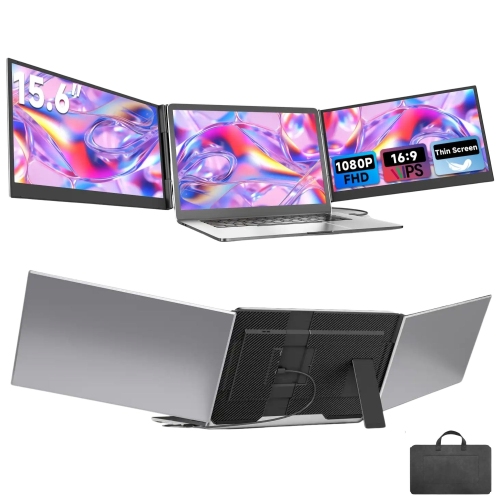
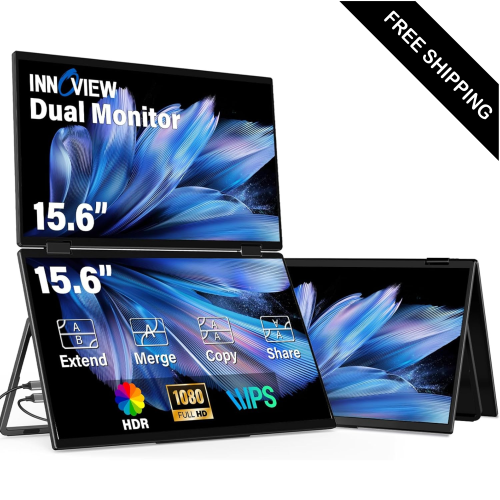
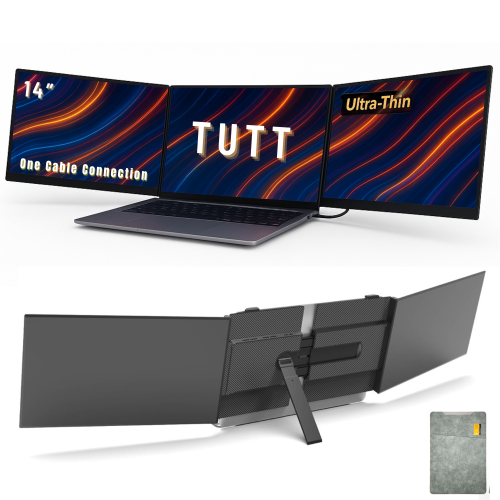
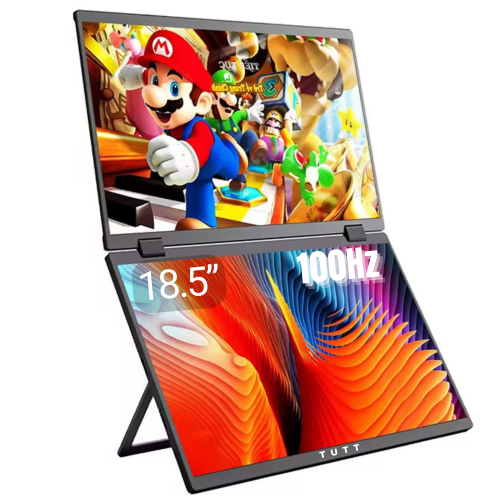
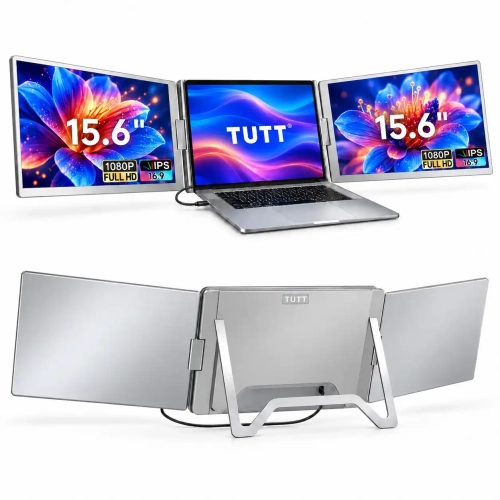
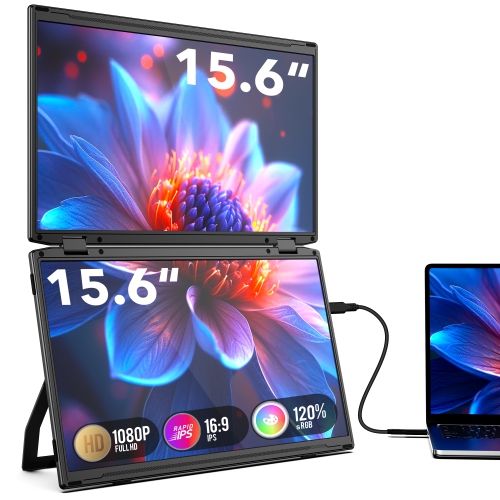
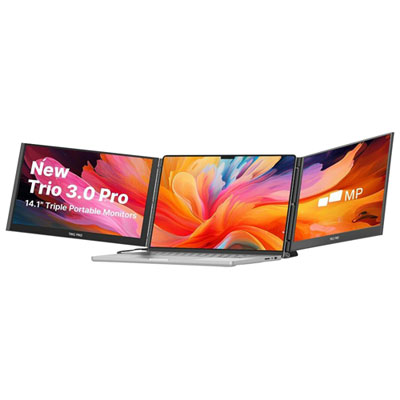

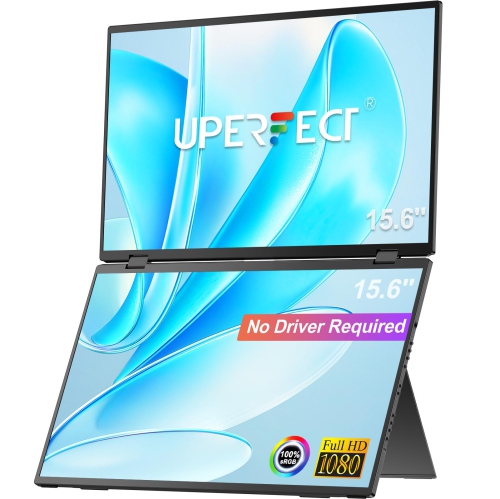
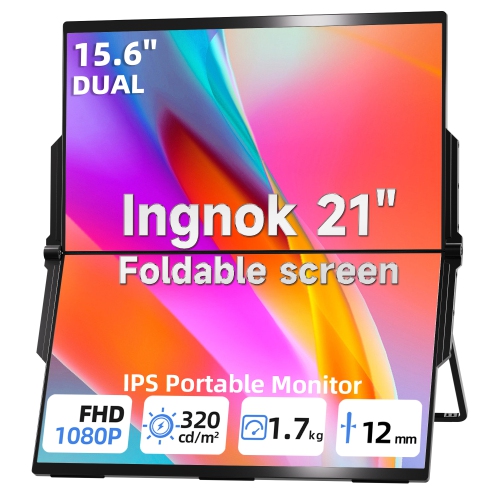
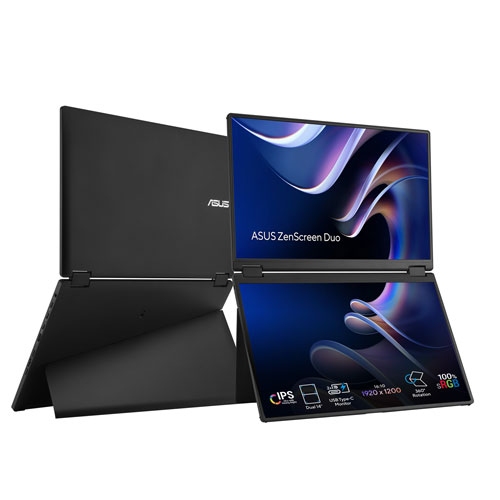
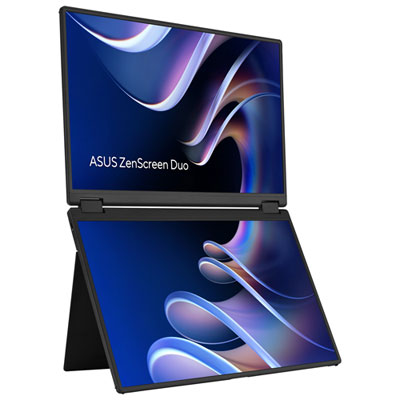
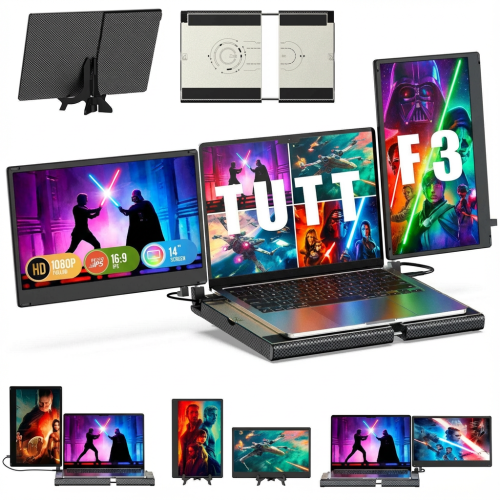
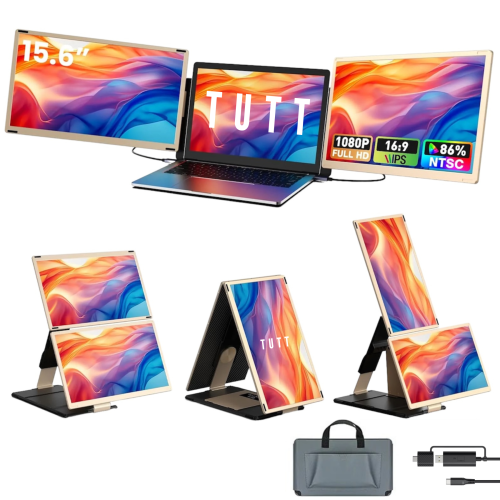
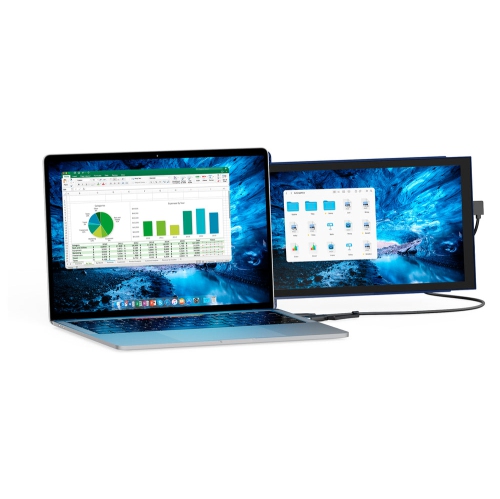
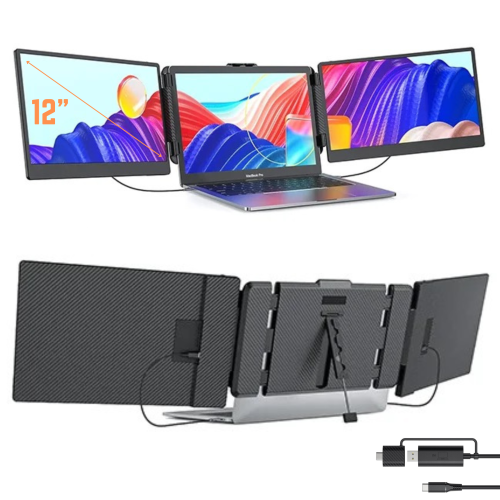
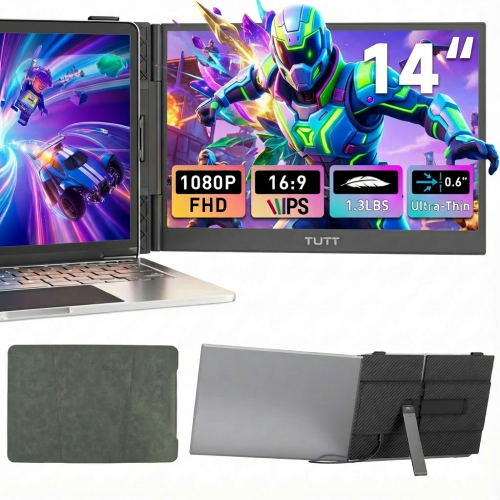
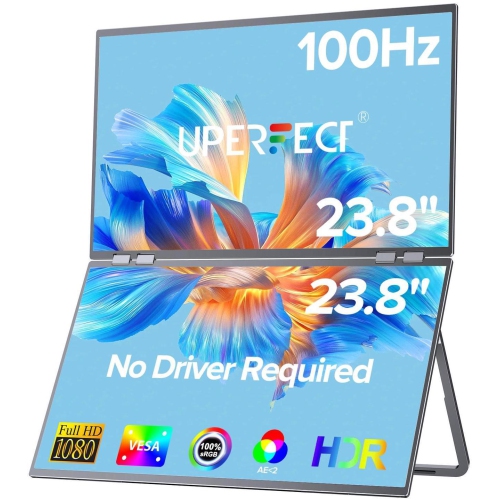
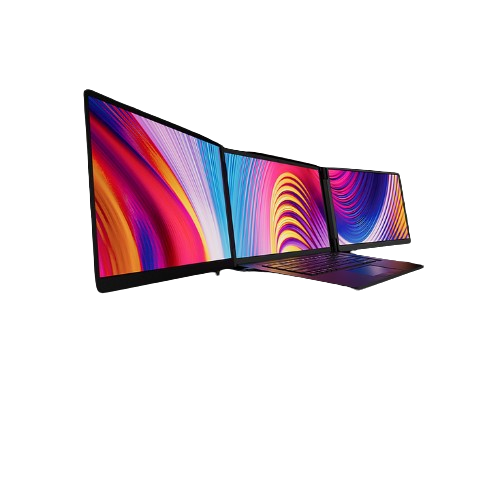
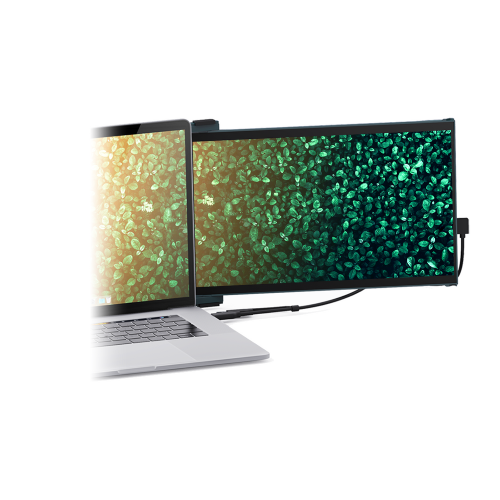
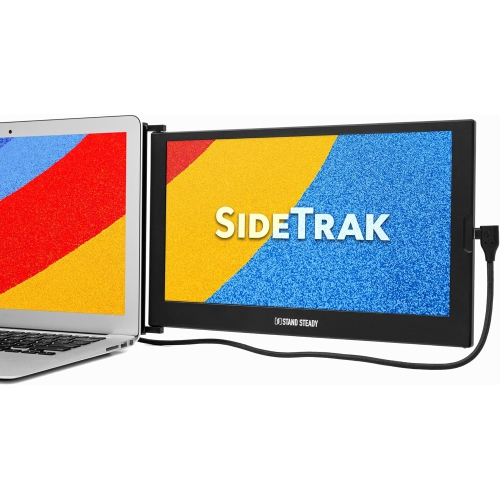
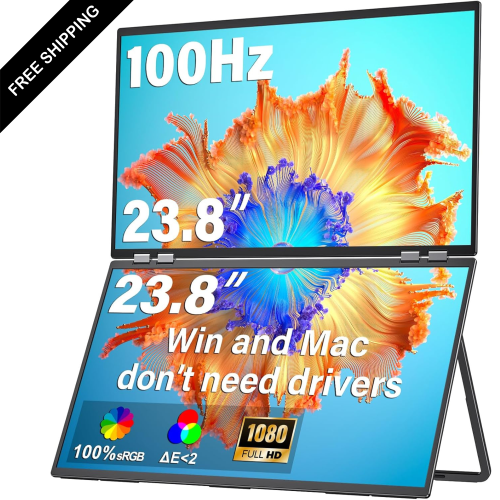
A three-screen workspace that packs away between uses
Dual portable monitors bring two additional displays to a workspace without the bulk of a conventional desktop monitor setup. They can provide a place for reference documents, messages, spreadsheets, or creative tools while the laptop screen stays focused on the main task. With both external panels active alongside a compatible laptop display, the result can be a three-screen workspace that packs away between uses. Common designs include freestanding folding units with two connected panels, vertically stacked displays supported by a stand, and laptop screen extenders that position a panel on either side of the laptop. Each layout changes how the workspace feels. A stacked arrangement can leave more room beside the keyboard, while side-by-side screens make it easier to compare documents at similar heights. A bookkeeper might keep transaction records beside a spreadsheet; a student could have research open on one screen and notes on another; a developer might separate code, documentation, and a preview window. Dual portable monitors also suit people who move between a home office, a shared desk, and client locations, provided there is enough surface space and access to the required connections. Screen dimensions and resolution affect both portability and readability. Smaller panels take up less bag space, while larger displays offer more room for detailed layouts and multiple windows. Full HD generally refers to 1920 × 1080 resolution, while WUXGA at 1920 × 1200 provides additional vertical pixels that can be useful for documents and spreadsheets. Those specifications do not tell the whole story: text size, viewing distance, and display scaling also influence comfort. IPS panels are often chosen for their broad viewing angles, which can help when the screens are angled inward. Matte finishes can soften distracting reflections, although any display will benefit from thoughtful positioning away from direct glare. For photography, design, or video work, colour gamut and accuracy deserve attention alongside resolution, since a sharp image does not automatically mean reliable colour reproduction.
Connections are central to how dual portable monitors work, and a USB-C connector alone does not confirm compatibility. A laptop port may support charging and data without supporting a video signal. USB-C displays that receive video directly typically require a compatible video-capable port, often using DisplayPort Alt Mode, while some dual-screen designs use USB graphics technology and require software. Other configurations use separate video connections for each panel, or combine HDMI video with USB power. A single-cable arrangement can simplify setup, but it should not be assumed to support two independent extended displays on every computer. The laptop’s graphics capabilities, operating system, ports, and the monitor’s connection method all affect whether the screens can show separate content or only mirror an existing display. This distinction matters when the goal is to keep a presentation on one panel and private working notes on another. Work-issued laptops may also restrict driver installation, making the software requirements especially relevant. The included cables need to support the intended signal, too; a USB-C charging cable is not necessarily suitable for video. Power requirements vary with screen size, brightness, and design. Running two panels from a laptop can shorten battery runtime, while a separate power connection may be needed for dependable operation or higher brightness settings. Where pass-through charging is supported, the charger and cable still need sufficient capacity for the connected equipment. A practical desk arrangement leaves room for cable bends and avoids pulling connectors sideways when a screen is repositioned. Display settings provide another part of the experience: matching the on-screen arrangement to the physical layout makes the pointer move naturally between panels, and adjusting scaling can keep text comfortably sized across displays with different resolutions. For video editing, gaming, or other motion-heavy work, refresh rate and response time are additional considerations. Everyday office tasks usually place greater emphasis on clear text, stable connections, and an arrangement that keeps frequently used windows easy to find. Audio support, touch input, and automatic rotation vary by design and should be treated as separate features rather than standard capabilities.
The physical fit of dual portable monitors is just as important as their display specifications. A folding unit needs enough desk depth for its stand and a stable surface beneath it, while a laptop-mounted extender must match the laptop’s width, screen dimensions, and attachment requirements. Compatibility with a stated screen size does not necessarily confirm a secure fit around unusually slim bezels or a thick display housing. Added weight can also place demands on the laptop hinge, so a supported design or independent stand may be preferable for some setups. Aluminium housings can offer a firm, streamlined feel, while plastic housings may help keep carrying weight down; overall durability also depends on hinge construction, panel protection, and how the unit is transported. Folded dimensions and total packed weight are useful measures for anyone carrying a laptop, charger, and accessories in the same bag. A padded sleeve or fitted case helps separate the screens from keys, plugs, and other objects that could scratch the surface. During setup, supporting the frame rather than pressing on the display helps avoid unnecessary strain, and hinges should move only within their intended range. Routine care is straightforward: disconnect power before cleaning, use a clean microfibre cloth, and follow the manufacturer’s directions for any cleaning solution. Liquid should not be sprayed directly onto a panel or allowed to collect around its edges. For comfortable use, screen height, tilt, and distance should allow an upright posture without constant neck turning. An external keyboard and mouse can make positioning more flexible when the laptop itself needs to sit farther back. Within the broader selection of Portable Monitors, dual-screen designs are particularly suited to people who regularly need several applications visible at once. They can also make a thoughtful gift for a student, travelling professional, or remote worker when the recipient’s laptop compatibility and carrying needs are known. The most useful setup is one that opens easily, fits the available workspace, and keeps essential information clearly in view.
Top selling and popular products
-
 Your price for this item is $783.68
-
 Your price for this item is $299
-
 Your price for this item is $469
-
 Your price for this item is $94.99
-
 Your price for this item is $177.99
-
 Your price for this item is $229.99
-
 Your price for this item is $1138.68
-
 Your price for this item is $355.68
Discover more categories related to Dual Portable Monitors
Top Collections:
Best Black Friday Deals This Year, Best Black Friday Deals On Electronics, Kindle Devices, Best Black Friday Deals On Apple Products, Best Budget Office Chairs, Best Cameras for Sports Photography, Dyson Airwrap, Canon G7X Cameras, Best Laptops for Writers, Samsung Galaxy Phones
Some products may be subject to Environmental Handling Fees
(EHF) depending on your province.
Learn more about EHFs.