Dual Screen Monitors
Upgrade your workspace with a Dual Screen Monitor and experience enhanced productivity whether you're working, gaming, or streaming. A dual screen setup offers ample screen real estate, making it easier to multitask, collaborate, and stay organized. Explore a wide selection of Dual Screen Monitors designed to fit various needs and preferences, perfect for both home and office environments. Discover the ideal solution to streamline your workflow and elevate your viewing experience.
Sort


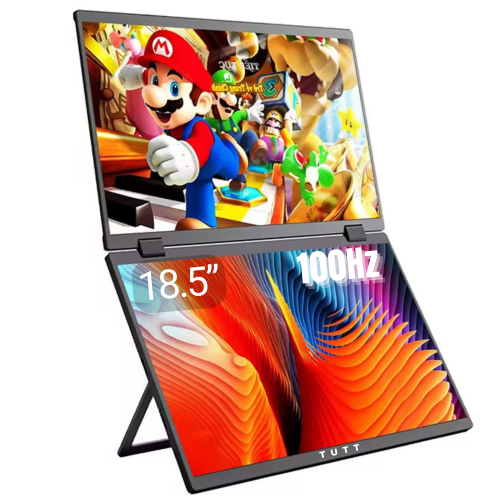

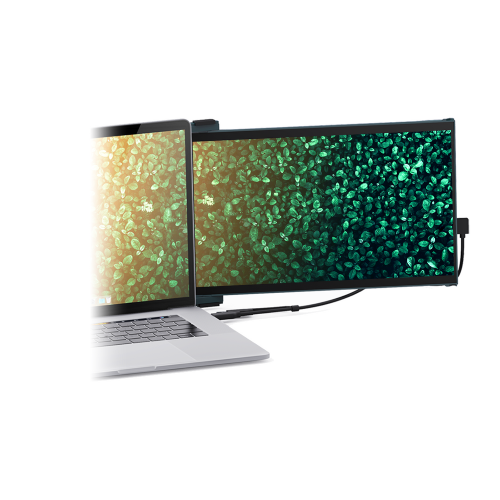
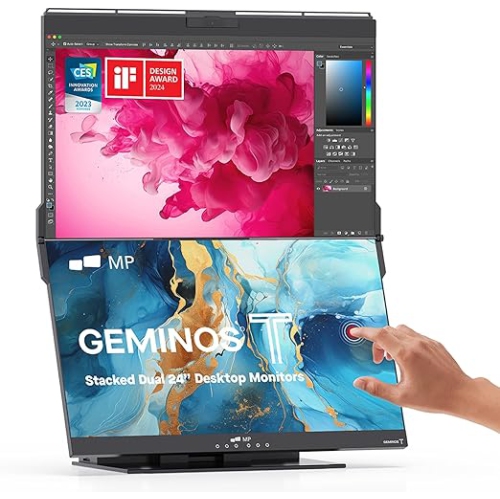

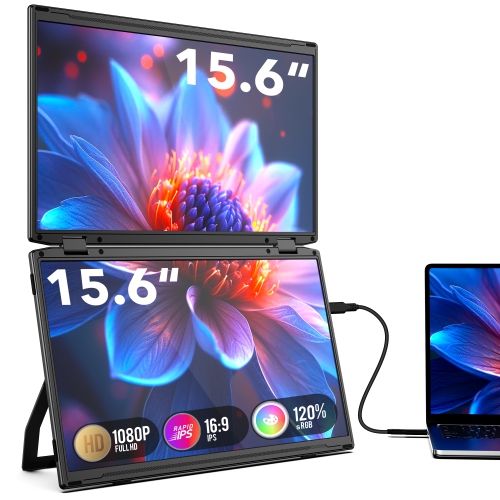

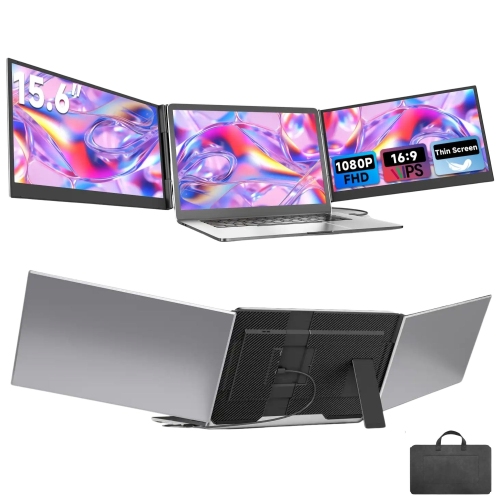

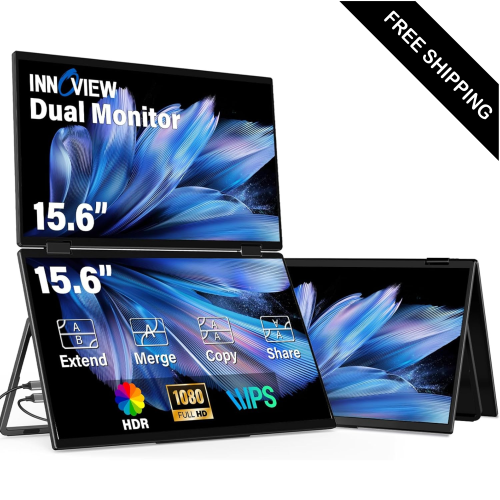
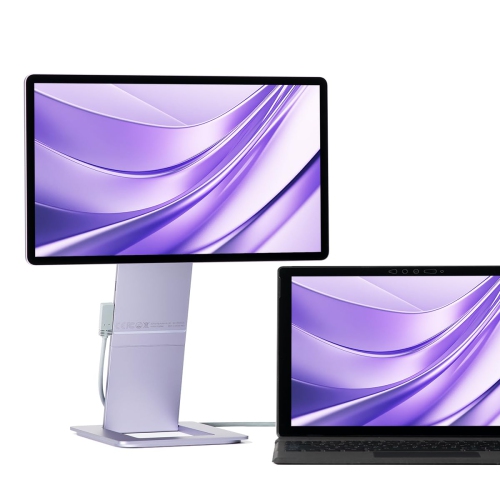
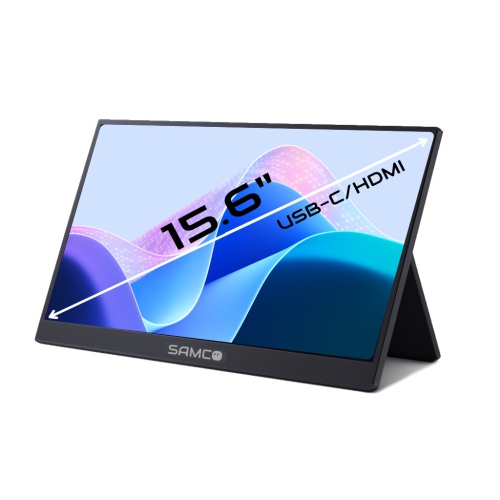
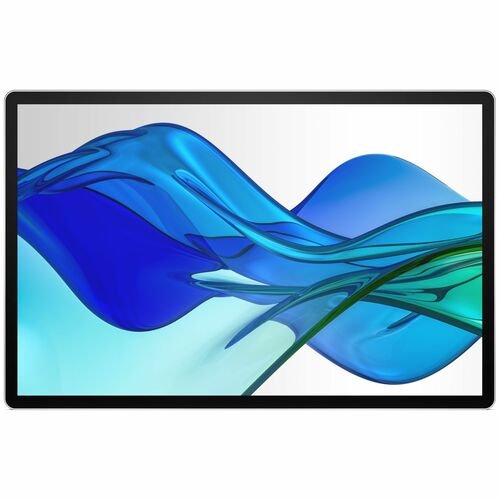
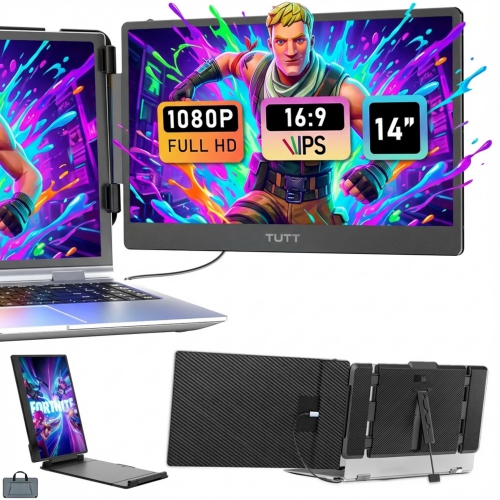
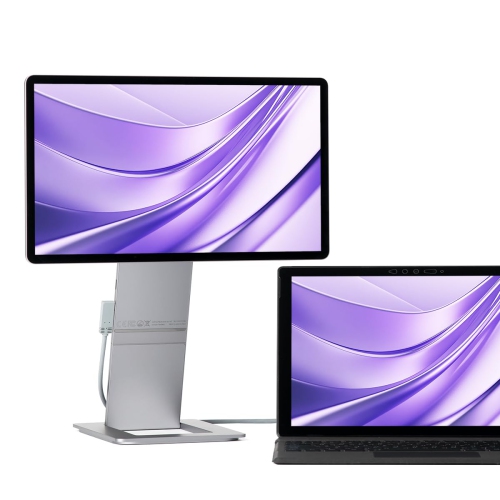
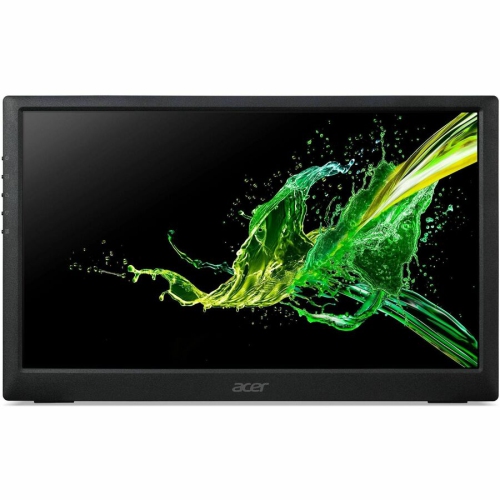

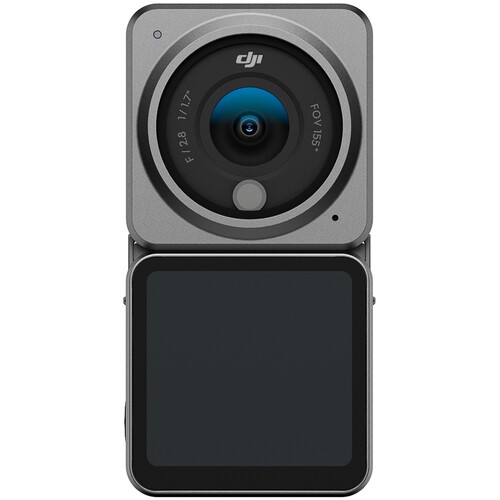


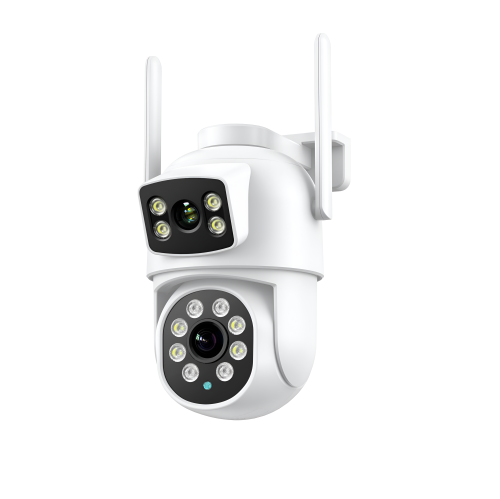
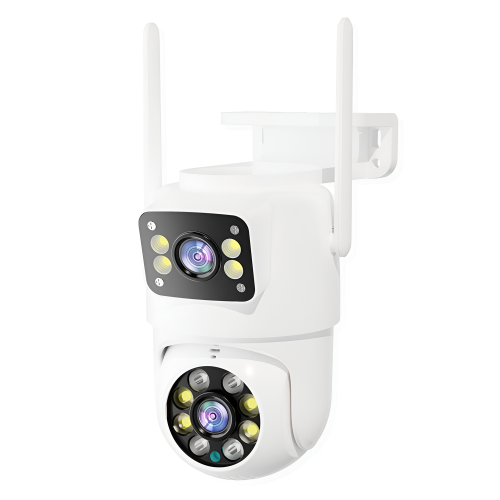
More workspace with less switching between windows
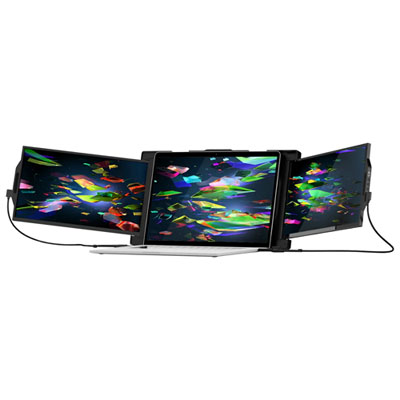
A dual screen monitor setup uses two displays connected to a compatible computer, arranged side by side or stacked to create more room for applications, documents, and other content. This can mean two separate desktop monitors or a purpose-built dual-display unit with two panels in one assembly. In an extended desktop arrangement, each screen can show different content; in a mirrored arrangement, both screens show the same image. Extended displays are useful for everyday tasks that would otherwise involve repeatedly switching windows. A spreadsheet can stay open beside a report, a video meeting can sit alongside meeting notes, and a reference image can remain visible while a design takes shape. Students, programmers, analysts, creative professionals, and people working from home may all find practical uses for the extra display area. The most comfortable arrangement depends on the work being done and the space available. Matching monitors can provide consistent screen height, image scale, and colour appearance, while a larger primary display paired with a smaller secondary screen can suit tasks with a clear main workspace. A screen that rotates into portrait orientation offers a useful view of long documents, code, and research articles. Side-by-side monitors need enough desktop width for both panels and their stands, whereas stacked displays place greater demands on vertical clearance and mounting hardware. Screen size alone does not describe the full footprint: stand depth, bezel width, cable exits, and space for a keyboard all affect how the setup fits. Two 27-inch screens, for example, occupy considerably more horizontal space than two 24-inch screens. Slim bezels reduce the visual interruption between panels, although they do not remove the central seam. Height adjustment, tilt, swivel, and a stable base help position the screens around a natural seated posture, with frequently used content directly ahead rather than far off to one side.
Image quality and connection options shape how well dual screen monitors suit particular tasks. Resolution determines the number of pixels available on each display, while screen size affects how large text and interface elements appear. Full HD, 1440p, and 4K displays offer different balances of detail and workspace, but a higher resolution does not automatically mean more comfortable reading at every size. Text scaling can make small interface elements easier to see, and similar pixel densities across both screens can make moving windows between them feel more consistent. For writing, browsing, and office applications, clear text and comfortable brightness may matter more than a very high refresh rate. Fast-paced gaming and motion-heavy work can place greater emphasis on refresh rate, response time, and the computer’s ability to drive both displays at the desired settings. A secondary screen can hold chat, streaming controls, or reference material while a game remains on the main display; using both panels as one gaming surface depends on software support and leaves a seam between the images. Colour-sensitive work benefits from consistent colour reproduction, suitable colour coverage, and calibration options rather than simply matching screen dimensions. Panel technology also influences viewing angles, contrast, and motion handling, which becomes noticeable when one display is viewed at an angle. Connectivity deserves equal attention. HDMI, DisplayPort, and USB-C connections have different capabilities depending on the computer, display, cable, and any dock or adapter involved. A USB-C port does not necessarily support video, and a computer’s maximum number of external displays cannot be determined from the number of sockets alone. Some compatible USB-C monitors can carry video, data, and power through one cable, though charging capability and power delivery vary. Built-in USB hubs, speakers, webcams, and input-switching features can reduce separate accessories, but their usefulness depends on the equipment already on the desktop. Compatibility includes the intended resolution and refresh rate on both screens at once, not just whether each monitor can connect individually.
Construction and adjustability matter over years of repositioning, cleaning, and everyday use. Desktop monitors commonly combine plastic housings with metal supports, while portable dual-display designs may use lighter frames, folding hinges, protective covers, or compact stands. A rigid stand and secure adjustment mechanism help keep screens steady during typing, especially on a shallow or lightweight desktop. For monitor arms, the mounting pattern, supported screen dimensions, and weight rating all need to match; the desktop must also support the arm’s clamp or other attachment method. Cable routing can keep leads away from moving joints and leave enough slack for height changes or rotation without pulling on the ports. Portable dual screen monitors bring different considerations, including folded dimensions, total carrying weight, hinge protection, and the amount of table space needed when opened. Some designs stand independently, while others attach to a laptop, making supported laptop dimensions and mounting pressure important fit details. For a computer with an integrated two-screen design rather than separate external displays, Dual Screen Laptops provide a related approach to a larger digital workspace. With external monitors, long-term care centres on protecting the panel surface, keeping ventilation openings clear, and avoiding strain on hinges and connectors. Cleaning methods should suit the screen coating, with a soft microfibre cloth and the manufacturer’s specified care method helping prevent scratches or residue. A protective sleeve or case can reduce contact with other objects during transport, while a secure grip on the frame avoids pressure on the display itself. For a shared household workspace, adjustable screens can accommodate different users more easily than fixed-height panels. For a student or professional receiving monitors as a gift, computer compatibility and available desktop space are more useful starting points than screen size alone. The strongest fit is a setup whose display area, connections, and physical design support the tasks performed most often, whether that means reviewing documents, managing several applications, or keeping creative tools within easy view.
Top selling and popular products
-
 Your price for this item is $783.68
-
 Your price for this item is $299
-
 Your price for this item is $469
-
 Your price for this item is $94.99
-
 Your price for this item is $177.99
-
 Your price for this item is $229.99
-
 Your price for this item is $1138.68
-
 Your price for this item is $355.68
Discover more categories related to Dual Screen Monitors
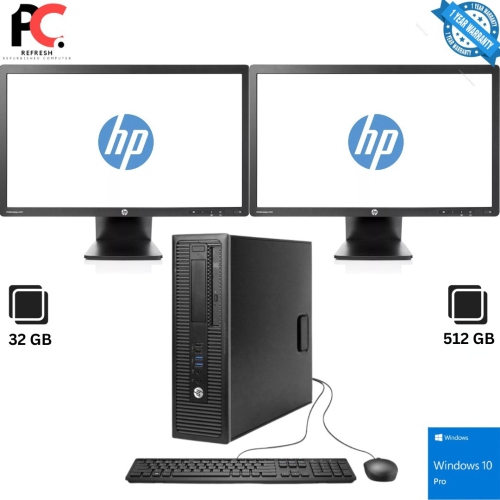

Top Collections:
Best Black Friday Deals This Year, Best Black Friday Deals On Electronics, Kindle Devices, Best Black Friday Deals On Apple Products, Best Budget Office Chairs, Best Cameras for Sports Photography, Dyson Airwrap, Canon G7X Cameras, Best Laptops for Writers, Samsung Galaxy Phones
Some products may be subject to Environmental Handling Fees
(EHF) depending on your province.
Learn more about EHFs.