Durable Wired Mice
If you're looking for a mouse that can stand up to the rigors of daily use, you've come to the right place. These mice are built to last and are available in a variety of styles and colors. Here are some of the best wired mice on the market.
Sort
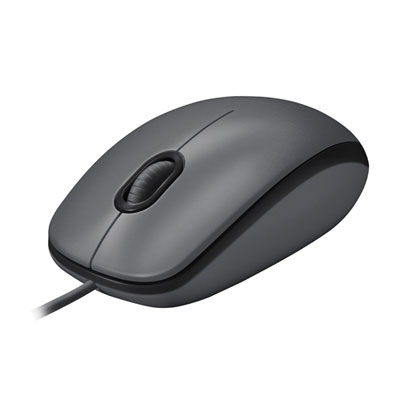
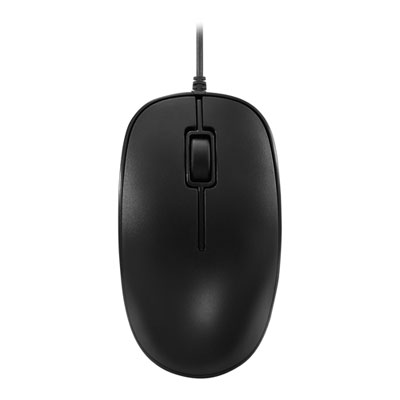
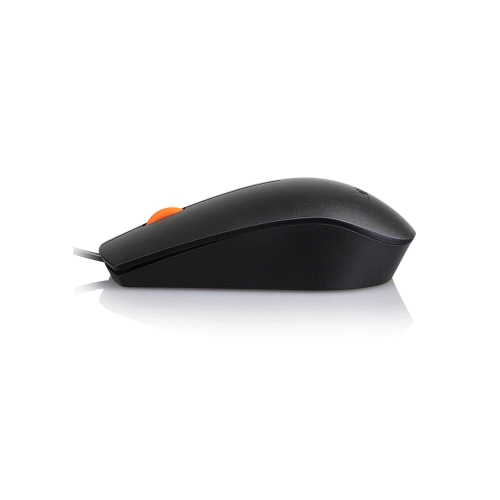
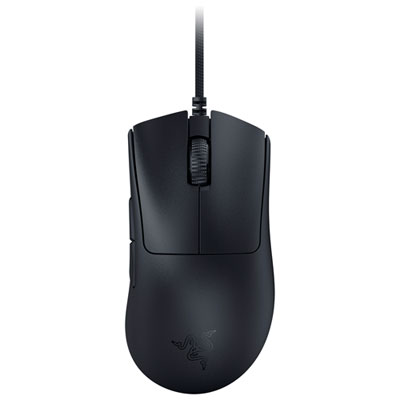
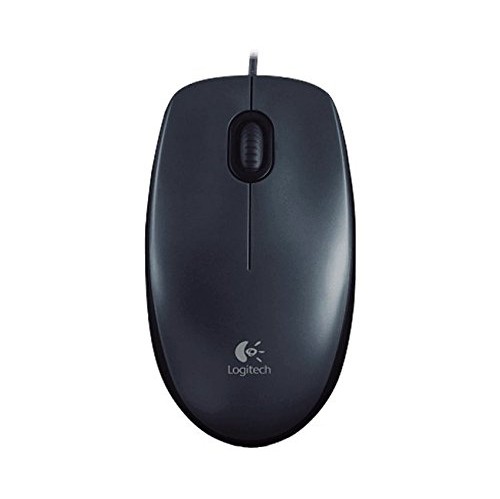

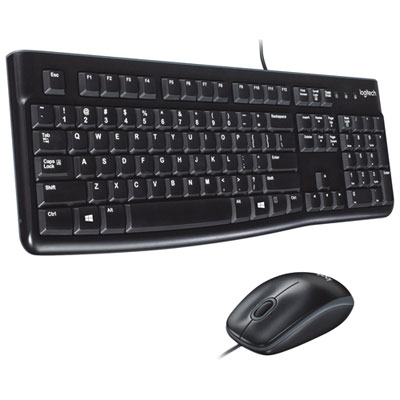
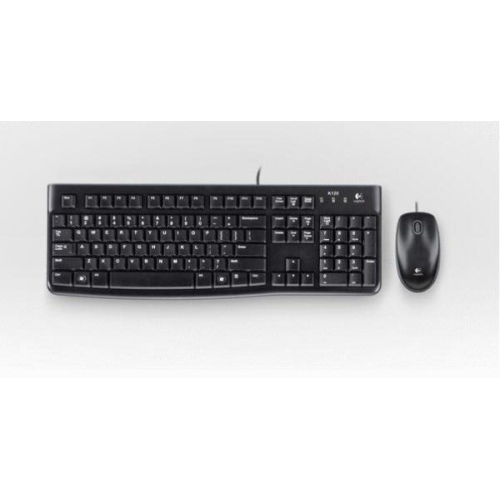

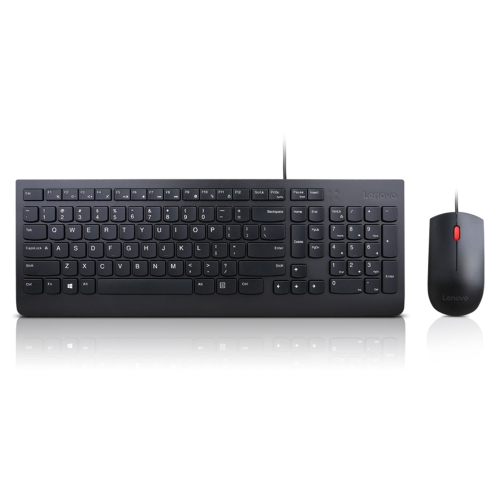
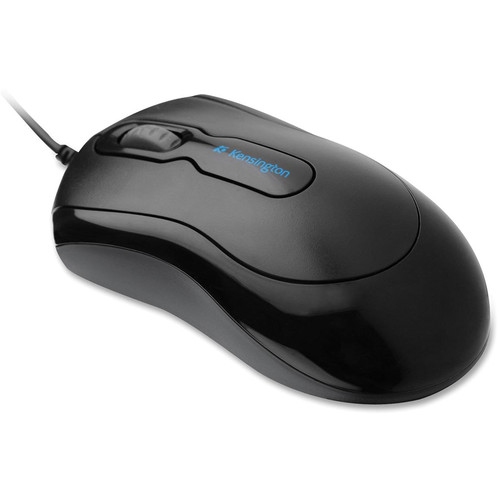
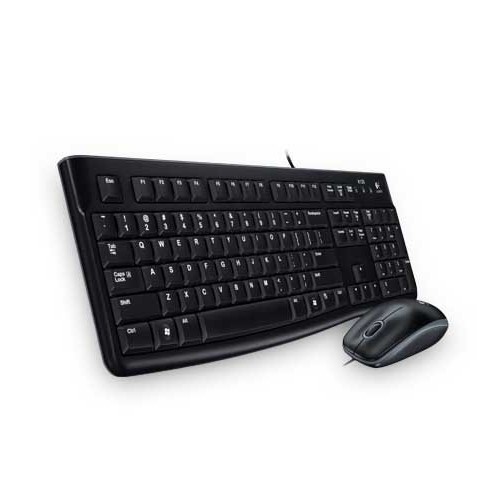
Reliable control starts with comfort, switches, and cable quality
Durable wired mice are practical pointing devices for anyone who spends long hours at a computer and wants consistent control without relying on batteries or wireless connections. A wired mouse draws power directly through its USB cable, so it is ready to use as soon as it is connected and does not need charging, battery replacement, or pairing. This can be especially useful at a home office, classroom, reception desk, workshop, gaming station, or shared family computer where dependable plug-and-play performance matters. A sturdy mouse can also be a sensible choice for people who travel between workspaces, since a cable is easy to connect to a compatible computer and there is no small wireless receiver to misplace. When browsing durable wired mice, consider the construction of the shell, the quality of the buttons, the flexibility and length of the cable, and the shape of the mouse in your hand. A well-made exterior should feel solid without being unnecessarily heavy, while the cable should reach comfortably across your desk without pulling against the mouse. Some models are designed for right-handed use, while ambidextrous shapes can suit left-handed users or households where several people share the same computer. The best fit depends on whether you rest your whole palm on the mouse, keep your fingers arched in a claw grip, or guide the mouse mostly with your fingertips. Measuring the size of your hand and comparing it with the manufacturer’s dimensions can help prevent a cramped wrist or stretched fingers during extended sessions. For additional options across different styles and uses, browse Durable Mice.
Switch design is another important consideration when comparing wired mice intended for long-term, frequent use. Traditional mechanical switches use physical contacts each time a button is pressed, whereas optical or hybrid optical-mechanical switches use light-based detection, sometimes combined with mechanical feedback, to register clicks. Optical designs can offer fast actuation and may help reduce the gradual switch wear that can lead to inconsistent clicks or unwanted double-clicking. Manufacturers may list an estimated click rating, often expressed in millions of clicks, but this figure is a laboratory specification rather than a guarantee of exactly how long a mouse will last in every environment. Dust, moisture, impact, cable strain, and the way a person presses the buttons can all affect service life. For office work, quiet clicking can make a shared workspace more comfortable, while tactile feedback can be useful for design software, spreadsheets, and detailed navigation. Gamers may look for a responsive main click, a dependable scroll wheel, low lift-off distance, and a sensor that tracks accurately through rapid movements. Extra side buttons can help with browser navigation, shortcuts, push-to-talk functions, or in-game commands, although a simpler layout may be preferable for children, older users, or anyone who wants fewer controls to learn. A textured scroll wheel can make it easier to move through long documents and web pages, while a tilt function may assist with horizontal timelines and wide spreadsheets. DPI or sensitivity adjustment is also worth considering: lower sensitivity can help with careful selection and precise creative work, while higher sensitivity can reduce the amount of desk space needed for everyday navigation. Settings can often be adjusted through computer software, but basic plug-and-play operation remains valuable when moving between devices.
Durability is not only about the internal switches. Look for reinforced cable connections, smooth glide feet, a sensor that performs reliably on the surfaces you use, and a shape that supports a relaxed wrist and neutral forearm. A mouse that feels comfortable after ten minutes may feel quite different after a full day of documents, online meetings, design work, or gaming, so consider how often you use a computer and how much movement your routine involves. Wired mice are available in compact forms for smaller desks and portable setups, as well as larger ergonomic profiles with thumb rests and contoured sides for users who prefer more support. Weight can influence control too: a lighter design may feel quick during fast cursor movement, while a heavier one can feel planted during precise editing. If a mouse will be used in a busy household, a school space, or a workshop, check whether the design is easy to wipe clean and whether the cable can be routed away from foot traffic or rolling chair wheels. Keeping the cable in a gentle curve rather than sharply bending it at the USB connector can help reduce strain over time. Durable wired mice can make thoughtful gifts for students setting up a study area, remote workers improving a home office, PC gamers building a reliable station, or family members replacing an unreliable everyday mouse. They are also useful for anyone who prefers straightforward technology that works without charging routines. During the cooler months, when more time may be spent indoors working, learning, creating, and playing, a comfortable and dependable mouse can make ordinary computer tasks feel smoother from the first click to the last.
Switch design is another important consideration when comparing wired mice intended for long-term, frequent use. Traditional mechanical switches use physical contacts each time a button is pressed, whereas optical or hybrid optical-mechanical switches use light-based detection, sometimes combined with mechanical feedback, to register clicks. Optical designs can offer fast actuation and may help reduce the gradual switch wear that can lead to inconsistent clicks or unwanted double-clicking. Manufacturers may list an estimated click rating, often expressed in millions of clicks, but this figure is a laboratory specification rather than a guarantee of exactly how long a mouse will last in every environment. Dust, moisture, impact, cable strain, and the way a person presses the buttons can all affect service life. For office work, quiet clicking can make a shared workspace more comfortable, while tactile feedback can be useful for design software, spreadsheets, and detailed navigation. Gamers may look for a responsive main click, a dependable scroll wheel, low lift-off distance, and a sensor that tracks accurately through rapid movements. Extra side buttons can help with browser navigation, shortcuts, push-to-talk functions, or in-game commands, although a simpler layout may be preferable for children, older users, or anyone who wants fewer controls to learn. A textured scroll wheel can make it easier to move through long documents and web pages, while a tilt function may assist with horizontal timelines and wide spreadsheets. DPI or sensitivity adjustment is also worth considering: lower sensitivity can help with careful selection and precise creative work, while higher sensitivity can reduce the amount of desk space needed for everyday navigation. Settings can often be adjusted through computer software, but basic plug-and-play operation remains valuable when moving between devices.
Durability is not only about the internal switches. Look for reinforced cable connections, smooth glide feet, a sensor that performs reliably on the surfaces you use, and a shape that supports a relaxed wrist and neutral forearm. A mouse that feels comfortable after ten minutes may feel quite different after a full day of documents, online meetings, design work, or gaming, so consider how often you use a computer and how much movement your routine involves. Wired mice are available in compact forms for smaller desks and portable setups, as well as larger ergonomic profiles with thumb rests and contoured sides for users who prefer more support. Weight can influence control too: a lighter design may feel quick during fast cursor movement, while a heavier one can feel planted during precise editing. If a mouse will be used in a busy household, a school space, or a workshop, check whether the design is easy to wipe clean and whether the cable can be routed away from foot traffic or rolling chair wheels. Keeping the cable in a gentle curve rather than sharply bending it at the USB connector can help reduce strain over time. Durable wired mice can make thoughtful gifts for students setting up a study area, remote workers improving a home office, PC gamers building a reliable station, or family members replacing an unreliable everyday mouse. They are also useful for anyone who prefers straightforward technology that works without charging routines. During the cooler months, when more time may be spent indoors working, learning, creating, and playing, a comfortable and dependable mouse can make ordinary computer tasks feel smoother from the first click to the last.
Top selling and popular products
-
 Your price for this item is $29.99
 -
 Your price for this item is $50.44
 -
 Your price for this item is $39.99
 -
 Your price for this item is $49.99
 -
 Your price for this item is $159.95
 -
 Your price for this item is $44.68
 -
 Your price for this item is $44.68
 -
 Your price for this item is $31
Discover more categories related to Durable Wired Mice
Top Collections:
Pokemon Centers, Kindle Devices, Best Budget Office Chairs, Apple iPhones 16, Best Laptops for Writers, iPhone 15 Apple, Canon G7X Cameras, Refurbished Apple Laptops, Alarm Clock, Motorola Razr Phones
Some products may be subject to Environmental Handling Fees
(EHF) depending on your province.
Learn more about EHFs.