Best Wired Mice

Find the best wired mice for work, gaming, and everyday browsing, ranked by customer review ratings. Whether you value precise tracking, a comfortable grip, or customizable controls, explore top-rated options to find the right fit for your setup—all with a reliable wired connection and no batteries to charge.

Read More

What to look for in the best wired mice

1. Comfort and Fit

Choose a size and shape that suit your hand and preferred grip. Consider mouse weight, thumb support, and left- or right-handed designs for comfort during longer sessions.

2. Tracking Performance

Look for a sensor that tracks accurately on your desk surface or mouse pad. Adjustable DPI lets you change pointer sensitivity, while a higher polling rate can provide more frequent input updates for responsive gaming.

3. Connection and Cable

Check whether the mouse uses USB-A or USB-C and whether your computer has a matching port. A cable with enough length and flexibility can help you move freely without pulling against your setup.

4. Buttons and Customization

Extra buttons can make navigation, work shortcuts, and gaming commands easier to access. If you want to customize button assignments or sensitivity settings, check that the required software supports your operating system.
Citrus catapult arrow
  1. 1

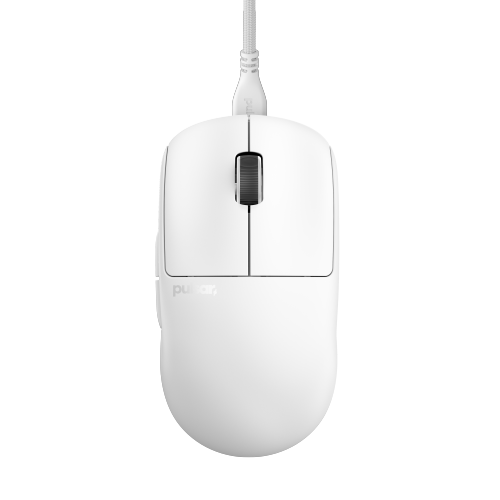
    PULSAR GAMING GEARS Pulsar X2 V2 Wired Gaming Mouse - Ultra-Lightweight 51 G, Symmetrical Shape, Paw3395 Sensor, 1000 Hz Polling Rate, Superflex

    About this product

    A lightweight 51g wired gaming mouse with optical switches and a detachable paracord cable in white.

    (5)
    $79.99 Your price for this item is $79.99
  2. 2

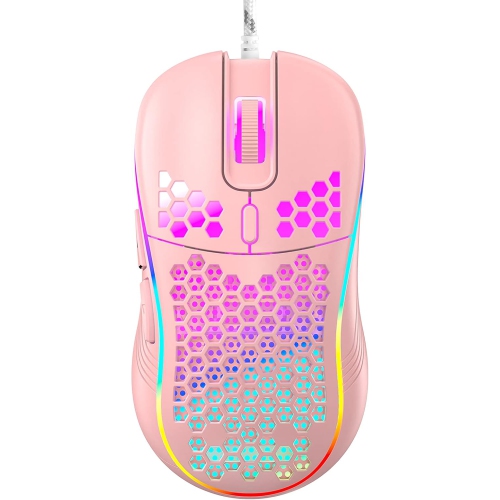
    RISOKEYS Risophy Honeycomb Wired Gaming Mouse, RGB Backlight And 7200 Adjustable Dpi, Ergonomic And Lightweight USB Computer Mouse w High Precision

    About this product

    An ergonomic, lightweight wired gaming mouse with RGB backlight, 7200 adjustable DPI, and high-precision sensor.

    $42.99
    SAVE $34
    Your price for this item is $42.99
  3. 3

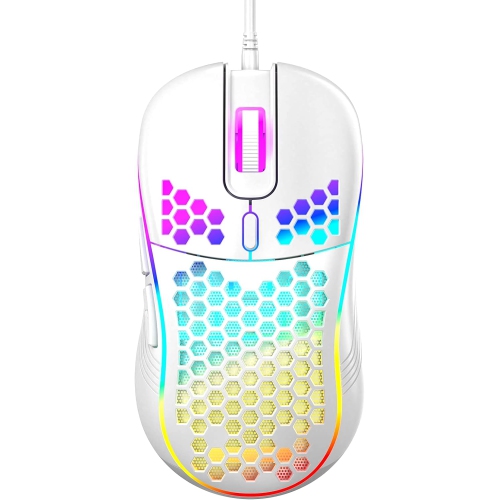
    RISOKEYS Risophy Honeycomb Wired Gaming Mouse, RGB Backlight And 7200 Adjustable Dpi, Ergonomic And Lightweight USB Computer Mouse w High Precision

    About this product

    An ergonomic, lightweight wired gaming mouse featuring RGB backlight, 7200 adjustable DPI, and high-precision sensor.

    $32.99
    SAVE $44
    Your price for this item is $32.99
  4. 4

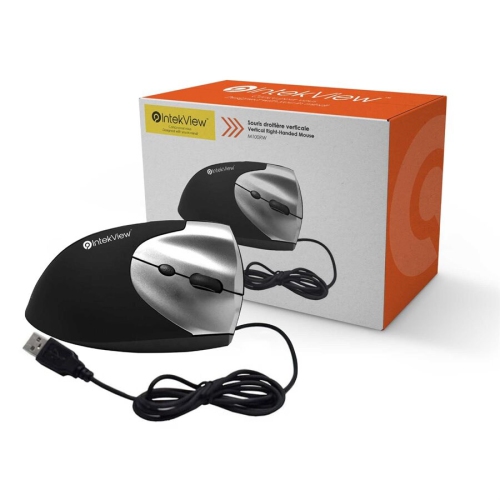
    NU-TONE Intekview Vertical Mouse Wired Right Hand-(M100Rw )

    About this product

    A wired vertical mouse designed for right-handed users, offering ergonomic comfort for extended computer use.

    $31.99 Your price for this item is $31.99
  5. 5

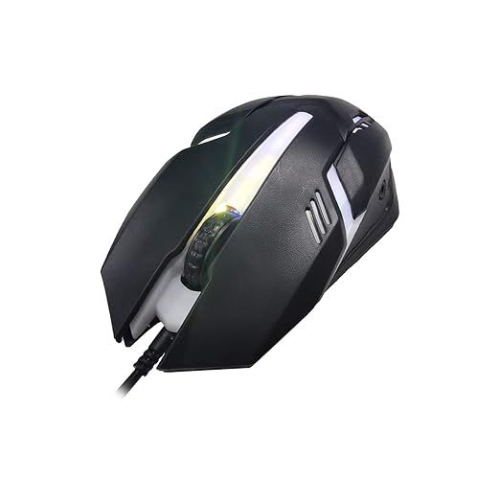
    ISTAR Wired Gaming Mouse: Designed for Comfort And Performance With Durable Construction And Responsive Buttons

    About this product

    A black ambidextrous optical mouse featuring durable construction and responsive buttons for comfortable gaming.

    $15.44
    SAVE $23
    Your price for this item is $15.44
  6. 6

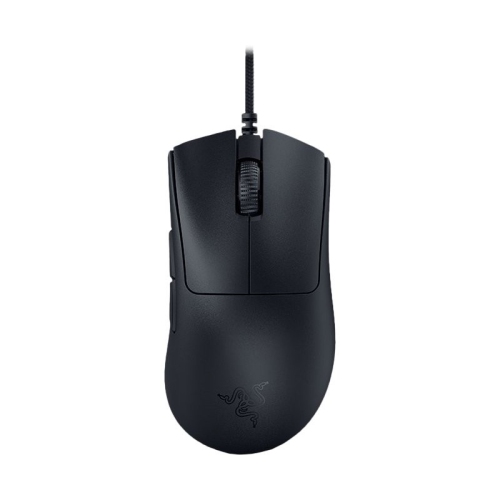
    RAZER - Deathadder V3 Wired Gaming Mouse -Black

    About this product

    A high-performance wired gaming mouse in sleek black, suitable for computer enthusiasts.

    $59.99
    SAVE $23
    Your price for this item is $59.99
  7. 7

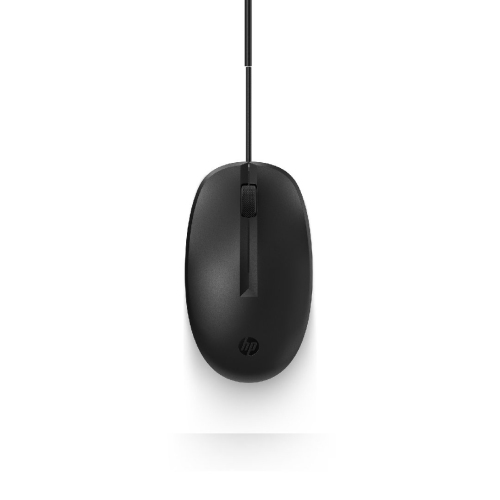
    HP Refurbished (Good) Wired Mouse

    About this product

    A reliable wired mouse offering smooth navigation, ideal for everyday computer use.

    $9.99
    SAVE $5
    Your price for this item is $9.99
  8. 8

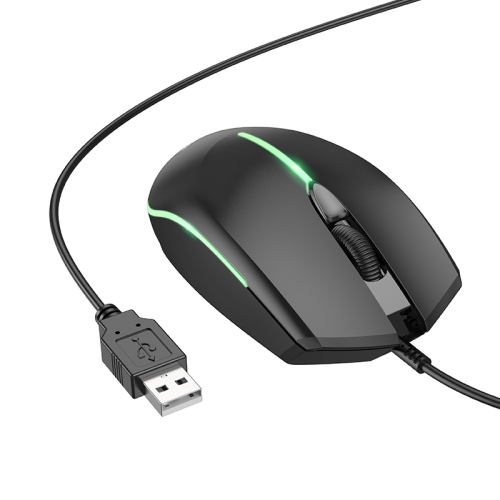
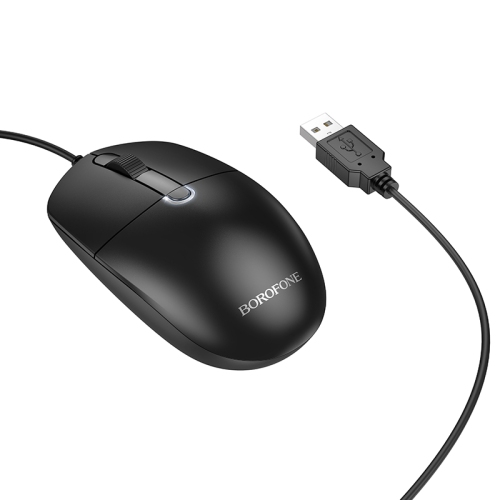
    BOROFONE Bg10 Luminous Wired Mouse, 4D Buttons, USB Computer, Notebook, Office Gaming, Mouse

    About this product

    A luminous wired mouse with 4D buttons and USB connectivity, ideal for office or gaming use.

    $14.97
    SAVE $10
    Your price for this item is $14.97
  9. 9

    BOROFONE Bg17 Morning Business Wired Mouse

    About this product

    An ergonomic wired mouse with adjustable DPI and durable switches for precise, comfortable use.

    $14.97
    SAVE $10
    Your price for this item is $14.97
  10. 10

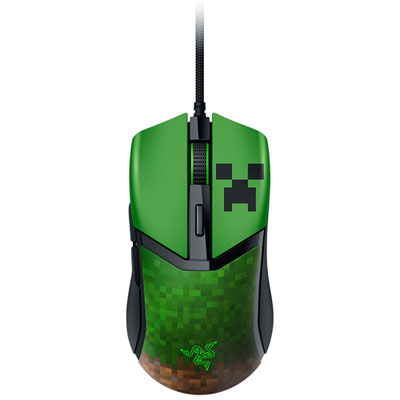
    Razer Cobra Minecraft Optical Gaming Mouse

    About this product

    A high-precision optical gaming mouse with 8,500dpi sensor, ultra-fast switches, and smooth PTFE feet.

    (13)
    $89.99 Your price for this item is $89.99

Comfortable control for work and gaming without batteries

The best wired mice combine a comfortable shape, accurate tracking, responsive buttons, and a cable that moves easily across the desk. For everyday work, that can mean a straightforward mouse with a dependable scroll wheel and a shape that feels natural through emails, spreadsheets, and video calls. For gaming, it can mean a lighter body, adjustable sensitivity, and extra controls positioned within easy reach. A wired connection carries power and input through the cable, so there is no battery to charge or replace and no wireless pairing step before getting started. That simplicity suits home offices, shared family computers, study spaces, and gaming setups where the mouse usually stays beside the keyboard. Many wired USB mice support basic pointing, clicking, and scrolling as soon as they are connected to a compatible computer, although advanced settings may require software. Connector type still matters: a USB-A plug needs a matching port or a suitable adapter on a computer with only USB-C connections. Cable length also makes a practical difference when a desktop tower sits beneath the desk rather than beside the monitor. Enough slack allows the mouse to travel freely without pulling against the edge of the work surface. Someone moving between browser tabs and documents may appreciate quiet clicks and a clearly defined scroll wheel, while a person working through wide spreadsheets may find supported horizontal scrolling particularly useful. Side buttons can make repeated actions easier, whether they move back through webpages or trigger assigned commands in compatible software. The best wired mouse for office work is not necessarily the one with the most buttons; clear placement and a comfortable click feel often matter more throughout a long day. For students, remote workers, and households sharing a computer, a familiar layout can keep the experience simple without adding controls that rarely get used.

Comfort depends on how the mouse fits the hand, not simply whether its description calls it ergonomic. A taller, fuller shell can support more of the palm, while a lower-profile body may suit someone who steers mainly with their fingertips. Palm grips generally place much of the hand against the mouse; claw grips arch the fingers while retaining some palm contact; fingertip grips rely more on the fingers to guide movement. These differences help explain why two mice with similar measurements can feel quite different in use. Hand width, finger length, and the position of the side buttons all affect whether controls are easy to reach without shifting the grip. Right-handed contours can provide a defined thumb rest, while symmetrical shapes may appeal to either hand, though side-button placement can still favour right-handed use. Vertical wired mice offer another shape, holding the hand in a more upright position that some people find comfortable. No shape guarantees relief from discomfort, and desk height, forearm support, and regular breaks remain important. Weight is similarly personal: a lightweight wired mouse can feel easier to sweep across a large mouse pad, while a heavier body may feel more settled during smaller movements. Most mouse shells use moulded plastic, with smooth, textured, or soft-touch surfaces that change how the body feels under the fingers. Textured sides can provide grip without a separate coating; rubberized sections offer a different feel but may show wear with repeated use. Solid shells provide a continuous surface to wipe clean, while perforated designs can reduce weight but leave more openings where dust can collect. Smooth glide feet underneath help the mouse move consistently over a suitable pad. For someone spending hours editing documents, adjusting a drawing, or studying at a compact desk, these physical details can be more noticeable than a long list of technical specifications.

For gaming and other precision-focused tasks, sensor behaviour and control placement deserve as much attention as shape. An optical sensor tracks movement across a surface, and consistent tracking helps the pointer follow small adjustments as well as broad sweeps. DPI describes sensitivity: at a higher setting, the pointer generally travels farther on screen for the same physical movement. A very high maximum DPI does not automatically make a mouse more accurate or better suited to a particular person. Adjustable settings are useful because a player making broad aiming movements may prefer a lower sensitivity, while someone navigating several displays may prefer less hand travel. Polling rate describes how often the mouse reports to the computer. Higher supported rates can reduce the interval between reports, but the benefit depends on the computer, display, application, and individual sensitivity to small differences. The best wired gaming mice balance these capabilities with reachable buttons, predictable clicks, and a cable that does not tug during quick movements. Flexible cable coverings and thoughtful desk routing can help reduce drag; a cable holder can also keep excess length away from the mouse pad. Programmable buttons may be useful for game commands or repeated work tasks, provided the required software supports the operating system. Onboard memory, where included, can retain certain settings when moving between compatible computers. For a more focused selection, Best Wired Mice Under $50 brings together wired options for further browsing. Durability also depends on everyday handling: reinforced cable entry points, securely fitted buttons, and a stable scroll wheel are useful details to consider. Keeping the pad clear of crumbs and dust helps protect the glide surface, while cleaning according to the manufacturer's directions helps maintain the shell and controls. Disconnecting the mouse before cleaning, avoiding liquid in openings, and storing the cable without tight bends are sensible habits. As a gift for a student, gamer, or someone refreshing a home workspace, a wired mouse is most useful when its fit, connector, and controls match the recipient's routine.
Read More

FAQ

Some products may be subject to Environmental Handling Fees (EHF) depending on your province. Learn more about EHFs.