DVI Connectors
Looking to connect your devices with ease? Look no further than our wide selection of DVI connectors. Whether you're hooking up your computer monitor, projector, or gaming console, these versatile connectors ensure a seamless and reliable connection. With various options available, you can find the perfect DVI connector to suit your needs. From single-link to dual-link connectors, we've got you covered. Upgrade your setup and experience high-quality video and audio transmission today with our top-notch DVI connectors.
Sort


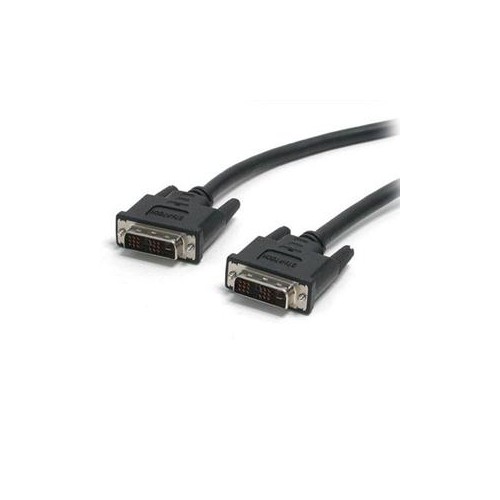
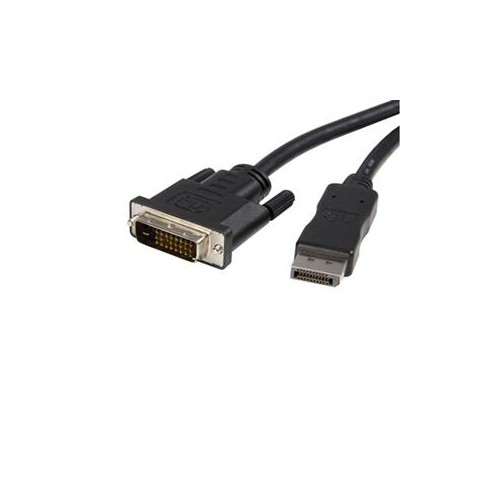
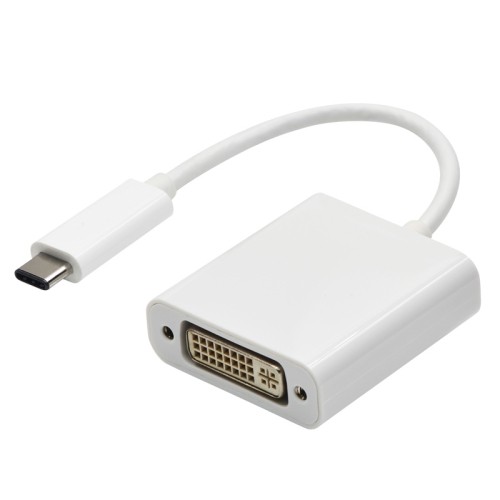
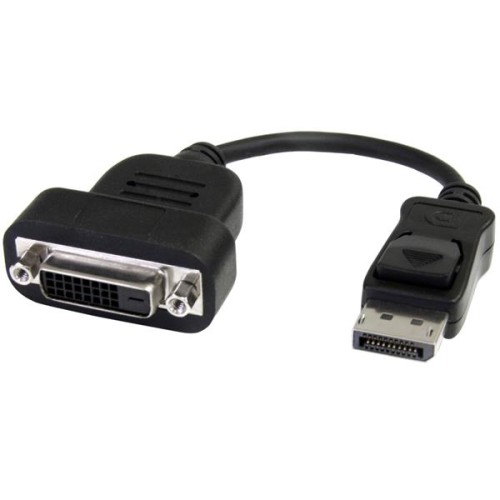
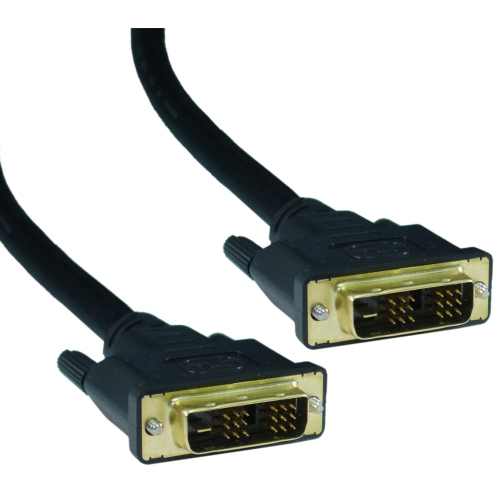
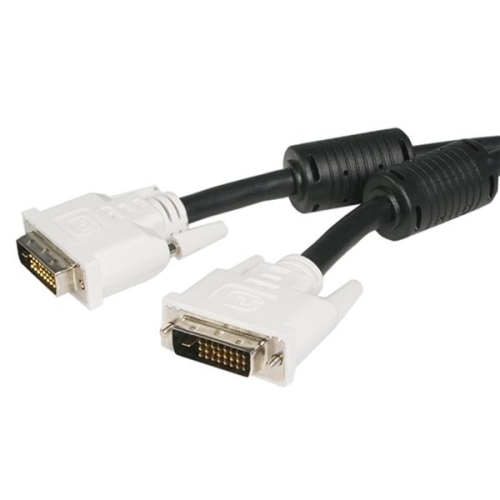
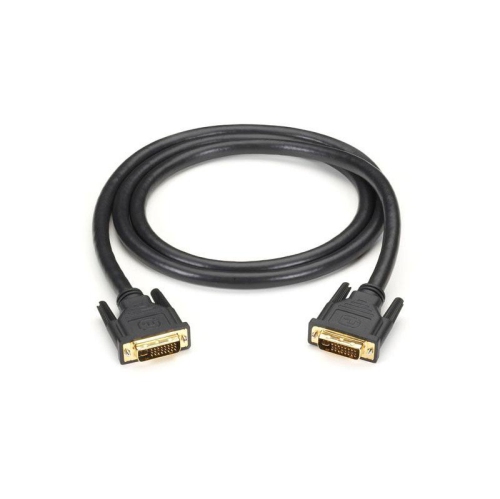
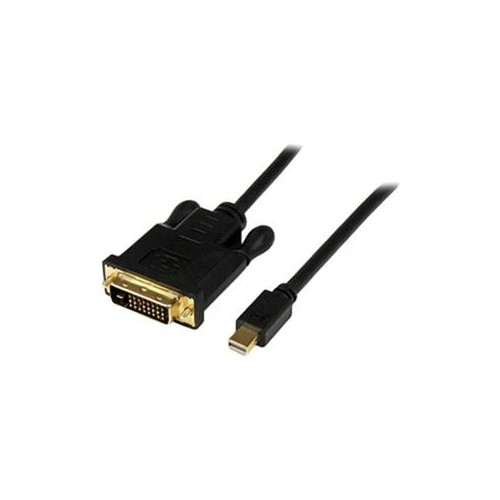
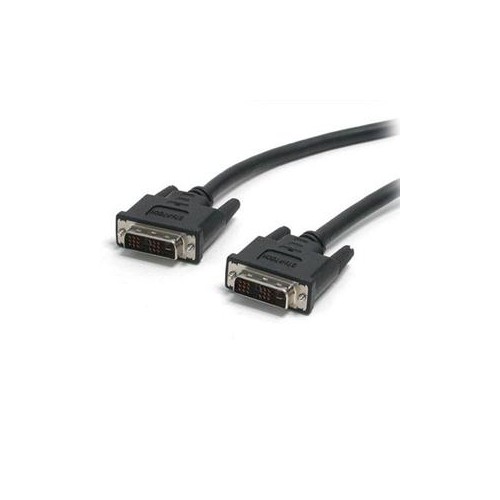

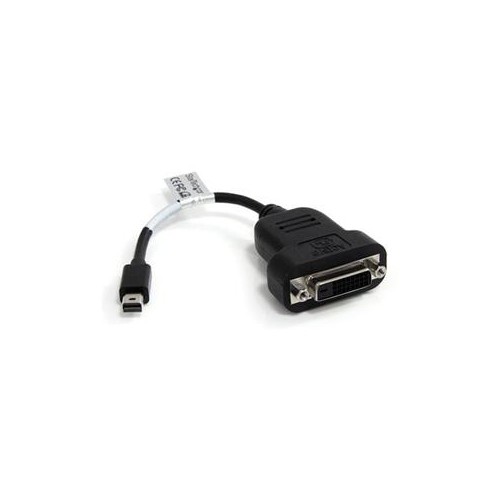
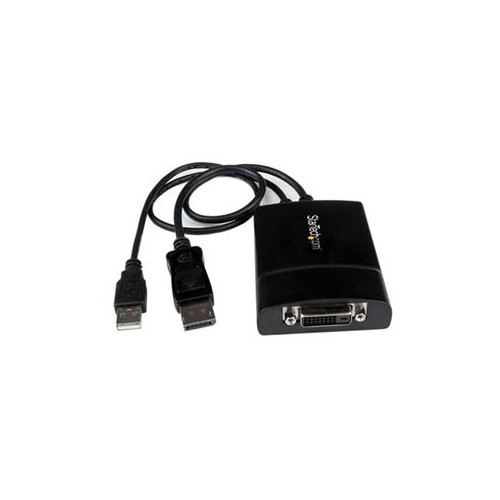
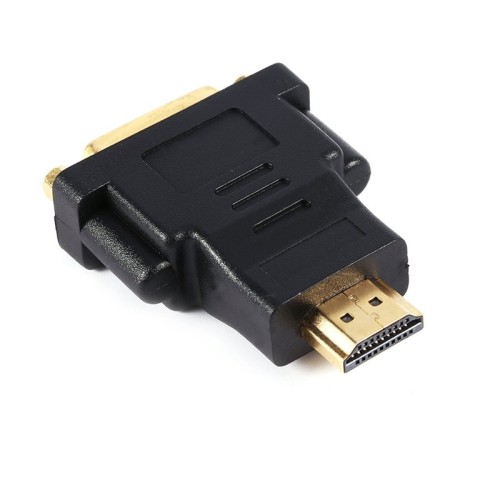
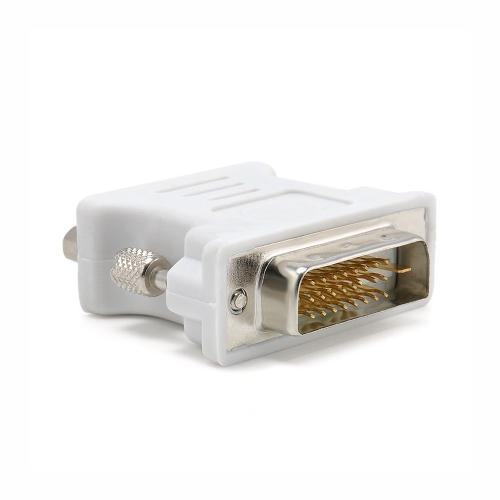
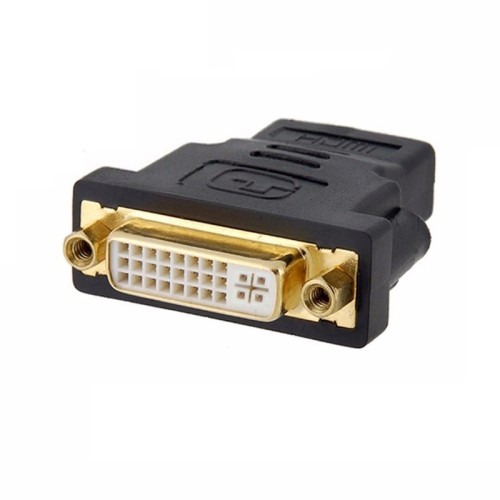
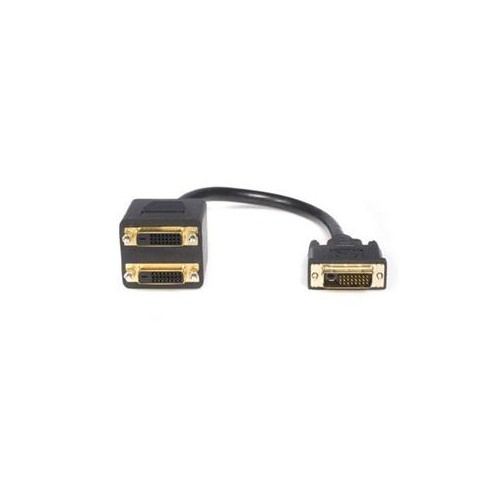
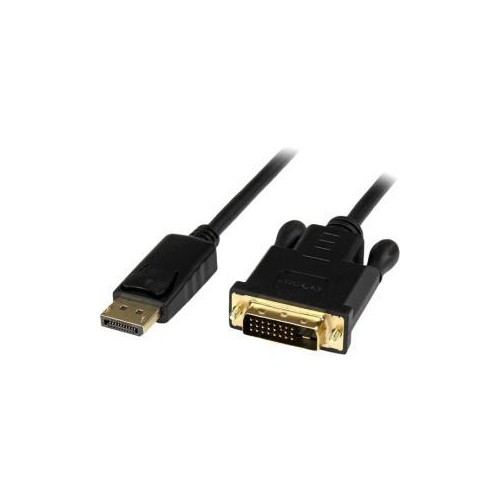
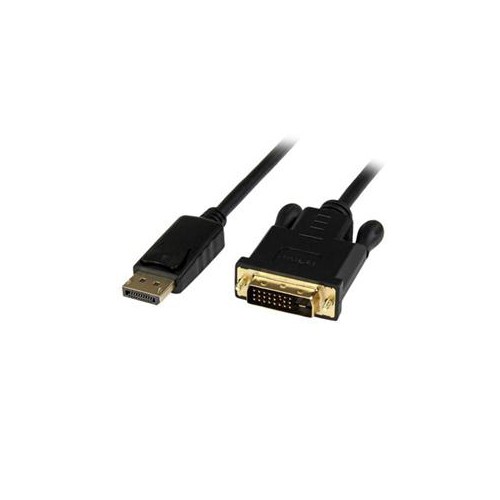
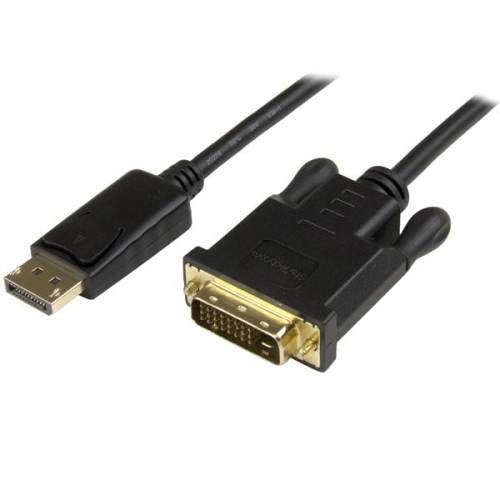
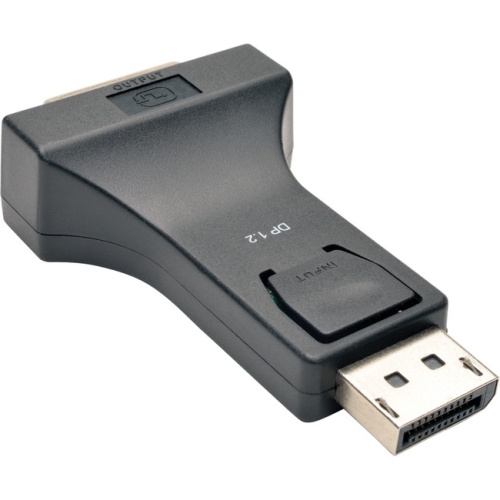

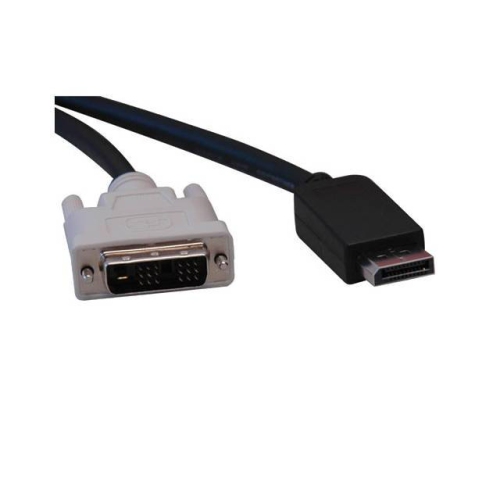
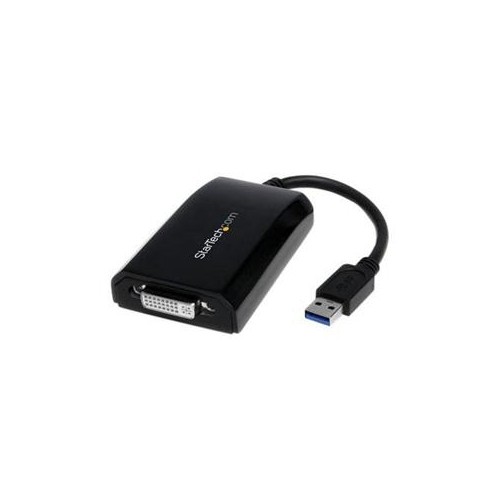

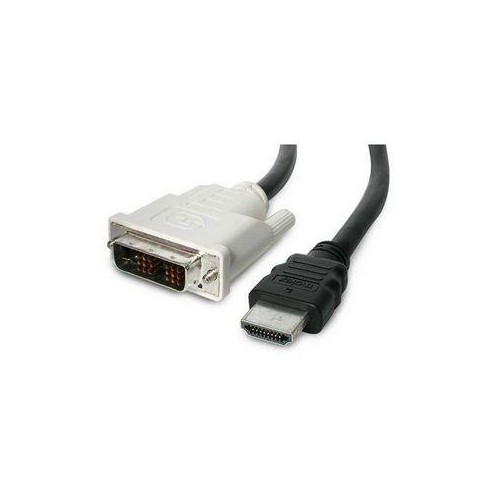
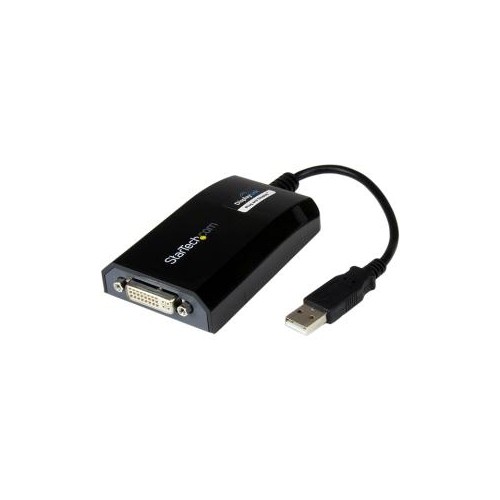
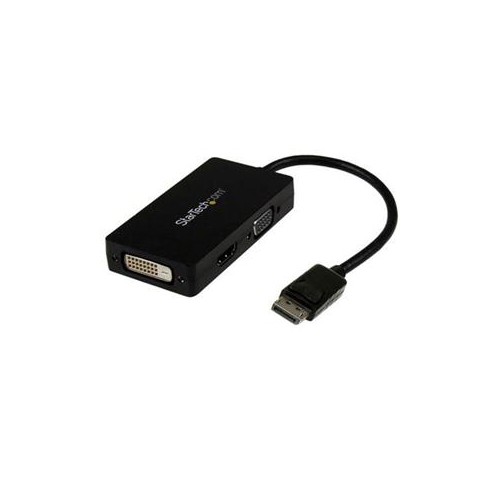
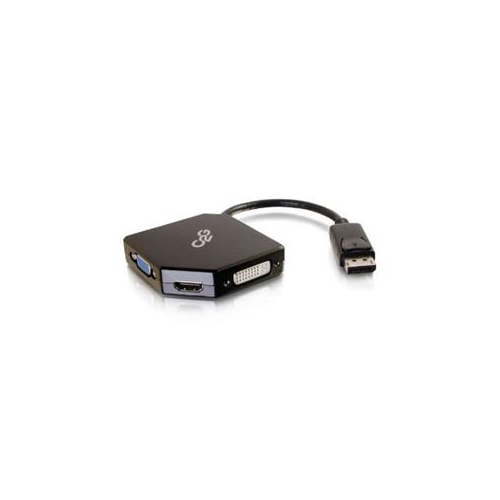
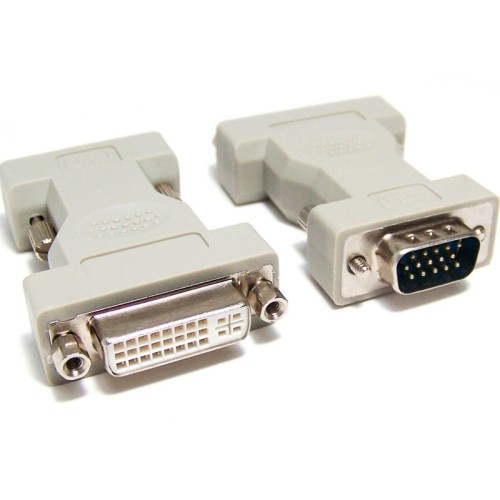
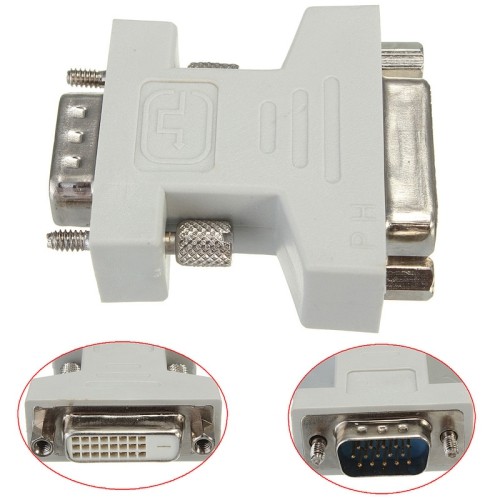
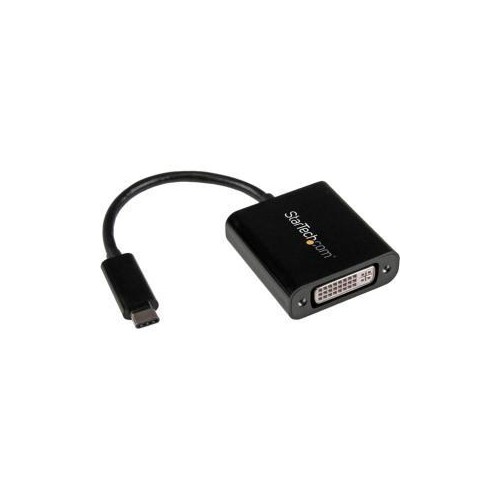
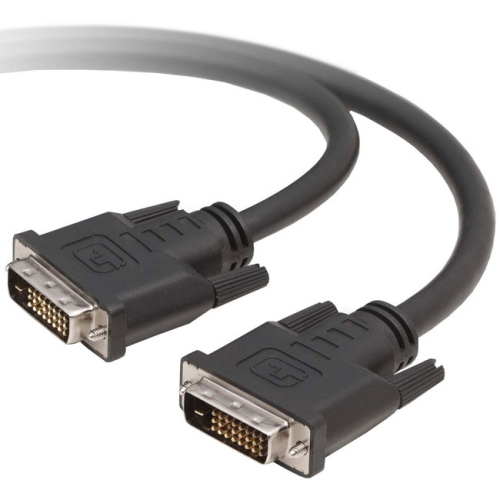
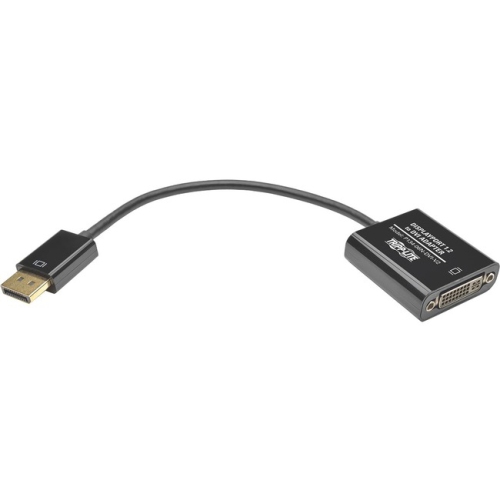
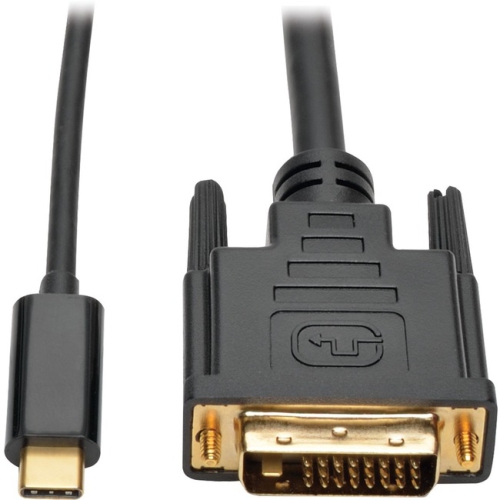
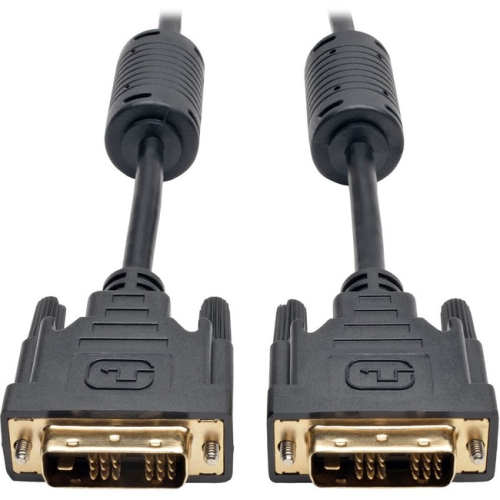


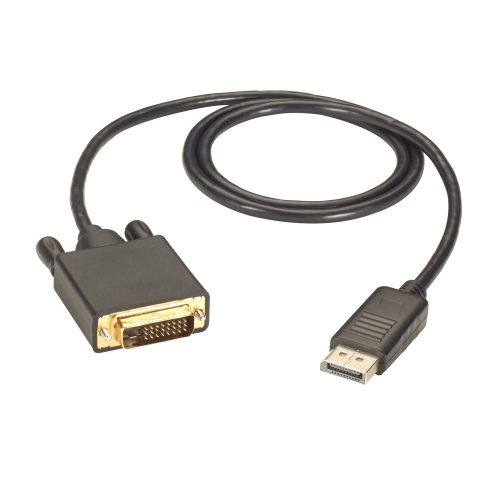
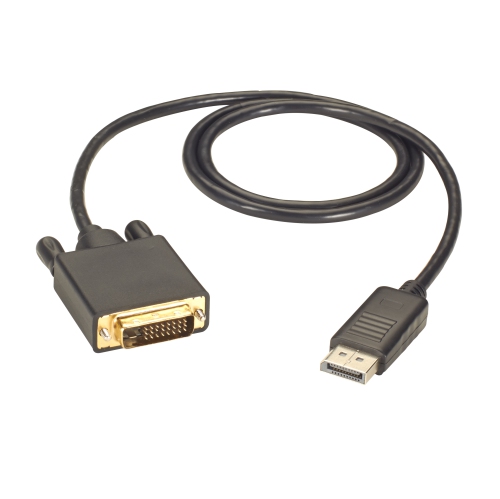
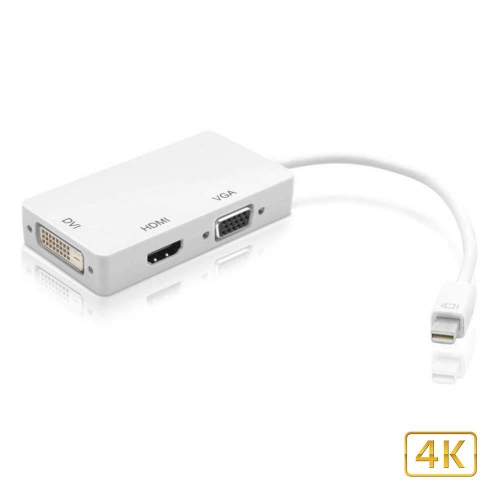
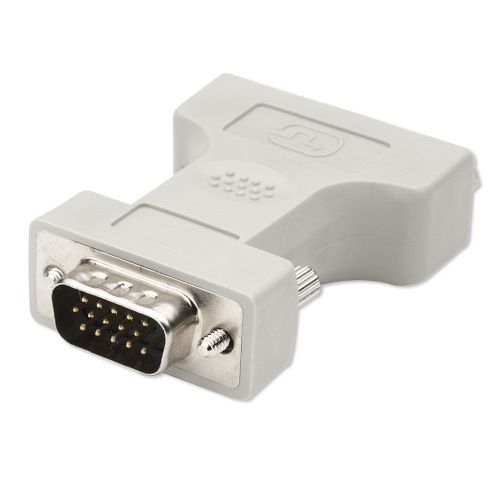
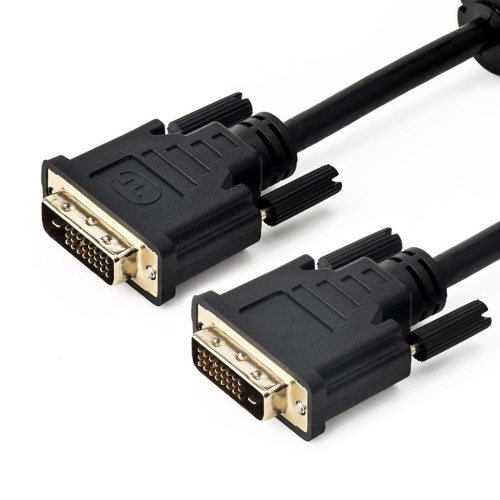
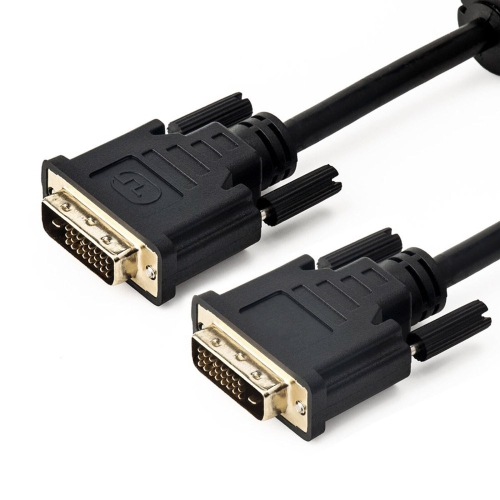
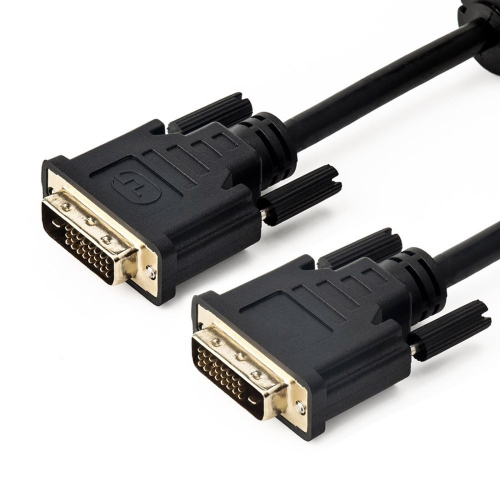
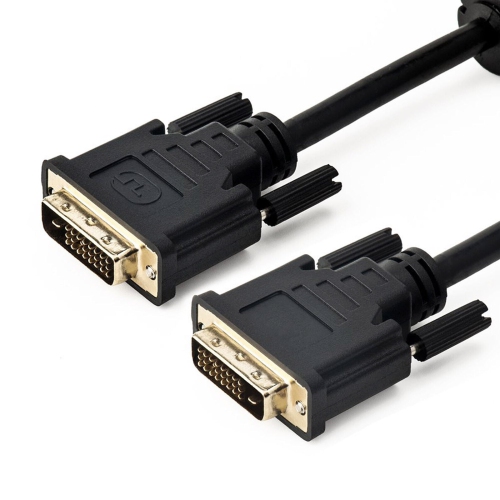


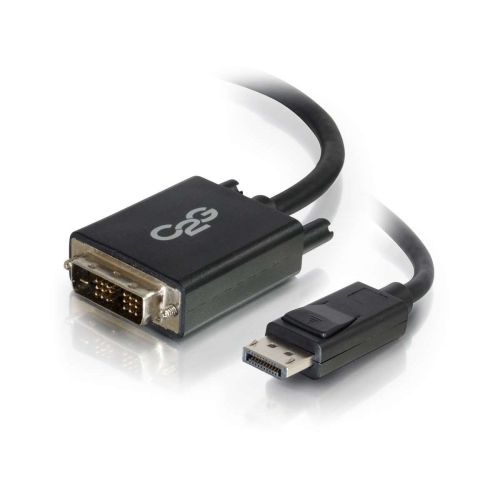
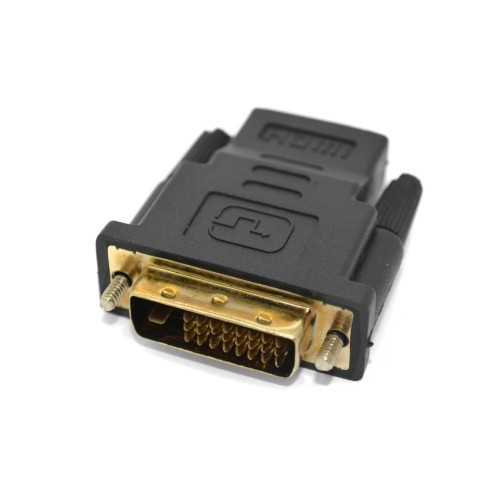
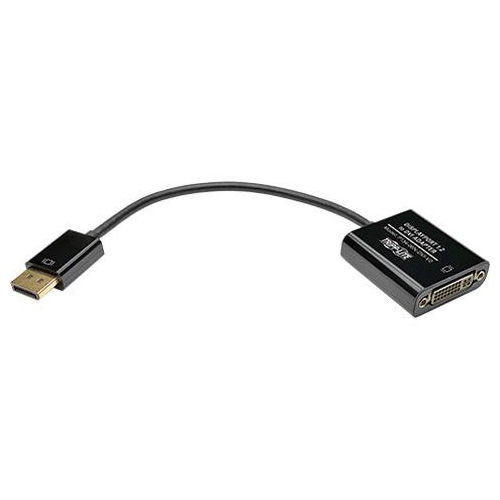
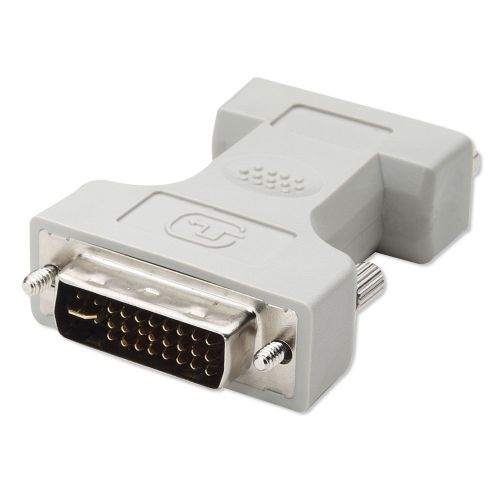

How DVI connectors bridge older displays and modern devices
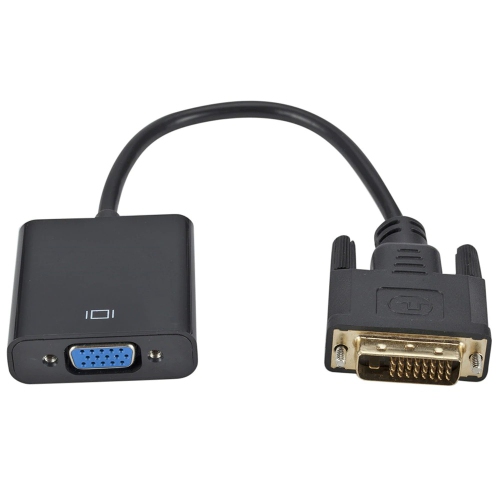
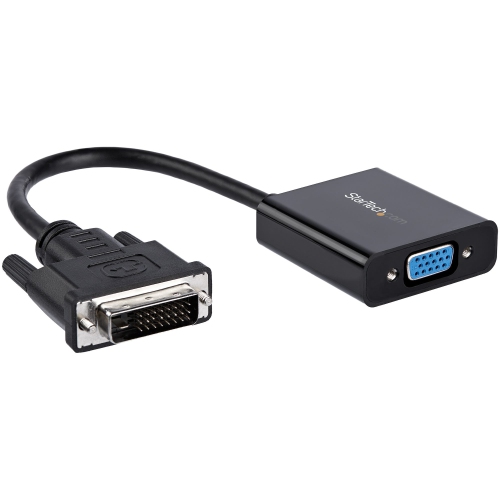
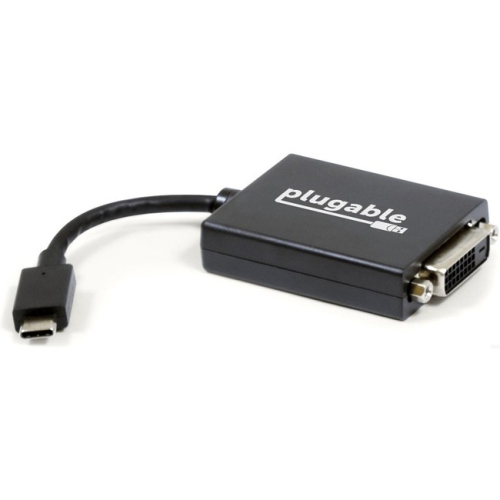
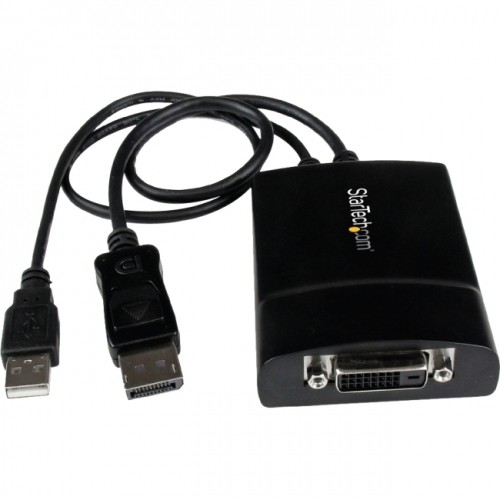
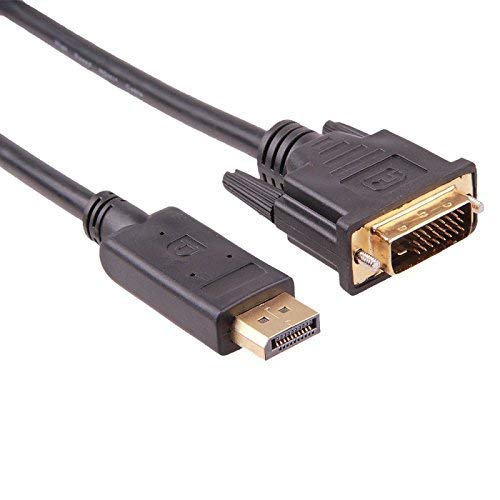
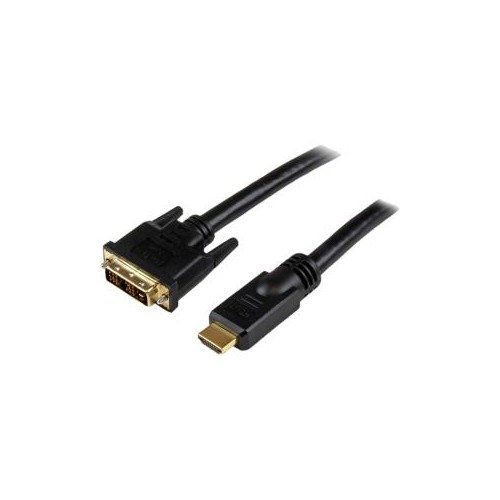
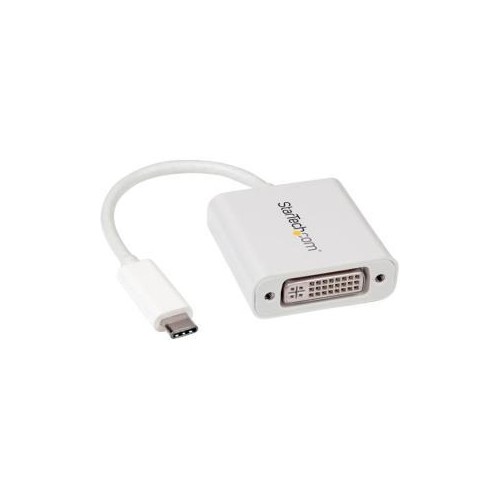
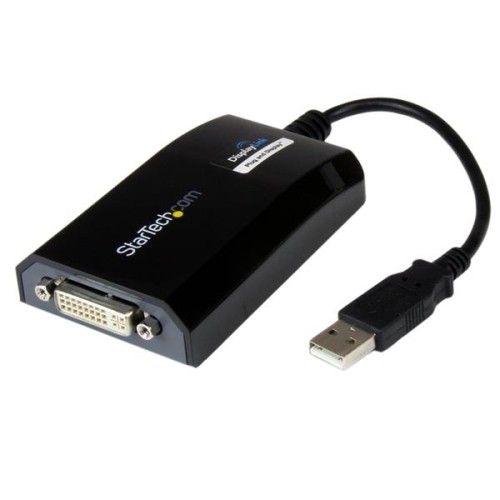
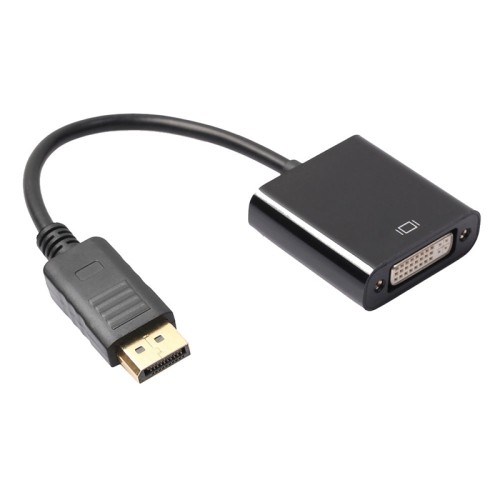
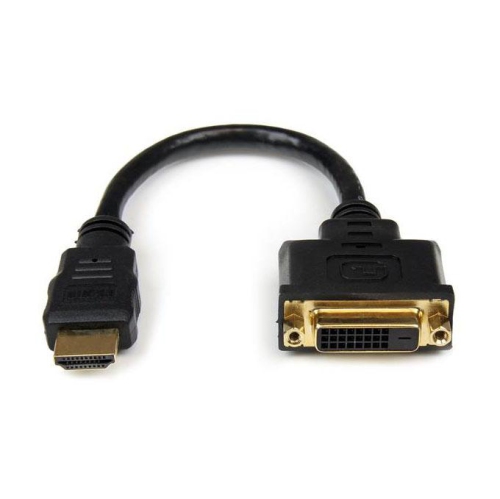
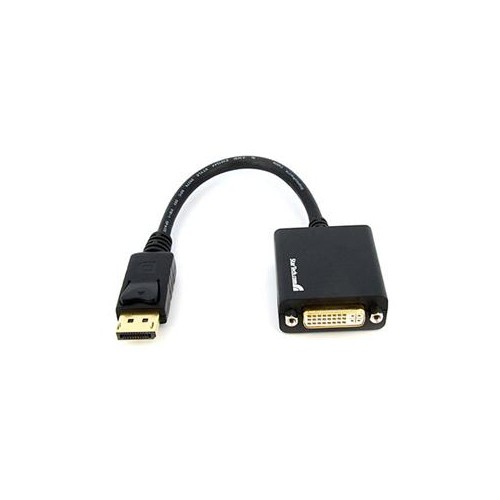
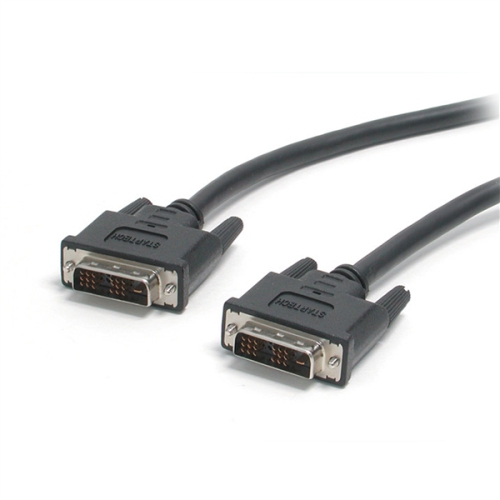
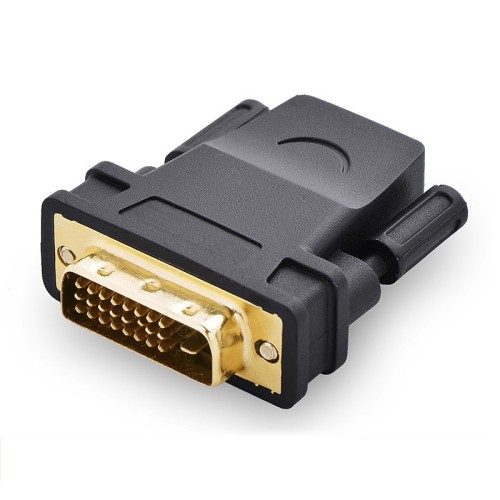
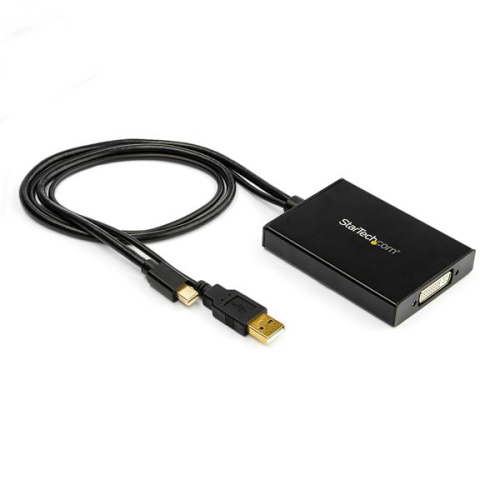
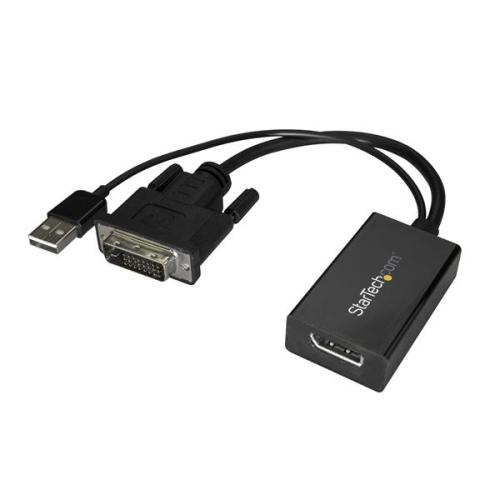
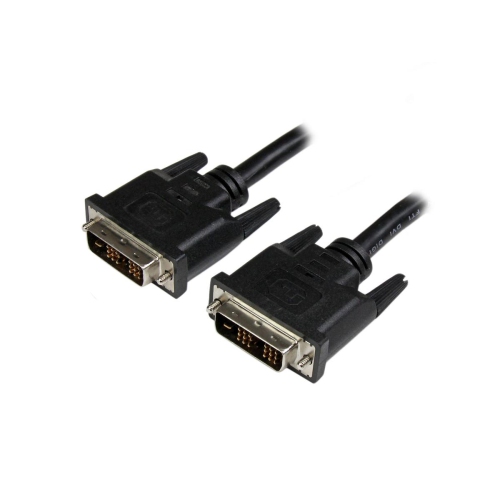
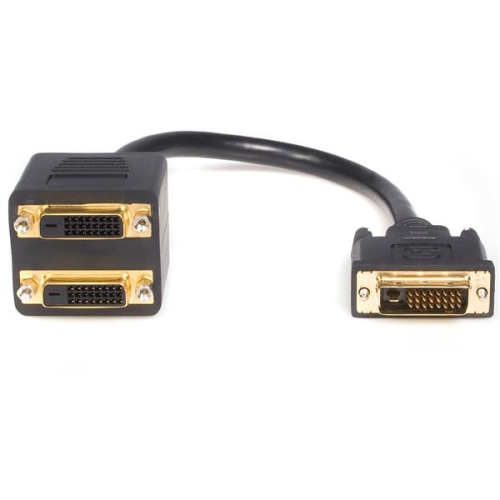
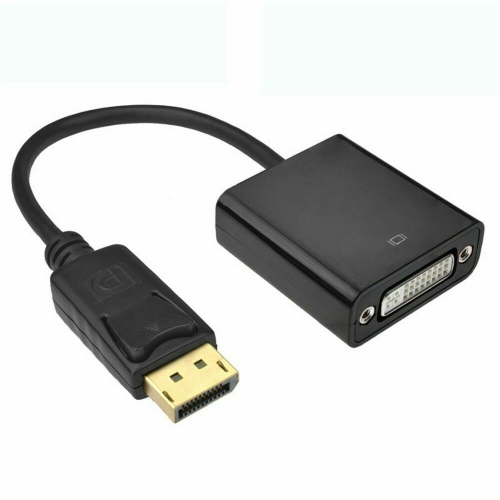
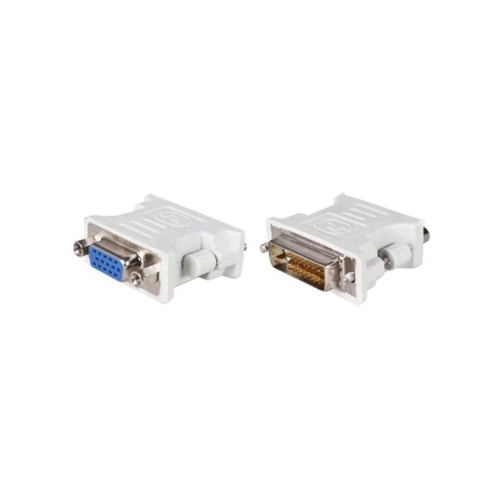
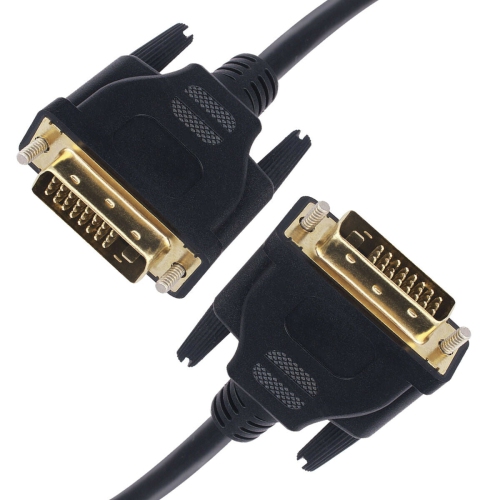
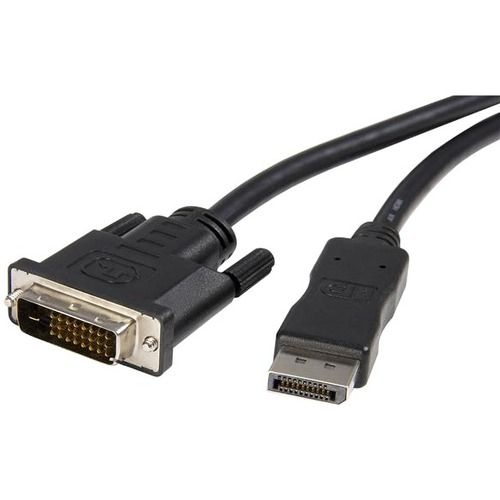
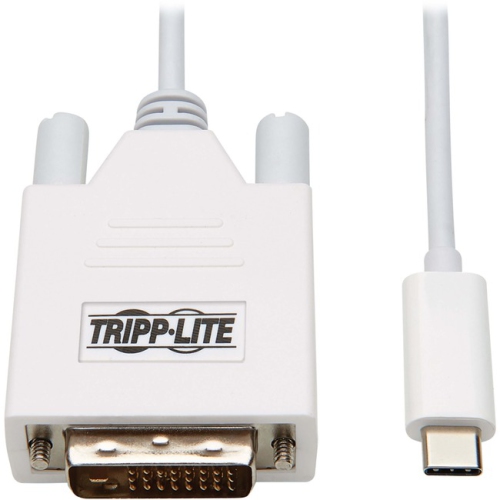
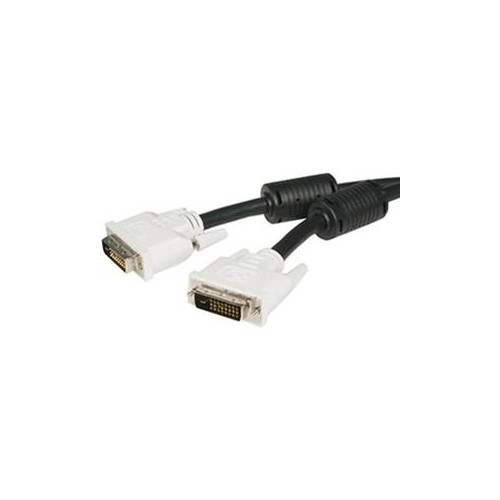
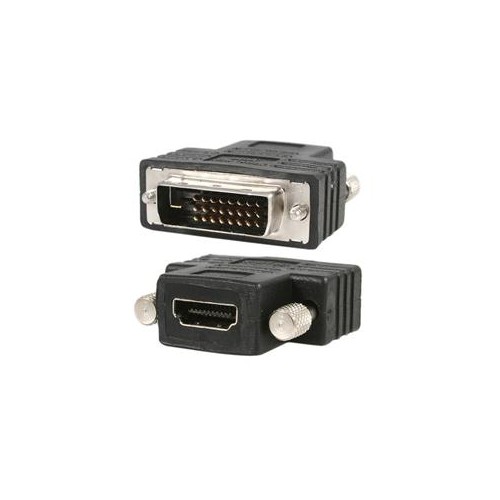
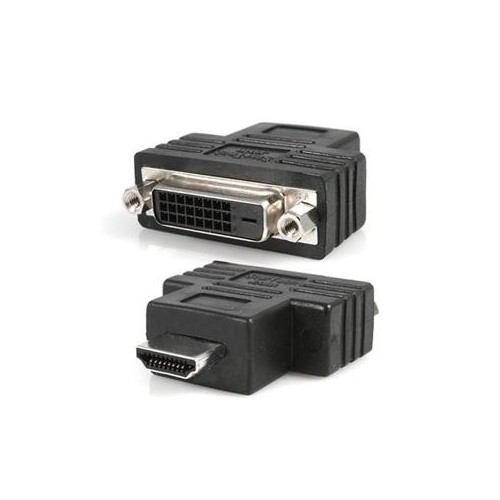
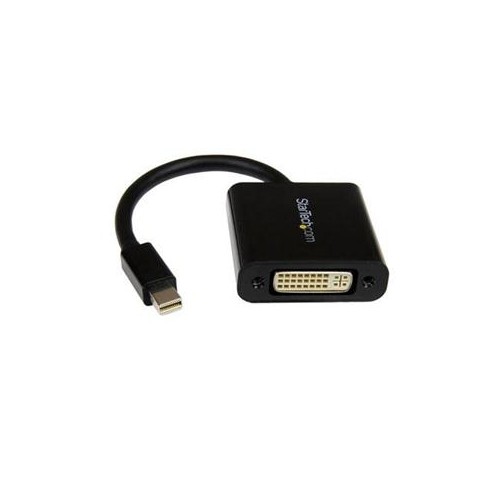
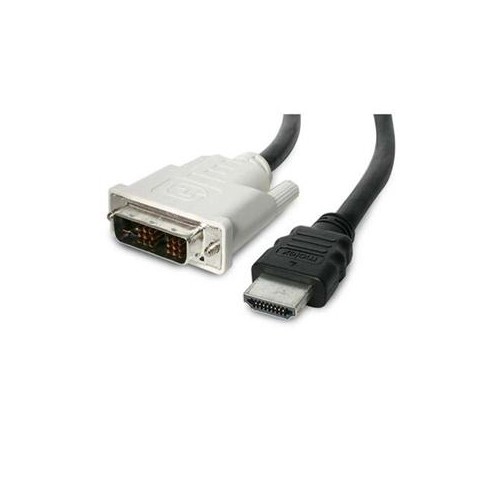
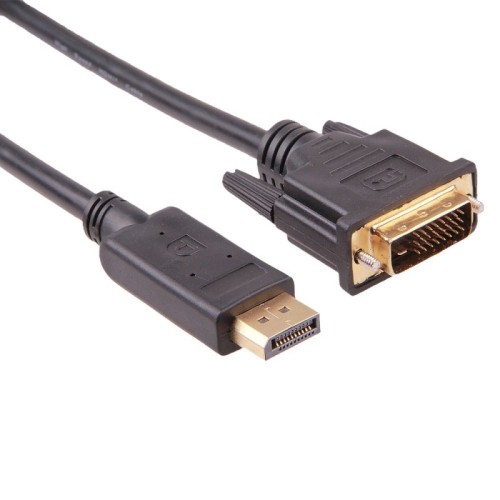
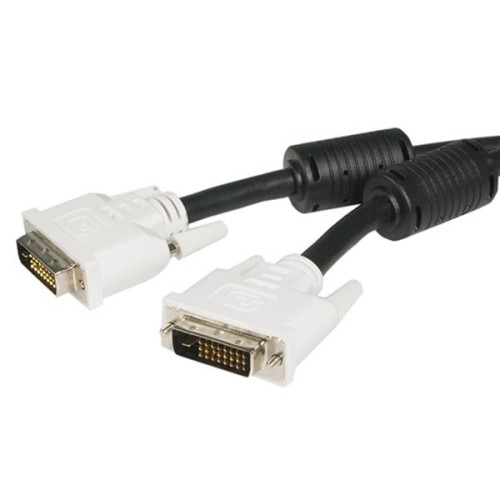
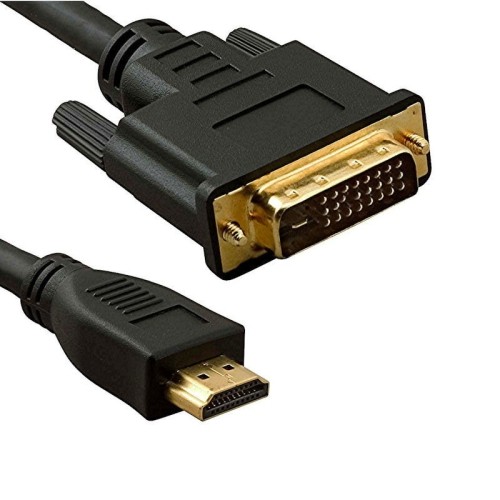
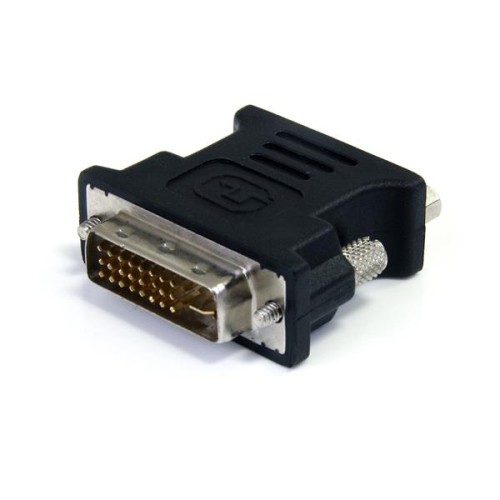
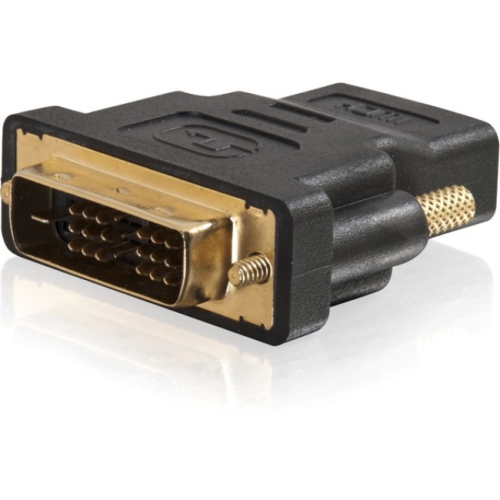
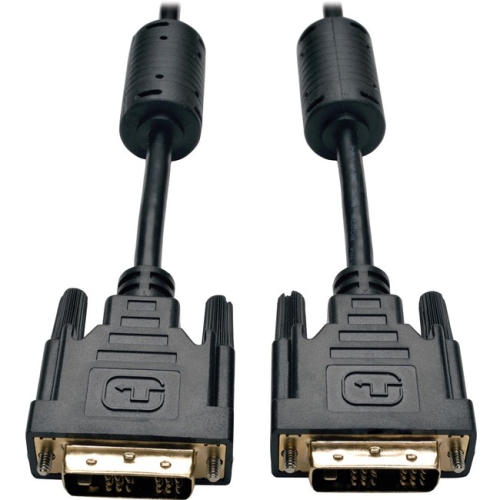
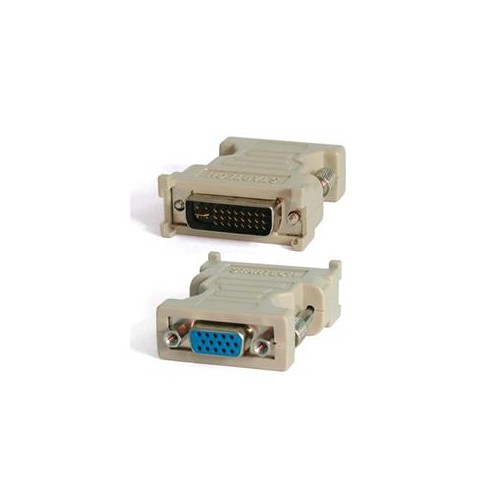
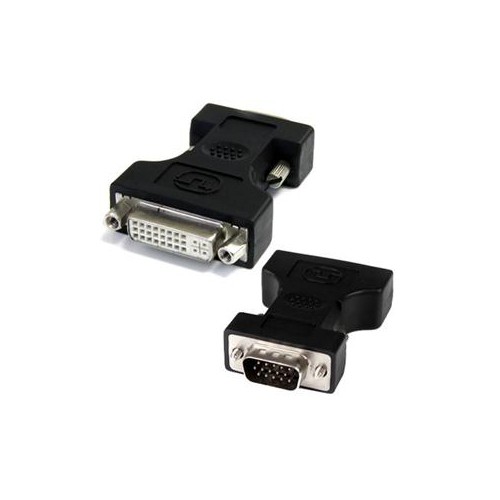
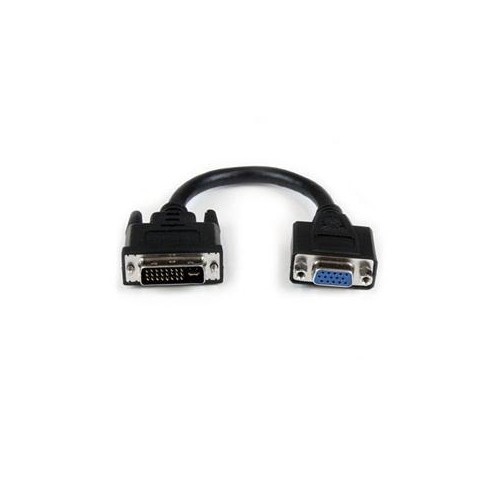
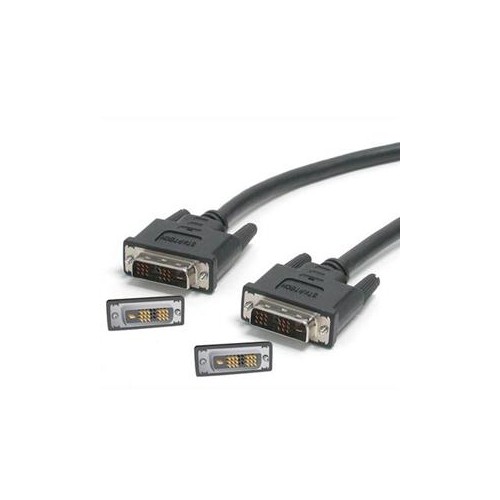
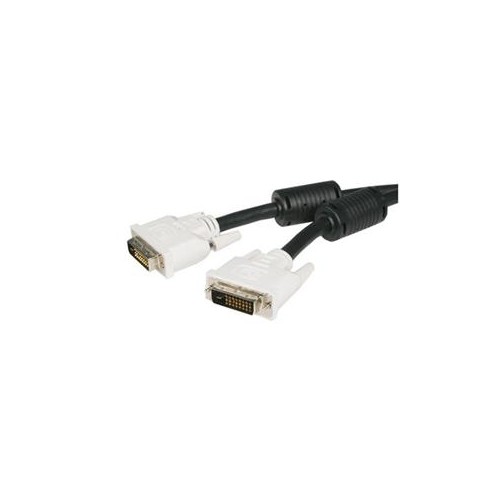
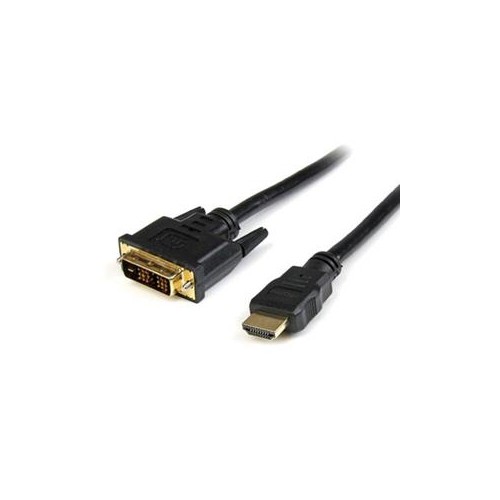
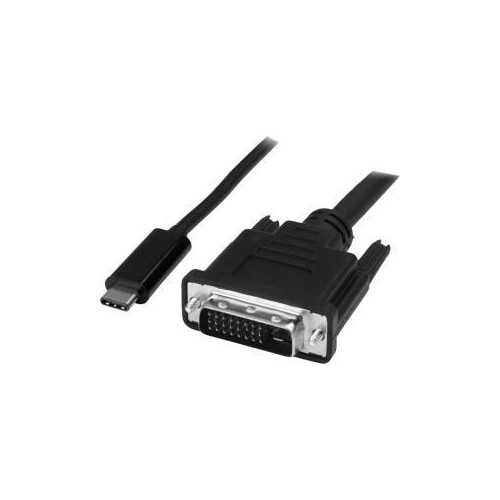
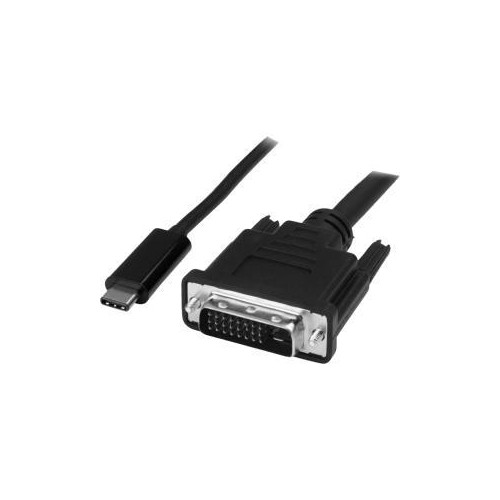
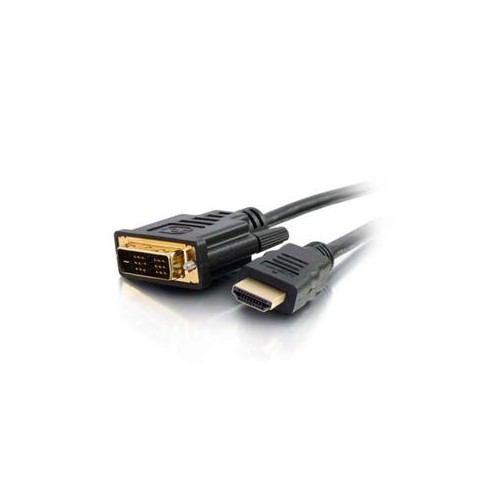
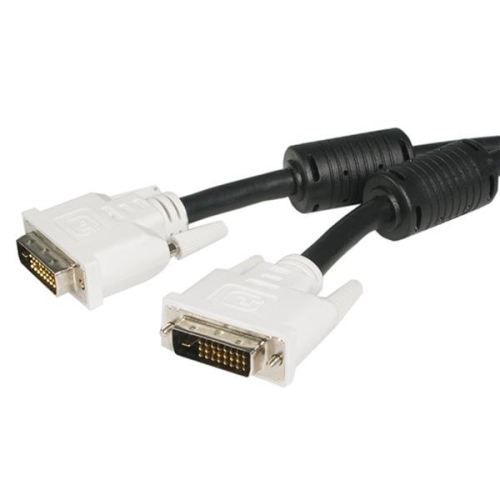
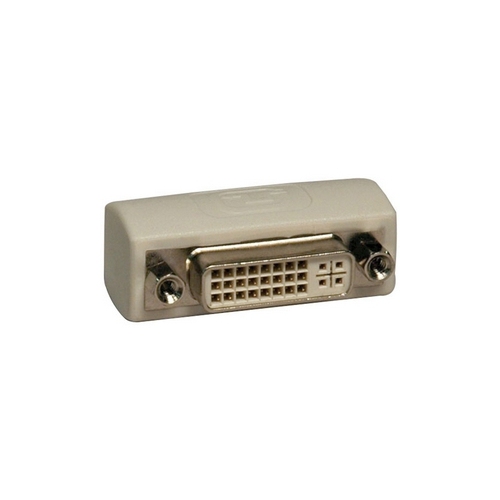
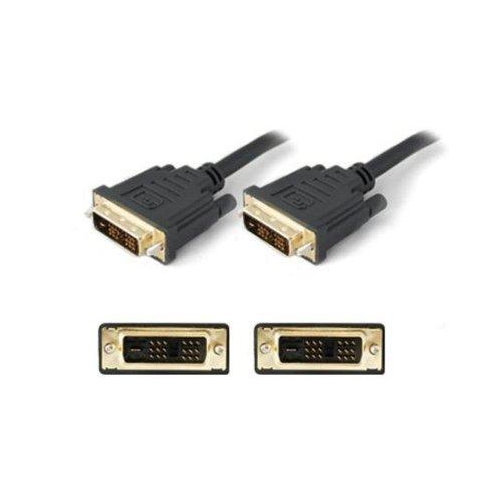
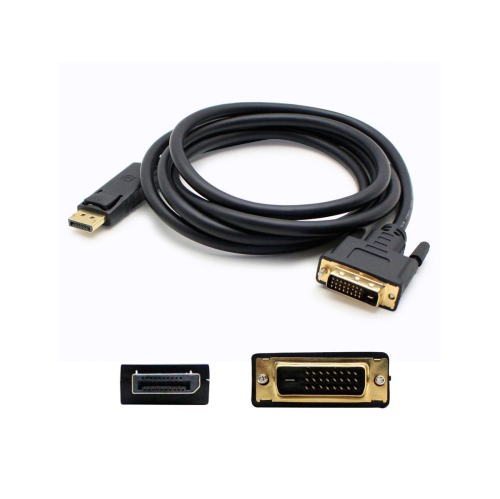
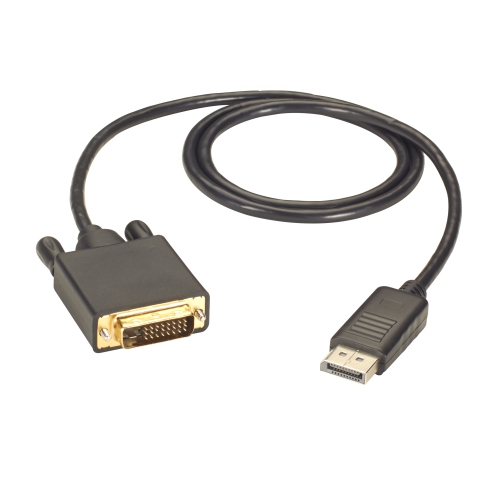
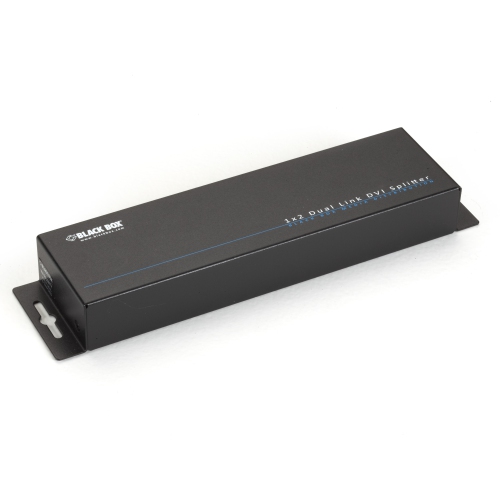
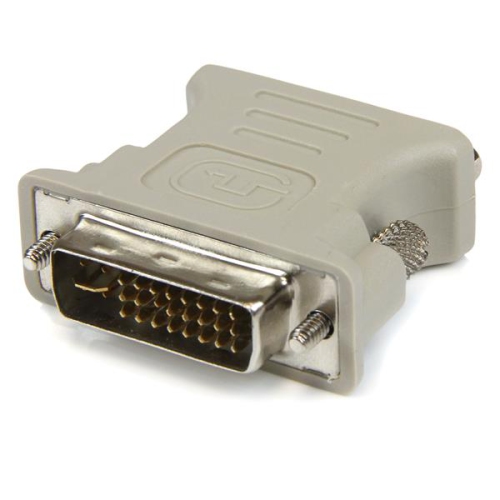
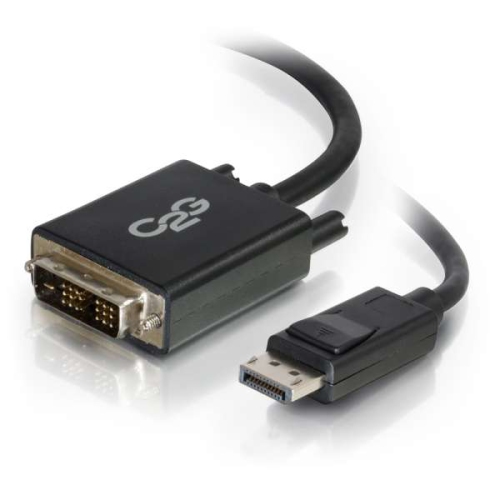
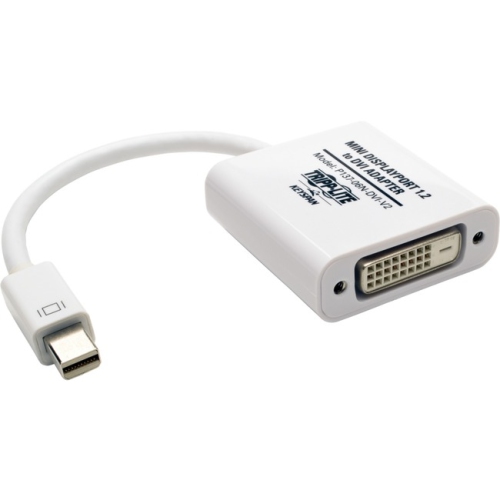
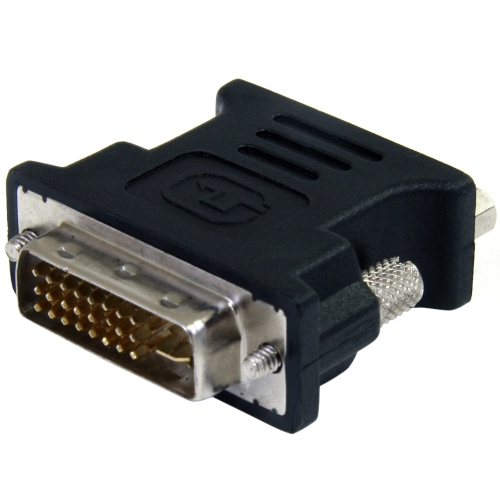
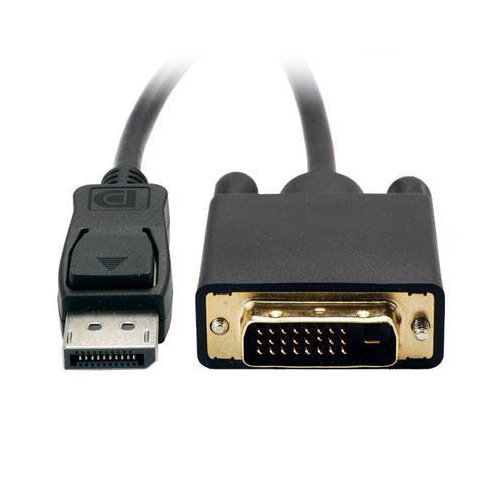
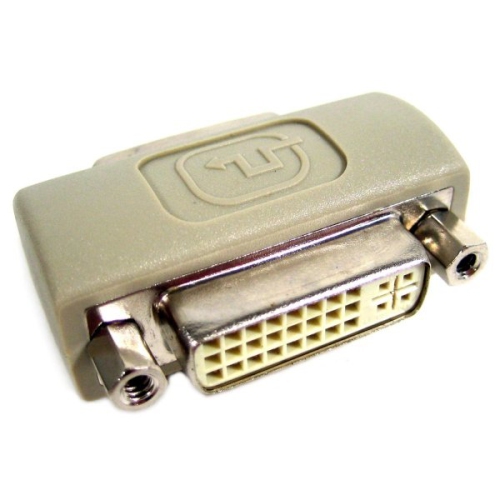
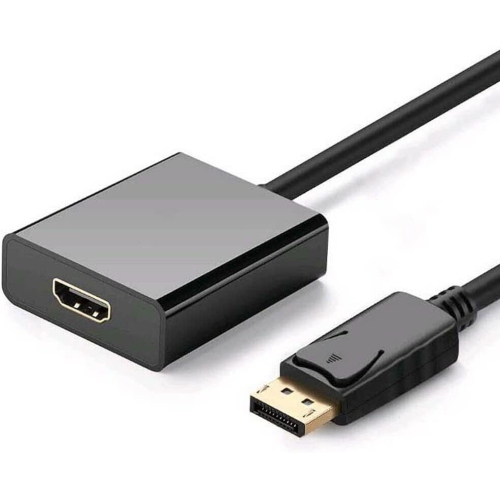
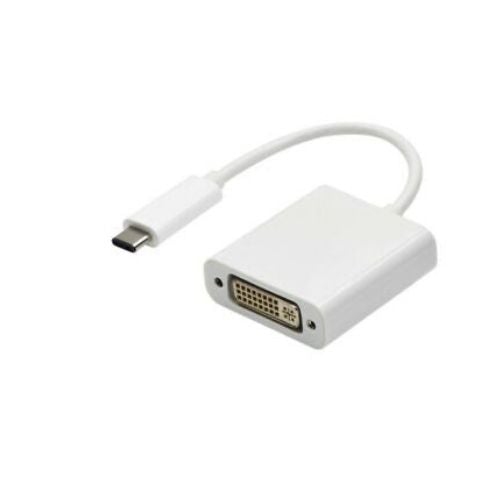
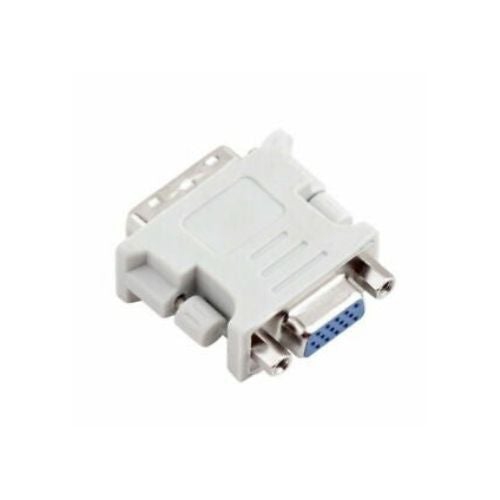
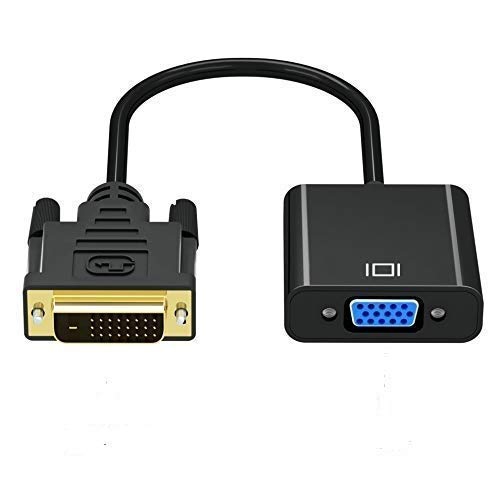
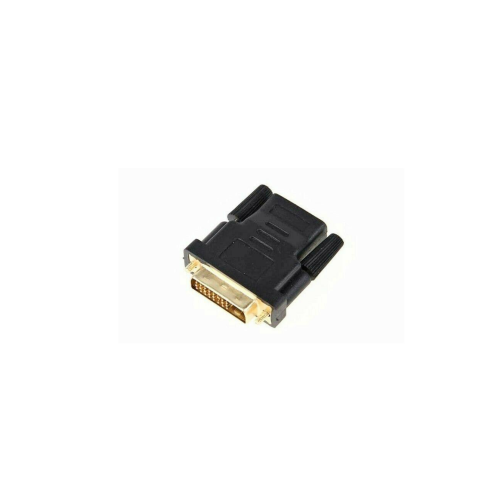
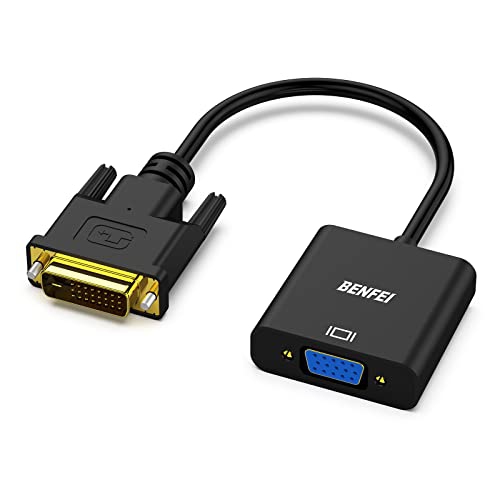
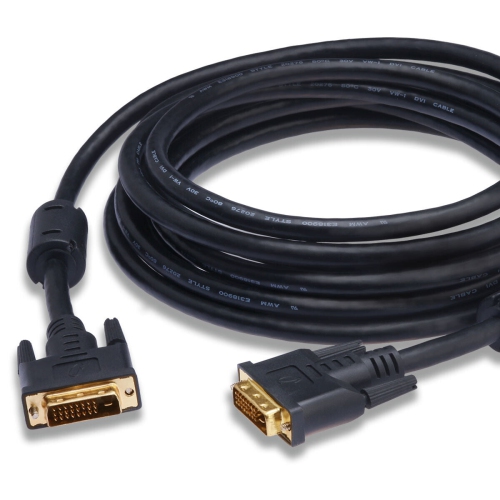
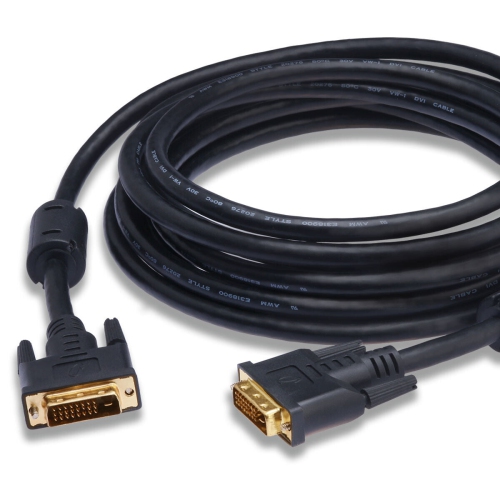
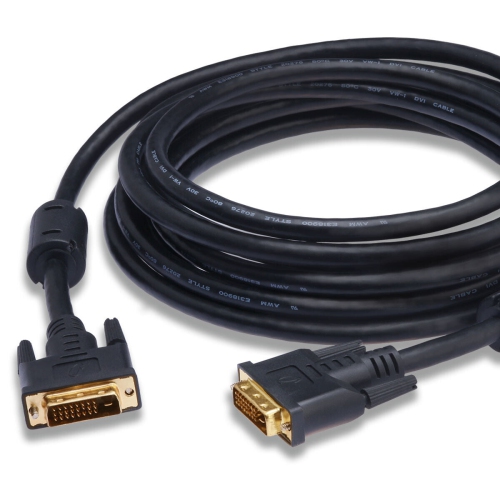
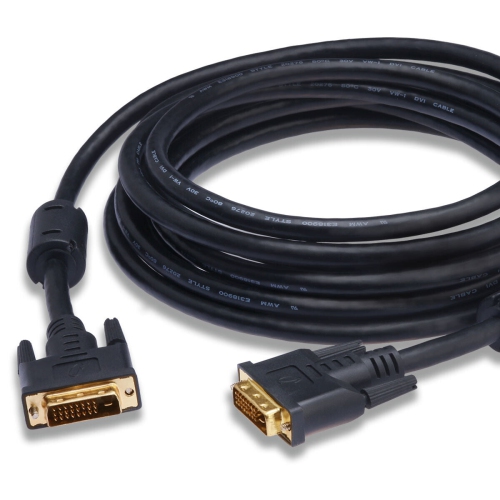
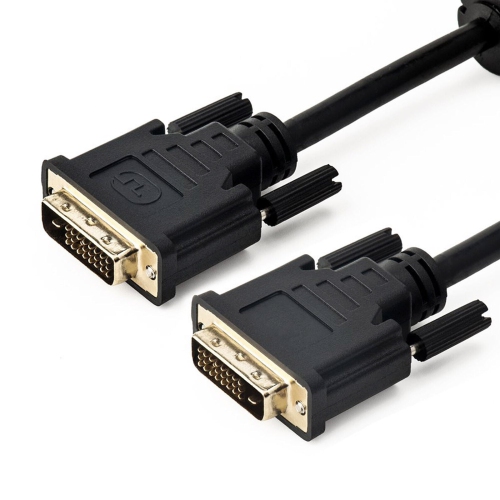
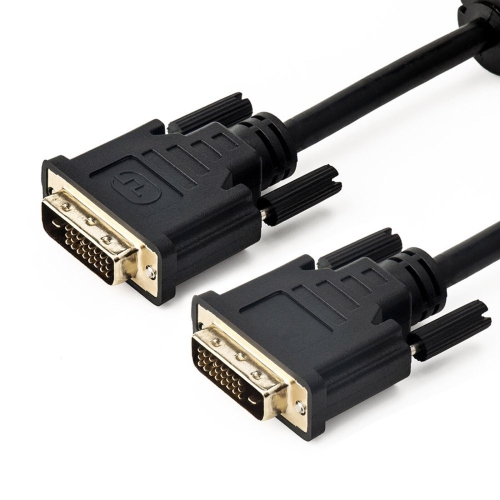
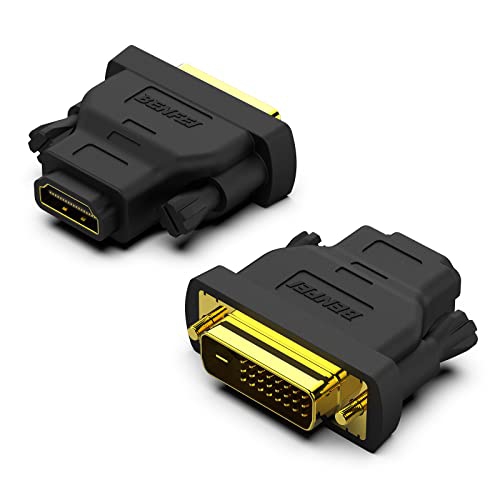
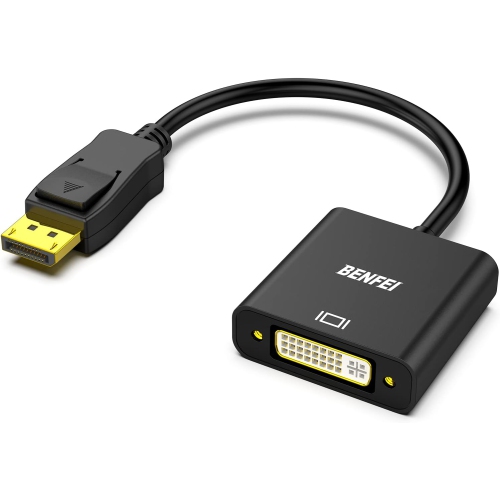
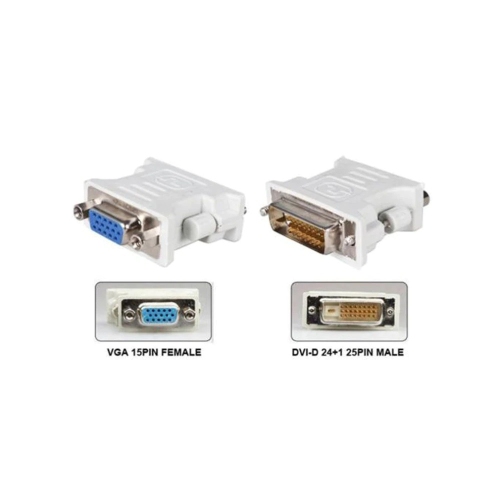
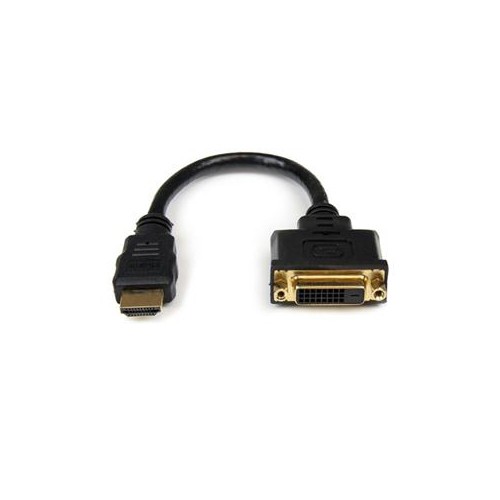
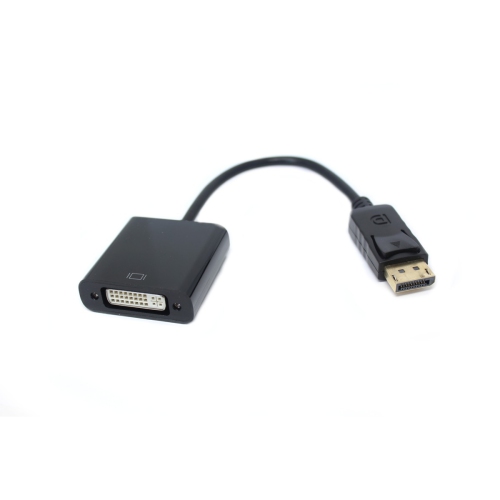
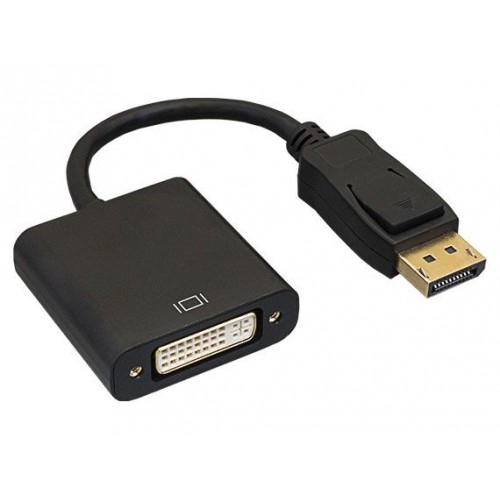
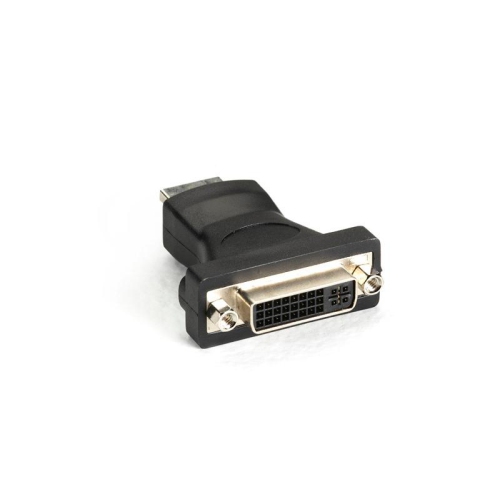
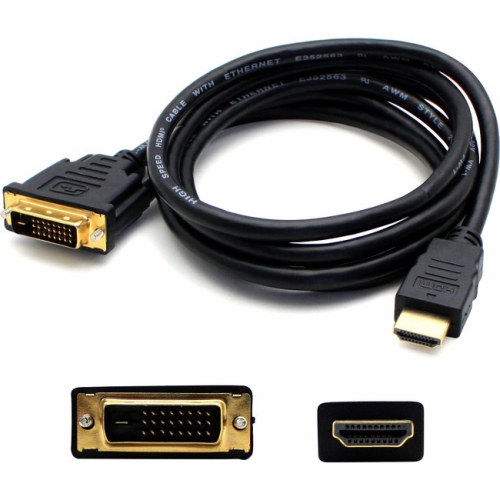
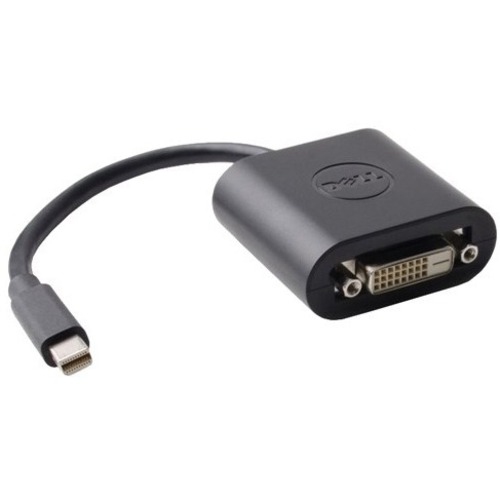
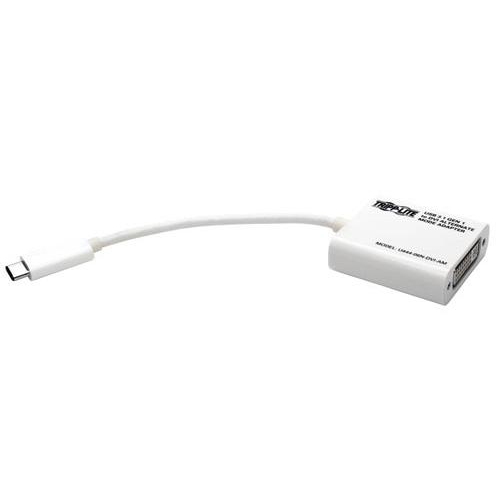
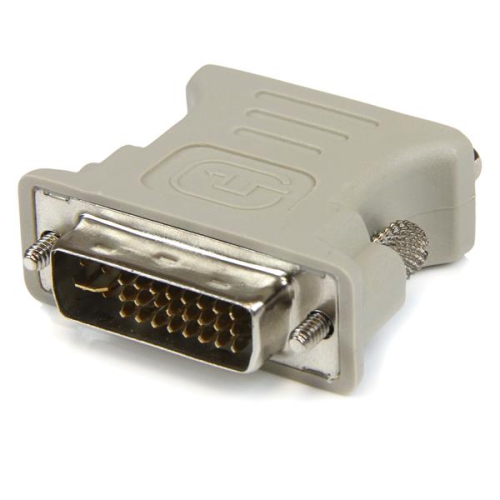
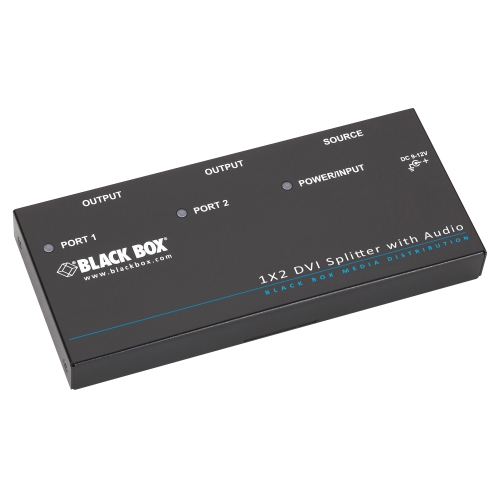
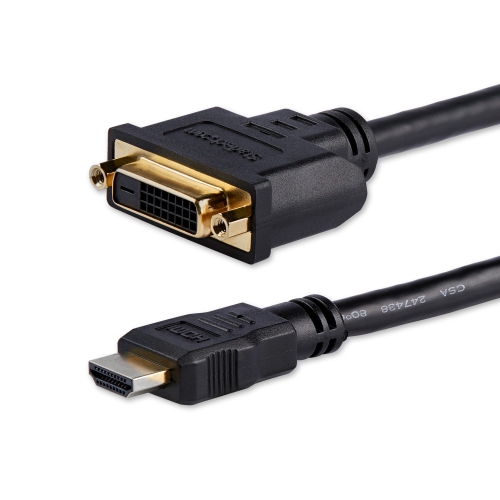
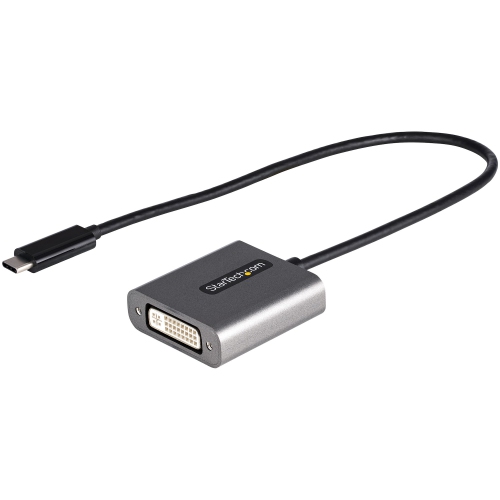
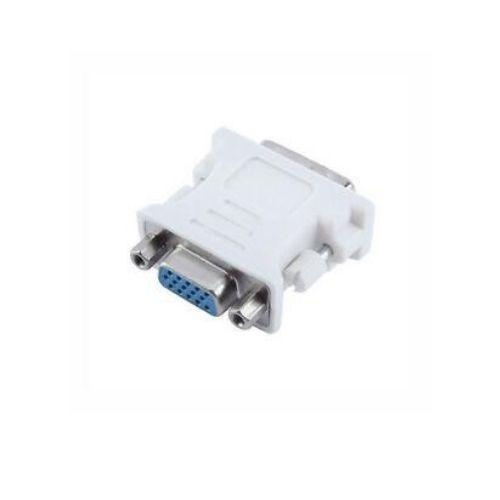
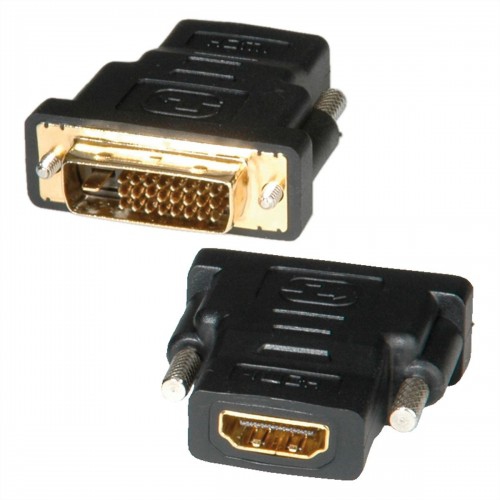
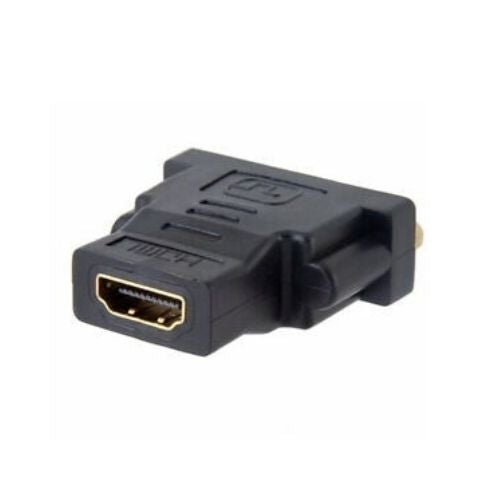
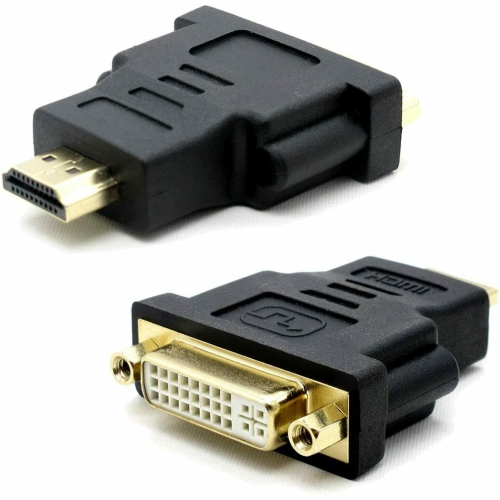
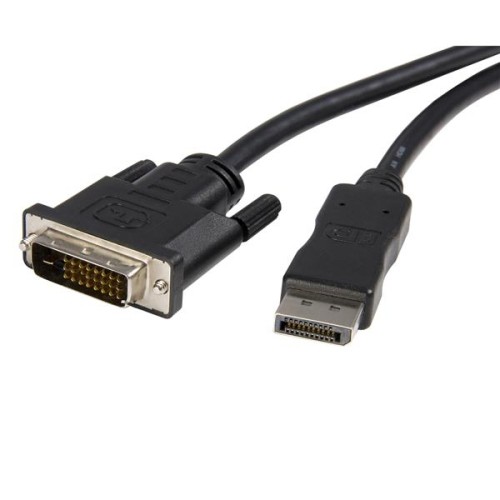
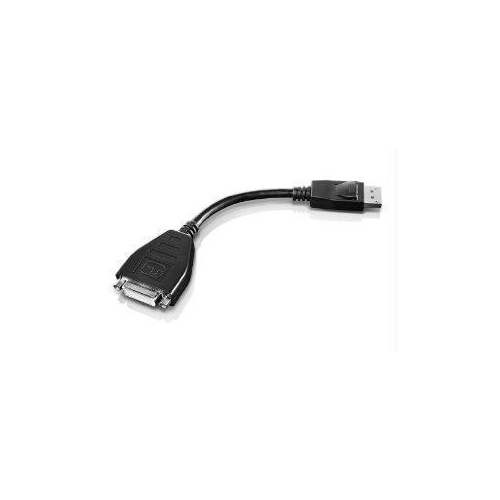
DVI connectors are practical accessories for connecting computers, monitors, projectors, and other display equipment that use a DVI interface. Although newer devices often rely on HDMI, DisplayPort, or USB-C, DVI remains common in home offices, classrooms, creative workspaces, gaming setups, and workplaces with dependable older monitors. A connector may be useful when the ports on two pieces of equipment do not match, when an existing cable needs a compatible connection, or when a display setup is being rearranged around a desk or entertainment area. Before choosing one, check the exact DVI port on each device. DVI-D carries a digital video signal, while DVI-A is designed for analogue video, and DVI-I can support both digital and analogue connections depending on the equipment and configuration. The pin layout around the flat blade is also important, since different DVI formats can look similar at first glance but are not always interchangeable. Single-link and dual-link connections can have different capabilities, particularly when resolution or refresh rate matters, so reviewing the specifications for the computer and display is a useful step before adding a connector to a cart. It also helps to confirm whether the desired connection is male-to-female, female-to-female, or another configuration, as the connector ends must match the ports and the cable being used. A little attention to these details can prevent the familiar frustration of setting up a monitor only to discover that the connector does not fit or cannot carry the required signal.
When selecting DVI connectors, consider the complete connection rather than the accessory on its own. A connector may help bridge a port difference, but it cannot convert every type of signal or add capabilities that the source device and display do not support. For example, a DVI connection generally carries video rather than audio, so speakers or a separate audio cable may still be needed for a computer-and-monitor arrangement. If an adapter is being used with a cable, inspect both ends and identify which side connects to the computer, graphics card, monitor, or projector. The available space around the ports is worth considering as well. A compact connector can be helpful behind a monitor mounted close to a wall, while a right-angle design may make cable routing easier in a crowded workstation. For installations that will be connected and disconnected regularly, a secure fit and durable housing can make everyday use more convenient. For a fixed setup, measuring the route between devices can help avoid putting unnecessary strain on the cable or placing pressure on the port. Those looking for compatible cable options can browse DVI Cables to complete the connection. Keep in mind that image quality is influenced by the source, display, cable, connector type, and supported resolution together. A DVI connector is often most useful when it solves a specific port or layout challenge, such as connecting an older desktop computer to a reliable monitor, adding a second display to a workstation, or extending a projector setup for presentations and lessons.
DVI connectors can suit a wide range of people because they support practical upgrades without requiring an entire display system to be replaced. A student setting up a study area may use one to connect a monitor inherited from a family member, while someone working from home may use one to bring an older screen back into a dual-monitor arrangement. They can also be handy for IT departments, office administrators, educators, and anyone maintaining a mixture of newer and older equipment. As the weather changes and more activities move indoors, a well-organized desk, media room, or hobby space can make long stretches of computer use feel more comfortable, and the right connector can help keep that setup tidy and functional. DVI accessories may also make thoughtful gifts for a person who enjoys building computers, repairing electronics, collecting older hardware, or improving a home office, particularly when the recipient has mentioned a specific monitor or graphics card with a DVI port. For a gift, it is best to confirm the equipment details first instead of relying on appearance alone, since DVI ports can vary in pin arrangement and supported signal type. Once the format is confirmed, look for a connector that matches the intended devices, fits the available space, and supports the resolution requirements of the display. With those basics in place, DVI connectors can provide a straightforward way to keep compatible equipment working together, whether the goal is a simple replacement, a cleaner cable layout, or a more flexible multi-display workspace during the cooler months.
When selecting DVI connectors, consider the complete connection rather than the accessory on its own. A connector may help bridge a port difference, but it cannot convert every type of signal or add capabilities that the source device and display do not support. For example, a DVI connection generally carries video rather than audio, so speakers or a separate audio cable may still be needed for a computer-and-monitor arrangement. If an adapter is being used with a cable, inspect both ends and identify which side connects to the computer, graphics card, monitor, or projector. The available space around the ports is worth considering as well. A compact connector can be helpful behind a monitor mounted close to a wall, while a right-angle design may make cable routing easier in a crowded workstation. For installations that will be connected and disconnected regularly, a secure fit and durable housing can make everyday use more convenient. For a fixed setup, measuring the route between devices can help avoid putting unnecessary strain on the cable or placing pressure on the port. Those looking for compatible cable options can browse DVI Cables to complete the connection. Keep in mind that image quality is influenced by the source, display, cable, connector type, and supported resolution together. A DVI connector is often most useful when it solves a specific port or layout challenge, such as connecting an older desktop computer to a reliable monitor, adding a second display to a workstation, or extending a projector setup for presentations and lessons.
DVI connectors can suit a wide range of people because they support practical upgrades without requiring an entire display system to be replaced. A student setting up a study area may use one to connect a monitor inherited from a family member, while someone working from home may use one to bring an older screen back into a dual-monitor arrangement. They can also be handy for IT departments, office administrators, educators, and anyone maintaining a mixture of newer and older equipment. As the weather changes and more activities move indoors, a well-organized desk, media room, or hobby space can make long stretches of computer use feel more comfortable, and the right connector can help keep that setup tidy and functional. DVI accessories may also make thoughtful gifts for a person who enjoys building computers, repairing electronics, collecting older hardware, or improving a home office, particularly when the recipient has mentioned a specific monitor or graphics card with a DVI port. For a gift, it is best to confirm the equipment details first instead of relying on appearance alone, since DVI ports can vary in pin arrangement and supported signal type. Once the format is confirmed, look for a connector that matches the intended devices, fits the available space, and supports the resolution requirements of the display. With those basics in place, DVI connectors can provide a straightforward way to keep compatible equipment working together, whether the goal is a simple replacement, a cleaner cable layout, or a more flexible multi-display workspace during the cooler months.
Top selling and popular products
-
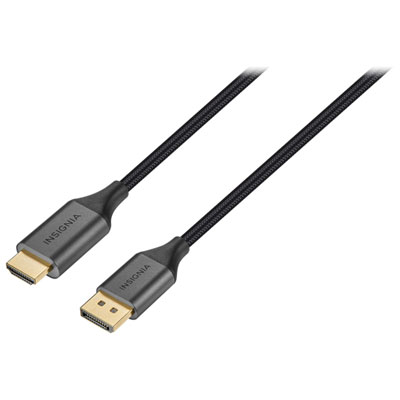 Your price for this item is $39.95
 -
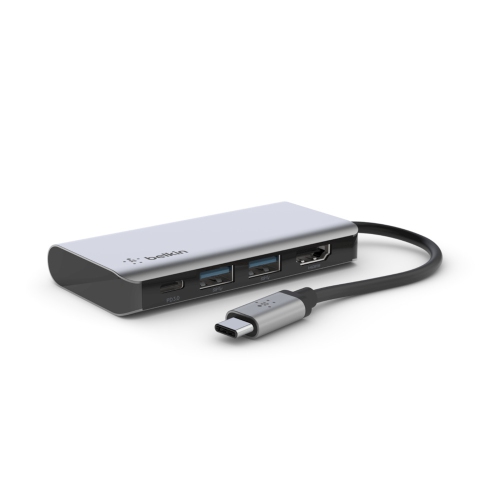 Your price for this item is $62.99
 -
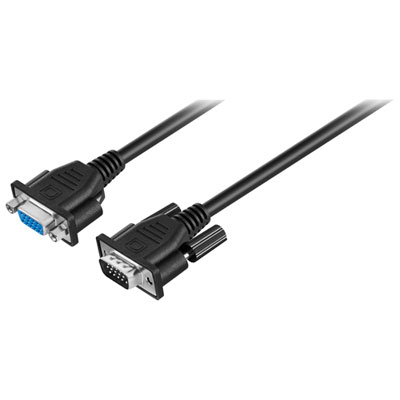 Your price for this item is $29.95
 -
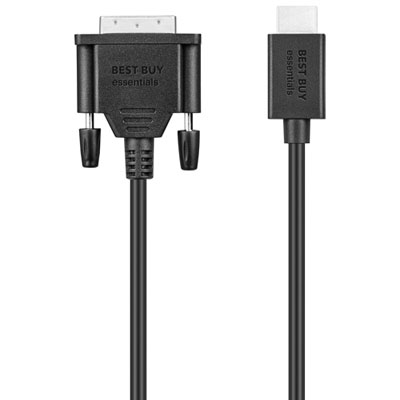 Your price for this item is $14.99
 -
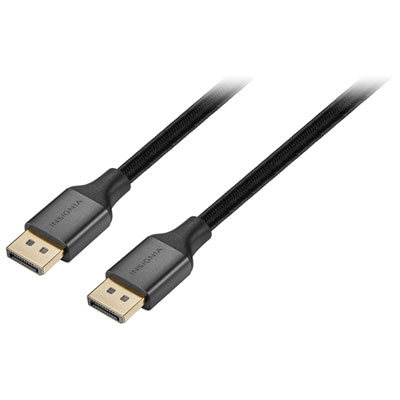 Your price for this item is $29.99
 -
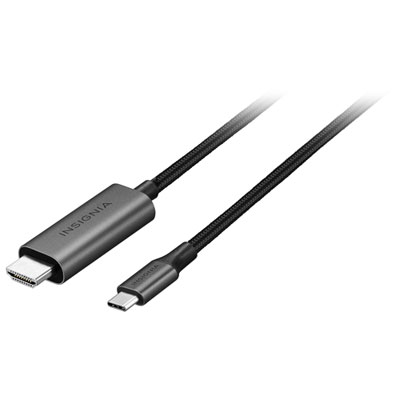 Your price for this item is $39.99
 -
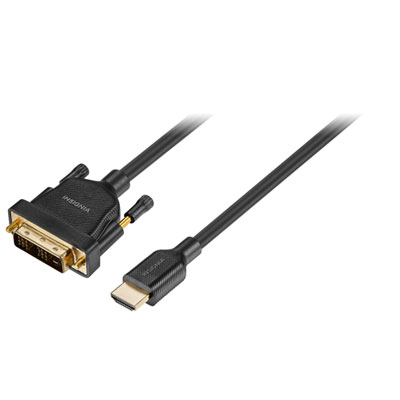 Your price for this item is $29.99
 -
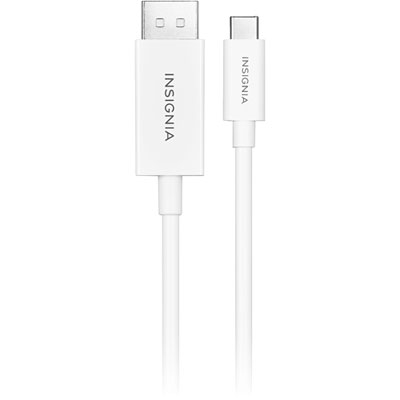 Your price for this item is $24.97
Discover more categories related to DVI Connectors
Top Collections:
Pokemon Centers, Kindle Devices, Best Budget Office Chairs, Apple iPhones 16, Best Laptops for Writers, iPhone 15 Apple, Canon G7X Cameras, Refurbished Apple Laptops, Alarm Clock, Motorola Razr Phones
Some products may be subject to Environmental Handling Fees
(EHF) depending on your province.
Learn more about EHFs.