DVI Cables
Enhance your digital video connections with a DVI Cable, designed to deliver reliable performance for a variety of devices. Whether you're setting up a home theater, upgrading your office workstation, or connecting monitors and projectors, a DVI Cable offers the versatility you need for clear and consistent video transmission. Explore a wide selection of cable lengths and connector types to find the perfect fit for your setup. Shop DVI Cables to ensure seamless connectivity between your compatible devices.
Sort
Why DVI compatibility goes beyond the connector shape
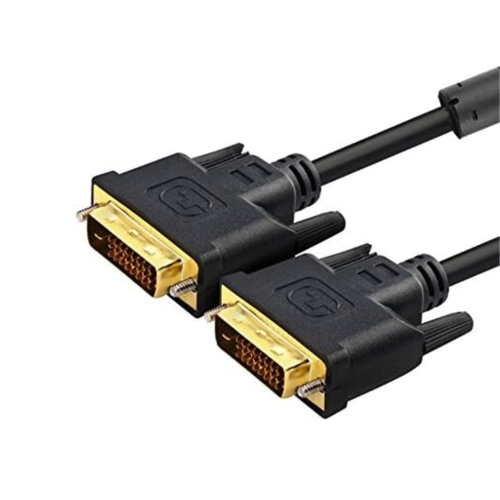
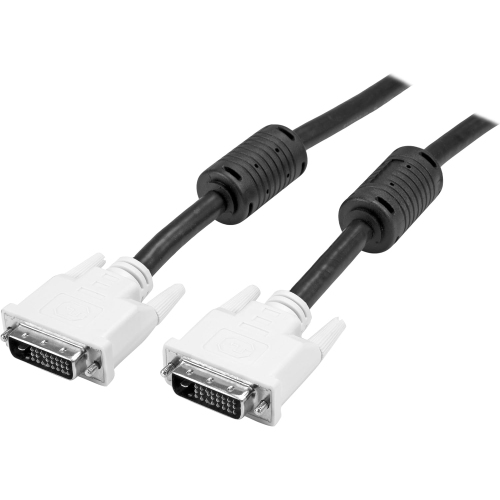
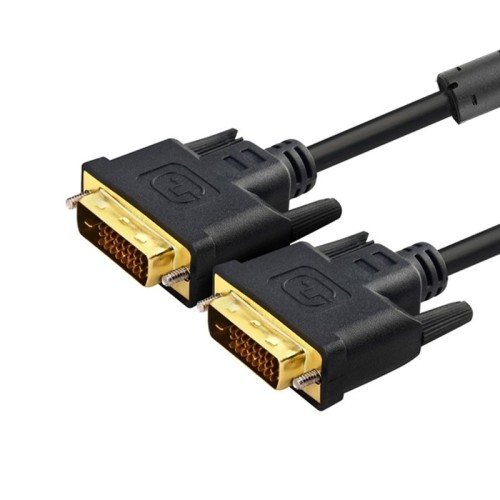
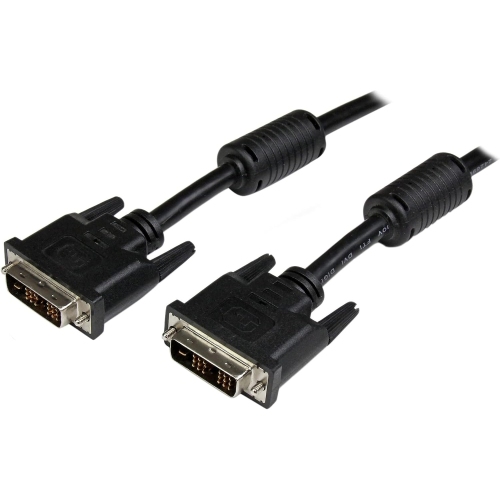
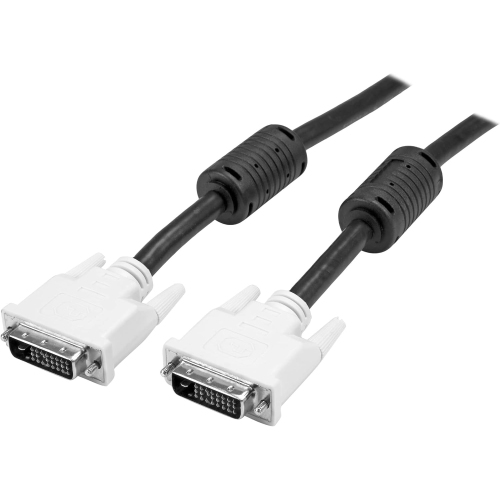
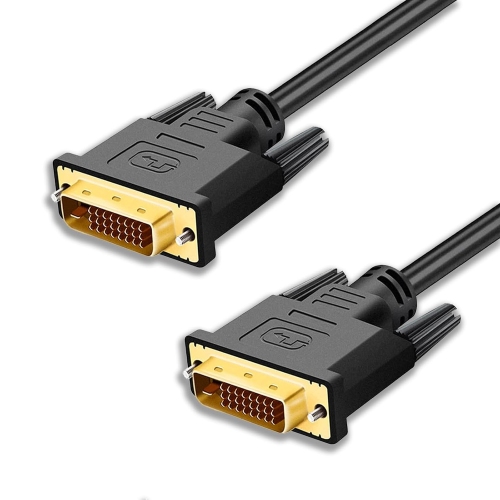
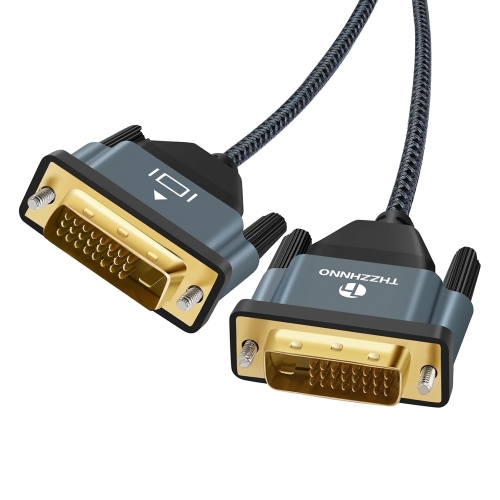
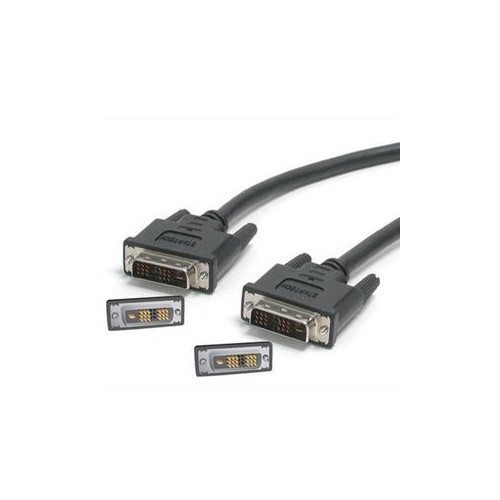
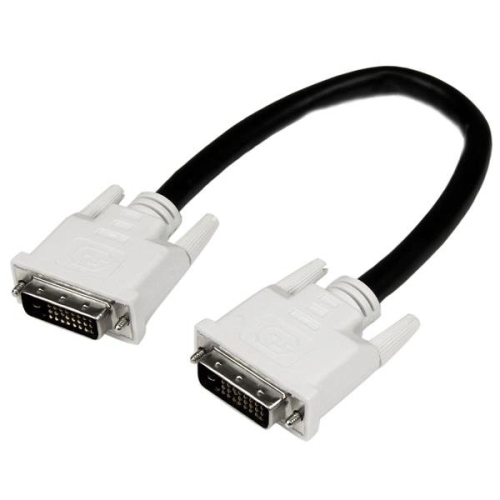
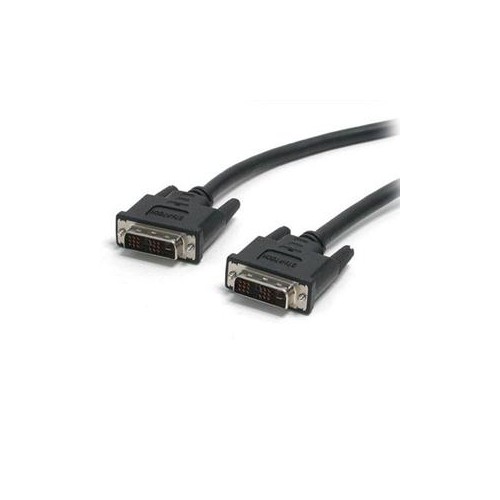
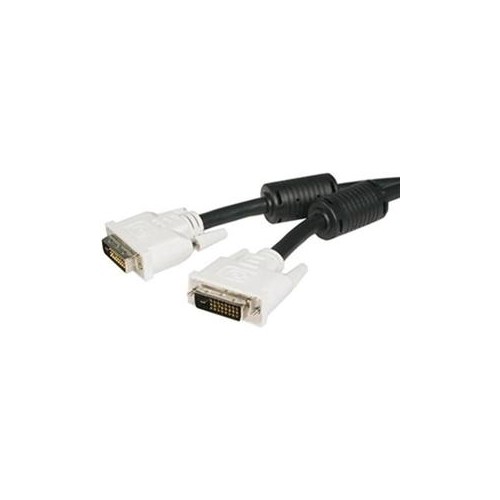
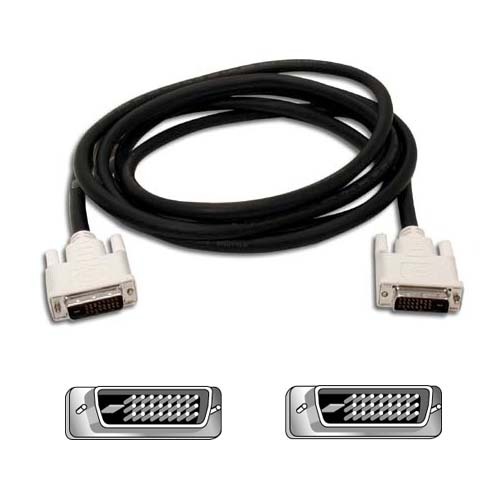
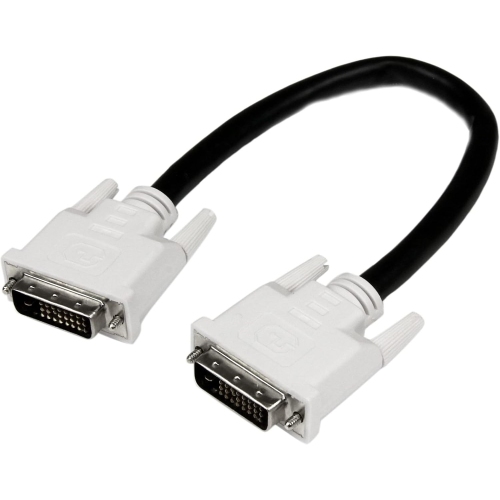
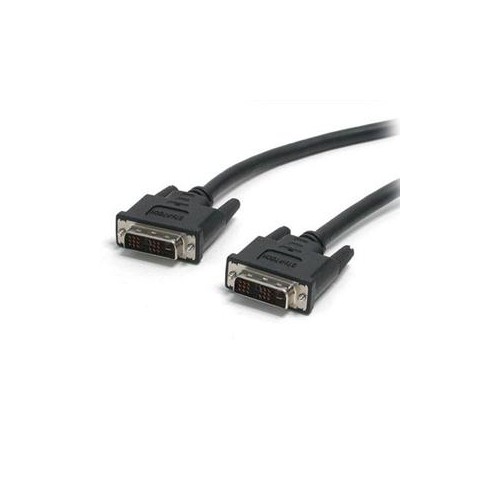
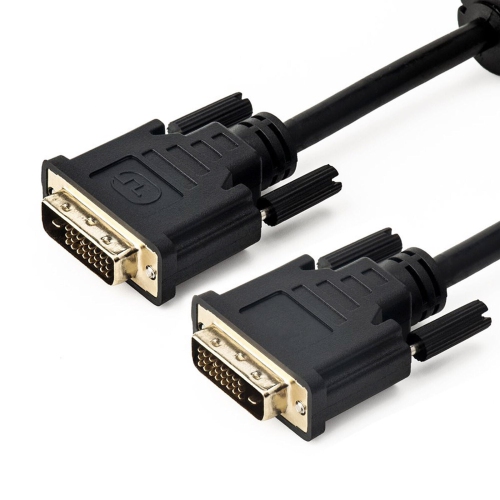
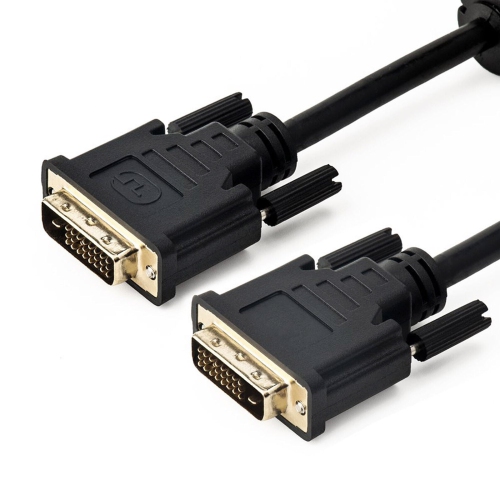
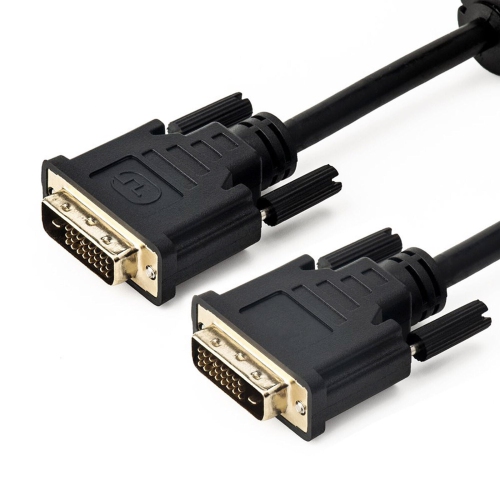
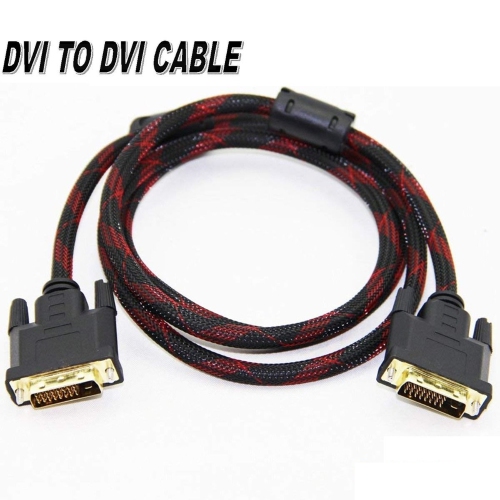
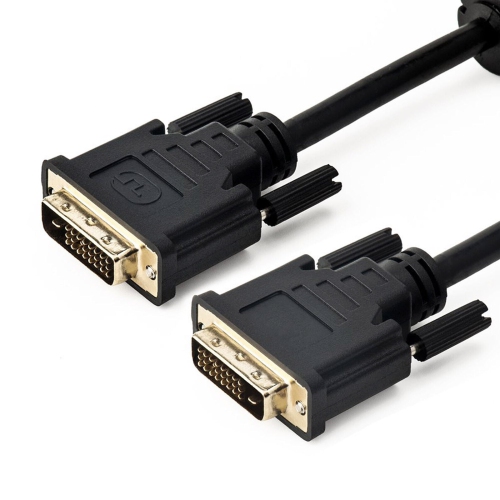
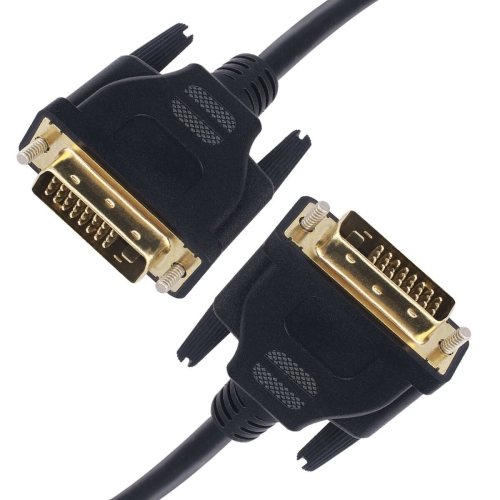
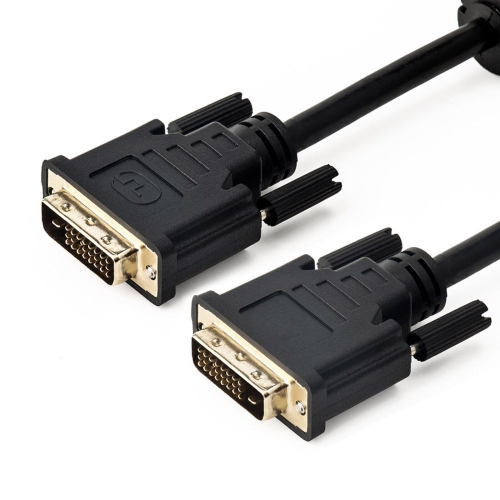
DVI cables provide a video connection between compatible computers and displays, making them useful for desktop workstations, older monitors, projectors, and other equipment with Digital Visual Interface ports. A familiar sight on the back of many desktop towers and office screens, the DVI connector has a broad, rectangular shape, a grid of pins, and a flat contact at one side. Its screw fittings help secure the connection, particularly where a monitor sits close to a wall or a computer is tucked beneath a desk. For a home office, study space, or shared workstation, a properly matched DVI cable can keep a capable display in use without changing the rest of the setup. It can support everyday tasks such as reviewing spreadsheets, reading documents, editing photographs, and arranging several application windows across a compatible monitor. The important distinction is that DVI describes a family of connections rather than one universally interchangeable plug. DVI-D carries digital video, while DVI-I connections can accommodate digital or analogue video when the connected equipment supports the relevant signal. The less common DVI-A format carries analogue video. Those differences affect both the shape of the connector and the type of signal that can travel through it. A socket that looks almost right may still be incompatible with a particular plug, especially when extra analogue pins are present around the flat contact. Matching the port type at both ends matters more than choosing a cable by appearance alone. For someone reconnecting an older desktop after a move, adding a monitor to a dedicated workspace, or setting up a projector for presentations, the cable serves a straightforward purpose: carrying the supported video signal between devices. It is also worth accounting for sound separately, since standard DVI connections carry video rather than audio. Speakers, headphones, or another audio connection may therefore remain part of the overall arrangement.
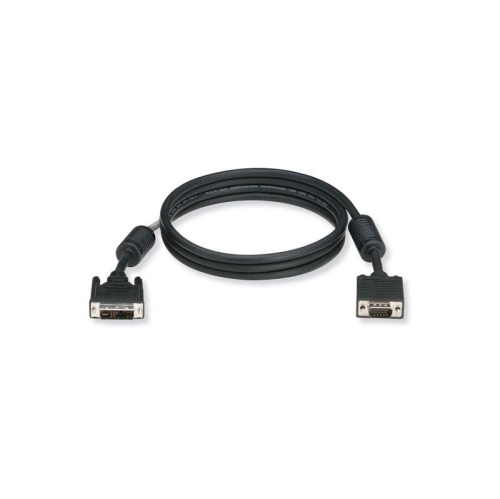
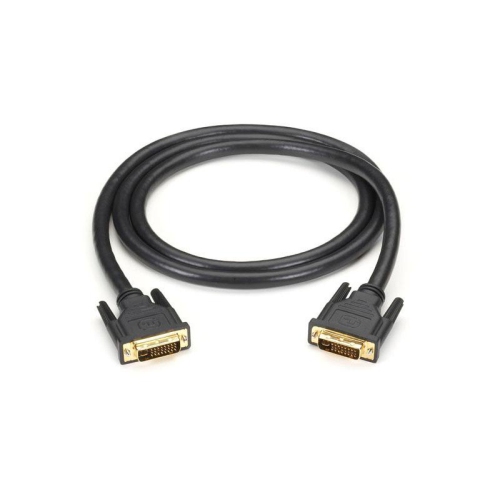
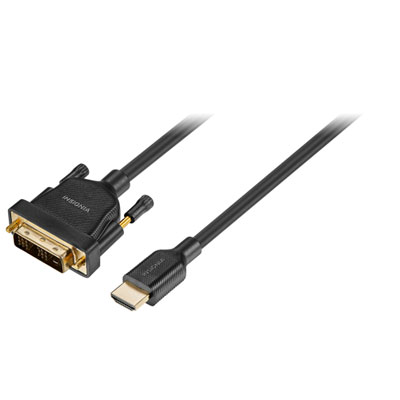
Single-link and dual-link designs add another important distinction within the DVI category. These terms describe the digital connection’s data capacity, not the number of monitors a cable can connect. A single-link DVI connection commonly supports resolutions up to 1920 × 1200 at 60 Hz, while a compatible dual-link connection commonly supports up to 2560 × 1600 at 60 Hz. Actual results depend on the computer’s video output, the display’s supported modes, and the cable itself. Higher refresh rates at some lower resolutions may also be possible, but a dual-link cable does not make an unsupported display or graphics output capable of a new operating mode. This matters when pairing a larger desktop monitor with an older workstation or trying to retain a familiar screen after changing computers. The monitor’s native resolution is generally the clearest reference point, since running a digital display below that resolution can leave text looking softer. For equipment that specifically calls for the corresponding connector and bandwidth, DVI I Dual Link Cables are a relevant connection type to consider alongside the device specifications. The DVI-I designation does not mean that every connected device supplies both analogue and digital signals, and the dual-link designation does not remove the need to match the ports. Mixed-connection setups introduce further considerations. A straightforward HDMI-to-DVI connection can often carry compatible digital video, but it should not be assumed to provide dual-link bandwidth or an audio connection through the DVI end. DisplayPort-to-DVI connections may require an active adapter, depending on the source and the resolution required. Connecting a digital-only DVI output to an analogue VGA display requires active conversion rather than a simple change in plug shape. Adapter direction also matters: a converter designed to send video from one connection type to another may not work in reverse. In a workspace with several generations of equipment, these distinctions help explain why matching connector shapes is only one part of establishing a working display connection.
Construction and physical fit make a noticeable difference to how comfortably a DVI cable works within a desk or media setup. Typical construction includes insulated conductors, shielding, an outer jacket, and moulded connector housings, with variations in flexibility, thickness, and strain relief. Shielding helps protect the signal from electrical interference, while a sturdy jacket helps protect the conductors from everyday handling. Braided coverings can add abrasion resistance, although a thicker or stiffer cable may be less convenient behind a shallow desk. Gold-plated contacts can resist corrosion, but they do not automatically produce richer colour or sharper text than another properly functioning digital connection. With digital video, connection problems are more likely to appear as intermittent picture loss, flickering, or visible pixel errors than as a subtle change in image quality. Cable length deserves attention before the workspace is arranged. The useful measurement follows the intended route from the computer to the monitor, including the drop behind the desktop, any cable tray, and enough slack for normal monitor adjustment. An unnecessarily long run creates extra cable to organize and can make maintaining a reliable signal more demanding, particularly at higher resolutions. A cable that is too short can pull against the ports when the screen moves. DVI plugs also need more clearance than some smaller connectors, so the space behind the display and access to the screw fittings are practical parts of the fit. Hand-tightened screws are usually sufficient; excessive force can damage the fittings or make later removal difficult. Gentle bends near the connectors help avoid stress, and the connector housing, rather than the cord, provides the appropriate grip when disconnecting. For care, a dry exterior wipe and occasional visual check for bent pins, damaged insulation, or loose fittings are sensible measures with equipment disconnected. Whether the cable stays behind a permanent workstation or travels with presentation equipment, suitable length, compatible connections, and sound construction help make it a dependable part of the setup.
Top selling and popular products
-
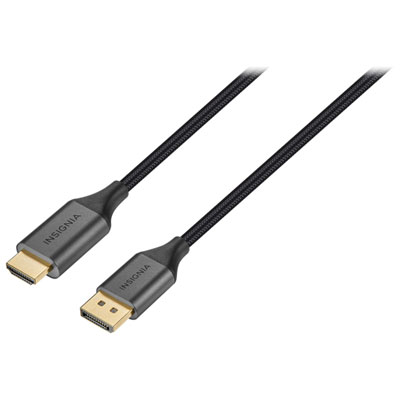 Your price for this item is $39.95
-
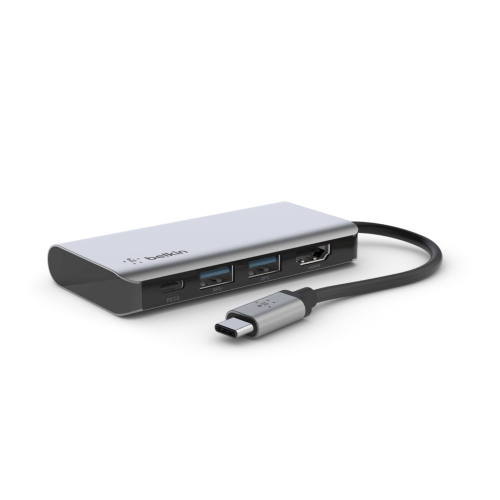 Your price for this item is $63.99
-
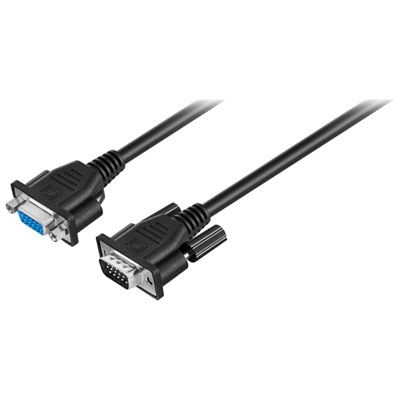 Your price for this item is $29.95
-
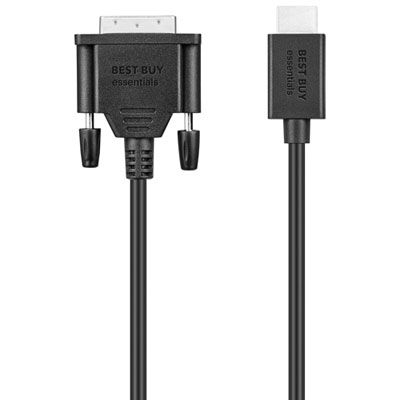 Your price for this item is $14.99
-
 Your price for this item is $29.99
-
 Your price for this item is $39.99
-
 Your price for this item is $29.99
-
 Your price for this item is $29.99
Discover more categories related to DVI Cables
Top Collections:
Best Black Friday Deals This Year, Best Black Friday Deals On Electronics, Kindle Devices, Pokemon Centers, Best Black Friday Deals On Apple Products, Best Cameras for Sports Photography, Dyson Airwrap, Pokémon 30th Celebration Cards, Apple iPhone 17 Pro, Canon G7X Cameras
Some products may be subject to Environmental Handling Fees
(EHF) depending on your province.
Learn more about EHFs.