Dye Sublimation Printers
If you're looking to take your printing game to the next level, this collection of dye sublimation printers offers professional-grade quality for all your printing needs. Whether you're a hobbyist looking to create vibrant and long-lasting prints or a business owner seeking high-quality output for your products, these printers are designed to deliver exceptional results. With their advanced technology and precision engineering, you can bring your images to life with stunning clarity and detail.
Sort
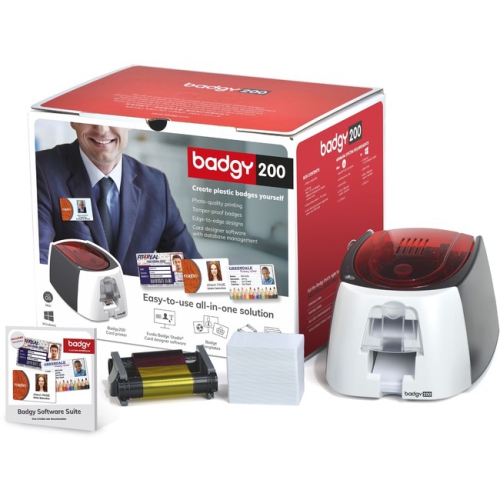
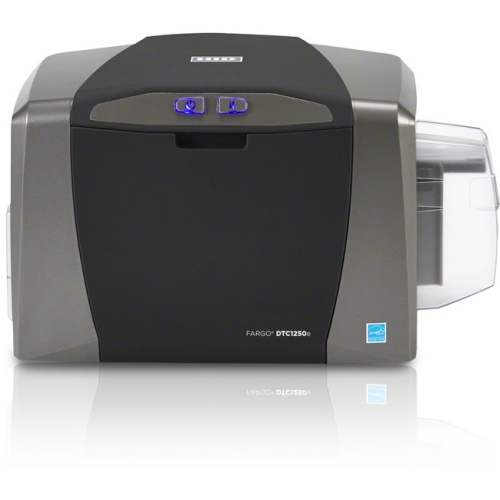
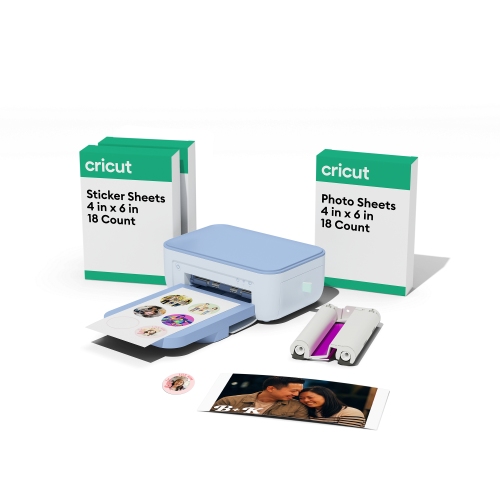
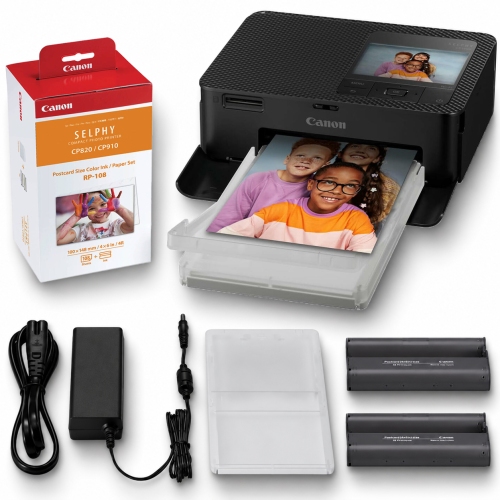
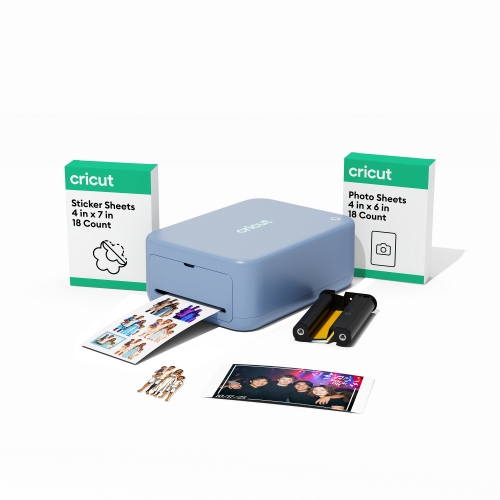
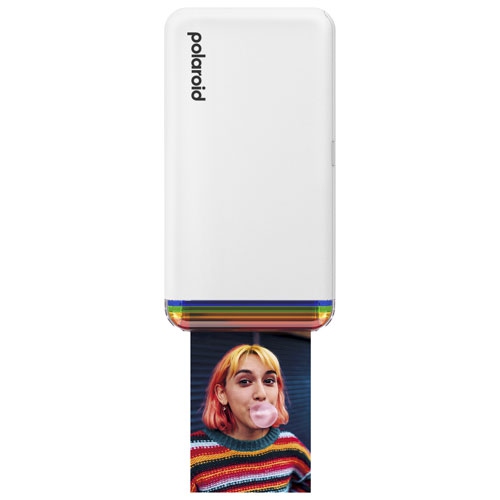
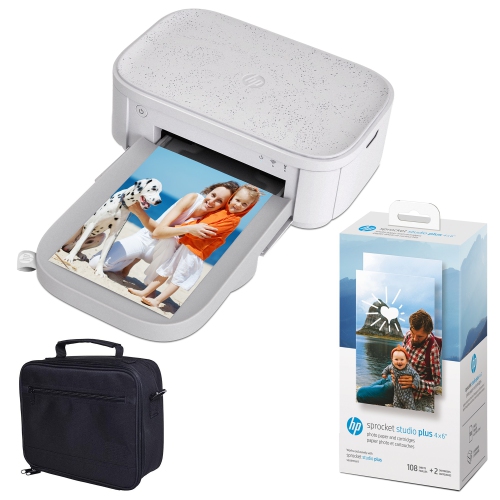
Finished photos and printed transfers need different setups
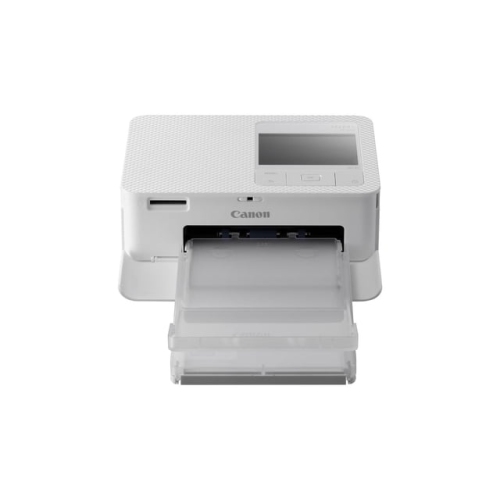
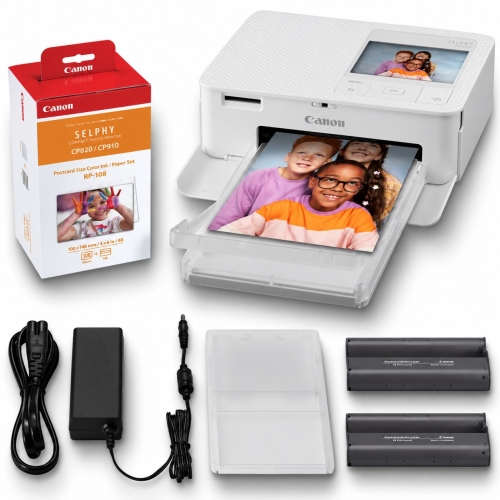
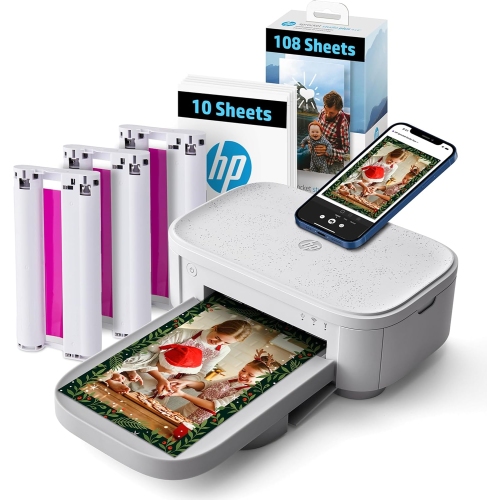
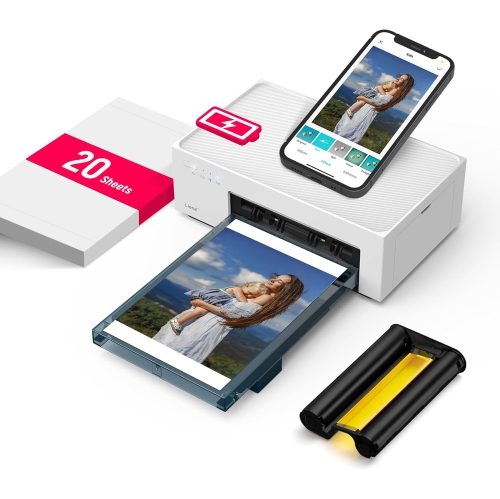
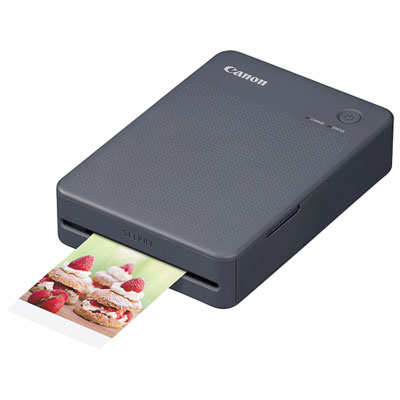
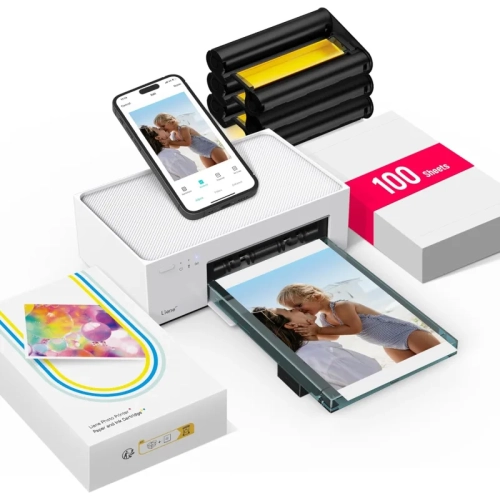
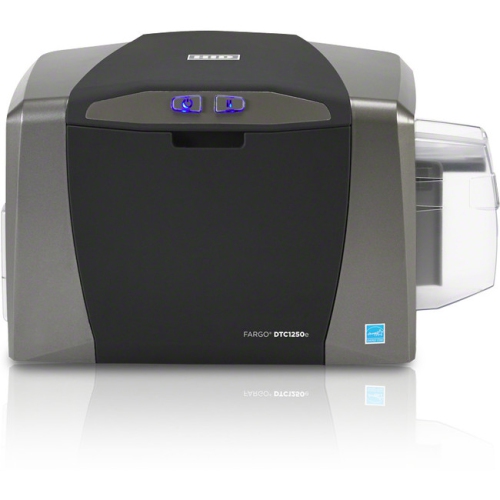
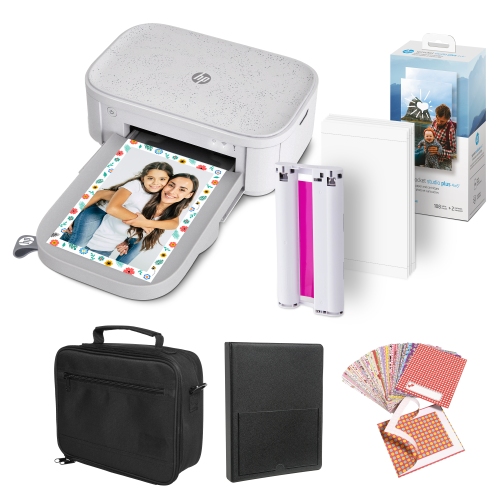
Dye sublimation printers create detailed, full-colour images using dyes that respond to heat, but the term covers two distinct types of printing. Transfer-based sublimation printers print designs onto special paper using sublimation ink. A separate heat press then turns the dried dye into a gas, allowing it to enter polyester fibres or a suitable polymer coating. As the material cools, the image becomes embedded in the printable surface rather than sitting on top as a separate layer. This makes the process well suited to personalized drinkware, photo panels, coasters, and polyester apparel, where smooth finishes and fine detail matter. Dye sublimation photo printers work differently: they use a dye ribbon and controlled heat to build an image on compatible photo paper, often adding a protective finishing layer. These printers are designed for finished photographic prints rather than transfers for fabric or coated objects. Understanding that distinction helps match a printer to its intended use. Someone making family photo albums needs a different setup from someone printing artwork for shirts or creating personalized gifts. For transfer printing, the printer is only one part of the workspace; compatible ink, transfer paper, suitable blanks, and a heat press are also needed. For dedicated photo printing, matching paper and ribbon supplies are central to the system. Both approaches can reproduce subtle colour transitions, skin tones, and detailed illustrations, although results depend on the source image, printer settings, and chosen materials. A sharp original photograph gives small facial features and lettering a better chance of remaining clear, while an enlarged low-resolution image can still look soft regardless of the printing process. For home crafters, photographers, and small business owners, the most useful distinction is therefore not simply print quality, but what comes out of the printer and what must happen next. A finished photo may be ready to place in an album, while a printed transfer still needs careful positioning and pressing before the design appears on its final surface.
Material compatibility is especially important with transfer-based dye sublimation printers. Standard sublimation dyes bond best with polyester and purpose-made polymer coatings; untreated cotton, ordinary ceramic, and uncoated metal do not provide the same result. Polyester-rich fabrics generally produce stronger colours than blends with a lower polyester content, while blends may give artwork a softer, more faded appearance. White and light-coloured surfaces are usually the most practical starting point because standard sublimation inks are transparent and do not include white. The colour of the blank becomes part of the finished design, so a pale yellow fabric can alter a blue illustration, and a dark fabric can obscure it. On apparel, sublimation adds little noticeable texture because the dye enters the fibres rather than forming a thick printed patch. That quality suits detailed graphics on sportswear and other polyester garments where flexibility and fabric feel are important. For rigid objects, the coating quality, surface shape, and suitability for pressing all influence the finish. A flat photo panel and a curved piece of drinkware require different pressing arrangements, even when their artwork comes from the same printer. Printable width also matters: the design must fit within the printer’s supported paper size, its actual printable area, and the working area of the press. A larger sheet does not automatically mean edge-to-edge printing, and an oversized design may not fit the intended blank. Durability depends on the complete combination of dye, substrate, application, and care. Properly applied sublimation images do not have a separate film layer that can peel away, but they can still fade or suffer damage through unsuitable washing, prolonged light exposure, or wear to a coated surface. Care directions for the finished blank remain important, including any limits on dishwasher use or abrasive cleaning. With photographic prints, gentle handling and suitable albums or frames help protect the surface from scratches and fingerprints. These details matter for gifts as much as for saleable goods: a personalized keepsake should suit the recipient’s everyday habits, not just look appealing when first presented.
The right dye sublimation printer also needs to fit the space, workload, and devices involved in making each print. A compact desktop format can suit occasional craft projects or family photographs, while a larger printing format may be more useful for apparel graphics, wider artwork, or repeated production. Physical dimensions tell only part of the story. Paper trays, output clearance, supply storage, and access for maintenance all take up room, and transfer printing needs a stable pressing area with ventilation appropriate to the equipment and materials. Connection options can include USB, Wi-Fi, or Ethernet, depending on the printer, but compatibility with the intended computer, mobile device, operating system, and design software deserves equal attention. Wireless connectivity alone does not guarantee that every app supports the required paper sizes or print settings. Colour management is another practical consideration, particularly when matching artwork across repeated batches. Compatible colour profiles and settings help translate a digital design into a predictable printed result, although a glowing screen and a physical surface will never behave identically. Sublimation transfers often look muted before pressing, so the finished material is the meaningful reference for judging colour. Text and directional artwork generally need to be mirrored for transfer printing, while ordinary photographic output does not. For repeated orders, workflow details such as paper handling, supported print sizes, maintenance routines, and access to compatible consumables can matter as much as headline print speed. A printer’s output speed is also different from the time needed to prepare, press, cool, and inspect a finished object. Those building a repeatable production setup can explore Sublimation Printers for Small Business with their typical design sizes and order volumes in mind. Purpose-built sublimation equipment offers a clearer starting point than assuming an ordinary inkjet printer can accept different ink; unsupported conversions can affect reliability, compatibility, and warranty coverage. Whether the goal is a framed portrait, a set of personalized gifts, or consistent branded merchandise, a well-matched printer supports the entire task, from preparing the artwork to handling a finished piece that feels right for its intended use.
Material compatibility is especially important with transfer-based dye sublimation printers. Standard sublimation dyes bond best with polyester and purpose-made polymer coatings; untreated cotton, ordinary ceramic, and uncoated metal do not provide the same result. Polyester-rich fabrics generally produce stronger colours than blends with a lower polyester content, while blends may give artwork a softer, more faded appearance. White and light-coloured surfaces are usually the most practical starting point because standard sublimation inks are transparent and do not include white. The colour of the blank becomes part of the finished design, so a pale yellow fabric can alter a blue illustration, and a dark fabric can obscure it. On apparel, sublimation adds little noticeable texture because the dye enters the fibres rather than forming a thick printed patch. That quality suits detailed graphics on sportswear and other polyester garments where flexibility and fabric feel are important. For rigid objects, the coating quality, surface shape, and suitability for pressing all influence the finish. A flat photo panel and a curved piece of drinkware require different pressing arrangements, even when their artwork comes from the same printer. Printable width also matters: the design must fit within the printer’s supported paper size, its actual printable area, and the working area of the press. A larger sheet does not automatically mean edge-to-edge printing, and an oversized design may not fit the intended blank. Durability depends on the complete combination of dye, substrate, application, and care. Properly applied sublimation images do not have a separate film layer that can peel away, but they can still fade or suffer damage through unsuitable washing, prolonged light exposure, or wear to a coated surface. Care directions for the finished blank remain important, including any limits on dishwasher use or abrasive cleaning. With photographic prints, gentle handling and suitable albums or frames help protect the surface from scratches and fingerprints. These details matter for gifts as much as for saleable goods: a personalized keepsake should suit the recipient’s everyday habits, not just look appealing when first presented.
The right dye sublimation printer also needs to fit the space, workload, and devices involved in making each print. A compact desktop format can suit occasional craft projects or family photographs, while a larger printing format may be more useful for apparel graphics, wider artwork, or repeated production. Physical dimensions tell only part of the story. Paper trays, output clearance, supply storage, and access for maintenance all take up room, and transfer printing needs a stable pressing area with ventilation appropriate to the equipment and materials. Connection options can include USB, Wi-Fi, or Ethernet, depending on the printer, but compatibility with the intended computer, mobile device, operating system, and design software deserves equal attention. Wireless connectivity alone does not guarantee that every app supports the required paper sizes or print settings. Colour management is another practical consideration, particularly when matching artwork across repeated batches. Compatible colour profiles and settings help translate a digital design into a predictable printed result, although a glowing screen and a physical surface will never behave identically. Sublimation transfers often look muted before pressing, so the finished material is the meaningful reference for judging colour. Text and directional artwork generally need to be mirrored for transfer printing, while ordinary photographic output does not. For repeated orders, workflow details such as paper handling, supported print sizes, maintenance routines, and access to compatible consumables can matter as much as headline print speed. A printer’s output speed is also different from the time needed to prepare, press, cool, and inspect a finished object. Those building a repeatable production setup can explore Sublimation Printers for Small Business with their typical design sizes and order volumes in mind. Purpose-built sublimation equipment offers a clearer starting point than assuming an ordinary inkjet printer can accept different ink; unsupported conversions can affect reliability, compatibility, and warranty coverage. Whether the goal is a framed portrait, a set of personalized gifts, or consistent branded merchandise, a well-matched printer supports the entire task, from preparing the artwork to handling a finished piece that feels right for its intended use.
Top selling and popular products
-
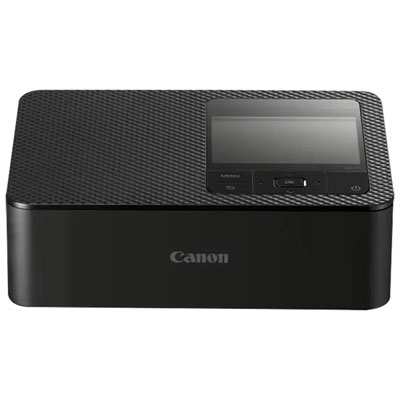 Your price for this item is $179.99
 -
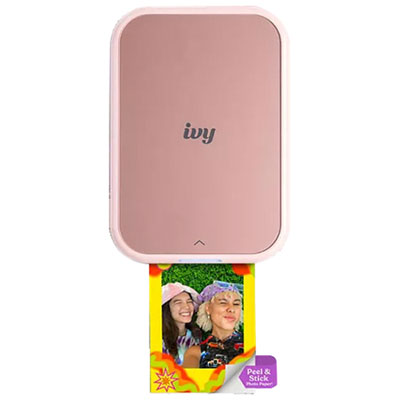 Your price for this item is $159.99
 -
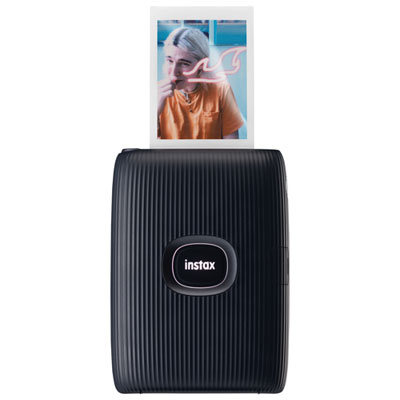 Your price for this item is $109.97
 -
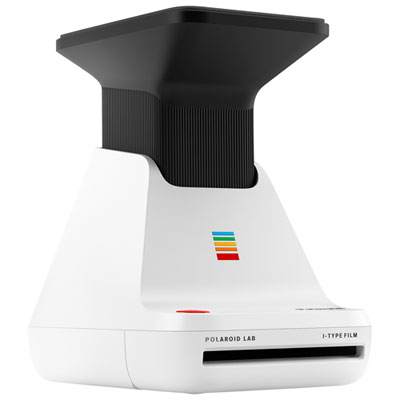 Your price for this item is $169.98
 -
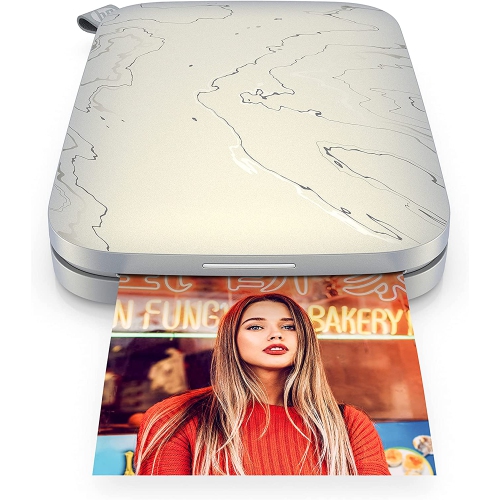 Your price for this item is $149.99
 -
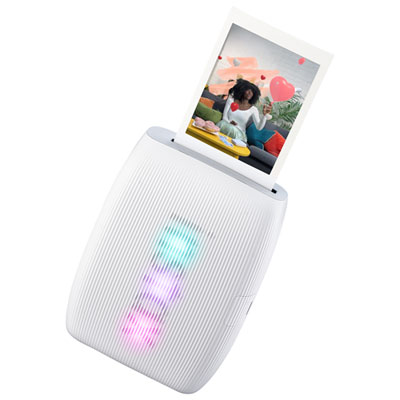 Your price for this item is $179.99
 -
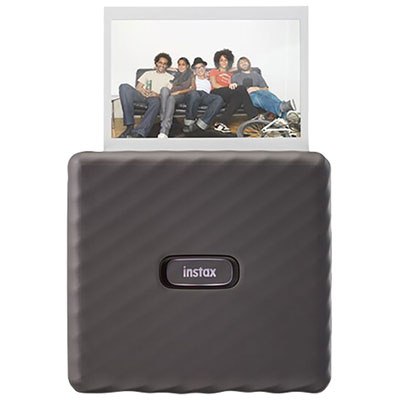 Your price for this item is $209.99
 -
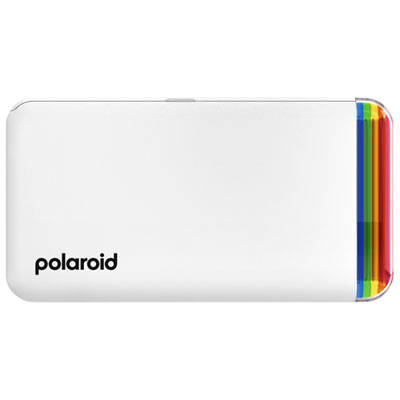 Your price for this item is $149.99
Discover more categories related to Dye Sublimation Printers
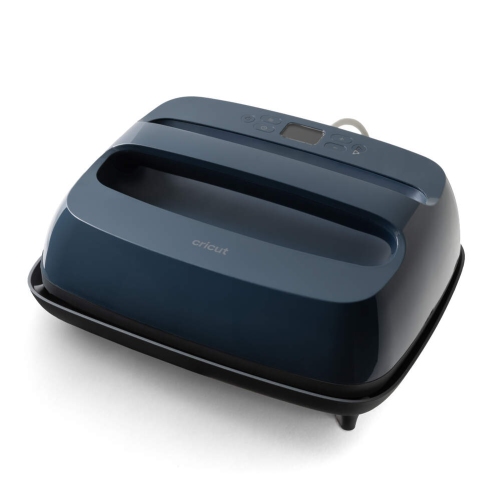
Top Collections:
Pokemon Centers, Best Cameras for Sports Photography, Kindle Devices, Samsung Galaxy Phones, Canon G7X Cameras, Pokémon 30th Celebration Cards, Refurbished Apple Laptops, iPhone 15 Apple, Laptops for Students, Budget Smartphones
Some products may be subject to Environmental Handling Fees
(EHF) depending on your province.
Learn more about EHFs.