Ergonomic Stand Up Mice
Discover a new way to navigate your computer with an Ergonomic Stand Up Mouse. Designed to help support comfortable hand positioning, these innovative mice are ideal for those seeking an alternative to traditional designs. Whether you're working, gaming, or browsing, an Ergonomic Stand Up Mouse can help you stay productive throughout the day. Explore a selection of options to find the right fit for your workspace and enhance your overall computing experience.
Sort





Why a handshake grip is only the starting point
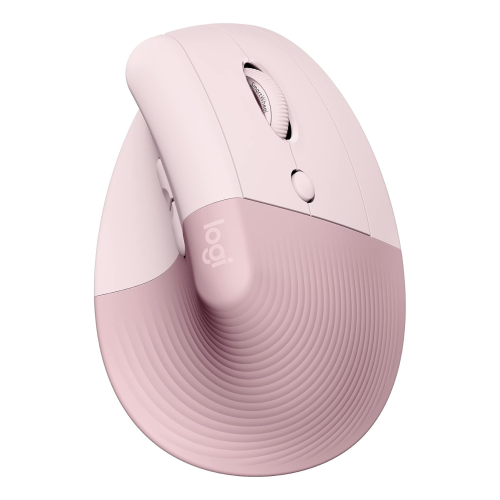
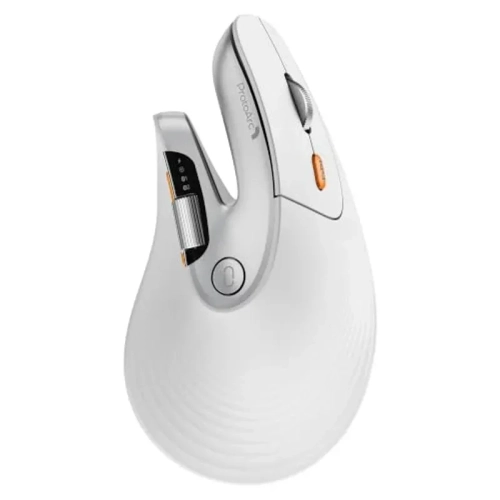
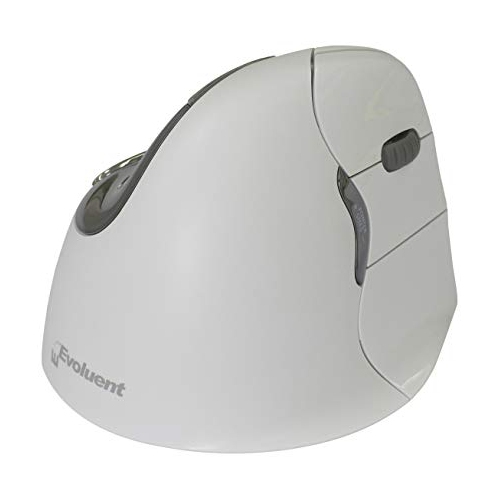
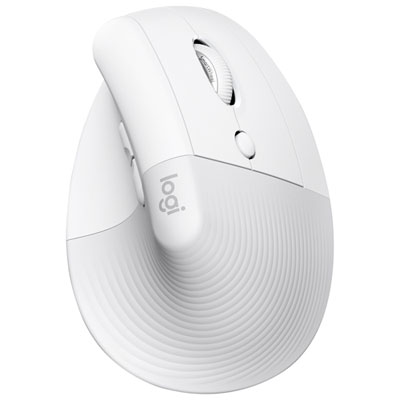
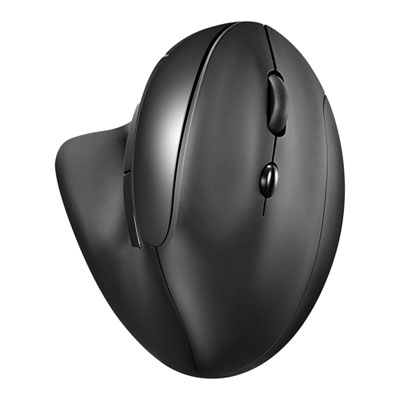
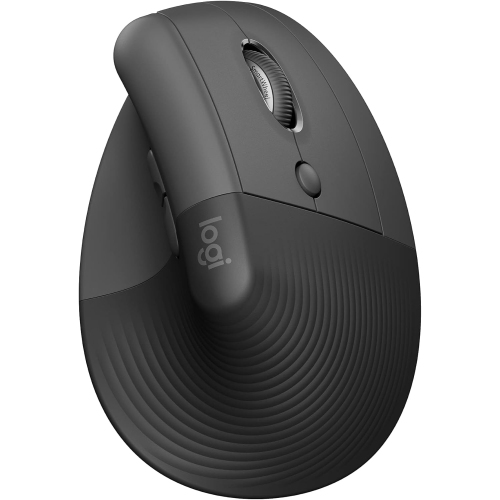
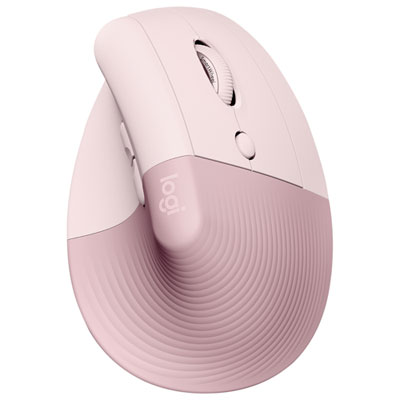
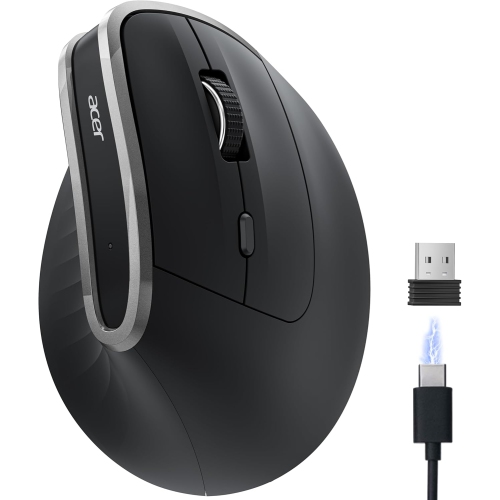
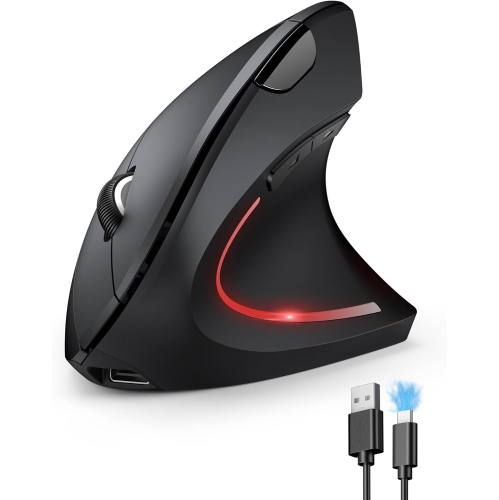
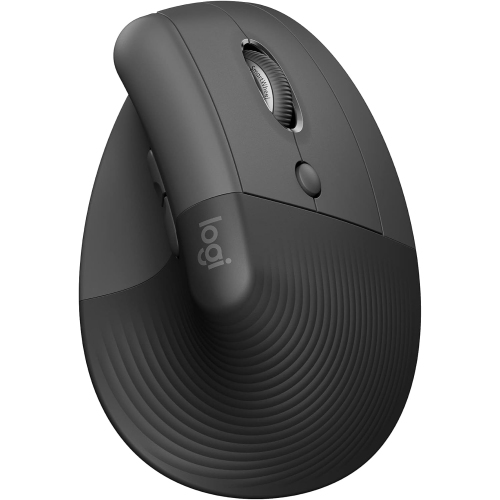
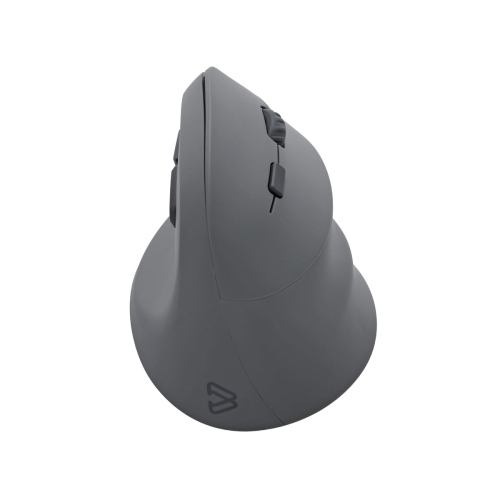
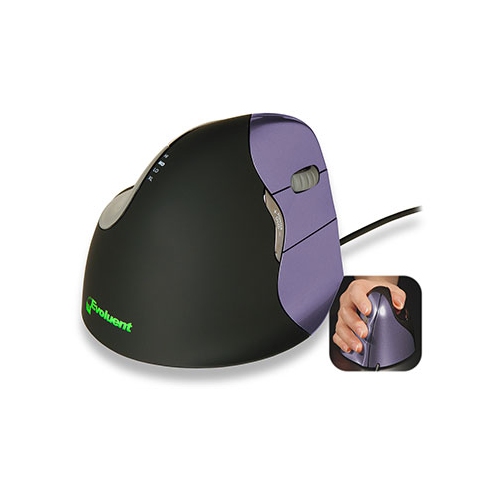
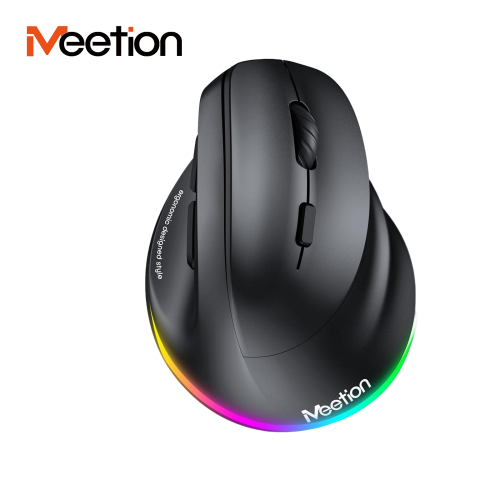
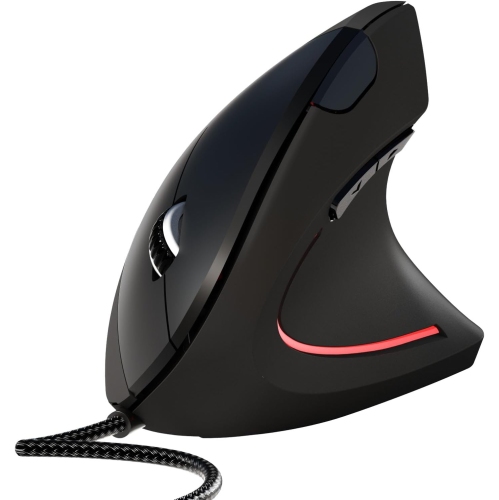
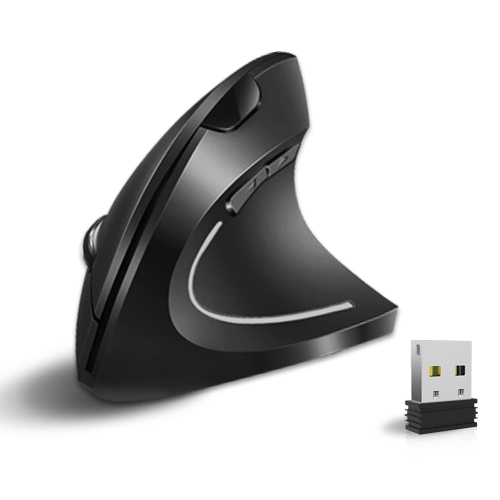
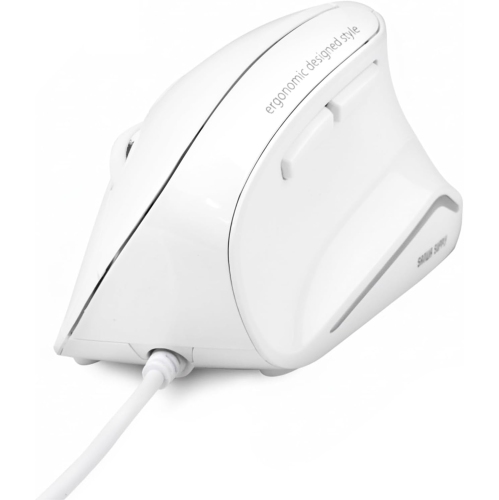
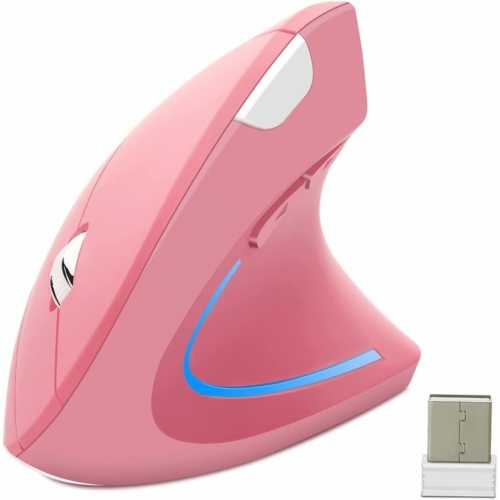
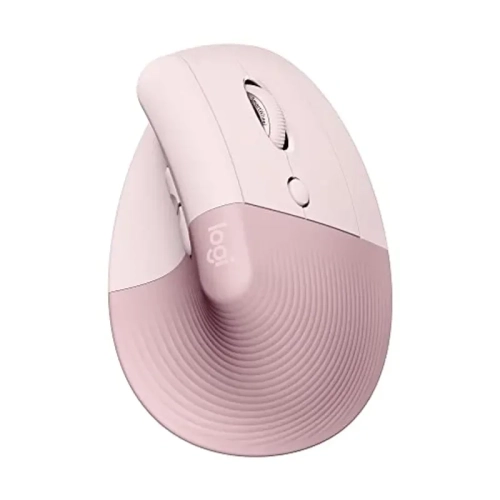
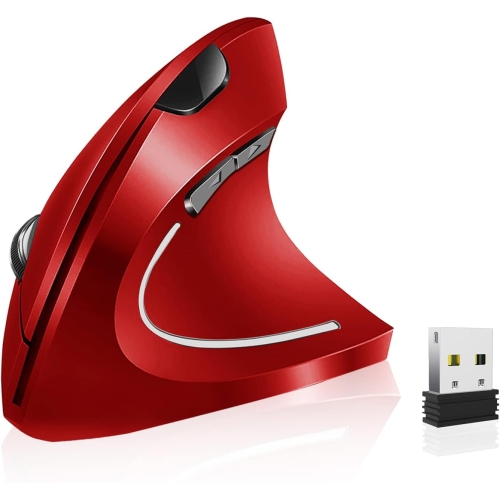
Ergonomic stand up mice, also called vertical mice, use an upright or steeply angled shape to support the hand in a handshake-like position. Unlike a conventional mouse that places the palm facing down, a vertical design turns the grip inward, reducing how far the forearm rotates during use. The exact angle varies, and a more upright shape is not automatically a better fit for every hand. These mice work at seated desks as well as standing desks; “stand up” describes the mouse’s shape rather than a requirement to stand while using it. For people who spend hours moving between documents, spreadsheets, browser tabs, and video calls, the appeal is a relaxed grip with familiar point-and-click control. Comfort depends on the entire setup, however, and an ergonomic mouse is not a treatment or a guarantee against discomfort. Keeping it close to the keyboard, allowing the shoulders to relax, and supporting the forearm can matter as much as the shape of the device. Fit starts with hand size and handedness. Many vertical designs are shaped specifically for the right or left hand, with a thumb rest on one side and the main buttons on the other. A suitable fit lets the fingers settle naturally over the buttons without stretching, bunching up, or squeezing the body to maintain control. Smaller hands may find a tall, broad design difficult to reach around, while larger hands may need more support beneath the palm. Grip style matters too: someone who rests most of the hand on the mouse may prefer a different shape from someone who steers mainly with the fingertips. The Ergonomic Vertical Mice category includes the same general approach to hand positioning. Across these designs, comfortable button access, balanced support, and enough room to move on the desktop are more useful considerations than appearance alone.
Connection type and controls shape how an ergonomic stand up mouse fits into everyday work. A wired connection keeps the mouse connected without charging or replacing batteries, making it practical for a permanent desk setup, provided the cable has enough slack to move freely. Wireless designs remove the cable from the work surface and can be easier to move between workspaces. Depending on the mouse, wireless connectivity may use Bluetooth, a USB receiver, or both. Bluetooth can leave a USB port free, while a receiver requires a compatible port or adapter. Compatibility deserves attention beyond the connection itself: basic pointing may work across several operating systems, but button customization, gesture controls, or device-switching features can depend on supported software. For someone moving between a work laptop and a personal computer, support for multiple paired devices can make that routine simpler. Pointer sensitivity is another practical detail. Adjustable sensitivity changes how far the pointer travels in response to hand movement, which can help balance broad movement across a large display with precise work in a spreadsheet or drawing application. It does not make every task more accurate by itself; the useful setting is one that allows controlled movement without repeated overshooting. Side buttons can place browser navigation or frequently used commands within thumb reach, while a comfortable scroll wheel matters when reviewing long documents. Button placement should allow these functions without forcing the thumb away from its resting position. Vertical mice can also take time to get used to, particularly when clicking small targets or dragging files. An easy click action and a stable base help, but an unfamiliar grip may initially feel slower than a familiar flat mouse. Everyday office work, studying, browsing, and general home computing are common uses. Fast-paced gaming, detailed illustration, and other specialized tasks may call for closer attention to weight, sensor behaviour, response time, and software support.
Materials and construction affect how an upright mouse feels after repeated use. Many designs combine a moulded plastic shell with textured panels or rubberized grip areas, giving the fingers and thumb different surfaces to rest against. Smooth plastic is generally straightforward to wipe clean, while textured areas can provide traction when the hand shifts position. Softer coatings may feel pleasant at first, but their long-term condition depends on the material, handling, and cleaning method. Seams, buttons, and the scroll wheel should feel secure rather than loose, and the base should glide without scraping or rocking. A mouse pad with a consistent surface can make movement more predictable, especially on a desktop where tracking is uneven; glass and highly reflective finishes may require a sensor designed for those surfaces. Routine care is simple but worthwhile. Disconnect a wired mouse or switch off a wireless one before cleaning, use a soft cloth according to the manufacturer’s directions, and avoid spraying liquid directly into openings. Dust and debris around the sensor or sliding feet can interfere with movement, while residue near the buttons and wheel can make daily use less pleasant. Rechargeable designs need a convenient charging routine, and replaceable-battery designs need the specified battery type and secure battery contacts. For a mouse carried between home and an office, a protective compartment helps keep the tall body, buttons, and USB receiver from being knocked around inside a bag. An ergonomic stand up mouse can be a thoughtful gift for a student, remote worker, or someone setting up a dedicated desk, but it is a personal-fit accessory rather than a one-shape-fits-all choice. Knowing the recipient’s dominant hand, approximate hand size, computer connections, and preferred way of working makes the choice more considered. For daily use, the strongest match is a mouse that feels easy to hold, responds consistently, and fits naturally alongside the keyboard and other desk essentials.
Top selling and popular products
-
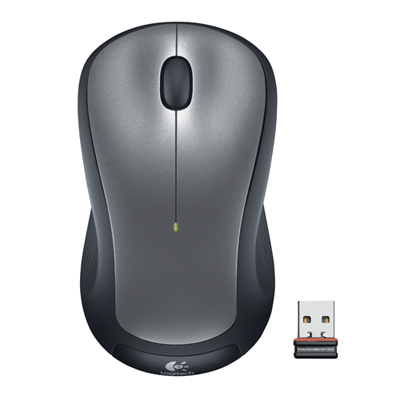 Your price for this item is $29.99
-
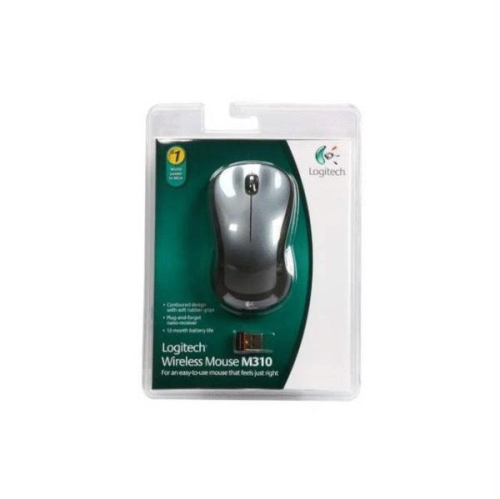 Your price for this item is $50.44
-
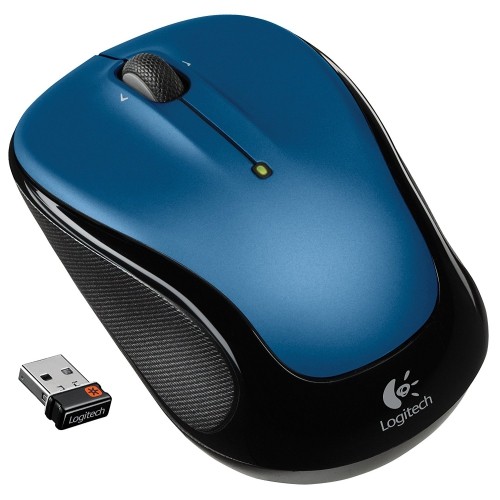 Your price for this item is $39.99
-
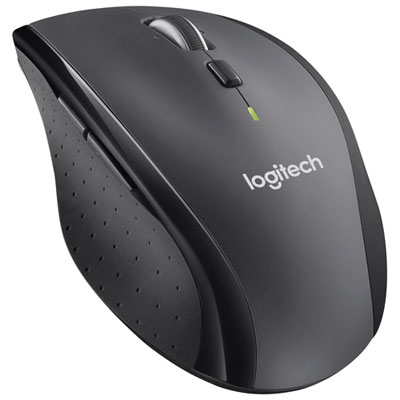 Your price for this item is $39.99
-
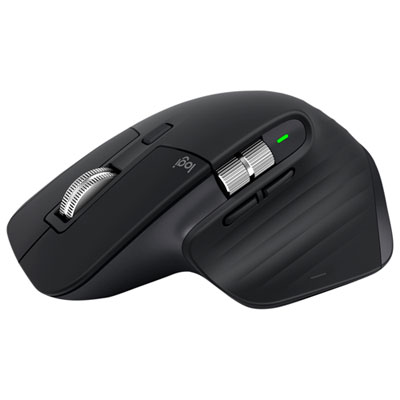 Your price for this item is $159.97
-
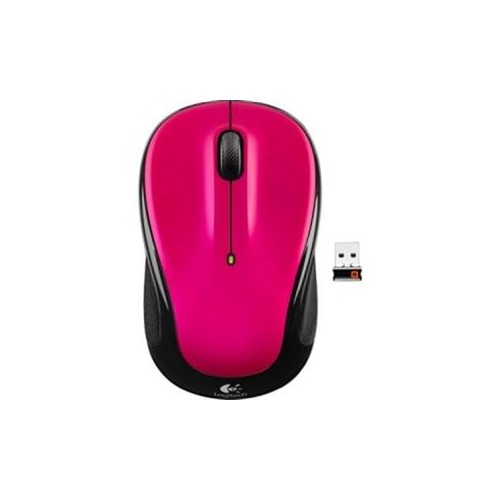 Your price for this item is $64.68
-
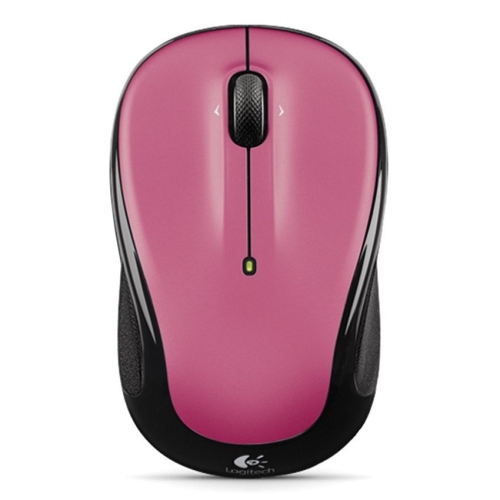 Your price for this item is $48.68
-
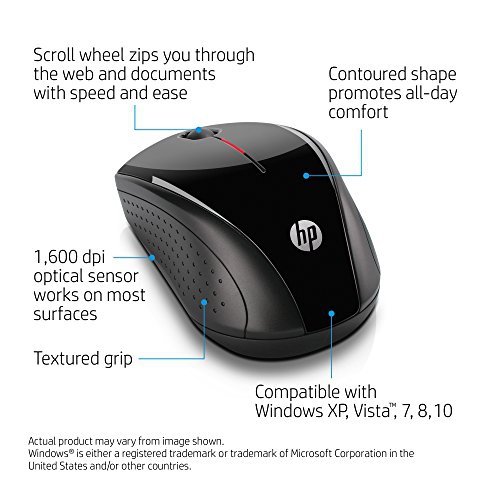 Your price for this item is $31
Discover more categories related to Ergonomic Stand Up Mice

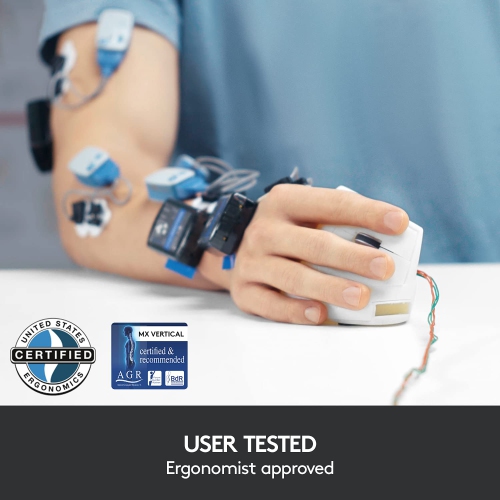
Top Collections:
Best Black Friday Deals This Year, Best Black Friday Deals On Electronics, Kindle Devices, Dyson Airwrap, Best Cameras for Sports Photography, Best Budget Office Chairs, Canon G7X Cameras, PS5 Pro Consoles, Best Black Friday Deals On Apple Products, XBOX One S Consoles
Some products may be subject to Environmental Handling Fees
(EHF) depending on your province.
Learn more about EHFs.