Ethernet Testers
Our selection of Ethernet testers is here to help you troubleshoot and maintain your Ethernet cables and connections with ease. Whether you're a professional network technician or a DIY enthusiast, these tools are designed to provide accurate and reliable results to keep your network up and running efficiently. From testing cable continuity to identifying wiring faults, our Ethernet testers offer the functionality you need to diagnose and resolve connectivity issues quickly. Browse our range of Ethernet testers today and take the guesswork out of network troubleshooting.
Sort
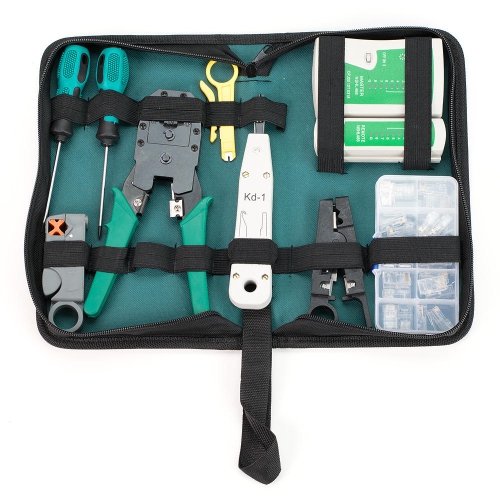
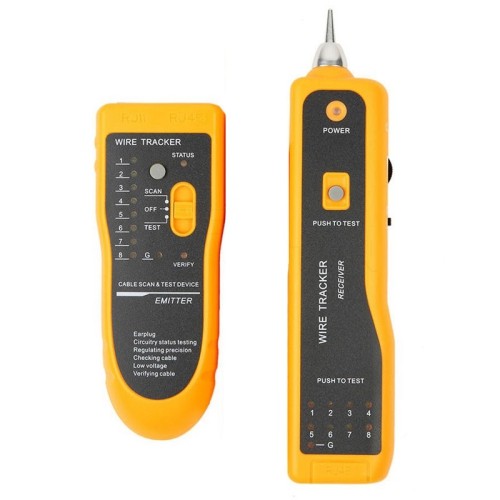
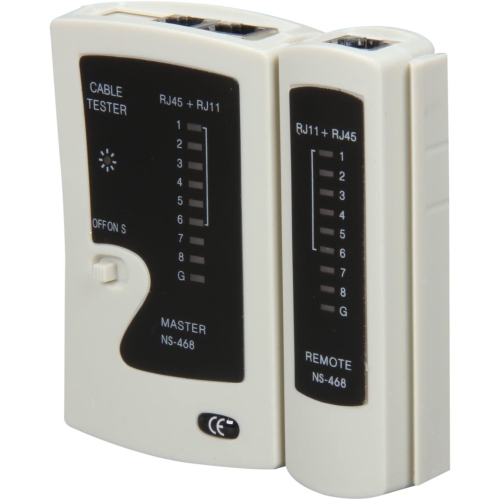
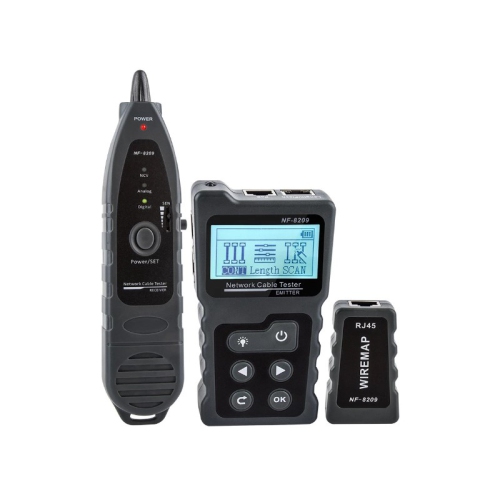

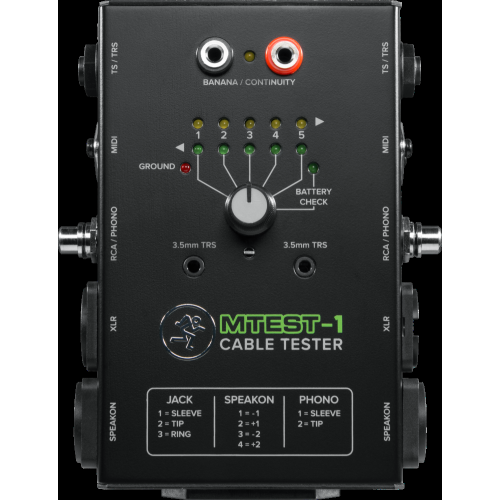
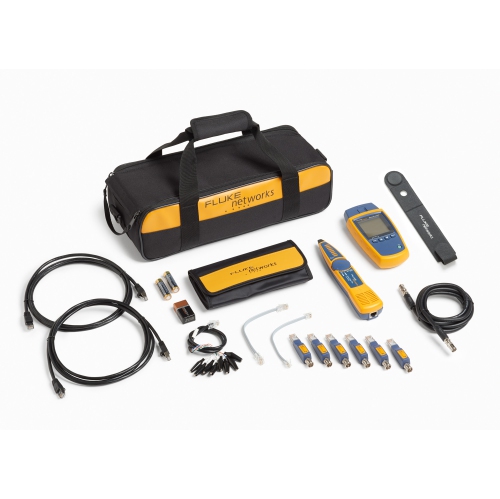
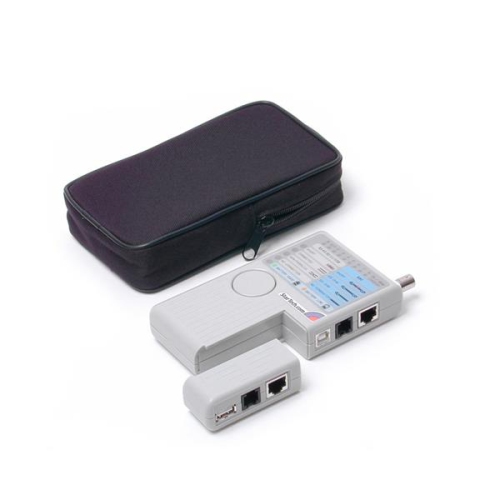
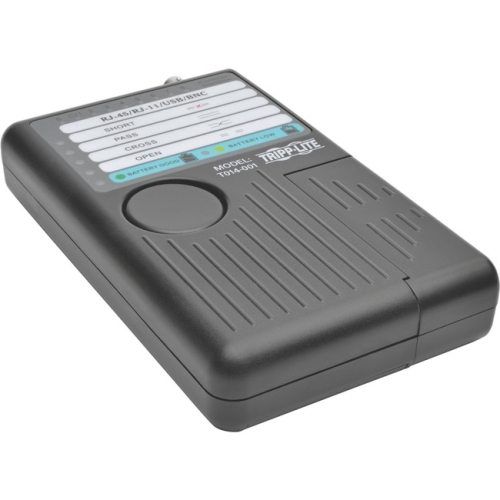
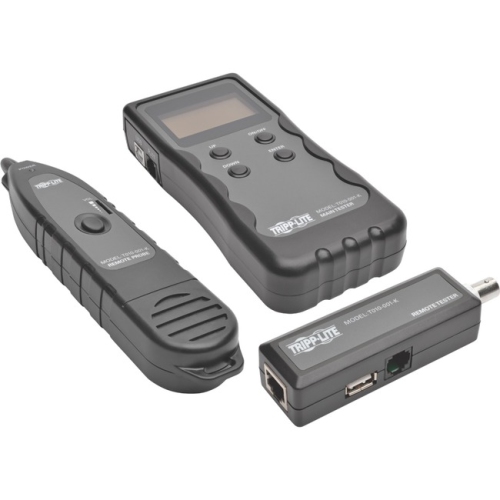
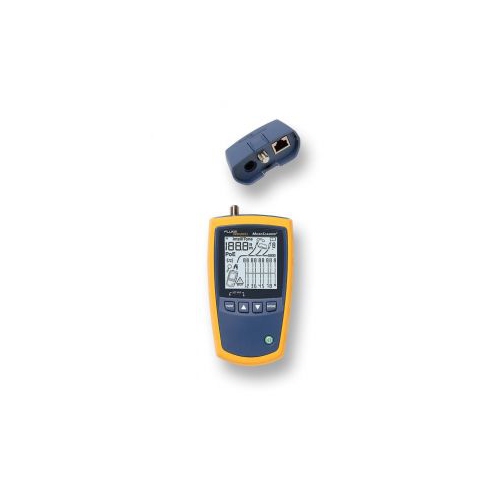
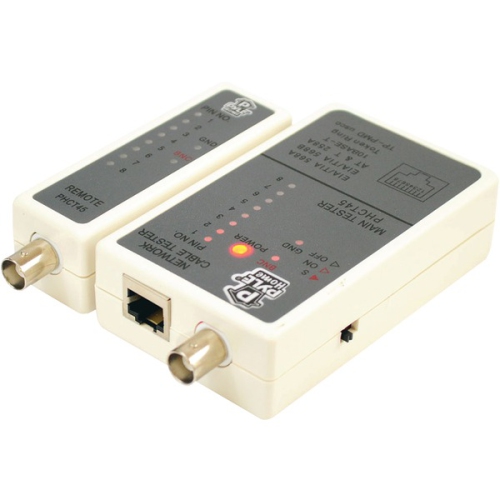
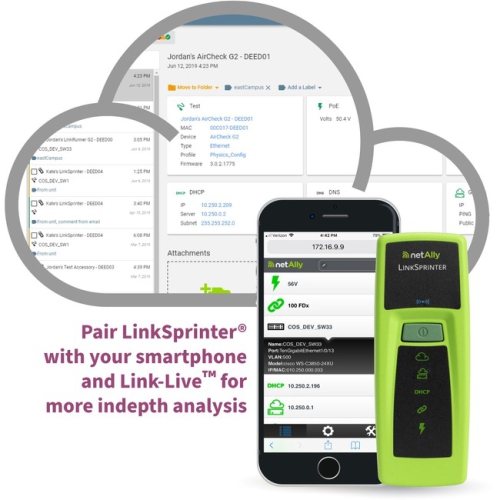
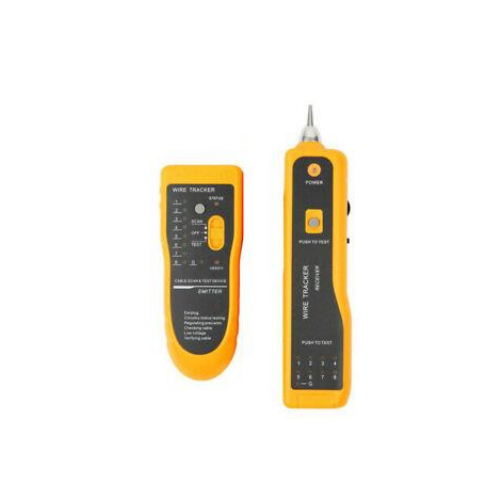
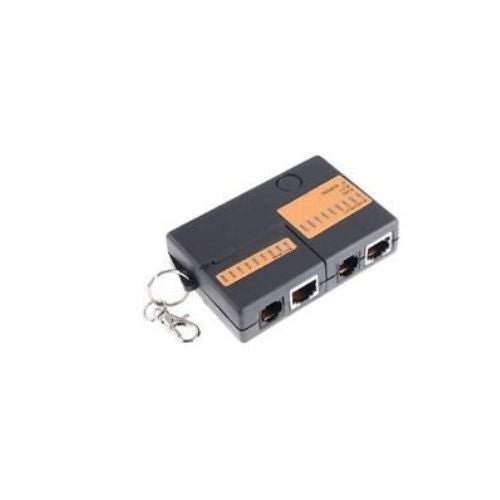
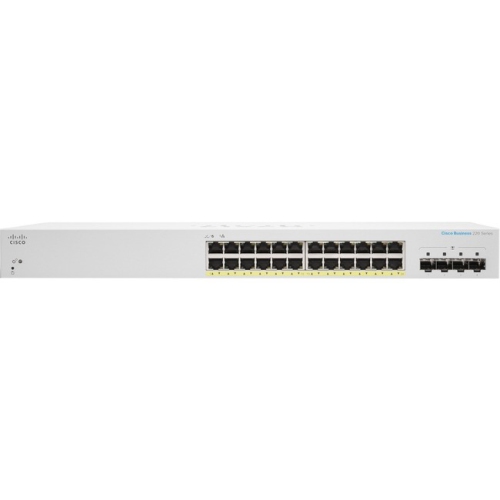

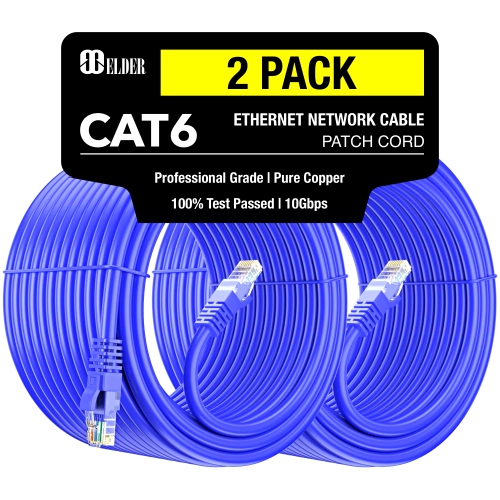
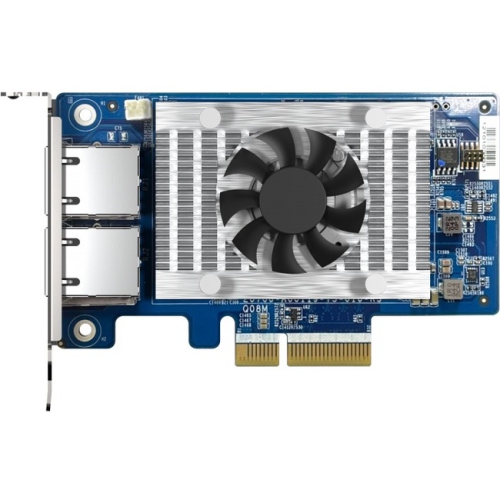
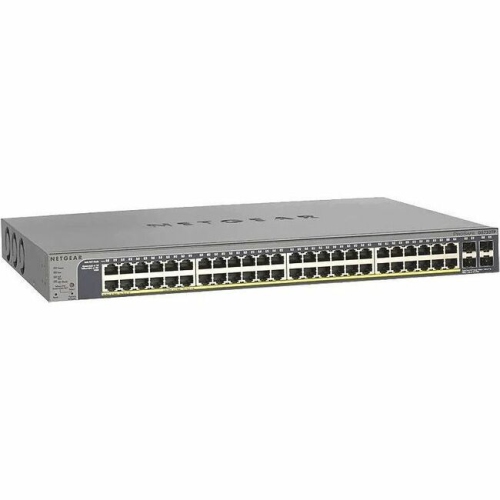
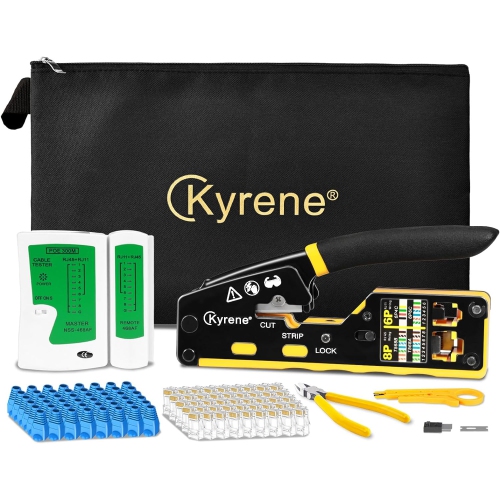
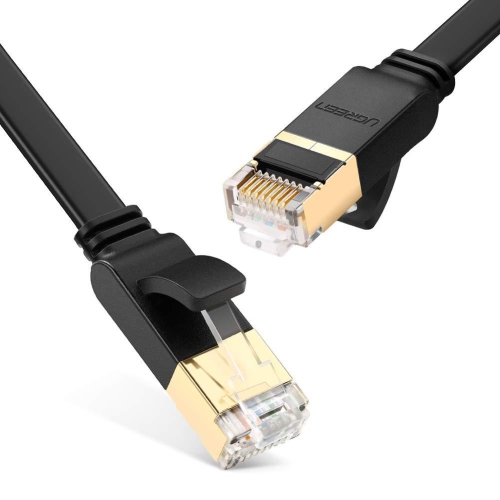
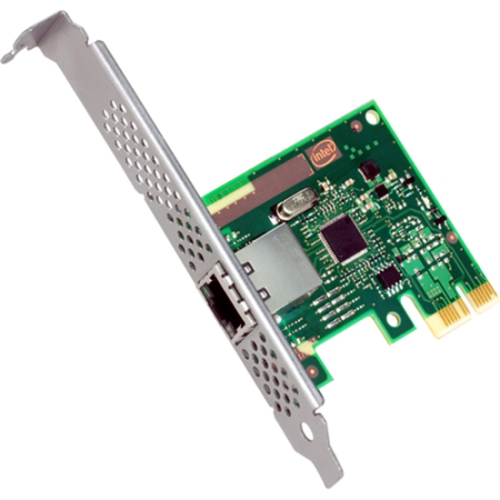
Practical tools for diagnosing wired network connection problems
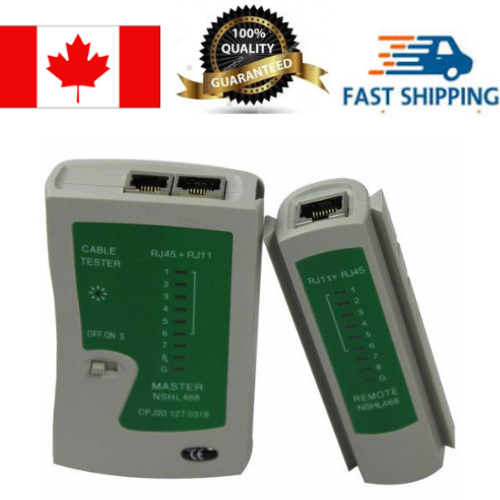
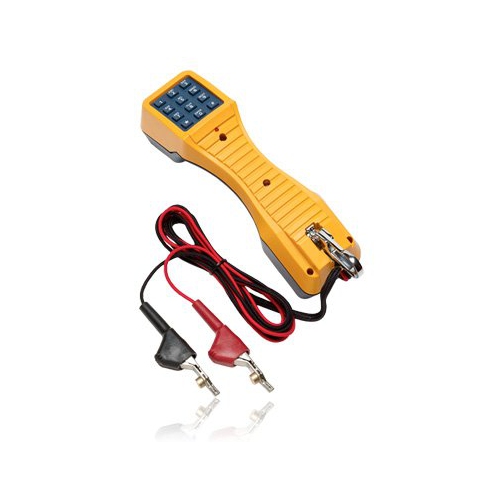
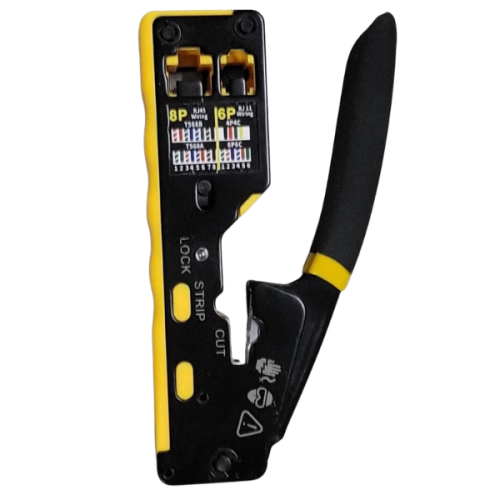
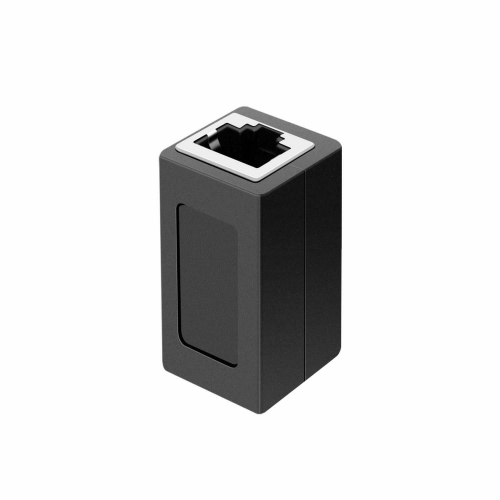
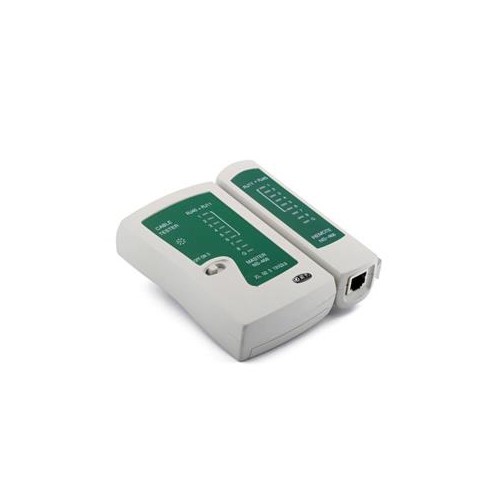
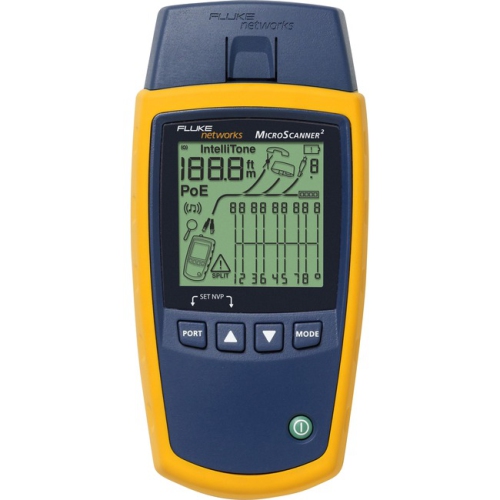
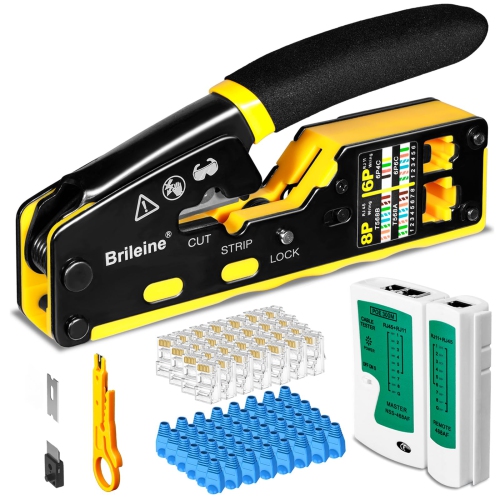
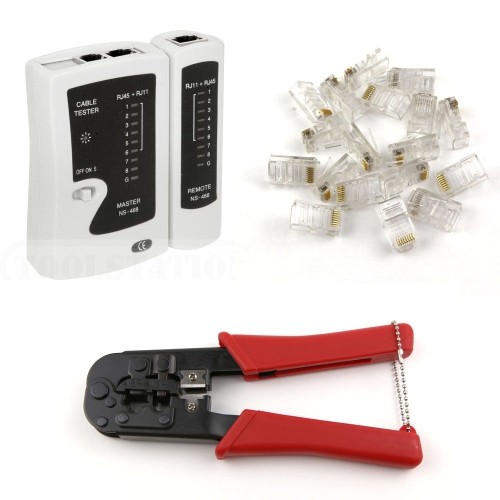
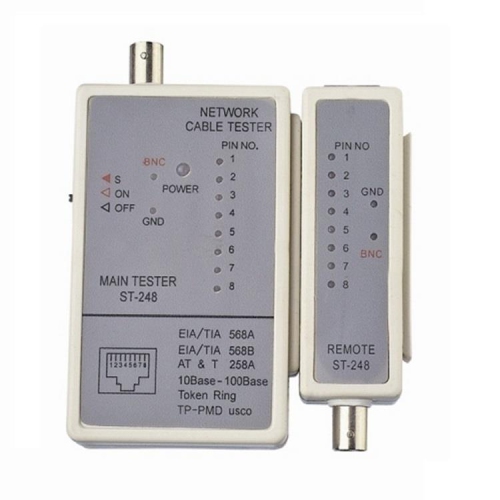
Ethernet testers are practical diagnostic tools for checking the condition and performance of wired network connections in homes, offices, workshops, classrooms, and commercial spaces. They can help identify problems that are difficult to spot by looking at a cable alone, including broken conductors, crossed wires, short circuits, open circuits, incorrect pin layouts, and loose terminations. A basic tester typically includes a main unit and a remote unit that connect to opposite ends of an Ethernet cable. When the test is started, indicator lights or a display show whether the individual wire pairs are connected in the correct order. This straightforward check can save considerable time when a computer, printer, game console, access point, security camera, or network switch fails to establish a reliable connection. For shoppers comparing Ethernet testers, it helps to consider the type of cabling being inspected, the network speeds in use, and the level of information needed from each test. Some tools are designed primarily for continuity and wire mapping, making them useful for home repairs, small installations, and occasional troubleshooting. Others provide more detailed results, such as cable length, the approximate distance to a fault, link speed, signal status, or the identity of a connected network device. A tester with a clear display and simple controls can be especially helpful when working in a dim utility room, above a ceiling, behind furniture, or inside a crowded network cabinet. Portable designs are convenient for carrying between rooms, job sites, classrooms, and client locations, while a protective case, durable leads, and an easy-to-read display can make repeated use more comfortable.
The right Ethernet tester depends on whether the goal is to verify a newly made cable, locate a fault in an existing installation, or assess how a network connection is performing under real conditions. For basic cable checks, look for support for common Ethernet connectors and the ability to detect continuity, shorts, opens, reversed pairs, and split pairs. These functions are useful after installing connectors, moving equipment, or running cable through walls, where a small wiring error can prevent a connection from working properly. Cable length measurement can help estimate how far a cable runs and may indicate where a break or other fault is located, although results can vary with cable construction, connectors, and the surrounding installation. Some testers can check active network connections and report whether a port is negotiating at a particular speed, such as 10, 100, or 1000 megabits per second. This information can help distinguish a damaged cable from a problem with a router, switch, network interface, or configuration. Power over Ethernet support is another important consideration for installations that use Ethernet to provide both data and power to compatible cameras, phones, access points, or other devices. PoE testing may show whether voltage is present, identify the power standard or mode, and help detect conditions that could prevent a powered device from starting. Shoppers who maintain larger networks may benefit from tools with ping testing, switch identification, tone generation, fault tracing, or reports that can be saved for future reference. More advanced certification and qualification equipment is intended for users who need to verify high-bandwidth performance and compliance with specified cabling standards, rather than simply confirming that a cable has an electrical connection. Checking compatibility with Cat5e, Cat6, Cat6a, shielded or unshielded cable, and the connector types used in the installation can help ensure that a tester provides useful results instead of only a partial check. It is also worth reviewing battery type, automatic shutoff, remote-unit storage, calibration requirements, and whether the display remains readable from different angles.
Ethernet testers are useful for professional installers, IT staff, network administrators, audiovisual technicians, security system installers, electricians, and anyone who regularly works with structured cabling. They can also be valuable for homeowners who have added a home office, upgraded a router, installed a mesh system with wired backhaul, or run Ethernet to a basement, garage, workshop, or entertainment area. A tester can make troubleshooting less disruptive by helping narrow the problem before equipment is unplugged or walls and trim are disturbed. For example, when a connection drops whenever a desk is moved, a quick wire-map check can reveal a damaged patch cable; when a newly installed camera remains offline, a PoE check can help determine whether the issue is power, wiring, or the network port. These tools may also make thoughtful gifts for a tech-minded homeowner, an apprentice, a computer networking student, or someone setting up a first workshop, particularly when the recipient enjoys solving practical problems and improving a home network. Those seeking a broader selection of tools for inspecting different types of wired connections can also explore Cable Testers. Before choosing, consider whether the tester will be used occasionally or every day, whether measurements must be documented, and whether the user needs a simple pass-or-fail result or detailed diagnostic information. A compact wiremap tester can be enough for confirming cable terminations, while a multifunction model may be better suited to troubleshooting active networks, locating faults, checking PoE equipment, and verifying that installed cabling is ready for dependable everyday use during the cooler months and beyond.
The right Ethernet tester depends on whether the goal is to verify a newly made cable, locate a fault in an existing installation, or assess how a network connection is performing under real conditions. For basic cable checks, look for support for common Ethernet connectors and the ability to detect continuity, shorts, opens, reversed pairs, and split pairs. These functions are useful after installing connectors, moving equipment, or running cable through walls, where a small wiring error can prevent a connection from working properly. Cable length measurement can help estimate how far a cable runs and may indicate where a break or other fault is located, although results can vary with cable construction, connectors, and the surrounding installation. Some testers can check active network connections and report whether a port is negotiating at a particular speed, such as 10, 100, or 1000 megabits per second. This information can help distinguish a damaged cable from a problem with a router, switch, network interface, or configuration. Power over Ethernet support is another important consideration for installations that use Ethernet to provide both data and power to compatible cameras, phones, access points, or other devices. PoE testing may show whether voltage is present, identify the power standard or mode, and help detect conditions that could prevent a powered device from starting. Shoppers who maintain larger networks may benefit from tools with ping testing, switch identification, tone generation, fault tracing, or reports that can be saved for future reference. More advanced certification and qualification equipment is intended for users who need to verify high-bandwidth performance and compliance with specified cabling standards, rather than simply confirming that a cable has an electrical connection. Checking compatibility with Cat5e, Cat6, Cat6a, shielded or unshielded cable, and the connector types used in the installation can help ensure that a tester provides useful results instead of only a partial check. It is also worth reviewing battery type, automatic shutoff, remote-unit storage, calibration requirements, and whether the display remains readable from different angles.
Ethernet testers are useful for professional installers, IT staff, network administrators, audiovisual technicians, security system installers, electricians, and anyone who regularly works with structured cabling. They can also be valuable for homeowners who have added a home office, upgraded a router, installed a mesh system with wired backhaul, or run Ethernet to a basement, garage, workshop, or entertainment area. A tester can make troubleshooting less disruptive by helping narrow the problem before equipment is unplugged or walls and trim are disturbed. For example, when a connection drops whenever a desk is moved, a quick wire-map check can reveal a damaged patch cable; when a newly installed camera remains offline, a PoE check can help determine whether the issue is power, wiring, or the network port. These tools may also make thoughtful gifts for a tech-minded homeowner, an apprentice, a computer networking student, or someone setting up a first workshop, particularly when the recipient enjoys solving practical problems and improving a home network. Those seeking a broader selection of tools for inspecting different types of wired connections can also explore Cable Testers. Before choosing, consider whether the tester will be used occasionally or every day, whether measurements must be documented, and whether the user needs a simple pass-or-fail result or detailed diagnostic information. A compact wiremap tester can be enough for confirming cable terminations, while a multifunction model may be better suited to troubleshooting active networks, locating faults, checking PoE equipment, and verifying that installed cabling is ready for dependable everyday use during the cooler months and beyond.
Top selling and popular products
-
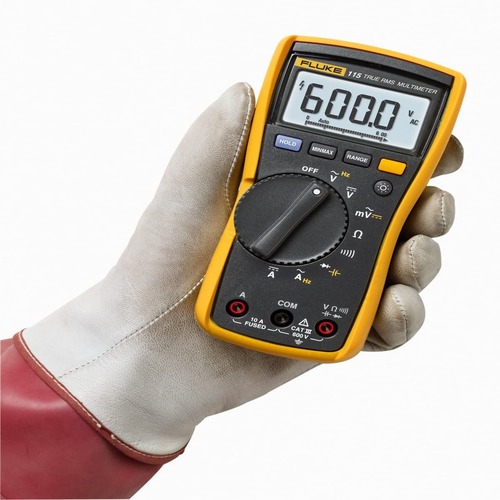 Your price for this item is $329.45
 -
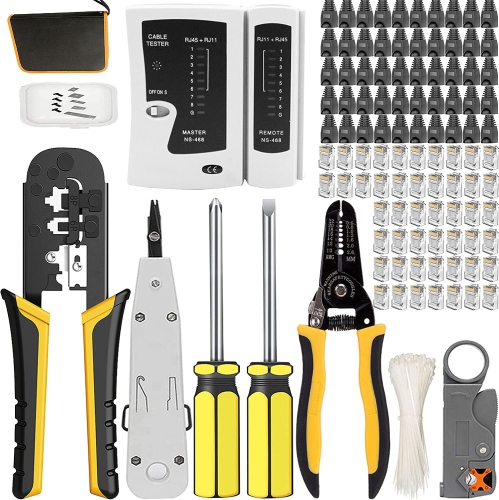 Your price for this item is $54.88
 -
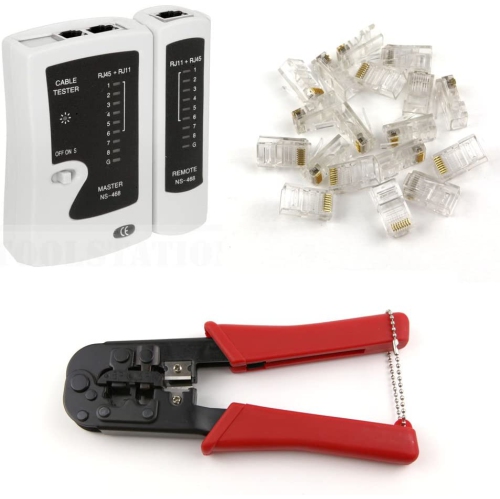 Your price for this item is $22.99
 -
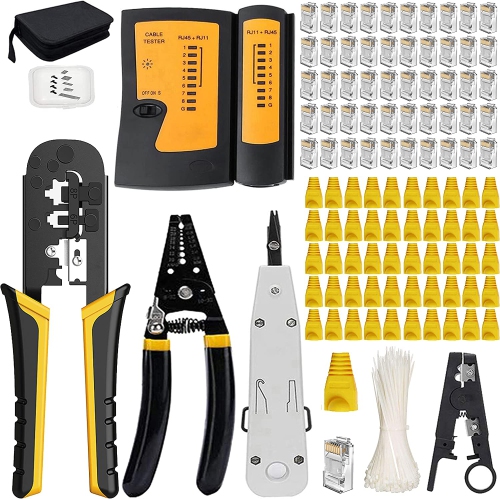 Your price for this item is $35.77
 -
 Your price for this item is $113.68
 -
 Your price for this item is $29.99
 -
 Your price for this item is $55
 -
 Your price for this item is $103.68
Discover more categories related to Ethernet Testers

Top Collections:
Pokemon Centers, Kindle Devices, Best Budget Office Chairs, Apple iPhones 16, Best Laptops for Writers, iPhone 15 Apple, Canon G7X Cameras, Refurbished Apple Laptops, Alarm Clock, Motorola Razr Phones
Some products may be subject to Environmental Handling Fees
(EHF) depending on your province.
Learn more about EHFs.