External Hard Drive Cables
When it comes to maximizing the potential of your external hard drive, having the right cables is essential. These cables are designed to ensure a seamless and efficient connection between your external hard drive and other devices, allowing for fast data transfer speeds and reliable performance. Whether you need a USB-C cable for the latest laptops or a Thunderbolt cable for high-speed data transfers, our selection of external hard drive cables offers versatility and compatibility to meet your specific needs. Explore our range of cables to find the perfect solution for enhancing your storage capabilities.
Sort
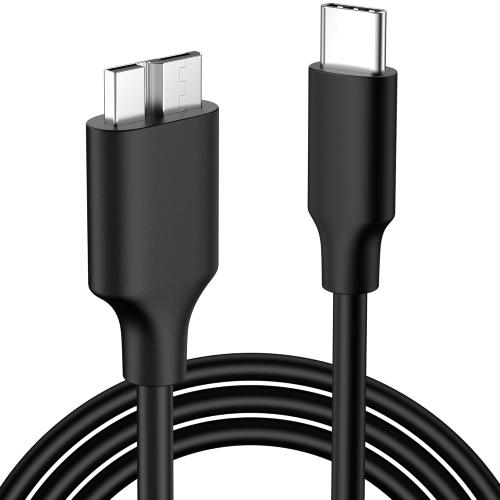
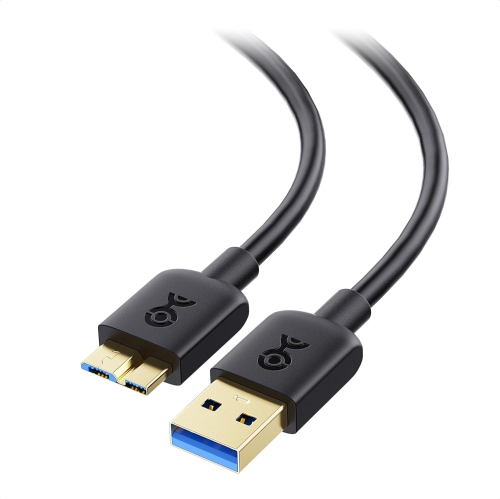

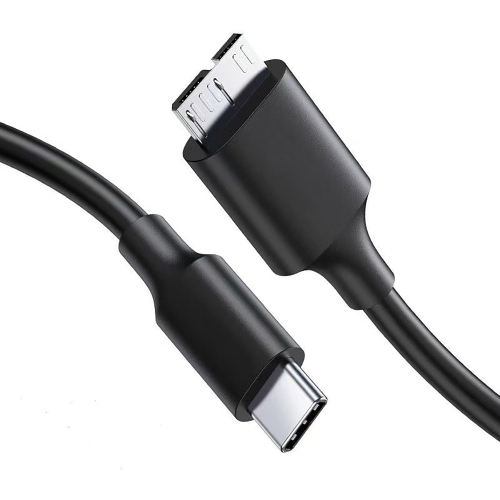
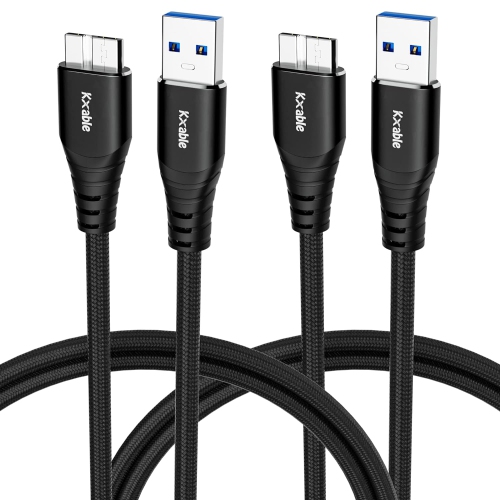



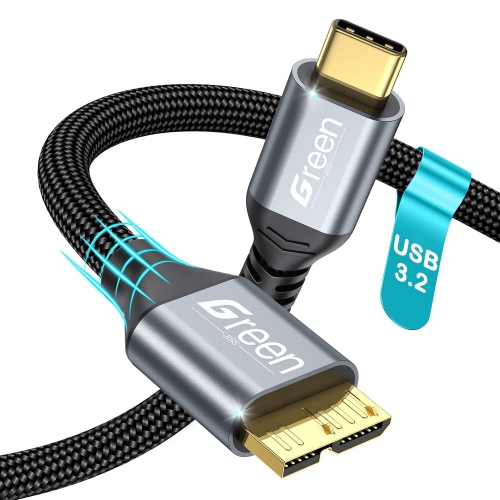
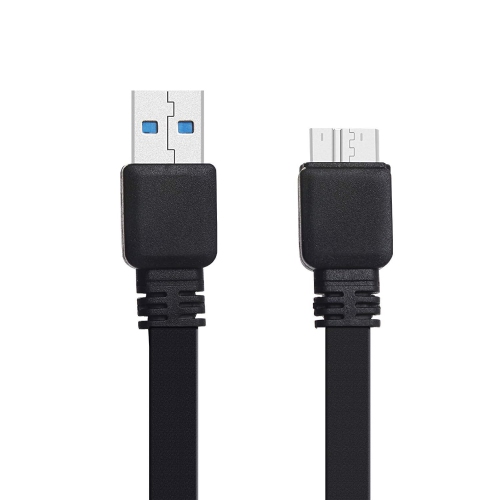
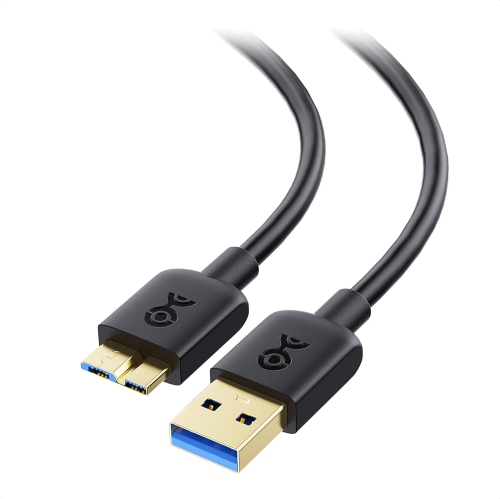
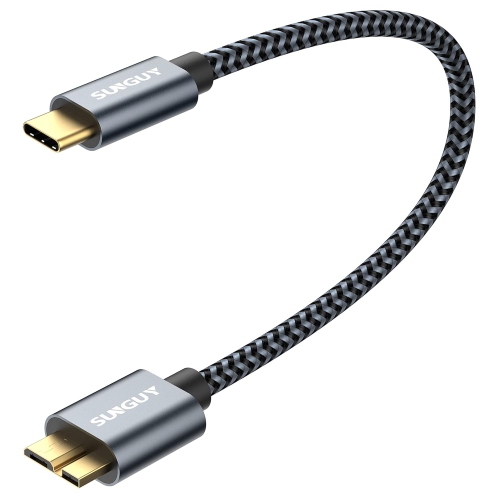
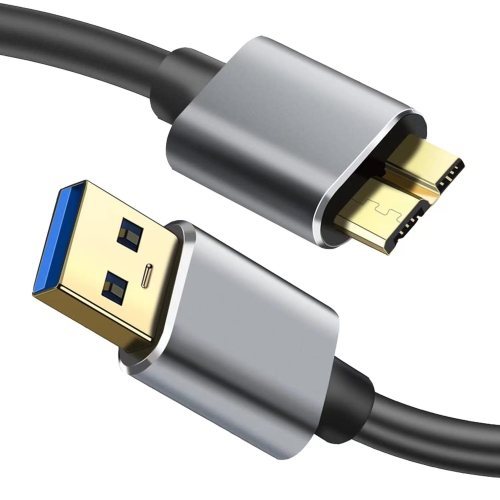
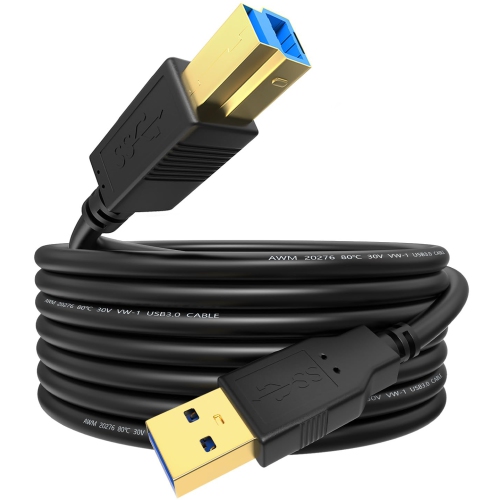
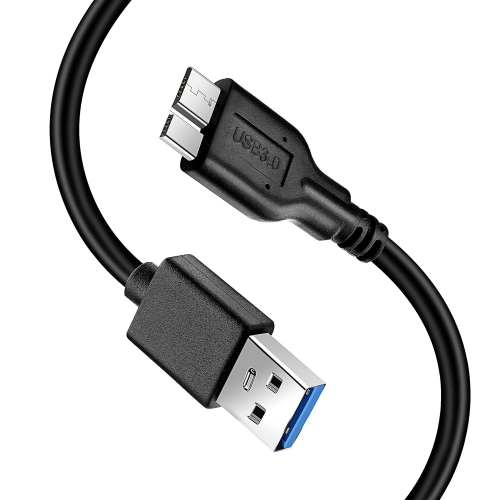

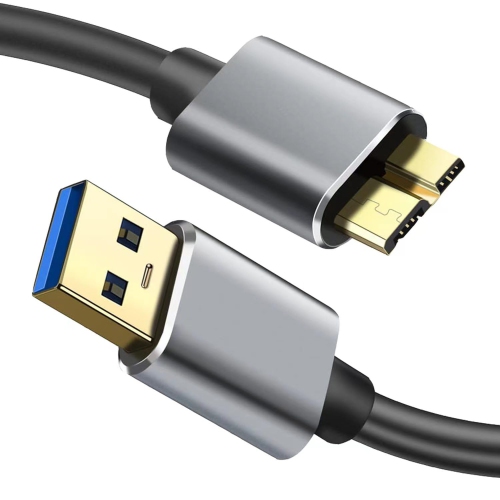



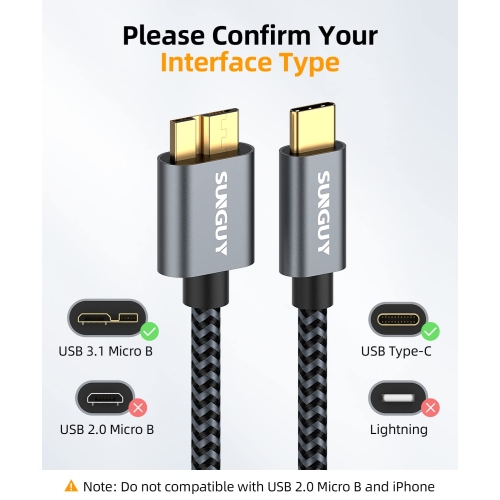
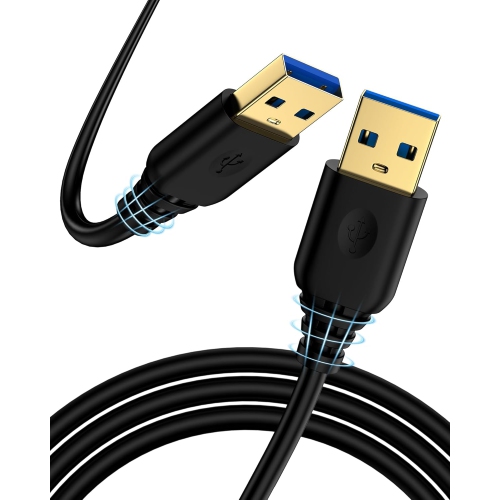
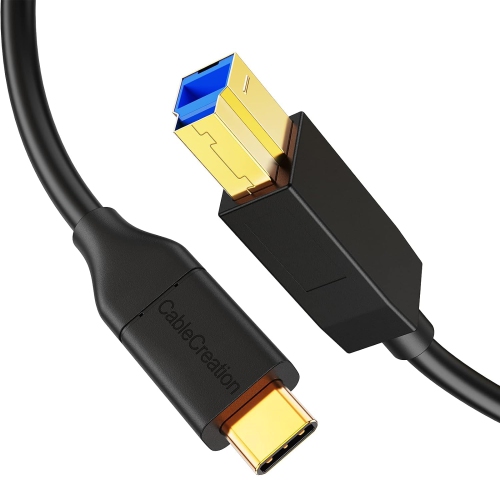

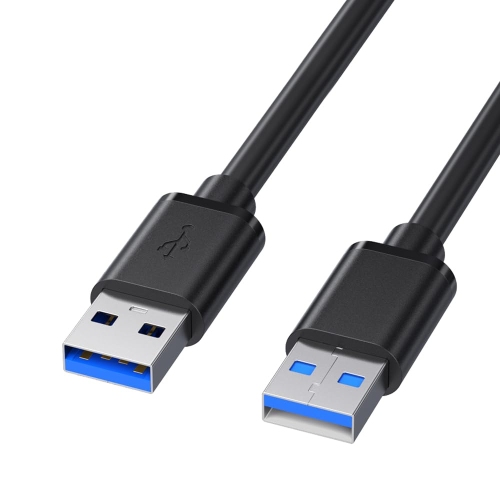
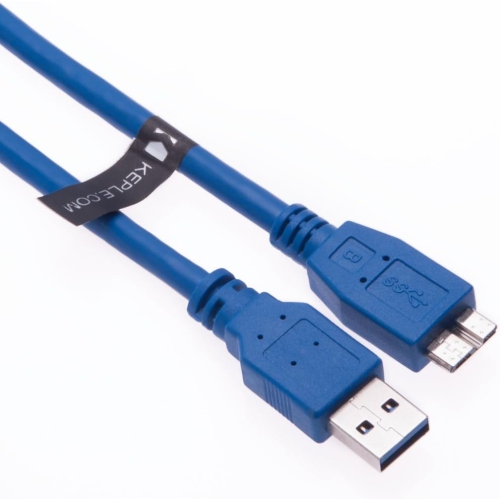
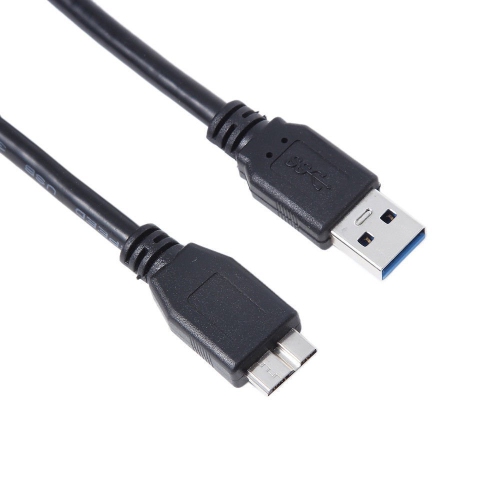
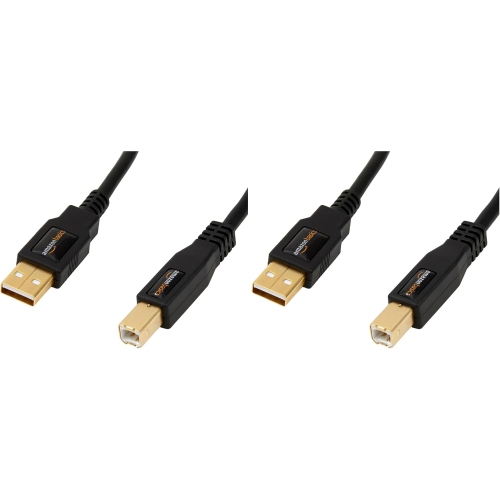
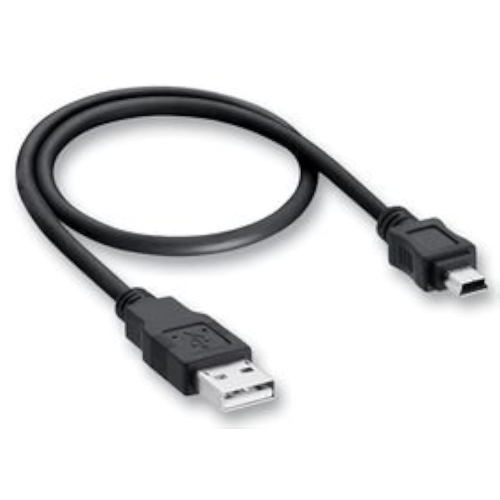

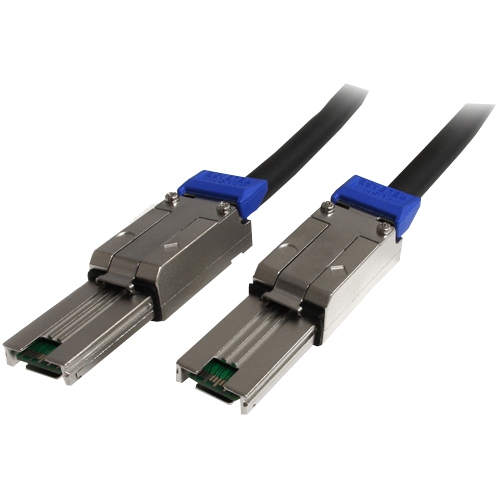

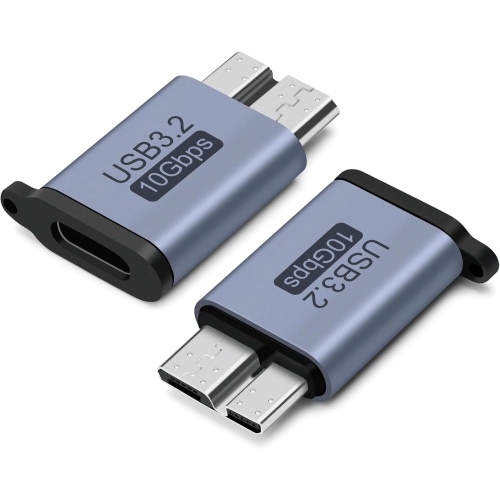




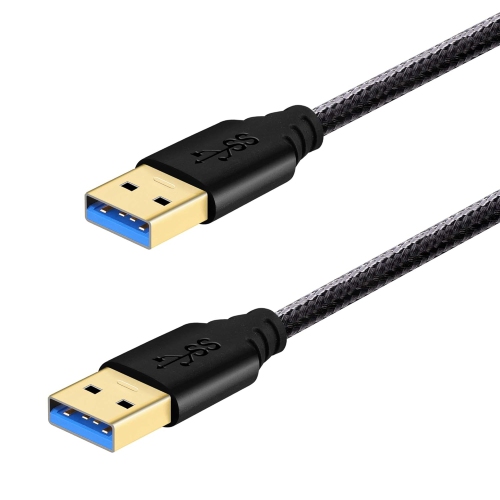
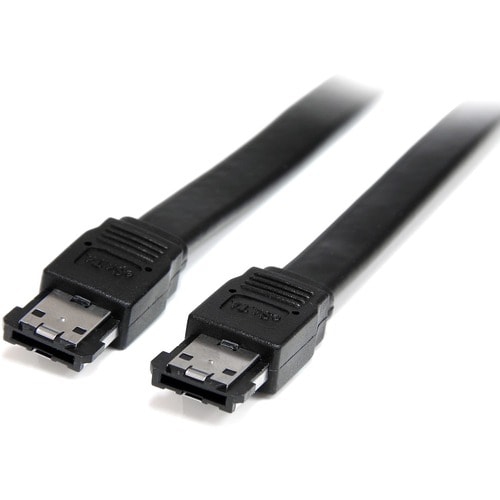
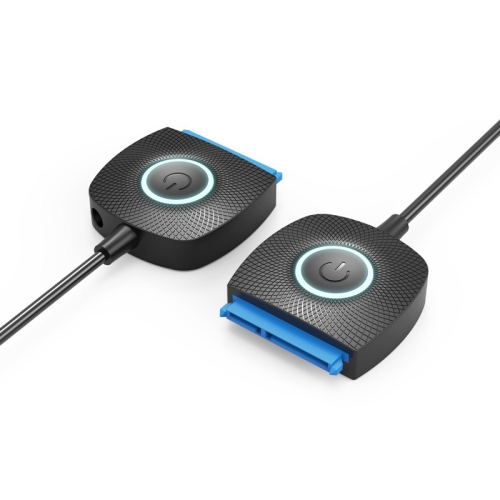
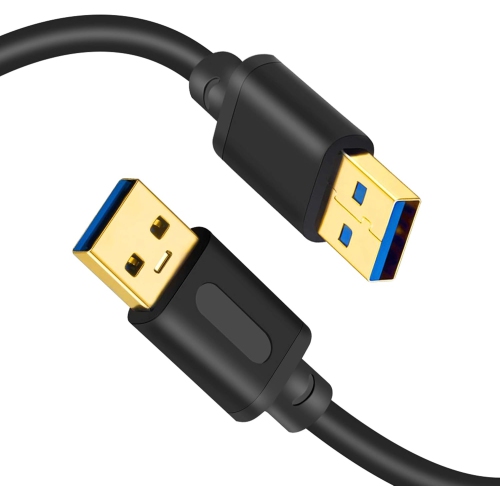
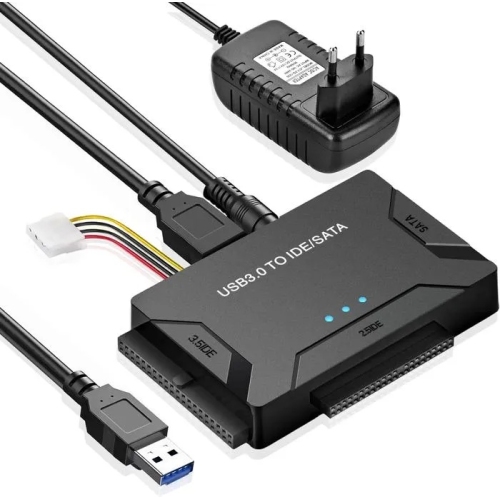
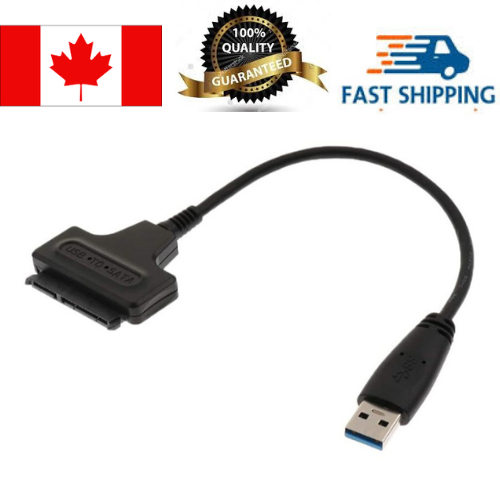
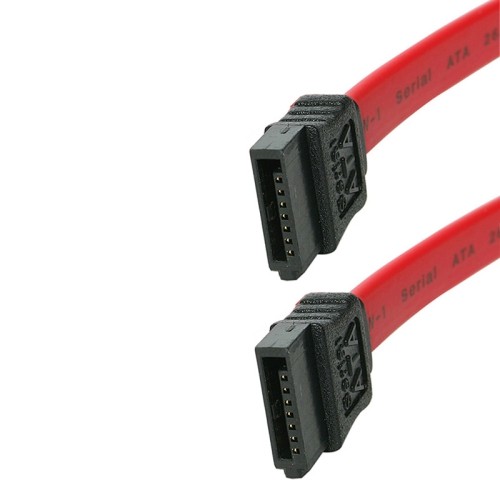
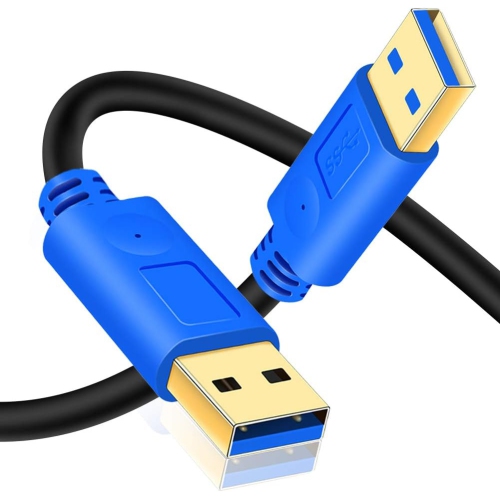



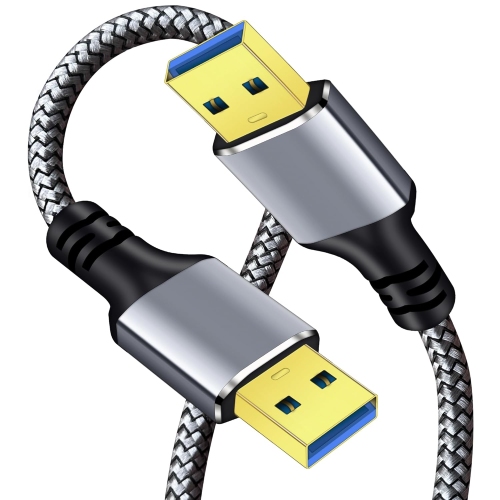
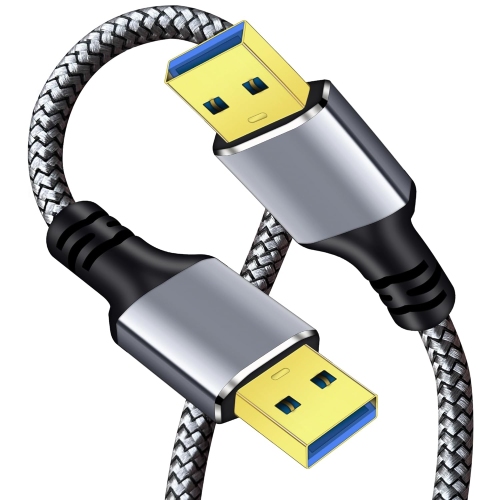
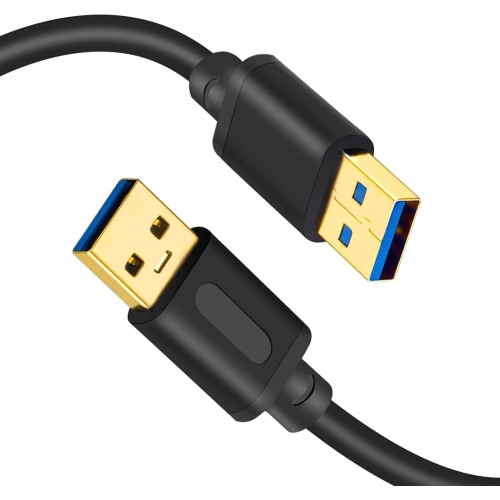
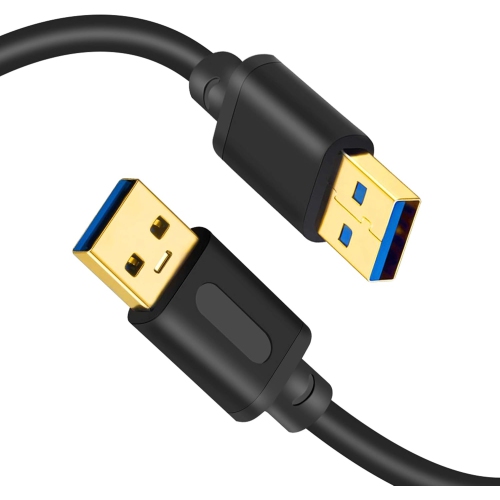
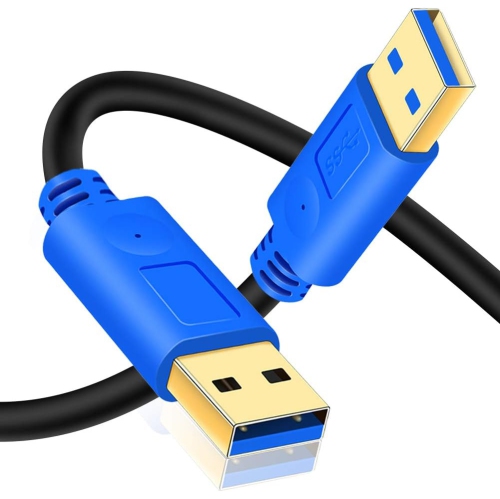
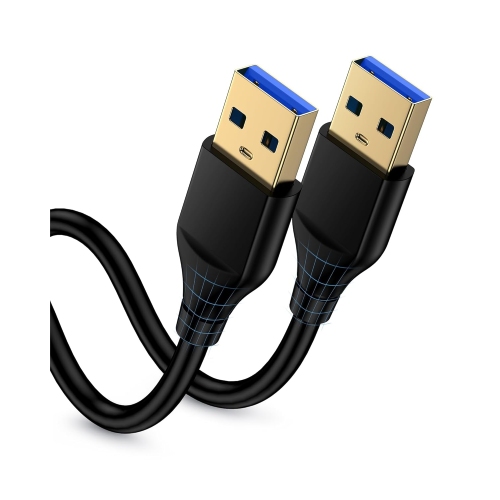
There’s more to drive connections than matching plugs
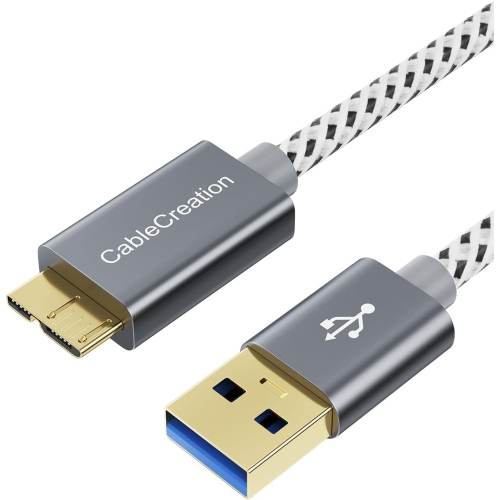
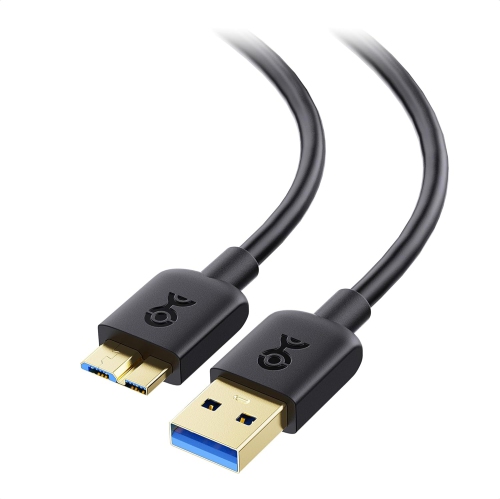
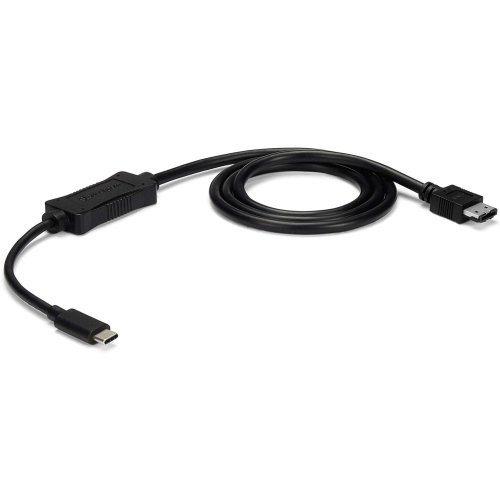
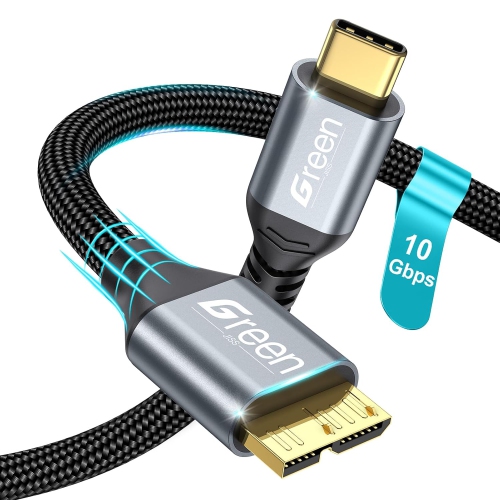
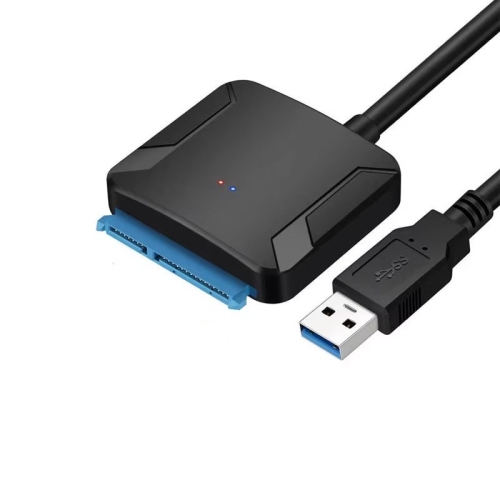
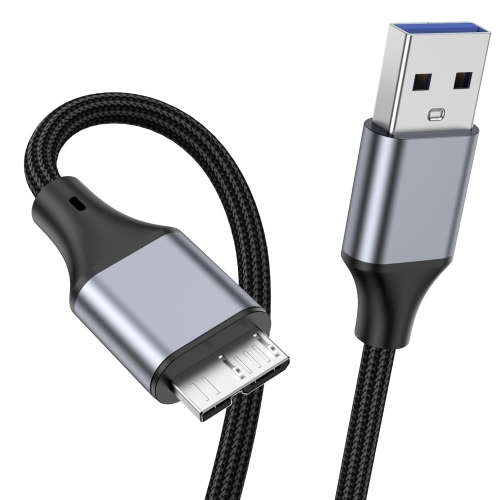
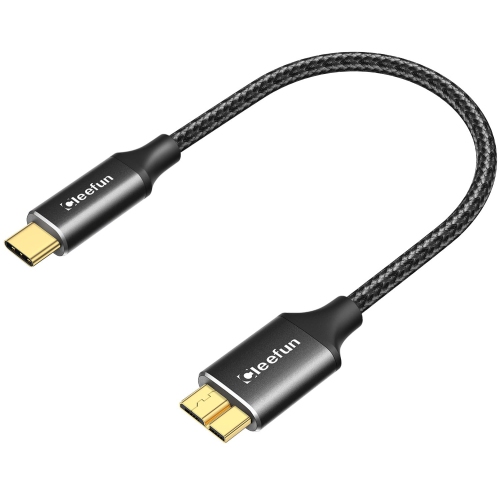
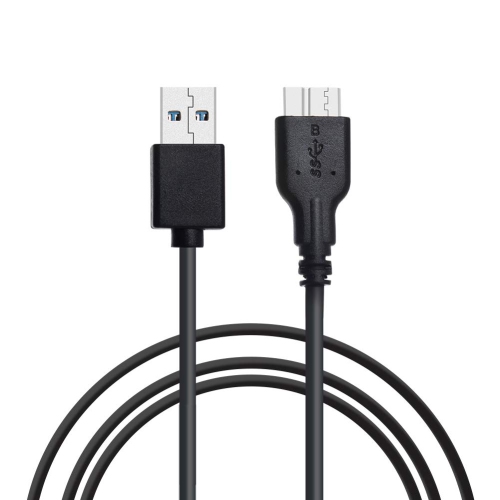
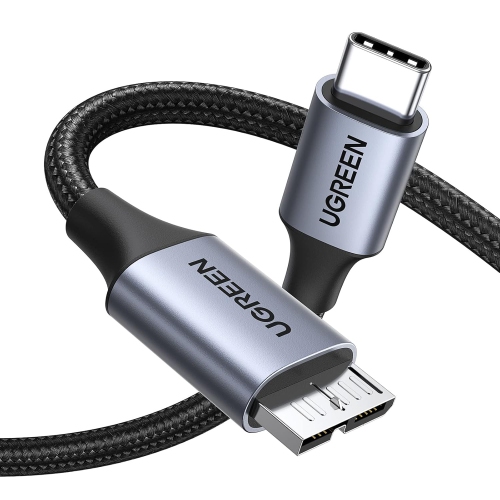
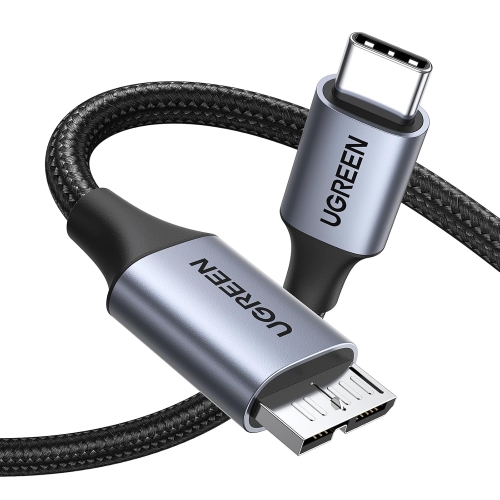
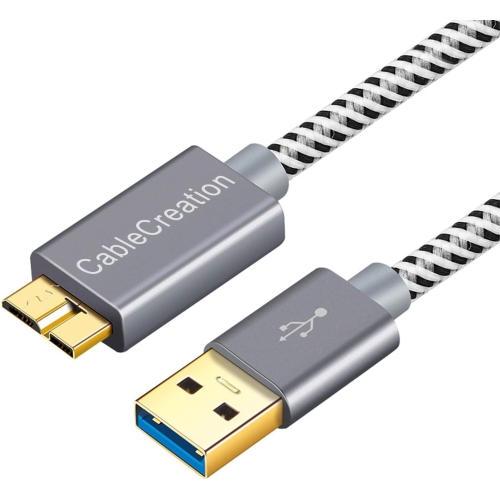
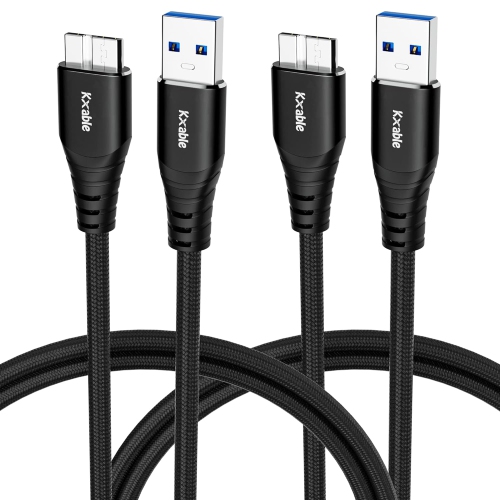
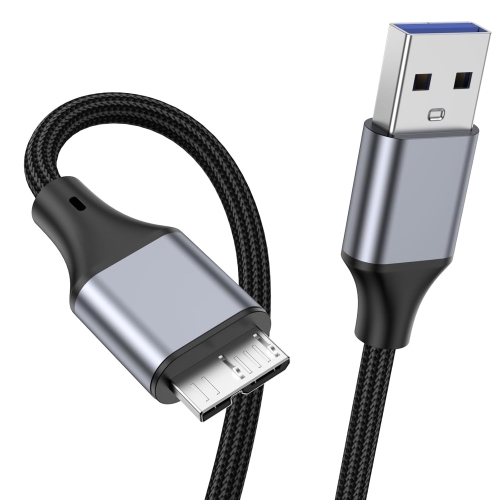
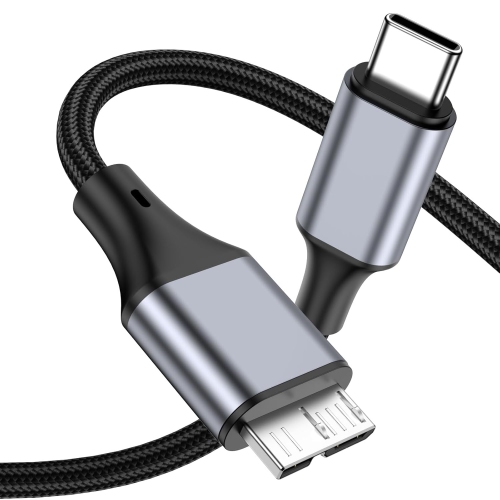
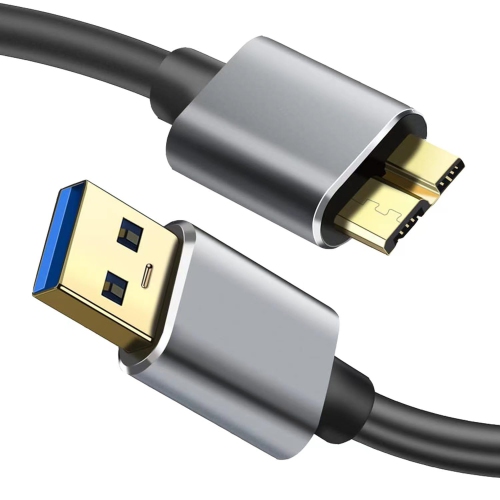
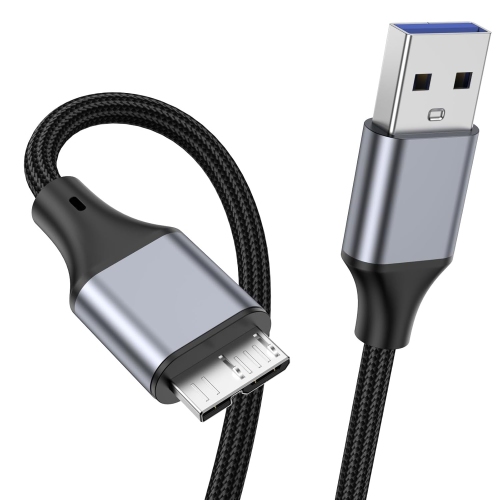
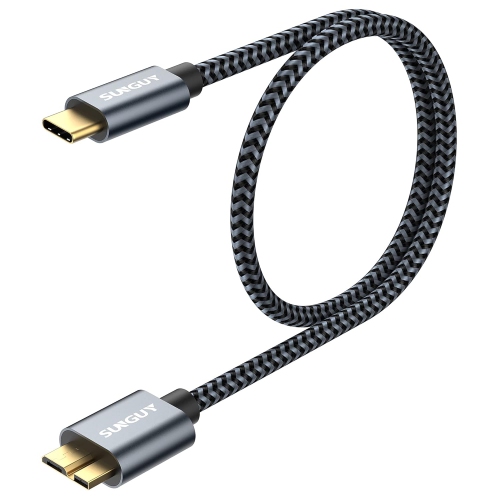
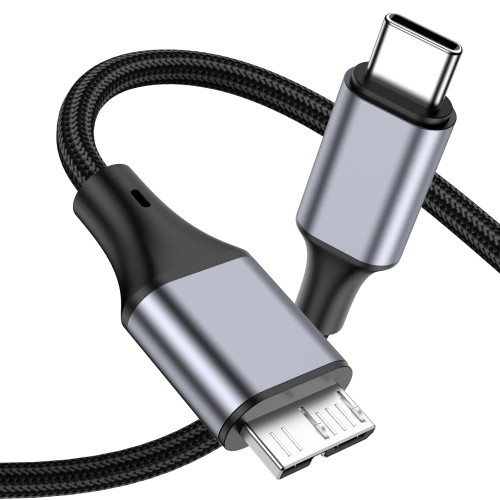
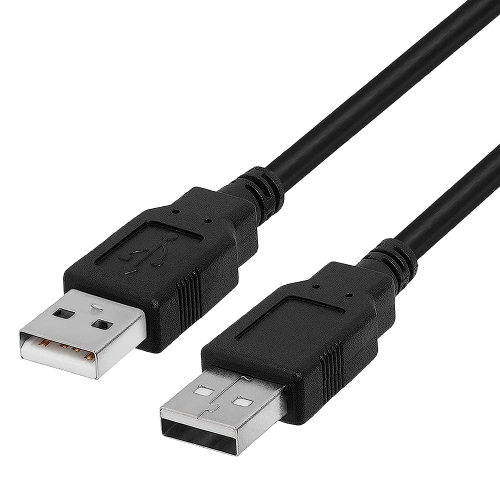
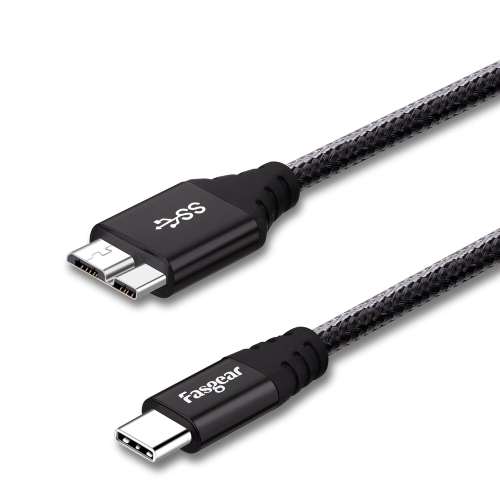
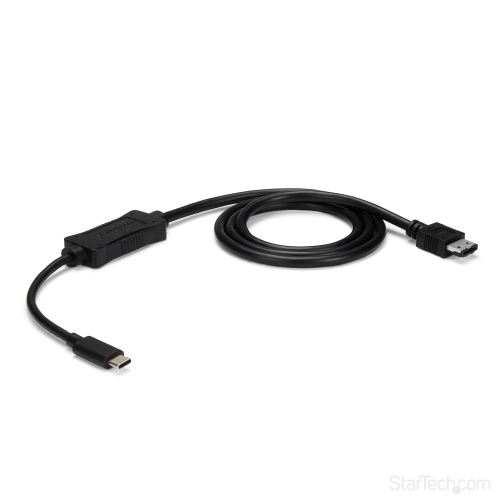
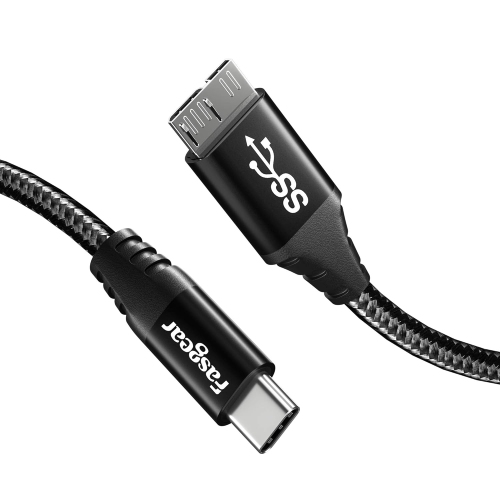
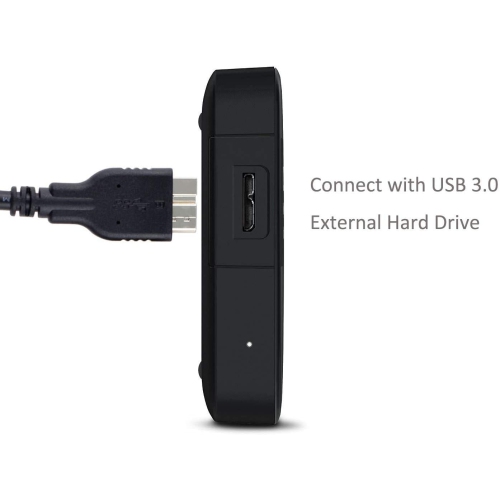
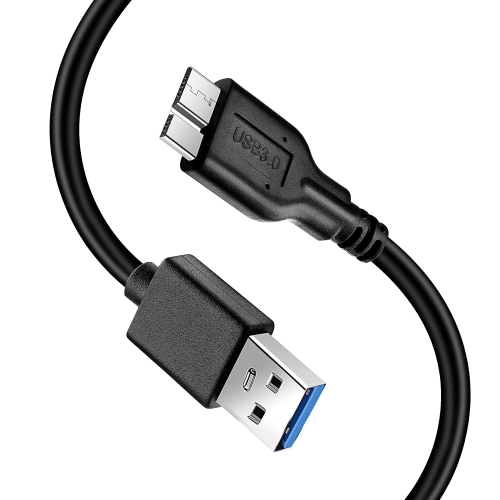
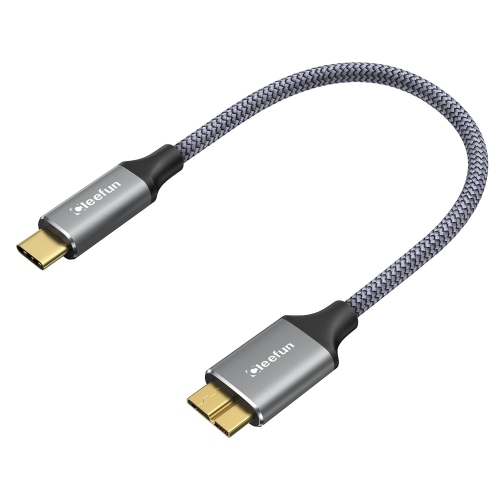
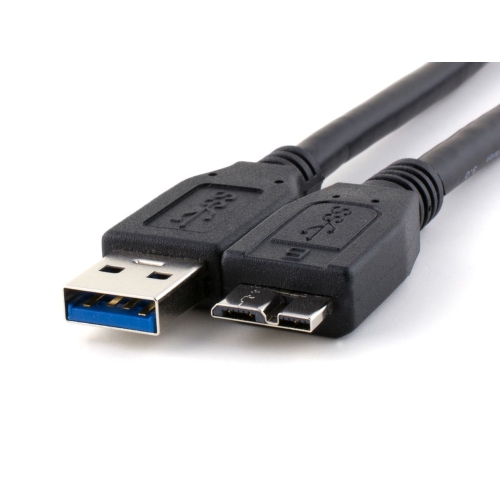
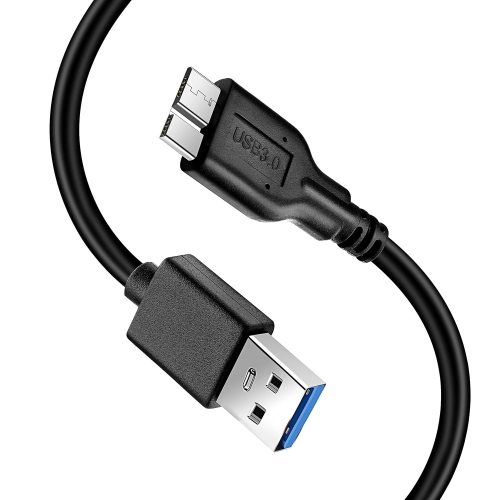
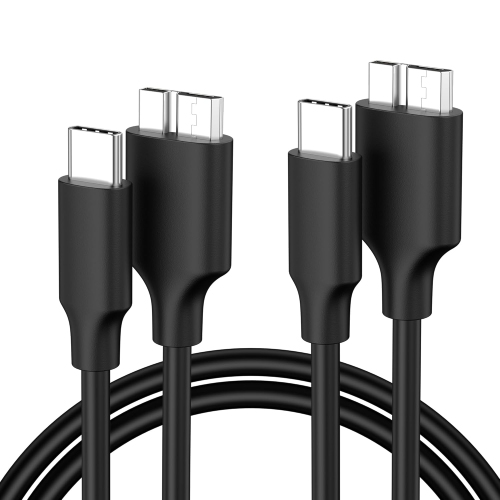
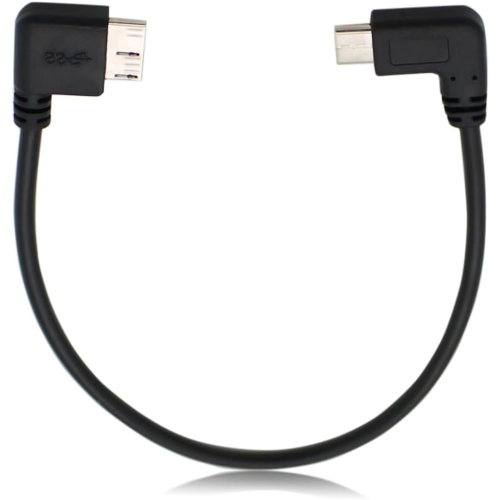
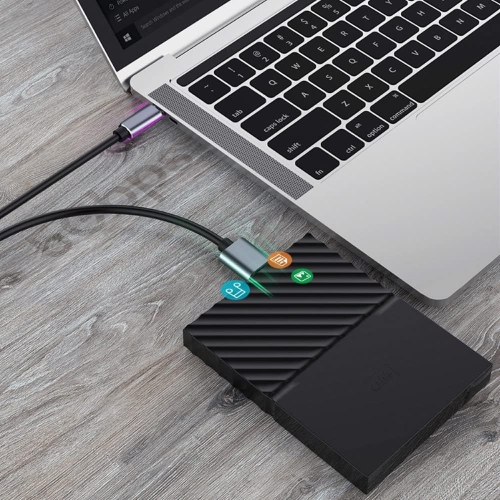
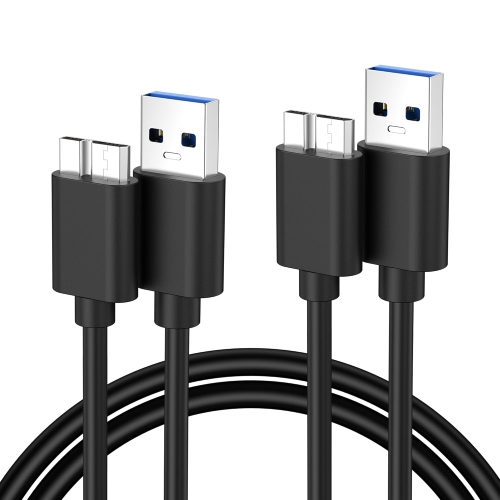
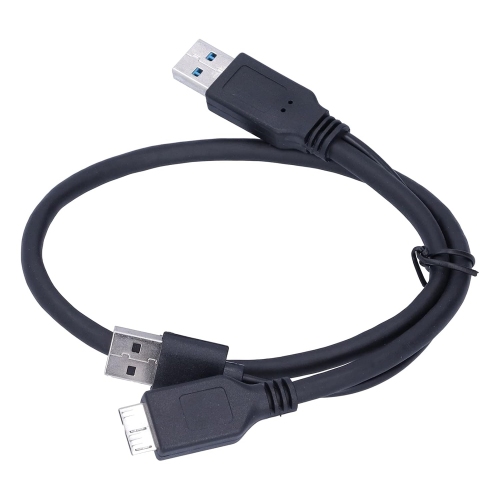
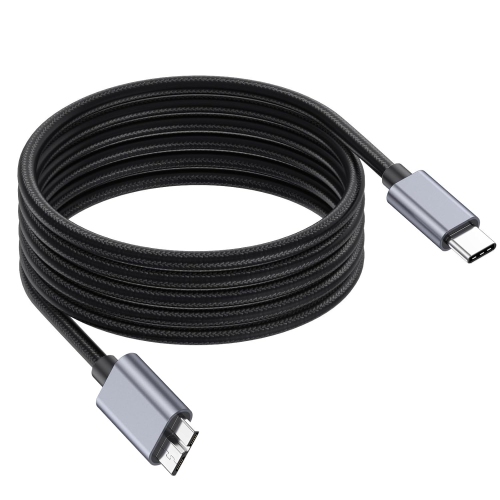
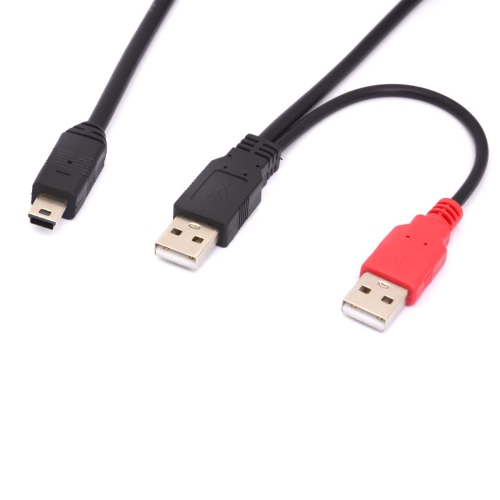
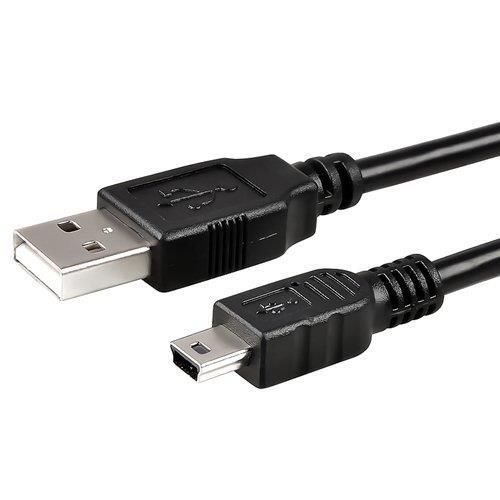
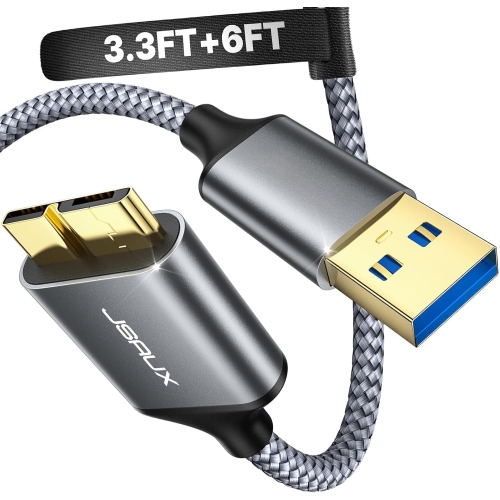
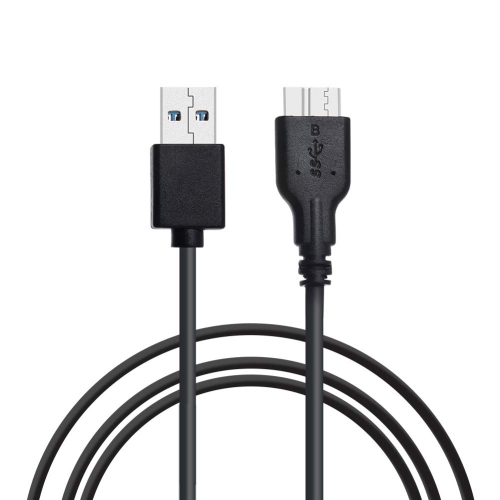
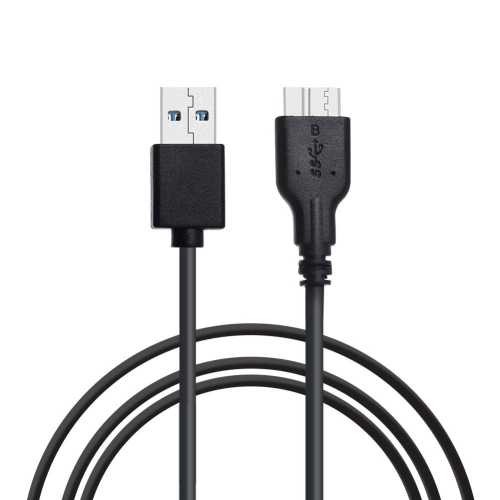
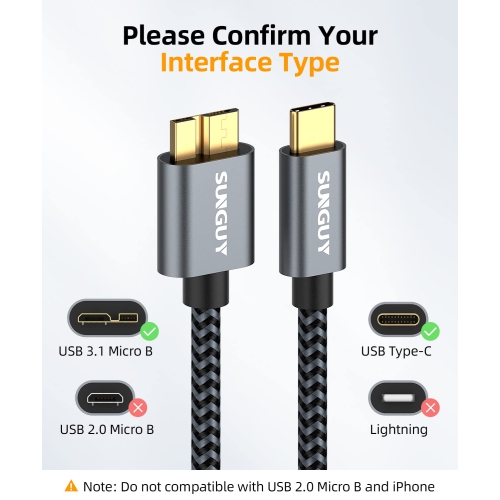
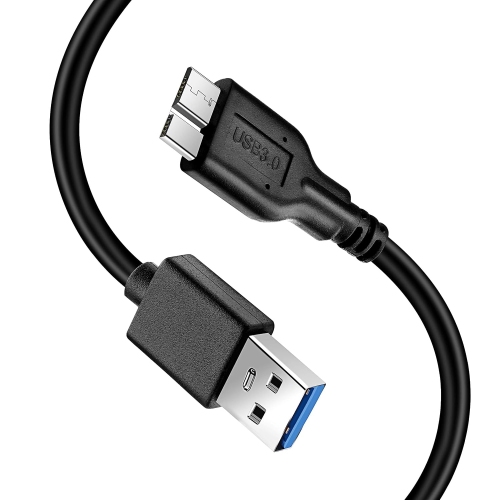
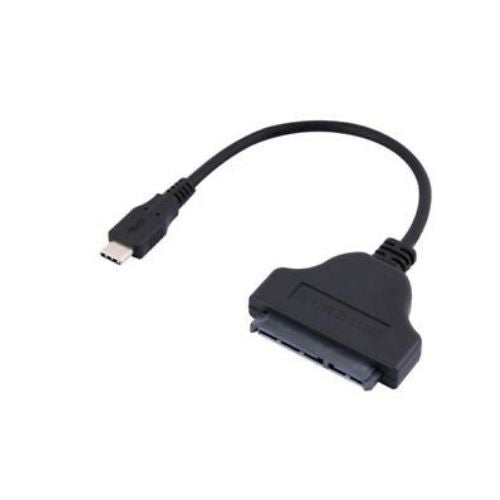
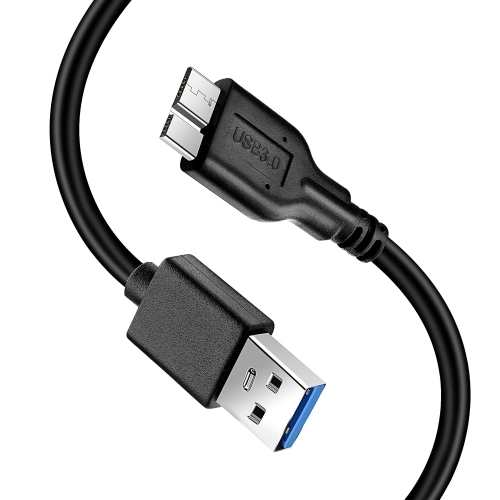
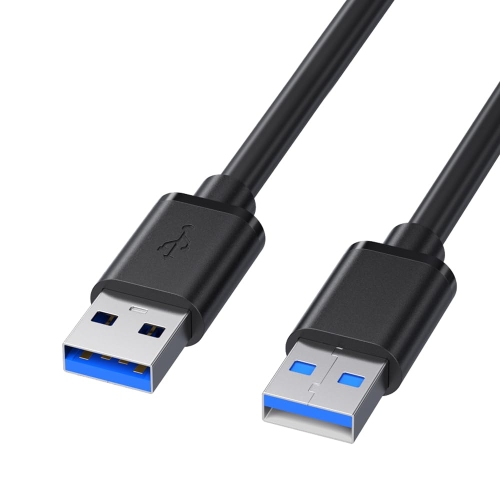
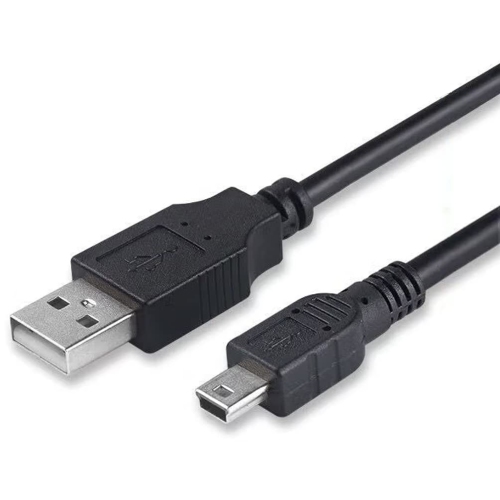
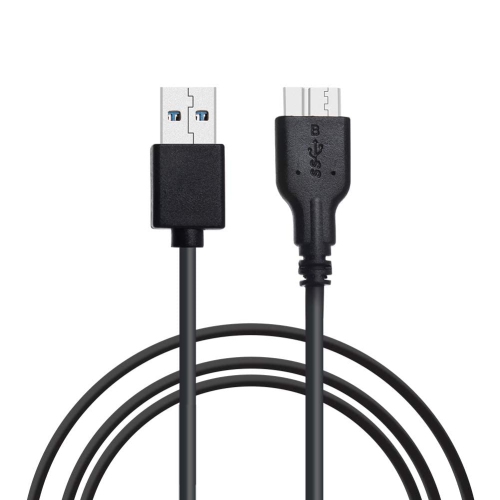
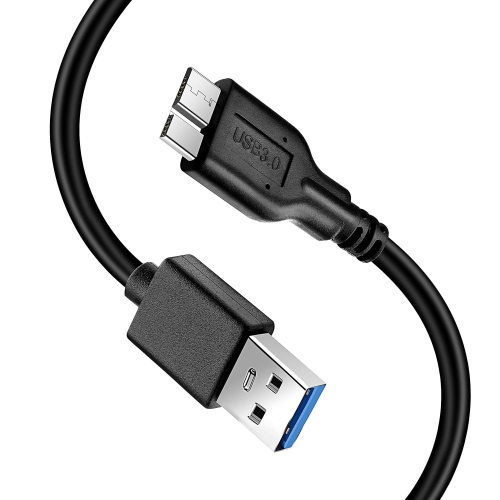
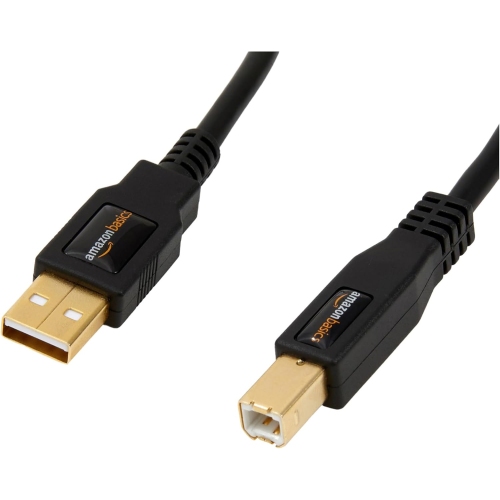
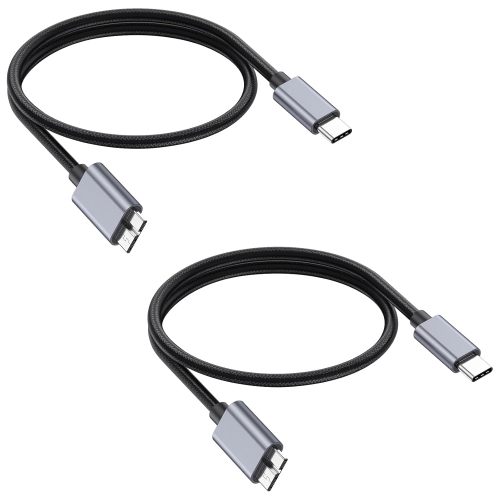
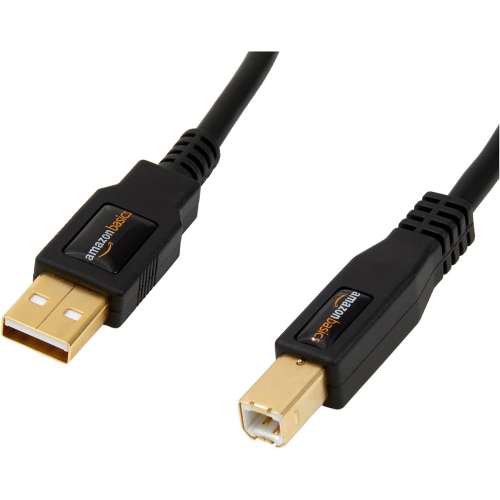
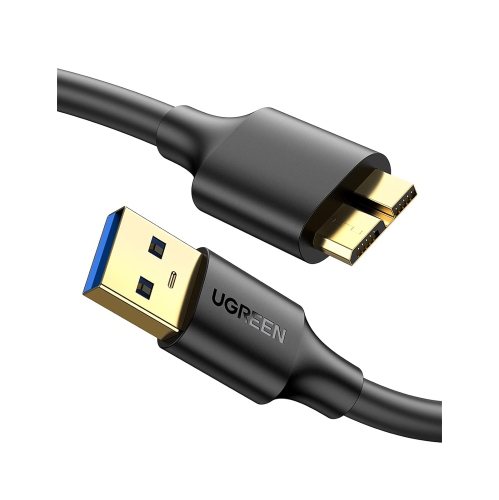
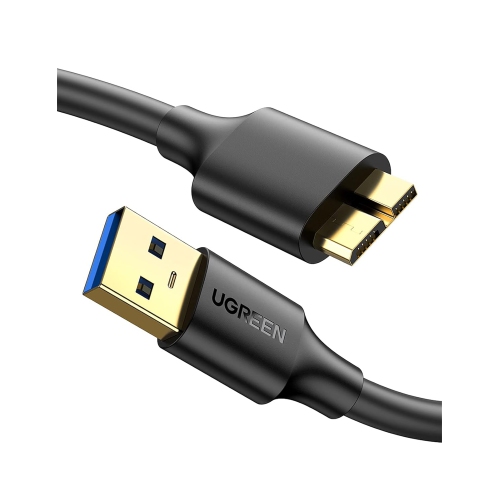
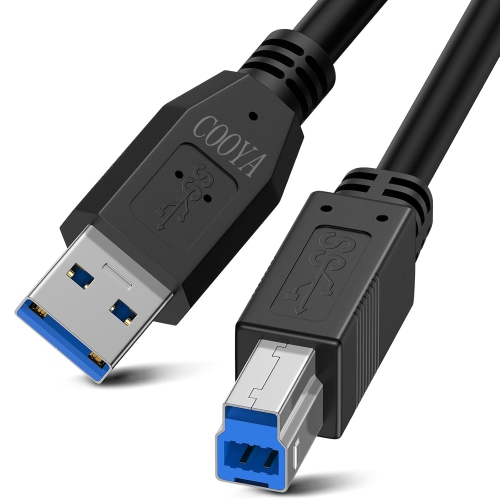
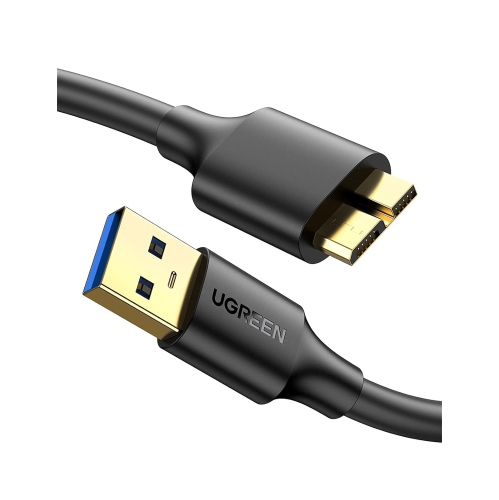
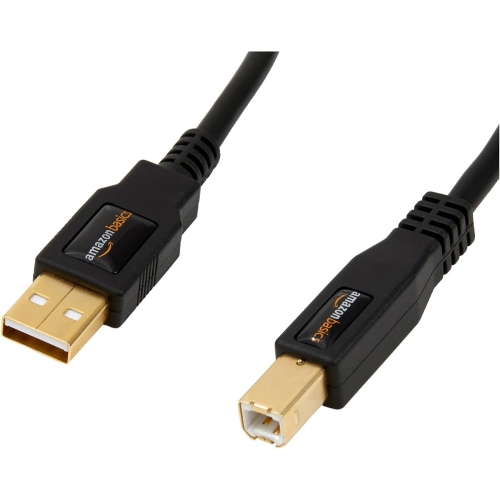
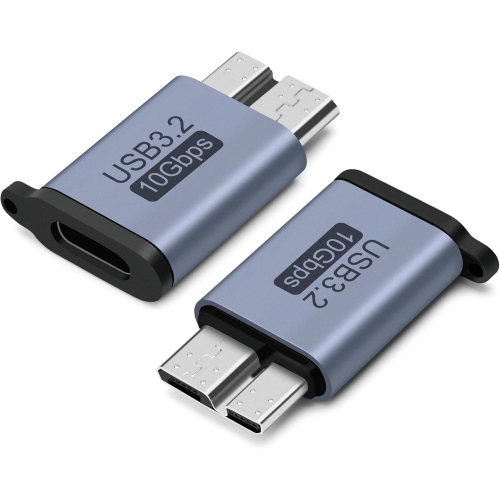
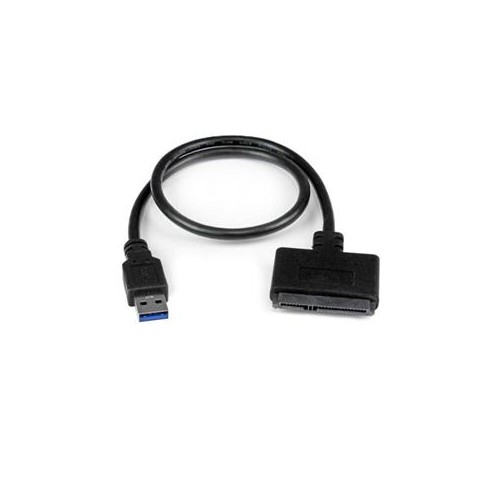
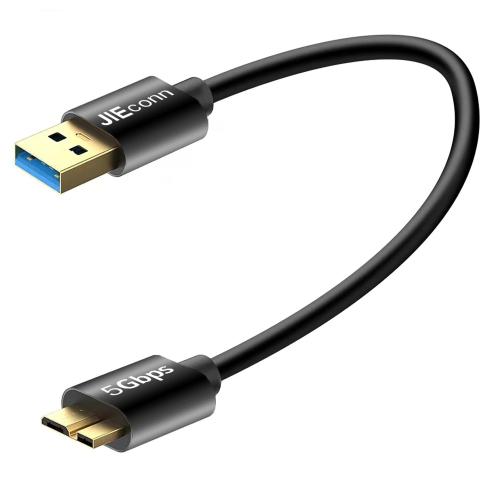
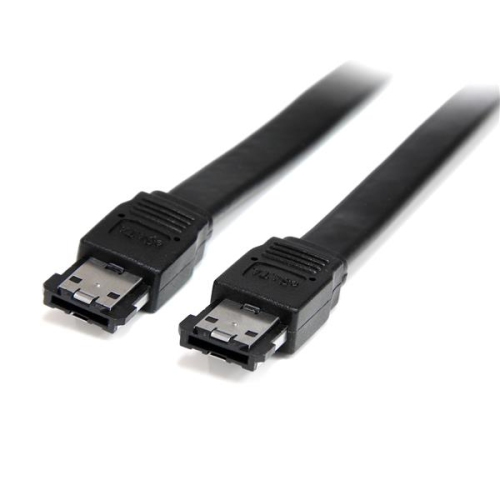
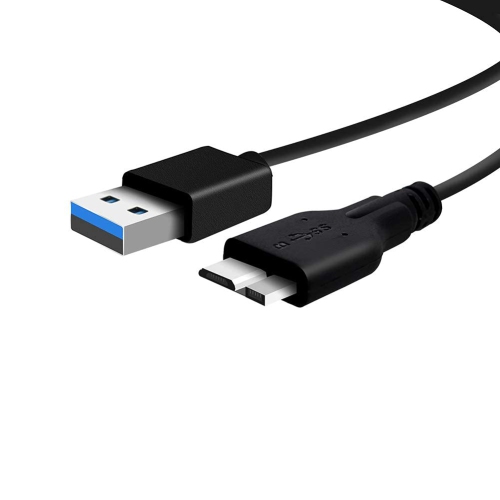
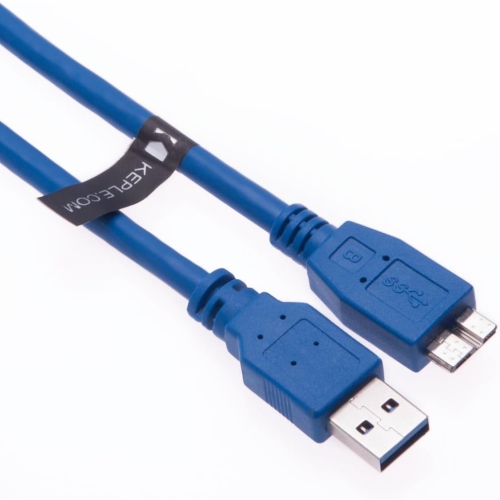
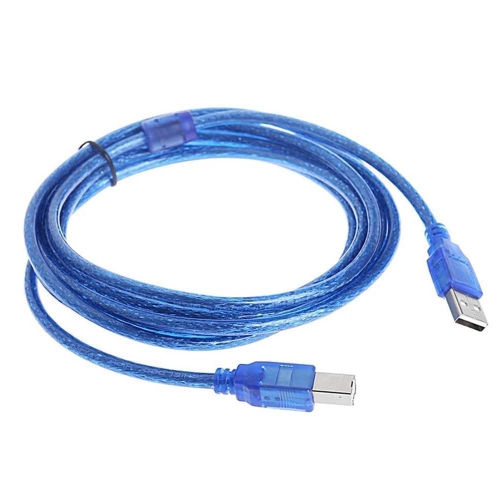
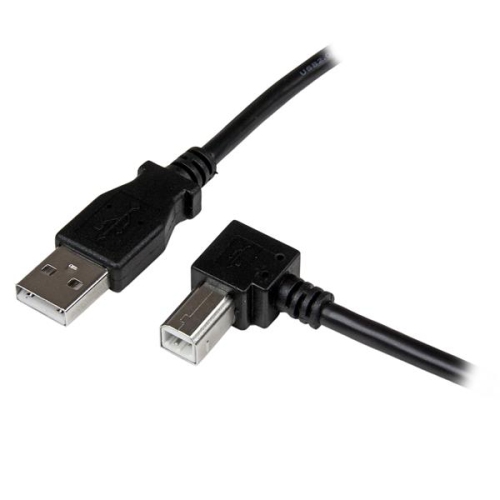
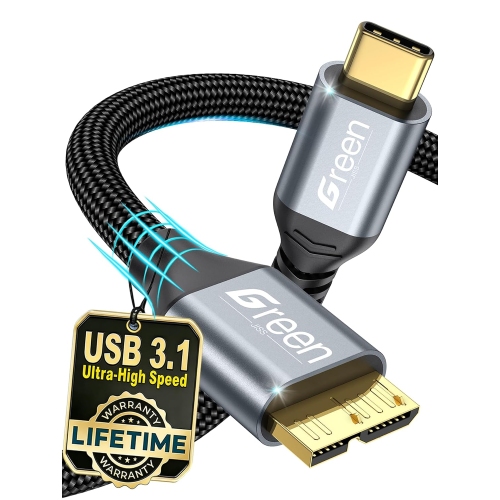
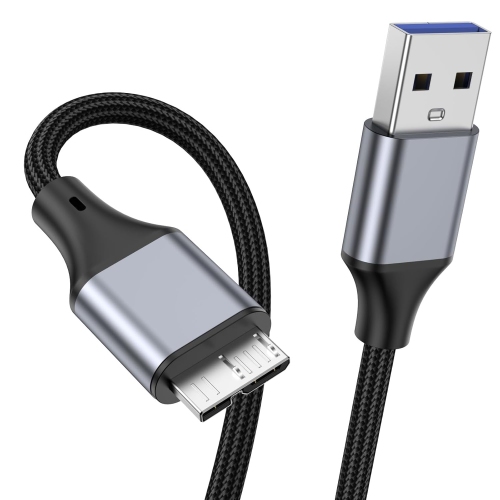
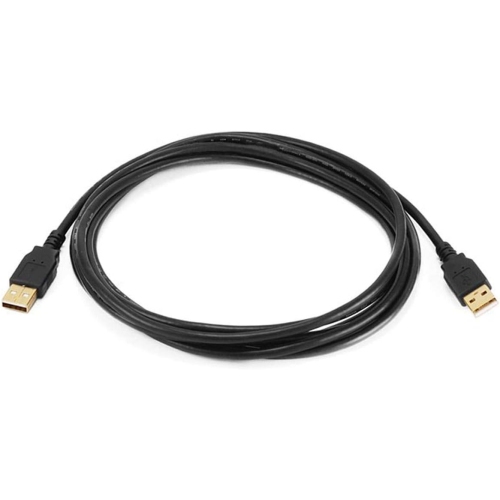
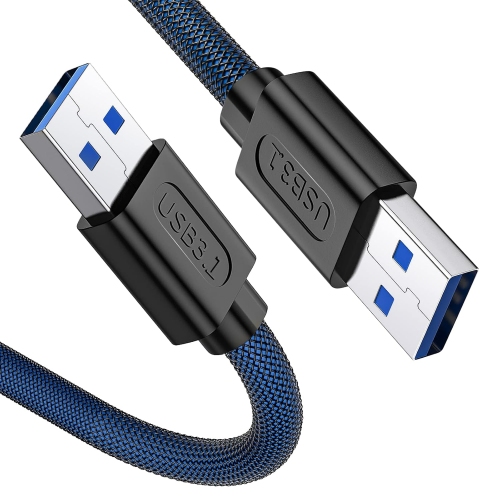
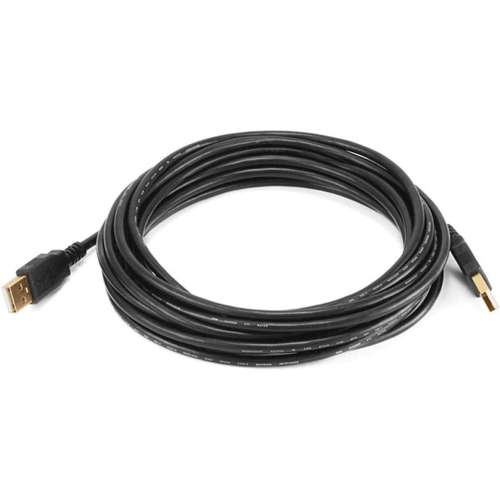
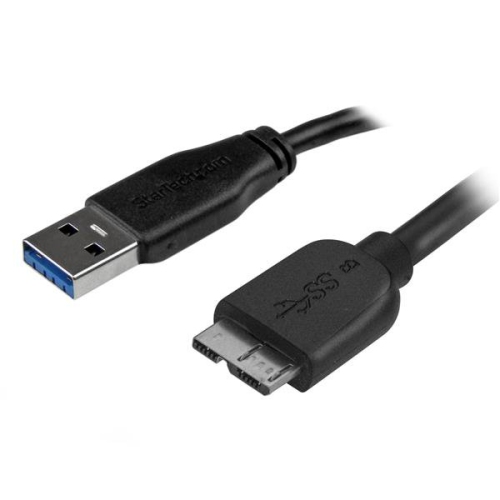
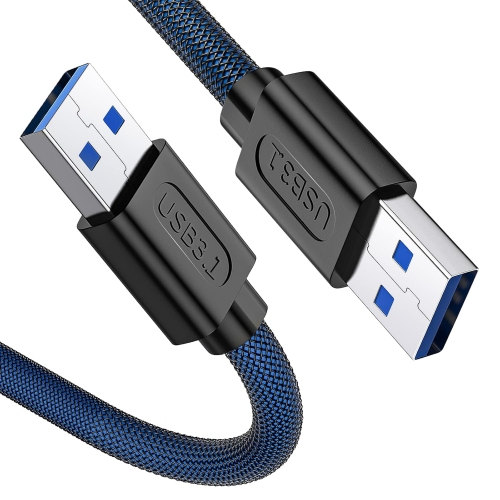
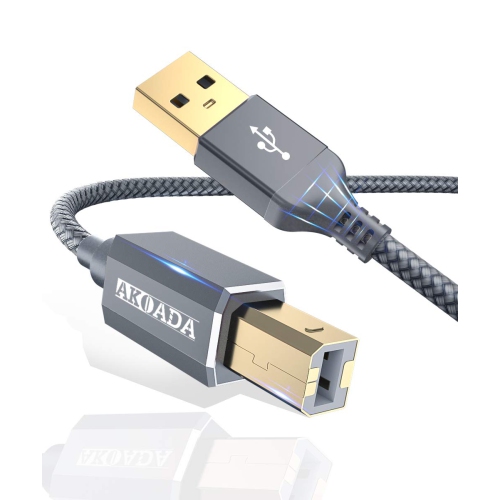
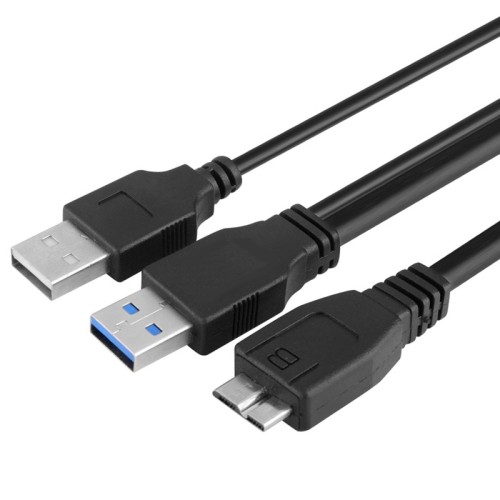
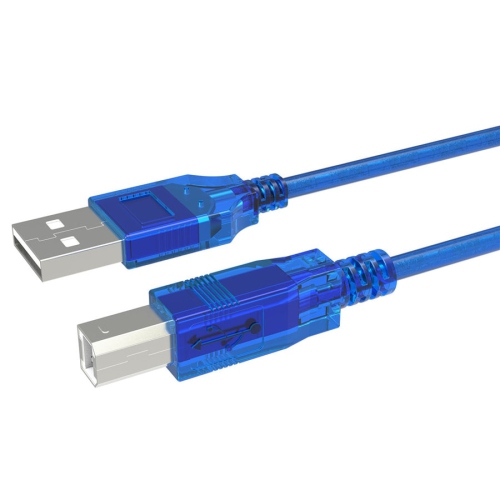
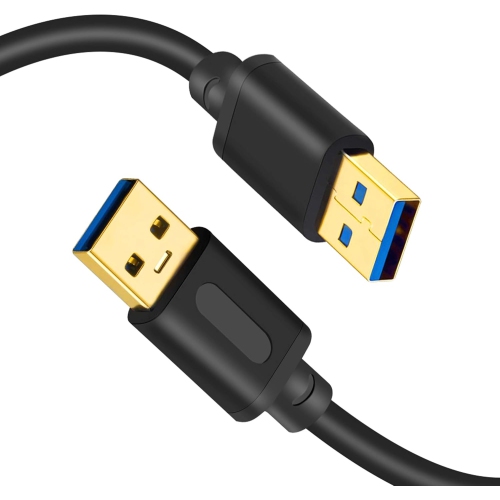
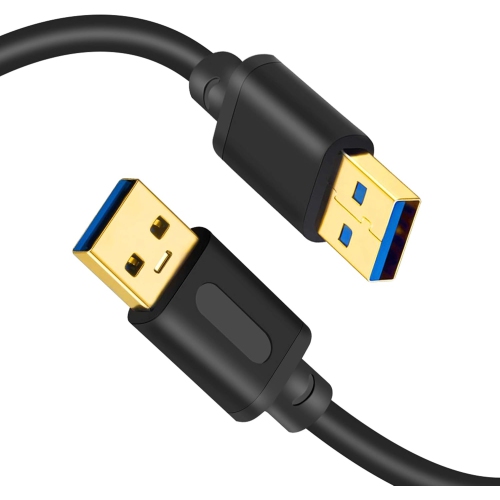
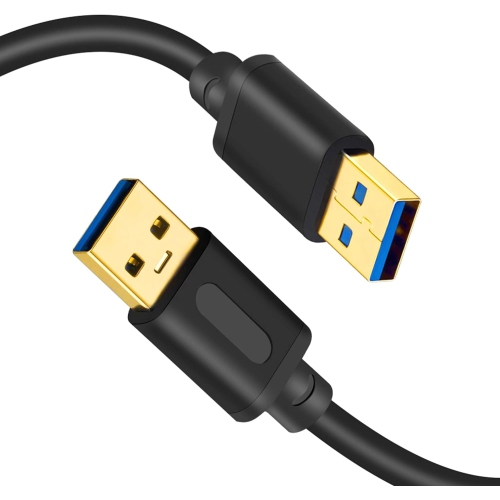
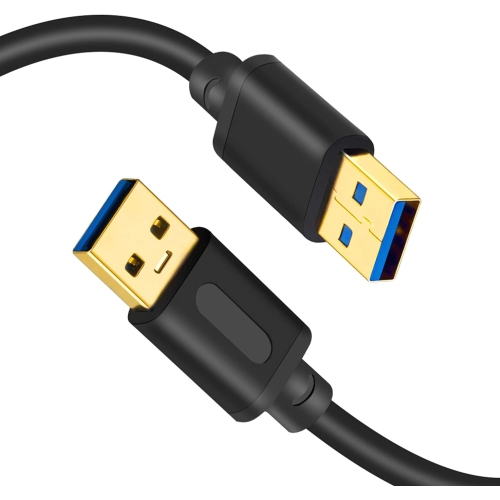
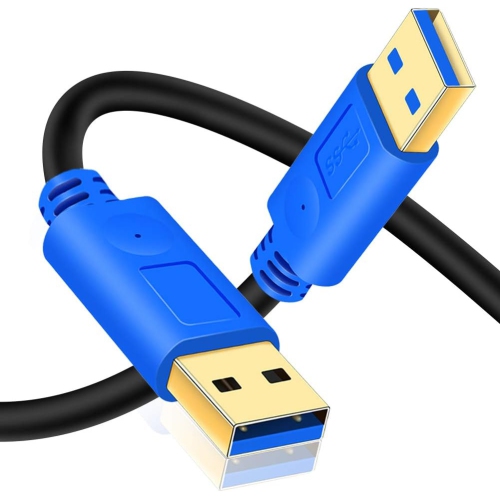
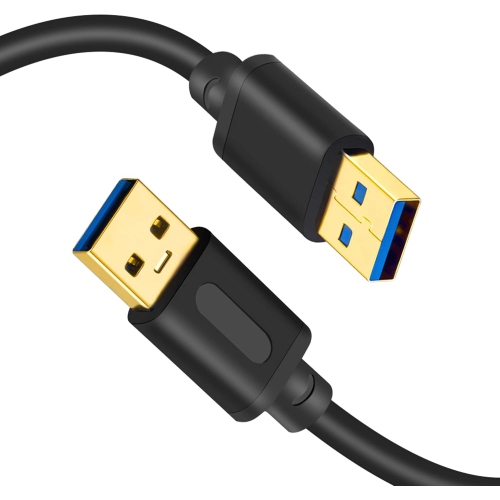
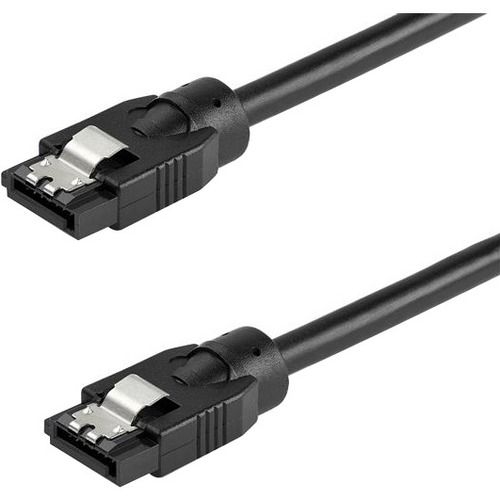
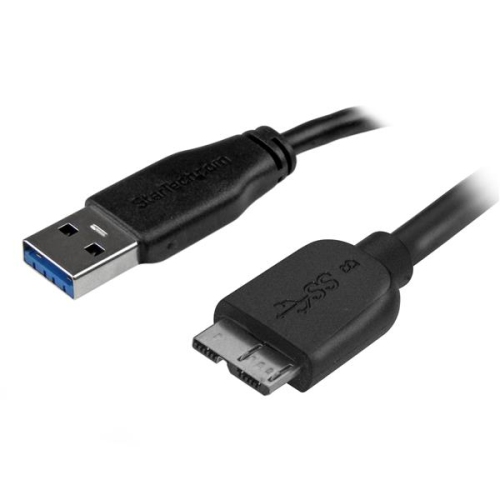
External hard drive cables connect an external storage drive to a computer or another compatible device for file transfers and, in many cases, power. The right connection depends on both ends: the port on the drive and the port on the computer. Common combinations include USB-A to USB 3.0 Micro-B, USB-C to USB 3.0 Micro-B, and USB-C to USB-C. USB-A is the familiar rectangular connector found on many computers and hubs, while USB-C has a smaller, rounded shape that inserts in either orientation. The USB 3.0 Micro-B connector used by many portable hard drives has a distinctive wide, two-part shape; it is different from the smaller Micro-B connector associated with older USB devices. Some older external drives use Mini-B or other connections, so a close look at the drive’s socket is more useful than judging by the drive’s size or age. A cable needs compatible connectors at both ends, but connector shape alone does not establish its data capabilities. USB-C cables, for example, can support different transfer rates despite looking almost identical. A cable intended for external storage needs to support data transfer, not just charging. Specifications such as 5 Gbps or 10 Gbps describe the connection’s maximum signalling rate rather than a guaranteed file-copy speed. Actual performance also depends on the computer’s port, the drive interface, the storage mechanism inside the enclosure, and the files being transferred. A folder containing thousands of small documents may copy differently from a single large video file. Mechanical hard drives generally cannot use the full bandwidth of faster USB connections, while external solid-state drives may benefit more noticeably from a higher-speed connection. Matching the cable’s capabilities to the drive and computer helps avoid an unnecessary bottleneck without assuming that a faster-rated cable will make every drive faster. This matters for routine backups, moving a photo library, carrying project files between workspaces, or accessing a collection of videos stored outside the computer.
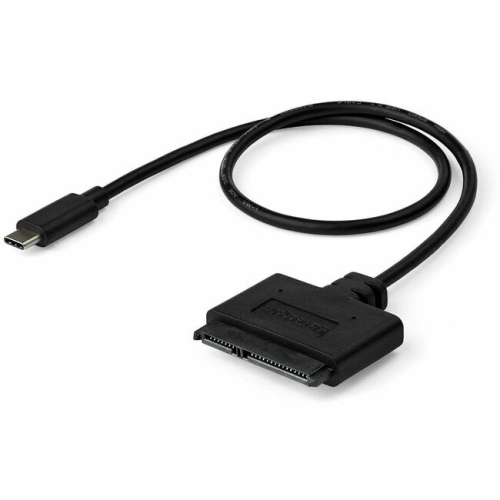
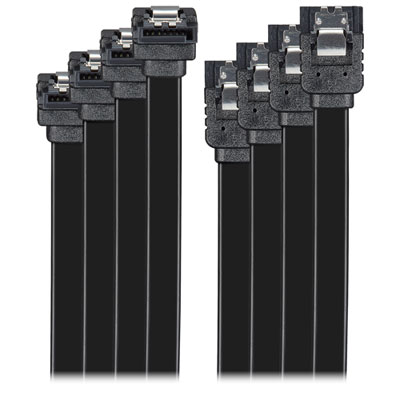
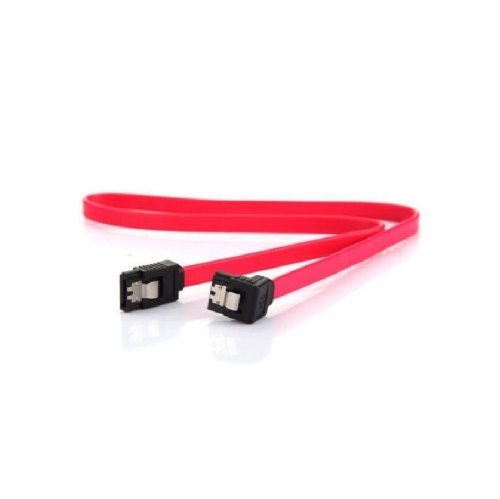
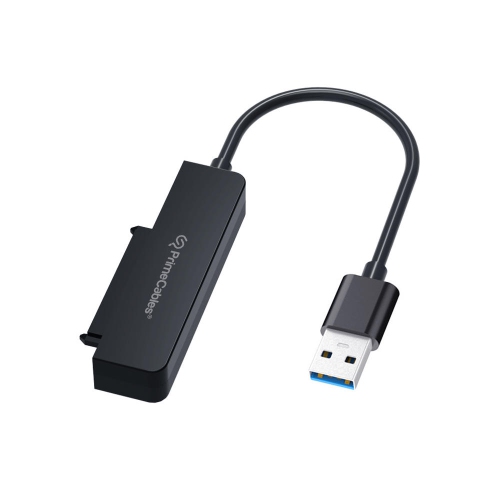
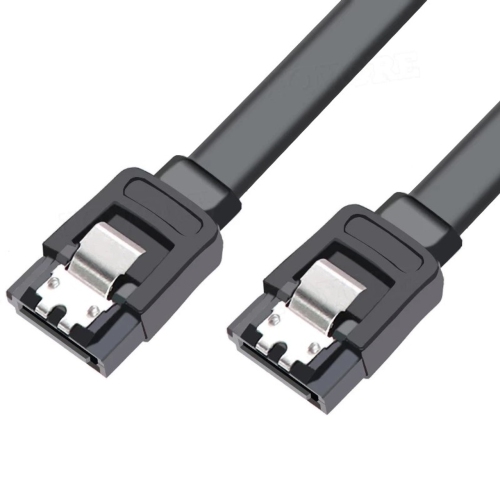
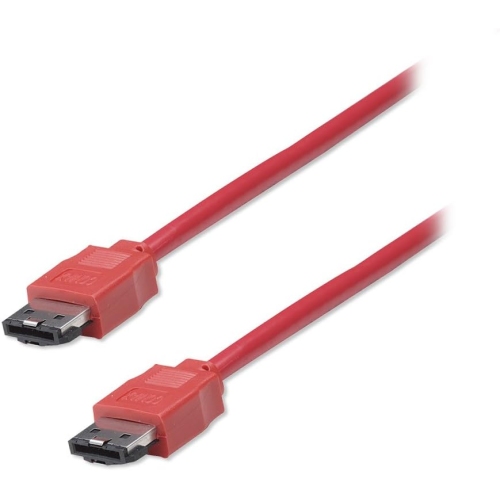
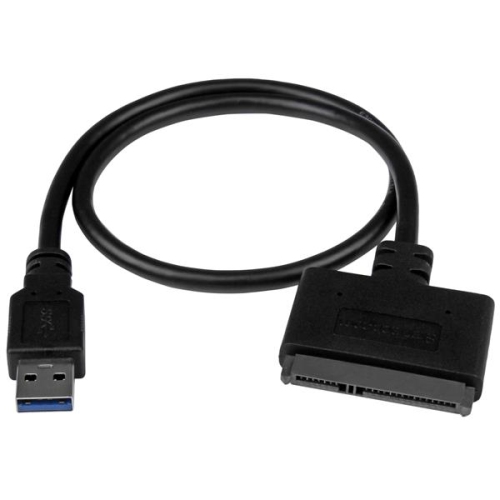
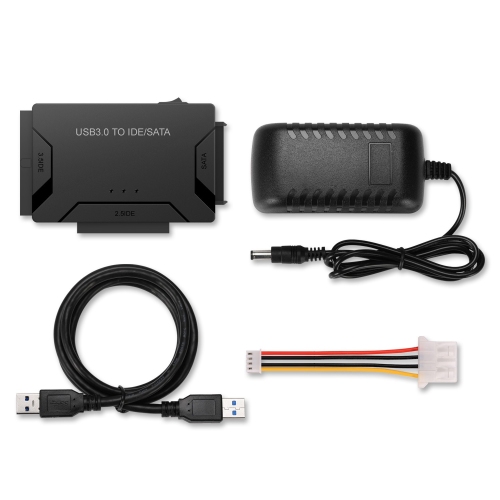
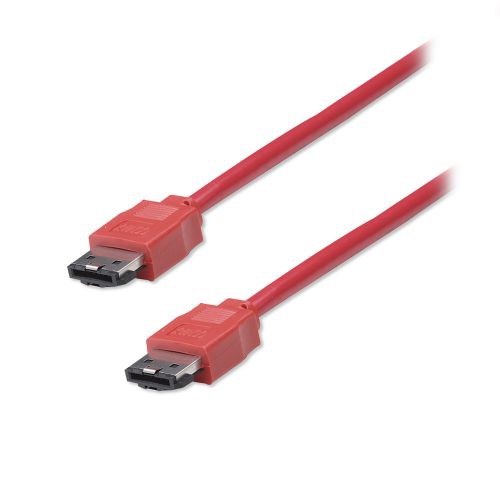
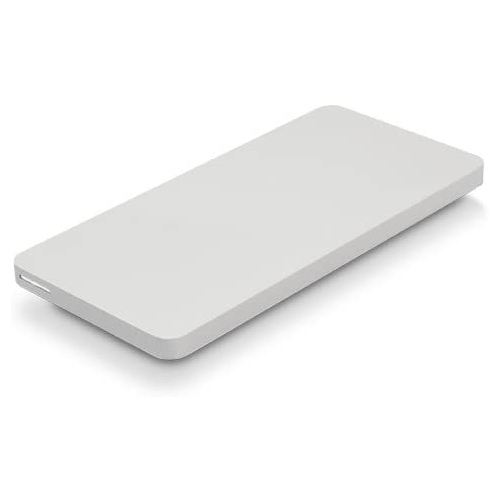
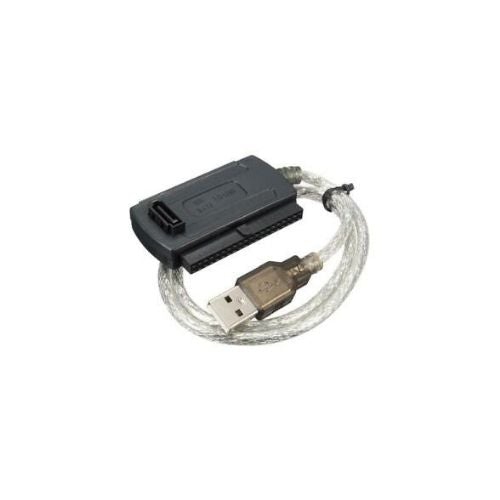
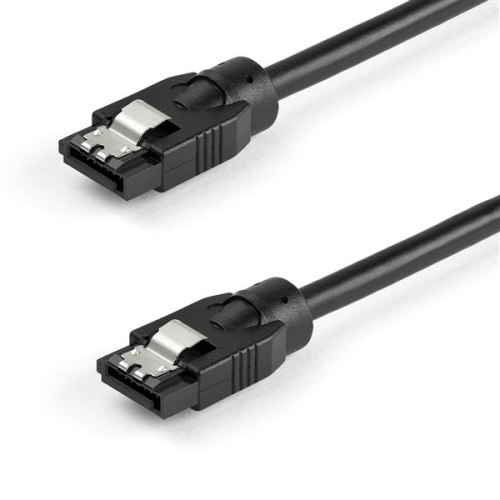
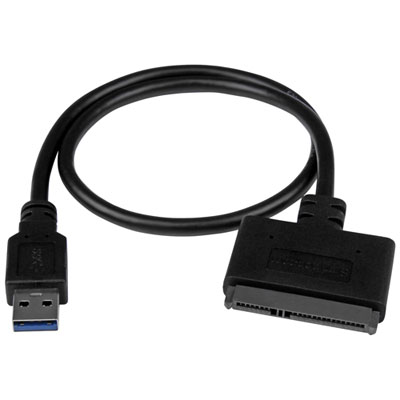
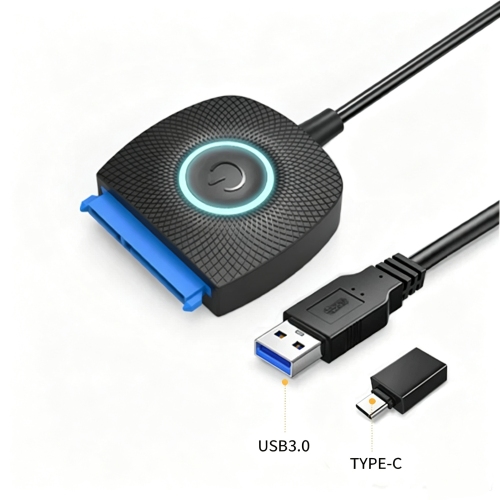
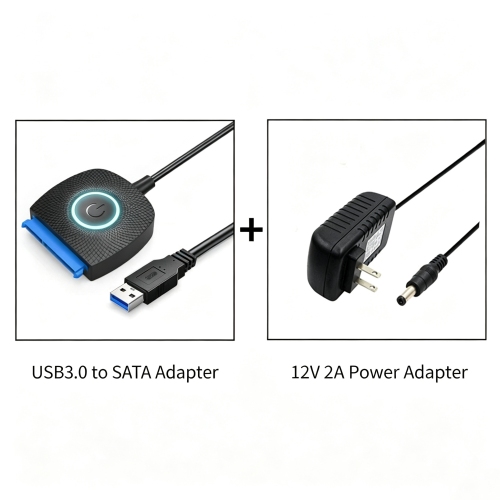
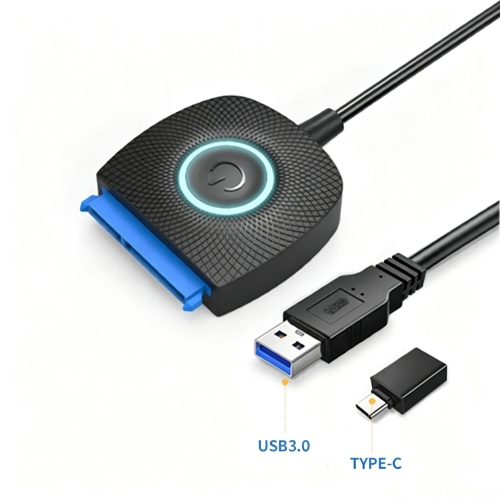
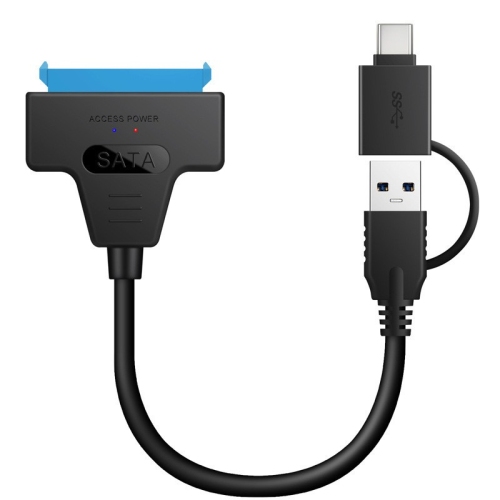
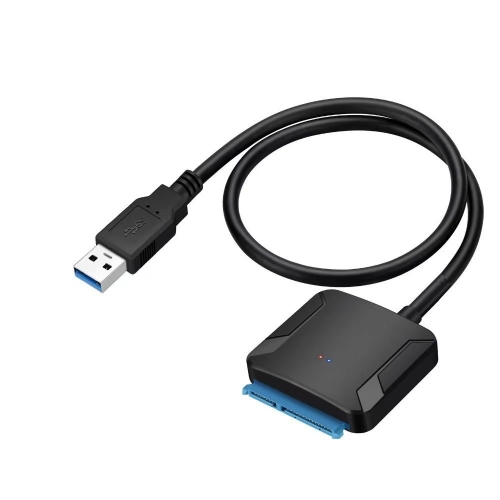
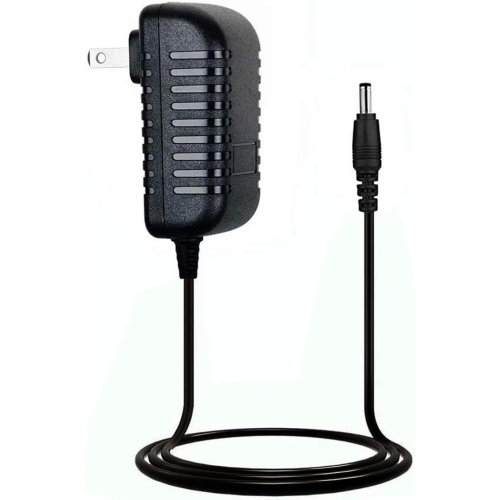
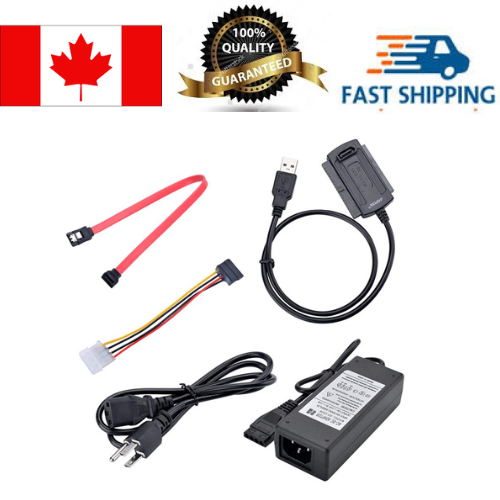
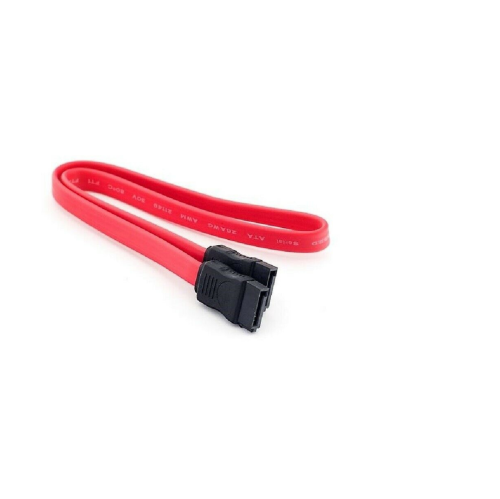
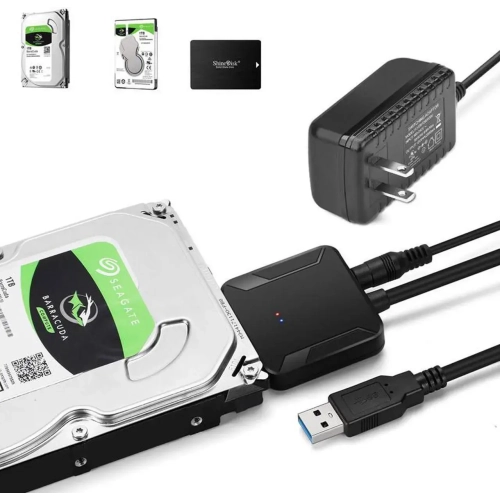
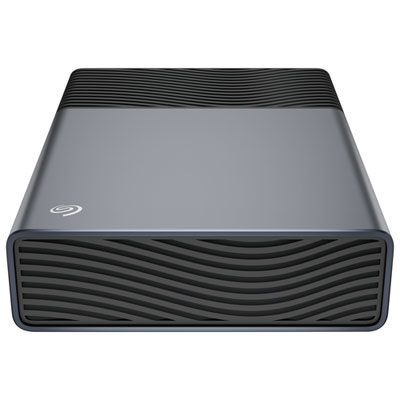
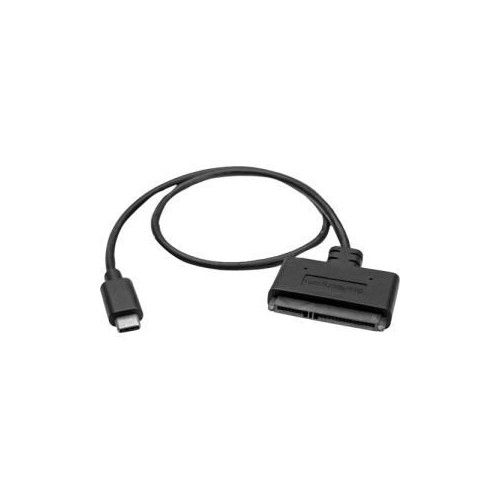
Power requirements are another important distinction between external hard drive connections. Many compact portable drives receive both data and power through one USB cable, making them convenient companions for laptops and small workstations. Larger desktop external hard drives often use a separate power adaptor as well as a data cable. In that arrangement, replacing the USB cable does not replace the adaptor or change the drive’s power requirements. Hard Drive Power Cables relate to the power side of a storage setup, where the connection type and the device’s electrical requirements need to match. A connector that appears to fit is not enough to establish power compatibility; the manufacturer’s specified voltage, polarity, and power requirements remain essential. An external enclosure may contain a SATA hard drive internally, but that does not mean a bare SATA cable can connect the complete enclosure to a laptop’s USB port. The enclosure provides the interface between the internal drive and the external connection. Cable length also affects how comfortably a drive fits into a workspace. A shorter cable keeps a portable drive close to a laptop and reduces loose loops in a carrying pouch. A longer cable can help a desktop drive sit securely on a shelf or beside a monitor rather than hanging from a computer’s port. Extra length is not automatically an advantage, since high-speed connections have length limits that vary with the cable specification and construction. Hubs and docking stations introduce additional considerations because their ports may share bandwidth or have limited power available to connected devices. A bus-powered drive needs sufficient power along the full connection path, particularly when starting up. For a drive that disconnects unexpectedly or struggles to start, the cable, port, hub, and power source can all be relevant. A direct connection to a compatible computer port can help distinguish a cable issue from a limitation elsewhere in the setup.
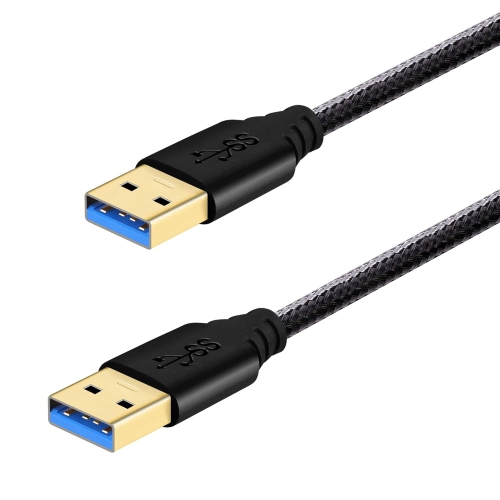
The construction of an external hard drive cable influences how well it handles everyday movement, repeated connections, and time spent tucked behind a desk. Flexible plastic jackets are common, while braided outer coverings offer a different feel and may provide additional resistance to surface abrasion. Neither appearance nor thickness alone proves durability or transfer performance. More useful details include the stated data specification, connector construction, shielding, and strain relief where the cable enters each plug. That transition point takes considerable stress when a drive is moved around a desk or packed into a bag. A well-supported connector and a cable that bends comfortably suit frequent travel between a home office, classroom, and shared workspace. Connector housings also need enough clearance around the ports: a bulky plug can crowd a neighbouring connection or be awkward beside a close-fitting laptop case. For a stationary backup drive, a neatly routed cable with a little slack can keep the connection accessible without pulling against the socket. For photographers transferring image libraries or students moving large project folders, a dedicated cable stored alongside the drive makes the setup easier to keep together. A small pouch with separate space for the cable helps prevent the plug from pressing against the enclosure during transport. Routine care is straightforward: hold the connector rather than tugging the cord, avoid sharp bends near the ends, and coil the cable loosely instead of wrapping it tightly around the drive. Dust or debris around a port can interfere with a secure fit, while damaged insulation, bent connectors, or an unusually loose connection warrant attention before the next transfer. Keeping the drive still while connected also reduces strain on its socket. Files should finish transferring before the drive is safely ejected and unplugged. A cable with the correct fit, appropriate data capability, and practical length supports reliable access to stored work, personal photos, backups, and other files without adding unnecessary complexity to the desk.
Top selling and popular products
-
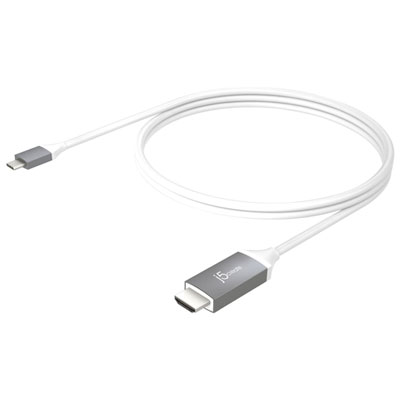 Your price for this item is $39.99
-
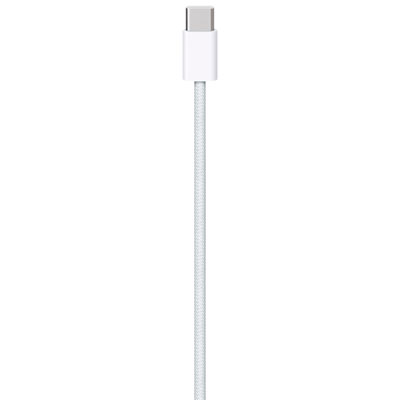 Your price for this item is $24.99
-
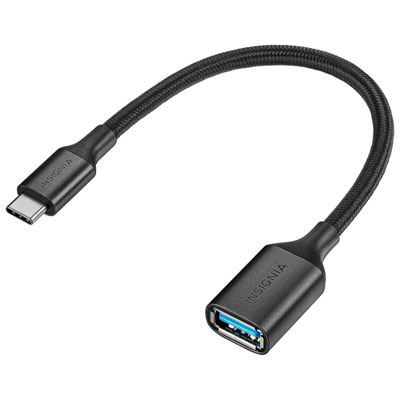 Your price for this item is $19.99
-
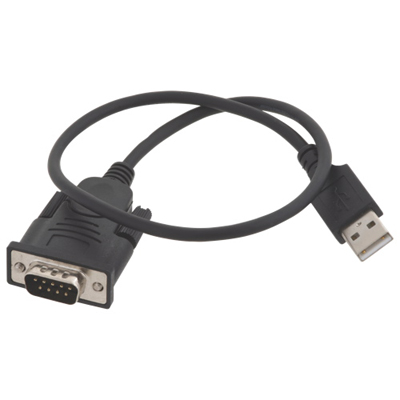 Your price for this item is $29.99
-
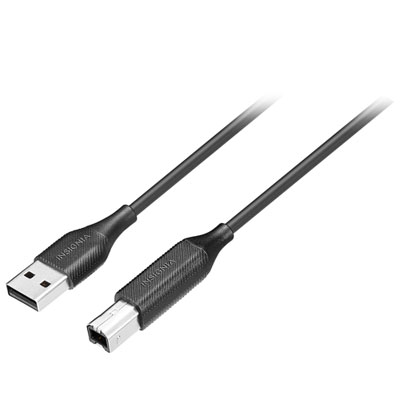 Your price for this item is $29.99
-
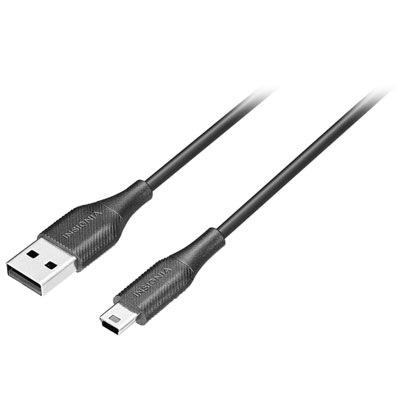 Your price for this item is $19.99
-
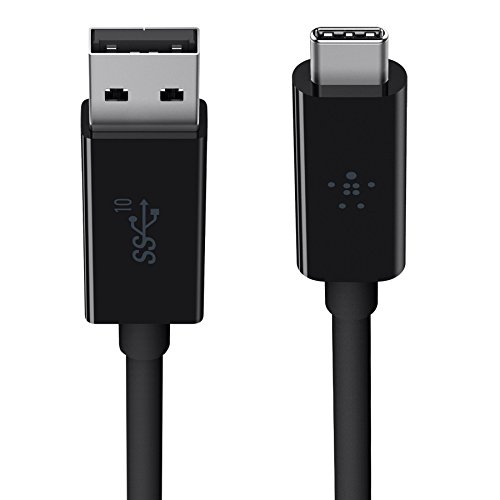 Your price for this item is $31.99
-
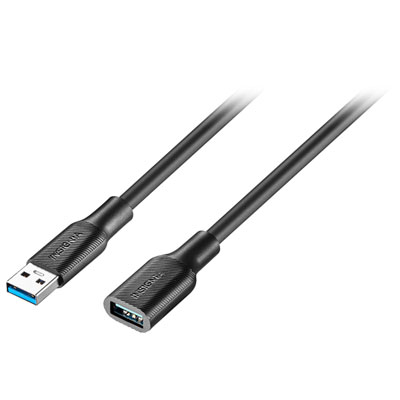 Your price for this item is $24.99
Discover more categories related to External Hard Drive Cables
Top Collections:
Best Black Friday Deals This Year, Best Black Friday Deals On Electronics, Kindle Devices, Best Black Friday Deals On Apple Products, Best Budget Office Chairs, Best Cameras for Sports Photography, Dyson Airwrap, Canon G7X Cameras, Best Laptops for Writers, Samsung Galaxy Phones
Some products may be subject to Environmental Handling Fees
(EHF) depending on your province.
Learn more about EHFs.