Usb Hubs for External Hard Drives
USB hubs for external hard drives provide a convenient way to expand your device’s connectivity and streamline data management. Whether you’re looking to connect multiple storage devices, transfer files between drives, or simply keep your workspace organized, the right USB hub can make all the difference. Explore a wide selection of USB hubs for external hard drives designed to help you maximize productivity and simplify your setup.
Sort
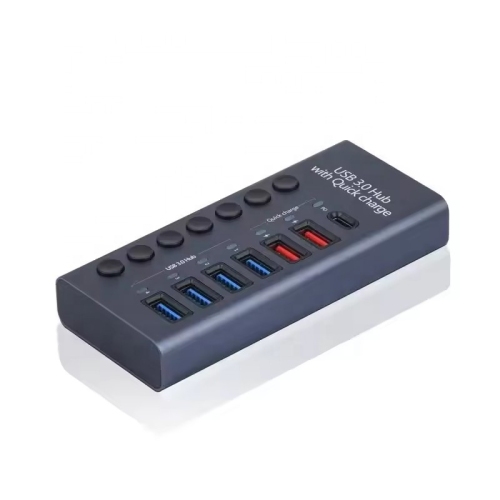
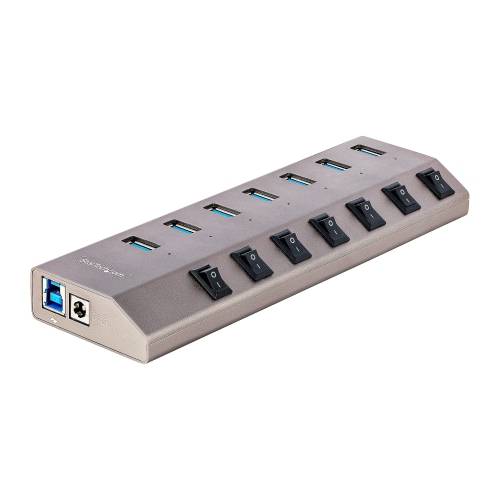
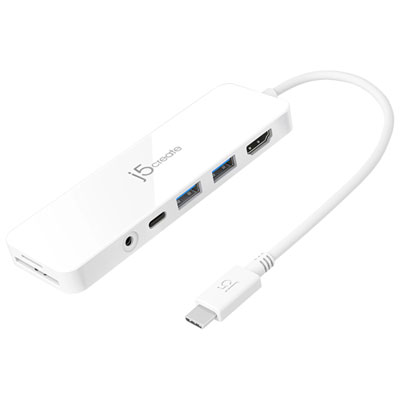
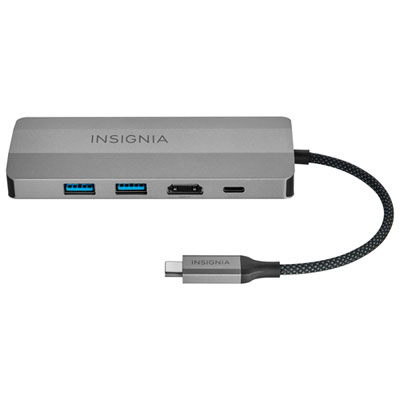
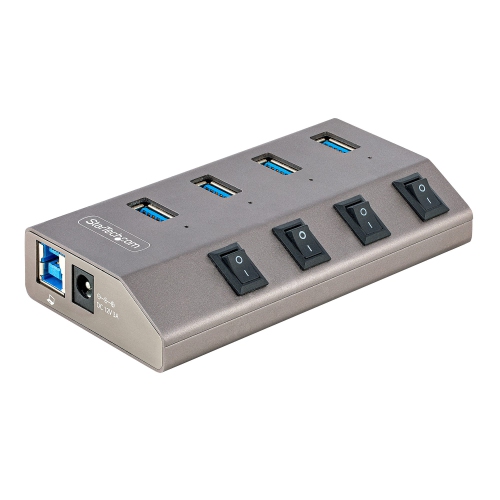
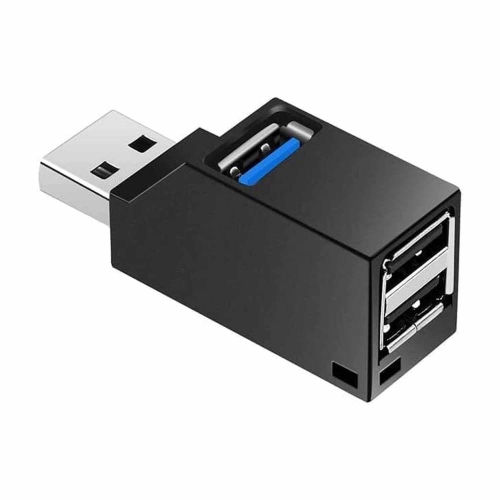
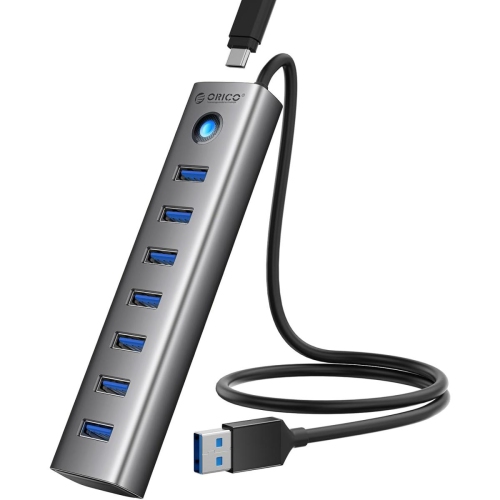

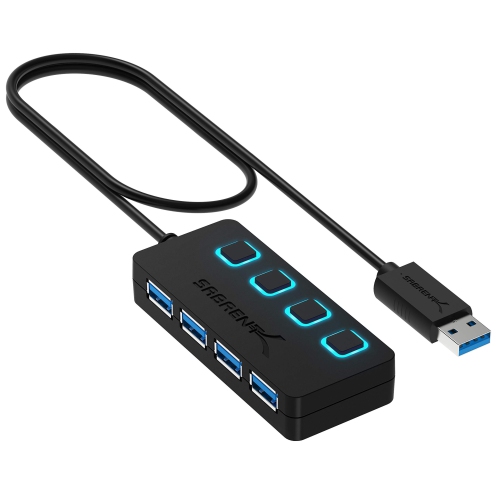

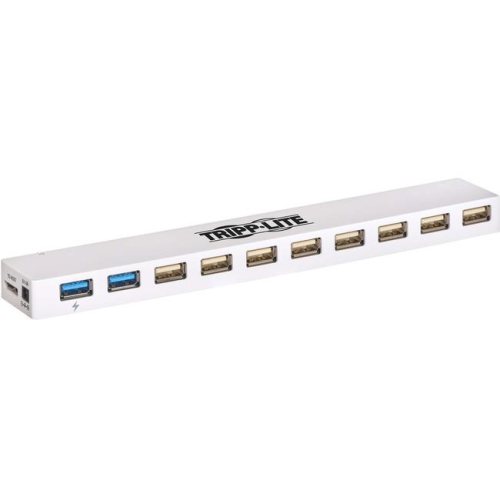

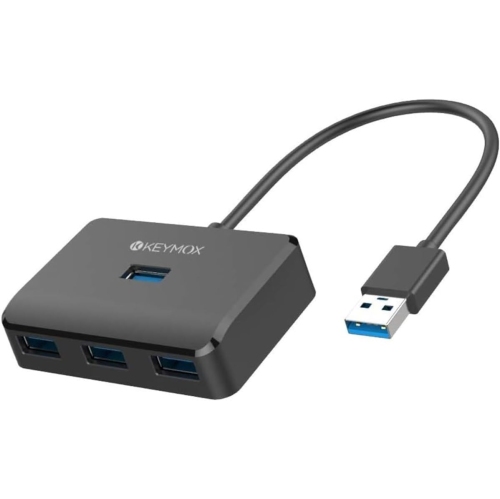
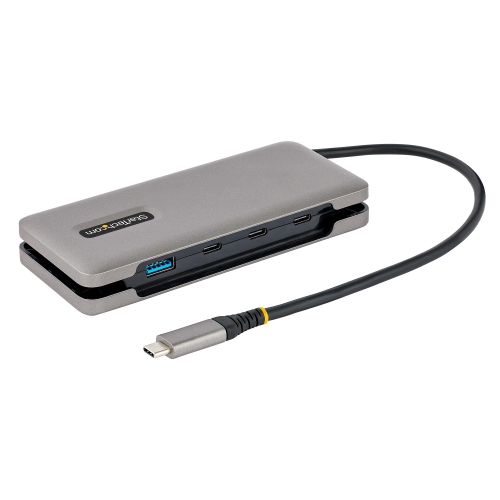
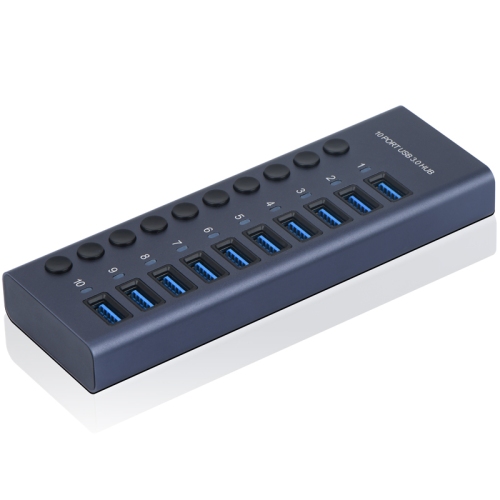

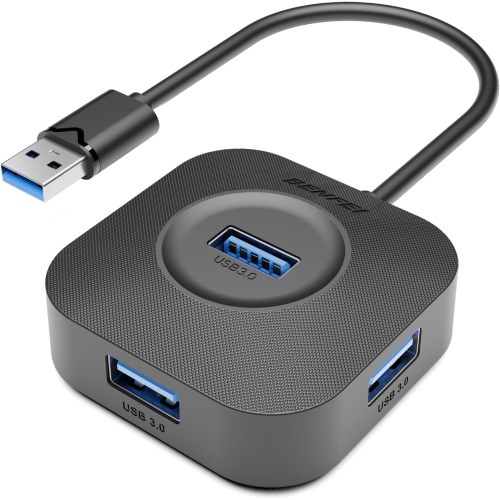
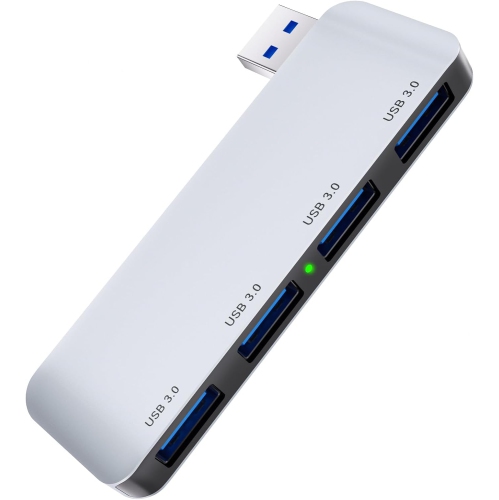
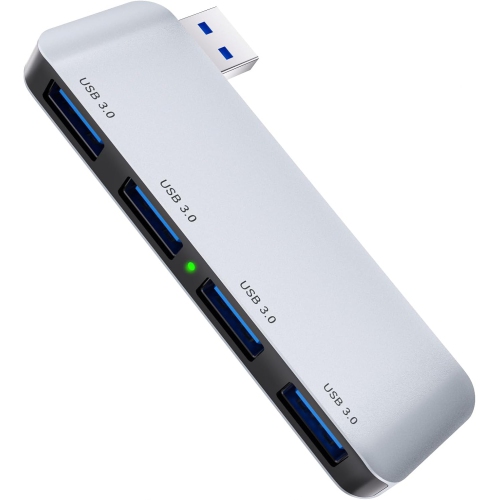
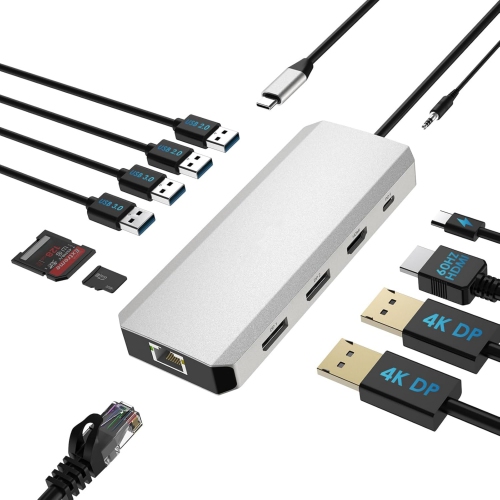
Why reliable drive connections need more than extra ports
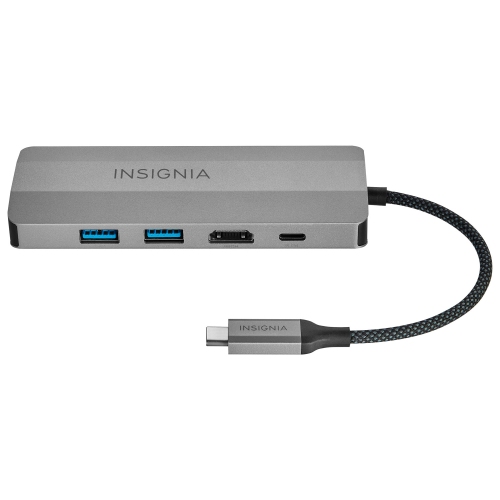
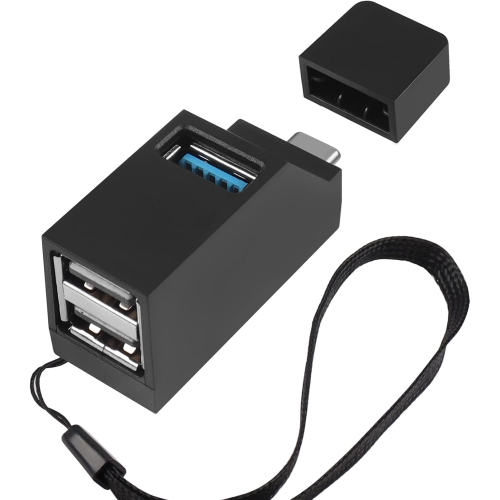
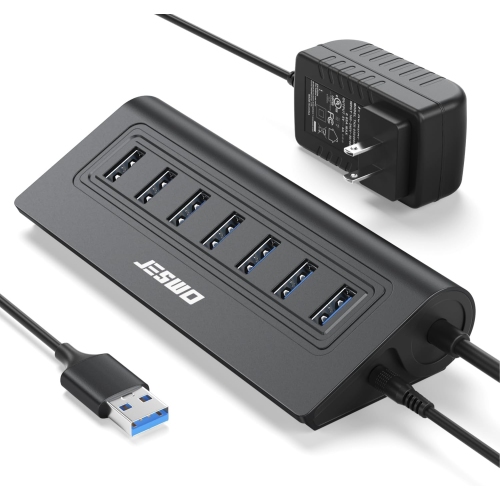
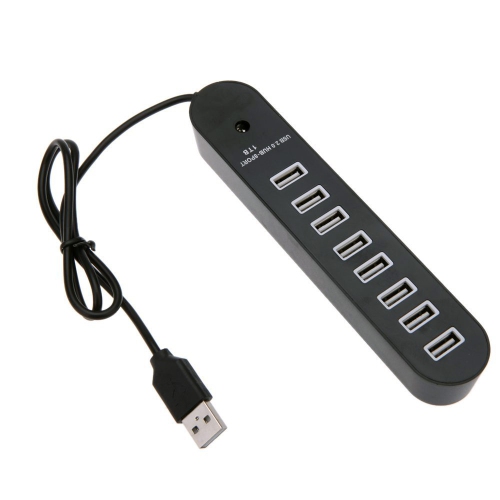
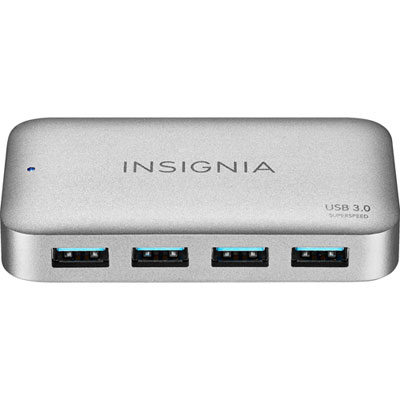
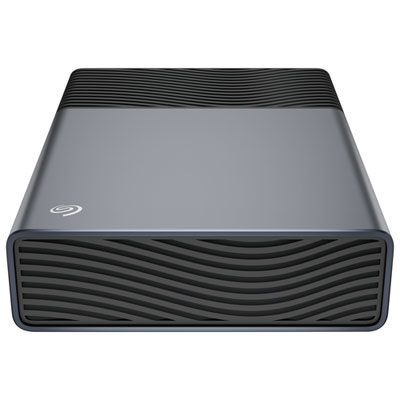
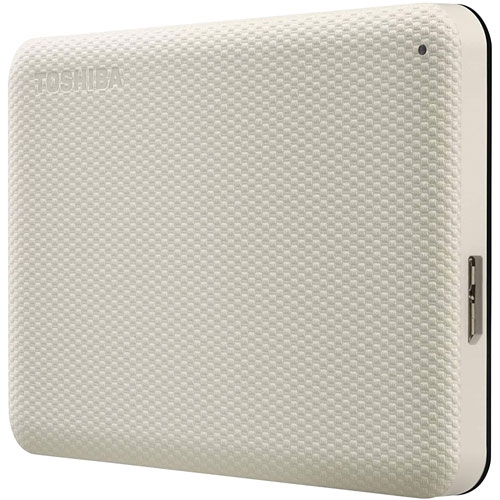
USB hubs for external hard drives expand a computer’s connections, giving portable storage, backup drives, and everyday peripherals a place in the same setup. They are useful when a slim laptop has only a couple of ports, or when a desktop’s accessible connections are already occupied by a keyboard, mouse, and webcam. A photographer might keep a working photo library and a separate backup drive connected beside a monitor, while a student might need access to research files without unplugging other accessories. For these arrangements, power delivery matters as much as the number of sockets. A powered USB hub uses its own power adapter to supply connected devices, making it generally better suited to multiple portable hard drives than a bus-powered hub that draws all its power from the computer. Mechanical drives can require extra current as they spin up, and portable SSDs also have power requirements that vary by model and workload. Insufficient power can cause a drive to disconnect, fail to appear, or interrupt a transfer, potentially putting files at risk. A bus-powered hub can still work with a compatible, lower-power storage device when the computer port and hub supply enough power; it is not automatically unsuitable for every external drive. Many 3.5-inch desktop hard drives have their own power adapters, which must remain connected even when their data cables run through a powered hub. The useful specifications are the hub’s total power budget, its per-port limits, and the requirements of every attached device, rather than port count alone. An adapter’s wattage does not necessarily indicate how much power each socket can deliver. When pairing a hub with External Hard Drives, the combination of drive type, simultaneous use, and available computer connections helps determine whether a compact portable hub or a dedicated desktop design is the better fit.
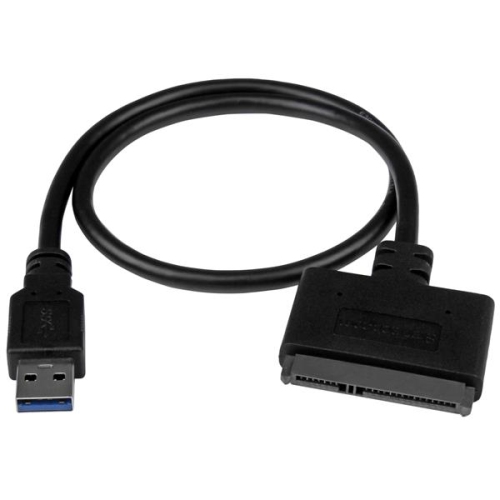
Connection speed shapes how comfortably a hub handles photo folders, video footage, game libraries, and full-system backups. USB 3.0, also labelled USB 3.1 Gen 1 or USB 3.2 Gen 1, supports a maximum signalling rate of 5Gbps and is a practical starting point for modern external storage. Hubs supporting 10Gbps or higher can provide more headroom for compatible SSDs and demanding transfers, but those figures describe the connection standard, not a guaranteed file-copy speed. Actual performance depends on the computer port, the hub, the cable, the drive, and the type of files being moved. A folder containing thousands of small documents can transfer differently from one large video file, even with the same hardware. The hub’s connection back to the computer is also shared: several drives connected to a 5Gbps hub do not each receive a separate 5Gbps connection to the computer. Copying large folders between two drives on the same hub can create contention, particularly if other connected devices are active. For frequent, sustained storage work, a direct computer connection may deliver more consistent results. USB-A and USB-C describe connector shapes, so a USB-C socket alone does not establish its speed, storage compatibility, or power capabilities. The host connector needs to fit the computer, while downstream data ports need to accommodate the drives’ cables. A USB-C hub may have a power-input port intended only for charging the computer, and a charging-only socket will not connect a hard drive for file access. USB Power Delivery pass-through is therefore different from a dedicated power supply that supports the hub’s attached storage devices. Compatibility also extends beyond the connector: operating-system support, drive formatting, and any device-specific restrictions still apply. A hub adds connections, but it does not make an unsupported drive format readable or turn ordinary USB storage into a network drive. For tablets, game consoles, and other hosts, support for hubs and external storage should be confirmed separately.
Physical design makes a noticeable difference when several cables meet on a small desk. Wider port spacing leaves room for larger plugs, while ports along different edges can help separate a stiff hard-drive cable from a mouse receiver or charging lead. A short integrated host cable keeps a portable setup compact, although it can limit placement beside a raised laptop stand. A detachable host cable offers more flexibility and can be replaced if damaged, provided its replacement supports the required data speed and power specifications. Lightweight plastic housings suit bags and occasional travel; aluminium housings offer a firm feel and can help spread heat produced during operation. Neither material alone guarantees durability, so secure sockets, cable strain relief, and a stable base are important details. A hub that slides whenever a cable moves can place unnecessary strain on a computer’s port or pull a portable drive towards the edge of a desk. Non-slip feet and enough cable slack help keep the arrangement settled, especially when mechanical drives are running and should not be bumped. Individual port switches can make it convenient to disconnect an idle device electrically, but they are not a substitute for safely ejecting a drive through the operating system. Switching a port off or pulling a cable during a write operation can interrupt files, even if a progress window has disappeared. Indicator lights provide a quick view of power or activity, though their exact meaning varies by design. For care, an unplugged hub can be wiped with a soft, dry cloth, with liquids kept away from sockets and ventilation openings left clear. Using the supplied or explicitly compatible power adapter avoids mismatched electrical requirements. Laptop sleep settings can also affect connected storage, so a stable connection during a long backup depends on both the hub and the computer’s power settings. These details matter to home-office users, families organizing shared photos, and creators moving large project folders. A well-matched hub can make that routine less cluttered, but it does not replace a separate backup: keeping another copy of important files remains essential, regardless of how many drives are connected.
Top selling and popular products
-
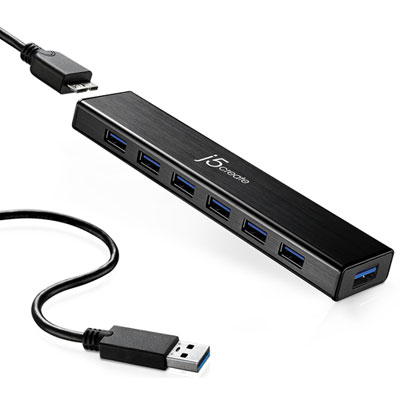 Your price for this item is $49.99
-
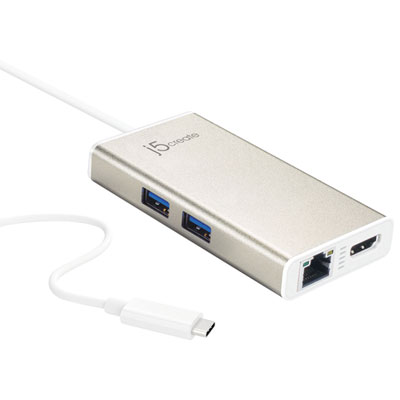 Your price for this item is $65.99
-
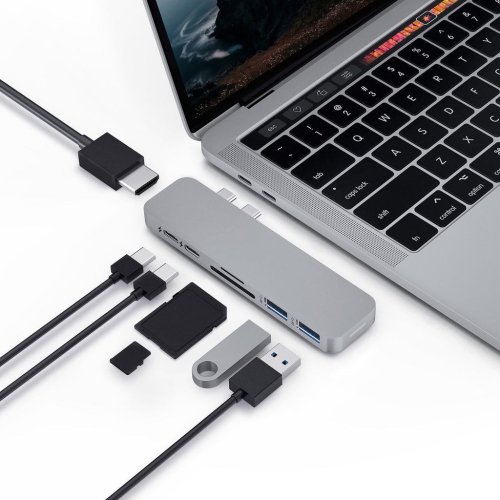 Your price for this item is $19.98
-
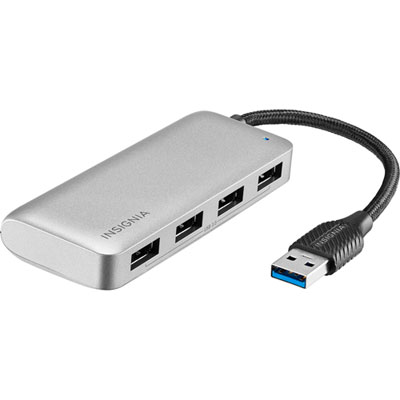 Your price for this item is $29.99
-
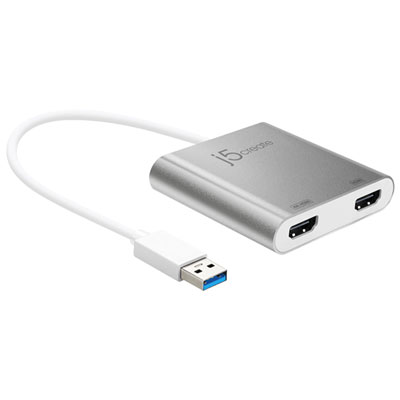 Your price for this item is $99.99
-
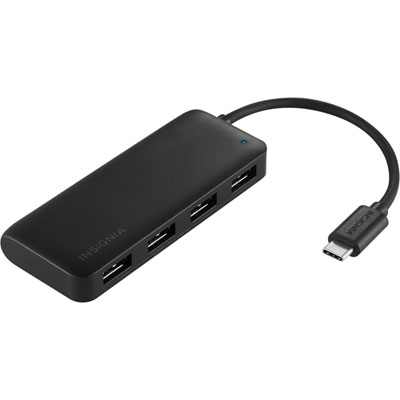 Your price for this item is $19.99
-
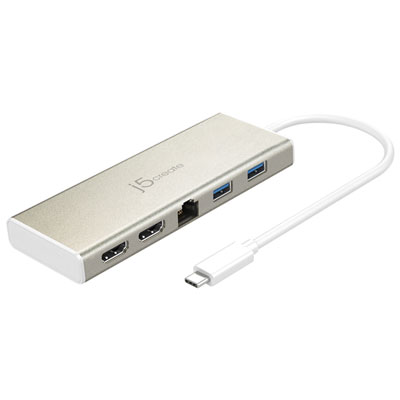 Your price for this item is $104.99
-
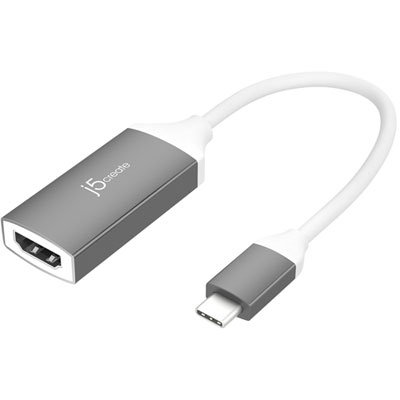 Your price for this item is $39.99
Discover more categories related to Usb Hubs for External Hard Drives
Top Collections:
Best Black Friday Deals This Year, Best Black Friday Deals On Electronics, Kindle Devices, Best Black Friday Deals On Apple Products, Best Budget Office Chairs, Best Cameras for Sports Photography, Dyson Airwrap, Canon G7X Cameras, Best Laptops for Writers, Samsung Galaxy Phones
Some products may be subject to Environmental Handling Fees
(EHF) depending on your province.
Learn more about EHFs.