External Hard Drives for PlayStation 5
If you want to add more space to the one inside your PlayStation 5, you have a few options. The first is an external hard drive. These drives are available in many sizes and can be easily connected to your console. Here are some of the best external hard drives for your PlayStation 5.
Sort
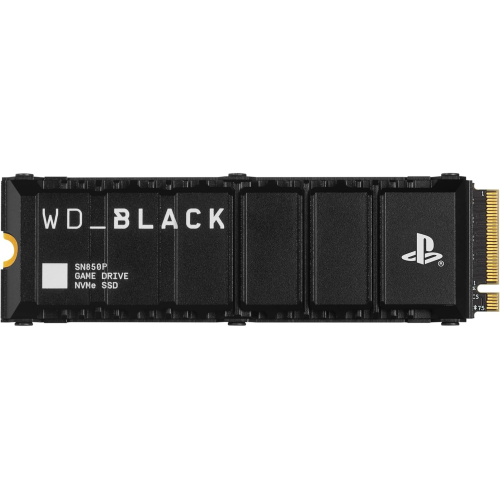
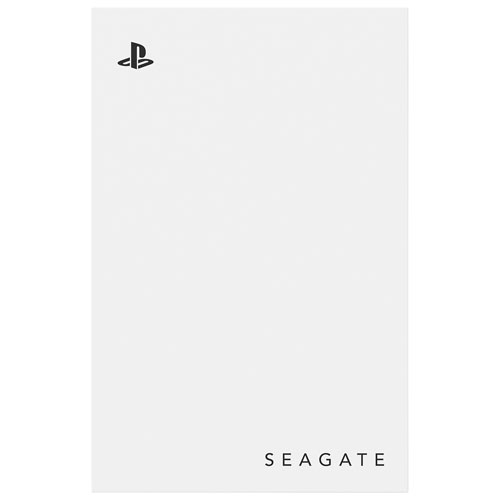
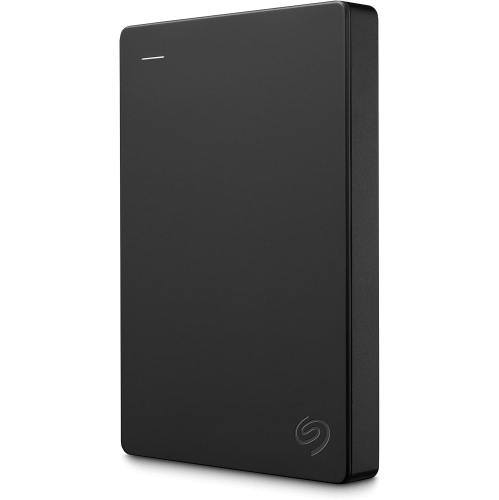
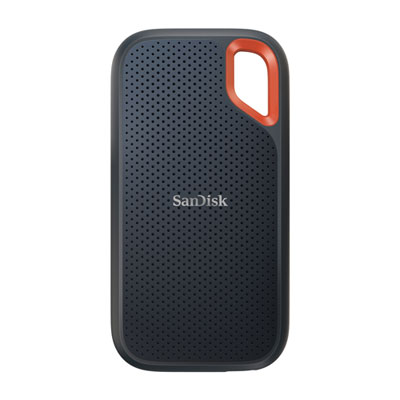
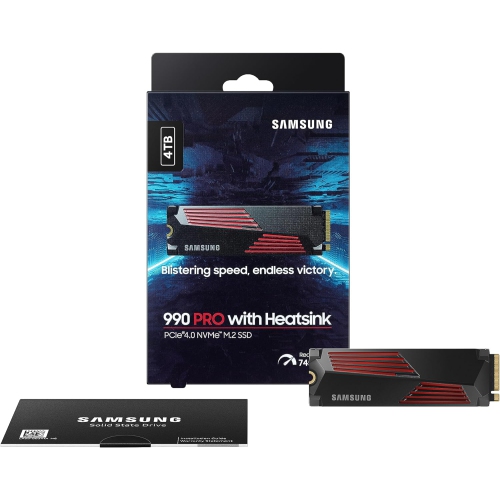
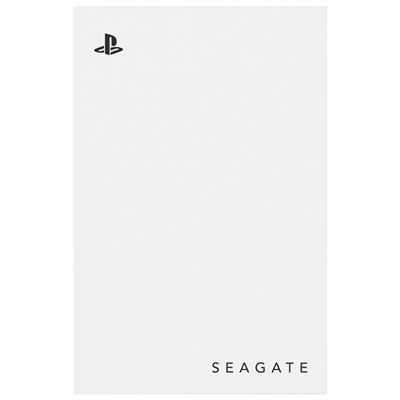
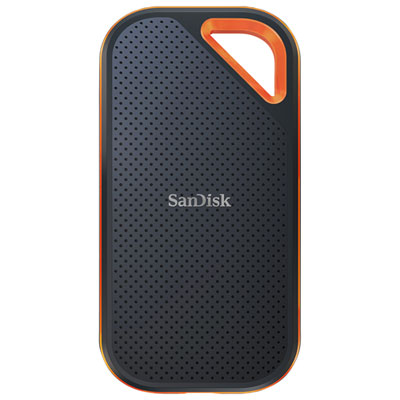
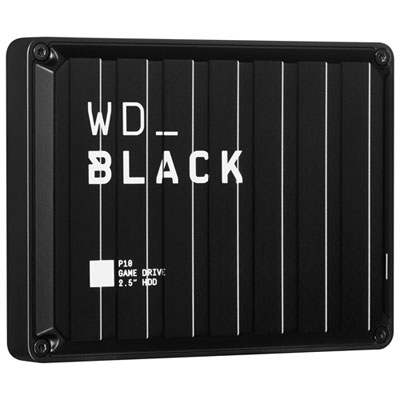

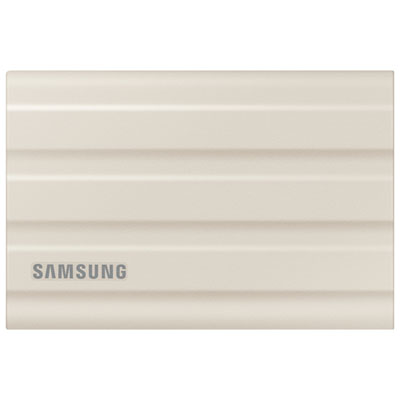
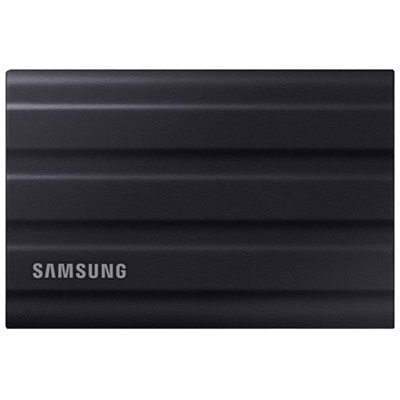
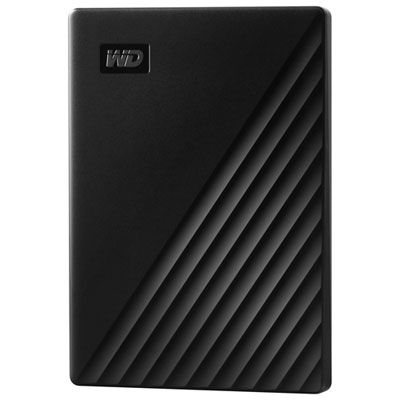
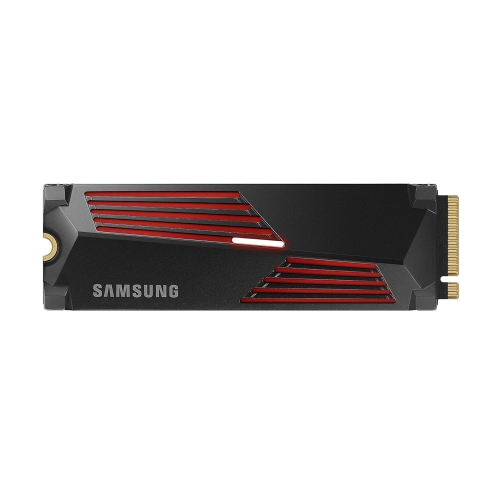
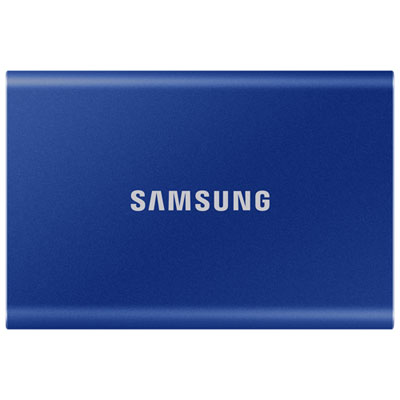

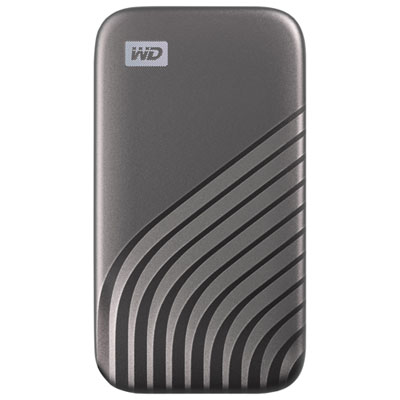
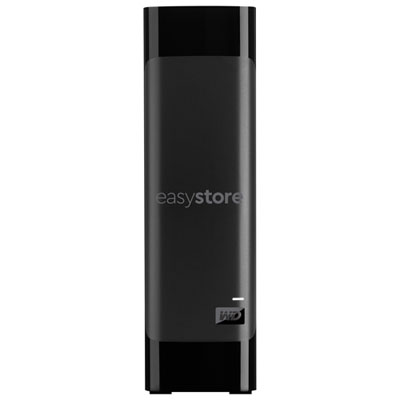
Expand your PS5 library without deleting favourite games
External hard drives for PlayStation 5 provide a practical way to expand your console’s storage and keep more of your game library ready for the next session. With large game installs, downloadable content, patches, screenshots, and saved media taking up space, the PS5’s internal SSD can fill faster than expected. An external USB drive gives you a separate place to store games and helps you manage that limited internal capacity without deleting titles permanently. Before choosing a drive, confirm that it is designed for use with PS5 and meets the console’s requirements: it should use a SuperSpeed USB connection rated at 5 Gbps or faster, offer at least 250 GB of storage, and not exceed 8 TB. The drive must connect directly to a compatible USB port on the console rather than through a USB hub or other intermediary. A portable, bus-powered drive can be convenient for a compact gaming setup, while a larger desktop-style drive may suit a dedicated entertainment room where it can remain connected beside the console. Pay attention to the included cable, connection type, physical size, and whether the drive needs a separate power adapter. A longer, well-positioned cable can help keep the drive safely away from foot traffic, while a compact design is easier to move between rooms or take along for a weekend of gaming with friends. For additional information about compatibility and setup, visit External Hard Drive On PS5.
The most important consideration is how you plan to use the drive with different generations of games. Native PS5 games cannot be played directly from an external USB drive. Instead, they can be moved from the internal SSD to the external drive for cold storage when you are not playing them. When you are ready to return to a stored PS5 game, you transfer it back to the console’s internal storage before launching it. This approach can be useful for large games that you want to keep in your library without downloading them again, particularly when your internet connection is slower or your household shares bandwidth during the cooler months. PS4 games that are compatible with PS5 can be played directly from external USB storage, which makes an external drive especially useful for players with a substantial backward-compatible collection. It can also provide a simple way to separate older favourites from newer PS5 titles and keep a broad selection available without repeatedly managing the internal SSD. Storage capacity is measured in terabytes, and selecting the right size depends on the number and file size of the games you keep installed. A smaller drive may be enough for occasional players or someone who mainly stores PS5 games between play sessions. A higher-capacity drive is better suited to households with several players, extensive digital libraries, frequent downloads, or a mix of PS4 and PS5 games. Remember that advertised capacity and usable capacity will differ slightly after formatting and system requirements. It is also wise to leave some room available rather than filling the drive to its limit, making it easier to move games and manage future downloads.
Speed and convenience matter just as much as capacity. A hard disk drive can offer generous storage for a game library, while a solid-state drive generally provides faster transfer performance, a smaller footprint, and better resistance to movement because it has no spinning internal platters. Either type must still meet PlayStation’s USB speed and capacity requirements, and a fast drive does not change the rule that PS5 games need to be transferred back to internal storage before they can be played. Consider where the drive will live, how often you expect to move games, and whether you prefer maximum capacity or a compact setup. Players who keep their console in a cabinet should check ventilation and allow enough room around both the PS5 and the drive so heat can dissipate properly. After connecting a compatible drive, the console can format it for extended storage; formatting erases existing data, so any files already on the drive should be backed up before setup. Use the PS5’s storage settings to move or copy games, and always use the console’s safe removal option before disconnecting the cable. An external drive can be a thoughtful gift for a PS5 owner who is building a digital library, sharing a console with family, or preparing for longer gaming sessions at home. It is also helpful for someone who has reached the internal storage limit and wants a straightforward way to keep favourite PS4 titles available while archiving PS5 games for later. By matching capacity, drive type, connection speed, portability, and everyday setup to the player’s habits, you can choose external storage that makes game management feel less like clearing space and more like keeping a well-organized shelf of favourites close at hand.
The most important consideration is how you plan to use the drive with different generations of games. Native PS5 games cannot be played directly from an external USB drive. Instead, they can be moved from the internal SSD to the external drive for cold storage when you are not playing them. When you are ready to return to a stored PS5 game, you transfer it back to the console’s internal storage before launching it. This approach can be useful for large games that you want to keep in your library without downloading them again, particularly when your internet connection is slower or your household shares bandwidth during the cooler months. PS4 games that are compatible with PS5 can be played directly from external USB storage, which makes an external drive especially useful for players with a substantial backward-compatible collection. It can also provide a simple way to separate older favourites from newer PS5 titles and keep a broad selection available without repeatedly managing the internal SSD. Storage capacity is measured in terabytes, and selecting the right size depends on the number and file size of the games you keep installed. A smaller drive may be enough for occasional players or someone who mainly stores PS5 games between play sessions. A higher-capacity drive is better suited to households with several players, extensive digital libraries, frequent downloads, or a mix of PS4 and PS5 games. Remember that advertised capacity and usable capacity will differ slightly after formatting and system requirements. It is also wise to leave some room available rather than filling the drive to its limit, making it easier to move games and manage future downloads.
Speed and convenience matter just as much as capacity. A hard disk drive can offer generous storage for a game library, while a solid-state drive generally provides faster transfer performance, a smaller footprint, and better resistance to movement because it has no spinning internal platters. Either type must still meet PlayStation’s USB speed and capacity requirements, and a fast drive does not change the rule that PS5 games need to be transferred back to internal storage before they can be played. Consider where the drive will live, how often you expect to move games, and whether you prefer maximum capacity or a compact setup. Players who keep their console in a cabinet should check ventilation and allow enough room around both the PS5 and the drive so heat can dissipate properly. After connecting a compatible drive, the console can format it for extended storage; formatting erases existing data, so any files already on the drive should be backed up before setup. Use the PS5’s storage settings to move or copy games, and always use the console’s safe removal option before disconnecting the cable. An external drive can be a thoughtful gift for a PS5 owner who is building a digital library, sharing a console with family, or preparing for longer gaming sessions at home. It is also helpful for someone who has reached the internal storage limit and wants a straightforward way to keep favourite PS4 titles available while archiving PS5 games for later. By matching capacity, drive type, connection speed, portability, and everyday setup to the player’s habits, you can choose external storage that makes game management feel less like clearing space and more like keeping a well-organized shelf of favourites close at hand.
Top selling and popular products
-
 Your price for this item is $234.99
 -
 Your price for this item is $389.99
 -
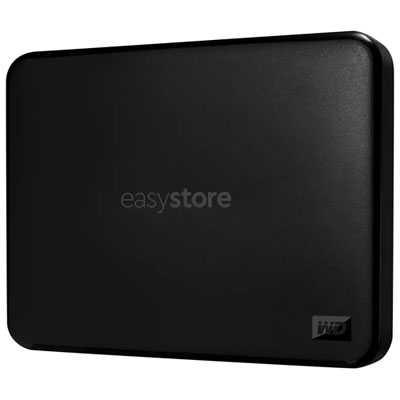 Your price for this item is $179.99
 -
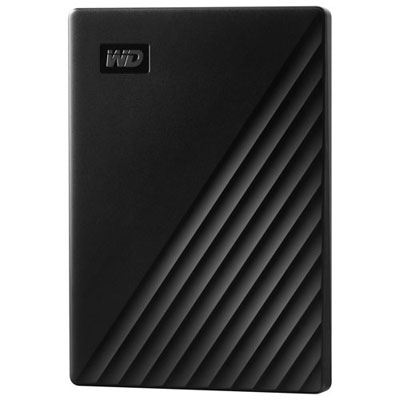 Your price for this item is $239.99
 -
 Your price for this item is $270.68
 -
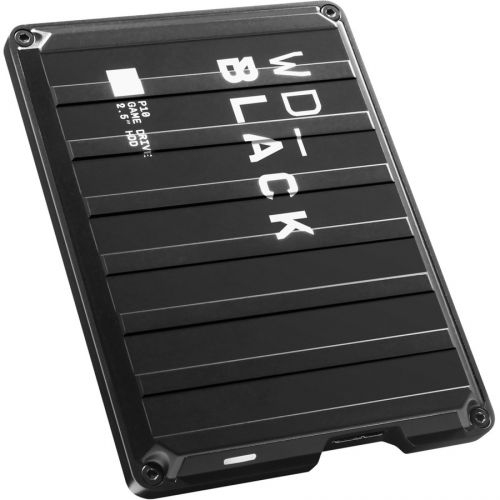 Your price for this item is $329.99
 -
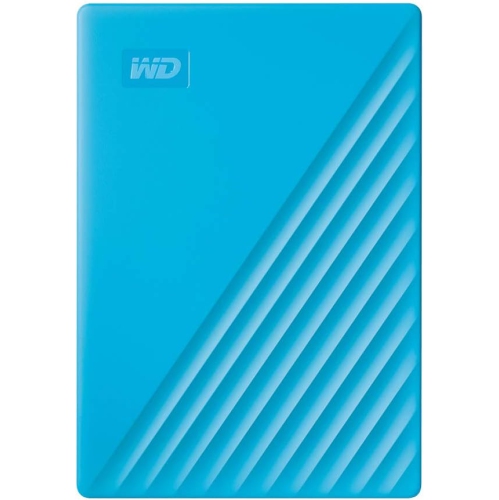 Your price for this item is $282.68
 -
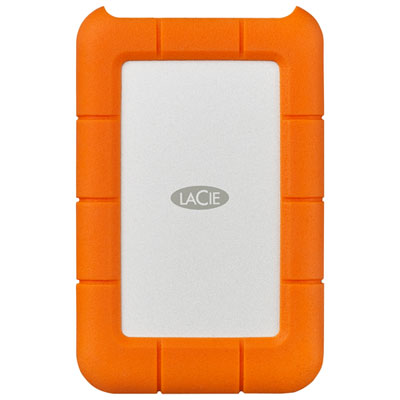 Your price for this item is $209.99
Discover more categories related to External Hard Drives for PlayStation 5
Top Collections:
Pokemon Centers, Kindle Devices, Best Budget Office Chairs, Apple iPhones 16, Best Laptops for Writers, iPhone 15 Apple, Canon G7X Cameras, Refurbished Apple Laptops, Alarm Clock, Motorola Razr Phones
Some products may be subject to Environmental Handling Fees
(EHF) depending on your province.
Learn more about EHFs.