External Hard Drives for iPad
External hard drives for iPad make expanding your device’s storage and managing files easier than ever. Perfect for students, professionals, and anyone on the go, these reliable accessories help you store photos, videos, documents, and more without slowing down your tablet. With a variety of sizes and designs to choose from, finding the right external hard drive for iPad ensures you can keep your important data close at hand while enjoying seamless performance. Explore options that fit your needs and enhance your productivity wherever you use your iPad.
Sort
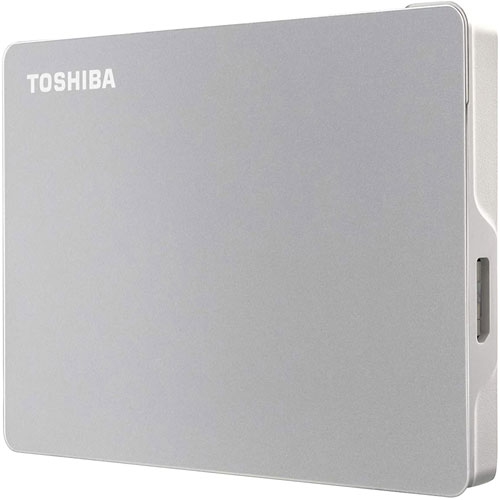
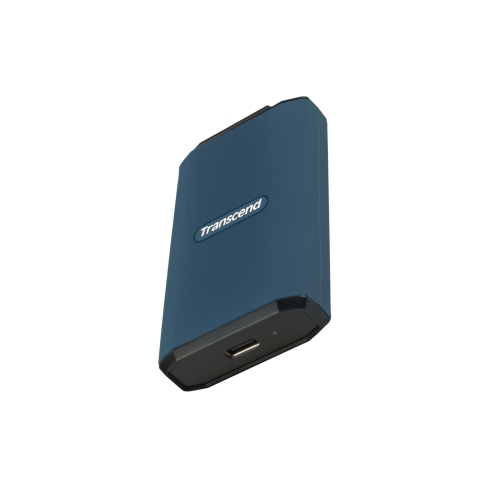
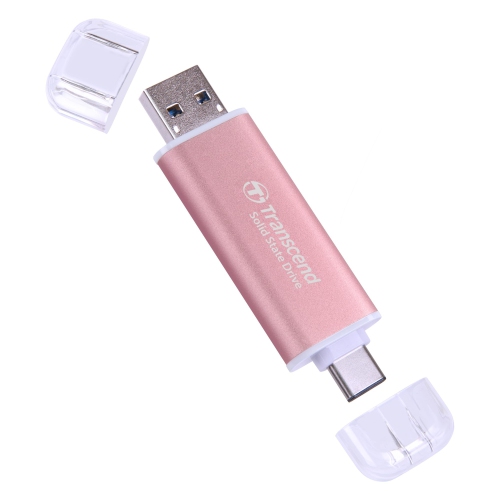

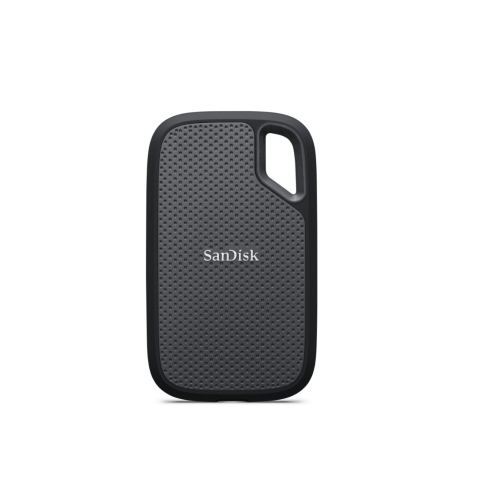


Extra iPad storage takes more than the right plug
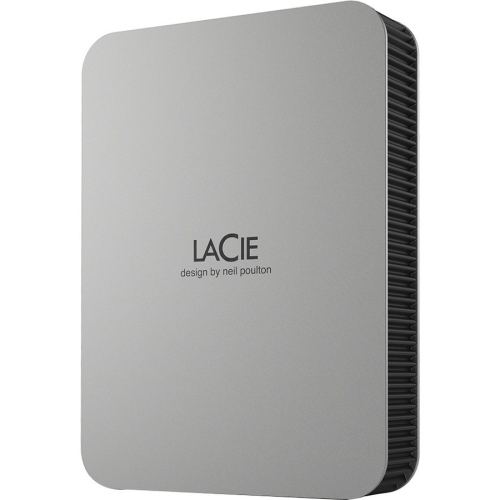
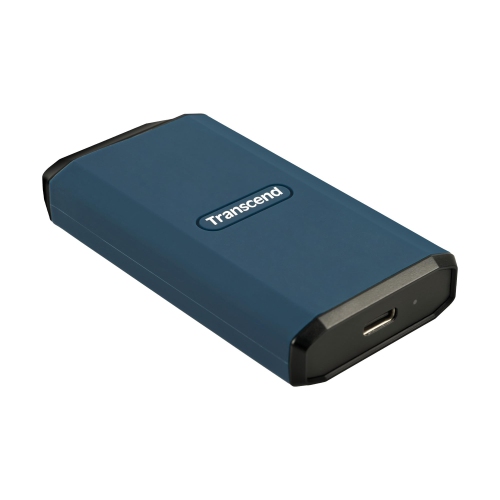
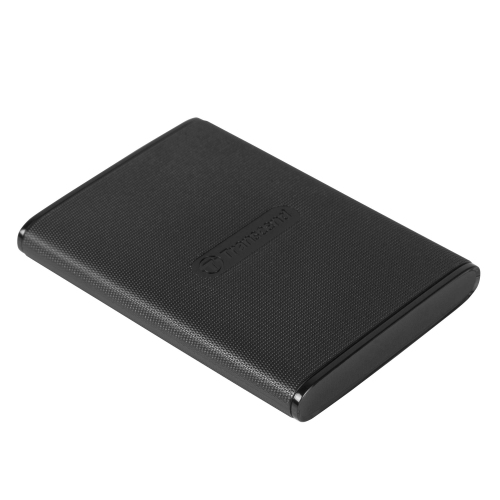
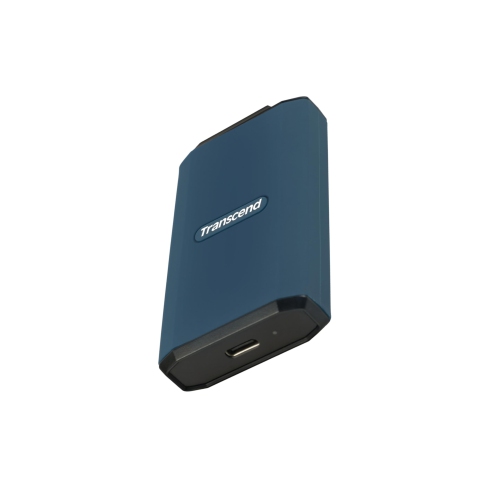
External hard drives for iPad provide extra space for photos, videos, documents, and creative projects without requiring everything to stay on the tablet itself. A compatible external hard drive or portable solid-state drive can connect to an iPad and appear in the built-in Files app, where supported files can be viewed, copied, moved, and organized. Compatibility depends on the iPad’s port, its software, the drive’s format, and the power available to the drive. For an iPad with USB-C, a compatible USB-C data cable can provide a direct connection, although the connector shape alone does not indicate transfer speed. The tablet’s port, cable, and drive all influence how quickly large folders move. An iPad with a Lightning connector generally needs a compatible USB adapter, and additional power is often necessary, particularly with mechanical hard drives. Even a USB-C connection may require a powered hub when a drive draws more power than the tablet can supply. A compatible hub with charging support can also be useful for longer work sessions, allowing storage access while the tablet receives power through the hub. File format is another important consideration: iPadOS supports several formats, including exFAT and APFS, but a drive formatted for a different system may need reformatting before it can be used. Reformatting erases existing contents, so preserving those files elsewhere matters. A drive should have a single data partition for supported access through Files. For storage shared between devices running different operating systems, exFAT is often a practical choice, especially for videos too large for FAT32’s roughly 4GB individual-file limit. Password protection deserves a closer look as well, since some drives depend on unlocking software that may not run on iPadOS. These details distinguish storage that simply has the right plug from storage that fits comfortably into a tablet-based routine.
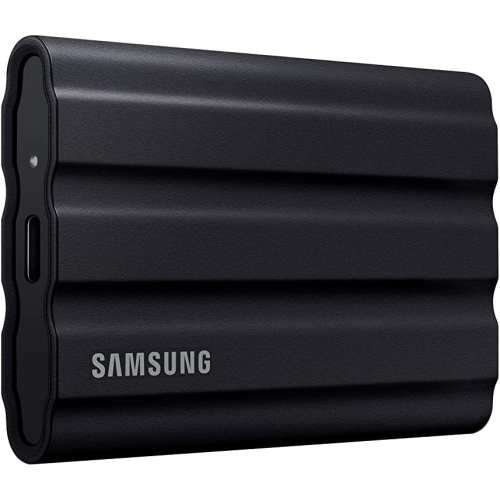
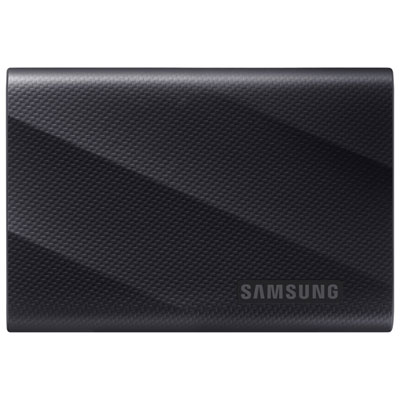
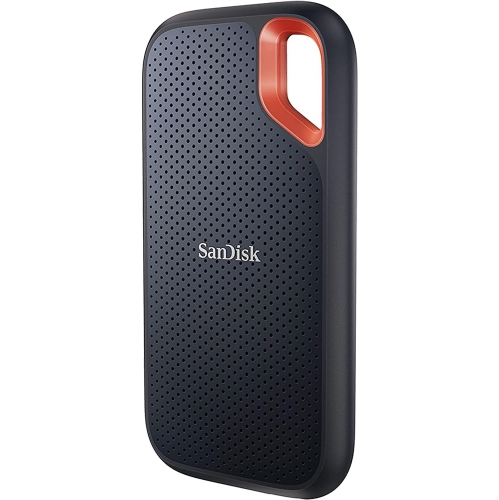
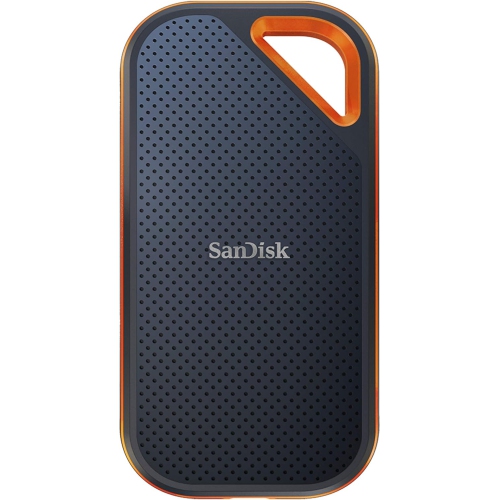
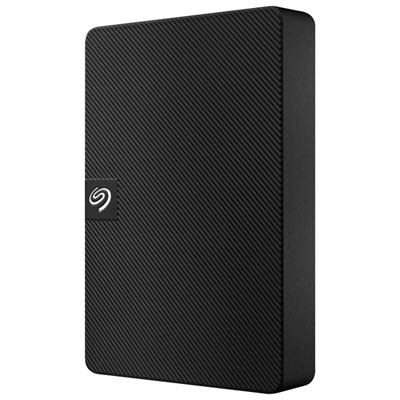
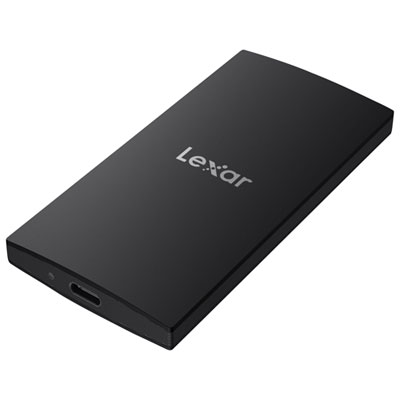
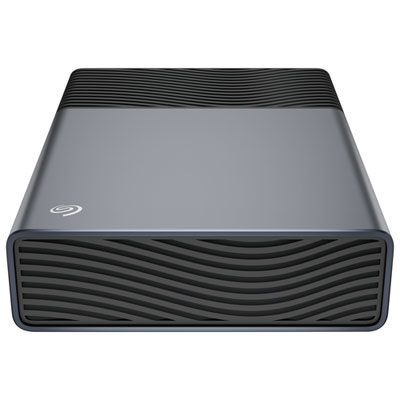
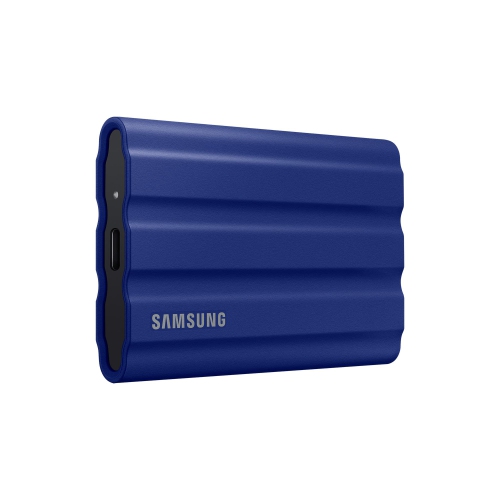
Traditional external hard drives and portable SSDs serve similar storage needs, but their construction makes them suited to different routines. A mechanical hard drive stores data on spinning platters and is often well suited to a desk-based collection of photographs, completed projects, or media files. It needs a stable surface during operation and careful handling during transport. A portable SSD uses flash memory with no moving parts, making it a practical option for frequent travel, location work, and moving large files between compatible devices. SSDs can deliver faster transfers, although actual performance still depends on the iPad, connection, file sizes, and the app involved. Someone moving a few documents may notice little difference, while a video creator copying a folder of high-resolution footage may place much greater value on transfer speed. Capacity should reflect the files being stored rather than the tablet’s screen size or physical dimensions. Text documents and spreadsheets take up relatively little room; raw photographs, layered artwork, audio sessions, and video footage can fill a drive much faster. Space for new projects and duplicate working files is useful, and the capacity shown after formatting will be lower than the advertised figure. Construction also affects everyday usability. Metal enclosures can feel solid and help dissipate heat, while moulded plastic housings can keep a portable setup light. Rubberized edges and protective sleeves may add grip or cushioning, but they do not make every drive drop-proof or water-resistant. Any stated protection rating applies only under its specified conditions. A compact drive and short cable can sit neatly beside a tablet stand; a larger desktop drive with its own power adapter is better suited to a fixed workspace. A padded pouch, protected connectors, and a cable stored without sharp bends help reduce wear. Keeping drinks away from the work area and avoiding movement while a mechanical drive is active are simple habits that support reliable use.
The appeal of external storage is often clearest in everyday projects. A photographer can keep a working selection of images on an iPad while storing additional folders on a connected drive. An illustrator can export finished artwork and project copies without letting older work occupy all the tablet’s internal space. Students may use external storage for research materials, presentation assets, and recorded lectures, while musicians and video creators can keep large source files together for compatible editing apps. Access within individual apps varies: some can work with files on an external drive, while others need files imported to internal storage first. Keeping enough free space on the iPad remains important even with a drive attached. External storage does not increase the tablet’s internal memory, and it is not a general destination for installing iPad apps. It also should not be treated as an automatic full-device backup simply because files have been copied to it. Its strongest role is storing accessible files, moving material between compatible devices, and keeping additional copies of important work. A clearly named folder for each project makes it easier to distinguish original footage from exports or a working document from its final version. For valuable photos or professional files, a second copy in a separate location offers protection that a single portable drive cannot provide on its own. Offline access can be especially useful for presentations, travel, or workspaces without a dependable internet connection, provided the files and apps needed are available locally. Households and workplaces using several tablet types may also find the broader External Hard Drives for Tablets category relevant, with compatibility checked for each device. As a practical gift for a student, photographer, or digital artist, external storage is most useful when its connector, power requirements, and intended workload match the recipient’s setup. That fit matters more than capacity alone: a drive that connects reliably, travels comfortably, and keeps familiar files easy to find becomes a useful part of everyday tablet use.
Top selling and popular products
-
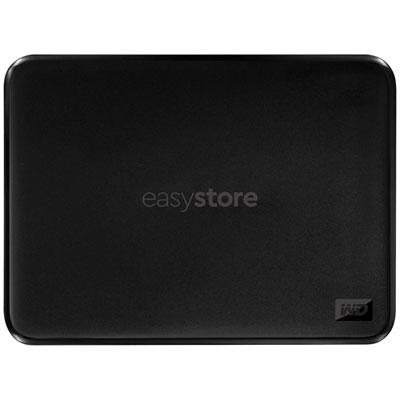 Your price for this item is $234.99
-
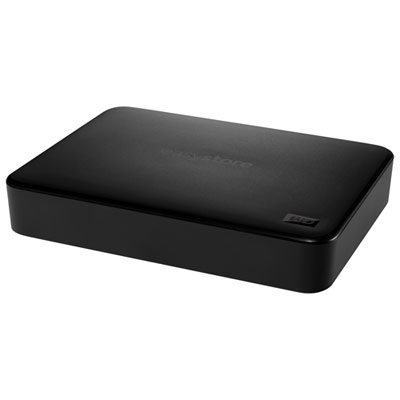 Your price for this item is $394.99
-
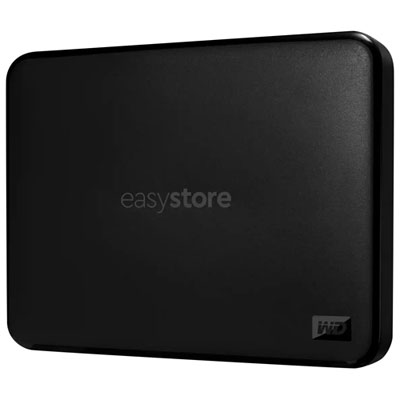 Your price for this item is $154.99
-
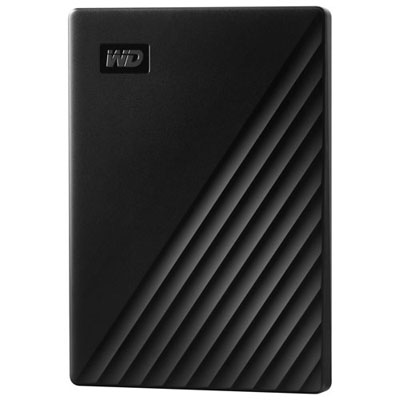 Your price for this item is $244.99
-
 Your price for this item is $539.68
-
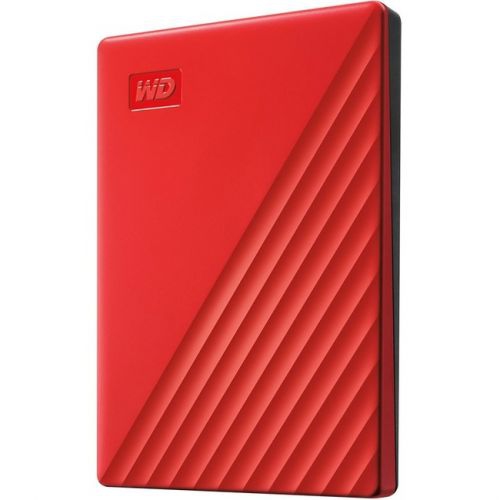 Your price for this item is $270.68
-
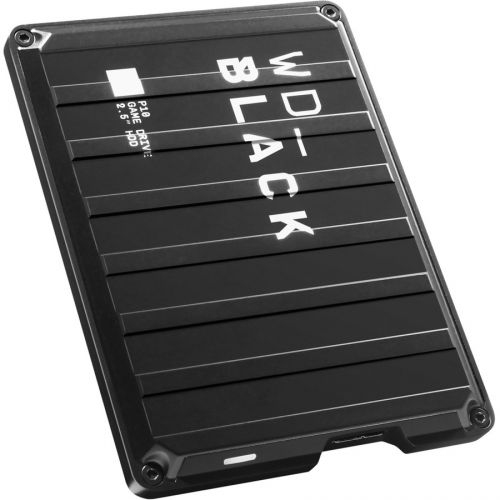 Your price for this item is $458.68
-
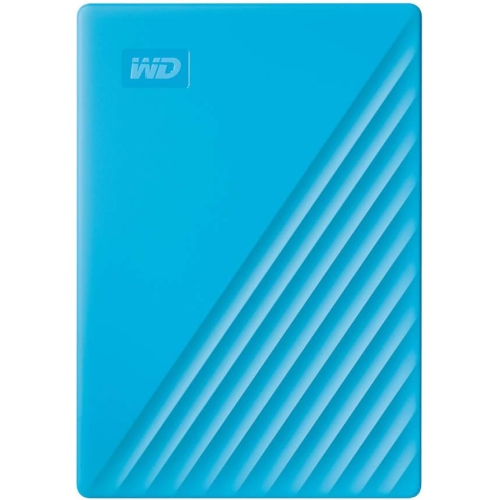 Your price for this item is $280.68
Discover more categories related to External Hard Drives for iPad
Top Collections:
Best Black Friday Deals This Year, Best Black Friday Deals On Electronics, Kindle Devices, Pokemon Centers, Best Black Friday Deals On Apple Products, Best Cameras for Sports Photography, Dyson Airwrap, Pokémon 30th Celebration Cards, Apple iPhone 17 Pro, Canon G7X Cameras
Some products may be subject to Environmental Handling Fees
(EHF) depending on your province.
Learn more about EHFs.