External Hard Drives for Windows 7
External Hard Drives for Windows 7 offer a convenient solution for expanding your computer’s storage capacity and backing up important files. Whether you need extra space for documents, photos, videos, or software, these reliable devices are designed to work seamlessly with Windows 7 systems. Easily transfer data, organize your digital life, and keep your information secure with a wide selection of external hard drives compatible with your operating system. Discover options that fit your needs and enjoy the flexibility of additional storage for both personal and professional use.
Sort
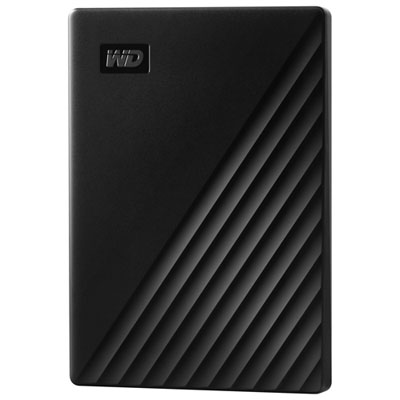
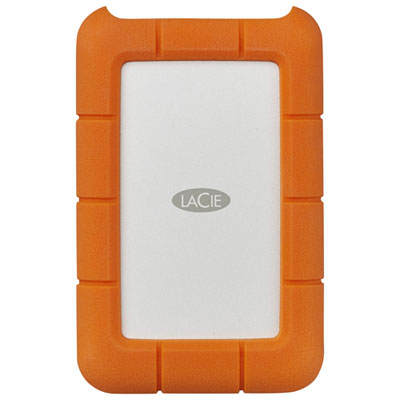
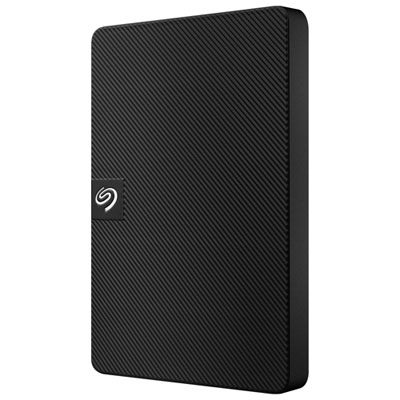

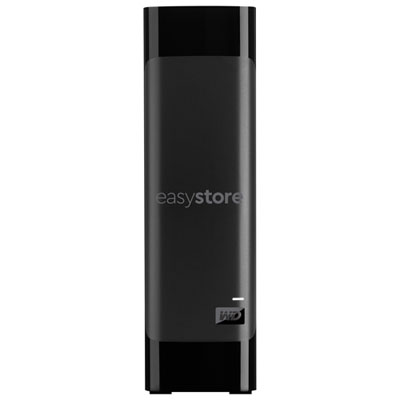
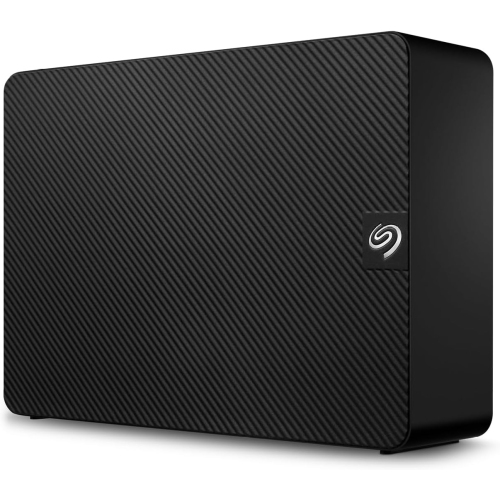
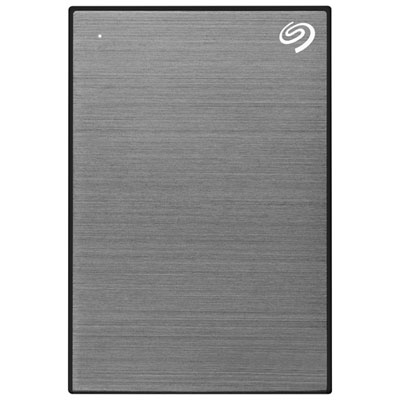
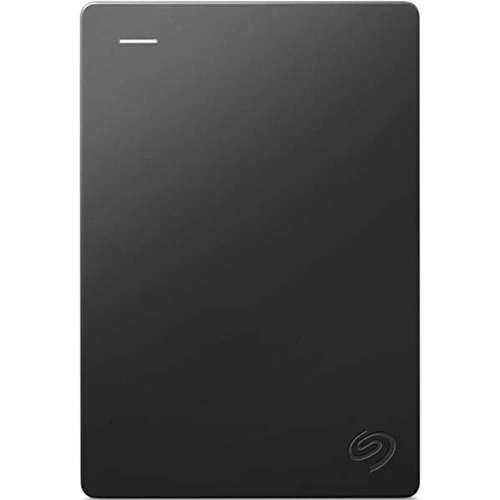
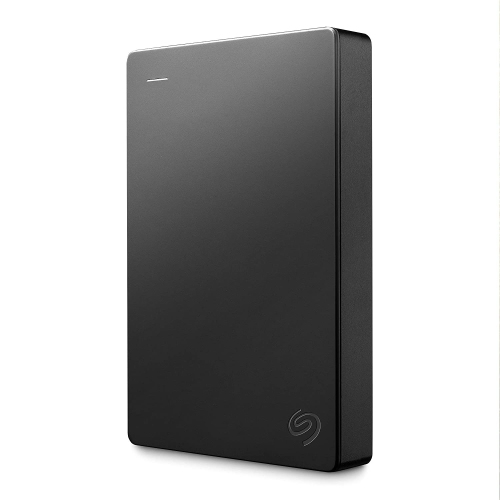
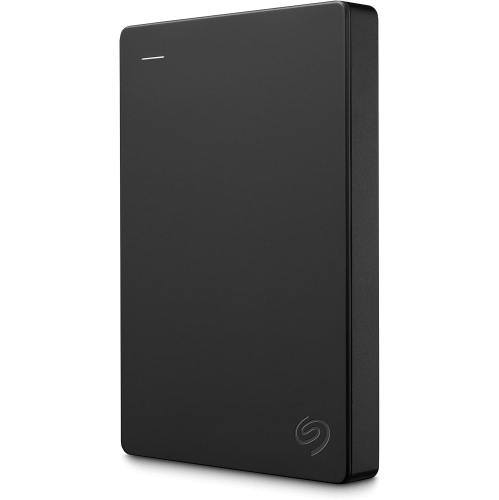
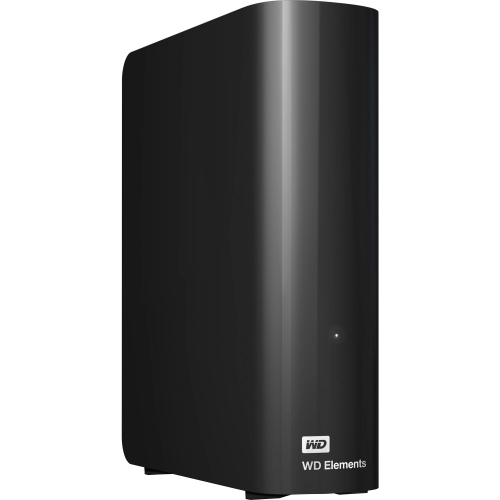
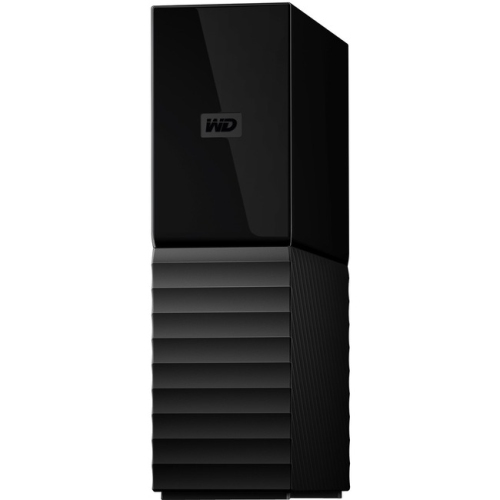
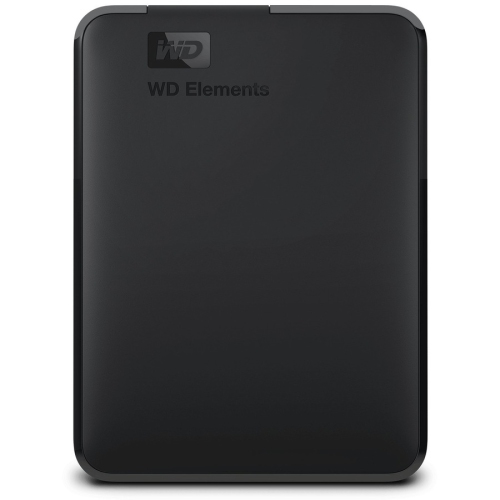
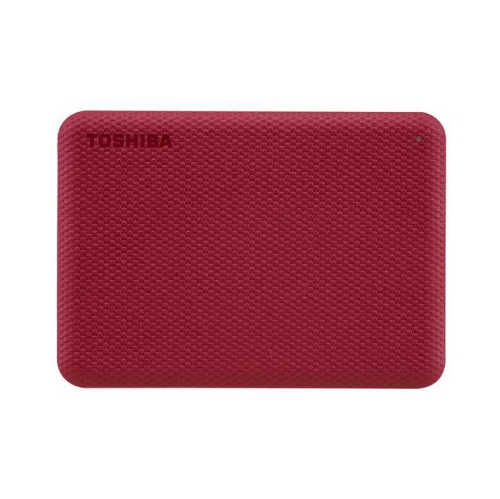
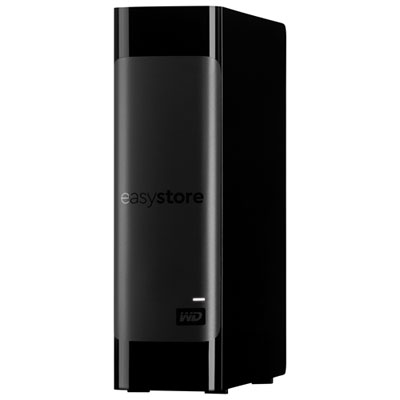
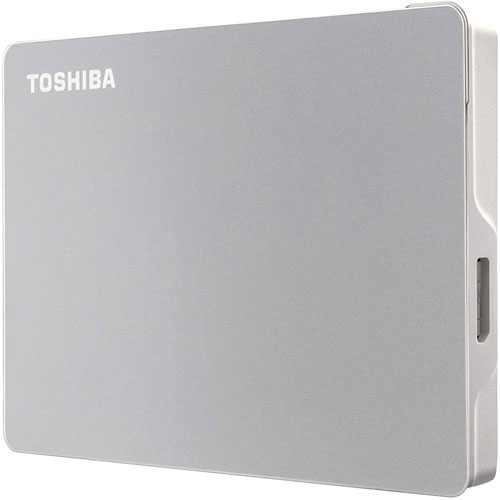
Windows 7 compatibility guidance for backups, transfers, and archives
When considering external hard drives for Windows 7, there are several important factors to keep in mind to ensure you find the right fit for your needs. Many users turn to these drives for reliable, straightforward backup solutions, convenient file transfers, or expanding their storage space without having to upgrade their internal hardware. Whether you’re a student preparing for exams and looking to safeguard important assignments, a professional organizing large work files, or a family archiving precious photos and videos, external hard drives provide a flexible and accessible way to keep data secure and portable. As the weather warms and routines shift between indoor and outdoor activities, the need for dependable storage becomes even more apparent—think of backing up your travel memories, organizing digital collections, or simply having peace of mind that your data is safe from accidental loss. External hard drives also make practical gifts for anyone setting up a home office, heading off to college, or starting a new creative project, offering both utility and peace of mind.
For Windows 7 users, compatibility is a key consideration. Most external hard drives designed for this operating system connect via USB 3.0 or 2.0, ensuring broad plug-and-play support. If you’re working with large media files or extensive archives, you’ll want to pay attention to drive capacity and partitioning options. Windows 7 can encounter challenges with single partitions over 2TB if the drive is formatted using the older MBR (Master Boot Record) scheme, rather than the more modern GPT (GUID Partition Table). For drives exceeding 2TB, it’s often necessary to partition them properly for the system to recognize the full capacity—this is especially relevant if you plan to use the drive for long-term backups or as a central storage hub. The NTFS file system is generally recommended for Windows 7, as it ensures the best compatibility and performance, especially for handling large files. If you purchase a new external hard drive and discover it’s formatted in exFAT or for a Mac system, a quick reformat to NTFS on your Windows 7 computer will typically resolve any issues. Sometimes, you may need to assign a drive letter or format the drive using the Disk Management tool within Windows 7’s Control Panel—a simple step that can make a big difference in usability.
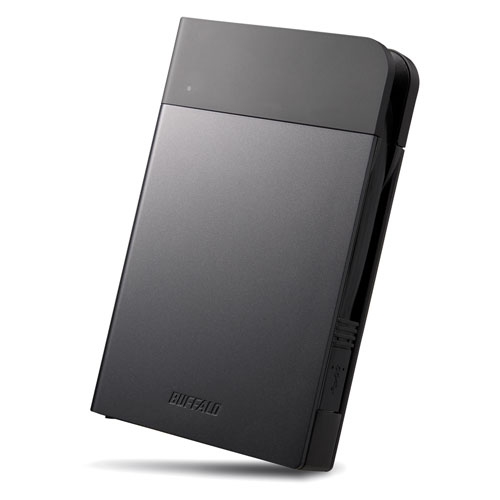
When shopping for the best buy portable hard drive for Windows 7, it’s helpful to think about where and how you’ll be using it. If you’re frequently on the move—commuting between work and home, travelling, or shifting between study spots—compact and rugged models are ideal, with shock-resistant designs offering extra peace of mind. For those building a home media library or managing large work projects, desktop-style external hard drives provide greater storage capacities and can serve as a reliable digital archive. As the seasons change and routines evolve, these drives prove invaluable for organizing everything from summer vacation photos to important work documents. If data security is a top priority, consider exploring Encrypted External Hard Drives for an added layer of protection. Whether you’re gifting a drive to a recent graduate, setting up a new workspace, or simply looking to streamline your digital life, external hard drives for Windows 7 offer a dependable, versatile solution for anyone who values their data.
For Windows 7 users, compatibility is a key consideration. Most external hard drives designed for this operating system connect via USB 3.0 or 2.0, ensuring broad plug-and-play support. If you’re working with large media files or extensive archives, you’ll want to pay attention to drive capacity and partitioning options. Windows 7 can encounter challenges with single partitions over 2TB if the drive is formatted using the older MBR (Master Boot Record) scheme, rather than the more modern GPT (GUID Partition Table). For drives exceeding 2TB, it’s often necessary to partition them properly for the system to recognize the full capacity—this is especially relevant if you plan to use the drive for long-term backups or as a central storage hub. The NTFS file system is generally recommended for Windows 7, as it ensures the best compatibility and performance, especially for handling large files. If you purchase a new external hard drive and discover it’s formatted in exFAT or for a Mac system, a quick reformat to NTFS on your Windows 7 computer will typically resolve any issues. Sometimes, you may need to assign a drive letter or format the drive using the Disk Management tool within Windows 7’s Control Panel—a simple step that can make a big difference in usability.
When shopping for the best buy portable hard drive for Windows 7, it’s helpful to think about where and how you’ll be using it. If you’re frequently on the move—commuting between work and home, travelling, or shifting between study spots—compact and rugged models are ideal, with shock-resistant designs offering extra peace of mind. For those building a home media library or managing large work projects, desktop-style external hard drives provide greater storage capacities and can serve as a reliable digital archive. As the seasons change and routines evolve, these drives prove invaluable for organizing everything from summer vacation photos to important work documents. If data security is a top priority, consider exploring Encrypted External Hard Drives for an added layer of protection. Whether you’re gifting a drive to a recent graduate, setting up a new workspace, or simply looking to streamline your digital life, external hard drives for Windows 7 offer a dependable, versatile solution for anyone who values their data.
Top selling and popular products
-
 Your price for this item is $234.99
 -
 Your price for this item is $394.99
 -
 Your price for this item is $179.99
 -
 Your price for this item is $244.99
 -
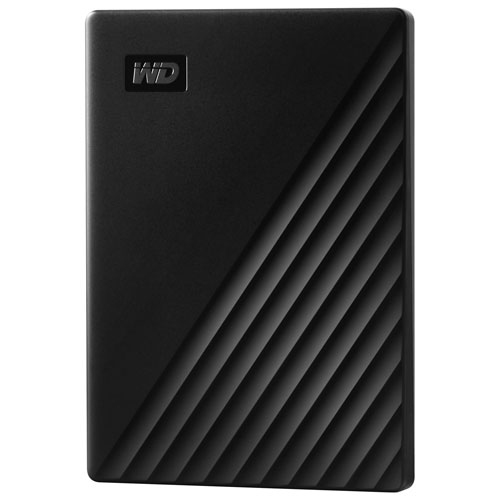 Your price for this item is $298.19
 -
 Your price for this item is $289.68
 -
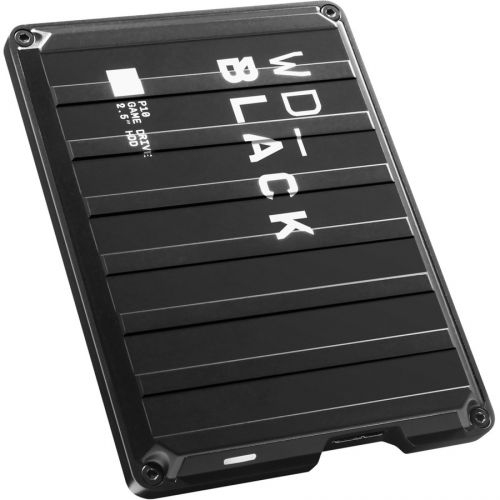 Your price for this item is $499.68
 -
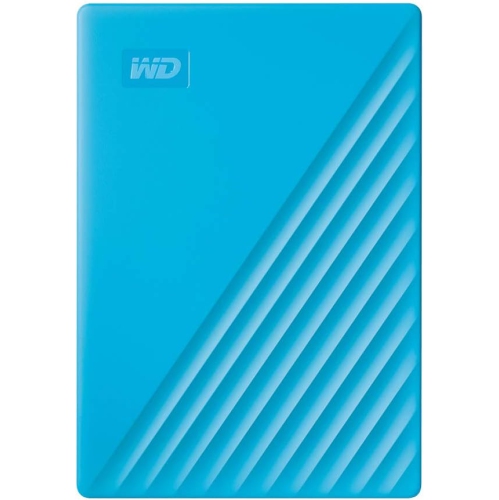 Your price for this item is $282.68
Discover more categories related to External Hard Drives for Windows 7
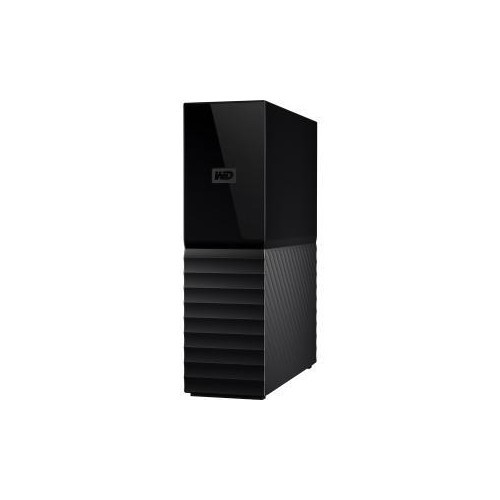
Top Collections:
Best Laptops for Video Editing, Pokemon Centers, Best Budget Office Chairs, Budget 4K TVs, Kindle Devices, Best Laptops for Writers, Apple iPhones 16, iPhone 15 Apple, Alarm Clock, Best Cell Phones Under $500
Some products may be subject to Environmental Handling Fees
(EHF) depending on your province.
Learn more about EHFs.