Fast Motherboards
Fast Motherboards are essential for building a high-performance PC, whether you're gaming, editing videos, or tackling demanding tasks. With advanced technology and reliable construction, these motherboards provide the foundation for speed and efficiency in your computer setup. Explore our selection of Fast Motherboards to find the perfect match for your system and experience smoother multitasking, quicker load times, and enhanced overall performance.
Sort
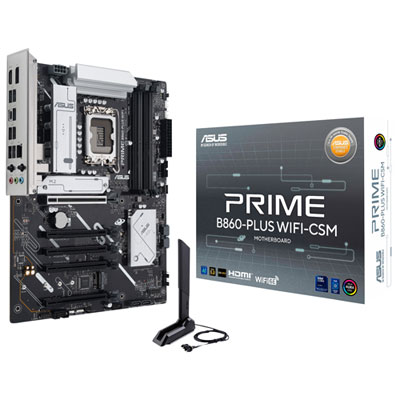
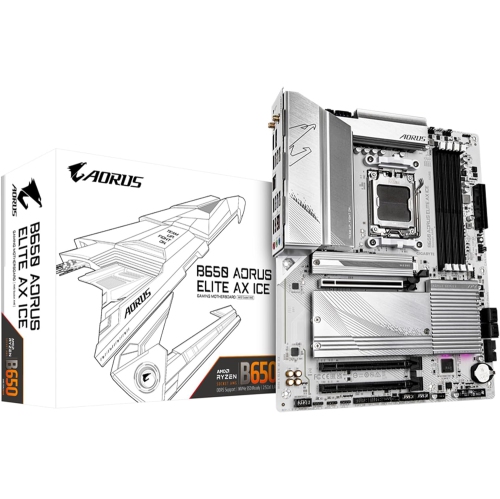
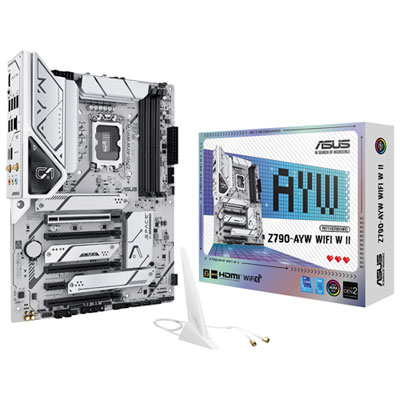
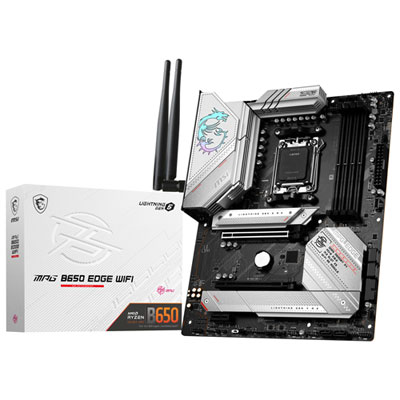
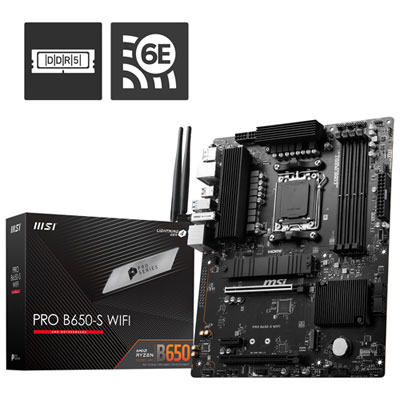
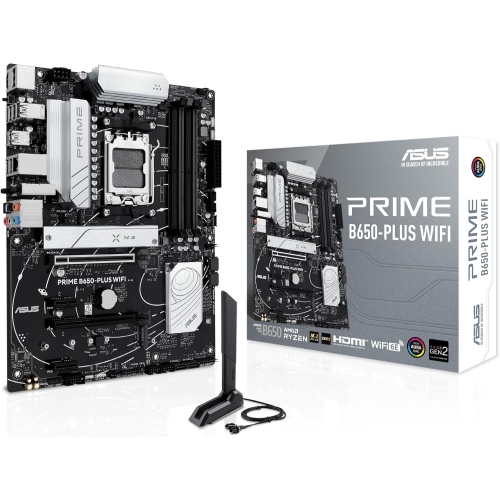
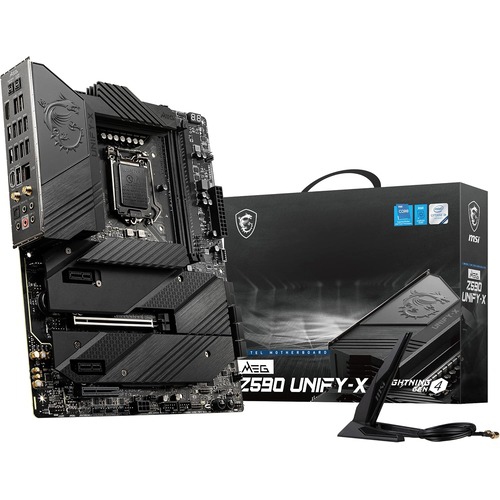
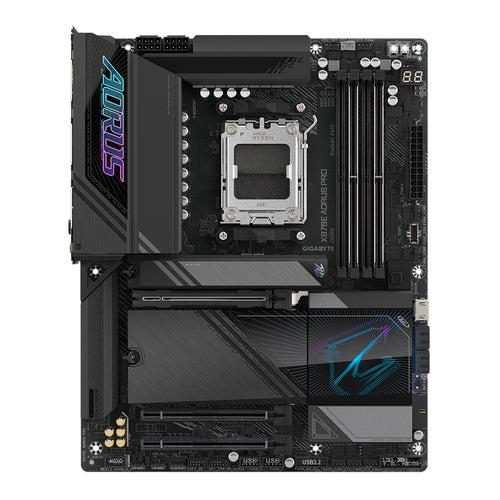
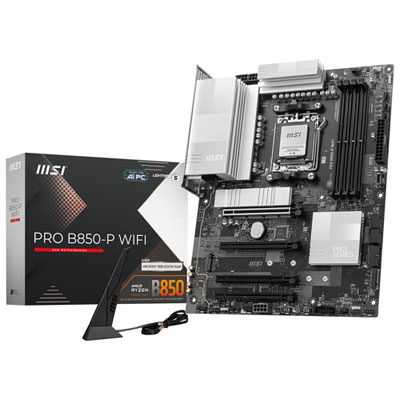
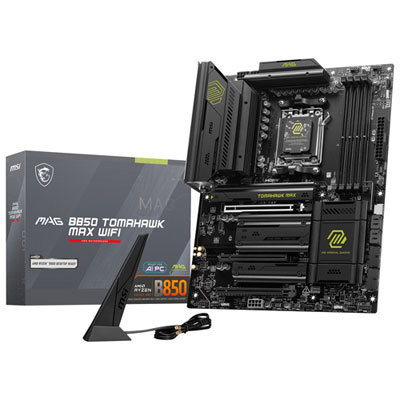
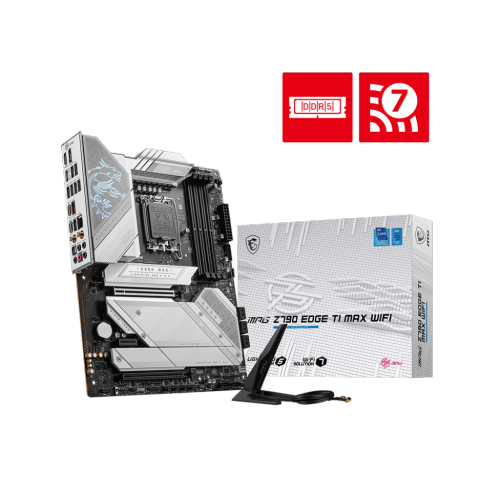
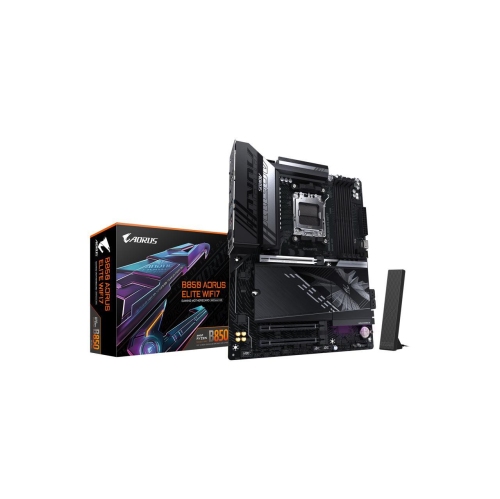
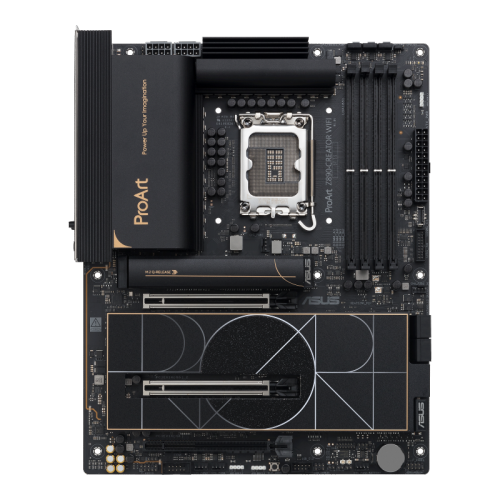
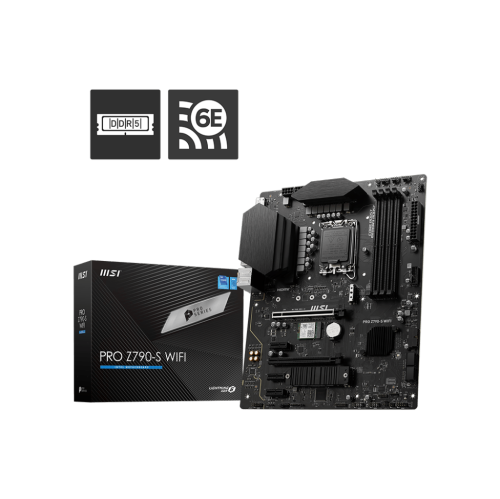
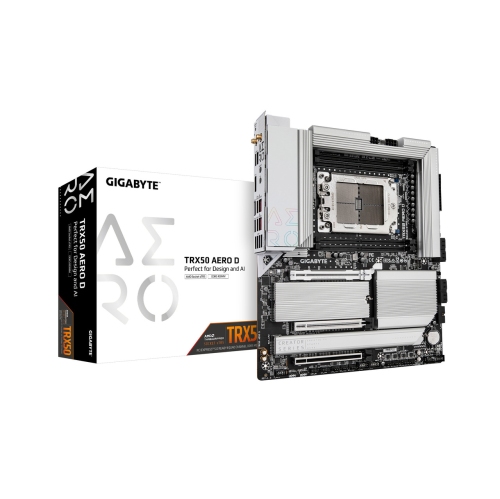
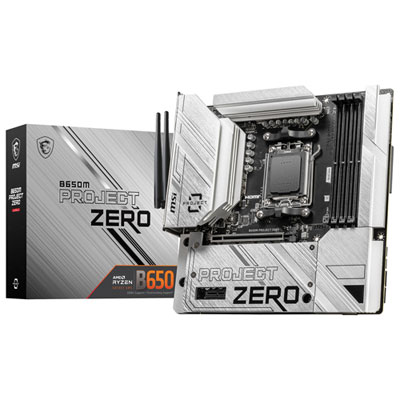
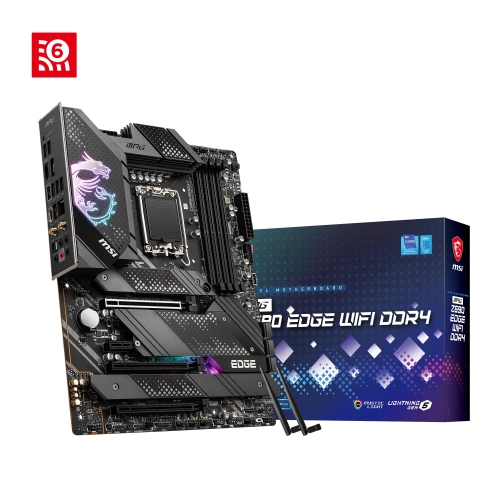
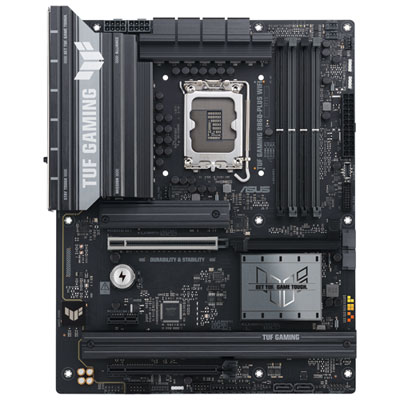
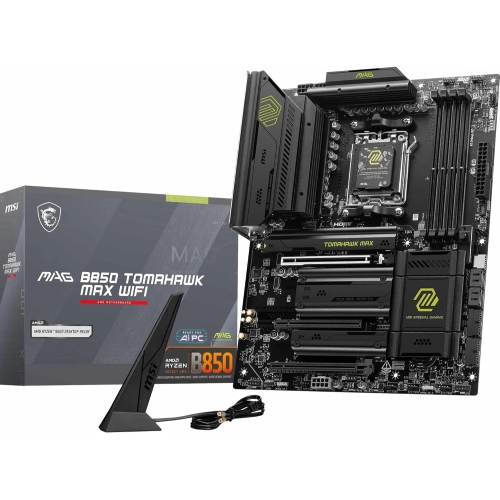
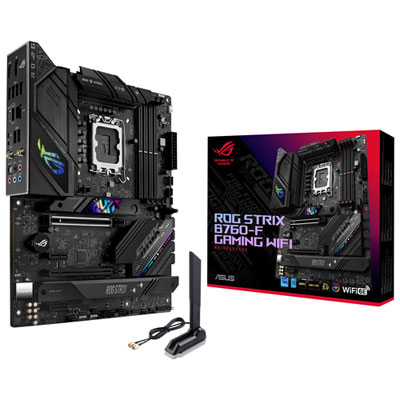
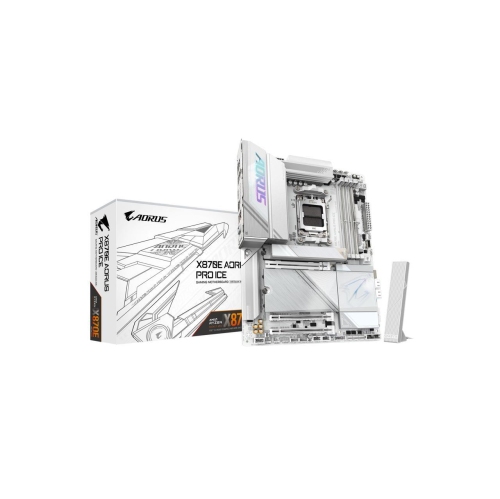
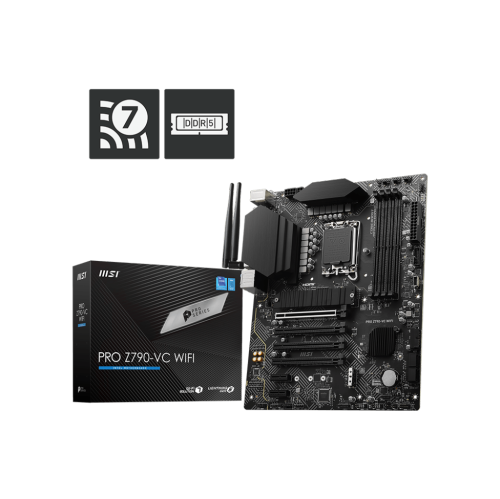
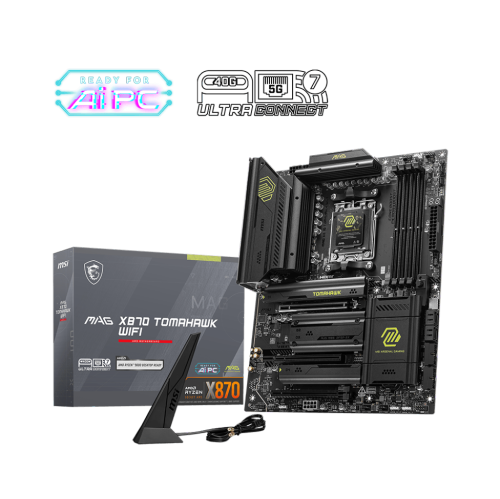
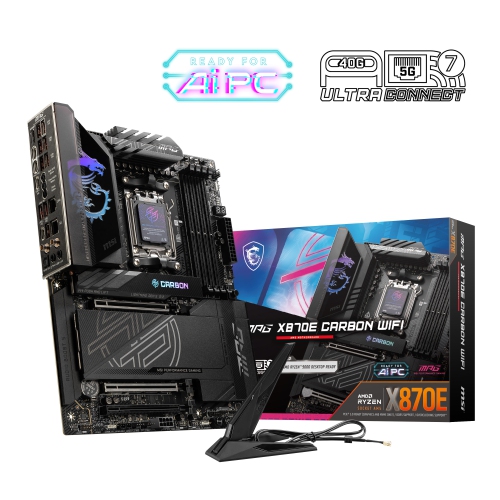
Why motherboard performance depends on the whole system
Fast motherboards provide the connections, power delivery and expansion options that help a compatible desktop processor, memory and storage perform as intended. There is no single motherboard speed rating: performance depends on how well the board supports the components installed on it and the work those components handle. High-performance designs can include DDR5 memory support, PCIe 5.0 expansion, multiple M.2 storage slots, high-speed USB connections and networking options such as Wi-Fi 7 or multi-gigabit Ethernet. These features serve different purposes. Fast memory can benefit bandwidth-sensitive applications, an NVMe solid-state drive can shorten storage-related waits, and a high-bandwidth network connection can make large file transfers more practical. None replaces a capable processor or graphics card, and a motherboard alone does not guarantee higher gaming frame rates. Its role is to support the intended configuration without unnecessary limitations. For a gaming desktop, that might mean a full-length graphics card slot, space for a substantial cooler and reliable power delivery during extended play. For video editing, animation or software development, memory capacity, several storage connections and accessible external ports may matter just as much. A system used for streaming and gaming together may also need room for a capture card, several USB devices and wired networking. Processor socket compatibility is fundamental, but a matching socket is not always enough; the chipset and installed BIOS version must also support the processor. Memory compatibility is similarly specific, since different DDR generations are not interchangeable. Supported memory speeds depend on the board, processor, module configuration and firmware settings, with some advertised rates requiring a compatible memory profile or manual tuning. The strongest match is a motherboard whose capabilities suit the whole system, rather than one selected for a single headline specification. That balance is especially useful in a desktop expected to handle both demanding applications and everyday tasks without making expansion or maintenance unnecessarily complicated.
Construction and layout help distinguish motherboards designed for demanding desktop use. Multilayer printed circuit boards carry signals between components, while copper traces distribute power and aluminium heatsinks help move heat away from components such as voltage regulators and, on some designs, M.2 drives. A substantial voltage regulator module, often shortened to VRM, can help supply stable power to a compatible processor under sustained load. Power-stage counts offer some context, but component quality, cooling design and actual processor requirements matter more than the count alone. Reinforced expansion slots can add mechanical support around a heavy graphics card, although particularly large cards may still need a separate support bracket. Physical fit is equally important. ATX boards generally offer more room for expansion slots and connectors, microATX boards suit many compact towers, and Mini-ITX boards fit smaller systems with fewer onboard expansion positions. The case must support the board’s form factor, and clearance around the processor socket, memory slots and graphics card affects which coolers and other components will fit comfortably. A large air cooler can overlap tall memory modules, while a thick graphics card can cover neighbouring slots or make a small connector difficult to reach. Connector placement also influences how neatly cables can be routed and how easily drives or fans can be added later. Multiple M.2 slots are useful for separating applications, active projects and larger media libraries, but their supported drive lengths and interface generations can differ. Some slots share bandwidth with other connections, so populating one may reduce another slot’s link width or disable certain storage ports. A PCIe 5.0 label therefore needs context: it may apply to a storage slot, a graphics slot or both. These layout details have practical consequences for anyone planning several drives, a large graphics card or additional expansion cards. Good motherboard design makes those combinations easier to accommodate while leaving suitable access for assembly, airflow and later servicing.
Connectivity brings much of a fast motherboard’s usefulness into everyday view. A wired multi-gigabit Ethernet connection can help move large project folders between a desktop and compatible network storage, provided the router or switch and the rest of the connection support the same speeds. Wi-Fi 7 can offer high wireless throughput with compatible networking equipment, though distance, interference and local network conditions still affect results. USB-C describes a connector shape rather than a guaranteed transfer rate or display capability, so the specification of each port matters when attaching an external drive, dock or display. USB4 support, where included, can provide a versatile high-bandwidth connection, but supported functions still vary by implementation. Front-panel USB headers are another practical detail: a case’s front USB-C port needs the appropriate motherboard header to work as intended. Audio connections, fan headers and wireless antenna placement also shape the finished desktop, particularly when it sits under a desk with ports that are awkward to reach. Across the wider selection of Desktop Motherboards, these differences help separate a straightforward home computer foundation from a board suited to a heavily connected gaming or creative workstation. Clear diagnostic lights, accessible firmware controls and convenient slot-release mechanisms can make installation and troubleshooting less frustrating. Some boards also support firmware updates without a processor installed, a useful feature when preparing for a supported processor that requires newer firmware. Long-term care is mostly about protecting delicate contacts, keeping dust from building up around heatsinks and maintaining unobstructed case airflow. Handling a board by its edges and following static-discharge precautions helps protect it during assembly or upgrades. Durability also depends on secure mounting, sensible cable routing and avoiding unnecessary strain on ports and slots. A well-matched fast motherboard leaves the processor, memory, storage and peripherals working together reliably, with enough connectivity and physical space for the desktop’s intended use.
Top selling and popular products
-
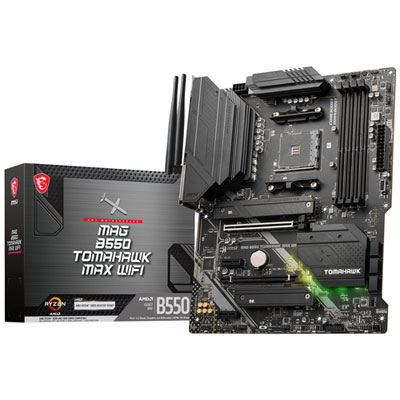 Your price for this item is $224.95
-
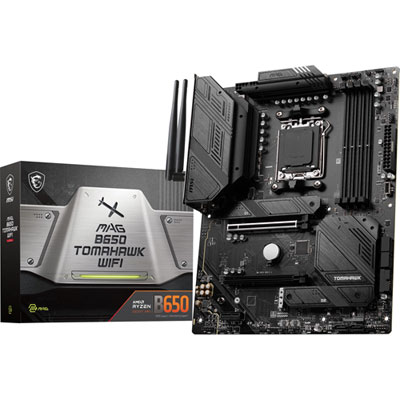 Your price for this item is $199.99
-
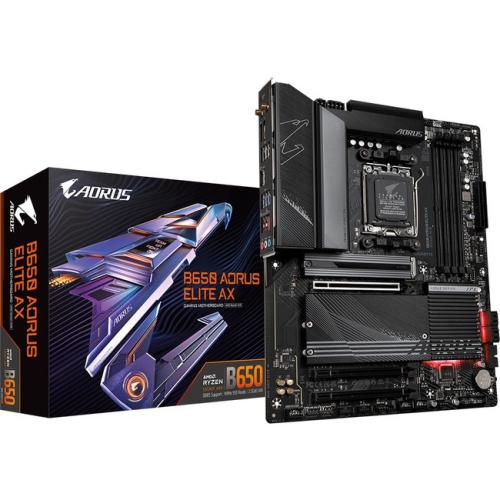 Your price for this item is $331.68
-
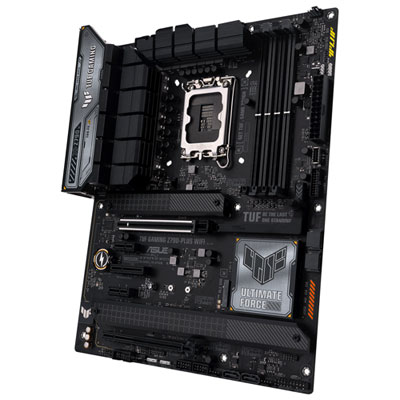 Your price for this item is $349.99
-
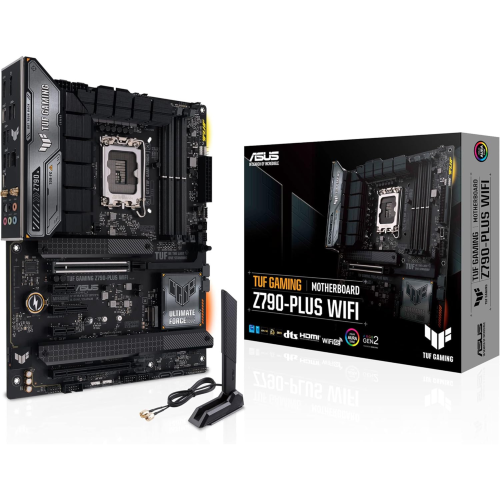 Your price for this item is $361
-
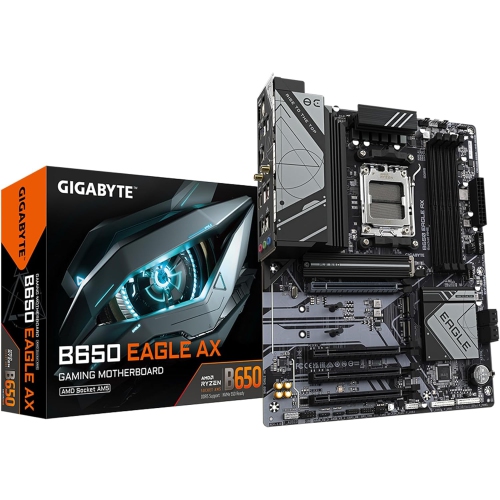 Your price for this item is $172.99
-
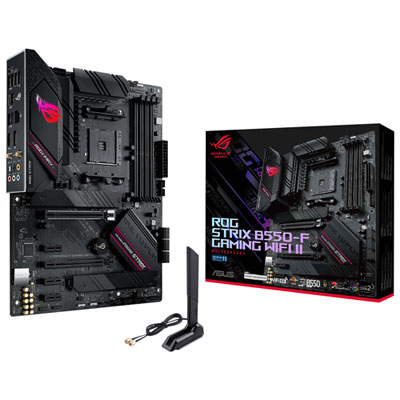 Your price for this item is $259.99
-
 Your price for this item is $587.68
Discover more categories related to Fast Motherboards
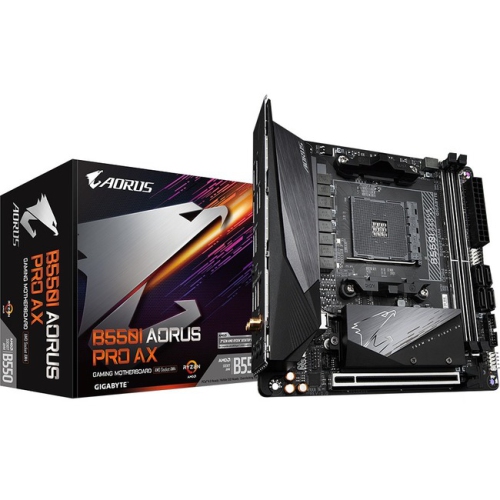
Top Collections:
Best Black Friday Deals This Year, Best Black Friday Deals On Electronics, Kindle Devices, Best Black Friday Deals On Apple Products, Best Budget Office Chairs, Best Cameras for Sports Photography, Dyson Airwrap, Canon G7X Cameras, Best Laptops for Writers, Samsung Galaxy Phones
Some products may be subject to Environmental Handling Fees
(EHF) depending on your province.
Learn more about EHFs.