High End Motherboards
High End Motherboards deliver the advanced performance and reliability that tech enthusiasts and professionals demand for their custom PC builds. Designed to support powerful processors, expansive memory configurations, and multiple connectivity options, these motherboards are ideal for gaming, content creation, and intensive multitasking. Explore a wide selection of High End Motherboards to find the perfect foundation for your next high-performance desktop setup.
Sort

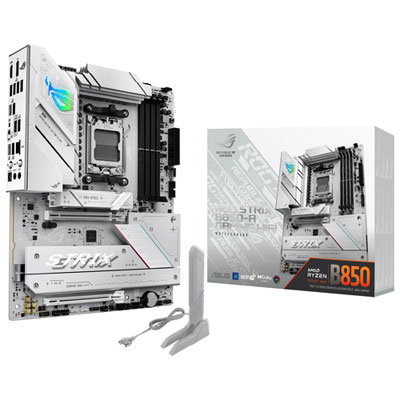
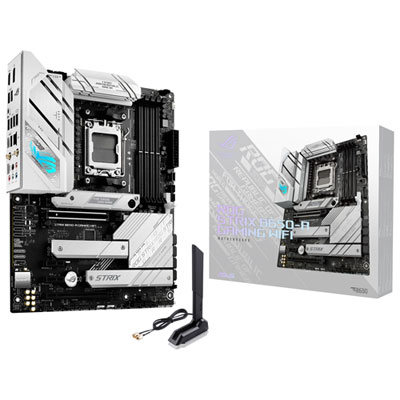

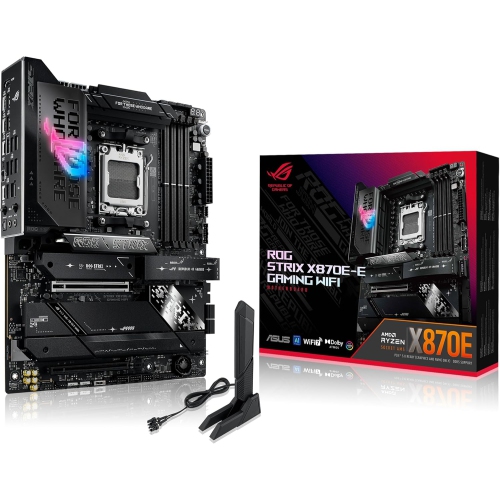
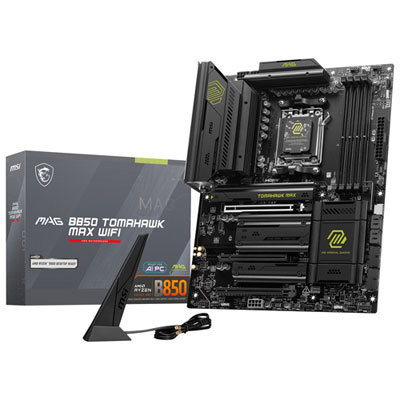
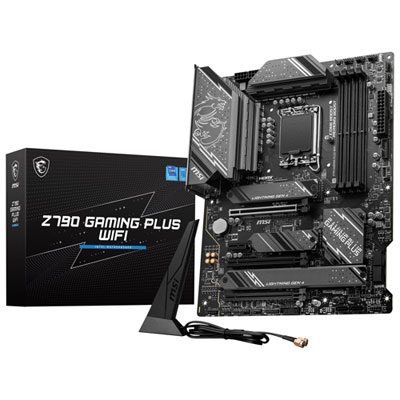
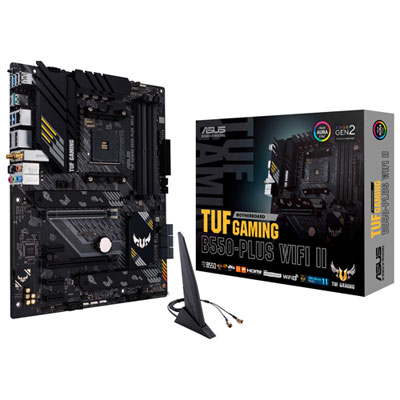
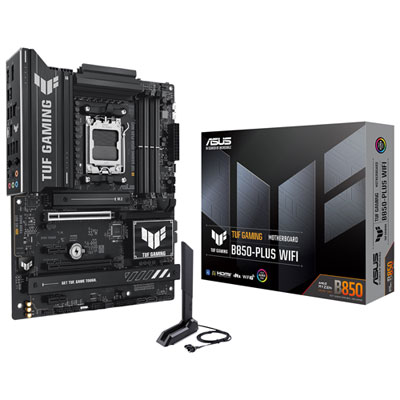
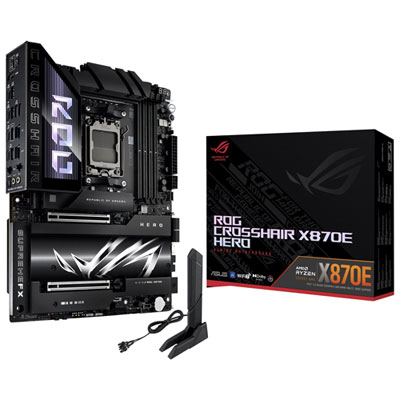
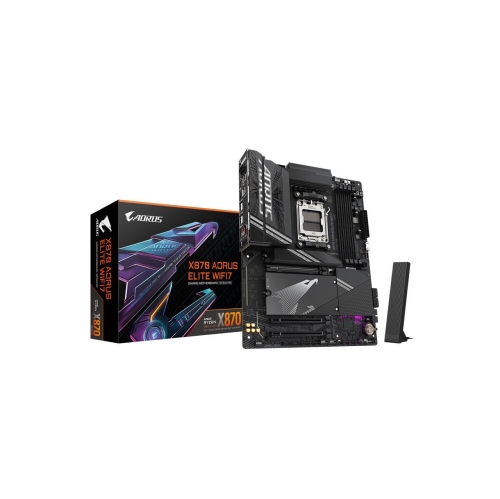
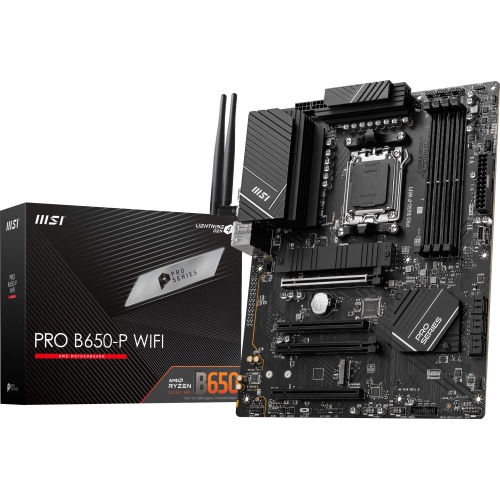
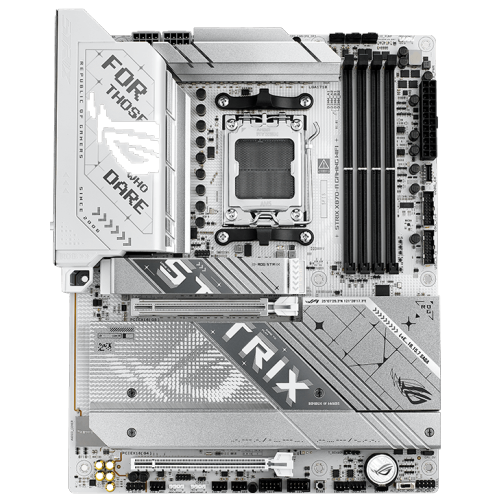
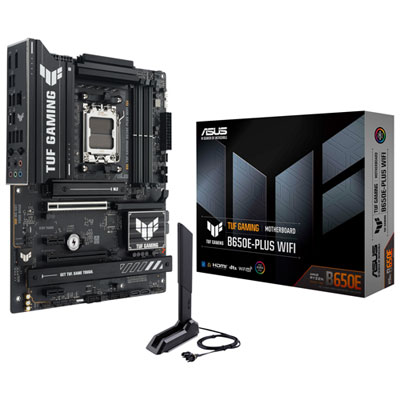

Why demanding desktops need more than matching sockets
High-end motherboards provide the foundation for desktop computers built around demanding workloads, extensive connectivity, and room for carefully planned upgrades. They connect the processor, memory, graphics card, and storage while managing power delivery and communication between those components. For a gaming desktop, that can mean space for a substantial graphics card alongside fast storage and responsive wired networking. For video editing, 3D rendering, software development, or music production, the priorities may include generous memory support, multiple storage connections, and enough external ports to keep essential equipment connected. The most suitable board starts with compatibility: the processor socket, chipset, and supported firmware must match the intended processor, while the memory slots must support the correct memory generation. A matching socket alone does not guarantee that every processor will work without a firmware update. Memory capacity, supported module configurations, and validated memory lists also matter, particularly when a system will handle large creative projects or several applications at once. Advertised memory speeds may depend on the processor, the number of installed modules, and optional performance settings rather than the motherboard alone. Within a compatible platform, premium construction often includes substantial voltage-regulation circuitry, carefully designed power stages, and heatsinks that help manage heat around heavily loaded components. Multilayer printed circuit boards, copper power paths, and reinforced mounting points can support electrical integrity and physical durability, although construction details vary between designs. These features are especially relevant to systems that spend long stretches compiling code, exporting video, or running other processor-intensive tasks. They do not automatically increase frame rates or make every application faster; the processor, graphics card, memory, and cooling system still determine much of the experience. The value of a high-end motherboard lies in how well its connections, layout, power delivery, and firmware features support the complete build, whether the goal is a focused gaming machine or a versatile desktop that moves between work and recreation.
Physical fit is just as important as the feature list, especially in a system with a large graphics card, several storage drives, or an elaborate cooling setup. Motherboard form factor determines the basic mounting layout, but the case must also accommodate the board’s actual dimensions, cable connections, and surrounding hardware. Builders comparing larger layouts can explore Large Motherboards when planning a spacious desktop with room for additional connections. A larger board is not automatically faster, and wider designs can overlap cable-routing openings or require more clearance than a case’s general compatibility description suggests. Inside the case, the placement of expansion slots affects whether a thick graphics card leaves room for a capture card, sound card, or another add-in device. Storage layout deserves similar attention. Multiple M.2 sockets can keep solid-state drives close to the board without separate data cables, while SATA connections remain useful for compatible drives holding media libraries, project archives, or other files. Not every slot necessarily operates at the same speed, and some configurations share processor or chipset bandwidth. Installing a drive or expansion card in one position may reduce bandwidth elsewhere or disable another connection, depending on the board’s design. The specifications and connection diagrams help clarify these trade-offs before components are chosen. Substantial drive heatsinks can help manage heat during sustained transfers, but their height must work with nearby graphics hardware and any heatsink already attached to a drive. Around the processor socket, tall memory modules, large air coolers, and liquid-cooling hardware also need enough clearance. Accessible fan headers, pump connections, and sensibly positioned power connectors make it easier to organize cables without stretching them across the board. Power supply compatibility includes the required motherboard and processor power connectors, not simply sufficient total wattage. A well-matched layout leaves room for airflow, secure connections, and routine access rather than turning a straightforward storage addition into a major disassembly.
Everyday convenience often comes from the smaller details that distinguish high-end motherboards once a desktop is assembled. Rear USB connections can accommodate a keyboard, mouse, webcam, external drives, and an audio interface without relying heavily on hubs. Front-panel USB headers need to match the case’s ports, and a USB-C connector does not, by itself, establish its data speed, display support, or charging capability. Those functions depend on the particular implementation and connected equipment. Wired networking with suitable throughput can be useful for moving large files to shared storage, while built-in Wi-Fi offers flexibility where a network cable is impractical. Wireless performance still depends on the router, antenna placement, distance, and surrounding obstructions. Audio connections also deserve a practical look: a headset, powered speakers, and a separate recording interface can have different requirements. For builders who adjust settings or maintain their own computers, diagnostic indicators, accessible reset controls, and supported firmware recovery features can make troubleshooting less frustrating. Tool-free drive latches and graphics-card release mechanisms may simplify component changes in tight spaces, though their designs differ. Appearance can matter too, particularly in a windowed case where dark circuit boards, metal heatsinks, and coordinated lighting form part of the finished desktop. Lighting headers must match the voltage and connector type of the accessories they control. Long-term care is mostly about careful handling and keeping the surrounding system clean: disconnect power before working inside, use appropriate precautions against static discharge, handle the board by its edges, and avoid touching socket pins or electrical contacts. Supported graphics cards, correctly fitted standoffs, and unobstructed airflow help limit physical strain and unnecessary heat buildup. For an experienced PC builder, a motherboard can be a thoughtful gift when it matches a confirmed component plan; compatibility makes it less suited to a surprise purchase without those details. Whether supporting competitive play, creative work, or an enthusiast’s carefully customized desktop, the strongest choice is a board whose capabilities have a clear purpose in the system.
Top selling and popular products
-
 Your price for this item is $224.95
-
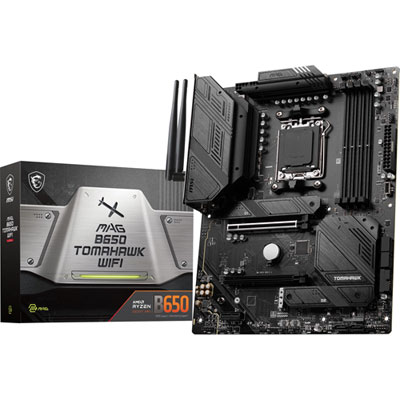 Your price for this item is $199.99
-
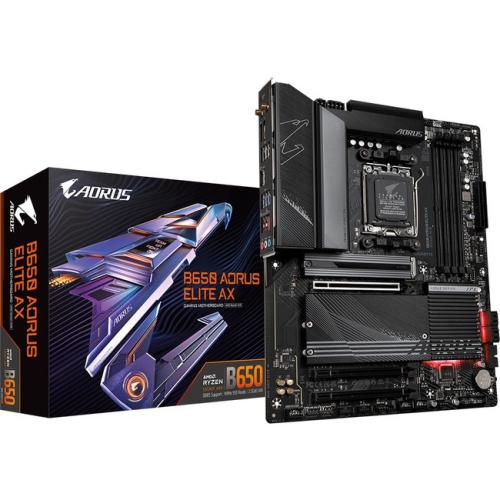 Your price for this item is $331.68
-
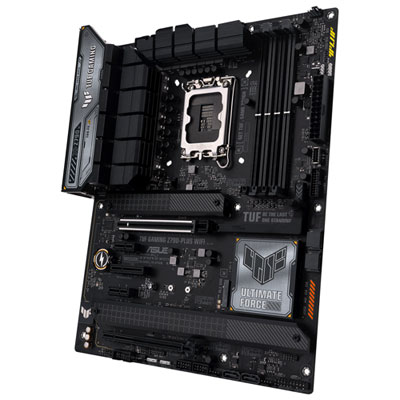 Your price for this item is $349.99
-
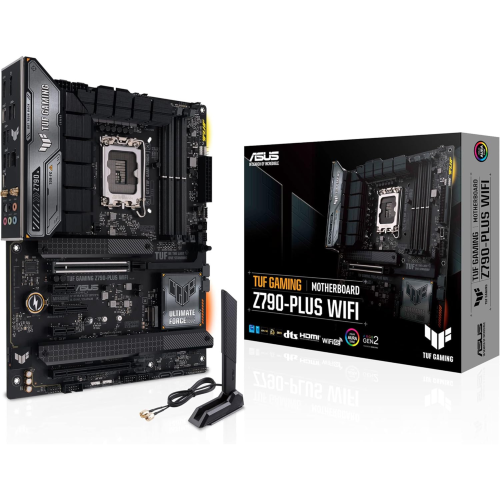 Your price for this item is $361
-
 Your price for this item is $172.99
-
 Your price for this item is $259.99
-
 Your price for this item is $550.68
Discover more categories related to High End Motherboards
Top Collections:
Best Black Friday Deals This Year, Best Black Friday Deals On Electronics, Kindle Devices, Dyson Airwrap, Best Cameras for Sports Photography, Best Budget Office Chairs, Canon G7X Cameras, PS5 Pro Consoles, Best Black Friday Deals On Apple Products, XBOX One S Consoles
Some products may be subject to Environmental Handling Fees
(EHF) depending on your province.
Learn more about EHFs.