FHD Monitors
Upgrade your viewing experience with these FHD monitors. Whether you're a gamer, professional or casual user, these FHD monitors offer stunning visuals and crystal-clear clarity that will take your entertainment and productivity to new heights. With its high resolution and vibrant colors, these FHD monitors bring your favorite movies, games, and work projects to life like never before. Discover the power of these FHD monitors and elevate your visual experience today.
Sort

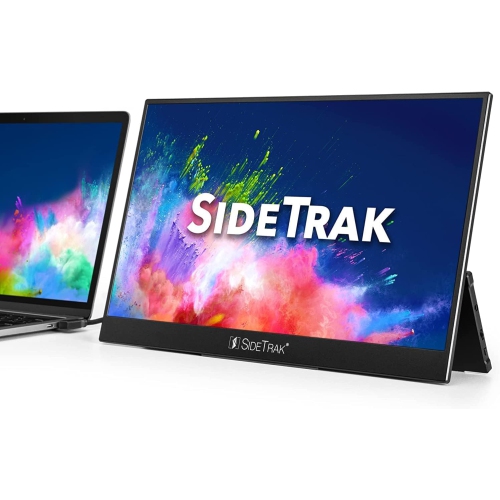

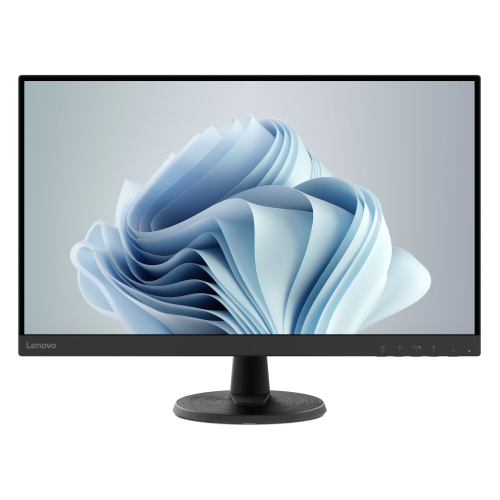
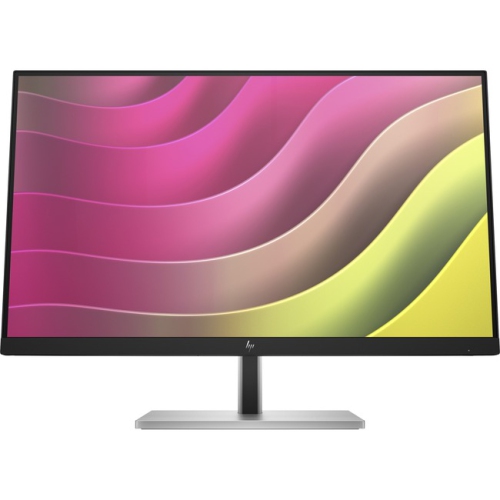
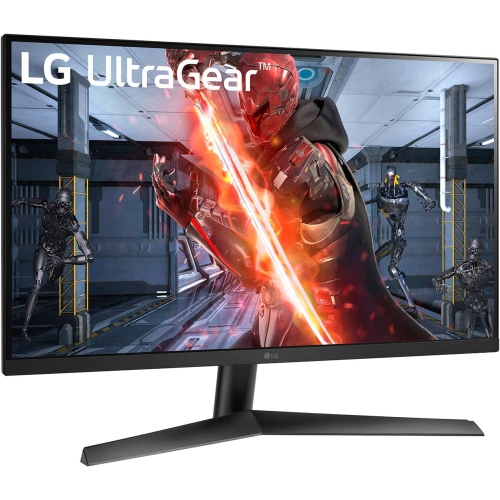
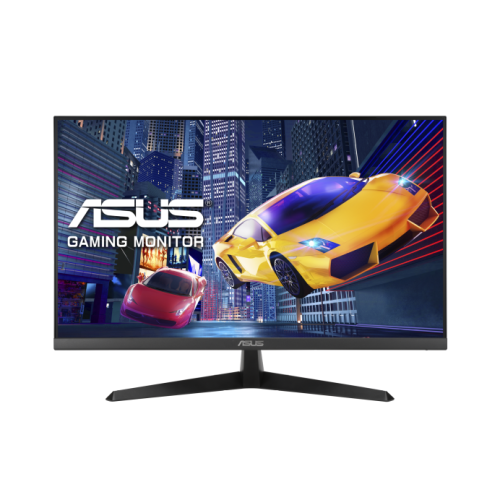
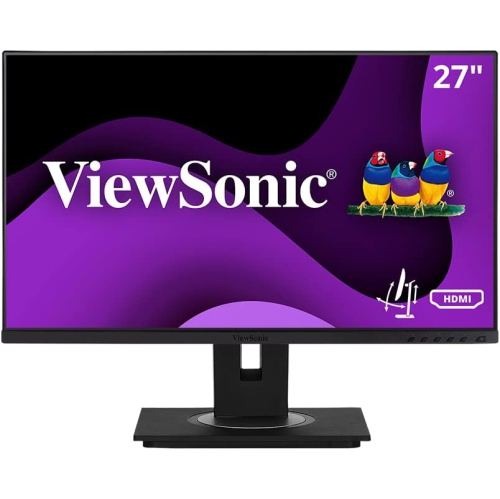
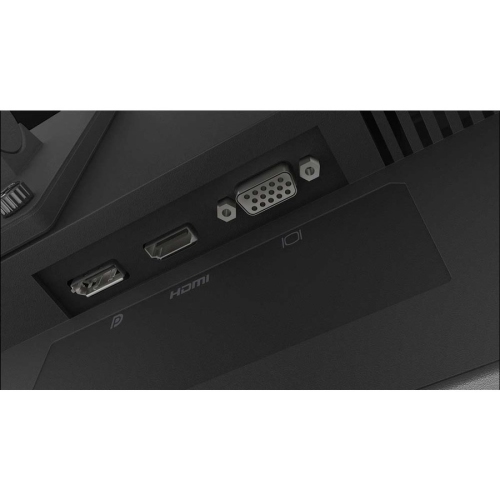
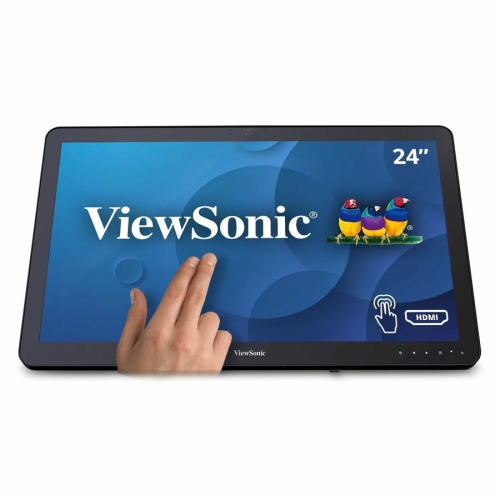
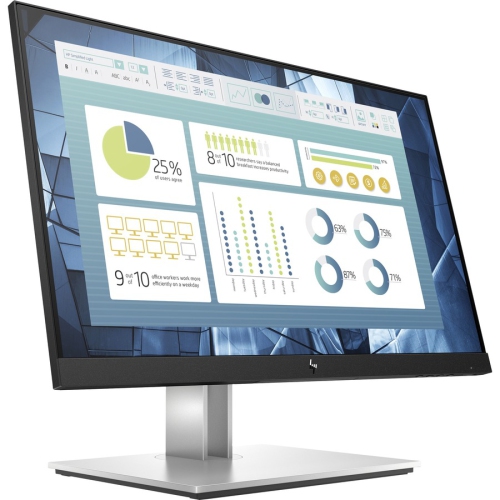
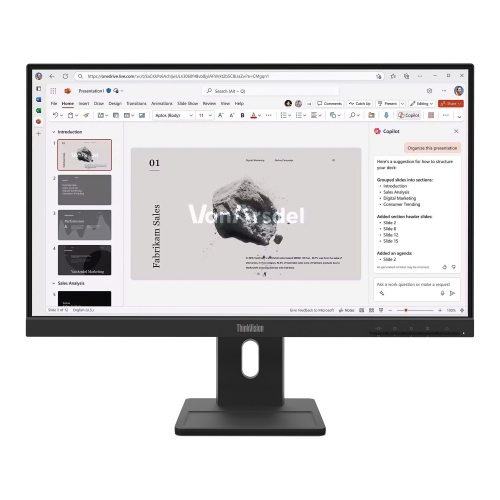
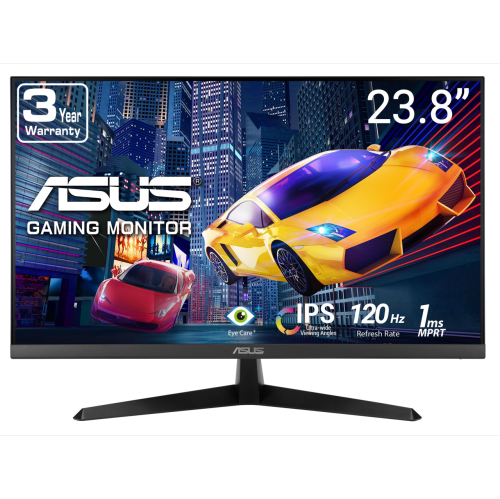
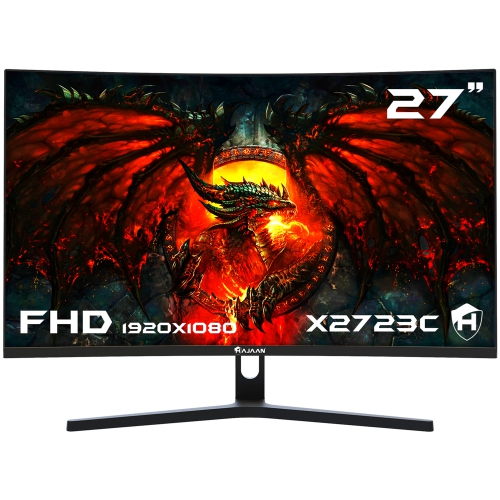
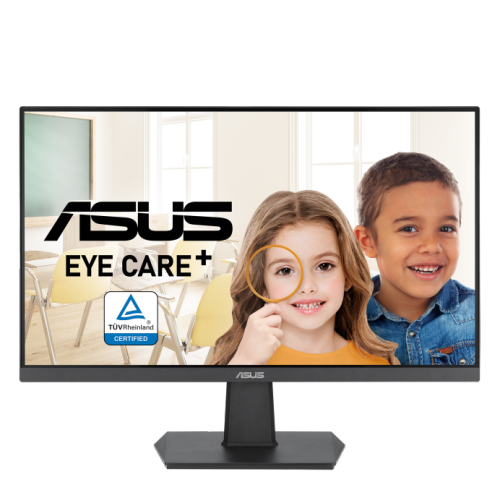
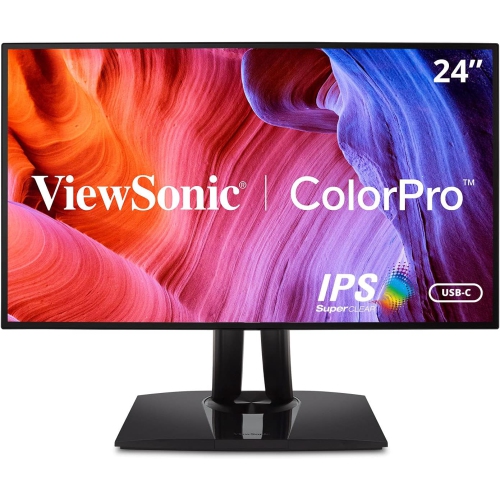
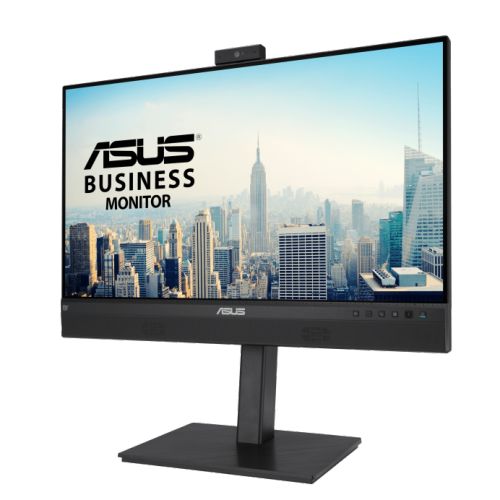
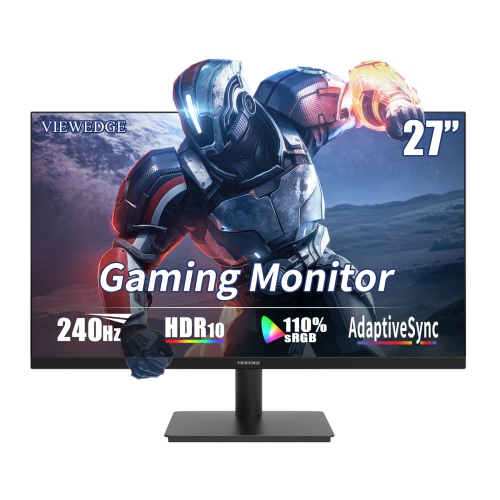
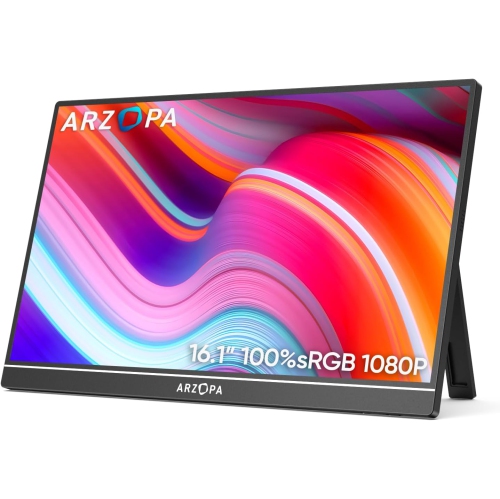
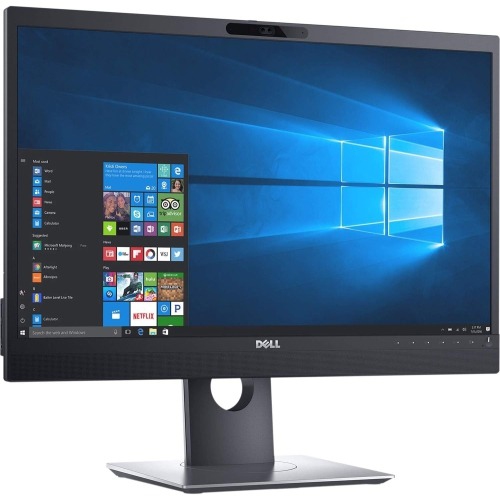
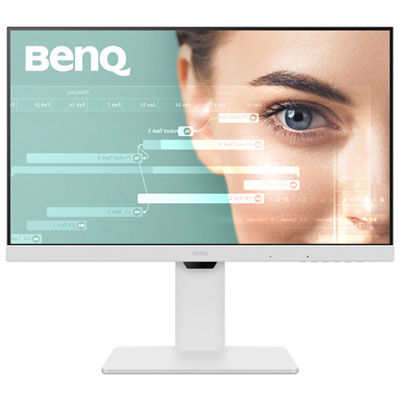
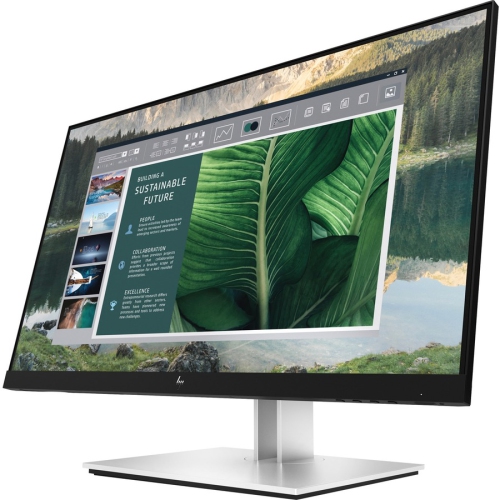
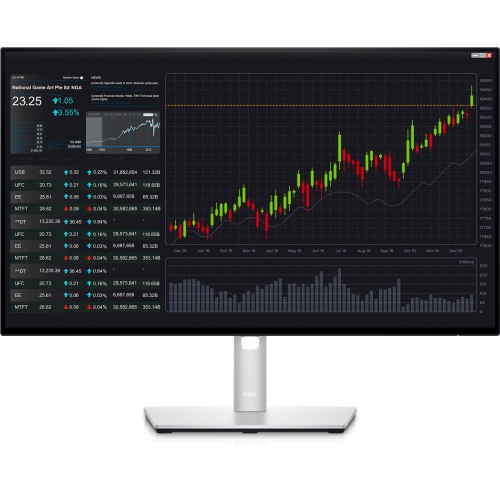
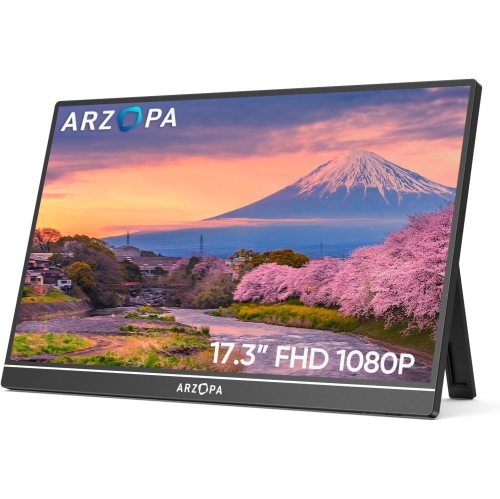
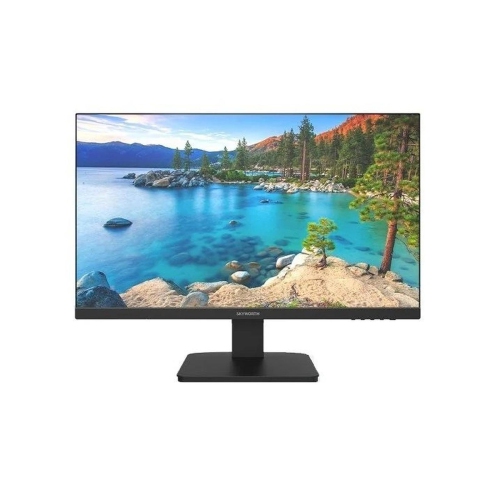
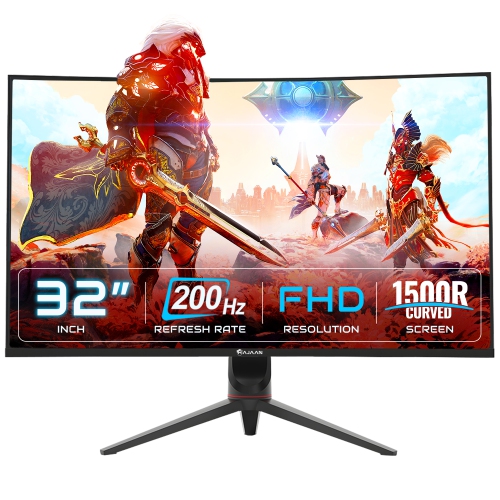
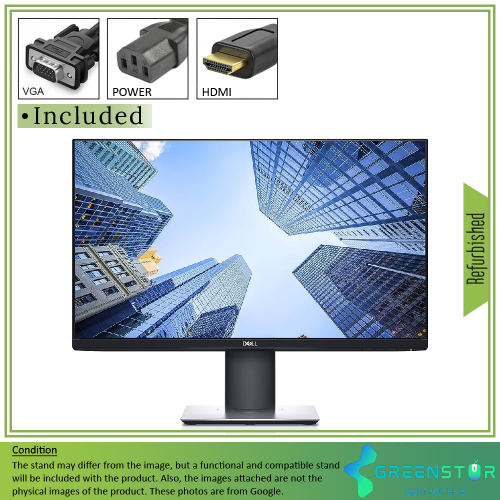
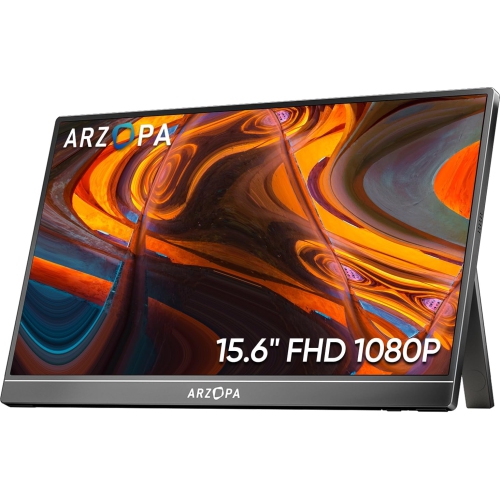



Why 1080p fits everyday work, entertainment, and gaming
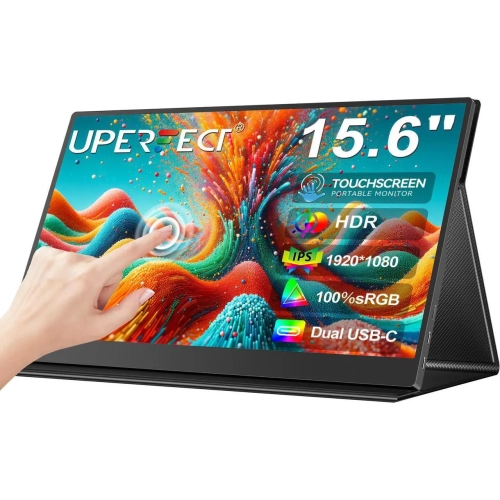
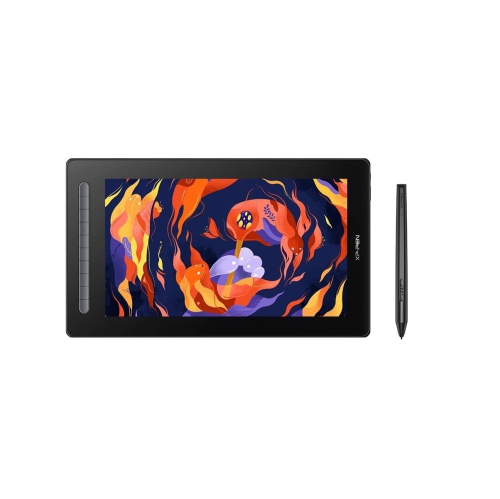
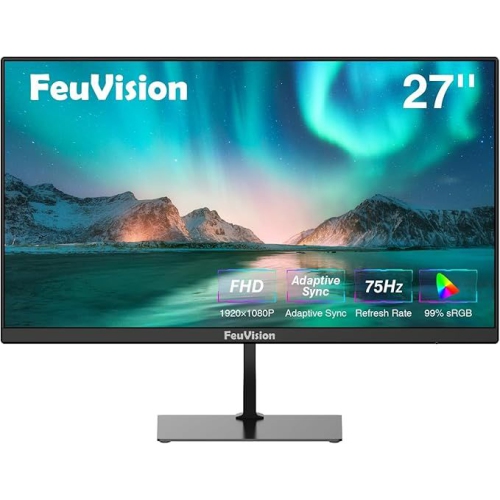
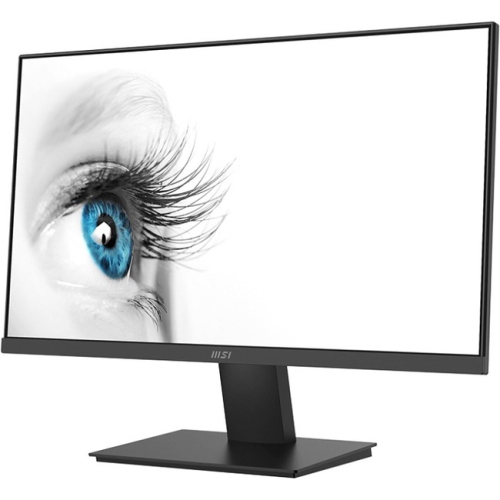
FHD monitors deliver a Full High Definition resolution of 1920 x 1080 pixels, commonly called 1080p, making them a practical choice for everyday computing, entertainment, and gaming. With 1920 pixels across the screen and 1080 pixels from top to bottom, an FHD monitor can display crisp text, clear photos, smooth video, and detailed game environments without demanding a high-end graphics card. This balance makes 1080p a popular resolution for home offices, bedrooms, student workspaces, shared family computers, and compact gaming stations. A monitor in this category can be used for writing reports, browsing the web, attending video calls, managing schedules, streaming shows, editing casual photos, or keeping a recipe or reference page open while working on another task. For many people, moving from a small laptop display to a dedicated FHD monitor feels like opening a window: text is easier to read, applications have more room to breathe, and it becomes simpler to arrange several windows side by side. Screen size is an important place to begin when comparing options. Smaller displays can fit neatly on a narrow desk or secondary workstation, while larger screens provide a more comfortable view from a greater distance. A 24-inch monitor is a familiar fit for many desks, while a 27-inch display may be appealing for users who prefer larger text, bigger images, or a more immersive viewing area. The best choice depends on available space, viewing distance, eyesight, and how much room is needed for other desk essentials such as speakers, notebooks, a keyboard, or a lamp.
The panel type and refresh rate can shape how an FHD monitor looks and feels during use. IPS panels are often valued for consistent colour and wide viewing angles, which can be helpful when more than one person is looking at the screen or when the monitor is positioned off-centre. Other panel technologies may offer their own strengths, such as pronounced contrast or quick response, so it is worth considering whether the screen will be used mainly for office work, films, creative hobbies, or fast-moving games. Refresh rate describes how many times the display updates its image each second. A standard refresh rate can be well suited to documents, email, and general browsing, while a higher refresh rate may make scrolling, animation, and gameplay appear more fluid when the computer and software can support it. Response time is another specification to review, particularly for action games, sports streams, or other content with rapid movement. Brightness, contrast, colour accuracy, and a matte or glossy finish can also affect comfort in different rooms. A brighter display may be useful in a sunlit office, whereas a monitor with adjustable brightness can be more comfortable during evening use when the room is dim. Look closely at the connections as well. HDMI is common for computers, game consoles, and streaming devices, while DisplayPort may be useful for compatible desktop computers. Some monitors include additional video inputs, built-in speakers, headphone connections, or USB ports that can simplify a workspace. It is also helpful to check whether the stand offers height adjustment, tilt, swivel, or pivot movement. A screen positioned at a comfortable height can make a long work session feel more natural, especially when the monitor is paired with an adjustable chair and a full-size keyboard. If the included stand is basic, confirm that the display supports a compatible mounting system before planning to use a monitor arm or wall mount.
FHD monitors can suit a wide range of people, from a student setting up a first study area to a remote worker creating a more focused office during the cooler months. They can also be a thoughtful gift for someone starting a new job, building a gaming corner, taking online courses, or replacing an older display that has become difficult to view. A monitor may be especially useful for a household where a laptop is shared, giving one person a dedicated screen without taking away the computer’s portability. For work and school, consider features that support comfort over long periods, such as flicker-reduction technology, a low blue light mode, an adjustable stand, and a screen size that keeps text legible without excessive scaling. For gaming, pay closer attention to refresh rate, response time, adaptive sync compatibility, and the available connections for the chosen computer or console. For watching films and videos, colour performance, contrast, viewing angles, and built-in audio options may matter more than specialised gaming features. A dual-monitor setup can also be useful: one screen can hold a video call or document while the other displays notes, a browser window, or a creative project. Before choosing, measure the desk area, check the computer’s video outputs, consider the distance between the viewer and the screen, and think about how the monitor will be used most often rather than selecting based on a single specification. For a workspace centred on documents, email, and virtual meetings, explore Full HD Monitors for Home Office to find displays suited to everyday productivity. Whether it is placed on a compact bedroom desk, a bright kitchen workspace, or a dedicated gaming surface, an FHD monitor can provide a straightforward way to enjoy a larger, clearer, and more flexible screen experience.
The panel type and refresh rate can shape how an FHD monitor looks and feels during use. IPS panels are often valued for consistent colour and wide viewing angles, which can be helpful when more than one person is looking at the screen or when the monitor is positioned off-centre. Other panel technologies may offer their own strengths, such as pronounced contrast or quick response, so it is worth considering whether the screen will be used mainly for office work, films, creative hobbies, or fast-moving games. Refresh rate describes how many times the display updates its image each second. A standard refresh rate can be well suited to documents, email, and general browsing, while a higher refresh rate may make scrolling, animation, and gameplay appear more fluid when the computer and software can support it. Response time is another specification to review, particularly for action games, sports streams, or other content with rapid movement. Brightness, contrast, colour accuracy, and a matte or glossy finish can also affect comfort in different rooms. A brighter display may be useful in a sunlit office, whereas a monitor with adjustable brightness can be more comfortable during evening use when the room is dim. Look closely at the connections as well. HDMI is common for computers, game consoles, and streaming devices, while DisplayPort may be useful for compatible desktop computers. Some monitors include additional video inputs, built-in speakers, headphone connections, or USB ports that can simplify a workspace. It is also helpful to check whether the stand offers height adjustment, tilt, swivel, or pivot movement. A screen positioned at a comfortable height can make a long work session feel more natural, especially when the monitor is paired with an adjustable chair and a full-size keyboard. If the included stand is basic, confirm that the display supports a compatible mounting system before planning to use a monitor arm or wall mount.
FHD monitors can suit a wide range of people, from a student setting up a first study area to a remote worker creating a more focused office during the cooler months. They can also be a thoughtful gift for someone starting a new job, building a gaming corner, taking online courses, or replacing an older display that has become difficult to view. A monitor may be especially useful for a household where a laptop is shared, giving one person a dedicated screen without taking away the computer’s portability. For work and school, consider features that support comfort over long periods, such as flicker-reduction technology, a low blue light mode, an adjustable stand, and a screen size that keeps text legible without excessive scaling. For gaming, pay closer attention to refresh rate, response time, adaptive sync compatibility, and the available connections for the chosen computer or console. For watching films and videos, colour performance, contrast, viewing angles, and built-in audio options may matter more than specialised gaming features. A dual-monitor setup can also be useful: one screen can hold a video call or document while the other displays notes, a browser window, or a creative project. Before choosing, measure the desk area, check the computer’s video outputs, consider the distance between the viewer and the screen, and think about how the monitor will be used most often rather than selecting based on a single specification. For a workspace centred on documents, email, and virtual meetings, explore Full HD Monitors for Home Office to find displays suited to everyday productivity. Whether it is placed on a compact bedroom desk, a bright kitchen workspace, or a dedicated gaming surface, an FHD monitor can provide a straightforward way to enjoy a larger, clearer, and more flexible screen experience.
Top selling and popular products
-
 Your price for this item is $299
 -
 Your price for this item is $599
 -
 Your price for this item is $94.99
 -
 Your price for this item is $329.99
 -
 Your price for this item is $499
 -
 Your price for this item is $265.99
 -
 Your price for this item is $1299.97
 -
 Your price for this item is $249.99
Discover more categories related to FHD Monitors

Top Collections:
Pokemon Centers, Kindle Devices, Best Budget Office Chairs, Apple iPhones 16, Best Laptops for Writers, iPhone 15 Apple, Canon G7X Cameras, Refurbished Apple Laptops, Alarm Clock, Motorola Razr Phones
Some products may be subject to Environmental Handling Fees
(EHF) depending on your province.
Learn more about EHFs.