1920x1080 Monitors
Our collection of 1920x1080 monitors offers a crystal-clear viewing experience, perfect for everything from gaming and multimedia to professional work and everyday tasks. Whether you're a gamer seeking immersive gameplay or a creative professional in need of accurate color reproduction, our range of 1920x1080 monitors has something to suit every need and budget. Discover the perfect monitor to enhance your computing experience and bring your content to life with vibrant clarity.
Sort
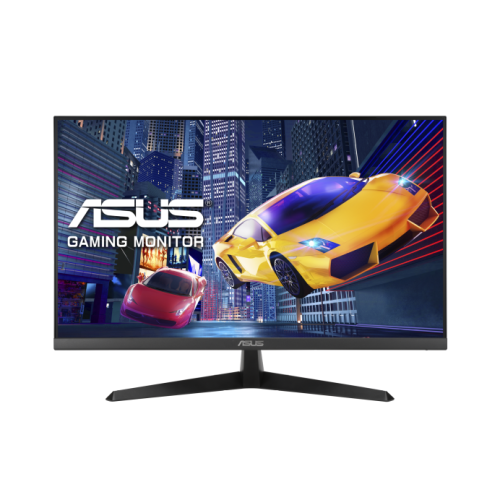
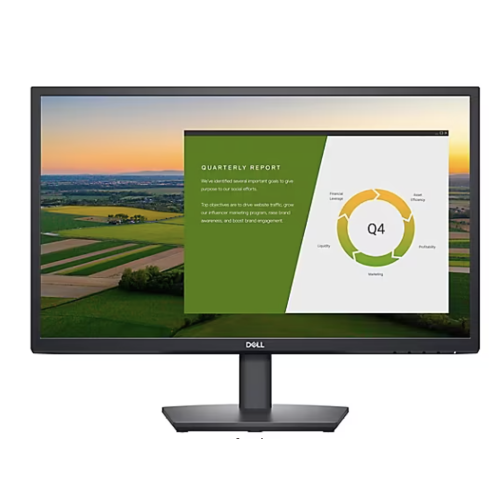
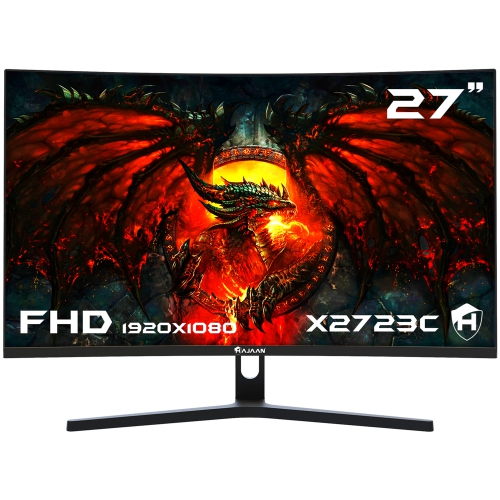

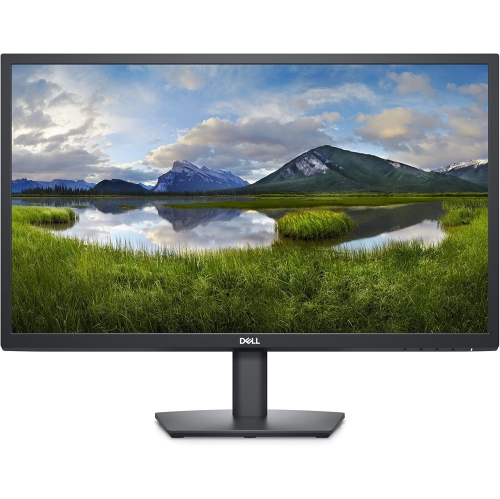
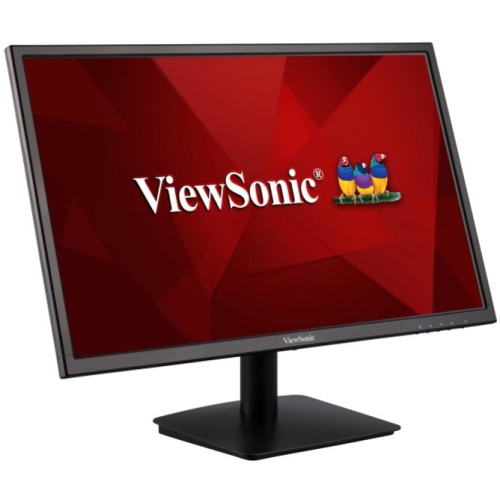
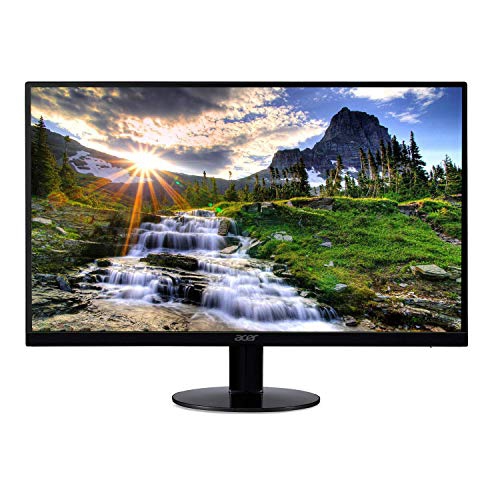
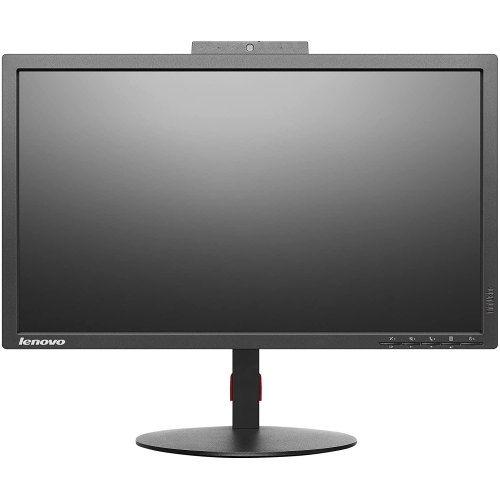
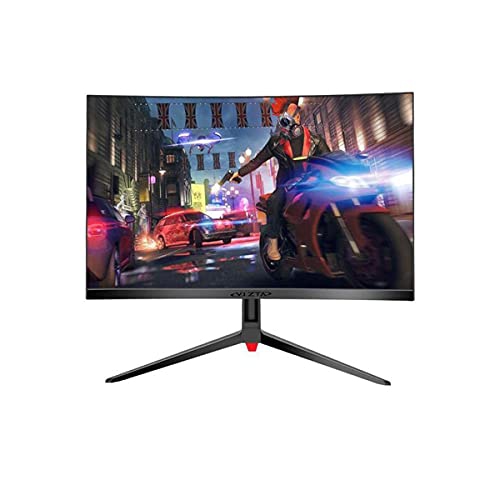
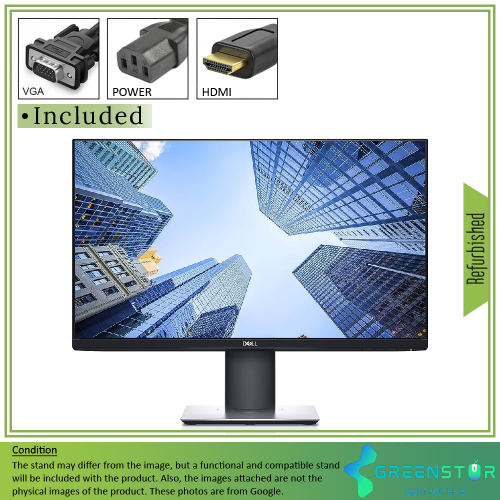
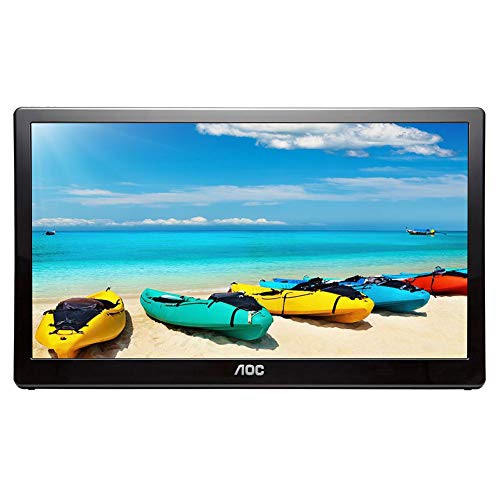
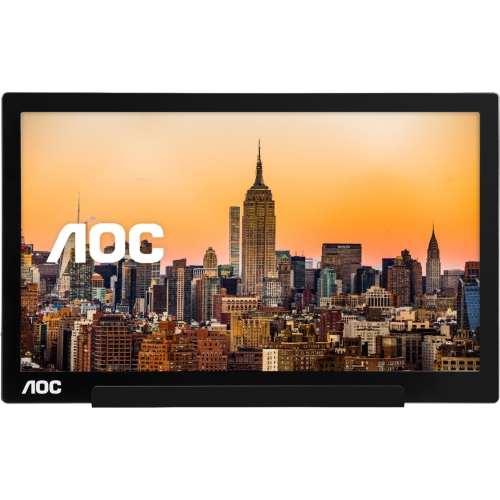
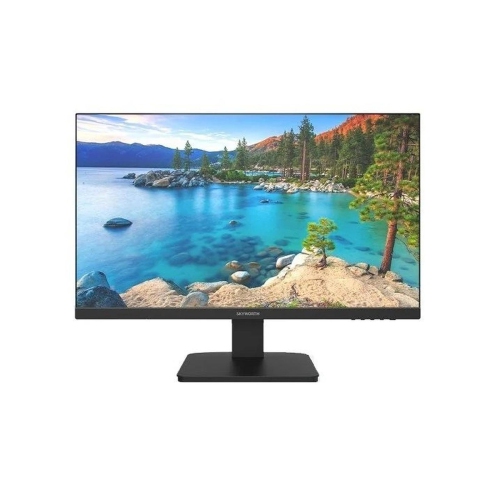
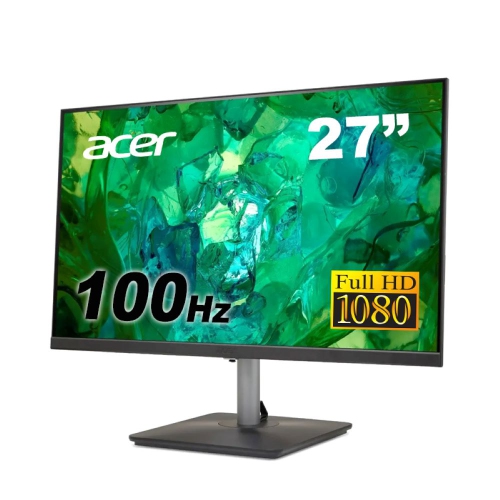
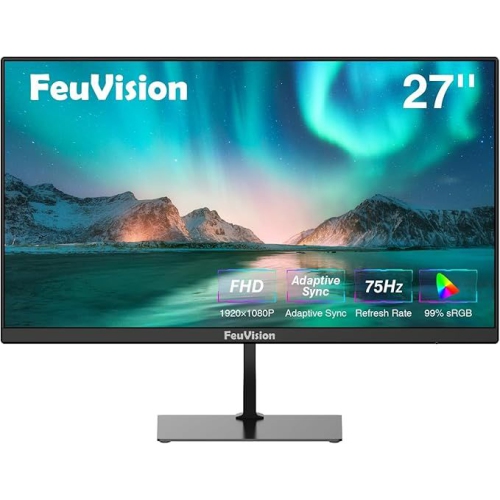
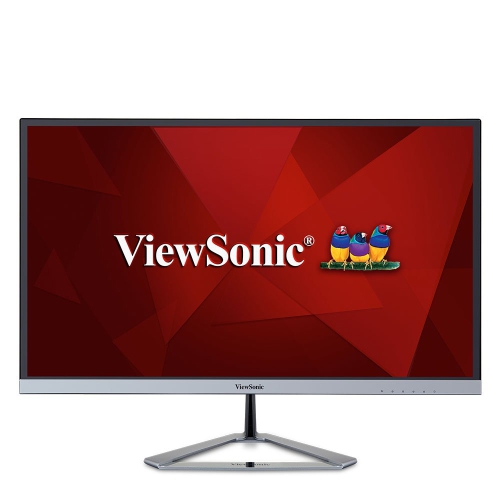
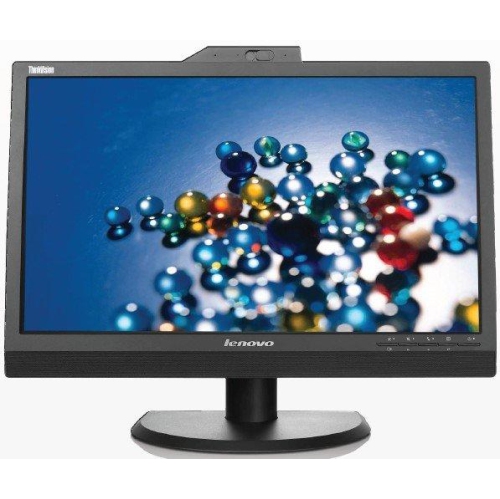
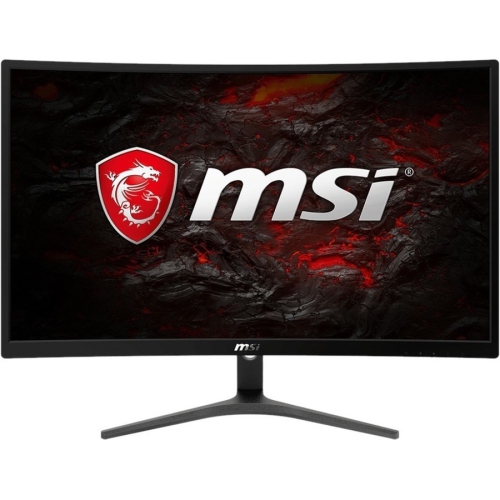
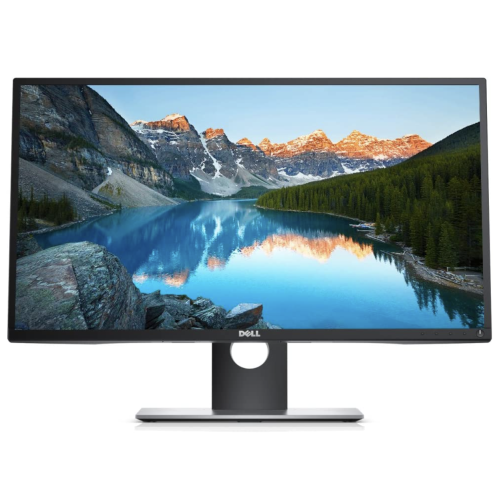
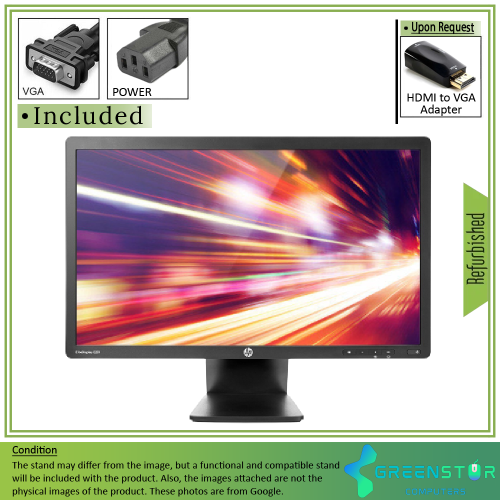
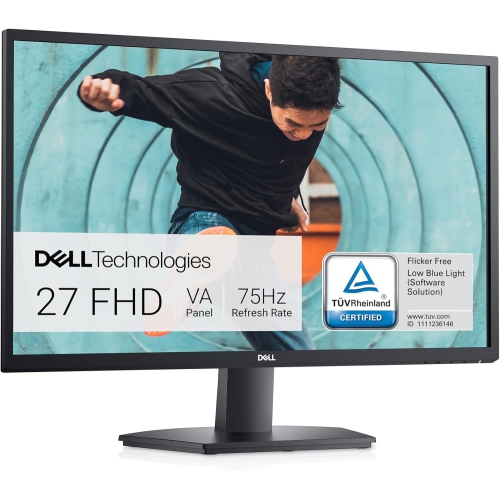
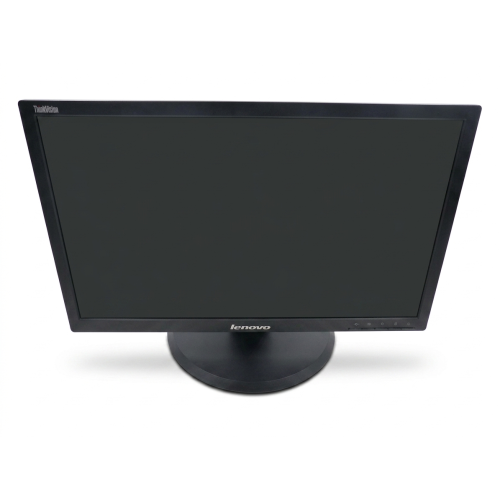
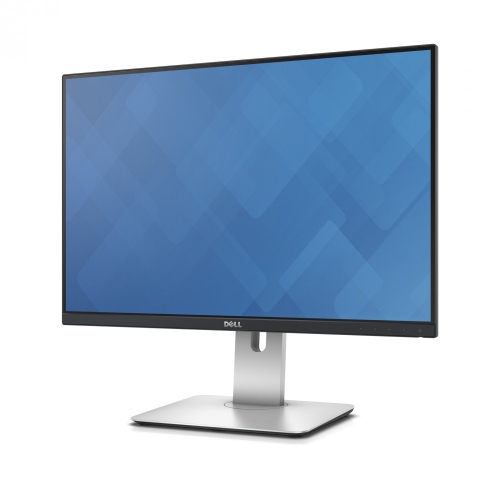
A practical balance of clarity, comfort, and versatility
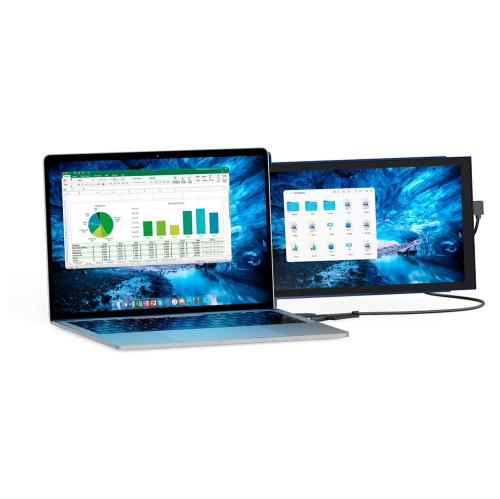
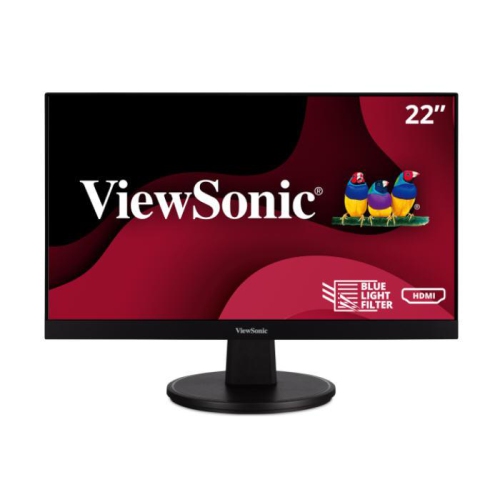
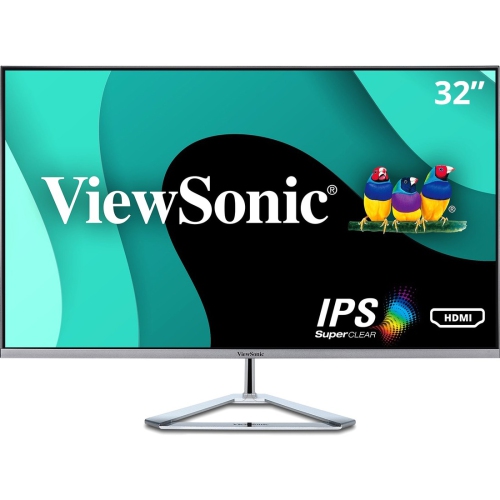
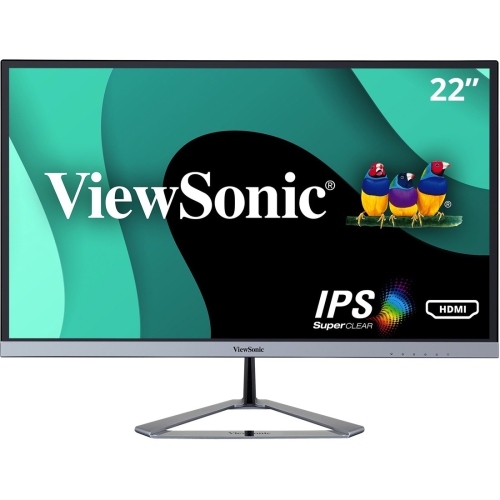
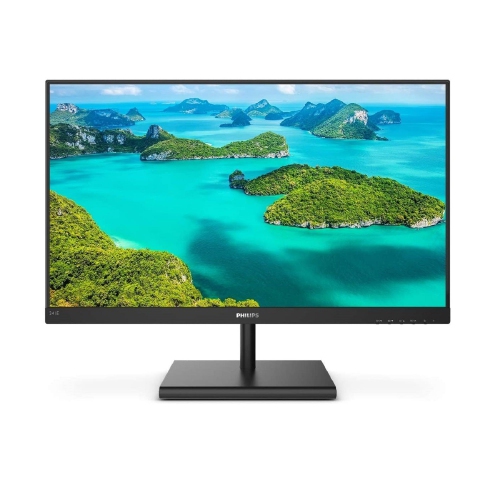
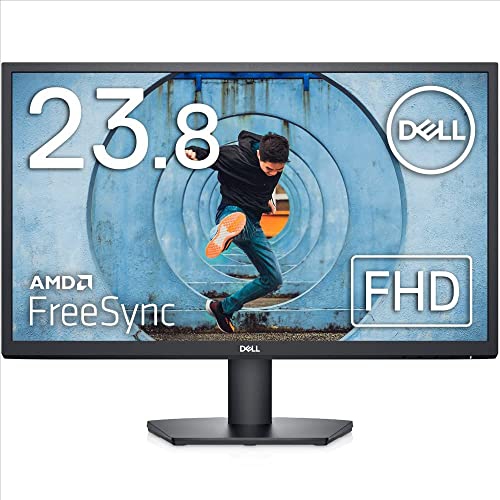
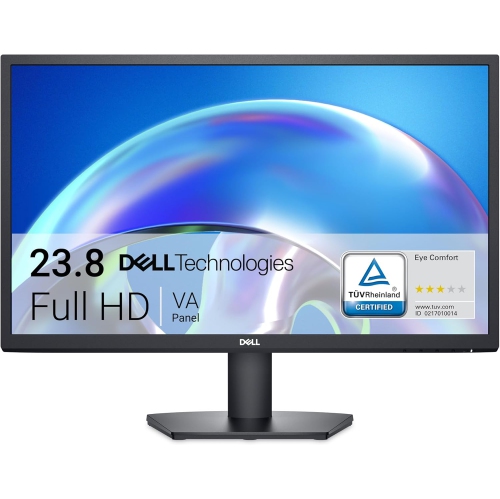
1920x1080 monitors, also known as Full HD or 1080p monitors, remain a practical choice for work, study, entertainment, and everyday computing. Their 1,920-pixel horizontal resolution and 1,080-pixel vertical resolution create a familiar 16:9 widescreen format that fits naturally into most desks, laptops, gaming systems, and home offices. Text appears crisp at common screen sizes, webpages have room to breathe, and high-definition video can be enjoyed without requiring an especially powerful computer. For many people, this resolution strikes a comfortable balance between image clarity, screen space, and affordability. It is well suited to tasks such as writing documents, managing spreadsheets, browsing online, attending video calls, watching films, and organizing family photos. A 1920x1080 monitor can also be a useful second screen for a laptop, giving you a larger workspace for research, email, reference documents, or a video call while keeping your main application in view. Anyone who has tried to work from a small laptop screen at a kitchen table knows the relief of moving a document onto a full-size display: fewer overlapping windows, less squinting, and a more natural viewing position. These monitors are also easy to match with many desktop computers because Full HD does not place the same graphics demands on a computer as higher resolutions. That makes them a sensible option for upgrading an older setup, building a first home office, creating a student workstation, or adding a screen to a shared family computer. When comparing displays, consider the physical screen size as well as the resolution. A compact screen can fit neatly into a shallow desk or dorm room, while a larger screen may make split-screen work more comfortable. At typical desktop viewing distances, a 23- to 24-inch display provides a useful amount of workspace without overwhelming a modest desk. A screen with a slim bezel can also make a dual-monitor arrangement feel more continuous, especially when both displays are set side by side for timelines, reference material, chat windows, or creative software.
Refresh rate is another important specification. Measured in hertz (Hz), refresh rate indicates how many times per second the display can update the image. A standard 60 Hz monitor can handle ordinary office work, streaming, and general browsing, while a 100 Hz or 120 Hz monitor can make scrolling, cursor movement, and animated transitions look noticeably smoother. Higher refresh rates, including 144 Hz and 240 Hz options, are particularly appealing to PC gamers who play fast-moving competitive titles and want motion to appear fluid and responsive. Refresh rate is only one part of gaming performance, however. Response time, often listed in milliseconds (ms), describes how quickly pixels can change from one colour to another. A lower response time can help reduce visible ghosting behind moving objects, which may be noticeable during quick camera movements or action scenes. It is also worth checking whether the monitor supports adaptive sync technology that helps coordinate the display’s refresh rate with a compatible graphics card, reducing tearing and stuttering in supported games. For work and home use, panel type can influence the viewing experience. IPS panels are popular for their wide viewing angles and consistent colour, which is helpful when more than one person is looking at the screen or when your seating position changes throughout the day. Other panel types may offer different strengths, such as deeper contrast or particularly quick performance, so think about whether your priority is office comfort, movie watching, gaming, photo work, or a combination of activities. Brightness, contrast, and built-in eye-comfort features are also worth reviewing. Flicker reduction and blue-light settings can make extended sessions feel more comfortable, although good habits still matter: adjust the screen to a comfortable brightness, position it to reduce glare, and take regular breaks to rest your eyes. During the warmer months and into the cooler months, a monitor can move between a home office, study area, or entertainment space as routines change, so a clear, comfortable display is useful well beyond a single type of task.
Before choosing a 1920x1080 monitor, examine the connections on both the display and the computer it will connect to. HDMI is common on desktops, laptops, game consoles, and streaming devices, while DisplayPort is widely used with desktop computers and gaming graphics cards. Some displays include more than one HDMI input, allowing you to leave a computer and another device connected at the same time. If you plan to connect a laptop, check whether the monitor supports USB-C video input; not every USB-C port carries a display signal, and some setups may require an adapter or dock. Built-in speakers can be convenient for video calls, casual viewing, or system sounds, but separate speakers or headphones may provide a fuller listening experience. A headphone jack, USB hub, webcam compatibility, and cable-management features can also make a desk easier to use. Pay attention to the stand. Height adjustment, tilt, swivel, and pivot rotation can help you position the top of the screen near eye level and reduce neck strain, while a compact base may leave more room for notebooks, a keyboard, or a lamp. If you prefer a clean, flexible workspace, check for VESA mounting support, commonly listed as a 100 x 100 mm pattern. VESA compatibility allows the monitor to be attached to a wall mount or desk arm, provided the mount can safely support its size and weight. A 1920x1080 monitor can make a thoughtful gift for a student preparing a study area, a family member working from home, a first-time PC builder, or a gamer upgrading from a small laptop display. It is also a practical addition to a guest room or shared workspace because the resolution works well for a broad range of computers and uses. To explore displays with the same widescreen proportions in other resolutions and configurations, browse 16 9 Monitors. By weighing screen size, refresh rate, response time, panel type, ports, stand adjustments, and mounting options together, you can choose a Full HD monitor that feels comfortable at your desk and performs reliably through workdays, study sessions, gaming evenings, and everyday entertainment.
Refresh rate is another important specification. Measured in hertz (Hz), refresh rate indicates how many times per second the display can update the image. A standard 60 Hz monitor can handle ordinary office work, streaming, and general browsing, while a 100 Hz or 120 Hz monitor can make scrolling, cursor movement, and animated transitions look noticeably smoother. Higher refresh rates, including 144 Hz and 240 Hz options, are particularly appealing to PC gamers who play fast-moving competitive titles and want motion to appear fluid and responsive. Refresh rate is only one part of gaming performance, however. Response time, often listed in milliseconds (ms), describes how quickly pixels can change from one colour to another. A lower response time can help reduce visible ghosting behind moving objects, which may be noticeable during quick camera movements or action scenes. It is also worth checking whether the monitor supports adaptive sync technology that helps coordinate the display’s refresh rate with a compatible graphics card, reducing tearing and stuttering in supported games. For work and home use, panel type can influence the viewing experience. IPS panels are popular for their wide viewing angles and consistent colour, which is helpful when more than one person is looking at the screen or when your seating position changes throughout the day. Other panel types may offer different strengths, such as deeper contrast or particularly quick performance, so think about whether your priority is office comfort, movie watching, gaming, photo work, or a combination of activities. Brightness, contrast, and built-in eye-comfort features are also worth reviewing. Flicker reduction and blue-light settings can make extended sessions feel more comfortable, although good habits still matter: adjust the screen to a comfortable brightness, position it to reduce glare, and take regular breaks to rest your eyes. During the warmer months and into the cooler months, a monitor can move between a home office, study area, or entertainment space as routines change, so a clear, comfortable display is useful well beyond a single type of task.
Before choosing a 1920x1080 monitor, examine the connections on both the display and the computer it will connect to. HDMI is common on desktops, laptops, game consoles, and streaming devices, while DisplayPort is widely used with desktop computers and gaming graphics cards. Some displays include more than one HDMI input, allowing you to leave a computer and another device connected at the same time. If you plan to connect a laptop, check whether the monitor supports USB-C video input; not every USB-C port carries a display signal, and some setups may require an adapter or dock. Built-in speakers can be convenient for video calls, casual viewing, or system sounds, but separate speakers or headphones may provide a fuller listening experience. A headphone jack, USB hub, webcam compatibility, and cable-management features can also make a desk easier to use. Pay attention to the stand. Height adjustment, tilt, swivel, and pivot rotation can help you position the top of the screen near eye level and reduce neck strain, while a compact base may leave more room for notebooks, a keyboard, or a lamp. If you prefer a clean, flexible workspace, check for VESA mounting support, commonly listed as a 100 x 100 mm pattern. VESA compatibility allows the monitor to be attached to a wall mount or desk arm, provided the mount can safely support its size and weight. A 1920x1080 monitor can make a thoughtful gift for a student preparing a study area, a family member working from home, a first-time PC builder, or a gamer upgrading from a small laptop display. It is also a practical addition to a guest room or shared workspace because the resolution works well for a broad range of computers and uses. To explore displays with the same widescreen proportions in other resolutions and configurations, browse 16 9 Monitors. By weighing screen size, refresh rate, response time, panel type, ports, stand adjustments, and mounting options together, you can choose a Full HD monitor that feels comfortable at your desk and performs reliably through workdays, study sessions, gaming evenings, and everyday entertainment.
Top selling and popular products
-
 Your price for this item is $299
 -
 Your price for this item is $599
 -
 Your price for this item is $94.99
 -
 Your price for this item is $329.99
 -
 Your price for this item is $499
 -
 Your price for this item is $265.99
 -
 Your price for this item is $1299.97
 -
 Your price for this item is $249.99
Discover more categories related to 1920x1080 Monitors
Top Collections:
Pokemon Centers, Kindle Devices, Best Budget Office Chairs, Apple iPhones 16, Best Laptops for Writers, iPhone 15 Apple, Canon G7X Cameras, Refurbished Apple Laptops, Alarm Clock, Motorola Razr Phones
Some products may be subject to Environmental Handling Fees
(EHF) depending on your province.
Learn more about EHFs.